
For many businesses, PR managers, and brand strategists, Meltwater once promised to be the lighthouse in the stormy seas of media monitoring.
But over time, what once felt like a powerful platform has left some users grappling with steep learning curves, clunky interfaces, inflated pricing, and customer support that doesn’t always support.
Short Summary
- Some popular Meltwater alternatives are Social Champ, Buffer, Sprout Social, and Hootsuite, based on features and pricing.
- Meltwater no longer meets the expectations of modern PR and marketing teams looking for usability, affordability, and clarity.
- A major frustration is the lack of transparent pricing — users must request quotes, slowing decision-making.
- Its outdated interface and steep learning curve make onboarding and daily use frustrating for many.
- Social Champ emerges as a standout alternative due to its affordability, clean UI, AI tools, and robust scheduling capabilities.
Maybe you’re tired of paying for features you barely use. Maybe the reporting feels more cosmetic than actionable. Or maybe you’re simply not getting the clarity you need in an age of real-time reputation management.
Whatever the case, you’re here for a reason—and you’re not the only one looking for a smarter alternative.
In this post, we’ll explore the best alternatives to Meltwater that offer better value, fresher UX, and tools that actually make your day easier, not harder.
Your Competitors Hope You Don’t Click This!
Why Consider alternatives to meltwater in 2026?
While Meltwater remains a well-known name in media monitoring and PR analytics, the market has matured—and so have user expectations.
From budget constraints to usability frustrations, a growing number of professionals are exploring alternative platforms that better match their workflow, goals, and budget.
-
Lack of Transparent Pricing
Meltwater offers fixed-tier plans, but you won’t find any pricing listed on their website. You have to get a quote from them—just to find out if it fits your budget.
This lack of upfront pricing can be frustrating, especially for small teams or businesses trying to compare tools quickly.
It creates unnecessary delays and makes it harder to evaluate value against competitors.
In contrast, many newer platforms are fully transparent, showing detailed pricing and features on their websites so you can make faster, more informed decisions without the sales pressure.
-
Outdated Interface and Learning Curve
Despite years in the industry, Meltwater’s interface hasn’t evolved at the pace of user expectations.
Clunky navigation, unintuitive dashboards, and outdated design patterns make it hard for new users to onboard quickly or for experienced users to work efficiently.
In fast-paced communications roles, you simply don’t have time to “figure things out.”
Competitors are taking a user-first approach, offering sleek, modern UIs with smart onboarding, drag-and-drop reporting, and AI-powered features that reduce manual effort and surface insights automatically.
-
Limited Customization and Rigid Reporting
One of the biggest drawbacks Meltwater users report is the rigidity of its reporting and analytics features.
Pre-set templates may look polished, but they often lack the depth or customization needed to present truly actionable insights.
Need to filter data by a custom audience segment or create a dynamic, real-time dashboard for your executive team?
You may find yourself limited or reliant on support staff to make even minor adjustments.
Newer tools are offering more freedom—letting users slice and dice data in real-time, build bespoke reports, and export in multiple formats without needing technical skills or extra fees.
-
Inconsistent Customer Support
Customer support can make or break your experience with any SaaS product—especially one that serves as a central hub for PR and media intelligence.
Unfortunately, Meltwater’s support has come under fire for slow turnaround times, pushy upselling tactics, and a lack of proactive problem-solving.
As teams face tighter deadlines and higher stakes, they need partners who are responsive, knowledgeable, and easy to work with.
Many competitors are now winning over former Meltwater users by offering dedicated account managers, 24/7 live chat, and hands-on onboarding support.
Meltwater Competitors at a Glance
If you’re looking for a more affordable, user-friendly, or specialized alternative to Meltwater, you’re not short on options.
Below is a side-by-side comparison of the top Meltwater alternatives to help you find the right fit.
| Meltwater Alternative |
Best For | Starting Price |
| Social Champ | Budget-conscious teams and automated scheduling | $4/month |
| Agorapulse | Mid-sized teams prioritizing unified inbox and ease of use | $79/month (billed annually) |
| Sprout Social | Enterprises prioritizing in-depth analytics and CRM integrations | $79/user/month (billed annually) |
| Hootsuite | Large social teams managing high volumes across multiple accounts | $99/month (billed annually) |
| Buffer | Solopreneurs and small teams seeking dead-simple, per-channel pricing | $5/channel/month (billed annually) |
| Later | Visual creators and Instagram-first grid planning | $18.75/month (billed annually) |
| SocialPilot | Agencies looking for affordable client management features | $25.50/month (billed annually) |
| Planable | Agencies and teams requiring multi-level approval workflows | $33/workspace/month (billed annually) |
Top 8 Meltwater Alternatives for Social Media Management & Monitoring
Here’s a detailed breakdown of these tools to make the comparison even easier for you!
-
Social Champ
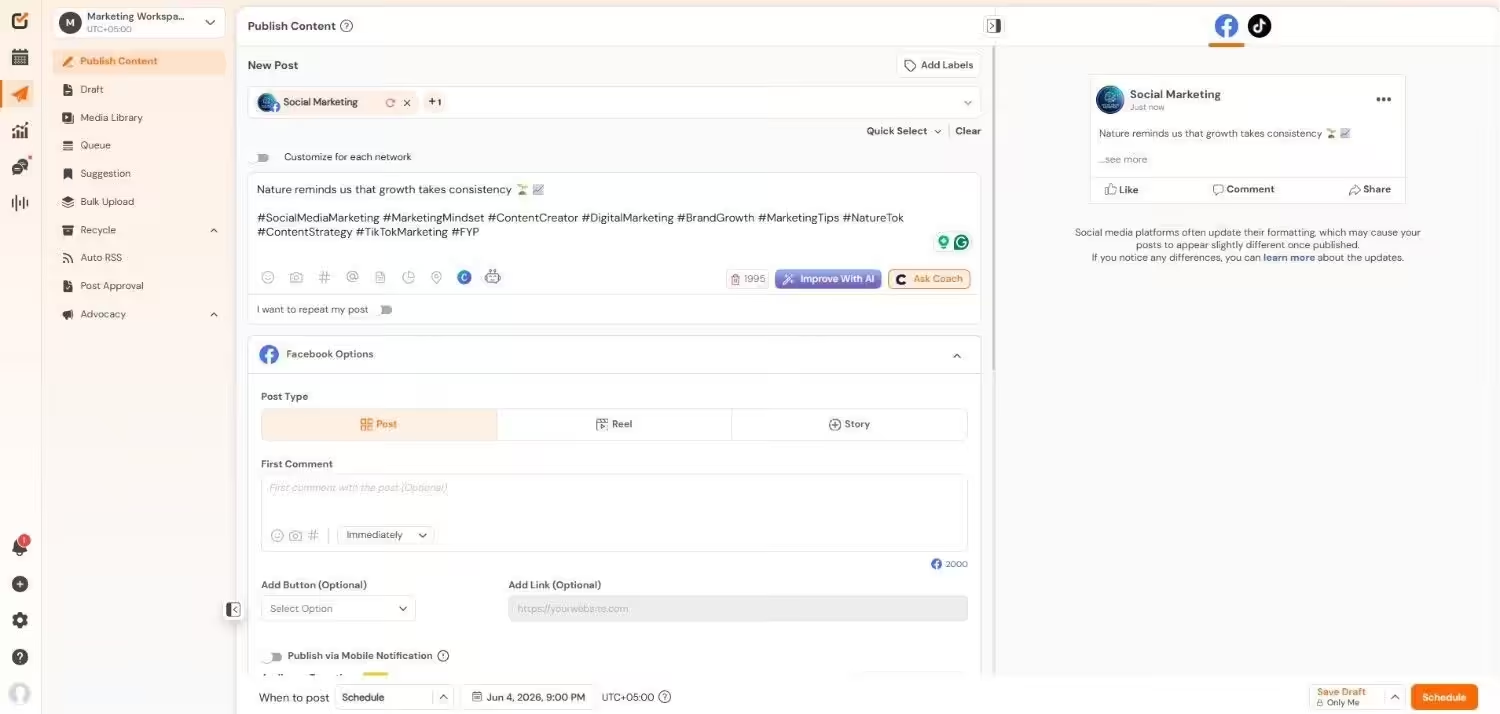
Social Champ’s Dashboard Social Champ is a modern social media management tool designed to simplify and automate your content workflows.
It’s especially well-suited for small businesses, content creators, startups, marketing teams, SMBs, and large enterprises looking for an affordable yet powerful alternative to Meltwater.
Launched with simplicity and scale in mind, Social Champ has steadily grown into a full-featured platform that offers scheduling, analytics, engagement, AI tools, and a dynamic calendar — all at a fraction of the cost of larger tools.
Key Features
- Easily create and schedule posts across platforms like Facebook, X, Instagram, LinkedIn, YouTube, Pinterest, TikTok, Bluesky, Mastodon, Threads, and Google Business Profile. Use queues and custom time slots for consistent posting.
- Bulk upload to schedule multiple posts in advance.
- Drag-and-drop interface to view and manage upcoming posts visually.
- Unified inbox to reply to comments, messages, and mentions across platforms.
- AI content generator for post ideas, captions, and hashtags.
- Track post performance with metrics like engagement, reach, and clicks.
- Manage multiple brands or clients in separate workspaces.
- Assign roles and permissions for team members.
- Integrates with Canva, Bitly, Google Drive, and more.
Pros
- Plans start as low as $4/month, making it ideal for all businesses.
- The platform is clean, modern, and doesn’t require a steep learning curve.
- Built-in AI assistants are available at this price point.
- Even lower tiers allow scheduling across major networks.
- Great for evergreen campaigns.
Cons
- Limited third-party integrations compared to enterprise tools.
- Social inbox is not available for all social media platforms.
Pricing
Social Champ comes with two pricing tiers, including a Pay-Per-Profile and a Flat-Rate model.
Pay-Per-Profile:
Plan Price Users Starter $4/channel/month 1 Growth $8/channel/month unlimited Bundled Plans:
Plan Price Users Free $0/month 1 Standard $23/month 2 Professional $47/month 5 Agency $119/month unlimited Enterprise Custom unlimited The Best Time to Switch Is Now!
You should be scheduling smarter, creating faster, and engaging better — all with Social Champ’s AI-powered platform. Start your free trial today! -
Agorapulse
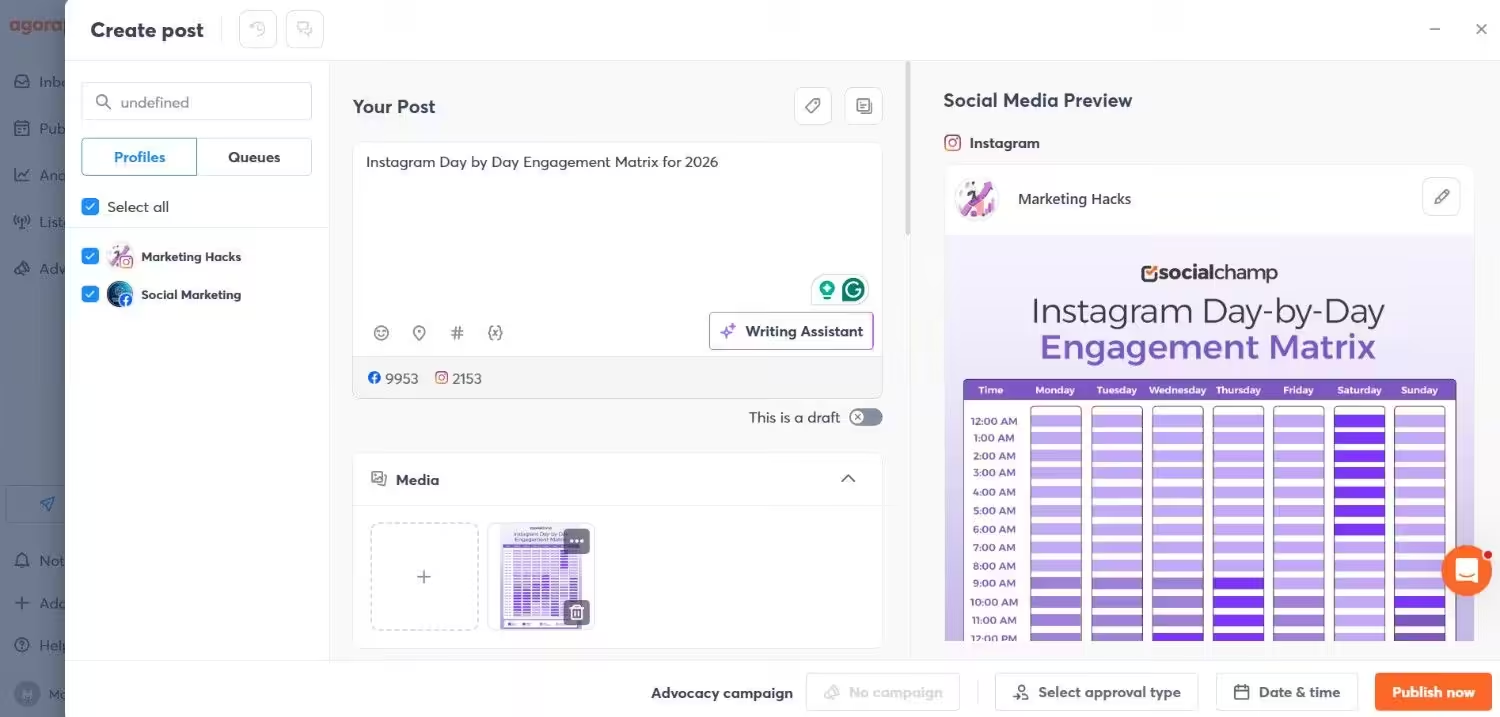
Agorapulse’s Dashboard Agorapulse is a comprehensive social media management tool tailored for teams and agencies that need streamlined publishing, engagement tracking, and in-depth analytics.
It’s known for its clean interface, excellent support, and strong team collaboration tools.
Key Features
- Unified inbox to manage all messages and comments in one place
- Advanced social listening for brand mentions and keywords
- Scheduling and queueing for multiple platforms
- Powerful analytics and customizable reports
- Team approval workflows and roles
Pros
- Easy to use with minimal onboarding
- Robust reporting and CRM-style inbox
- Excellent customer service
- Useful collaboration tools for teams
Cons
- On the pricier side, especially for small teams
- Listening functionality isn’t as deep as Meltwater
Pricing
Plan Price Users Standard $79/user/month 1 Professional $119/user/month 1 Advanced $149/user/month 1 Custom Custom/user/month Custom -
Sprout Social
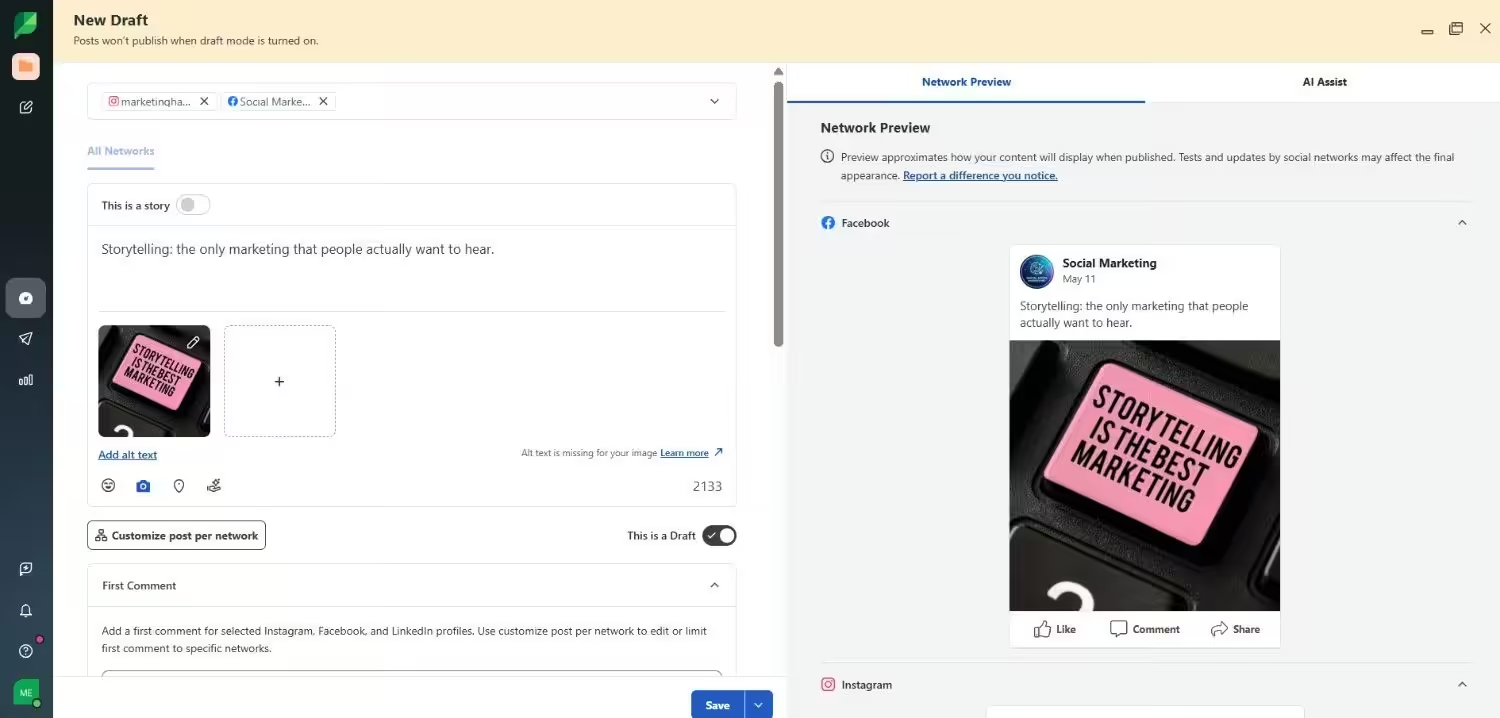
Sprout Social’s Dashboard Sprout Social is a powerful, enterprise-grade platform offering everything from scheduling to customer care and advanced analytics.
Sprout Social is best suited for larger organizations and teams that need detailed insights and structured workflows.
Key Features
- Unified inbox for engagement and customer support
- Social listening with sentiment analysis
- Customizable reports and dashboards
- Post scheduling and approval workflows
- Competitor and trend analysis tools
Pros
- Very detailed analytics and reporting
- Strong collaboration and workflow support
- Excellent UI and user experience
- Scalable for enterprise use
Cons
- Expensive for small businesses
- Overkill for small teams or simple scheduling needs
Pricing
Plan Price Users Essentials $79/month 1 Standard $199/month 1 Professional $299/month 1 Advanced $399/month 1 Enterprise custom custom -
Hootsuite
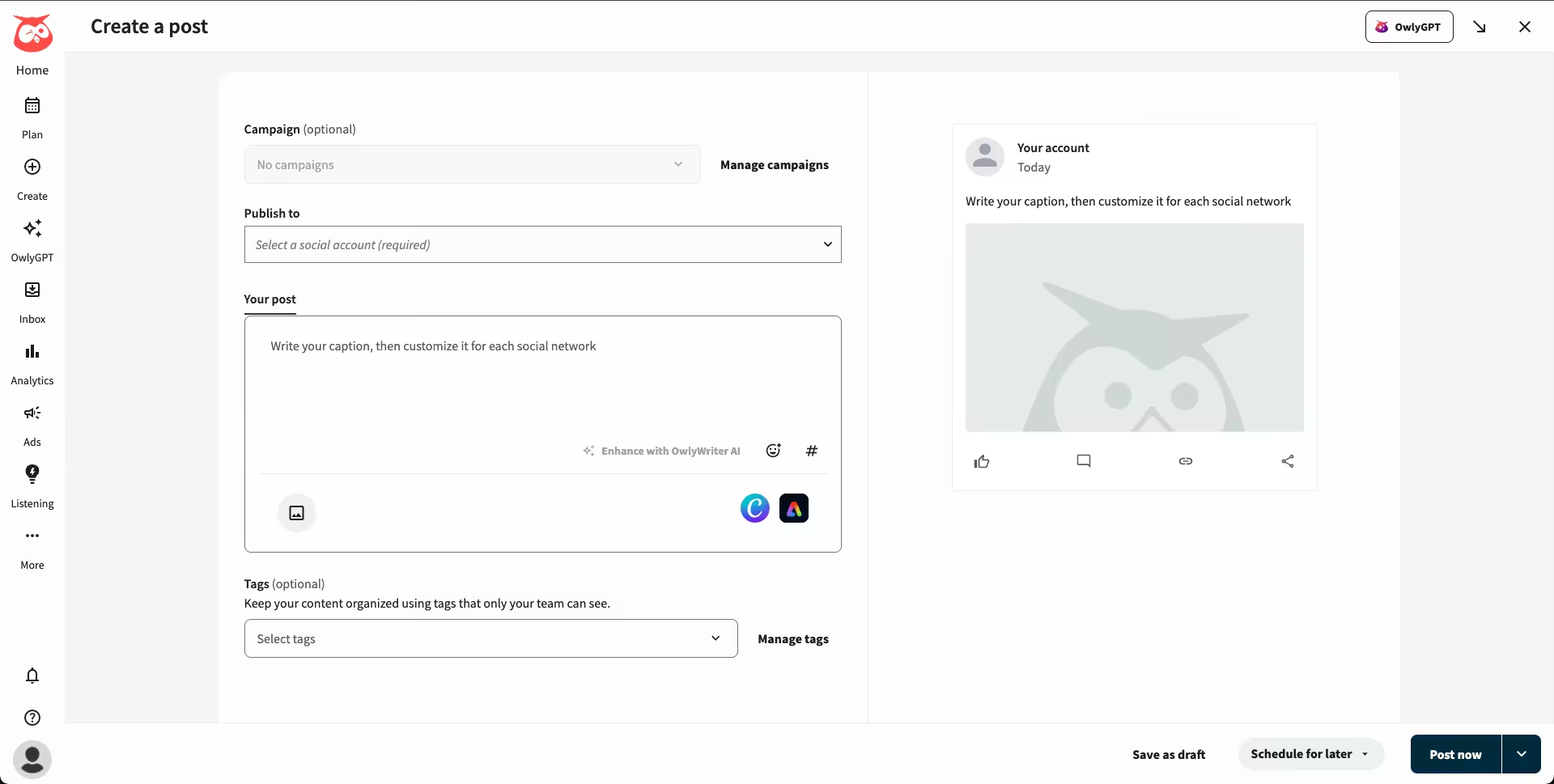
Hootsuite’s Dashboard Hootsuite has been around for over a decade and remains one of the most widely used social media tools.
It combines publishing, monitoring, and analytics in a single platform with broad support for various networks.
Key Features
- Multi-account social media publishing
- Analytics dashboard for post and campaign performance
- Social listening (basic keyword/mention tracking)
- Ad campaign creation and management
- Team collaboration features
Pros
- Trusted by many large organizations
- Solid analytics and scheduling tools
- Large number of integrations and platform support
Cons
- Interface is dated and can feel clunky
- Expensive for the feature set compared to newer tools
- Social listening isn’t as strong as Meltwater’s
Pricing
Plan Price Users Standard $99/month 1 Professional $199/month 1 Advanced $399/month 1 Enterprise Custom Unlimited -
Buffer

Buffer’s Dashboard Buffer is a clean, minimalistic platform ideal for small teams or individuals.
It focuses on content scheduling, performance tracking, and audience engagement with a user-friendly experience.
Key Features
- Easy-to-use content calendar
- Post scheduling with optimal time suggestions
- Engagement tool to reply to comments and DMs
- Analytics to track reach, clicks, and engagement
- Collaboration tools for approval workflows
Pros
- Simple and intuitive—great for beginners
- Low pricing, ideal for small businesses
- Excellent support and clean interface
Cons
- Lacks listening and PR-level features
- Limited functionality for large teams or agencies
Pricing
Plan Price Users Free $0/month 1 Essentials $5/month 1 Team $10/month Unlimited -
Later
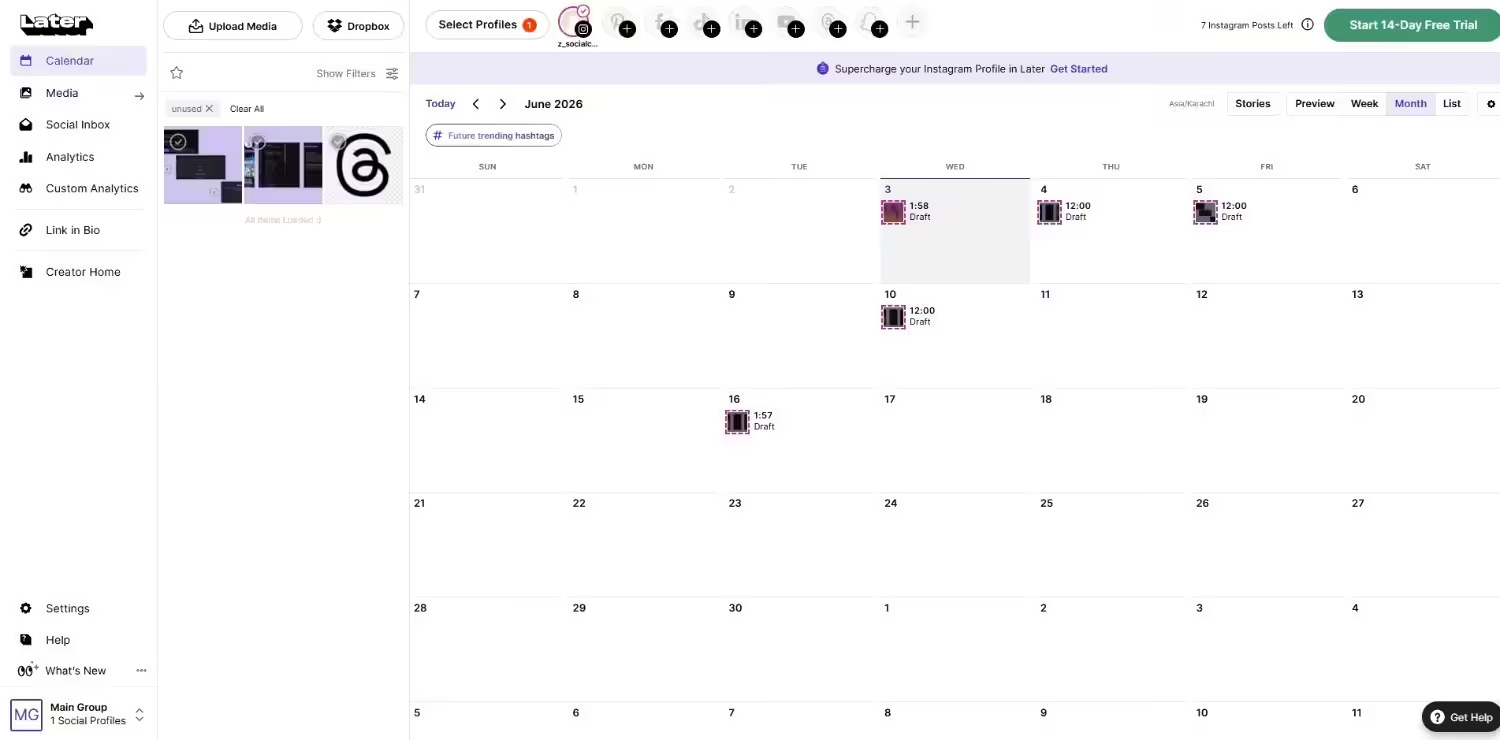
Later’s Dashboard Later is a visual-first social media scheduler built for brands that prioritize Instagram, Pinterest, and other image-driven platforms.
It’s a favorite among influencers and visual content marketers.
Key Features
- Drag-and-drop visual content calendar
- Link-in-bio tool for Instagram
- Media library and content planning
- Post preview before publishing
- Scheduling across Instagram, TikTok, Facebook, Pinterest, LinkedIn
Pros
- Perfect for visual content planning
- Great tools for Instagram and TikTok
- Link-in-bio builder is a nice value-add
- Affordable for small teams
Cons
- Not ideal for text-heavy platforms like LinkedIn or X
- Lacks deep reporting or listening features
Pricing
Plan Price Users Free $0/month 1 Starter $18.75/month 1 Growth $37.50/month 2 Scale $82.50/month 4 -
SocialPilot
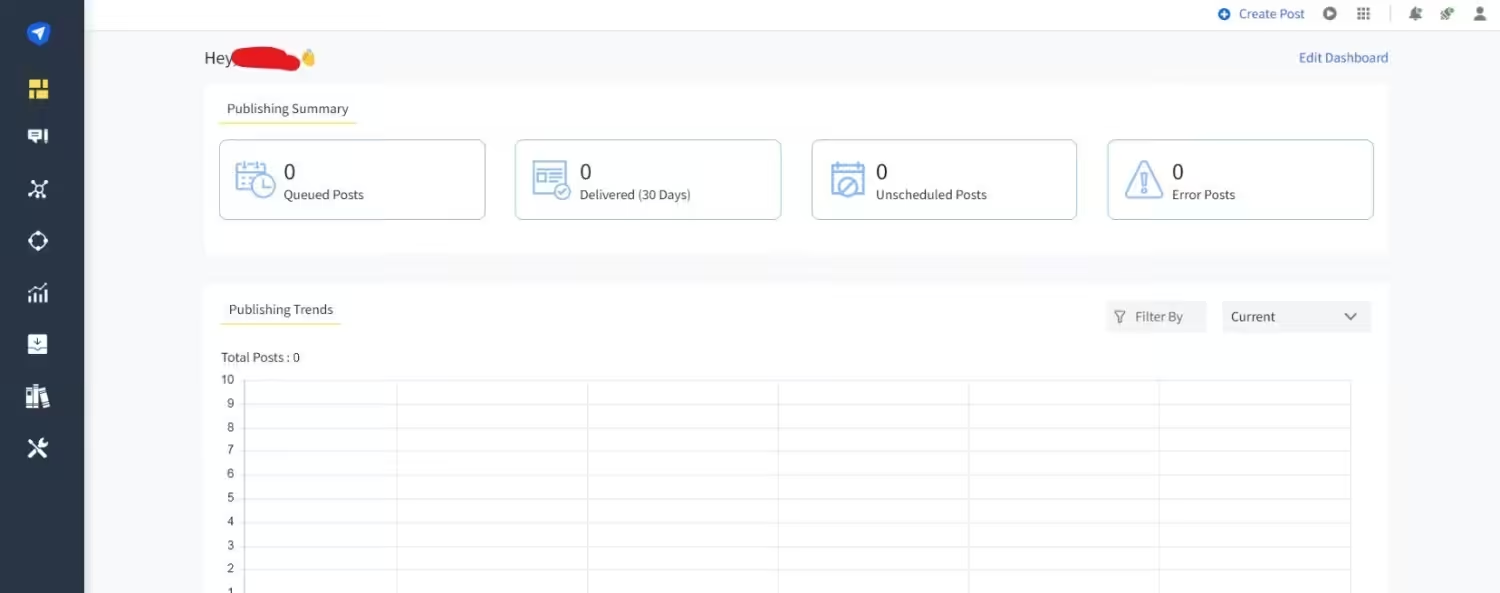
SocialPilot’s Dashboard SocialPilot is a cost-effective tool ideal for freelancers, small agencies, and teams who need solid scheduling and reporting without breaking the bank.
Key Features
- Bulk scheduling and queue management
- Content curation and RSS automation
- Client management dashboard
- White-label reports
- Team collaboration features
Pros
- Affordable for growing teams
- Strong scheduling and automation
- Great for client-based workflows
Cons
- No deep listening or media monitoring
- UI could be more modern
Pricing
Plan Price Users Essentials $25.50/month 1 Standard $42.50/month 3 Premium $85.00/month 6 Ultimate $170.00/month Unlimited -
Planable
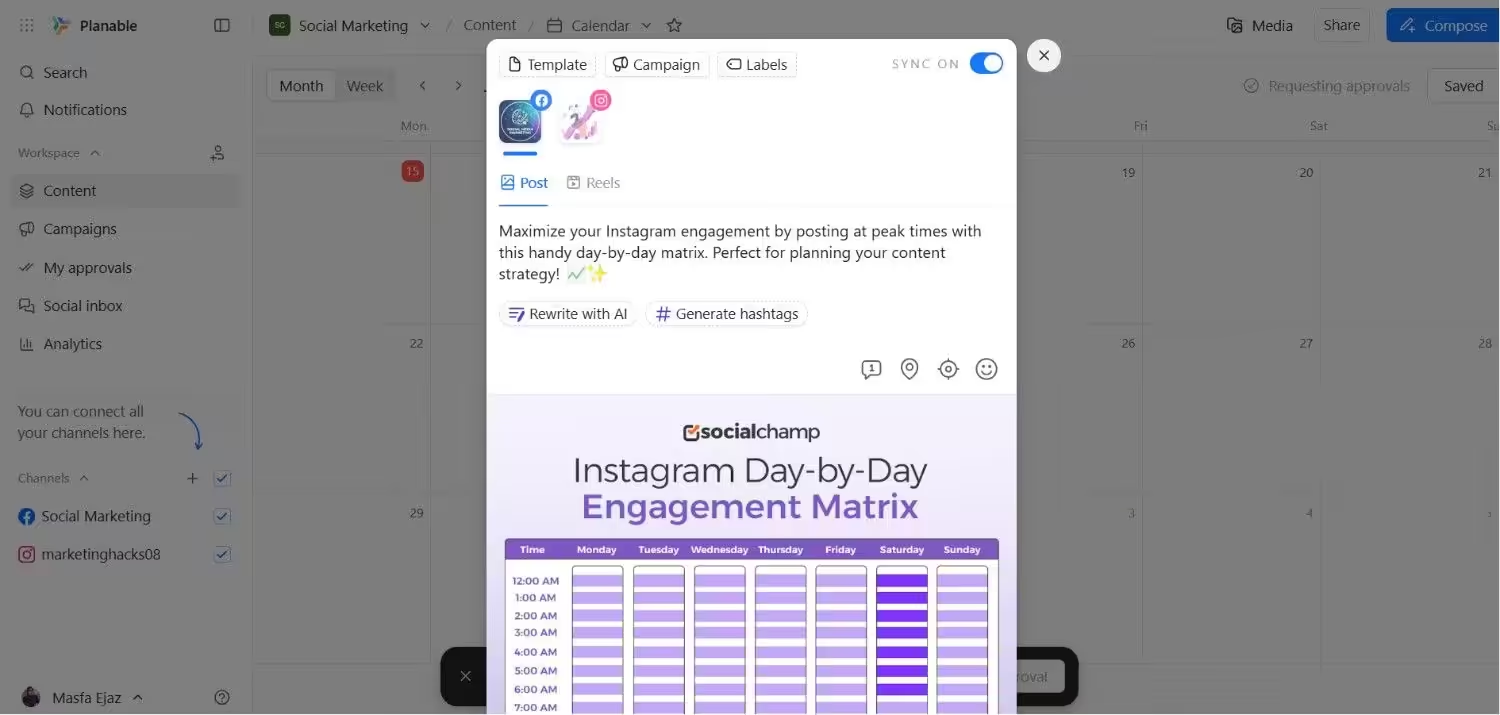
Planable’s Dashboard Planable is a collaboration-first platform that makes it easy for teams to plan, preview, and approve content before it goes live. It’s highly visual and workflow-friendly.
Key Features
- Real-time collaboration and commenting
- Post previews for each platform
- Multi-user approval flows
- Drag-and-drop calendar
- Supports media-rich content planning
Pros
- Excellent for agencies and teams with strict review processes
- Visual-first and intuitive
- Affordable pricing for small teams
Cons
- Focused mostly on content approval, not analytics
- Lacks social listening or engagement tools
Pricing
Plan Price Users Free $0/month Unlimited Basic $33/month Unlimited Pro $49/month Unlimited Enterprise Custom Unlimited
Conclusion
At the end of the day, choosing a Meltwater alternative really comes down to what your team actually needs — and what you don’t want to keep overpaying for.
Maybe you’re a small business that just needs to schedule posts, track performance, and engage with your audience without spending hundreds every month.
Or perhaps you’re part of a growing team looking for collaboration tools, automation, and AI support without the bloat of enterprise software.
While platforms like Sprout Social, Buffer, and Hootsuite all have their strengths, Social Champ stands out for its mix of affordability, functionality, and ease of use.
It gives you all the core features most marketers actually rely on — scheduling, AI assistance, analytics, engagement, and team collaboration — without locking you behind a demo request or enterprise pricing wall.
If you’re ready to simplify your social media management and keep your marketing budget in check, Social Champ might just be the smartest move you make this year.
