As an agency, you’re constantly trying to balance smooth workflows and happy clients.
So, you naturally want a system that helps keep your client work organized without turning simple tasks into puzzles.
Agorapulse can get the job done, but it sometimes falls short when you need more flexibility, faster processes, or a price tag that fits your bottom line.
And when you’re managing multiple clients, every limitation becomes a neon sign telling you it might be time to explore your options.
Short Summary
- Agencies don’t have to rely on Agorapulse alone, as there are multiple affordable tools that offer strong publishing, scheduling, analytics, and collaboration features.
- Options like Social Champ, Buffer, Zoho Social, and Planable provide powerful functionality at a fraction of Agorapulse’s pricing.
- The best alternative depends on your needs, whether that’s budget-friendliness, client management, team workflows, or deeper reporting.
- Many Agorapulse competitors offer flexible monthly plans, making them ideal for growing agencies that need scalability without long-term commitments.
- Social Champ stands out as the most well-rounded and cost-effective Agorapulse alternative, especially for teams handling multiple clients.
The good news? There are plenty of Agorapulse alternatives that deliver the features you need without stretching your budget.
If you’re looking for a social media management tool that balances functionality and cost, this guide will point you to the best options.
Before diving into the alternatives, it’s helpful to take a closer look at Agorapulse itself; what it does well, where it struggles, and why those limitations might push your agency to explore other options.
Master Your Social Scheduling!
Overview of Agorapulse (Features & Limitations)
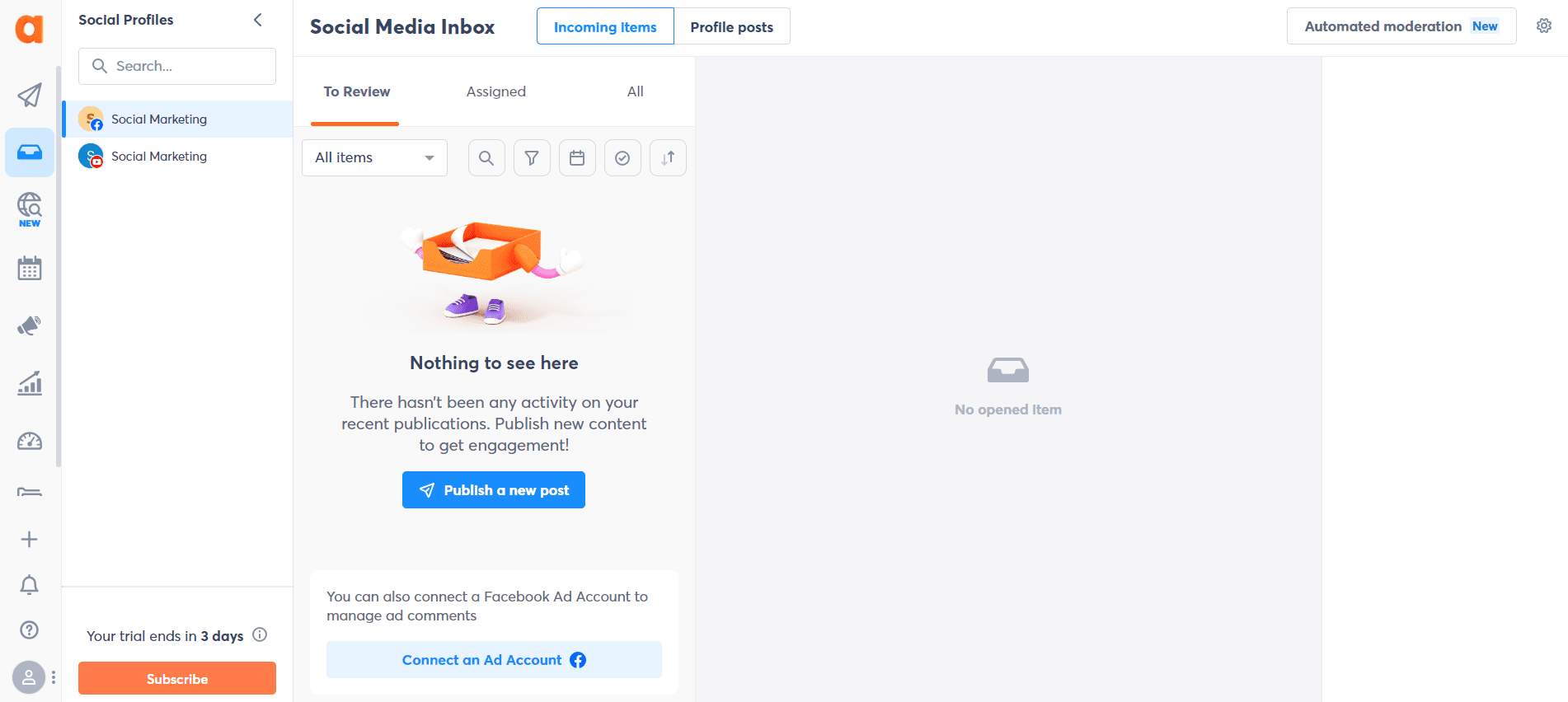
Agorapulse is a social media management platform designed to help you schedule posts, engage with your audience, and track performance.
This isn’t just a tool that’s good-looking on the surface; it’s got some shiny hardware (well, digital trophies) to back it up.
Agorapulse proudly shows off its shiny awards from review sites like G2, Capterra, and TrustRadius. It has earned badges for categories like Estimated Social Media ROI, Usability, Results, Best Relationship, and Leader in Social Media Management.
And with all that recognition under its belt, it’s no surprise that Agorapulse comes packed with an array of features that help agencies save time, stay organized, and engage with their audience more effectively. Let’s dive into the first big feature:
-
Social Inbox
A social inbox is the beating heart of any agency, collecting all the chatter in one place so nothing slips through the cracks.
Agorapulse’s social inbox equips you with everything needed to easily manage all your organic and paid post comments, mentions, private messages, and reviews in one centralized hub.
It also includes several features to make managing your social inbox even smoother:
- Inbox Filters: With inbox filters, you can easily locate particular messages using options like item type, date range, labels applied, or actions performed.
- Inbox Bulk Actions: They let you hide, delete, label, assign, and review all your social conversations in bulk. This saves you hours of repetitive work.
- View Comments by Post: This feature lets you assign moderation to specific threads, monitor ad comments and posts, and manage individual posts with just a few clicks.
- Tenor Integration: You can search, choose, and send your client or brand’s favorite GIFs when replying to interactions on social media platforms.
- Reply Suggestions: Agorapulse’s AI-powered reply suggestions adapt based on your latest replies, which helps you respond faster while keeping your tone consistent and professional.
- Salesforce & HubSpot Integration: When you connect Salesforce or HubSpot, you can easily add contacts from your social interactions directly to your CRM.
Agorapulse’s social inbox is your central hub for smoother workflows, faster responses, and happier clients.
-
Social Publishing
Social publishing is the backbone of any solid social strategy, because even the best ideas won’t shine if they never make it out into the world.
With Agorapulse, publishing becomes a whole lot smoother (and way less chaotic). The tool allows you to:
- Optimize your posts for the best performance on each social network.
- Collaborate with your team in real time to schedule, approve, and publish posts.
- Organize your scheduled posts visually with a beautiful publishing calendar.
Agorapulse’s social publishing feature gives you everything you need to plan smarter, post confidently, and keep your content machine running without the chaos.
-
Social Listening
Social listening lets you eavesdrop on the internet legally so you can understand what people really think about you, your industry, and even your competitors.
Here’s how Agorapulse turns social listening into your agency’s secret weapon:
- Shape your brand’s perception – Step in before issues escalate, protect your reputation, and deliver better customer experiences through timely, proactive engagement.
- Benchmark your brand against competitors – Track your rivals’ performance as it unfolds and see exactly what’s working for them, so you can refine your own strategy.
- Make decisions with data, not gut feelings – Pick up on fresh trends and shifts in audience sentiment early to ensure your next move is smart, timely, and anything but guesswork.
If your brand had ears, this is exactly how it would listen.
-
Social Media ROI
When you’re running campaigns, posting daily, and juggling conversations, you deserve to actually see the results of all that hard work.
That’s exactly what Agorapulse helps you do: measure and clearly prove your social media ROI, all in a way that’s easy to understand and even easier to share.
Here’s how it makes the numbers feel friendly:
- Access presentation-ready ROI reports: You get beautifully formatted reports that make you look instantly prepared for any meeting.
- See which posts and conversations are driving your traffic, leads, and sales: No more guessing games. You’ll know exactly what’s paying off and what needs a little tweaking.
- Tell a clear, cohesive story of your social success: With easy-to-read reports, you can walk your team or clients through your results without overwhelming them with too much data.
With Agorapulse, you can finally prove what you already knew: your social media efforts are driving real results.
-
Social Reporting
If you’ve ever wished your social media data could just tell you what’s working instead of making you dig for clues, Agorapulse has your back.
Its detailed, data-packed reports break things down in a way that actually makes sense. Here’s how:
- Easily spot your top-performing content: You’ll know exactly which posts hit the mark, on which platform, and at what time, so you can repeat the magic instead of guessing.
- Track trends and team performance at a glance: You get a real-time pulse on how things are going, helping you stay organized, aligned, and totally in control.
- Get smart recommendations for your next content moves: With insights based on real user behavior, Agorapulse helps you decide what to post next, so your strategy always stays ahead of the curve.
Instead of simply presenting numbers, these reports help you understand exactly how to build sharper, more effective social content.
-
Agorapulse AI
Agorapulse AI acts like your very own social media assistant. It suggests replies to messages, generates content ideas, and even helps optimize your posting strategy.
This enables you to focus on the creative side of social media while the AI handles some of the heavy lifting.
-
PulseLink in Bio
PulseLink in Bio turns that single clickable link on Instagram, TikTok, or X (Twitter) into a mini landing page.
You can showcase multiple links, direct your audience to campaigns, products, or blog posts, and track clicks easily.
-
Advocacy
Advocacy helps you identify your most engaged followers and transform them into loyal brand supporters.
You can encourage them to share your content, spread the word, and amplify your reach organically, creating stronger connections and expanding your social influence naturally.
Upgrade Your Workflow With Social Champ
Why Consider Agorapulse Alternatives?
Even though Agorapulse is a powerful tool, there are a few things to keep in mind if you’re considering it for your agency, including:
-
High Starting Cost
The most affordable plan, the Standard plan, starts at $99 per user per month. If you’re looking to save a few bucks, there are other Agorapulse competitors out there that offer similar features at a lower price.
-
Limited Capabilities
Some of the advanced goodies, like bulk scheduling, recommended publishing times, AI reply suggestions, and advanced social media ROI reports, aren’t available in the entry-level plans. You’ll need to step up to the Advanced or Custom plans to unlock them.
-
Integration Limitations
If you love connecting all your favorite tools, the lower-tier plans might feel a bit restrictive. Agorapulse offers fewer integrations in its lower-tier plans than some other social media management platforms, so you might need a higher plan to get everything linked up smoothly.
-
Learning Curve
While Agorapulse is user-friendly overall, the sheer number of features can feel overwhelming at first. It might take some time to explore everything and get comfortable navigating the dashboard.
All that said, Agorapulse is still a great tool. However, if you’re looking for something lighter on the wallet, faster to set up, or packed with integrations right out of the gate, it might be worth checking out some of the best Agorapulse alternatives.
Take Control of Your Social Media Performance
15 Best Agorapulse Alternatives for Small Businesses and Agencies
While Agorapulse is powerful, there are plenty of social media content management tools that offer great features for agencies without the hefty price tag.
Here’s a curated list of 15 top Agorapulse alternatives to help you find the perfect fit for your social media needs:
-
Social Champ
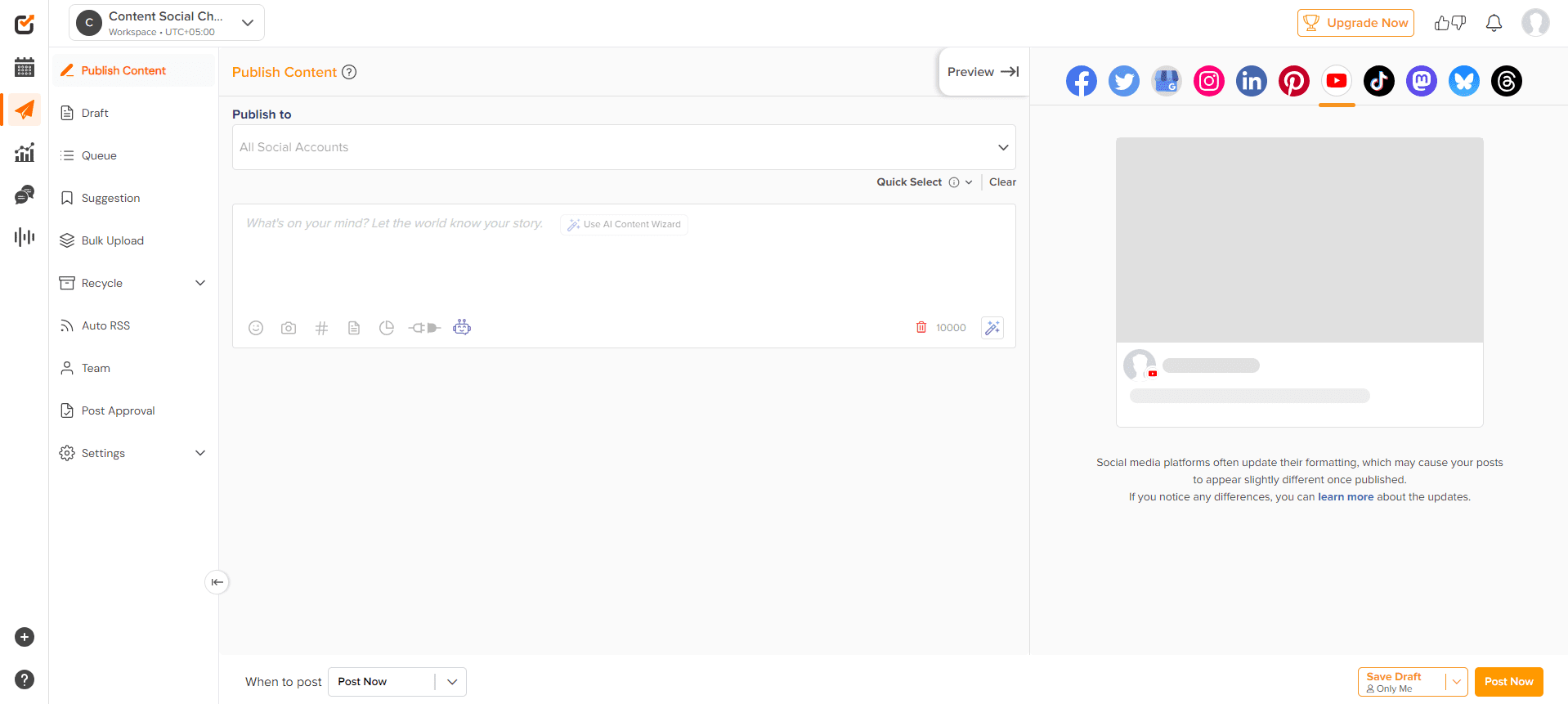
Social Champ’s Dashboard Social Champ is an all-in-one social media management platform designed to help small businesses, startups, and agencies schedule posts, engage with audiences, and analyze performance.
Social Champ is a leading alternative to Agorapulse because it offers robust features at a far more affordable price.
Social Champ’s Pricing
Social Champ comes with two pricing tiers, including a Pay-Per-Profile and a Flat-Rate model.
Here’s what you get in the Pay-Per-Profile:
- Starter, which costs $4 and has 1 user. In this plan, you can manage 1 social accounts.
- Growth, which costs $8 and has unlimited users. In this plan, you can manage 1 social accounts.
These plans also offer discounts as you scale. Here’s how much you can save in the Starter:
- For 1-10 social accounts: $4
- For 11-20 social accounts: $3
- For 21-40 social accounts: $2
- For 41+ social accounts: $0.50
Here’s how much you can save in the Growth:
- For 1-10 social accounts:$8
- For 11-20 social accounts:$3.50
- For 21-40 social accounts:$2.50
- For 41+ social accounts:$1
With Social Champ, you also get Flat-Rate bundles, which are:
- Free, which costs $0 and has 1 user. In this plan, you can manage 3 social accounts.
- Standard, which costs $23 and has 2 users. In this plan, you can manage 6 social accounts. This plan also comes with add-ons for accounts. You can add another account for $5/account
- Professional, which costs $47 and has 5 users. In this plan, you can manage 12 social accounts. This plan also comes with add-ons for accounts. You can add another account for $4/account and pay $8/user for another user.
- Agency, which costs $119 and has unlimited users. In this plan, you can manage 30 social accounts. This plan also comes with add-ons for accounts. You can add another account for $3/account
- Enterprise, which is Custom and has unlimited users. In this plan, you can manage unlimited social accounts.
Social Champ also supports: Instagram, Facebook, TikTok, LinkedIn, YouTube, Threads, Pinterest, X, Google Business Profile, Bluesky, Mastodon, and WhatsApp Business
Social Champ’s Top Features
- Visual Content Calendar: With Social Champ, you can see all your posts neatly organized in weekly and monthly views. You can also drag and drop to adjust schedules, keep your campaigns on track, and make sure your team is always on the same page.
- Smart Post Scheduling: You can take advantage of Social Champ’s smart scheduling across 11+ platforms, all from one dashboard. Whether you’re posting in bulk, assigning labels, setting up RSS feeds, or running recycle campaigns, everything is designed to make your life easier.
- Advanced Analytics Dashboard: Once your posts are out in the world, Social Champ’s analytics dashboard lets you track engagement, audience growth, and other key metrics. This ensures you always know what’s working and where you might tweak your strategy.
- Unified Social Inbox: And because conversations matter, Social Champ’s ‘Engage’ tools bring all your messages, comments, and mentions into one place. You can respond quickly, keep your audience happy, and turn casual followers into loyal brand advocates.
- Intelligent Social Listening: Social Champ’s social listening feature helps you monitor brand mentions and understand audience sentiment. With these insights, you can make smarter, data-driven decisions that keep your social strategy on point.
- Starter, which costs $4 and has 1 user. In this plan, you can manage 1 social accounts.
- Social Champ lets you pick exactly how many social accounts you want to connect, so you only pay for what you need. Agorapulse pricing, on the other hand, doesn’t allow for this kind of flexibility. You’re locked into higher-priced plans regardless of how many accounts you manage.
- Social Champ comes packed with more integrations, even on the free plan, including Zapier, Bit.ly, Canva, OneDrive, Google Drive, WordPress plugin, Chrome browser extension, Dropbox, iOS and Android apps, and Imgur. Agorapulse’s free and Standard plans are more limited, offering only Bit.ly, Google Analytics, Google Drive, Tenor, and Canva.
- Social Champ’s all-in-one Social Inbox is robust even from the Starter plan. It allows you to reply to messages across platforms, comment on posts, and manage Google Business Profile reviews. Bulk actions, AI reply suggestions, and Giphy integration are also included. Agorapulse restricts many of these inbox features to higher-tier plans.
- Social Champ offers the Best Time to Post Feature, available even on the free plan. This feature allows you to know the best time to post your content to maximize engagement. Agorapulse only offers this feature on the Advanced and Custom plans, leaving free, Standard, and Professional users without this helpful insight.
- Social Champ allows bulk scheduling even on the free plan. Agorapulse only unlocks bulk scheduling for Advanced and Custom plan users.
- Social Champ provides advanced analytics with detailed insights that are accessible even on lower-tier plans. Agorapulse limits some advanced analytics features to higher-priced plans.
-
Hootsuite
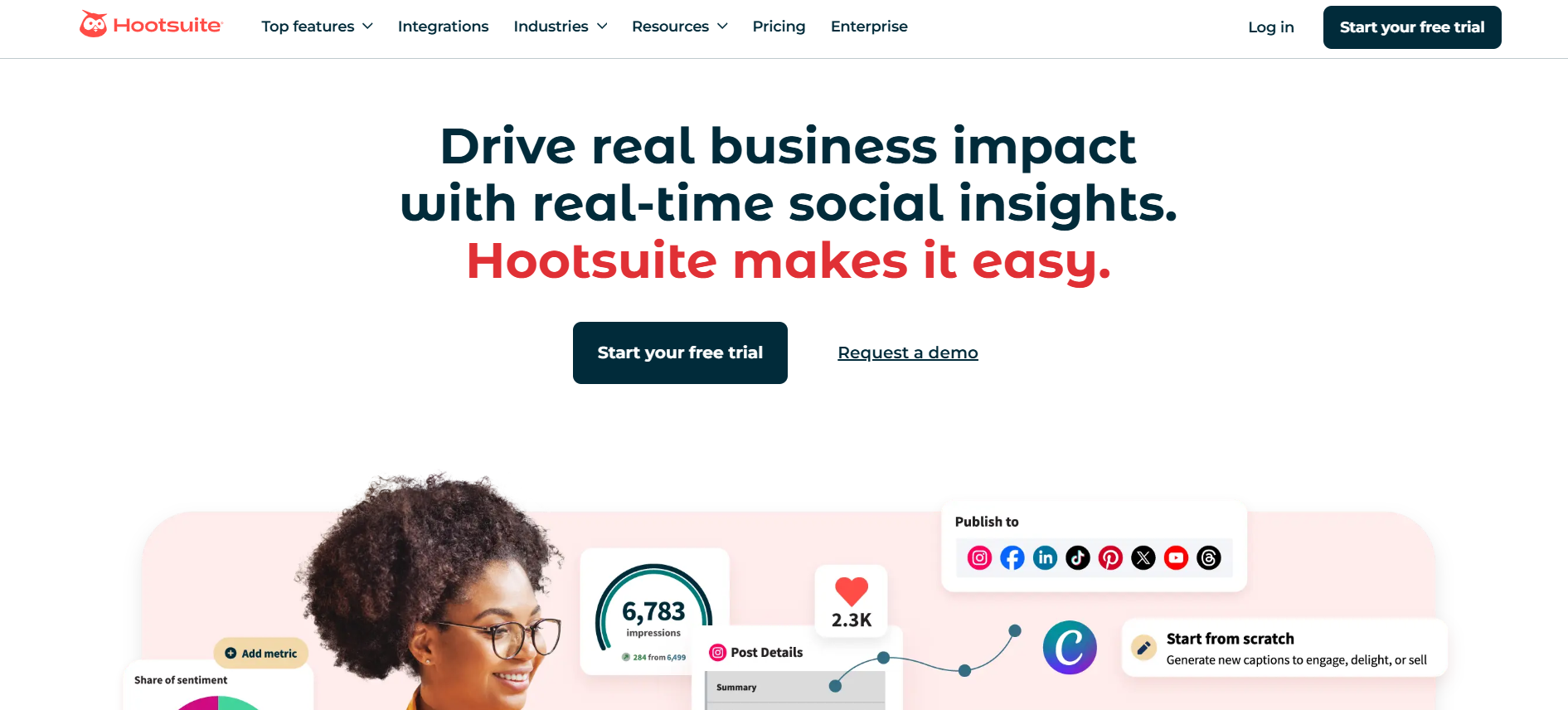
Hootsuite’s Webpage Hootsuite is a well-known social media management platform that helps businesses and agencies schedule posts, monitor engagement, and analyze performance across multiple social networks.
It’s a better alternative for agencies or businesses that need deeper automation, stronger social listening, broader integrations, and more powerful reporting.
Hootsuite’s Pricing
Hootsuite offers three plans, including:
- Standard, which costs $99 and has 1 user. In this plan, you can manage 10 social accounts.
- Advanced , which costs $249 and has 1 users. In this plan, you can manage Unlimited social accounts.
- Enterprise, which is Unlimited and has Unlimited users. In this plan, you can manage Unlimited social accounts.
Hootsuite also supports: Facebook, Instagram, TikTok, LinkedIn, X, YouTube, Pinterest, Threads, WhatsApp, Google Business Profile, and Bluesky.
Hootsuite’s Top Features
- Publish & Schedule: Hootsuite lets you plan, create, and schedule posts across multiple platforms from one dashboard, so you can stay ahead of your content without the last-minute scramble.
- Social Media Analytics: You can track engagement, follower growth, and campaign performance, giving you clear insights into what’s working and where to tweak your strategy.
- Social Listening: Keep an ear on conversations, hashtags, and trends that matter to your brand, so you’re always in the loop and ready to join the conversation.
- Inbox & Messaging: Their social inbox allows you to manage all your messages and mentions in one place, making it easy to respond quickly and keep your audience happy.
- Employee Advocacy: This is a feature that allows your team to share content and amplify your brand’s voice. It basically turns employees into your social media champions.
- Social Advertising: Hootsuite lets you create, manage, and track paid campaigns across platforms, thus helps you reach the right audience without juggling multiple ad managers.
- Standard, which costs $99 and has 1 user. In this plan, you can manage 10 social accounts.
- Fewer integrations in basic plans: Some third-party app integrations and workflow automations are reserved for premium tiers, limiting flexibility for users on Standard or Professional plans.
- Limited analytics on lower-tier plans: Advanced reporting and insights are only available on higher-priced plans, which can restrict data-driven decision-making for smaller teams. If you’re looking for a tool that offers advanced reporting and insights at a lower price, consider checking out Hootsuite alternatives.
- Unlike Agorapulse, which limits bulk scheduling and recommended posting times to higher-tier plans, Hootsuite offers better scheduling options even in its lower-tier plans.
- Hootsuite provides more advanced listening capabilities to monitor brand mentions, keywords, and competitor activity in real time. Agorapulse’s listening features are good, but Hootsuite’s reach and depth often give agencies better insights into market trends.
- While Agorapulse allows collaboration, Hootsuite makes it easier to assign tasks, approve posts, and coordinate with larger teams. This makes Hootsuite a better fit for growing agencies managing multiple clients.
- Hootsuite supports a wider range of third-party tools, apps, and analytics platforms compared to Agorapulse. As such, it gives you more flexibility to connect the apps your team already uses.
-
Buffer
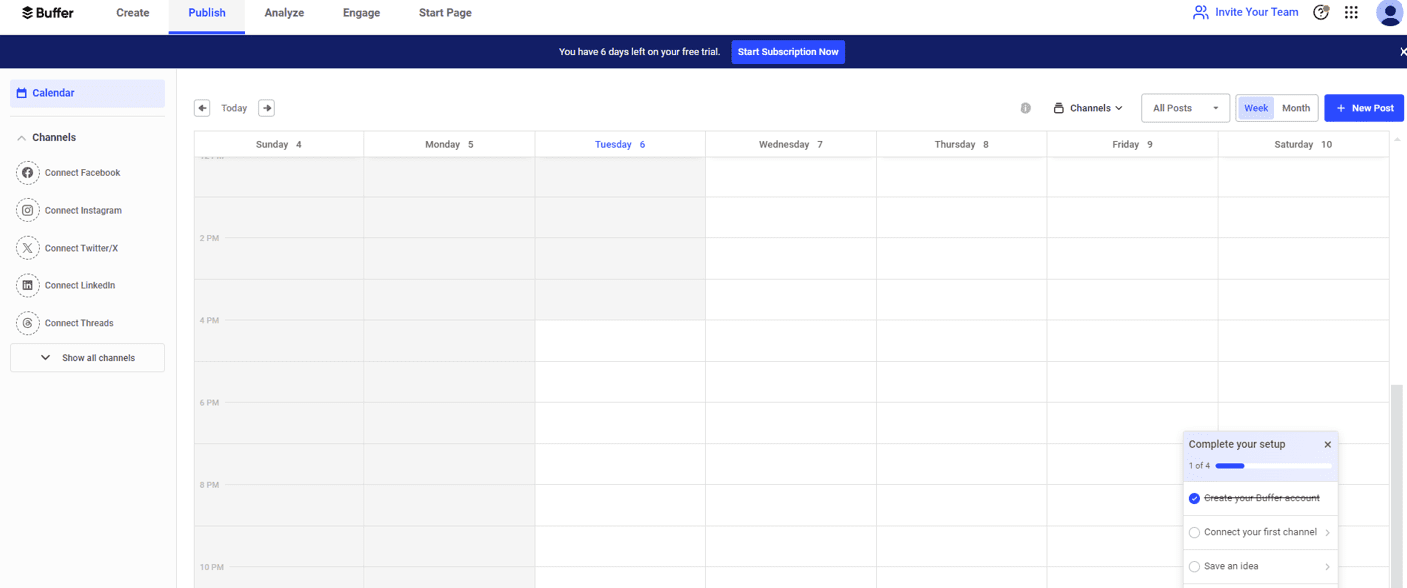
Buffer’s Dashboard Buffer is one of the most affordable social media content management tools on the market, thus an attractive option for small businesses and solo marketers.
Like Social Champ, it offers flexible pricing, which allows you to pay only for the number of social accounts you need. As such, you’re not stuck with expensive plans if you manage just a few profiles.
Buffer Pricing
Buffer offers three plans, including:
- Free, which costs $0 and has 1 user. In this plan, you can manage 3 social accounts.
- Essentials, which costs $5 and has 1 users. In this plan, you can manage 1 social accounts.
- Team, which costs $10 and has Unlimited users. In this plan, you can manage 1 social accounts.
Buffer also supports: Facebook, Instagram, X, Bluesky, Google Business Profile, LinkedIn, Mastodon, Pinterest, Threads, TikTok, YouTube
Buffer Top Features
- Create: It’s a feature that enables you to build your own library of content ideas.
- Publish: The tool allows you to plan and schedule your content.
- Analyze: It allows you to measure the performance of your social media campaigns.
- Collaborate: It allows teams to work together seamlessly from planning to publishing.
- Community: It’s the social inbox where you get to engage with your social media community.
- Free, which costs $0 and has 1 user. In this plan, you can manage 3 social accounts.
- Limited social listening and engagement tools: Buffer doesn’t offer strong listening or competitor-tracking features. So, if you need to track what people say about your brand online, you’ll need to look into Buffer alternatives.
- Analytics are basic (especially on lower plans): The reporting Buffer gives you is more suited to simple metrics and post-performance snapshots. It lacks the deeper insights and custom reporting that bigger tools provide
- Buffer makes it simple to plan and schedule posts across multiple social networks with an intuitive interface. Agorapulse’s scheduling is powerful but can feel more complex, especially for beginners.
- You can easily manage your content calendar and queue posts without needing advanced plans. Agorapulse restricts some scheduling features to higher-tier plans.
- Buffer provides analytics to track engagement and performance at a lower cost, whereas Agorapulse’s deeper analytics require premium plans.
-
Sprout Social
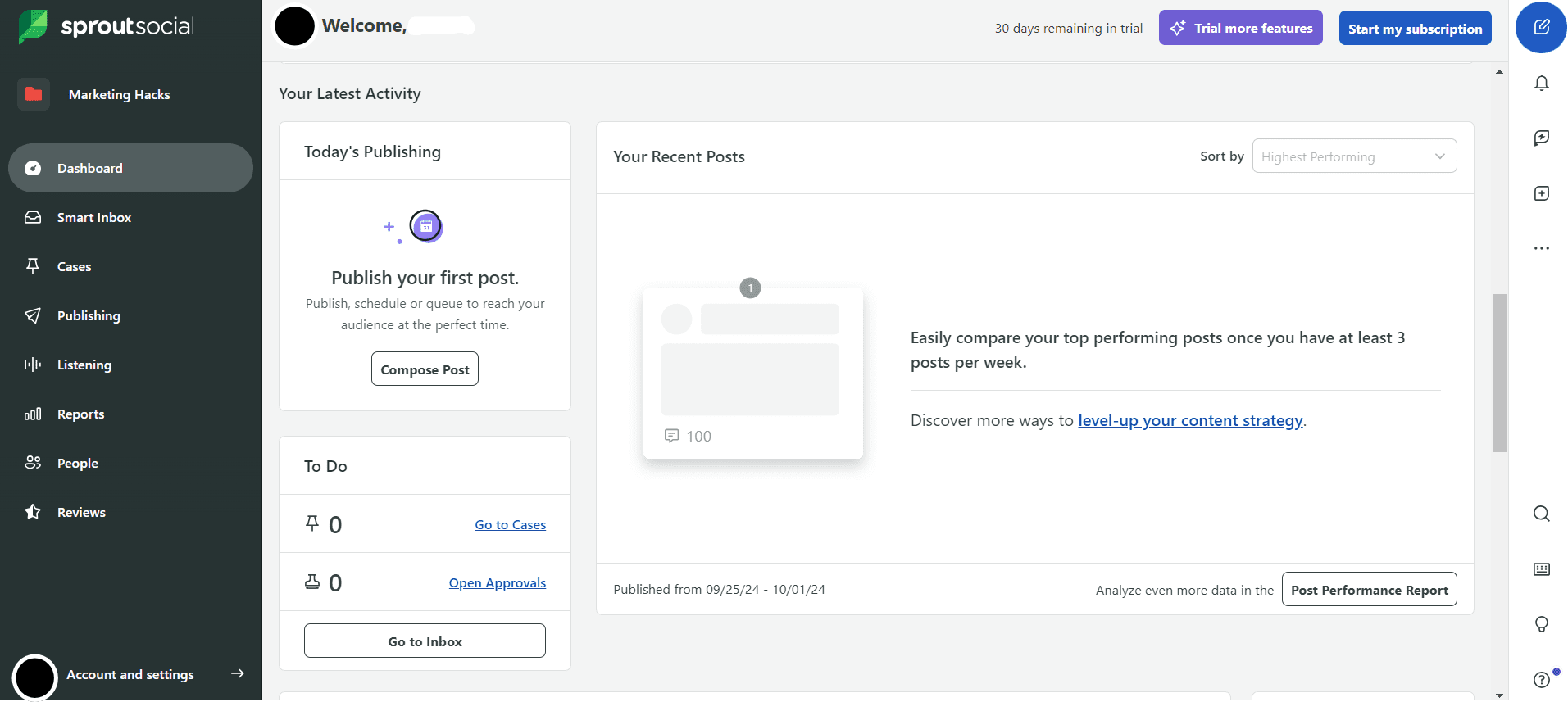
Sprout Social’s Dashboard For agencies and small businesses looking for more than just basic scheduling, Sprout Social is among the top choices.
This powerful social media command center schedules and posts content while providing deep insights into audience behavior, team performance, and customer engagement.
Sprout Social Pricing
Sprout Social offers four plans, including:
- Standard, which costs $199 and has 1 user. In this plan, you can manage 5 social accounts.
- Professional, which costs $299 and has 1 users. In this plan, you can manage unlimited social accounts.
- Advanced, which costs $399 and has 1 users. In this plan, you can manage unlimited social accounts.
- Enterprise, which is custom and has custom users. In this plan, you can manage unlimited social accounts.
Sprout Social also supports: Facebook, Instagram, X, LinkedIn, Pinterest, TikTok, YouTube, Threads, Bluesky, WhatsApp, Reddit, Tumblr, and Google Business Profile
Sprout Social’s Top Features
- Publishing: Schedule and post content across all your social channels with ease.
- Premium Analytics: Get detailed insights to see what’s working and optimize your strategy.
- Social Engagement: Monitor and respond to comments, messages, and mentions quickly.
- Social Listening: Track conversations, trends, and brand mentions to stay ahead.
- Influencer Marketing: Identify and collaborate with influencers to boost your reach.
- Employee Advocacy: Empower your team to share content and amplify your brand’s voice.
- Standard, which costs $199 and has 1 user. In this plan, you can manage 5 social accounts.
- Pricey, especially for small teams: Even the basic plan is pricey compared to many alternatives, and the cost grows quickly with each additional user. This makes it a heavy investment for small agencies or solo marketers.
- Advanced features locked behind expensive tiers: Automation, advanced listening, full analytics, and sentiment analysis are reserved for the higher-cost plans. So, basic users may not get the full benefit.
- Advanced Analytics and Reporting: Sprout Social offers detailed, customizable reports that help you track engagement, ROI, and team performance. Agorapulse provides solid reporting, but Sprout’s depth and flexibility give agencies more actionable insights.
- Agorapulse has listening tools, but Sprout excels in giving a broader view of trends and audience sentiment.
- Sprout Social makes it easy to assign tasks, manage approvals, and streamline collaboration for teams of any size. Agorapulse offers collaboration, but Sprout’s workflow tools feel more intuitive for larger teams.
- Sprout Social allows you to schedule posts, queue content, and optimize publishing times across multiple platforms. While Agorapulse has similar features, Sprout Social’s interface and recommendations make planning smoother.
- Sprout’s integration ecosystem is extensive, as it integrates with major CRM, analytics, and marketing tools. This gives it an edge over Agorapulse for agencies relying on multiple platforms.
-
Zoho Social
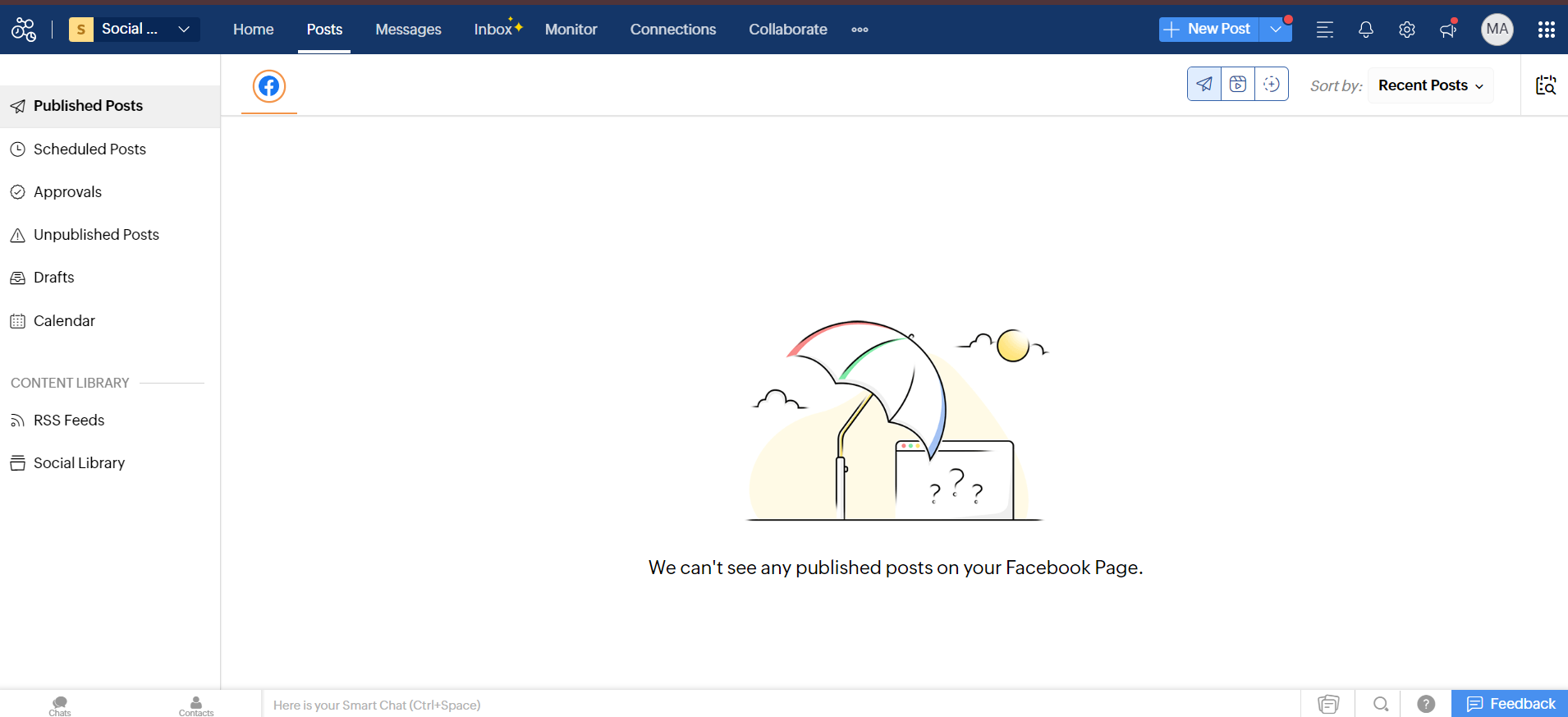
Zoho Social’s Dashboard If you are a small business owner, marketer, or agency looking for a cost-effective social media management tool that scales as you grow, Zoho Social could be the perfect fit.
It’s designed to help you manage multiple social accounts, schedule posts, monitor engagement, and track performance, all without overwhelming your team or budget. It comes with:
Zoho Social Pricing
Zoho Social offers four plans, including:
- Free, which costs $0 and has 1 user. In this plan, you can manage 6 social accounts.
- Standard, which costs $10 and has 1 users. In this plan, you can manage 12 social accounts.
- Professional, which costs $30 and has 1 users. In this plan, you can manage 12 social accounts.
- Premium, which costs $40 and has 3 users. In this plan, you can manage 14 social accounts.
Zoho Social also supports: Facebook, X, LinkedIn, Instagram, WhatsApp, Google Business Profile, YouTube, Pinterest, TikTok, Mastodon, Threads, and Bluesky
Zoho Social’s Top Features
- Publishing: Easily create and share posts across all your social channels.
- Scheduling: Plan your content in advance and set it to post automatically.
- Monitoring: Keep track of mentions, keywords, and trends relevant to your brand.
- Analytics: Gain insights into engagement, reach, and audience growth.
- Collaboration: Work with your team seamlessly, assign tasks, and approve content.
- Inbox: Manage all your messages and interactions from one centralized place.
- Free, which costs $0 and has 1 user. In this plan, you can manage 6 social accounts.
- While Zoho Social works nicely within the Zoho ecosystem, it can feel limiting if you rely on third-party tools.
- There are reports of trouble scheduling videos or uploading certain post types (e.g., carousels, Reels.
- Some reviewers flag that the free or lower-tier plans offer only basic scheduling and limit how many brands/accounts or team members you can manage.
- Zoho Social allows you to plan, schedule, and automate your posts across multiple platforms just like you would with Agorapulse. Nevertheless, Zoho Social gives you a cleaner, beginner-friendly interface that makes everything feel easier.
- Zoho Social allows you to keep an eye on brand mentions, keywords, and even your competitors, so you always know what’s happening and can respond at the right moment.
- You can connect Zoho Social to tools like Zoho CRM and Google Analytics, which bring your marketing data together and keep your processes running efficiently. Although Agorapulse integrates with several apps, most of the integrations are possible only when subscribed to its pricier plans.
-
Sendible
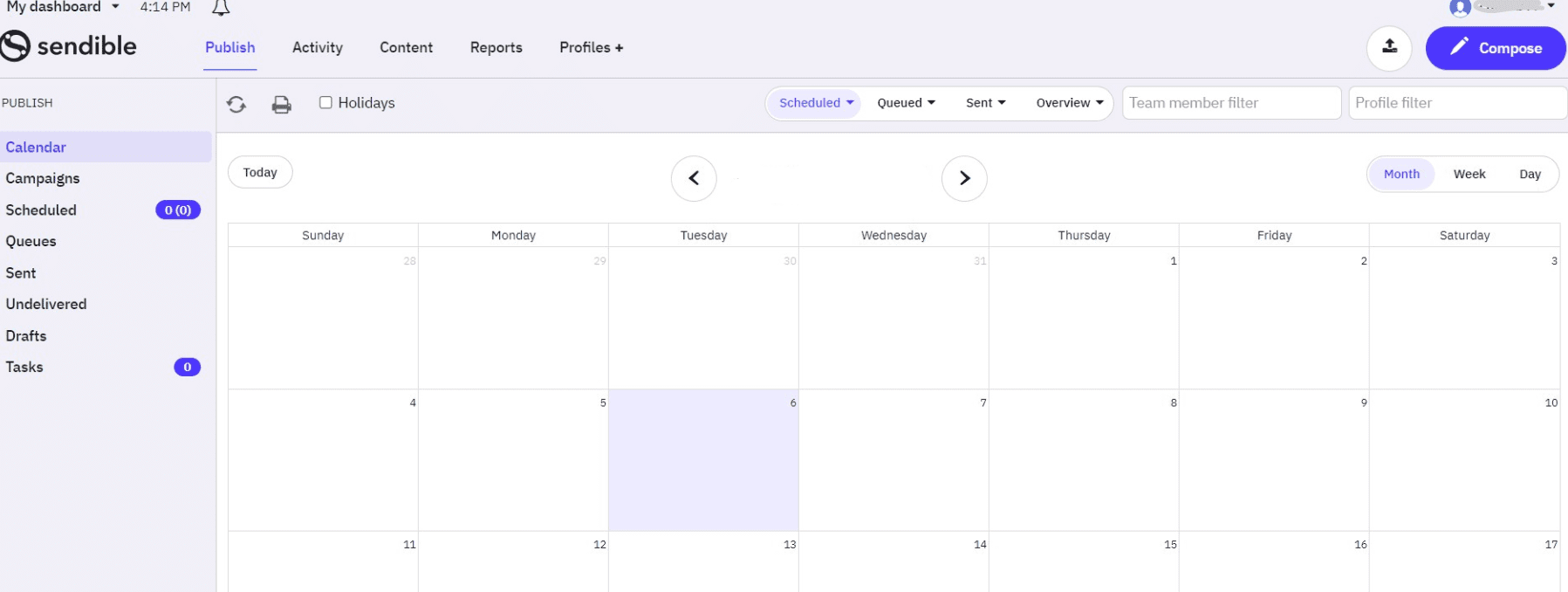
Sendible’s Dashboard Sendible is a perfect choice for you if you’re running a small business or agency and you want a tool that feels tailor-made for managing multiple clients.
It gives you the kind of flexibility, customization, and client-friendly features that help you stay organized without feeling overwhelmed.
Sendible Pricing
Sendible offers five plans, including:
- Creator, which costs $25 and has 1 user. In this plan, you can manage 6 social accounts.
- Traction, which costs $76 and has 4 users. In this plan, you can manage 24 social accounts.
- Scale, which costs $170 and has 7 users. In this plan, you can manage 49 social accounts.
- Advanced, which costs $255 and has 20 users. In this plan, you can manage 100 social accounts.
- Enterprise, which costs $638 and has 80 users. In this plan, you can manage 400 social accounts.
Sendible also supports: Facebook, Instagram, TikTok, X, LinkedIn, Google Business Profile, YouTube, Threads, and Bluesky
Sendible Features
- Custom Dashboards: You get the freedom to customize your dashboard so you only see what matters, which is something Agorapulse doesn’t offer at the same level.
- Strong Collaboration Tools: Working with clients? Sendible lets you create approval workflows, assign tasks, and keep everything crystal clear for your team.
- Powerful Scheduling Features: You can schedule across platforms, queue evergreen content, and use content recommendations to keep your calendar full.
- Robust Integrations: From Canva and Dropbox to Google Drive and WordPress, you’ll find more integration options compared to Agorapulse’s lower-tier plans.
- Client-Friendly Reporting: You can create beautiful, branded reports that make you look like the pro you are without needing a data science degree.
- Creator, which costs $25 and has 1 user. In this plan, you can manage 6 social accounts.
- While Sendible has analytics, its customization and depth of reporting aren’t always as robust as in premium tools. This can limit how much insight you get on performance.
- Once you need more profiles, users, or advanced features (like analytics or white-label reports), costs go up significantly.
- With Sendible, you get the freedom to customize your dashboard so you only see what matters, which is something Agorapulse doesn’t offer at the same level.
- From Canva and Dropbox to Google Drive and WordPress, you’ll find more integration options with Sendible compared to Agorapulse’s lower-tier plans.
-
Later
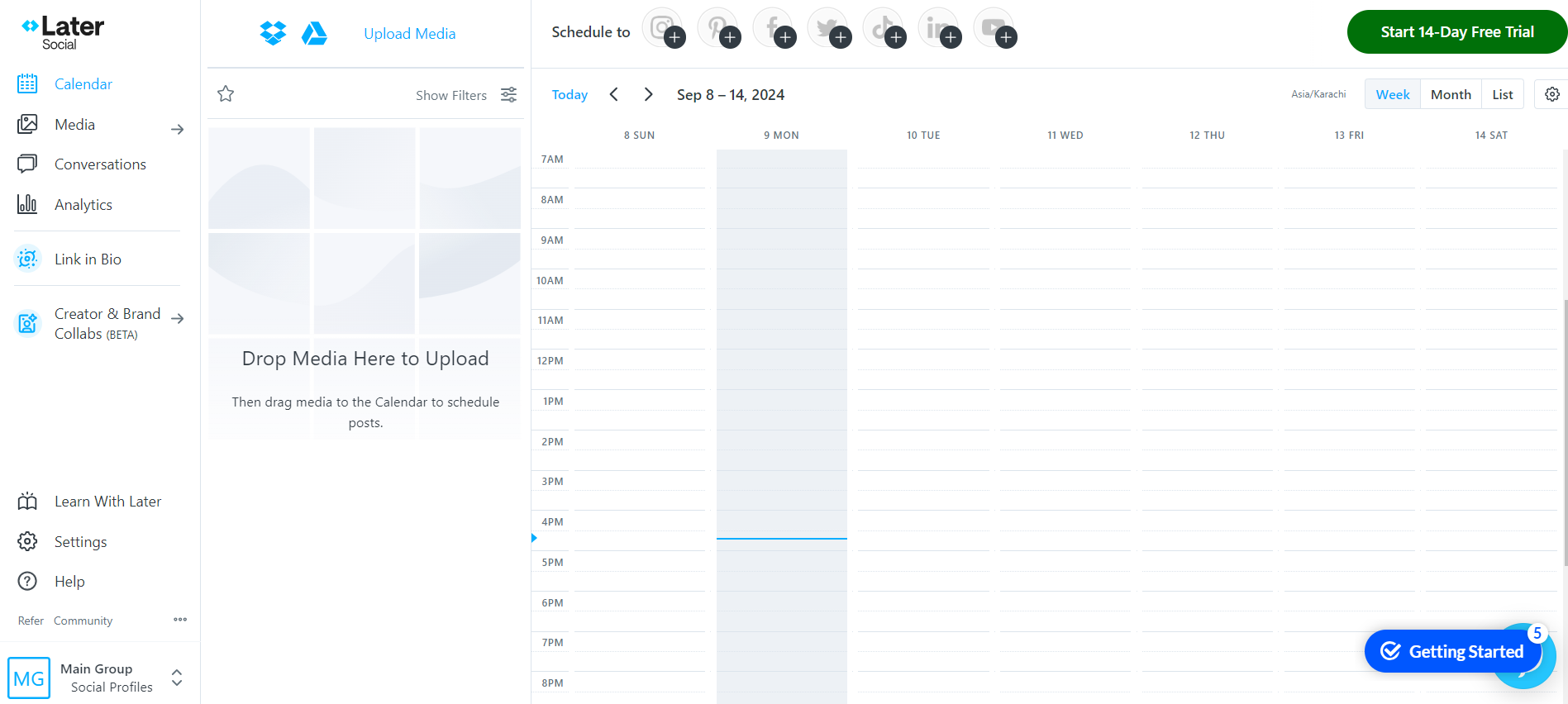
Later’s Dashboard Later is built for brands and creators who thrive in the world of visual storytelling. It’s perfect for visual storytellers who want an intuitive, image-driven social media planner without the higher price tag.
Later Pricing
Later offers three plans, including:
- Free, which costs $0 and has 1 user. In this plan, you can manage 8 social accounts.
- Starter, which costs $18.75 and has 1 users. In this plan, you can manage 8 social accounts.
- Growth, which costs $37.50 and has 2 users. In this plan, you can manage 16 social accounts.
- Scale, which costs $82.50 and has 4 users. In this plan, you can manage 48 social accounts.
Later also supports: Instagram, Facebook, Threads, Pinterest, TikTok, LinkedIn, YouTube, and Snapchat.
Later’s Top Features
- Visual Content Planning: Later’s drag-and-drop calendar makes organizing your content feel effortless. While Agorapulse offers scheduling, it doesn’t match Later’s visually driven planner that helps you see your feed before it goes live.
- Instagram and TikTok Tools: Features like TikTok scheduling, Reels support, and hashtag suggestions give you a more platform-specific toolkit compared to Agorapulse’s more generalized setup.
- Link in Bio Tool: Later’s built-in link-in-bio creator lets you drive traffic from Instagram more effectively, something Agorapulse doesn’t specialize in.
- Media Library Management: Store, organize, and reuse your visual content with ease, making batch-planning a breeze.
- Free, which costs $0 and has 1 user. In this plan, you can manage 8 social accounts.
- Limited social listening and competitor tracking: Later excels at scheduling and visual planning, but it doesn’t provide deep social listening or competitor-monitoring features like some other tools do. This means you may be left blind to broader brand mentions or industry conversations.
- Analytics depth depends heavily on plan level: Advanced analytics, long-term performance data, and cross-platform reports are only available on higher-priced plans. As such, smaller users may miss out on valuable insights unless they upgrade.
- Later’s drag-and-drop calendar makes organizing your content feel effortless. While Agorapulse offers scheduling, it doesn’t match Later’s visually driven planner that helps you see your feed before it goes live.
- Features like TikTok scheduling, Reels support, and hashtag suggestions give you a more platform-specific toolkit compared to Agorapulse’s more generalized setup.
- Later’s built-in link-in-bio creator lets you drive traffic from Instagram more effectively, something Agorapulse doesn’t specialize in.
-
MeetEdgar
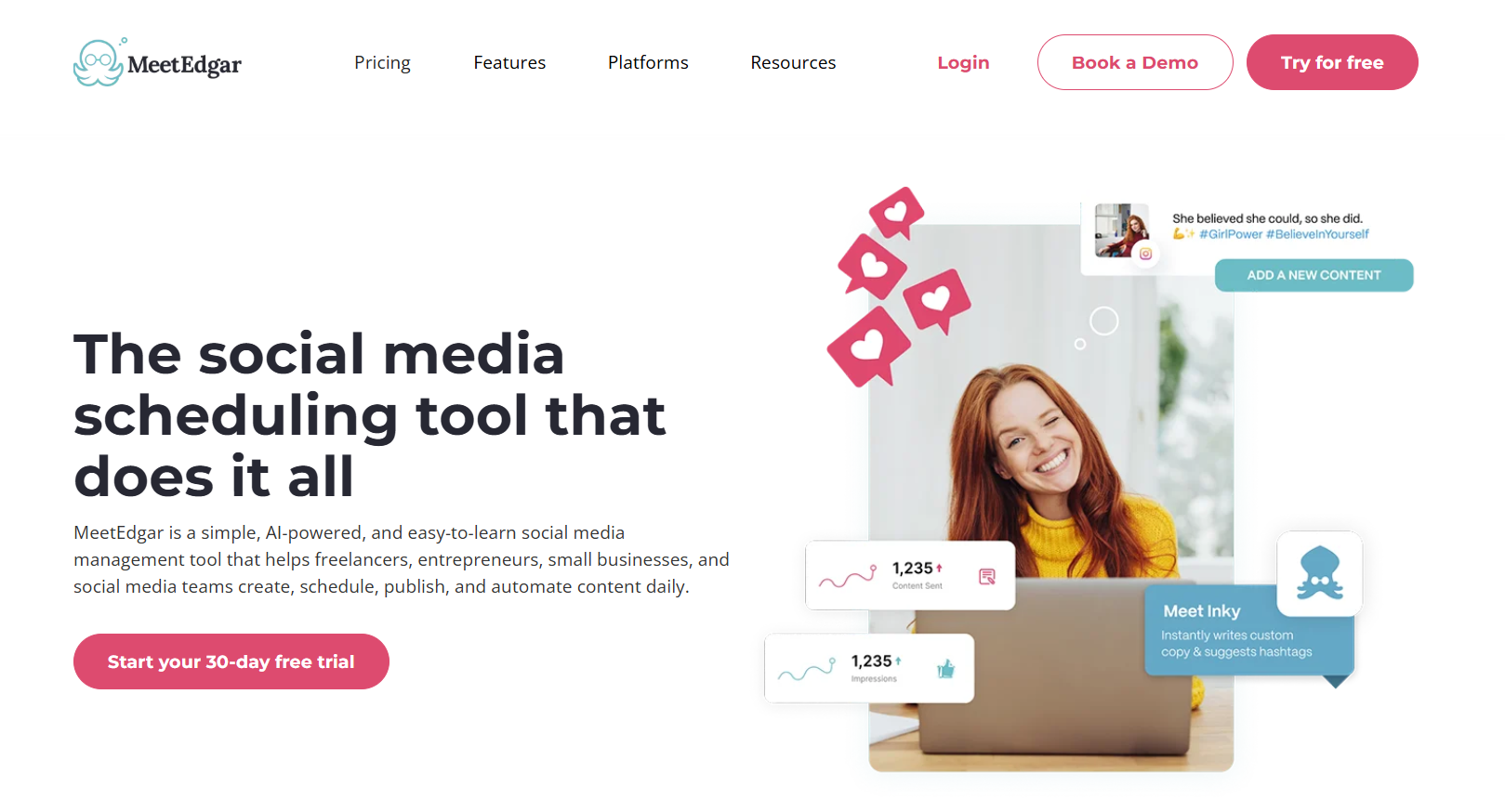
MeetEdgar’s Web Page A tool designed for busy entrepreneurs and small teams, MeetEdgar brings a fun, automated twist to social media management.
This social media management tool focuses heavily on evergreen content and smart recycling, making your posts work overtime without you lifting a finger.
MeetEdgar Pricing
MeetEdgar offers two plans, including:
- Eddie, which costs $24.91 and has 20 members. In this plan, you can manage 5 accounts.
- Edgar, which costs $41.58 and has 20 members. In this plan, you can manage 25 accounts.
MeetEdgar also supports: Instagram, Facebook, TikTok, LinkedIn, YouTube Shorts, Threads, Pinterest, X, and Google Business Profile
MeetEdgar’s Top Features
- Evergreen Content Automation: MeetEdgar automatically repurposes and recycles your best-performing posts. Agorapulse offers scheduling, but it doesn’t deliver this level of hands-free content reuse.
- Category-Based Scheduling: Organize posts into categories—like tips, promotions, blogs, and quotes—for structured, balanced publishing. Agorapulse does not offer this kind of categorized automation.
- A/B Testing for Posts: Test variations of your updates to see what drives better engagement, something you won’t find in Agorapulse’s core features.
- Simple, Creator-Friendly Interface: MeetEdgar keeps things lightweight and approachable, ideal for solo marketers and small teams.
- Affordable Plans: Its pricing is friendlier for freelancers and small businesses compared to Agorapulse’s higher-cost, per-user structure.
Where MeetEdgar Falls Short
- Limited analytics and reporting depth: MeetEdgar focuses heavily on scheduling and content recycling, but its analytics features are more basic than what you’d get on full-blown tools.
MeetEdgar vs. Agorapulse Final Takeaway
- MeetEdgar automatically repurposes and recycles your best-performing posts. Agorapulse offers scheduling, but it doesn’t deliver this level of hands-free content reuse.
- With MeetEdgar, you can organize posts into categories—like tips, promotions, blogs, and quotes—for structured, balanced publishing. Agorapulse does not offer this kind of categorized automation.
- MeetEdgar allows you to test variations of your updates to see what drives better engagement, something you won’t find in Agorapulse’s core features.
- MeetEdgar’s pricing is friendlier for freelancers and small businesses compared to Agorapulse’s higher-cost, per-user structure.
MeetEdgar is a great Agorapulse alternative if you want your content to stay active around the clock without constant manual scheduling.
It’s simple, automated, and perfect for anyone who values efficiency over complexity.
Check out these MeetEdgar Alternatives to explore more options.
- Eddie, which costs $24.91 and has 20 members. In this plan, you can manage 5 accounts.
-
Loomly
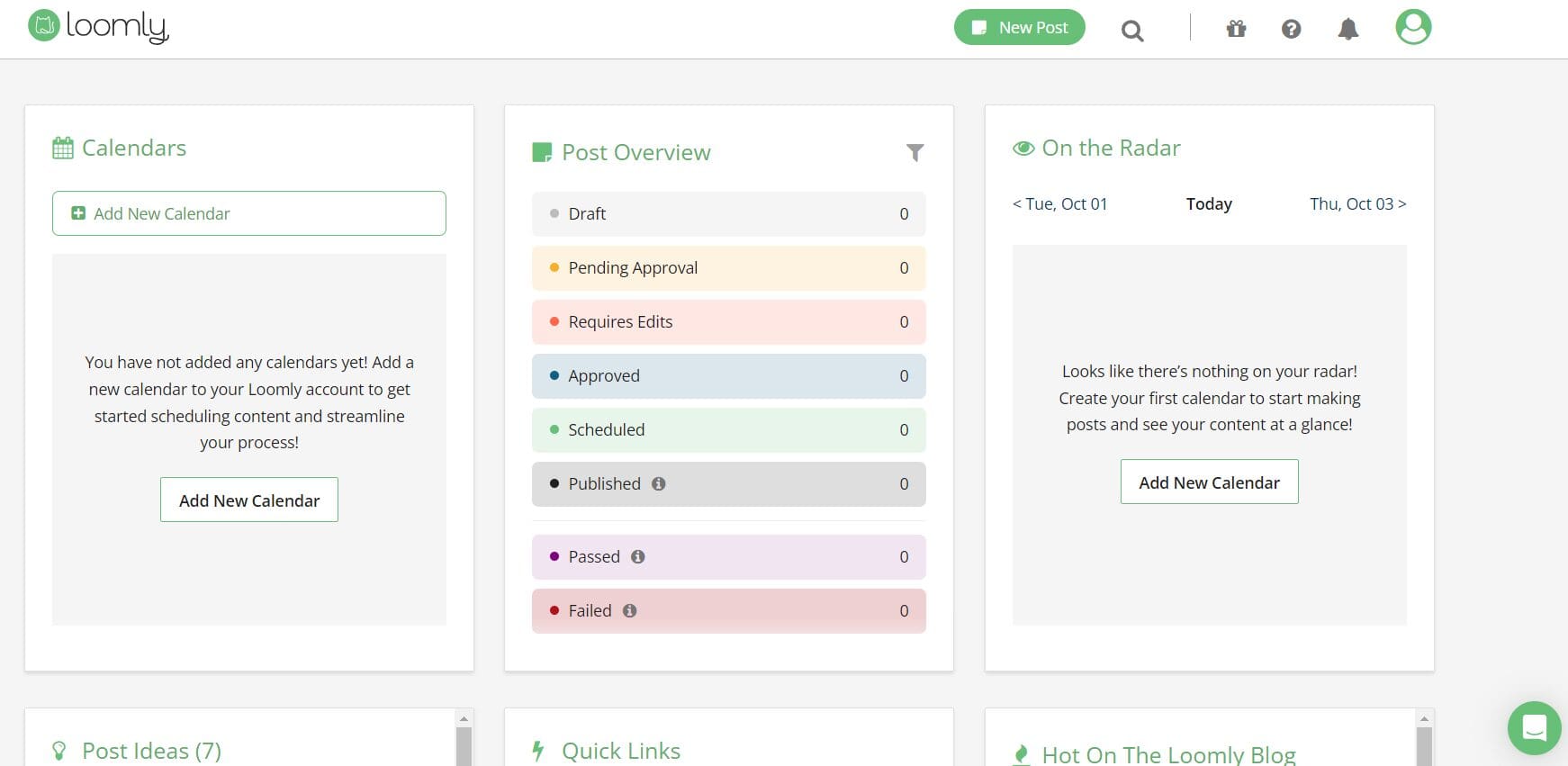
Loomly’s Dashboard There’s something refreshing about a tool that keeps everything sleek, calm, and wonderfully organized, and that’s exactly the vibe Loomly brings to your social media workflow.
It’s built for teams that crave clarity, structure, and an effortless content creation process without unnecessary complexity.
Loomly Pricing
Loomly offers three plans, including:
- Starter, which costs $49 and has 3 users. In this plan, you can manage 12 social accounts.
- Beyond, which costs $249 and has Unlimited users. In this plan, you can manage 60 social accounts.
- Enterprise, which is Custom and has Unlimited users. In this plan, you can manage 61+ social accounts.
Loomly also supports: Instagram, LinkedIn, Facebook, TikTok, YouTube, Threads, Google Business Profile, Pinterest, and Snapchat
Loomly’s Top Features
- Content Inspiration and Post Ideas: Loomly suggests trending topics, hashtag ideas, and content tips to help you beat creator’s block, something Agorapulse doesn’t focus on.
- Clean, Visual Content Calendar: Its intuitive calendar gives you a crystal-clear view of everything in your pipeline, making planning far easier than Agorapulse’s more data-heavy interface.
- Team Collaboration Tools: Approvals, comments, version history, and workflows help teams stay aligned from draft to publish, perfect for agencies managing lots of moving parts.
- Post Optimization Tips: Loomly guides you with platform-specific best practices, while Agorapulse requires more manual tweaking.
- Ad Management Support: You can manage your Facebook and Instagram ads directly from Loomly, giving you more control without switching platforms.
Where Loomly Falls Short
- Analytics and reporting are limited on lower tiers: Deep analytics, exportable reports, and robust insights are gated behind higher-tier plans. The Base/Standard tiers keep things basic.
Loomly vs. Agorapulse Final Takeaway
- Loomly suggests trending topics, hashtag ideas, and content tips to help you beat creator’s block, something Agorapulse doesn’t focus on.
- Loomly’s intuitive calendar gives you a crystal-clear view of everything in your pipeline, making planning far easier than Agorapulse’s more data-heavy interface.
- Loomly guides you with platform-specific best practices, while Agorapulse requires more manual tweaking.
Loomly is the calm, organized workspace creatives and agencies love. If Agorapulse feels a bit packed or pricey for your needs, Loomly offers a more affordable, visually friendly, and collaborative alternative.
Check out these Loomly Alternatives to explore more options.
Featured Article: Top 10 Loomly Competitors
- Starter, which costs $49 and has 3 users. In this plan, you can manage 12 social accounts.
-
Brand24
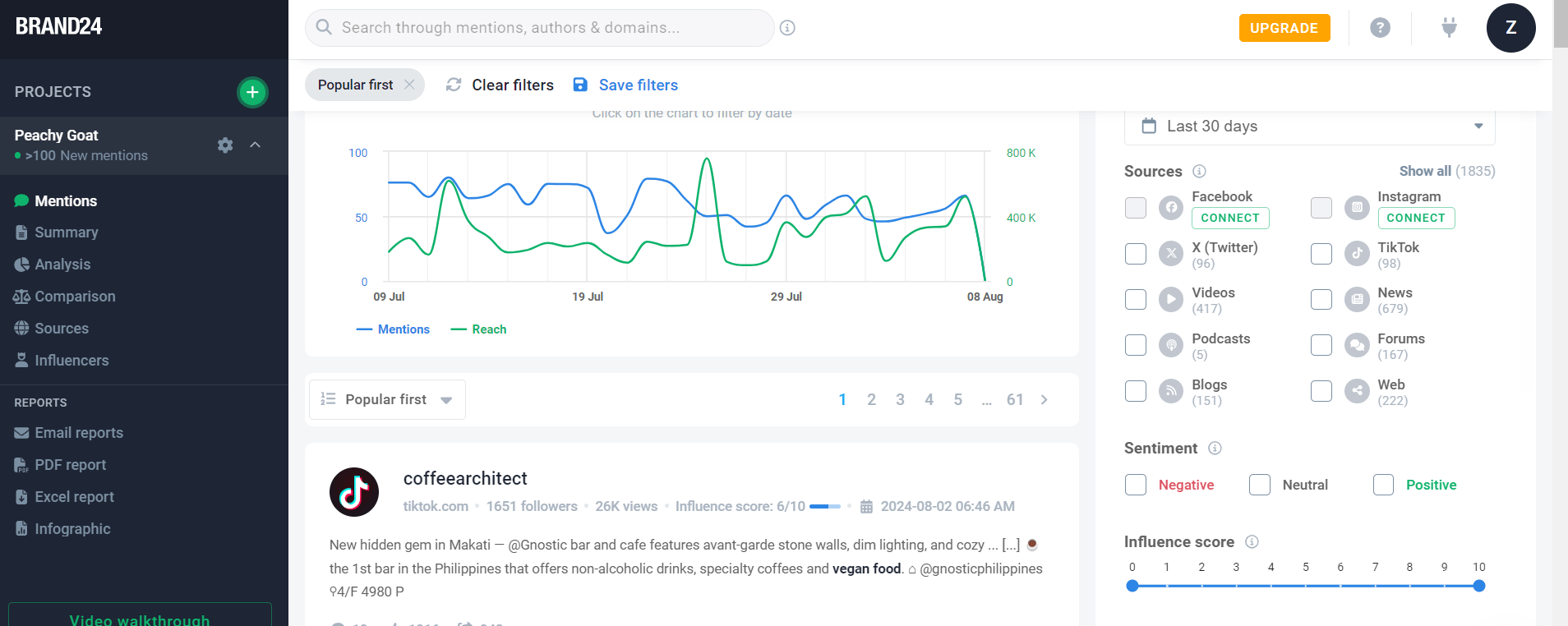
Brand24 Dashboard Some social media publishing tools help you manage social content, and then there are tools like Brand24 that give you superpowers in understanding what the internet is saying about you.
This platform focuses entirely on monitoring online buzz, which makes it a fantastic pick if you want deeper insights into reputation, sentiment, and brand mentions across the web.
Brand24 Pricing
Brand24 offers five plans, including:
- Individual, which costs $199. In this plan, you can get 1 user.
- Team, which costs $299. In this plan, you can get unlimited users.
- Pro, which costs $399. In this plan, you can get unlimited users.
- Business, which costs $599. In this plan, you can get unlimited users.
- Enterprise, which costs $1499+. In this plan, you can get unlimited users.
Brand24 also supports: Facebook, Instagram, X, Reddit, LinkedIn, Medium, Quora, YouTube, TikTok, and Twitch.
Brand24’s Top Features
- Media Monitoring: Brand24 scans social media, blogs, news sites, forums, podcasts, and more, so you never miss a mention.
- Competitor Analysis: You can see exactly how competitors are performing and what’s resonating with their audiences, with deeper insights than Agorapulse provides.
- Comprehensive Analytics: Brand24 turns all those mentions into clear, actionable trends, reach data, and engagement patterns.
- Sentiment Analysis: You’ll know instantly whether conversations are positive, negative, or neutral for a sharper view of brand perception.
- Anomaly Detector: Get alerts when mentions suddenly spike, helping you jump on opportunities or stop a crisis early.
- Individual, which costs $199. In this plan, you can get 1 user.
- High entry cost for basic monitoring: The “Individual” plan starts at a relatively high price compared to simpler social media planners, which could feel steep for small businesses.
- Advanced features only in higher tiers: Things like real-time updates, full AI sentiment analysis, influencer tracking, and detailed analytics often require Pro or Business plans. So, you don’t get the full value unless you pay more.
- Brand24 tracks brand mentions across the web in real time, while Agorapulse focuses more on social media interactions.
- Brand24 monitors blogs, forums, and news sites in addition to social platforms, whereas Agorapulse primarily covers social networks.
- Brand24 provides detailed sentiment scoring for each mention, giving deeper insight into audience perception compared to Agorapulse’s basic engagement metrics.
-
Sked Social
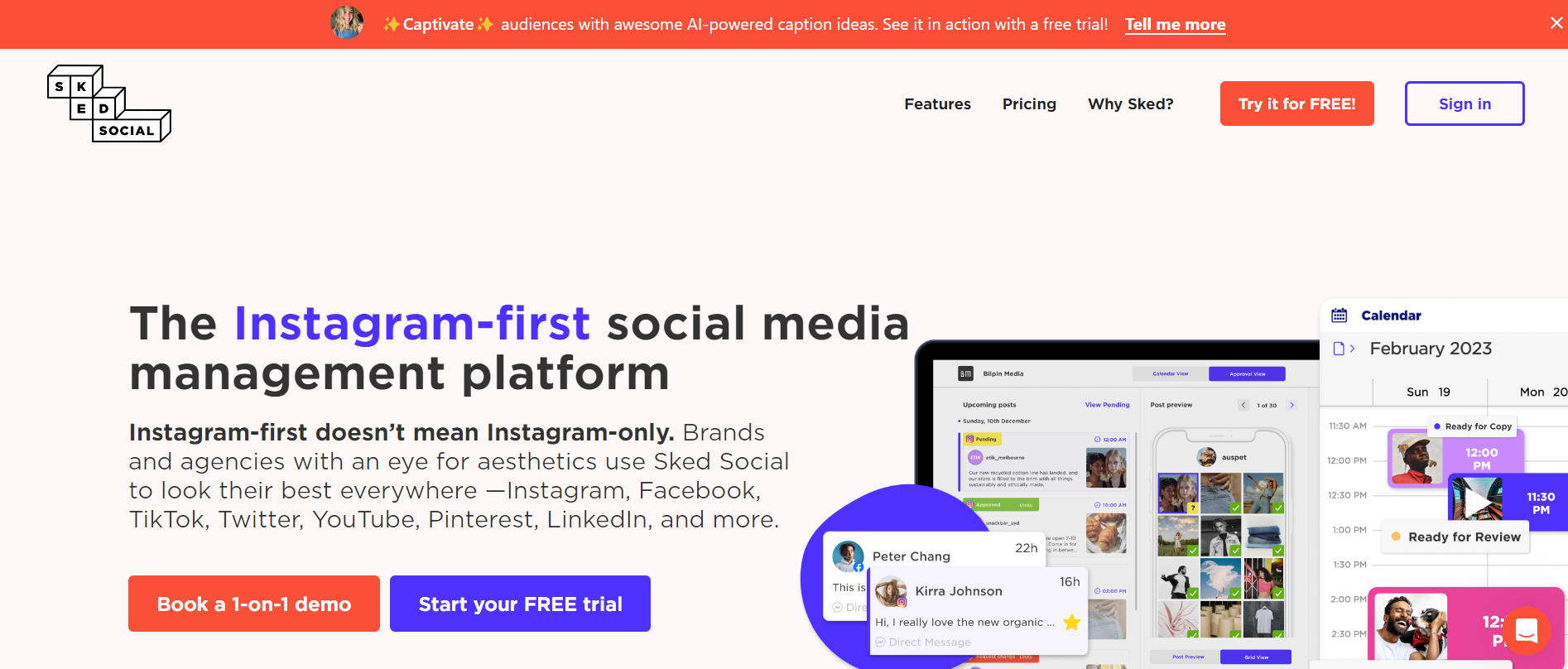
SkedSocial’s Web Page Sked Social is built for brands, agencies, and marketers who need a streamlined way to plan, publish, and manage content across multiple platforms.
This social media analytics software combines scheduling, collaboration, and engagement tools in one place, making social media management simpler and more efficient.
Sked Social Pricing
Sked Social offers three plans, including:
- Launch, which costs $49. In this plan, you can manage 3 social accounts.
- Grow, which costs $124. In this plan, you can manage 6 social accounts.
- Accelerate, which costs $166. In this plan, you can manage 10 social accounts.
Sked Social also supports: Instagram, TikTok, Facebook, LinkedIn, YouTube, Google Business Profile, X, Pinterest, and Snapchat.
Sked Social’s Top Features
- Planning: Sked Social lets you plan and schedule posts across multiple social media platforms from a single visual calendar.
- Collaboration: With this tool, teams can work together seamlessly, with shared calendars, task assignments, and real-time updates.
- Approvals: Client or manager approvals are simple with Sked Social, letting you get posts reviewed and approved before they go live.
- Social Listening: This tool also enables you to keep track of brand mentions, hashtags, and competitor activity to stay on top of trends.
- Engagement: You can also respond to comments, DMs, and mentions directly within the platform, ensuring you never miss an opportunity to interact with your audience.
- Launch, which costs $49. In this plan, you can manage 3 social accounts.
- No permanent free plan: Only a free trial, so after the trial ends, you need to choose a paid plan to continue.
- Analytics and reporting limitations: Some users find Sked’s analytics less comprehensive compared with dedicated analytics tools or more advanced platforms.
- Sked Social offers advanced Instagram features like carousel scheduling and auto-posting, while Agorapulse provides more general social media management.
- Sked Social has a drag-and-drop visual content calendar, making post planning more intuitive than Agorapulse’s calendar.
- Sked Social allows easy reposting and content recycling, whereas Agorapulse has limited options for re-sharing evergreen content.
-
StatusBrew
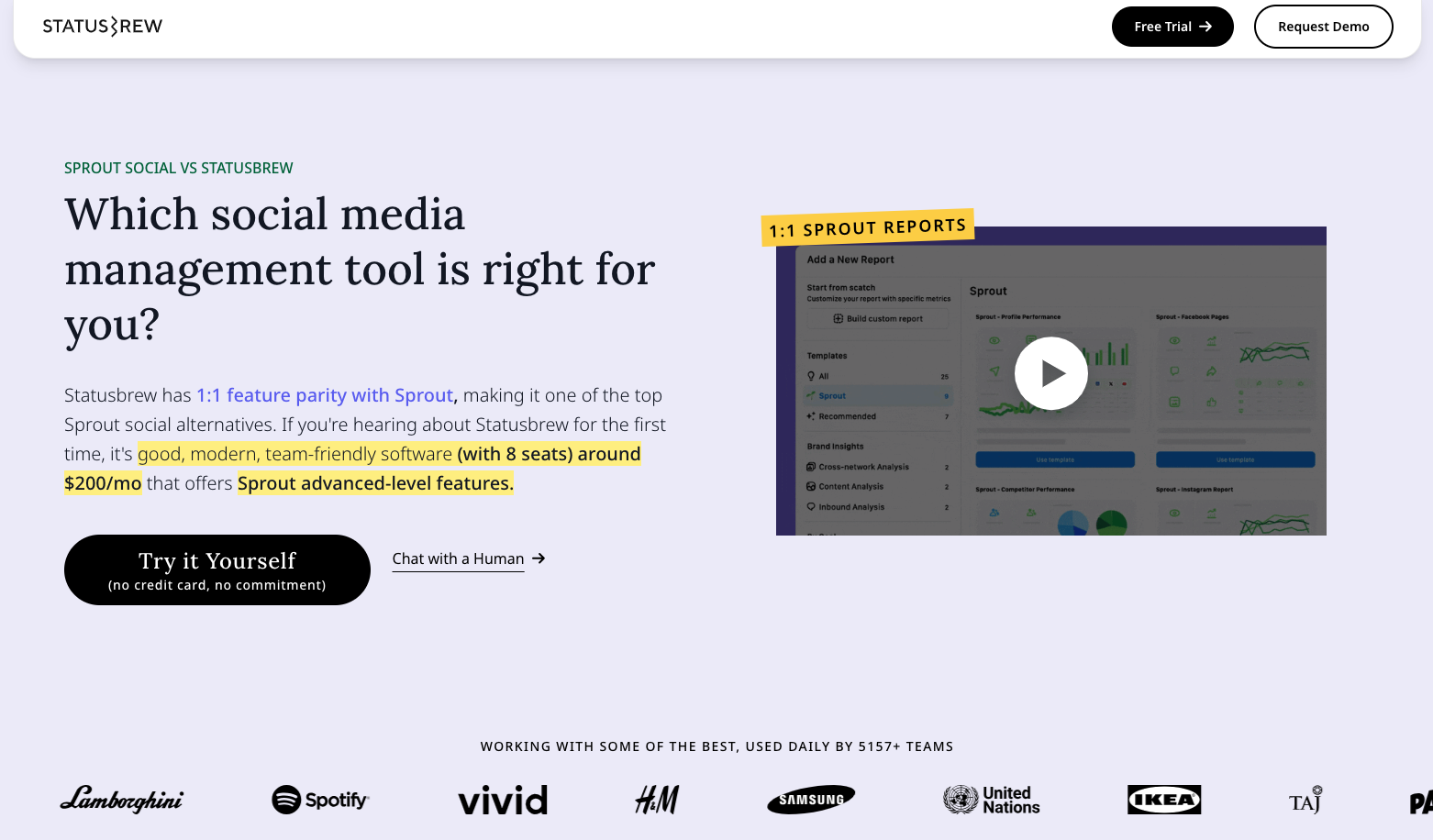
Statusbrew Dashboard StatusBrew is designed for agencies, teams, and businesses that need a robust platform to manage multiple social accounts while keeping collaboration and reporting simple. It combines scheduling, engagement, and analytics into one organized dashboard.
StatusBrew Pricing
Statusbrew offers four plans, including:
- Lite, which costs $69 and has 1 user. In this plan, you can manage 5 social accounts.
- Standard, which costs $129 and has 3 users. In this plan, you can manage 10 social accounts.
- Premium, which costs $229 and has 6 users. In this plan, you can manage 15 social accounts.
- Enterprise, which is Custom and has unlimited users. In this plan, you can manage unlimited social accounts.
Statusbrew also supports: Facebook, Instagram, X. LinkedIn, TikTok, WhatsApp, YouTube, Reddit, Bluesky, Threads, Google Business Profile, and Pinterest
StatusBrew’s Top Features
- Seamless Collaboration: Work with your team effortlessly using shared dashboards and task assignments, keeping everyone on the same page.
- Internal/External Approvals + Notes: Get posts reviewed and approved before publishing, and leave notes for team members or clients. This feature ensures accuracy and accountability, going beyond Agorapulse’s standard approval options.
- Bulk Scheduling: Save time by scheduling multiple posts at once across platforms.
- Social Media Engagement: StatusBrew makes engagement simple, similar to Agorapulse but with added efficiency for teams. With it, you can manage comments, mentions, and direct messages from one unified inbox, ensuring you never miss an interaction.
- Shareworthy Reports: Generate branded, presentation-ready reports that summarize performance, engagement, and ROI.
StatusBrew vs. Agorapulse Final Takeaway
- With StatusBrew, you can get posts reviewed and approved before publishing, and leave notes for team members or clients. This feature ensures accuracy and accountability, going beyond Agorapulse’s standard approval options.
- StatusBrew makes engagement simple, similar to Agorapulse but with added efficiency for teams. With it, you can manage comments, mentions, and direct messages from one unified inbox, ensuring you never miss an interaction.
Here are a few trade-offs you might want to weigh carefully when using this social media management software for agencies:
- Price jumps as you scale: As you add more social profiles or users, costs climb quickly. What starts cheaply at a basic level can become a significant monthly investment once you manage many accounts or a larger team.
- Feature gaps for niche tools/integrations: While it supports many mainstream platforms and integrations, niche or less-common social media analytics software sometimes don’t have native support. This can be a limitation if your workflow relies on specialized apps.
Nevertheless, StatusBrew is an excellent alternative to Agorapulse for agencies and teams that need strong collaboration, efficient bulk scheduling, and polished reporting. It’s especially useful for managing multiple clients and keeping workflows organized.
Check out these StatusBrew Alternatives to explore more options.
- Lite, which costs $69 and has 1 user. In this plan, you can manage 5 social accounts.
-
SocialBee
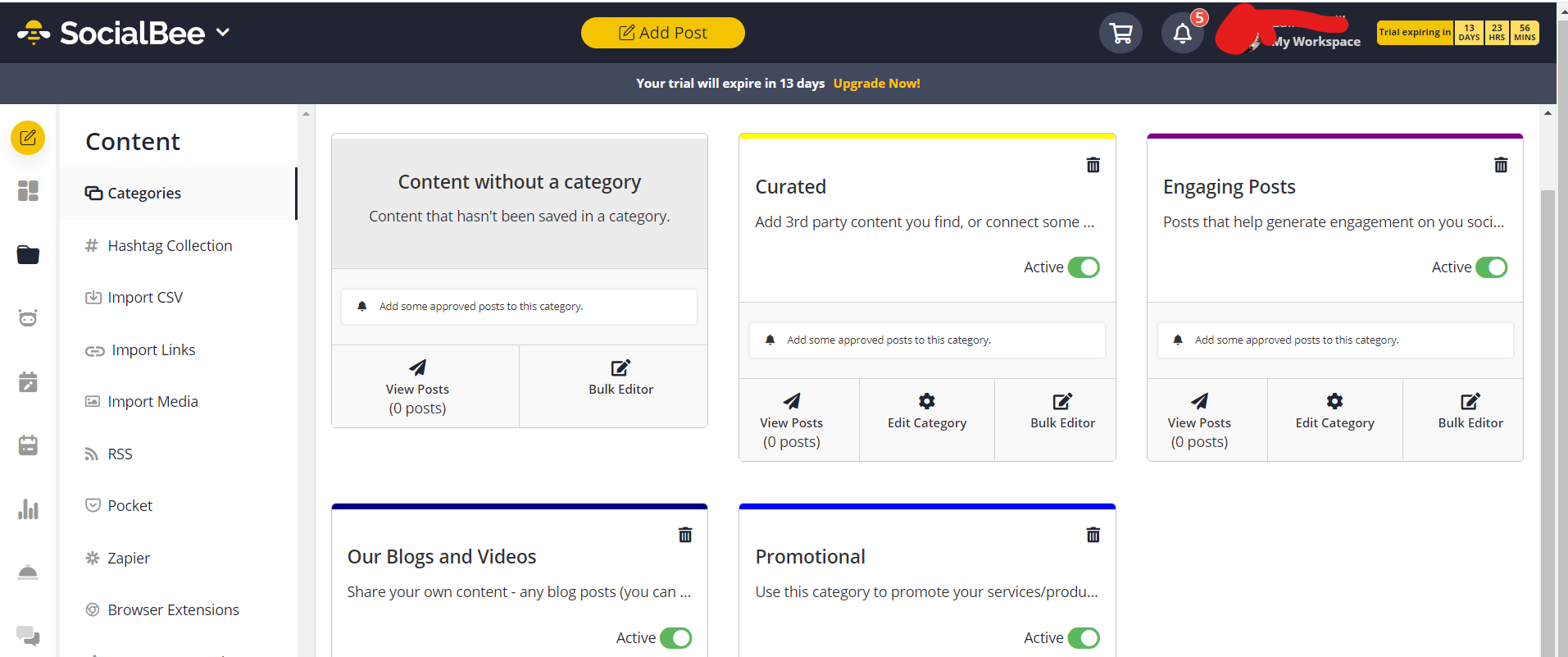
SocialBee’s Dashboard If you’re running a small business, managing multiple brands, or just prefer a simpler, more budget-friendly social media tool, SocialBee shines as a smart alternative to Agorapulse.
SocialBee Pricing
SocialBee offers three plans, including:
- Bootstrap, which costs $24 and has 1 user/ workspace user. In this plan, you can manage 5 social accounts.
- Accelerate, which costs $40 and has 1 user/ workspace users. In this plan, you can manage 10 social accounts.
- Pro, which costs $82 and has 3 users/ workspace users. In this plan, you can manage 25 social accounts.
SocialBee also supports: Facebook, Instagram, Threads, LinkedIn, TikTok, Pinterest, Google Business Profile, YouTube, X, and Bluesky
SocialBee’s Top Features
- Content creation + AI-assist: SocialBee lets you generate posts (captions + visuals) via AI, plus pull images from sources like Canva, Unsplash, or GIPHY for quick content creation.
- Category-based scheduling and content recycling: You can organize posts into categories and schedule content so that each category gets its own time slots.
- Bulk scheduling and queue management: Once your categories are set, you can queue or bulk schedule posts across multiple profiles, making social media management much more efficient.
- Team collaboration and workflows (on higher plans): For agencies or small teams, SocialBee allows multiple users/workspaces, which helps share tasks, manage content pipelines, and coordinate social posting.
- Analytics and Reports: You get performance data across posts and social profiles, helping you track engagement, growth, and what content resonates.
Where SocialBee Falls Short
- Its social inbox/engagement features are relatively basic. You get fewer filters or message-management options compared to Agorapulse’s advanced inbox workflows.
- Social listening, ad-comment moderation, or very detailed analytics/reporting aren’t its strong suit.
SocialBee vs. Agorapulse Final Takeaway
- SocialBee lets you organize posts into categories for better content rotation, while Agorapulse lacks robust category-based scheduling.
- SocialBee makes it easy to automatically recycle evergreen content, whereas Agorapulse offers only basic reposting options.
- SocialBee provides flexible posting schedules for each content type, giving more control than Agorapulse’s standard scheduling setup.
SocialBee is especially useful for small businesses, individual marketers, or agencies that prioritize consistency and simplicity over heavy-duty social CRM or advanced analytics.
Check out these SocialBee Alternatives to explore more options.
- Bootstrap, which costs $24 and has 1 user/ workspace user. In this plan, you can manage 5 social accounts.
-
SocialPilot
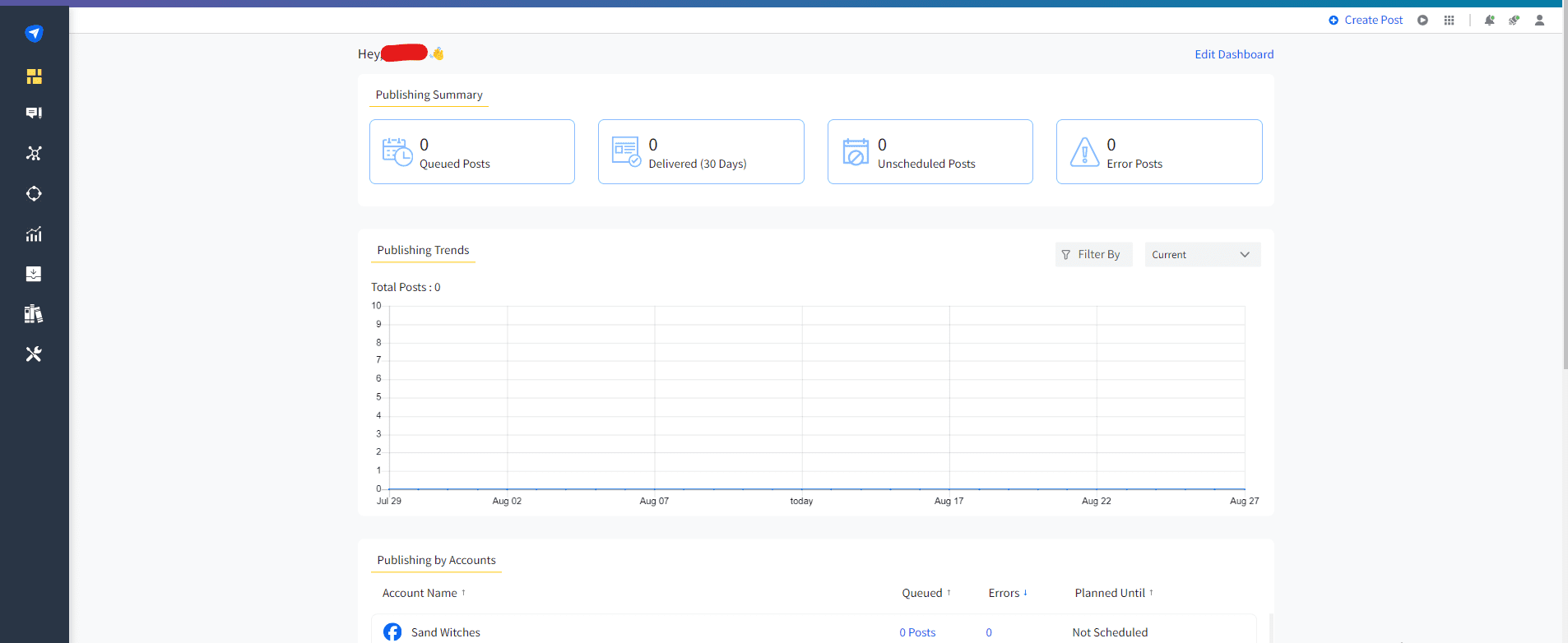
SocialPilot’s Dashboard If you’re running a small business, agency, or freelance marketing shop and want a straightforward, cost-effective way to manage multiple social accounts, SocialPilot could be just what you’re looking for.
It delivers a solid set of scheduling and management tools without overwhelming you with clutter.
SocialPilot Pricing
SocialPilot offers four plans, including:
- Essentials, which costs $25.50 and has 1 user. In this plan, you can manage 7 social accounts.
- Standard, which costs $42.50 and has 3 users. In this plan, you can manage 15 social accounts.
- Premium, which costs $85.00 and has 6 users. In this plan, you can manage 25 social accounts.
- Ultimate, which costs $170.00 and has Unlimited users. In this plan, you can manage 50 social accounts.
SocialPilot also supports: Facebook, Instagram, TikTok, X, LinkedIn, Threads, YouTube, Pinterest, Google Business Profile, and Bluesky
Social Pilot’s Top Features
- Bulk Scheduling and Queue Management: SocialPilot lets you schedule numerous posts across many profiles all at once, which makes it great if you manage multiple clients or brands.
- Multi-Account Management: Easily handle many social profiles from one dashboard, which is especially handy for agencies or freelancers juggling different clients.
- Content Calendar and Post Scheduling: You can plan your posts ahead, organize them in a neat calendar view, and keep track of what’s going out and when.
- Client and Team Collaboration: With team collaboration features, you can assign posts to teammates, set permissions, and manage workflows.
- White-Label Reports: Generate clean, brandable reports to present to clients or stakeholders, showing performance metrics, engagement stats, and posting history.
SocialPilot vs. Agorapulse Final Takeaway
- SocialPilot offers lower-cost plans for the number of social profiles you can manage, while Agorapulse tends to be more expensive for similar account limits.
- SocialPilot lets you upload and schedule large batches of posts at once, giving you faster content planning compared to Agorapulse’s more manual scheduling.
- SocialPilot includes client management features tailored for agencies, whereas Agorapulse’s client tools are less extensive.
SocialPilot is a smart pick if your goal is to manage multiple accounts or clients efficiently and affordably, without needing heavy analytics or complex social CRM.
If you’ve tried SocialPilot and want to explore other options, check out some powerful SocialPilot alternatives.
- Essentials, which costs $25.50 and has 1 user. In this plan, you can manage 7 social accounts.
-
Planable
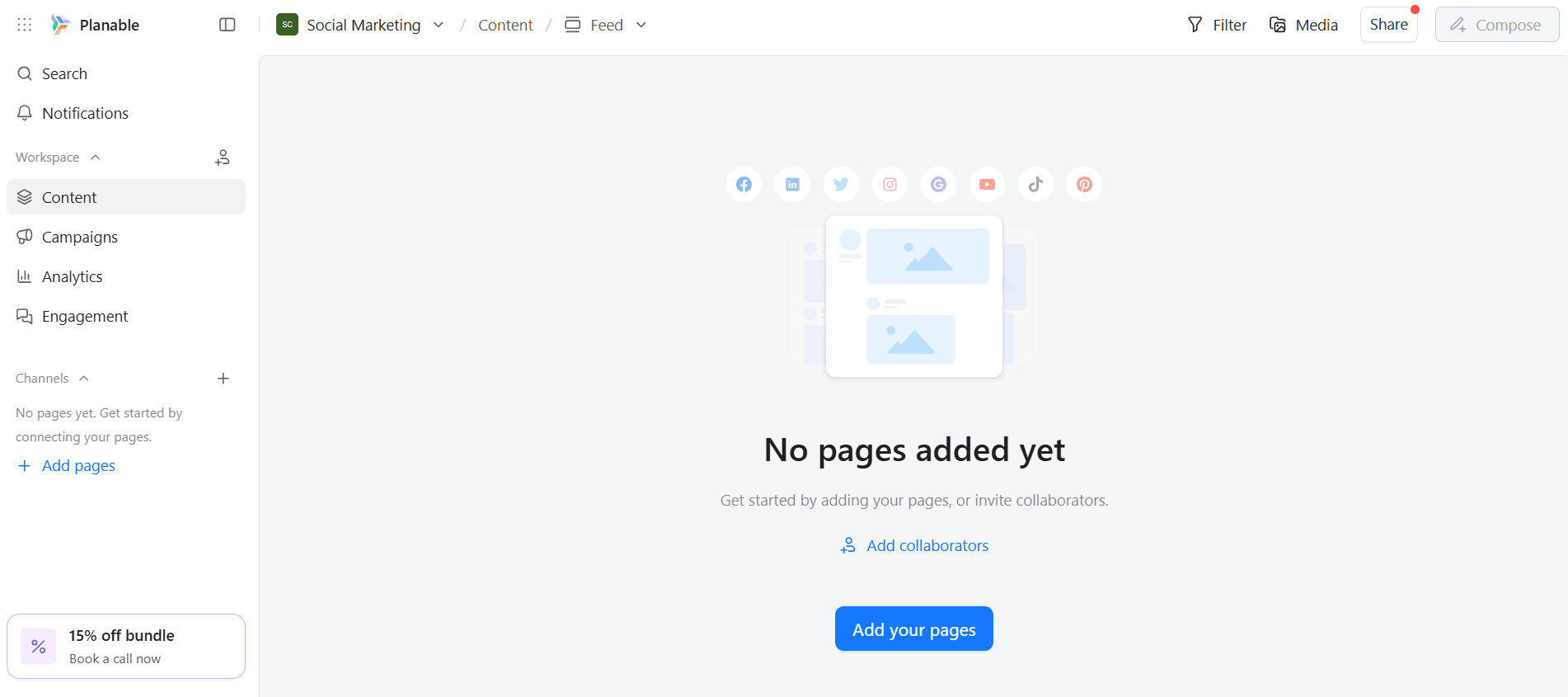
Planable’s Dashboard Planable is a social-media planning and collaboration platform built with teams (and agencies) in mind.
It gives you a visual content calendar, post previews, approval workflows, and collaboration tools. This makes it perfect if you want to plan, review, and publish content with a team, client, or multiple collaborators without the usual chaos of emails and spreadsheets.
Planable Pricing
Planable offers four plans, including:
- Free, which costs $0 and has Unlimited users. In this plan, you can manage not mentioned.
- Basic, which costs $33 and has Unlimited users. In this plan, you can manage 4 pages/workspace.
- Pro, which costs $49 and has Unlimited users. In this plan, you can manage 10 pages/workspace.
- Enterprise, which is Custom and has Unlimited users. In this plan, you can manage 50 pages/workspace.
Planable also supports: Instagram, Facebook, TikTok, LinkedIn, YouTube, Threads, Pinterest, X, and Google Business Profile
Planable’s Top Features
- Visual Content Calendar and Post Previews: Plan posts in a drag-and-drop calendar and see exactly how each post will look on each platform before publishing.
- Flexible Approval Workflows: You can set up different approval flows (none, optional, required, or multi-step) so teams or clients can review content before it goes live.
- Unlimited Users / Multiple Workspaces: Even on paid plans, you can have multiple team members or clients collaborate without per-user fees.
- Feed, Calendar, and Grid Views: Different ways to view and manage your content — helpful whether you’re drafting, scheduling, or reviewing.
- Optional Analytics and Engagement Add-ons: If you want metrics or a unified inbox, you can add them for a small extra fee.
- Content Library and Asset Management: Keep your media, drafts, and assets organized across campaigns, clients, or brands.
Where Planable Falls Short
Planable is great for collaboration and planning, but it isn’t perfect. Here are some of its limitations that users often mention:
- Limited native analytics without add-ons: Built-in reporting is basic (or non-existent on lower plans), so without paying extra, you get minimal insight into performance. This limits data-driven decision-making.
- Basic engagement tools by default: To get a unified inbox, comment replies, or sentiment sorting, you need to pay extra, so engagement management isn’t fully baked in.
Planable vs. Agorapulse Final Takeaway
- Planable shows your posts in a visual preview that looks like the actual social platform, while Agorapulse uses a more text‑based layout.
- Planable has built‑in approval paths designed for team reviews, giving clearer sign‑offs than Agorapulse’s basic task assignments.
- Planable lets you leave comments directly on post drafts for precise feedback, whereas Agorapulse’s feedback tools are less focused on draft collaboration.
If you care about planning, collaboration, approval workflows, and visual clarity, Planable is a fantastic choice. This is especially for small agencies, teams, or content creators working with clients
- Free, which costs $0 and has Unlimited users. In this plan, you can manage not mentioned.
Many agencies have made the switch from Agorapulse, and one good example is Digital Butter. This small business marketing agency moved from Agorapulse after rising costs made scaling difficult.
With Social Champ, they were able to manage all client accounts seamlessly, access advanced features, collaborate effortlessly as a team, and save up to $200 in the process.
Where Social Champ Falls Short
Analytics and reporting can be basic on lower-tier plans. If you need very detailed performance reports or advanced metrics, you might find the built-in analytics a bit limited unless you upgrade.
Social Champ vs. Agorapulse Final Takeaway
If you like many of Agorapulse’s features but want to avoid steep pricing or complexity, Social Champ gives you a lightweight, lower-cost version of social media management.
Consider trying Social Champ’s free trial or Starter plan to see how it can simplify and supercharge your social media workflow.
Make the Switch Today!
Where Hootsuite Falls Short
Despite its powerful features, Hootsuite has a few limitations that might affect smaller teams or budget-conscious users. Two notable drawbacks are:
Hootsuite vs. Agorapulse Final Takeaway
If you’re managing multiple accounts and want a scalable solution, this is it. With Hootsuite, you can streamline your workflow, save time, and keep all your social strategies running smoothly from one place.
Where Buffer Falls Short
Buffer vs. Agorapulse Final Takeaway
Buffer is ideal if you want a budget-friendly, easy-to-use, and flexible tool for managing social media.
It may not have all the advanced features of Agorapulse, but for small businesses or agencies looking to save money while keeping social media organized, Buffer is a smart choice.
Where Sprout Social Falls Short
Sprout Social vs. Agorapulse Final Takeaway
Sprout Social is perfect for agencies or businesses that need advanced analytics, strong social listening, and efficient team workflows.
If you want a high-powered, all-in-one social media management tool that scales with your business, Sprout Social delivers as a better alternative to Agorapulse.
What if you want a tool that offers powerful features as Sprout Social but at a lower price?
Well, feel free to check out the 15 Best Sprout Social Alternatives.
Here are some of the common drawbacks users point out about Zoho Social:
Zoho Social vs. Agorapulse Final Takeaway
Zoho Social is a budget-friendly, feature-rich alternative to Agorapulse. This is especially true if you’re looking for a platform that grows with your business.
The good news is that Zoho Social isn’t the only tool that’s designed to scale with businesses.
Check out these 15 Best Zoho Social Alternatives to explore more options.
Where Sendible Falls Short
Sendible vs. Agorapulse Final Takeaway
Sendible is a great pick if you’re managing multiple clients and need customizable workflows, easy reporting, and a wide range of integrations.
Want something similar to Sendible?
Look at these 12 Best Sendible Alternatives and find a similar or better option depending on your social media management needs.
If Agorapulse feels a bit rigid or limited for your agency’s needs, Sendible gives you room to breathe and scale.
What Later Doesn’t Do Greatly
Later vs. Agorapulse Final Takeaway
If you or your clients prioritize Instagram, TikTok, or Pinterest, Later’s clean layout and intuitive planning tools will come in handy.
Check out these Later Alternatives to explore more options.
Where Brand24 Falls Short
Brand24 vs. Agorapulse Final Takeaway
Brand24 delivers sharper, broader, and more intelligent listening, giving you a clearer picture of what people really think and say about your brand.
Where Sked Social Falls Short
Sked Social vs. Agorapulse Final Takeaway
Sked Social is perfect for agencies and teams focused on visually-driven platforms who want easy planning, seamless collaboration, and simplified engagement.
Check out these Sked Social Alternatives to explore more options.
Featured Article: Top Planable Alternatives (Tried & Tested)
How to Choose the Right Agorapulse Alternative for Your Needs (Buying Guide)
There are many social media management tools to choose from, but guess what? You don’t need the “perfect” tool; you just need the one that fits how you work.
To help you pick the right match, here are the key factors you’ll want to consider.
-
Budget
Ask yourself: how much can you realistically spend per month? If you’re a small team, startup, or independent agency, budget often matters more than bells and whistles.
In those cases, affordable community management tools for social media, like Social Champ, shine because they offer core features at a fraction of the cost.
-
Number of Social Accounts / Clients
Do you manage one brand or several? If you handle multiple clients or many social profiles, you’ll need a tool that scales gracefully.
Some platforms charge per account (or profile), so make sure the pricing model works for you rather than growing painful as you add clients.
-
Team Collaboration and Workflow Features
If you work with a team (content creators, approvers, clients), collaboration tools become essential.
Look for features like shared calendars, approval workflows, team inboxes, and user-role management. These features keep your process organized and avoid chaotic email chains.
-
Analytics Depth and Reporting
Do you just need basic scheduling and posting? Or do you want detailed insights into what’s working, what’s not, and where to invest next?
If analytics matter to you, prioritize platforms that offer strong reporting tools. A reporting dashboard matters for agencies pitching results to clients.
-
Ease of Use and Learning Curve
Sometimes simplicity wins, and if you or your team aren’t super technical or don’t have time to master a complicated interface, go for tools with intuitive dashboards and quick onboarding.
You want to spend time creating content, not digging through menus.
-
Specific Features You Care About
Think through what you really need: a unified inbox? Content recycling? Bulk scheduling? Social listening? Link-in-bio tools? Video/TikTok scheduling?
Make sure the tool supports your priority features rather than forcing you to compromise.
-
Room to Grow
As your needs evolve (more clients, more platforms, paid ads, deeper analytics), it helps if your tool can scale with you.
Avoid tools that lock essentials behind expensive tiers unless you’re sure you’ll need them eventually.
Conclusion
When it comes to finding the perfect social media management tool, there’s no one-size-fits-all solution. While Agorapulse packs a punch, its pricing and feature limitations can make smaller agencies and teams think twice.
That’s where these 15 affordable Agorapulse alternatives come in, giving you the flexibility, features, and value you need to save both time and money.
Among them, Social Champ stands out as one of the best Agorapulse alternatives. With its robust social inbox, bulk scheduling, AI-powered features, and advanced analytics, Social Champ offers agencies a lightweight, efficient, and budget-friendly solution without cutting corners.