Loomly’s a great tool, no question about that. But it’s not the only one.
If you’re running into some barriers, growing out of them, or simply interested in seeing what else is out there, now’s as good a time as ever to look at other choices.
There are several platforms that do what Loomly does, and, in some instances, do it at better rates.
Short Summary
- Loomly is a good platform, but it does not have advanced capabilities such as social listening, competitor tracking, and deep integrations.
- A lot of users are looking for Loomly alternatives because of hidden pricing, poor scalability, and generic analytics.
- Social Champ differentiates itself through low pricing, automation, and newbie-friendly UI, and is therefore a leading alternative.
- Other contenders with better capabilities are Buffer (for simplicity), Hootsuite (for enterprise), Publer (for automation), and Sprout Social (for analytics).
- Social Champ is picking up rapid steam, providing features on par with or better than Loomly at a lower cost.
In fact, some alternatives have more features. Some of them have better support. Others are simply cheaper.
So, if you’re looking for a tool that’s more suited for your workflow, you’re in the right spot.
I’ve collected 8 of the top Loomly alternatives available today, listed by overall value, core features, and the extent to which they assist their users.
Let’s get started.
Ready to Switch From Loomly?
Why Look for Loomly Alternatives in 2026?
Loomly has earned its place as an all-in-one social media management platform, particularly for those who desire something easy and organized. But now things are different.
Expectations are greater, competition is fiercer, and many users find that Loomly simply can’t hold a candle to their changing needs.
Here’s why more individuals are looking at alternatives this year:
-
Limited Automation Depth
While Loomly covers basic scheduling, its automation capabilities remain surface-level compared to newer platforms.
Advanced features like hands-free RSS auto-posting, smart queueing, and conditional workflows are either missing or require manual workarounds, though it does natively support standard content recycling.
Teams scaling past 10–15 posts per week often find themselves rebuilding schedules manually rather than automating them.
-
Limited Social Listening to Track Mentions
Loomly offers basic social listening, but because its architecture limits the number of concurrent search queries and keywords you can actively track, it functions more as a mention tracker than a deep monitoring engine.
Real social listening requires tracking dozens of untagged keywords, brand variations, and competitor conversations daily.
To achieve that level of capability, you will outgrow standard-tier plans and ultimately need to invest in a dedicated, standalone social listening tool.
-
Limited Integration Options
Your social media tool should integrate naturally into your current workflow, not require you to reinvent it.
Though Loomly has some general integrations, it’s not as expansive as other tools.
Should you depend on tools like Salesforce for CRM management, or HubSpot for marketing automation, you will likely find Loomly’s integrations too surface-level or non-existent.
That can result in siloed data, tedious workarounds, and a slower overall process, particularly for large teams or agencies with multiple clients.
-
No Competitor Analysis Tools
Knowing how your brand measures up to the competition is important to making better decisions.
Unfortunately, Loomly doesn’t include any built-in tools for monitoring competitor performance, comparing content, or identifying industry trends.
If you wish to compare your posts, what hashtags are performing for competitors, or where you are winning or losing, you will have to look elsewhere.
Most alternatives now offer these capabilities by default, putting you far ahead strategically.
Quick Comparison: Top Loomly Competitors at a Glance
If you’re not quite sure where to begin, here’s a concise side-by-side comparison of some of the top Loomly alternatives.
We’ve contrasted important features, price transparency, support quality, and overall value, so you can identify the right candidate without sifting through dozens of sites.
| Loomly Alternative | Best For | Starting Price |
| Social Champ | Startups, SMBs, marketing agencies, & large enterprises | $4/month |
| Buffer | Solo creators & small businesses | $5/channel/month |
| Hootsuite | Agencies & multi-brand teams | $99/user/month |
| Sendible | Agencies managing multiple clients | $35/month |
| Publer | Individuals and small businesses | $4/channel/month |
| ContentStudio | SMBs and agencies | $19/month |
| SocialPilot | Individuals, small businesses, and agencies | $25.50/month |
| Sprout Social | Enterprises & data-focused marketers | $79/seat/month |
Top 8 Loomly Alternatives That Actually Deliver (With Use Cases and Verdicts)
Social media teams, creators, agencies, and brands all have different workflows, and sometimes, Loomly’s linear approach doesn’t scale with growing needs.
That’s why we’ve put together this detailed breakdown of the 8 top-rated Loomly alternatives.
Each has an in-depth description, ideal use cases, standout features, pros and cons, pricing details, and a direct comparison to Loomly.
-
Social Champ
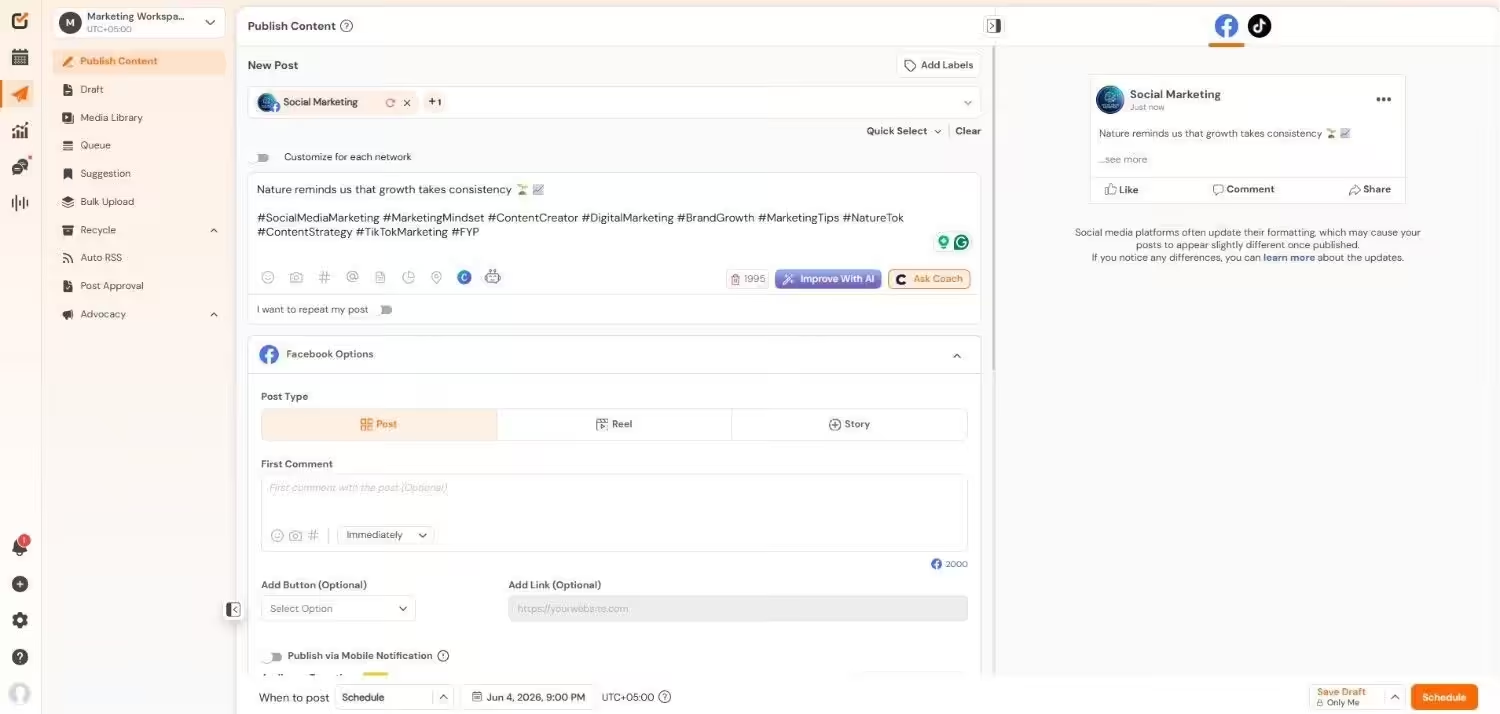
Social Champ’s Dashboard Social Champ has been picking up pace over the last few years as the number one tool for users looking for an affordable, easy-to-use platform without any compromises.
Optimized for ease of use and automation, it streamlines everything from scheduling content to monitoring performance.
It also features a distraction-free, clean interface and functionalities like content recycling, bulk upload, and auto RSS posting, which save copious amounts of time.
Their customer support team is quick to respond, and onboarding is easy even for first-time users.
It has more than enough to cover the needs of most solo creators, small businesses, or large enterprises.
Best For: Small businesses, solo creators, large enterprises, and freelancers needing a budget-friendly do-it-all solution.
Key Features
- Schedule posts in bulk and queue posts across all social media sites.
- Track brand mentions and monitor real-time conversations with integrated social listening features.
- Pull and publish content automatically with RSS feed integration to keep your profiles alive.
- Plan, schedule, and visualize posts with an intuitive drag-and-drop social content calendar.
- Repost and recycle successful content to reach the most people and build engagement.
- Design visually beautiful posts in the platform itself with the native integration of Canva.
- Get access to an analytics dashboard to measure post performance, engagement, and growth metrics.
- Use a unified social inbox to view, manage conversations, comments, and messages across all platforms.
Use Cases
- Schedule content across 11+ platforms
- Manage and mitigate reputation crises with social listening
- Respond promptly to customers’ DMs and comments with the social inbox
- Create data-backed strategies with analytics and competitor analysis
- Set up multi-layered approvals to ensure accuracy, compliance, and on-brand attributes.
Limitations
- Limited CRM and email tool integrations
- Mobile app is less feature-rich than the desktop version
Pricing
Social Champ comes with two pricing tiers, including a Pay-Per-Profile and a Flat-Rate model.
Here’s what you get in the Pay-Per-Profile:
- Starter: $4/channel/month, 1 user.
- Growth: $8/channel/month, unlimited user.
Here’s what you get in the Bundled plans:
- Free: $0/month, 1 user, 3 social accounts.
- Standard: $23/month, 2 users, 6 social accounts.
- Professional: $47/month, 5 users, 12 social accounts.
- Agency: $119/month, unlimited users, 30 social accounts.
- Enterprise: Custom/month, unlimited users, unlimited social accounts.
Social Champ also supports: Instagram, Facebook, TikTok, LinkedIn, YouTube, Threads, Pinterest, X, Google Business Profile, Bluesky, Mastodon, and WhatsApp Business
Social Champ vs Loomly: Basic Feature Comparison
Feature Social Champ Loomly Supported Platforms 11+ 9 Integrations 11 7 Automation ✅ ✅ Content Calendar ✅ ✅ Social Listening ✅ ✅ Analytics ✅ ✅ Social Inbox ✅ ✅ They’re Quietly Growing With Social Champ!
Freelancers, agencies, and startups are quietly gaining reach, traction, and leads with Social Champ. Don’t fall behind! -
Buffer
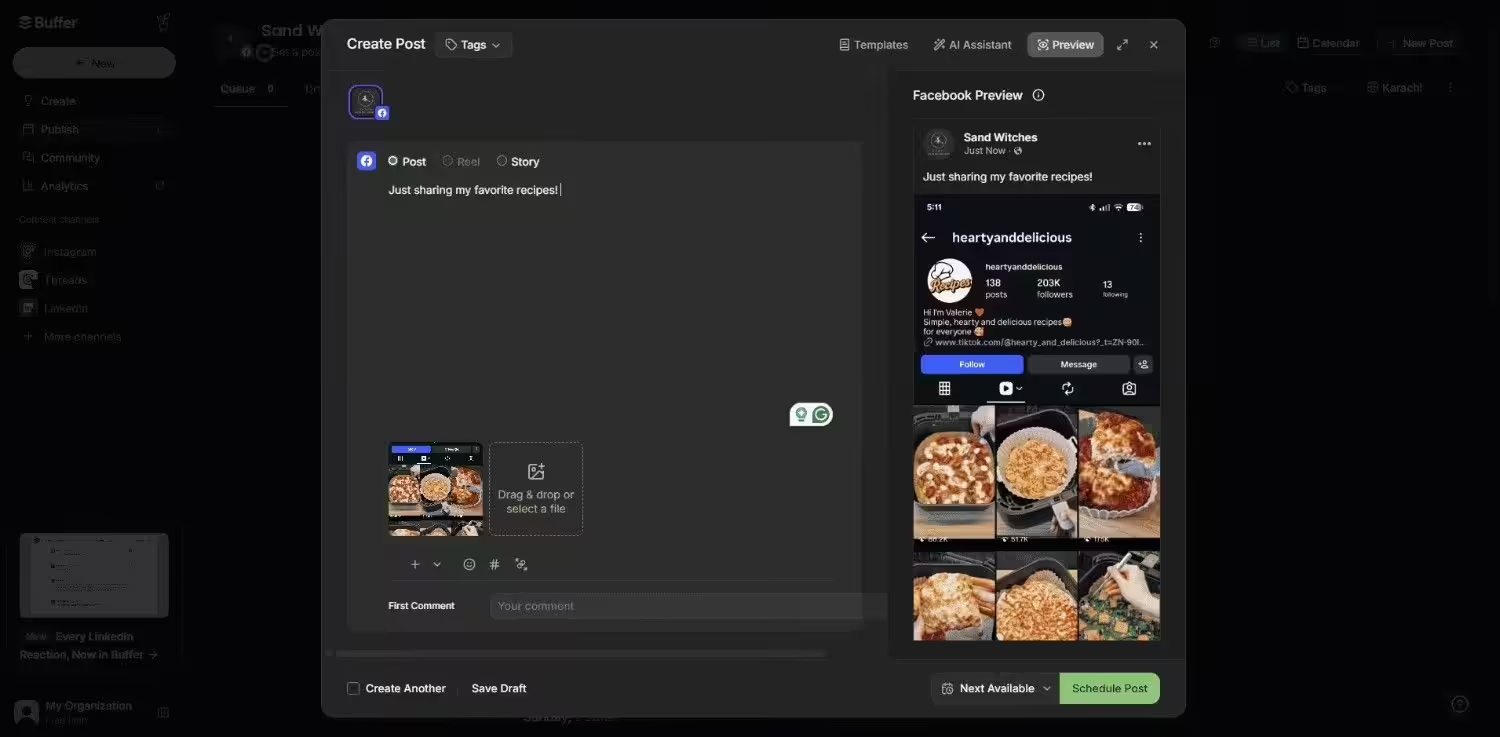
Buffer’s Dashboard Buffer has been used for more than a decade now, and it remains popular with creators, bloggers, and startups due to its ease of use and minimalist design.
While other platforms attempt to do everything, Buffer succeeds in doing a few things perfectly.
It is designed to assist users in scheduling content, measuring performance, and interacting with their audience without bombarding them with cluttered dashboards.
The tool works with all major platforms, and the browser extension makes it incredibly convenient to insert content on the fly.
Though it lacks social listening and competitor tracking, its lightweight nature makes it a delight to use, particularly for individuals or teams who do not require heavy-duty features.
Best For: Bloggers, content creators, startups, and social media newbies who appreciate simplicity and ease of use.
Key Features
- Plan ahead and schedule your content queue with simplicity.
- Monitor each post’s performance metrics to see what’s successful.
- Respond to comments and direct messages from the engagement inbox.
- Create content in tune with built-in Canva integration.
- Work with your team through the advanced team collaboration features offered on higher plans.
Use Cases
- Managing a solo brand account with low friction
- Managing social posts with a small marketing team
- Light collaboration between freelancers and brands
Limitations
- Trailing automation features
- Analytics are not ideal for scaling or reporting to clients
- No social listening or competitor insights
Pricing
Buffer offers three plans:
- Free: $0/month, 1 user.
- Essentials: $5/channel/month, 1 user.
- Team: $10/channel/month, Unlimited users.
Buffer also supports: Facebook, Instagram, X, Bluesky, Google Business Profile, LinkedIn, Mastodon, Pinterest, Threads, TikTok, YouTube
Buffer vs Loomly: Basic Feature Comparison
Feature Buffer Loomly Supported Platforms 11 7 Integrations 20+ 7 Automation ✅ ✅ Content Calendar ✅ ✅ Social Listening ❌ ✅ Analytics ✅ ✅ Social Inbox ✅ ✅ -
Hootsuite
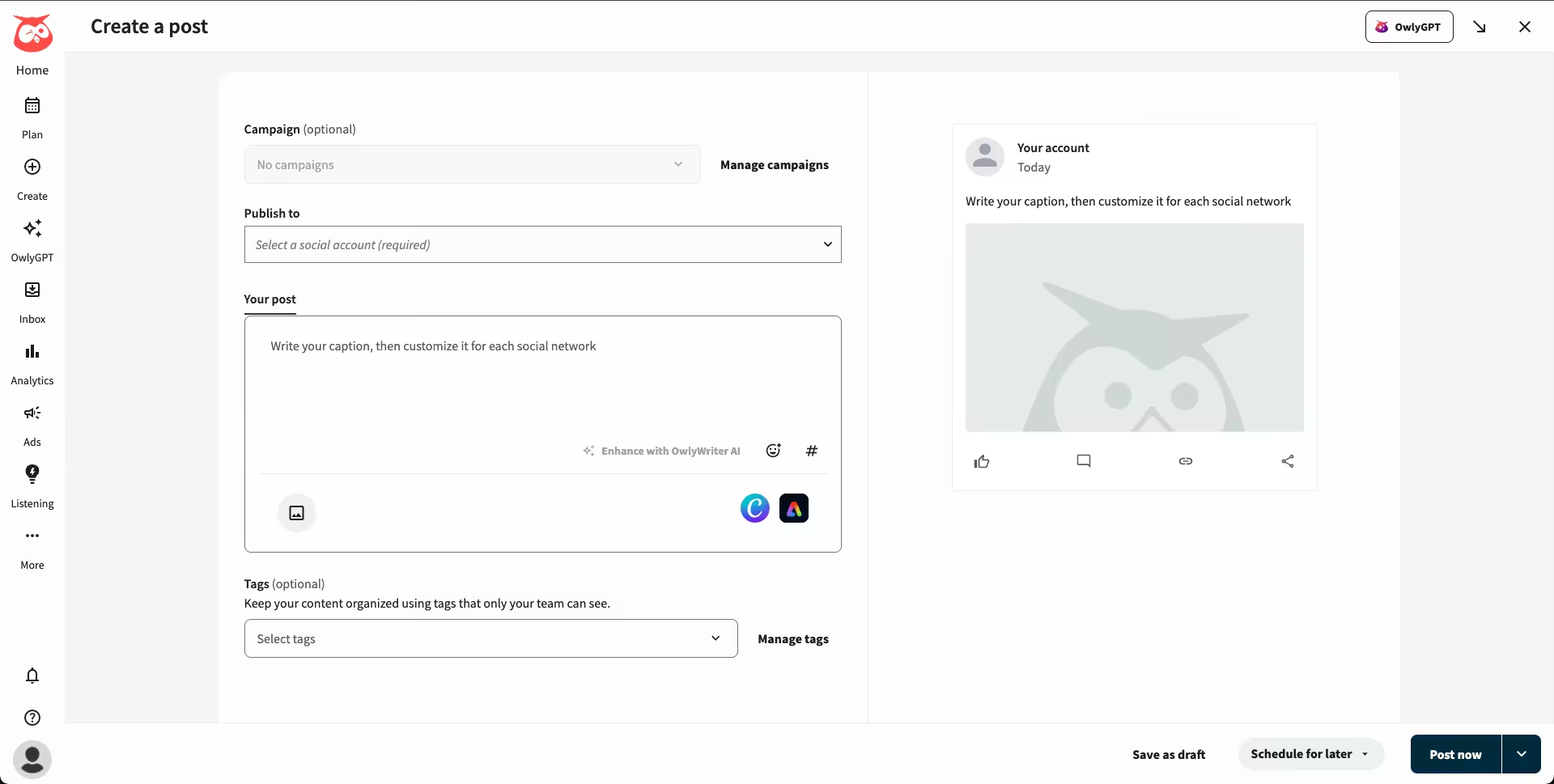
Hootsuite’s Dashboard Hootsuite is a powerful platform utilized by numerous enterprise brands, offering a broad set of features including advanced analytics, campaign tracking, and in-depth reporting.
It accommodates more than 8 social media sites and integrates with CRMs, email marketing software, and ad managers.
If you have a large team or several departments, Hootsuite gives granular control over roles and permissions, hence emerging as a contender for enterprise users.
Though it’s one of the OGs in the industry, and the cost is high, usually out of reach for small teams. Yet, for those requiring power and size, it delivers.
Best For: Large-scale enterprises, agencies, and organizations with huge social media operations.
Key Features
- Plan and auto-publish content on various social media platforms from one place.
- Handle all your audience engagements through a single social inbox for comments, messages, and mentions.
- Create personalized analytics and reporting dashboards to monitor campaign performance.
- Streamline content approvals with sophisticated workflows designed for teams and organizations.
- Connect with tools such as Salesforce, Slack, Google Drive, and many more through native integrations.
Use Cases
- Managing posts across dozens of accounts
- Executing high-end, multi-channel campaigns
- Compliance and internal approval management
Limitations
- Highly pricey even on the entry level
- High learning curve for new users
- UI is rich in features, but crowded and less intuitive
Pricing
Hootsuite offers four plans:
- Standard: $99/user/month, 10 social accounts.
- Professional: $199/user/month, Unlimited social accounts.
- Advanced : $399/user/month, Unlimited social accounts.
- Enterprise: Custom, Unlimited social accounts.
Hootsuite also supports: Facebook, Instagram, TikTok, LinkedIn, X, YouTube, Pinterest, Threads, WhatsApp, Google Business Profile, and Bluesky.
Hootsuite vs Loomly: Basic Feature Comparison
Feature Hootsuite Loomly Supported Platforms 10 7 Integrations 100+ 7 Automation ✅ ✅ Content Calendar ✅ ✅ Social Listening ✅ ✅ Analytics ✅ ✅ Social Inbox ✅ ✅ -
Sendible
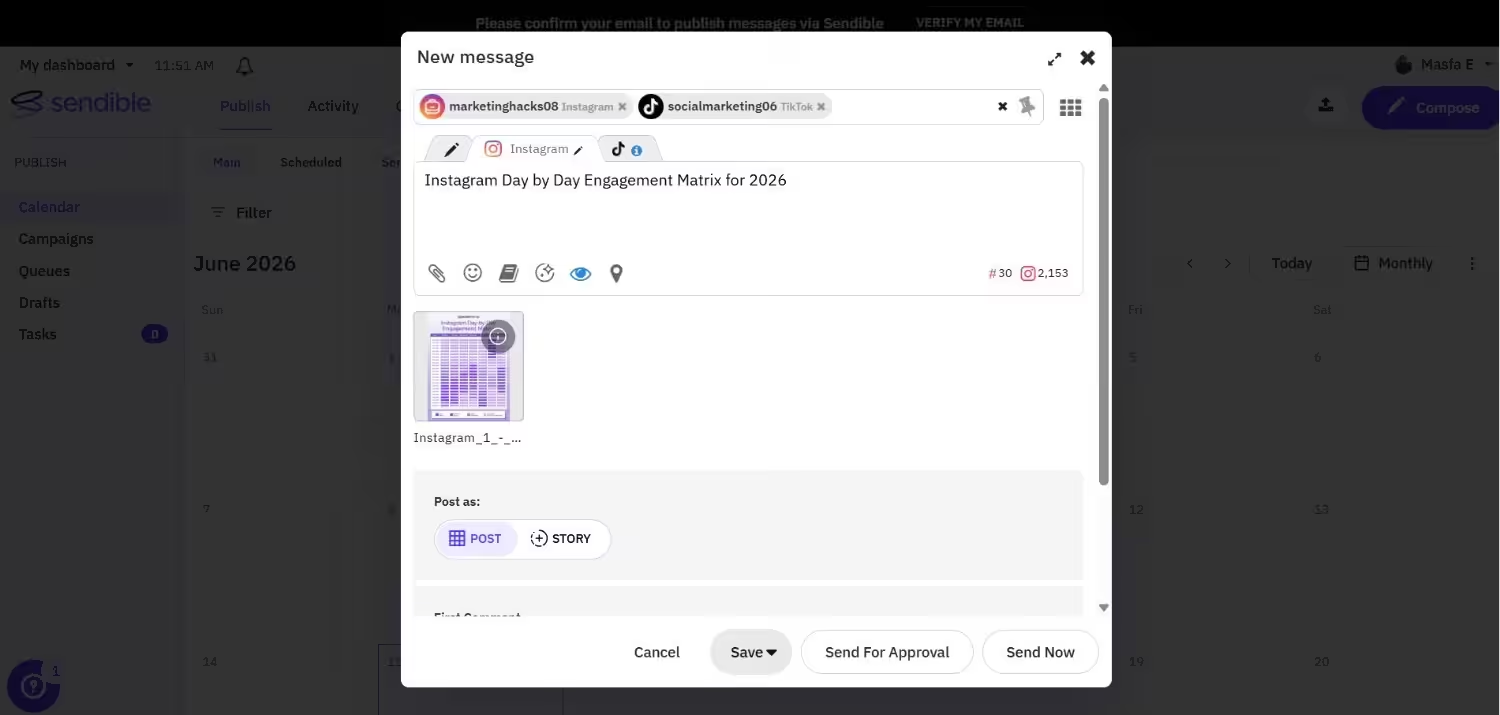
Sendible’s Dashboard Sendible is a feature-rich social media management platform designed with agencies in mind.
It provides client management capabilities, white-labeling options, and integrations with numerous platforms.
Its intelligent scheduling capabilities and rich visual calendar make it simple to handle high-volume content.
What truly makes Sendible stand out is its agency focus. It offers everything from handling multiple client accounts to creating branded reports.
Best For: Consultants, agencies, and teams managing multiple client accounts.
Key Features
- Offer clients their own exclusive dashboard and provide white-labeling to fit your agency’s identity.
- Employ intelligent queues and smart scheduling to schedule content delivery effectively automatically.
- Manage relationships through integrated CRM and follow up on leads within the platform itself.
- Integrate your workflows with Google Business Profile integrations and blog platform integrations.
- Produce in-depth reports and analytics in customizable, branded formats to professionally present to clients.
Use Cases
- Managing social campaigns across client brands
- Content calendar collaboration and approvals
- Delivery of branded reports to clients
Limitations
- UI may have an older feel
- Higher learning curve for users who are not agencies
Pricing
Sendible offers five plans:
- Core: $35/month, unlimited user, 6 social accounts.
- Plus: $99/month, unlimited users, 18 social accounts.
- Premium: $199/month, unlimited users, 42 social accounts.
- Elite: $299, unlimited users, 90 social accounts.
- Enterprise: $750, unlimited users, 300 social accounts.
Sendible also supports: Facebook, Instagram, TikTok, X, LinkedIn, Google Business Profile, YouTube, Threads, and Bluesky
Sendible vs Loomly: Basic Feature Comparison
Feature Sendible Loomly Supported Platforms 9 7 Integrations 15 7 Automation ✅ ✅ Content Calendar ✅ ✅ Social Listening ❌ ✅ Analytics ✅ ✅ Social Inbox ✅ ✅ -
Publer
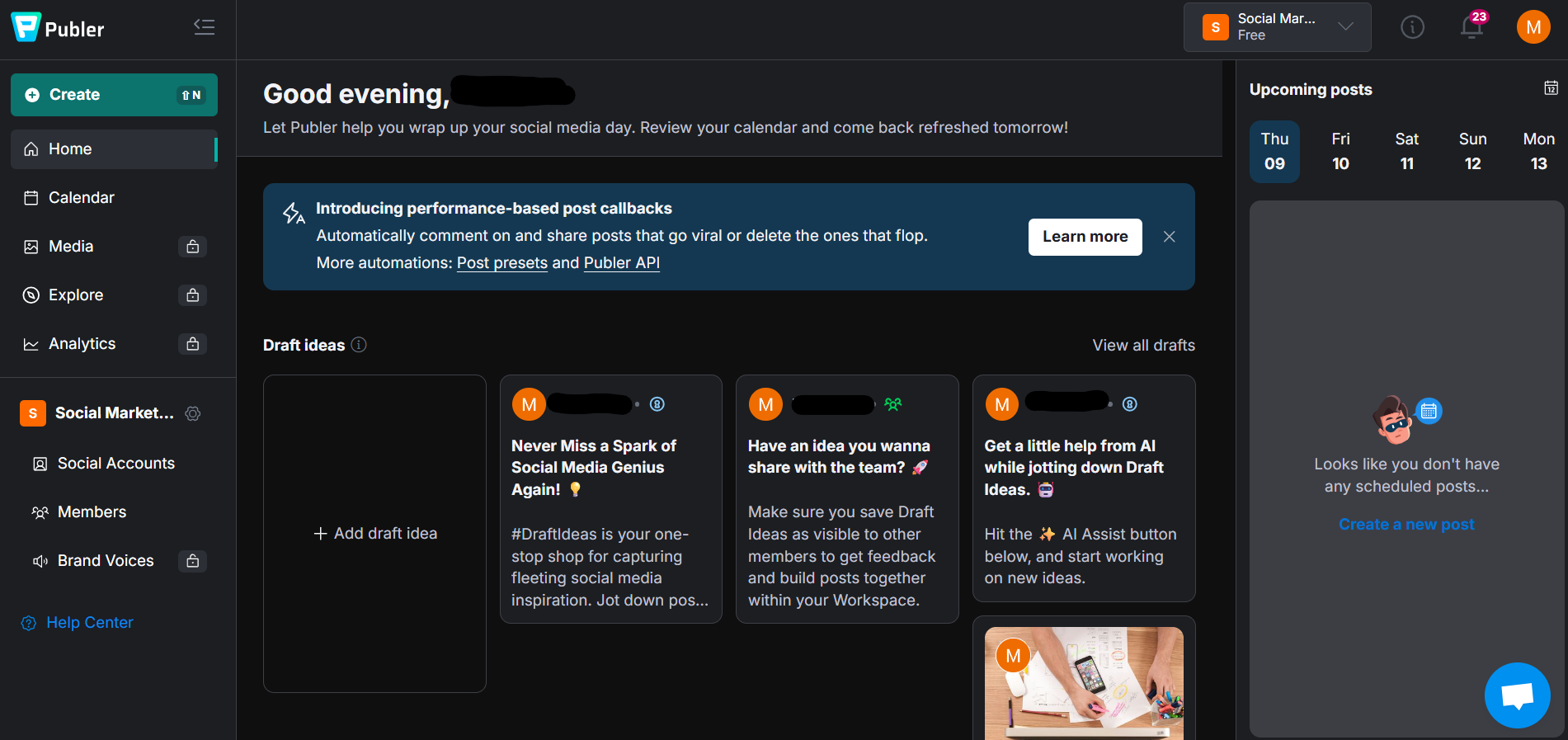
Publer’s Dashboard Publer is another star in social media management because it has a clean interface, competitive pricing, and a rich feature set.
It’s perfect for individual users and small teams who need more control over post layout, automation, and collaboration without working with complex interfaces.
Publer even has built-in image editing and hashtag suggestions, which is convenient for those who want to have everything in one place.
Best For: Freelancers, small teams, and creators who focus on content.
Key Features
- Schedule and preview posts beforehand to guarantee accuracy and quality.
- Boost visuals and maximize reach using the built-in image editor and hashtag tools.
- Delegate roles and work with team members efficiently to facilitate content management.
- Automate post deletions, content recycling, and follow-up comments.
- Increase functionality through integrations with Canva, Zapier, and more.
Use Cases
- Managing personal or brand accounts with creative freedom
- Collaborating with teams on visual campaigns
- Enhancing engagement with automated comment planning
Limitations
- Does not have ad management
- No native social listening
Pricing
Publer offers four pricing plans:
- Free: $0, 1 user, 1 social account.
- Professional: $4/month, 1 user, 1 social account.
- Business: $8/month, 1 user, 1 social account.
- Enterprise: It’s Custom.
Publer also supports: Facebook, Instagram, LinkedIn, Google Business Profile, X, YouTube, TikTok, Pinterest, Threads, Bluesky, Mastodon, Telegram, and WordPress
Publer vs Loomly: Basic Feature Comparison
Feature Publer Loomly Supported Platforms 12 7 Integrations 25+ 7 Automation ✅ ✅ Content Calendar ✅ ✅ Social Listening ❌ ✅ Analytics ✅ ✅ Social Inbox ✅ ✅ -
ContentStudio
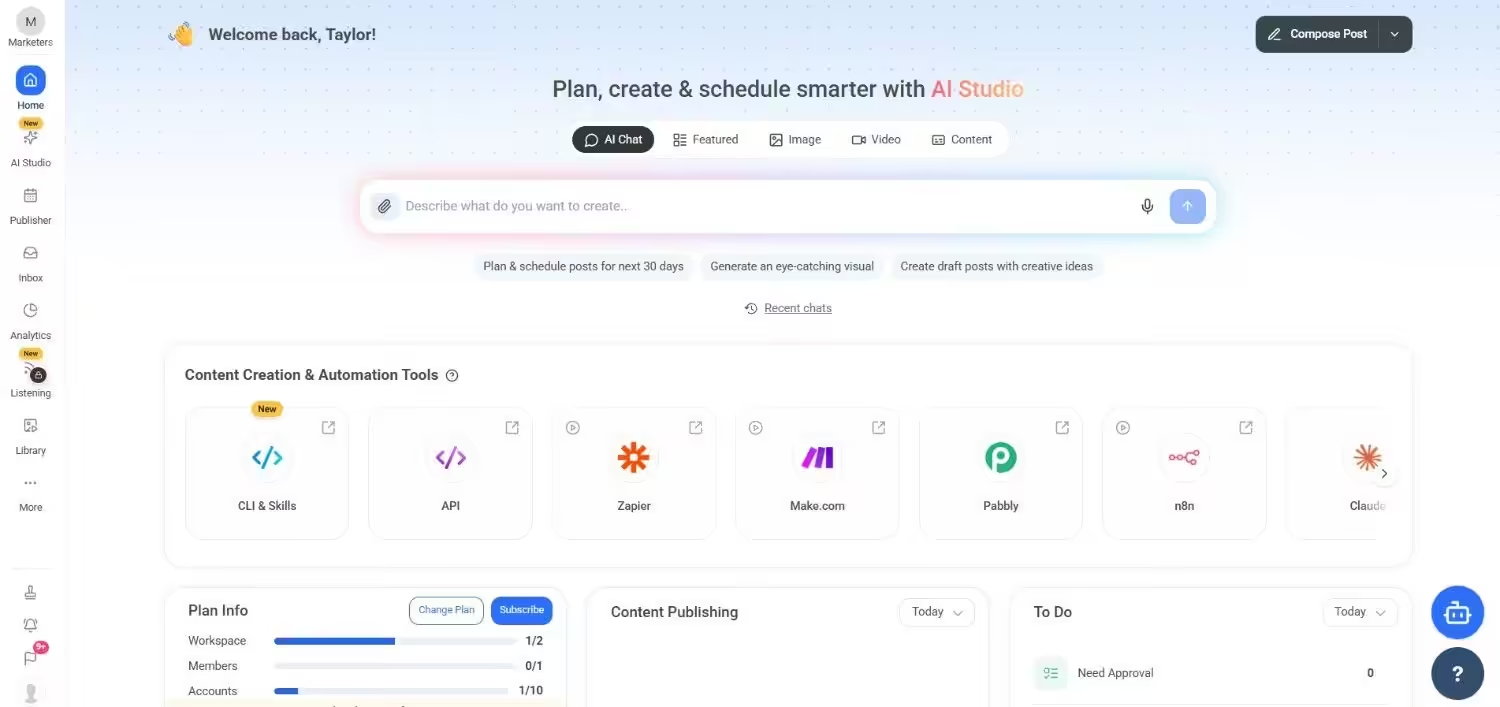
ContentStudio’s Dashboard ContentStudio combines social media management with content marketing capabilities, making it a great platform for agencies and content teams.
It features in-depth content discovery, blog publishing, social inbox functionality, and automation workflows.
ContentStudio differs from Loomly as it is perfect for teams that handle both social and blogs from a single location.
Best For: Agencies, as well as content teams that need all-in-one planning.
Key Features
- Discover and share popular topics with the native content discovery and curation engine.
- Publish without a hitch both on the blog and social media sites from one place.
- Control all conversations in one location with an integrated social inbox.
- Manage projects effectively with special spaces for teams and clients.
Use Cases
- Blog + social channel management in one place
- Content curation of trending content across sectors
- Long-form + social collaborative campaigns
Limitations
- Somewhat complicated UI
- User/team size price hike
Pricing
ContentStudio comes with five pricing tiers, including a Full Suite and an API model.
Here’s what you get in the Full Suite:
- Standard: $19/month, 1 user, 5 social accounts.
- Advanced: $49/month, 2 users, 10 social accounts.
- Agency Unlimited: $99/month, Unlimited users, 25 social accounts.
- Enterprise: It’s custom.
With ContentStudio, you also get a standalone API plan, which is:
- API: $15/month, 1 user, 10 social accounts.
ContentStudio also supports: Instagram, YouTube, LinkedIn, Threads, TikTok, Facebook, Pinterest, Bluesky, Google Business Profile, Tumblr, and X.
ContentStudio vs Loomly: Basic Feature Comparison
Feature ContentStudio Loomly Supported Platforms 11 7 Integrations 25+ 7 Automation ✅ ✅ Content Calendar ✅ ✅ Social Listening Add-on only ✅ Analytics ✅ ✅ Social Inbox ✅ ✅ -
SocialPilot
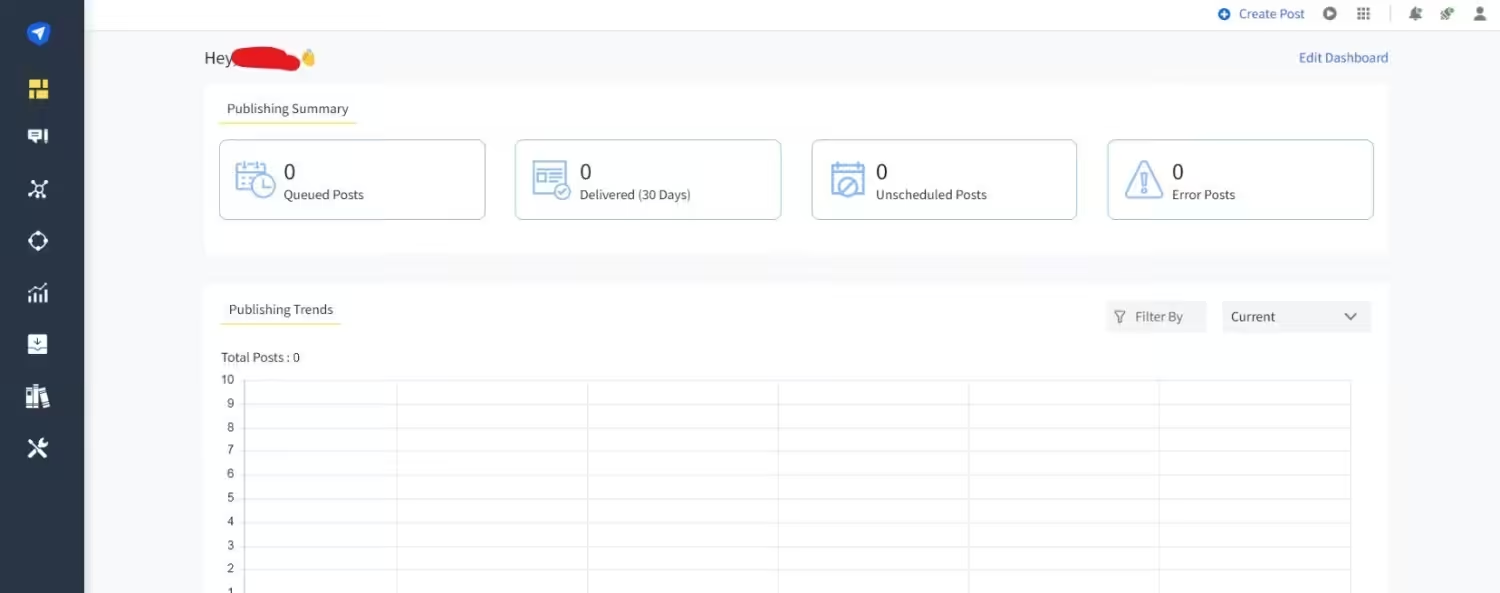
SocialPilot’s Dashboard SocialPilot is another contender that finds a balance between price and cutting-edge features.
It’s designed for small to medium teams and agencies that have to deal with multiple clients or brand pages.
The platform’s clean design, flexible scheduling features, and performance-based analytics dashboard provide you with an undiluted view of how well you’re doing without bombarding you with information.
What distinguishes SocialPilot is its white-labeling feature, making it an excellent choice for agencies that must provide branded reports to clients.
It also has great client management features, approval workflows, and a good content calendar view.
Best For: Small agencies, content managers, and in-house marketing teams that work with many clients.
Key Features
- Simplify teamwork with organized client approval processes.
- Provide professional, white-labeled insights through branded reports.
- Restrict access and roles with editable team roles and permissions.
- Handle messages, comments, and mentions in a single inbox through the social inbox.
- Save time with bulk scheduling and auto-posting through RSS feed integration.
- Exceed your creative workflow with Canva, Zapier, and more integrations.
Use Cases
- Having many social profiles or clients from a single dashboard
- Creating clean, branded reports
- Simplifying content approval workflows with teams and clients
Limitations
- No social listening or competitor analysis
- High jumps between paid tiers
Pricing
SocialPilot offers four plans:
- Essentials: $25.50/month 1 user, 7 social accounts.
- Standard: $42.50/month, 3 users, 15 social accounts.
- Premium: $85.00/month, 6 users, 25 social accounts.
- Ultimate: $170.00/month, Unlimited users, 50 social accounts.
SocialPilot also supports: Facebook, Instagram, TikTok, X, LinkedIn, Threads, YouTube, Pinterest, Google Business Profile, and Bluesky
SocialPilot vs Loomly: Basic Feature Comparison
Feature SocialPilot Loomly Supported Platforms 10 7 Integrations 16 7 Automation ✅ ✅ Content Calendar ✅ ✅ Social Listening ❌ ✅ Analytics ✅ ✅ Social Inbox ✅ ✅ -
Sprout Social
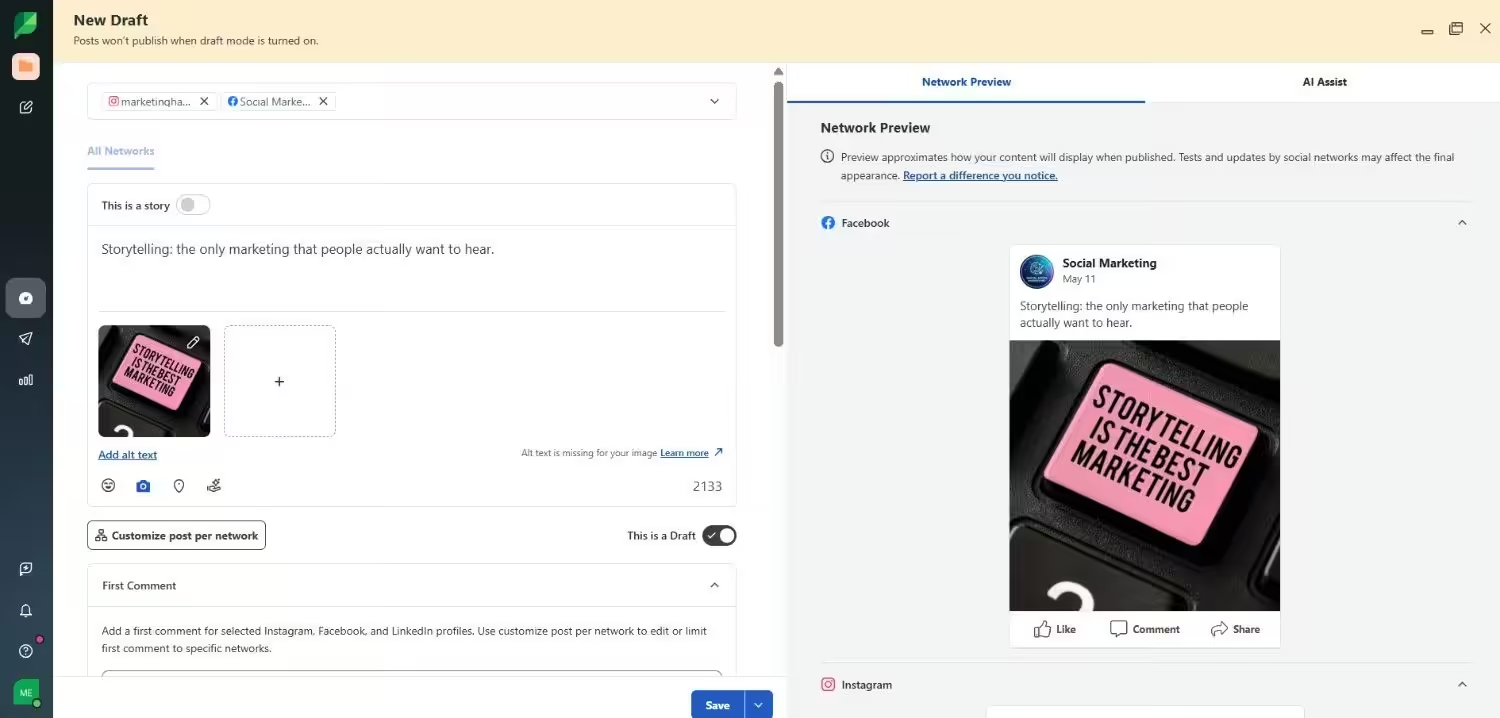
Sprout Social’s Dashboard Sprout Social is also one of the more full-featured social media tools available, intended for professional marketers and data teams.
With strong publishing, reporting, CRM, and social listening tools, Sprout Social excels across the board, particularly in analytics and performance benchmarking.
It’s a favorite choice for mid-to-enterprise-sized companies that appreciate uncluttered dashboards and rich insights. But all that functionality comes at a very high price.
Best For: Businesses, data-driven marketing teams, and agencies with high reporting requirements.
Key Features
- Get a clear picture of your outcomes with in-depth analytics and cross-network performance insight.
- Get ahead of the conversation via social monitoring and trend tracking.
- Track your market position with in-depth competitor benchmarking.
- Bridge your campaigns to sales data via CRM integrations such as Salesforce and HubSpot.
- Sync efforts with a shared content calendar and organized approval workflows.
Use Cases
- Detailed campaign tracking and reporting
- Keeping track of industry trends and customer sentiment
- Benchmarking social performance against competitors
Limitations
- Can be expensive
- Overkill for small teams or creators; therefore, explore alternatives
Pricing
Sprout Social offers five plans:
- Essentials: $79/month, 1 user, 5 social accounts.
- Standard: $199/month 1 user, 5 social accounts.
- Professional: $299/month, 1 users, unlimited social accounts.
- Advanced: $399/month, 1 users, unlimited social accounts.
- Enterprise: It’s custom.
Sprout Social also supports: Facebook, Instagram, X, LinkedIn, Pinterest, TikTok, YouTube, Threads, Bluesky, WhatsApp, Reddit, Tumblr, and Google Business Profile
Sprout Social vs Loomly: Basic Feature Comparison
Feature Sprout Social Loomly Supported Platforms 11 7 Integrations 25+ 7 Automation ✅ ✅ Content Calendar ✅ ✅ Social Listening ✅ ✅ Analytics ✅ ✅ Social Inbox ✅ ✅
Featured Article: Top 29 Tools for Small Business Marketing
Which Loomly Alternative Fits You Best? Match by Team Size and Social Goals
With so many options available, it can be daunting to select the appropriate Loomly alternative.
The ideal platform for you will vary based on your team size, marketing objectives, and the degree of functionality that you truly need.
-
For Solopreneurs and Content Creators
Best Picks: Buffer, Social Champ
If you’re running your own brand or solo business, you don’t require complicated workflows, just something light, speedy, and easy to use.
Social Champ and Buffer excel here, with minimal UIs, simple scheduling, and sufficient automation to save you time without bogging you down.
You need: Easy setup, drag-and-drop calendars, inexpensive (or even free) plans.
You can skip: Platforms with enterprise features you’ll never use or pay extra for.
-
For Small Teams and Startups
Best Picks: Social Champ, Publer, Sendible
Startups and small groups require flexibility, something which can scale a little as you expand, but still feels responsive.
These platforms have more collaboration abilities, role allocation, and strong automation compared to creator-oriented platforms.
Social Champ, for instance, provides excellent post recycling and team management, while Sendible is perfect if you have multiple channels with a lean operation.
You need: value-rich plans, scheduling effectiveness, and engagement monitoring tools.
You can skip: Stratospheric prices for every extra user or restricting integrations.
-
For Agencies and Marketing Agencies
Best Picks: Social Champ, ContentStudio, SocialPilot
If you work with social media for several brands or clients, you will require bulk workflow support, client approvals, and intelligent reporting.
Social Champ and SocialPilot have content categories, branded reports, white-label features, and multi-user capability, ideal for teams handling dozens (or hundreds) of posts per week.
ContentStudio includes built-in content discovery and curation.
You need: client dashboards, calendar views, analytics, and approval workflows.
You can skip those lacking white-labeling or that can’t handle multiple brands under a single dashboard.
-
Best for Corporate Teams and Enterprises
Best Picks: Social Champ, Hootsuite, Sprout Social
Larger teams need visibility, structure, and security.
Tools like Social Champ (Enterprise Plan), Hootsuite, and Sprout Social offer enterprise-grade reporting, advanced team permissions, integration with CRM and helpdesk tools, and extensive support options.
These platforms are built for scale and are often used by global agencies, but they come with a higher price tag.
You need: deep analytics, stakeholder workflows, and top-tier integrations.
You can skip: budgeting tools that do not have SLAs or sophisticated reporting/approval features.
Why Social Champ Is Blowing Up As a Loomly Alternative
While Loomly offers a more structured, traditional experience, Social Champ has taken a modern, user-first approach that emphasizes automation, affordability, and simplicity.
If you’re looking for a Loomly alternative that offers more value with less complexity, Social Champ deserves your attention.
-
Pricing That Makes Sense
Price matters, especially for small teams and recent startups. One of the principal reasons Social Champ is gaining traction is that it has straightforward, easy-to-understand pricing.
In contrast to Loomly, where extra charges creep in on you as you add individuals or as you level up things like in-depth insights, Social Champ keeps things easy.
Even its more entry-level plans feature capabilities like bulk scheduling, post recycling, social inboxes, and starter analytics, all without nickel-and-diming you for essentials.
That cost-effectiveness makes it the ideal choice for small agencies, freelancers, and startups that need a full toolkit without inflating their software budget.
“For a small business owner, every dollar matters. Social Champ delivers robust features with an intuitive interface and incredible support—without the premium price tag. I feel I am getting the value of a platform built for large mega corporations – at a reasonable price for a small growing business like mine.” — Chef and Owner of Maricel’s Kitchen
-
Automation That Works
Automation is no longer a nicety; it’s a requirement. Social Champ stands out by giving automation that’s easy to configure and potent enough to actually affect your workflow.
RSS auto-posting, recurring scheduling of content that will always be relevant, and a smart queue system all work together to cut hands-on effort way down.
While Loomly does offer post duplication and scheduling, it doesn’t offer this more sophisticated automation flexibility.
For teams running multiple social accounts or maintaining high-volume content calendars, Social Champ’s automation saves serious time and ensures consistent posting even when you’re offline or managing multiple campaigns at once.
-
A Simpler and Smarter UI
One of the first things new users notice about Social Champ is how refreshingly intuitive the interface feels.
The dashboard is elegant, minimal, and quick, designed with modern UX principles that minimize the learning curve and eliminate unnecessary noise.
Whether scheduling a post, analyzing analytics, or managing your content queue, every action feels accessible and streamlined.
Loomly, although functional, has a tendency to feel slightly more rigid and process-oriented.
For time-conscious marketing teams or one-person businesses who must move quickly, Social Champ’s user experience turns social management less of a drudge and more of a flow.
-
Just Enough Power
Instead of other platforms piling you with all sorts of features (and charging you for them too), Social Champ is about giving you exactly what you need to grow, and none of what you don’t.
You’ll find all the essentials here: content scheduling, analytics dashboards, media libraries, link shorteners, Canva integration, and team collaboration tools.
It covers the full publishing cycle without overwhelming users with complex dashboards or features you’ll never touch.
Loomly, by contrast, leans more toward structure and detailed workflows, which is great for enterprise teams but can feel excessive for smaller operations.
With Social Champ, it’s all about effective power, functionality that performs the task, without the excess.
“There are lots of social media management software out there. Social Champ has been the best find for us because we get great features without the huge monthly expense.” — Co-founder, Digital Butter
-
Incredible Customer Support
Customer support makes or breaks your experience with any social media management tool.
And this is where Social Champ quietly triumphs over much of the competition, including Loomly, in a place: their support team is friendly, fast, and genuinely helpful.
Whether onboarding a new employee, troubleshooting a technical problem, or just peeking at a feature, you’re considerably more likely to get a real response in a hurry.
Loomly support, while present, also has a reputation for receiving mixed reviews for slow response times and limited documentation.
For busy teams handling multiple channels and campaigns, timely assistance isn’t nice, it’s a necessity. Social Champ doesn’t fall short there.
“The team was always quick to respond and resolve any issues, ensuring the platform remained reliable for our social media needs.” — CEO, XDev Software GmbH
Conclusion: Choosing the Right Loomly Alternative
Loomly may still be a good fit for most teams. Yet, there’s no lack of Loomly alternatives that provide more flexibility, more powerful automation, improved analytics, or simply more value for your money.
Regardless of the size of your business and what you’d like to use your social media for, there is a tool out there designed to keep up with your pace, objectives, and workflow.
Social Champ is most definitely making waves in the arena as a new, relatively inexpensive alternative to Loomly, and for good reason.
Your needs may dictate that you favor Buffer for ease of use, Sprout Social for enterprise-level insights, or Publer for its automation blended with affordability.
This begins with deciding on your team size, what your social objectives are, and just exactly what you must have, and don’t be afraid to take free trials for a spin.
Most of the tools below have them, and experiencing them for yourself is typically the best way to discover your ideal match.
If trials aren’t sufficient, alternatives such as Social Champ, Buffer, and Publer provide free plans that you can take advantage of as long as you like.
In the end, your social media management tool should be saving you time, enhancing your strategy, and making it easier to collaborate, not creating more friction.
If Loomly is no longer doing those for you, then it’s time to try something else.