Import Canva visuals directly into Social Champ’s scheduler without manual file handling. Spend less time toggling between tools and more time delivering standout posts on every channel
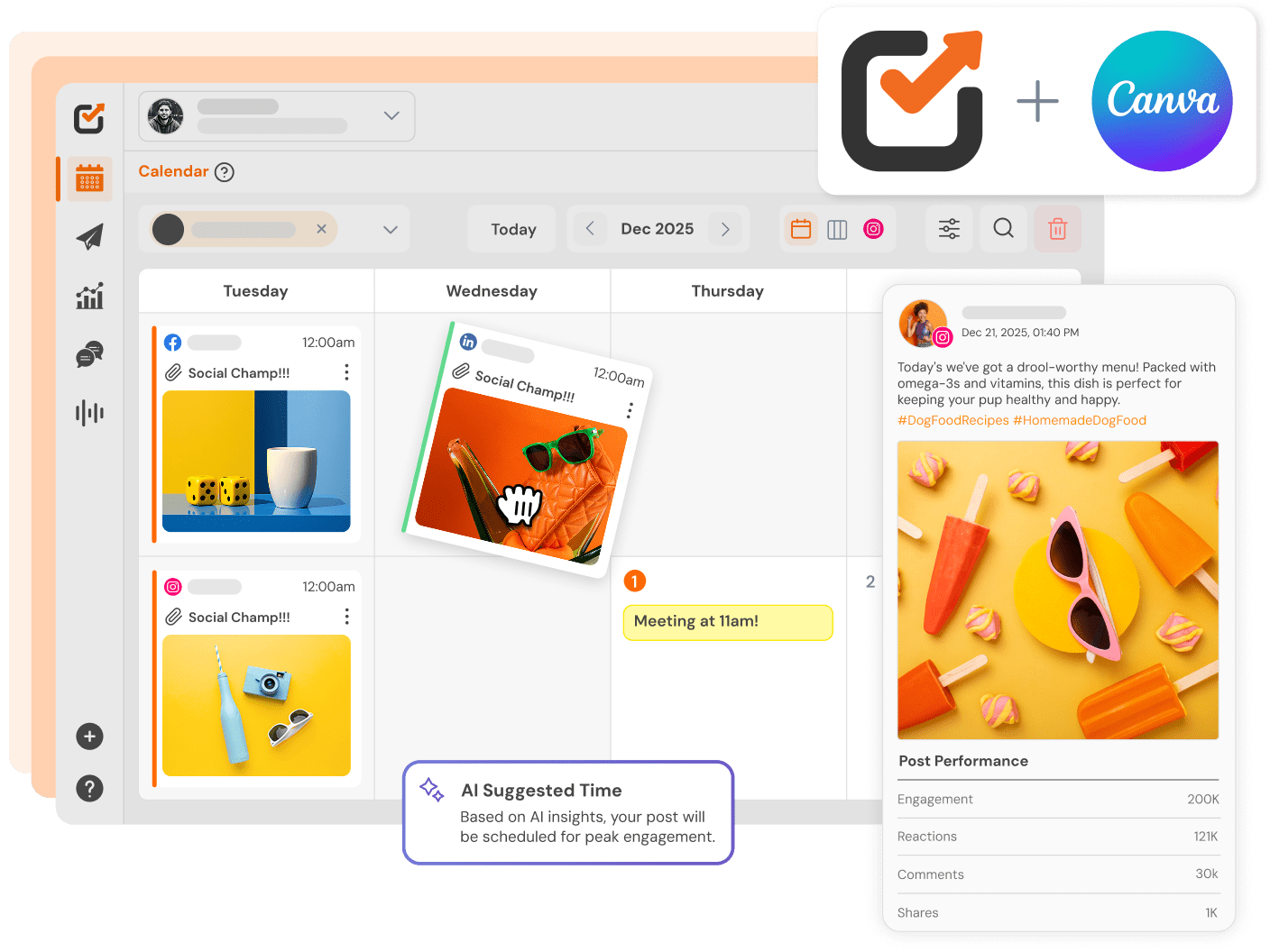
























Create, edit, and schedule posts all from one platform

Keep fonts, colors, and templates uniform across channels.

Turn Canva projects into scheduled posts in a few clicks.
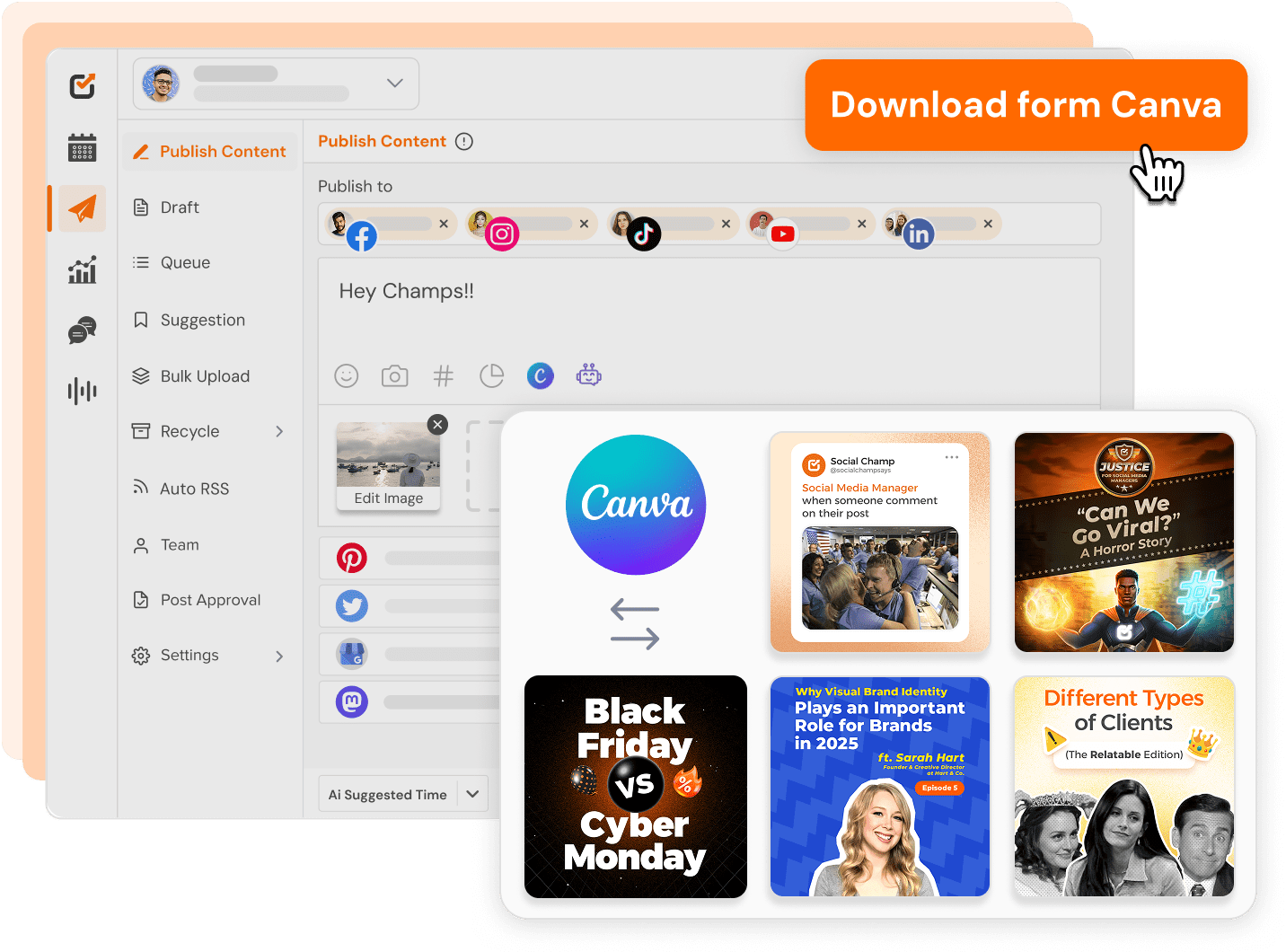
Create professional social media visuals using Canva templates and publish them directly through Social Champ.
Eliminate manual downloads and reuploads
Maintain brand consistency across platforms
Speed up social content production workflows
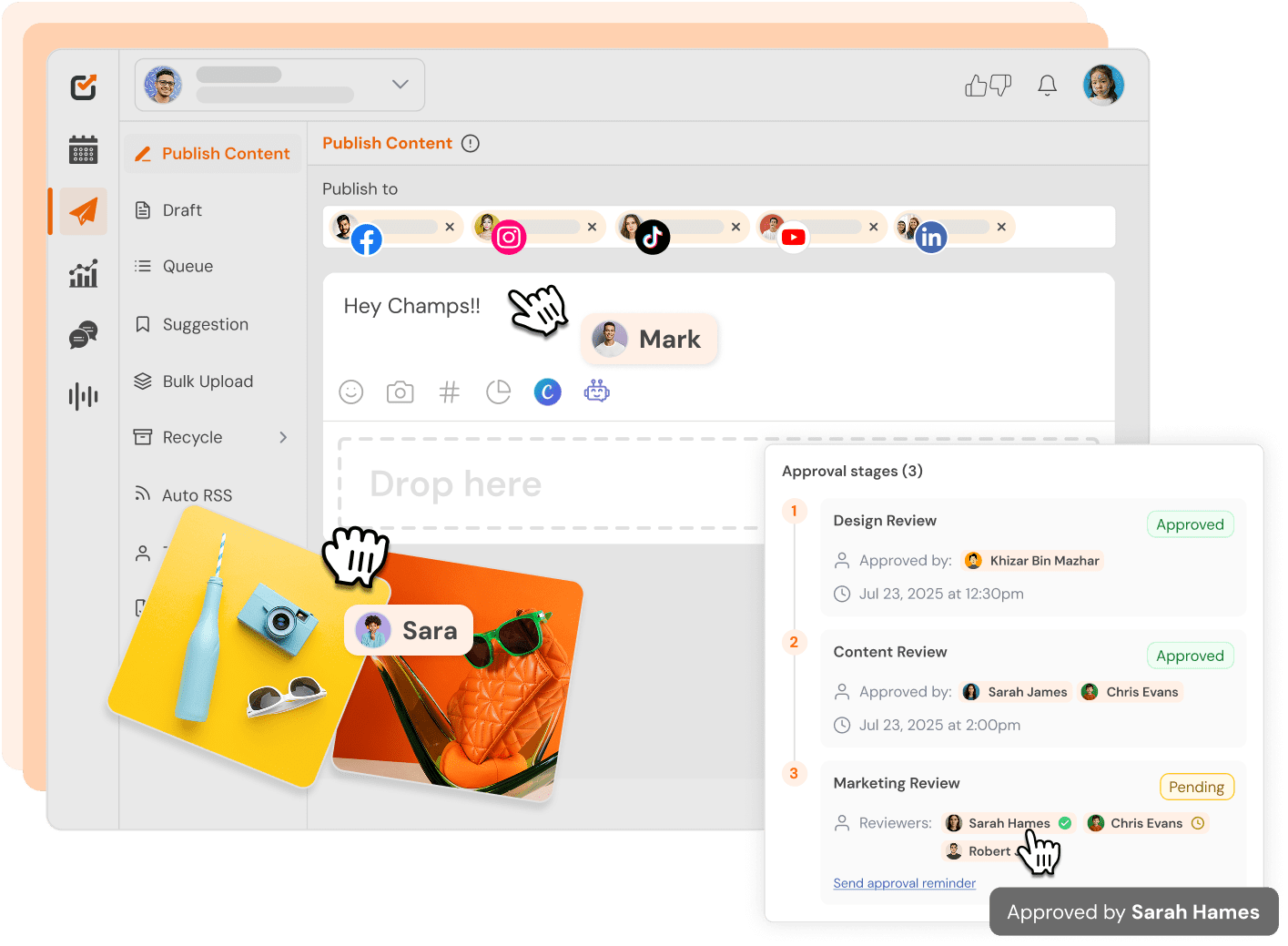
Enable marketers and creators to collaborate on designs and approvals in Canva while managing publishing in SocialChamp.
Reduce content turnaround time
Improve team collaboration and efficiency
Simplify approval workflows for branded visuals
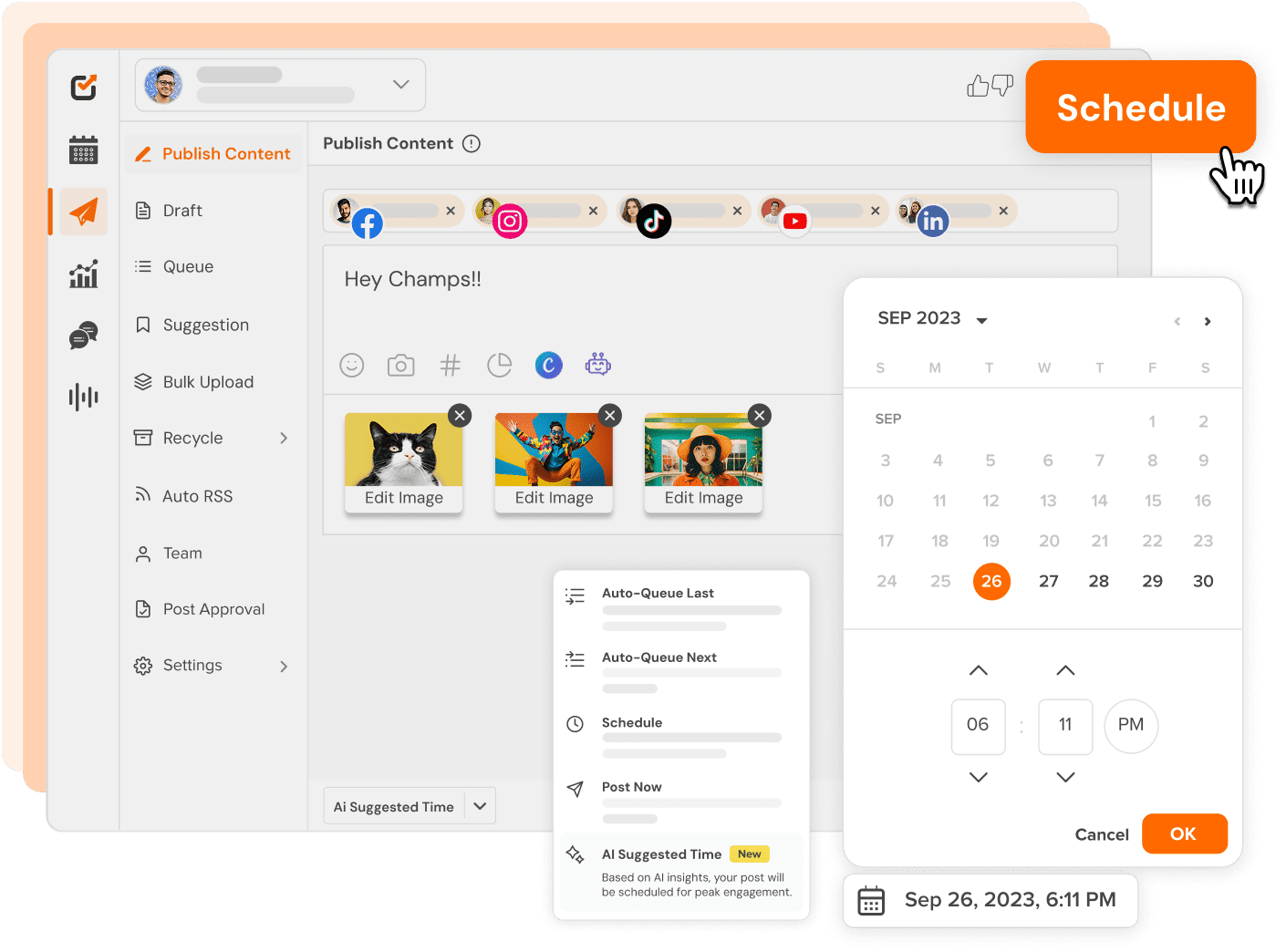
Turn Canva designs into scheduled posts for Facebook, Instagram, LinkedIn, TikTok, X (Twitter), Pinterest, and more.
Publish to multiple networks at once
Maintain a consistent posting calendar
Manage campaigns from one unified dashboard
You can manage all your favorite social platforms via Social Champ





Create visuals in Canva and publish them instantly via Social Champ. No downloads, no uploads, no delays.

Schedule Canva posts across multiple platforms at optimal times to maximize reach and engagement.

Collaborate on Canva designs, approvals, and publishing with role-based access and shared calendars.

Reuse your best-performing Canva designs automatically to keep feeds active without extra effort.

Track how your Canva visuals perform across platforms and optimize content using real engagement data.

Deliver branded performance reports to clients showcasing Canva-driven campaign results.
You no longer have to jump between apps. Social Champ’s integrations enable you to use your favorite tools within the app.
 Google Drive
 Dropbox
 OneDrive
 Flickr
 Imgur
Imgur
 ChatGPT
 WordPress
 Canva
Canva
 Giphy
Giphy
 Bitly
Bitly




Social Champ's intuitive UI/UX makes team collaboration a breeze, saving you 50% of content creation time!

Don't worry; we've got your back! Our support team boasts a 96% satisfaction rating and aims to respond within 30 minutes.

Social Champ offers transparent pricing with no hidden costs, leading to an average savings of 30% for SMBs.

Owner & Content Director, Owl & Pen LLC
“There are so many great things about Social Champ! The most important to us is being able to see the post preview while authoring content. Also, I love the ability to customize each post, approve posts as part of our workflow, and see everything in calendar mode.”

Managing Director, Business Intelligence Group
“I had a recent engagement with support around using Emoji in bulk imports after it failed the first time. Unlike when I ran into the same issue on another platform, the support person actually ran down the answer as to why the error happened and provided details of how Social Champ is programmed so I can use the right Emoji, the right way.”

Founder, CTO | Bare Cybersecurity
““Being a new company, we simply cannot afford to have a dedicated marketing team, so we rely on automation. Social Champ’s features were essential to our purpose, we particularly value post-scheduling and the ability to import content from RSS feeds. It’s an easy way to automate and deliver on our marketing needs!"
Stop switching tabs. Start growing your audience with the all-in-one tool built for ROI.

Yes. Once Canva is connected to Social Champ, you can create or edit designs and publish them directly to your social media accounts without downloading files manually, saving time and streamlining your posting workflow across multiple platforms.
Yes. Social Champ integrates with both free and paid Canva accounts, allowing users to design and publish social media visuals regardless of plan, though premium templates and assets remain subject to Canva’s subscription policies.
Yes. Teams can collaborate on Canva designs while managing approvals and scheduling through Social Champ. This makesit easier to maintain brand consistency, reduce content errors, and accelerate publishing across multiple social channels.
Social Champ supports publishing Canva designs to Facebook, Instagram, LinkedIn, X (Twitter), Pinterest, TikTok, and more, enabling centralized content scheduling across all major social networks from one dashboard.