Sync your content workflow by integrating Social Champ with Google Drive. Easily store, organize, and access your social media assets in one place so your team can post faster and stay consistent.
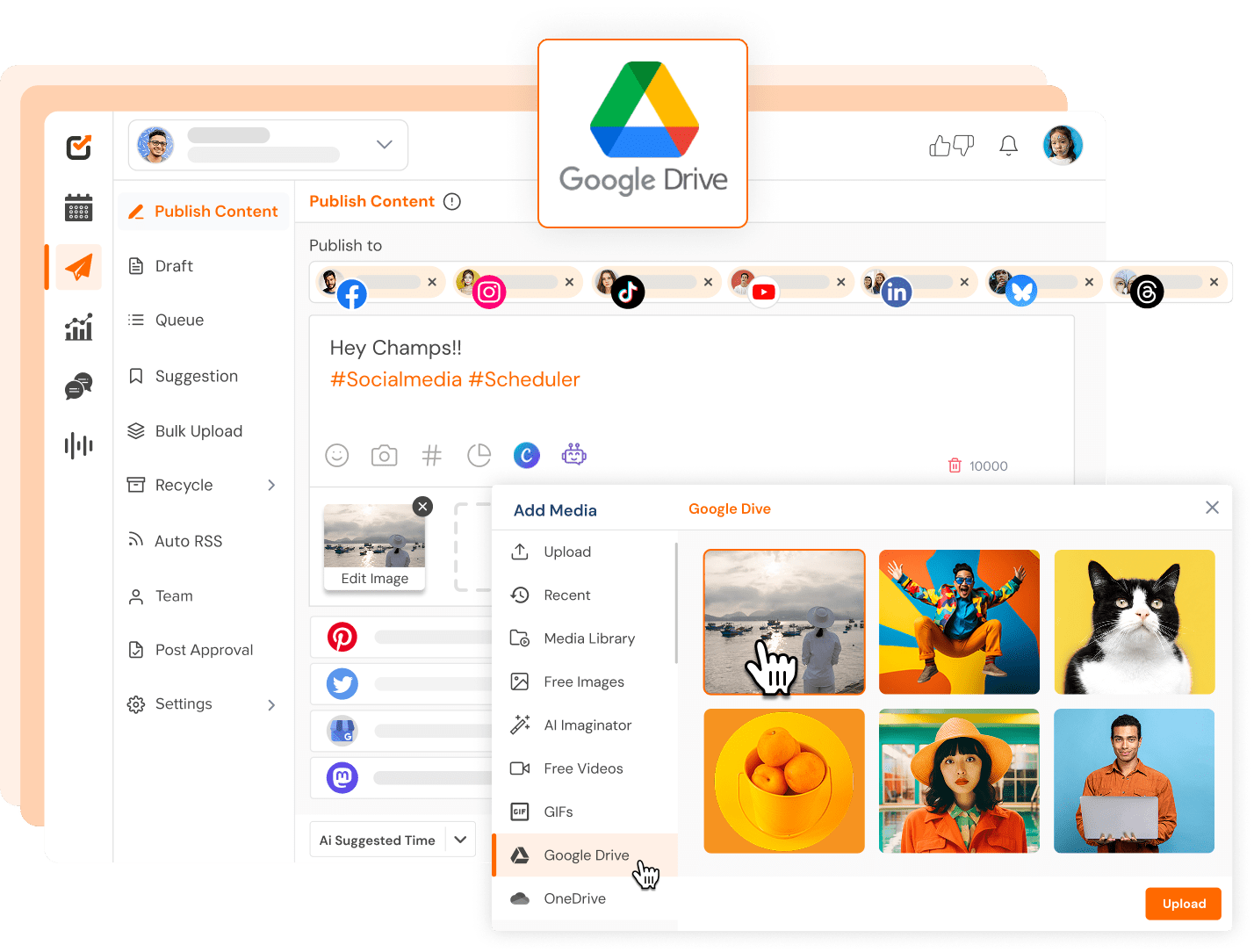
























Access your images and videos from Google Drive directly inside Social Champ and attach them to posts in seconds.

Keep your social assets organized in one central place and pull content anytime when planning campaigns.

Upload content in batches from Google Drive and schedule multiple posts at once to save hours every week.
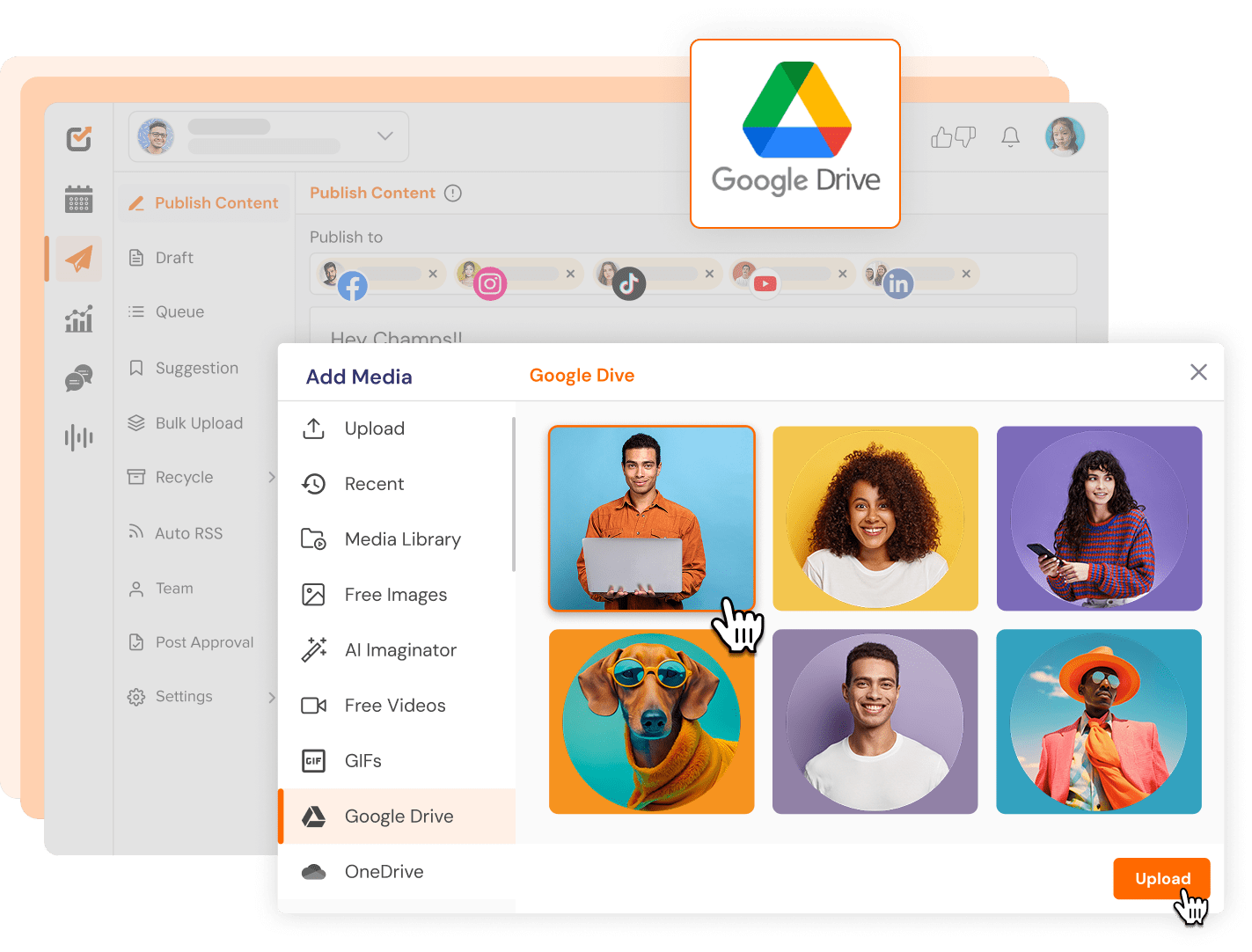
No more downloading files or switching tabs. Just open your Drive and add images or videos directly to your post.
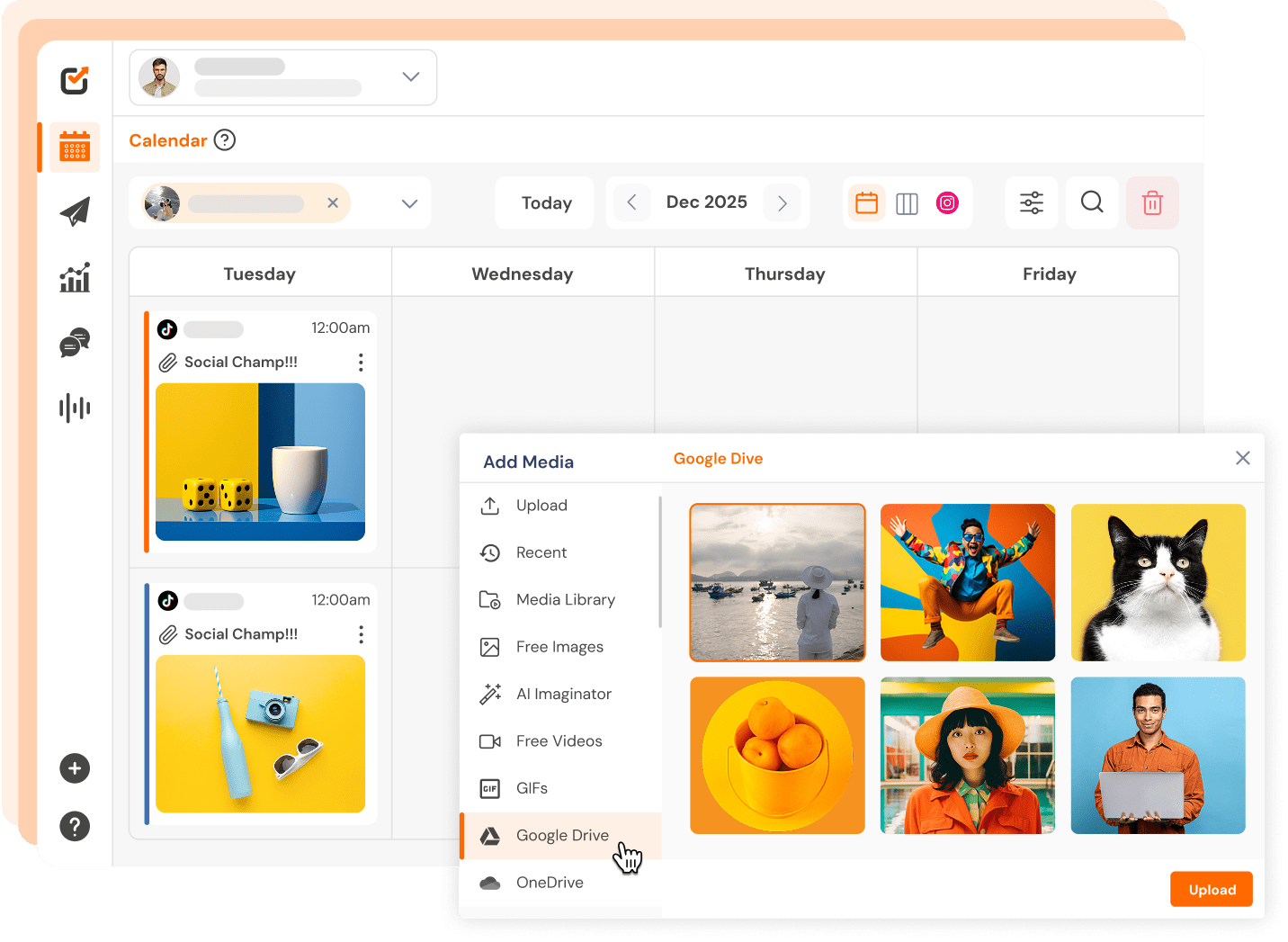
Keep your content folders organized in Google Drive and always have the right assets ready when it’s time to post.
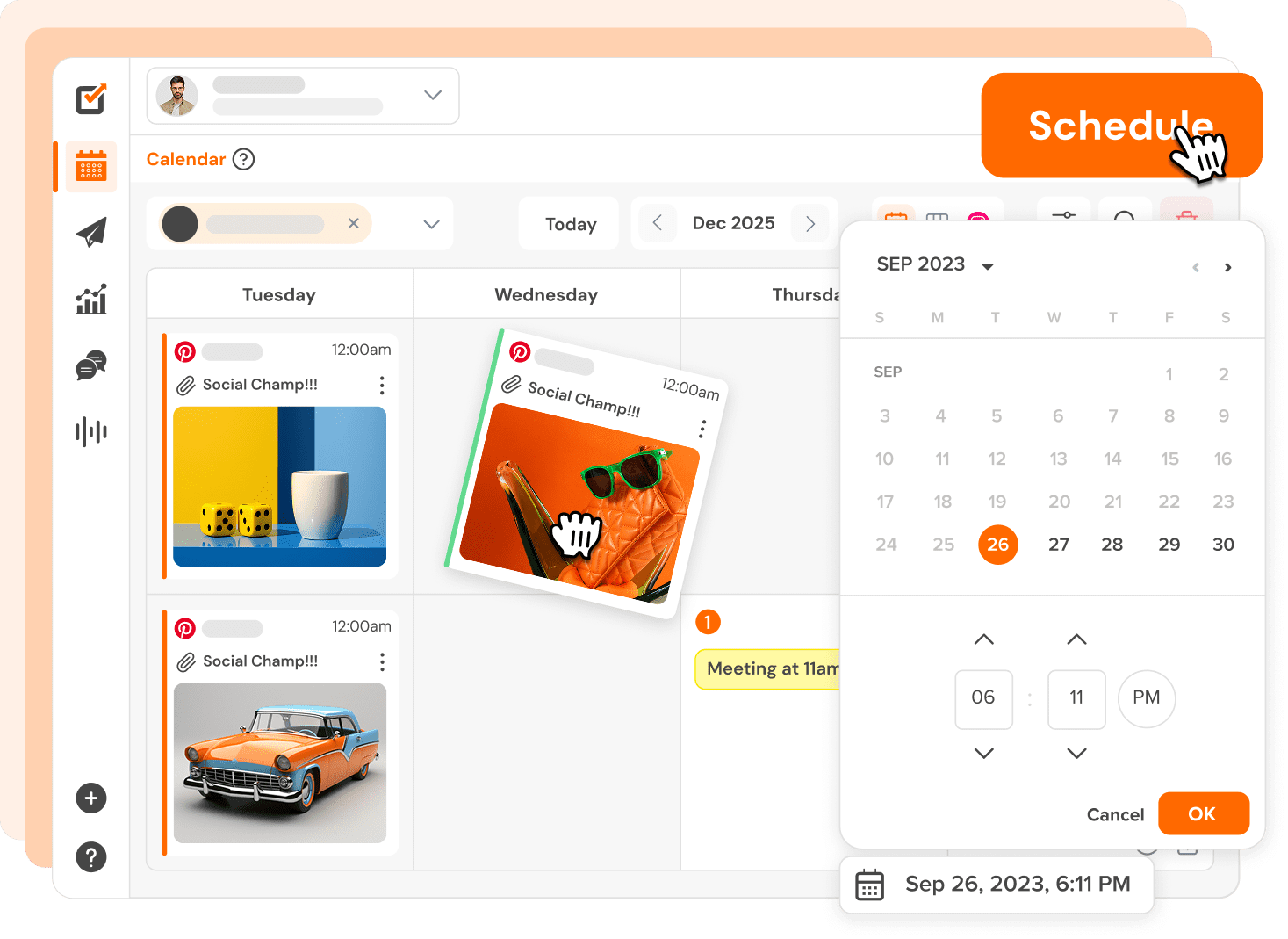
Plan your posts in bulk using assets from Drive and fill your calendar faster with less effort.
You can manage all your favorite social platforms via Social Champ





Add images and videos from your Drive directly into Social Champ while creating posts.

Keep all your social media creatives in one place and access them anytime you need them.

Work faster with shared Drive folders so your team always uses the latest approved assets.

Schedule multiple posts at once using Drive files so your content calendar fills up quicker.

Connect Social Champ with Google Sheets and other tools to track posts and streamline tasks.

Social Champ's intuitive UI/UX makes team collaboration a breeze, saving you 50% of content creation time!

Don't worry; we've got your back! Our support team boasts a 96% satisfaction rating and aims to respond within 30 minutes.

Social Champ offers transparent pricing with no hidden costs, leading to an average savings of 30% for SMBs.

Owner & Content Director, Owl & Pen LLC
“There are so many great things about Social Champ! The most important to us is being able to see the post preview while authoring content. Also, I love the ability to customize each post, approve posts as part of our workflow, and see everything in calendar mode.”

Managing Director, Business Intelligence Group
“I had a recent engagement with support around using Emoji in bulk imports after it failed the first time. Unlike when I ran into the same issue on another platform, the support person actually ran down the answer as to why the error happened and provided details of how Social Champ is programmed so I can use the right Emoji, the right way.”

Founder, CTO | Bare Cybersecurity
““Being a new company, we simply cannot afford to have a dedicated marketing team, so we rely on automation. Social Champ’s features were essential to our purpose, we particularly value post-scheduling and the ability to import content from RSS feeds. It’s an easy way to automate and deliver on our marketing needs!"
No need to switch: your favorite tools work where you do.
You no longer have to jump between apps. Social Champ’s integrations enable you to use your favorite tools within the app.


Stop switching tabs. Start growing your audience with the all-in-one tool built for ROI.

Go to Settings → Integrations, select Google Drive, and connect your account. Once connected, you can access your Drive media while creating posts.
Yes. You can browse your Google Drive and import images and videos directly into Social Champ while composing a post.
Social Champ lets you access and attach Drive media to your posts. Your original files remain in Google Drive, so your assets stay organized in your own storage.
Yes. If your team has access to shared Drive folders, everyone can use the same approved media while scheduling content in Social Champ.