
Your Google Business Profile is often the first impression customers get of your brand. One quick search, and there you are on Google Search or Google Maps, competing for attention with businesses just down the street.
Not to mention, research reveals that nearly 46% of all searches on Google Search have local intent, which means almost half the people searching are ready to find a nearby solution. That’s a serious opportunity sitting inside your listing.
Now here’s the reality check. Reviews need timely replies. Photos need regular updates. Posts should go live consistently. Questions from customers expect fast answers. Insights require tracking so you know what actually works.
Missing even one of these tasks can cost you clicks, calls, and foot traffic. Managing all of that manually takes time, focus, and serious discipline.
That’s why a Google Business Profile scheduler changes the game. Instead of reacting to notifications all day, you get a structured system that helps you stay visible, competitive, and professional.
Short Summary
- Optimizing and managing your Google Business Profile is essential for local visibility, reputation, and customer engagement.
- Automation tools save time by streamlining tasks like post scheduling, review monitoring, and analytics tracking.
- Different tools excel at different features, such as bulk post uploads, multi-location support, or advanced review management.
- Choosing the right GBP management tool depends on your business size, goals, and workflow needs.
- Platforms like Social Champ provide an all-in-one solution to schedule posts, track performance, and enhance local SEO efficiently.
Don’t have a clue which GBP management software to use? Don’t fret. This article rounds up 20+ tested and tried Google Business Profile management tools so you can pick the one that fits your workflow, budget, and growth goals.
What Is Google Business Profile?
Google Business Profile (GBP) is a free business listing platform from Google that allows organizations to manage how they appear on Google Search and Google Maps.
A GBP serves as a centralized profile where you can display essential information such as your name, address, phone number, website, operating hours, and services.
Beyond basic contact details, a Google Business Profile enables you to publish updates, upload photos, respond to customer reviews, answer questions, and access performance insights. These features help you improve your business’s local visibility, strengthen credibility, and engage directly with customers.
In essence, Google Business Profile functions as a critical component of local search strategy. It enhances discoverability, supports reputation management, and plays a key role in influencing customer decisions at the moment of search.
Manage Multiple GBP Profiles Easily With Social Champ
What Is GBP Optimization?
Google Business Profile optimization is the process of fine-tuning your Google Business Profile so it ranks higher, looks sharper, and converts better. The process involves:
- Updating accurate business details
- Choosing the right categories
- Adding high-quality photos
- Collecting and responding to reviews
- Posting regular updates
- Using relevant keywords strategically.
Why does GBP matter? Well, according to Google, customers are 2.7 times more likely to consider a business with a fully completed GBP on Search and maps. They attract more clicks, calls, and directions requests than listings that are outdated or half-filled.
Top 20+ Google Business Profile Management Tools for 2026
This is the fun part where you get to see the best Google Business Profile tools in the game lined up for easy comparison.
Below is a curated list of 20+ Google Business Profile management tools that deliver powerful features, solid performance, and real results for local businesses.
-
Social Champ
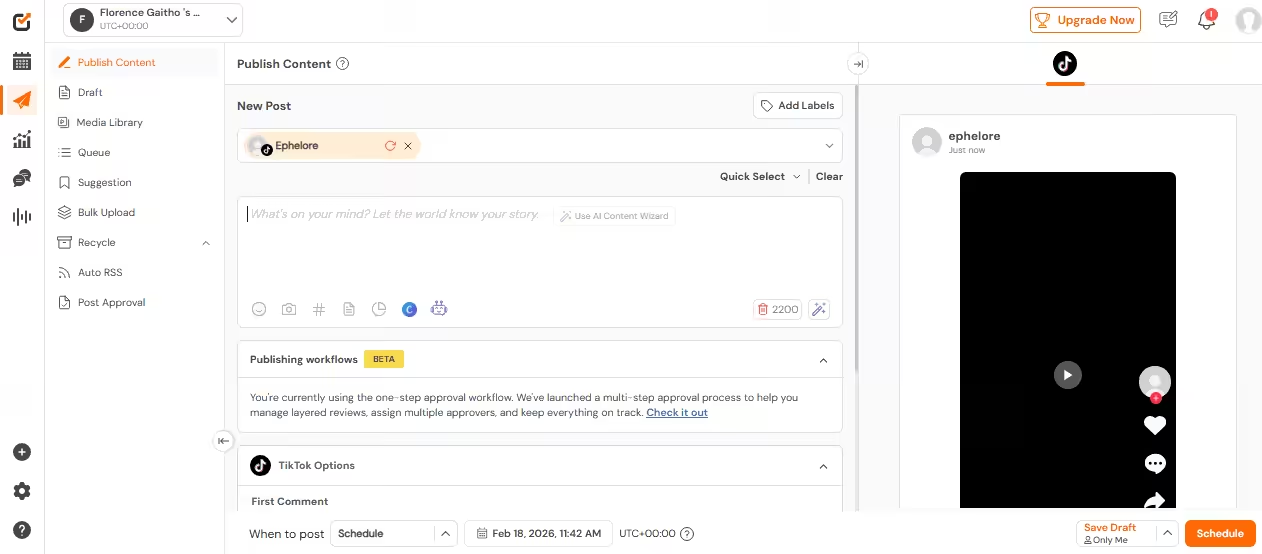
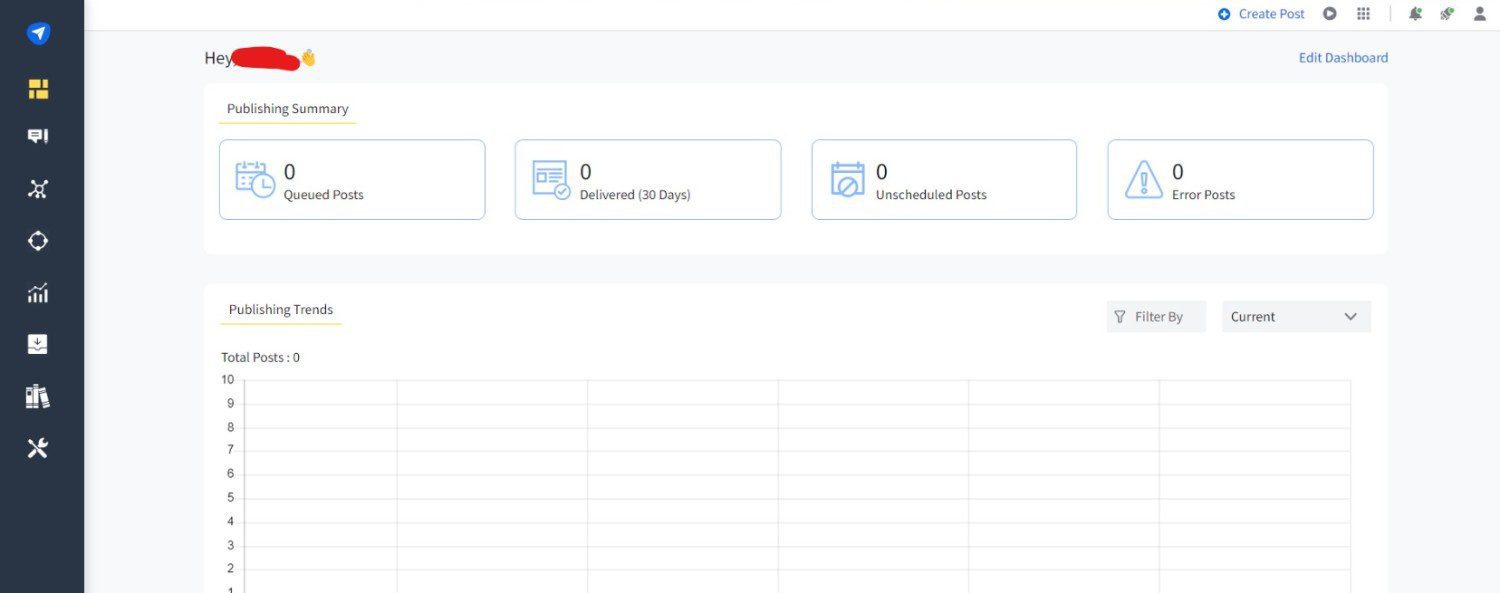
Social Champ’s Dashboard This list may be in no particular order, but Social Champ has earned its number one spot. I’ll tell you why. It’s packed with a range of features that make managing a Google Business Profile a breeze.
Here are some of its standout features:
-
Bulk-Upload Capability
Social Champ allows you to upload multiple posts at once using CSV, which saves you hours of manual entry. This is perfect for businesses with multiple locations or seasonal campaigns that need consistent posting.
-
Custom CTA Integration
With Social Champ, you can add custom calls-to-action to your posts and encourage customers to call, book, or make purchases directly from your profile. This feature turns posts into actionable marketing tools.
-
Post Scheduling
This powerful tool also lets you plan your content in advance and publish at the best possible time. Scheduled posts ensure your audience sees the right message at the right time, improving engagement and visibility.
-
Performance Analytics
Social Champ provides detailed insights on engagement, clicks, and reach. You can track what content works, tweak what doesn’t, and refine your strategy over time to boost local SEO effectively.
-
Multi-Location Support
You can use this scheduler to manage posts across multiple locations from a single dashboard. This ensures consistency and saving time for businesses operating in more than one area.
-
Easy-To-Use Dashboard
The interface is intuitive, making it simple for teams to plan, schedule, and monitor posts without a steep learning curve.
Pros
- Bulk post uploads via CSV
- Custom CTA integration for posts
- Detailed performance analytics
- Multi-location support
- Intuitive and user-friendly dashboard
Cons
- Limited review management compared to dedicated reputation tools
- No advanced AI content suggestions
- Reporting could be more granular for complex campaigns
Perfect for solo creators, SMBs, professionals, and agencies looking to manage their Google Business Profiles alongside other social media platforms.
Add CTAs To Every Post With Social Champ
Drive customer actions directly from your posts with custom call-to-action buttons that boost conversions. -
-
Sprout Social

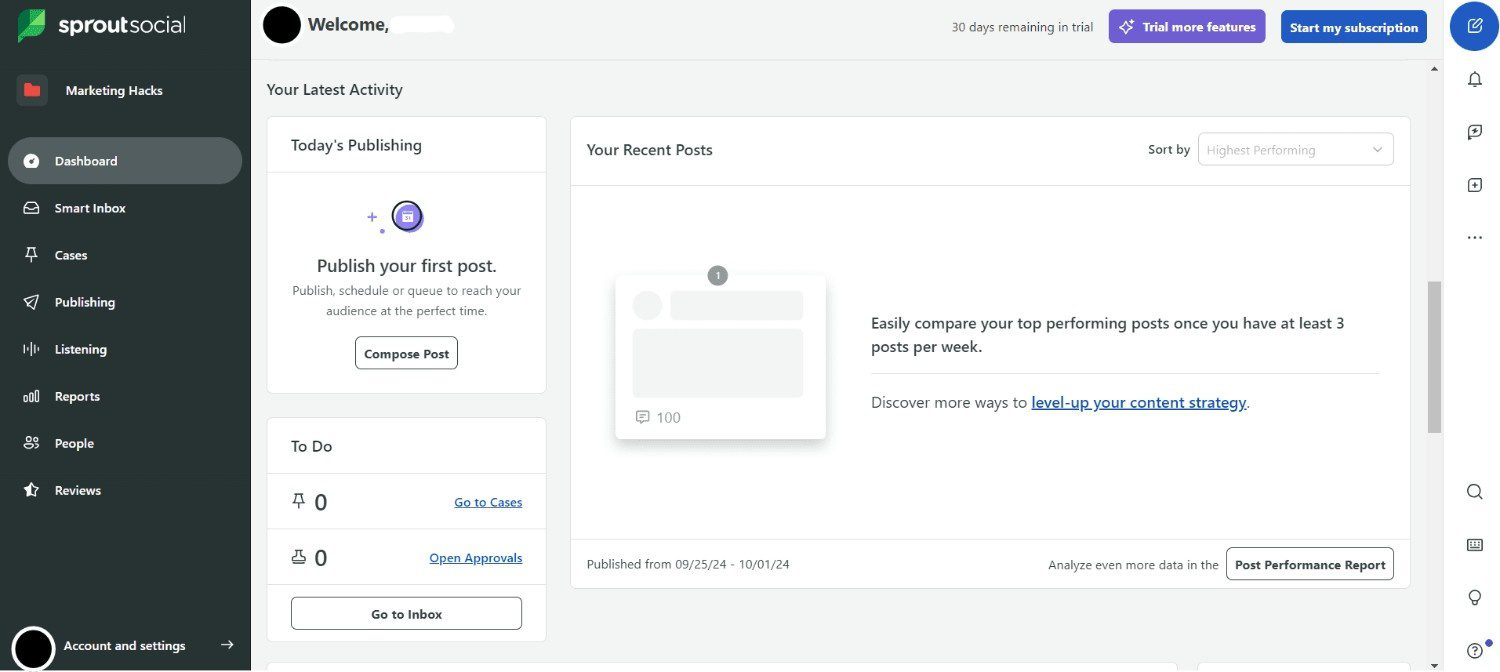
Sprout Social’s Dashboard Sprout Social is more than just a social media tool; it’s a powerhouse for Google Business Profile management. Its suite of features helps businesses streamline posting, monitor performance, and engage with customers, all from a single, intuitive dashboard.
Standout Features
- Review Monitoring: It consolidates all your customer reviews from Google Business Profile into one feed and makes it easy to respond promptly.
- Post Scheduling: You can plan and schedule Google Posts ahead of time, ensuring your profile stays fresh and active without the daily grind.
- Analytics & Reporting: It provides detailed insights on engagement, clicks, and reach. These metrics empower you to refine your content strategy and make data-driven decisions.
- Multi-Location support: If your business operates in several areas, the platform lets you manage multiple Google Business Profiles from one centralized dashboard.
- Integrations: It integrates with other social platforms, CRMs, and analytics tools.
Pros
- Keeps all reviews and messages in one place for quick responses
- Advanced analytics help track performance across multiple profiles
- Easy-to-use dashboard with clean, intuitive design
- Offers scheduling for posts and Google Updates
- Integrates well with other marketing and social platforms
Cons
- Pricing can be a bit steep for small businesses
- Bulk post uploads aren’t as flexible as some competitors
- Learning curve for some of the advanced analytics
Mid-sized to large businesses or agencies looking for a robust, all-in-one tool that combines GBP management with social media and review monitoring in one place.
-
Agorapulse
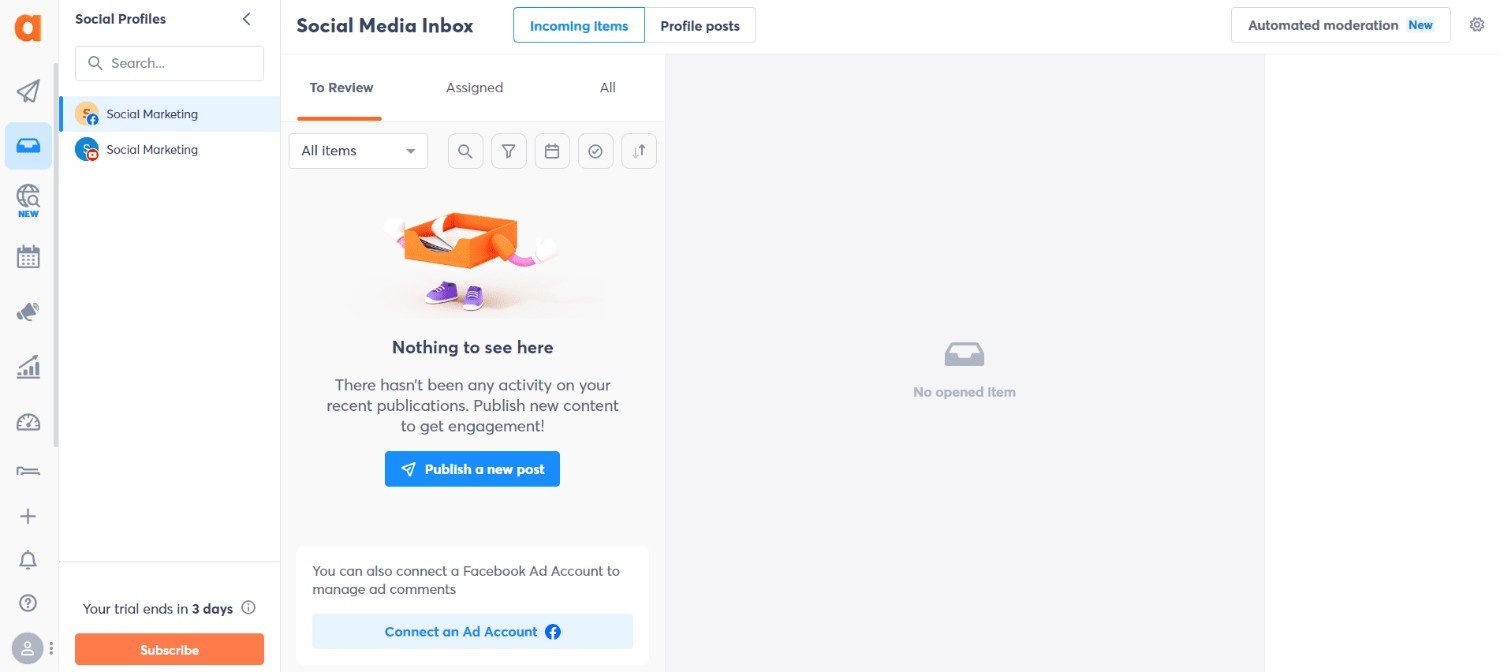
Agorapulse’s Dashboard Agorapulse turns Google Business Profile management into a smooth, organized process that keeps your local presence sharp. Its features focus on helping businesses post consistently, manage reviews, and track engagement without missing a beat.
Standout Features
- Review Management: It collects all reviews in one dashboard, making it simple to respond quickly and maintain a positive reputation.
- Post Scheduling: You can plan Google Posts in advance to ensure your profile stays active and engages customers even during busy periods.
- Analytics and Reporting: Agorapulse provides insights on clicks, engagement, and reach, so you can understand what works and what needs improvement.
- Multi-Location Management: If you have several locations, you can update profiles consistently across all areas from a single platform.
Pros
- Centralized review monitoring makes engagement easy
- Post scheduling keeps profiles active without extra effort
- Analytics provide clear performance insights
- Multi-location support saves time for businesses with several listings
- Integrates with other social media and marketing tools
Cons
- Bulk post upload options are limited
- Pricing may be high for small businesses
- Some advanced reporting features require higher-tier plans
Mid-sized to large businesses and marketing agencies that need a robust platform to manage Google Business Profiles alongside wider social media and customer engagement efforts.
-
Planable
Planable’s Dashboard Planable makes Google Business Profile management straightforward and collaborative, especially if you juggle multiple locations or work with a team. With its clear interface and collaborative workflow, you always know what’s scheduled, who’s responsible, and how your posts are performing.
Standout Features
- Review Management: See all your customer reviews in one place and respond quickly to maintain a strong reputation.
- Post Scheduling: Plan and schedule Google Posts ahead of time to keep your profile active and consistent.
- Collaboration Tools: Assign tasks, leave feedback, and approve posts with your team to streamline content workflows.
- Analytics & Insights: Track engagement, clicks, and reach to understand which posts are driving results.
- Multi-Location Support: Manage multiple Google Business Profiles from a single dashboard without confusion.
Pros
- Easy collaboration for teams
- Simple scheduling and approval process
- Centralized review monitoring
- Multi-location management made easy
- Clear analytics to track performance
Cons
- Limited bulk post upload options
- Some advanced analytics require higher-tier plans
- Integrations with other marketing tools are not as extensive
Planable is designed for SMBs, marketing teams, and agencies that need a structured way to plan, approve, and publish content on Google Business Profile and beyond.
Featured Article: 10+ Planable Alternatives and Competitors (Tried & Tested)
-
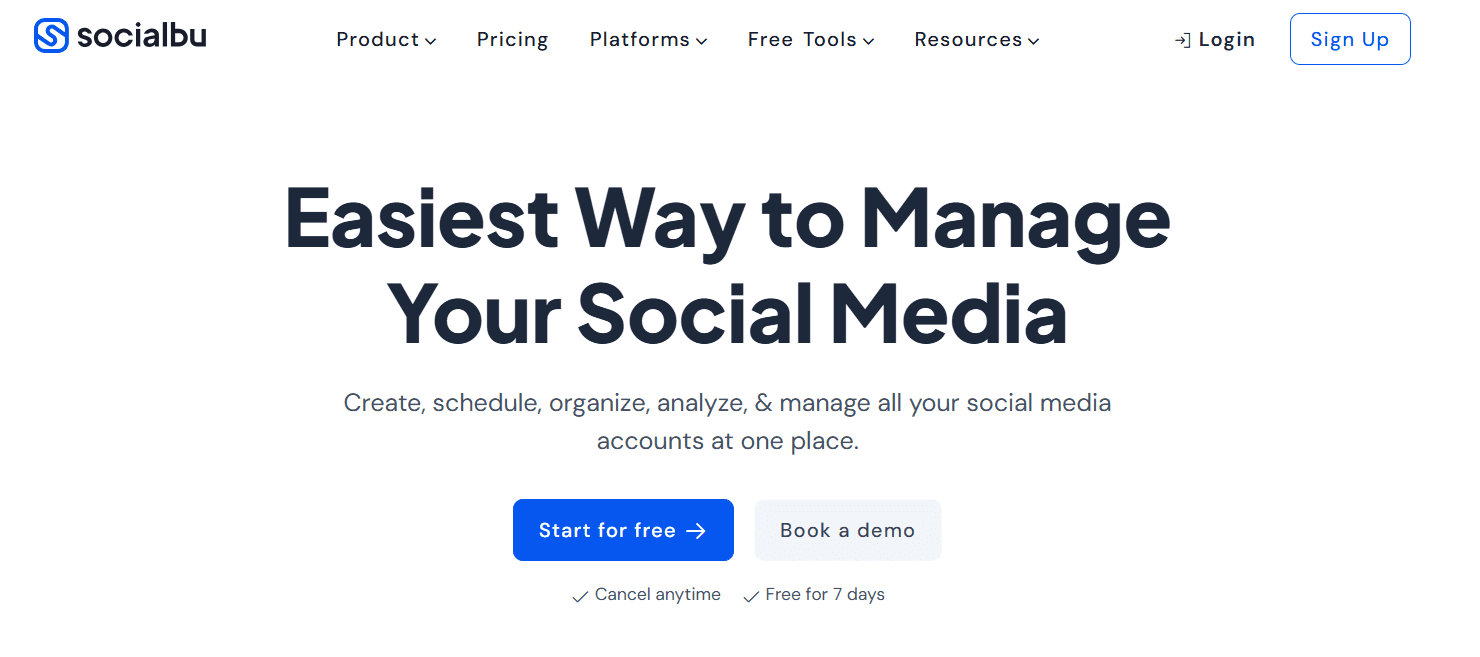
SocialBu
SocialBu’s Landing Page SocialBu helps you manage your Google Business Profile with speed and efficiency, giving you more control over your local presence. With features designed to save time and boost engagement, it keeps your profile active, credible, and optimized for local search.
Standout Features
- Review Management: Collect and respond to customer reviews across multiple profiles to maintain a positive reputation.
- Post Scheduling: Plan, schedule, and publish Google Posts ahead of time to keep your profile fresh and engaging.
- Bulk Upload: Upload multiple posts at once using CSV to save time, especially for multi-location businesses.
- Analytics & Insights: Track clicks, engagement, and reach to see which content resonates with your audience.
- Multi-Profile Support: Manage several Google Business Profiles from a single dashboard without confusion.
Pros
- Easy bulk post uploads
- Centralized review management
- Intuitive scheduling interface
- Multi-profile management made simple
- Detailed analytics for performance tracking
Cons
- Limited integrations with other marketing tools
- Advanced reporting features may require premium plans
- Some features may be less customizable for large enterprises
A great fit for solo creators, SMBs, professionals, and agencies that want an easy way to manage their Google Business Profiles without jumping between tools.
-
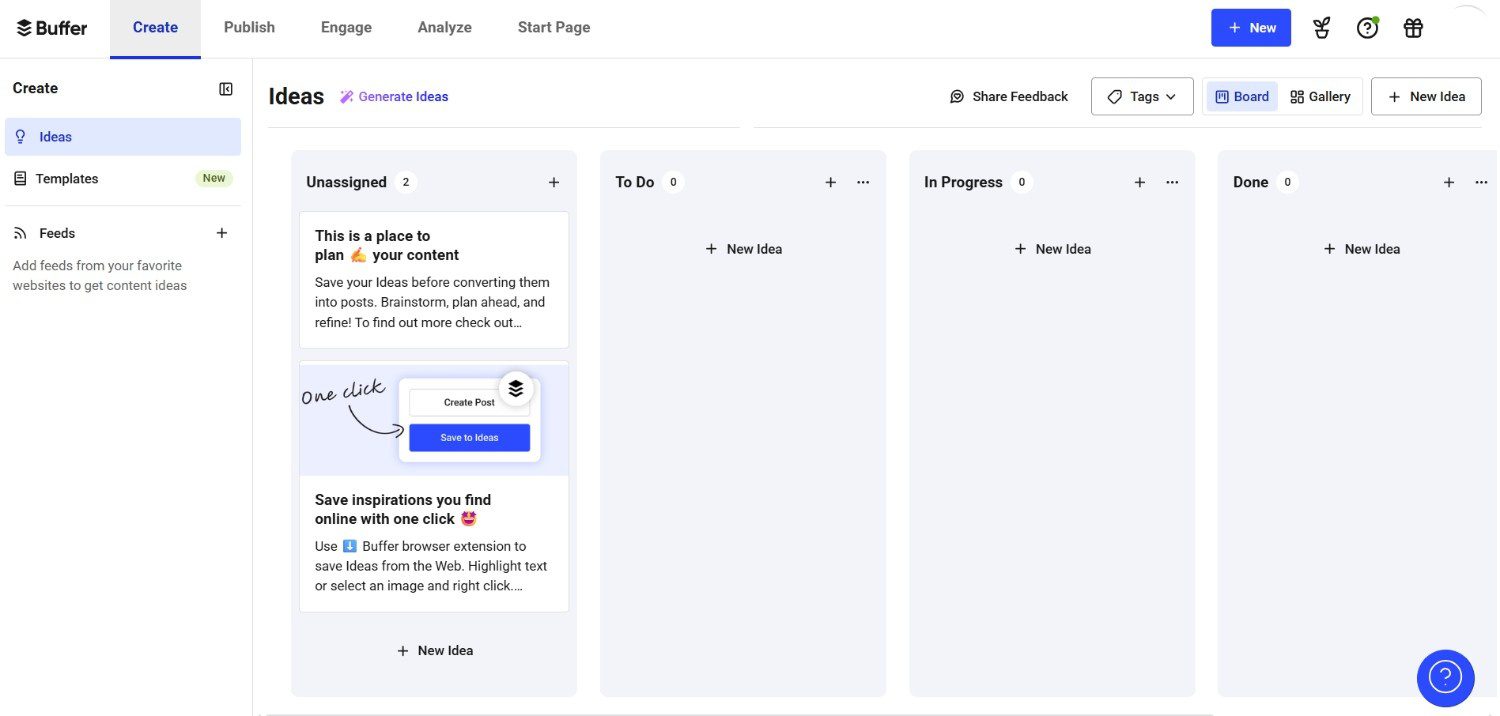
Buffer
Buffer’s Dashboard Buffer makes managing your Google Business Profile feel effortless. It keeps your posts organized, your audience engaged, and your profile visible in local search without adding unnecessary complexity.
With a clean interface and easy-to-follow workflow, Buffer helps you stay consistent and on top of your GBP game.
Standout Features
- Review Management: Keep track of all your customer reviews in one place and respond quickly to boost credibility.
- Post Scheduling: Schedule Google Posts in advance to maintain a consistent presence and reach your audience at the right time.
- Analytics & Insights: See how your posts perform with clear metrics on clicks, engagement, and reach.
- Multi-Profile Support: Manage several Google Business Profiles from a single dashboard with ease.
- Social Media Integration: Connect Buffer with your social accounts to coordinate content across multiple Google Business Profile platforms.
Pros
- Simple and intuitive dashboard
- Cost-effective with flexible pricing
- Clear analytics and reporting
- Easy scheduling for multiple posts
- Multi-profile management in one place
- Strong social media integration
Cons
- Limited bulk upload options for posts
- Review management features are basic
- Some advanced features require higher-tier plans
Ideal for solo creators, professionals, SMBs, and marketing teams that want a clean, no-nonsense tool to handle Google Business Profile posting and performance tracking.
Featured Article: 15+ Best Buffer Alternatives for Smarter Social Media Management
-
Zoho Social
Zoho Social’s Dashboard Zoho Social gives you the power to handle your Google Business Profile without the usual chaos. It keeps your posts, reviews, and insights all in one place so you always know how your profile performs.
This tool combines clarity, speed, and flexibility to help your local presence stand out effortlessly.
Standout Features
- Review Management: Track and respond to Google reviews to keep your reputation strong and customers happy.
- Post Scheduling: Set your Google Posts to go live at the perfect time to reach more people.
- Bulk Upload: Add multiple posts at once from a CSV file and save hours of repetitive work.
- Analytics & Insights: Monitor engagement, clicks, and reach to make smarter content decisions.
- Team Collaboration: Assign tasks, approve content, and manage multiple profiles with your team from one dashboard.
Pros
- Centralized review tracking makes life easier
- Bulk upload saves a lot of time
- Analytics help improve post performance
- Supports team collaboration efficiently
- Flexible scheduling options
Cons
- Some advanced analytics require premium plans
- Multi-location support is not as strong as enterprise tools
- Social integrations are limited compared to other platforms
Well-suited for SMBs, professionals, solo creators, and agencies that want a reliable way to manage their Google Business Profile alongside other social channels.
-
Sendible
Sendible’s Dashboard Sendible puts your Google Business Profile front and center while keeping things simple and efficient. It helps you post content, track reviews, and measure results without juggling multiple Google Business Profile platforms.
The platform balances power with clarity so you can focus on connecting with customers and growing your local presence.
Standout Features
- Review Management: Collect and respond to all your Google reviews from one dashboard to maintain a strong reputation.
- Post Scheduling: Plan and schedule Google Posts ahead of time to keep your profile active and engaging.
- Analytics & Reporting: Track clicks, engagement, and reach to see which posts perform best.
- Multi-Profile Management: Handle multiple Google Business Profiles from a single platform without confusion.
- Content Suggestions: Access content ideas to keep your posts fresh and relevant to your audience.
Pros
- Centralized review management saves time
- Easy scheduling keeps your profile consistent
- Analytics give clear performance insights
- Multi-profile support simplifies Google listing management
- Built-in content suggestions inspire posts
Cons
- Bulk post upload options are limited
- Some advanced reporting features require higher plans
- Integrations with other marketing tools could be better
Perfect for SMBs, solo creators, professionals, and agencies that want a flexible tool to manage Google Business Profiles alongside other marketing channels.
-
Loomly
Loomly’s Dashboard Loomly brings structure and spark to your Google Business Profile strategy. It gives you the tools to plan posts, monitor feedback, and track performance without clutter or confusion. You stay in control of your content calendar while keeping your local presence sharp and consistent.
Standout Features
- Review Management: Monitor and respond to Google reviews so you never miss a customer comment.
- Post Scheduling: Schedule Google Posts ahead of time to maintain a steady flow of fresh content.
- Content Calendar: Visualize all planned posts in one clear calendar view to stay organized.
- Post Optimization Tips: Get built-in suggestions that help improve clarity, timing, and engagement.
- Analytics & Reporting: Access performance data that shows what drives clicks and interactions.
Pros
- Clean and intuitive interface
- Helpful post optimization suggestions
- Easy scheduling tools
- Clear content calendar view
- Solid performance tracking
Cons
- Limited bulk upload functionality
- Review features are not as advanced as reputation-focused tools
- Pricing increases quickly for larger teams
Best for small to mid-sized businesses, marketing teams, and agencies that want structured planning and consistent Google Business Profile management in one streamlined platform.
-
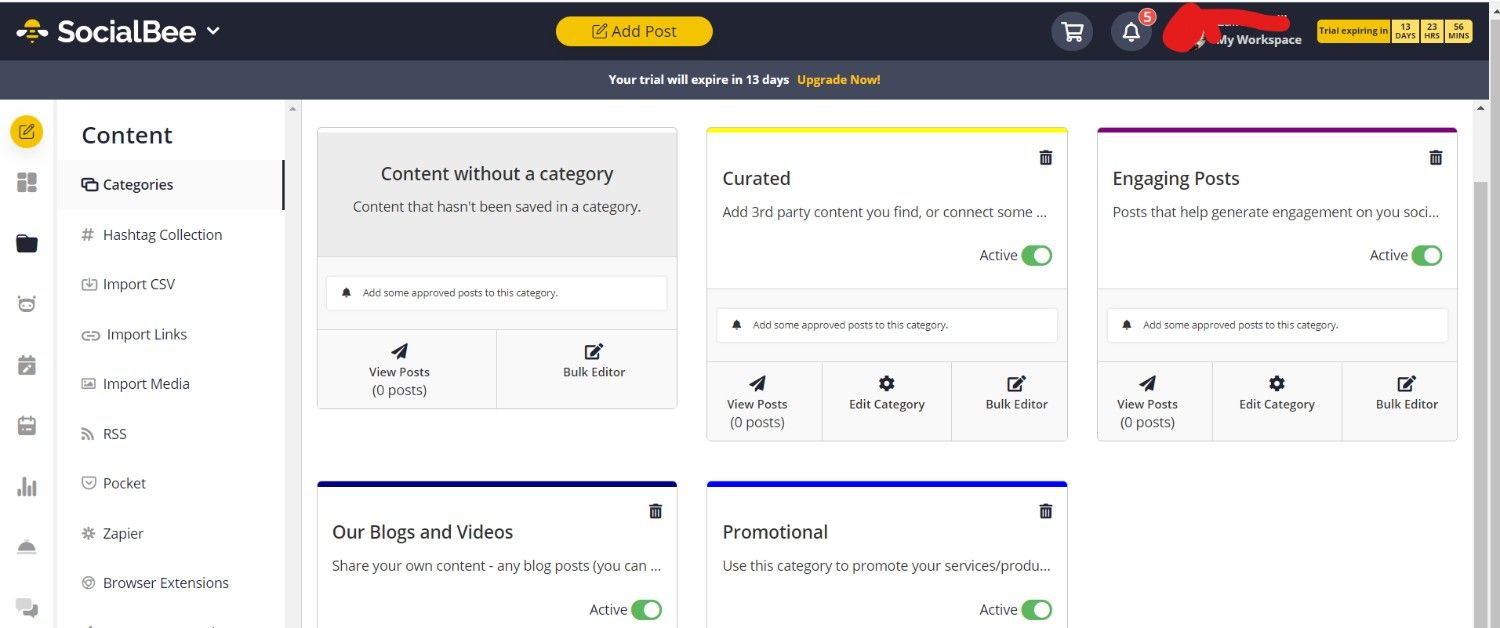
SocialBee
SocialBee’s Dashboard SocialBee adds structure to your Google Business Profile strategy without slowing you down. It helps you organize content into categories, schedule posts with precision, and keep your profile active week after week. You get control, clarity, and consistency all in one neat system.
Standout Features
- Review Management: Keep track of customer reviews and respond promptly to protect your brand reputation.
- Category-Based Scheduling: Organize posts by content type so your GBP never feels repetitive.
- Post Recycling: Reuse evergreen Google Posts to maintain visibility without constant content creation.
- Bulk Scheduling: Upload and schedule multiple posts at once to save serious time.
- Performance Analytics: Measure reach and engagement to understand what drives action.
Pros
- The category system keeps content organized
- Post recycling saves effort
- Bulk scheduling boosts efficiency
- Clear and simple dashboard
- Strong automation features
Cons
- Review management is basic
- Advanced analytics require higher plans
- Interface may feel feature-heavy at first
SocialBee is ideal for solo creators, small businesses, and agencies that want structured content scheduling and steady Google Business Profile activity without daily manual work.
-
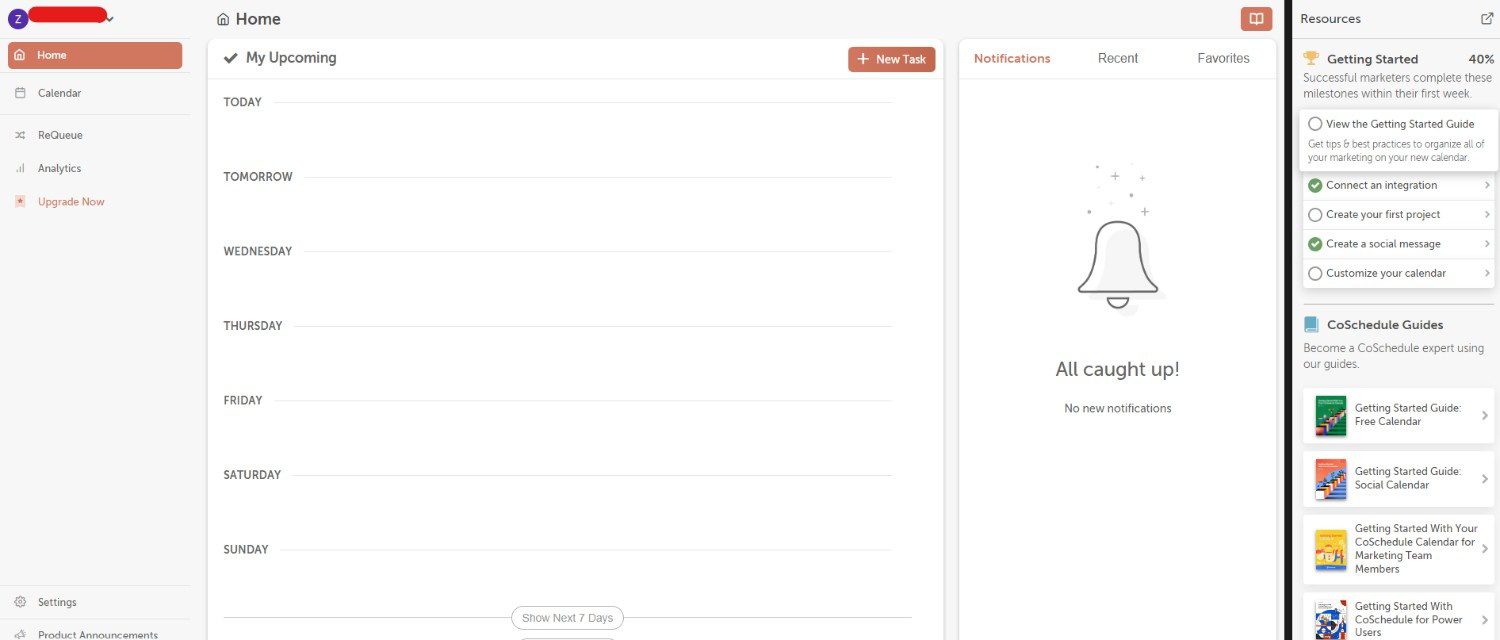
CoSchedule
CoSchedule’s Dashboard CoSchedule brings order to your Google Business Profile game with a strong focus on planning and execution. It connects your marketing calendar with your GBP posts so nothing slips through the cracks. You get visibility over every campaign and full control over when and how your content goes live.
Standout Features
- Review Management: Monitor customer feedback and respond directly to maintain trust and credibility.
- Marketing Calendar: View all your GBP posts alongside broader campaigns in one unified calendar.
- Automated Scheduling: Set posts to publish at optimal times to maximize reach.
- Task Management: Assign responsibilities to team members to keep GBP updates on track.
- Performance Insights: Track engagement metrics to understand what moves the needle.
Pros
- Powerful marketing calendar
- Strong team collaboration tools
- Clear task assignment system
- Reliable scheduling automation
- Good visibility across campaigns
Cons
- Review tools are not deeply advanced
- Bulk upload options are limited
- Pricing may feel high for solo users
CoSchedule works best for marketing teams, growing businesses, and agencies that want to align Google Business Profile updates with broader marketing campaigns in one organized system.
Featured Article: 10 CoSchedule Alternatives to Improve Your SMM
-
SocialPilot
SocialPilot’s Dashboard SocialPilot helps you keep your Google Business Profile active and visible without stress. Its platform puts your posts, reviews, and performance metrics in one place so you always know what is happening with your local presence.
With this tool, you spend less time jumping between tools and more time connecting with customers and growing your reach.
Standout Features
- Review Management: Track Google reviews so you catch feedback quickly and reply with confidence.
- Post Scheduling: Schedule Google Posts in advance so your profile stays fresh and consistent.
- Multi-Profile Dashboard: See all your GBP accounts in one view so you never lose track.
- Content Calendar: Use a calendar to view your planned posts so your content flow feels smooth and organized.
- Analytics & Insights: Get clear reports that show clicks, reach, and engagement so you know what works.
Pros
- Centralized review tracking saves time
- Easy post scheduling keeps your profile active
- The multi-profile dashboard provides big picture clarity
- A simple content calendar makes planning easy
- Analytics help you measure results
Cons
- Bulk upload options are limited
- Advanced analytics may require higher pricing tiers
- Some features feel basic compared to specialized tools
SocialPilot is great for small businesses, solo creators, and marketing teams who want a straightforward and reliable tool to schedule posts, track reviews, and monitor performance on Google Business Profile.
-
Eclincher
Eclincher’s Landing Page Eclincher gives you a strong grip on your Google Business Profile presence with a mix of powerful tools and clear results. It puts your posts, reviews, and metrics into one dashboard so you can stay on top of local visibility without confusion. You get everything you need to manage your profile in a way that feels solid and dependable.
Standout Features
- Review Management: See all your Google reviews in one feed so you can respond quickly and keep your reputation bright.
- Post Scheduling: Plan and schedule posts ahead of time so your profile stays active even during busy days.
- Auto Post Suggestions: Use ready-made suggestions to get fresh content ideas that match your audience.
- Analytics & Reporting: View engagement, reach, and performance numbers so you know what is working well.
- Multi-Profile Support: Manage several Google Business Profiles from one place without a headache.
Pros
- Centralized review management makes replies easy
- Reliable post-scheduling keeps content steady
- Auto post suggestions spark fresh ideas
- Clear analytics help you understand results
- The multi-profile dashboard keeps everything organized
Cons
- Bulk upload tools are limited
- Some features feel more complex at first
- Advanced reporting may need higher plan tiers
Eclincher is ideal for businesses of all sizes and agencies that want a comprehensive and reliable tool to handle reviews, posts, and performance on Google Business Profile.
-
HubSpot
HubSpot’s Dashboard HubSpot brings your Google Business Profile into a broader growth playbook. It connects your local presence with customer data, CRM, and marketing insights so you see all your engagement in one place. With HubSpot, your GBP doesn’t live in isolation; it becomes part of the bigger picture that drives real results.
Standout Features
- Review Management: Collect and respond to reviews from a unified dashboard so feedback does not slip through the cracks.
- Post Scheduling: Plan and schedule Google Posts ahead of time to maintain a steady local presence.
- Contact & CRM Sync: Tie your GBP interactions to customer records so you understand who your audience really is.
- Analytics & Reporting: Access clear performance data that helps you track clicks, engagement, and local traffic.
- Automated Notifications: Get alerts for new reviews and messages so you respond quickly and stay connected.
Pros
- Review monitoring and reply tools save time
- Scheduling keeps your profile active without hassle
- CRM tie-ins link GBP data with customer insights
- Easy-to-read analytics help guide decisions
- Automated alerts help you stay responsive
Cons
- More expensive than many dedicated GBP tools
- Bulk post uploads are limited
- Some advanced features require higher-tier subscriptions
HubSpot is best for businesses that want a holistic platform combining local profile management with CRM and broader marketing functions.
-
NapoleonCat
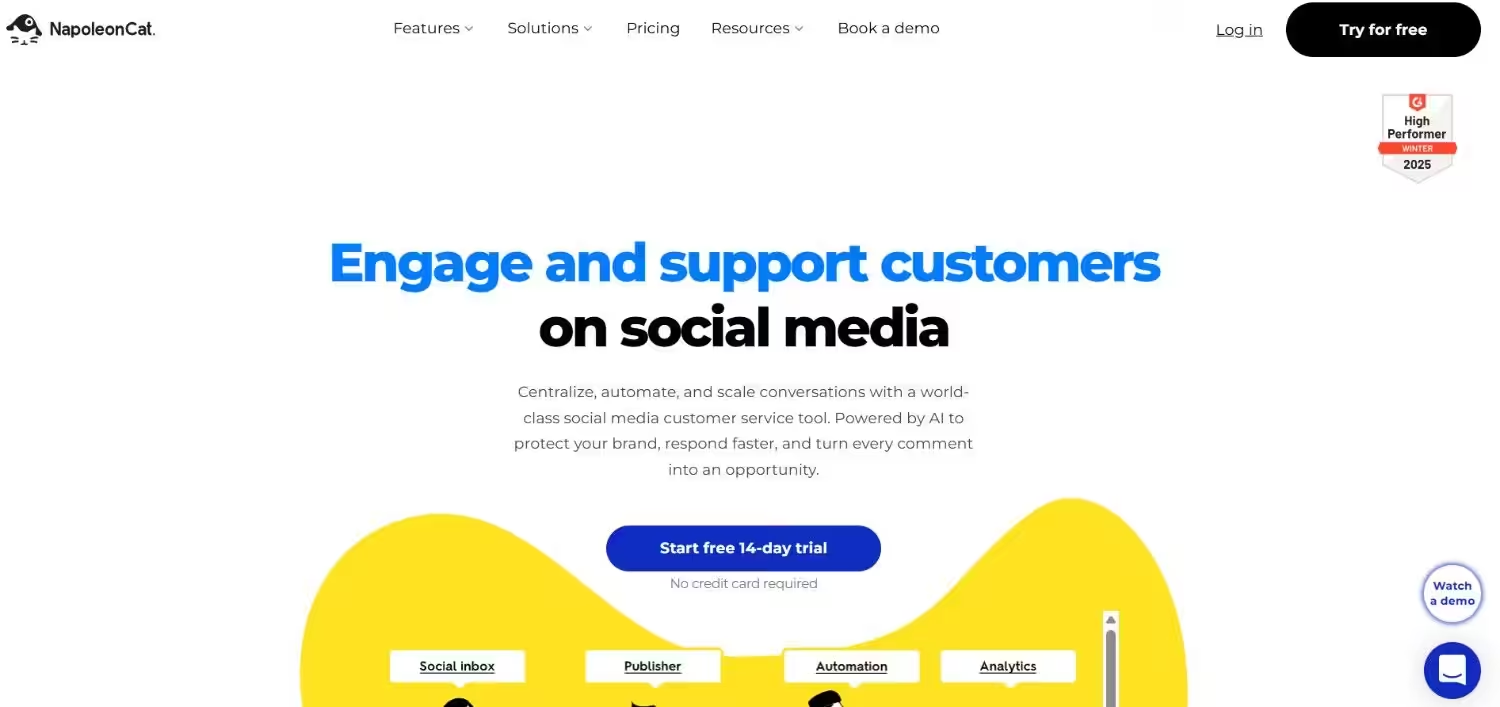
NapoleonCat’s Landing Page NapoleonCat helps you tame your Google Business Profile with clarity and speed. It brings your reviews, posts, and messages into one place so nothing gets overlooked. You get tools that make response, planning, and performance tracking much easier in your daily workflow.
Standout Features
- Review Management: See all Google reviews in a unified inbox and reply fast to keep conversations flowing.
- Post Scheduling: Line up Google Posts ahead of time so your profile stays lively without effort.
- Unified Inbox: Gather messages from Google and social channels in one feed so you never miss a customer note.
- Analytics & Reporting: Look at clicks, reach, and engagement so you know what posts work best.
- Team Collaboration: Share tasks with team members so everyone knows who handles what.
Pros
- Centralized review replies save time
- Post-scheduling keeps content steady
- Unified inbox keeps messages organized
- Clear analytics help you measure success
- Collaboration tools help teams work smoothly
Cons
- Bulk upload options are limited
- Some features require higher plans
- Local ranking insights are basic
NapoleonCat is perfect for SMBs and teams that want simple tools to manage reviews, plan posts, and stay responsive on Google Business Profile.
-
Yext
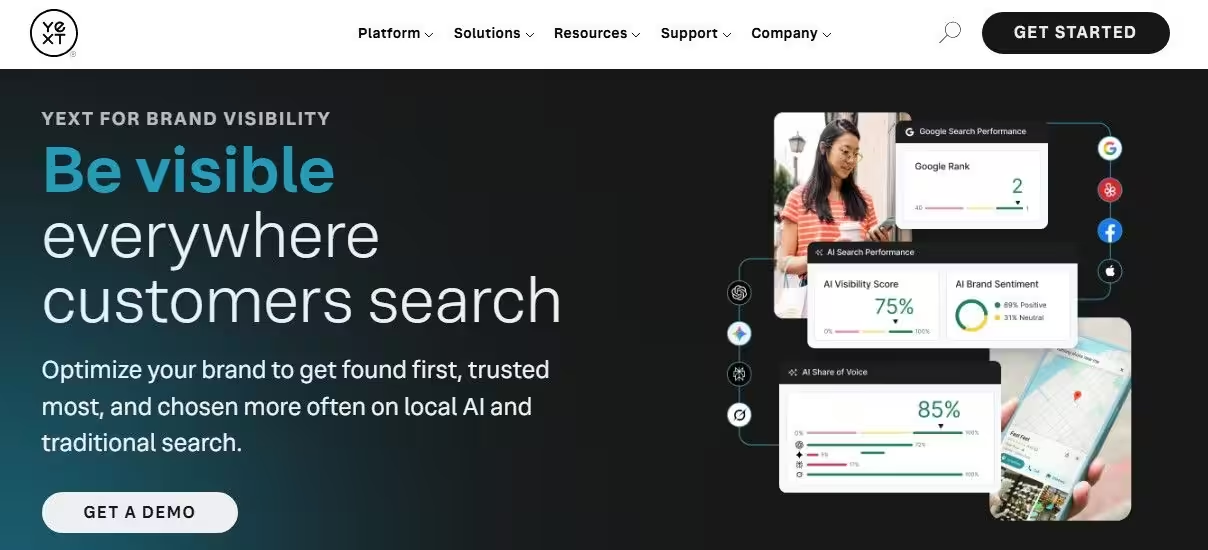
Yext’s Landing Page Yext makes your Google Business Profile shine with accurate, consistent information everywhere customers might find you. It keeps your business data up to date and aligned across search engines, maps, and directories. The tool helps reduce incorrect listings so customers always see the right details when they search your brand.
Standout Features
- Review Management: Collect and reply to reviews from one place so you can protect your reputation and keep feedback in check.
- Listing Sync: Distribute your business info to many search platforms so your details stay the same no matter where someone looks.
- Location Management: Update information for many locations at once so your profiles stay consistent and neat.
- Analytics & Insights: See how your profile performs with clear metrics so you can adjust your strategy with confidence.
- Custom Fields: Add special business information so you stand out with unique details that matter to your customers.
Pros
- Reliable listing sync keeps data consistent
- Review tools help you stay on top of feedback
- Strong multi-location support saves time
- Insights let you see what works in search
- Custom fields help you highlight key business information
Cons
- Pricing can be steep for smaller businesses
- Post scheduling feels basic compared to other tools
- Some features require add-ons
Yext is perfect for medium to large businesses and enterprises that need a centralized solution to keep business listings accurate across multiple platforms and locations.
-
EmbedSocial
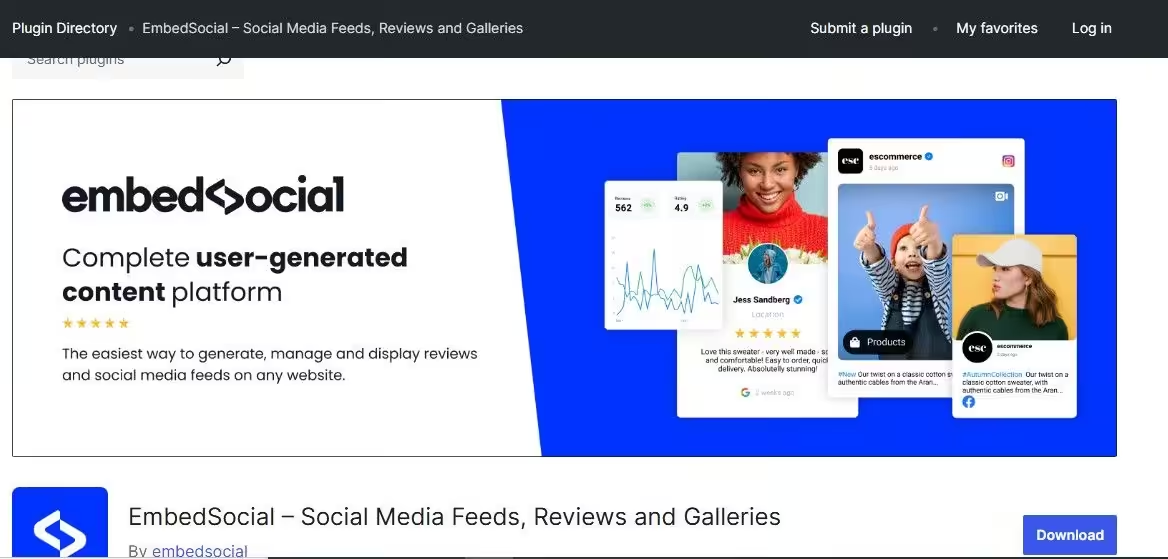
EmbedSocial’s Landing Page EmbedSocial helps you collect and showcase social proof from your Google Business Profile in creative ways that get attention. It turns reviews into visual galleries, lists, and widgets you can use on your website and beyond. This approach makes your customer feedback work harder for you and adds real personality to your online presence.
Standout Features
- Review Management: Pull Google reviews into one place so you can celebrate positive feedback and address concerns quickly.
- Review Display Options: Turn reviews into wall displays, sliders, and embeds that look great on your website and marketing pages.
- Automated Review Collection: Send requests for reviews to customers so you keep fresh feedback flowing.
- Analytics & Insights: See which reviews perform best so you know what your audience responds to most.
- Custom Branding: Style your review displays to match your brand so everything looks cohesive.
Pros
- Makes review content visually engaging
- Multiple display formats add flexibility
- Automated review requests help increase feedback
- A simple dashboard makes review access quick
- Custom branding keeps things professional
Cons
- Limited post-scheduling features
- Not focused on direct Google post creation
- Local ranking tracking tools are basic
EmbedSocial is perfect for businesses and professionals who want to showcase customer reviews creatively and make social proof a strong part of their marketing strategy.
-
Semrush
Semrush’s Landing Page Semrush gives your Google Business Profile a strategic edge by combining local SEO insights with profile performance analysis. It lets you peek into how your listing ranks, what keywords attract attention, and how customers interact with your profile.
With this mix of search intelligence and profile data, you can make smarter moves that help more people find and choose your business.
Standout Features
- Review Management: Track reviews from your Google Business Profile so you never miss feedback and you can reply with confidence.
- Local SEO Insights: See which keywords help your profile show up in local searches so you can tailor your content and posts.
- Rank Tracking: Monitor where your business appears in search results so you know how visible you are compared to competitors.
- Analytics Dashboard: View clicks, impressions, and engagement so you know how your profile performance changes over time.
- Competitive Analysis: Check how similar businesses perform in local search so you can adjust your strategy accordingly.
Pros
- Strong local SEO and keyword insights
- Review tracking helps you stay responsive
- Rank tracking shows visibility trends
- Easy-to-read analytics keep you informed
- Competitive data helps you plan smarter moves
Cons
- Post-scheduling is limited
- Review response options are basic
- Full feature set requires higher-tier plans
Semrush is perfect for businesses and agencies that want deep local SEO insights alongside Google Business Profile data to outpace competitors in search results.
-
BrightLocal
BrightLocal’s Landing Page BrightLocal helps you take the guesswork out of local search success with tools tailored for Google Business Profile performance. It focuses on the numbers and signals that matter most to local visibility so you can see how your profile stacks up where it counts. With clear reports and useful feedback, BrightLocal gives you the insights you need to improve your presence where customers are searching.
Standout Features
- Review Management: Track reviews from your Google Business Profile so you can reply to feedback and boost trust.
- Local Search Audit: Get a snapshot of how your profile performs in local search results so you know what needs attention.
- Rank Tracking: Check your business position for local keywords so you know when your visibility changes.
- Citation Management: Find and fix inconsistent listings across directories so your business information stays accurate everywhere.
- Analytics & Reporting: Access easy-to-read performance data so you know what is working and what needs improvement.
Pros
- Strong local search insights help guide decisions
- Clean reporting makes complex data easier to understand
- Citation tools help improve listing accuracy
- Rank tracking shows visibility trends
- Review tracking helps you keep your reputation solid
Cons
- Post-scheduling features are limited
- Bulk upload options are basic
- Setup can feel detailed at first
BrightLocal is great for local businesses and agencies that want a data-driven tool to analyze performance, improve visibility, and manage Google Business Profile listings with confidence.
-
BirdEye
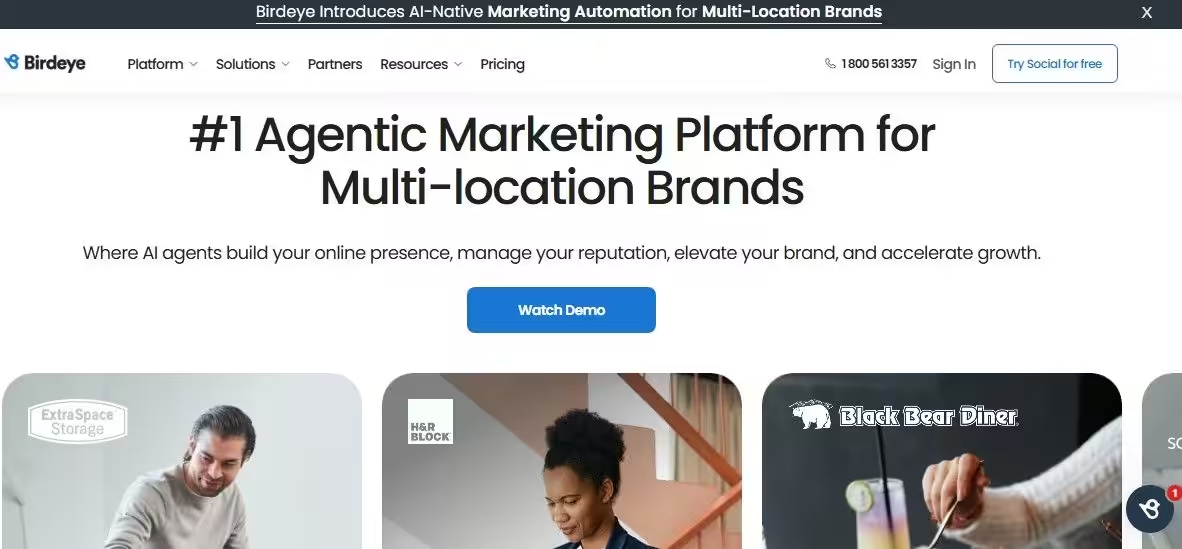
BirdEye’s Landing Page BirdEye helps your Google Business Profile reach its full potential by putting customer feedback and engagement front and center. It brings reviews, questions, and insights into one place so you can act fast and make your local presence stronger. You get tools that help you monitor how customers see your business and take action where it matters most.
Standout Features
- Review Management: Pull reviews from Google and other platforms so you can reply in one place and protect your reputation.
- Reputation Score: Get a simple score that shows how your business is performing in customer feedback, so you know where you stand.
- Surveys & Feedback Requests: Send requests for reviews to customers so fresh feedback arrives regularly and boosts your profile.
- Messaging Inbox: See all customer messages in one inbox so you can respond quickly and stay connected.
- Insights Dashboard: Track trends in reviews and engagement so you can make smarter decisions on your local presence.
Pros
- Unified review management helps you stay on top of feedback
- The reputation score gives quick performance snapshots
- Survey tools help generate more reviews
- Central messaging keeps communication clear
- Clear dashboards make data easy to read
Cons
- Post scheduling tools feel limited next to content-first platforms
- Bulk uploads are not a main focus
- Pricing can be high for smaller businesses
BirdEye is best for businesses and agencies that want a reputation-first platform to manage reviews, gather feedback, and improve their Google Business Profile presence.
-
GMB Everywhere
GMB Everywhere’s Landing Page GMB Everywhere gives you extra insight into how your Google Business Profile performs right from your browser. It brings valuable metrics and local data into view so you know how your listing ranks and where improvements help most. This tool makes it easy to grab key information about visibility and competitors without extra hassle.
Standout Features
- Review Management: See review stats on the fly so you know how customers feel about your business.
- Local Rank Metrics: Get clear information about your local search positions, so you know where you land in results.
- Search Visibility Scores: Check how visible your profile is for key terms so you can refine your local strategy.
- Competitor Insights: Compare your performance with nearby businesses so you know who leads the pack.
- Browser Extension Support: View metrics directly in your browser so you skip extra steps and stay focused.
Pros
- Quick access to local rank data
- Easy review snapshot helps you stay aware
- Useful competitor comparison tools
- A browser extension makes insights convenient
- Simple layout keeps data clear
Cons
- Not built for post scheduling
- Review response must happen in Google’s native interface
- Deep analytics require other tools
GMB Everywhere is perfect for local marketers and SEO pros who want fast, easy insight into profile visibility and competitive performance without complex dashboards.
-
Moz Local
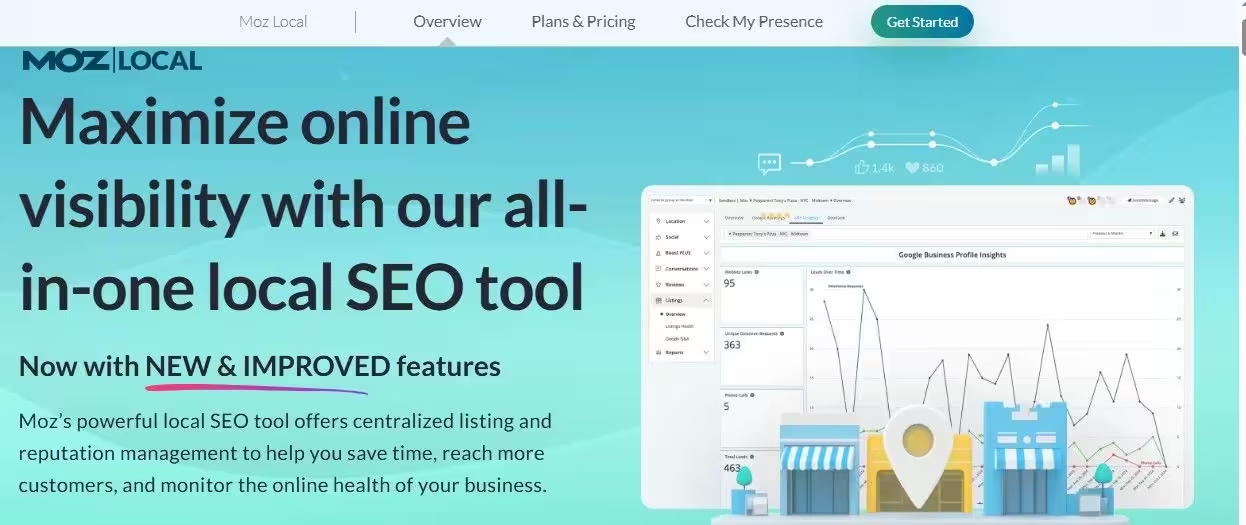
Moz Local’s Landing Page Moz Local helps your Google Business Profile get seen in the right places and keeps your business info accurate where it matters most. It focuses on ensuring your listing details are consistent across directories so Google and customers always spot the correct information. With clear insights and simple feedback, you know exactly how your local presence holds up in search results.
Standout Features
- Review Management: Pull in review summaries so you know how customers talk about your business online.
- Listing Distribution: Spread your business details across many directories so your presence stays consistent everywhere.
- Data Accuracy Checks: Get alerts when your business information doesn’t match, so you can fix errors quickly.
- Local Search Audit: See how your listing performs for local search results, so you know where you stand.
- Performance Reporting: Access simple performance reports so you can track progress over time.
Pros
- Strong focus on listing accuracy helps local visibility
- Clear reports make insights easy to read
- Review summaries keep feedback visible
- Simple setup makes adoption easy
- Local search audit helps you track improvement
Cons
- Post scheduling tools are limited
- Bulk upload features are not a focus
- Analytics are simpler than some advanced platforms
Moz Local is perfect for local businesses and marketers who want a reliable tool to maintain accurate listings and strong visibility across search and directory platforms.




Start Your Free Trial Today!
Importance of Google Business Profile
Your Google Business Profile is not just a listing. It is your business to show up ready to impress at the exact moment someone is searching.
I’ll give you five reasons why this little profile carries serious weight for your brand:
-
It Boosts Your Local Visibility
When people search on Google Search or browse Google Maps, Google Business Profile helps you appear in local results.
Strong optimization increases your chances of landing in the local pack, which means more eyes on your business without paying for ads. More visibility equals more clicks, calls, and visits.
-
It Builds Instant Trust
Reviews, ratings, and photos act like social proof on display. A well-managed profile shows customers that your business is active, responsive, and reliable.
People trust businesses with updated information and thoughtful review replies. Silence, on the other hand, raises eyebrows.
-
It Drives Real Customer Actions
Your profile is not just for browsing. Customers can call, get directions, visit your website, or message you directly from the listing.
One tap can turn a casual search into a paying customer. That kind of convenience shortens the decision-making process in your favor.
-
It Gives You Performance Insights
Google Business Profile provides data on how customers find you, what keywords they use, and which actions they take.
Those insights help you refine your strategy and focus on what actually brings results. Smart decisions beat guesswork every time.
-
It Strengthens Your Competitive Edge
Your competitors are already fighting for local attention. An optimized and active profile helps you stand out in crowded search results.
Fresh updates, consistent engagement, and accurate details give customers more reasons to choose you over the business next door.
In short, treating your Google Business Profile like a priority instead of an afterthought can turn casual searches into consistent growth for your business.
Featured Article: Top 29 Tools for Small Business Marketing (Free & Paid)
How Can I Improve My GBP Profile?
A strong Google Business Profile can make your business pop in local search results and catch the attention of potential customers.
Here are some practical tips to level up your GBP profile and make it work harder for you:
-
Keep Your Information Spot-On
Make sure your address, phone number, website, and hours are always correct. Accurate details help customers find you easily and prevent frustration that could drive them to competitors.
-
Pick the Perfect Categories
Choose categories that really match your business. Google uses these to show you the right people. The better the fit, the more likely you are to land in front of customers who are ready to buy.
-
Show Off With Great Photos
Add eye-catching images of your products, services, or workspace. Good photos make your profile pop and give customers a sneak peek of what to expect.
-
Collect Reviews and Chat Back
Encourage happy customers to leave reviews and reply to them like a pro. Engaging with feedback builds trust and shows you actually care.
-
Post Updates That Spark Interest
Share news, deals, or events on your profile. Fresh content keeps your business active, visible, and irresistible in search results.
-
Answer Questions Fast
Keep an eye on the Q&A section and provide helpful answers. Quick, clear responses make customers feel confident choosing you.
-
Sprinkle in Smart Keywords
Use relevant keywords in your business description, services, and posts. They help Google know what you’re all about and put your profile in front of the right audience.
Let Social Champ Bulk Upload Posts Instantly
How to Choose the Best Google Business Profile Management Tool
What should I look for in a Google Business Profile management tool?
Well, you want a tool that makes managing your listings easy, saves time, and helps you grow. For a tool to accomplish that, it must have certain features, capabilities, and attributes. Here are the key things to keep in mind as you explore your options.
-
Ease of Use
The last thing you want is a tool that feels like rocket science in disguise. You could use a user-friendly tool with simple dashboards, clear menus, and smooth navigation.
It’s such a tool that will make your life easier and keep you coming back instead of running for the hills.
-
Scalability (Single vs. Multi-Location)
Are you a one-location wonder or a growing empire with locations popping up faster than coffee shops? Choose a tool that scales with you.
Some platforms are perfect for single profiles, while others juggle dozens of locations without breaking a sweat. Choose accordingly.
-
Integration With Other Marketing Tools
Your GBP tool should play nicely with the rest of your digital stack. If it integrates with your social media scheduler, CRM, or review platforms, you get a smoother workflow and less manual copying and pasting.
-
Pricing That Makes Sense
Don’t let pricing plans surprise you like an unexpected plot twist. Look for transparent pricing that fits your budget and matches your needs. Free plans are great for starters, while premium tiers might unlock power features worth the upgrade.
Now let’s talk about the essential capabilities that separate the champs from the chumps.
-
Listing Management
A strong tool ensures your business info stays consistent across all profiles. No more outdated phone numbers or wrong hours slipping through the cracks. Consistency builds trust and makes Google happy, too.
-
Multi-Location Support
If you manage more than one location, this feature is a lifesaver. Quality Google Business Profile tools let you update multiple profiles at once without repeating the same task over and over.
-
Automated Review Aggregation and Response
Reviews are gold, but collecting and responding to them can get overwhelming. Tools that aggregate reviews from multiple channels and help you reply quickly keep your reputation sparkling without the manual grind.
-
Google Posts Scheduling
Got offers, events, or updates to share? Scheduling posts ahead of time means you stay relevant even when you’re off enjoying coffee or sleep.
-
Analytics and Local Ranking Tracking
You want numbers that tell a story. Good GBP management software shows performance insights, trends, and how your profiles rank in local search. That way, you make smarter decisions instead of guessing.
Conclusion
Optimizing and managing your Google Business Profile is a must if you want to stand out in local search, build trust with customers, and turn searches into real visits or sales. A well-maintained profile ensures accurate information, engaging posts, and timely responses to reviews, all of which boost visibility and credibility.
When it comes to managing your GBP efficiently, using one of the best Google Business Profile management tools is a smart decision. If you’d like to try out a tool before fully committing, choose Social Champ. It has a free plan, and its flexible pricing lets you select the number of profiles you want to manage.