
A workspace for every client

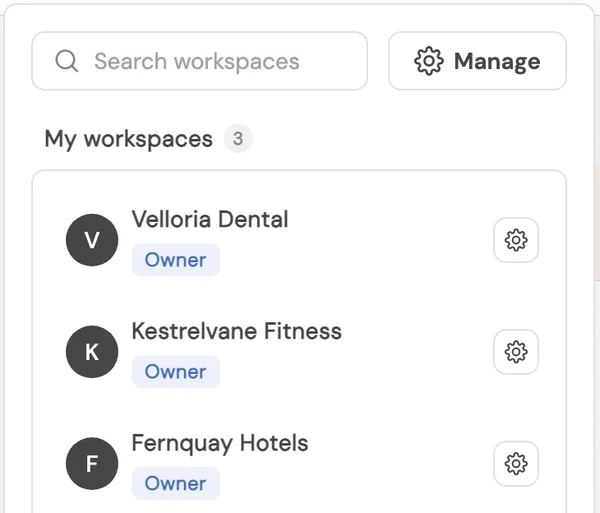


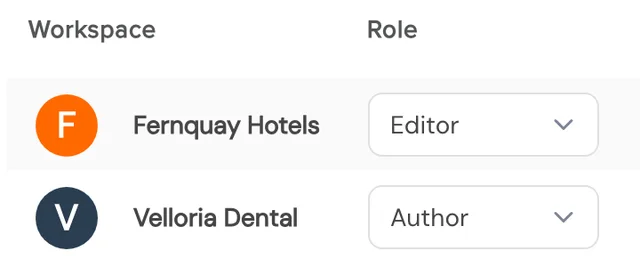
Each client gets its own workspace with its own channels, calendar, team roles, and time zone.

Plan, publish, and report across 12+ social platforms, while clients approve a post for every channel at once, from an emailed link.
No credit card. Free forever plan.

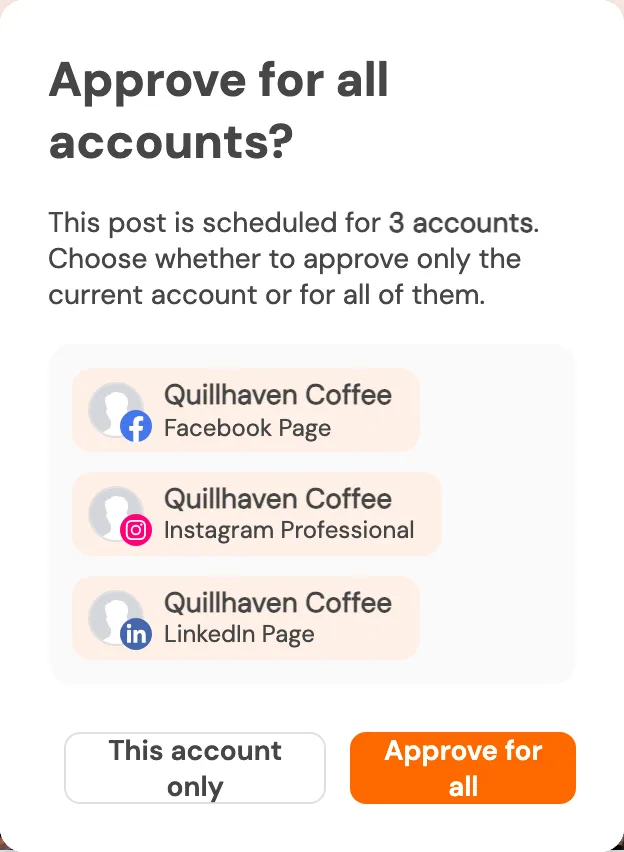
Approves every channel at once
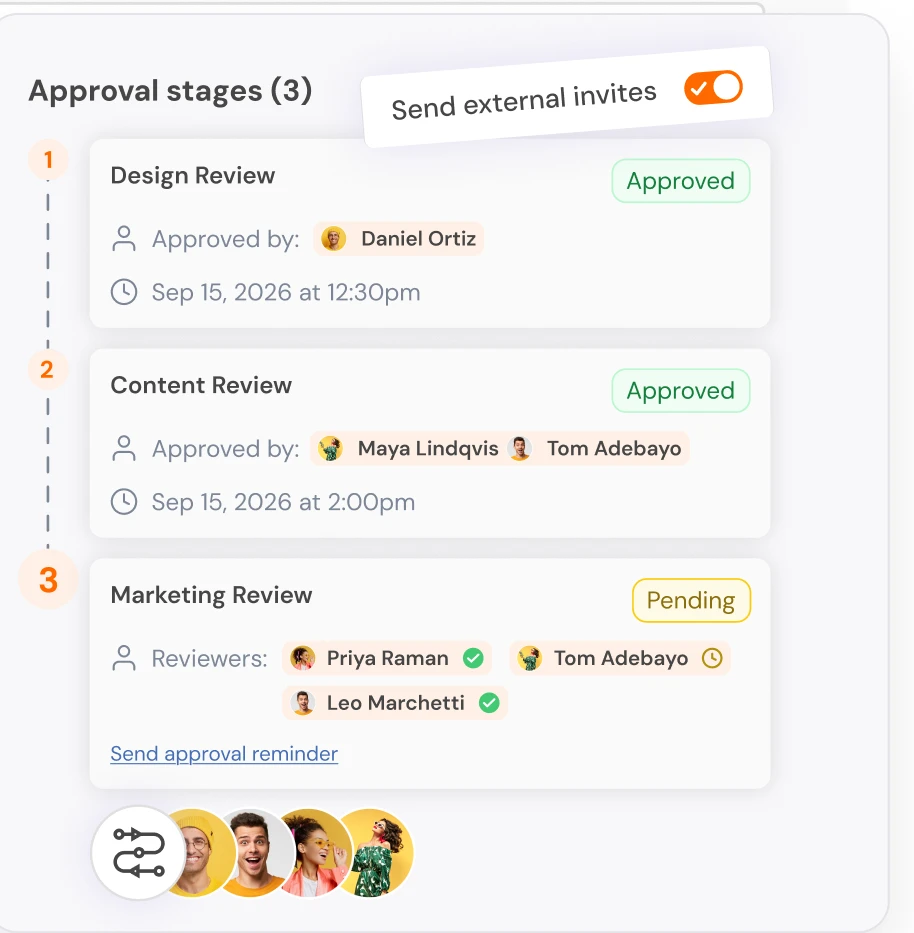
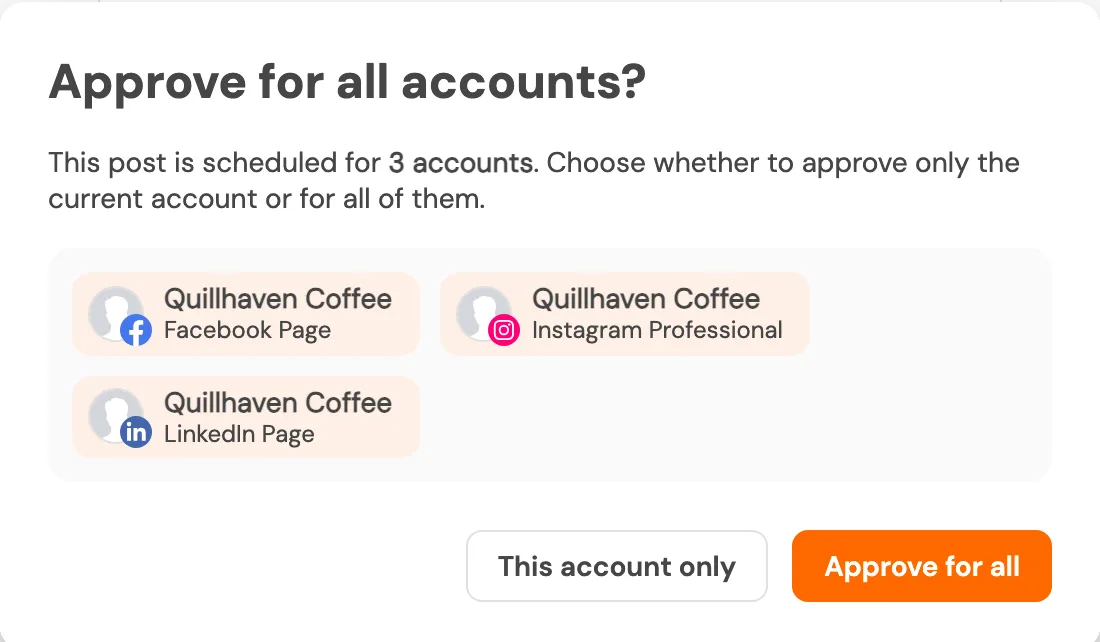

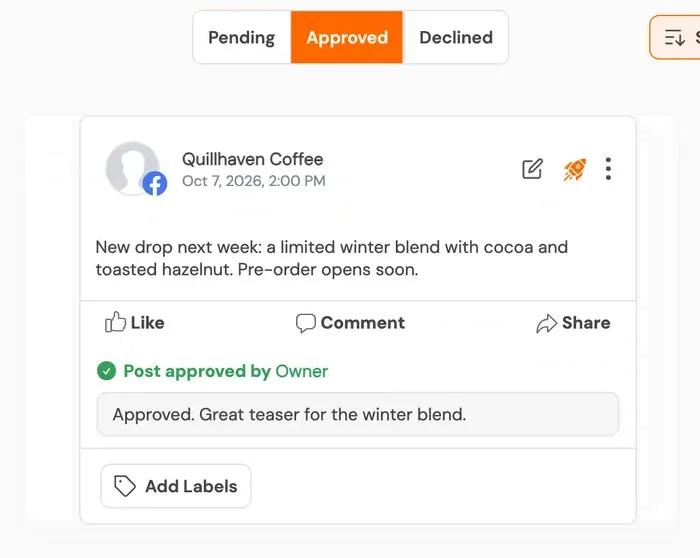

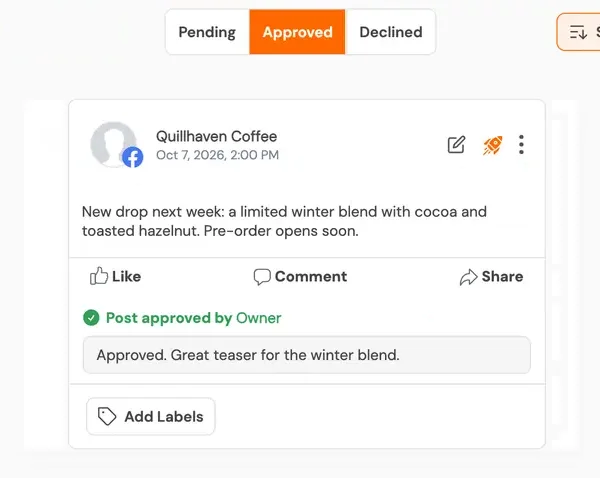
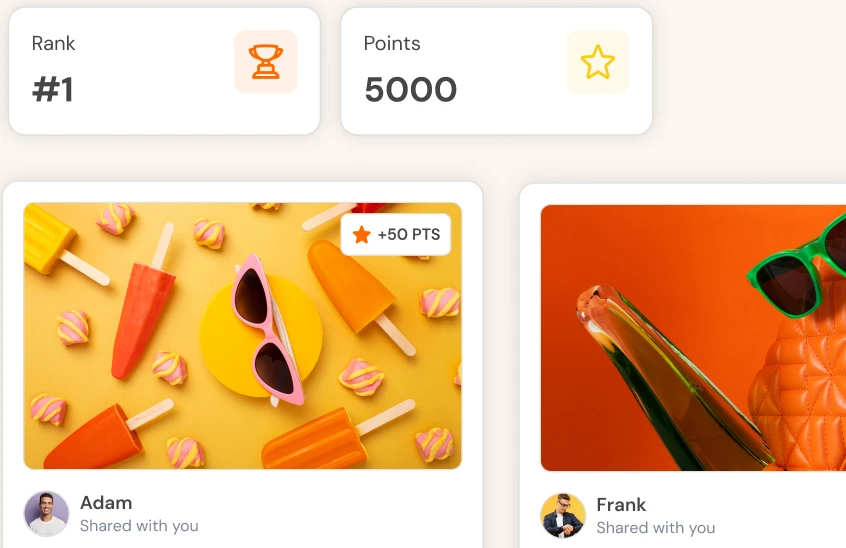
Two screens: team review stages, and the client's approval prompt for one post on all its channels
Teams at these organisations use Social Champ








12+ platforms. 7 report types. A workspace for every client.
Social media management for agencies: plan, publish, approve, and report for every client.


 Telegram

Approvals
01
Approvals can run in several stages, so your team reviews before the client does.
02
Clients approve from an emailed link, with no account needed.
03
Clients approve a post once, and that approval covers every channel the post is scheduled to.
For your clients
Each client gets its own workspace with its own channels, calendar, team roles, and time zone.

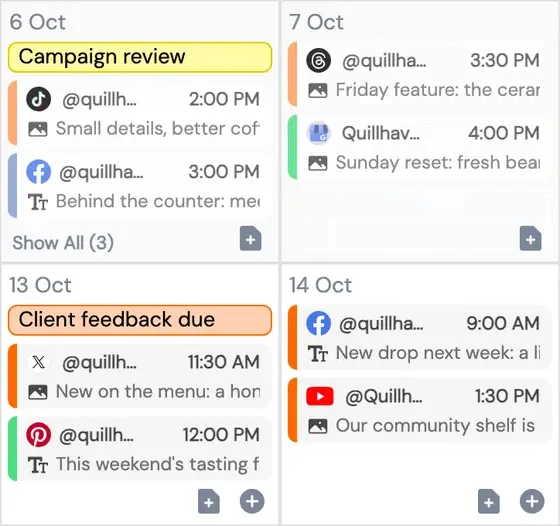

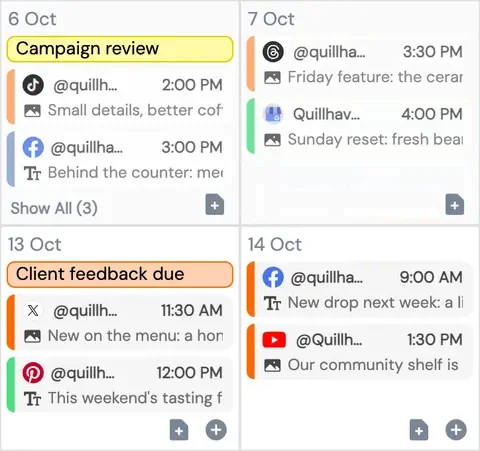
Share a view-only calendar link, or a live analytics link on plans that include it. Clients need no login. Your team reschedules with a drag; clients see the change on the same link.
No client login
Links without a password work like keys: anyone who receives one can open it, and you can switch a link off at any time.
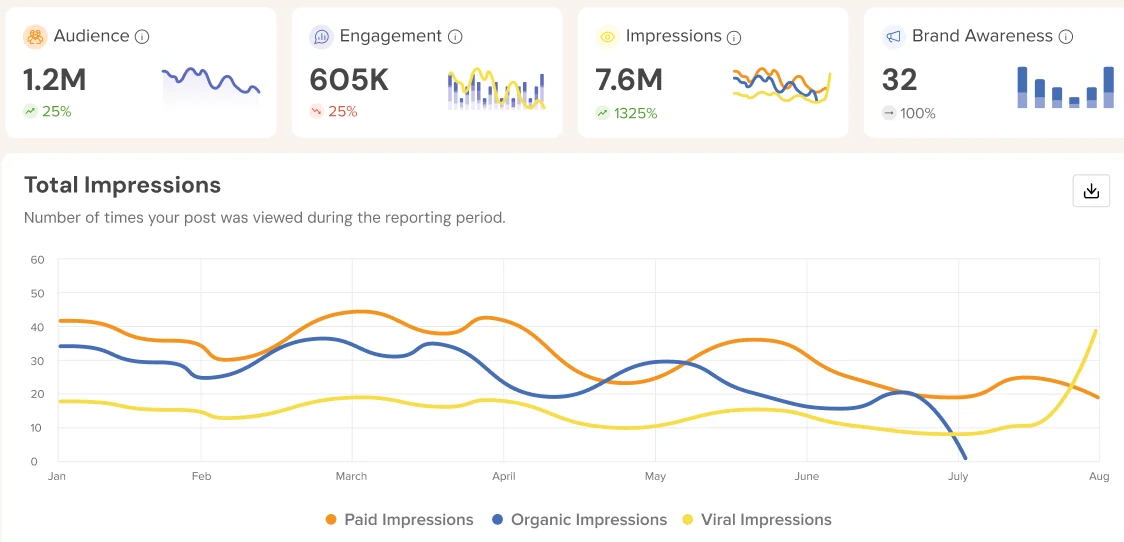
Export 7 report types to PDF or PowerPoint, or schedule Analytics reports weekly or monthly on plans that include it.
White label
See it with your own clients.
Book a demo
Switch, the AI assistant


Learns your voice from your best posts.
“Move everything back 3 days”
Reschedules your queue on request
“Build last month's client report”
Builds a monthly report with period-over-period changes
“Why did engagement drop last week?”
Checks against your own baseline and names the posts
Switch acts when you ask. A person approves what goes out. Switch can get things wrong, so check its work.
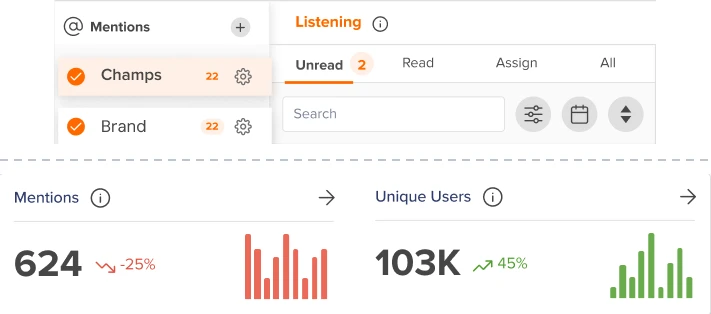
Track brand mentions with sentiment, on plans that include it.
Reply to comments and messages from one inbox. On plans that include it, see when a teammate is already viewing or typing in the same conversation.

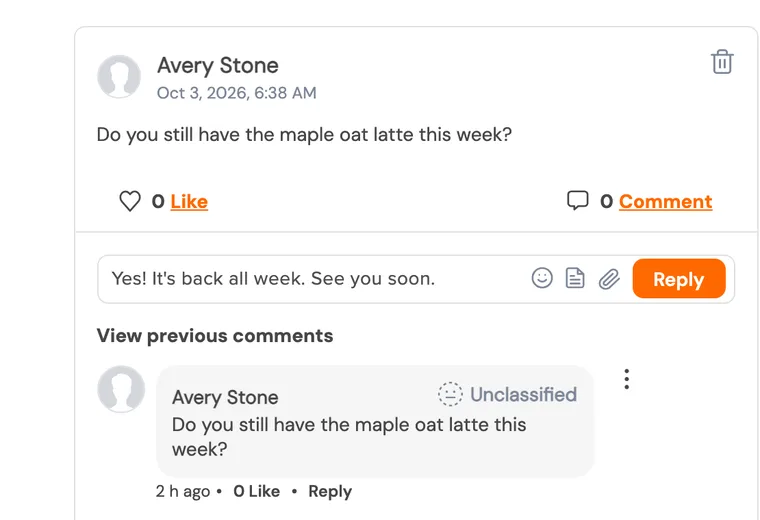

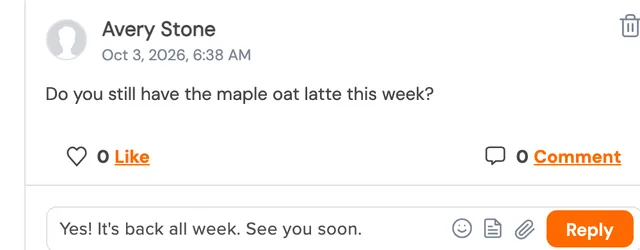

See who's already replying

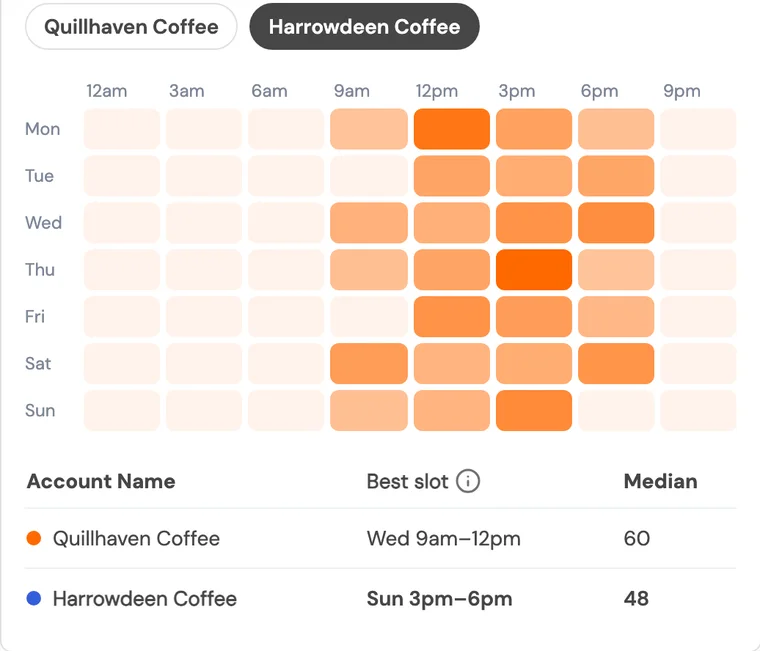
Compare engagement, best posting times, and content formats with competitors, on plans that include it.
Invite employees and other advocates by email to share campaign posts and suggest their own for review. Social Champ verifies supported comments and likes, such as on LinkedIn, on plans that include it.

Client role Invite clients into Social Champ with their own role.

Bulk CSV Schedule a batch of client posts from one CSV.
Design in Canva, and add media from Google Drive, Dropbox or OneDrive, in the composer.

 Dropbox
Shorten links with your Bitly account. Bring Google Analytics website traffic into Social Champ analytics, on plans that include it.
 Bitly
BitlyTrigger Zaps from scheduled, sent or failed posts and approval events. Use the REST API on plans with API access. Connect Claude, Cursor and other AI assistants to Social Champ through MCP.


I cancelled my Hootsuite contract after 12 years and switched to Social Champ. More user-friendly, affordable, and makes managing multiple clients much easier.

Overpaying for team members, clunky workflows, and friction managing multiple clients. I switched to Social Champ. Clean workspaces, smooth switching, and no absurd pricing.

Social Champ is the tool that I use the most for my social media efforts. It's the cleanest and most efficient tool that I've found.

Social Champ isn't just a usual scheduling tool - it satisfies your inner-geek, boosts productivity, & effectiveness for SMM.

Social Champ is an innovative solution that helps you publish your content in an intelligent way to maximize exposure.
For enterprise teams
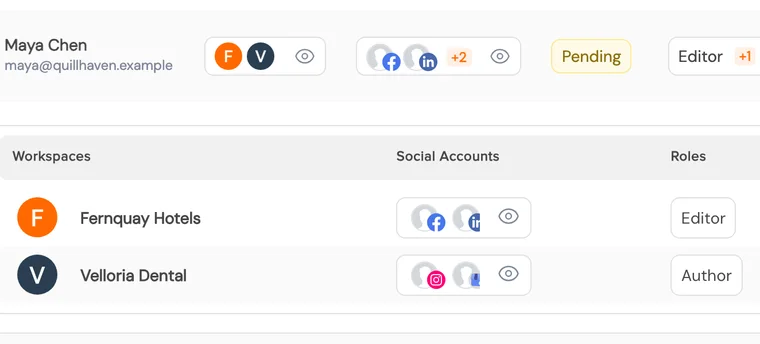
Know who can sign in, who can post, and who signed off.

Social Champ is a social media management platform that agencies use to plan, schedule, approve, and report on client content across 12+ social platforms. Each client sits in its own workspace, with its own channels and team roles. Switch, the built-in AI assistant, carries out tasks such as rescheduling a queue or building a monthly client report on request.
You can publish to 12 social platforms: Facebook, Instagram, Threads, X (Twitter), Bluesky, Mastodon, LinkedIn, Pinterest, TikTok, YouTube, Google Business Profile, and Telegram. You can also answer WhatsApp and Discord messages in the inbox.
Canva designs, and media from Google Drive, Dropbox and OneDrive, come straight into the composer. Bitly shortens links through your own Bitly account, and Google Analytics brings website traffic into Social Champ analytics on plans that include it. Zapier triggers your Zaps from post and approval events. Developers can use the REST API on plans with API access. AI assistants such as Claude can work with Social Champ through its MCP server. On the Enterprise plan, you can create HubSpot and Salesforce contacts from the inbox.
It is running many clients' social accounts from one team: planning and scheduling posts, getting client approval, answering comments and messages, and reporting results. Social Champ gives each client its own workspace with its own channels, calendar, team roles, permissions, and time zone, across 12+ social platforms.
Separate workspaces for each client, client approval without a login, reports clients can read, and roles that control who can publish. In Social Champ, clients approve from an emailed link and see scheduled posts through a view-only calendar link. On plans that include them, they also get a live analytics link or a weekly or monthly Analytics report as a PDF or PowerPoint.
Clients approve a post once, and that approval covers every channel the post is scheduled to. This applies to posts that were submitted together. Approvals can run in several stages, so your team reviews before the client does. On plans that include it, you can resend a reminder to the approver in one click. Clients approve from an emailed link, with no account needed.
Yes. Share a calendar link that is view-only by default and limited to the channels and dates you choose. On plans that include it, you can also share a live analytics link that shows the channels, metrics, and dates you pick. Links without a password work like keys, so share them only with the people you mean to.
Yes. White label puts the app on your own domain with your logo, colours, and favicon. It adds branded login, signup, and password pages, and lets supported approval and client emails come from your verified domain.
Switch carries out tasks inside Social Champ when you ask. It can reschedule a queue, build a monthly client report, or explain why engagement dropped. Switch does not publish by itself. A person approves what goes out.
Yes, on plans that include it. Invite employees and other advocates by email to share campaign posts and suggest their own for review. Social Champ verifies comments on LinkedIn, Instagram, YouTube, Bluesky, and Mastodon; likes on LinkedIn, Bluesky, and Mastodon; and reposts on Bluesky and Mastodon. Unsupported network and action combinations rely on the advocate's word.
Yes. Single sign-on is available on plans that include it, and two-factor authentication is available for users. Larger teams also get workspaces for each brand or region, roles and permissions for each workspace, and multi-stage approval workflows.

Bring your approval process and a client or two, and we'll walk through how it runs in Social Champ.
Connect a few channels and schedule your first week. No credit card needed.