
It’s wild to think how far we’ve come from the days of simple square photos and “f4f” hashtags. Today, with a massive audience of over 3 billion users worldwide, Instagram has transformed from a casual photo-sharing app into the ultimate high-stakes playground for creators and brands.
Short Summary
- Managing Instagram effectively now requires more than just posting. It involves scheduling, analytics, engagement, and strategy.
- Instagram management tools help users automate posting, stay consistent, manage comments, generate AI captions, track analytics, and monitor brand presence.
- Top tools offer features like content calendars, AI-powered insights, influencer tracking, and post approval workflows.
- Key tools include Social Champ, Sendible, Later, Loomly, and Planoly.
- Choosing the right tool depends on goals, budget, must-have features, ease of use, integrations, and scalability.
- Social Champ stands out as a flexible, powerful, and affordable all-in-one tool for creators, businesses, and agencies managing Instagram growth in 2026.
But on such a crowded platform, “posting and praying” no longer cuts it. To stay ahead of the curve, savvy brands are ditching the manual hustle and turning to dedicated Instagram management tools to schedule content competitively, uplift engagement, and decode complex insights.
If you’re ready to stop posting sporadically and start running a strategic, growth-focused powerhouse, you need the right toolkit. Here is how to find the best software to scale your presence in 2026.
Top Users Are Quietly Using This Tool!
What Are Instagram Management Tools and Why Do You Need One
Instagram management tools are platforms or apps designed to help users handle their Instagram presence more efficiently.
These tools are especially helpful if you manage multiple accounts or want to stay consistent without constantly being on your phone.
They often include features like post scheduling, auto-publishing, hashtag suggestions, comment moderation, and performance tracking.
Some advanced tools even offer AI-powered captions, influencer tracking, and content curation options.
Why You Need One in 2026
With Instagram constantly evolving with algorithm updates and new formats like Reposts and Notes, it’s getting harder to stay ahead without the right tools.
Whether you’re a solo creator, small business, or part of a marketing team, a good management tool saves you time, boosts engagement, and helps you stay organized.
In 2026, consistency and timing are more important than ever. Management tools let you plan your content calendar in advance, post at optimal times, and respond to comments or DMs faster. Plus, they provide detailed insights to help you understand what’s working and where to improve.
In short, if you’re serious about growing on Instagram, using a management tool is essential.
Featured Article: How to Promote Your Instagram
Quick Comparison of the Top Instagram Management Tools
With so many Instagram management tools out there, choosing the right one can get overwhelming.
Whether you’re a creator looking for simplicity or a team managing multiple brands, the tool you pick should match your workflow and goals.
Here’s a quick side-by-side comparison of five top platforms to help you decide.
| Tool | Rating | Best For | Standout Feature |
|---|---|---|---|
| Social Champ | ⭐ 4.9/5 | Agencies, SMBs & Solo Creators |
AI Content Suite & Evergreen Recycling
|
| SocialPilot | ⭐ 4.5/5 | Marketing Agencies & SMBs |
Bulk scheduling (500+ posts) & White-labeling
|
| Later | ⭐ 4.6/5 | Visual Brands & Influencers |
Visual drag-and-drop grid planner
|
| Buffer | ⭐ 4.4/5 | Solopreneurs & Small Teams |
Clean, simple interface & “Start Page” builder
|
| Sprout Social | ⭐ 4.8/5 | Enterprise & Large Agencies |
Deep social listening & advanced CRM tools
|
| Hootsuite | ⭐ 4.5/5 | Multi-platform Power Users |
Best-in-class social inbox & ROI tracking
|
Disclaimer: The ratings and rankings provided are based on our independent testing and third-party user reviews from platforms like G2, Capterra, and Trustpilot as of early 2026. These insights are intended to guide your selection of the best instagram management tools based on current market performance. Some links in this guide may be affiliate links.
17 Best Instagram Management Tools for Scheduling, Analytics, and Engagement
Here’s a curated list of 17 Instagram management tools in 2026, broken down by their core strengths.
7 Instagram Tools for Publishing & Scheduling
Consistency is key on Instagram, and that’s where scheduling tools shine. These platforms help you plan, draft, and auto-publish content so you can stay active, even when you’re offline.
-
Social Champ
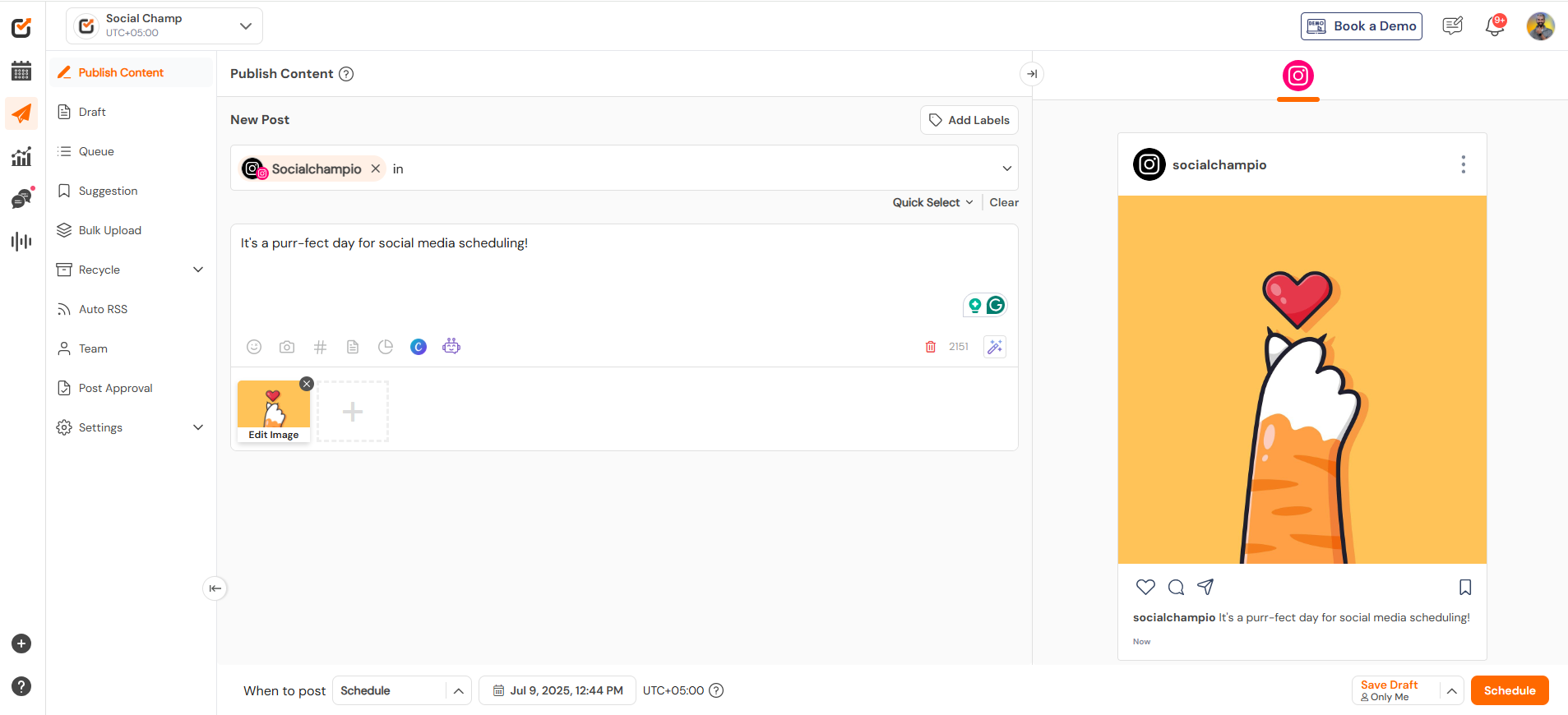
Social Champ’s Dashboard Social Champ is an Instagram management tool that’s perfect for creators, marketers, and agencies who want a powerful yet intuitive platform.
The tool offers comprehensive publishing capabilities, allowing you to schedule everything from single image posts to Reels, carousels, and Stories.
The built-in media library, along with direct Canva integration, makes it easy to create and reuse branded visuals. What really sets Social Champ apart is its AI-powered features, such as smart caption writing.
It also offers analytics that track engagement, reach, and growth trends, all in a visually clean dashboard. Plus, it supports multi-user collaboration with approval workflows, making it a solid choice for teams.
Key Features
- Schedule posts, Reels, Stories, and carousels with first comments on Instagram
- Add collaborators on posts directly from the platform
- Add multiple links through Social Champ’s Instagram Link in Bio tool
- Produce consistent content with AI-powered captions and hashtag suggestions
- View your Instagram grid directly from the platform with Grid View
- See what your competitors are up to with Competitor Analysis
- Enjoy advanced analytics and reporting
- Listen to what customers have to say about your brand with Social Listening.
- Enjoy team collaboration with approval workflows
- Bulk upload and import from RSS feeds
Pricing: (Billed Annually)
Social Champ comes with two pricing tiers, including a Pay-Per-Profile and a Flat-Rate model.
Here’s what you get in the Pay-Per-Profile:
- Starter, which costs $4 and has 1 user. In this plan, you can manage 1 social account.
- Growth, which costs $8 and has unlimited users. In this plan, you can manage 1 social account.
With Social Champ, you also get Flat-Rate bundles, which are:
- Free, which costs $0 and has 1 user. In this plan, you can manage 3 social accounts.
- Standard, which costs $23 and has 2 users. In this plan, you can manage 6 social accounts. This plan also comes with add-ons for accounts. You can add another account for $5/account
- Professional, which costs $47 and has 5 users. In this plan, you can manage 12 social accounts. This plan also comes with add-ons for accounts. You can add another account for $4/account and pay $8/user for another user.
- Agency, which costs $119 and has unlimited users. In this plan, you can manage 30 social accounts. This plan also comes with add-ons for accounts. You can add another account for $3/account
- Enterprise, which is Custom and has unlimited users. In this plan, you can manage unlimited social accounts.
Social Champ also supports: Instagram, Facebook, TikTok, LinkedIn, YouTube, Threads, Pinterest, X, Google Business Profile, Bluesky, Mastodon, and WhatsApp Business
Pros & Cons:
- Pros: Extremely user-friendly; powerful AI suite; affordable for small teams.
- Cons: The mobile app is lighter on features than the desktop version.
Our Experience: We found Social Champ to be one of the most streamlined tools for instagram account management. The bulk upload feature saved us hours of manual work, and the AI caption generator actually produced engaging, non-robotic copy.
Your Content Isn’t Failing—Your System Is!
You're making great content, but without scheduling, insights, or consistency, you’re leaving growth on the table. Social Champ fixes that. -
Sendible
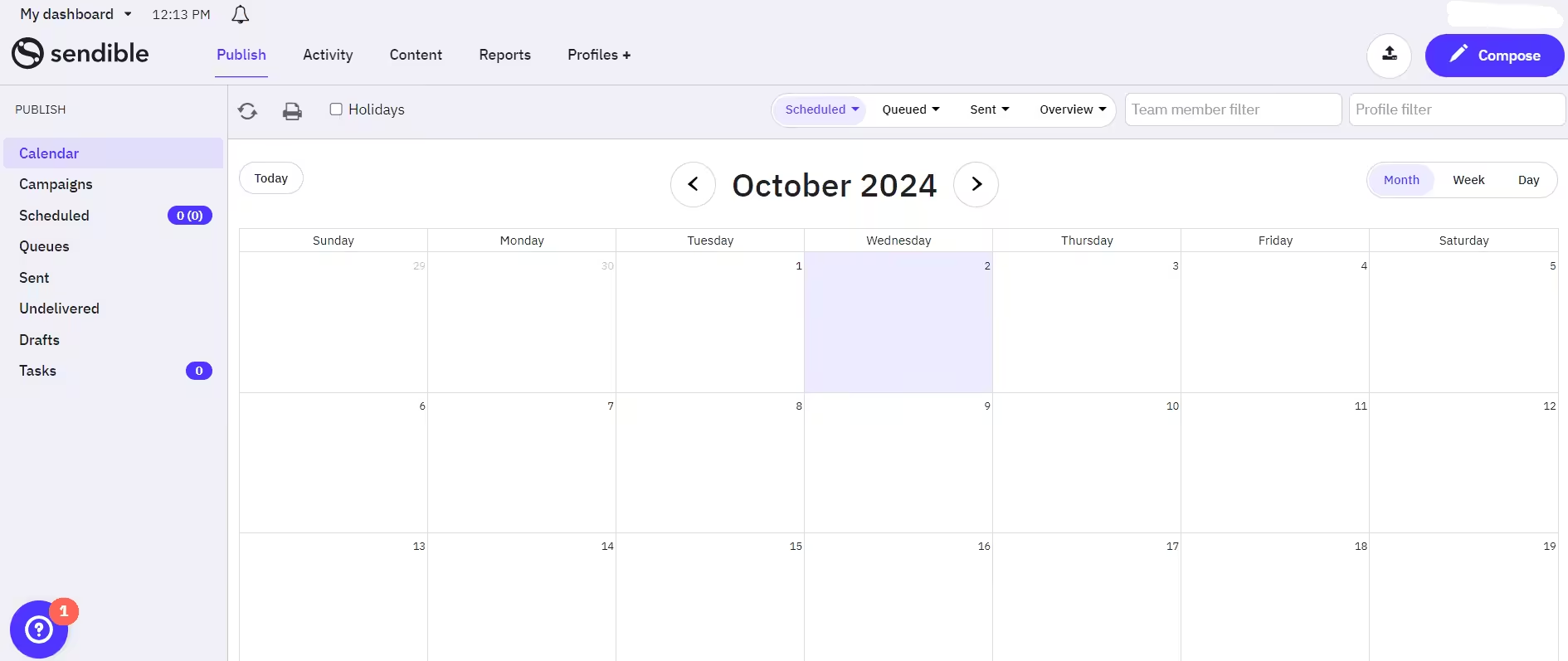
Sendible’s Dashboard Sendible is tailored for agencies and teams that juggle multiple clients and platforms.
It supports Instagram along with all major social networks, offering a centralized space to manage scheduling, engagement, and reporting.
Its visual calendar lets you plan posts in advance, and the bulk scheduling feature is perfect for campaigns.
A standout feature of Sendible is its social inbox, which aggregates comments, DMs, and mentions, making community management easier. For agencies, the platform also provides white-label reporting and branding tools, so you can present polished insights to clients.
With integrations like Canva, Google Drive, and Dropbox, it fits seamlessly into most workflows. If you’re comparing plans, you can check Sendible pricing to see which option works best for your setup.
Key Features
- Visual calendar and bulk scheduling
- Smart queues for optimized posting times
- Dedicated social inbox to manage comments and DMs
- Branded reports and white-label options
- Canva integration and image editor
Pricing:
Sendible offers five plans, including:
- Core, which costs $35 and has unlimited user. In this plan, you can manage 6 social accounts.
- Plus, which costs $99 and has unlimited users. In this plan, you can manage 18 social accounts.
- Premium, which costs $199 and has unlimited users. In this plan, you can manage 42 social accounts.
- Elite, which costs $299 and has unlimited users. In this plan, you can manage 90 social accounts.
- Enterprise, which costs $750 and has unlimited users. In this plan, you can manage 300 social accounts.
Sendible also supports: Facebook, Instagram, TikTok, X, LinkedIn, Google Business Profile, YouTube, Threads, and Bluesky
Pros & Cons
- Pros: Excellent white-label options for agencies; centralized social inbox; affordable agency tier.
- Cons: Can occasionally experience API sync delays with complex video files.
Our Experience: Sendible shines for those running an instagram management service. The ability to brand the dashboard as your own when showing reports to clients adds a layer of professionalism that few other tools offer at this price point.
-
Later
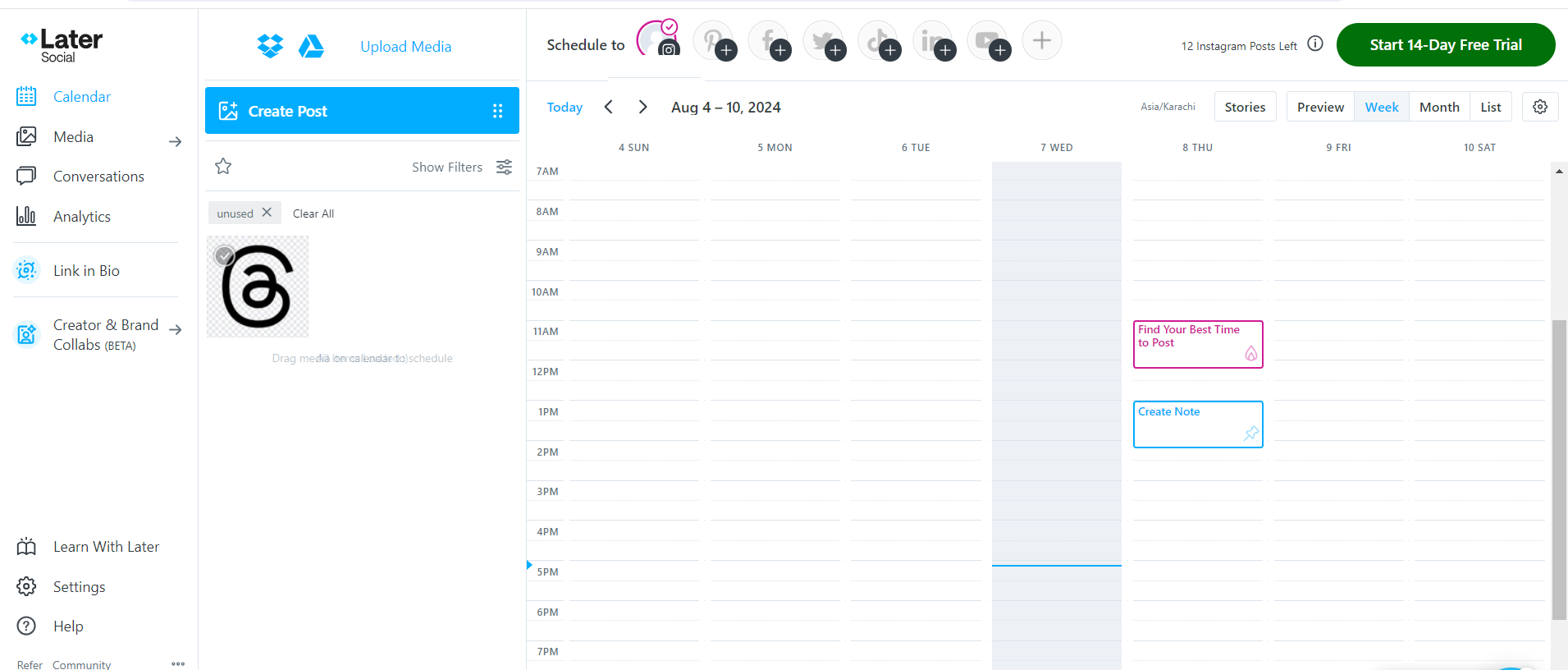
Later’s Dashboard Later is known for its visual-first interface and is a go-to for influencers and visual brands who care deeply about the aesthetics of their feed.
Its drag-and-drop planner makes it easy to organize content for the perfect grid layout.
Later supports auto-publishing for Instagram posts, Stories, and Reels, along with suggested best times to post based on your audience’s activity.
In addition to scheduling, Later also offers a smart link-in-bio tool that turns your profile link into a shoppable page.
It also features hashtag suggestions, saved captions, and basic analytics to help you optimize content performance.
For users who want a visually driven and intuitive experience, Later is a strong contender.
Key Features
- Drag-and-drop visual planner
- Auto-publish for posts, Stories, and Reels
- Hashtag analytics and suggestions
- Link in Bio tool for traffic tracking
- Best time to post recommendations
Pricing:
Later offers three plans, including:
- Free, which costs $0 and has 1 user. In this plan, you can manage 8 social accounts.
- Starter, which costs $18.75 and has 1 users. In this plan, you can manage 8 social accounts.
- Growth, which costs $37.50 and has 2 users. In this plan, you can manage 16 social accounts.
- Scale, which costs $82.50 and has 4 users. In this plan, you can manage 48 social accounts.
Later also supports: Instagram, Facebook, Threads, Pinterest, TikTok, LinkedIn, YouTube, and Snapchat.
Pros & Cons
- Pros: Best visual grid planner in the industry; great UGC (User Generated Content) discovery tools.
- Cons: Limited analytics on the entry-level plans.
Our Experience: For an Instagram account management focused on lifestyle and fashion, Later is unbeatable. We specifically loved the “Linkin.bio” feature, which effectively turns your Instagram profile into a mini-website, making it easy to track ROI from your bio link.
-
Loomly
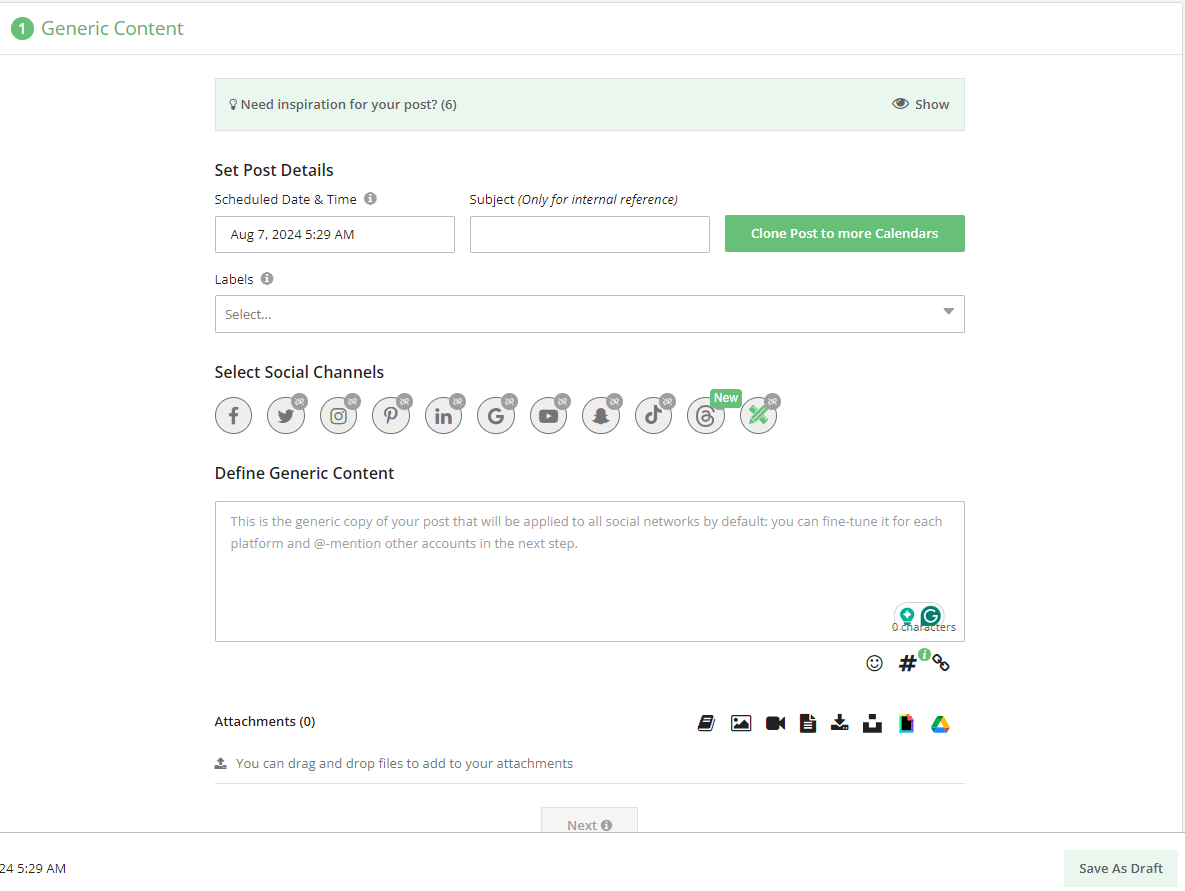
Loomly’s Dashboard Loomly is a great choice for teams that want structure, collaboration, and thoughtful content creation.
It’s more than just a scheduler; it’s a full content calendar that offers ideas, optimization tips, and approval workflows to keep your team aligned.
With Instagram support, you can create and preview posts before they go live, ensuring they match your brand’s style and tone.
Loomly also comes with detailed analytics, tracking engagement, reach, and content performance over time, and if you’re comparing Loomly pricing, it’s helpful to keep these features in mind.
Notifications, comment management, and real-time collaboration features make it especially useful for growing marketing teams or agencies with layered approval processes.
Key Features
- Post ideas and optimization tips
- Multi-user approval workflows
- Real-time post previews for Instagram
- Advanced analytics and engagement tracking
- Comment management and notifications
Pricing:
Loomly offers four plans, including:
- Starter, which costs $49 and has 3 users. In this plan, you can manage 12 social accounts.
- Beyond, which costs $249 and has Unlimited users. In this plan, you can manage 60 social accounts.
- Enterprise, which is Custom and has Unlimited users. In this plan, you can manage 61+ social accounts.
Loomly also supports: Instagram, LinkedIn, Facebook, TikTok, YouTube, Threads, Google Business Profile, Pinterest, and Snapchat
Pros & Cons
- Pros: Exceptional for team collaboration; very structured; provides “Post Optimization” tips.
- Cons: No free plan; interface can feel a bit busy for solo users.
Our Experience: Loomly is our go-to recommendation for small-to-mid-sized agencies. In our tests, the “Comment” section on each draft made it incredibly easy to give feedback to designers without leaving the app. It turns instagram account management from a solo sprint into a team relay.
-
Planoly
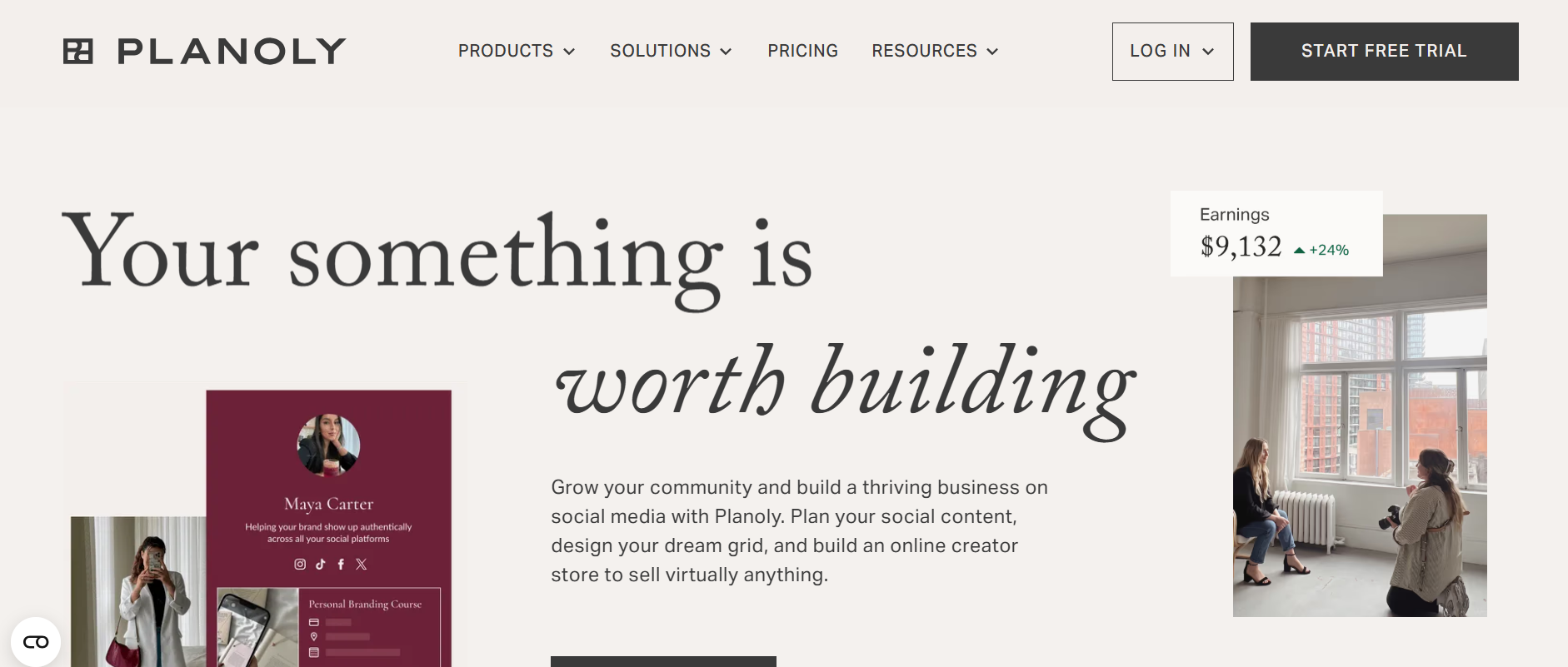
Planoly’s Webpage Planoly is a visually driven planning tool favored by influencers, small businesses, and creative professionals. It has a drag-and-drop grid planner that helps you design a cohesive Instagram aesthetic.
You can schedule posts and Stories directly within the platform, and Planoly will auto-publish them based on your chosen time slots. In addition to planning, Planoly offers tools like a Linkit bio link customizer, a hashtag manager, and an analytics dashboard.
Its user-friendly design makes it accessible even for beginners, while its mobile app ensures you’re never far from your content calendar. Planoly is ideal for users who want both style and substance in their Instagram management tool.
Key Features
- Drag-and-drop feed planning
- Story scheduling with reminders
- Analytics dashboard for post performance
- LinkIt tool for bio link customization
- Simple UI with mobile and desktop support
Pricing:
Planoly offers three plans, including:
- Starter, which costs $16 and has 1 user. In this plan, you can manage 1 social set.
- Growth, which costs $28 and has 3 users. In this plan, you can manage 1 social set.
- Pro, which costs $43 and has 60543 users. In this plan, you can manage 2 social sets.
Planoly also supports: Instagram, YouTube, LinkedIn, Threads, TikTok, Facebook, Pinterest, and X.
Pros & Cons
- Pros: Best-in-class visual planning; simple and intuitive; mobile app is excellent for on-the-go edits.
- Cons: Analytics are relatively basic; less powerful for platforms that aren’t visual-first (like LinkedIn).
Our Experience: If you are a creator who treats their grid like a piece of art, Planoly is one of the best instagram management tools for you. We found it significantly more intuitive for aesthetic planning than almost any other tool on this list.
-
Sprout Social
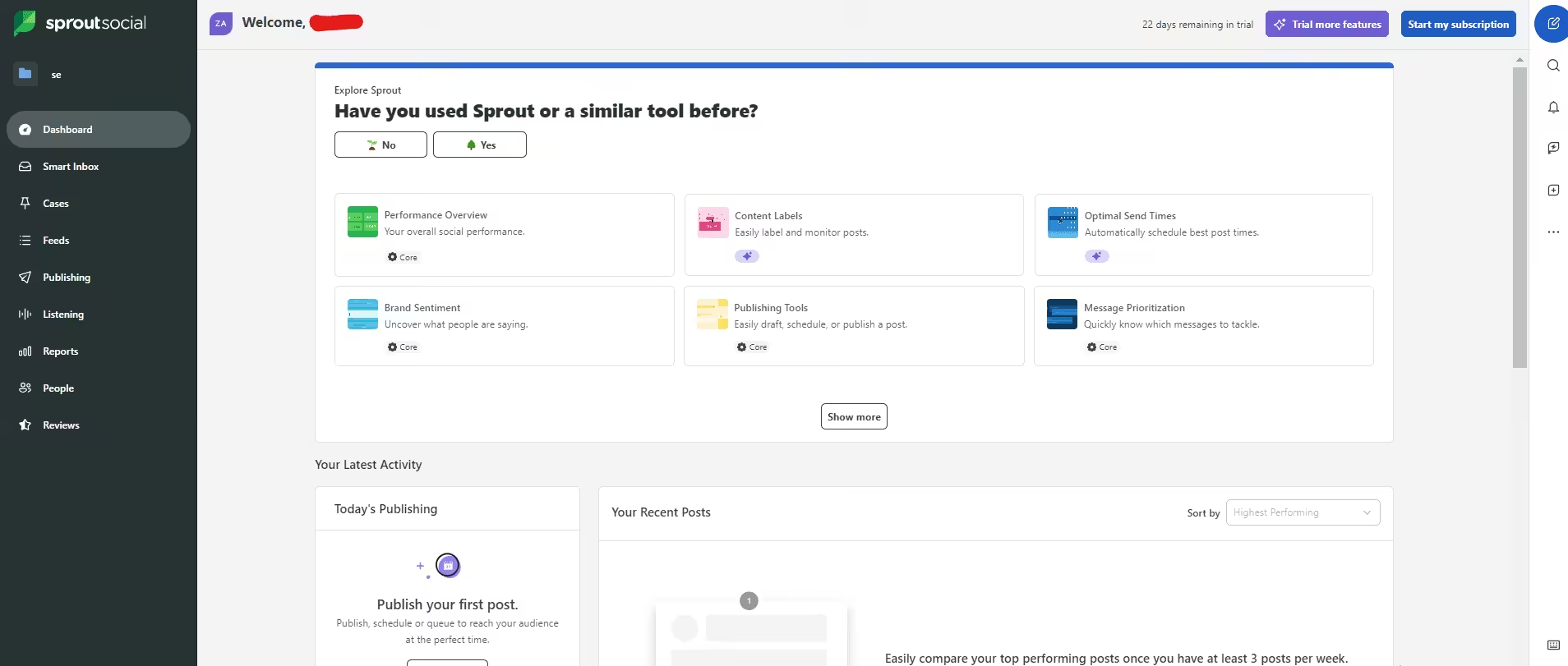
Sprout Social is an enterprise-grade powerhouse designed for teams that need deep data and high-level collaboration. It’s widely considered one of the best instagram management tools for larger organizations due to its robust CRM-like features.
Key Features
Asset Library & Approval Workflows:Simplifies team collaboration with a centralized hub for branded visuals and multi-step post approvals.
Pricing:
Sprout Social offers five plans, including:
- Essentials, which costs $79 and has 1 user. In this plan, you can manage 5 social accounts.
- Standard, which costs $199 and has 1 user. In this plan, you can manage 5 social accounts.
- Professional, which costs $299 and has 1 users. In this plan, you can manage Unlimited social accounts.
- Advanced, which costs $399 and has 1 users. In this plan, you can manage Unlimited social accounts.
- Enterprise, which is Custom and has Custom users. In this plan, you can manage Unlimited social accounts.
Sprout Social also supports: Facebook, Instagram, X, LinkedIn, Pinterest, TikTok, YouTube, Threads, Bluesky, WhatsApp, Reddit, Tumblr, and Google Business Profile
Pros & Cons
Pros: Elite-level reporting; “Smart Inbox” centralizes all engagement; excellent team approval workflows.
Cons: Very high price point; additional users scale the cost quickly; steep learning curve for advanced features.
Our Experience: In our testing, Sprout Social’s analytics were unmatched. If you are providing an instagram management service to high-paying clients, the professional reports you can export with one click make the investment worth it. It feels less like a simple scheduler and more like a complete business intelligence tool.
-
Hootsuite
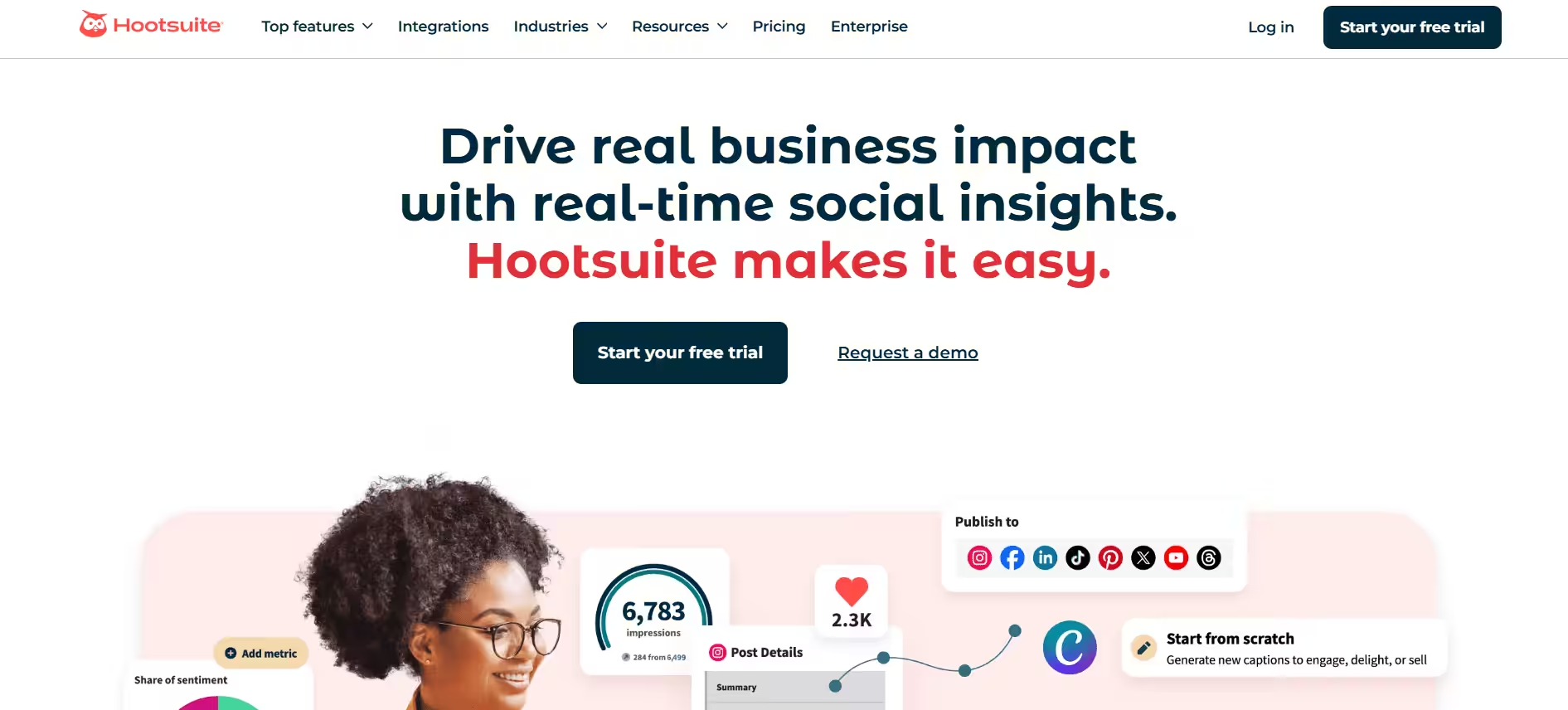
Hootsuite’s Landing Page A pioneer in the space, Hootsuite remains a staple for those managing a massive volume of accounts across different networks. It has evolved into a comprehensive suite that includes AI-assisted content creation and social listening.
Key Features
- OwlyWriter AI: Generates instant captions, hashtag suggestions, and post ideas based on current trending topics.
- Best Time to Post Recommendations: Personalized data mapping that suggests optimal windows for reach, engagement, or link clicks.
- Social Streams: Customizable dashboards that let you monitor specific hashtags, competitors, and mentions in real-time.
- Bulk Composer: Allows you to upload and schedule up to 350 posts at once via CSV, perfect for large-scale campaigns.
Pricing:
Hootsuite offers three plans, including:
- Standard, which costs $99 and has 1 user. In this plan, you can manage 10 social accounts.
- Advanced , which costs $399 and has 1 users. In this plan, you can manage Unlimited social accounts.
- Enterprise, which is Custom and has Unlimited users. In this plan, you can manage Unlimited social accounts.
Hootsuite also supports: Facebook, Instagram, TikTok, LinkedIn, X, YouTube, Pinterest, Threads, WhatsApp, Google Business Profile, and Bluesky.
Pros & Cons
- Pros: Massive integration library (Canva, Google Drive, etc.); supports almost every social platform; robust social listening.
- Cons: The dashboard interface can feel cluttered and dated; higher-tier pricing is significantly more expensive.
Our Experience: Hootsuite is a workhorse. While the learning curve is steeper than Later or Social Champ, its ability to track brand mentions through dedicated streams is a lifesaver for community management. It’s a solid choice for instagram account management if you also have to manage 5 other platforms simultaneously.
4 Instagram Tools for Analytics
Understanding what works is half the battle. These tools provide you with in-depth insights into performance metrics, follower behavior, and campaign ROI, allowing you to refine your strategy.
-
Phlanx
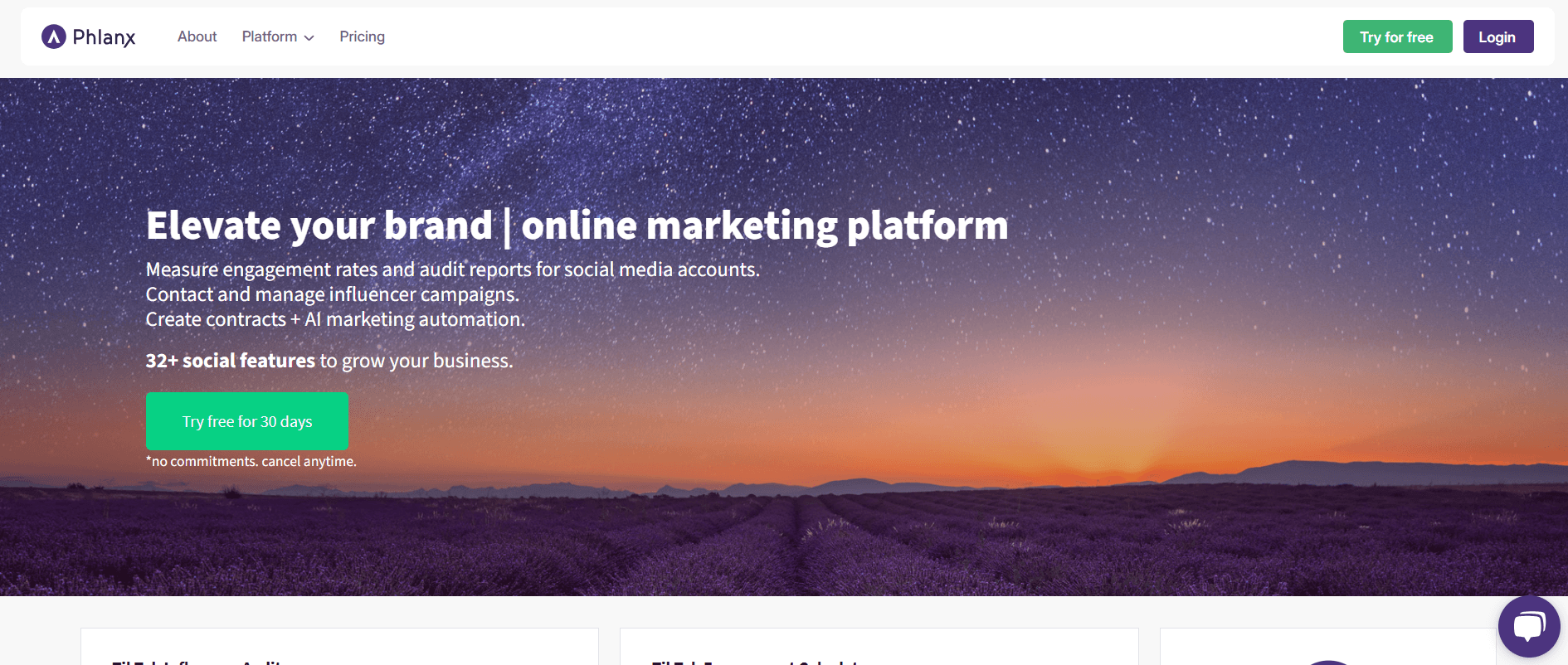
Phlanx’s Webpage Phlanx is a versatile platform that began as an influencer engagement calculator and has grown into a full-fledged analytics tool.
It’s particularly popular among marketers and brands that want quick insights into engagement rates and audience authenticity.
With Phlanx, you can analyze your own account as well as your competitors’, giving you a strategic edge.
The influencer auditing feature is especially useful for those who want to collaborate with creators, as Phlanx provides transparency into follower quality, engagement levels, and potential reach.
For campaigns, it offers ROI tracking and account comparison tools that simplify decision-making.
Key Features
- Instagram engagement rate calculator
- Competitor analysis
- Influencer audit reports
- Campaign ROI tracking
- Instagram account comparison tool
Pricing:
Phlanx offers three plans, including
- Basic, which costs $39. In this plan, you can get 1 user.
- Premium, which costs $69. In this plan, you can get 3 users.
- Business, which costs $90. In this plan, you can get 8 users.
Phlanx also supports: Instagram, TikTok, YouTube, Facebook, X, and Twitch.
Pros & Cons
- Pros: Very simple to use; excellent for vetting influencers; great for competitive research.
- Cons: Lacks a social inbox or scheduling features (purely analytical).
Our Experience: Phlanx is the litmus test of the best instagram management tools. We use it whenever we need to quickly verify if an influencer’s audience is actually real. It’s an essential part of any brand’s instagram account management toolkit if they do any kind of outreach.
-
Emplifi
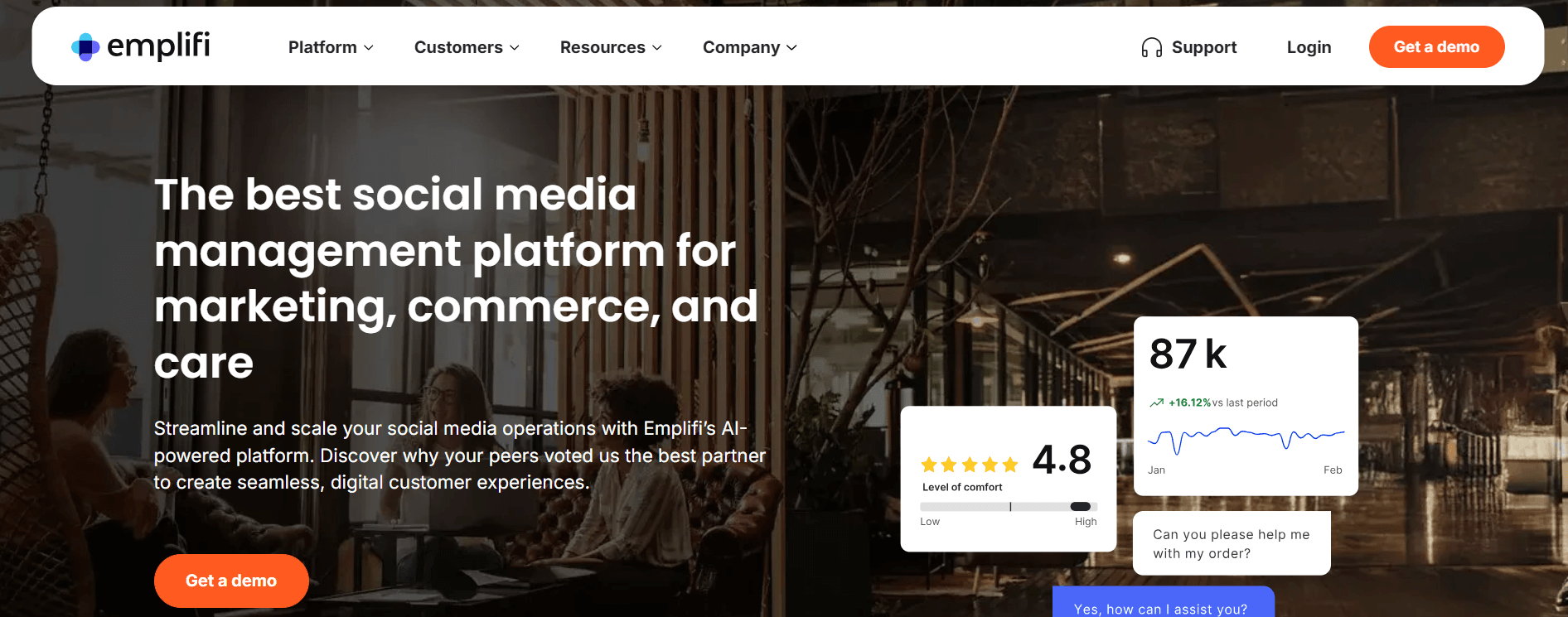
Emplifi’s Webpage Emplifi is an enterprise-grade analytics and social media management platform.
It offers in-depth insights across multiple platforms, including Instagram, and is best suited for brands that rely heavily on data to inform their strategy.
With advanced audience segmentation and AI-powered content recommendations, Emplifi helps you pinpoint what works. You can benchmark your performance against competitors, track trends, and monitor sentiment in real-time.
The platform also provides influencer analytics, making it easier to manage partnerships and assess their effectiveness. Emplifi is ideal for large teams focused on data-driven growth.
Key Features
- Audience segmentation and behavior analysis
- Competitive benchmarking
- Cross-platform analytics dashboard
- AI-driven content recommendations
- Influencer performance insights
Pricing (Enterprise Focused):
Emplifi offers three plans, including:
- Essential, which costs $1249.
- Advanced, which costs $2499.
- Intelligent, which costs custom.
Emplifi also supports: Facebook, Instagram, TikTok, LinkedIn, X, Pinterest, YouTube, Threads, and Google Business Profile.
Pros & Cons
- Pros: Deepest data insights available; predictive analytics; unlimited users on most tiers.
- Cons: Extremely expensive; can be overkill for small businesses.
Our Experience: Emplifi is the big guns. If you are managing an instagram management service for a global corporation, this is the tool you need. The predictive analytics feature felt like a crystal ball during our testing; it accurately predicted which of our Reels would go viral based on early engagement.
-
HypeAuditor
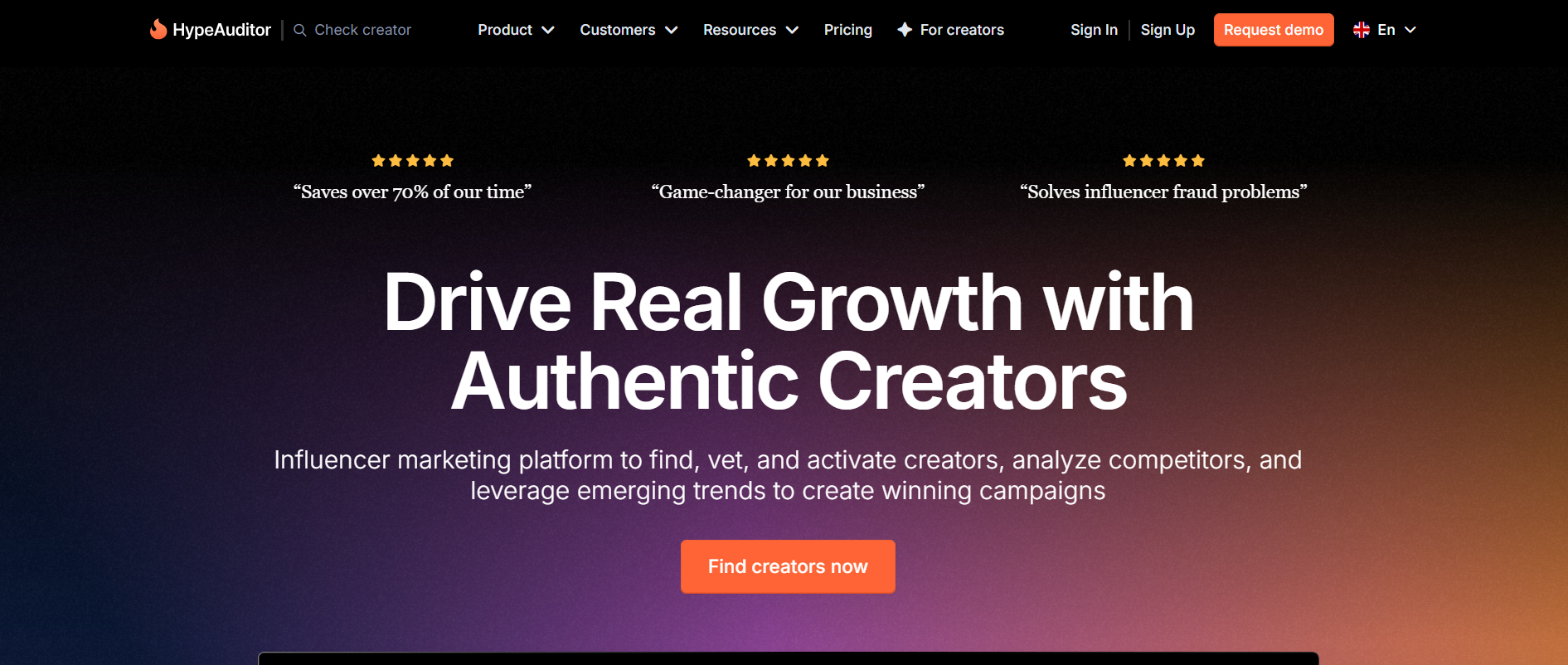
HypeAuditor’s Webpage HypeAuditor is a powerful analytics tool focused on influencer marketing.
It provides deep insights into Instagram account health, audience demographics, and engagement authenticity. It’s especially valuable for brands vetting potential influencer partners.
In addition to basic metrics, HypeAuditor flags fake followers, tracks follower growth trends, and scores accounts based on quality.
It also allows for lookalike influencer searches, making discovery and outreach more efficient. If you work with influencers or plan to, HypeAuditor is an essential tool.
Key Features
- Audience demographic and fraud analysis
- Influencer discovery and ranking
- Engagement tracking and growth trends
- Campaign performance reports
- Lookalike influencer search
Pricing:
- Custom (Disclosed after a free demo/consultation).
Pros & Cons
- Pros: Most accurate fraud detection, comprehensive audience psychographics, and clean reporting.
- Cons: High entry price; limited free features.
Our Experience: When we ran test campaigns with micro-influencers, HypeAuditor was the only tool that caught several accounts using bot pods. It’s non-negotiable for anyone spending a significant budget on influencer-led instagram account management.
-
Keyhole
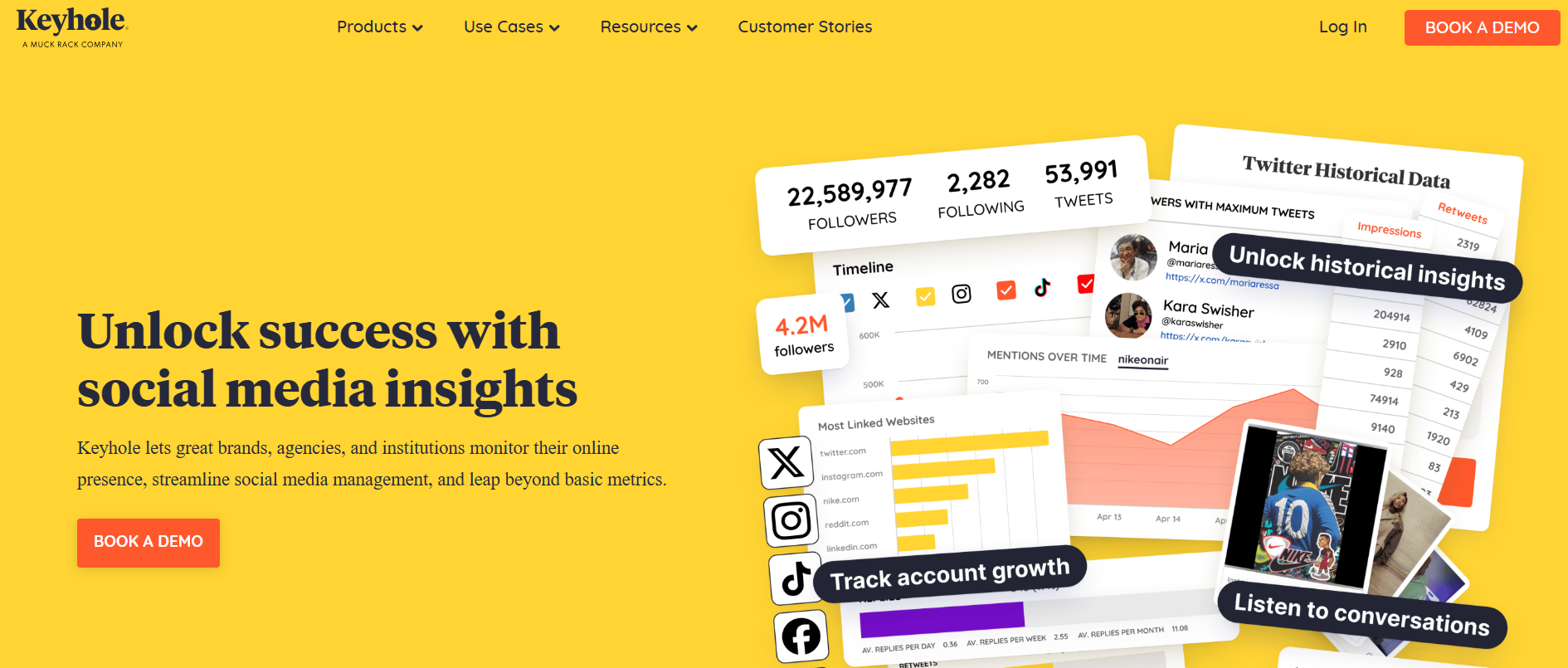
Keyhole’s Webpage Keyhole offers real-time social media tracking with a strong focus on hashtags and campaign performance. It’s a great tool for marketers who want to monitor brand visibility, keyword mentions, and trending conversations.
The platform also supports influencer tracking, sentiment analysis, and competitive benchmarking. Keyhole’s dashboard is clean and easy to use, offering actionable insights that can inform your content strategy in real-time. It’s particularly useful during product launches, events, or hashtag-driven campaigns.
Key Features
- Hashtag, keyword, and mention tracking
- Influencer reporting and sentiment analysis
- Real-time campaign analytics
- Competitor benchmarking
- Historical data exports
Pricing:
- Custom (Disclosed after a free demo/consultation)
Pros & Cons
- Pros: Excellent for tracking viral trends; real-time dashboards are great for clients; simple UI.
- Cons: Not a full-service scheduler (focused on tracking and listening).
Our Experience: Keyhole’s “Shareable Dashboards” are a client favorite. We were able to send a live link to a client during a product launch, and they could watch the engagement numbers climb in real-time without ever needing to log in.
3 Instagram Tools for Editing
Good content starts with solid visuals. These editing tools make it easy to create engaging Reels, Stories, and posts, even if you’re not a designer.
-
CapCut
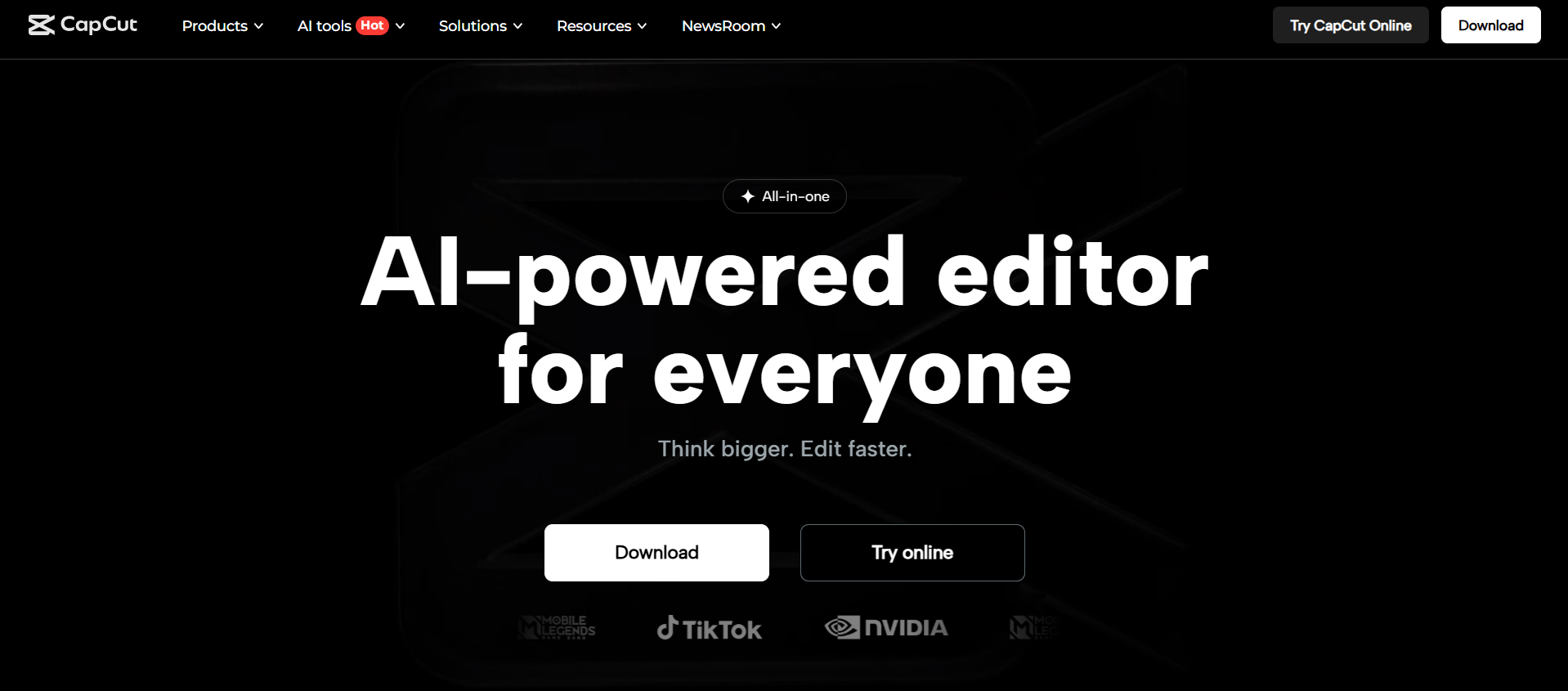
CapCut’s Webpage CapCut, developed by ByteDance (creators of TikTok), is a feature-packed video editing app that’s exploded in popularity.
It’s especially useful for Instagram Reels and Stories thanks to its mobile-first design and trend-driven templates. CapCut offers auto-captioning, transitions, filters, and background removal—all at no cost.
What makes CapCut stand out is its simplicity. You don’t need to be a pro editor to create scroll-stopping videos. The built-in music and sound effects library also lets you sync your content with trending audio. CapCut is perfect for creators who want high-quality video edits without a steep learning curve.
Key Features
- Pre-built templates for Reels and Stories
- Auto-captioning and background removal
- Advanced filters and transitions
- Music library with trending audio
- Easy export to Instagram
Pricing:
- Free Version: $0
- Pro: $19.99 monthly (Unlocks premium transitions, AI filters, and 100GB cloud storage).
Pros & Cons
- Pros: incredibly powerful for a free app; massive library of trending music; easy multi-platform sync.
- Cons: The desktop version is more resource-heavy; some of the best effects are locked behind the Pro paywall.
Our Experience: CapCut is the ultimate cheat code for instagram account management. We used it to turn raw 10-minute footage into five snappy 15-second Reels using the “Long Video to Shorts” tool. It effectively replaces the need for expensive desktop software for most social media teams.
-
Vixer
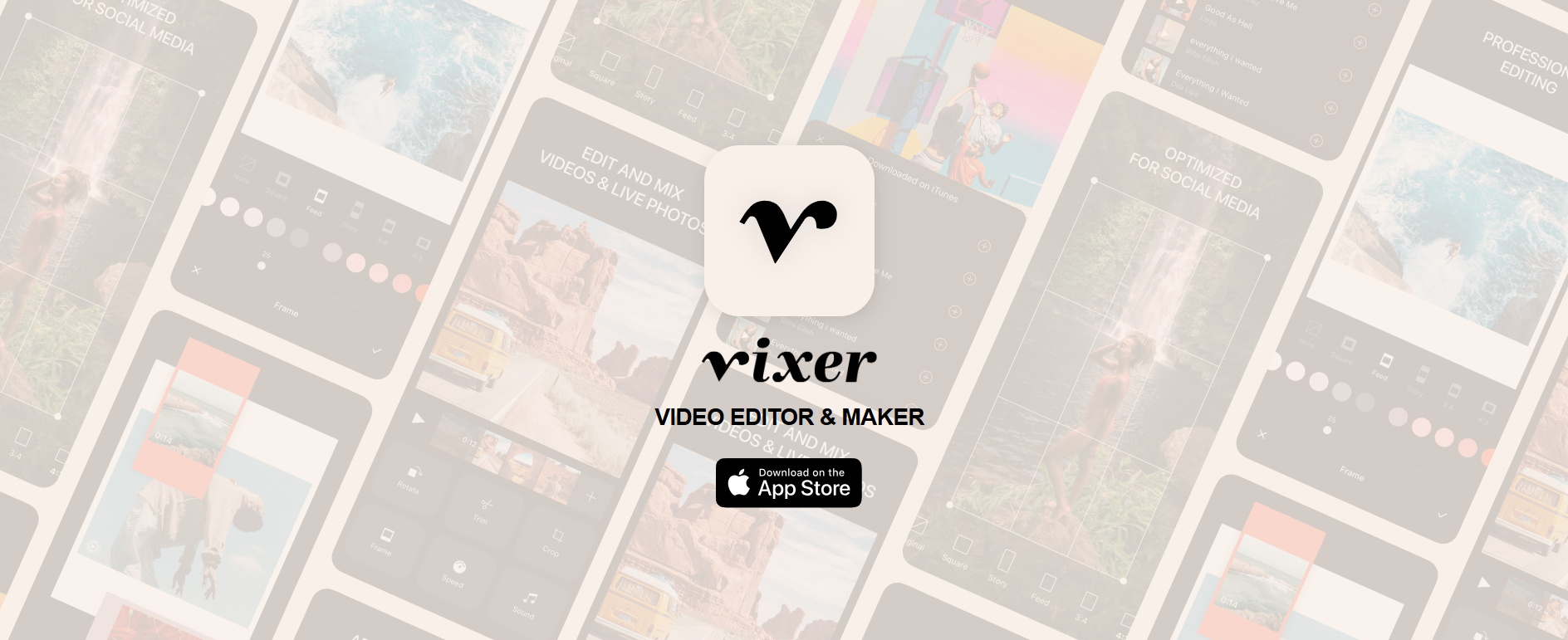
Vixer’s Webpage Vixer is another mobile-friendly video editor designed for quick, beautiful edits on the go.
It’s particularly useful for social media creators who want to polish videos for Stories and Reels without needing a desktop editor.
The app offers a drag-and-drop interface, animated text overlays, transitions, and background music. It’s ideal for vlog-style content, product showcases, or behind-the-scenes clips.
With auto-resizing features and export presets, Vixer saves you time while keeping your visuals crisp and professional.
Key Features
- Drag-and-drop video editor
- Text overlays and transitions
- Instagram-ready templates
- Royalty-free background music
- Auto-resizing for Stories and Reels
Pros & Cons
- Pros: Extremely fast rendering; very high-quality filters; beginner-friendly UI.
- Cons: Only available on iOS; fewer “advanced” AI features than CapCut.
Our Experience: If you are running an instagram management service for luxury or high-end lifestyle brands, Vixer is a must-have. Its filters feel more organic and film-like compared to other apps, which helps maintain a premium look for your clients’ feeds.
-
Stencil
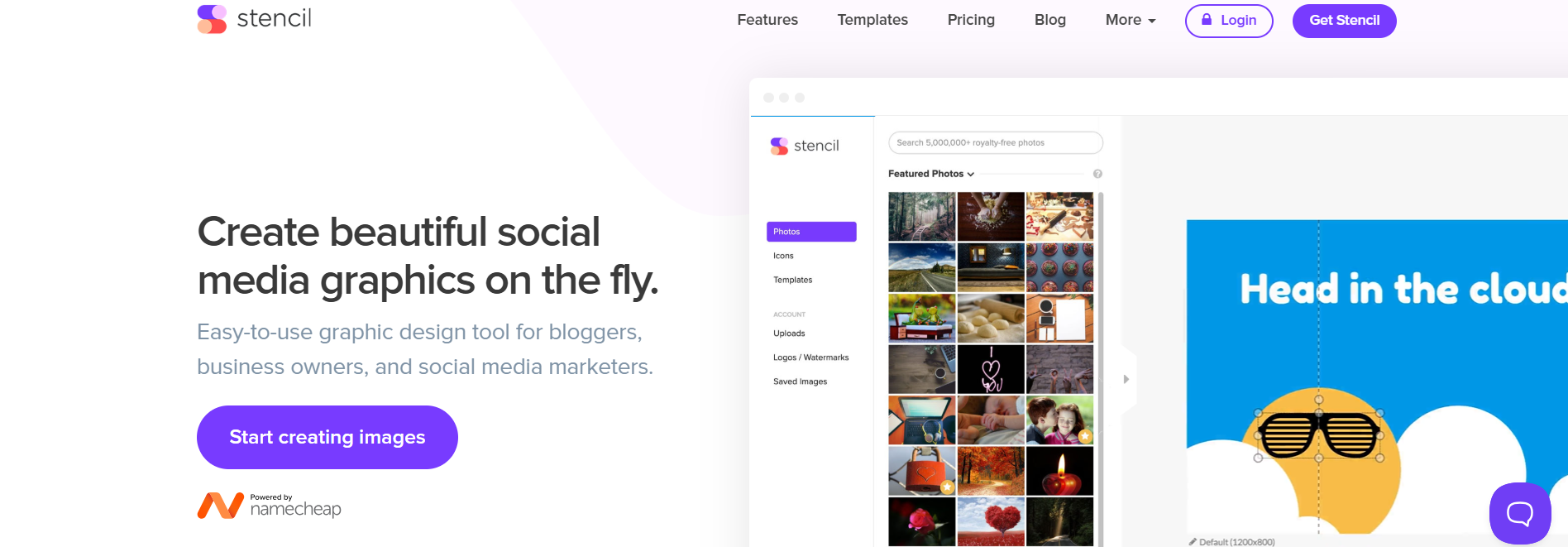
Stencil’s Webpage Stencil is a lightweight graphic design tool tailored for social media post creation.
It offers a wide selection of templates, stock photos, icons, and fonts that make it easy to design visually appealing Instagram posts and Stories.
Unlike heavier platforms like Photoshop or Canva, Stencil is designed for speed and simplicity. Its browser extension lets you turn web images into posts instantly, and you can directly schedule designs to Instagram using integrations.
It’s perfect for marketers who want quick, clean graphics without the hassle.
Key Features
- Pre-sized Instagram post templates
- Font and logo customization
- Browser extension for quick access
- Easy post scheduling to Instagram
Pricing:
Stencil offers three plans, including:
- Free, which costs $0 monthly.
- Pro, which costs $9 monthly.
- Unlimited, which costs $12 monthly.
Pros & Cons
- Pros: Light and fast; great WordPress integration; over 5 million royalty-free photos.
- Cons: Limited fine-tuning for complex design work; the mobile app isn’t as robust as the desktop site.
Our Experience: We use Stencil as part of our best instagram management tools stack, specifically for placeholder content. When we need a quick tip-of-the-day graphic, Stencil’s browser extension allows us to create it without ever opening a new tab.
3 Instagram Tools for Social Listening
To grow on Instagram, it’s not just about what you post; it’s about what your audience is saying. These tools help you monitor brand mentions, trends, and sentiment in real time.
-
Social Champ
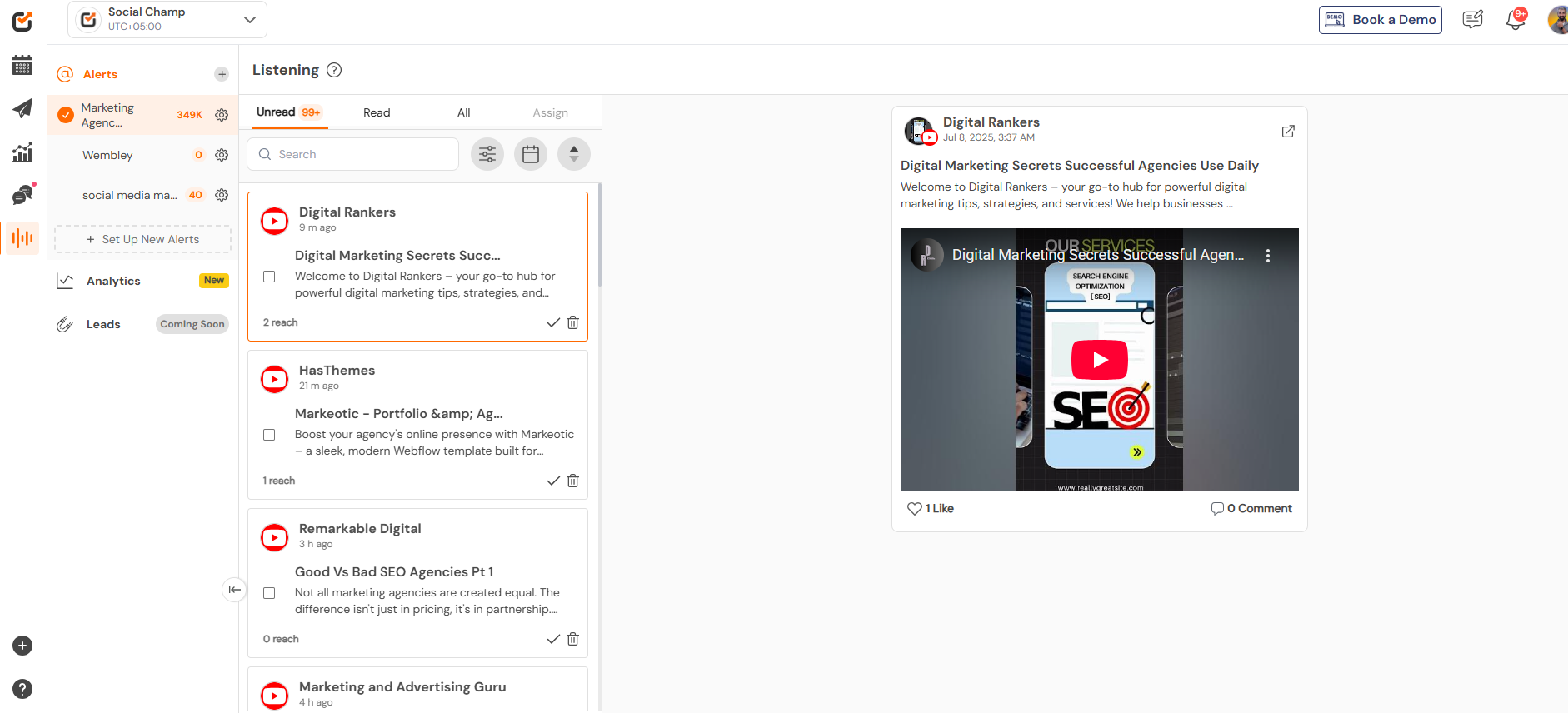
Social Champ’s Listening Dashboard Beyond publishing and scheduling, Social Champ offers helpful listening features that let you stay connected with your community.
Through its unified social inbox, you can manage Instagram comments and DMs in one place, making it easier to engage with followers quickly.
Key Features
- Monitor comments and brand mentions
- Unified inbox for Instagram DMs and comments
- Engagement metrics
Pros & Cons
Pros: All-in-one convenience; very affordable for listening features; great for community engagement.
Cons: Monitoring is limited to direct integrations and specific keyword sets.
It’s Not the Right Tool, If It Doesn't Do It All!
Why pay for 3 different apps when one can do it better? Social Champ covers scheduling, analysis, and social listening—without the bloat. -
Inflact
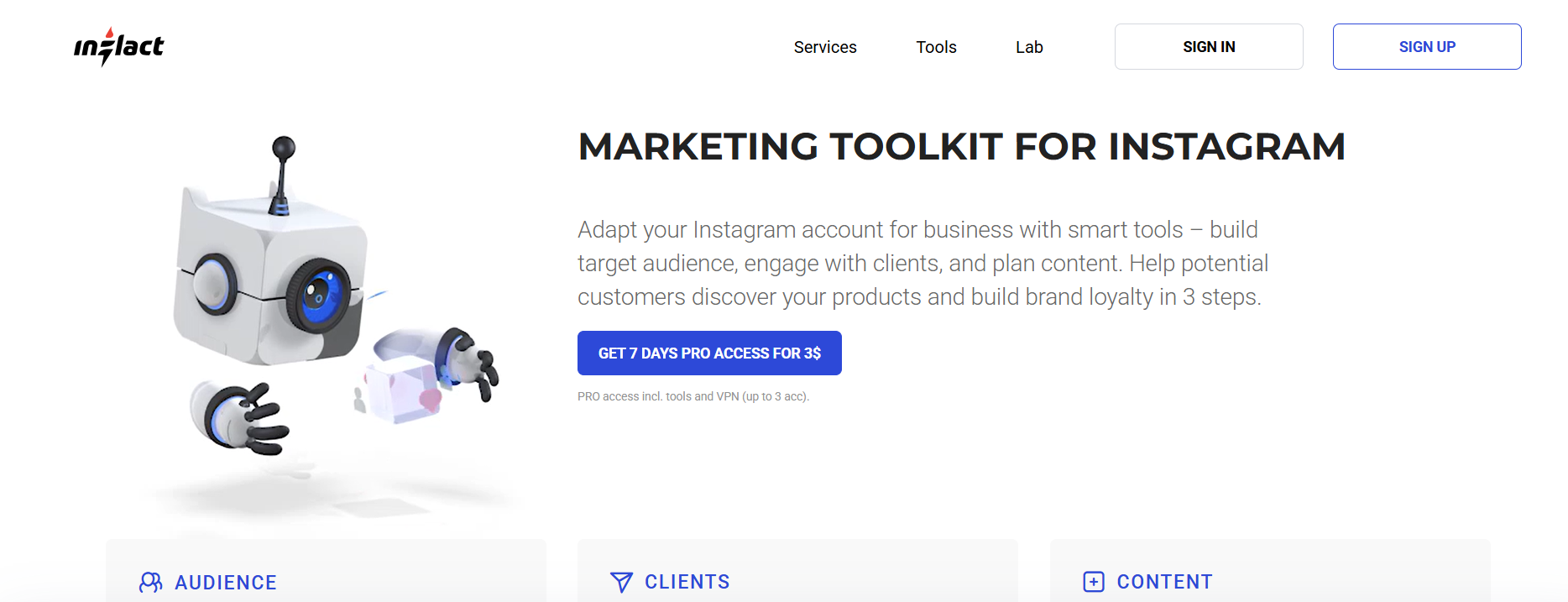
Inflact’s Webpage Inflact is an Instagram-specific toolset that includes automation, analytics, and social listening.
It offers real-time profile monitoring and tracks hashtags, mentions, and comments to help you stay on top of your brand’s presence. What’s impressive about Inflact is its smart targeting and competitor tracking features.
You can follow industry trends, monitor how rivals are performing, and use that data to fine-tune your own strategy. It’s a solid tool for solo creators and small businesses.
Key Features
- Profile and hashtag monitoring
- Smart audience targeting
- AI-based analytics and alerts
- DM automation and tracking
- Competitor analysis
Pricing:
Inflact offers three plans, including:
- Research, which costs $19. In this plan, you can manage 1 social account.
- Pro, which costs $79. In this plan, you can manage 1 social accounts.
- Custom, which costs custom. In this plan, you can manage unlimited social accounts.
Pros & Cons
- Pros: Purely focused on Instagram; excellent hashtag data; unique competitor insights.
- Cons: Automation features must be used carefully to avoid account flags.
Our Experience: Inflact is the detective of our best instagram management tools. We use the Profile Analyzer to reverse-engineer why a competitor is growing so quickly. It’s an invaluable tool for anyone looking to optimize their instagram account management strategy through data.
-
Reputation
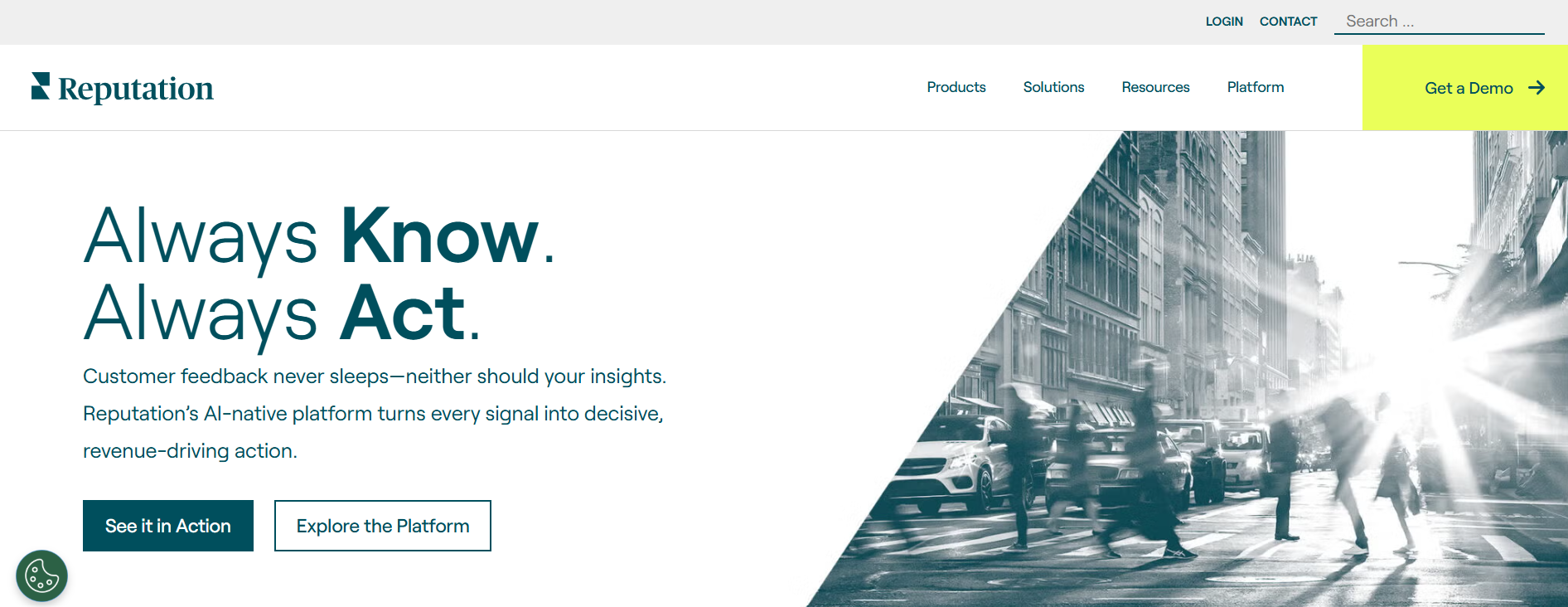
Reputation’s Webpage Reputation is an enterprise-level tool focused on managing public perception across digital channels, including Instagram. It provides detailed sentiment analysis, customer feedback tracking, and real-time reputation scoring.
This tool is especially useful for large brands and multi-location businesses that need to monitor how they’re perceived across various markets.
With integration options for CRM systems, it also helps connect customer feedback with internal actions, making it a powerful tool for PR and customer service teams.
Key Features
- Real-time brand sentiment tracking
- Competitive insights dashboard
- Review monitoring across platforms
- Social listening alerts
- Integration with CRM tools
Pricing:
Reputation offers one plan:Rep Core, which costs $150.
Pros & Cons
- Pros: Best-in-class for PR and brand safety; scales to thousands of locations; deep CRM integrations.
- Cons: Very high cost; interface is geared toward executives, not creators.
Our Experience: For a global instagram management service, Reputation is essential. It allowed us to monitor “crisis” comments across 50 different location-specific Instagram accounts simultaneously. It’s about protecting the brand as much as growing it.
If you want to learn more about Instagram management, refer to the following resources:
How to Choose the Best Instagram Management Tool for Your Needs
With so many Instagram tools available today, finding the right one can feel overwhelming.
The best tool for you depends on your goals, whether you’re a solo creator looking to save time or a brand aiming to scale your social media strategy.
Here’s a breakdown of what to consider when choosing the ideal Instagram management platform.
-
Define Your Goals
Start by identifying what you need help with.
Are you focused on scheduling posts and maintaining consistency? Or is your priority analyzing performance and understanding your audience?
Some tools excel at publishing, others at analytics, editing, or community engagement. Being clear about your primary objective will quickly narrow your choices.
-
Consider Your Budget
Instagram tools range from free to enterprise-level pricing. Freelancers and small businesses may prefer tools with freemium plans or affordable monthly rates, like Planoly or Social Champ.
Larger organizations, however, might require more robust features with a bigger price tag, such as Emplifi or Reputation. Always balance cost with features; you don’t want to overpay for things you won’t use.
-
Evaluate Features That Matter Most
Make a list of the must-have features for your workflow.
Do you need AI-generated captions?
A visual content calendar?
Social listening and sentiment tracking?Look for tools that offer those features natively, rather than relying on third-party integrations.
For example, Later is great for visual planning, while Social Champ covers everything from scheduling to listening in one platform.
-
Look for Ease of Use
A tool may be powerful, but if it’s hard to use, it won’t add much value. Consider the learning curve, dashboard design, and mobile usability. Platforms like CapCut and Stencil offer a simple, intuitive experience, making them great for beginners. On the other hand, more advanced tools like HypeAuditor or Keyhole may require some onboarding time.
-
Check for Integrations and Scalability
If you use other marketing platforms like Canva, Google Drive, or HubSpot, make sure your Instagram tool integrates with them.
Also, think long term, like can this tool grow with you? Features like team collaboration, approval workflows, or white-label reporting become essential as your needs expand.
-
Read Reviews and Try Free Trials
Lastly, don’t underestimate the value of user reviews and free trials. Most tools offer trial versions or free plans.
Take advantage of these to test functionality, support, and performance before committing. Reading user feedback on platforms like G2 or Capterra can also help you avoid hidden pitfalls.
Featured Article: 20+ Social Media Management Tips
Common Instagram Management Mistakes That Hurt Instagram Management
Even with the best instagram management tools at your fingertips, certain strategic blunders can tank your engagement and stall your growth. In 2026, the algorithm is smarter than ever, meaning old “hacks” often do more harm than good.
Here are the most common mistakes to avoid if you want to maintain a healthy instagram account management strategy:
- Treating Instagram Like a Billboard: One of the biggest mistakes is using your feed solely for promotions and buy now messages. Instagram is a social community, not a static ad space. If you don’t provide value or go behind the scenes, followers will quickly tune out.
- Ignoring Watch Time on Reels: In 2026, the algorithm prioritizes retention over likes. If your Reels have slow intros or lack a “hook” in the first three seconds, users scroll past, signaling to Instagram that your content isn’t worth sharing.
- Inconsistent Posting Cadence: Posting five times in one week and then going silent for a month confuses both your audience and the algorithm. Consistency builds a habit for your followers and “trust” with the platform.
- Ignoring Analytics: If you aren’t checking which posts get the most “Saves” and “Shares,” you’re flying blind. Successful instagram account management requires a data-driven approach to double down on what actually works.
Why Social Champ Is the Smart Choice for Instagram Management
When it comes to managing Instagram effectively, Social Champ has emerged as a leading all-in-one platform trusted by marketers, creators, and agencies alike.
Whether you need to schedule content, analyze performance, or stay connected with your audience, Social Champ offers the versatility and depth to support your growth.
Here’s why it stands out from the crowd.
-
All-in-One Functionality
Social Champ combines publishing, analytics, social listening, and collaboration into a single, intuitive platform. Instead of juggling multiple tools for different tasks, you can plan, create, schedule, and analyze Instagram content all in one place.
This centralized approach not only saves time but also ensures a smoother, more cohesive workflow.
-
Powerful Scheduling and Automation
At its core, Social Champ offers robust scheduling features that go beyond basic post planning. You can automate posts for Instagram Reels, Stories, carousels, and static images, complete with first comments, hashtags, and custom posting times.
Bulk uploading, queue management, and content recycling options allow you to maintain a consistent presence without daily manual work.
-
Built-In Creative Tools
Social Champ integrates directly with Canva, so you can design eye-catching posts without switching platforms. Its media library makes it easy to store, organize, and reuse branded content.
Whether you’re repurposing evergreen posts or launching a new campaign, the creative tools are built to keep content fresh and engaging.
-
Smart Features for Smarter Marketing
What makes Social Champ especially “smart” is its AI-powered features.
From managing hashtags and writing captions to analyzing engagement trends, the platform leverages automation to make your Instagram marketing more effective and less time-consuming.
These features are ideal for busy marketers looking to boost performance without additional overhead.
-
Data-Driven Insights
With Social Champ’s advanced analytics, you get clear, actionable insights into what’s working and what’s not. Track post performance, follower growth, engagement metrics, and hashtag effectiveness through clean, customizable dashboards. For agencies or brands, white-label reporting ensures you can present polished reports to clients or internal teams.
-
Ideal for Teams & Agencies
Social Champ isn’t just for solo creators; it’s built for collaboration. The platform offers team access, role-based permissions, and approval workflows that streamline content planning and publishing for teams of all sizes. Whether you’re managing one brand or a dozen, Social Champ scales with you.
Social Media Burnout Is Real—This Is the Fix
Featured Article: Instagram Vanish Mode Explained
Conclusion
Instagram is no longer just about aesthetics; it’s about strategy, consistency, and meaningful engagement.
Whether you’re managing a personal brand, running a business, or handling multiple client accounts, the right Instagram management tool can make all the difference in your growth and efficiency.
From scheduling and analytics to editing and social listening, this list of 17 Instagram management tools offers something for every need and budget.
But if you’re looking for an all-in-one platform that balances power, ease of use, and affordability, Social Champ is a smart, scalable choice for 2026 and beyond.










Dustin Harding
Great list of tools! I didn’t know Social Champ offered such a range of features, including YouTube scheduling. I will definitely try it out!