

If ContentCal was your favorite social media management tool, you must have been disappointed when it was discontinued. But the end of ContentCal didn’t mean you should go back to being miserable when planning content. There are so many ContentCal alternatives that can match or even outperform it.
In this guide, we’ll explore 15 top ContentCal alternatives worth checking out. We’ll break down their features, pricing, and unique perks so you can find the best social media scheduler that actually fits your workflow.
Short Summary
- Many social media tools offer collaboration, scheduling, and analytics similar to ContentCal.
- Agencies and teams benefit most from platforms with approval workflows and client-friendly features.
- AI-powered content creation and caption suggestions are becoming standard in top alternatives.
- Budget-friendly options exist without sacrificing core scheduling and reporting capabilities.
- Choosing the right tool depends on team size, platform support, and desired automation features.

Supercharge Your Posting With AI-Powered Scheduler!
Automate your social content and save hours every week with Social Champ’s smart scheduler.
Why Are Users Searching for ContentCal Alternatives?
The biggest reason for searching for an alternative is that ContentCal is no more. And as social media strategies grow and tools evolve, you may want to explore options that better fit your workflow.
Here are a few reasons users may be on the hunt for ContentCal alternatives:
- Wanting more integrations with other apps and platforms without jumping through hoops
- Looking for extra automation to save time on repetitive posting
- Needing flexible pricing that scales with team size and content volume
- Craving a fresh interface or user experience that feels snappier
- Seeking advanced analytics to get smarter insights into what actually works
The following list of ContentCal alternatives is here to help you spot options that match or even improve on what you’re used to.
15 Best ContentCal Alternatives to Try in 2026
Without further ado, here are the 15 best ContentCal alternatives you can consider:
-
Social Champ
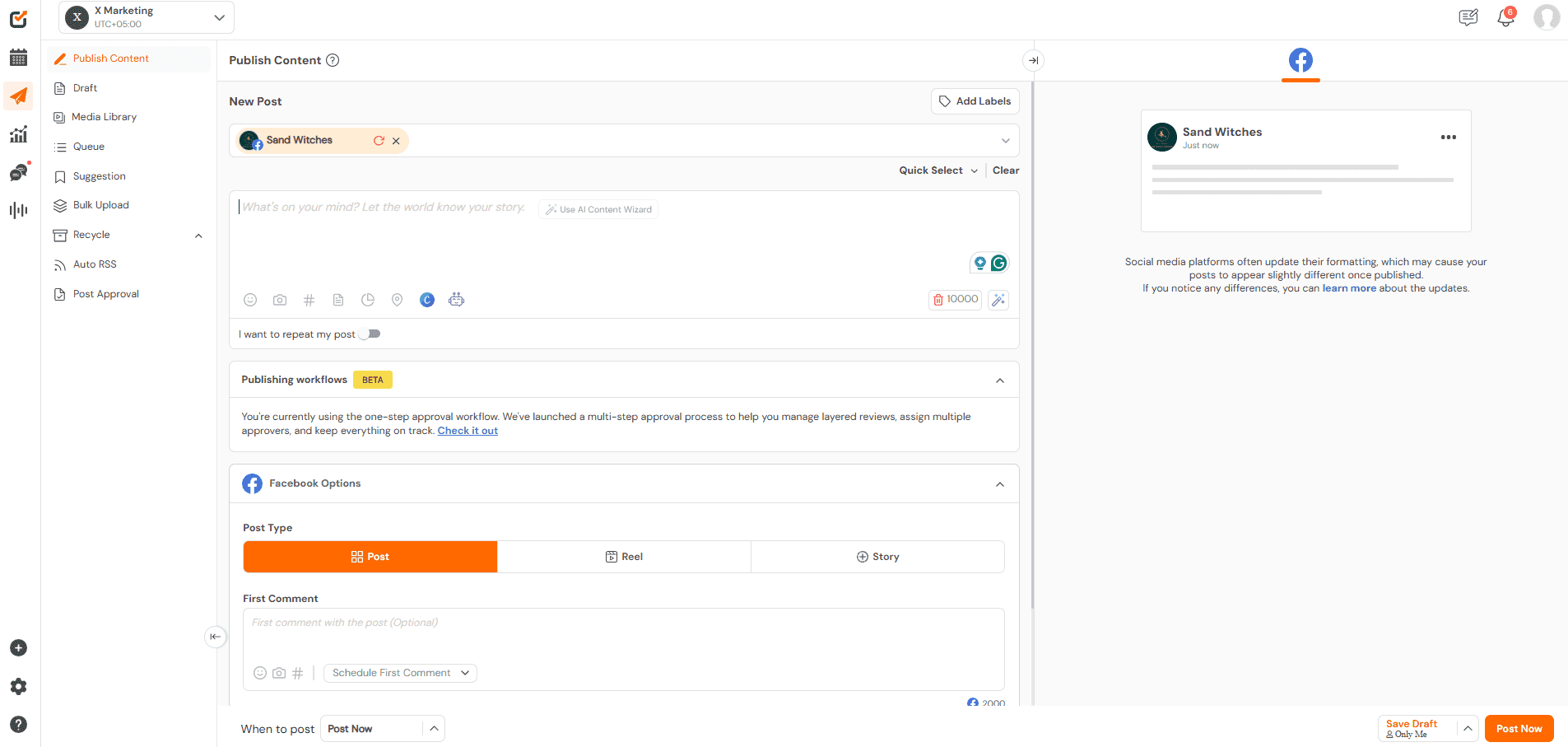
Social Champ’s Dashboard Managing multiple social accounts without losing track can feel impossible, but Social Champ keeps everything organized in one place while staying simple to use.
It balances powerful features with ease of use and gives users full control over scheduling, collaboration, and analytics without any unnecessary complexity.
Who is Social Champ for? Well, there’s a plan for everyone. Here’s an overview of Social Champ’s pricing plans and who they are designed for:
- Free Plan ($0/month): Manage up to 3 social accounts with 15 scheduled posts and access to basic features.
- Starter Plan ( $4 per social account/month): Best for small businesses or solo creators. Includes unlimited post scheduling, basic analytics, content calendar, and more.
- Growth Plan ( $8 per social account/month): Ideal for growing teams and agencies. Adds unlimited users, workspaces, advanced analytics, competitor analysis, social listening, and approval workflows.
- Enterprise Plan (Custom pricing): Tailored for large organizations with advanced needs like API access, custom integrations, one-on-one dedicated support, and enhanced security.
Features
- Visual Content Calendar: Like ContentCal, the platform gives you a clear calendar view of all scheduled posts, but it also offers more flexibility to adjust and manage content across multiple accounts with ease.
- Post Approval Workflows: Similar to ContentCal, approval workflows allow teams and clients to review posts before publishing, while offering smoother control for growing teams with multiple reviewers.
- Multi-Platform Scheduling: Both tools support posting across several social networks, though this platform makes it easier to manage more profiles without increasing complexity.
- Collaboration Tools: Just like ContentCal, team members can comment and assign tasks, with added flexibility for agencies that manage several clients at once.
- Analytics and Reporting: While ContentCal provides solid performance insights, this platform goes further with clearer engagement data and deeper reporting to support better decision-making.
With Social Champ, you’ve got a lot of useful features to unpack. All of its features show that this tool matches ContentCal in core functionality. At the same time, it adds extra flexibility and deeper insights for teams that want more control over their social media workflow.
Pros
- Free plan available with basic features
- Flexible pricing plans that scale with your needs
- Bulk upload feature that saves time for planners with many posts
- Best Time To Post feature that suggests optimal posting slots
- Competitive analysis that shows how you compare with others in your space
- Sentiment analysis that helps you understand audience reaction
- Strong collaboration and approval workflows
Cons:
- Advanced integrations require higher-tier plans
- Analytics are useful but less detailed than specialized reporting tools
If Social Champ reviews are anything to go by, it is a user-friendly tool that consistently delivers on its promise. It combines essential features, flexible pricing, and collaboration tools to help teams manage social media efficiently.
Simplify Your Social Media Planning?
Explore Social Champ’s powerful features that help you plan, collaborate, and publish content without the chaos.
-
Agorapulse
Agorapulse’s Dashboard For growing teams and agencies that need deep engagement tools along with publishing features, Agorapulse offers a solid mix of power and structure.
It suits teams that want to schedule posts, track engagement, monitor brand mentions, analyze performance, and collaborate seamlessly.
Features
- Unified Publishing Calendar: You get a clear calendar view much like ContentCal, and you can plan posts across accounts in one place.
- Social Inbox and Engagement Tools: Agorapulse handles comments, messages, and mentions in a single interface with moderation rules, giving deeper engagement tracking than ContentCal.
- Team Workflows: Internal assignment and review features help teams coordinate content without losing track of approval loops, similar to ContentCal’s collaboration tools.
- Advanced Reporting: The tool offers detailed performance reports and ROI insights that go beyond the basics, making it easier to prove impact to stakeholders.
- Sentiment and Listening: Some plans include sentiment detection and listening capabilities, which expand insights beyond what ContentCal typically covers.
Pros
- Free plan and generous 30-day trial let you test features before paying.
- Strong social inbox and engagement tools centralize communication.
- Advanced reporting and ROI insights provide deeper performance data.
- Team workflows and shared calendars support collaboration across groups.
- Custom enterprise options scale for larger organizations.
Cons
- Pricing is higher compared with some alternatives, especially for teams with many users.
- Free plan is limited in posts and reporting.
- Some advanced features require moving to higher tiers.
Agorapulse delivers a robust alternative to ContentCal with extra strength in engagement and advanced reporting. For teams and agencies that need inbox management, collaboration, and detailed insights all in one platform, it’s definitely a compelling choice.
Featured Article: 15 Affordable Agorapulse Alternatives & Competitors to Try
-
Hootsuite
Hootsuite’s Webpage Hootsuite is built to juggle publishing, engagement, analytics, and campaign insights across dozens of networks from one central hub. That makes it especially appealing if you’re running social for a small business with ambitious growth goals or an agency that needs team collaboration and robust reporting in one place.
Features
- Multi-platform scheduling & publishing: You can plan and schedule posts for all your social accounts from one unified calendar, with bulk scheduling helping you stay on top of high-volume content.
- AI-powered content support: You get help generating captions, hashtags, and post ideas through tools like OwlyWriter AI, without leaving the platform.
- Unified engagement inbox: You can manage comments, DMs, and mentions from multiple networks in one place, so responding feels faster and more organized.
- Advanced analytics & reporting: You gain access to detailed performance insights, customizable reports, and competitor benchmarks that help you refine your strategy.
- Social listening & trend tracking: You’re able to track brand mentions, hashtags, sentiment, and emerging trends to stay ahead of conversations.
- Ad management and optimization: You can manage both organic posts and paid campaigns together, while easily boosting your top-performing content.
- Rich integrations: You can connect tools like Canva, Adobe Express, Slack, and CRM platforms to keep your workflow smooth and efficient.
Pros
- It’s an all-in-one platform that combines scheduling, analytics, inbox management, and advanced reporting.
- It allows for powerful team collaboration with approval workflows, tagging, and roles that help keep bigger teams coordinated.
- It provides competitive insights and allows for benchmarking against competitors.
- It connects seamlessly with CRM tools, ad platforms, and popular apps, which makes it easier to manage social media as part of a wider marketing stack.
- It handles growing volumes of posts, accounts, and users without slowing down, which is ideal as teams and social strategies expand.
Cons
- Hootsuite is generally more expensive than ContentCal and many simpler schedulers.
- Its extensive toolset can feel overwhelming if you only need basic planning and publishing.
Hootsuite is a great next step once you outgrow the basics of tools like ContentCal. It’s an ideal choice if your social strategy involves team alignment, campaign performance tracking, and managing multiple networks across clients or brands.
Featured Article: 15 Best Hootsuite Alternatives
-
Planable
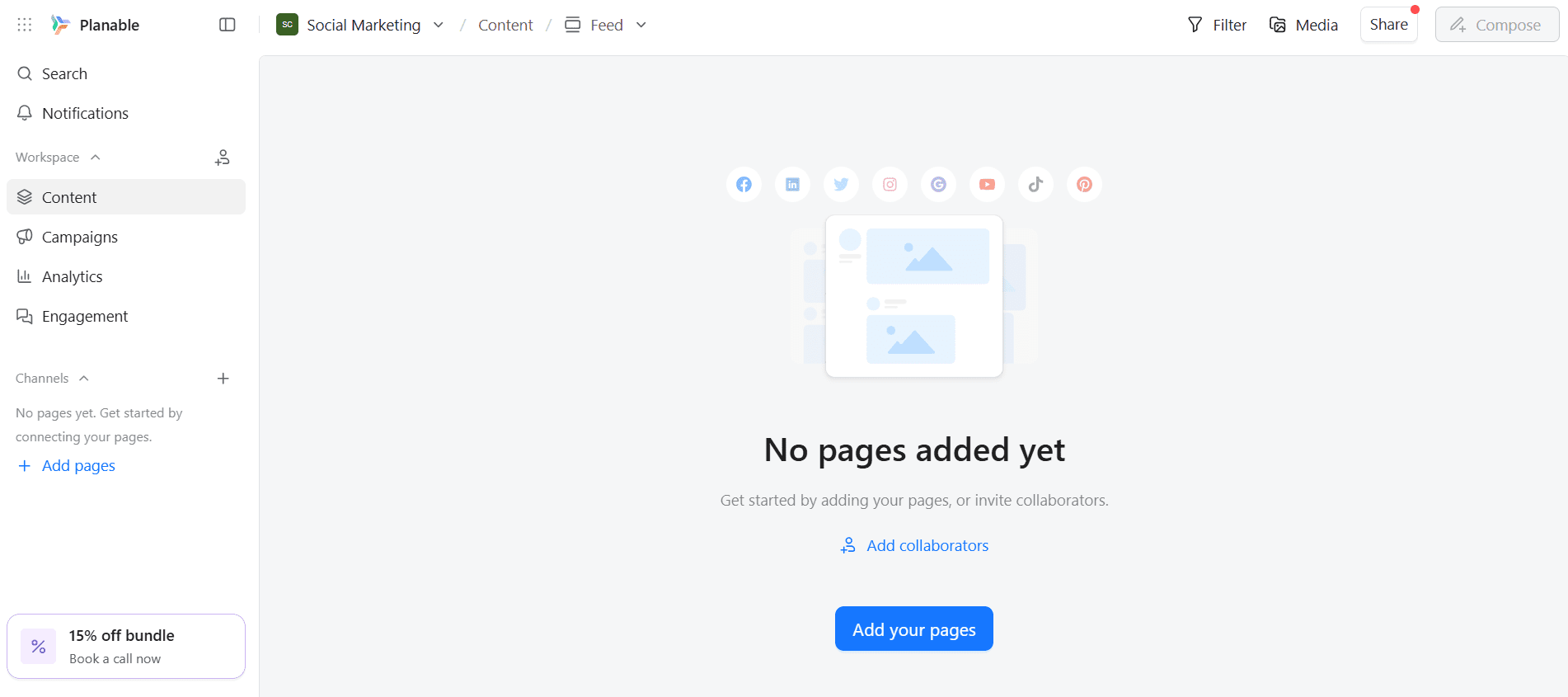
Planable’s Dashboard While ContentCal was known for its intuitive editorial calendar and streamlined scheduling, Planable takes the experience a step further with collaboration-first design and multi-level approval workflows.
The social preview feature (showing exactly how posts will look on each platform) helps teams avoid formatting hiccups before publishing. That makes Planable especially suitable for teams and agencies that work alongside clients or need more structured approvals.
Features
- Visual content planning calendar: You can drag and drop posts on a rich calendar that shows how your schedule comes together over time, helping you plan campaigns clearly and efficiently.
- Real-time collaboration & feedback: You’re able to leave comments, annotations, and suggestions directly on posts so teams and clients can review content together without endless emails.
- Customizable approval workflows: You can set approval stages, from optional to required or multi-level, ensuring content is reviewed and signed off before publication.
- Live post previews: You get pixel-perfect previews that show exactly how your content will appear on each platform, reducing formatting surprises after publishing.
- Multiple content views: You can switch between feed, calendar, grid (e.g., Instagram grid view), and list views to organize and act on posts in the way that works best for you.
- AI-powered content tools: You’re able to generate captions, hashtags, and suggestions using AI — helping speed up creation and maintain consistency.
- Bulk actions & quick edits: You can approve, schedule, duplicate, or delete multiple posts at once from the list view.
Pros
- You can invite teammates and clients to review, comment, and approve posts in real time, which cuts down on endless email threads.
- You get to see exactly how your content will look on each social platform before it goes live, helping you avoid formatting surprises.
- You can set up simple or multi-step approvals, making it easier to stay organized as your team grows.
- You can test the platform without spending anything, which is ideal if you’re experimenting or managing light workloads.
- You can switch between calendar, feed, or grid views to plan campaigns in a way that feels most natural to you.
Cons
- You may find the monthly post caps restrictive if you publish content at scale.
- You’ll need to pay extra if in-depth performance reporting is a priority for you.
- Managing multiple brands or clients can increase costs faster than expected.
- You won’t get a full social inbox for managing comments and messages directly.
Planable works best if your priority is smooth collaboration and clear approvals, especially when clients or multiple stakeholders are involved. Nevertheless, it’s worth weighing the limits if analytics and engagement sit high on your must-have list.
Featured Article: Exploring Beyond Planable: Top Planable Alternatives
-
Buffer
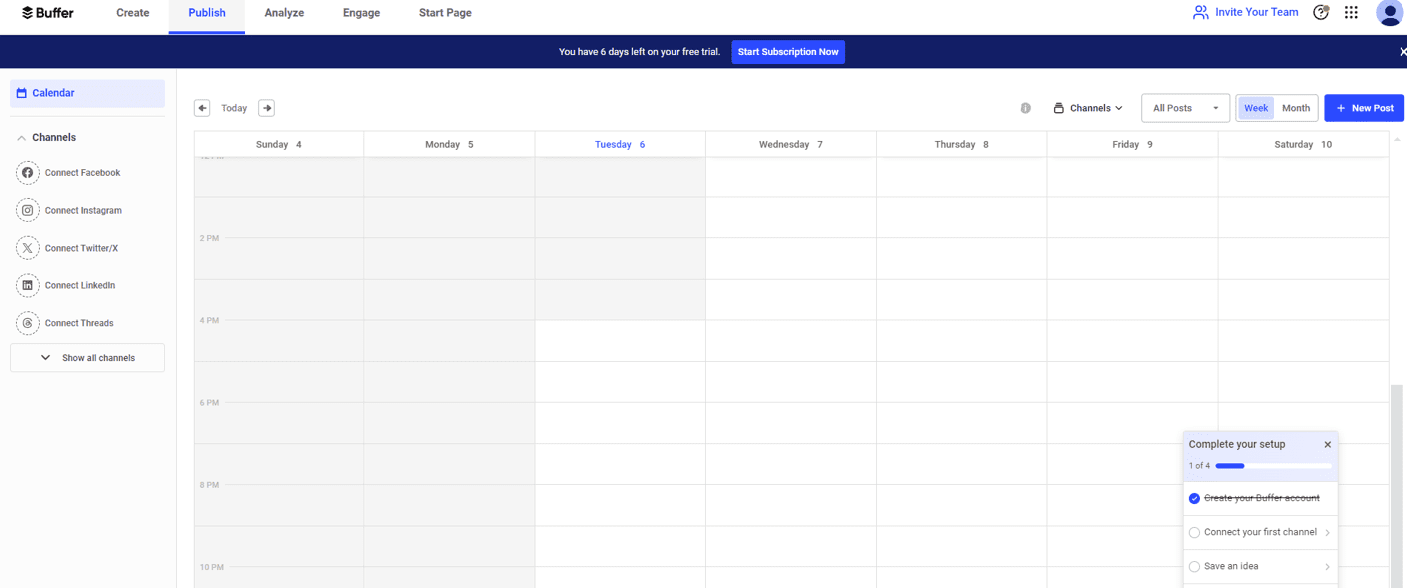
Buffer’s Dashboard Buffer offers a clean and straightforward approach to social media scheduling that helps you plan and publish posts with minimal friction. Its calendar and thoughtful tools make routine posting feel less like a task and more like a strategy.
Whether you’re a solopreneur or a small team, Buffer keeps your social presence consistent without overwhelming you.
Features
- Simple scheduling interface: You can plan and schedule posts across all your social platforms with a clean, easy-to-navigate calendar.
- Custom queues & reminders: You’re able to set posting schedules that fit your audience’s habits, and Buffer fills in content automatically.
- Basic analytics: You get clear insights into post performance and engagement trends to help you refine your approach.
- Content planning tools: You can draft, save, and organize posts ahead of time so nothing gets lost in the shuffle.
- Team collaboration: You’re able to invite teammates, assign roles, and manage approvals without complexity.
Pros
- You’ll find it easy to learn and use, especially if you’re new to social scheduling.
- You get essential features without paying for extras you might not need.
- You can keep your content calendar full with minimal effort.
- It offers flexible pricing so you can choose the number of social accounts to pay for.
Cons
- You won’t get the deep analytics or social listening tools some other platforms offer.
- You can’t manage comments and DMs inside Buffer itself.
- You might outgrow its feature set as your strategy becomes more complex.
Overall, Buffer gives you a straightforward, efficient way to maintain your social presence. It’s perfect if you value simplicity and steady growth over bells and whistles. But if you want a tool that provides deeper analytics, you might want to check out Buffer alternatives.
-
Sendible
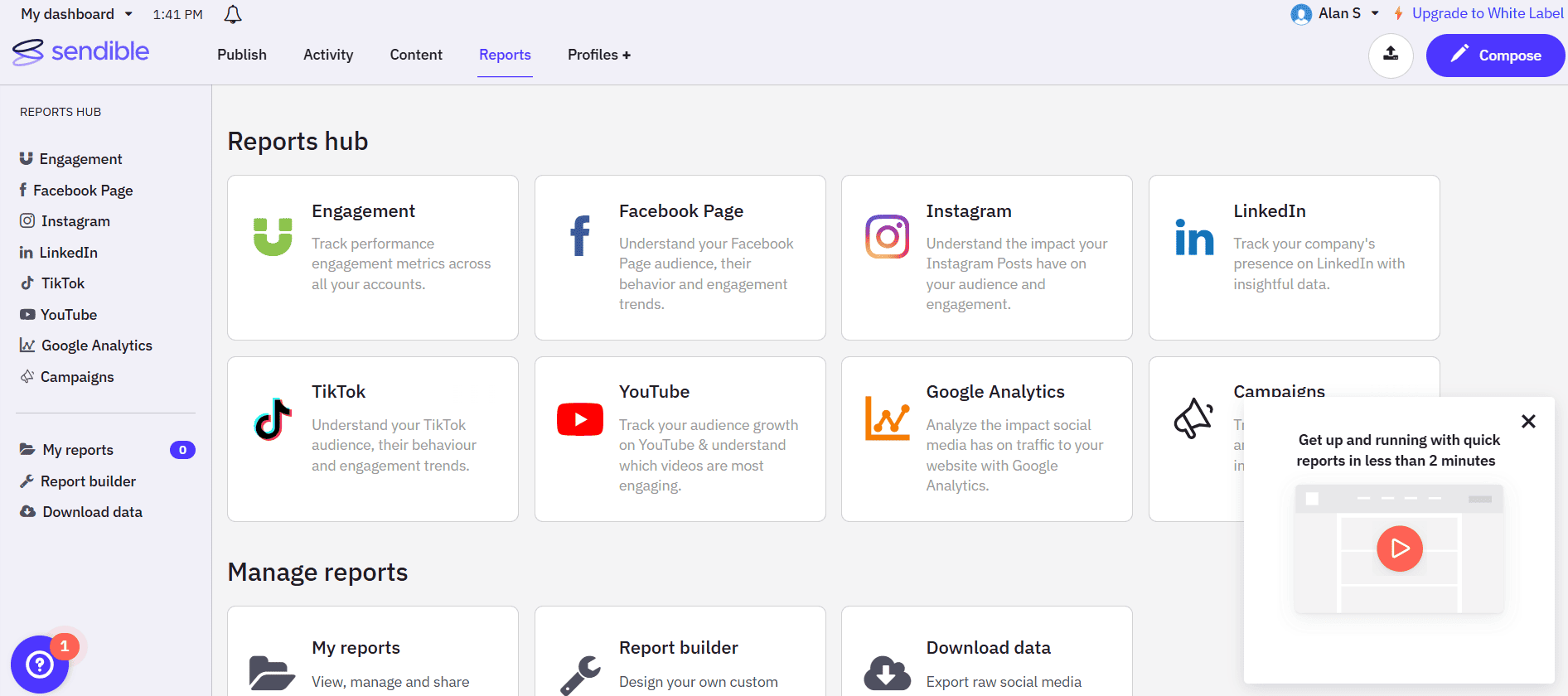
Sendible’s Dashboard Sendible lets you manage, schedule, and optimize your social posts all from a customizable dashboard that bends to the way you work. It’s especially useful if you’re running multiple brands or managing social for clients, as it groups everything clearly and helps you stay on top of deadlines.
With smart automation and detailed reporting, it gives you more depth than basic planners without overwhelming complexity.
Features
- Customizable dashboard: You can tailor your workspace to spotlight the tools and metrics that matter most to you.
- Client management tools: You’re able to create white-label reports, assign tasks, and streamline approvals.
- Robust scheduling options: You can queue content, schedule posts in bulk, and set optimal posting times based on performance.
- Social inbox: You get a unified place to see and respond to comments, mentions, and messages across platforms.
- In-depth analytics: You’re able to dive into comprehensive performance reports that help you shape smarter strategies.
Pros
- You’ll find tools here that scale from solo use to full-service agency workflows.
- You get granular, professional reports you can customize or brand.
- You can manage your responses and interactions without switching tools.
- You can discover trending topics and automatically pull relevant content into your queue and keep your posts fresh without extra effort.
- You can be able to assign tasks, set deadlines, and track progress within your team, which keeps campaigns on schedule and reduces miscommunication.
Cons
- There’s a learning curve, so you may need some time to get comfortable with all the options.
- Some plans can feel expensive if you don’t need all the advanced features.
- With so many tools in one place, things can feel a bit crowded at first.
Sendible gives you a solid balance of planning power and workflow flexibility. This makes it a smart choice if you need a little more muscle and structure than basic content calendars can offer.
-
Later
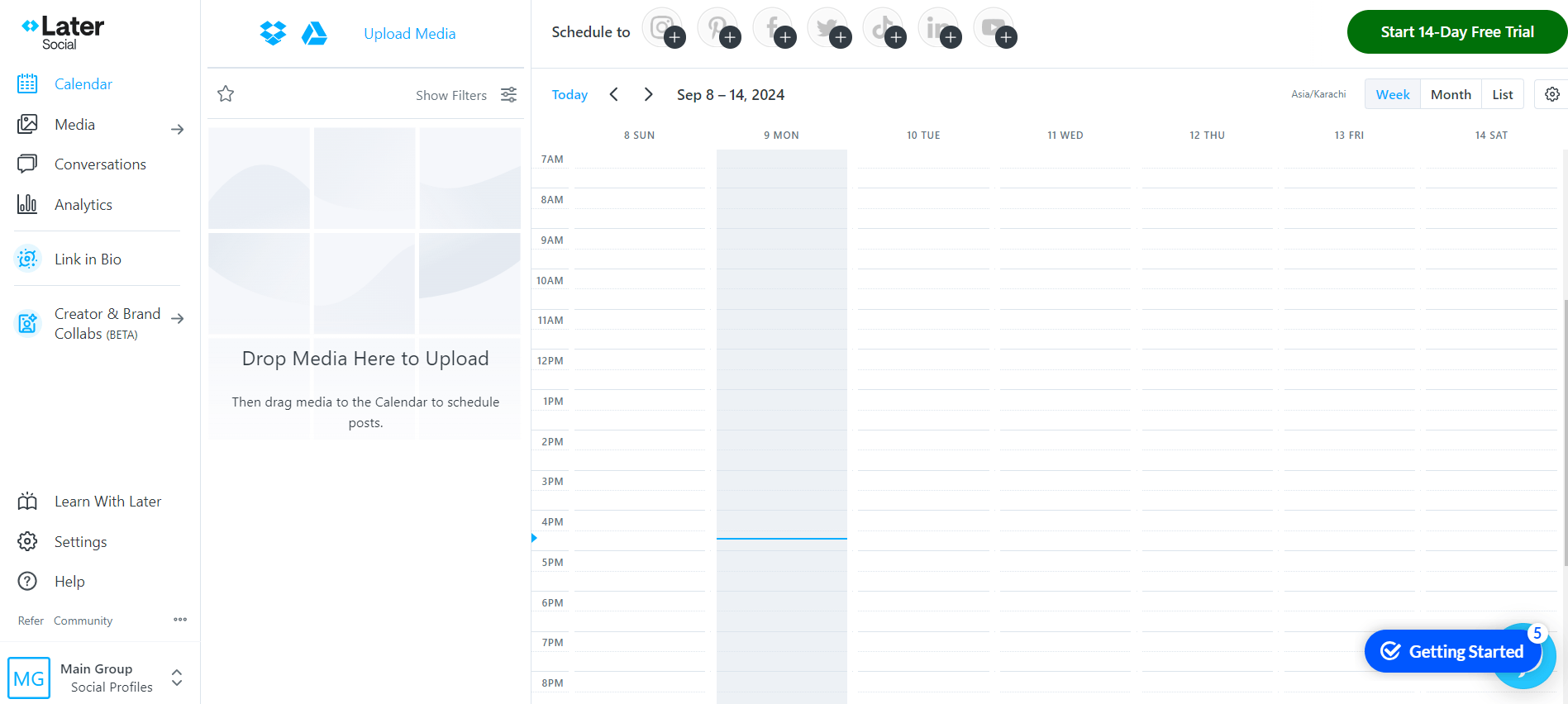
Later’s Dashboard Later gives you a visually-driven way to plan and schedule your social posts, making it easier to see how your content will look before it goes live. It’s especially strong if your strategy leans into Instagram, TikTok, and other visual platforms, with tools designed for creators and small teams alike.
With drag-and-drop planning, hashtag suggestions, and publishing across multiple networks, it helps you keep your social calendar organized and consistent.
Features
- Visual content planner: You get a drag-and-drop calendar that lets you preview how your posts will appear on feeds before scheduling, which is great for visual consistency.
- Multi-platform scheduling: You can plan and auto-publish posts across Instagram, Facebook, TikTok, Pinterest, LinkedIn, and more from one interface.
- Linkin.bio integration: You’re able to drive traffic from your social profiles to websites or landing pages using customizable link pages.
- Social inbox: You can manage comments and direct messages for supported platforms directly inside the dashboard on higher-tier plans.
- AI content tools: You get AI-powered caption and content idea generation with monthly credits to spark your creativity.
Pros
- You’ll find the drag-and-drop planner easy to use, especially for visually oriented content.
- You can organize and schedule multiple profiles in bundles, which helps you manage brands or clients.
- You’re able to auto-publish posts across many major platforms from one place.
- With a built-in Linkin.bio, you can turn your social profiles into clickable landing pages to drive traffic.
- Provides AI content assistance, as you get tools to help generate captions and content ideas each month.
Cons
- You’ll pay extra for additional social sets, users, and AI credits, which add up quickly.
- Entry plans limit posts and users, so you might outgrow them fast if you post a lot.
- Later works best for visual content, and may feel less feature-rich for text-heavy or B2B strategies.
Later is a solid choice if you want visual planning and easy scheduling with tools that support creativity and consistency, particularly on Instagram-centric strategies.
-
Brandwatch
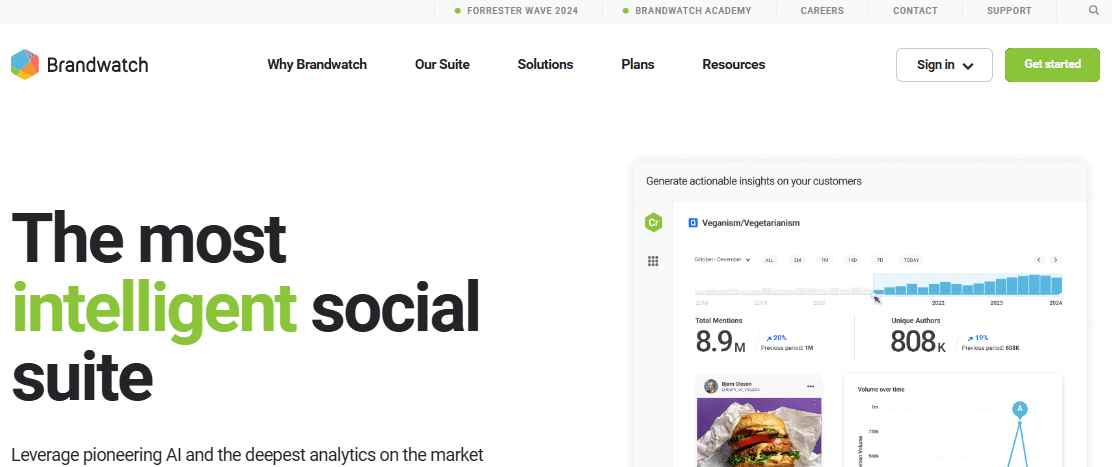
Brandwatch’s Webpage Brandwatch gives you an enterprise-level perspective on your social footprint, not just scheduling posts. It pairs advanced AI analytics with social monitoring and engagement tools, which makes it especially valuable if you’re focused on reputation management, crisis response, or data-driven strategy.
While its capabilities go well beyond basic planners, that depth also means it’s geared more toward larger teams and data-intensive workflows rather than simple content calendars.
Features
- Comprehensive social listening: You can track brand mentions and conversations across social networks, blogs, news sites, and forums to understand what your audience really thinks and feels.
- AI-powered sentiment analysis: The platform uses advanced machine learning to analyze positive, negative, and neutral sentiment in conversations so you can react strategically.
- Competitive benchmarking: You’re able to compare your performance with competitors and spot trends or gaps in market positioning.
- Unified social management: Brandwatch lets you schedule and manage posts, collaborate on calendars, and handle approvals alongside deeper analytics.
- Customizable dashboards and reporting: You can visualize insights with flexible charts and dashboards that make data actionable for your team.
- Crisis alerts and trend detection: You’ll get real-time notifications when unusual spikes or sentiment shifts occur so you can act before issues escalate.
Pros
- It provides deep data and insights that help you gain unparalleled visibility into consumer conversations and market trends.
- It provides robust analytics like advanced sentiment, competitive, and trend analysis, which help you make smarter decisions.
- It allows for unified workflows, as it combines listening, publishing, and engagement in one suite.
- It’s scalable for enterprise, thus can offer support for global brands and large teams.
Cons
- You may need time and training to use all the sophisticated tools effectively.
- Pricing isn’t transparent, so you’ll need to contact sales for a custom quote, which makes budgeting harder.
- Its depth, especially in listening and analytics, can outweigh simple content planning needs.
Brandwatch is a powerful choice if your focus extends beyond basic content calendars, especially into consumer intelligence, sentiment tracking, and strategic decision-making.
-
Sprout Social
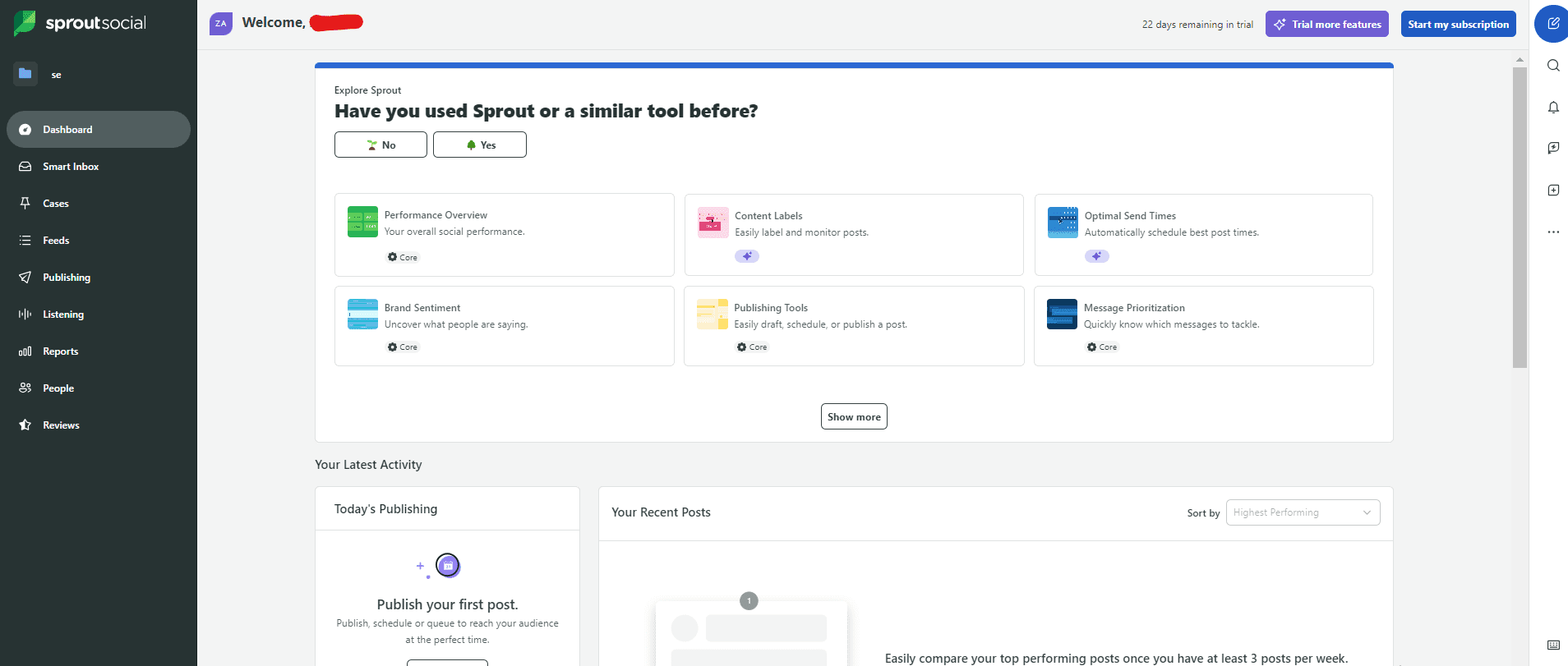
Sprout Social’s Dashboard Sprout Social gives you a full-spectrum social media management experience that goes far beyond simple scheduling, blending publishing, engagement, analytics, and listening.
It’s built to support teams that take social seriously, from small marketing squads to larger organizations, with tools that help you maintain a consistent presence and gather deep performance insights across networks.
Features
- Smart Inbox: You can monitor and respond to messages, comments, and reviews across all your social profiles in one consolidated stream.
- Collaborative content calendar: You’re able to schedule, queue, draft, and publish posts across multiple networks with precision and team visibility.
- ViralPost® send time optimization: You can let the system suggest the best posting times to maximize reach and engagement.
- Advanced reporting: You get robust analytics across networks with group, profile, and post-level insights that help you prove ROI.
- Social listening add-ons: You’re able to uncover audience sentiment, key trends, and competitive context with AI-powered listening tools.
- Team & workflow features: You can organize tasks, tag messages, and set up approvals or automated workflows to keep teams aligned.
Pros
- It has a comprehensive feature set that includes publishing, engagement, reporting, and listening tools, all in one platform.
- It has unified engagement tools that let you manage messages, reviews, and comments from across networks with the Smart Inbox.
- It provides strong analytics and insights that help you get deeper visibility into performance and trend data than many basic planners offer.
- You’re able to grow into higher tiers that support advanced workflows, automation, and CRM integrations.
Cons
- You may find the per-user cost steep compared with simpler tools, especially if you’re a small team or solo user.
- There’s no free plan, and you can only test features with a trial.
- You might need time and training to navigate the platform’s deeper capabilities.
- Some advanced analytics and listening features are sold separately, pushing the total price higher.
Sprout Social delivers a level of depth and integration that goes well beyond basic content calendars like ContentCal. So, if you’re looking for a robust, scalable platform that handles scheduling, community management, analytics, and social listening in one place, this platform is a solid choice.
-
Zoho Social
Zoho Social’s Dashboard Zoho Social gives you a flexible way to plan, schedule, publish, and monitor your social content across multiple platforms. It’s built to grow with you, from solo entrepreneurs to small teams and even agencies with multiple brands, thanks to scalable plans and collaboration features.
Features
- Multi-channel publishing: You can schedule and publish content across major platforms like Facebook, Instagram, LinkedIn, TikTok, and more from a single calendar.
- Publishing calendar & bulk scheduling: You’re able to plan your campaigns visually, schedule posts in bulk, and repeat evergreen content to keep your calendar full.
- Social inbox & monitoring: You can monitor comments, messages, and mentions from supported platforms within the dashboard, helping you stay on top of conversations.
- SmartQ and workflow tools: You’re able to set optimized queues and manage content approvals or discussions with your team on higher plans.
- Custom reports and analytics: You get access to dashboards and shareable reports that show how your content is performing and where you can improve.
- CRM and tool integrations: You can tie Zoho Social into Zoho CRM and Desk to extend your reach into lead management and customer support.
Pros
- You can start with a free plan and explore premium features with a trial before committing.
- You’re able to pick plans that fit your current needs and grow into more advanced tools.
- You can bulk schedule, repeat content, and visually plan your calendar with ease.
- You can keep tabs on comments and messages without separate tools.
- You get content workflows, approvals, and team discussions to keep everyone aligned.
Cons
- If engagement tools matter, you’ll need at least a Professional plan.
- You’ll pay more as you scale up with additional brands or users.
- Custom reports and deeper insights are reserved for Premium and above.
- For deep social listening or competitive intelligence, niche platforms may go further.
Whether you’re handling routine posting or deeper monitoring and reporting, Zoho Social balances usability with depth across its tiers. It gives you a balanced mix of features that suit growing teams looking for an all-in-one solution without overcomplicating their workflows.
-
CoSchedule
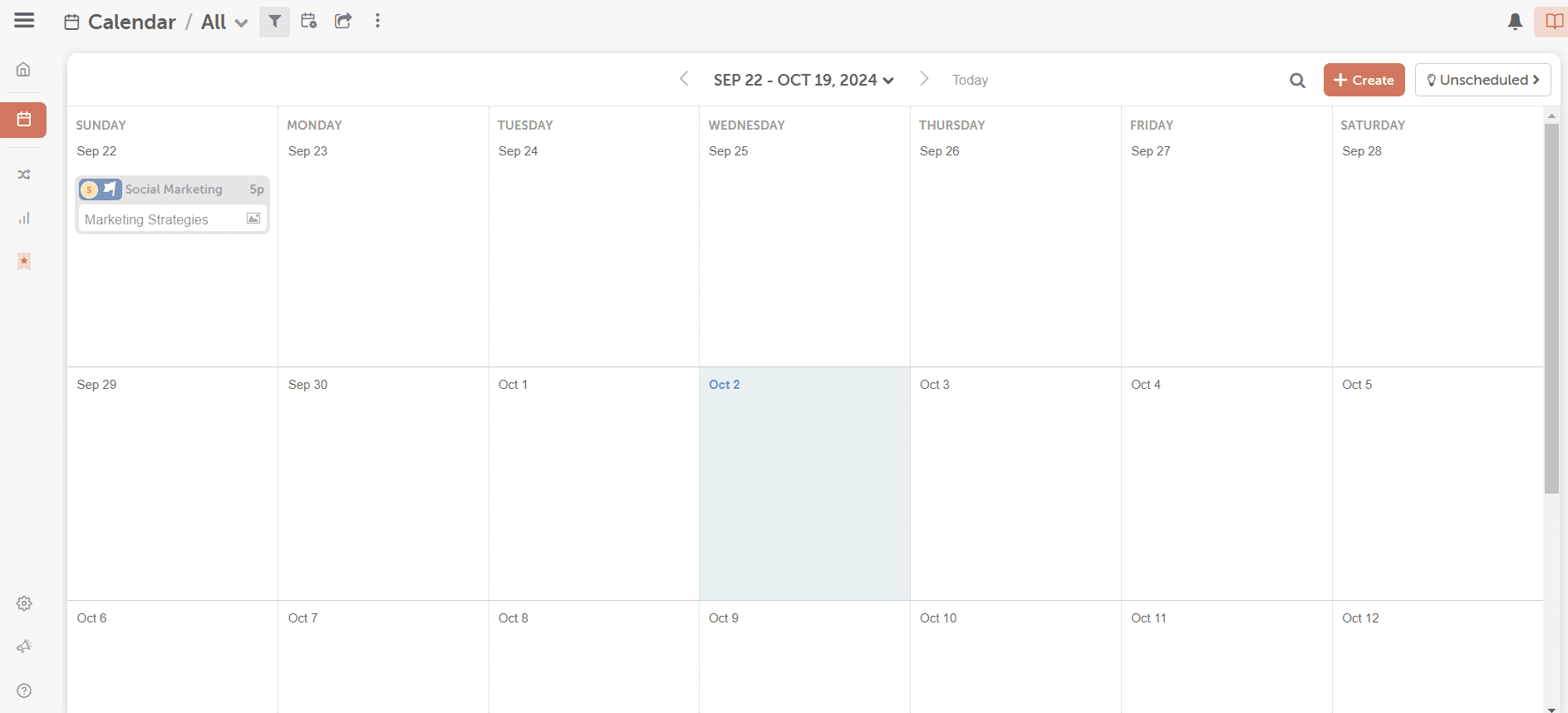
CoSchedule’s Dashboard CoSchedule gives you one unified marketing calendar where you can plan, schedule, and organize your social posts alongside broader content and campaign workflows. It’s designed to scale from individuals and small teams all the way up to agencies and larger marketing departments with advanced needs.
Features
- Drag-and-drop publishing calendar: You can visually plan your content and easily reschedule posts or projects with a simple drag-and-drop interface.
- Best Time social scheduling: You’re able to schedule posts to go out at times CoSchedule predicts will get the most engagement.
- AI assistance & templates: You can tap into a built-in AI assistant and extensive project templates to help generate ideas, draft copy, and speed up planning.
- Social Inbox and automation: You get tools like ReQueue for automating recurring posts and a social inbox to engage with comments or messages across networks.
- Bulk scheduling: You’re able to import and schedule lots of social messages at once, which saves time when planning larger campaigns.
- Scalable calendar products: From Free Calendar for basic needs to Agency or Content Calendar plans, you can choose the tier that matches your team size and workflow.
Pros
- You’ll find all your social and marketing schedules in one calendar that’s easy to navigate.
- You can automate posting and content recycling with features like ReQueue.
- Built-in AI tools help you generate copy, templates, and ideas quickly.
- You can start with a free forever plan to get a feel for the basic features.
- Higher-tier plans come with agency-friendly features, including client calendars, approvals, and white-label options.
Cons
- Per-user and per-profile costs can rise quickly as you add more team members and social accounts.
- If you just want basic scheduling, the breadth of features can feel overwhelming.
- Some team workflows and campaign tools are only available in pricier plans.
- You might need time to master all the calendar and workflow features if you’re new to comprehensive planning tools.
CoSchedule offers deep tools and scalable options that go beyond a basic content planner like ContentCal. It’s ideal if you’re looking for a calendar-centric system that combines social scheduling with broader content and project management.
-
HeyOrca
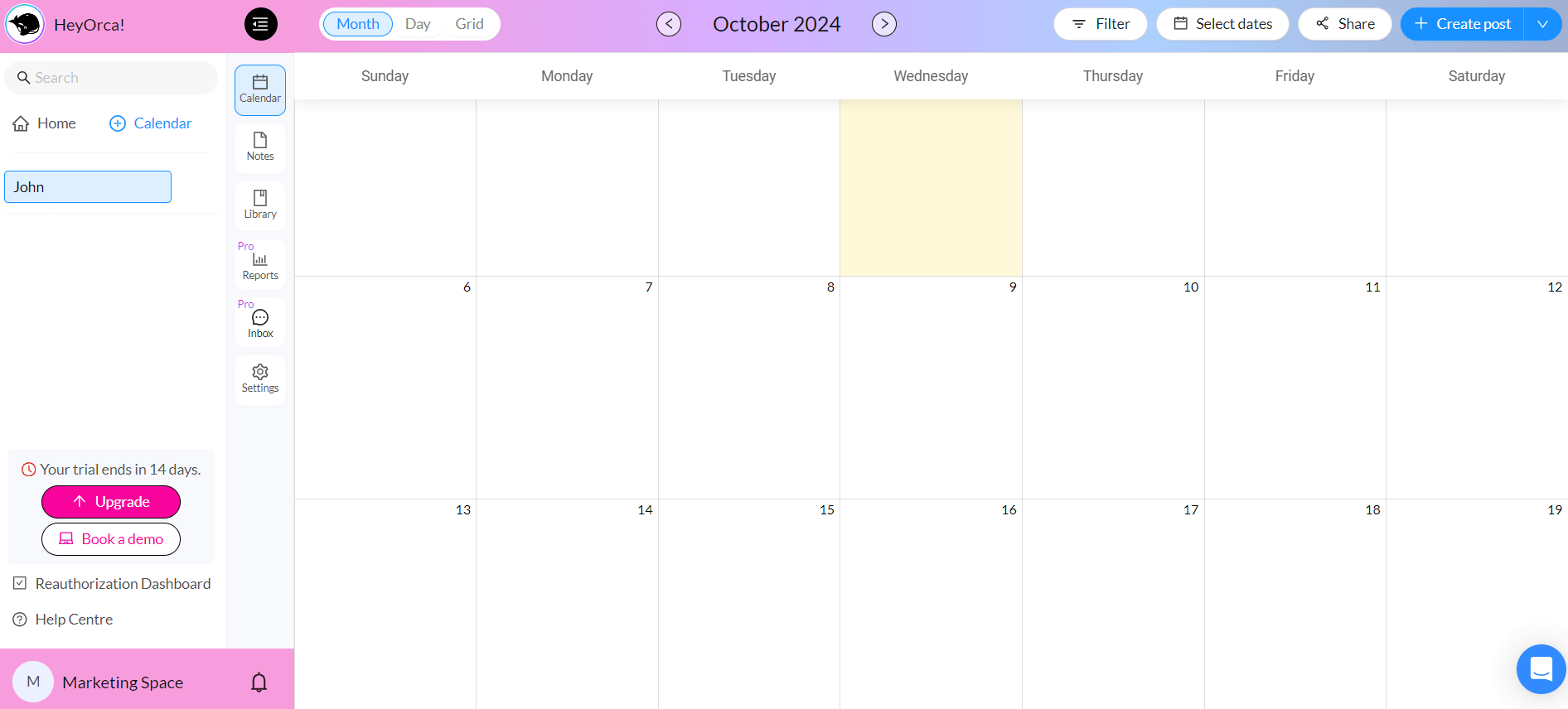
HeyOrca’s Dashboard HeyOrca brings highly visual content planning and agency-ready collaboration into one platform. This makes it easy to map out your social calendar, get client approvals, and publish across networks without juggling multiple tools.
Features
- Visual content calendar: You get a clear, drag-and-drop view of your scheduled posts so you can plan campaigns and timelines with confidence.
- Client collaboration & approvals: You’re able to share preview links or invite feedback directly, so clients can review or approve content without logging in.
- AI content tools: You can generate captions, hashtags, and branded text suggestions to speed up your writing process.
- Canva integration: You’re able to create or edit visuals without leaving the platform, keeping content creation and planning tightly linked.
- Unlimited users & scheduling: On paid tiers, there are no limits on how many teammates can use the platform or how many posts you schedule.
- Advanced reporting (Pro): You can dig into cross-channel performance metrics, competitor insights, and automated reports to measure impact.
Pros
- You’ll find collaborative workflows and approvals that make it easy to involve teammates and clients.
- It supports unlimited users on all paid plans, so everyone can access and contribute to calendars without extra per-seat cost.
- It provides AI-enhanced content support, so you get tools for caption ideas, hashtags, and brand-aligned text suggestions.
- Your content calendar shows posts clearly and keeps your schedule easy to manage.
Cons
- Pricing per calendar can add up, which can be costly if you manage many brands.
- The free tier only includes a small number of posts and profiles per month.
- Deeper reporting and inbox features sit behind higher pricing.
- You won’t get as many social listening or deep engagement tools as other platforms.
HeyOrca is designed with agencies and teams in mind, as it shines where teamwork, feedback, and stakeholder visibility matter most. With unlimited users on paid plans and options for anything from solo posting to advanced reporting, it scales as your workflow evolves.
-
Kontentino
Kontentino’s Webpage Kontentino gives you a collaboration-centric social media workflow where planning, approvals, scheduling, and analytics live in one intuitive calendar. This makes it a strong fit if you work with clients or teams that need visibility and feedback loops built in.
Furthermore, Kontentino supports multiple major networks and combines AI-powered content assistance with task assignment and bulk scheduling to simplify your process.
Features
- Visual content planner & calendar: You can drag and drop posts, switch between calendar and grid views, and get a big-picture look at your entire content pipeline.
- Approval workflow & client collaboration: You’re able to send content for internal review or client sign-off, comment directly on drafts, and track feedback without endless email threads.
- AI-assisted content tools: You can generate or refine captions, hashtags, translation,s and even images, all while maintaining a consistent brand voice.
- Live post previews: You get real-time previews of how posts will look on each platform so you can avoid formatting issues before publishing.
- Bulk scheduling and automation: You’re able to schedule content in bulk across platforms, saving time on repetitive tasks.
- Collaboration and task management: You can assign tasks, tag teammates, and keep all communication within the content workflow.
- Analytics & reporting (add-on): You can track performance, benchmark against competitors, and export insights to share with stakeholders.
Pros
- You’ll find team and client workflows built right into the calendar, which reduces back-and-forth.
- Many users find it easy to pick up and navigate even without heavy training.
- You can speed up writing and make tone-consistent posts with built-in AI.
- You’re able to see exactly how content will look across major social networks.
Cons
- You’ll pay more as you scale users, profiles, or enable advanced reporting add-ons.
- Detailed performance reports aren’t included in base plans.
- Some users note the platform can lag when handling large workloads.
- You might need time to get comfortable with all of the workflows.
Kontentino stands out as a highly collaborative and intuitive platform that keeps your team and clients aligned, streamlines content approvals, and simplifies scheduling. This makes it a smart choice if you’re looking for a seamless alternative to ContentCal.
-
SocialPilot
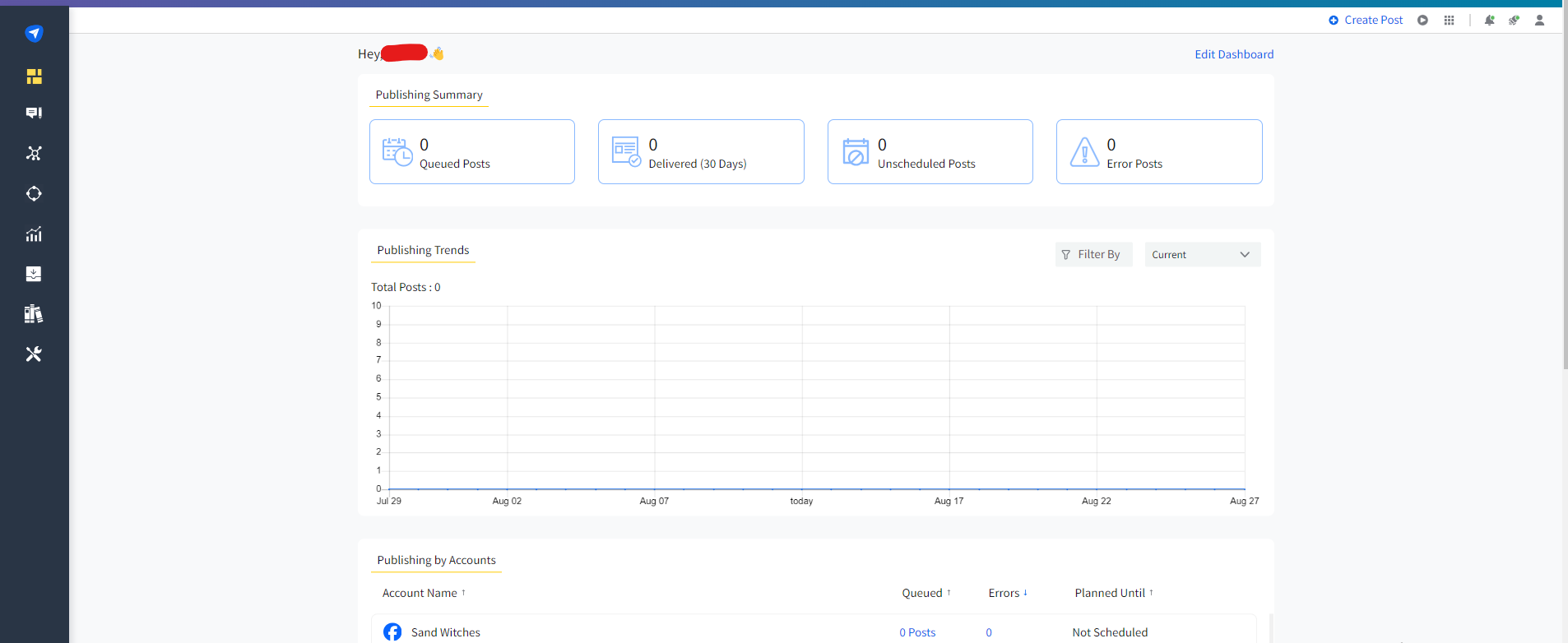
SocialPilot’s Dashboard SocialPilot gives you a budget-friendly, full-featured platform for scheduling, posting, and managing multiple social profiles without the complexity or cost of enterprise tools. It’s a great fit if you’re running social for a small team, agency, or growing business and want strong collaboration and bulk publishing tools under one roof.
Features
- Multi-account scheduling: You can plan and publish posts across many social networks from a single dashboard, saving time and keeping content consistent.
- Bulk scheduling: You’re able to upload and schedule hundreds of posts at once via CSV, ideal for batch planning.
- Social inbox & engagement: You can monitor and respond to messages and comments across profiles from one place.
- Collaboration & approval workflows: You’re able to assign roles, manage team permissions, and approve content before it goes live.
- Analytics & reporting: You get performance insights and customizable reports to track engagement and refine your strategy.
- AI credits & content tools: You can leverage AI features for caption ideas and optimization across plans.
Pros
- You get robust scheduling, collaboration, and analytics without a steep price tag.
- You can drag and drop posts and see your schedule clearly at a glance.
- It allows for bulk scheduling, which saves time on large campaigns.
- White-label reporting and approval workflows support agency workflows.
Cons
- You only get a free trial, not an ongoing free tier.
- The platform doesn’t offer deep social listening or sentiment analysis.
- Some users find the dashboard less intuitive compared to simpler tools.
- Performance insights are solid but not as advanced as other social media marketing tools like Sprout Social.
Overall, SocialPilot is a strong, budget-friendly choice if you need a reliable social scheduler with team workflows, bulk posting, and analytics.
-
SocialBee
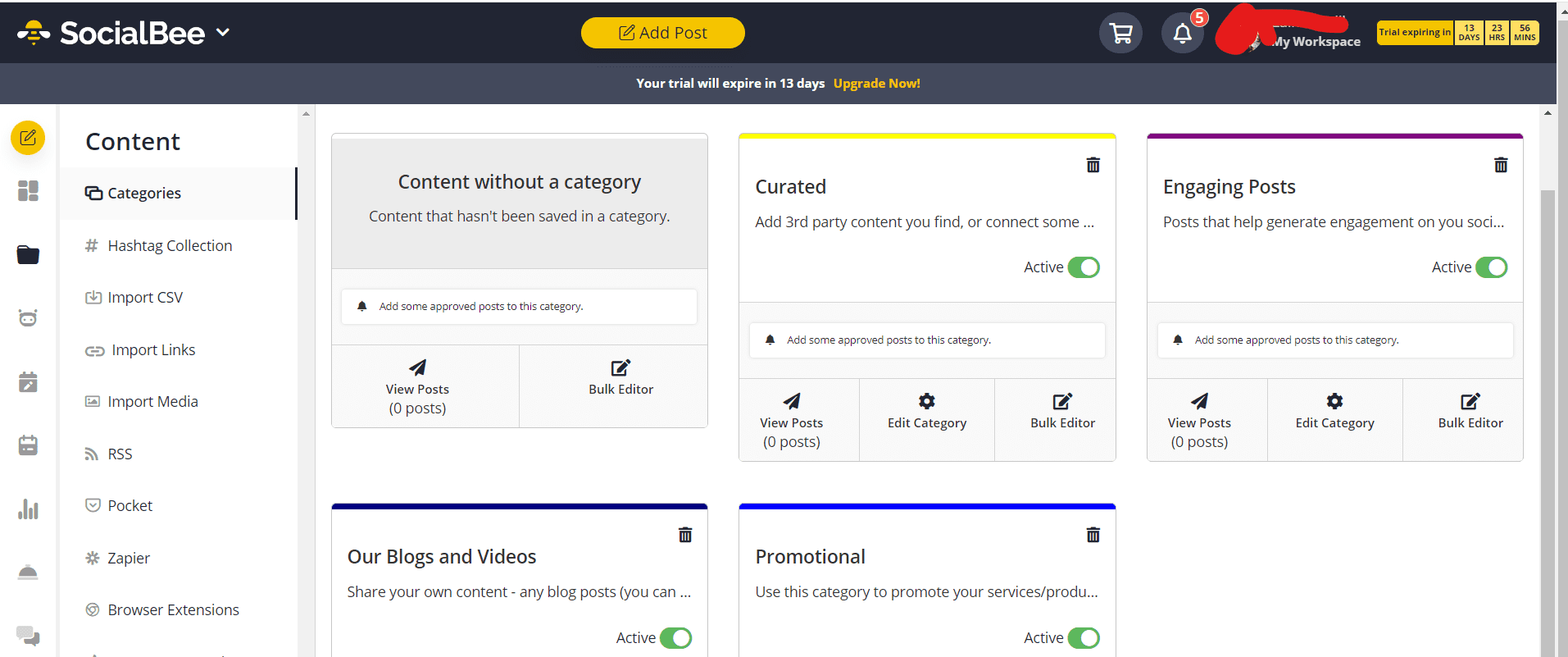
SocialBee’s Dashboard SocialBee gives you efficient scheduling, smart automation, and AI-driven content support in an affordable package that works whether you’re flying solo or managing multiple brands. It combines planning, publishing, engagement, and analytics into one unified dashboard that helps you keep content flowing without the usual tool overload.
Features
- Content categories & recycling: You can organize your posts into thematic buckets and automatically reshare evergreen content to keep your feeds active.
- AI assistant & content generation: You’re able to use AI tools to help craft captions, hashtags, and even complete social strategies faster.
- Flexible scheduling & best-time suggestions: You can schedule posts at specific times or let SocialBee suggest optimal publishing windows.
- Bulk editing & posting: You’re able to manage large batches of posts at once, which is handy for planning ahead.
- Analytics & reporting: You can track performance, audience growth, and other key metrics to refine your strategy.
- Team collaboration & workflows: You’re able to invite teammates, leave internal notes, and approve posts before they go live.
Pros
- You can explore features with a 14-day free trial before choosing a plan that matches your needs.
- Content buckets help diversify and automate posting without manual effort.
- You get tools to speed up writing and planning.
- Plans support multiple workspaces and users as your operation grows.
Cons
- After the trial, you’ll need a paid subscription to keep publishing.
- You may not see all accounts’ schedules at once.
- Deep social listening or content discovery tools aren’t as robust as specialized platforms.
- Performance insights are good for most needs, but not as deep as some high-end tools.
If you want a budget-smart alternative that helps you plan, organize, and automate your social media with smart content tools, SocialBee is a great pick. It delivers a compelling mix of features that keeps your content consistent without breaking the bank.
What to Look for in a ContentCal Alternative
When choosing the right ContentCal replacement, it helps to know what really matters in a social media tool. The right platform should make your life easier, keep your team in sync, and let your creativity shine without extra headaches.
Here’s a quick peek at the features of ContentCal alternatives that can make all the difference for teams, agencies, or solo social stars:
- Content calendar: The right tool should give you a clear view of all your posts in one place so nothing slips through the cracks.
- Approval workflows: A good platform makes sign-offs simple and painless, keeping your boss, client, or teammate happy.
- Multi-platform scheduling: Your ideal tool lets you post everywhere at once without turning social management into a game of tech whack-a-mole.
- Collaboration tools: The perfect solution encourages brainstorming, commenting, and tweaking together without endless email chains.
- Analytics and reporting: A smart platform shows what’s working and what’s not, so your strategy isn’t just a guessing game.
Choosing the right ContentCal replacement comes down to finding a tool that fits your workflow, team size, and creative style.
Focusing on these key features ensures you spend less time juggling tasks and more time making social media shine.
How to Choose the Right ContentCal Alternative for Your Team
I’ll let you in on the biggest mistake I used to make when choosing a tool. I’d get dazzled by features and fancy dashboards, then realize half of them were stuff I’d never actually use.
Before you make that same mistake, here’s my piece of (solicited) advice: Finding the right tool for your team is all about matching the tool to how you actually work, not just picking the flashiest name on the list.
No two social media users are the same, so the best ContentCal alternative for your team depends on whether you’re flying solo, running a marketing squad, or juggling multiple clients. Let’s break it down:
- Solo content creators: Are you looking for something simple, fast, and low-maintenance? Focus on tools with an intuitive UI, straightforward scheduling, and basic analytics. Pricing flexibility matters too. You don’t want a plan that drains your coffee budget.
- Marketing teams: Collaboration is everything here. Can teammates comment, approve, or tweak posts without endless back-and-forth emails? Look for platforms with multi-platform posting, approval workflows, strong integrations, and reporting features that keep everyone on the same page.
- Agencies or freelancers: If you’re managing multiple clients and campaigns, flexibility and scalability are key. White-label reporting, advanced analytics, client access, and responsive support can save you hours (and headaches) each week. Pricing tiers that grow with your workload are a huge bonus.
A smart move is to shortlist two to three tools that seem like a good fit and take advantage of free trials. It’s like test-driving social media platforms to see which one feels right in action before committing.
This is the most practical way to figure out how to pick a ContentCal replacement your team will actually enjoy using.
Why Social Champ Is a Strong ContentCal Alternative
With a blend of simplicity, powerful features, and affordability, it’s a tool that can easily match or even improve on what you love about ContentCal.
The following are some of the top features that make Social Champ stand out as the best social media calendar tool:
- Visual calendar: Just like ContentCal, Social Champ gives you a clean, drag-and-drop content calendar so you can see all your posts at a glance.
- Post approval workflows: It keeps teams aligned with smooth approval processes that ensure nothing goes live without a thumbs-up.
- Team collaboration: With this tool, you can comment, brainstorm, and assign tasks within the platform. This reduces the back-and-forth across emails or chat apps.
- Analytics: Social Champ also allows you to track performance, measure engagement, and see which posts hit the mark, all in one dashboard.
And for you who loves flexible pricing (I mean, who doesn’t?), Social Champ has got you covered. It offers flexible pricing plans that let you pay based on how many social accounts you want to manage, so you’re never stuck paying for more than you actually need.
It also includes a free plan, so you can test the platform and see how it stacks up in the ContentCal vs Social Champ debate before committing.
Explore Social Champ Pricing Plans Today!
Find a plan that fits your budget, matches your needs, and grows with you as your social presence expands.
Conclusion
Choosing from the many ContentCal alternatives comes down to one simple truth: the right tool should work the way you do, not the other way around. Whether you’re scheduling posts solo, collaborating with a growing team, or managing multiple clients, picking a platform that fits your workflow, budget, and goals can make your social media life noticeably easier.
We’ve explored many social media scheduling tools for business, but it’s safe to say that Social Champ stands out as a strong all-rounder. With its visual content calendar, smooth approval workflows, team collaboration features, and clear analytics, it delivers everything you’d expect from a modern social media management tool. Plus, it delivers all that without unnecessary complexity or inflated pricing.
Upgrade Your Content Planning With Social Champ
Switch to this agile tool and make content planning easier, faster, and a lot more fun.