

For years, Postcron has been celebrated for its simple interface and scheduling capabilities. It has built a reputation for its automatic watermarking feature, which helps maintain brand consistency.
But as a business owner, you also need tools like competitor analysis, ad management, social listening, social inbox, and many more advanced features.
Short Summary
- Postcron is well-known for its straightforward interface and watermarking capabilities, but lacks advanced features like social listening, competitor analysis, and collaboration tools.
- Plans range in price from $8 to $166/month, with many basic features only available at higher tiers.
- Major drawbacks of lower-tier plans include the absence of analytics, post history, and useful collaboration tools.
- Top 5 Postcron alternatives include Social Champ, SocialPilot, Buffer, Zoho Social, and Later.
- Key decision factors include ease of use, integrations, team collaboration, analytics, customer support, and cost.
Unfortunately, Postcron does not yet provide these capabilities. If you need a platform that includes everything Postcron offers, plus these advanced features, you can check out alternative solutions
This blog will present you with a list of Postcron alternatives that offer better features, so stick to it till the end to make an informed decision.
![10 Best Postcron Alternatives for Social Media Management in [current_year] 1](https://www.socialchamp.com/wp-content/uploads/2024/07/Calendar-v2.png "10 Best Postcron Alternatives for Social Media Management in [current_year] 2")
Why settle for overpriced platforms when Social Champ gives you MORE power, smarter automation, and incredible support?
Why Users Seek Postcron Alternatives
Postcron may appear to be reasonably priced at first, especially for small teams or solo creators. However, the costs and limitations increase quickly as you begin scaling up.
-
Steep Pricing Jumps
The pricing of Postcron quickly rises, starting at $8 per month for the Personal plan and going up to $24 per month for the Entrepreneur plan, before reaching $58 and $166 per month for the Corporate and Enterprise plans.
That’s a significant cost increase, particularly for independent contractors or small enterprises that are still expanding their clientele.
Furthermore, value growth isn’t always proportionate to cost.
More accounts and posts are available, but many fundamental features, such as team members, insights, and post history, are only available at higher tiers.
This basically means that you have to pay a lot more just to have access to features that many other tools offer as part of their entry-level packages.
-
Limited Features on Lower Tiers
There are a few unexpected restrictions with the Personal plan.
The lack of post history, insights, or analytics is what really bothers users. You can only queue up to 100 posts and manage 11 social accounts.
Because of this configuration, the Personal plan is essentially only helpful for simple posting and not for strategy.
-
Costly for Growing Teams
As you move past a one-person setup, teamwork becomes essential.
Unfortunately, unless you upgrade to the Corporate plan, which grants you five team members, Postcron restricts the Entrepreneur plan to just one user, meaning there is no real collaboration.
This restriction turns into a costly bottleneck for small agencies or teams that include interns, content writers, and designers.
In addition, you have to raise the price significantly in order to add a few more employees to the workflow.
Featured Article: Top Sprout Social Alternatives to Power Your Social Strategy
Comparative Analysis: Postcron vs. Its Alternatives
Here, we are placing Postcron alongside its 5 top competitors in terms of features and pricing.
| Tool | Starting Price | Key Features |
|---|---|---|
| Postcron | $8/month | Post history, team members, AI, bulk upload, watermark |
| Social Champ | $4/month | Publishing and scheduling, social media calendar, social listening, engage, analytics |
| SocialPilot | $25.50/month | Scheduling, analytics, client management, white-label reporting, team collaboration |
| Buffer | $5/month | Content creation, publishing, analytics, engagement, collaboration |
| Zoho Social | $10/month | Publishing, monitoring, analytics, and CRM integration with the Zoho suite |
| Later | $16.67/month | Scheduling, analytics, team collaboration, AI assistant |
Social Champ unlocks AI, deep analytics, and competitor insights from day one. Stop paying for limitations.
Top 10 Postcron Alternatives for 2026
Here’s a detailed breakdown of 10 Postcron alternatives (including the 5 mentioned above). Let’s analyze each tool and select the one that gives you the most value for money.
-
Social Champ
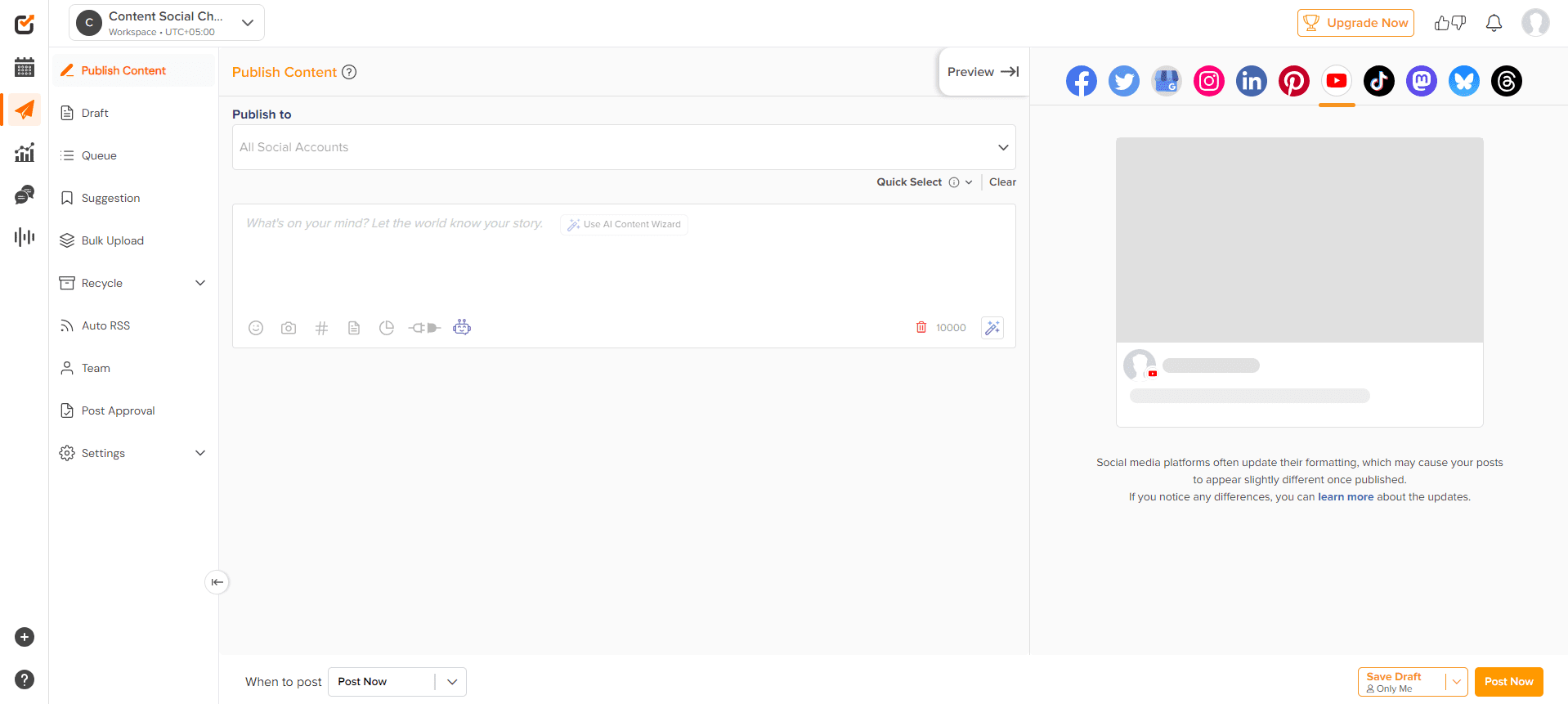
Social Champ’s Dashboard If you’re looking for the most features at the most affordable rates, Social Champ is your best bet!
It offers you a generous range of features, including social listening, content calendar, analytics, social inbox, publishing, bulk upload, competitor analysis, boost post, and more.
In recent years, it has become everyone’s go-to tool, particularly with its top-notch customer support and plans tailored to all business sizes.
Starting from mere $4/month, it gives you everything you need in a social media management tool and scales effortlessly as your business grows.
Key Features
- Get AI content tools to write, repurpose, or produce content that sparks new ideas
- Plan and arrange the content for the upcoming weeks with a content calendar
- Monitor industry trends, keywords, and brand mentions across various platforms via social listening
- Schedule and publish to 11+ platforms, including Facebook, Instagram, LinkedIn, Twitter (X), TikTok, Pinterest, Threads, YouTube, Bluesky, Mastodon, and even Google Business Profile
- Use a social media inbox management tool where you can respond to messages and comments without navigating between tabs
- Get analytics with simple, useful charts and results, including competitor analysis
Social Champ’s AI-powered content, smart scheduling, and social listening are fueling growth for brands just like yours. Don’t get left behind.
-
SocialPilot
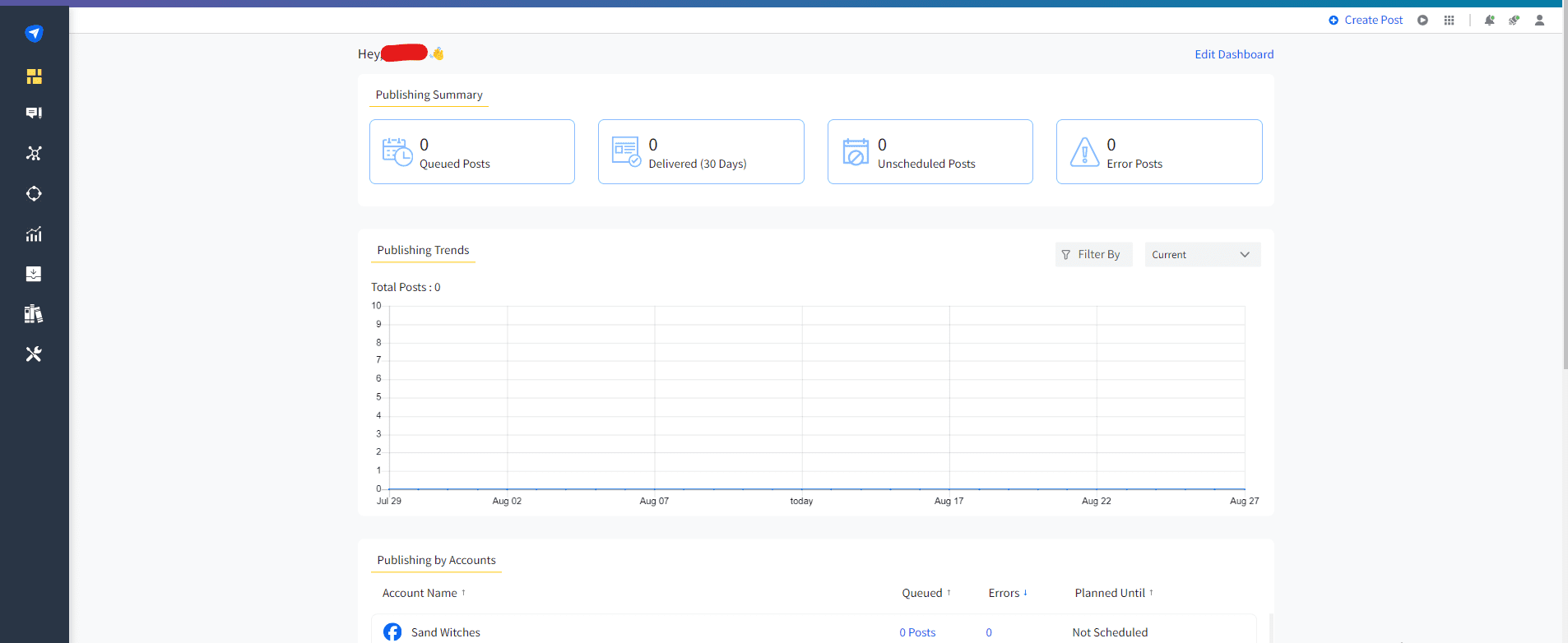
SocialPilot’s Dashboard Small businesses, freelancers, and growing teams can all benefit from SocialPilot’s reasonably priced social media management solution.
It specializes in reporting, automation, and scheduling capabilities without the hefty cost of enterprise-level tools.
SocialPilot is particularly well-suited for client-based work because it offers customized client management dashboards and white-label reports that enable it to professionally display results.
Key Features
- Schedule and publish a large number of posts at once, use bulk scheduling, and queue management
- Keep your posting calendar replenished with content curation and RSS feed automation
- Diversify multiple accounts without any confusion with a client management dashboard
- Utilize white-label reports for performance summaries that are branded and ready for clients
- Get tools for team collaboration with role-based permissions that facilitate simple workflows.
-
Buffer
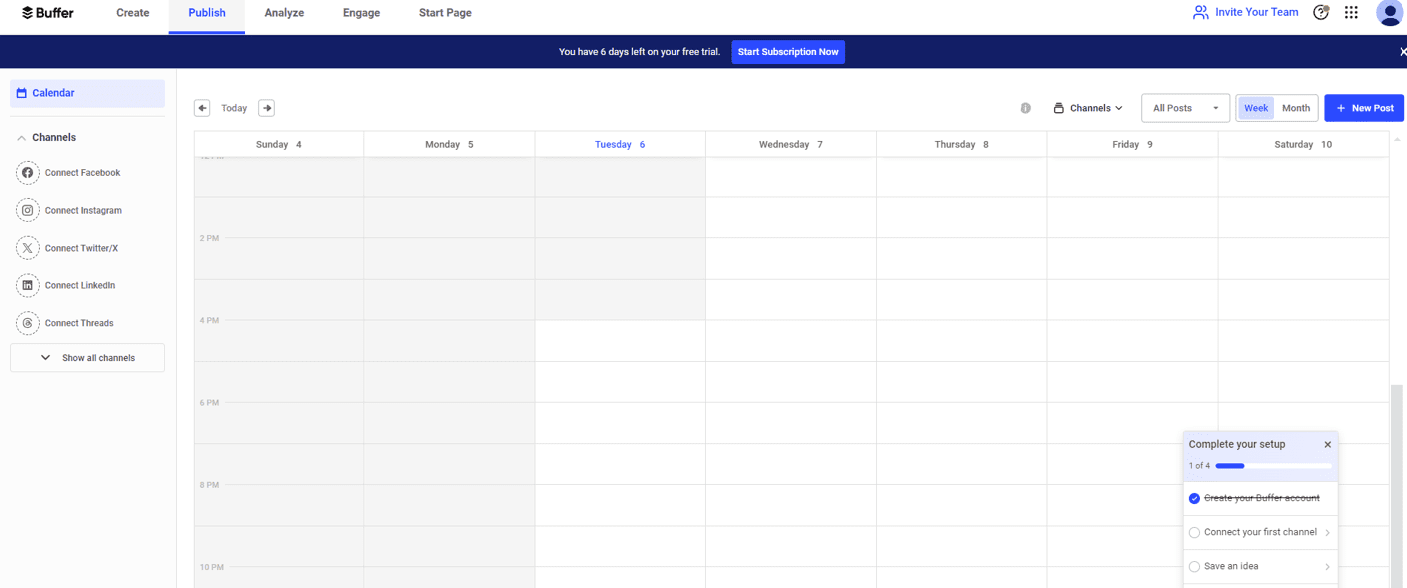
Buffer’s Dashboard Buffer is a seasoned tool in the social media management market that has established a reputation for emphasizing openness and simplicity.
Freelancers, business owners, and solo marketing departments, which require reliable publishing tools without the cost (or overhead) of enterprise-grade solutions, are particularly fond of it.
Key Features
- Schedule on multiple platforms, including Facebook, Instagram, Twitter (X), LinkedIn, and Pinterest.
- Guarantee consistency and pre-plan content with a visual content publication queue.
- Use fundamental analytics that provide a summary of what’s functioning.
- Get a clear engagement dashboard where users can leave comments and reply to messages.
-
Zoho Social
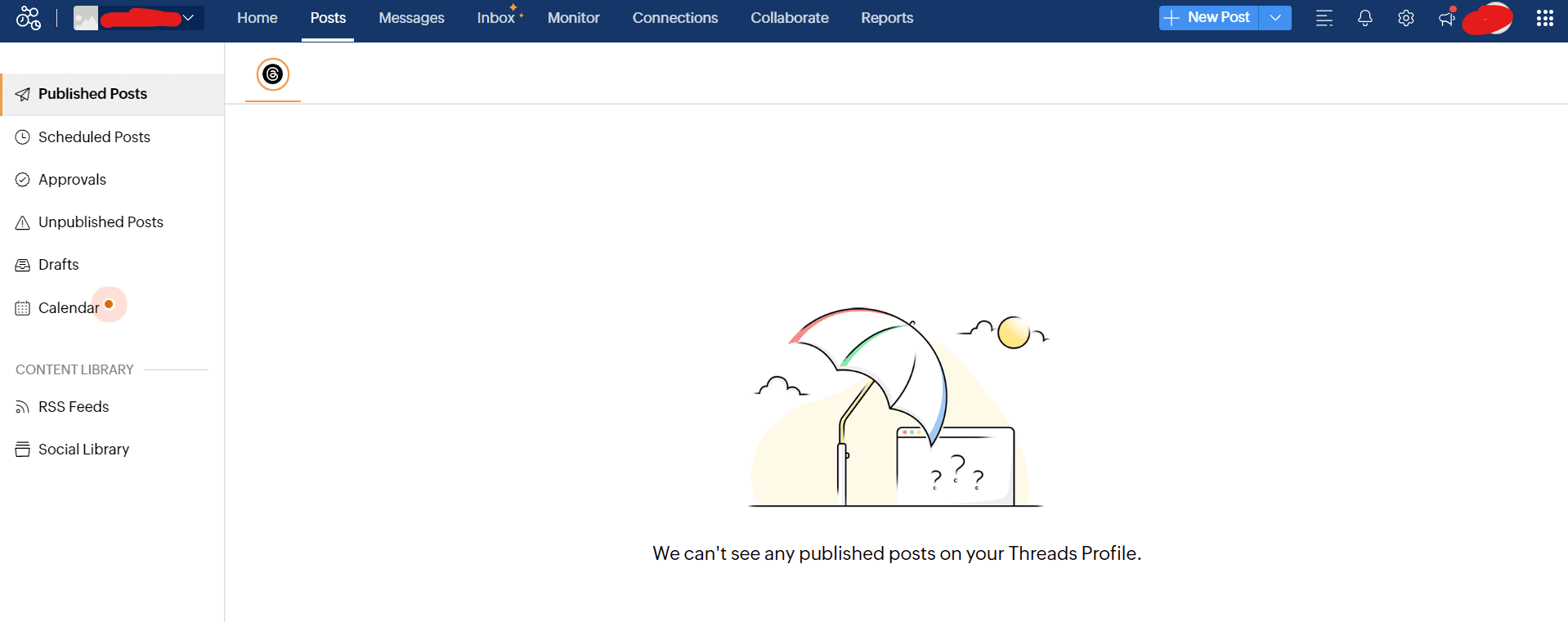
Zoho Social’s Dashboard For businesses already using the Zoho platform, Zoho Social is a smart choice because of its distinctive native integration with programs like Zoho CRM and Zoho Desk.
It offers a perspective of potential customers by fusing social media activity with customer data.
Zoho Social offers good functionality, especially for SMBs and agencies, even though its own interface seems a little antiquated in comparison to more recent options.
Key Features
- Schedule posts to release during periods of high engagement
- Monitor keywords and mentions with a real-time dashboard
- Utilize a comprehensive CRM integration to synchronize leads and contacts
- Integrate teamwork tools for procedures
- Use analytics dashboards and reports that can be customized to track performance
-
Later
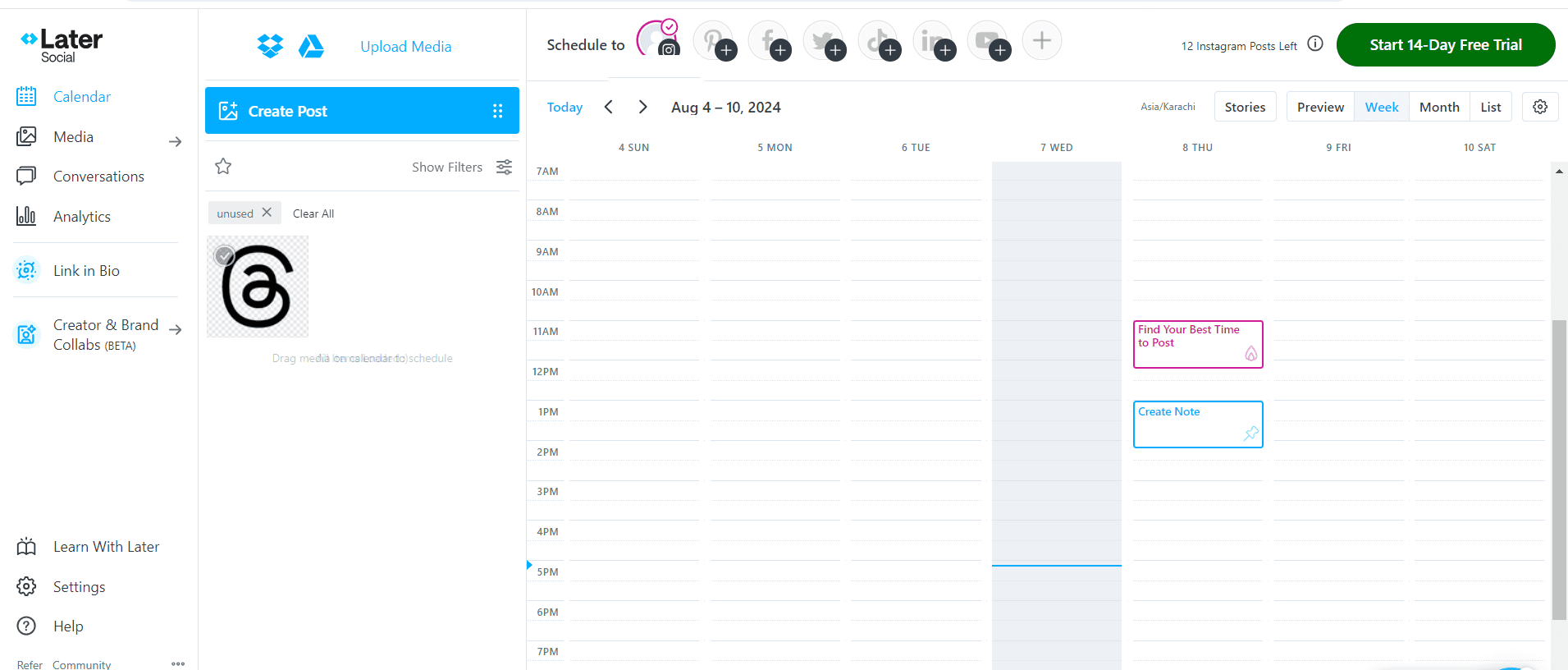
Later’s Dashboard For marketers, influencers, and brands who thrive on image-heavy platforms like Instagram, Pinterest, and TikTok, Later is a visual-first social media scheduler.
Its focus on visual presentation guarantees that users can see exactly how their posts will look before they go live, and its easy-to-use drag-and-drop interface makes scheduling and planning simple.
Fashion retailers, lifestyle influencers, and businesses that rely on top-notch visual content to make their message come to life also favor this.
Key Features
- Use a drag-and-drop visual content calendar, and you can schedule posts and campaigns
- Get a media Library to store, arrange, and reuse photos and videos.
- The Link-in-Bio tool creates a clickable or shoppable feed
- Preview posts to see how the content will appear exactly when it is published
- Schedule on multiple platforms, including Facebook, Pinterest, LinkedIn, Instagram, and TikTok
-
Sendible
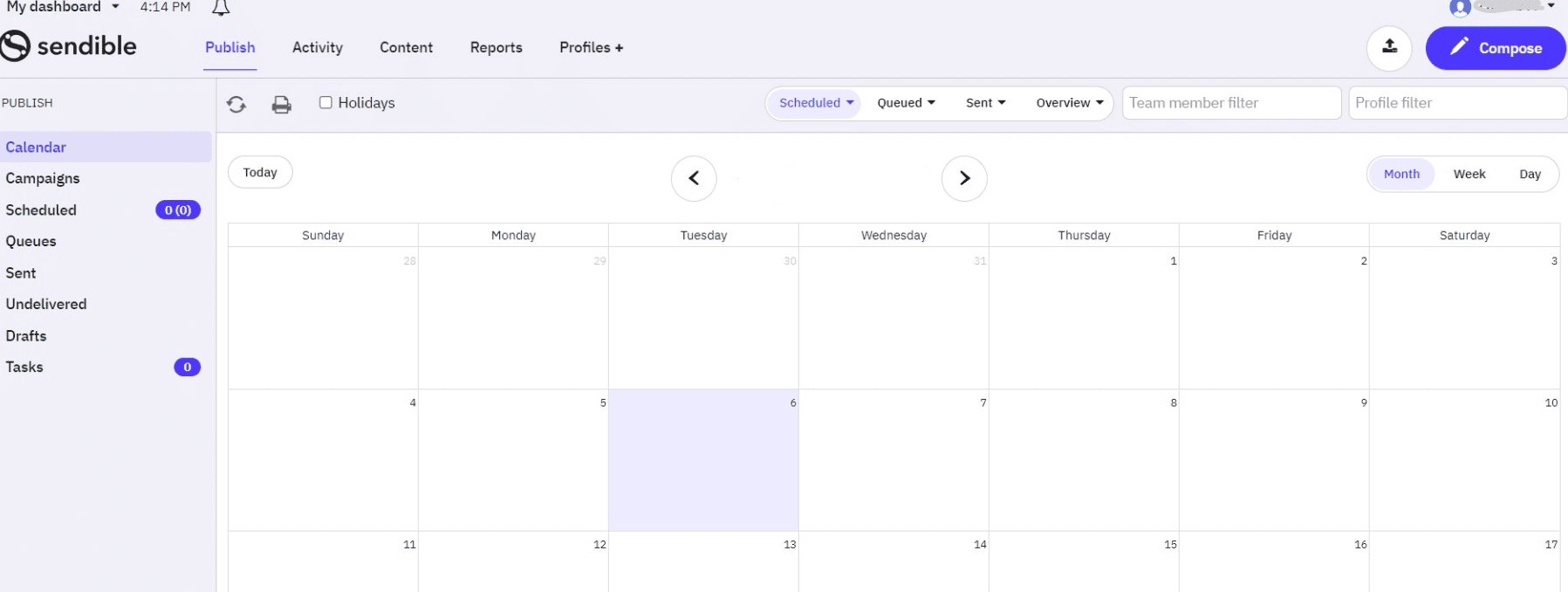
Sendible’s Dashboard Designed specifically for agencies, Sendible is exceptionally well-suited for enabling teams to handle multiple clients from a single desk.
Its primary advantage is a fully white-labeled interface that lets agencies offer a branded customer experience with dashboards and reporting that can be customized.
Sendible has helpful features that make scheduling and content creation easier, in addition to client management.
Key Features
- Get a fully white-labeled interface for a polished, branded customer experience
- Access a client dashboard for transparent cooperation and progress tracking
- Integrate an image editor to alter images without switching tools
- Plan post times and publish content for optimal engagement with smart queues
-
Publer
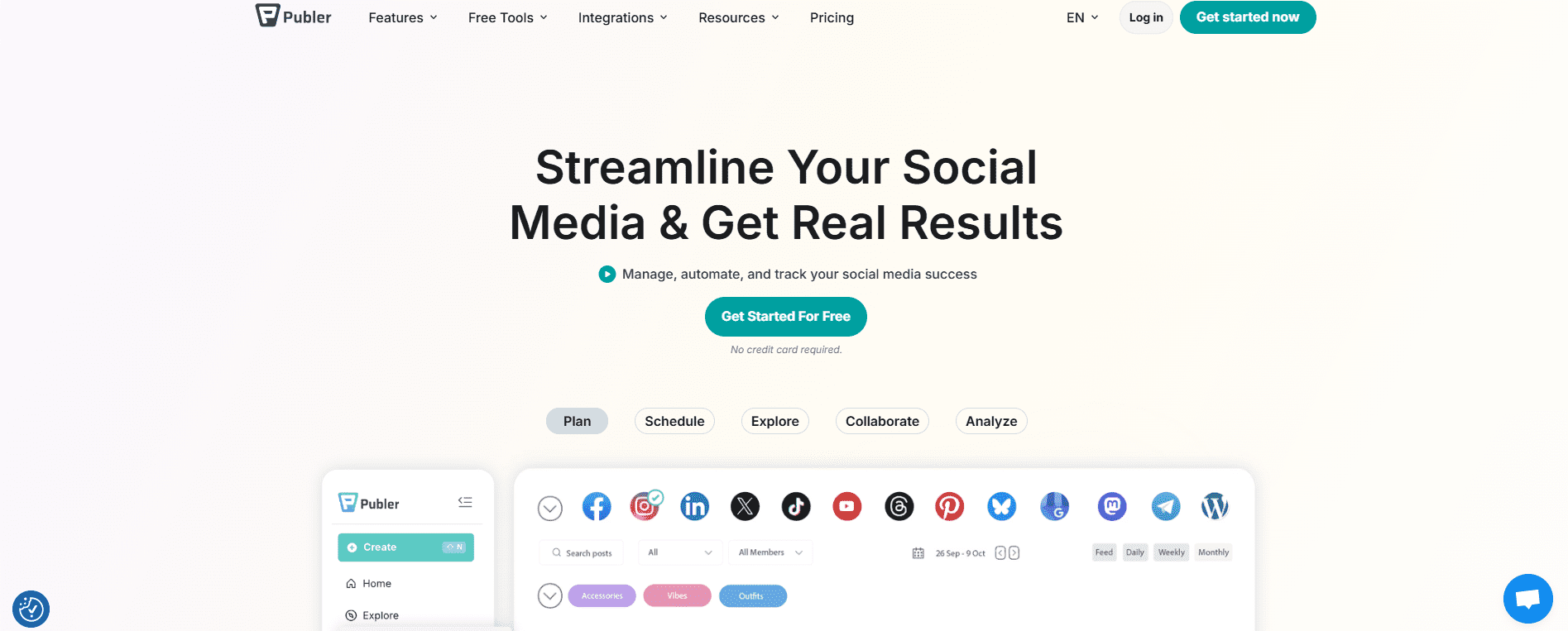
Publer‘s Homepage From post recycling to visual scheduling, Publer offers surprisingly rich functionality for less expensive teams or lone marketing experts.
Without going over budget, it’s a great choice for automation and teamwork.
Key Features
- Schedule and recycle to maximize the lifespan and reach of content
- Use a simple tool for adding links in bios to increase traffic from Instagram and other networks
- Safeguard your photos with watermarks and add relevant hashtags to increase interaction
- Use collaboration tools that support client workflows or small teams
-
Planoly
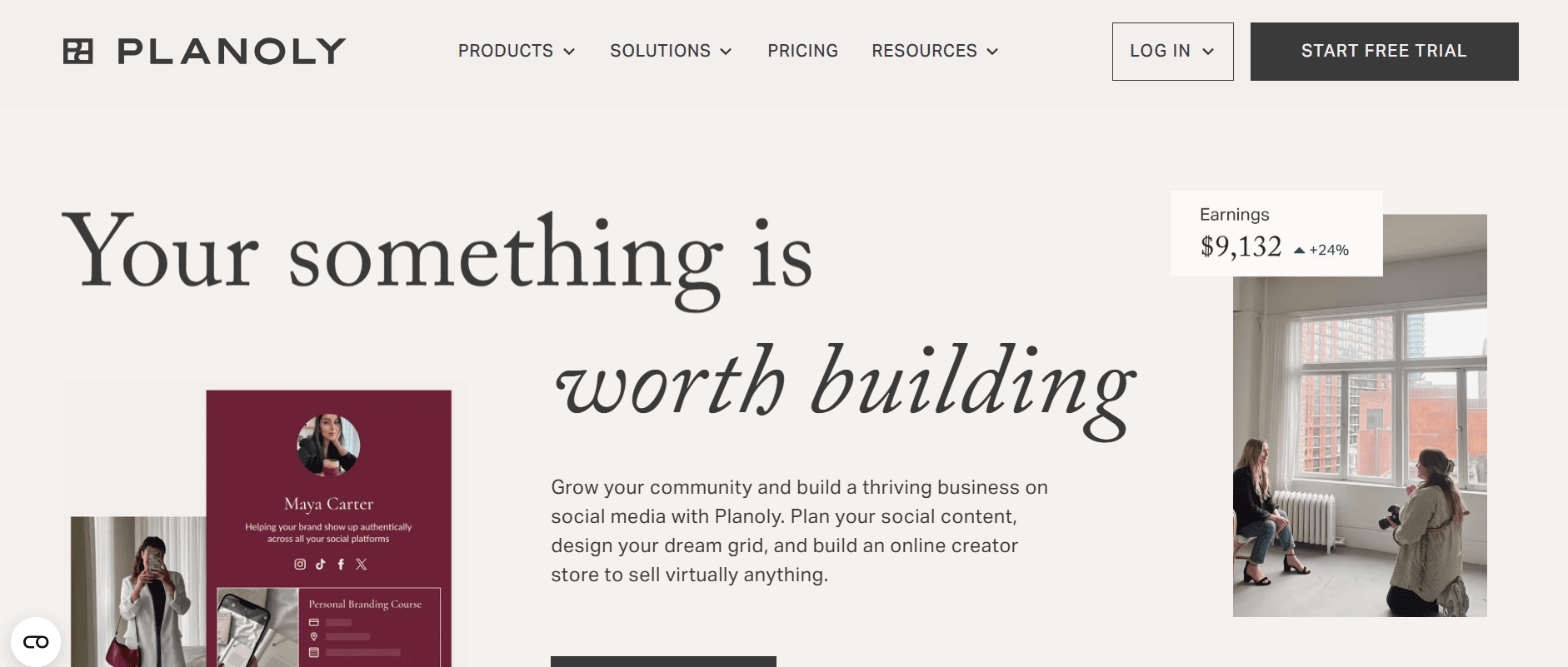
Planoly’s Homepage Planoly is a visual-based social media planning tool made specifically for Instagram and Pinterest.
Thus, it’s the top choice for e-commerce companies, small businesses, and influencers who place a high value on aesthetically appealing content.
Its grid preview makes sure your brand’s appearance stays true to the standard, and its drag-and-drop scheduler lets you create a unified feed before publishing.
Key Features
- Utilize a visual post scheduler with simple drag-and-drop capabilities
- Create coherent feeds for grid previews and content drafts.
- Save, arrange, and reuse top-performing hashtags with a hashtag manager.
- Integrate with e-commerce and link-in-bio to increase traffic and sales
- View simple analytics to track performance and engagement
-
ContentStudio
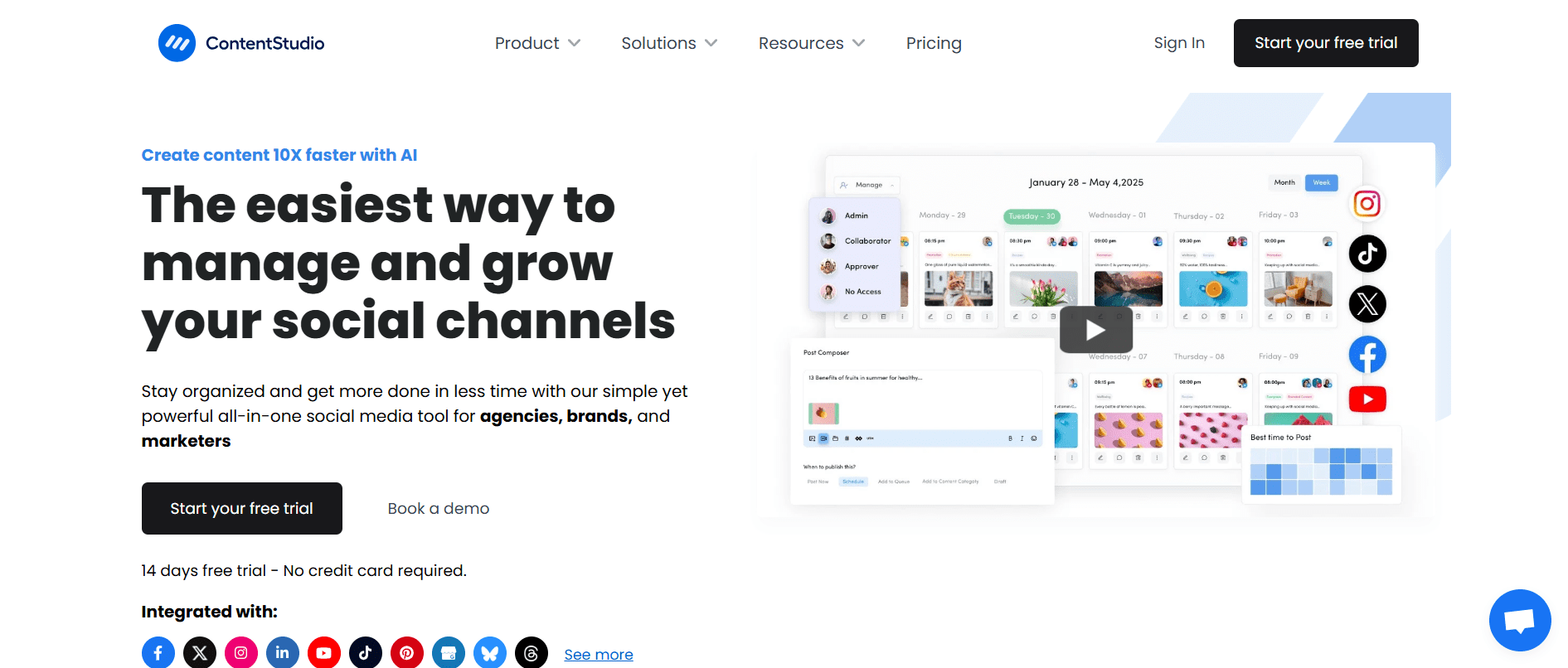
ContentStudio’s Homepage With its content discovery engine, ContentStudio is a unique tool that helps marketers find articles and popular content tailored to their target audience.
For agencies or independent marketers who want to manage scheduling, automation, and content curation all in one dashboard, this is a useful tool.
Key Features
- Get social publishing and automation workflows, as well as an evergreen and popular content curation engine that suggests ideas for your posts
- Find and monitor influencers to support outreach initiatives
- Use reports and analytics that include performance summaries
- Get a visual editor and calendar for managing posts
-
OnlySocial
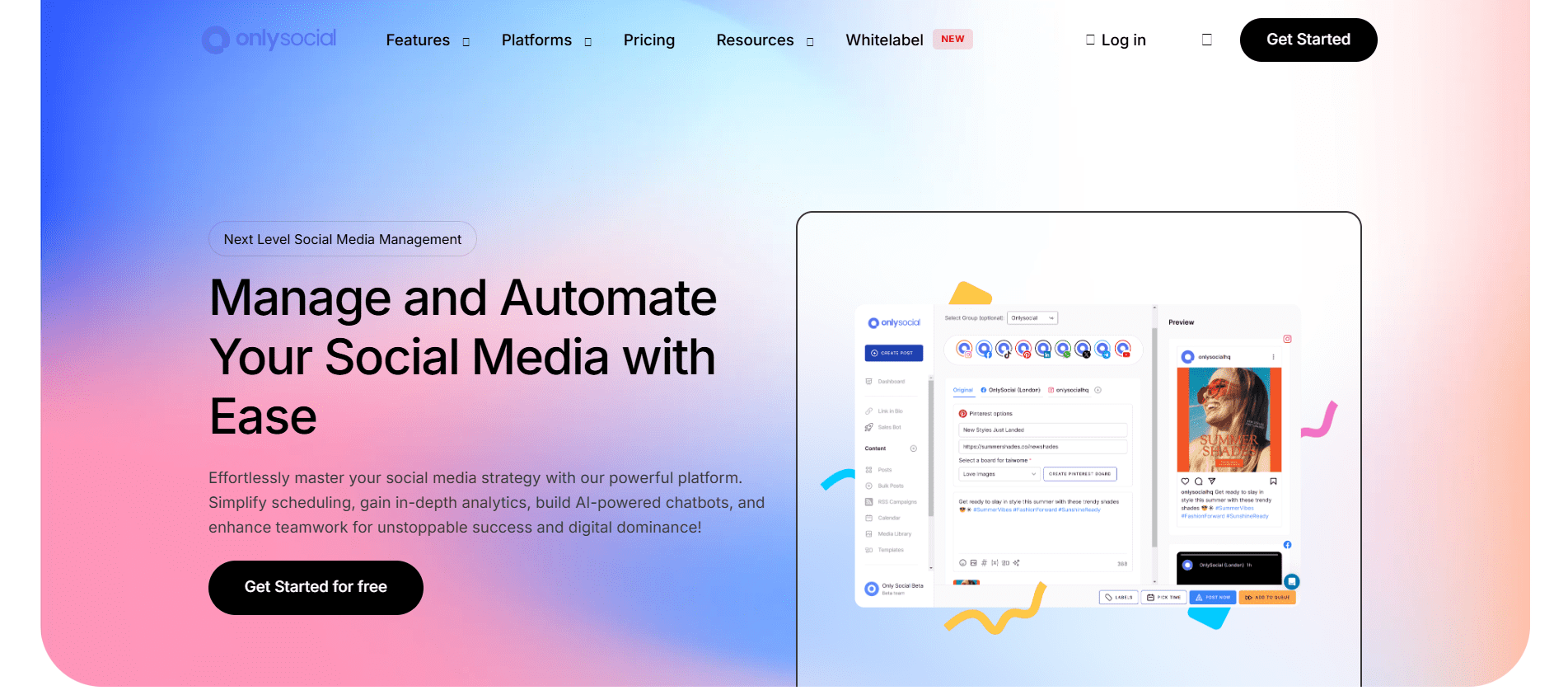
OnlySocial’s Homepage For users who want unlimited posting without unduly complicated features, OnlySocial is a straightforward and reasonably priced social media scheduling solution.
The promise of unlimited scheduled posts and social media accounts for a fixed price is its main selling point.
Agencies, independent contractors, and businesses managing several brands will find it especially appealing.
It provides reliable scheduling and publishing features with minimal effort, but it won’t match the big names in terms of advanced analytics or listening capabilities.
Key Features
- Create unlimited planned posts on social media platforms that are compatible
- Get an infinite number of social profiles with a single plan
- Use calendar-based scheduling with an easy-to-use interface
- Gain bulk scheduling to plan large amounts of content ahead of time
- Utilize fundamental analytics to track performance
Featured Article: Top 10 Planoly Competitors for Social Media Management
Choosing the Right Postcron Alternative for Your Needs
An excellent tool should provide a full range of features that enable you to more efficiently plan, publish, analyze, and interact with your audience.
Making the correct decision can help you save time, enhance your content strategy, and eventually support the expansion of your company.
-
User-Friendly Interface
A social media management tool ought to be simple to use and intuitive. If you have to spend a huge amount of time simply learning the tool, it’s not the right one.
A visual content calendar with drag-and-drop capabilities, a simple post creation and scheduling process, and a clean dashboard are all essentials in a social media management tool
For you and your team, a positive user experience lowers the learning curve and saves time.
-
Platform Integrations
Before purchasing a tool, verify which other social networks the tool supports in addition to the well-known ones like Facebook, Instagram, and Twitter (X).
Additionally, consider integrations with other programs you use, such as Google Analytics for more in-depth analysis, Canva for design, and Dropbox or Google Drive for media storage.
-
Team Collaboration Features
Collaboration is essential if you manage clients or work in a team. Look for tools with features like centralized communication, approval workflows, and role-based access.
This enables team members to work effectively and safely while preserving control over the voice of your brand
-
Extensive Analytics and Reporting
A successful social media strategy depends on data. Your social media management tool should help you in creating strategies with the help of analytics.
Check for data on audience demographics, post reach, engagement rates, and the capacity to create personalized, branded reports.
To give you a competitive advantage, tools like Social Champ even provide competitor analysis.
-
Customer Service and Cost
Lastly, consider the quality of customer service and the cost. No tool is free of bugs, and no one can guarantee that you won’t ever need help.
Select a tool that has a proven track record of providing prompt assistance and transparent pricing.
Before committing to a paid plan, many tools offer a free trial, which is a great way to test the features and ensure the platform is the right fit for your specific needs.
Conclusion
Postcron has long been a reliable choice due to its basic scheduling and watermarking capabilities, but social media management has evolved.
Today’s marketers, agencies, and businesses require more than just a content publishing tool.
They need a comprehensive platform with a wide range of features in order to boost engagement, assess performance, and encourage growth.
Regardless of your preferences for affordability, visual-first planning, strong teamwork, or in-depth analytics, there is a tool on this list that can be a powerful alternative to Postcron.
The best social media management tool is ultimately the one that helps you achieve your goals, grows with your business, and provides the features you need to succeed in today’s fast-paced digital environment.
After considering your options and taking advantage of free trials, pick the platform that lets you work smarter, not just harder.