

Still posting on Instagram by hand? Yikes, that’s a lot of work for your thumbs.
And how long can you keep posting manually without missing prime engagement opportunities or feeling completely burned out?
You know, there’s a smarter way to stay active and grow on Instagram without spending hours planning, posting, and crunching numbers. It’s Instagram automation!
With Instagram automation, you can stay consistent and strategic, which not only saves time but also plays nicely with the Instagram algorithm.
Short Summary
- Instagram automation streamlines your workflow, so you can focus on other important aspects of running your business.
- You can automate repetitive tasks like scheduling, posting, replying, and tracking analytics.
- Scheduling posts and engaging automatically helps maintain a regular presence that keeps your audience engaged.
- It’s important to select automation platforms that comply with Instagram’s rules, offer analytics, and fit your workflow and budget.
- Instagram automation tools like Social Champ, Hootsuite, and Buffer, among others, can handle comments, DMs, and interactions without losing the personal touch when used wisely.
In this guide, you’ll learn what Instagram automation is, the pros and cons of automating your Instagram, and tips for automating your Instagram so you can stay safe and compliant.
Most importantly, we’ll share the 15 best Instagram automation tools so you can easily find the right one for your strategy.
Disclaimer: How We Evaluate and Choose Instagram Automation Tools
When putting together this list, we considered several key factors, including how well each tool drives engagement, pricing, and how scalable it is for growing accounts. Our review also focused on each platform’s ability to automate, generate content, provide insights, deliver visuals, and support collaboration. Our goal is to give you a hand-picked selection of tools that can actually help you scale your Instagram presence and take your marketing game to the next level.

Social Champ automates posting, replies, and analytics in one platform.
What Is Instagram Automation?
Instagram automation refers to the practice of using apps, software, or tools to perform repetitive tasks on Instagram automatically.
These tasks include scheduling posts, replying to comments on posts, sending direct messages, and tracking performance, among others.
You might already have someone who does all these tasks, and you may wonder why you should even consider Instagram automation.
But ask yourself, how many times have you missed posting at the perfect time because your social media manager got caught up in something else?
Or how often did comments go unanswered because they were juggling multiple accounts?
You probably didn’t count, but I can safely say it happened more times than you’d like.
People who’ve ditched manual processes and switched to modern ways of doing things can tell you for free that automation has a lot of benefits. For instance, Instagram automation can enable you to save time, keep consistency, and grow your audience.
Its benefits, such as those that have different types of users turning to Instagram automation to make their lives easier. The likes of:
- Influencers: They use Instagram automation tools to schedule posts and stories in advance, respond to followers efficiently, and spend more energy creating content that truly reflects their personality.
- Brands: They leverage the tools to manage campaigns smoothly, track performance across multiple posts, and maintain a consistent presence.
- Agencies: Instagram automation tools enable them to handle multiple client accounts at once, ensure posting schedules are always on point, and monitor engagement without feeling overwhelmed.
If you’ve not jumped on the Instagram automation bandwagon, you’re seriously falling behind.
Top 15 Instagram Automation Tools to Streamline Your Workflow
Now, let’s jump into the top 15 Instagram automation tools that prove Instagram management doesn’t have to eat up your entire day.
Ready?
-
Social Champ
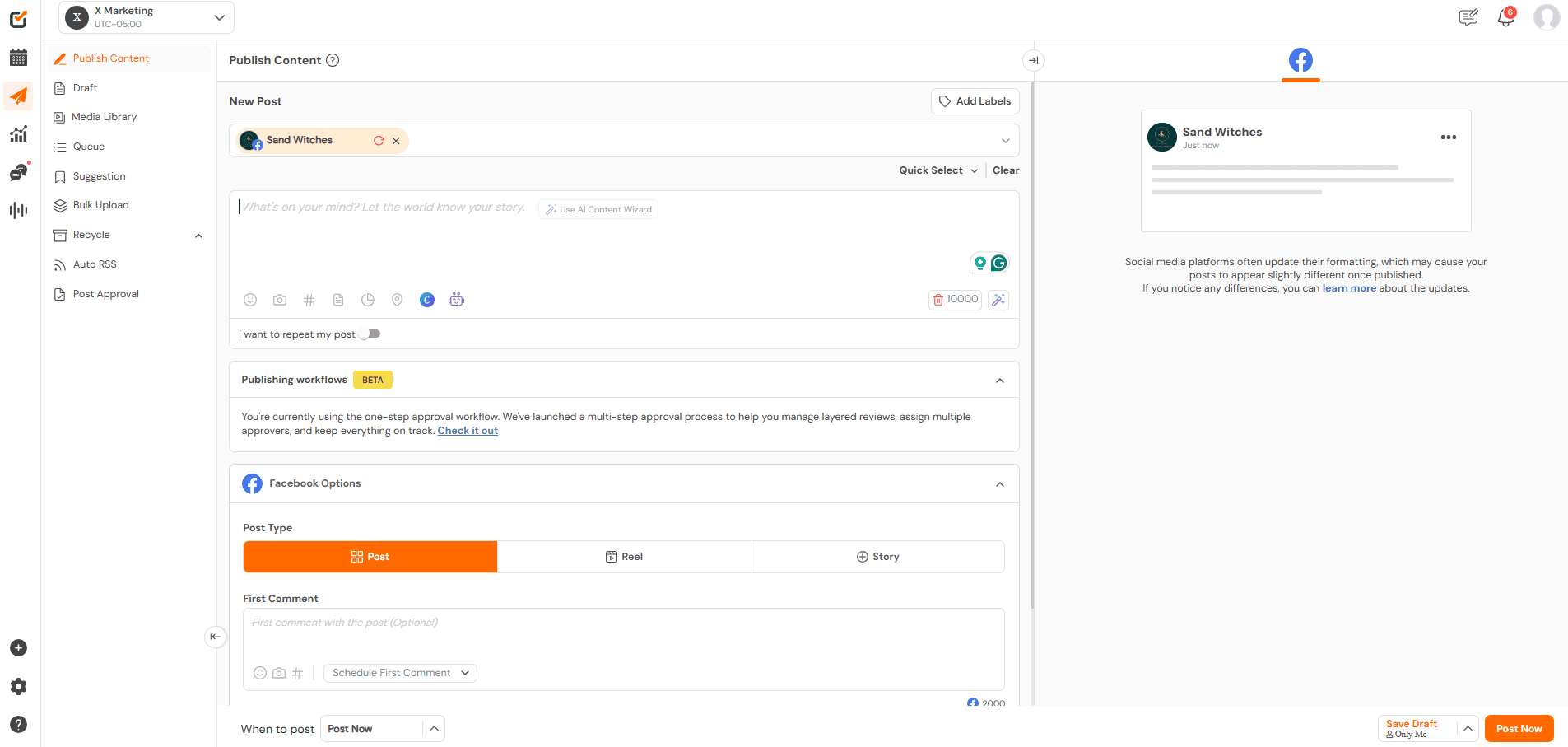
Social Champ’s Dashboard It comes as no surprise that Social Champ sits at the top of this list. This is a powerful Instagram automation tool with a lot of valuable features to unpack.
Let’s mention the most important ones for Instagram automation.
Top Features
- Scheduling: You can schedule posts in advance, so you can plan ahead and keep your content flowing without daily effort. You can also use it to post to all social media at once.
- Engagement: The Unified Social Inbox brings all your comments, mentions, and DMs into one place. This makes it easy to stay responsive and keep conversations flowing without jumping between accounts.
- Analytics: The tool gives you clear insights into post performance, audience engagement, and growth trends. These analytics help you refine your strategy and make smarter content decisions.
That’s just a tip of the Social Champ’s iceberg. Beyond these core social media management features, the tool offers even more advanced capabilities, like:
- Instagram Link in Bio to optimize your Instagram profile with a customizable link.
- Competitor analysis to track how others in your niche perform.
- Social listening to monitor brand mentions.
- Team collaboration tools to help you work seamlessly with teammates, assign roles, and approve content.
- Sentiment analysis to understand how your audience really feels about your content.
In combination, all these features make automating tasks on Instagram a breeze.
Pros
- Flexible, affordable, and transparency pricing with no hidden costs. A free plan is also available.
- It offers multi-platform support.
- Intuitive dashboard that makes automation super easy. No learning curve.
- It has a feature that highlights the best time to post on Instagram so your posts can go live when your audience is most likely to engage.
- You can schedule posts in bulk and save up to 50% of content scheduling time.
- You can recycle evergreen content to post later.
- You get top-tier customer support, as they aim to respond within 30 minutes.
Cons
- Some users find the interface a little dated and older-looking.
- Although support across platforms is strong, certain actions may be restricted on some networks.
Overall, Social Champ stands out as a reliable and efficient tool for social media automation. It checks most of the right boxes for creators, marketers, and businesses.
That said, every workflow is different. So, if you need specific features or want to compare similar platforms, it’s always a good idea to explore a few Social Champ alternatives before making your final choice.
This Hootsuite vs. Social Champ In-Depth Comparison Guide is a good place to start.
Automate Instagram the Smart Way With Social ChampTake control of scheduling, engagement, and analytics in one powerful platform.
-
SocialPilot
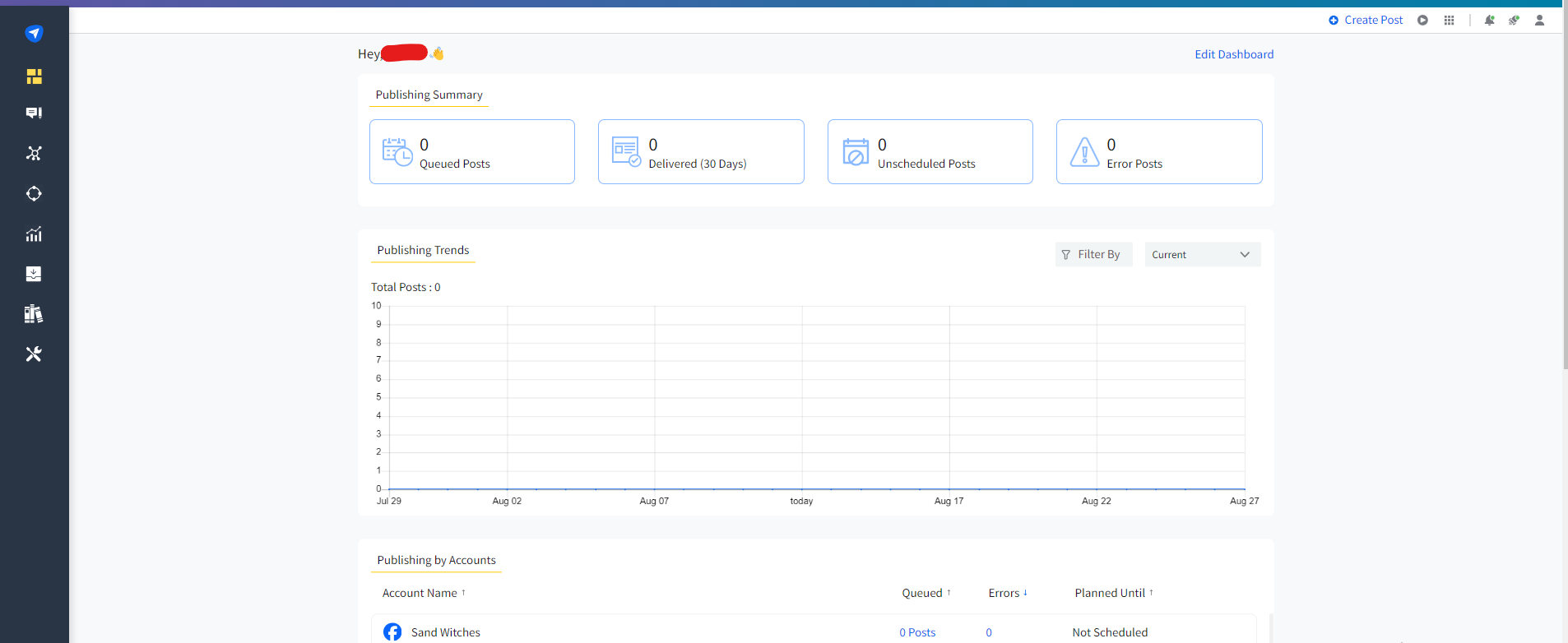
SocialPilot’s Dashboard SocialPilot is among the best Instagram automation tools you can find today, thanks to its balance of powerful features and competitive pricing.
It’s a solid choice for professionals, marketing agencies, SMBs, and multi-location brands.
Top Features
- Instagram Bulk Scheduling
- Instagram Post Preview
- Direct Publishing
- Smart Queues
- Automated Analytics and Reporting
- Instagram Story Scheduling
- Unified Social Inbox
Pros
- Easy-to-use interface that doesn’t require much skill to navigate.
- Allows you to publish posts in bulk.
- RSS feed integration lets you automatically pull content from your favorite blogs or websites.
- The White Labeling feature lets you create branded Instagram performance reports to impress clients and showcase your agency’s professional touch.
- Provides reliable customer support across different channels, including call, mail, chat, and mobile app.
Cons
- SocialPilot doesn’t offer a free plan.
- Although advanced features for Instagram business accounts are available, SocialPilot does not have many options for personal Instagram accounts.
- It doesn’t automate DMs or allow for comment management.
In general, SocialPilot is a reliable and user-friendly Instagram scheduler that you can use to streamline social media management, schedule content, and track performance efficiently.
The fact that SocialPilot doesn’t offer a free plan is a blow for small businesses and solo creators. If this puts you at a disadvantage, you might want to explore SocialPilot alternatives that fit your budget and needs.
-
Later
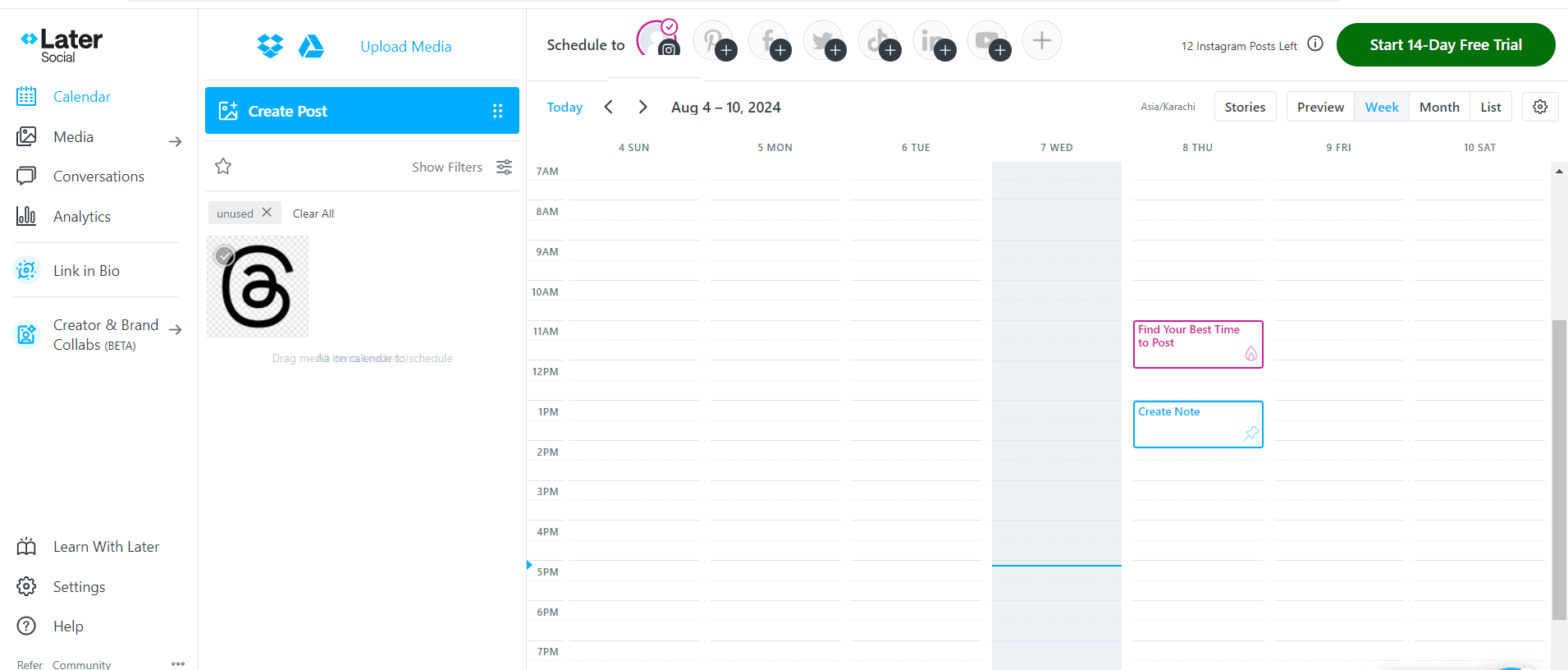
Later’s Dashboard Later is a popular Instagram automation tool known for its visual content calendar and simple drag-and-drop interface.
Its focus on Instagram-first features makes it a top choice for influencers, marketers, and businesses who want to maintain a consistent posting schedule without the manual hassle.
Top Features
- Visual Content Calendar
- Scheduling
- Media Library
- Linkin.bio
- Analytics
- Hashtag Suggestions
- Team Collaboration
Pros
- Offers a free plan
- Easy-to-use visual content calendar.
- Drag-and-drop scheduling makes planning simple.
- Instagram-first design with features tailored to the platform.
- Provides analytics to measure post performance.
- Linkin.bio integration helps drive traffic from Instagram.
Cons
- The free plan has limited posts per month.
- Some advanced analytics features are locked behind higher-tier plans.
- Focuses primarily on Instagram, so cross-platform management is limited.
Later is an excellent Instagram automation tool for visually planning and scheduling posts, tracking engagement, and keeping your content organized.
And like Social Champ, Later has a feature that lets you know the best time to post reels on Instagram.
If any of the Later limitations will be a hindrance to your Instagram marketing efforts, you might want to explore Later alternatives.
-
Planable
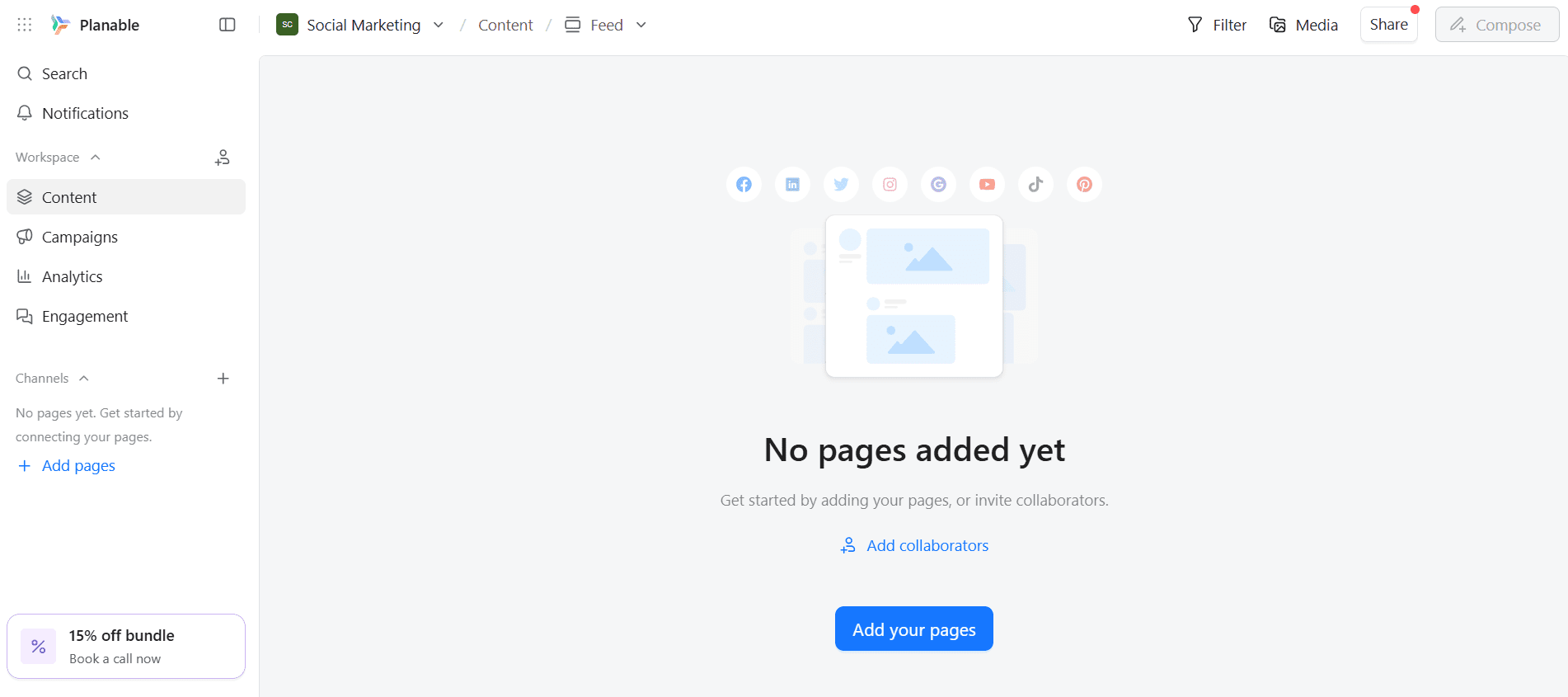
Planable’s Dashboard Planable is a social media collaboration platform designed for agencies that want to plan, approve, and schedule Instagram posts without the back-and-forth chaos.
If you love seeing your content laid out visually and getting approvals in one click, this tool could be your new best friend.
Top Features
- Scheduling
- Content Calendar
- Collaboration & Approvals
- Analytics
- Multi-Platform Support
Pros
- A free plan is available.
- Super intuitive interface for teams of any size.
- Collaboration features reduce approval bottlenecks.
- Visual content calendar makes planning fun and stress-free.
- Multi-platform support keeps all social accounts in one place.
- Analytics help track performance and improve results.
Cons
- Not as robust for single influencers who need simpler automation.
- Mobile app experience can be less polished than a desktop experience.
- Content storage options may feel limited for larger teams.
Planable is ideal if you love a collaborative, visual approach to Instagram automation while keeping your team aligned.
If your goal is more hands-off automation for comments or DMs, you might want to check out Planable alternatives that offer deeper automation capabilities.
-
Inflact
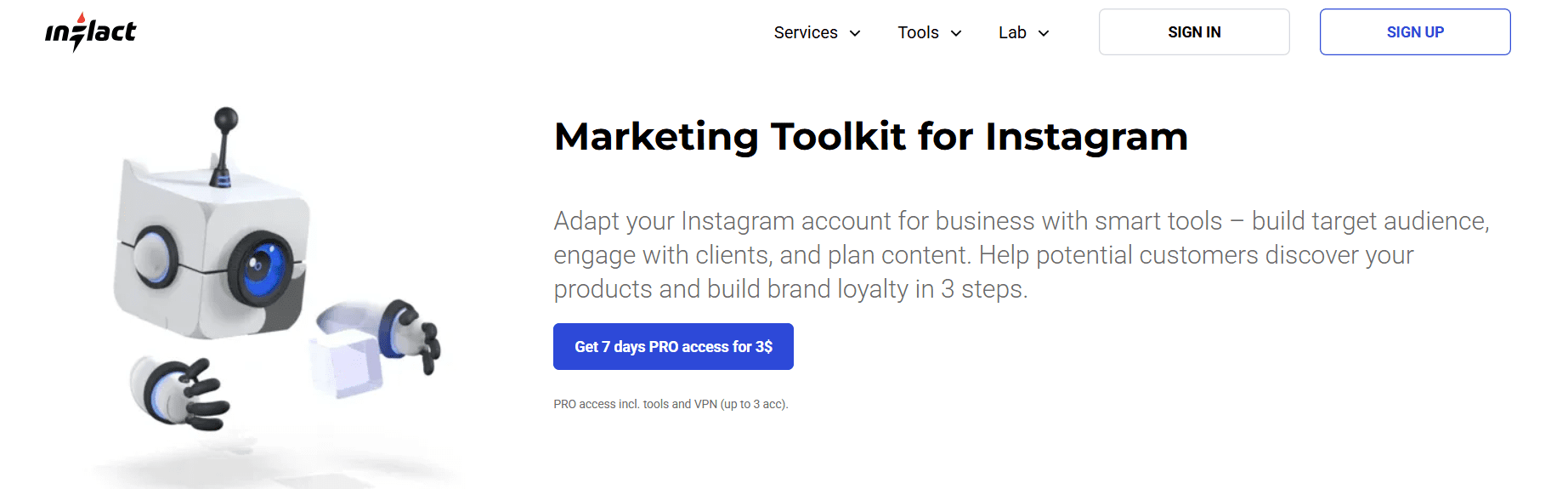
Inflact’s Landing Page Inflact is an Instagram-focused automation tool built for users who want fast growth with minimal manual effort.
This tool leans heavily into automation for posting, engagement, and audience discovery. This makes it appealing if your main goal is to scale your Instagram presence without being glued to the app all day.
Top Features
- Scheduled Posting
- Smart Targeting
- Growth Analytics
- Instagram Viewer
- Instagram Downloader
- AI Hashtag Generator
- Advanced Direct Messager
- Profile Analyzer
Pros
- Strong automation features designed specifically for Instagram.
- Built-in hashtag tools help boost discoverability.
- Saves time on repetitive engagement tasks.
- Simple setup with minimal configuration needed.
- Useful for creators focused on rapid account growth.
Cons
- Limited support for platforms outside Instagram.
- Fewer collaboration features for teams or agencies.
- Requires close monitoring to stay within Instagram’s rules.
Inflact is, without a doubt, a handy option if your priority is quick Instagram automation and growth with minimal hands-on effort.
No matter how often you post on social media, this tool will help keep things smooth.
-
Kicksta
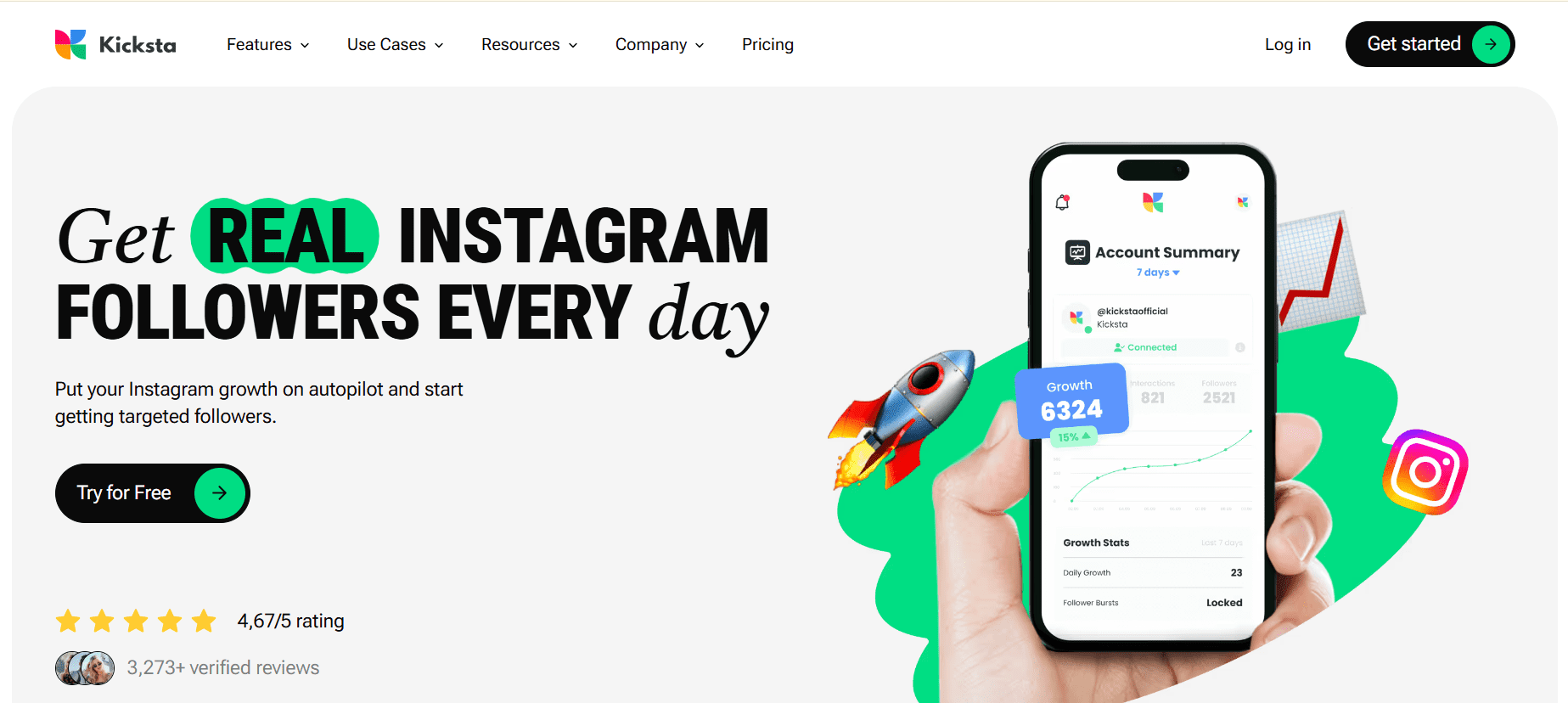
Kicksta’s Landing Page Kicksta is an Instagram growth tool that focuses less on posting and more on helping you attract real followers through organic engagement automation.
Instead of manually chasing likes and follows, this handy tool uses strategic interactions to bring the right audience to your profile.
Top Features
- Real-Time Growth Analytics
- Targeted AI Growth
- Account and Hashtag Targeting
- Performance Dashboard
Pros
- Focuses on organic follower growth instead of fake engagement.
- Customizable targeting helps reach your ideal audience.
- Simple set-up with minimal maintenance.
- Real-world growth backed by automated interactions.
- Useful analytics to track progress over time.
Cons
- Doesn’t automate post-scheduling or content planning.
- Engagement automation is limited to liking and following, not DMs or comments.
- Growth results can vary based on niche and targeting.
- Monthly pricing may be steep for smaller accounts.
- Not ideal if you want a full-featured Instagram management tool.
Kicksta is a strong choice for those whose focus is on organic growth through automation rather than full social media management.
It’s designed for content creators, small businesses, freelancers, and marketing agencies.
-
Upleap
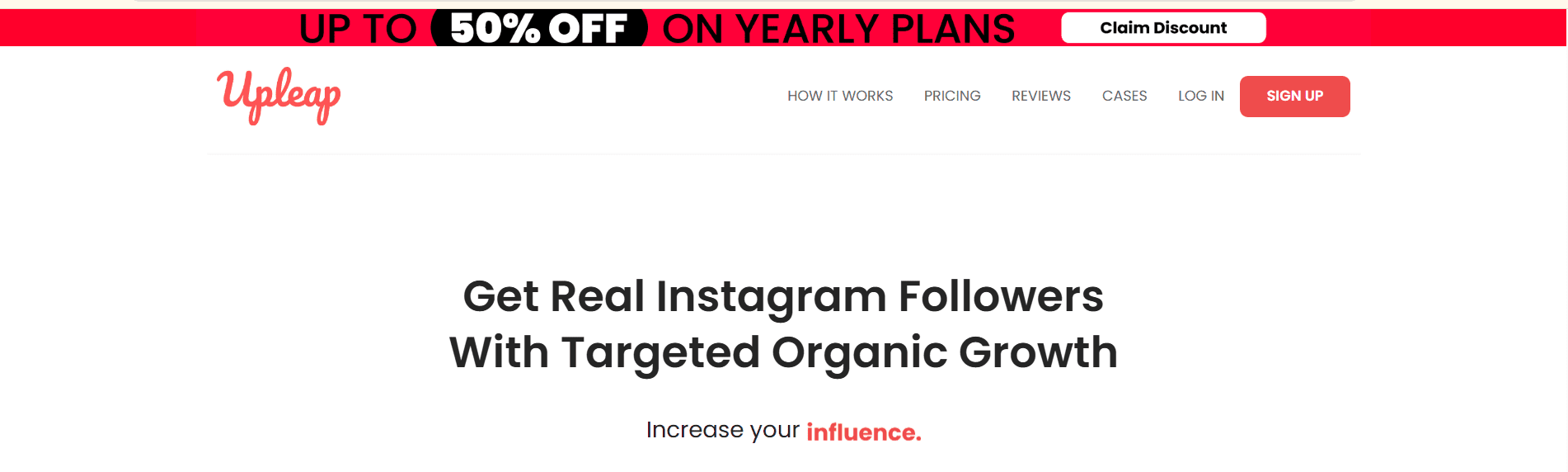
Upleap’s Landing Page With Upleap, you won’t have to do all the manual legwork when trying to build a real, engaged following on Instagram.
This growth automation tool works behind the scenes by interacting with users who are likely to care about your content. As such, it’s a great pick if your goal is authentic growth rather than random likes.
Top Features
- Account and Hashtag Targeting
- Advanced Targeting Filters
- Real-Time Growth Analytics
- Weekly Instagram Audits
- Whitelist and Blacklist
- Welcome DM Automation
- Close Friends Auto-Adder
- Filter Targets by Gender
- Auto-Like After Follow
Pros
- Focuses on attracting real followers who are likely to engage with your content.
- Personalized support helps improve targeting and results.
- Simple setup with minimal hands-on work.
- Targeted engagement feels more natural than random automation.
- Easy-to-read growth tracking keeps you informed.
Cons
- Doesn’t include advanced features like post scheduling or analytics reports.
- Engagement automation is limited to follows and likes, not comments or DMs.
- Limited dashboard features compared to all-in-one tools.
And who is Upleap for? Well, from musicians and bloggers to businesses, A-listed brands, and celebrities, they can all find this tool incredibly useful. Designers, models, and athletes use this tool to grow their Instagram accounts organically.
-
Gramto
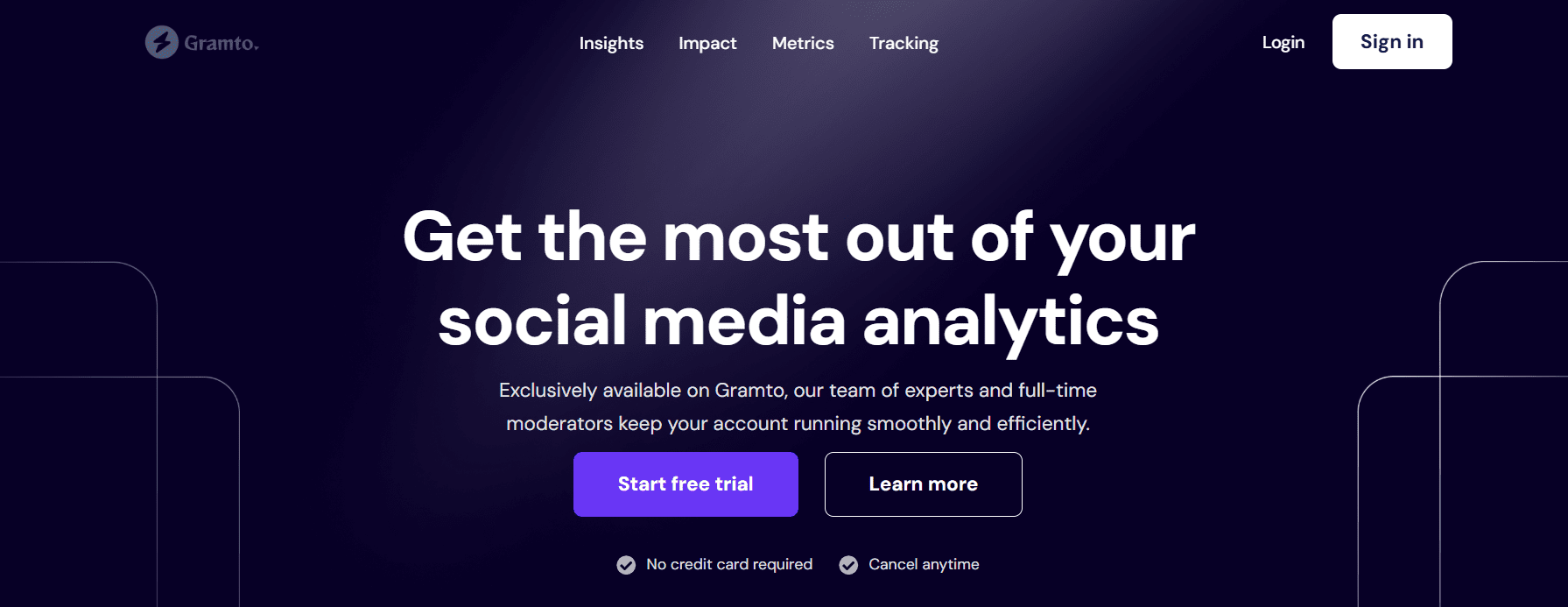
Gramto’s Landing Page Gramto is a smart Instagram automation tool that helps content creators and businesses build visually appealing and highly clickable Instagram landing pages.
While it’s not a traditional all-in-one scheduler, it excels at turning your Instagram traffic into measurable results by enhancing how viewers interact with your profile.
Top Features
- Performance Analytics
- ROI Analysis
- Campaign Tracking
- Reporting and Data Exportation
- Content Optimization
- Audience Engagement
Pros
- Intuitive design tools make page building fun and simple.
- Analytics help you understand what drives clicks and engagement.
- Mobile-friendly pages boost the experience for on-the-go users.
Cons
- Does not offer traditional Instagram automation like scheduling or auto-replies.
- Landing page features may feel limited without deeper CRM integration.
- Advanced customization may require a learning curve for beginners.
- Some features may be locked behind higher-tier pricing plans.
If you want your bio link to work harder and drive conversions, PageBolt is a standout choice. However, it’s not ideal if you’re solely after content automation tools.
-
Hashtags for Likes
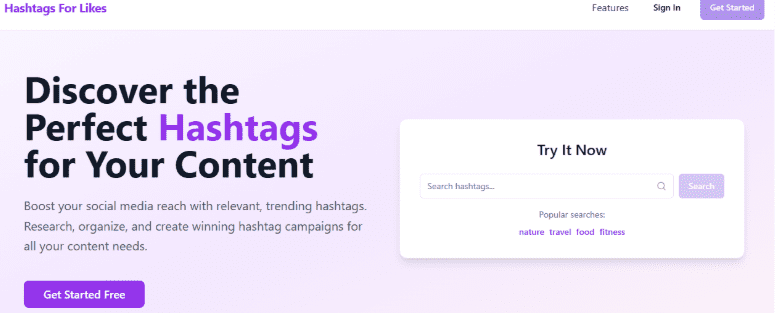
Hashtag for Likes Landing Page Hashtags for Likes is a niche Instagram automation tool that focuses on one of the most powerful growth drivers on the platform: hashtags.
Instead of juggling endless hashtag research yourself, this tool helps you discover highly-performing, relevant hashtags that can boost your reach, increase likes, and improve Instagram engagement.
Key Features
- Smart Hashtag Search
- Category Filters
- Popularity Analytics
- One-Click Copy
- Trending Hashtag Instagrams
Pros
- Helps you find relevant hashtags faster than manual research.
- Increases the chance of reach and engagement with better hashtag choices.
- Makes hashtag planning less stressful and more strategic.
- Useful for creators at every level, from beginners to pros.
- Trend tracking keeps you tuned in to what’s working now.
Cons
- Focuses mainly on hashtags, so it’s not a complete automation solution.
- No native scheduling or engagement automation features.
- Analytics are limited compared to full-featured platforms.
Hashtags for Likes is a smart choice if you want to up your hashtag game and boost visibility with less effort.
-
Sendible
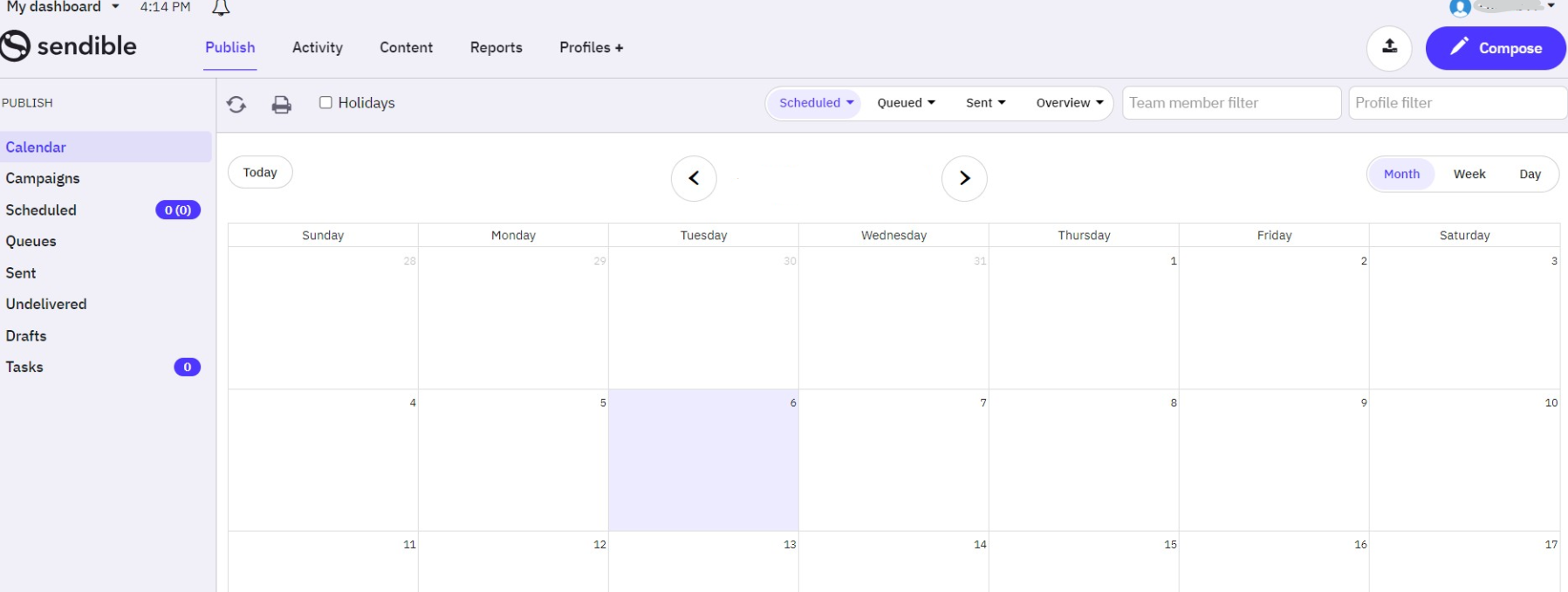
Sendible’s Dashboard If managing Instagram sometimes feels like spinning plates, Sendible keeps everything balanced.
It’s a tool that’s beloved by marketers, influencers, and brands for its automation features that make planning, scheduling, and monitoring a success.
In addition to offering support for Instagram, it also supports several other social media platforms, including Twitter, Facebook ads, Pinterest, YouTube, Google Business Profile, and LinkedIn.
Top Features
- Content Management
- Auto Publishing
- Social Listening
- Auto RSS Feed
- Keyword Filtering
- Brand tracking
Pros
- Comprehensive dashboard for managing multiple accounts effortlessly.
- Powerful analytics and reporting to track performance.
- Collaboration features make team management easy.
- Scheduling across multiple platforms saves time.
- Content suggestions help keep your feed lively and engaging.
Cons
- Doesn’t offer a free plan.
- Can feel overwhelming for beginners due to the many features.
- Pricing is higher than some other Instagram tools.
Sendible is a strong choice for businesses and agencies that need a robust platform to manage Instagram and other social media accounts efficiently.
Featured Article: 12 Best Sendible Alternatives
-
Tailwind
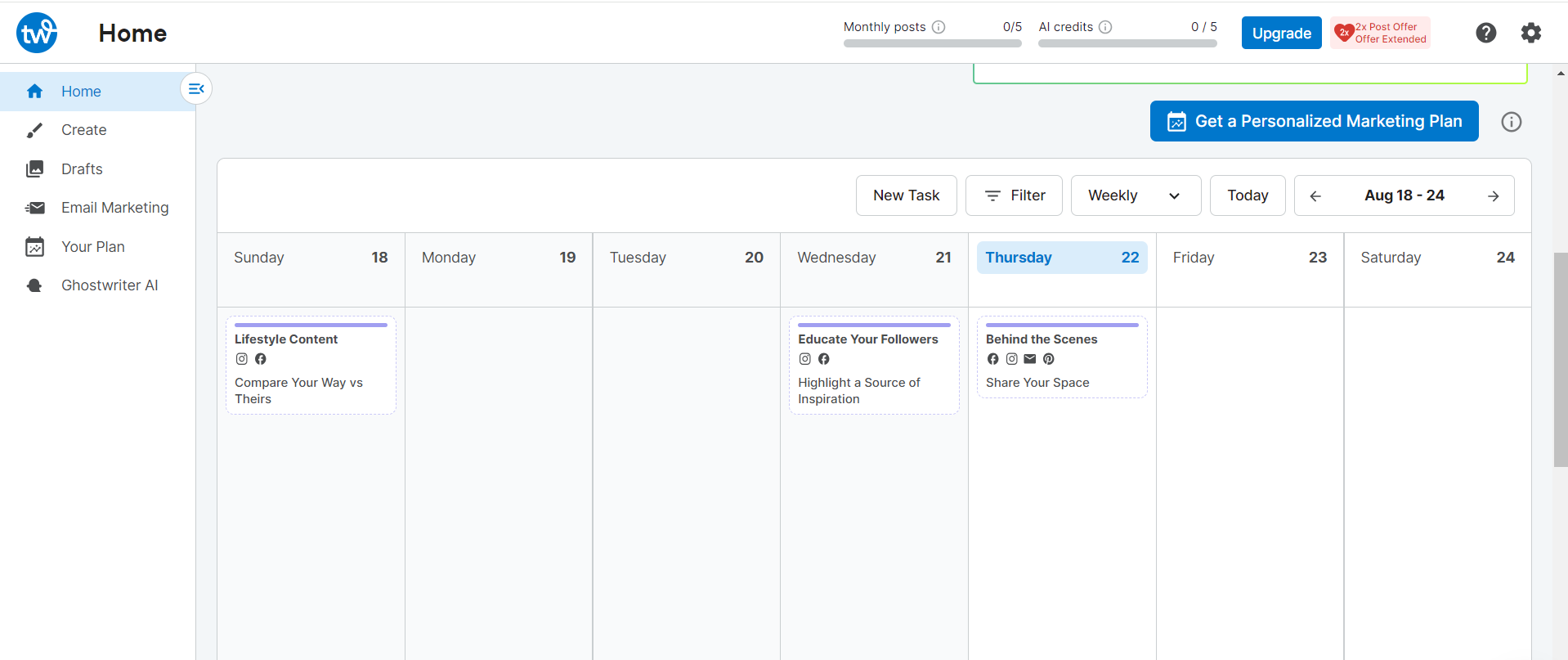
Tailwind’s Dashboard According to Tailwind, their tool is built on data-backed best practices, not guesswork. It’s basically a smart Instagram, Pinterest, and Facebook automation tool that offers a range of helpful tools at an affordable price.
Similar to Social Champ, Tailwind helps you post at the right times, discover trending hashtags, and grow your audience with minimal effort.
Top Features
- Visual Planning
- SmartSchedule
- Hashtag Finder
- Auto-Updating Bio Link
- Analytics
Pros
- Has a Free Forever plan that provides essential tools to get started.
- SmartSchedule helps you post at optimal engagement times.
- Hashtag Finder makes growing your audience easier.
- A visual content calendar helps maintain a cohesive feed.
- Analytics provide insights to improve your Instagram strategy.
- Saves time by automating repetitive posting tasks.
Cons
- Primarily designed for Pinterest and Instagram, so not ideal for multi-platform management.
- The free plan has restricted features.
- Mobile app functionality can be less smooth than desktop.
Tailwind is a great choice if your focus is on visually planning, scheduling, and growing your Instagram efficiently. You can use it to schedule your Instagram posts weeks or even months in advance so you can relax and focus on other things.
Check out Tailwind alternatives to explore more similar options.
-
Hootsuite
Hootsuite’s Landing Page Hootsuite is a veteran in the social media management world, and its popularity keeps on rising. It’s known for its robust features that help brands, agencies, and marketers stay on top of Instagram.
If you’re looking for more than just scheduling (think social listening, team collaboration, and content curation), this tool is just perfect.
Top Features
- Scheduling
- Social Listening
- Team Collaboration
- Content Curation
- Analytics and Reporting
Pros
- Excellent for social listening and staying on top of trends.
- Robust team collaboration features make workflows smooth.
- Content curation tools save time and boost engagement.
- Scalable for small teams and large agencies alike.
- Supports multiple social platforms from one dashboard.
Cons
- Pricing is on the higher side as their starting plan, the Standard Plan, costs $99/month. This price may be a bit high for small businesses or solo users.
- Some features can feel overwhelming for beginners.
- Reporting customization can be complex for new users.
Were it not for its pricey plans, Hootsuite would be a leading choice, and for good reason. Nevertheless, it’s still a powerhouse for Instagram automation, thanks to its powerful features.
Featured Article: Top 12 Hootsuite Competitors to Consider
-
CoSchedule
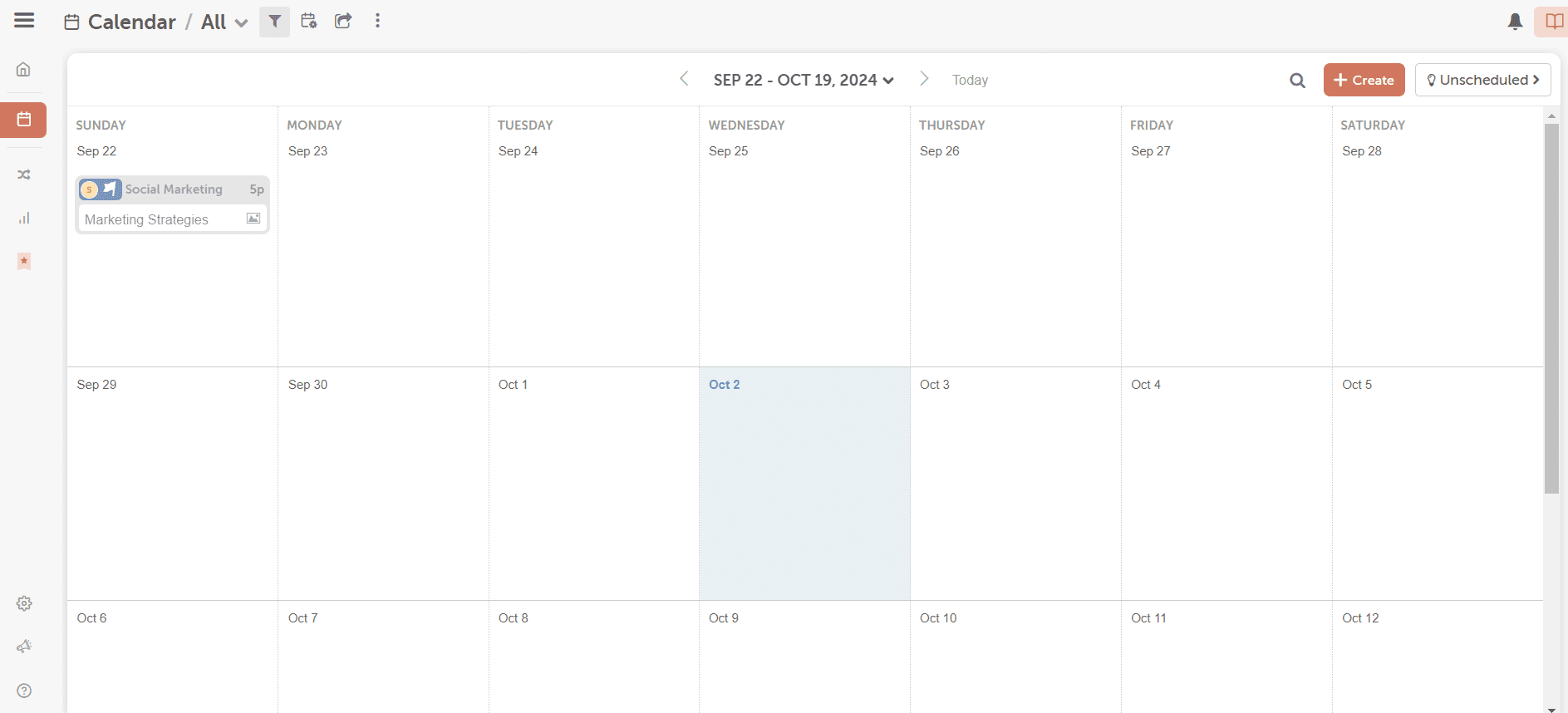
CoSchedule’s Dashboard CoSchedule is a versatile marketing calendar and social media management tool that helps you automate Instagram and organize your workflow alongside your broader content strategy.
It’s ideal for marketers and teams who want everything, from blog posts to social campaigns, planned, scheduled, and tracked in one place.
Top Features
- Content Management
- Drag and Drop Scheduling
- Social Media Monitoring
- Content Calendar
- Approval Workflows
- Keyword Filtering
Pros
- Excellent for synchronizing Instagram with broader marketing efforts.
- A central content calendar keeps everything organized.
- Task and team management features improve collaboration.
- Integrations make it easy to tie in other marketing tools.
- Analytics help you refine your strategy over time.
Cons
- Not purely focused on Instagram automation, so some features may feel spread out.
- Advanced features are behind higher-tier pricing plans.
- Can have a learning curve for new users.
- Mobile experience is less intuitive than desktop.
CoSchedule is a strong choice if you want to automate your Instagram posts while keeping your content strategy, deadlines, and campaigns streamlined.
-
Sprout Social
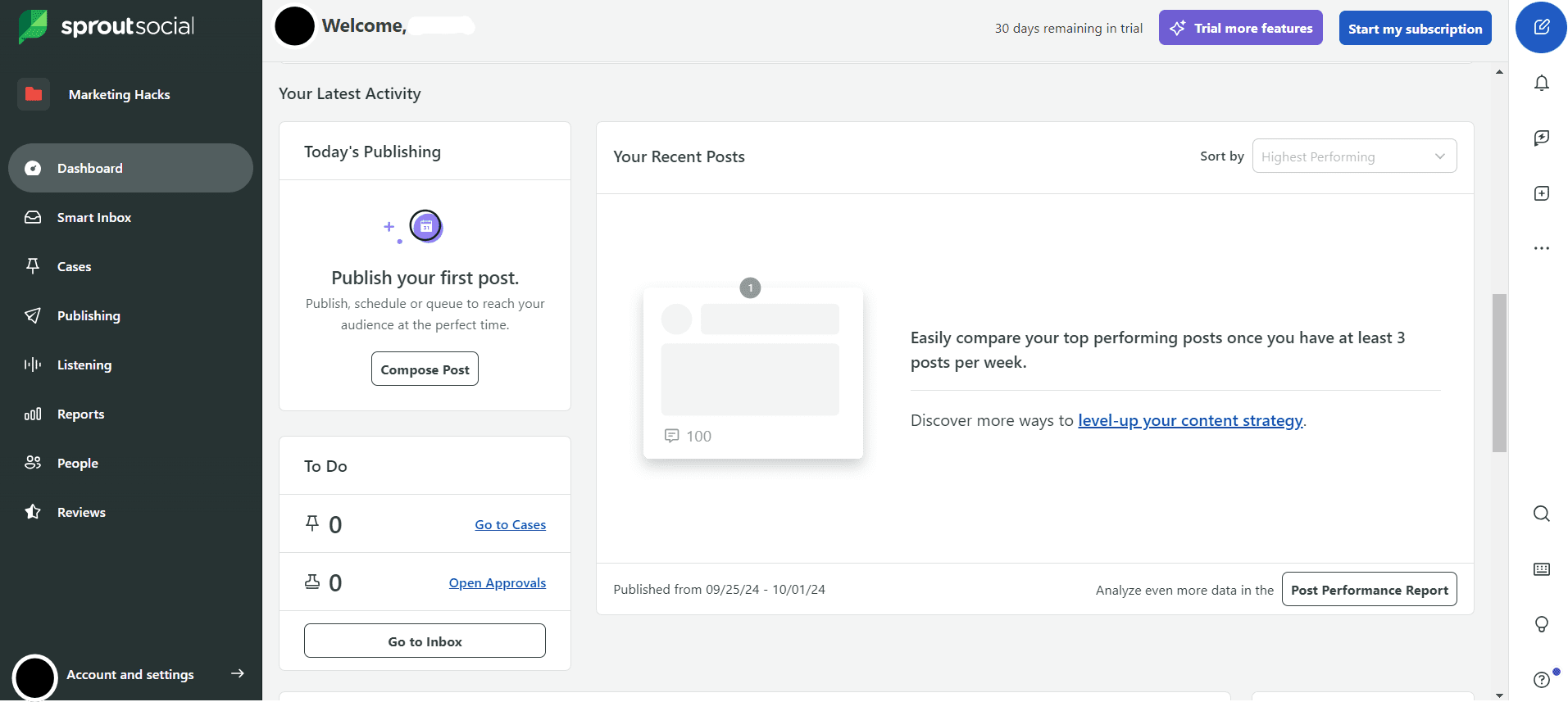
Sprout Social’s Dashboard Sprout Social is a premium social media management platform that brings powerful automation and smart insights to your Instagram workflow.
It’s perfect for brands, agencies, and growing teams that want a deep understanding of their audience, seamless scheduling, and engagement tools.
Top Features
- Scheduling
- Smart Inbox
- Analytics and Reporting
- Listening and Social Intelligence
Pros
- Robust engagement tools that help you stay connected with your audience.
- Deep analytics and reporting deliver valuable strategic insights.
- Unified inbox keeps all interactions organized.
- Social listening capabilities help you track trends and opportunities.
- Reliable support and frequent updates keep the platform modern.
- A feature that lets you know when to post on Instagram.
Cons
- One of the pricier options, which may not suit smaller creators or solo users.
- Some advanced features require higher-tier plans.
- Automation for DMs and replies is helpful, but not as extensive as some niche tools.
- It can feel complex for beginners.
- Mobile app features are significantly limited compared to the desktop experience.
If you have a fat budget and want Instagram automation that feels strategic rather than robotic, Sprout Social has a lot to offer.
However, if you’re looking for a more budget-friendly or lightweight automation tool with simpler features, you might want to explore Sprout Social alternatives that better match your needs.
-
Keyhole
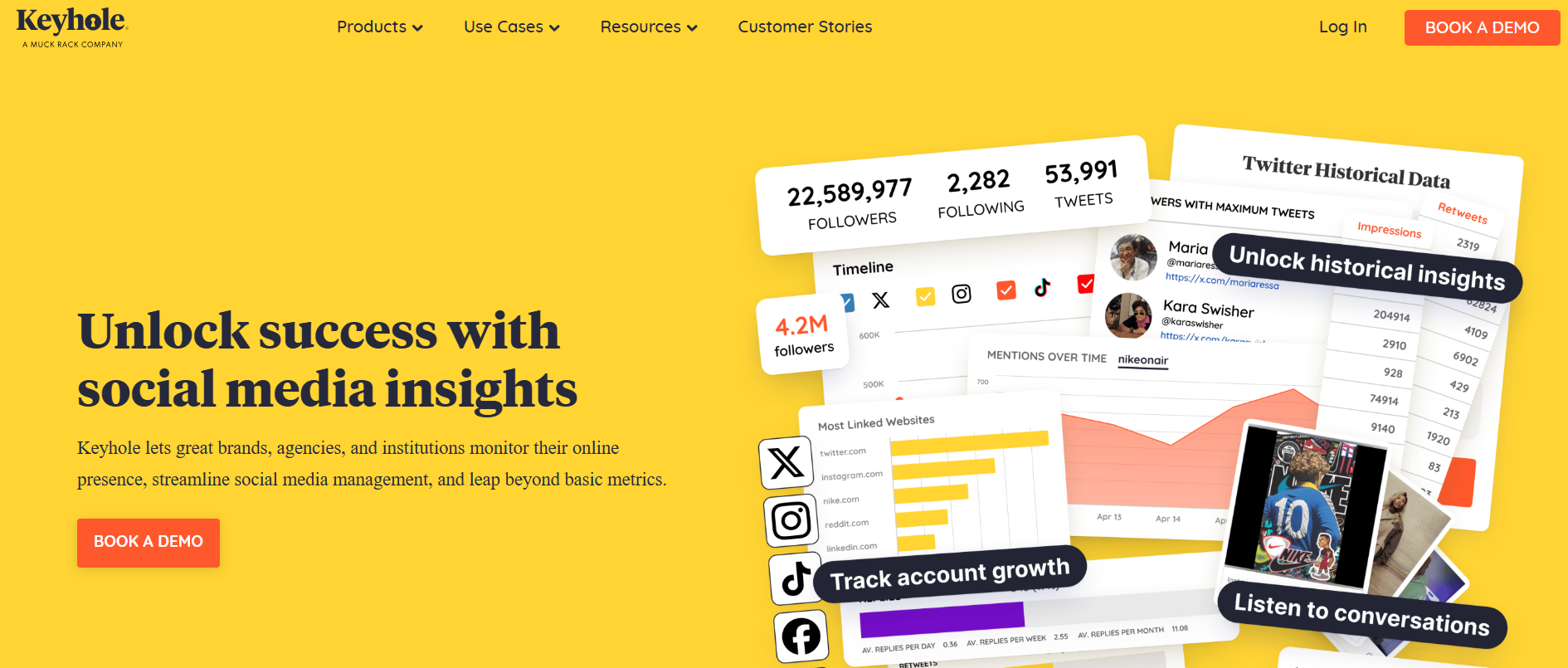
Keyhole’s Webpage If you love data and want your Instagram strategy to feel intentional instead of random, Keyhole fits the bill nicely.
The tool is less about posting for you and more about helping you post smarter. It shines in Instagram automation when your goal is to understand what’s working, what’s trending, and how your audience actually behaves.
Top Features
- Scheduling
- Hashtag Tracking
- Account Analytics
- Campaign Tracking
- Competitor Analysis
Pros
- Excellent hashtag and campaign tracking capabilities.
- Real-time analytics that keep you in the loop.
- Strong insights for influencer and brand campaigns.
- Clean dashboard that makes data easy to digest.
- Ideal for data-driven Instagram strategies.
Cons
- Limited engagement automation for comments and DMs.
- Pricing may feel high for smaller teams.
- More analytics-focused than content-focused.
- Fewer creative tools compared to all-in-one platforms.
- Learning curve if you are new to analytics tools.
Keyhole is a great choice if you want your Instagram automation backed by solid data and clear insights rather than guesswork.
Pros and Cons of Instagram Automation
And now that you’ve explored the different options of Instagram management tools at your disposal, it’s worth looking at what you actually gain or lose from using one of them.
Knowing the real advantages and drawbacks of Instagram automation will help you decide whether it fits your workflow and goals.
Let’s start with the good stuff.
Pros of Instagram Automation
You may already know them, but let’s take a closer look at why they really matter.
- Saves Time:
Automation takes repetitive tasks off your plate. You no longer need to log in several times a day just to post or reply to comments.
This gives you more time to plan content, brainstorm ideas, or focus on other parts of your business. - Boosts Engagement:
When your posts go live at the right time, and comments get timely replies, engagement improves naturally. Automation helps you stay active even when you are busy. Your audience feels seen, and that keeps conversations going. - Consistent Posting:
Automation helps you stick to a posting schedule without stress. Your content shows up regularly, and your audience knows when to expect updates from you. Underline this: consistency plays a big role in Instagram growth. Now, onto the not-so-good stuff.
Cons of Instagram Automation
While Instagram automation has its perks, it also comes with a few drawbacks that you should keep in mind before going all in.
- Loss of Personal Touch:Automation can make interactions feel generic if you rely on it too heavily. Your audience can tell when replies lack personality, and that can weaken real connections over time. To overcome this, you can simply use an automation tool, alongside a community team, to quickly (and emotively) respond to your audience.
-
Risk of Policy Violations
Some automation tools push Instagram’s rules too far. Using the wrong tool or settings can put your account at risk of warnings, restrictions, or even suspension.
-
Over-reliance on Automation
Automation works best as support, not a replacement. When you depend on it too much, you miss chances to engage authentically and adapt to trends in real time.
As you can see, there are both advantages and disadvantages to be aware of. What you can do to ensure success is use automation thoughtfully and stay involved.
When you use Instagram automation wisely, you can strengthen efficiency without losing authentic engagement.
Leverage Social Champ’s automation features to schedule, track, and interact smarter.
Is Instagram Automation Allowed? Staying Safe and Compliant
If you look at the cons of Instagram automation, the worst outcomes are account restriction and suspension.
That’s why it helps to understand what Instagram allows, what it doesn’t, and how you can automate social media posts safely without putting your account at risk.
First, things first – what’s Instagram’s stance on automation? Instagram allows automation, but only when it follows clear rules. The platform supports automation that uses official tools and approved APIs.
These include scheduling posts, analyzing performance, and managing comments through trusted third-party platforms.
Problems start when automation crosses into spammy behavior. Activities that violate Instagram policies include:
- Mass liking
- Aggressive following and unfollowing
- Sending bulk direct messages through bots
These actions violate Instagram policies, so before posting anything that looks unnatural, think again.
To stay on the safe side, you should do the following:
- Always use tools that work with Instagram’s official API.
- Keep your activity levels realistic
- Avoid automation that tries to mimic human behavior too aggressively.
- Most importantly, stay involved. Review messages, personalize replies when needed, and monitor performance regularly.
When you automate Instagram with intention and moderation, you protect your account and still enjoy the time-saving benefits. That way, automation works for you instead of against you.
Automate Your Instagram Effortlessly With Social Champ
You probably know how to post on Instagram manually, but do you know how to automate your Instagram account with a social media scheduler?
If you’re ready to take the stress out of managing Instagram, Social Champ is a powerful tool that can help you automate key tasks while keeping your account running smoothly.
It’s designed to make your life easier and your Instagram more effective.
Here’s what it can do for you:
-
Scheduling Posts
With this tool, there will be no need for you to be on Instagram 24/7. You can plan your content ahead of time and post automatically.
Social Champ even suggests the best time to post based on when your audience is most active.
Social Champ’s Best Time to Post Feature
This feature ensures your content gets maximum reach and interaction.
Even better news is that the tool allows you to schedule posts in bulk. How cool is that?
With Social Champ’s bulk upload feature, you can upload dozens of posts at once, set captions, and schedule them for multiple dates and times. This feature ultimately saves you hours of manual work.
-
Auto-Replying to Comments and DMs
Social Champ enables you to keep your audience engaged without manually responding to every comment or message.
Its unified social inbox brings all your comments, mentions, and direct messages into one place, so you can manage interactions efficiently and never miss an important conversation.
Statistics show that brands that respond to 50% or more of their comments see 2.5× higher loyalty. With a tool that allows auto-replying, you’ll never fail to respond to customers.
That’s guaranteed customer loyalty right there!
-
Analytics Reporting
Social Champ provides insights so you can make smarter content decisions. You can track the performance of your posts, stories, and overall engagement.
Social Champ’s Analytics Feature
With these features in place, Social Champ goes beyond simple automation. It also offers unique benefits that make managing Instagram even easier.
Unique Benefits of Social Champ
- Flexible Pricing: You have the liberty of choosing a plan that fits your needs, whether you’re an influencer, marketer, or agency, without breaking your budget.
- User-Friendly Interface: The platform is intuitive and easy to navigate, so you can start automating tasks quickly without a steep learning curve.
- All-in-One Platform: You can manage multiple Instagram accounts, schedule posts, track analytics, and engage with your audience from one central dashboard.
- Official Compliance: Social Champ uses Instagram’s official API, ensuring your Instagram automation stays within the rules and avoids account restrictions.
With all these features and benefits in place, it’s clear why Social Champ has become an essential solution for many people.
From influencers and marketers to brands and businesses, they can leverage this tool to handle routine tasks and accelerate their Instagram growth.
Start automating posts, replies, and analytics like a pro with Social Champ.
Conclusion
The best Instagram automation is essential for anyone looking to save time, maintain consistency, and grow their presence on the platform.
With the right tools and proven social media hacks, you can streamline your workflow, schedule posts, engage with your audience, and track performance without getting bogged down in repetitive tasks.
Among the many options available, Social Champ stands out as the right tool for Instagram automation. It combines scheduling, auto-replies, and analytics in one user-friendly platform.
In combination, these handy features make it the perfect solution to simplify your Instagram management and boost growth efficiently.



2 comments
Charlotte
I was in search of an article about Instagram automation for so long. Thanks for sharing an amazing article.
Benjamin
Thanks for sharing such a wonderful content. Definitely will try this!