Struggling to keep your social media posts consistent is not just a minor inconvenience; It could be the reason your brand isn’t growing.
Imagine missing out on engagement and potential sales because you’re tangled in a web of manual scheduling and forgotten posts.
According to recent studies, 75% of organizations use automation software like social media schedulers to automate postings on social media platforms.
Short Summary
- Consistency in social media posts is crucial for brand growth and engagement.
- Manual scheduling leads to missed opportunities; automation is key to staying active online.
- 75% of organizations use automation tools to streamline social media management.
- Auto-posting app saves time and enhances engagement by automating content scheduling.
- These tools provide advanced features like analytics, social listening, and CRM integration.
- The blog highlights the top 10 auto-posting tools for 2026, including Social Champ for multi-platform scheduling.
- Automating social media posts boosts engagement and keeps businesses ahead in the digital landscape.
Without automation, your brand is likely losing valuable opportunities every day.
If you’re still relying on outdated methods and don’t auto-post to social media, it’s time to reevaluate and adopt more efficient solutions.
These top 10 auto-posting tools are enough to transform the way we connect with our followers in 2026.

Beat the Algorithm Without Burning Out
Consistency wins. Social Champ keeps your TikTok cadence tight, even on days you’d rather be offline.
Why an Auto-Posting Tool Matters for Your Brand?
If you’re running a brand in 2026, you already know social media is basically a hungry monster that always wants more content. Posting once or twice a week isn’t cutting it anymore — and juggling multiple platforms manually? Yeah… that’s a fast track to burnout.
That’s where auto-posting tools step in, and honestly, they’re kind of a game-changer.
Here’s the deal:
- AI tools help you plan, schedule, and publish content without babysitting every post.
- They keep your feeds consistent (which your audience + the algorithms both love).
- And they free up your team to focus on the fun stuff — ideas, visuals, storytelling — instead of stressing over timers and reminders.
Plus, AI is getting seriously smart about this. Some tools now:
- Suggest the best posting times,
- Help with caption ideas,
- Tweak formats for different platforms,
- Track performance so you’re not flying blind.
It’s basically like having a tiny digital strategist working in the background.
Top 10 Auto-Posting tools for use in 2026
In 2026, auto-posting tools for social media are essential for efficiently managing social media content and maintaining a strong online presence.
This list covers the top 10 tools, each offering unique features to streamline your social media strategy and boost engagement across platforms.
-
Social Champ
Social Champ is a versatile social media management tool designed to streamline your content distribution across multiple platforms.
With its Pinterest scheduler, you can easily plan and automate your pins, ensuring a consistent presence on one of the most visual platforms.
Social Champ’s YouTube scheduler allows you to organize and schedule your video content efficiently.
Additionally, the platform supports 9 other social media platforms, including Facebook, Instagram, LinkedIn, X, Mastodon, Bluesky, Google Business Profile, Threads, and TikTok.
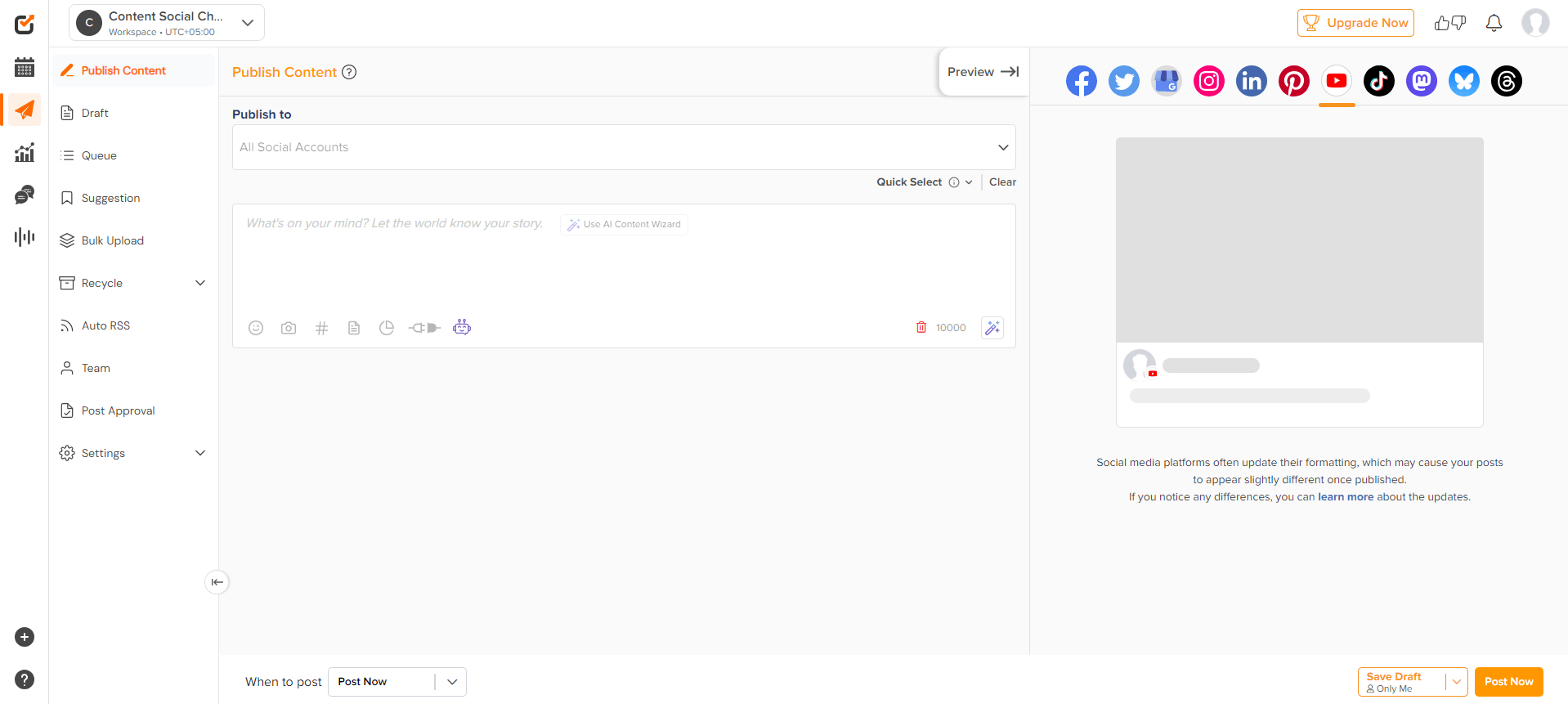
Social Champ dashboard Features
- Multi-Platform Scheduling: Social Champ excels in social media management by allowing you to schedule posts across various platforms, such as Facebook, Twitter, LinkedIn, Instagram, and more.
- Content Calendar: The visual content calendar is an essential part of Social Champ’s roadmap. It helps you plan and organize posts efficiently and provides a clear overview of your social media strategy, making it easier to keep track of upcoming content.
- Automated Posting: With automated posting features, you can set up recurring posts and schedule content for automatic publishing, ensuring your accounts remain active even during downtime.
- Analytics and Reports: Social Champ offers robust analytics and reporting tools, enabling you to track performance and engagement metrics. These insights are crucial for assessing the success of your campaigns and adjusting your strategy to find the right plan for your business.
- Team Collaboration: The platform supports team management and approval workflows, making it easier for teams to collaborate on social media strategies.
- Social Inbox: Manage all your social media interactions from one central inbox, simplifying engagement with your audience and ensuring that no message goes unanswered.
Pros Cons Extremely cost-effective (per-channel pricing) Advanced analytics limited on the free tierHigh-speed bulk upload & recycling Learning curve for complex “Recycle” campaignsExceptional 24/7 human support Video editing templates are basic
Featured Article: Best Time to Post on Social Media
How to Schedule Posts With Social Champ
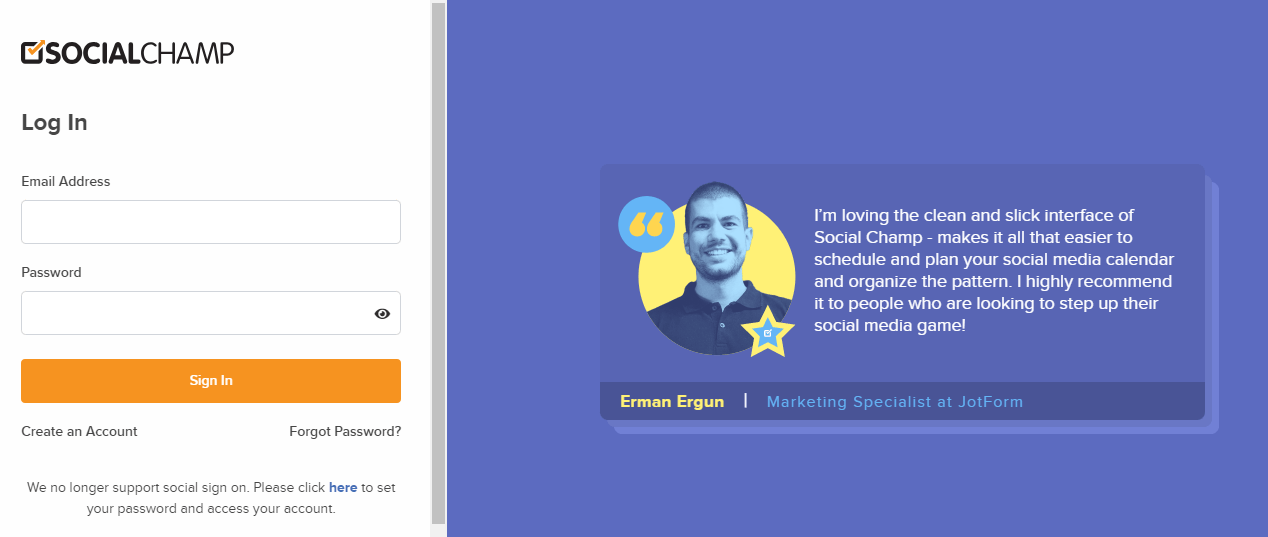
Step 1: Log in to your Social Champ account.
Start by logging into your Social Champ account with your credentials. If you don’t have an account yet, click on “Create an Account” and sign up.
Step 2: Navigate to the Content Calendar.
Once logged in, go to the Content Calendar. This is the hub where you can view, organize, and manage all your scheduled posts in one place.
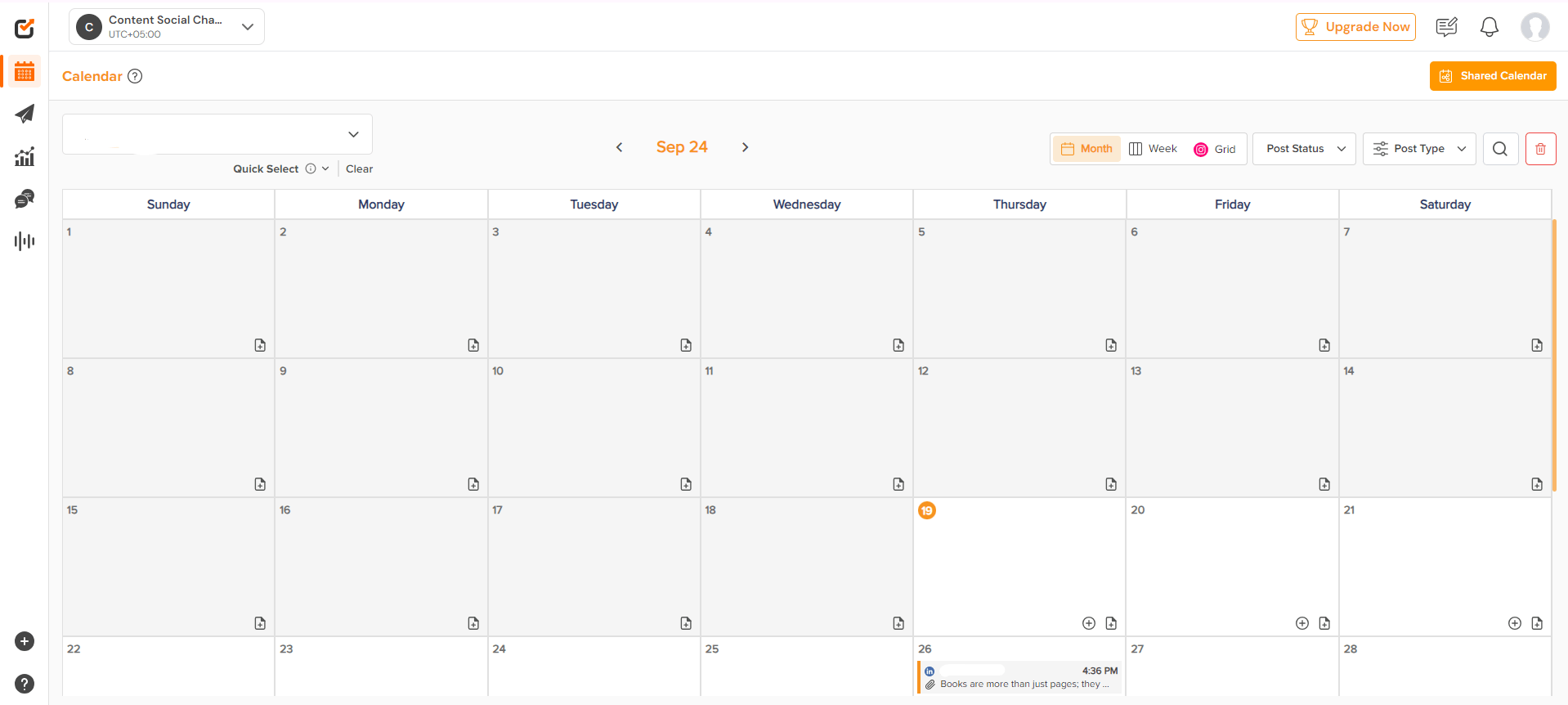
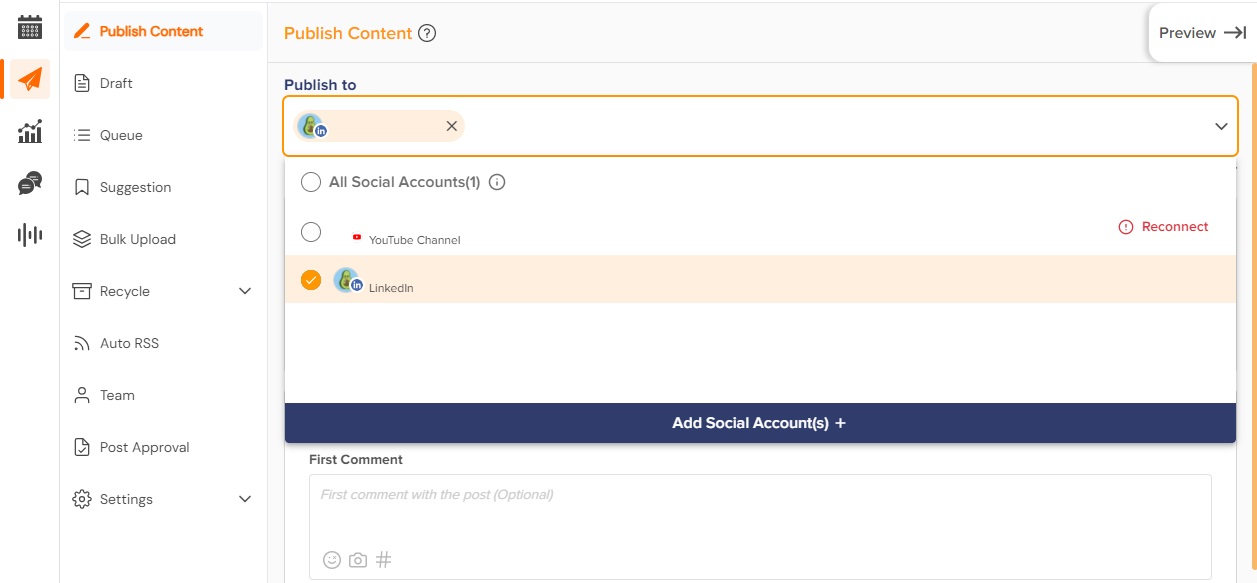
Step 3: Click on Create Post and choose the social media platform.
Click on “Create Post” to start crafting your content. Here, you can choose the social media platform(s) where you want the post to be published.
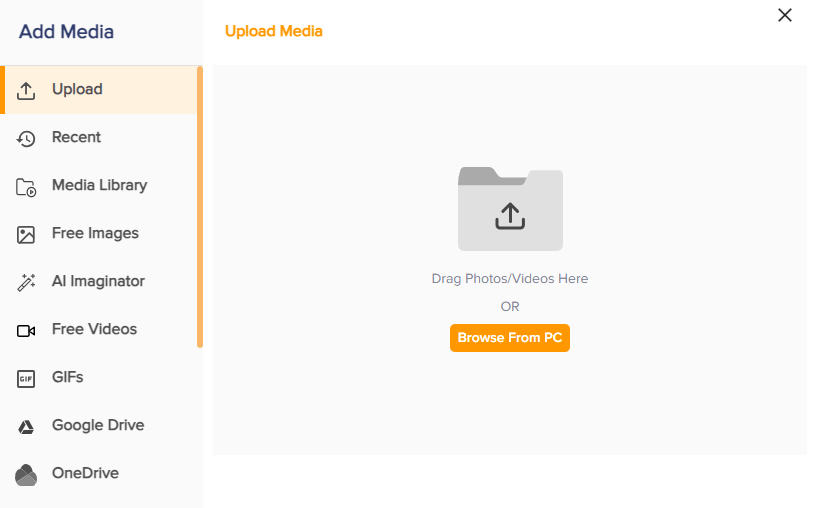
Step 4: Write your post content and add media if needed.
In the post editor, write your caption and add any media, such as images, videos, or links.
Step 5: Select the date and time for the post to be published.
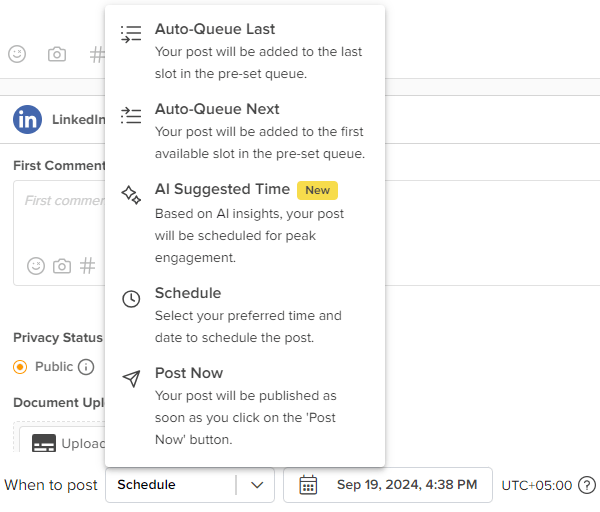
After finalizing your post, choose the exact date and time for it to be published. You can also let AI choose the best time to post according to your audience.
Automate Your Social Media, Amplify Your Impact!
Set it and forget it—schedule, publish, and track posts effortlessly. With Social Champ’s automation, you can focus on what matters while we handle the routine.
-
Hootsuite
Hootsuite is a comprehensive social media management tool that supports various platforms and features for social media automatic posting.
It offers detailed analytics and team collaboration tools, making it a strong choice for managing and optimizing your social media strategy.
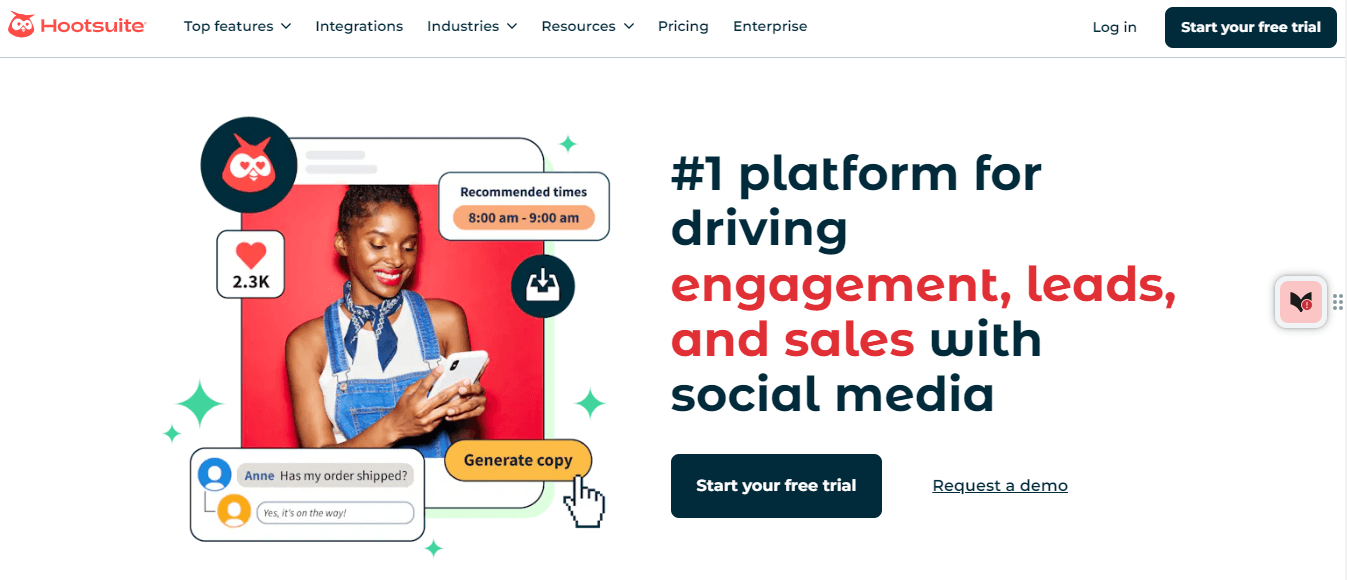
Hootsuite landing page Features
- Multi-Platform Management: Hootsuite excels in social media management by supporting a wide range of platforms, including Facebook, X, LinkedIn, Instagram, and more.
- Post Scheduling: With Hootsuite’s post-scheduling feature, you can plan and schedule posts in advance across various platforms. This functionality supports social media automatic posting without requiring manual intervention.
- Analytics: Hootsuite provides robust analytics tools to track social media performance. Detailed reports and insights help you understand engagement metrics and the effectiveness of your campaigns.
- Team Collaboration: Hootsuite facilitates team collaboration by allowing multiple users to manage social media accounts. This feature is particularly useful for larger teams, enabling streamlined workflows and coordinated efforts in social media management.
Pros Cons Massive integration ecosystem One of the most expensive tools in 2026Advanced social listening & monitoring Interface can feel cluttered for solo users
Featured Article: Best Time to Post on TikTok
-
Buffer
Buffer is a popular social media management tool designed to make content scheduling and posting across multiple platforms as seamless as possible.
If you’re a small business owner, a marketer, or an individual looking to streamline your social media efforts, Buffer provides a straightforward solution.
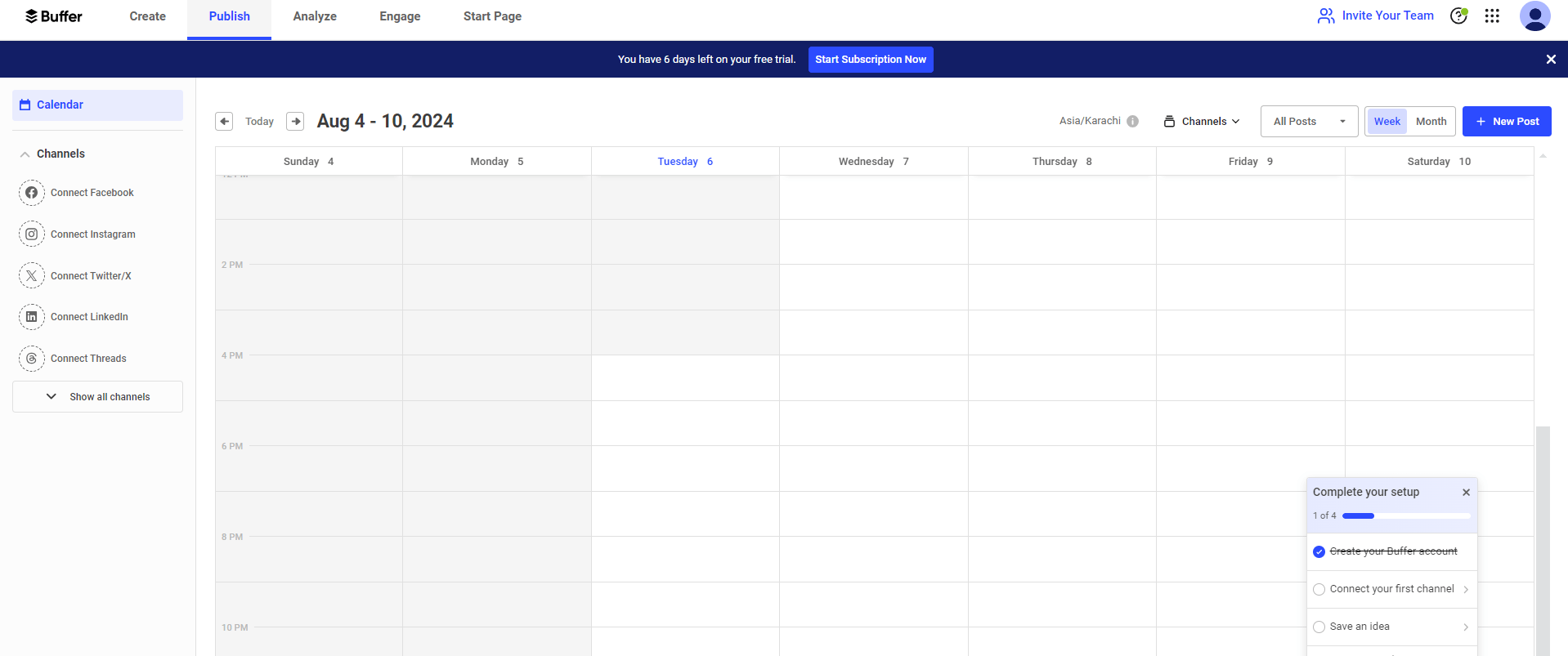
Buffer dashboard Features
-
- Content Scheduling: Buffer allows users to schedule posts across various social media channels, including Facebook, Twitter, Instagram, and LinkedIn. The Facebook post scheduler feature is particularly useful for those who want to automate their content distribution on the platform.
- Analytics: Although Buffer offers basic performance tracking, it provides enough data to monitor your posts’ reach, engagement, and overall performance.
- Content Queue: Buffer’s Content Queue feature lets you line up posts for future publishing. This ensures that your social media channels remain active, even when you’re busy with other tasks, making it easier to automate posting to social media.
Pros Cons Cleanest, most intuitive UI on the market No unified social inbox for engagement“Free Forever” plan is genuinely useful Analytics are basic compared to competitors -
-
Sprout Social
Sprout Social is a social media management platform designed for businesses and organizations that need a powerful tool to manage their social media presence.
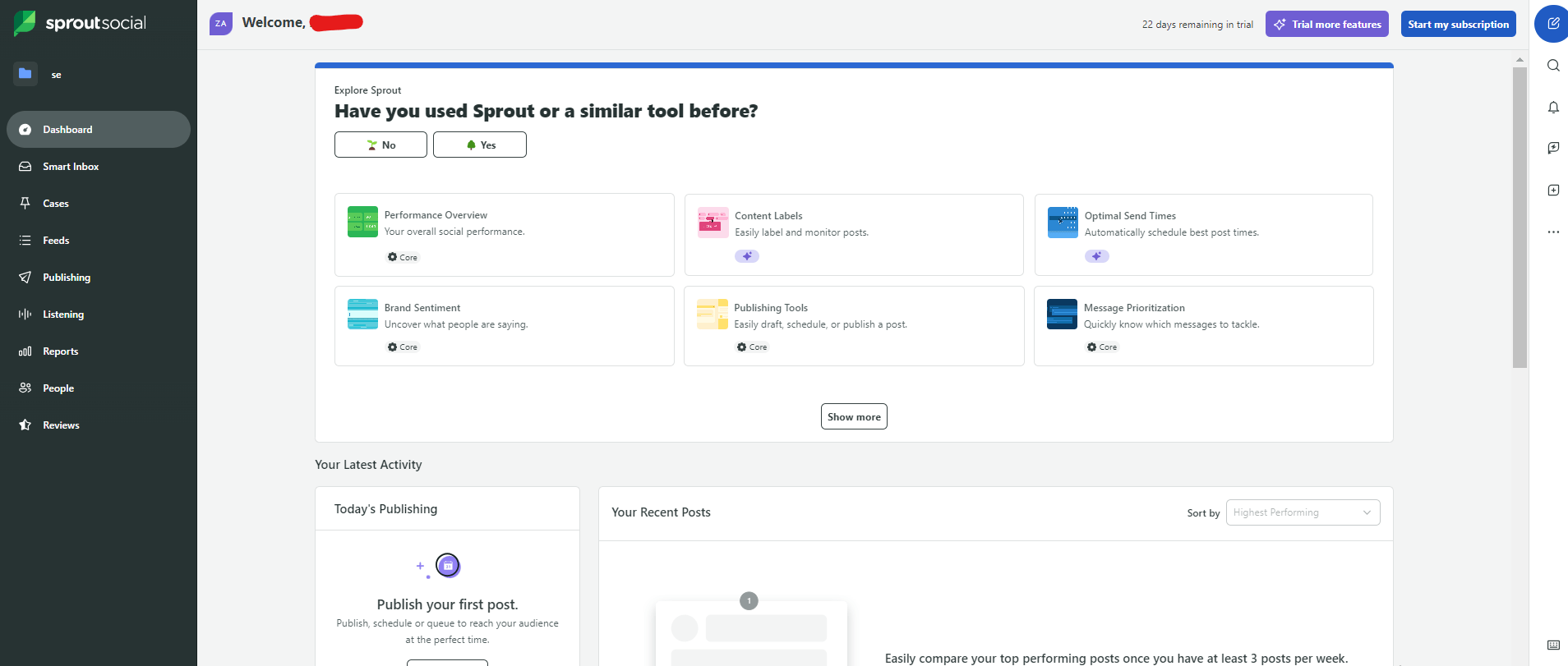
Sprout Social dashboard Features
- Unified Inbox: Sprout Social’s Unified Inbox is a standout feature that allows users to manage messages from different platforms in one place.
- Post Scheduling: The platform’s Post Scheduling feature lets users plan and queue content in advance. With Sprout Social, you can even Post to All Social Media at Once, saving time and ensuring consistency across your channels. This makes social media automatic posting free of hassle and manual effort, allowing you to focus on more strategic tasks.
- Analytics: Sprout Social offers in-depth performance analytics, providing detailed reports that help you understand what’s working and what isn’t.
- Team Collaboration: Sprout Social’s team collaboration tools are designed for businesses with multiple team members managing social media.
Pros Cons Industry-leading reporting and ROI tracking Very high entry price ($199/mo+)Deep CRM and Salesforce integrations Steep learning curve for advanced features
Featured Article: 20 Essential Social Media Analytics Software for Business Success
-
-
Later
Later is a social media management tool designed with a focus on visual content, making it ideal for brands and individuals who rely heavily on images and videos.
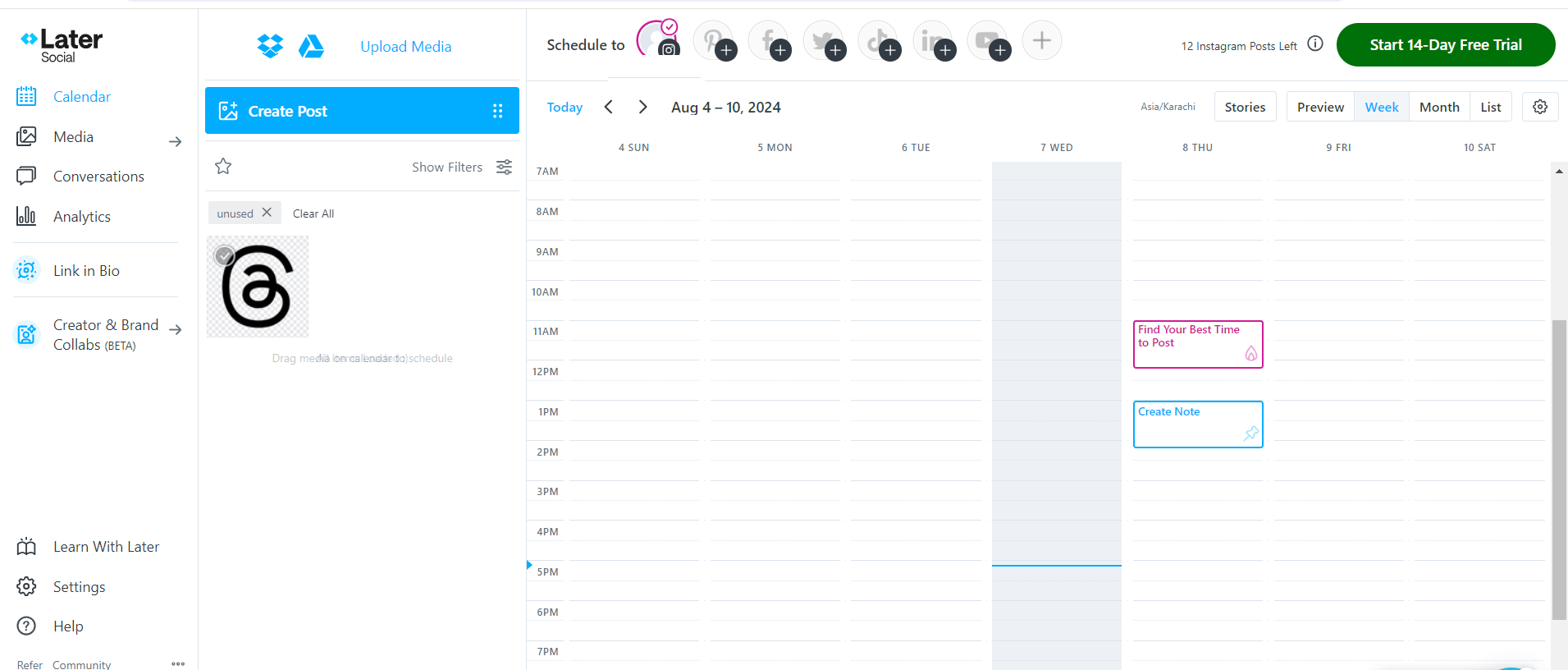
Later dashboard Features
- Visual Content Calendar: Later’s Visual Content Calendar is a drag-and-drop scheduling tool that makes planning your posts intuitive and easy. If you’re using it as a Facebook Post Scheduler or an Instagram scheduler, the visual calendar simplifies the entire content planning process.
- Post Scheduling: Later’s Post Scheduling feature allows you to queue up posts for Instagram, Facebook, and Twitter. You can plan your content days, weeks, or even months in advance, ensuring a consistent posting schedule without the need to manually publish each post.
- Media Library: Later’s Media Library helps you organize and manage your visual content effectively. You can store, categorize, and access all your media files in one place, making it easier to plan and schedule posts.
Pros Cons Best visual content calendar/preview Limited features for text-heavy platforms (X/LinkedIn)Strong UGC (User-Generated Content) sourcing Basic analytics for non-visual platforms -
CoSchedule
CoSchedule is an all-in-one marketing and social media management tool designed to streamline the planning, execution, and analysis of your content marketing efforts.
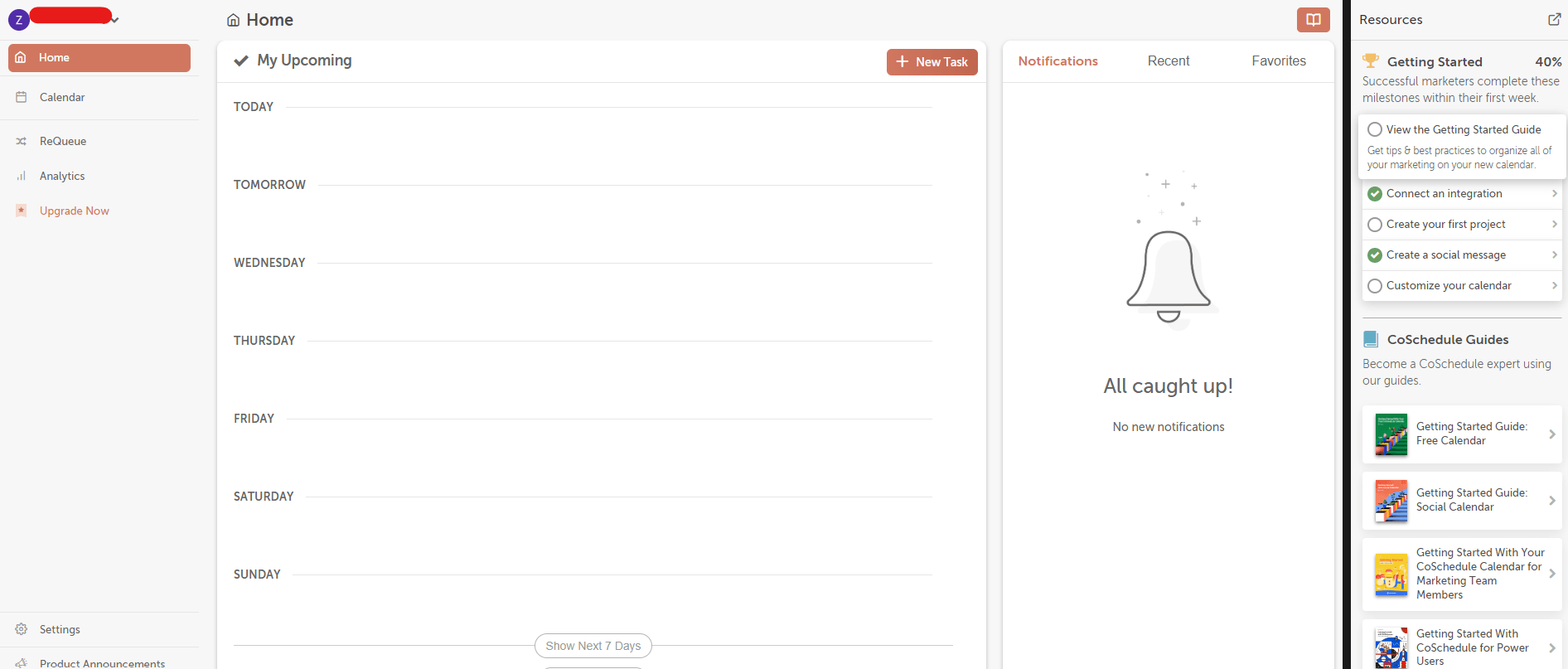
CoSchedule dashboard Features
- Content Calendar: CoSchedule’s Content Calendar is one of its flagship features, offering a visual and intuitive way to plan and organize your content.
- Social Media Automation: CoSchedule’s Social Media Automation feature is designed to save time and effort by allowing you to schedule and automate your social media posts across various platforms.
- Analytics: CoSchedule provides performance tracking through its analytics tools, allowing you to monitor the success of your social media campaigns.
Pros Cons Unifies social, blog, and email tasks Higher price point for the full Marketing SuiteIntuitive drag-and-drop calendar Free plan is quite restrictive -
MeetEdgar
MeetEdgar is a social media management tool designed with automation at its core. It’s particularly popular among businesses and marketers who want to save time by automating their social media posts while keeping their content strategy organized.
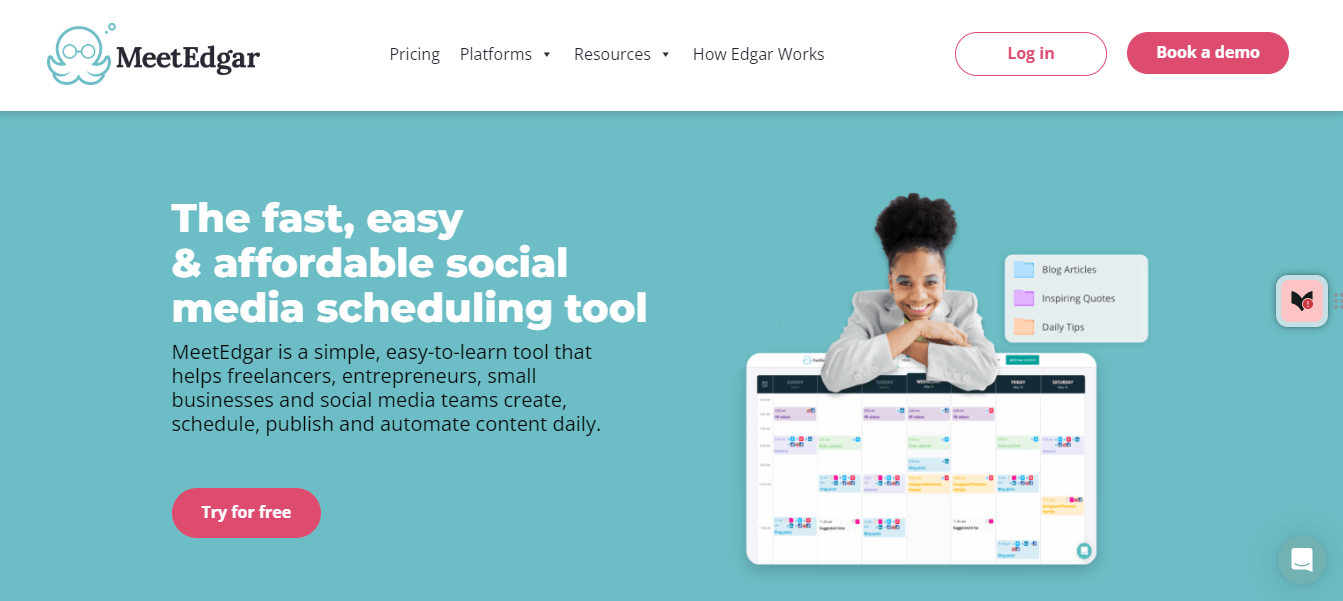
MeetEdgar landing page Features
- Automated Posting: One of MeetEdgar’s key features is its ability to automate the posting process. Unlike traditional social media schedulers, MeetEdgar doesn’t just post content once and forget about it.
- Content Categorization: MeetEdgar makes it easy to organize your social media posts by category. This feature allows you to group similar content, such as blog posts, promotional material, or quotes, making it easier to manage and schedule posts based on your content strategy.
- Analytics: To help you understand how your content is performing, MeetEdgar offers basic analytics tools. You can track the engagement and reach of your posts, gaining insights into which types of content resonate most with your audience.
Pros Cons Infinite content recycling keeps feeds busy Supports fewer platforms than Social ChampEasy category management No social inbox or listening tools -
SocialBee
SocialBee is designed to simplify and enhance the way businesses and marketers handle their social media presence.
As a powerful social media scheduler, SocialBee allows users to manage multiple platforms with ease, ensuring that content is always timely and relevant.
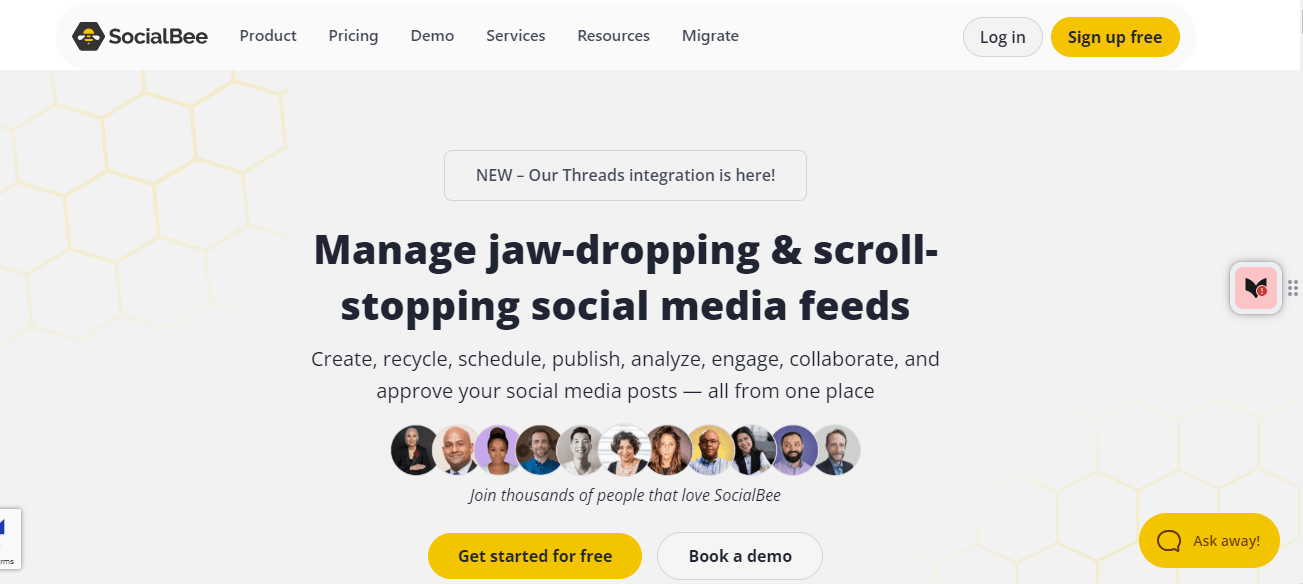
SocialBee landing page Features
- Content Categories: One of the standout features of SocialBee is its ability to organize posts into distinct categories. This feature allows users to categorize their content based on themes, types, or any other criteria that fit their strategy.
- Scheduling: SocialBee offers robust scheduling options, allowing users to post across multiple platforms with ease. Whether you need to schedule posts for Facebook, Twitter, LinkedIn, Instagram, or Pinterest, SocialBee has you covered.
- Analytics: While SocialBee focuses more on content organization and scheduling, it also provides basic analytics to help you track the performance of your posts.
Pros Cons Excellent balance of price and features The mobile app can be laggy at timesPowerful content categorization UI feels slightly dated compared to Buffer
-
Featured Article: SocialBee Pricing
-
Post Planner
Post Planner is a tool designed to simplify the process of content scheduling and discovery.
It’s particularly well-suited for small businesses, marketers, and individuals who want to maintain an active social media presence.
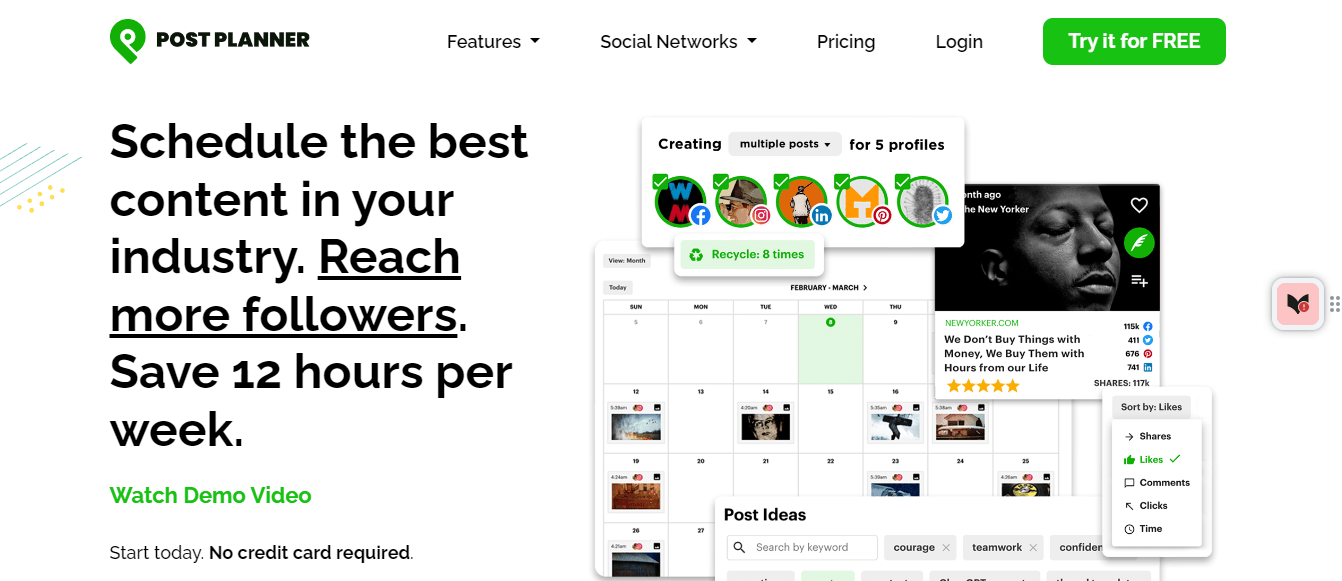
Post Planner landing page Features
- Content Scheduling: Post Planner’s primary feature is its content scheduling capability. Users can easily schedule posts across various social media platforms, including Facebook, Twitter, and LinkedIn.
- Content Discovery: One of the standout features of Post Planner is its content discovery tool. This tool helps users find trending and popular content to share with their audience.
- Analytics: Post Planner offers basic analytics to help users track the performance of their posts. The platform provides insights into engagement metrics such as likes, shares, comments, and clicks.
Pros Cons Built for scale and client management Too complex for a single business ownerUnified dashboard for multiple brands Occasional delays in syncing with newer platforms -
Sendible
If you’re looking to schedule posts and analyze performance, Sendible provides a suite of tools aimed at enhancing your social media strategy.
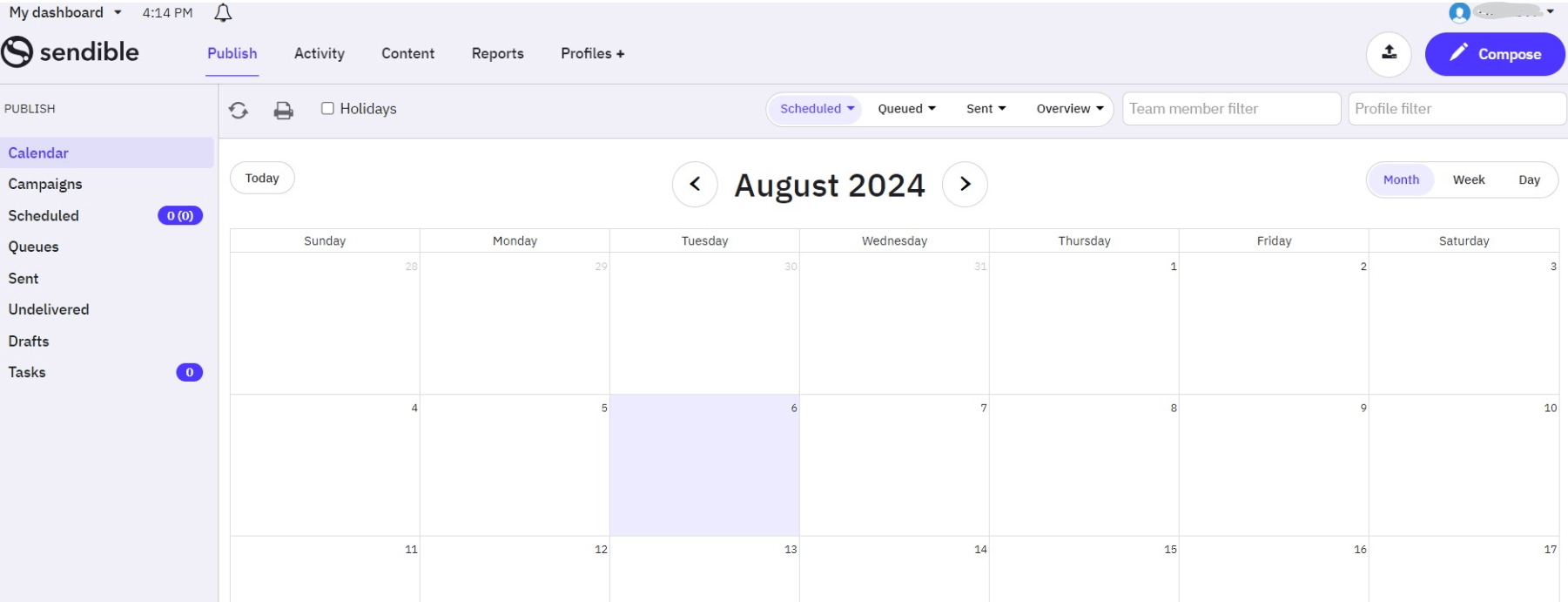
Sendible dashboard Features
- Social Inbox: Sendible’s Social Inbox consolidates messages from various social media channels into one place, making it easier to manage interactions and respond promptly.
- Analytics and Reporting: Users can access detailed analytics and reports on post performance, engagement metrics, and audience growth. Customizable reports can be generated to track specific KPIs and share insights with stakeholders.
Pros Cons Excellent for team feedback and approvals No unified engagement inboxBudget-friendly for mid-sized teams Basic analytics suite
If you want to learn more about automation tools for different platforms, refer to the following:
Conclusion
In 2026, the world of social media management continues to grow, and the right social media auto-posting tools can make all the difference in streamlining your strategy.
If you’re looking for strong features, user-friendly interfaces, or advanced analytics, the top auto-posting tools on this list offer a range of options to meet your needs.
Each tool brings its strengths to the table, ensuring that you can find a solution tailored to your unique requirements.
By using these social media auto-posting tools, you can automate routine tasks, enhance your content strategy, and focus on engaging with your audience.
Investing in the right tool not only saves time but also helps you maintain a consistent and effective social media presence.