
If you’re a tech-geek who already knows most of the ‘what and whys’ about RSS feeds, you can skip the next few paragraphs in this article.
Or maybe you can save this link to explain it to someone who has no clue about RSS and save those precious 15 minutes of your life where you try to explain it all by yourself.
So, for those who don’t know what RSS is, here you go!
What Does RSS stand for?

RSS stands for Really Simple Syndication, or in more human language Rich Site Summary. But that information is useless unless you’re preparing for your school quiz or looking to impress your not-so-geeky friends and family.
But if you somehow belong to the species who’re 27×7 online, looking for content, latest updates, tools, lead generation, strategies, emails, blogging (also known as a digital marketer), RSS can change your life.
Remember the days when you first discovered the email, and now you can’t live without it? RSS will give you the same vibes. It won’t cost you anything and will not take that long to get started.
What is RSS Feed?
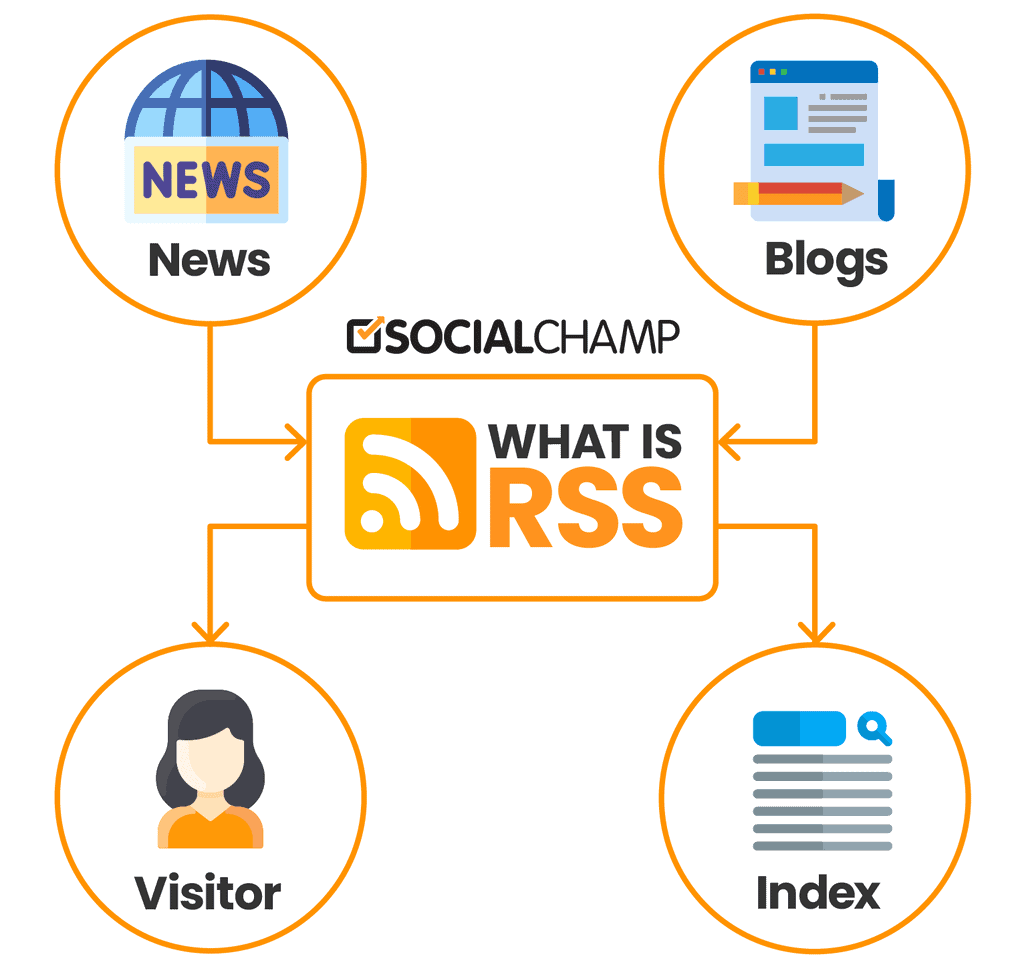
An RSS feeds are an XML-based format for your website content. Many blogging platforms have a built-in RSS feed. So, the visitors can subscribe to the blog’s RSS feeds for the latest updates.
How do RSS feed works?
For starters, RSS feeds help you in distributing your content.
Didn’t get it. Can you simplify it a little more?
Sure!
So, let’s say there are few websites you love to visit on a semi-regular basis for information. They could be blogs like this one, some typical news sites, or a magazine you love.
Let’s say there are 5 to 10 of those websites you visit daily while searching for content online. And 5 to 10 more you visit now and then see if there’s any new update.
You have an assistant who visits each of these sites for you every 15 to 30 minutes to check if there’s something new. If he finds something fresh related to your interest, an article, news, or update, he will send it to you in your email inbox. Ignoring all the remaining stuff he scanned while searching, he will only send you the relevant ones in a categorized form from all those sites.
Imagine how much time that assistant is saving you just by doing that!
You don’t have to adjust yourself to different fonts, layouts, and styles. The assistant will send you all in the same format. And he makes sure that you don’t waste time reading the same content twice (which you’ll do most probably if you visit the sites on your own).
So, RSS makes it possible what your imaginary assistant is doing here – only it’s much better.
RSS is that life-savior assistant who manages all that for you.
Bookmarking vs. RSS?
Are you wondering that bookmarking and RSS feed are the same? Well, they’re not. Bookmarking is when you find something on a website while searching, and you save that link for later. You bookmark so many websites, but you won’t get notified every time there’s a new post or podcast on the website.
That’s where you end up having the same information repeatedly.
While if you use an RSS feed, you’ll get notified whenever there’s a new post. And you can also mark as read’ the articles you’ve already seen.
Still, Why Should I Care About RSS Feed?
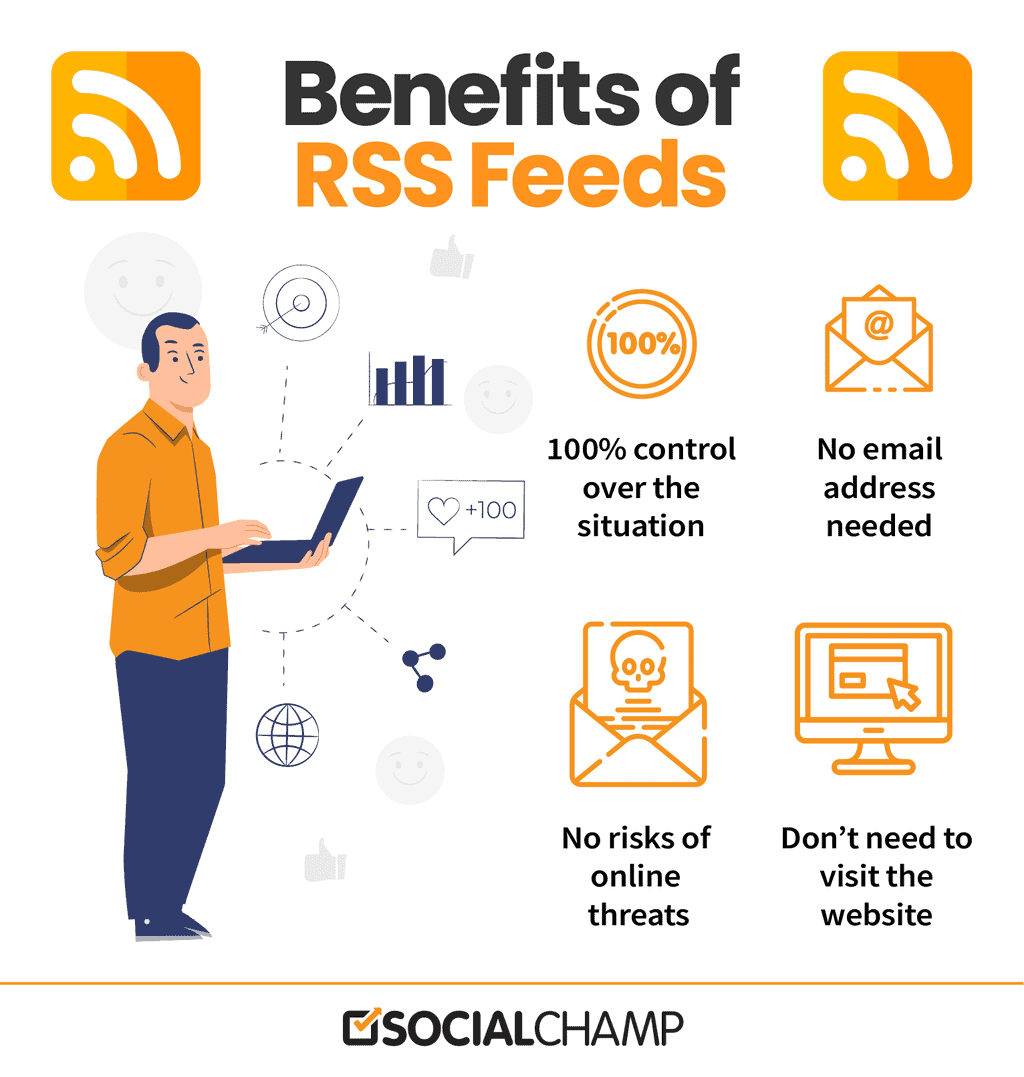
Three major reasons:
- It saves time. Faster than your imaginary assistant. You .
- It’s a reliable way to keep track of the updates and information.
- It’s all formatted.
Can you imagine your newspaper where all the articles have their font and layout? (I know, bad idea).
Process information more efficiently with RSS
Isn’t RSS an Old School Thing?
Since I just mentioned newspaper, you might think RSS feeds are one of those old cassettes or video game thing. Relax, this is not a 90’s nostalgic memory we are talking about.
Is RSS still relevant in 2026?
It’s 2026, should I still be using RSS feed? Is RSS feed still used online?
The answer to this is both yes and no.
Yes, RSS feeds are still there. No, there aren’t as dominant as they were once.
The most genuine answer to this is, it depends on how you use it.
Most experts online argue that social media sites have become the go-to option for the latest content. Most of the blogs offer the readers to follow them on social media, with no RSS feeds.
But here’s the thing. How about using an RSS feed in your social media marketing strategy?
Why RSS Feeds?
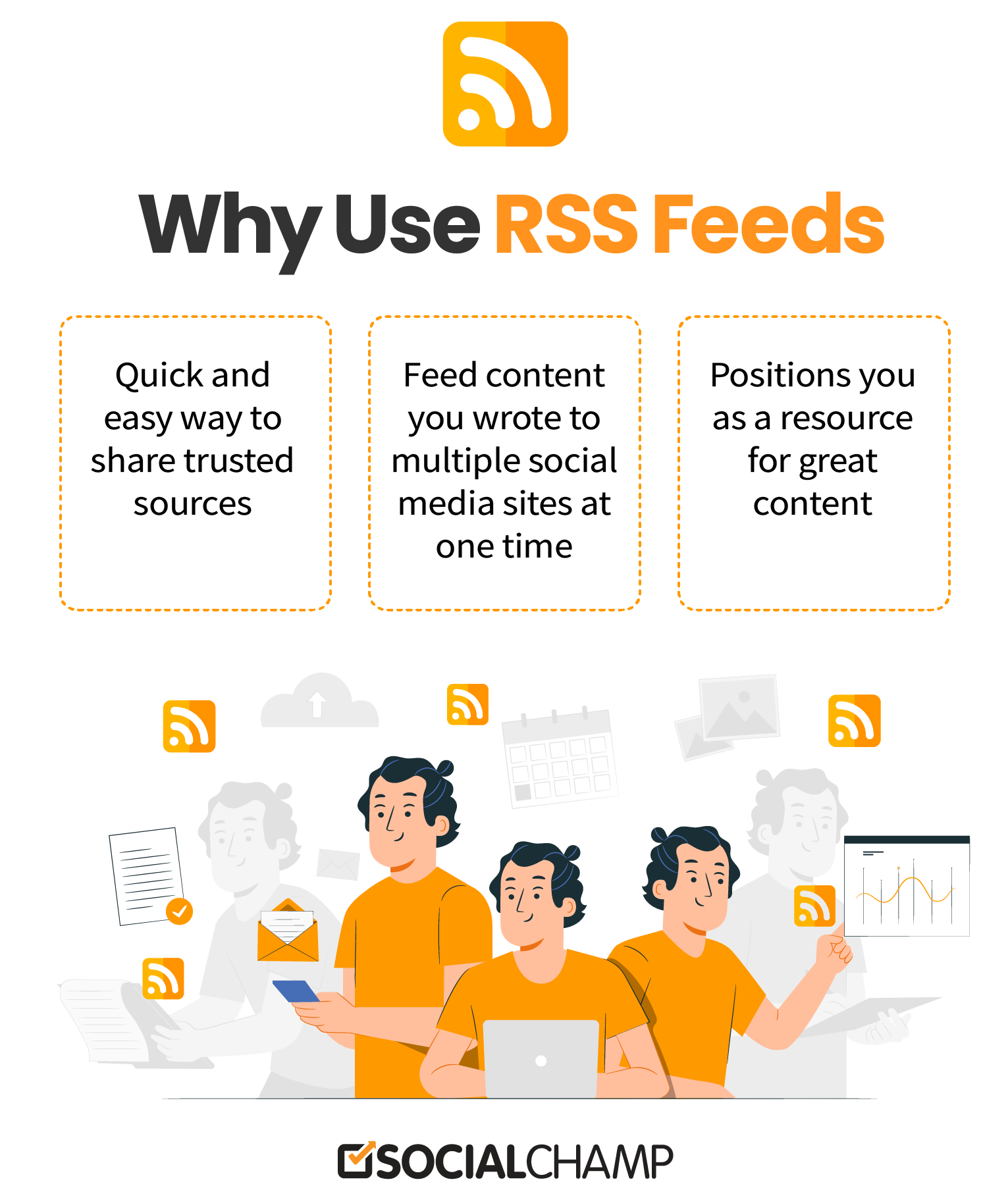
If you are genuinely dedicated to a site and need to see all that it brings to the table, an RSS feed is the ideal approach to ensure you miss nothing.
RSS feeds are regularly simple to read at your recreation and refresh regardless of whether you are not on the web. So they are precious for making up for lost time with the news during your vacation. This has developed into a substantial advantage with the rise of well-made mobile apps that go about as feed readers.
RSS feeds are not only to have a quick scan at a website’s new content, but it is also a great source to push content on social media. It’s a decent option compared to social media if you need the news and articles without all the baggage that accompanies having a Twitter or Facebook account.
8 Ways to Use RSS Feeds in Social Media Marketing
1. Distribute your blog content
Adding an RSS feed to your blog or news page enables its content to be naturally shared around the web.
2. Create a newsletter
Aggregate blog posts into a pre-characterized template and send it out as a newsletter to a standard schedule.
3. Subscribe to industry news sites/blogs
Subscribe to your industry’s news/blogging websites to remain over industry patterns and points. Initially, start populating your users with blogs and news reporting on trends and subjects identifying with your business’ industry.
Consider additionally subscribing to the blogs of your rivals so you can monitor what they’re distributing too. Sort the feeds for your users into various topics and categories to keep them composed and simple to check.
4. Use it to help conceptualize blogging thoughts
Trying to beat an instance of blogger’s block? Investigate your reader for blog topic motivation.
Look at what different bloggers in your industry are expounding on. Does that flash a thought?
Notice another pattern that you believe is relevant to your industry? Talk about it!
Can’t help contradicting another blogger’s assessment? Be controversial!
5. Recognize suitable LinkedIn questions
Responding to industry-related inquiries on LinkedIn is an extraordinary chance to display thought initiative, gain visibility for your company, link back to your very own content, and generate leads from LinkedIn. Distinguish suitable inquiries by subscribing into categories that bode well for your industry.
For instance, if you’re a marketing specialist, click on the ‘Marketing and Sales’ category; look down on the right and click ‘Subscribe to New Questions in Marketing and Sales’ for the RSS feed.
6. Search for relevant Quora topics
Like LinkedIn Answers, Quora is another extraordinary spot to respond to industry-related inquiries. Precisely the same standard applies to Quora, except for Quora calls categories ‘Topics.’ Collect the RSS feed for a particular topic by clicking ‘Feed’ on the right-hand side after you’ve scanned for a subject.
7. Track for specific Google searches
An incredible source for browsing for new blog articles and news is Google itself! Google has ‘Google News’ and ‘Google Blogs’ search function, which are both excellent tools for gathering and looking for articles relevant to your business. Discover this search function, conduct a Google search, and snap-on either ‘Blogs’ or ‘News’ on the left-hand side. If it rarely shows up for you, select ‘More.’
At the bottom of those pages is the orange RSS symbol/connect that you can click to subscribe to the feed.
8. Pursue blog comment feeds to differentiate influencers
Many blogs offer “comment feeds,” or RSS feeds of the individuals who comment on their blog sections. Utilize these to understand who the influencers you should network and create connections are. They most likely have similar interests to you, and since they are vocal, they presumably have their very own reach that you can gain admittance to once you build a relationship.

Share the latest blog on your website to the connected social networks with Social Champ’s Auto RSS tool
How to Use Social Champ’s Auto RSS Feature
Here’s how Social Champ can help you with the process of content curation and automating your social profiles using RSS feeds.
For posting content on social media
Let’s say you’re a blogger, or you own a blogging site, and every time there’s a new blog post published on the site, it has to be shared on social media.
This can be done in two ways.
The normal (read dumb) way is to wait for the new blog post. Once it’s published and live, and you got that information at the right time (if you’re on a different team), now all you have to do is go to your browser. Open all your social accounts, Facebook, Twitter, LinkedIn, Pinterest, and Instagram on different tabs. Write your caption, hashtags, mentions, or whatever you wish to, with the blog link for your Facebook page and then publish. Repeat the same for all the other networks.
And there you go! Bravo! You wasted precious 10 minutes of your life doing all this manually!
When you can automate all this process through Social Champ.
Now, here’s a smart way to do this.
Login to your Social Champ’s account. Suppose you haven’t made one, sign-up right away! Now there are two ways to share your blog on social media.
- Smart
- Professional
The smart way is:
Go to the content box, paste your blog post link, write a caption, select the accounts you want to share, and POST!
If you have got the analytics or any charts that show when your audience is most active, or you work in different time zones, you always have the option to schedule your post.
The professional way to do this is:
Go to the “Auto Post RSS Feeds’ option in Social Champ’s app. Add the RSS link to your website.
Select the Auto RSS option and set the frequency of your posts. Save the format for your caption. Select the profiles you want to share the blog and save the setting.
There you go! All set! Every time there’s a new blog post on your site, it will automatically be shared on your social accounts. You can keep track of your posts’ performance in the analytics section.
Set it once, and live your life in peace. How does that sound?
Peaceful. Right?
Use RSS Feed for content curation
Use Social Champ’s content suggestion feature to make your content curation process much more manageable.
You can learn more about content curation in this blog.
Go to content suggestion. Type any topic you’re looking for in the search bar. Social Champ will show you the latest articles, news, and blogs related to it.
If you have your favorite websites, as mentioned above (the whole – assistant searching for you – scenario), you can add their RSS feed links in Social Champ. So, every time they have something new, it will be there for you.
Want to share it with your social audience. Click on the ‘Make a Post’ and share it directly from there.
So, there you go! Now you have the smart way to use RSS feeds in your social media marketing. Let’s see how you make the most of it!
Try Social Champ’s content curation feature to make you a better marketer. Save time and schedule posts, monitor performance, automate RSS feeds, and a lot more in a single tab. Try it for free today!




32 comments
Helmy Kurniawan
selama itu gratis dan bermanfaat maka saya akan mencobanya
Billmore Venki
Like this post. We will be creating some RSS feeds for our website and sharing them on social media.
viji
The information you’ve shared in this blog is remarkable. Thanks for sharing such quality information.
Aira Pulido
Informative blog shared here over RSS feed. Thanks for sharing.
Anny Bon
Nice Post.
Mila R
You lost me in the beginning. I have no clue what XML-based format is…
Paul
Very thorough information about RSS. I really did think RSS feeds were dead except for podcast services.
Wajid Ali
Awesome and very helpful information that you shared about RSS. It really helped me to understand the use of RSS in marketing. Thank You.
Nicole
This is very informative. Thanks so much for all this information!
Adventures with Shelby
This was really informative! Thanks!
Sadia Munir
Thank you! 🙂
Bindu Thomas
This is a really informative post. Well explained about RSS too.
Sadia Munir
Thanks! 🙂
Sarah M
Nice post. Thanks for providing useful information on the use of RSS feeds in social media marketing.
Rudy Stankowitz
Great information and very nicely explained. This is definitely helpful.
Elizabeth O
I surely will save this for later. Very useful information you got here.
Sadia Munir
Thank you! 🙂
Summer Mitch Ryan
So informative! I’ve been blogging for some time, only in this article I came across what the letters actually stand for.
Sadia Munir
Thanks for reading! Glad that you liked it. 🙂
Jackson Cyprian
Wow, I have not considered RSS as part of social media marketing tool. But your article has explained it better for me.
Sadia Munir
Thank you for reading! I’m glad you liked it. 🙂
Kimmy Mason
This is a lot of great information about RSS feeds. I definitely learned a few new things.
Sadia Munir
Thank you. 🙂 Happy to hear that.
Steph S
I use an RSS feed for all of my blogs and have them all connected to share to each other! Adds links!
Sadia Munir
Great! You really know your stuff! 😉
Le
Wow! You really broke it down in an easy to process format. I’ve always wondered what RSS was, but never took the time to look in to it.
Sadia Munir
Thank you! I’m glad you found this useful. 🙂
Mira
wow, I always saw this feature, I never knew what it was and how important it is! thank you for sharing this!
Sadia Munir
Well, now you know! 🙂 Thank you for reading and taking time to comment.
@unpopularAshley
Wow. I never knew RSS could be useful. I see links embedded for it but never knew what to do.
Sadia Munir
Thanks for reading and your comment. Now since you know pretty much all the basics about RSS in this blog, I hope you make the most of RSS feeds. 🙂
David Gonzales
What a great piece of information! Thanks for sharing