
If you’re starting to outgrow Buffer or feel like something’s missing in your current setup, you’re not alone. Social media teams today want more. More flexibility, more control, and better value.
Maybe you need stronger analytics. Maybe you need more features that Buffer doesn’t offer. Or maybe you’re just curious if there’s something better out there.
Short Summary
- Buffer remains a solid tool, but many businesses are exploring feature-rich alternatives.
- Social Champ offers automation, affordability, and multi-platform support for growing teams.
- Tools like Sprout Social, Hootsuite, and CoSchedule cater to larger teams with broader needs.
- Some platforms focus more on collaboration, analytics, or AI-based planning.
- Choosing the right Buffer competitor depends on your team size, budget, and goals.
The good news is that you have options. Plenty of them.
This list of the top Buffer competitors brings together tools that offer smarter workflows, fresher interfaces, and features that help you move faster.
Some are built for big teams. Others are perfect for lean businesses looking to scale.
Let’s break down your best options.
Manage All Your Channels in One Spot!
Why Consider Buffer Competitors in 2026
The way social media teams operate now differs from how they did a few years ago.
The platforms are now different. Demands for content have increased, and better insights, closer teamwork, and quicker response times are more critical than ever.
You most likely appreciate Buffer’s simplicity if you currently use it.
However, when your team or workload expands, you may find yourself wondering if there is something that better suits your needs right now.
At this point, Buffer competitors enter the discussion.
Today’s Workflows Call for Broader Capabilities
Teams now manage:
- Content across multiple platforms like TikTok, LinkedIn, Instagram, and YouTube
- Feedback and approvals from marketing leads, clients, or external partners
- Comments, DMs, and tags in one place, especially during campaigns or launches
- Reports that don’t just show numbers, but help explain what’s working
If your current tool doesn’t support all of that, things get slower, scattered, or harder to manage.
Buffer May Not Fit Every Team’s Workflow
Buffer still does a lot well, especially for smaller teams or those focused on scheduling.
However, if your business requires deeper collaboration or insights, you can check out some alternative options.
Here’s why many teams are considering Buffer competitors:
- Scalability: As your content load and team size grow, you may need more flexible workflows, advanced permissions, or automation
- Analytics: Some teams require deeper performance insights that go beyond basic engagement metrics
- Team Features: If you work across roles or departments, built-in collaboration tools like approval flows, internal notes, or calendar sharing can be crucial
Featured Article: 15 Must-Try Video Marketing Tools to Dominate
Buffer vs. Competitors: Feature & Pricing Comparison
If you’re thinking about switching from Buffer or just curious about what else is out there, a side-by-side comparison can help.
The table below compares Buffer with 10 other tools similar to Buffer, including what platforms they support, what they’re best at, and how much they cost.
| Tool | Pricing (Annually) | Platform Support | Key Features |
|---|---|---|---|
| Social Champ | Starts from Starter, which costs $4 | – Facebook
– Threads – Google Business Profile – YouTube – TikTok – X (Twitter)-Mastodon – Bluesky – GA 4 |
– Publish
– Social Inbox – Analytics – Calendar – Competitor Analysis – Team Collaboration |
| Hootsuite | Starts from Standard, which costs $99 | – Facebook
– X (Twitter) – Threads – TikTok – YouTube |
– Scheduling
– Analytics – Engagement – Social Inbox – Team Collaboration |
| Sprout Social | Starts from [Value not found], which costs [Value not found] | – Facebook
– YouTube – TikTok – X (Twitter) |
– Publishing & Content Planning
– Analytics – Social Inbox – Social Listening – Customer Engagement |
| Later | Starts from Starter, which costs $18.75 | – Facebook
– TikTok – X (Twitter) |
– Scheduling
– Creator & Brand Collaboration – Analytics – Social Listening – Social Inbox |
| Planable | Starts from Basic, which costs $33 | – Facebook
– Google Business Profile – TikTok – YouTube – Threads – X (Twitter) |
– Create
– Approve – Plan – Schedule – Collaborate – Analyze |
| CoSchedule | Starts from Social Calendar, which costs $19 | – Facebook
– TikTok – X (Twitter) – YouTube – Google Business Profile – Medium – Dribbble |
– Calendar
– Publishing – Content Marketing – Marketing Work Management – Digital Asset Management |
| Zoho Social | Starts from Standard, which costs $10 | – Facebook
– X (Twitter) – Mastodon – Threads – WhatsApp Business – Bluesky – Telegram Business – YouTube – Google Business Profile – TikTok |
– Publishing
– Social Inbox – Analytics |
| Sendible | Starts from Creator, which costs $25 | – Facebook
– TikTok – X (Twitter) – Google Business Profile |
– Scheduling
– Analytics – Team Collaboration – Social Inbox |
| Metricool | Starts from Starter, which costs $20 | – Facebook
– Threads – Twitter/X – Bluesky – TikTok – YouTube – Twitch – Google Business Profile |
– Planner
– Analytics – Social Inbox – Team Collaboration |
| Loomly | Starts from Starter, which costs $49 | – Instagram
– TikTok – X (Twitter) – YouTube – Google Business Profile – Snapchat – Behance |
– Publishing
– Social Inbox – Collaboration – Analytics |
One Tool. All Platforms. Maximum Impact.
Top 10 Buffer Competitors for Specific Use Cases
Buffer has long been a reliable option for social media scheduling and management.
It is not the only one, though.
There are websites like Buffer that might be more appropriate for your needs, no matter if you’re managing several brands, a growing agency, or simply need better reporting.
This Buffer competitor analysis breaks down 10 standout alternatives:
-
Social Champ
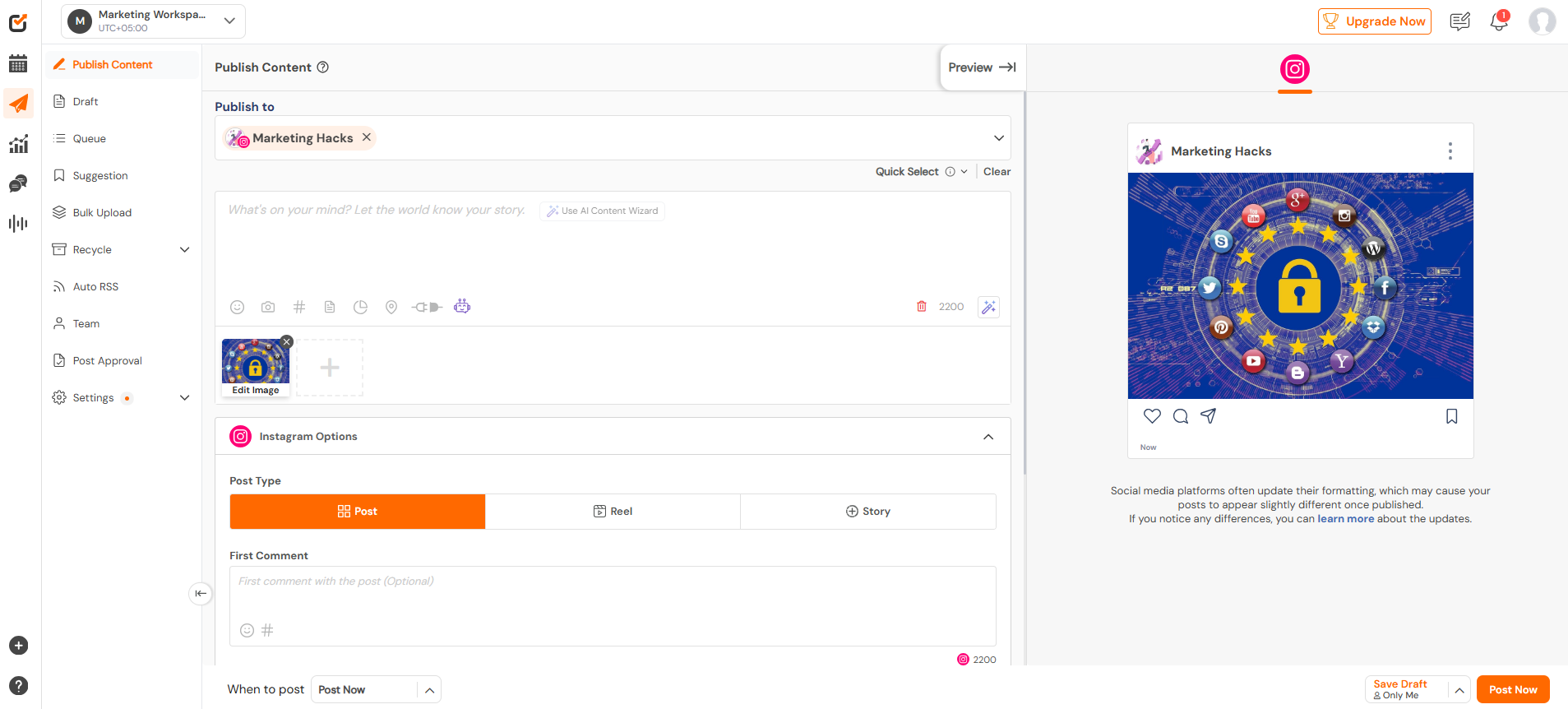
Social Champ’s Dashboard Social Champ is a growing favorite among social media managers and agencies that want smarter scheduling without the steep learning curve.
It has built-in AI features, platform-specific support, and automation tools that some platforms may lack.
Social Champ is built to grow with your needs, adapting easily, no matter if you manage several brands or work alone, with a strong backend and simple interface.
Key Features
- Schedule and publish content across 11+ platforms, including Facebook, Instagram, LinkedIn, X (Twitter), TikTok, Pinterest, YouTube, Google Business Profile, Threads, Bluesky, and Mastodon.
- Use the built-in AI Suite to write captions, generate content ideas, and create visual prompts.
- Bulk upload posts, set up automated queues, and recycle evergreen content to keep your calendar full without constant manual work.
- Manage all conversations through a unified inbox that pulls in comments and messages from multiple platforms.
- Collaborate with your team using role-based access, approval workflows, and internal notes.
- Generate detailed analytics with exportable, white-labeled reports that break down engagement, reach, and content performance.
- Track industry trends and monitor competitor activity to better shape your social strategy.
Best Use Case
Marketing teams and agencies that want to simplify their workflows, publish across all major platforms, and generate better reports, without paying enterprise prices.
Pricing
Social Champ comes with two pricing tiers, including a Pay-Per-Profile and a Flat-Rate model.
Here’s what you get in the Pay-Per-Profile:
- Starter, which costs $4 and has 1 user. In this plan, you can manage 1 social accounts.
- Growth, which costs $8 and has unlimited users. In this plan, you can manage 1 social accounts.
These plans also offer discounts as you scale. Here’s how much you can save in the Starter:
- For 1-10 social accounts: $4
- For 11-20 social accounts: $3
- For 21-40 social accounts: $2
- For 41+ social accounts: $0.50
Here’s how much you can save in the Growth:
- For 1-10 social accounts: $8
- For 11-20 social accounts: $3.50
- For 21-40 social accounts: $2.50
- For 41+ social accounts: $1
With Social Champ, you also get Flat-Rate bundles, which are:
- Free, which costs $0 and has 1 user. In this plan, you can manage 1 social accounts.
- Standard, which costs $23 and has 2 users. In this plan, you can manage 60543 social accounts. This plan also comes with add-ons for accounts. You can add another account for $5/account
- Professional, which costs $47 and has 5 users. In this plan, you can manage 12 social accounts. This plan also comes with add-ons for accounts. You can add another account for $4/account and pay $8/user for another user.
- Agency, which costs $119 and has unlimited users. In this plan, you can manage 30 social accounts. This plan also comes with add-ons for accounts. You can add another account for $3/account
- Enterprise, which is Custom and has unlimited users. In this plan, you can manage unlimited social accounts.
Social Champ also supports: Instagram, Facebook, TikTok, LinkedIn, YouTube, Threads, Pinterest, X, Google Business Profile, Bluesky, Mastodon, and WhatsApp Business
Posting Manually on Each Platform?
Automate publishing across multiple platforms, all from one dashboard of Social Champ. -
Hootsuite
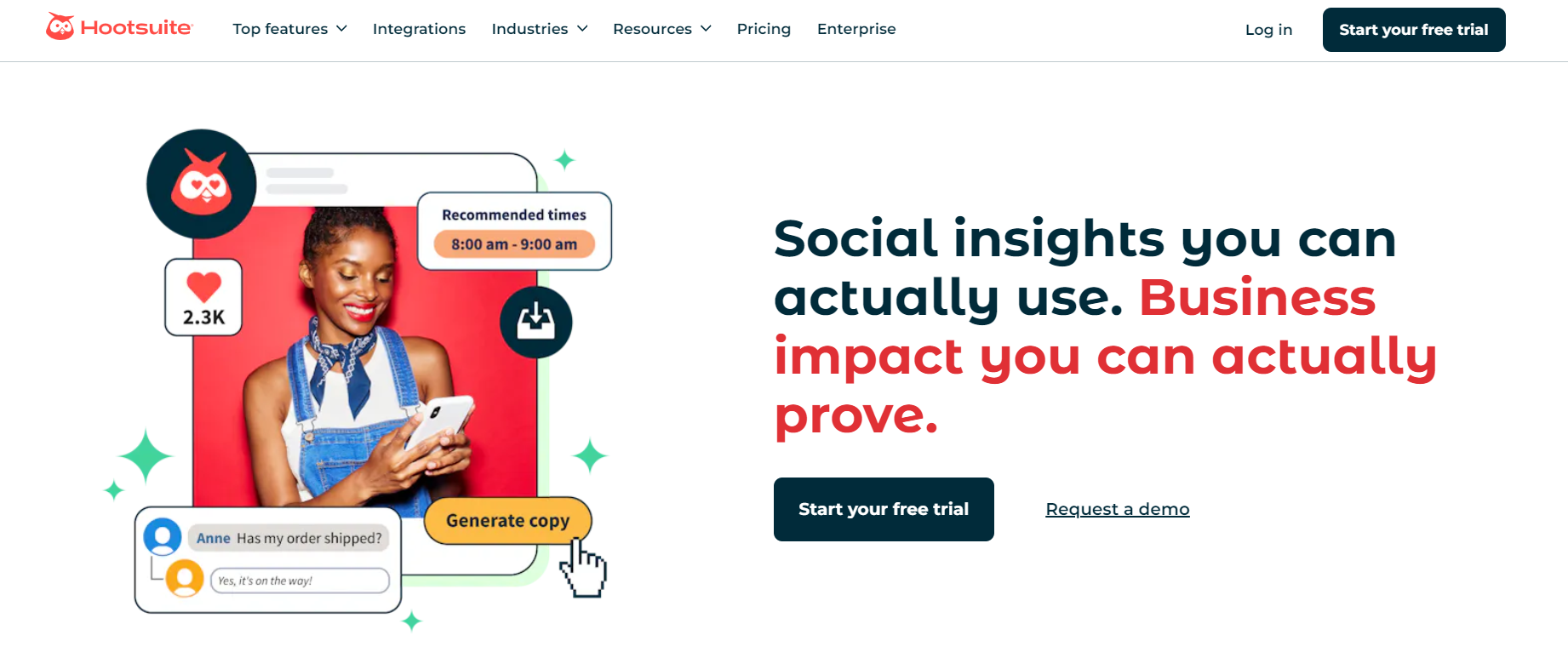
Hootsuite’s Landing Page Hootsuite is one of the longest-standing Buffer competitors.
Due to its extensive feature set, it is frequently chosen by large businesses and marketing firms.
It is a good choice for businesses with multi-platform requirements because it provides a large number of integrations.
Key Features
- Visual content calendar to schedule and organize posts across Facebook, Instagram, X (Twitter), LinkedIn, Pinterest, and YouTube
- Built-in post editor with media library and draft management
- Cross-platform analytics with customizable reports
- Social listening streams to track keywords, mentions, and hashtags in real time
- Ad campaign management for Facebook, Instagram, and LinkedIn directly within the dashboard
- Team assignments and permissions for better internal workflows
Best Use Case
Hootsuite works best for large businesses and marketing departments that need a reliable Buffer alternative with comprehensive analytics, paid campaign support, and multi-user collaboration.
Pricing
Hootsuite offers three plans, including:
- Standard, which costs $99 and has 1 user. In this plan, you can manage 60548 social accounts.
- Advanced , which costs $249 and has 1 users. In this plan, you can manage Unlimited social accounts.
- Enterprise, which is Unlimited and has Unlimited users. In this plan, you can manage Unlimited social accounts.
Hootsuite also supports: Facebook, Instagram, TikTok, LinkedIn, X, YouTube, Pinterest, Threads, WhatsApp, Google Business Profile, and Bluesky.
-
Sprout Social
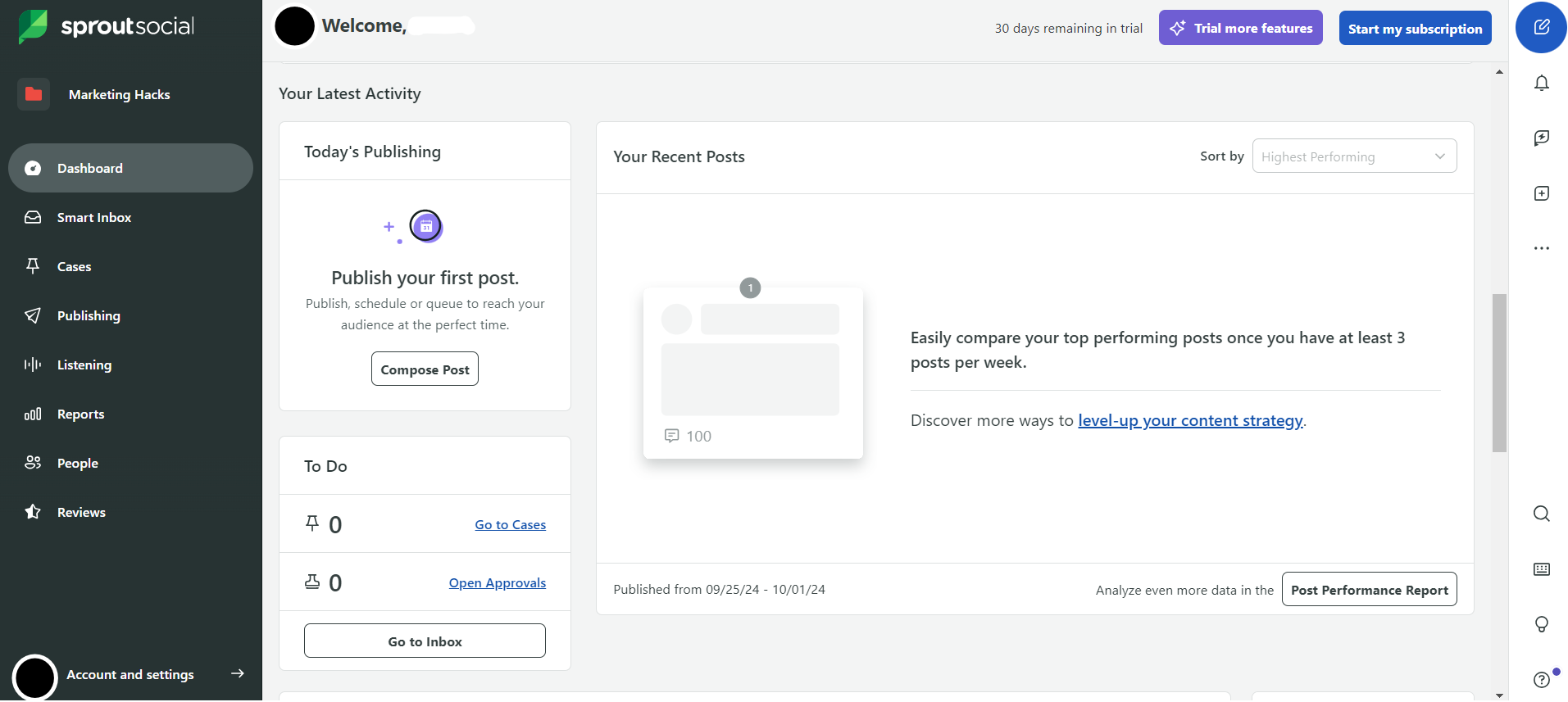
Sprout Social’s Dashboard Among Buffer competitors, Sprout Social is a premium option, particularly for teams that prioritize social engagement and comprehensive analytics.
It combines publishing, reporting, and CRM-like features in one powerful interface.
Key Features
- Intuitive publishing dashboard with approval workflows, visual calendar, and content suggestions
- Unified Smart Inbox for responding to messages, mentions, and comments across platforms
- Advanced analytics and performance reports with competitor benchmarking
- Team collaboration tools, including task assignment, internal notes, and permission settings
- Asset library for reusable content and consistent branding
- Integration with CRM systems and customer care platforms
Best Use Case
Sprout Social is ideal for customer-focused brands, support teams, or agencies that look for a more communication-heavy platform that goes beyond just scheduling.
Pricing
Sprout Social offers five plans, including:
- [Value not found], which costs [Value not found] and has [Value not found] user. In this plan, you can manage [Value not found] social accounts.
- Standard, which costs $199 and has 1 user. In this plan, you can manage 5 social accounts.
- Professional, which costs $299 and has 1 users. In this plan, you can manage Unlimited social accounts.
- Advanced, which costs $399 and has 1 users. In this plan, you can manage Unlimited social accounts.
- Enterprise, which is Custom and has Custom users. In this plan, you can manage Unlimited social accounts.
Sprout Social also supports: Facebook, Instagram, X, LinkedIn, Pinterest, TikTok, YouTube, Threads, Bluesky, WhatsApp, Reddit, Tumblr, and Google Business Profile
-
Later
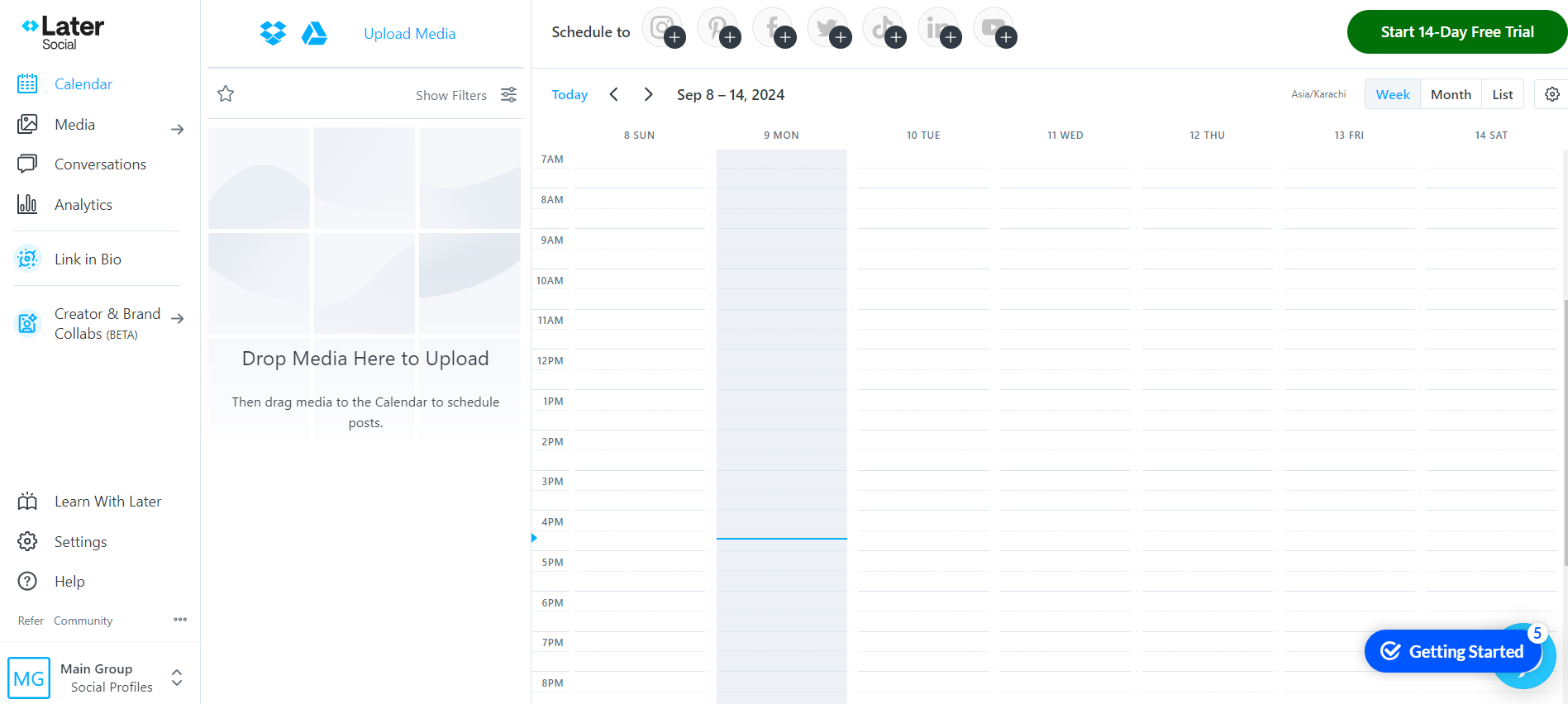
Later’s Dashboard Later has grown from an Instagram scheduler into a well-rounded social media management tool that supports multiple platforms.
It is one of the Buffer competitors that excel at drag-and-drop scheduling, AI-powered recommendations, and content planning.
Key Features
- Visual content calendar with drag-and-drop scheduling
- AI-powered caption writing and content ideas
- Integrated “Link in Bio” tool to drive traffic from Instagram
- Media library to store and organize branded visuals
- In-app analytics for engagement, reach, and performance tracking
- Social Inbox for managing comments and DMs
- Basic social listening tools to track brand mentions
- Collaboration tools for small teams and freelancers
Best Use Case
Later is a great choice for content creators and eCommerce teams looking to schedule visually driven posts, especially on platforms like Instagram and Pinterest.
Pricing
Later offers three plans, including:
- Free, which costs $0 and has 1 user. In this plan, you can manage 8 social accounts.
- Starter, which costs $18.75 and has 1 users. In this plan, you can manage 8 social accounts.
- Growth, which costs $37.50 and has 2 users. In this plan, you can manage 16 social accounts.
- Scale, which costs $82.50 and has 4 users. In this plan, you can manage 48 social accounts.
Later also supports: Instagram, Facebook, Threads, Pinterest, TikTok, LinkedIn, YouTube, and Snapchat.
-
Planable
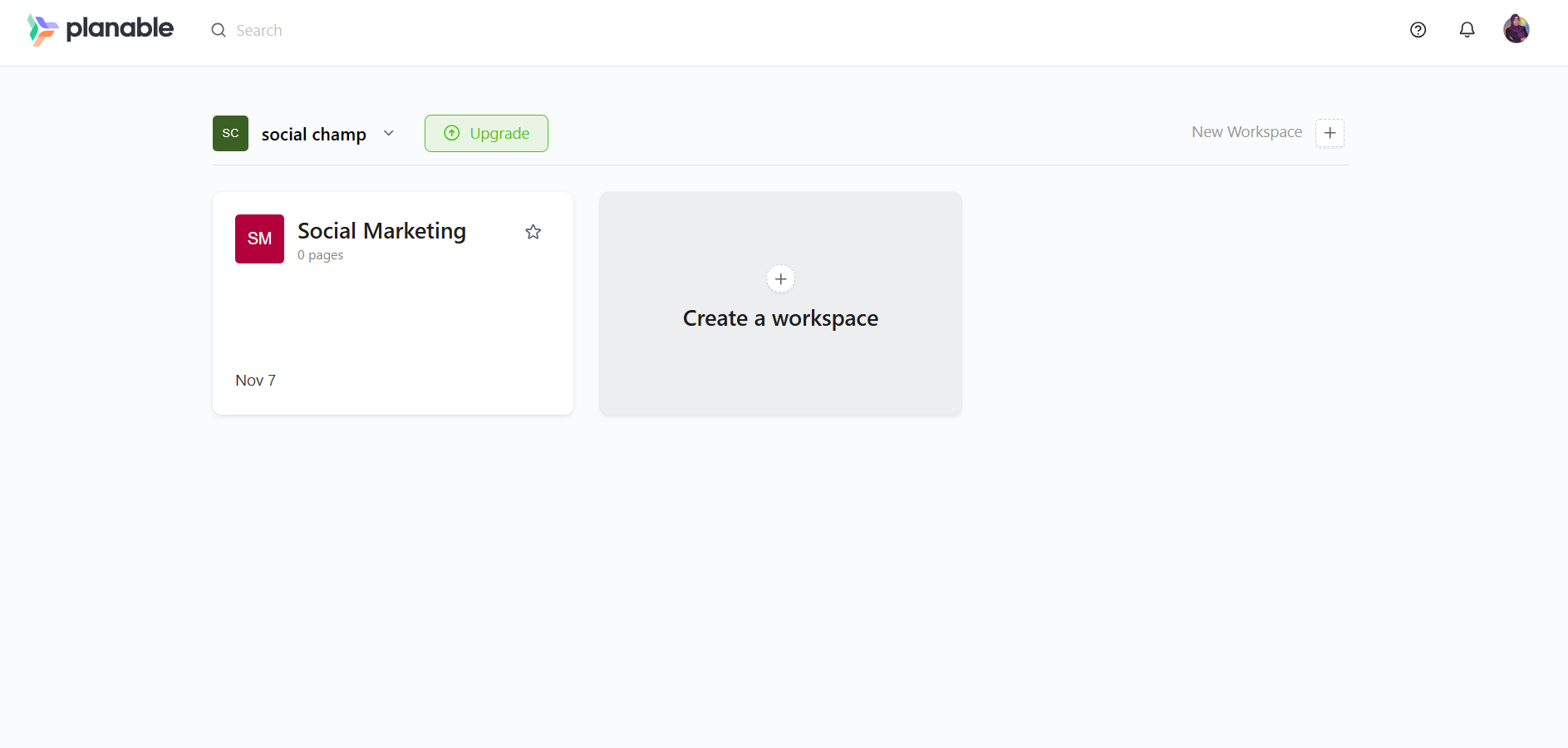
Planable’s Dashboard Planable is one of those Buffer competitors that stands out for its smooth collaboration workflow.
It was designed with agencies and internal teams in mind, particularly those that need to preview posts, share feedback, and get fast client approvals.
Its interface makes post planning, editing, and approvals easy, even if it does not rely heavily on automation or AI.
Key Features
- Real-time collaborative post editing with comments and approvals
- Visual content calendar for multiple social channels
- Side-by-side preview of how posts will look on each platform
- Multi-level approval workflows
- Engagement tools to reply to comments and track responses
- Basic performance analytics for post insights
- Supports Facebook, Instagram, LinkedIn, Twitter (X), TikTok, YouTube, and Google Business Profile
Best Use Case
Planable is ideal for creative teams, marketing agencies, and social media managers who need to simplify content approval and minimize back-and-forth communication before publishing.
Pricing
Planable offers four plans, including:
- Free, which costs $0 and has Unlimited users.
- Basic, which costs $33 and has Unlimited users. In this plan, you can manage 4 pages/workspace.
- Pro, which costs $49 and has Unlimited users. In this plan, you can manage 10 pages/workspace.
- Enterprise, which is Custom and has Unlimited users. In this plan, you can manage 50 pages/workspace.
Planable also supports: Instagram, Facebook, TikTok, LinkedIn, YouTube, Threads, Pinterest, X, and Google Business Profile
-
CoSchedule
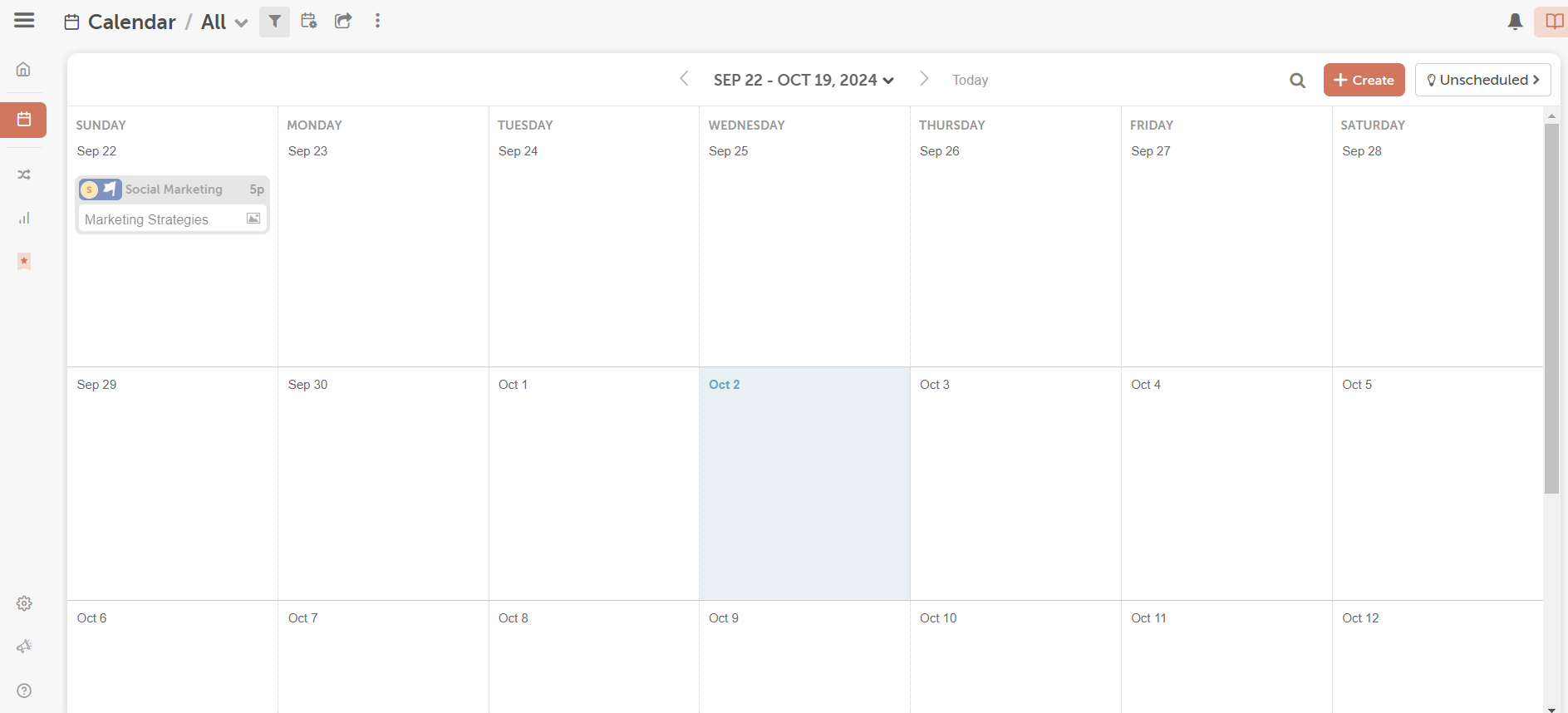
CoSchedule’s Dashboard CoSchedule is a preferred option for content-first teams.
With a single calendar, CoSchedule connects all of your brand’s or agency’s publications, including blogs, newsletters, and large-scale publications.
While it covers the basics of social publishing like Buffer, its content marketing capabilities give it an edge for long-form planning and coordination across departments.
Key Features
- Centralized marketing calendar to manage blogs, emails, social posts, and tasks
- AI-powered content assistant for faster writing and brainstorming
- Social media publishing across major platforms with bulk scheduling
- Project management features like task assignments and approval flows
- Performance dashboards to track post metrics, team productivity, and campaign success
Best Use Case
CoSchedule is ideal for content marketing teams, editorial planners, and marketing managers who want a bird’s-eye view of their content pipeline.
Pricing
CoSchedule offers five plans, including:
- Free Calendar, which costs $0 and has 1 user. In this plan, you can manage 1 social accounts.
- Social Calendar, which costs $19 and has 3 users. In this plan, you can manage 3 social accounts.
- Agency Calendar, which costs $59 and has 3 users. In this plan, you can manage 5 social accounts.
- Content Calendar, which costs Custom and has 5 users. In this plan, you can manage 5 social accounts.
- Marketing Suite, which is Custom and has Custom users. In this plan, you can manage 5 social accounts.
CoSchedule also supports: Facebook, Instagram, LinkedIn, Pinterest, TikTok, Threads, X, YouTube, Google Business Profile, Mastodon, and Bluesky
Featured Article: Social Media Management for Teams
-
Zoho Social
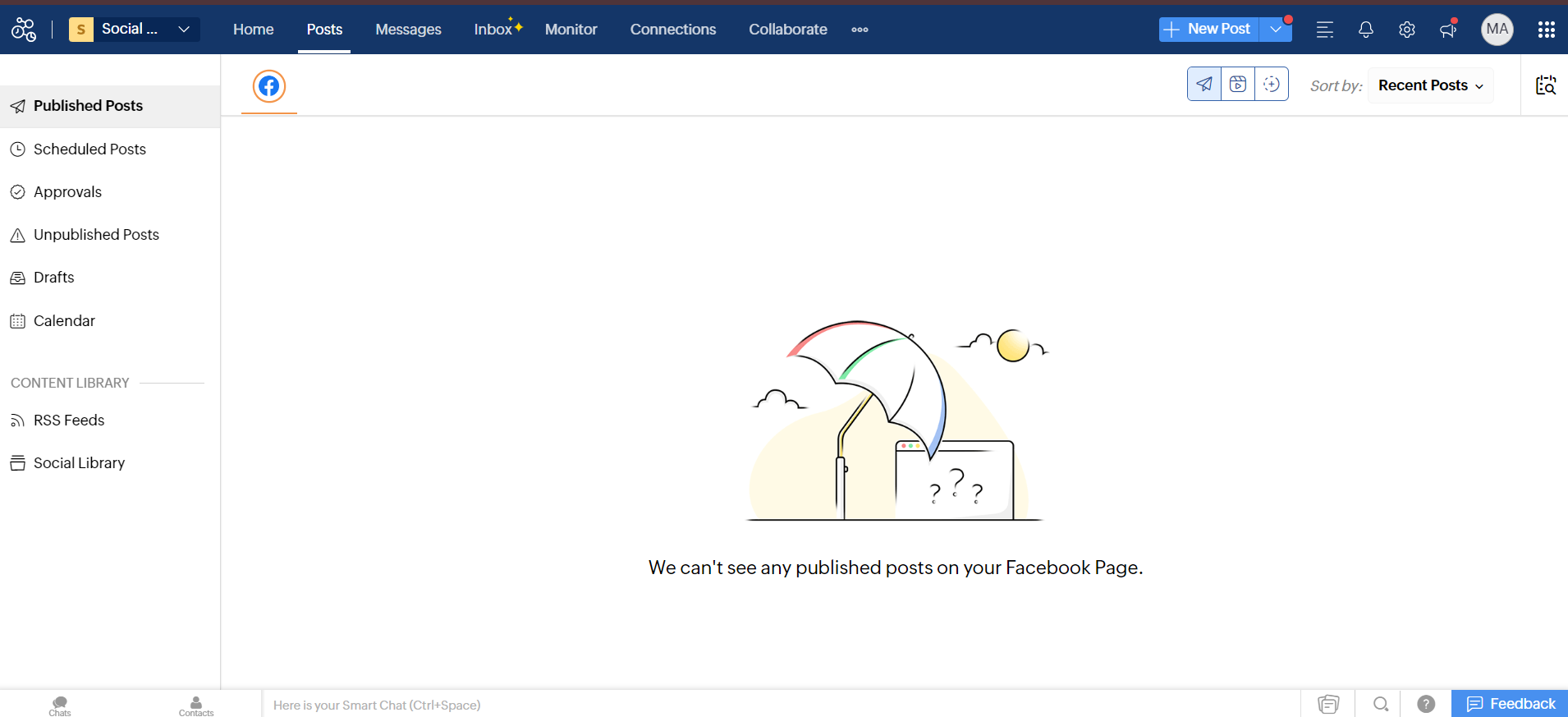
Zoho Social’s Dashboard Zoho Social stands out among Buffer competitors for one primary reason: its CRM integration.
Built as part of the larger Zoho suite, it’s a smart choice for businesses already using Zoho CRM or those seeking to integrate their social media activity with sales and lead tracking.
When it comes to scheduling, Buffer keeps things simple, while Zoho Social offers an additional layer of business intelligence.
Key Features
- Schedule posts across Facebook, X (Twitter), Instagram, LinkedIn, Pinterest, and Google Business Profile
- Real-time brand monitoring with keyword tracking and custom streams
- Collaborative publishing and approval workflows for teams
- Unified social inbox for managing conversations in one place
- Seamless integration with Zoho CRM for sales-aligned social media strategies
- Performance analytics with customizable reports and post insights
Best Use Case
Zoho Social is perfect for small to mid-sized businesses that want to align their social media strategy with lead generation and CRM workflows.
Pricing
Zoho Social offers four plans, including:
- Free, which costs $0 and has 1 user. In this plan, you can manage 60543 social accounts.
- Standard, which costs $10 and has 1 users. In this plan, you can manage 12 social accounts.
- Professional, which costs $30 and has 1 users. In this plan, you can manage 12 social accounts.
- Premium, which costs $40 and has 3 users. In this plan, you can manage 60558 social accounts.
Zoho Social also supports: Facebook, X, LinkedIn, Instagram, WhatsApp, Google Business Profile, YouTube, Pinterest, TikTok, Mastodon, Threads, and Bluesky
-
Sendible
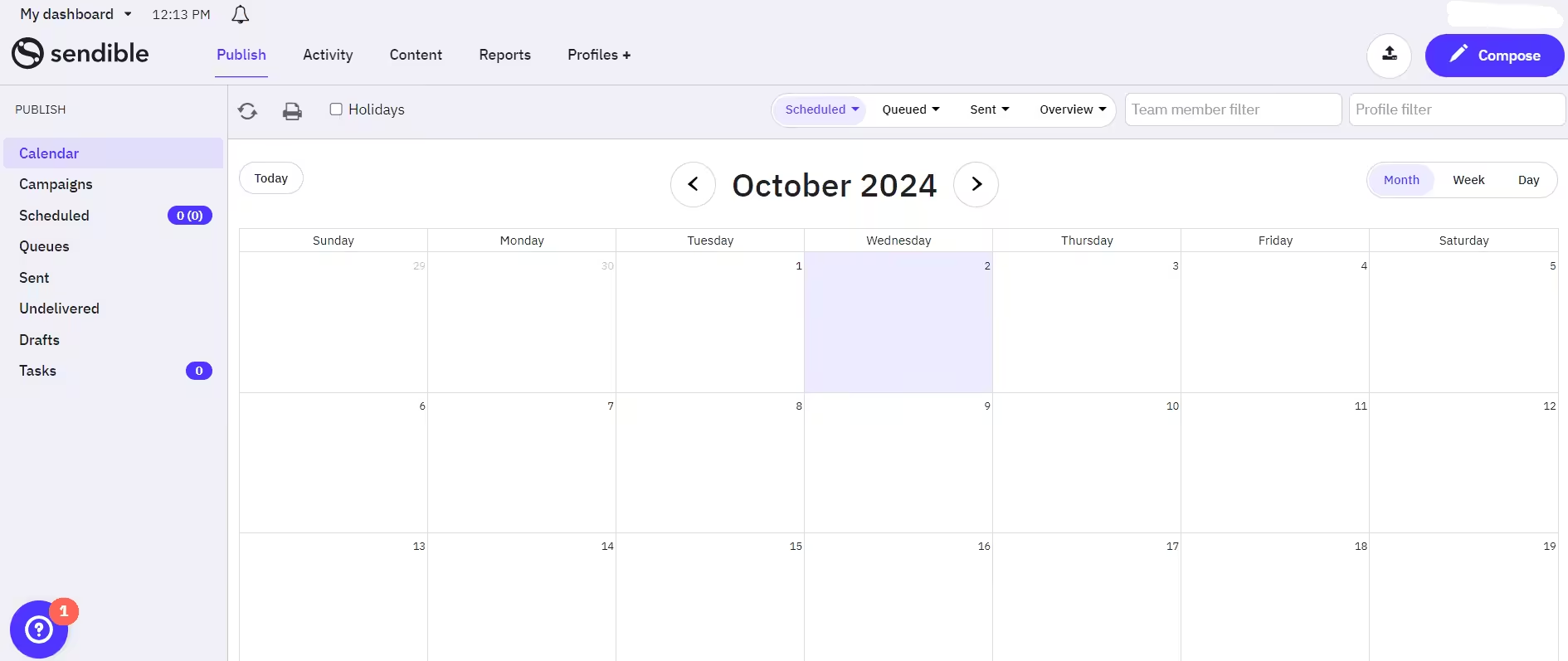
Sendible’s Dashboard Sendible is one of the most agency-friendly Buffer competitors.
It was created specifically for marketing teams that manage multiple clients, offering strong publishing features along with tools to source fresh content, facilitate collaboration, and deliver detailed reports.
Sendible is worth considering if you’re looking for something similar to Buffer, but with workflows that are more client-focused.
Key Features
- Schedule and publish posts to Facebook, X (Twitter), LinkedIn, Instagram, YouTube, Google Business Profile, and more
- Built-in content curation tools to find and share trending articles
- Smart queues, recurring posts, and bulk scheduling
- Unified inbox for managing engagement across accounts
- Custom dashboards and branded reports for clients
- User roles, approvals, and collaboration tools tailored for teams
Best Use Case
Sendible is best for agencies and freelancers managing multiple client accounts who need content curation, easy approvals, and white-labeled reports, all in one place.
Pricing
Sendible offers five plans, including:
- Creator, which costs $25 and has 1 user. In this plan, you can manage 60543 social accounts.
- Traction, which costs $76 and has 4 users. In this plan, you can manage 24 social accounts.
- Scale, which costs $170 and has 7 users. In this plan, you can manage 49 social accounts.
- Advanced, which costs $255 and has 20 users. In this plan, you can manage 100 social accounts.
- Enterprise, which costs $638 and has 80 users. In this plan, you can manage 400 social accounts.
Sendible also supports: Facebook, Instagram, TikTok, X, LinkedIn, Google Business Profile, YouTube, Threads, and Bluesky
-
Metricool
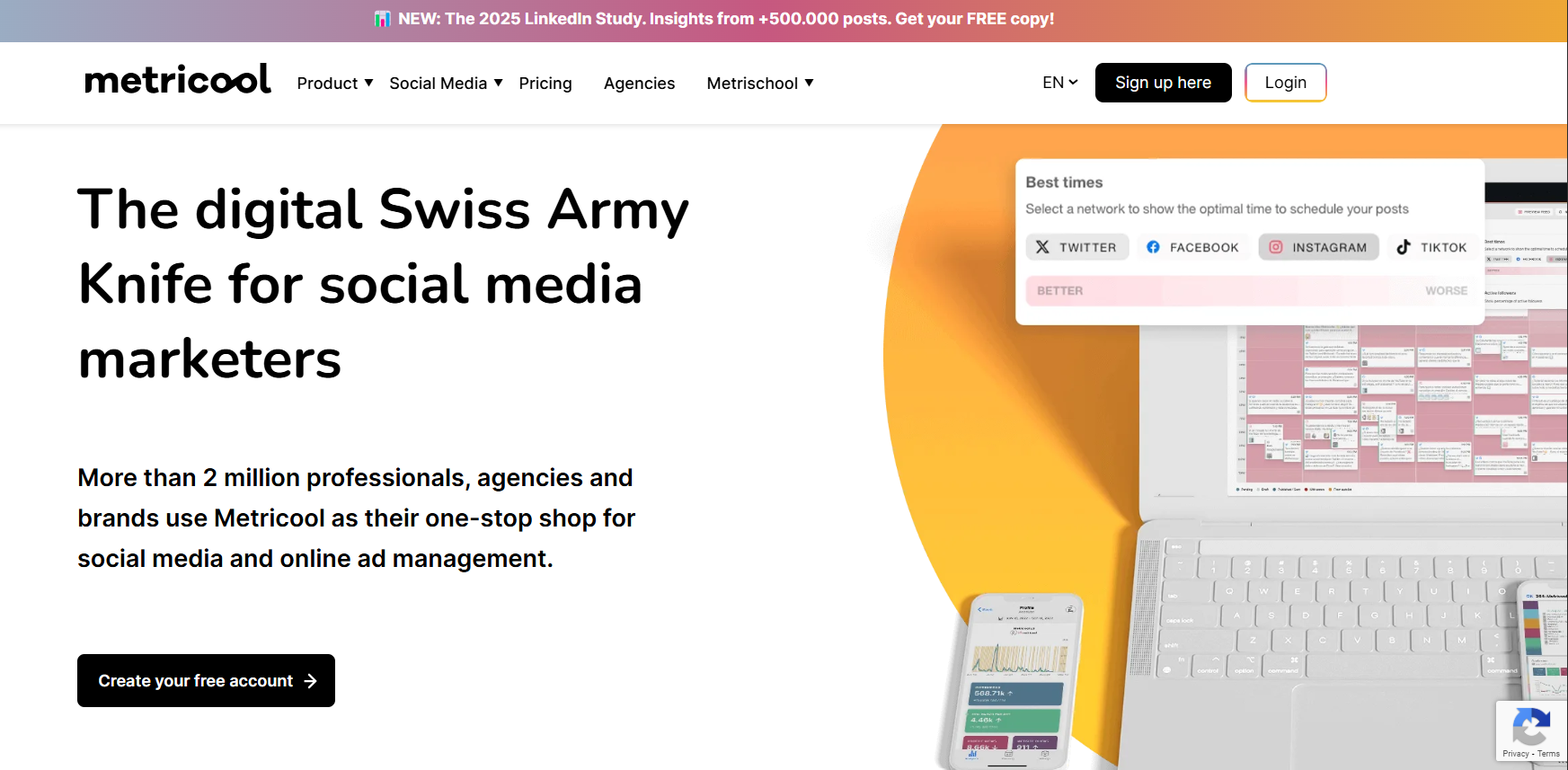
Metricool’s Landing Page Metricool is a data-driven social media management platform that stands out among Buffer competitors for its analytics and reporting capabilities.
Planning, posting, and in-depth performance tracking are all combined in one tool, which makes it a good option for marketers who want more insights.
Key Features
- Visual calendar to plan and schedule content across Facebook, Instagram, LinkedIn, TikTok, X (Twitter), Pinterest, YouTube, and Google Business Profile
- Real-time analytics on posts, ads, and audience behavior
- Downloadable and white-labeled reports for clients and internal use
- Inbox and message management for efficient engagement
- SmartLinks for Instagram bio optimization and traffic tracking
- Team collaboration with user permissions and third-party integrations
- Hashtag tracker to monitor branded and trending hashtags
Best Use Case
Metricool is ideal for data-driven marketers, agencies, and businesses that prioritize performance tracking and require intelligent, shareable reports.
Pricing
Metricool offers four plans, including:
- Free, which costs $0. In this plan, you can manage 1 brands.
- Starter, which costs $20. In this plan, you can manage 60548 brands.
- Advanced, which costs $50. In this plan, you can manage 50 brands.
- Custom, which is Custom. In this plan, you can manage Custom brands.
Metricool also supports: Instagram, TikTok, YouTube, Threads, X, Twitch, Google Business, Profile, Facebook, Bluesky, Pinterest, and LinkedIn
-
Loomly
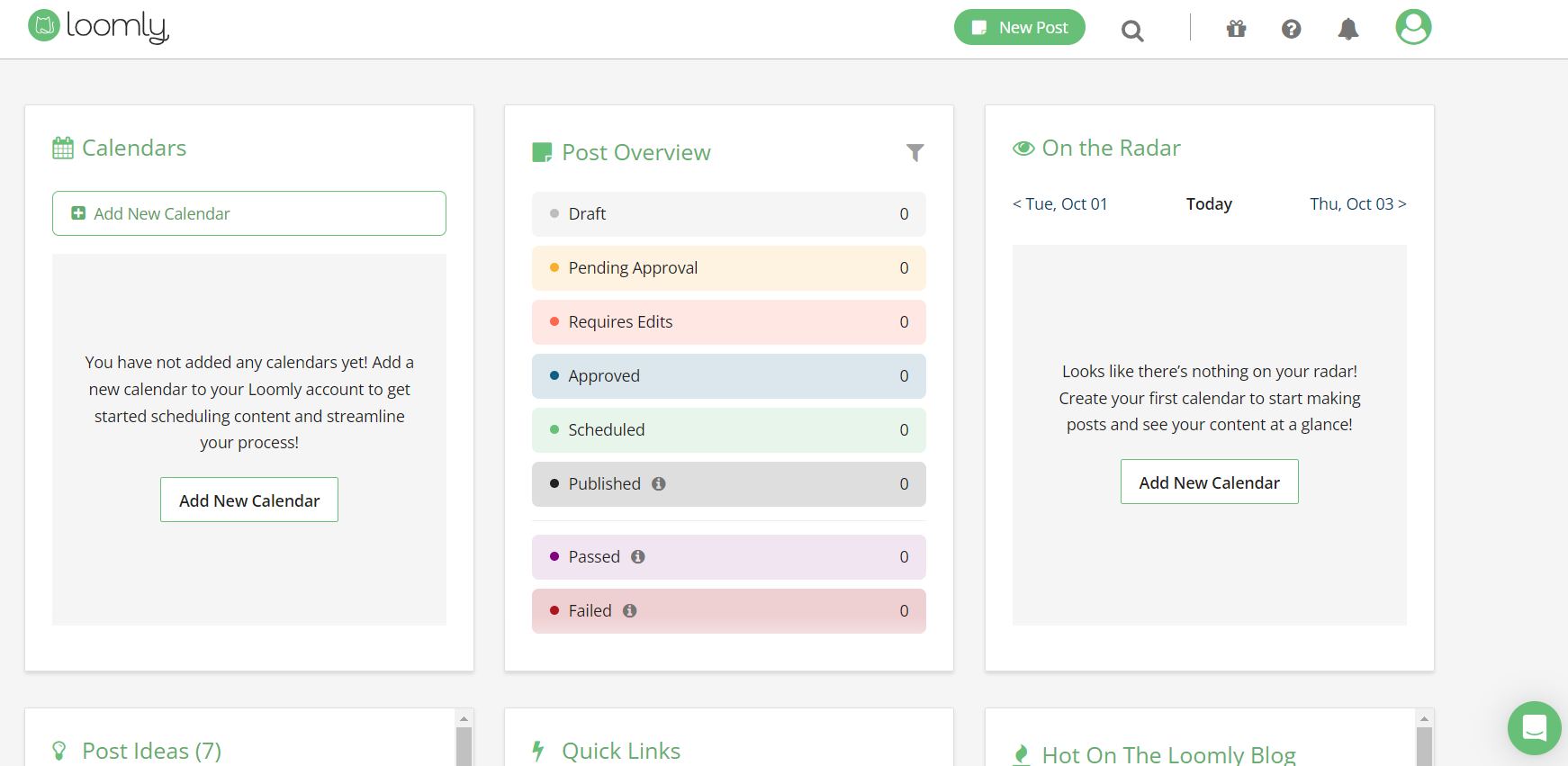
Loomly’s Dashboard Loomly positions itself as a social media platform that prioritizes content and is intended for teams seeking tight collaboration and structured workflows.
When it comes to content schedules, approvals, and brand management, Loomly outperforms other Buffer competitors.
Key Features
- Scheduler to publish content across Facebook, Instagram, LinkedIn, Twitter (X), Pinterest, TikTok, Google Business Profile, and YouTube
- Centralized content library for managing brand assets and media
- Collaboration tools with approval workflows, comments, and version history
- Post ideas and tips to spark content creation
- Engagement dashboard to monitor and respond to audience interactions
- Analytics and reporting to track performance over time
Best Use Case
Loomly is ideal for marketing teams, creative agencies, and brands that work with multiple stakeholders and want to maintain a consistent voice and visuals across platforms.
Pricing
Loomly offers three plans, including:
- Starter, which costs $49 and has 3 users. In this plan, you can manage 12 social accounts.
- Beyond, which costs $249 and has Unlimited users. In this plan, you can manage 60 social accounts.
- Enterprise, which is Custom and has Unlimited users. In this plan, you can manage 61+ social accounts.
Loomly also supports: Instagram, LinkedIn, Facebook, TikTok, YouTube, Threads, Google Business Profile, Pinterest, and Snapchat
Featured Article: The Best Twitter Monitoring Tools to Track Your Brand
How Social Champ Stands Out Among Buffer Competitors
Social Champ consistently stands out when compared to Buffer competitors side by side due to its smart automation, user-friendliness, and affordable price without compromising on features.
-
Broad Platform Support
Social Champ covers over 11 platforms, including Pinterest, Google Business Profile, Threads, and even Mastodon.
That’s already a win over most Buffer competitors that limit you to just the basics.
-
Easier to Use
The interface is clean, clutter-free, and actually makes sense.
From scheduling your first post to managing a full content calendar for a client, the learning curve is minimal.
-
Smarter, Built-In Tools
It comes with built-in tools to help you write better posts, find ideas, and create visuals, all without needing extra apps or browser tabs.
Everything’s right there where you’re working.
-
Reporting That Makes Sense
The reporting is clean, detailed, and ready for client handoffs.
Agencies especially love the white-label export options, something you won’t find in many websites similar to Buffer.
-
Budget-Friendly for Teams
Social Champ starts at just $4/month per channel, which makes it one of the most affordable Buffer competitors with solid features included.
Looking for One Tool That Does It All?
Choosing the Right Buffer Competitor for Your Business
Not every tool will suit your needs. Here’s how to narrow it down based on what actually matters.
For Solo Creators or Small Teams
- Social Champ starts at just $4/month per channel and packs serious value with automation, AI, and platform support.
- Zoho Social is a solid choice if you’re looking for basic publishing with some CRM perks at a reasonable price.
For Collaboration and Visual Planning
- Planable is ideal if you need feedback, approvals, and easy content calendars that your team (or clients) can quickly understand.
- Later is built for visual platforms like Instagram. Later’s drag-and-drop planner makes it easy to stay on-brand.
For Agencies and Multi-Brand Teams
- Sendible is recognized for its white-label reporting and CRM features, which are ideal for client-facing work.
- Social Champ includes approval workflows, role-based access, and scheduling at a lower cost.
For Enterprise or Advanced Needs
- Sprout Social offers deeper analytics, a smart inbox, and social listening, which makes it strong for larger teams.
- Hootsuite has lots of integrations and ad tools, but comes with a steeper learning curve (and price tag).
Featured Article: X / Twitter Management Tools
Conclusion
Buffer has long been a go-to for social media scheduling, but today’s teams need more, especially when looking for a reliable Pinterest scheduler.
From advanced analytics to better collaboration and support for emerging platforms, Buffer competitors offer features that help you do more in less time.
Take a closer look at what other platforms bring to the table.
Choosing the right one can simplify your workflow, improve results, and make daily management feel less overwhelming.
With the right fit, social media doesn’t just get done, it gets done smarter.






1 comment
Kim Zeke
Nice! Useful tools here for content creators. As I’m a blogger, I have already used most of them. But, in one area, I’m struggling & that’s auto posting my content in bulk. I have explored many tools but there pricing is already a pain for me. Glad to know Social Champ offers bulk scheduling on Free plan, definitely going to signup.