

The era of the “simple chatbot” is officially over. In 2026, customer service is all about orchestrating AI agents that can resolve 80% of issues before a human ever sees a notification.
But as the market hits “AI saturation,” the challenge for brands has shifted. It’s no longer about finding software; it’s about finding a platform that integrates your CRM, social sentiment, and automated workflows without creating a “black box” where customer data goes to die.
We’ve spent the last quarter testing the top contenders in the market. We looked past the marketing jargon to see which tools actually handle multimodal support (voice, video, and text) and which ones are just legacy helpdesks with an “AI” sticker slapped on the front.

Elevate Your Customer Service With Social Champ Inbox!
Seamlessly manage social media interactions, respond promptly to inquiries, and foster meaningful connections with your audience.
Short Summary
-
Modern customer service has shifted from basic chatbots to Agentic AI that autonomously resolves tickets, manages refunds, and executes complex multi-step workflows.
-
Success now requires bridging the gap between social engagement and backend data by integrating Social Champ with your CRM and E-commerce platforms.
-
You should match your software to your specific business DNA by selecting from Enterprise Powerhouses, Social-First Engagement Engines, or E-commerce Specialists.
-
Support is now a revenue driver that uses Revenue Sentiment to identify and prioritize sales opportunities directly within customer conversations.
Why Your Old Tech Stack is Failing You in 2026
If your current software still treats a Twitter (X) Mention, an Instagram DM, and an Email Support Ticket as three separate entities, you are losing customers. Modern CX (Customer Experience) requires:
- Predictive Intent: Knowing a customer is frustrated before they type “representative.”
- Unified Context: Seeing a user’s purchase history and social media interaction in one pane of glass.
- Zero-Latency Resolution: AI that doesn’t just “deflect” tickets but actually executes tasks like processing refunds or updating shipping addresses.
Comparison at a Glance: The Top 5 of 2026
Before we dive into the deep reviews, here is the “Shortlist” based on our internal testing for speed, AI accuracy, and ROI.
| Platform | Best For | Key Innovation | Pricing Tier |
|---|---|---|---|
| Zendesk | Global Enterprise | Advanced Agentic AI Guardrails | Starts at $19 |
| Social Champ | Social-First Brands | Unified “Social-to-Sale” Inbox | Starts at $4 |
| Intercom | SaaS & Apps | Fin AI (Native LLM Integration) | Starts at $29/user |
| Gorgias | E-commerce/Shopify | Direct Revenue Attribution | Starts at $10 |
| Re:amaze | Small-Mid Teams | Meaningful Conversations | Starts at $26.10 |
The Three Pillars of Customer Service
Choosing a platform today isn’t about counting features; it’s about interoperability. If your customer service software doesn’t talk to your CRM or your social media manager, you aren’t providing service; you’re managing silos.
Evaluate your next tool against these three pillars:
1. AI Autonomy vs. Agent Assistance
In 2026, we categorize AI into two buckets. You need to decide which your team needs more:
- The AI Agent (Autonomy): Tools like Intercom (Fin) or Zendesk AI that can autonomously “reason” through a problem (e.g., “The customer wants a refund, let me check the warehouse API and process it”).
- The AI Copilot (Assistance): Tools like Social Champ (Champ AI Suite) that help human agents work faster by drafting replies, summarizing long threads, and analyzing sentiment in real-time.
2. Omnichannel Memory (Not Just “Reach”)
Most tools can reach multiple channels, but few have Memory. For instance, if a customer DMs you on Instagram and then follows up via Email three days later, your agent should see both interactions in a single timeline.
Therefore, you must look for “Continuous Context”, which is the ability to preserve the conversation history regardless of where the customer moves.
3. Revenue-First Metrics
Stop measuring only “Time to First Response.” Currently, support is a revenue driver. Look for platforms that offer:
- Direct Attribution: Did this support interaction lead to a renewal or a new purchase?
- Churn Prediction: AI that flags “at-risk” customers based on the language used in their tickets.
Top Customer Service Software of 2026 (Categorized)
There is no “best” tool; only the best tool for your specific business model. We’ve categorized the top contenders based on where they actually deliver the most value.
Category 1: The Enterprise “Agentic” Powerhouses
If you’re a large corporation with high ticket volumes and complex technical workflows, these customer service software programs are best for you.
-
Zendesk (AI Agents – Advanced)
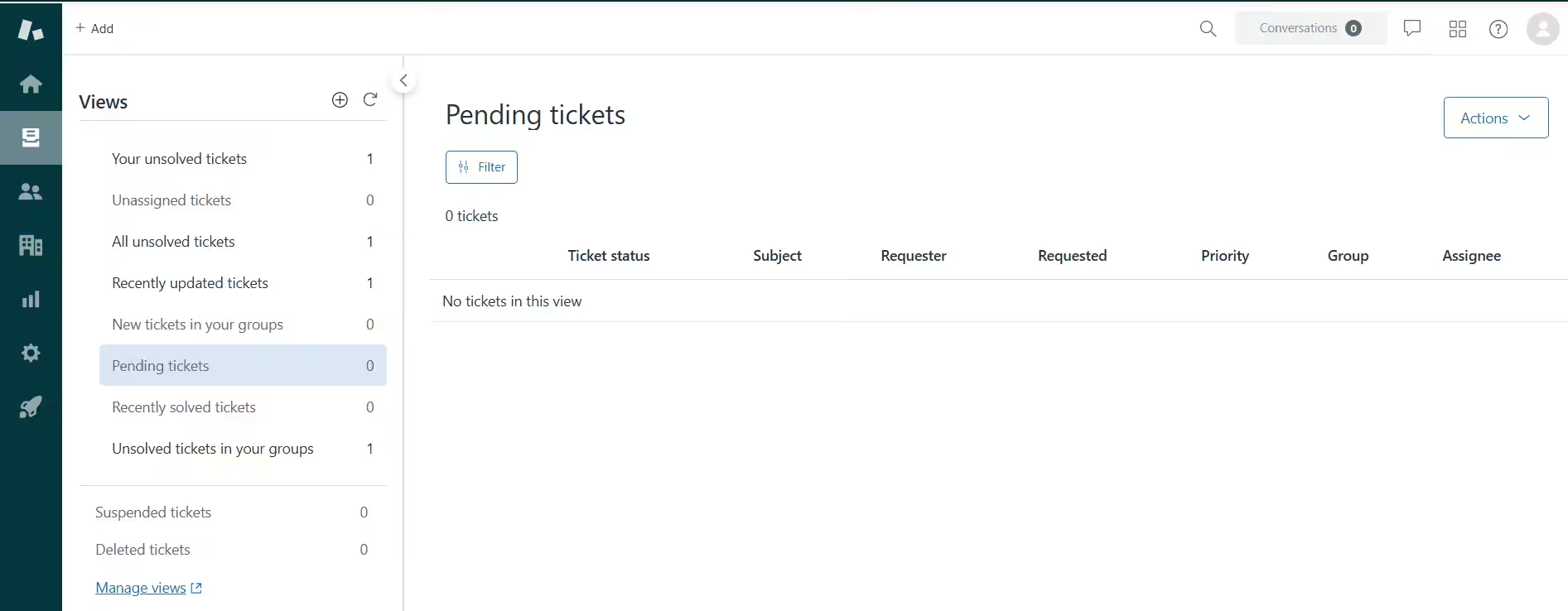
Zendesk’s Dashboard Zendesk remains the backbone of global enterprise support. This year, it has successfully transitioned from a “digital filing cabinet” for tickets to a high-speed reasoning engine.
Its latest feature, Generative Procedures, makes it stand out. Instead of building rigid “if/then” flows, you provide the AI with a PDF of your SOPs (Standard Operating Procedures). The AI “reasons” through the steps to solve unique, non-linear customer problems without human intervention.
Essentially, Zendesk is the safest bet for large-scale operations that need deep reporting and SOC2-compliant AI guardrails.
-
Intercom (Fin AI Agent)
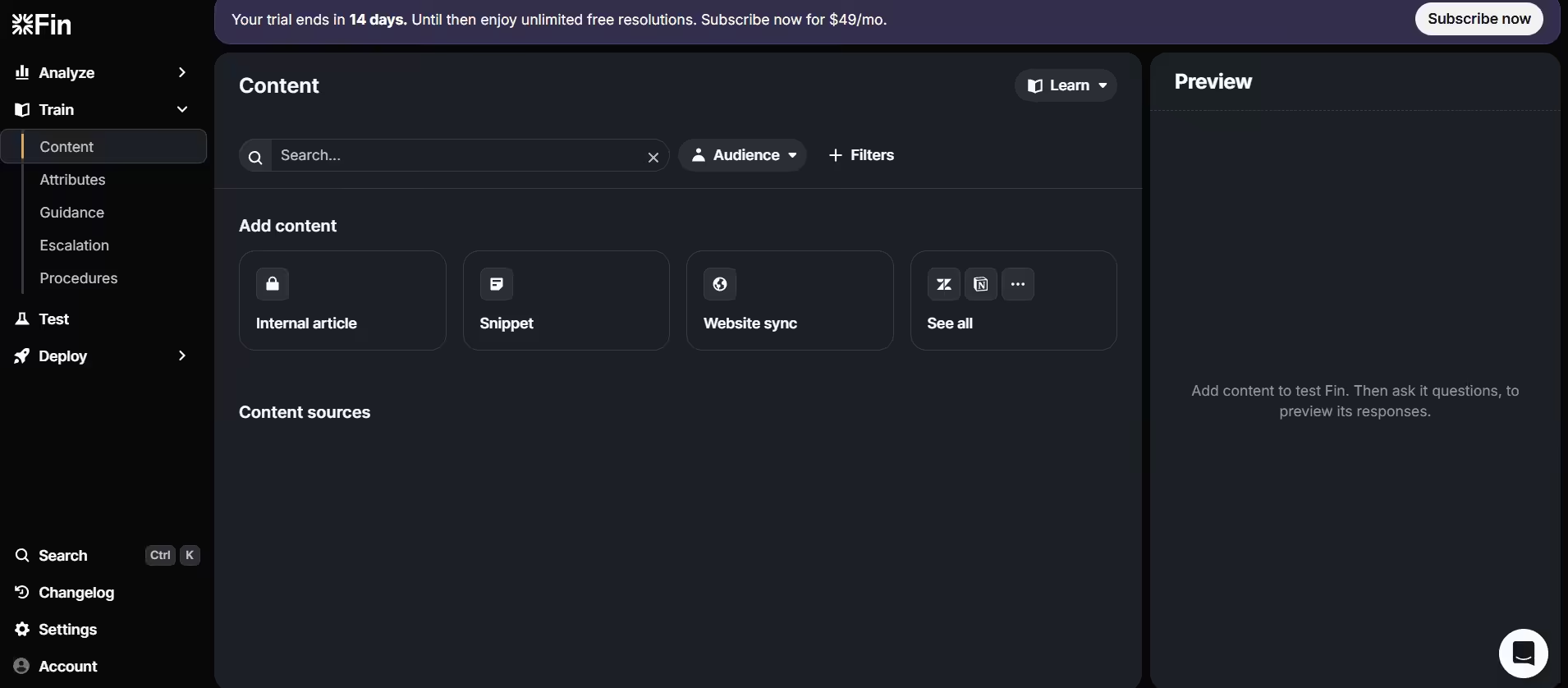
Fin AI Dashboard Intercom’s Fin has become the benchmark for “turnkey” enterprise AI. It is widely recognized for having the most sophisticated RAG (Retrieval-Augmented Generation) pipeline in the industry, meaning it rarely “hallucinates” and always cites its sources.
Its top-rated feature is AI Simulations. Before you push an update to your AI agent, you can run thousands of “simulated” conversations to see how it handles angry customers or edge-case technical bugs, ensuring total reliability before going live.
The tool is best for tech-forward companies that want the highest resolution rates (often 80%+) out of the box.
-
Salesforce (Agentforce)
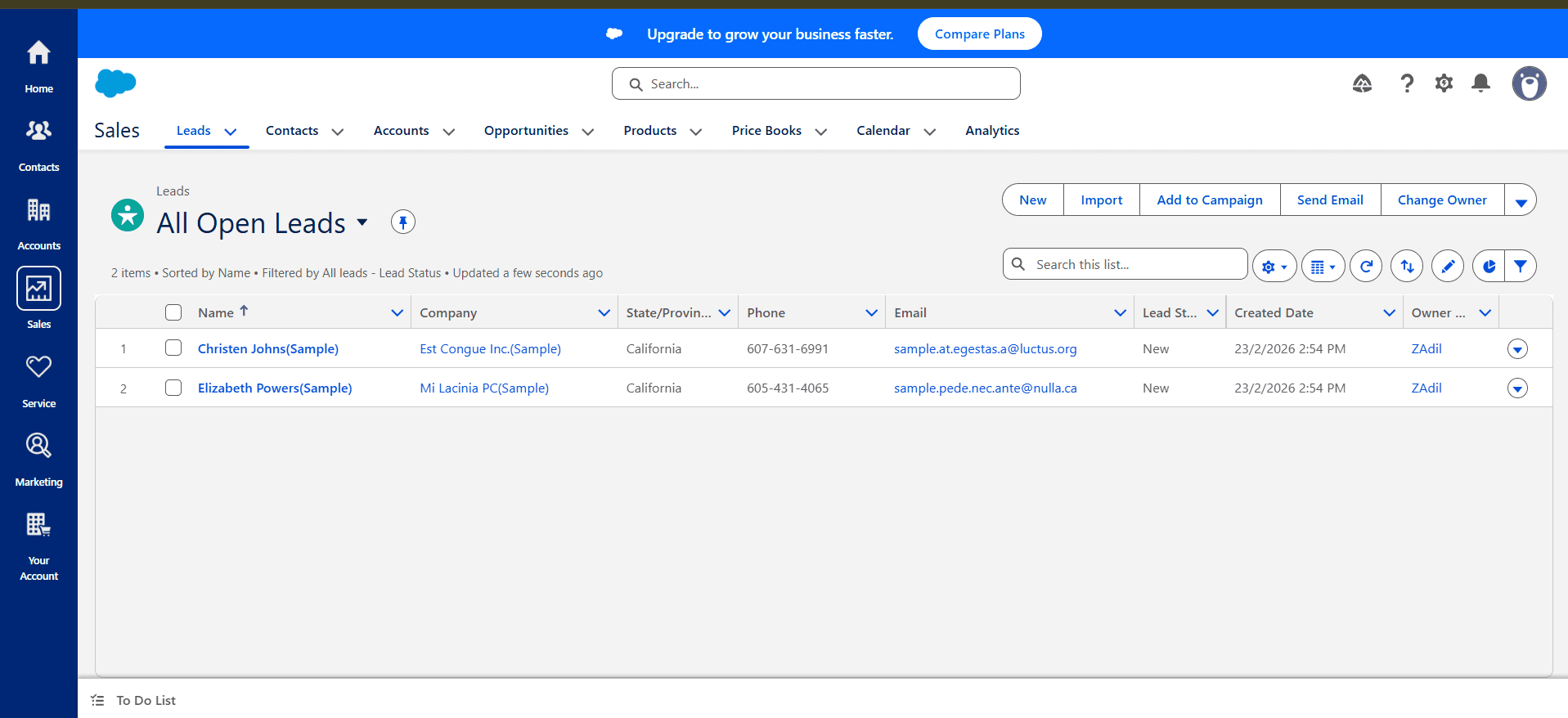
Salesforce Dashboard Salesforce has rebranded its service bot into Agentforce, a deeply integrated agent that lives inside your Data Cloud. It doesn’t just answer questions; it updates records, triggers “Flows,” and moves data across your entire CRM ecosystem.
One of its leading features is the Autonomous Triage and Routing. Agentforce analyzes the intent and value of an incoming lead or ticket. It can decide to handle a refund itself, but instantly escalate a high-value “churn risk” customer to a senior human manager with a full summary of the situation.
It’s the only choice for teams already locked into the Salesforce ecosystem who need their AI to have full “read/write” access to customer data.
-
Ada.cx
Ada has pivoted from a “chatbot” to a Reasoning Engine that specializes in the “Multimodal” enterprise; now handling voice, web, and app support simultaneously.
With its latest feature, Playbooks and Coaching, the tool allows “AI Managers” to coach the agent like a human employee. You can give it “performance reviews,” correcting its logic in real-time to improve its ability to handle complex multi-step workflows like warranty claims.
This tool is excellent for global brands like Square or Canva that need a single AI agent that speaks 100+ languages and works across every digital surface.
-
Gladly (Sidekick)

Gladly is unique because it is “People-Centered,” not ticket-centered. Their AI agent, Sidekick, sees the customer as a lifelong relationship rather than a series of isolated issues. One of its best features is Sidekick Voice.
Unlike the robotic IVR menus of the past, Gladly’s voice AI handles natural conversation over the phone. It can recognize a returning customer by their phone number and say, “Hi Sarah, are you calling about the shoes you bought yesterday?”
Essentially, it’s the top choice for high-end B2C brands (like Crate & Barrel or Tumi) where personalization and “radical hospitality” are more important than mere ticket deflection.
Category 2: The Social-First Engagement Engines
For Direct-to-Consumer (DTC) brands and agencies, where the “Social Inbox” is the primary support channel, these customer service software are for you!
-
Social Champ (The Engagement Leader)
Social Champ’s Unified Inbox is the go-to platform for brands that prioritize a “social-first” identity. While enterprise tools focus on volume, Social Champ focuses on contextual conversation, ensuring you never miss a comment that could turn into a sale or a crisis.
Its inbox consolidates messages from various social media platforms, including Facebook, TikTok, Instagram, and LinkedIn. This unified inbox ensures that your customer service team has a single platform to efficiently manage and respond to customer inquiries.
Unlike standalone social tools, you can integrate Social Champ directly with Salesforce or HubSpot. This means when a “Hot Lead” is identified in your Instagram DMs, you can instantly sync that contact to your CRM or create a support ticket in HubSpot Service Hub without leaving the Social Champ dashboard.
It’s the most cost-effective and intuitive choice for agencies and growing DTC brands that need to manage 10+ social channels without “platform hopping.”
Use Social Champ to Automate for Productivity!
Streamline routine tasks, manage workflows effortlessly, and free up time for your team to focus on what matters.
-
Sprout Social (The Intelligence Suite)
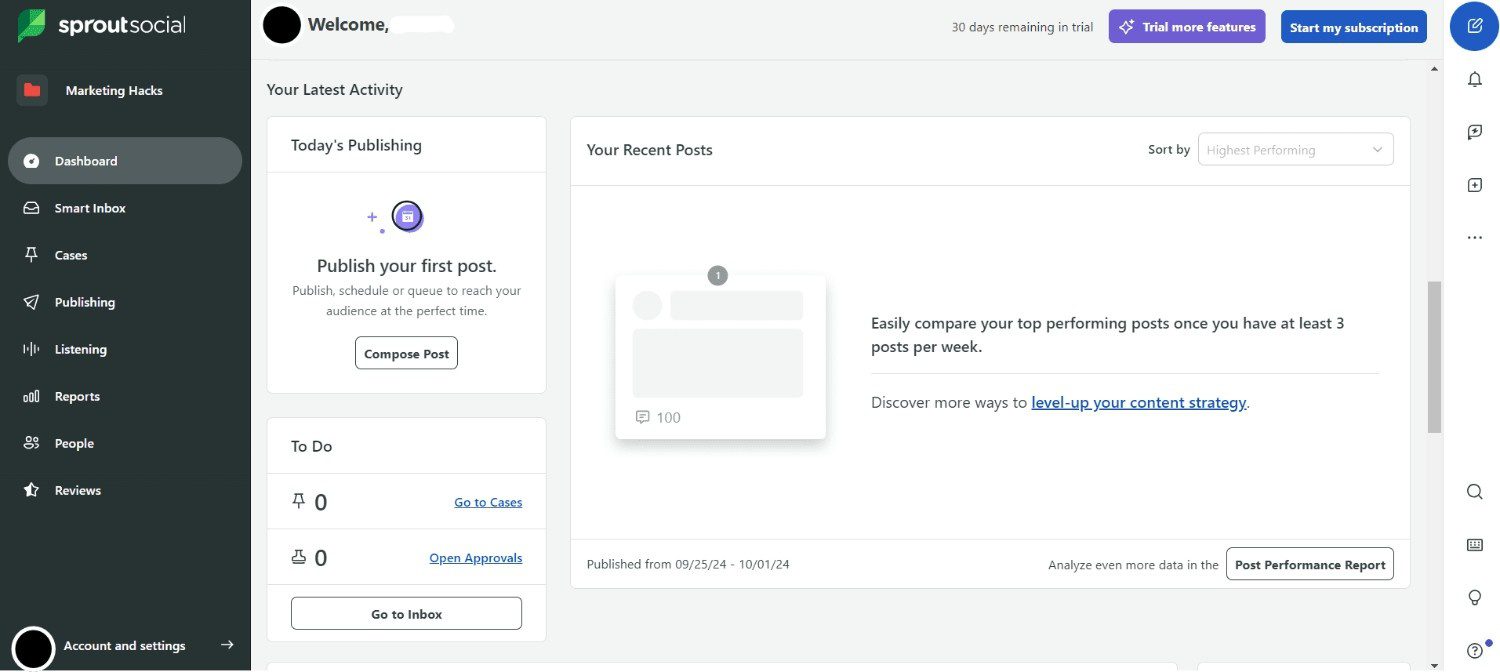
Sprout Social’s Dashboard Sprout Social is built for organizations that view social customer service as a form of market research. It offers some of the most advanced social listening and case management tools available.
Its best feature, Automated Case Triage, automatically classifies incoming messages based on follower count, sentiment, and keyword. A VIP customer complaining on X is instantly turned into a “High Priority Case” and routed to a senior lead.
This tool is best for mid-market brands that need deep data reporting and automated workflows to prove the ROI of their social care.
-
Hootsuite (The Omnichannel Inbox 2.0)
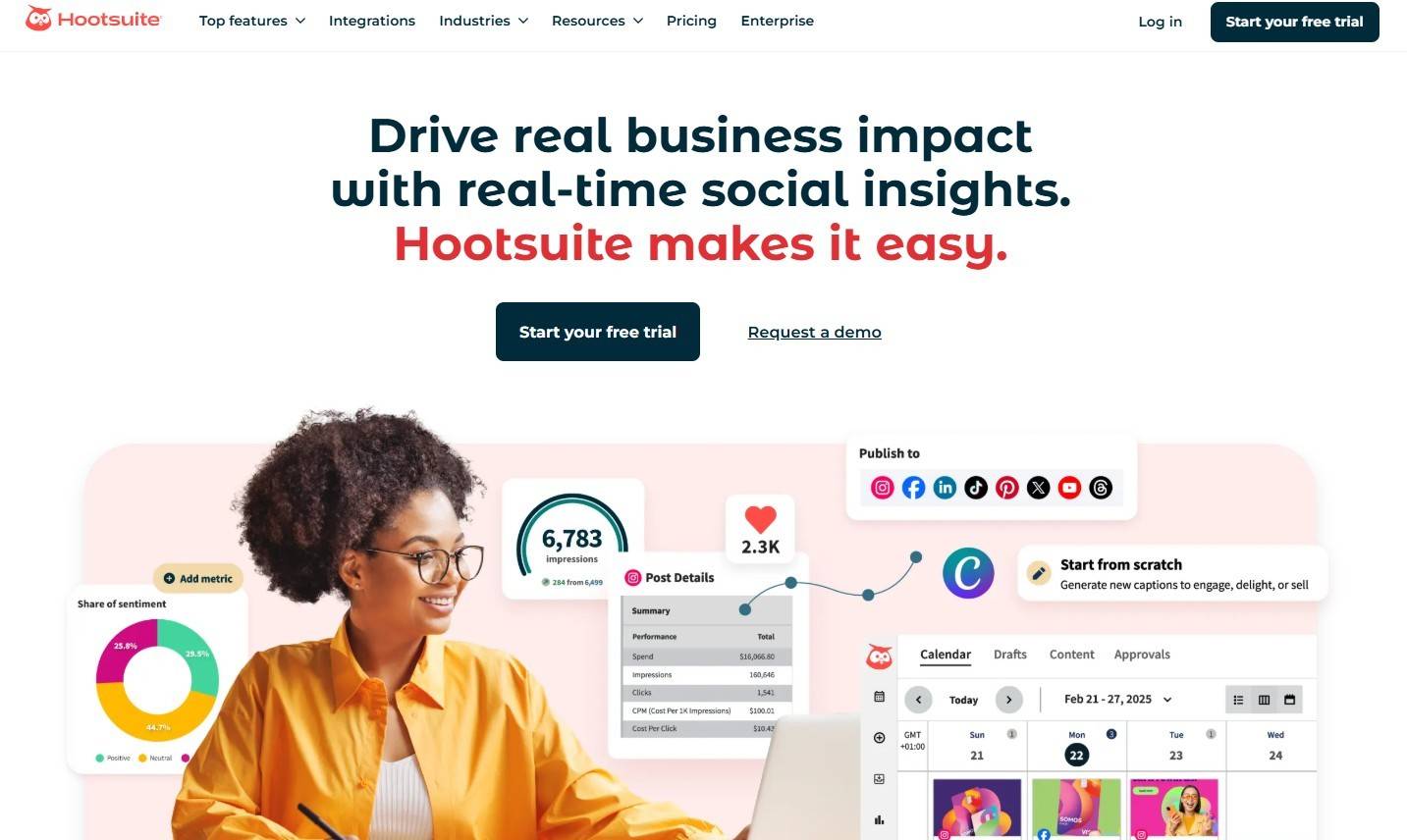
Hootsuite’s Landing Page Hootsuite remains a titan of the industry, particularly for brands with massive global footprints. Their Inbox 2.0 is specifically designed to bridge the gap between “Social Media Management” and “Customer Support.”
Its AI-Powered Smart Replies use generative AI to analyze the intent of public comments and suggest context-aware, on-brand responses. It can even detect 60+ languages, allowing a US-based team to provide localized support across the globe.
It’s the best choice for global enterprises that need to manage “dark posts” (ad comments) and private messages in one high-security dashboard.
-
Buffer (The Community “Calm” Workspace)
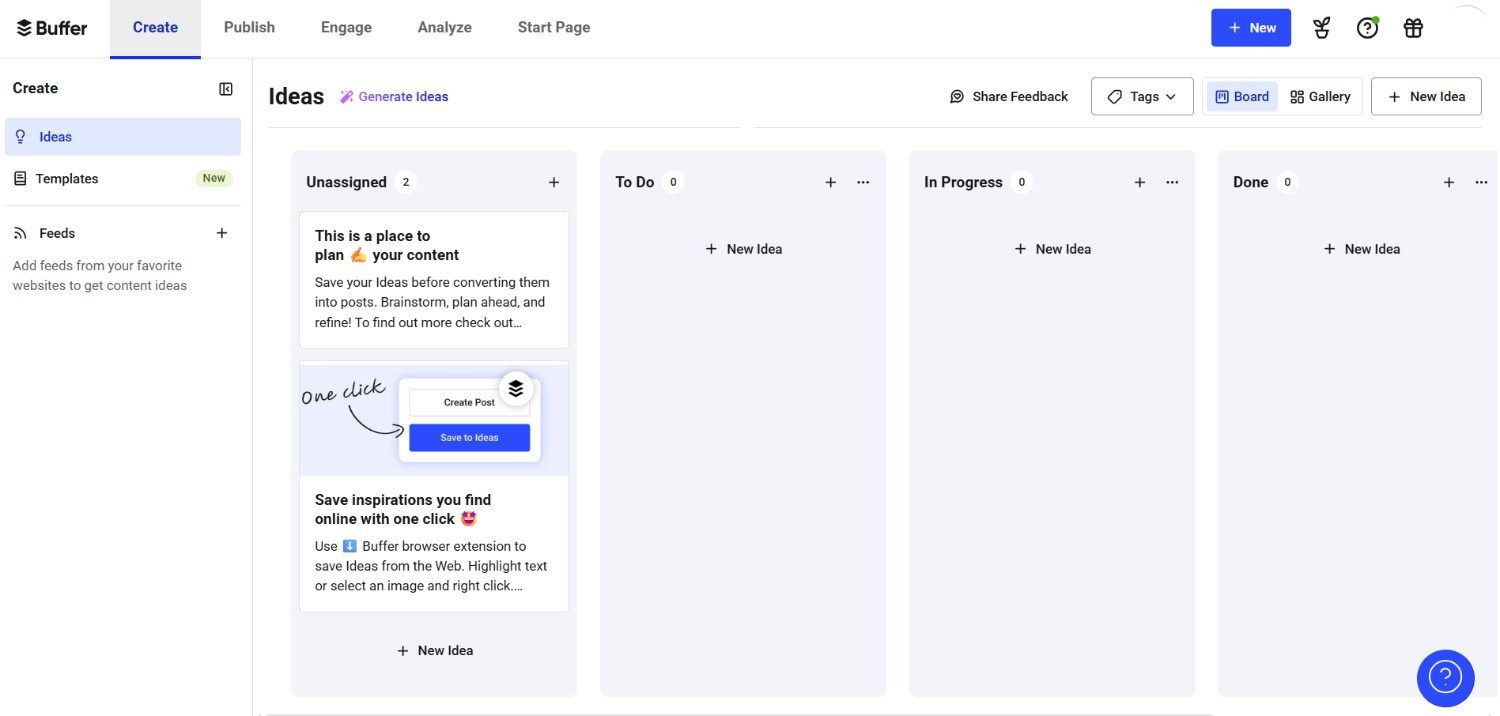
Buffer’s Dashboard Buffer has pivoted away from the “busy” helpdesk feel toward a more focused, relationship-driven approach they call Community. It is designed specifically for creators and lean DTC teams who want to engage deeply rather than just “closing tickets.”
Buffer’s interface is stripped of distractions. It focuses on “unanswered” threads and uses AI to summarize long comment sections, letting you jump straight to the heart of what your audience is saying.
It’s the top choice for solopreneurs and small boutique brands that value “meaningful engagement” over high-speed ticket resolution.
-
NapoleonCat (The Automation Specialist)
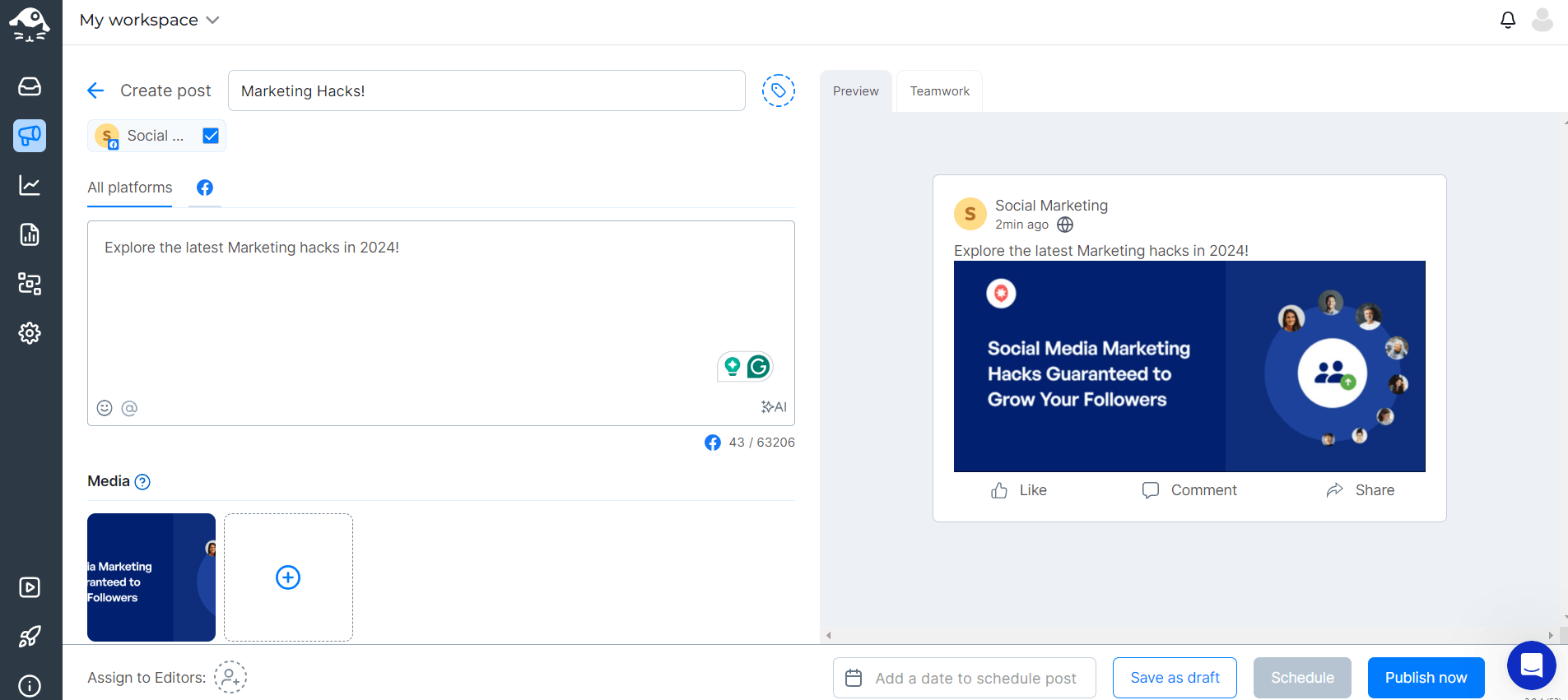
NapoleonCat’s Dashboard NapoleonCat is the “secret weapon” for brands that deal with high levels of engagement (and high levels of spam). This tool acts as a 24/7 digital bouncer. It uses AI to automatically hide spam, delete offensive “troll” comments, and instantly reply to FAQs on both organic posts and paid ads.
It’s best for high-growth DTC brands and agencies that need to protect their brand reputation on autopilot.
Category 3: The E-commerce Specialists
For Shopify and BigCommerce merchants who need direct link-to-order data, these customer service software tools are ideal.
-
Gorgias (The Conversion King)
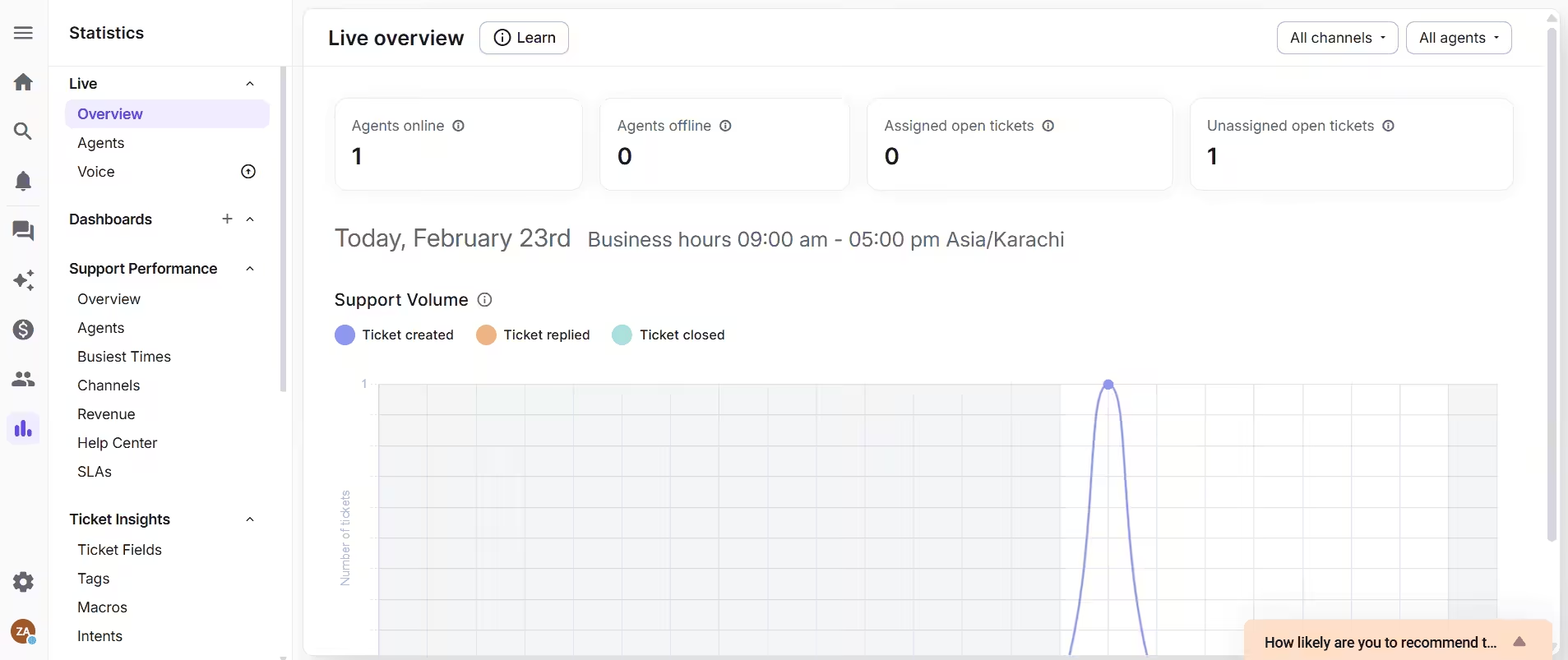
Gorgias Dashboard Gorgias is the gold standard for Shopify. Its entire philosophy is built around “Conversational Commerce,” the idea that support is just another part of your sales funnel.
In addition to just answering “Where is my order?” queries, Gorgias’s AI proactively recommends products and guides shoppers based on their browsing behavior and purchase history.
Additionally, agents can issue refunds, cancel orders, or edit shipping addresses directly within the ticket sidebar.
This tool is mandatory for high-volume Shopify or BigCommerce stores where support speed directly impacts the bottom line.
-
Re:amaze (The Multi-Store Maven)
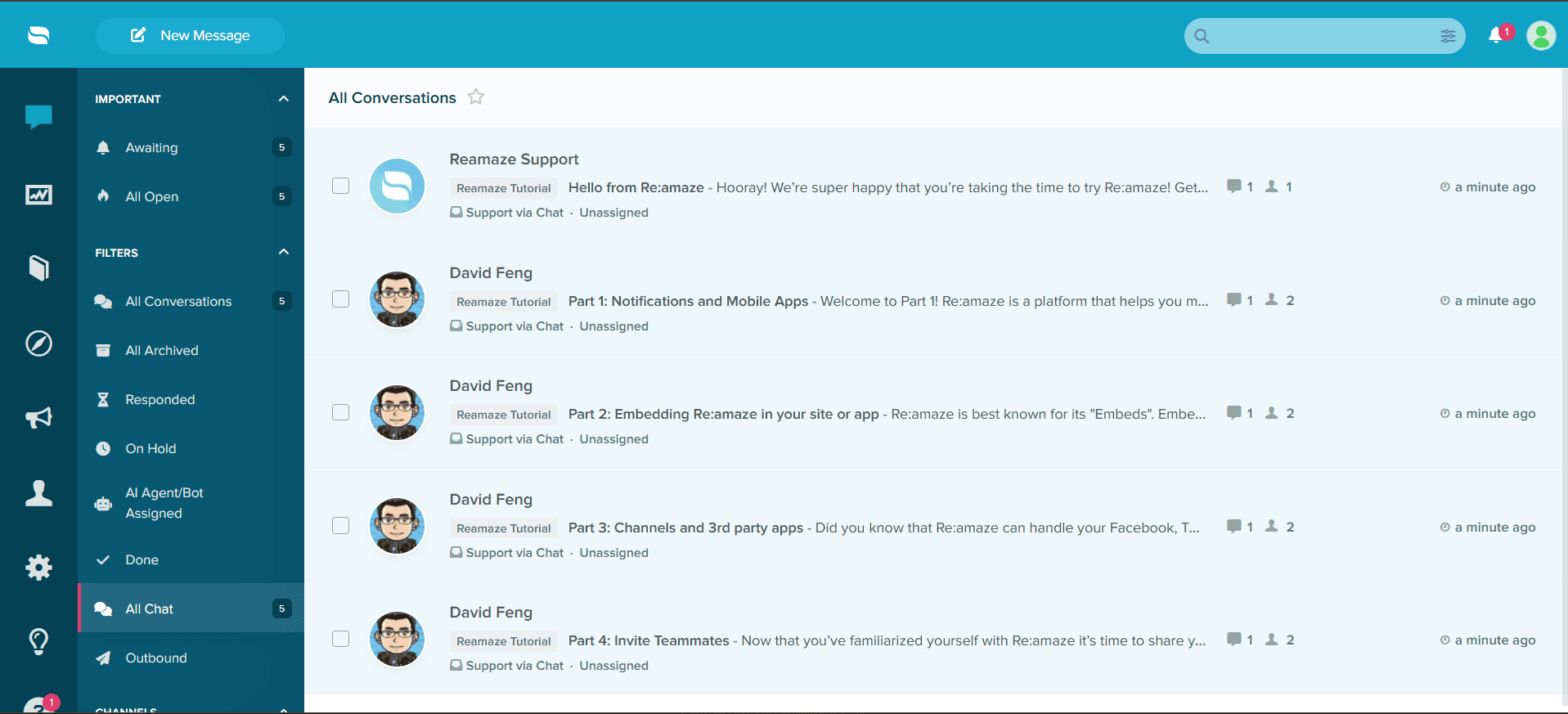
Re:amaze Dashboard Re:amaze is the secret weapon for merchants who manage multiple brands or several storefronts under one umbrella. It offers a clean interface that prioritizes “meaningful conversations.”
The platform allows agents to see exactly what the customer sees on their screen in real-time. If a customer is struggling with the checkout button, the agent can “jump in” and guide them through the final click.
The tool is best for “multi-store” entrepreneurs who need a unified view of different brands without paying for five separate subscriptions.
-
Kustomer (The Data Powerhouse)

Kustomer is a CRM-based support platform that replaces traditional “tickets” with a continuous customer timeline. It is designed for brands with complex data needs that go beyond basic chat.
The customer service software can trigger actions based on behavior, not just messages. For example, if a VIP customer’s package is marked as “Delayed” in your shipping app, Kustomer can automatically send them a “We’re sorry” discount code before they even reach out to support.
It’s the best choice for fast-growing DTC brands (like Skims or Glossier) that need a high-performance CRM to power their support.
-
Tidio (The Growth Engine for SMBs)
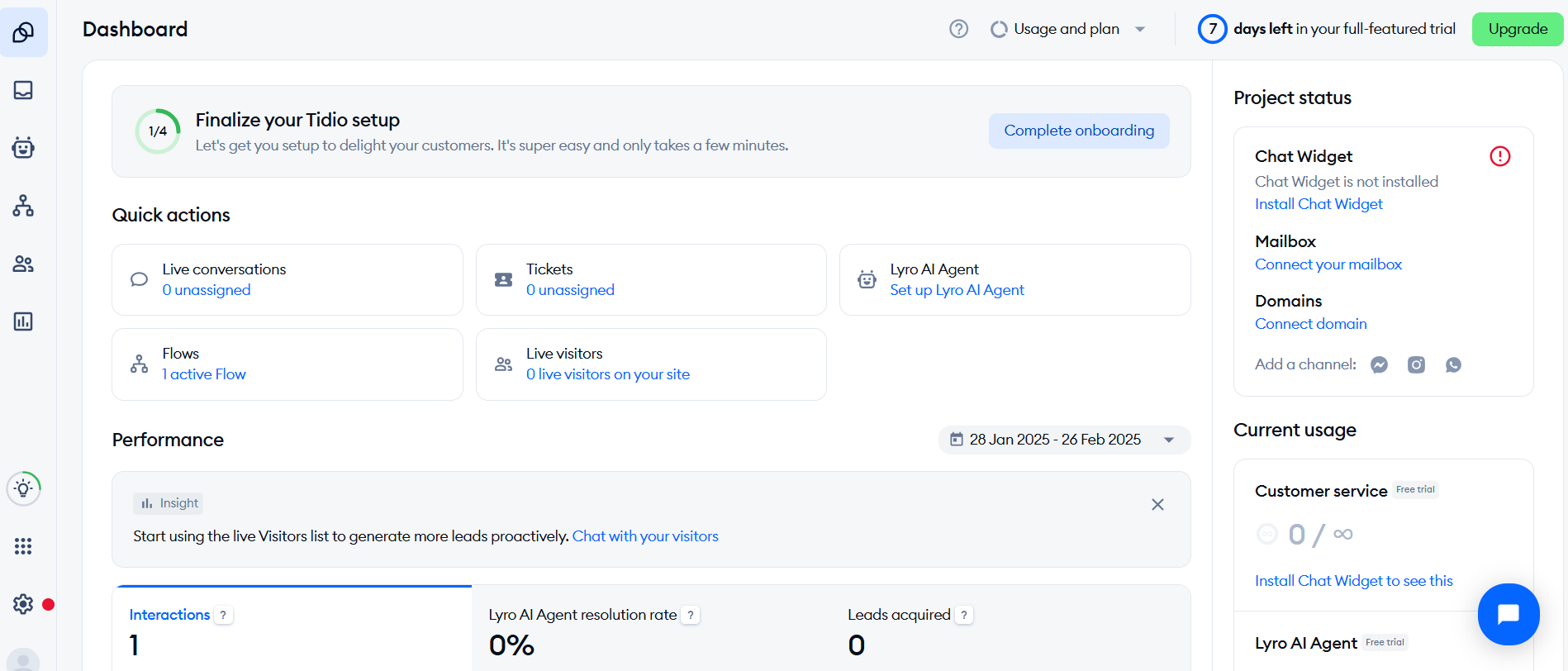
Tidio’s Dashboard Tidio has evolved from a simple chat bubble into a sophisticated AI-driven growth engine. It is particularly famous for its Lyro AI Agent, which is one of the easiest to set up for small businesses.
Tidio’s AI doesn’t just talk; it performs tasks. It can check order statuses in Shopify and update the customer automatically, or even recover abandoned carts by offering a personalized discount code in the chat.
The tool is best for small-to-mid-sized merchants who want a “hands-off” AI that helps them make money while they sleep.
-
Richpanel (The Self-Service Pioneer)
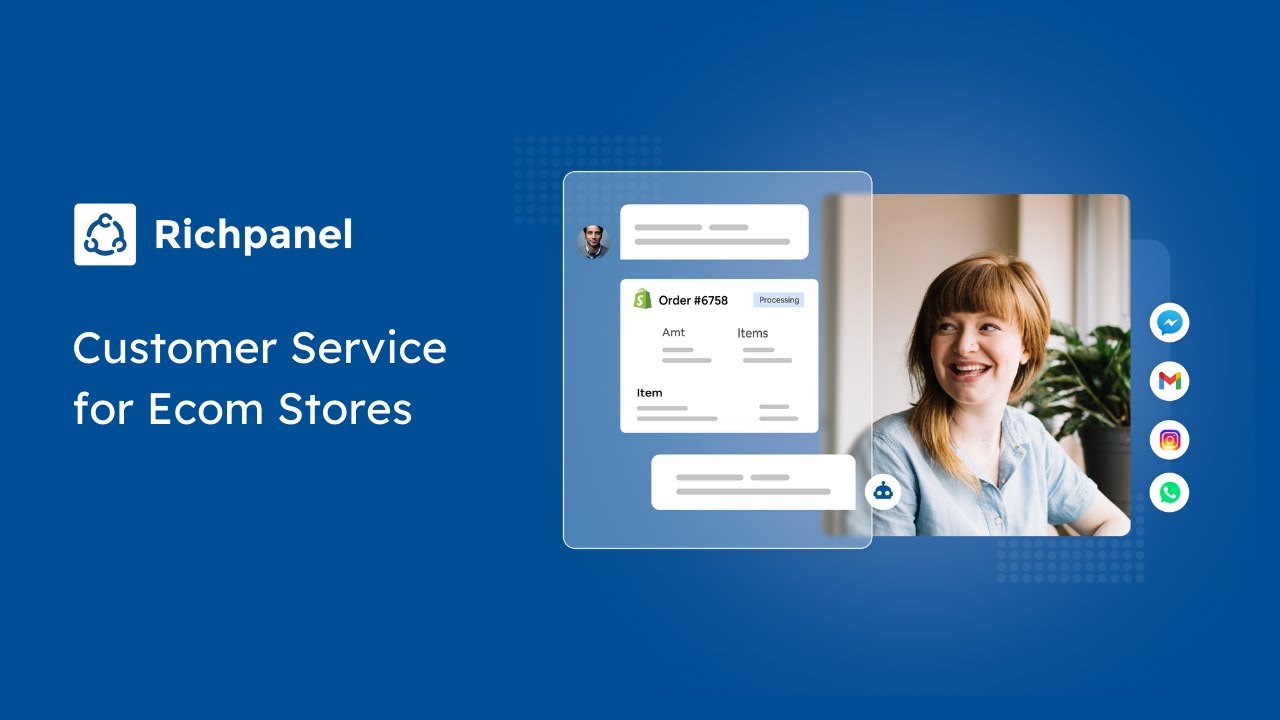
Richpanel’s goal is to ensure your support team never has to answer a repetitive question again. It is designed to look and feel like an “Amazon-style” support portal for smaller brands.
Instead of a basic FAQ, Richpanel provides a personalized dashboard for every customer. They can track orders, initiate returns, and browse “Recommended for You” sections entirely on their own.
The tool is the top choice for brands looking to reduce their “Contact Rate” by automating 30–50% of routine inquiries within the first 60 days.
The 2026 Support Stack Implementation Checklist
Moving from a legacy system to an AI-driven support stack means ensuring your data and your brand voice stay intact. That’s why I’ve created this checklist to ensure your migration is easy and your AI agents don’t start hallucinating on Day 1.
Phase 1: Data Sanitization (The Foundation)
Before you plug in an AI agent, your “knowledge base” needs a deep clean. If your internal documents are outdated, your AI will give outdated answers.
- Audit Your Knowledge Base: Delete or archive any articles from 2023 or earlier that are no longer accurate.
- Format for RAG: Ensure your help docs are in “Searchable” formats (clean HTML or structured Markdown) so the AI can easily retrieve information.
- Map Your Integrations: Identify exactly which data points need to flow from your store (Shopify/BigCommerce) to your support tool (e.g., Order Status, Refund History, Loyalty Points).
Phase 2: AI Personality and Guardrails
A tool like Social Champ or Zendesk needs to sound like you, not a generic robot.
- Define the Brand Voice: Upload “Style Guides” or previous high-performing human responses to train the AI on your tone (e.g., “Professional yet witty”).
- Set Confidence Thresholds: Define the “Escalation Trigger.” (Example: If the AI is less than 90% sure of the answer, or if the customer mentions “Lawyer,” immediately hand off to a human.)
- Enable “Human-in-the-Loop”: For the first 30 days, set the AI to “Draft Mode” where it suggests answers that humans must approve before sending.
Phase 3: The Technical “Hook-Up”
This is where you bridge the silos between your departments.
- Sync the CRM: Connect Salesforce or HubSpot to your inbox so your support team can see a customer’s lifetime value (LTV) while they chat.
- Install the Web Tracking Pixel: Ensure your new software can “see” where the customer is on your site to provide proactive help.
- Social Media Auth: Re-authenticate all social tokens (Instagram, TikTok, X) within your social inbox to ensure real-time DM syncing.
Phase 4: Team Training and Beta Launch
Don’t launch to 100% of your traffic on a Monday morning.
- The “Power User” Training: Train 2-3 senior agents on the “Admin” side of the new tool so they can troubleshoot on the fly.
- Internal Pilot: Have your team send “test tickets” to the AI to try and “break” it with difficult questions.
- The 10% Rollout: Enable the new system (and the AI agent) for only 10% of your website traffic for the first 48 hours to monitor for bugs.
Pro-Tip: Never shut off your old tool until the new one has successfully resolved 50 real tickets. Most platforms allow for “Dual-Routing” during migration. Keep your old tool running in the background as a safety net. If you’re moving to a social-first tool like Social Champ, start by migrating one channel (like Instagram) before moving your entire omnichannel presence over.
12 Benefits of Customer Support Software
Customer support software brings many benefits to businesses aiming to enhance their customer service operations. The following are 12 advantages of using customer support software:
-
Efficient Ticket Management
Customer support software often includes features that help businesses organize and prioritize customer inquiries. This ensures that each customer issue receives proper attention and is resolved in a timely manner.
-
Improved Response Time
With features like automated responses and smart routing, customer support software helps businesses respond to customer queries swiftly. Faster response times increase customer satisfaction (CSAT).
-
Centralized Customer Information
Customer support software centralizes customer data, allowing support agents to access relevant information easily. This ensures a personalized and efficient interaction with customers, as agents have a comprehensive view of their history and needs.
-
Enhanced Communication Channels
Modern customer support software supports various communication channels, including email, live chat, and social media. This versatility enables businesses to engage with customers on their preferred platforms, increasing accessibility and convenience. Reading can also provide insights into how such platforms perform in real-world customer support scenarios.
-
Automation of Repetitive Tasks
By automating routine tasks, such as ticket categorization and initial responses, customer support software frees up time for support agents. This allows them to focus on more complex issues that require human intervention.
-
Knowledge Base for Self-Service
Many customer support software solutions include a knowledge base where customers can find answers to common questions. This empowers users to resolve issues independently, reducing the workload on support teams.
-
Real-Time Analytics and Reporting
Customer support software provides insights into support performance through analytics and reporting tools. Businesses can track key metrics, such as resolution times and customer satisfaction scores, enabling data-driven decision-making.
-
Multi-Channel Support
Businesses can provide support across various channels with customer support software, offering a seamless and consistent experience. Whether through email, chat, or social media, customers receive support on their preferred platforms.
-
Increased Customer Satisfaction
The combination of efficient communication, timely responses, and issue resolution contributes to an overall improvement in customer satisfaction. Satisfied customers are more likely to become repeat customers and brand advocates.
-
Scalability and Flexibility
Customer support software is designed to scale with the growth of the business. It adapts to changing needs and can accommodate increasing customer interactions without compromising efficiency.
-
Cost Savings
Automating tasks, streamlining processes, and reducing response times contribute to cost savings. Customer support software can optimize resource allocation and reduce the need for extensive manual intervention.
-
Proactive Customer Engagement
Customer support software enables businesses to engage with customers proactively. By anticipating needs and addressing potential issues, businesses can build stronger customer relationships and prevent problems before they escalate.
Featured Article: Twitter for Customer Service: Why Brands Should Use It
What Are the Different Types of Customer Service Software?
Customer service software comes in various types, each serving specific functions to streamline and enhance customer support processes. Here are the different types:
- Ticketing Systems: These systems organize and prioritize customer inquiries in tickets, facilitating efficient tracking and resolution.
- Live Chat Software: This software enables real-time communication between customers and support agents, offering instant assistance and issue resolution.
- Knowledge Base Software: This type of software provides a centralized repository of information for customers to find answers to common questions and troubleshoot issues independently.
- Call Center Software: You want this software if you need a solution that facilitates the management of phone-based customer interactions, including call routing, monitoring, and reporting.
- Social Media Management Tools: Also known as social media customer service software, social media campaign tools are handy platforms that allow businesses to manage their social media sites, monitor key metrics, and engage with customers, ensuring a presence in online conversations.
- CRM (Customer Relationship Management) Software: This type of software manages and organizes customer information, interactions, and relationships to improve customer understanding and engagement.
- Automation Tools: These are platforms that automate repetitive tasks and processes, saving time and increasing efficiency in customer support operations.
- Survey and Feedback Tools: These gather customer feedback and insights through surveys, helping businesses understand customer satisfaction and areas for improvement.
- Self-Service Portals: These are platforms that empower customers to find answers and information independently, reducing the need for direct support interactions.
What Are the Most Common Customer Service Software Features?
Customer service software typically includes a variety of features designed to streamline support operations and enhance customer interactions. Here are eight common features:
-
Ticketing System
A ticketing system is crucial for organizing and managing customer inquiries. It assigns a unique identifier to each customer query, allowing support teams to categorize, prioritize, and track the status of each ticket. This structured approach ensures that no customer issue gets overlooked and streamlines the workflow for efficient resolution.
-
Multi-Channel Support
Customers reach out through various channels, such as email, chat, social media, and more. Multi-channel support ensures businesses can engage with clients on their preferred platforms, providing flexibility and convenience. It provides a seamless and responsive customer service experience across diverse communication channels.
-
Workflow Automation
Automation features reduce manual efforts and enhance efficiency in customer service operations. Tasks like ticket assignments, response emails, and routine queries can be automated, allowing support teams to focus on more complex issues. Furthermore, automation ensures a faster response time, increases productivity, and contributes to a smoother customer service workflow.
-
CRM Integration
Customer Relationship Management (CRM) integration ensures that support teams have access to comprehensive customer information. This empowers agents to provide personalized and contextually relevant responses. CRM integration also facilitates a unified view of customer interactions across the organization, enhancing collaboration between sales, marketing, and support teams.
-
Reporting and Analytics
Reporting and analytics tools offer insights into support team performance, customer satisfaction, and overall service effectiveness. Data-driven decision-making becomes possible, allowing businesses to identify trends, measure the impact of customer service strategies, and continuously optimize their approach for better outcomes.
-
Collaboration Tools
Collaboration tools facilitate communication and teamwork within support teams. Shared inboxes, internal messaging, and collaborative features ensure team members can work seamlessly together. This fosters a cohesive approach to addressing customer inquiries and contributes to a more efficient and collaborative work environment.
-
Escalation and Routing Rules
Escalation and routing rules ensure that customer inquiries are directed to the right team or individual based on their nature and urgency. This helps in prioritizing tasks, ensuring that critical issues are addressed promptly. It also streamlines the workflow, preventing bottlenecks and delays in resolving customer queries.
Featured Article: A Detailed Guide on Cross Channel Marketing
In Conclusion
As you strive to enhance customer service experiences, this guide stands as a compass, helping you make informed decisions and choose the software that aligns with your business goals. Whether aiming for streamlined automation, multi-channel support, or a user-centric approach, the best customer service software acts as a strategic ally, shaping the way your business connects with and serves its customers.
Social Champ, with its robust analytics and scheduling features, stands out as a valuable asset in the arsenal of customer service tools. In the age of social media dominance, the platform’s ability to analyze trends, monitor customer sentiments, and schedule strategic posts can provide you with a powerful mechanism to connect with your audience.
Frequently Asked Questions

2 comments
Jamie Knox
This list is a lifesaver for anyone managing customer service on social media. Thanks for the comprehensive roundup!
Emma Wilson
Wow, what a comprehensive list! As someone deeply invested in optimizing customer service on social media, this roundup is a goldmine.