


Are you paying for Later features you barely use while missing the ones you actually need? Maybe you’re running a small business, juggling multiple platforms, only to find your current setup more limiting than helpful.
And if you’re an agency, the frustration can be even worse. You likely need smoother team workflows, custom reports for clients, and deeper analytics that clearly show what’s working and what’s not.
Short Summary
- Later alternatives, such as Social Champ, Hootsuite, and Buffer, provide more comprehensive solutions.
- These alternatives include better analytics, multi-platform scheduling, and team collaboration capabilities.
- Selecting an appropriate Later alternative is based on cost, user-friendliness, and platform compatibility.
- Even free social media management tools must keep pace with rapidly changing business requirements.
- Later alternatives help businesses in streamlining social media management and enhancing efficiency.
When those essentials are locked behind higher plans, it starts to feel like Later just doesn’t cut it anymore. For context, Later’s plans range from Starter ($18.75/month) to Growth ($37.50/month) and Scale ($82.50/month). Each tier comes with strict limits on social profiles, users, AI tools, and analytics, which can quickly feel restrictive as your needs grow.
While these tiered limits might work when you’re handling basic social posting, you may quickly feel restricted if you want to post more, collaborate with your team, or use newer platforms like Threads and Bluesky. Because of this, you may start looking for Later alternatives, and that’s exactly what we did.
Our team tested more than 70 social media management tools across different features, workflows, and platforms to find the most effective solutions. Based on that testing, we’re presenting the top 16 Later alternatives you should consider this year.
Why Consider Later Alternatives in 2026?
While Later has been a popular choice for social media scheduling , several reasons have led users to seek out alternatives to Later.
Social media management continues to evolve, and what worked for you a few years ago may no longer be the optimal solution for your present needs.
Let us identify the key drawbacks of Later that have driven many users to seek out Later alternatives.
Pricing Can Be a Dealbreaker
One of the primary concerns of most marketers is Later’s pricing model. That’s why we have explained the pricing structure of Later.
As your business grows, the costs associated with Later can increase quickly.
Although the tool offers a free plan, it is usually too restrictive for companies that require more features or higher posting limits.
The paid plans feel pricey, particularly when compared to other tools with more competitive pricing and similar or superior features.
-
Platform Restrictions
Another problem users encounter is the limitations of Later’s platform.
Although it works with prominent networks like Instagram, Facebook, and X, it tends to lag when interacting with emerging or specialized platforms, such as WhatsApp Business and Google Business Profile.
For companies that rely on multiple social media platforms to generate traffic and engagement, this can be a significant drawback.
-
Feature Gaps
Although Later offers basic scheduling and analytics, it does not offer as many advanced features as some of its competitors.
An example is that Later’s analytics are disappointing for businesses that require detailed insights to maximize their strategies.
Moreover, team collaboration features can be limiting , particularly for expanding agencies or large teams.
-
User Experience & Customization Limitations
While Later is quite user-friendly, some users feel that its user interface is inflexible and lacks the high level of customization that could enhance their usage.
For instance, most businesses prefer to design personalized workflows or integrate more third-party apps, which Later may not always facilitate as seamlessly as other tools.
Featured Article: Top AI Use Cases in Marketing to Transform Your Strategy
What to Look for in an Alternative
When evaluating a Later alternative, consider tools that cover these key areas:
- AI-Powered Content Tools: Your alternative should help you save time and boost engagement by offering smart suggestions, auto-generated captions, and content optimization ideas.
- Cross-Platform Support: Look for tools that let you schedule posts across all major platforms, including newer channels like Threads, Mastodon, Bluesky, and Google Business Profile.
- Team Collaboration and Workflow: The right tool should make teamwork easy with roles, permissions, approval processes, and shared calendars.
- Analytics and Reporting: You’ll want clear dashboards, competitor insights, and the ability to export reports for clients or internal tracking.
- Flexible Pricing: A good alternative should scale with your needs and give you essential features without forcing you into the priciest plan.
- Automation and Scheduling Features: It should reduce repetitive work with bulk posting, recurring posts, and smart queues to keep your content flowing smoothly.
Focusing on these elements will help you find a tool that not only matches what Later offers but often goes even further. It can help you post smarter, grow faster, and manage your social presence more efficiently.
How We Tested and Evaluated Each Later Alternative
We wanted to make sure the tools on our list are genuinely useful, not just popular names. To do that, we spent time trying out each tool ourselves.
We looked closely at how easy they are to use, how flexible they are for growing creators, small businesses, or agencies, and whether they actually save time instead of creating extra headaches.
On top of that, we didn’t just rely on our own experience. We also analyzed reviews and feedback from real users to see how these tools perform in the real world.
Combining hands-on testing with real user insights gave us a clearer picture of what works and what doesn’t. This way, the Later alternatives we recommend in this guide aren’t just guesses, but tools we know can help you manage your social media smarter, faster, and more efficiently.
A Quick Comparison of Top Later Alternatives [Easy Selection]
| Tool | Pricing Billed Annually | Social Networks Supported | Key Features | Ideal For |
|---|---|---|---|---|
| Social Champ | – Free Plan
– Starter at $4/mo – Growth at $8/mo – Enterprise (Custom) |
12
– YouTube – TikTok – Twitter/X – Mastodon – Bluesky – WhatsApp Business – Threads – Google Business Profile |
– Scheduling
– Social Inbox – Analytics – Calendar –Team Collaboration – Competitor Analysis |
– Solo Creators
– SMBs – Entrepreneurs – Agencies – Marketers – Influencers |
| Planable | – Free Plan
– Basic at $33/mo – Pro at $49/mo – Enterprise (Custom) |
9
– YouTube – TikTok – Twitter/X – Threads – Google Business Profile |
– Create
– Approve – Plan – Schedule – Collaborate – Analyze – Engage |
– Agencies
– Multi-Location Brands – Multi-Brand Companies |
| Buffer | – Free Forever Plan
– Essentials at $5/mo/channel – Team at $10/mo/channel |
11
– YouTube – TikTok – Twitter/X – Mastodon – Bluesky – Threads – Google Business Profile |
– Create
– Publish – Schedule – Collaborate – Analyze – Community – Start Page – AI Assistant |
– Solo Creators
– SMBs – Agencies |
| Hootsuite | – Standard at $199/mo/user
– Advanced at $399/mo/user – Enterprise (Custom) |
10
– YouTube – TikTok – Twitter/X – Bluesky – WhatsApp Business – Threads |
– Scheduling
– Social Inbox – Analytics – Collaboration – Social Listening |
– SMBs
– Agencies – Enterprises – Government |
| Sprout Social | – Standard at $199/mo/seat
– Professional at $299/mo/seat – Advanced at $399/mo/seat – Enterprise (Custom) |
11
– YouTube – TikTok – Twitter/X – Bluesky – WhatsApp Business – Threads – Google Business Profile |
– Publishing
– Analytics – Social Listening – Engagement – Influencer Marketing – Employee Advocacy |
– Agencies
– Professional Services – Enterprises |
| Agorapulse | – Standard at $79/mo/user
– Professional at $119/mo/user – Advanced at $149/mo/user – Custom |
11
– YouTube – TikTok – Twitter/X – Bluesky – Threads – Google Business Profile |
– Inbox
– Listening – Reporting – ROI – Publishing – Advocacy – PulseLink in Bio – Agorapulse AI |
– Agencies
– B2B Enterprises – Ecommerce |
| Zoho Social | – Free Plan
– Standard at $7/mo/brand – Professional at $21/mo/brand – Premium at $28/mo/brand |
11
– YouTube – TikTok – Twitter/X – Mastodon – Bluesky – Threads – Google Business Profile |
– Publishing
– Scheduling – Monitoring – Analytics – Collaboration – Inbox – Scheduling – Monitoring – ZIA AI Assistant |
– Individuals
– Ecommerce – Remote Teams – Agencies |
| MeetEdgar | – Eddie Plan at $24.91/mo
– Edgar Plan at $41.58/mo |
8
– TikTok – Twitter/X – Threads – Google Business Profile |
– Content Management
– Scheduling – Analytics – A/B Testing – Inbox – Content Automation – Engagement – AI Assistant Inky |
– Digital Marketers
– Content Creators – Coaches and Consultants – SMBs |
| Sendible | – Creator at $25/mo
– Traction at $76/mo – Scale at $170/mo – Advanced at $255/mo – Enterprise at $368/mo |
11
– YouTube – TikTok – Twitter/X – Bluesky – Threads – Google Business Profile – WordPress |
– Content Management
– Scheduling – Analytics & Reporting – Smart Compose Box – Priority Inbox – Campaign Management – Team Collaboration – UTM Tracking – Smart Queues |
– Agencies
– Small Businesses – Franchises – Enterprises |
| Planoly | – Starter at $16/mo
– Growth at $28/mo – Pro at $43/mo |
8
– YouTube – TikTok – Twitter/X – Threads |
– Create
– Plan – Monetize |
– Creators
– Solopreneurs |
| Loomly | -Starter at $49/month
-Beyond at $249/month |
9
– YouTube – TikTok – Snapchat – Threads – Google Business Profile |
– Content Creation
– Post Planning & Scheduling – Collaboration & Approvals – Content Calendar & Library – Campaign Management – Analytics & Reports – Community Management |
– Agencies
– Freelancers – Brands – Creators – Franchises – Government |
| SocialBee | – Bootstrap at $24/mo
– Accelerate at $40/mo – Pro at $82/mo – Pro50 at $149/mo – Pro100 at $274/mo – Pro150 at $374/mo |
10
– YouTube – TikTok – Twitter/X – Bluesky – Threads – Google Business Profile |
– Content Creation
– Scheduling & Publishing – Collaboration – Engagement – Analytics |
– Agencies
– Solopreneurs – Startups – Small Businesses – Social Media Managers |
| Tailwind | Free Forever Plan
– Pro at $17.99/mo – Advanced at $29.99/mo – Max at $49.99/mo |
3
|
– Scheduling
– Bulk Pinning – Link in Bio – Hashtag Finder – Collaboration |
– Solopreneurs
– Startups – Small Businesses – Social Media Managers |
| CoSchedule | Free Calendar
– Social Calendar at $19/mo – Agency Calendar at $59/mo – Content Calendar (Custom) – Marketing Suite (Custom) |
X (Twitter)
– YouTube – Google Business Profile – Medium – Dribble |
– Social Media Management
– Marketing Calendar – AI Marketing Tools – Content Marketing – Marketing Work Management |
– Individuals
– Agencies – Marketing Teams |
| SocialPilot | – Essentials at $25.50/mo
– Standard at $42.50/mo – Premium at $85/mo – Ultimate at $170/mo – Enterprise (Custom) |
10
– YouTube – TikTok – Twitter/X – Bluesky – Threads – Google Business Profile |
– Publishing & Scheduling
– Analytics & Reporting – Engagement – Collaboration – White Label – Review Generation |
– Agencies
– Multi-Location Brands – Brands |
| eClincher | – Standard at $1609 or $149/mo
– Professional at $3769 or $349/mo – Enterprise (Custom) |
11
– YouTube – TikTok – Twitter/X – Bluesky – Threads – Google Business Profile – WordPress |
– Social Media Management
– Social Inbox – Advanced Analytics – Custom Link in Bio – Social Listening – Smart Scheduling – Publishing with AI – Employee Advocacy |
– Agencies
– Marketing Teams – Brands |
Top 15+ Later Alternatives for 2026
After exploring dozens of social media management tools, we quickly realized that finding the right alternative to Later isn’t just about price. It’s also about features, ease of use, AI support, team workflows, and platform coverage.
Some tools focus on solo creators, others shine for small teams, and a few cater to agencies or enterprise-level analytics.
To make it easier for you, we’ve tested more than 70 tools and narrowed it down to the top 16 alternatives that really stand out this year.
Without further ado, here are the best Later alternatives to consider:
-
Social Champ: Scheduling and Publishing Content Across Multiple Social Media Platforms
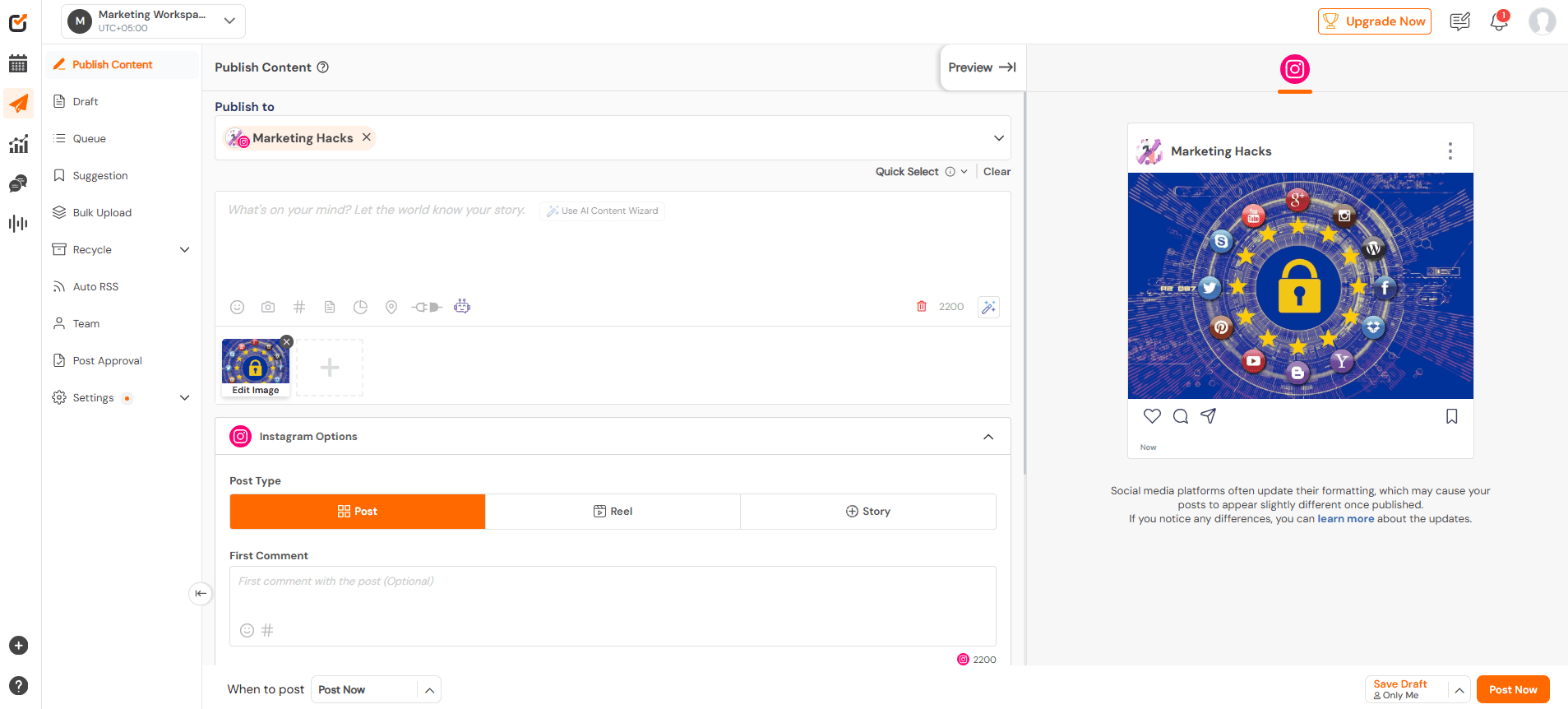
Social Champ’s Dashboard Social Champ is a budget-friendly powerhouse that works for solo creators, SMBs, and agencies alike. What sets it apart is the combination of bulk scheduling, repeat posts, and AI-powered content suggestions that save you time and help maintain a consistent posting rhythm.
With this tool, you can schedule months of content at once, recycle top-performing posts automatically, and even generate captions and hashtags with AI tools. This means you can maintain a consistent posting schedule, save hours of manual work each week, and keep your audience engaged with content that performs best.
Social Champ also supports a wide range of platforms, including Instagram, WhatsApp Business, Facebook, X, TikTok, YouTube, LinkedIn, Pinterest, Threads, Bluesky, Mastodon, and Google Business Profile.
This means you can manage all your social accounts from one place and keep your messaging consistent across every platform your audience uses. You can also post to all social media at once, saving precious time and energy.
Another feature that makes Social Champ stand out is its unlimited post scheduling across all its paid plans. This gives you the freedom to plan as much content as you need without worrying about hitting limits. Even on the free plan, you can schedule up to 15 posts, which is perfect for testing the tool or handling a small account.
In addition, Social Champ’s AI Suggest Time feature takes the guesswork out of posting by analyzing your audience and letting you know the best times to post on TikTok and other platforms. This helps your content get maximum engagement.
To help you weigh the benefits against the drawbacks, here’s a quick pros and cons table that highlights what we loved and what could be improved:
Social Champ Pros Social Champ Cons It offers a free plan, which is good for testing the waters before committing. The mobile app is reported as less intuitive and stable than the desktop version. It offers flexible pricing, as you can select how many social accounts you want to connect. Users often find the free plan too limited, forcing them to upgrade for key features. You can pay as low as $4/month/channel, which makes the tool affordable even for solo creators. Does not offer video templates, thus unideal for video creators needing templates for TikTok/Reels. It has simple to use interface, which is easy for beginners to master. It supports more platforms (12) than most tools. It allows for external integrations with many platforms and apps, even on the free plan. It offers bulk scheduling for efficient planning. The tool is fast and efficient to schedule content for multiple clients at once. The repeat post feature is a game-changer, as it lets us keep our top posts circulating without manually reposting them.
The AI caption suggestions were surprisingly accurate, and they helped our team cut down brainstorming time by half. We also appreciated the flexibility of plans, as they can let smaller teams start cheap and scale later.
With Social Champ, we found out that we could get way more scheduling power and AI functionality for less money, especially for multi-platform campaigns.
Based on reviews on Trustpilot, Social Champ has met and exceeded most users’ expectations. An overwhelming number (79%) have given it five stars, so it’s safe to say that most people love how easy it is to schedule, manage, and optimize their content using the tool.
With such great reviews and glowing testimonials from users, it’s no surprise that Social Champ tops our list.

Optimize Your Social Media Workflow With Social Champ!
Save time and improve your social media results with Social Champ. Get started with our easy-to-use platform and manage all your social networks in one place!
-
Buffer
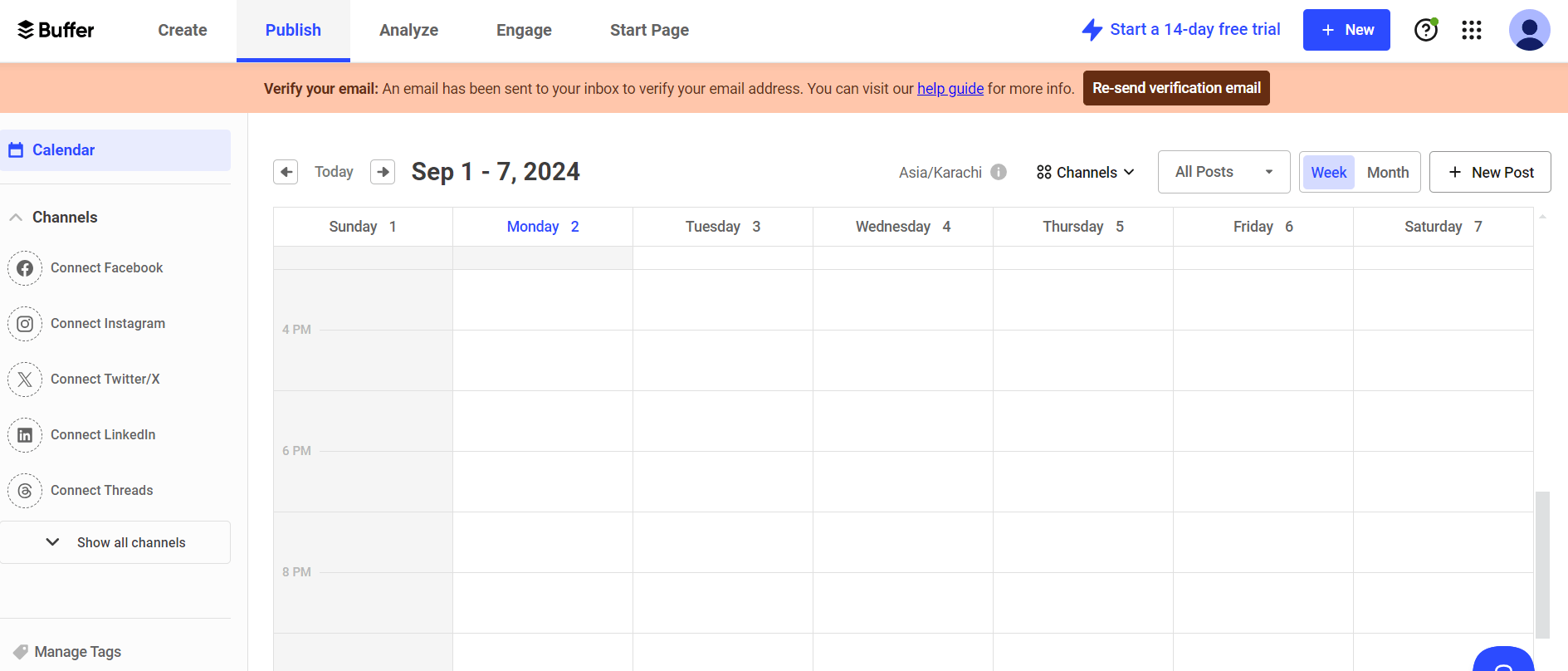
Buffer’s Dashboard Buffer is all about simplicity and reliability. It may not have the flashiest AI or team workflow features, but it excels at letting you schedule content quickly, maintain consistent posting, and monitor basic engagement. It’s great for solo creators or small teams who want a clean, no-fuss tool that just works.
Buffer Pros Buffer Cons Affordable for small users as it offers a free plan. The pricing is also low, as it’s $5/month/channel. Buffer doesn’t offer social listening, so you can’t track mentions, trends, or conversations across platforms in real time. It offers flexible pricing, as you can choose the number of channels to add. It offers basic metrics only It has a clean and intuitive interface that makes it one of the easiest tools to use. It offers minimal approval flows It allows you to schedule up to 10 posts on its free plan, and schedule unlimited posts on its paid plans. It doesn’t offer AI image generation, video content AI, and smart optimization. It supports 11 social media platforms, including Mastodon, GBP, Threads, and Bluesky. Per-channel pricing adds up. During our trial period, we enjoyed how fast and frustration-free scheduling posts across multiple platforms with Buffer was. The smart queue system automatically optimized posting times, which saved our team from manual scheduling headaches.
Compared to Later, Buffer is lighter and more straightforward. Our conclusion? Buffer is perfect if you don’t need extensive AI or approval workflows but still want a dependable scheduler.
While most users appreciate Buffer’s easy-to-use interface and generous free plan, the tool has also received a notable number of negative reviews on Trustpilot.
Around 52% of reviewers have given Buffer a 1-star rating, citing reasons such as failure to post scheduled posts and lost connection with social media platforms. Several users also mention concerns around customer support response times and feature limitations when managing multiple accounts or clients.
While Buffer remains a solid option for individuals and small teams, these reviews suggest that it may start to feel restrictive once your social media needs expand. If these issues seem like they might hinder your content strategy, you might want to check out Buffer alternatives.
-
Hootsuite: Manage All Your Social Media From a Single Dashboard
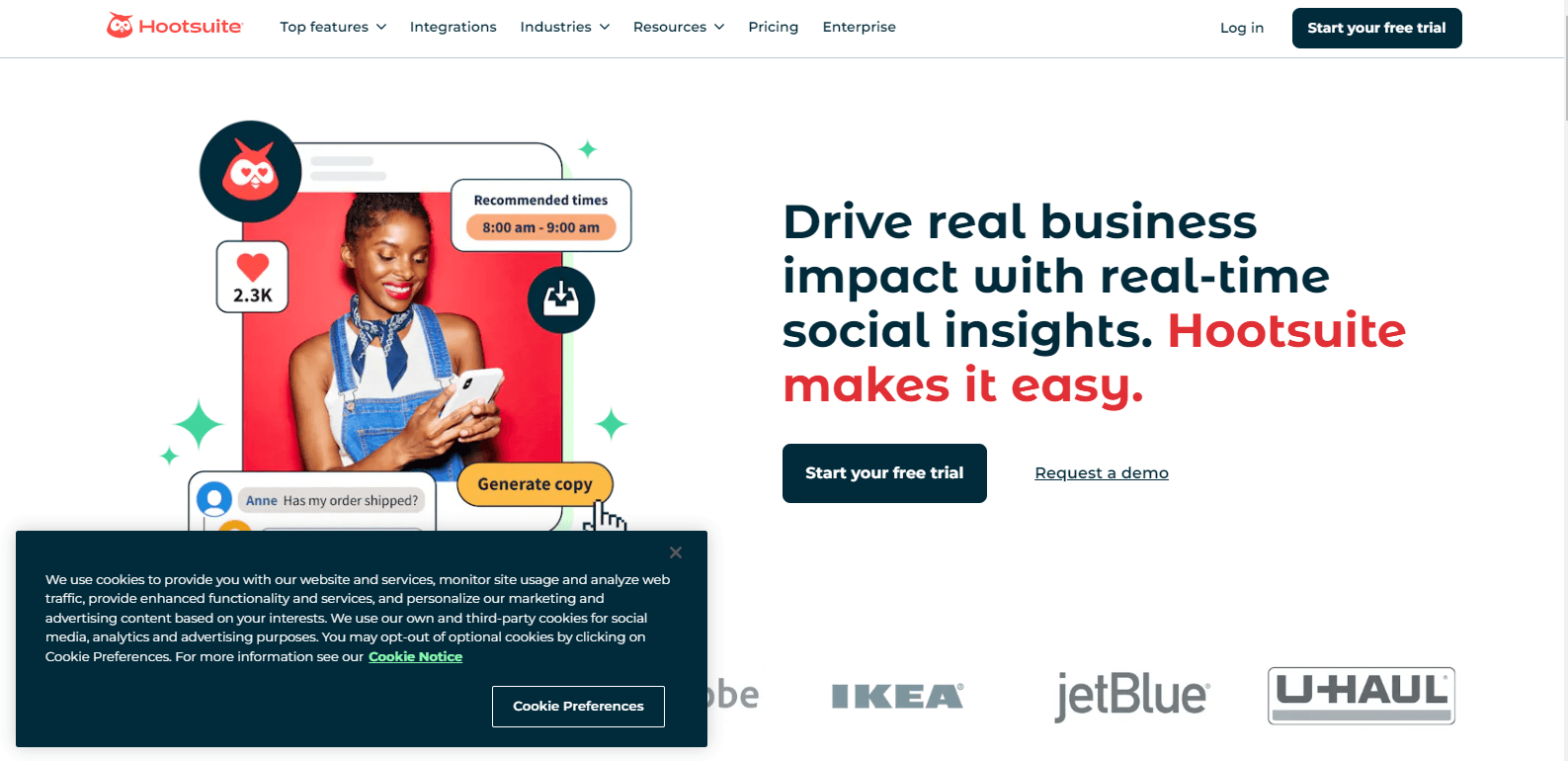
Hootsuite’s Landing Page Hootsuite is the classic powerhouse for teams and larger businesses.
Hootsuite offers three plans, including:
Standard , which costs $199 and has 1 user. In this plan, you can manage 10 social accounts.
Advanced , which costs $399 and has 1 users. In this plan, you can manage Unlimited social accounts.
Enterprise, which costs Unlimited and has Unlimited users. In this plan, you can manage Unlimited social accounts.Hootsuite also supports: Facebook, Instagram, TikTok, LinkedIn, X, YouTube, Pinterest, Threads, WhatsApp, Google Business Profile, and Bluesky.
On top of that, it goes beyond scheduling by letting you track mentions, trends, and conversations across 30+ social networks and more than 150 million websites. This, in turn, gives you a broader view of what people are saying about your brand online.
While it’s pricier, Hootsuite’s robust team management, approval workflows, and reporting features make it ideal for agencies and companies juggling multiple clients.
Hootsuite Pros Hootsuite Cons It offers a wide platform support, letting you manage multiple social networks in one place. It doesn’t offer a free plan. It offers advanced analytics and reporting to track performance and measure results. Hootsuite pricing is higher than Later’s, as their lowest plan, the Standard Plan, is priced at $99/month. This makes it expensive for solo creators and small teams. It offers a social inbox and engagement tools to monitor and respond to messages and mentions. Slightly steep learning curve It offers team management and approval workflows for smooth collaboration. It doesn’t offer bulk scheduling on its Standard Plan. It offers strong enterprise features designed for large teams and complex campaigns. It doesn’t offer customizable reports and templates on its Standard Plan. When testing out this tool, we appreciated its command-center feel. Its social inbox and streams kept our team on top of comments, mentions, and DMs in one place. What’s more is that the analytics dashboard provided real insights into engagement and growth, and we could generate reports quickly for clients.
Compared to Later, Hootsuite is a much more serious upgrade for larger teams who need control, visibility, and multi-platform coverage all in one tool.
Similar to Buffer, Hootsuite has received a fair share of negative reviews. Many users report payment-related issues, including unexpected charges, difficulties with refunds, and concerns about being billed even after canceling a trial.
Given these issues, it’s understandable if you’re considering Hootsuite alternatives that offer more transparent pricing, easier billing, and a smoother overall experience.
-
Sprout Social: Analytics and Collaboration With Enterprise-Grade Features
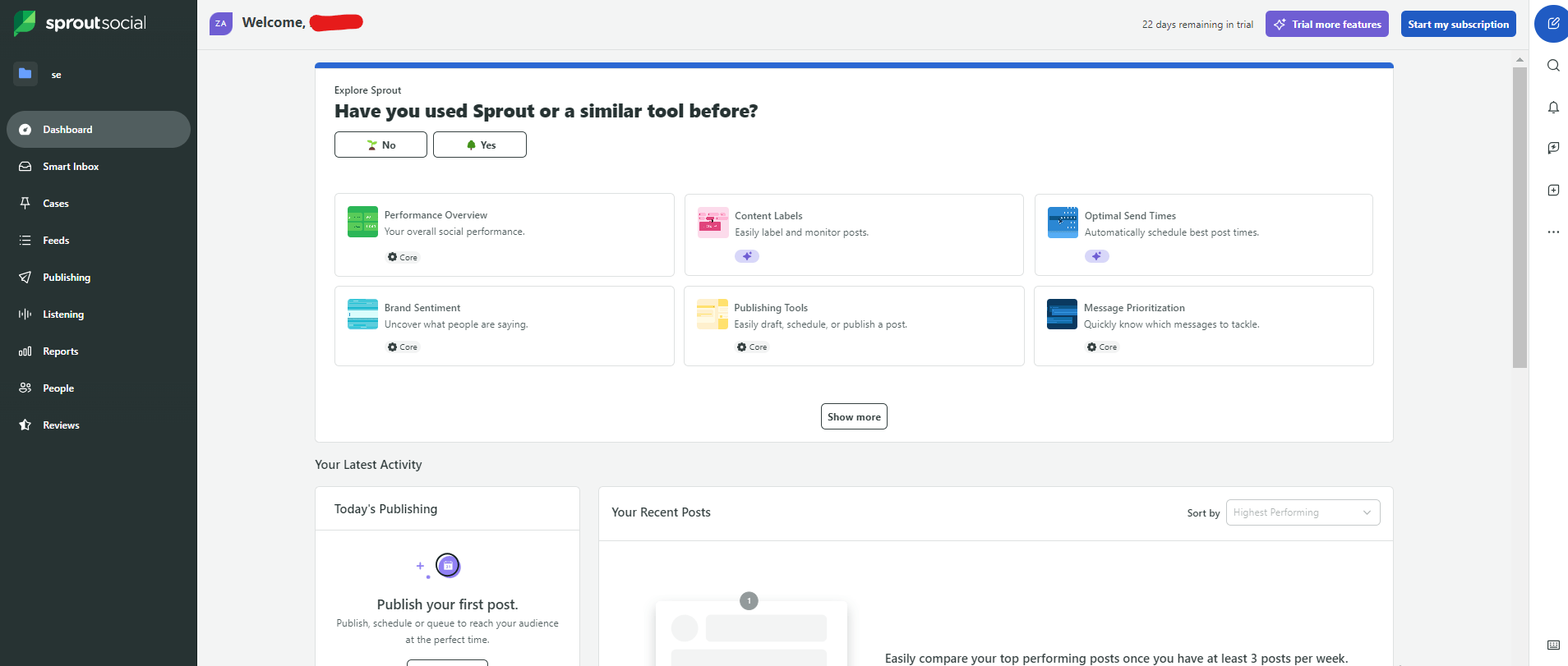
Sprout Social’s Webpage Unlike simpler tools, Sprout Social goes beyond scheduling and basic posting. It offers a full suite of features for social listening, engagement tracking, and customer relationship management. You can monitor mentions, track trends, respond to messages, and even analyze sentiment across multiple platforms in one place.
While it costs more than tools like Social Champ or Buffer, Sprout Social includes powerful features made for larger teams. If you rely on detailed data and need workflows that scale as you grow, the higher price can make sense.
Unlike Later, which only gives detailed reports on its most expensive plan, Sprout Social offers deeper insights right away. You can easily see how your posts perform, what content works best, and how you compare to competitors.
Sprout Social Pros Sprout Social Cons It has an All-in-One Smart Social Inbox that allows you to monitor and engage with messages across social networks. It’s more expensive than Later, considering its Standard Plan is priced at $199 month. It connects with a wide range of social media networks and integrates with a wide range of tools and apps. The Standard Plan allows you to connect 5 social profiles only, which is fewer than those you can connect with Later and other tools. The tool allows you to connect and monitor reviews from the Apple App Store, Facebook, Google Business Profile, Tripadvisor, Glassdoor, and Yelp. Some of the more cutting-edge capabilities, like advanced analytics, are reserved for higher-tiered plans. It offers real-time keyword/brand monitoring that allows you to monitor distinct search terms and phrases. It doesn’t offer a free plan. You can obtain detailed analytics across social networks and download unlimited PDFs/CSVs of your data. One of the things we loved about Sprout Social is the approval workflows. Assigning tasks, managing drafts, and approving content across multiple team members felt smooth and intuitive.
The social inbox was another highlight. It consolidated DMs, comments, and mentions into a single interface, making it much easier to respond quickly to audiences without switching between platforms.
The tool also really stood out in terms of analytics and reporting. Its dashboards made it simple to track performance across multiple clients, posts, and platforms.
Our verdict is that Sprout Social is, without a doubt, a powerful social media management tool that works as advertised. It’s ideal if you value robust analytics, smooth team collaboration, and client-ready reporting, even if it comes at a higher price point.
Featured Article: 15 Best Sprout Social Alternatives (Tried & Tested)
-
Zoho Social: Smart Scheduler for Growing Businesses
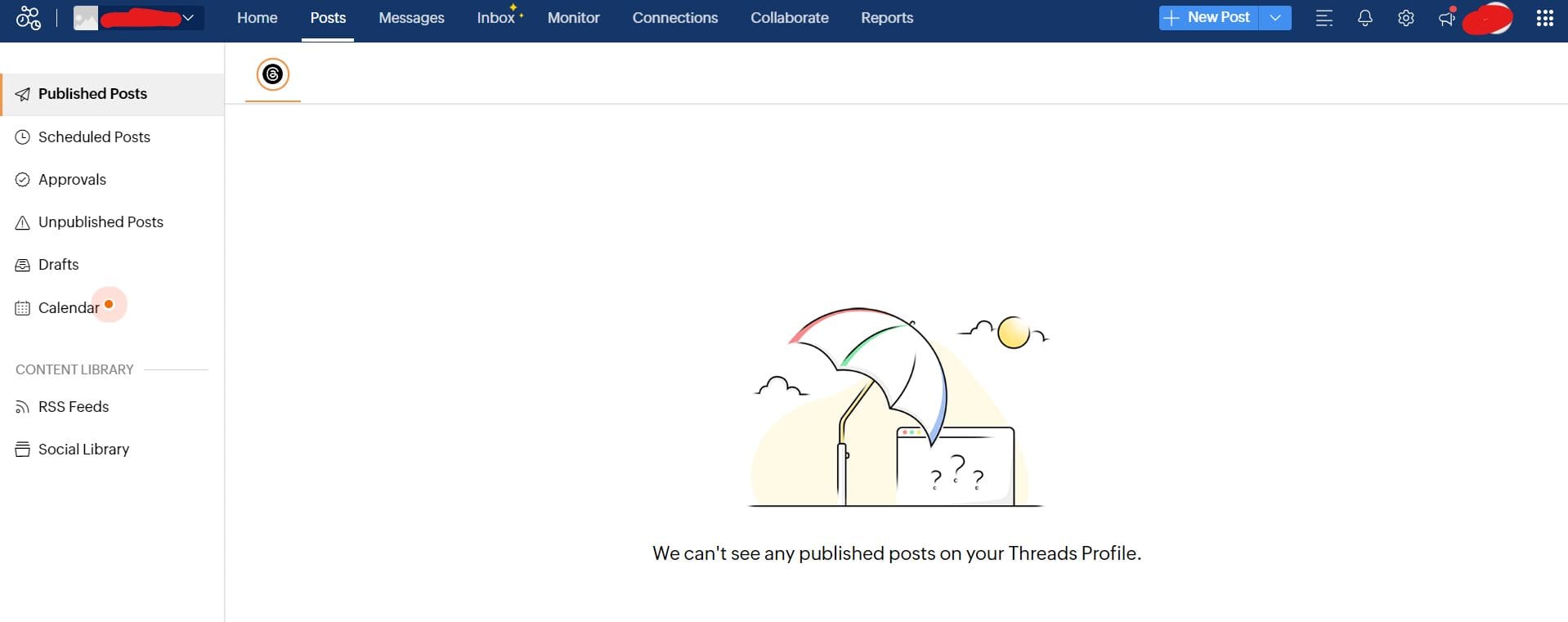
Zoho Social’s Dashboard Zoho Social brings many essential productivity tools together under one roof. While Later gives you scheduling and basic analytics, Zoho Social goes a step further with smart scheduling and bulk posting. It also offers detailed monitoring, including listening to keywords and mentions across multiple platforms.
Zoho Social’s CRM integration makes it especially appealing for businesses that want to link social activity to sales and marketing efforts.
Zoho Social Pros Zoho Social Cons It offers a free plan It’s a bit complex, so there’s a learning curve for beginners. It’s very affordable, as its pricing ranges from $7/month to $28/month. Some advanced features are available only on higher tiers. It has an easy-to-use interface that makes planning and scheduling a breeze. It does not offer bulk scheduling on its free and Standard plans. It offers support to 11 social media networks, including Bluesky, Threads, Mastodon, and GBP, among others. Overall, our experience with this tool was very positive. Scheduling posts across multiple accounts was smooth, and the listening feature gave us insights into audience sentiment that Later doesn’t offer natively.
And looking at Zoho Social reviews, most users have had a positive experience with the tool as well. An overwhelming number (over 2400 users) have rated the tool five stars, compared to only two who’ve given it a one-star rating. This goes to show that the tool ticks all the right boxes as far as social media management is concerned.
-
Agorapulse: Your All-In-One Social Media Control Center
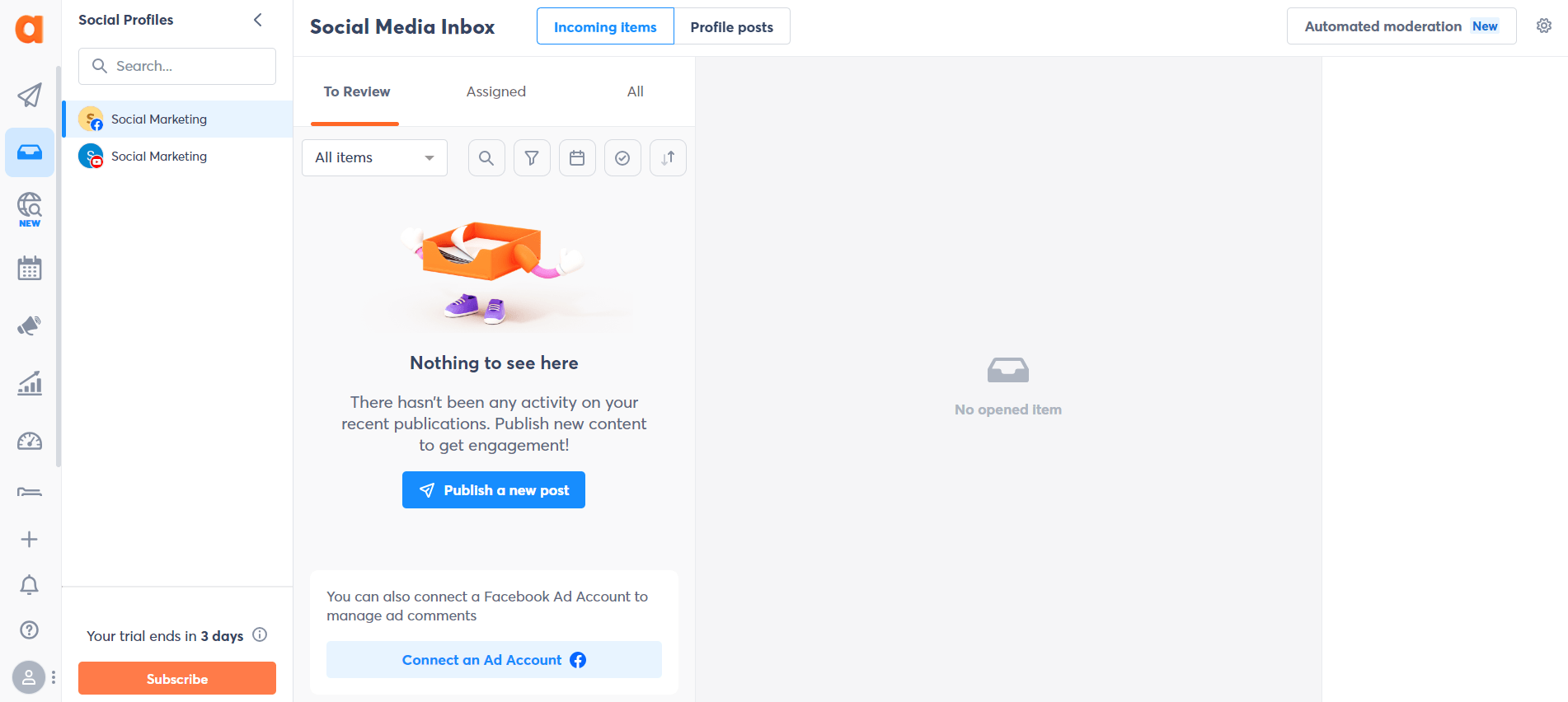
Agorapulse’s Dashboard If you’ve ever wished for a unified inbox where you could manage all messages, comments, and mentions, Agorapulse might feel like a dream come true.
Unlike Later, which primarily focuses on scheduling, Agorapulse excels at social engagement and team collaboration. This makes it perfect for agencies or SMBs that need both posting and listening in one place.
Agorapulse also offers robust analytics and reporting to track performance across platforms, which gives you more insight than Later’s standard reports.
Agorapulse Pros Agorapulse Cons Its interface is user-friendly and is easy on the eyes. It doesn’t offer a free plan It allows unlimited post scheduling in all its plans. It’s pricier than Later, as it’s entry plan, the Standard plan is priced at $79 per month. It supports 11 social media platforms, including GBP, Bluesky, and Reddit. Bulk scheduling is only available in higher plans. It allows you to connect up to 10 social profiles, compared to Later’s 8 social profiles on the entry plan. It offers fewer integrations in the lower plans. It allows you to analyze the impact of your campaigns with easy-to-read yet detailed social media reports. Lower plans don’t suggest recommended publishing times in Composer One of the things we noticed right away is how Agorapulse makes monitoring engagement effortless. Having all messages in a single inbox saved our team hours, and the labeling and tagging system helped organize client interactions.
With Agorapulse, you get both the scheduling and the customer engagement power in one dashboard. The reporting tools also make presenting client performance far easier and more professional than Later’s standard charts.
-
Sendible: Powerful Scheduling With Agency-Grade Tools
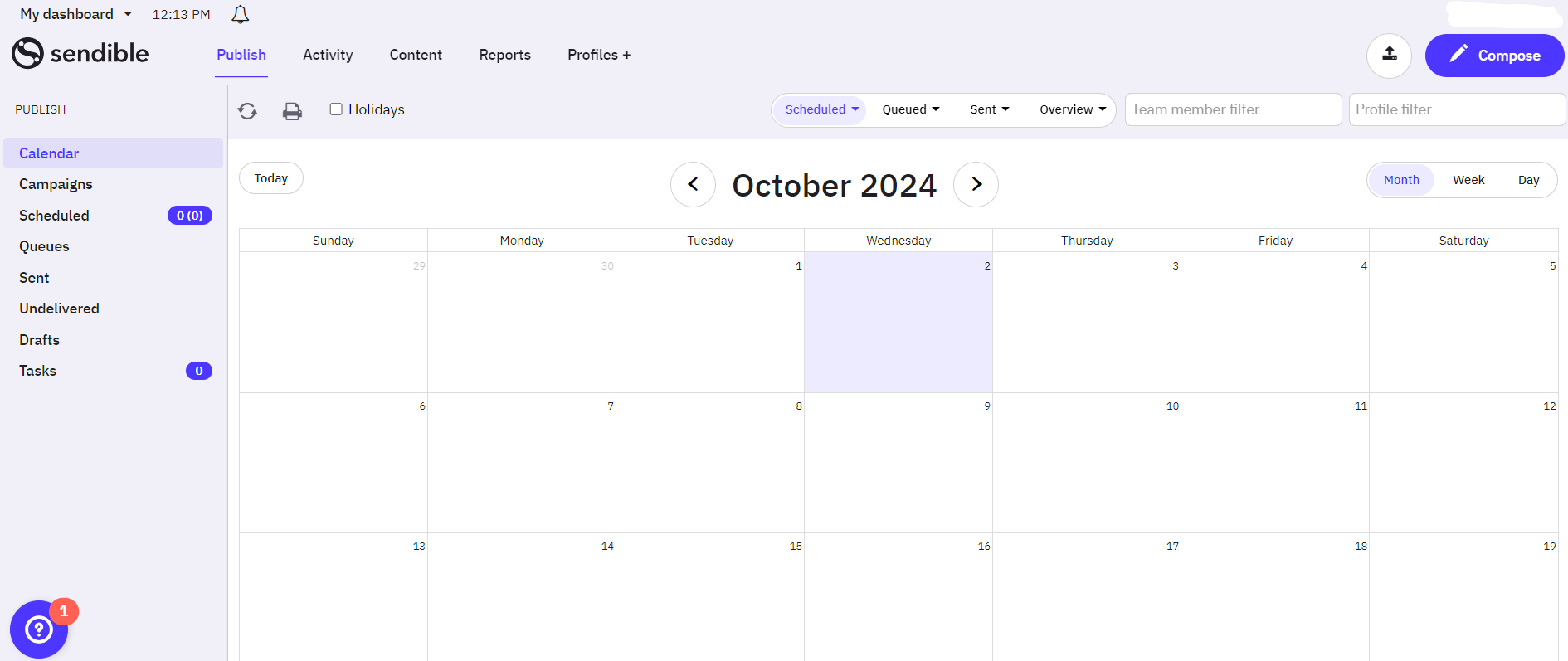
Sendible’s Dashboard If you manage multiple clients or accounts, Sendible is a strong contender. Beyond just scheduling posts, it provides robust team collaboration features, including task assignments, approval workflows, and client-specific access. All these make it easy for everyone to know exactly what needs to be done.
Sendible’s detailed reporting and analytics go beyond Later’s basic dashboards. The tool lets you track engagement, growth, and ROI across multiple platforms in one place. This makes it a tool built for social media managers who like to stay on top of everything.
Sendible Pros Sendible Cons It allows for multi-client management. Pricing can be steep for solo users, as the lowest plan, the Creator Plan, is priced at $29/mo. It provides detailed analytics and reporting The Creator plan allows you to connect only six social profiles, which are lesser than what you can connect with Later. It supports 10 social networks, including Threads, Bluesky, GBP, and WordPress. Some integrations require higher plans. It lets you know the optimal times to post. It doesn’t offer white labelling unless as a paid add-on on its pricier plans. It allows unlimited scheduling on all plans. It doesn’t offer a free plan. Sendible is one of the social media management tools that we find quite easy to use. The only critic is that we found their photo editing tool a little clunky, but it’s likely that they’ve probably made improvements since then.
Nevertheless, the platform still delivers a smooth and reliable experience for managing and publishing content across multiple accounts.
-
CoSchedule: Perfect for Marketing Management & Scheduling
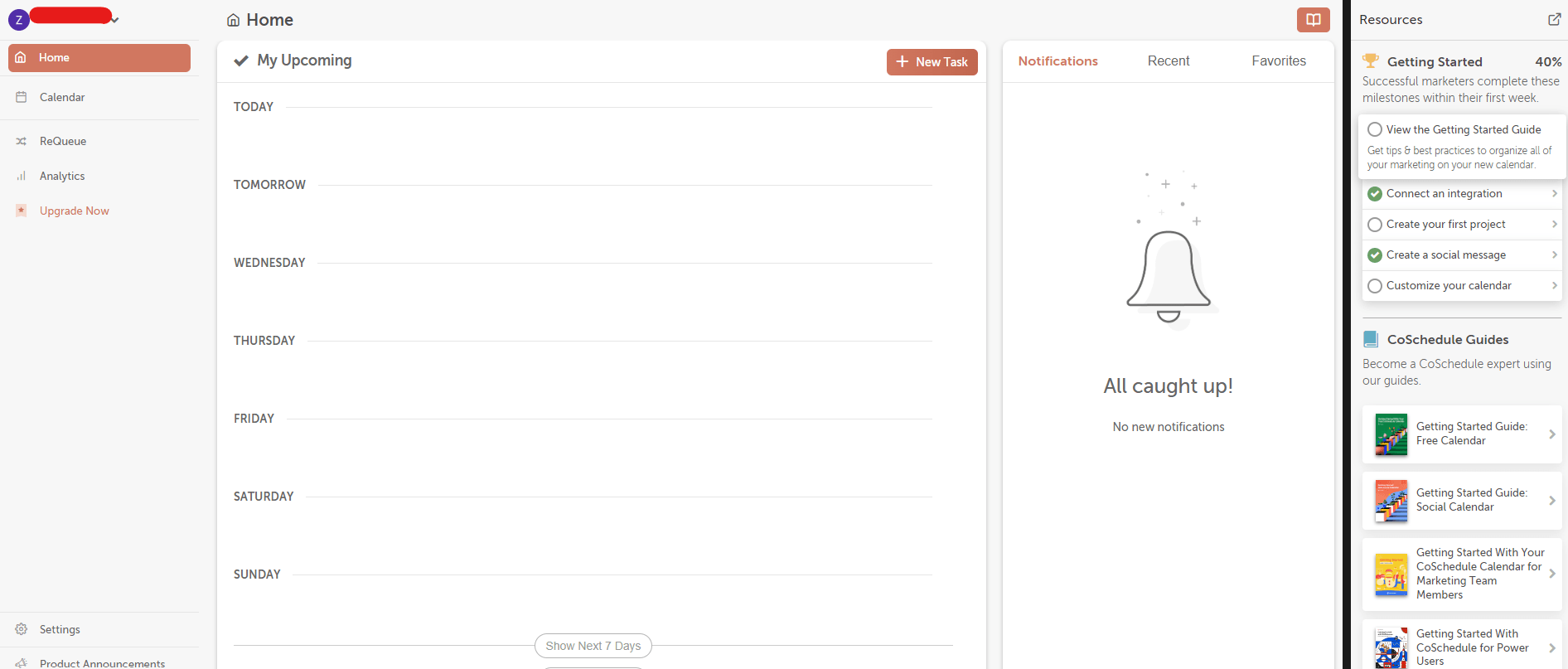
CoSchedule’s Dashboard Unlike Later, which focuses on social posts, CoSchedule combines content calendar management, task assignments, and workflow automation for teams running blogs, email campaigns, and social media. If you want to keep every marketing channel aligned, CoSchedule is the alternative.
CoSchedule Pros CoSchedule Cons It has a free plan. The free plan doesn’t offer bulk scheduling. It’s quite affordable as its pricing ranges from $19/month to $59/month. The social inbox is not available on the free plan. It allows Best Time Social Publishing. There’s a learning curve for new users It supports 11 social networks. Some integrations require higher plans It integrates with many platforms and apps. We found CoSchedule invaluable for aligning social media with broader marketing campaigns. Instead of treating social posts as standalone tasks, we could plan them alongside email newsletters and blog content within one unified calendar, which felt like a genuine game-changer.
Featured Article: 10 CoSchedule Alternatives to Improve Your SMM
-
Tailwind: Perfect for Visual Storytelling
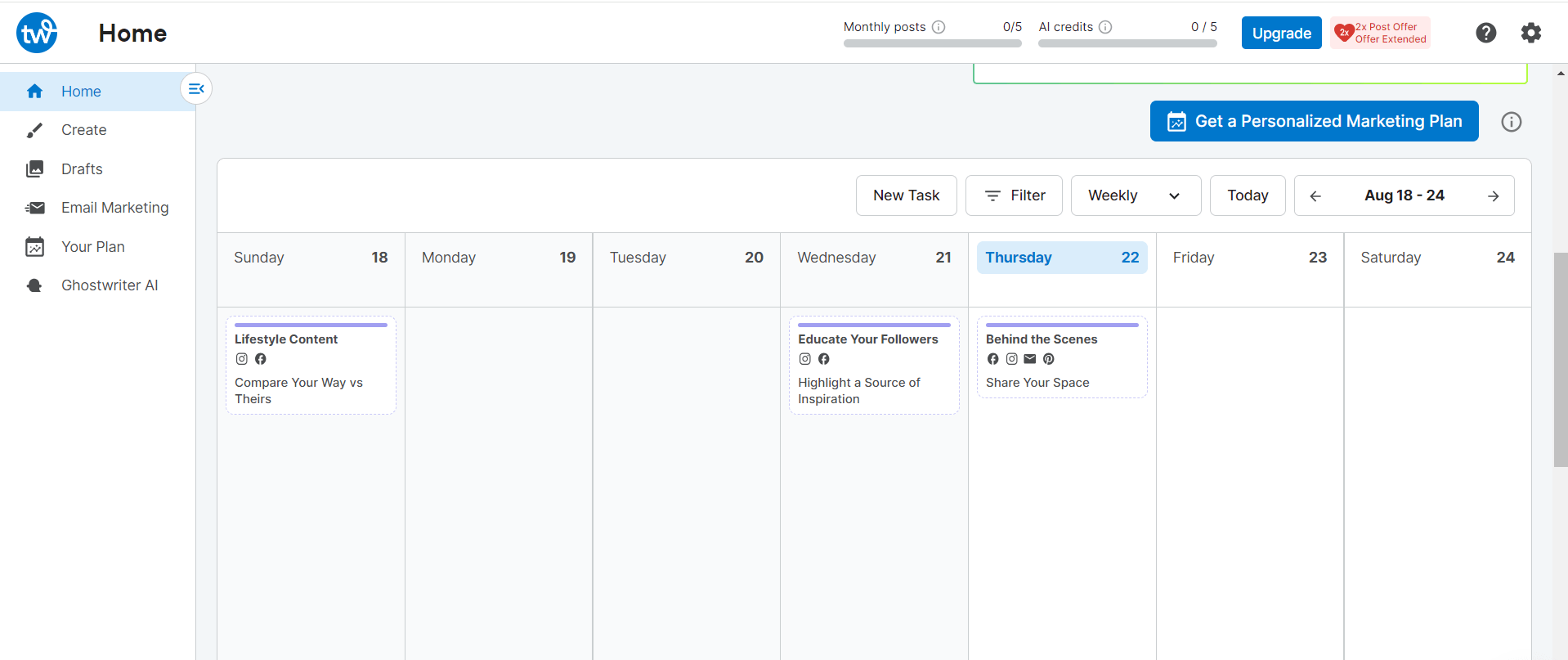
Tailwind’s Dashboard Tailwind is the go-to tool for visual-first brands. If Instagram and Pinterest are your playgrounds, Tailwind shines with drag-and-drop planning, hashtag suggestions, and content queues.
Unlike Later, which covers multiple platforms but with generic visuals, Tailwind focuses on optimizing posts for maximum visual impact and engagement.
Tailwind Pros Tailwind Cons It offers a free plan. Limited support for non-visual platforms. In fact, it allows you to cross-post to Pinterest, Instagram, and Facebook only. It’s affordable as its pricing ranges from $17.99/mo to $49.99/mo. Team collaboration features are basic It provides advanced analytics in all its paid plans. Higher-tier plans are needed for full features It allows you to schedule at least 150 posts/mo on its lowest plan. No AI content creation Tailwind Communities and Tribes One of the things we particularly enjoyed when using this tool was the visual grid previews, which made Instagram planning fun and precise. The hashtag suggestions were also surprisingly spot-on, as they helped us reach new audiences organically.
Overall, Tailwind is more like a specialized toolbox for visual content. It’s perfect for creators who care about aesthetics as much as consistency.
-
Planable: Collaborate With Your Team and Streamline Social Media Approvals
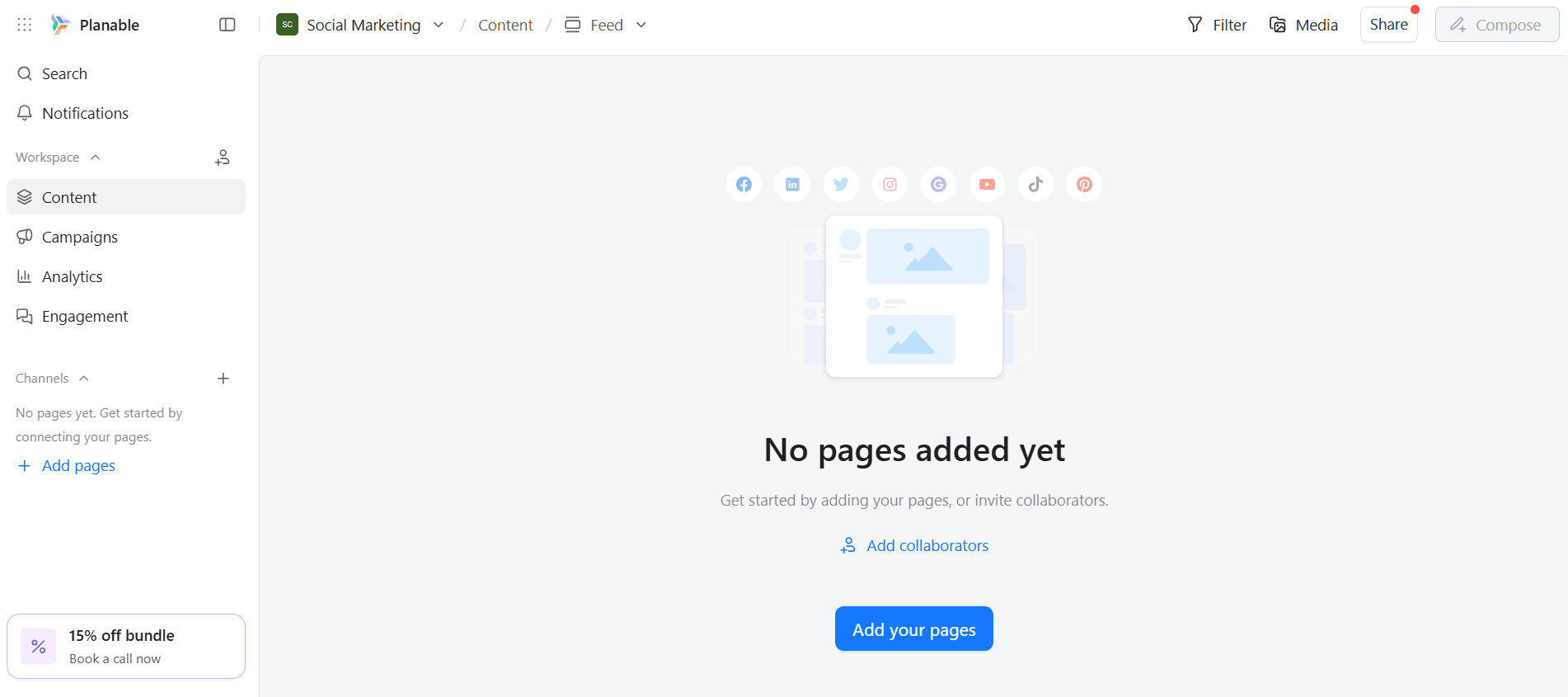
Planable’s Dashboard Planable is designed for teams, agencies, and social media managers who want to take the chaos out of content collaboration.
Instead of managing spreadsheets, emails, or scattered comments, Planable gives you a visual workspace where you can draft posts, attach images and videos, and see exactly how everything will look before it goes live.
All things considered, Planable is a professional command center for teams. While Later offers some team features, they often require higher-tier plans, whereas Planable’s collaboration tools are built into the core experience.
From testing Planable, what immediately stood out was how intuitive the visual calendar is. Dragging posts around, rescheduling, and previewing content exactly as it will appear on social feeds made planning far less stressful.
We particularly loved how client feedback was transparent and easy to track. That kind of visibility keeps everyone aligned and helps projects move forward smoothly.
Planable Pros Planable Cons It offers a free plan, which is great for those who wish to try the tool before committing. It’s more expensive than Later, considering its entry plan, the Basic plan, is priced at $33/mo. Its visual content calendar is very intuitive and user-friendly. Upgrade options can be confusing and limiting, which impacts the sharing capabilities and overall experience. It offers centralized management that enables swift collaboration and efficient management of multiple clients. Automated posting does not work seamlessly for all platforms, so scheduling issues are likely to occur. It allows you to post up to 60 posts per workstation per month in its lowest plan and unlimited posts in its highest plan. Does not offer analytics and engagement features on its free plan. It allows you to schedule your content directly on 9 major social media platforms. It doesn’t offer support for WhatsApp Business, Bluesky, and Mastodon. Looking at Planable’s reviews on Trustpilot, it’s clear that the platform has made a strong impression on its users. The feedback is generally very positive, with 78% of reviewers giving Planable a 5-star rating. This is a strong signal that the tool delivers on its promise of smoother collaboration and content approvals.
Many users consistently praise Planable for its intuitive interface, visual calendar, and client-friendly approval workflows. Teams also highlight how easy it is to track feedback, manage revisions, and keep everyone aligned without endless email threads.
For agencies in particular, reviewers often mention that Planable helps speed up approvals and reduce miscommunication, which makes day-to-day content planning far less stressful.
Overall, the reviews suggest that Planable excels where it matters most: clarity, collaboration, and ease of use. If your biggest pain point with Later is managing feedback and approvals, Planable’s strong user ratings make it a compelling alternative.
-
Planoly: Visual Planning Meets Scheduling Simplicity
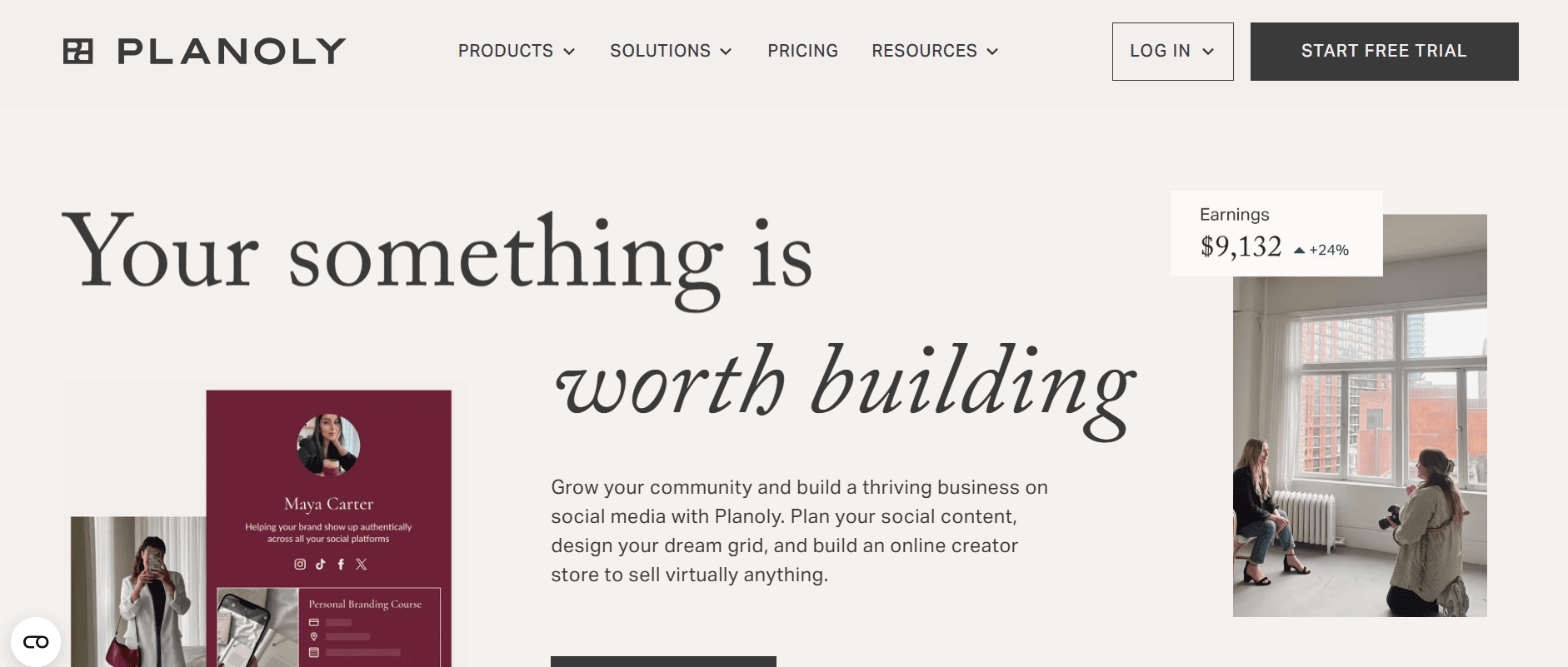
Planoly’s Homepage Planoly is perfect for visually-minded creators and Instagram-first brands. It makes it easy to plan your feed, preview posts in advance, and keep your content looking polished and on-brand without overcomplicating the process.
Unlike Later, which covers multiple platforms, Planoly emphasizes drag-and-drop visual planning, which lets you see your feed layout before posts go live. This tool also supports Pinterest and TikTok, which makes it great for brands focused on visual storytelling.
Planoly Pros Planoly Cons It’s cheaper than Later, as its Starter Plan is priced at $14/mo. Bulk scheduling is less robust It’s perfect for visual feed planning. Analytics are less advanced than enterprise tools It has a drag-and-drop interface, which makes it easy to use. AI content tools are minimal. There are several things we liked about Planoly. Firstly, the visual planning interface made it easy to create an Instagram feed that actually looks good before posting. Dragging posts around the calendar and seeing them in the feed view was far more intuitive than with most tools.
For creators and small brands focused on aesthetics, Planoly can be more of a creative partner than a scheduling tool, even if it doesn’t offer the full cross-platform depth of Later.
-
MeetEdgar: The Ultimate Content Recycler
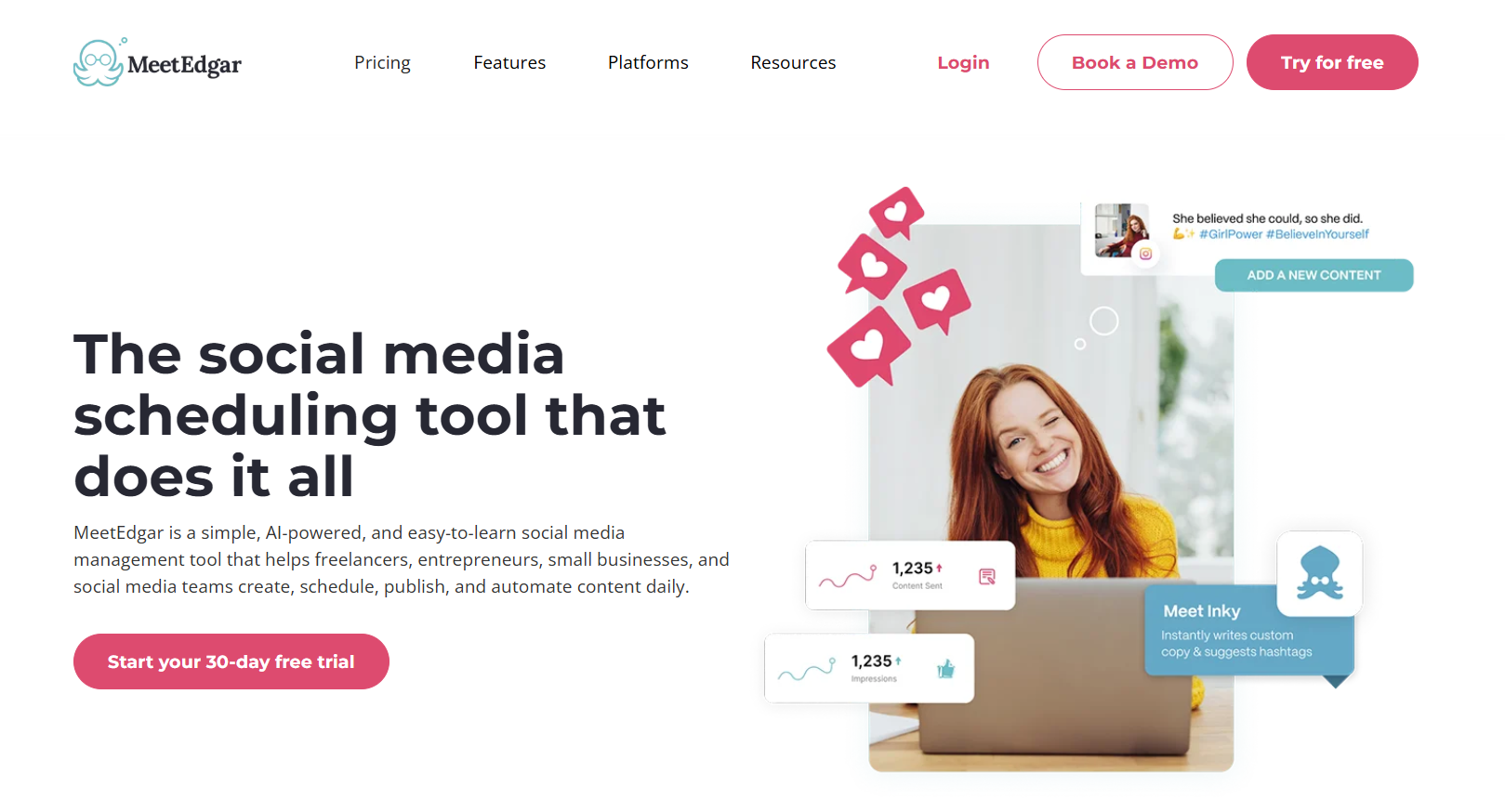
MeetEdgar’s Landing Page If you love the idea of never letting a great post go to waste, MeetEdgar is for you. Unlike Later, which schedules content in linear batches, MeetEdgar automatically recycles your best posts and keeps them in rotation to reach new audiences over time.
Compared to Later, which requires manual reposting for top content, MeetEdgar seems smarter for keeping engagement consistent over time.
This tool is perfect for creators and small businesses who want to maximize content lifespan without constantly reinventing the wheel.
MeetEdgar Pros MeetEdgar Cons It has a simple scheduling interface that’s friendly for beginners. It doesn’t offer a free plan. However, it offers a 30-day trial. It allows you to schedule unlimited posts on both its plans. It offers only two plans, so there aren’t many options. It supports automatic content recycling. It’s more expensive than Later, as the lowest plan, the Eddie Plan, is priced at $24.91/mo. It supports 8 major social media platforms Unlike several other tools, MeetEdgar doesn’t support Mastodon, Bluesky, and WhatsApp Business. You can purchase additional social account connections on any plan. The lowest plan allows you to connect only 5 social accounts, which is lower in comparison to other tools. Like with other tools on this list, our experience with MeetEdgar was pleasant. We loved how this tool effortlessly kept top-performing posts circulating.
MeetEdgar is also one of the tools that has received many positive reviews from users. Many people have cited ease of use, the repost feature, and multi-platform support as the main aspects that make them love the tool.
Featured Article: Social Media Myths Debunked: What Every Marketer Should Know
-
Loomly: The Calendar That Actually Loves Your Content
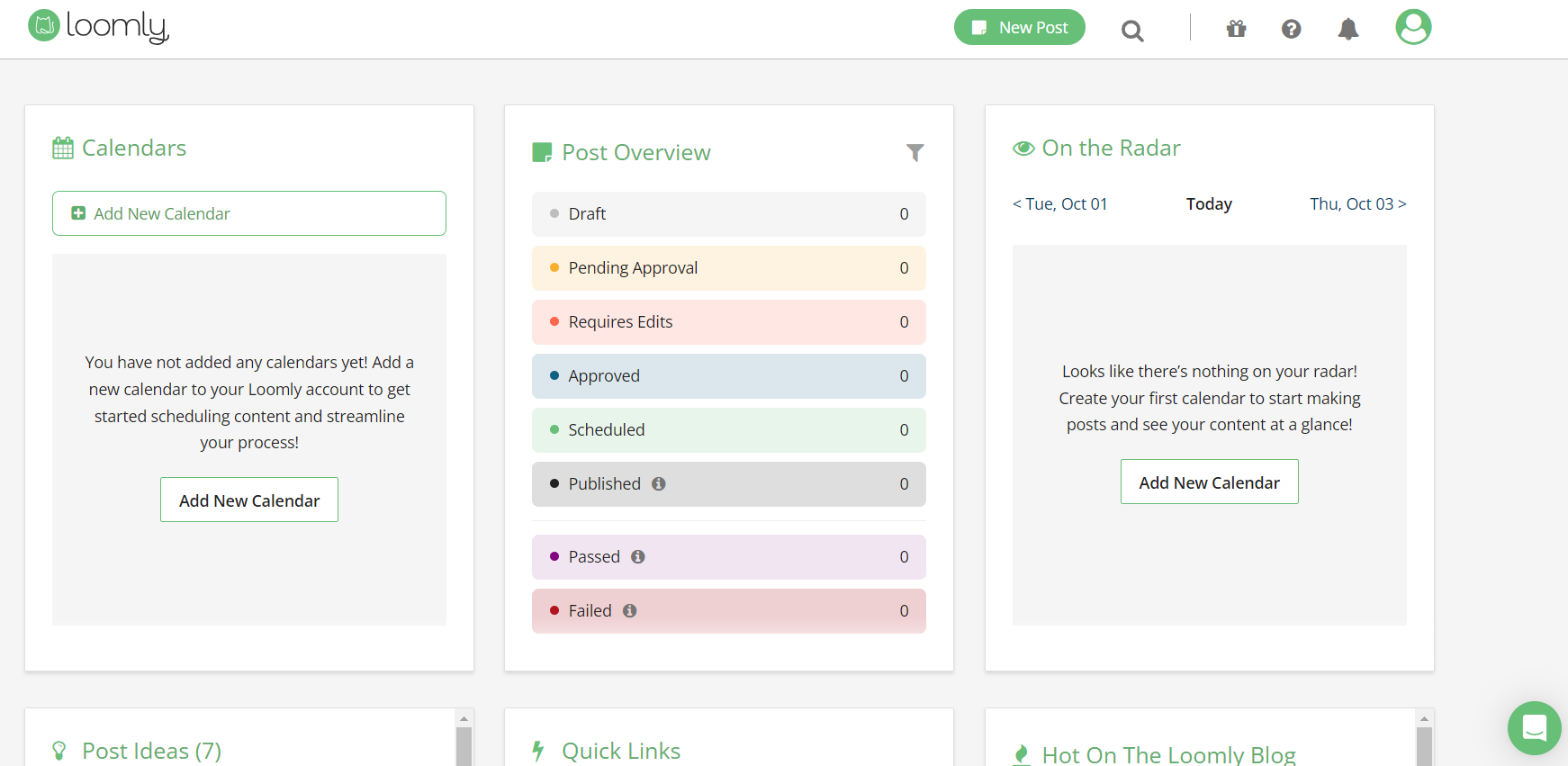
Loomly’s Dashboard Unlike Later, which focuses mostly on scheduling and posting, Loomly combines content planning, automated suggestions, and analytics in one neat calendar interface.
It even offers post ideas, optimization tips, and RSS feed integration, all of which make it ideal for teams that want a bit of inspiration baked into their workflow.
Loomly Pros Loomly Cons Loomly offers monthly and annual pricing, so you can select what’s best for you. It doesn’t offer a free plan. It allows for unlimited post scheduling on both its plans. The cost of its plans is not publicly shown, so you have to enquire first. It allows you to connect up to 12 social accounts on its lowest plan. There are only two pricing plans to choose from. It has the Best Time to Post feature that lets you know the best time to post. It has fewer integrations. It provides a post analytics dashboard on both plans. During our trial period, Loomly kept our content organized and sparked creative ideas. We also found the post suggestions and optimization tips surprisingly helpful. What’s more is that our team could comment, approve, and schedule seamlessly, which made planning campaigns a breeze.
Featured Article: Top 10 Loomly Competitors
-
SocialBee: Your Content, Categorized and Conquered
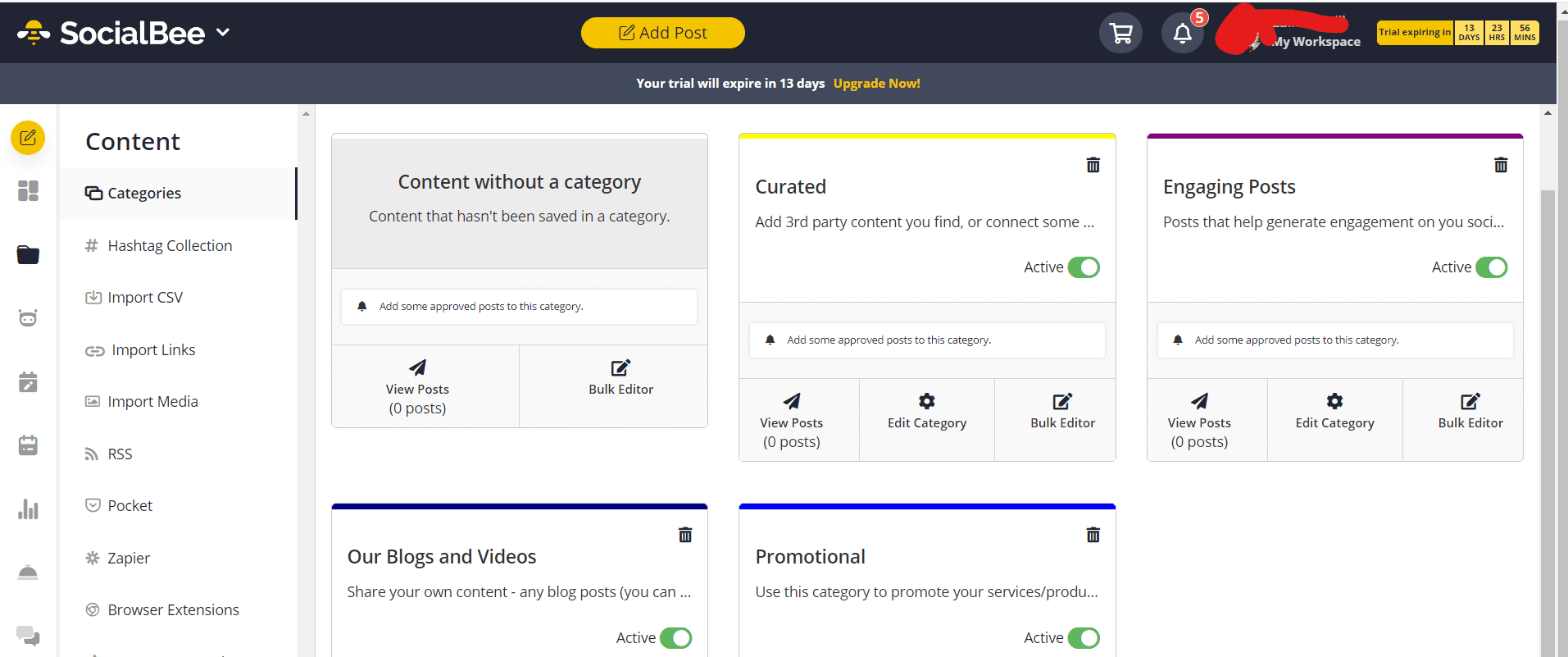
SocialBee’s Dashboard SocialBee is all about content organization and smart posting. Unlike Later, which schedules linearly, SocialBee lets you categorize posts into evergreen, promotional, or social content, then automates posting based on category rules. It’s great for small businesses and creators who want consistent posting without constantly thinking about what goes live next.
SocialBee Pros SocialBee Cons It allows category-based content posting It doesn’t offer a free plan It allows evergreen content recycling Its analytics are less advanced It offers multi-platform support Team features are limited on lower tiers It allows for bulk upload and scheduling Learning curve for new users When testing this tool out, we loved how it took the guesswork out of posting. Once we set up categories and schedules, the content just flowed automatically.
For creators and small teams looking to save time and keep engagement consistent, SocialBee is a good choice and a great Later alternative.
-
SocialPilot: Affordable Power for Growing Teams
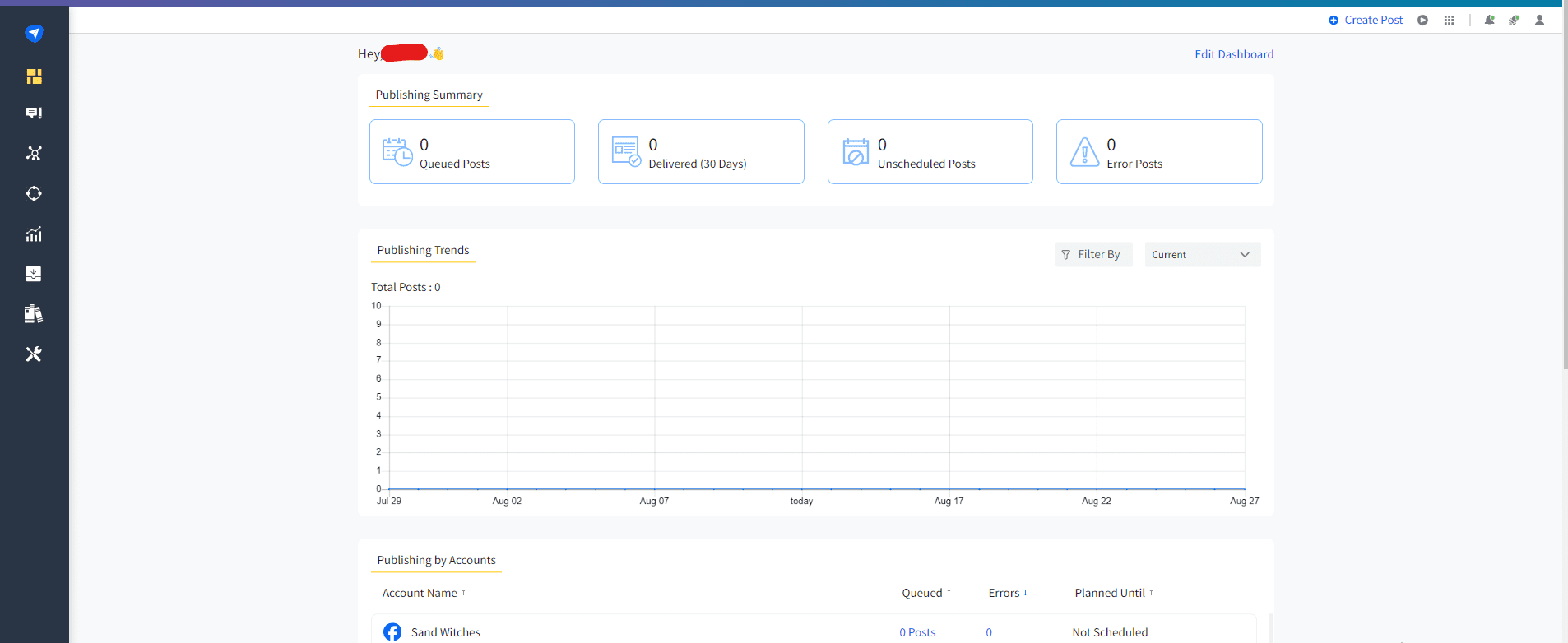
SocialPilot’s Dashboard SocialPilot offers many of the same features as Later, but with more power. It’s built for growing teams that need room to scale, not constant reminders to upgrade.
Unlike Later, which limits AI features and team access in its lower tiers, SocialPilot opens the door to more users, more automation, and more publishing freedom right from the start.
You can schedule in bulk, collaborate with your team, and tap into analytics without worrying about hitting feature walls too quickly.
SocialPilot Pros SocialPilot Cons It offers multi-platform support, as it supports 10 platforms, including GBP and Bluesky. It doesn’t offer a free plan. It includes built-in collaboration and approval workflows It’s more expensive than Later, as pricing starts from $25.50/mo to $170/mo Essentials Plan offers 500 AI credits, compared to Later’s Starter Plan that offers only 5 AI credits. Offers limited analytics to company pages, not available for personal profiles. It offers external integrations with many platforms and apps, including Slack, Zapier, Canva, Unsplash, Google Drive, Dropbox, and others. It doesn’t offer a preview for the “see more” section on a mobile device. It provides clean, easy-to-read analytics dashboards. One of the very first things we wanted to explore in SocialPilot was its AI assistant for content creation, and we were pleasantly surprised. It quickly generated captions, suggested hashtags, and even offered post ideas that felt relevant and engaging.
Another thing that stood out right away when we were trying this tool was how effortlessly it handled scheduling across multiple accounts, without the usual stress of hitting limits. The intuitive interface made it easy to see all upcoming posts at a glance and adjust them on the fly.
Overall, SocialPilot proved to be a reliable, flexible solution that gives you more control and value, especially if you’re managing multiple clients or brands.
-
eClincher: Automation Meets Analytics
Eclincher’s Landing Page Two features that really make eClincher stand out are reputation management and brand tracking. Reputation management helps you monitor and respond to reviews, comments, and mentions, so you can protect and improve how people see your business online.
Brand tracking, on the other hand, helps you to keep an eye on conversations about your brand across social media and the web. This way, you can spot trends, understand what people are saying, and respond quickly to both opportunities and potential issues. It’s a smart way to stay informed and protect your brand’s reputation.
Basically, it’s perfect for businesses that want to set things up and let posts run on autopilot while still keeping an eye on the results.
eClincher Pros eClincher Cons It allows for unlimited post scheduling for all plans. It doesn’t offer a free plan. Social and Customer Care Inbox is available for all plans. It’s more expensive than Later, as their entry plan, the Standard Plan, is priced at $149/month. It offers CRM integrations with Salesforce, Zendesk, and ServiceNow. It’s complex to learn, thus not beginner-friendly. It offers brand monitoring and social listening. It offers team collaboration and approvals. When testing this tool, our attention went straight to eClincher’s reputation and brand tracking. It highlighted mentions, reviews, and conversations across social media and the web, so we could see exactly what people were saying about our brand. Responding to feedback and spotting trends became quick and easy.
To cut a long story short, eClincher gave us a much clearer view of our online presence. So, we can conclusively say that it’s a smarter choice for businesses that want to stay on top of their brand’s reputation.
How to Choose the Right Later Alternative for Your Needs
Later shines at visual planning and Instagram-focused scheduling. If that’s your main requirement, these tools are worth considering depending on your workflow and team size:
- Social Champ: This is a strong all-rounder for creators, small businesses, and agencies. It covers scheduling, bulk posting, repeat posts, AI-powered content tools, analytics, and wide platform support, including newer networks.
- Buffer: This is a popular option if you want something clean and easy to use. It focuses on simple scheduling and basic analytics across platforms like Instagram, Facebook, X (Twitter), and LinkedIn.
- Hootsuite: This is a robust tool designed for larger teams and enterprises that need advanced scheduling, content curation, social listening, and collaboration across many social networks.
- Sprout Social: This is an all-in-one platform built for agencies and enterprises that rely on deep analytics, engagement tools, and CRM-style features.
Key Factors to Consider Before Choosing
To find the best fit, it helps to evaluate a few practical factors before committing to any tool:
- Primary need: Are you mainly scheduling social media posts, or do you need additional features like analytics, listening, or collaboration?
- Budget: Does the pricing align with your budget, and are essential features locked behind higher tiers?
- Platform compatibility: Does the tool support all the social networks you use regularly?
- Team size: Are you working solo, or do you need roles, approvals, and shared workflows for a team?
- Key features: Do you need visual calendars, AI content tools, detailed reporting, or advanced engagement features?
Once you’re clear on your goals and constraints, choosing the right Later alternative becomes much simpler. Also, you’re far more likely to pick a tool that grows with your needs instead of holding you back.
Looking for an All-In-One Solution for Social Media Management?
Manage posts, engage with your audience, and track performance — all in one place with Social Champ. Get started now!
Conclusion
Finding the right social media management tool among the many tools available can be confusing and overwhelming, especially when they all promise similar features. Each tool we’ve highlighted has its own strengths, whether it’s visual planning, team collaboration, affordable bulk scheduling, or powerful automation.
The key is to match your needs, workflow, and budget with the tool that fits best. Some alternatives excel at engagement and client management, others make content creation and posting effortless, and a few even help you maximize your existing content with smart automation.
The good news? Unlike Later’s tiered limits, many of these options give you more flexibility, more features, and often more fun while managing social media.
So, take a peek at the tools above, consider what matters most to you, and pick a Later alternative that makes your social media life simpler, smarter, and a lot more enjoyable.