If you own a brand, you may know the pressure to show up on every channel without missing a beat.
You jump between tabs, try to keep track of ideas, and hope every post goes out on time.
That’s exactly why having the right social media sharing tools matters more than ever.
Short Summary
- Social media sharing tools help you plan, schedule, and publish content without hassle.
- They save time so you can focus on creating instead of manually posting everywhere.
- These tools boost consistency, repurpose your top content, and keep engagement steady.
- They give you insights into what performs best so you can adjust your strategy with confidence.
- Teams can collaborate smoothly with shared calendars, approvals, and organized workflows.
In fact, as of 2025, 93% of marketers currently use social media, which highlights how important these platforms have become for your business.
So if you have the right tool, your content stays consistent, and you spend less time fixing problems.
Considering this, you must find the perfect social media management platforms that can save you from a lot of stress.
As you go through this guide, you will see what each tool can do and what you should look for before you choose one.

Stop Losing Time In Multiple Tabs!
Social Champ gives you one space to plan and publish, so you can focus on content instead of switching between tools all day.
What Are Social Media Sharing Tools and Why Do You Need Them
Let me tell you my experience of when I used to post on multiple social media channels manually.
It almost felt like spinning plates, which means one wrong move and everything would fall apart.
If you’re a social media manager, you may know how overwhelming it feels. That’s where social media sharing tools can help you a lot and lighten your workload.
These tools help you plan, schedule, and share your content from one place, so you can actually focus on creating instead of scrambling.
Why You’ll Love These Tools
Let’s say you wake up and see all your posts for the week already scheduled. It sounds relaxing, right?
That’s what you can do with the right content sharing platforms.
These tools are really helpful if you run an online store, as you can schedule your product posts at peak engagement hours without worrying about missing your audience.
Or if you’re a blogger, you can reshare your old posts that still get traffic to keep your content alive longer.
More Than Just Posting
There are many teams I’ve seen that waste hours trying to figure out which posts perform best.
But you know what? The right social sharing software lets you see what your audience enjoys, track engagement, and tweak your strategy.
Collaboration Made Simple
If you work on a client’s marketing with a team, you’d probably know how frustrating approvals can get.
And for this reason, you can use social media publishing platforms to make your teamwork smooth.
With these tools, a designer from your team can easily upload visuals, a copywriter can write captions, and a manager can approve everything before publishing it.
Not to mention, some tools also come with multi-approval workflows, which means your post will have to be approved by multiple people, like your boss and client, before it goes live.
And all that can happen in one place only!
Featured Article: Employer Branding on Social Media
Top 10 Social Media Sharing Tools Compared [Easy-To-Scan Table]
I know how overwhelming it can be to find the right social media sharing tools with so many options available.
To make it easy for you, I’ve put together a simple comparison of the top 10 tools.
From this table, you can get an idea of what each tool is best for, which platforms it supports, the pricing plans, and its standout features.
| Tool Name | Best For | Platforms Supported | Starting Price | Unique Standout Feature |
|---|---|---|---|---|
| Social Champ | Agencies and High-Volume Schedulers | Facebook, Instagram, X, LinkedIn, Pinterest, TikTok, YouTube, Google Business Profile, Threads, Bluesky, Mastodon, WhatsApp Business, Google Analytics 4 | $4/Month per Channel | Champ AI Suite, Content Recycling, Bulk Scheduling, Social Listening, Competitor Analysis, and Analytics |
| Buffer | Creators and Small Businesses Focused on Consistency and Simplicity | Facebook, Instagram, X, LinkedIn, Pinterest, TikTok, Mastodon, Threads, Bluesky, YouTube, Google Business Profile | $5/Month per Channel | Customizable Link-In-Bio Tool and Focus On Simple, Clean Scheduling |
| Sprout Social | Medium to Large Agencies and Enterprises Needing Deep Analytics and Reporting | Facebook, Instagram, X, LinkedIn, Pinterest, TikTok, YouTube | $199/Month per Seat | Advanced Smart Inbox and Social Listening for Enterprise-Level Engagement, Crisis Management, and Reporting |
| Hootsuite | All-In-One Management for a Wide Array of Networks (Large Team Focus) | Facebook, Instagram, X, LinkedIn, Pinterest, YouTube, Threads, TikTok, WhatsApp Business, Bluesky | $99/Month per User | Comprehensive App Directory and Customizable Real-Time Monitoring Streams Across Many Non-Standard Networks |
| Later | Highly Visual Brands, Especially Instagram-First Users | Instagram, Facebook, Threads, Snapchat, Pinterest, TikTok, LinkedIn, YouTube | $18.75/Month | Visual Instagram Planner (drag-and-drop to see your grid before posting) and strong Link-in-Bio feature |
| Pallyy | Content Creators and Small Teams Focused on Visual Content | Instagram, Facebook, X, LinkedIn, Google Business, TikTok, YouTube, Pinterest, Threads | $15/Month | Native Instagram Grid Previews and an Included Link-In-Bio Tool Optimized for Visuals |
| Sendible | Agencies managing multiple clients and detailed workflows | Facebook, Instagram, X, LinkedIn, TikTok, Threads, Bluesky, YouTube, Google Business Profile, | $29/Month | Content Curation/Discovery Tools and the Ability to Schedule Posts Directly to Blog Platforms |
| Zoho Social | Businesses Already Using the Zoho Crm/Suite | Facebook, Instagram, X, LinkedIn, Google Business, YouTube, Pinterest, TikTok, Threads, Mastodon, Bluesky | $10/Month | Deep Integration With Zoho CRM/Desk for Lead Generation and Customer Support Tracking |
| Metricool | Digital Marketers Looking for an Affordable All-In-One With a Great Free Plan | Facebook, Instagram, X, LinkedIn, TikTok, YouTube, Pinterest, Twitch, Google Business Profile, Threads, Bluesky | $18/Month per Brand | Analytics for Ad Platforms (Google Ads, Facebook Ads) and Deep Twitch/TikTok Integration |
| Loomly | Teams Requiring Content Review, Approval, and Content Inspiration | Facebook, Instagram, X, LinkedIn, TikTok, YouTube, Threads, Pinterest, Google Business Profile, Snapchat | $49/Month | Post Ideas Feature Provides Daily Inspiration Based on Trending Topics and Content Performance |
Turn Evergreen Content Into Daily Wins!
Social Champ helps you keep your best posts alive with automated recycling so your feed never runs dry.
Featured Article: How to Grow YouTube Channel (With Real-Life Examples)
Pros and Cons of Leading Social Media Sharing Tools
Now you have the comparison of the best social media sharing tools. Before you pick the one, I’m giving you a closer look at what each one does well and where it may slow you down.
Let’s break down the pros and cons of each tool in a simple, friendly way so you can decide what fits your workflow, your team, and your content style.
-
Social Champ
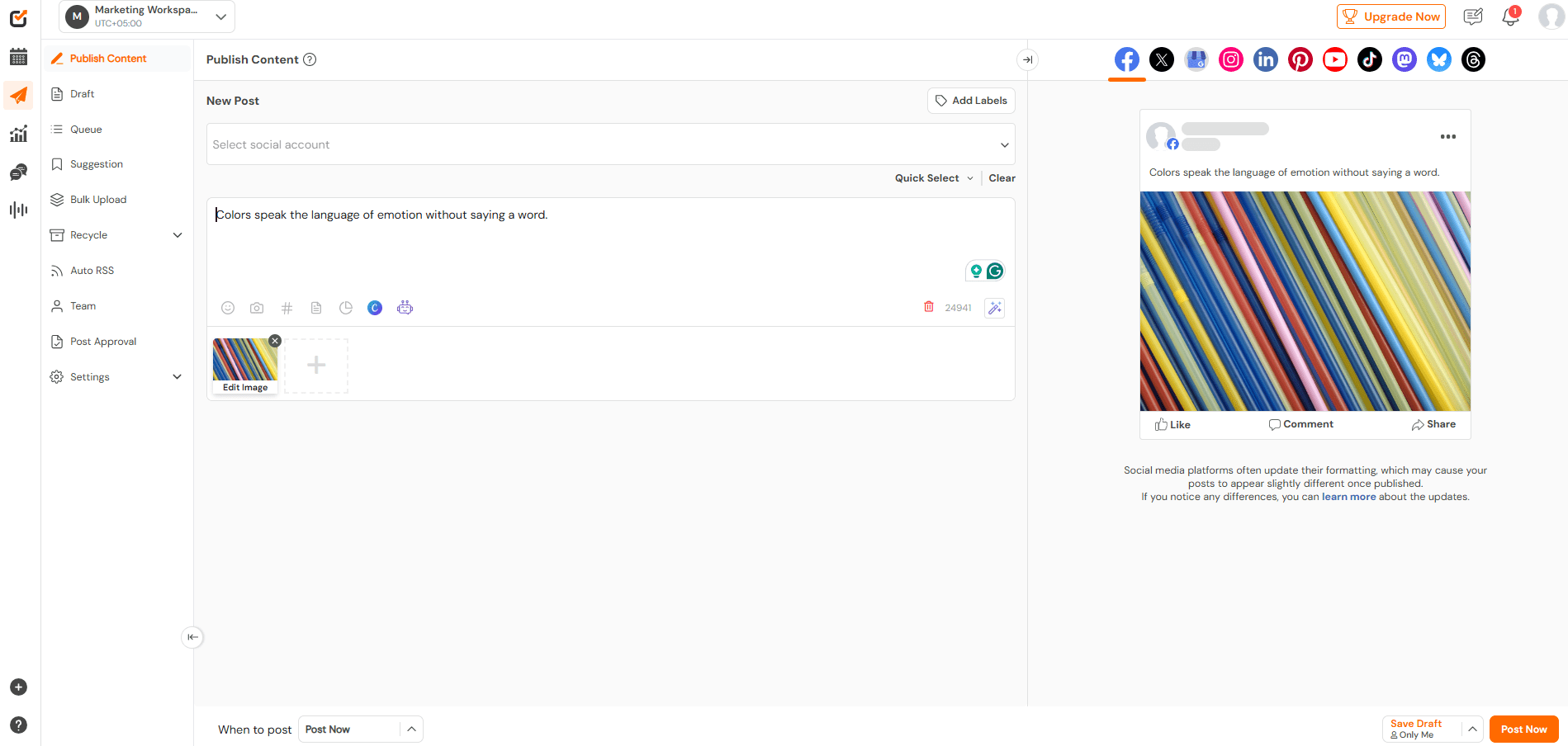
Social Champ’s Dashboard Social Champ is best for agencies and high-volume scheduling.
So, if you manage multiple clients or posts daily across many platforms, this is one of the best social media sharing tools in your list.
It brings that “I can finally breathe” kind of automation.
Pros
- Super easy bulk scheduling, which is ideal when you want your whole week ready in one sitting
- The Champ AI Suite helps you write captions, generate visuals, predict the best time to post, and analyze the tone of your post before publishing
- Recycle evergreen posts so your best ideas keep working for you
- Supports almost every major platform (including Threads, Pinterest, TikTok, YouTube, Bluesky, and more)
- Great for teams needing social media collaboration tools
- Affordable pricing plans, especially compared to enterprise tools
Cons
- Some advanced analytics take a little learning (though still easier than competitors)
- The sentiment analysis feature is basic compared to other competitors
-
Buffer
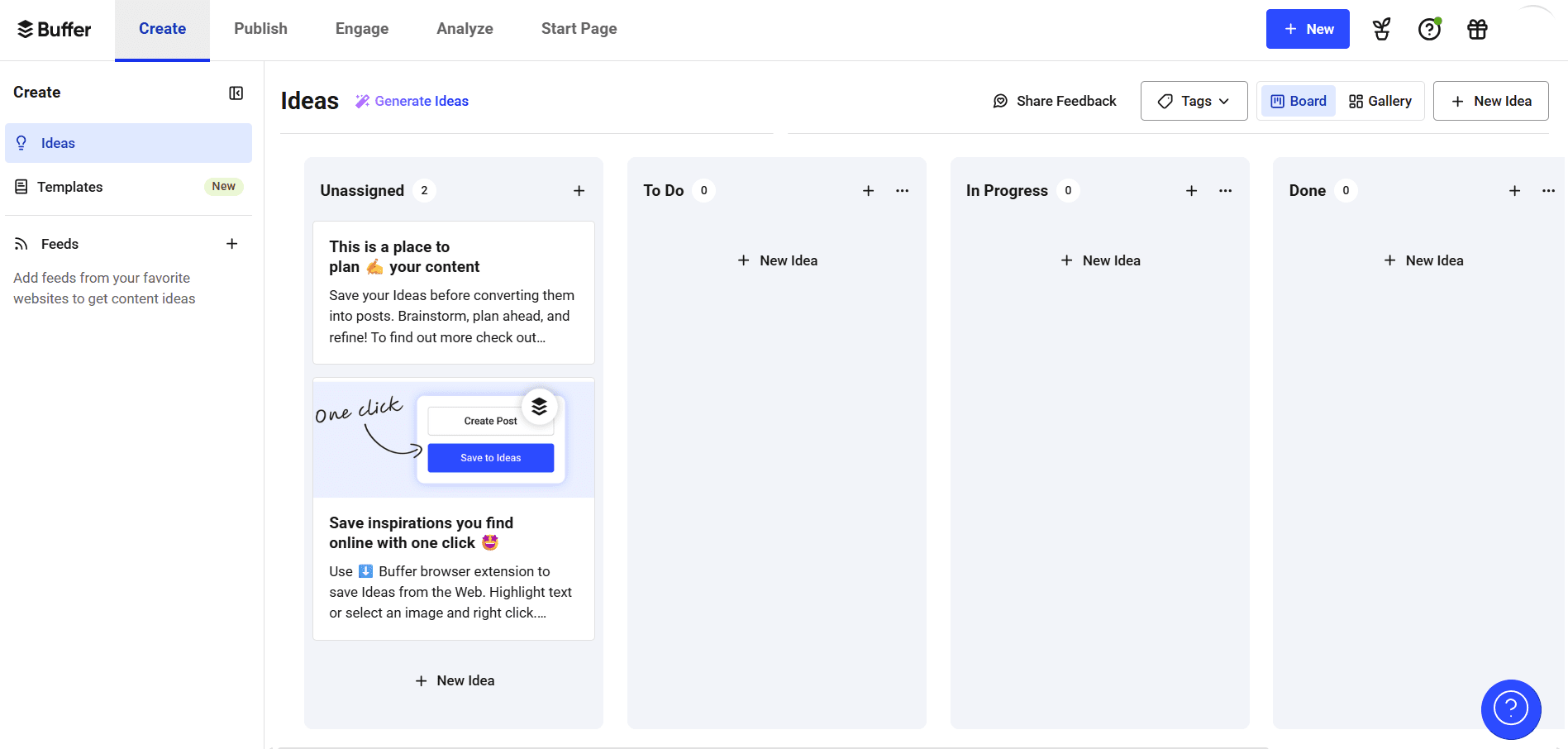
Buffer’s Dashboard Buffer is one of the free social media management tools that is best for creators and small business owners who want simple scheduling.
It feels like that clean and simple tool for when you just want to schedule and go.
Pros
- Simple and easy-to-use interface without any learning curve
- Great “Link in Bio” feature for Instagram
- Affordable pricing structure
- Smooth scheduling across major platforms
Cons
- Its analytics are basic unless you upgrade
- It lacks the advanced automation you might need as you grow
- Team features are limited on lower-tier plans
-
Sprout Social
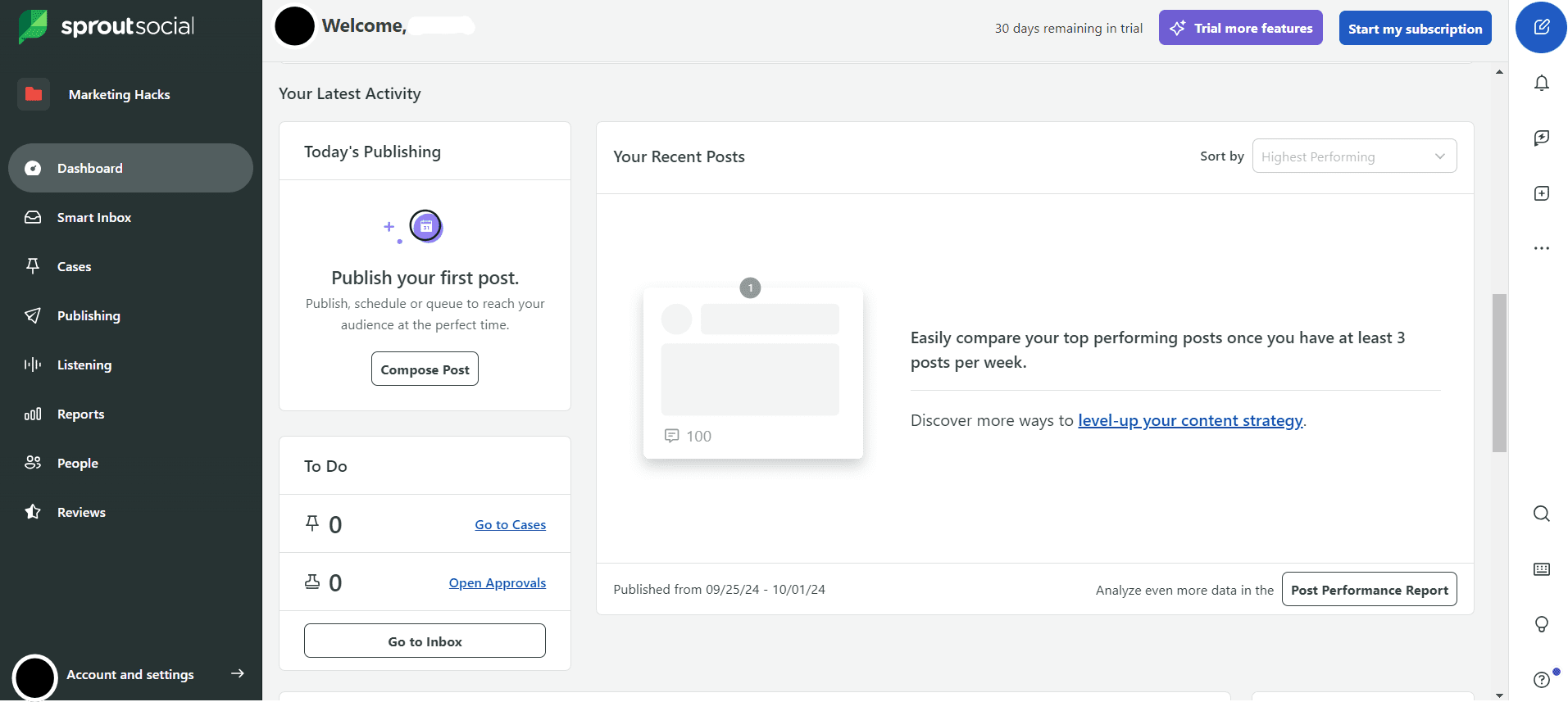
Sprout Social’s Dashboard Sprout Social is ideal for enterprises and data-heavy teams. It’s like the luxury model of social sharing software, which is powerful but can feel expensive to small businesses.
Pros
- Best-in-class analytics and reporting
- Smart Inbox helps teams respond faster and stay organized
- Strong social listening tools for tracking trends, brand mentions, and customer sentiment
- Great for big teams who need social media management suites
Cons
- It may feel pricey and less beginner-friendly, which leads many users to look for Sprout Social alternatives
- It can feel overwhelming if all you want is easy scheduling
- Some features may be “too much” for small businesses
-
Hootsuite
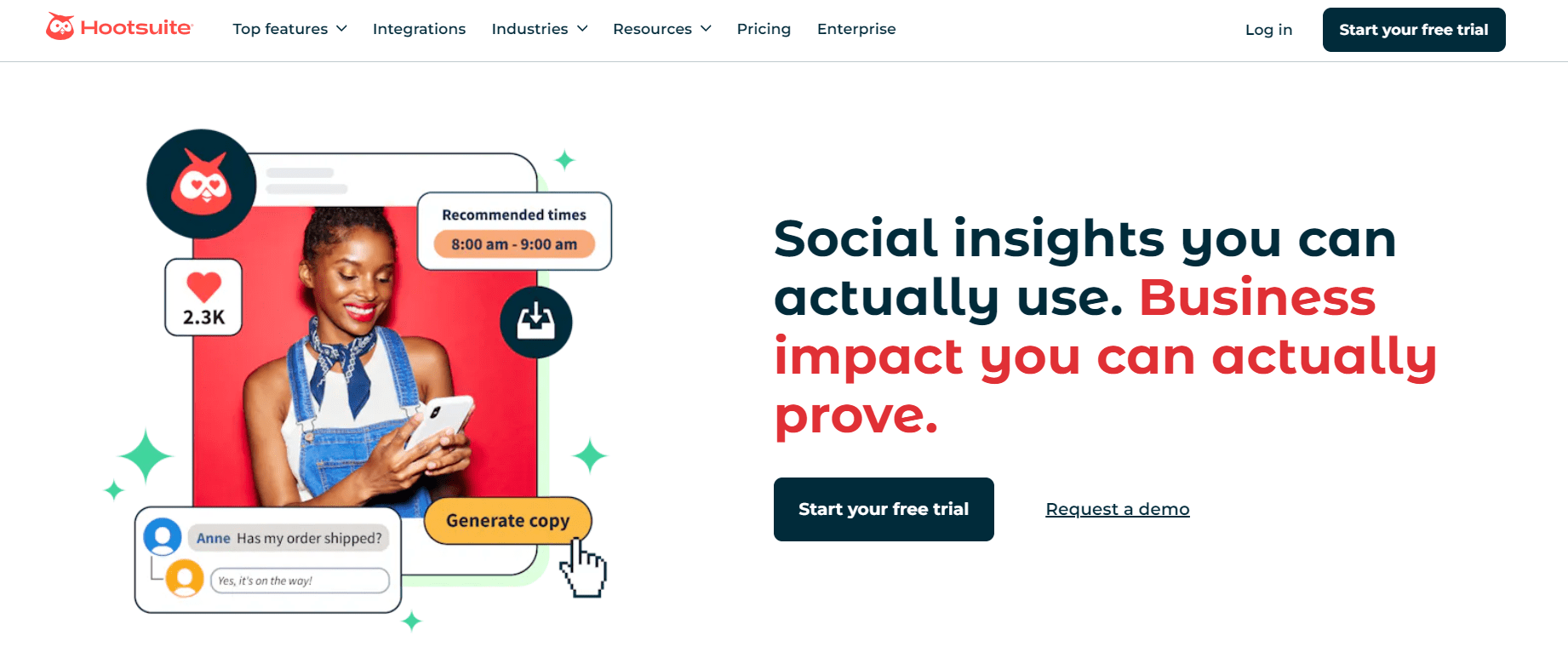
Hootsuite’s Landing Page You all may have heard about Hootsuite, as it’s been around for a long time and is very reliable.
It’s best for people who need a wide network range and want to customize their monitoring streams.
Pros
- Supports tons of platforms, including rare networks and WhatsApp Business
- Tons of integrations and an extensive app directory
- Powerful monitoring streams that help with real-time engagement
- Works well for large teams who need social media planning tools
Cons
- It may feel pricey for beginners
- The interface may feel outdated compared to newer tools
- Analytics are premium-only
-
Later
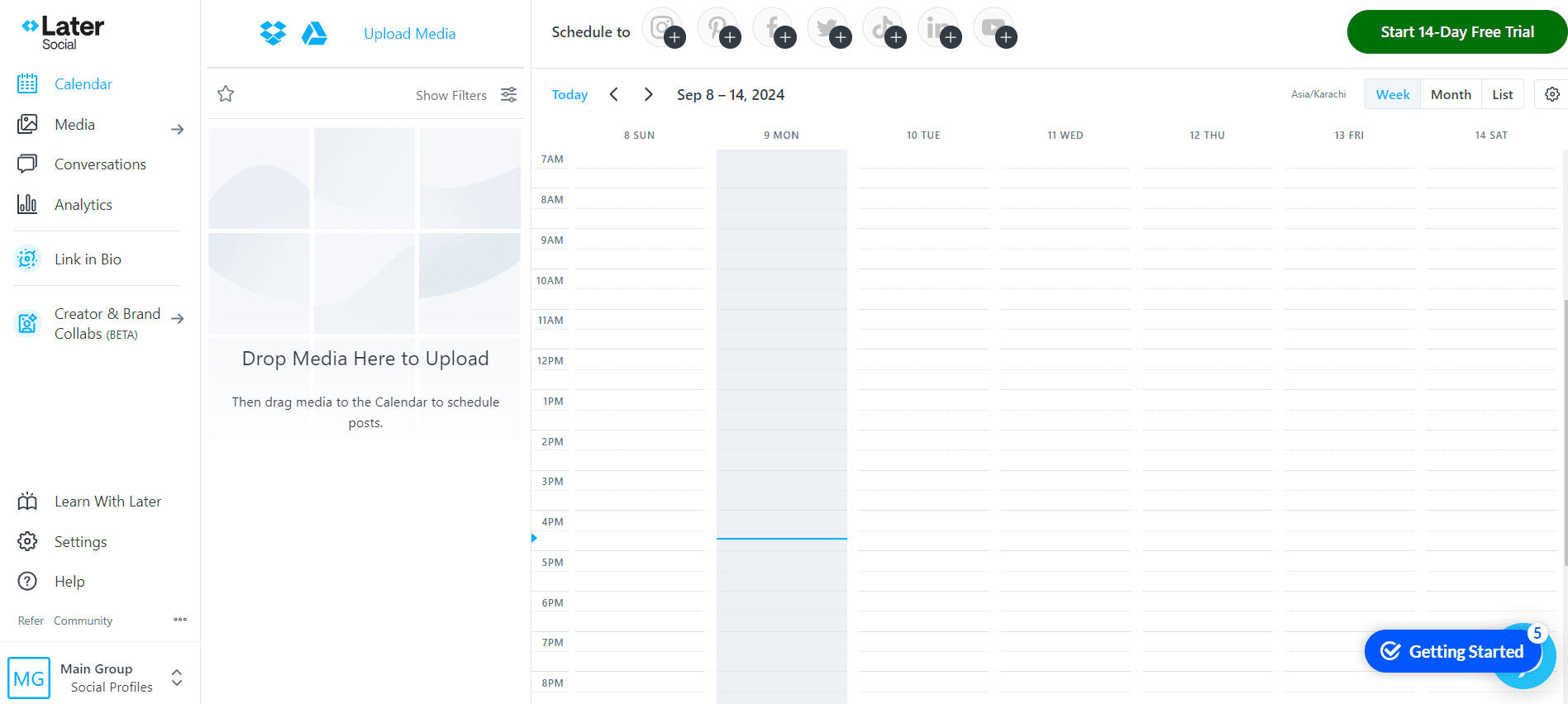
Later’s Dashboard Later is known for its simple, clean, and beginner-friendly design.
It’s best for people who love planning their posts visually and want a smooth drag-and-drop calendar.
Pros
- Drag-and-drop visual planner for Instagram
- Strong link-in-bio tool
- Great for brands that rely heavily on visuals
- Good template library for inspiration
Cons
- It has limited features outside of Instagram
- There are no deep analytics unless you upgrade
- Automation features feel basic compared to other social media automation tools.
-
Pallyy
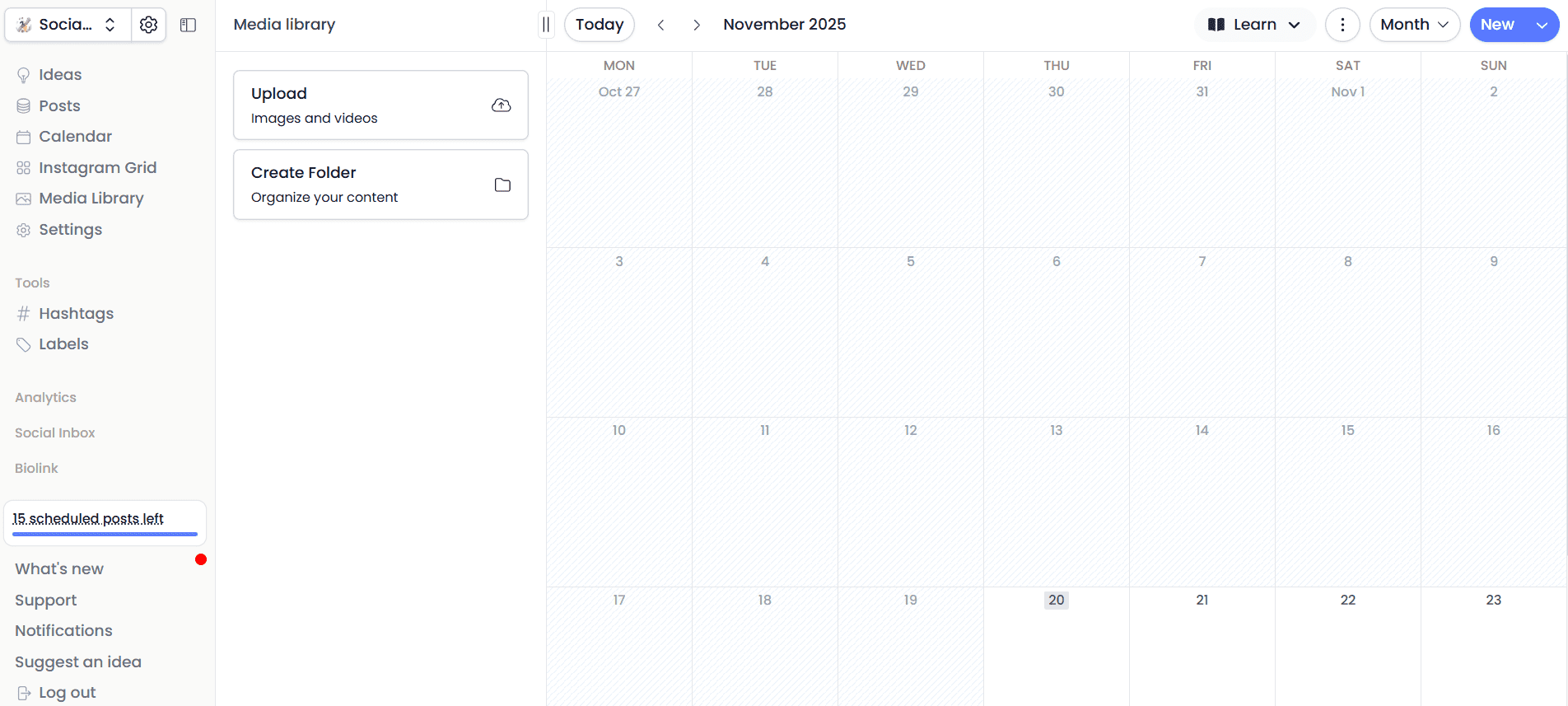
Pallyy’s Dashboard Pallyy is quickly becoming a popular choice among many social media managers.
It’s one of the powerful social media sharing tools that lets you schedule posts, manage multiple accounts, and track your content performance.
Pros
- Very clean dashboard so you can easily explore the tool
- Instagram grid preview to see how your posts preview on your Instagram page
- Built-in link-in-bio tool to add multiple links to your bio
- Affordable for small teams
- Good for simple workflows on major networks
Cons
- The analytics are limited
- There are fewer integrations than the bigger players
- Not the best pick if you manage many clients
-
Sendible
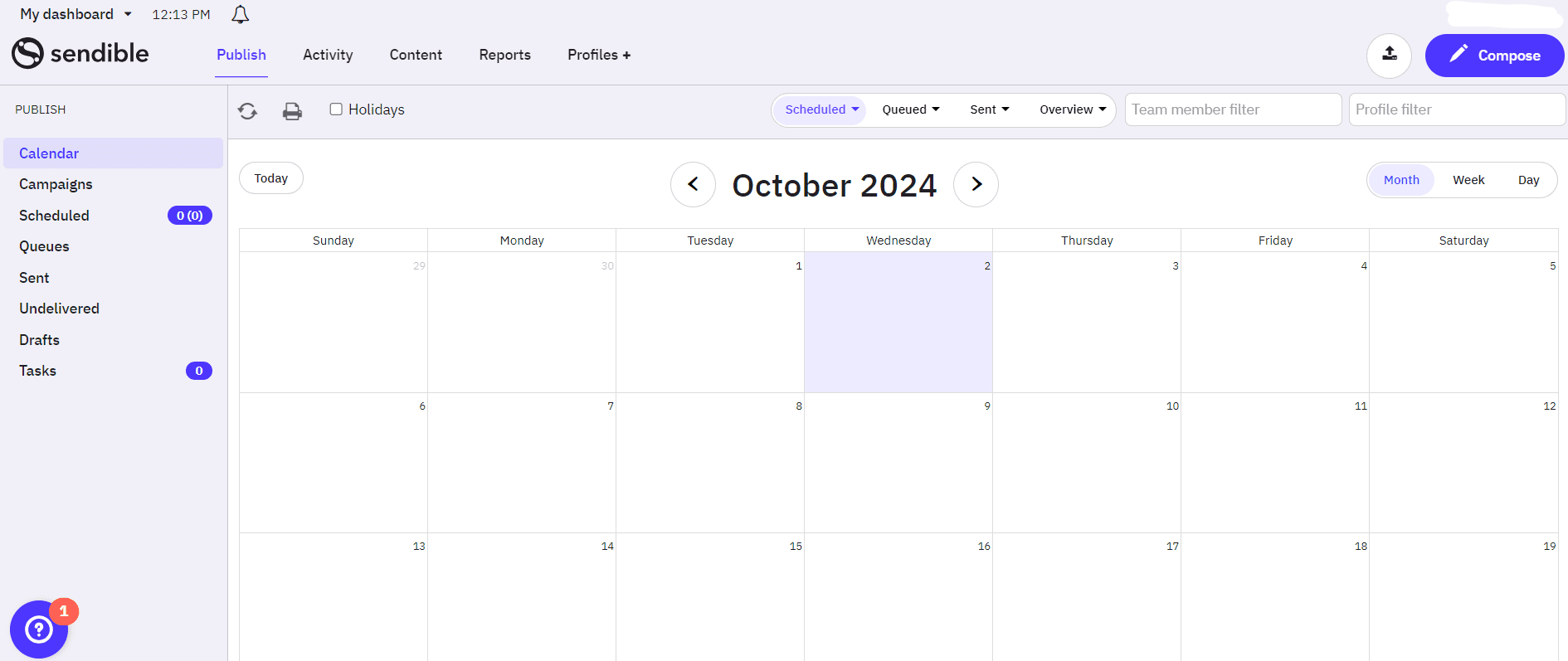
Sendible’s Dashboard Sendible is a great choice for agencies with many clients and also for blog scheduling.
It feels like a tool made by someone who’s worked in an agency, because the workflows are super organized and easy to use.
Pros
- Great content curation tools
- Allows you to publish directly to blog platforms
- Solid team features and approval workflows
- Very flexible for content management teams
Cons
- Its interface feels a bit older
- It can be expensive if you manage many clients
- The learning curve is slightly steeper
-
Zoho Social
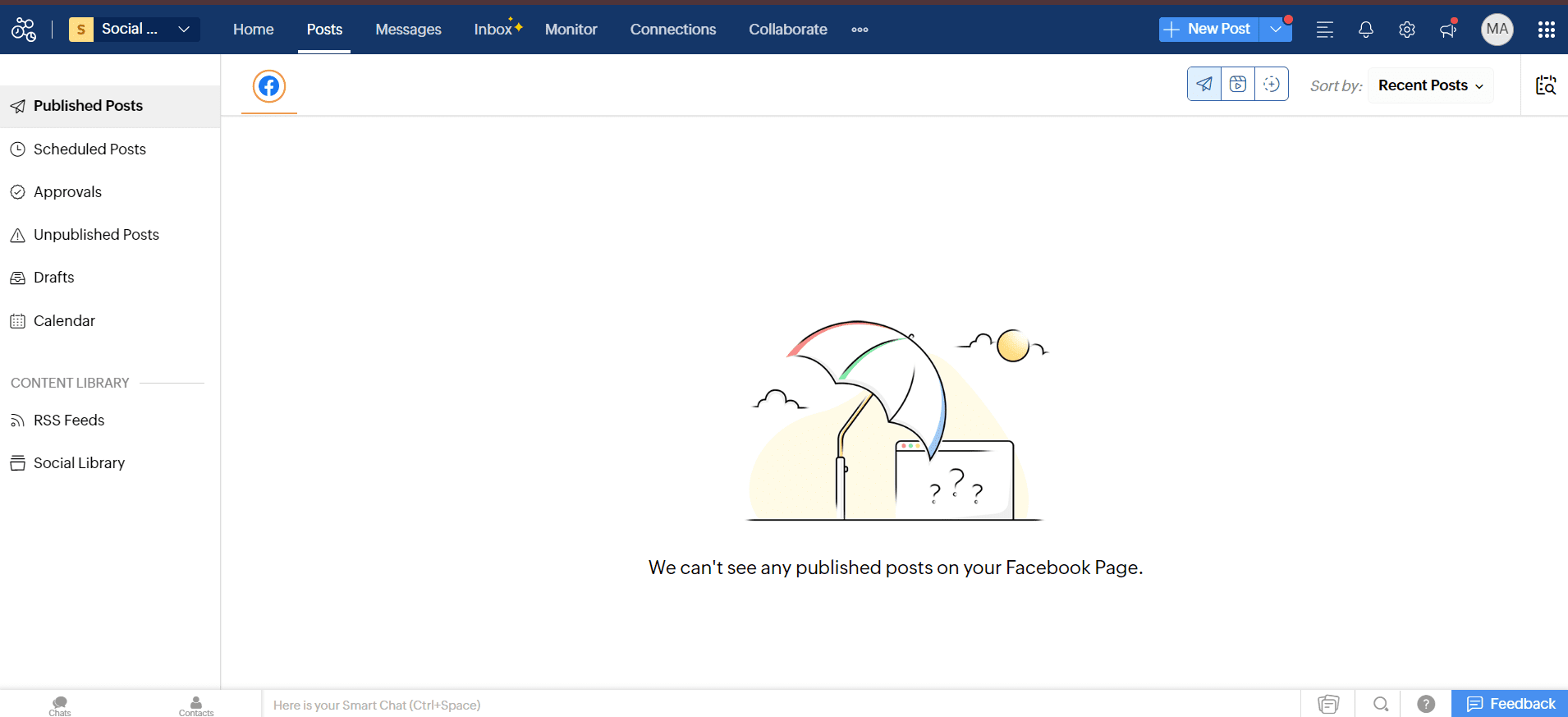
Zoho Social’s Dashboard You may know about Zoho Social, especially if you’re already using the Zoho CRM. It combines marketing and CRM in one platform.
If you’re looking for a tool that can manage your social media while integrating with your business operations, Zoho Social could be the perfect fit for you.
Pros
- Excellent CRM integration
- Good collaboration features for sales + marketing teams
- Affordable pricing
- Works well for teams seeking automation + lead tracking in one place
Cons
- The best features require you to also use Zoho CRM
- Its interface isn’t as modern as tools built specifically for creators
- Automations aren’t as advanced as Social Champ’s.
-
Metricool
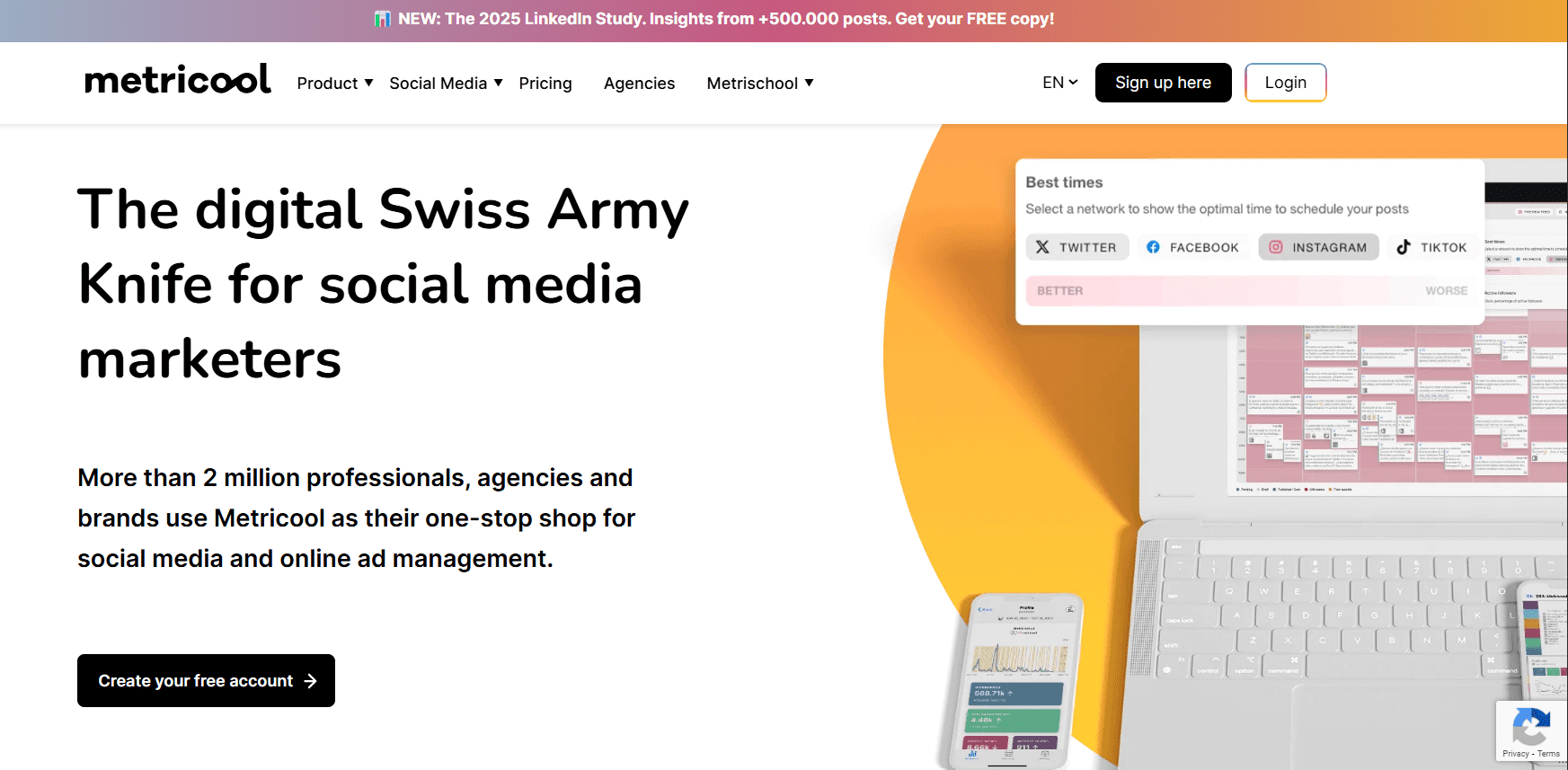
Metricool’s dashboard Metricool is a great all-in-one platform that is ideal for those who want advanced analytics and scheduling without the enterprise-level pricing.
If you love data and want a simple, affordable way to track and plan your social media, Metricool is a solid choice for you.
Pros
- Great mix of analytics + scheduling
- Covers platforms most tools don’t (like Twitch)
- Affordable even for freelancers
- Good competitor tracking
Cons
- Its design feels a bit technical
- The workflow isn’t intuitive for beginners
- It has limited automation features
-
Loomly
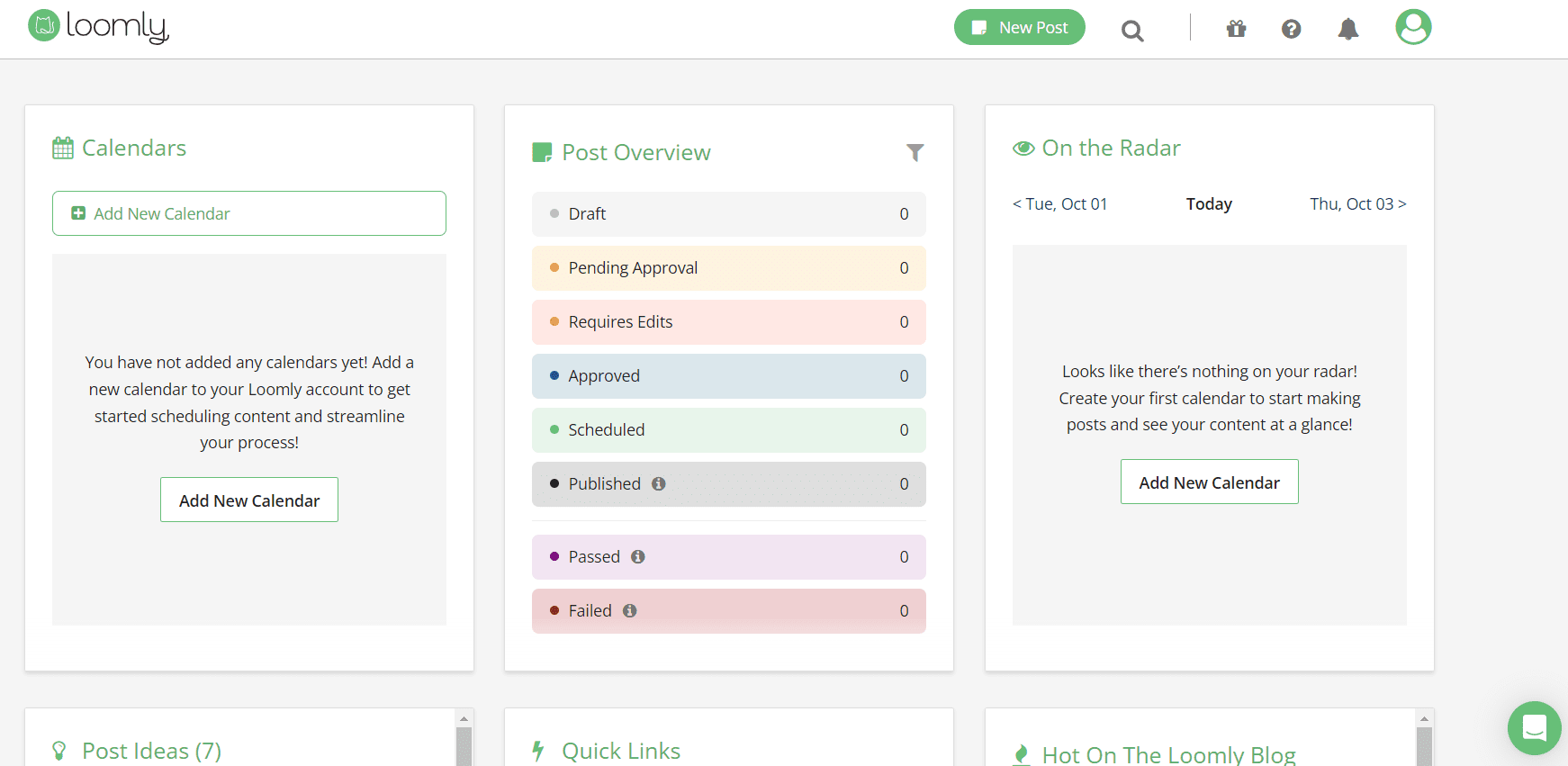
Loomly’s Dashboard If your team needs a clear structure for content planning and approval, then Loomly is a perfect fit.
It’s an organized tool that helps keep everything in place, from brainstorming ideas to getting content approved.
Pros
- Excellent approval workflows
- “Post Ideas” feature gives daily creative inspirations
- Clean, predictable calendar
- Works well for marketing teams and content-heavy brands
Cons
- It can get expensive when you add team members
- The visual tools aren’t as strong as other tools
- Automations are limited compared to the best sharing tools for social media
Featured Article:A Complete Breakdown of Pallyy Pricing and Plans
How to Pick the Right Social Media Sharing Tool for Your Needs
When you’re choosing the right social media sharing tool, it can feel like standing in the cereal aisle, where everything looks good, but you want to pick the right one so you won’t regret it later.
I’ve been there too, scrolling through features, pricing pages, and reviews until my head spun.
But once you break things down, the decision suddenly gets a lot easier.
Let’s walk through it together, step by step.
Start With Your Content Format
First, think about what you post the most.
If your focus is on creating short-form videos for TikTok and Instagram Reels, you’ll need a tool that supports auto-publishing, drafts, and previews.
But if your focus is on blogs, carousels, and link posts, you’ll need social media content management tools that let you build, store, and organize everything in one place.
Featured Article: Promote a Travel Agency on Social Media
Consider Your Posting Frequency
Here, you’ve to be honest with yourself.
Let’s say you post multiple times a day. In that case, only the best social media scheduling tools for business will keep up.
But if you post casually, or only when something hits your mind, then a simple social media sharing tool can help.
Look at Analytics (Your Growth Map)
Everyone wants to know about what’s working in their strategy (and you should also). For this, you need strong insights.
Here, a good social media analytics tool should be your go-to option as it helps you track reach, clicks, engagement, and even content patterns you didn’t notice.
Check Integration With Your Current Workflow
You need a tool that shouldn’t slow you down.
No matter if you’re using CRMs, cloud drives, or editorial calendars, just make sure your tool connects with them.
If your tool doesn’t connect, you’ll end up wasting time switching tabs.
Be Clear About Your Budget
Finally, here’s the practical part.
If you’re a brand that’s just starting out, you might lean towards platforms with free plans.
But if you manage multiple brands or handle client campaigns, you should invest in a more complete social media marketing suite.
In case you want to learn more about other tools, read these insights as well:
Featured Article: How to Use ChatGPT for Social Media
Why Social Champ Excels Among Social Media Sharing Tools
Have you ever struggled to keep your tons of social media channels updated?
If yes, then you know how quickly posting can become a full-time job.
That’s what Social Champ makes easier by providing you with full control over your content without the stress.
Bulk Scheduling and Smart Queues
Social Champ’s bulk scheduling feature helps you queue dozens of posts across major platforms in one go.
It saves you hours every week.
Additionally, you can also set recurring posts or let the platform find out the best time to post, so your content goes live when your audience is most active.
Unified Content Calendar
Moreover, you can have a unified content calendar that keeps everything organized. It helps you see what’s scheduled, what’s live, and what needs attention, all in one place.
Analytics That Actually Help
Social Champ’s GA4 integration and detailed insights show how your content performs.
It helps you track engagement, clicks, and reach, which makes it easier to plan your next post based on real data.
Affordable for Every Team
And you know what the best thing about Social Champ is?
It offers a free forever plan!
If you’re a small team or a beginner, its free plan and scalable paid plans are the best option for you.
This combination of automation, planning, and analytics means Social Champ is not just a scheduler, but a tool that simplifies sharing and keeps you ahead without feeling overwhelmed.
Featured Article: Best Link Shortener Services & Tools for Businesses
Turn Your Best Posts Into Ongoing Traffic!
Recycle top-performing content with Social Champ so your evergreen posts keep driving results.
Smart Sharing Strategies to Boost Engagement and Efficiency
If you’re managing social media, you should keep in mind that posting regularly isn’t enough, but you should post smartly as well.
-
Upcycle Your Content
There’s a simple tactic, which is to upcycle your content. This basically means to turn your best-performing post into other content formats that can be published on different platforms.
For instance, you can turn your blog post into multiple LinkedIn updates, Instagram carousels, or short videos for TikTok.
This way, you can keep your content alive longer without extra effort.
-
Repurpose Visuals Across Platforms
Another powerful strategy is visual repurposing.
You can take an infographic or an image you already created and resize it for Reels, Stories, or Pinterest posts, then use a pinterest scheduler to plan and publish them consistently.
This way, you can maintain brand consistency and save design time.
-
Post at the Right Time
When you’re posting, timing matters a lot.
You can use data to see when your audience is most active. If you share during peak engagement hours or experiment with different posting times, it can boost your engagement.
-
Leverage Evergreen Content
Evergreen content is the posts that stay relevant over time.
You can reshare them periodically to keep your feed full of valuable content without creating something new every day.
-
Mix Content Formats
One of the most powerful strategies is to add diversity in your content formats.
You can mix Stories, Reels, posts, and videos to reach different audience segments.
This way, you can keep your feed dynamic and maximize reach across platforms.
Featured Article: Why Your Brand Image on Social Media Is Important for Your Business
Conclusion
By now, you understand that when you share content across multiple platforms, it doesn’t have to drain your time or energy.
If you use the right social media sharing tools, you can easily plan smarter, stay consistent, and get better results without switching between apps.
From scheduling and automation to analytics and repurposing, these tools help you work faster and keep your audience engaged.
No matter your niche or team size, the goal is just to post with purpose and stay visible.
If you’re ready to simplify your workflow and grow with confidence, now’s the perfect time to start.