

Businesses today are looking for more than basic scheduling, and with so many social media management tools out there, it gets difficult to choose the right one.
SocialOomph is one of the prominent tools that offers basic scheduling features.
Short Summary
- SocialOomph is a difficult option for businesses because of its pricey paid tiers and limited free plan.
- These days, rivals charge less for more features, better automation, and limitless social profiles.
- Planoly, Buffer, Publer, Zoho Social, Social Champ, and other tools offer scalable and reasonably priced solutions.
- Scalability, ease of use, and supported platforms are important considerations when selecting a tool.
- By adopting a more intelligent alternative, businesses can improve their social media strategies, save money, and save time.
However, other tools have started offering unlimited social profiles and advanced features in their mid-tiers.
Isn’t that enough to tell you that you might need to look for SocialOomph alternatives?
In this list, we have compiled 10 best alternatives to SocialOomph, that offer not only a vast range of features with better caps but also offer them at affordable prices.
So let’s get started!
![10 Best SocialOomph Alternatives for Social Media Management in [current_year] 1](https://www.socialchamp.com/wp-content/uploads/2024/07/Calendar-v2.png "10 Best SocialOomph Alternatives for Social Media Management in [current_year] 2")
Stop wasting time juggling platforms. Schedule smarter, analyze faster, and stay ahead with Social Champ before your audience scrolls past.
Why Users Seek SocialOomph Alternatives
Social Oomph charges $15/month, which doesn’t seem like a lot.
But if you consider this price range for basic scheduling and limited capabilities, the platform can appear a bit pricey, especially when you compare it to other tools like Social Champ and Buffer.
Let’s take a look at a few reasons why users might consider alternatives:
-
Limited Features on the Free Plan
SocialOomph has a free plan, which can be impressive for new users, but it has very few features.
Posting is limited to three posts per hour, and users are only allowed to connect one social profile.
If you don’t upgrade, you won’t be able to use more sophisticated features like RSS feed integration, AI post creation, or even multi-account management.
Essentially, SocialOomph reaches a ceiling for individuals or small businesses seeking a good tool.
-
Not Enough Value in High-Priced Tiers
You’ll need to sign up for one of the paid tiers in order to access features like multiple social profiles, team collaboration, or automation queues that are common on many rival platforms.
The Business Suite, for instance, costs $55 per month or $594 annually, and those tiers rise exponentially.
Many users may find this price excessive given what is provided, particularly freelancers or small teams.
-
Better Alternatives at Lower Price
Numerous social media tools are available that provide more generous free plans, cleaner dashboards, and smarter automation for less money.
Platforms like Social Champ offer similar or superior functionality at more affordable costs.
Users naturally start to wonder if the investment is really worth it, which puts SocialOomph in a difficult position.
Featured Article: Social Media Management Pricing
Comparative Analysis: SocialOomph vs. Its Alternatives
For a quick comparison, we are placing SocialOomph side by side with its top 5 affordable competitors to help you understand what each tool offers.
| Tool | Starting Price | Key Features |
|---|---|---|
| SocialOomph | $15/month | Post scheduling, AI post generation, team collaboration, social inbox, analytics |
| Social Champ | $4/month | Publishing and scheduling, social media calendar, social listening, engage, analytics |
| Publer | $4/month | Post scheduling, calendar view, openAI integration, link in bio |
| Buffer | $5/month | Content creation, publishing, analytics, engagement, collaboration |
| Zoho Social | $10/month | Publishing, monitoring, analytics, and CRM integration with the Zoho suite |
| Planoly | $16/month | Visual content planning, Instagram scheduling, basic analytics, and drag-and-drop calendar |
Social Champ’s pricing is built for growth, but it won’t stay this low forever. Grab your plan now and get access to pro-level tools without the pro-level price tag.
Top 10 SocialOomph Alternatives for 2026
In addition to the top 5 tools mentioned above, there are plenty of other social media management tools that can compete with SocialOomph.
Here’s a detailed breakdown of 10 SocialOomph alternatives:
-
Social Champ
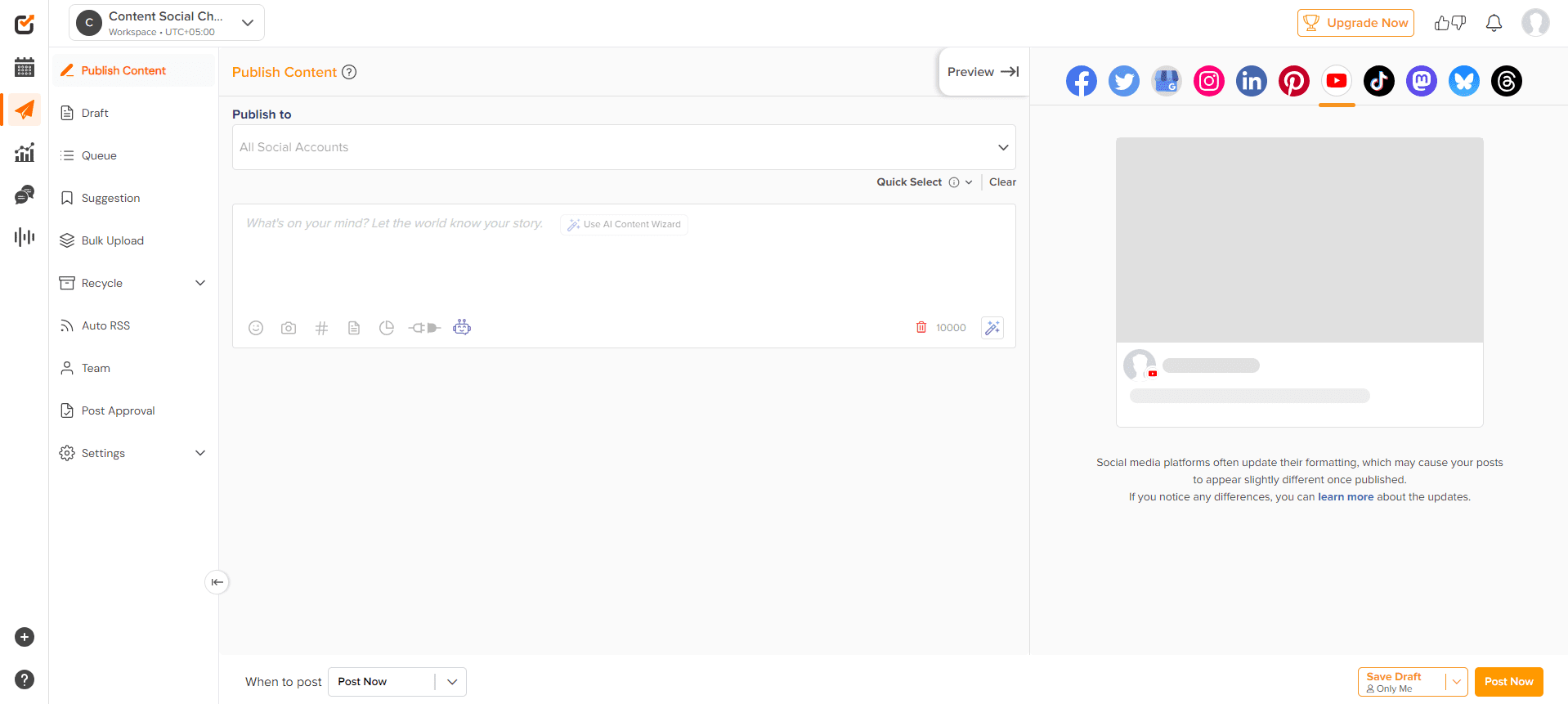
Social Champ’s Dashboard The first on the list is Social Champ, a social media management tool designed to fit the needs of all business sizes.
It offers a comprehensive set of features, including social listening, client management, link in bio, and integrations with 11+ social networks, all of which you don’t get in SocialOomph.
Additionally, it offers integrations with other platforms like Canva, OneDrive, Dropbox, Imgur, GIPHY, Zapier, and more, which makes it a one-stop solution for many businesses.
On top of that, it offers all of its basic scheduling features along with a social inbox and boost post feature for just $4/month.
Key Features
- Plan and post on 11+ social media sites, such as YouTube, Bluesky, LinkedIn, Facebook, Instagram, Threads, Pinterest, TikTok, Google Business Profile, X, and Mastodon.
- Use the integrated AI Suite, generate content ideas, write captions, and create visual cues.
- Use a social media calendar, schedule content for weeks and months.
- Manage every conversation from a single inbox that gathers comments and messages from multiple platforms.
- Work as a team by utilizing role-based access, approval workflows, and internal notes.
- Create thorough analytics by segmenting content performance, reach, and engagement into exportable, white-labeled reports.
- Monitor industry trends, competitor activity, and brand mentions to enhance your social media strategy.
Every dollar spent on SocialOomph is a dollar you could put into ads or growth. Social Champ frees your budget without cutting capability.
-
Publer
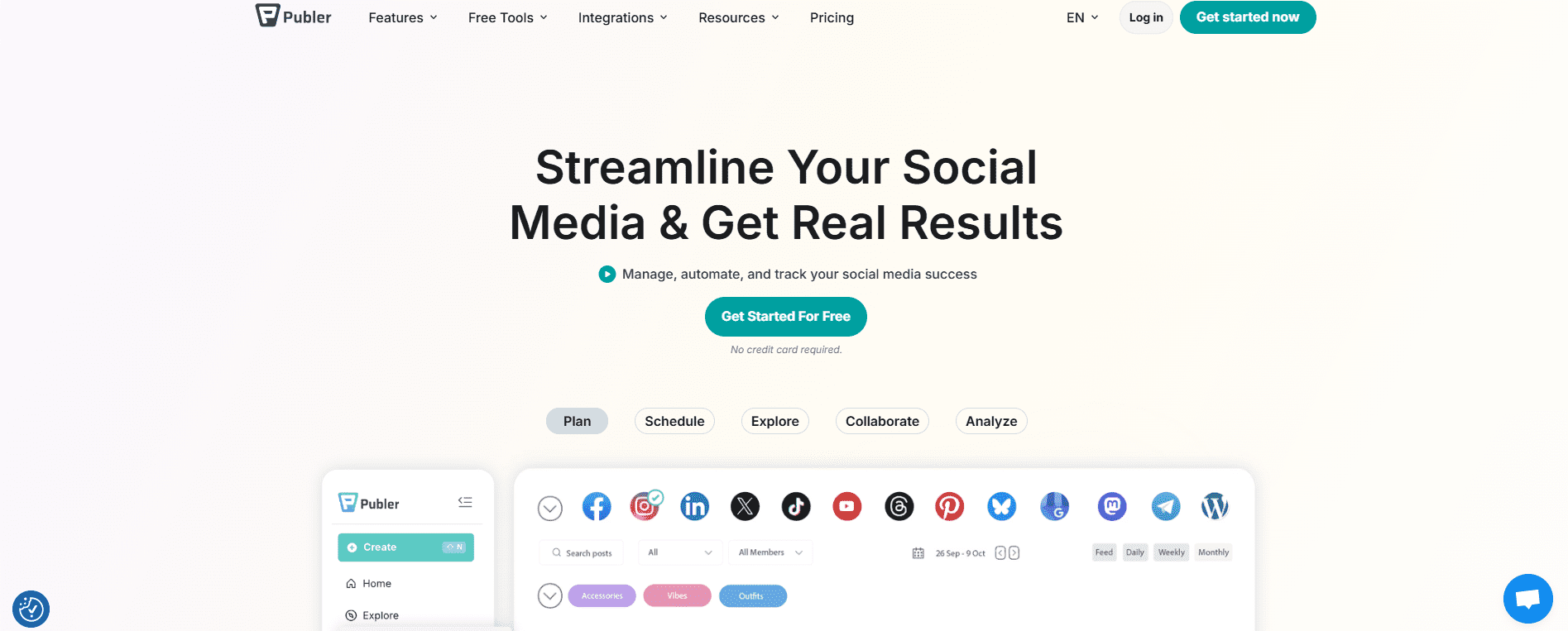
Publer’s Homepage Publer offers rich functionality for solopreneurs and marketing teams.
From post recycling to visual scheduling, it has everything that is needed to manage visual-centric platforms like Instagram.
Without going over budget, it’s an excellent choice for automation and teamwork. You can check out our Publer pricing guide to compare different plans as per your need.
Key Features
- Use scheduling and recycling to maximize the lifespan and reach of content.
- Add links in bios with a simple tool to increase traffic from Instagram and other networks.
- Use watermarks to safeguard your photos and add relevant hashtags to increase interaction.
- Get collaboration tools that support client workflows or small teams.
-
Buffer
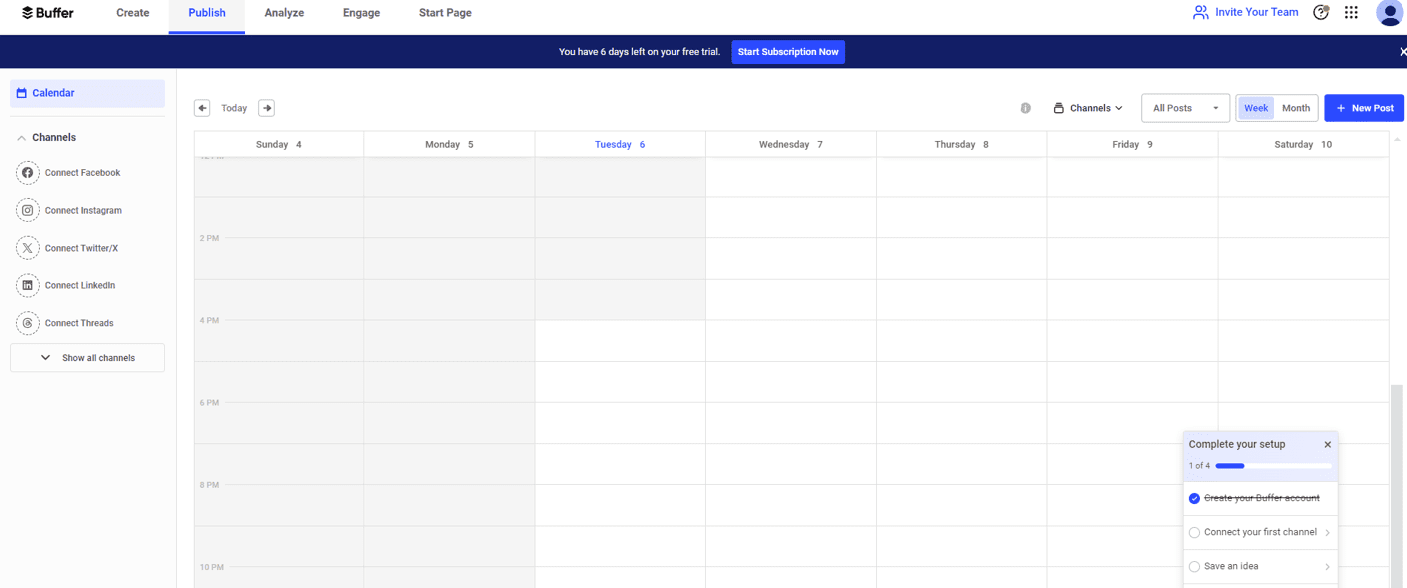
Buffer’s Dashboard Buffer is among the simplest and least costly alternatives to SocialOomph.
With its AI writing tools, convenient scheduling, and substantial free tier, it provides small businesses and individuals with a high return on investment (ROI).
Anyone can use it without any training due to its simplicity.
Because of its support and ease of use, users who value affordability and simplicity choose it despite the fact that it lacks enterprise-level analytics.
Key Features
- Schedule and publish content across multiple platforms.
- Track interactions with real-time interaction on an engagement dashboard.
- Monitor overall performance with basic analytics.
- Share important links in one place with the link-in-bio tool for the Start Page.
- Create unique post concepts and captions with AI assistance.
-
Zoho Social
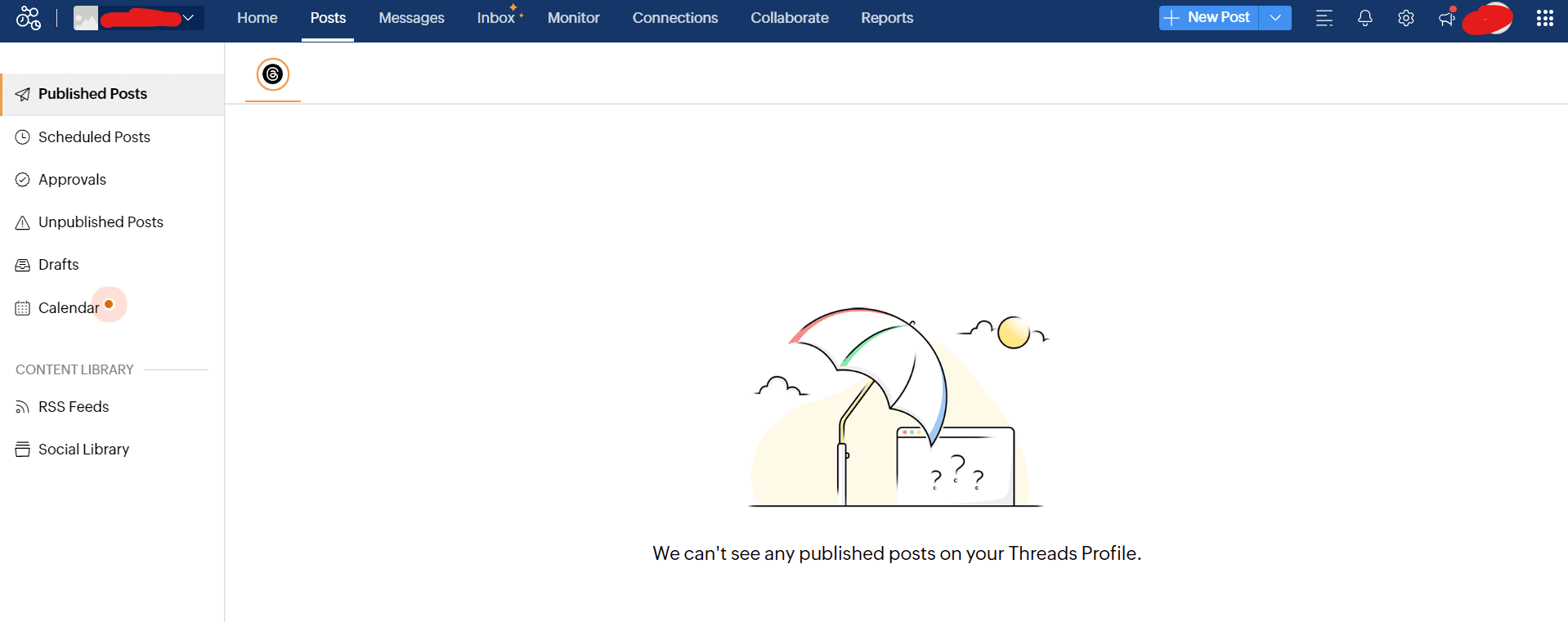
Zoho Social’s Dashboard Zoho Social is a fantastic choice for companies that currently use Zoho CRM, Desk, or other Zoho tools.
The platform is easy to use and has advanced analytics, a unified inbox, and AI-powered features. Its support is highly valued, especially in the Zoho One subscription.
Key Features
- Arrange content for Facebook, Instagram, Pinterest, LinkedIn, Google Business Profile, and X (Twitter).
- Use an integrated social inbox for central conversation management.
- Communicate easily with Zoho CRM for sales-boosting social media strategies.
- Check performance analytics with post insights and reports that can be customized.
-
Planoly
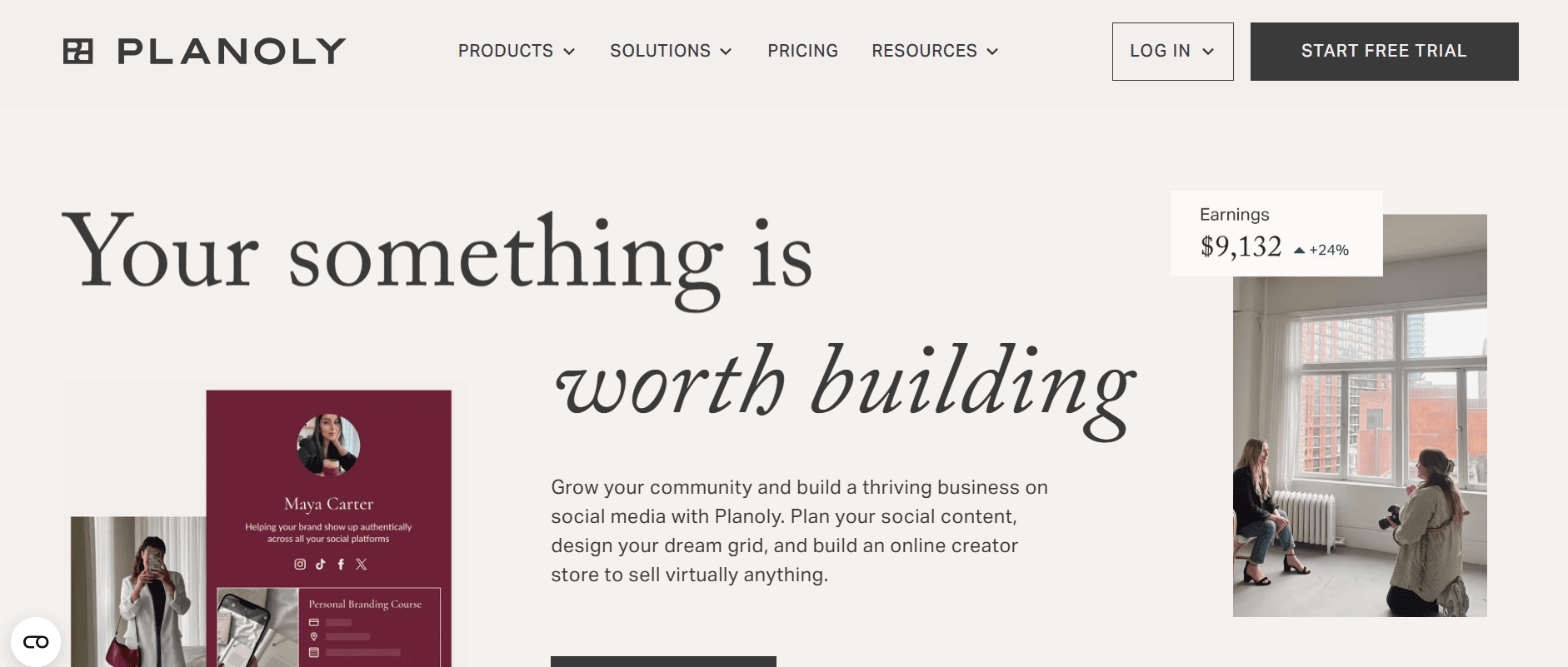
Planoly’s Homepage Planoly is a visual-based social media planning tool made specifically for Instagram and Pinterest.
Thus, it is the top choice for e-commerce companies, small businesses, and influencers who place a high value on aesthetically appealing content.
Its grid preview makes sure your brand’s appearance stays true to the standard, and its drag-and-drop scheduler lets you create a unified feed before publishing.
Key Features
- Get a visual post scheduler with simple drag-and-drop capabilities.
- Track engagement and performance with simple analytics.
- Create coherent feeds, use grid previews, and content drafts.
- Save and arrange top-performing hashtags with a hashtag manager.
- Integrate with e-commerce and link-in-bio to increase traffic and sales.
-
Later
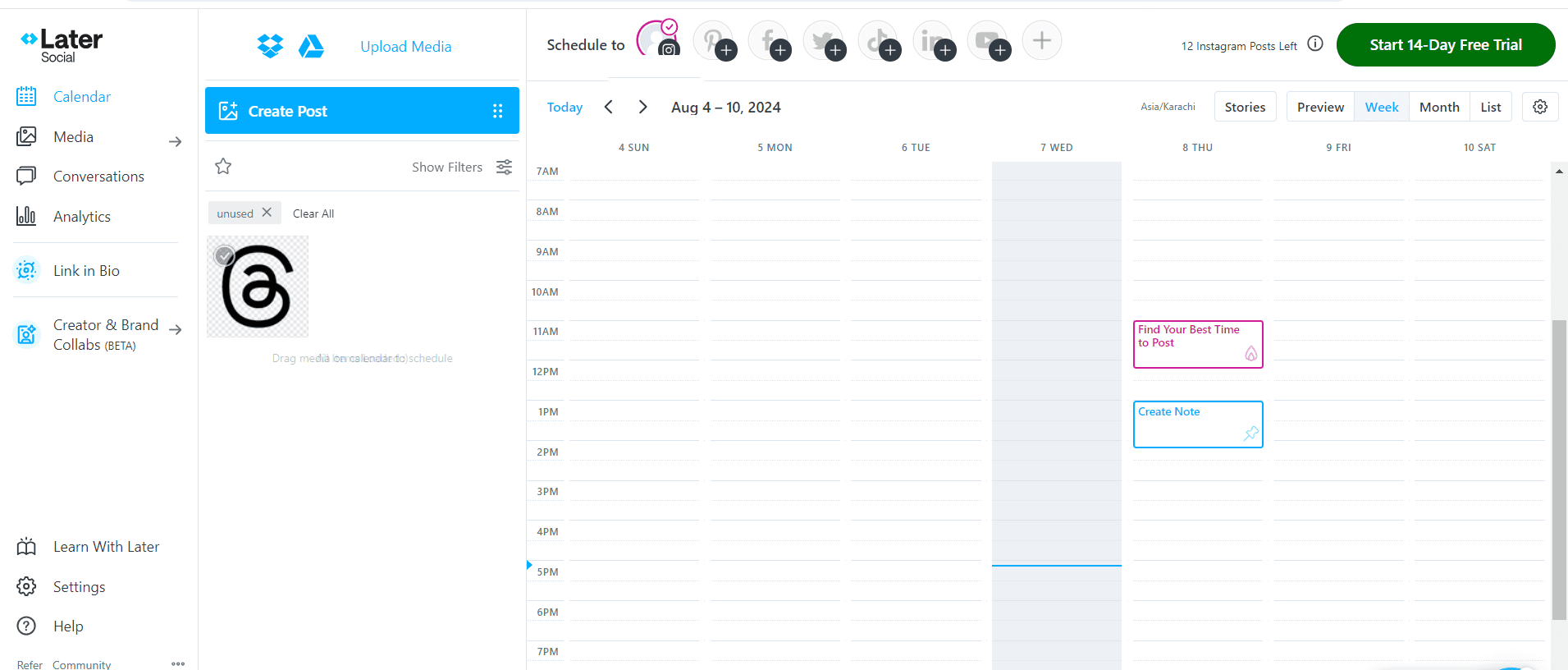
Later’s Dashboard Later was created with Instagram and visual content in mind, making it ideal for fashion, lifestyle, and e-commerce brands.
Its drag-and-drop calendar, AI caption tools, and “link in bio” features provide a high return on investment for creators who want to make money off of their work.
It’s one of the easiest tools to learn because of its simple interface and visual previews.
Key Features
- Use drag-and-drop scheduling for a visual content calendar.
- Get AI-driven content concepts and caption writing.
- Access to the integrated “Link in Bio” feature to increase traffic from Instagram’s media library, which stores and arranges branded images.
- Monitor performance, reach, and engagement with in-app analytics.
- Handle direct messages and comments with Social Inbox.
- Monitor brand mentions with simple social listening instruments.
-
CoSchedule
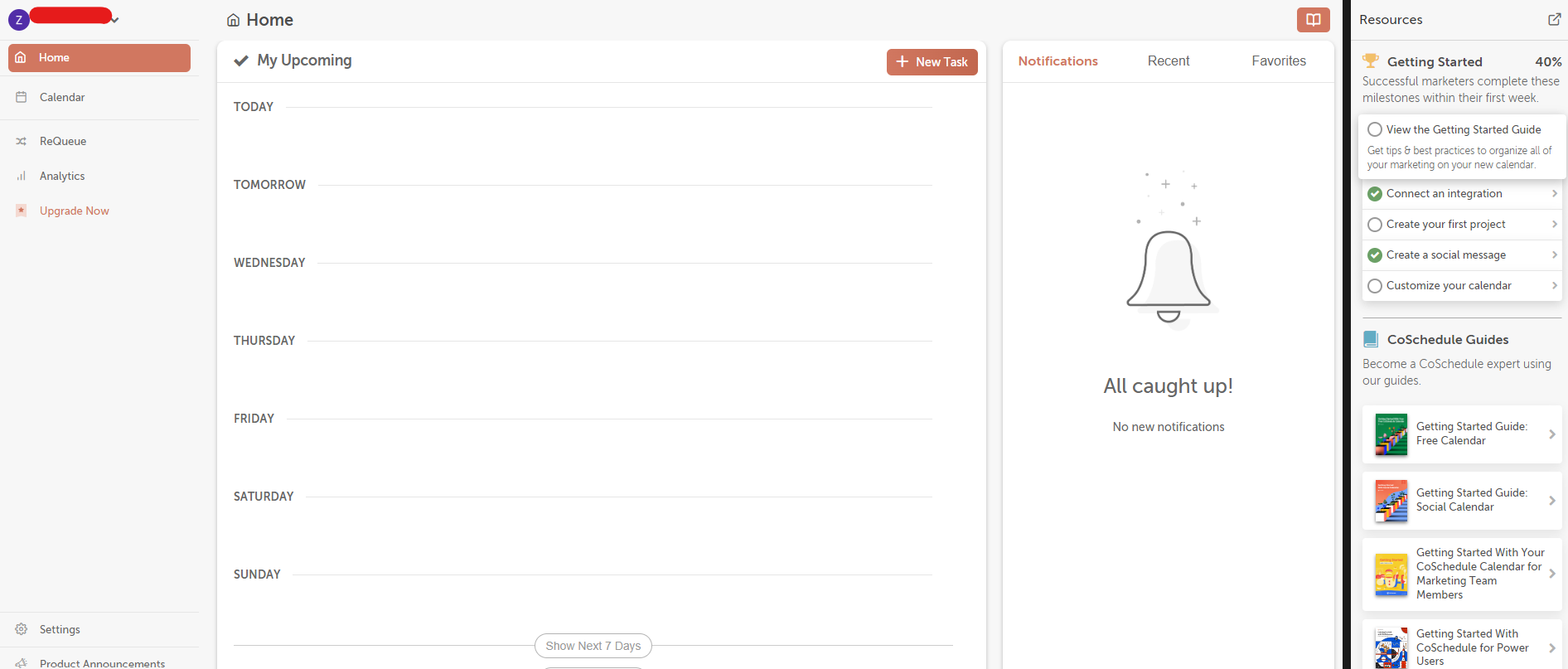
CoSchedule’s Dashboard Another useful tool for groups that prioritize content is CoSchedule. It offers a unified marketing calendar with email campaigns, blogs, and projects.
CoSchedule will yield the highest return on investment for teams that want to centralize all of their marketing activities.
However, because the platform is more structured than tools like Social Champ, Buffer or Later, you might need more training to use this one.
CoSchedule also has excellent support and extensive educational materials, especially for premium users.
Key Features
- Use a centralized marketing calendar for tasks, emails, blogs, and social media posts.
- Gain an AI-driven content assistant for more efficient brainstorming and writing.
- Schedule posts in bulk for social media on popular platforms.
- Get project management features like approval processes and task assignments.
- Monitor campaign success, team output, and post metrics performance dashboards.
-
SocialPilot
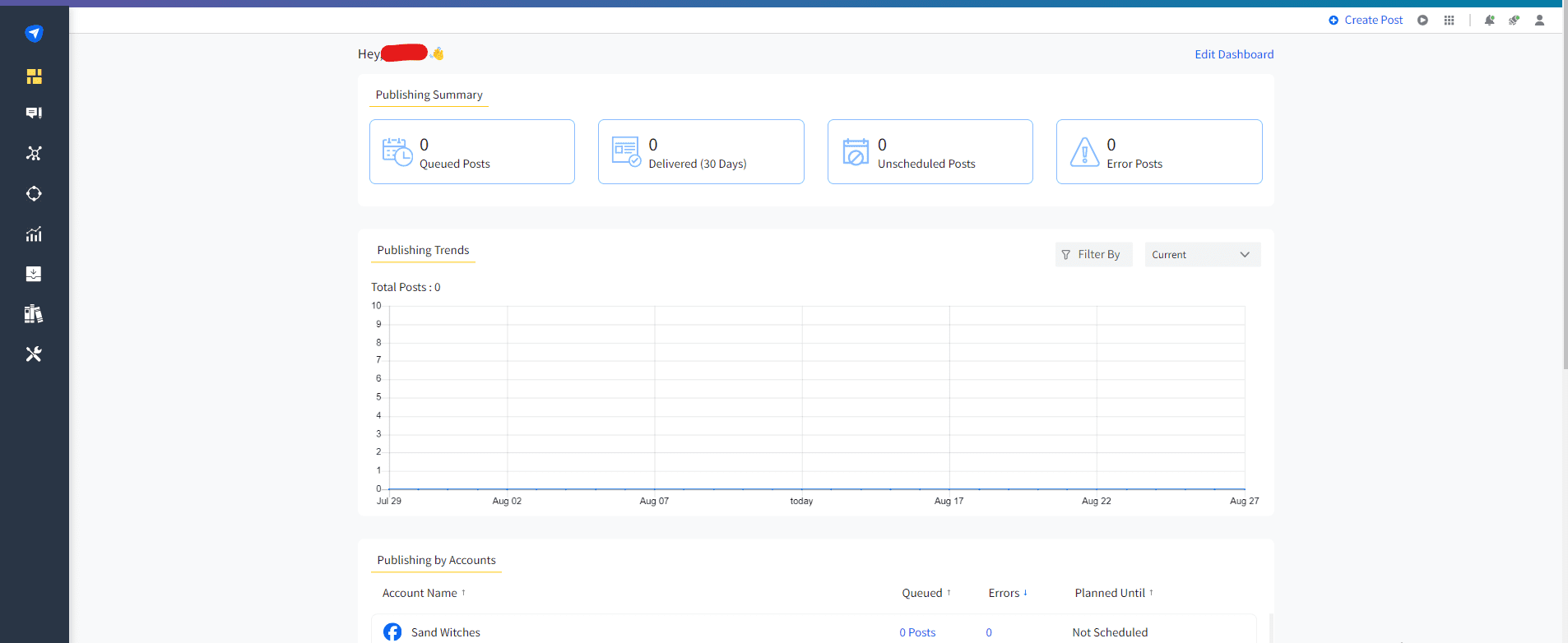
SocialPilot’s Dashboard Small businesses, freelancers, and growing teams can all benefit from SocialPilot‘s reasonably priced social media management solution.
It specializes in offering reporting, automation, and scheduling capabilities without the hefty cost of enterprise-level tools.
SocialPilot is particularly well-suited for client-based work because it offers customized client management dashboards and white-label reports, which allow you to display results professionally.
Key Features
- Schedule and publish a large number of posts at once, use bulk scheduling, and queue management.
- Keep your posting calendar updated with the least amount of human labor, use content curation, and RSS feed automation.
- Use white-label reports for performance summaries that are branded and ready for clients.
- Facilitate simple workflows with tools for team collaboration.
-
ContentStudio
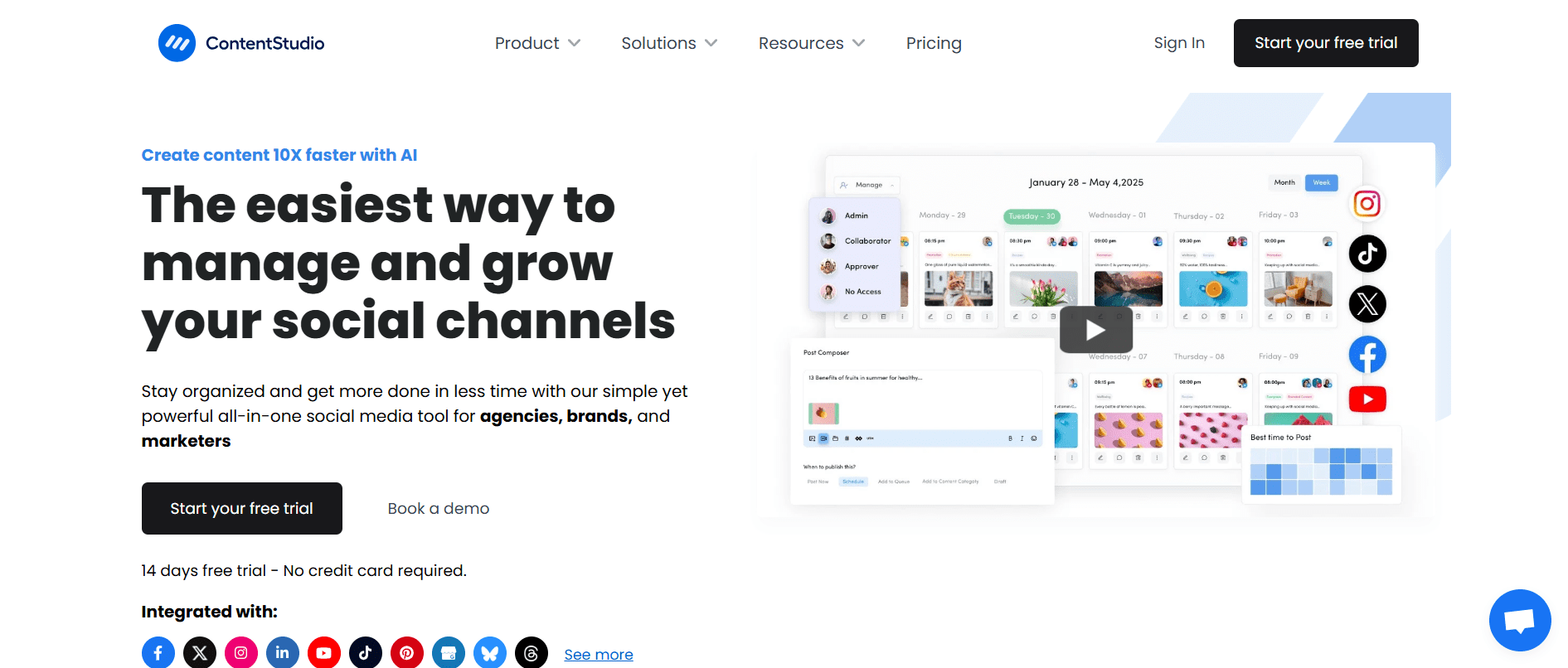
ContentStudio’s Homepage ContentStudio is a unique tool that assists marketers in locating articles and popular content tailored to their target audience.
For agencies or independent marketers who want to manage scheduling, automation, and content curation all in one dashboard, this is a useful tool.
Key Features
- Access comprehensive social publishing and automation workflows, as well as an evergreen and popular content curation engine that suggests content
- Find and monitor influencers to support outreach initiatives
- Reports and analytics that include performance summaries
- A visual editor and calendar for managing posts
-
SocialBee
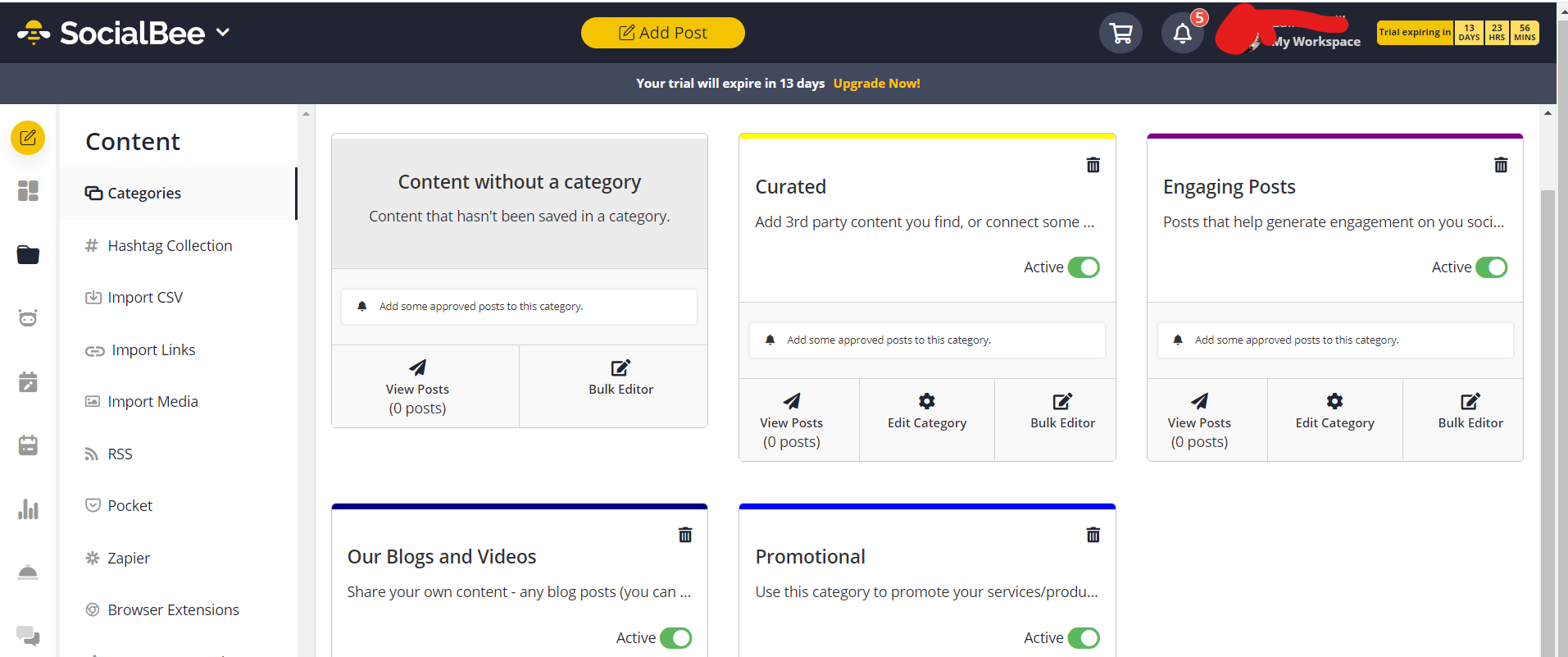
SocialBee’s Dashboard The content categorization feature of SocialBee is unique in that it allows users to balance fresh content with evergreen posts.
This yields a high return on investment for users who want to boost content visibility with the least amount of effort.
The platform is user-friendly, even for novices, and features a well-organized scheduling workflow. Users regularly praise the helpful onboarding process, and support is reliable.
Key Features
- Recycle content for enhanced value.
- Schedule posts on all platforms from a single dashboard.
- Track measure campaigns with distinct URLs.
- Use Zapier integration to automate workflow.
Featured Article: Top 12 Sprout Social Competitors to Power Your Social Strategy
Choosing the Right SocialOomph Alternative for Your Needs
It’s easy to become overwhelmed by this many options.
To select the ideal tool, consider what truly matters for your social media strategy and look beyond the features to make the best decision.
-
Core Functionality and Supported Platforms
Checking if a tool supports all of the social media platforms you use should be your first step.
Do you have to handle TikTok, LinkedIn, Instagram, and Facebook?
Or are you concentrating on a specialized website like Threads or Pinterest?
Choose a tool that supports both the networks you currently use and those you may wish to add in the future.
-
User Interface and Usability
If a tool is too difficult to use, it is worthless.
You and your team can save a great deal of time and lower the learning curve with a clear, easy-to-use dashboard and a basic content calendar.
Take note of features like bulk uploading, drag-and-drop scheduling, and an easy-to-read calendar view.
-
Pricing and Scalability
Lastly, think about how much it will cost and if the tool will grow with you.
Numerous platforms provide tiers according to features, users, and social media accounts.
Choose a plan that will work with your existing budget and offer a clear way to upgrade as your needs or business grow.
To test things out before committing, some tools even provide free plans or trials.
Conclusion
Even though SocialOomph has been a fundamental tool for many, it is difficult to defend in 2026 due to its steep pricing tiers, constrained free plan, and capped features.
There are many better SocialOomph alternatives that return much more for less with platforms like Social Champ, Buffer, Publer, Zoho Social, and SocialBee.
Your audience isn’t slowing down, so you should invest in a tool that will not only save you time but also improve your entire social strategy.