You want to grow on Instagram, but don’t know about Instagram growth tools! This is the classic case of a newbie influencer.
You want to make waves on the platform, and you see everyone else hitting millions of views while you’re stuck at 50k max! Trust me, I know how that feels!
But what if I told you that it’s not your content that’s failing, it’s just that you haven’t found the right Instagram management tools!
I’ll solve this problem in this blog by:
- Telling you all about Instagram growth tools
- Guiding you about what to look for in these tools
- Suggesting the 10 best Instagram growth tools
- And lastly, sharing the ways to find the right Instagram growth tools for your needs.
Short Summary
- Top recommended tools for general account management and scheduling include Social Champ for comprehensive multi-platform workflows, Later for visual planning, and Buffer for simple, user-friendly dashboards.
- Key features to prioritize in an Instagram tool include official Meta approval to avoid account bans, a visual grid planner, in-depth analytics that look beyond basic data, and high-quality AI writing assistants.
- Specialized growth features can be found in platforms like ManyChat for comment-to-DM automation, Metricool for thorough competitor benchmarking, and Flick for search discoverability and hashtag tracking.
- Content and direct message interactions can be optimized using Canva AI for instant graphic design, CapCut for viral video editing, Jotform Instagram Agent for custom document-trained bots, and BooSend for personalized AI voice and text notes.
What Are Instagram Growth Tools?
Can you grow on Instagram without any help from others? Yes, but that doesn’t mean that you don’t need help from technology!
You can’t possibly expect yourself to be online 24/7, reply to every DM and comment, and keep up with the weekly or daily posting while also maintaining the quality of your content. This isn’t possible unless you’re a superhuman!
Instagram growth software helps you get more eyes on your content and keep a consistent schedule while also managing your inbox and comments section. You can also check your analytics, which means that you can track your performance and create better strategies for your future content.
Does this sound appealing to you? Great! Let’s move ahead and talk about what to look for in the best Instagram growth tools!
What to Look for in Instagram Growth Tools?
I know how frustrating it can be to look for the best social media growth tools when everyone is claiming to make you go viral by next Tuesday.
However, you don’t need to fall for that because here are the things you should check before committing to an Instagram marketing tool!
-
Meta-Approved
This requirement is basically to not get you banned. If you use an Instagram automation tool that is not Meta-approved, Meta will most likely ban your account because Instagram is very strict about its API (the system that lets third-party tools connect with its platform).
I always check their website to see if they are an official Meta Business Partner. Other than this, you can also check their requirements. If a tool asks for your raw password or promises to auto-follow and auto-unfollow people for you, run away!
-
A Visual Feed Planner
I don’t know about you, but I need to see what my grid looks like before a post goes live. If a scheduling tool just gives me a boring list of dates and times, I’m out, and you should be too.
Providing a grid view is the least that Instagram growth tools should offer. You should look for a drag-and-drop visual calendar, along with an Instagram Grid View, which gives you a holistic view of what your profile looks like.
-
Deep Analytics
Another non-negotiable feature is analytics. How can you expect a tool to be good if it doesn’t offer you advanced analytics? I mean, there are plenty of tools that offer basic analytics, but we don’t want basic when we’re paying for it!
Look for Instagram analytics tools that let you see more than just engagement and follower growth! Invest in a tool that goes beyond, and if I have to share one right now, try Social Champ. It gives you:
- Instagram analytics
- Competitor analytics (to track what your competitors are doing on Instagram)
- Cross-platform analytics (to see how your Instagram strategy compares with your other platforms, say LinkedIn or Facebook)
You’ll thank me for it!
-
AI Assistant
I’m a big fan of using AI to cure writer’s block, but I don’t want it spitting out generic-sounding captions full of 40 hashtags. I’m sure you would hate it too!
So look for an AI assistant that doesn’t sound like AI (I hope I’m making sense). Almost every Instagram tool these days has AI assistants, so I would suggest trying free trials or free plans to test each tool and make the right decision.
10 Best Instagram Growth Tools
I have rounded up 10 of the best Meta-approved Instagram growth tools that focus on different angles of growth. Here’s the breakdown of those tools one by one:
-
Social Champ
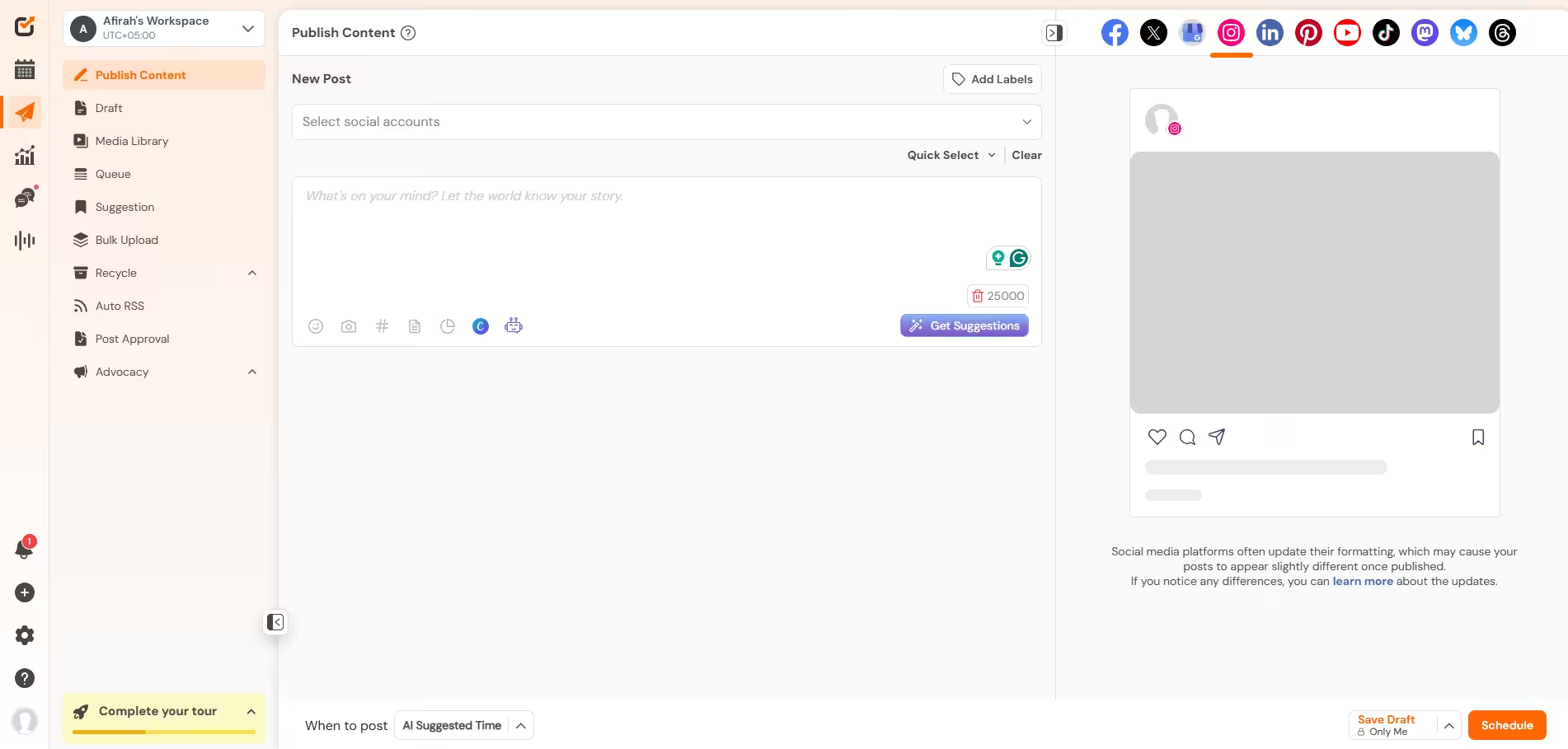
Social Champ’s Dashboard If you just want one Instagram posting tool that does everything I mentioned above, I would suggest you try Social Champ. It’s a social media management tool that’s designed to manage 12+ social media platforms without any fuss.
Its Instagram scheduler allows you to schedule, track, and engage with your audience as no other tool can.
Why I Recommend Social Champ
It features a brilliant bulk scheduling feature that lets you upload weeks of content via a simple CSV file, and includes a built-in AI suite to instantly generate captions. It offers high-end features like social listening and competitor analysis that are usually locked behind massive price walls.
Social Champ has two types of paid plans. For solopreneurs and freelancers, it offers pay-per-profile plans starting from $4/month. For agencies and SMBs, they have bundled plans starting from $23/month.
Ready to Leave the Grind Behind?
Stop letting the algorithm bully your calendar and lock in your automated feed with Social Champ before you fall another week behind. -
Later
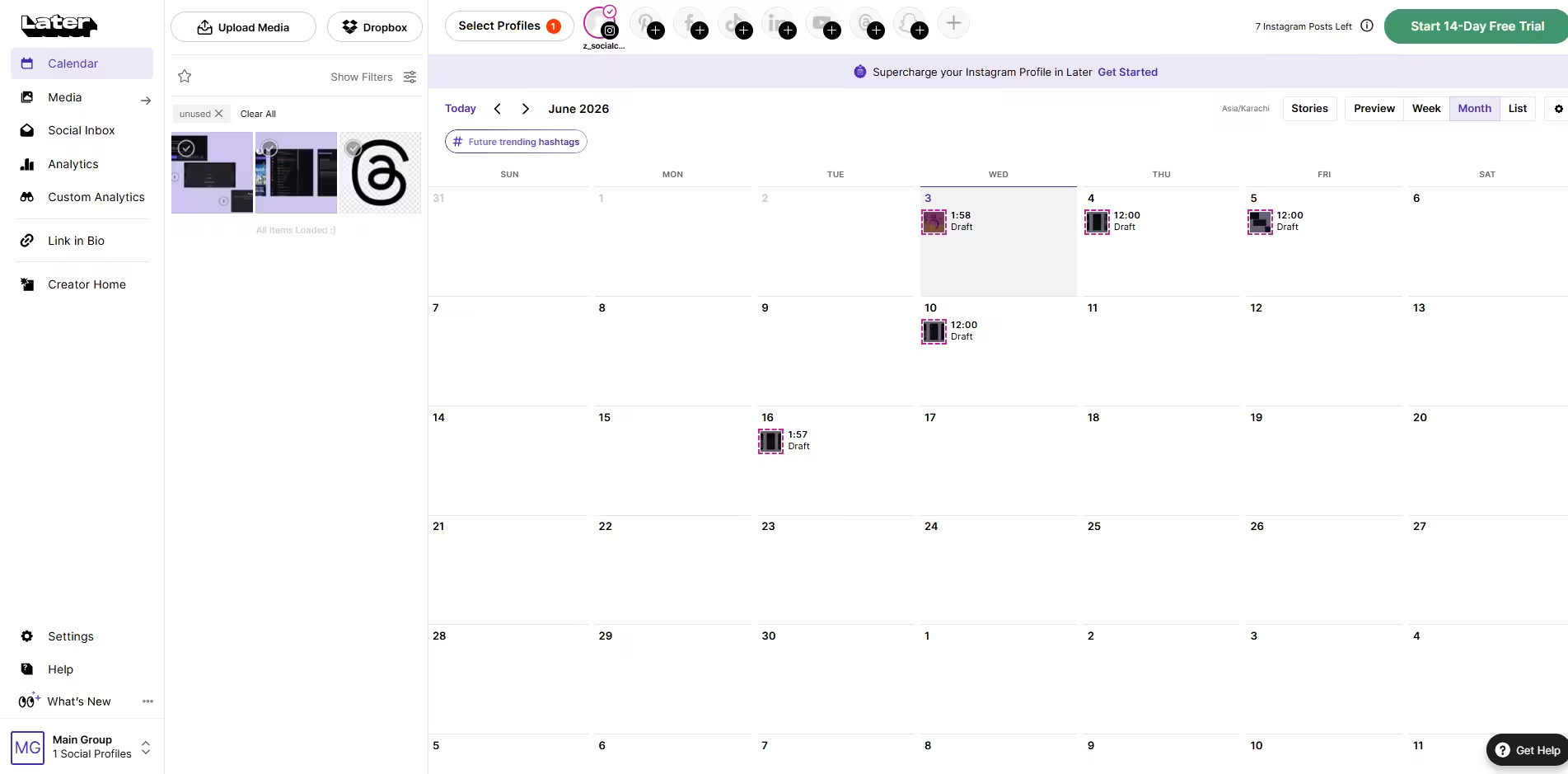
Later’s Dashboard Later is a visual content intelligence platform designed to help creators and brands manage Instagram effectively. It is specifically designed for platforms like Instagram, which makes it a good option for you!
Why I Recommend Later
The drag-and-drop visual grid planner is incredibly satisfying to use; its AI-driven best time to post recommendations take all the guessing out of scheduling, and it features built-in creator/influencer management tools to track actual campaign ROI.
Later’s pricing starts from $18.75/month.
-
ManyChat
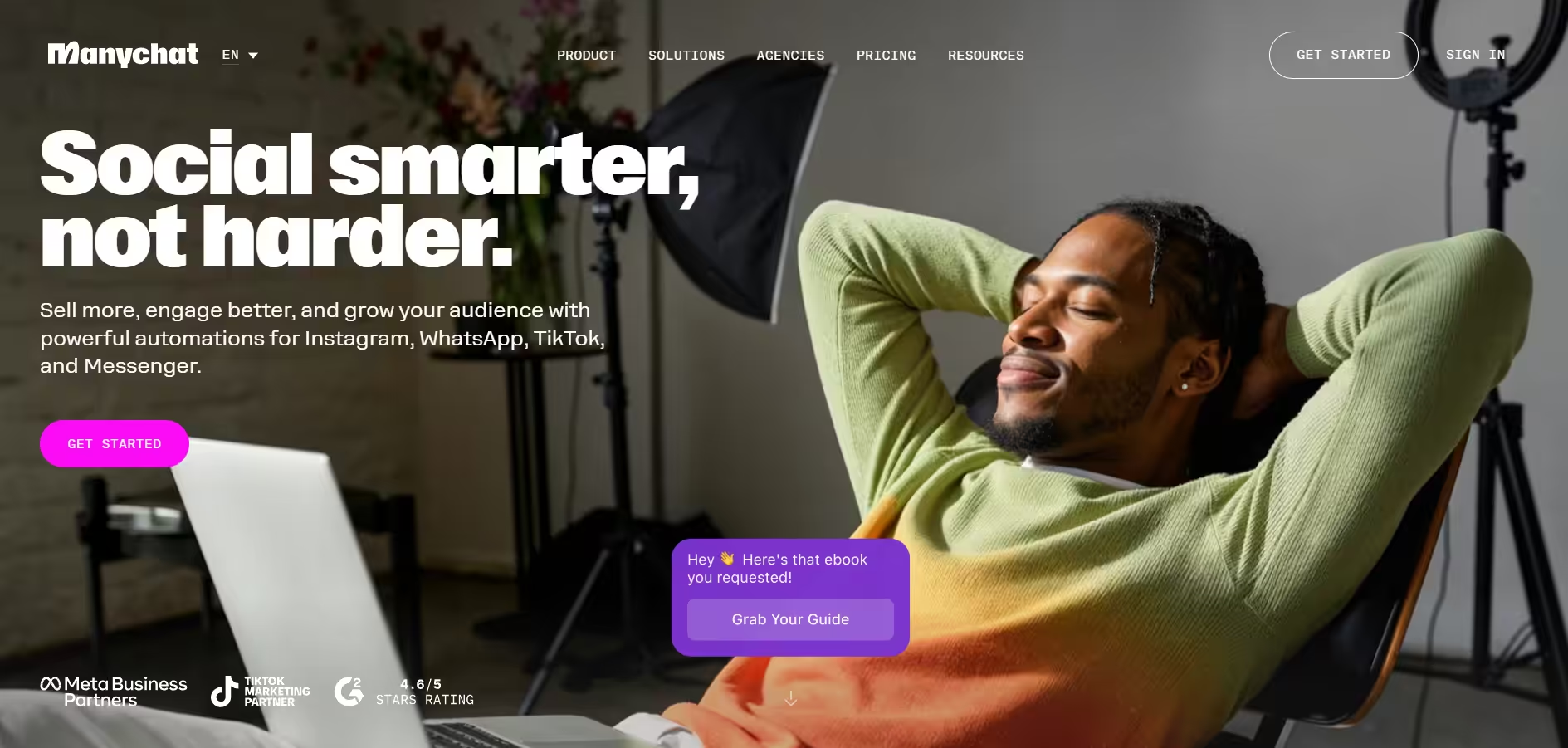
ManyChat’s Homepage If you only need a tool to manage your inbox, ManyChat is the right choice for it. It focuses on chat automation that turns your Instagram direct messages and comment sections into conversational sales funnels.
Why I Recommend ManyChat
It lets you create comment-to-DM workflows (like instantly messaging a guide when someone comments “GROW”), captures leads right inside the chat, and helps you handle massive volumes of customer interactions without losing a friendly, personal touch.
ManyChat has 4 paid plans, starting from $14/month.
-
Buffer
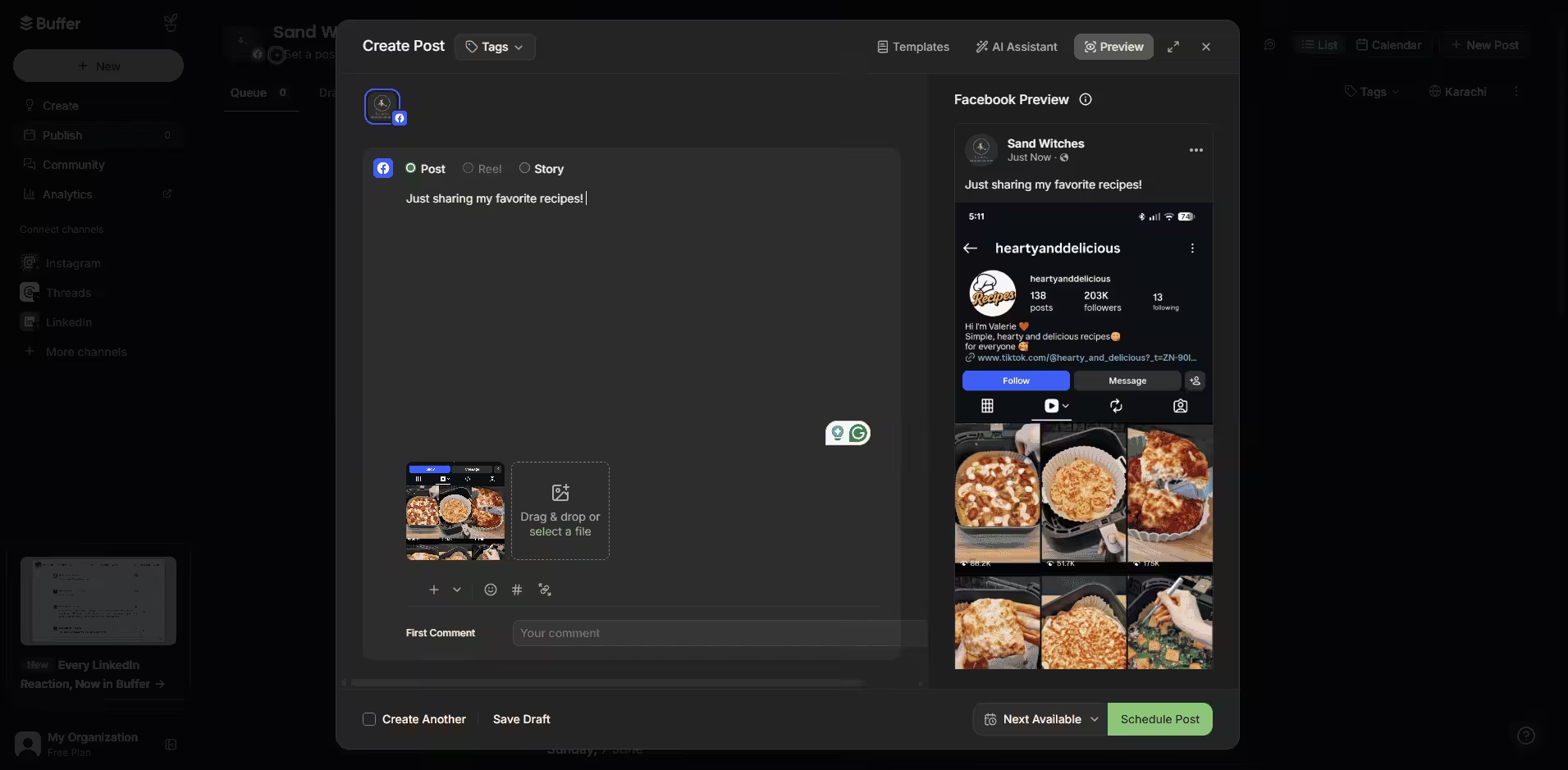
Buffer’s Dashboard If you prefer a clean and distraction-free social media management tool, you can choose Buffer. However, if you need advanced features like social listening, I’m afraid Buffer might not be the right choice for you. But if you need simple scheduling, this platform is great!
Why I Recommend Buffer
It is arguably the most user-friendly dashboard on the market, features a great AI assistant that can instantly repurpose a single caption into multiple platform variations, and offers a highly generous free tier that supports up to three channels.
Buffer’s pricing starts from $5/month.
-
Metricool
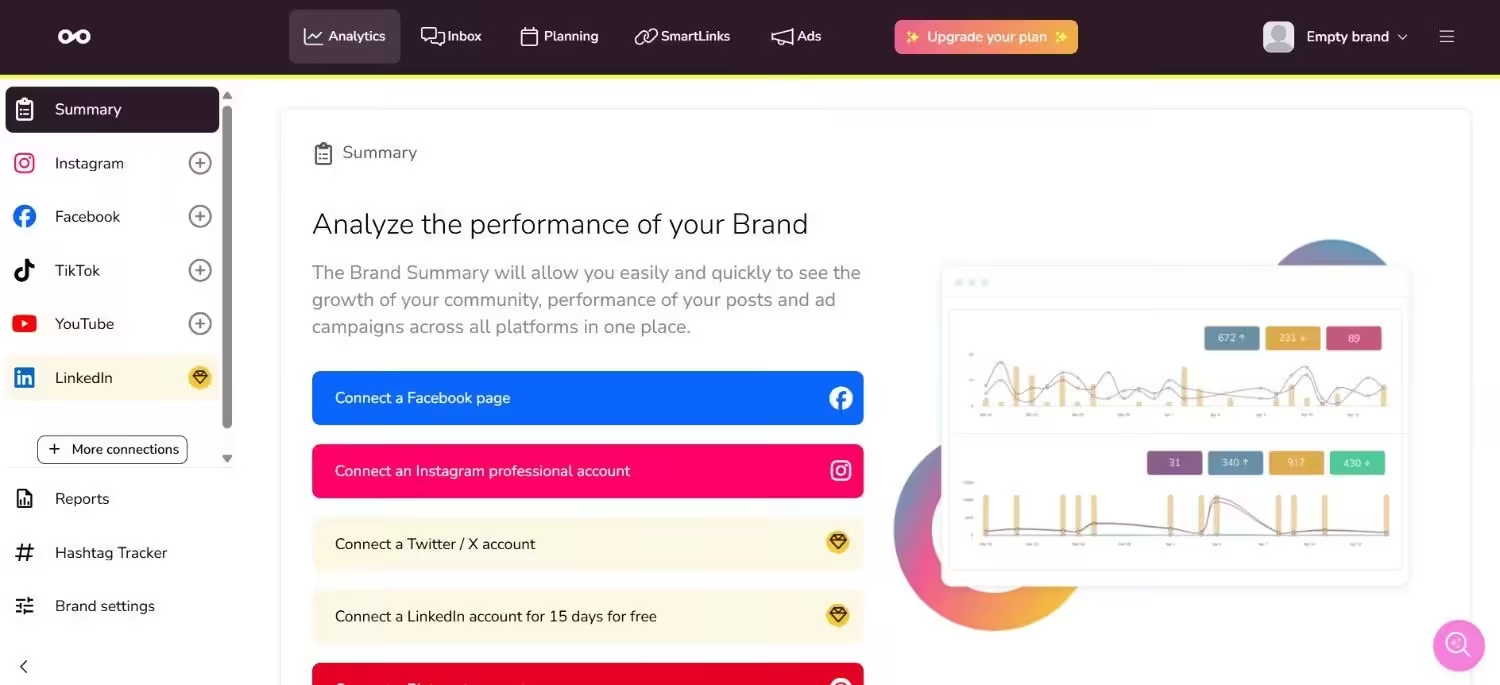
Metricool’s Dashboard If you really want to geek out over your numbers and understand what is actually driving your growth, you can choose Metricool. It goes way past the basic data Instagram gives you inside the app and serves up the kind of deep insights that make you feel like a marketing genius.
Why I Recommend Metricool
It gives you incredibly deep competitor benchmarking so you can spy on what is working in your niche, tracks your true audience demographics down to the minute, and automatically generates beautiful, professional reports you can download with a single click.
Metricool’s pricing starts from $20/month
Featured Article: A Complete Guide to the Best Time to Post on Instagram
-
Flick
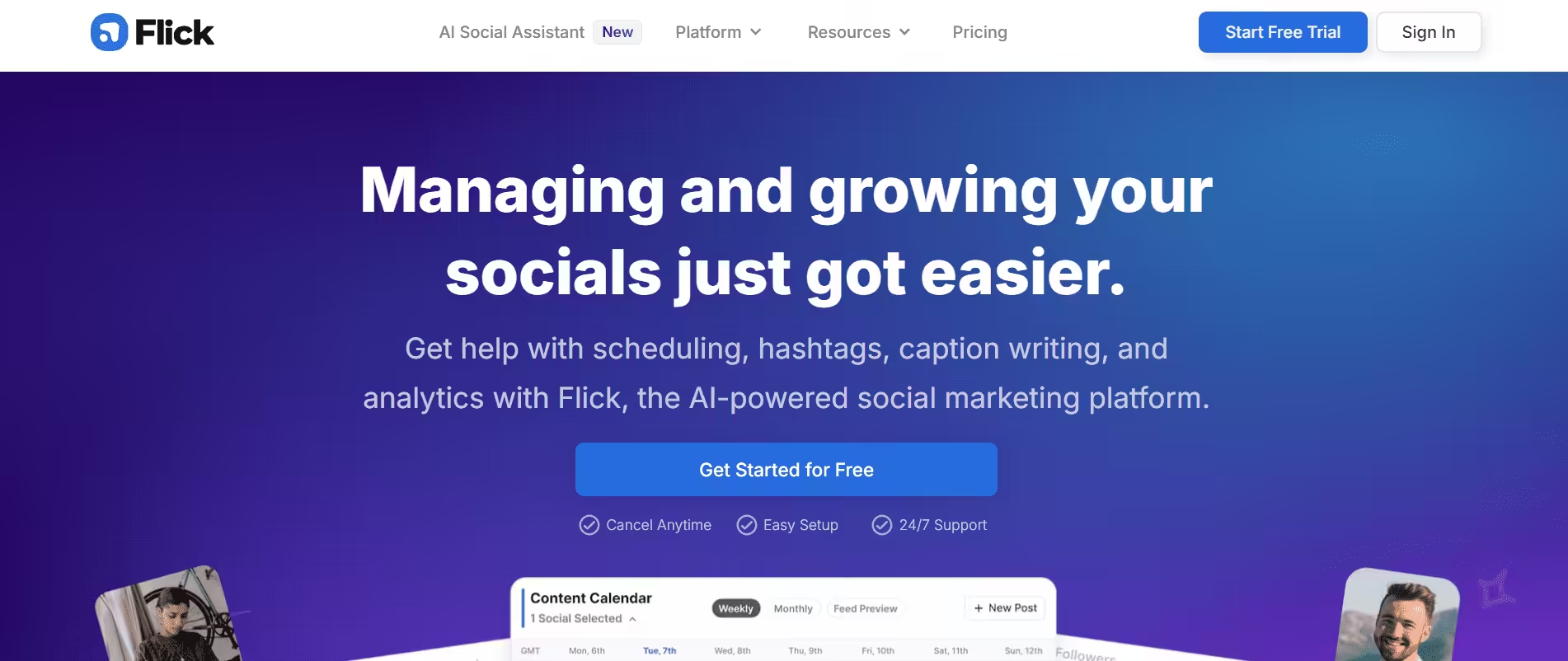
Flick Landing Page If you are constantly staring at a blank screen, wondering what hashtags to use or how to get discovered by people who don’t follow you yet, Flick is what you need. It is entirely designed to help you decode the search side of Instagram, so your content actually gets found. Think of it like a personal SEO coach specifically for your Instagram account.
Why I Recommend Flick
Its hashtag tracker helps you find low-competition, highly targeted keywords to boost your organic reach, includes an AI caption writer specifically trained to write engaging hooks, and lets you closely monitor your account’s overall search discoverability.
Flick’s pricing starts from $24/month.
-
Canva AI
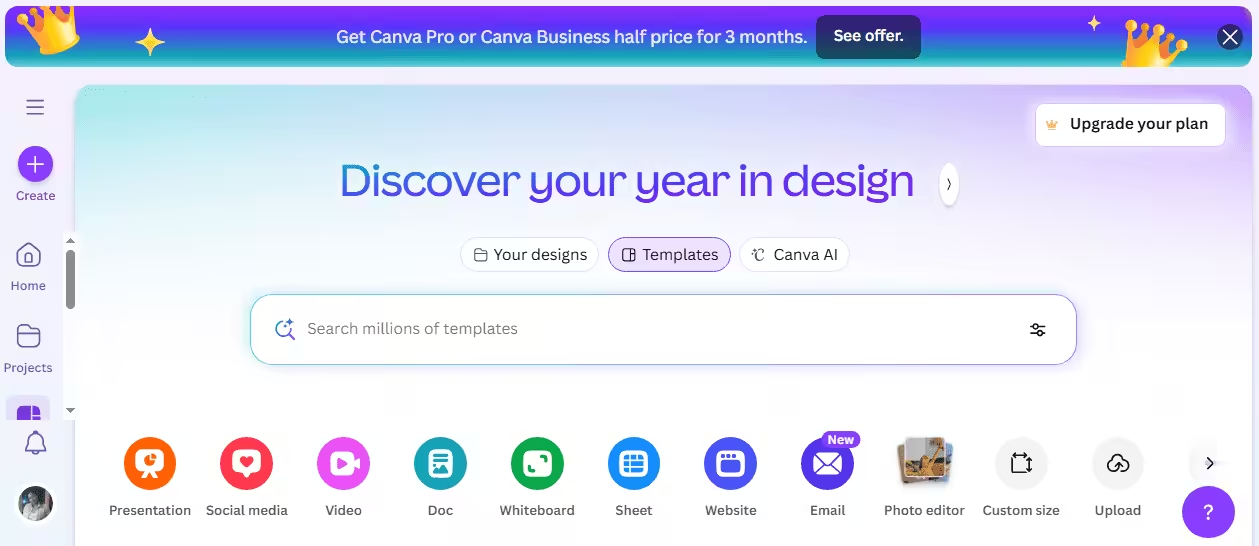
Canva’s Dashboard I know you probably already know about Canva for making graphics, but their new AI features are an absolute game-changer for speed. It lets you create custom templates, carousels, and graphics in seconds by typing a quick description of what you want.
Why I Recommend Canva AI
Features like “Magic Design” allow you to generate entire carousel templates from a simple text prompt, its background remover works flawlessly with one tap, and the brand kit tool ensures every single story or Reel cover stays completely on-brand.
Canva’s pricing starts from $144/month.
-
CapCut
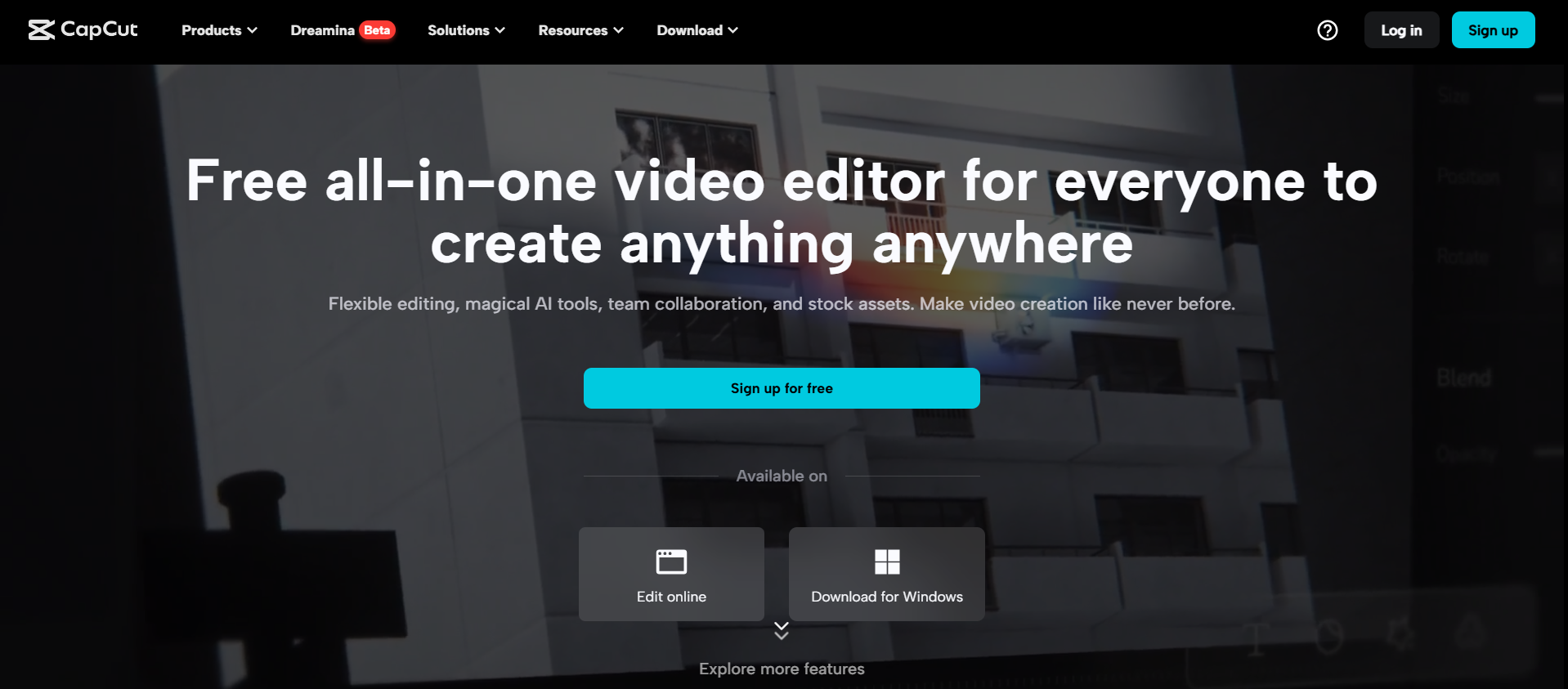
CapCut’s Dashboard If you want to grow on Instagram right now, you have to make Reels, and this is the exact app everyone uses to edit them. CapCut makes complex, trendy video editing feel so simple that you can finish a high-quality video right on your phone while sitting on the couch. It’s pretty much the holy grail for short-form video creation.
Why I Recommend CapCut
It offers incredibly accurate auto-captions that keep viewers hooked, features a massive, up-to-date library of trending audio templates, and handles complex transitions and mobile video formatting with absolute ease.
CapCut’s pricing starts from $19.99/month.
-
Jotform Instagram Agent

Jotform Instagram Agent’s Homepage Jotform Instagram Agent is incredibly cool if you sell products or services and get a ton of detailed questions in your DMs. Instead of a basic bot that gives generic answers, you can actually train this AI agent on your own business documents. It is like having a brilliant customer service assistant working for you 24/7 who knows your brand inside and out.
Why I Recommend Jotform Instagram Agent
Unlike basic keyword responders, you can upload actual PDFs (like a product size chart or FAQ document) to train the agent, which responds with context-aware intelligence, and it connects directly into an entire backend ecosystem to update orders or customer logs.
It has 4 paid plans, starting from $19.50/month.
-
BooSend
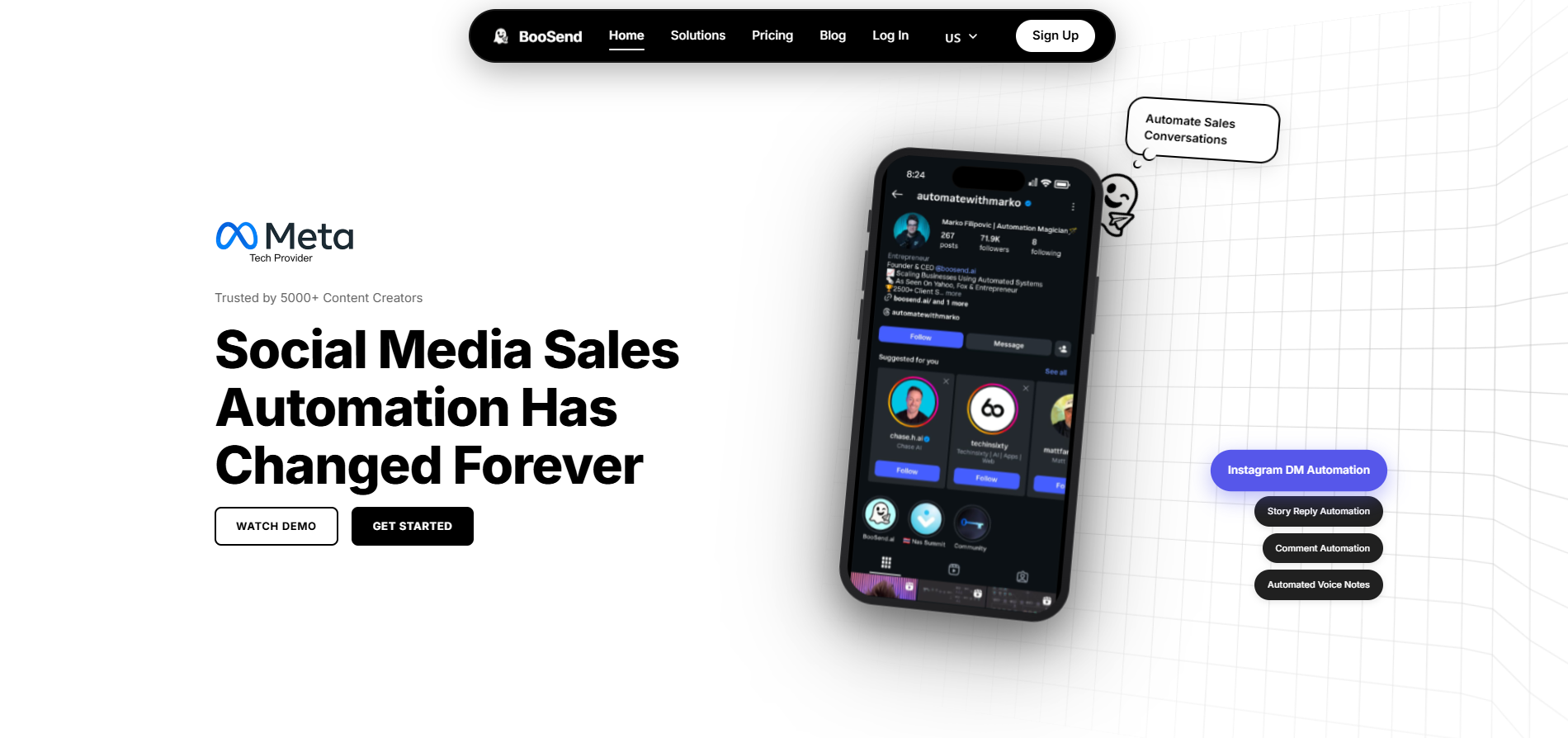
BooSend’s Homepage If you love the idea of DM automation but hate the thought of sounding like a robot, you really need to try BooSend. It uses incredibly smart AI to make your automated messages feel completely organic, conversational, and tailored to the person typing. It’s perfect for building real, genuine trust on a massive scale.
Why I Recommend BooSend
It can send automated AI voice notes alongside standard text DMs to build deep trust, uses smart AI sales agents that can reason through a conversation based on intent, and actively adapts its messaging tone based on how your follower responds.
Its pricing starts from $153/year.
Featured Article: How to Schedule Instagram Posts?
Find the Right Instagram Growth Tools for Your Needs
If you are trying to figure out which tool to swipe right on, let’s look at a quick game plan to help you find your match.
-
Figure Out Your Absolute Biggest Pain Point First
Before you even look at a features list, ask yourself: “What is the one task on Instagram that I absolutely dread doing or never have time for?”
- If you’re drowning in DMs: Put your budget into an engagement automation tool like ManyChat.
- If your feed looks messy: Skip the heavy analytics for now and invest in a visual planner like Later or a design engine like Canva AI.
- If you’re posting blindly: Snag a data-heavy tool like Social Champ or Metricool to figure out what’s actually working.
Focus on fixing your biggest bottleneck first. You don’t need a tool for everything right out of the gate!
-
Look at Your Scaling Potential
If you are a solo creator right now, you don’t need a heavy-duty tool built for a 10-person corporate marketing team. Don’t pay for user seats, advanced team approval workflows, or multi-brand dashboards if it’s just you.
Look for tools like Buffer or Social Champ that are incredibly modular, meaning you can start on a super cheap (or free) tier and easily upgrade as your business or following grows.
-
Test the Mobile Experience
Let’s be real: we do a massive chunk of our content creation and community management right from our phones while sitting on the couch or waiting in line for coffee. Check if the tool has a highly rated mobile app, or is it a clunky desktop-only experience?
If you can’t easily tweak your schedule or check a stat from your phone, you probably won’t end up using it consistently.
Stop Watching Your Views Drop While You Sleep!
Conclusion
With this blog as your guide, I hope you’ll be able to find the right Instagram growth tools for your account. Remember to try the tools for free first, so you don’t waste any money. Relying on a good Instagram management tool will be the best thing you do for your account.