
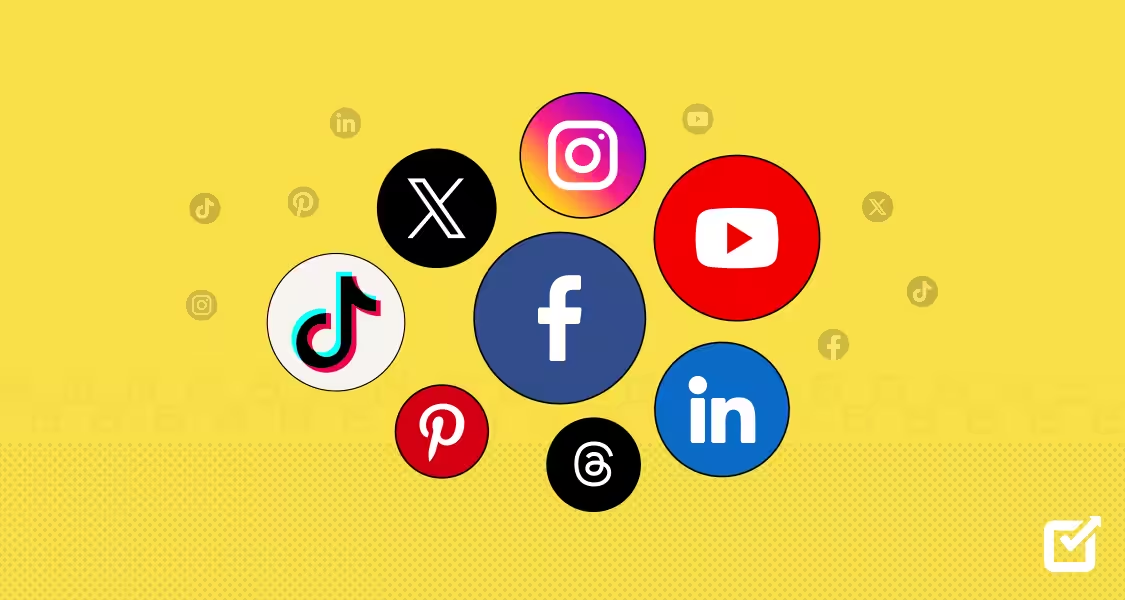
Let’s play a game. I’ll describe social media icons, and you name the first app that pops up in your head.
- A retro camera
- A ghost
- A dark X
How long did it take for you to guess? Probably seconds.
That’s what memorable branding does. It makes people think of your brand the very second it is described.
So, if you’re looking for free social media icons to either build your brand or embellish your website, remember this significant detail.
Now, let’s move on to the other important stuff. Here’s a little summary of what you’ll find in this guide:
- The top 12+ (and legit) places to find and download high-quality, free social media icons that fit your brand image
- How you can sort icons by style (because yes, there are a ton of different design aesthetics out there right now!).
- The legal do’s and don’ts for using official brand logos.
- The easiest way to actually install these icons on your website.
- The latest (and best) practices to keep your layouts looking good and accessible.
Short Summary
- Social media logos are an easy way to guide website traffic straight to your social pages. They can also make your website user-friendly.
- Standard flat icons are officially taking a back seat to fun trends like squishy 3D graphics, frosted glass aesthetics, hand-drawn doodles, and sleek, responsive animations.
- Some trusted sites to download icons include: Flaticon, Phosphor, and Vecteezy. You can also use code-friendly developer libraries like Font Awesome and Simple Icons.
- You won’t get sued for tweaking colors to match your brand style as long as you aren’t confusing your audience or pretending a massive network officially sponsors you.
- You can embed these icons with a fast CDN line or clean SVG code, drop them into WordPress using basic native blocks, or paste hosted image URLs into your email signatures.
- It’s best to stick to 3 to 5 active channels so your layout stays clean, pick SVGs over fuzzy PNGs, design variations for dark-mode users, and make sure your code includes accessibility tags for screen readers.
(P.S. If you’re building a brand, you’ll be needing a social media integration tool like Social Champ to get your brand seen. Try out a 14-day free trial before you commit!)
Schedule Your Posts for the Entire Month!
The 12+ Best Places to Download Free Social Media Icons
There are a lot of dodgy sites that look credible for social media app icons, but when you click on them, you end up with a whole lot of disappointment.
So, I did my homework, and have found a few legit sites you can use to find social media icons free of cost!
Group 1: Dedicated Icon Libraries and Databases
There are literally so many icon libraries that provide numerous icons in numerous styles. You can easily search through the database to find some that align with your website’s aesthetics.
Here are some of my favorites:
-
Flaticon
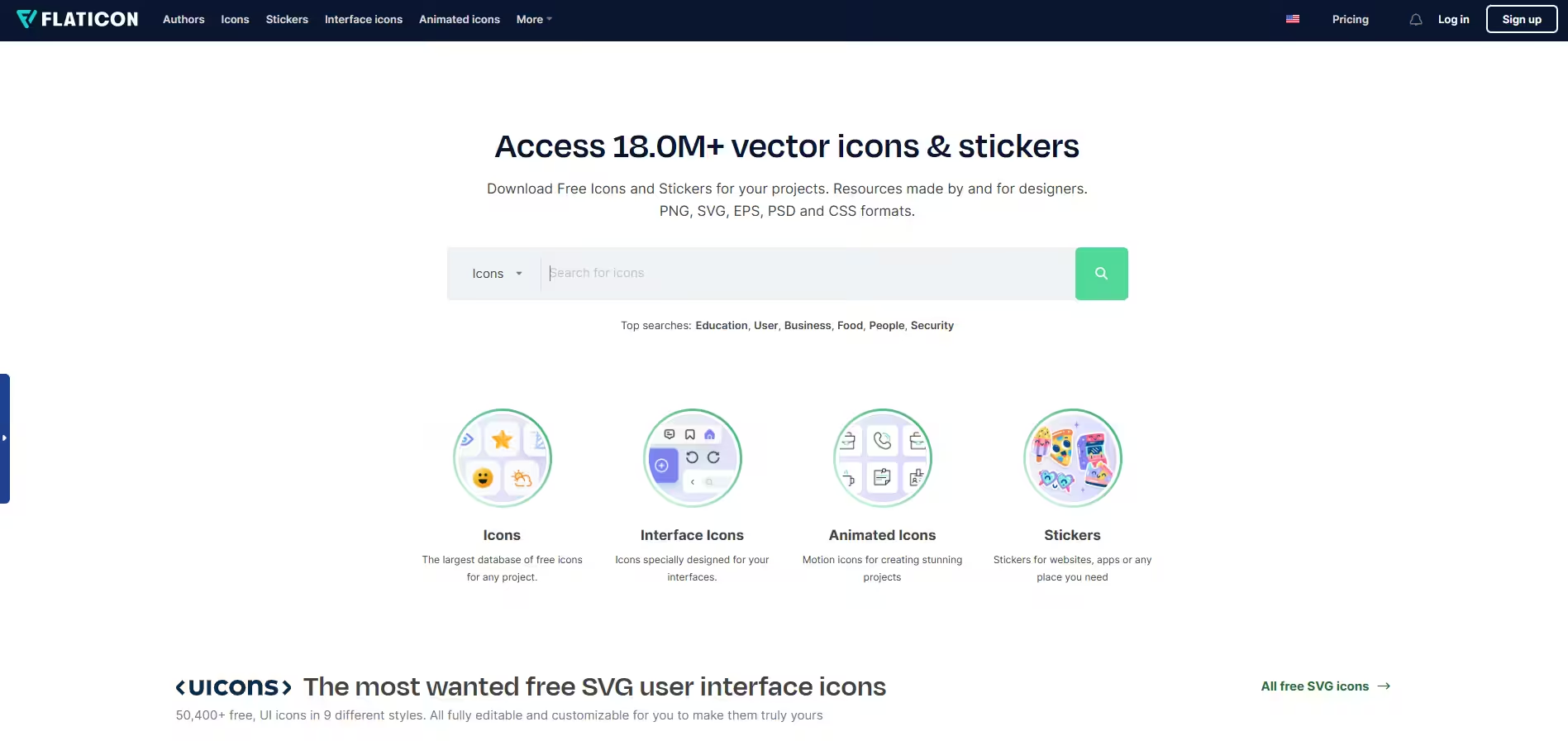
Flaticon’s Homepage Flaticon is the largest database of free vector icons on the planet. You can find social media logos matching almost any aesthetic, neatly organized into uniform packs. It supports various formats, including SVG, PNG, EPS, and PSD.
The best thing about this website is that it is free to use, but you must credit the author (or grab a premium plan to skip attribution).
-
Icons8
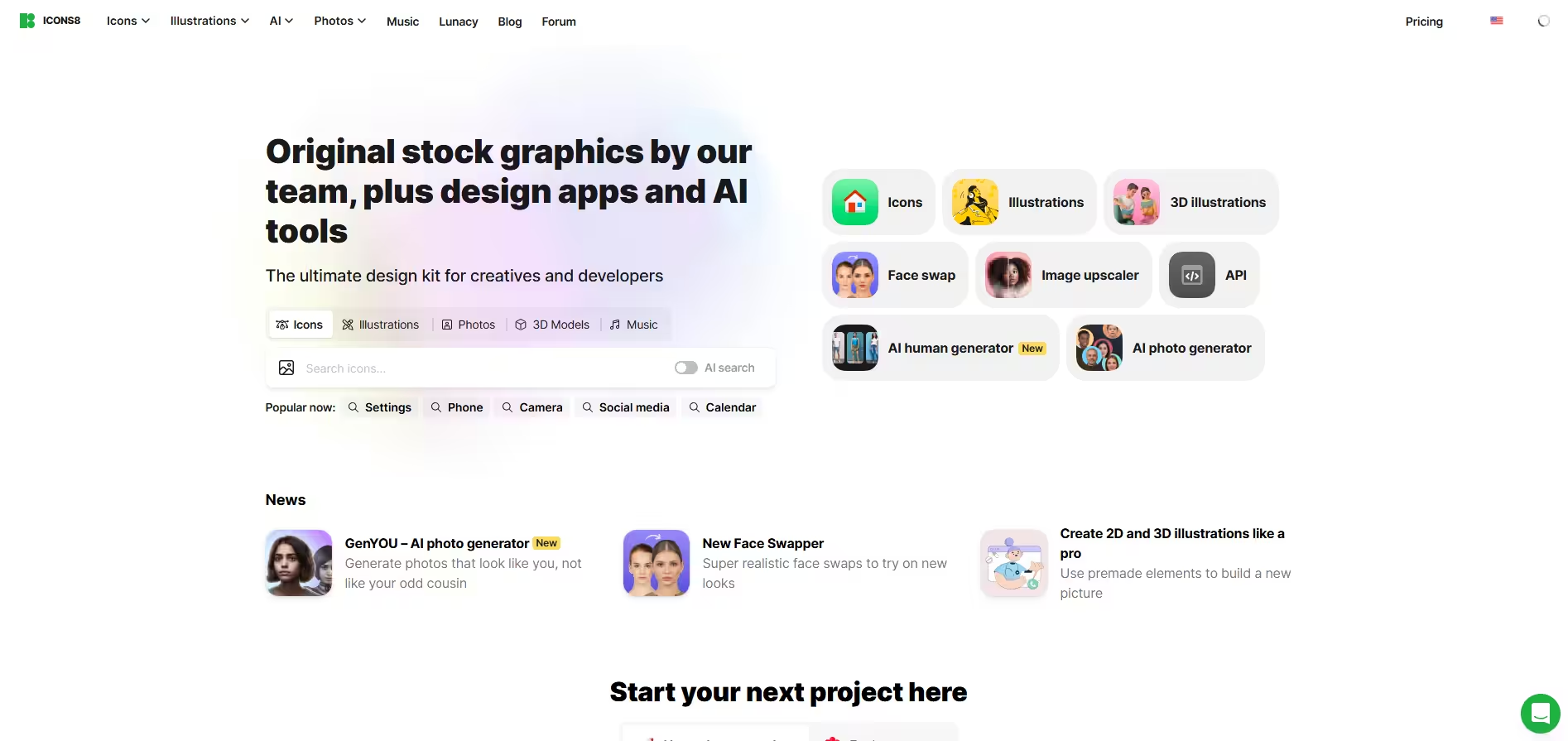
Icons8’s Homepage Icon8 is another brilliant platform that lets you customize the color, size, and padding of your social media icons online before you download them. It supports social media icons PNG and SVG (SVG requires a premium tier for some packs). It is also free to use with an attribution link back to their site.
-
The Noun Project
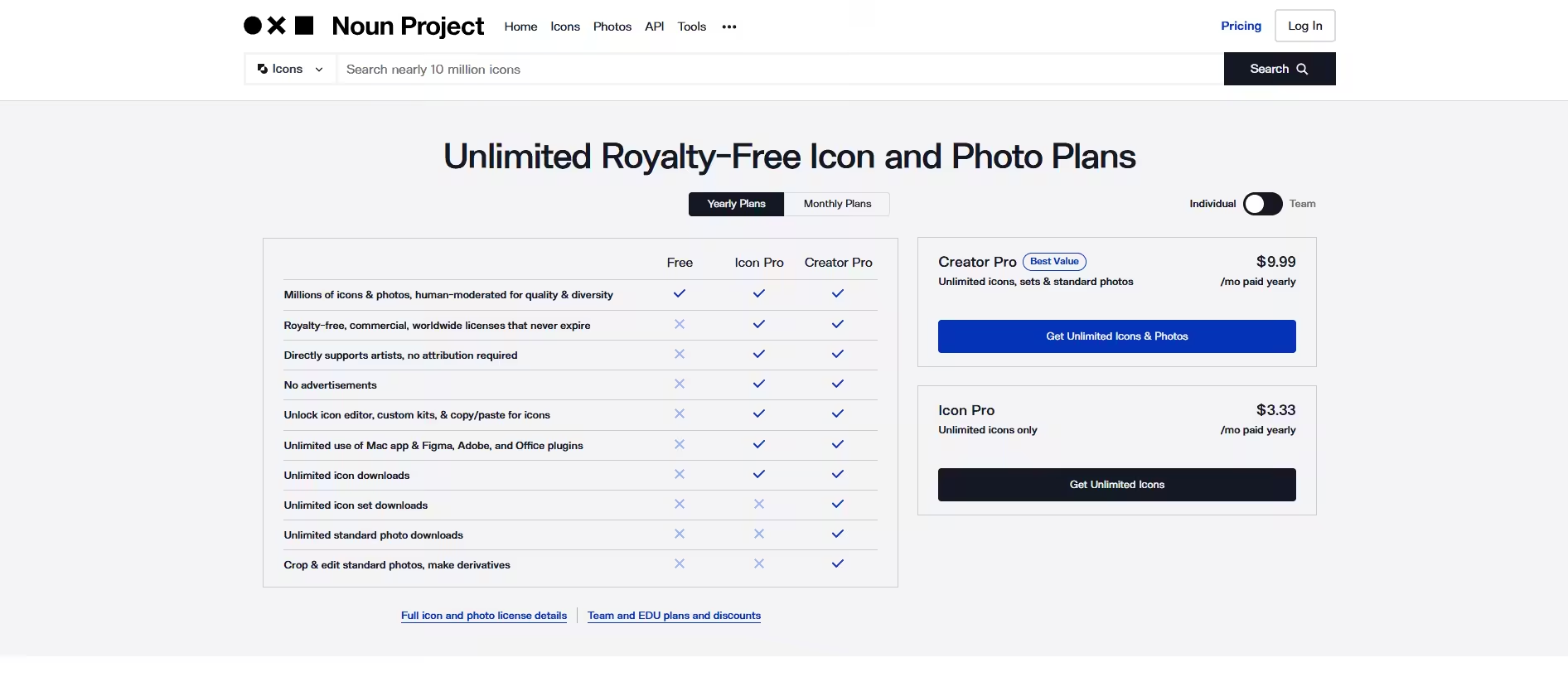
The Noun Project’s Homepage The Noun Project is a designer favorite, as it is focused on highly clean, minimalist, and uniform iconography. If you want a deeply professional look, look here. It also supports different formats, including SVG and PNG.
It is not entirely free, but it has a free plan that allows you to download icons and standard photos. Its paid plans start from $4.99.
-
IconScout
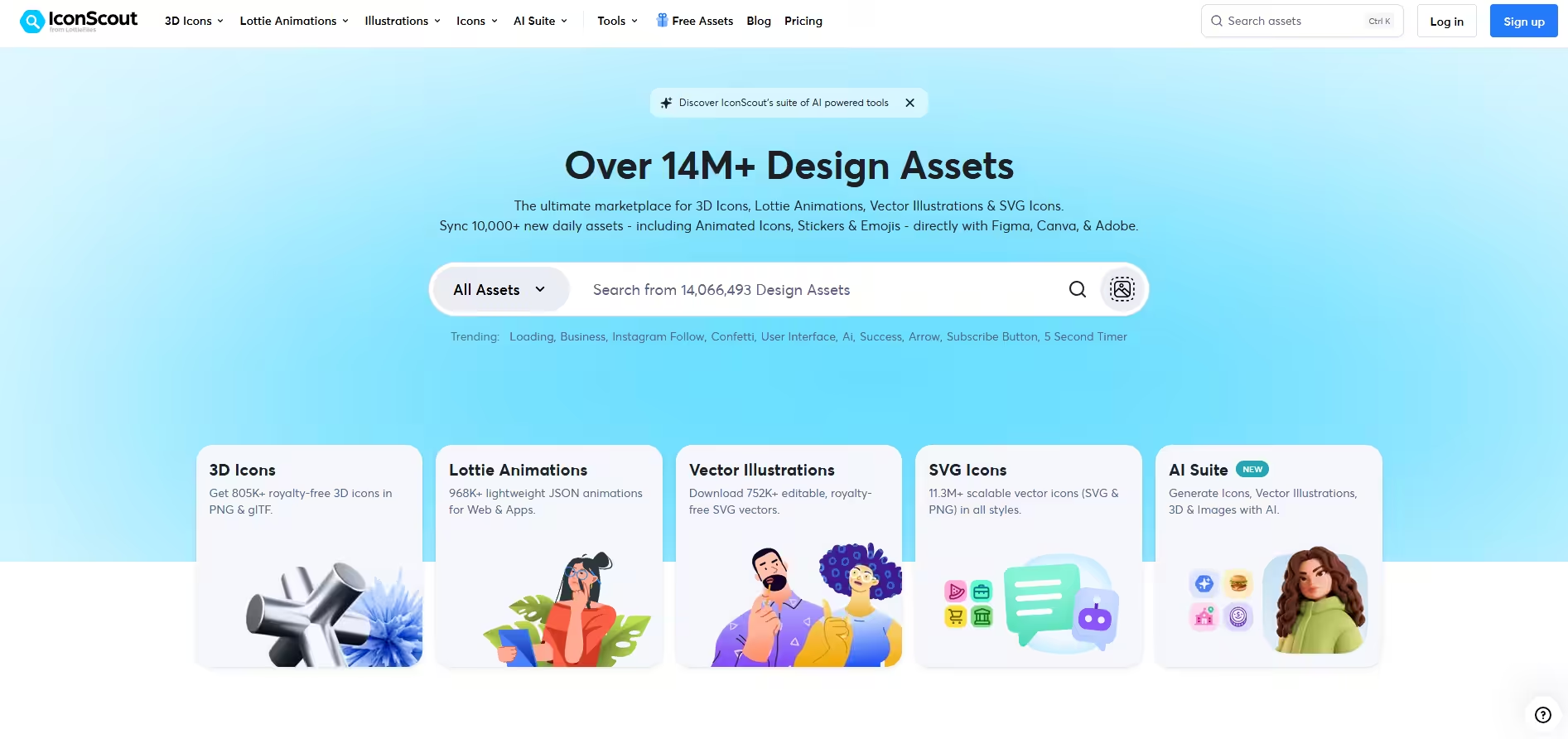
IconScout’s Homepage If you’re looking for a massive marketplace with millions of icons, IconScout is the right website for you. It has a massive design resource library offering thousands of free unified social media icons alongside cool 3D illustrations and animations.
It is completely free to use and supports SVG, PNG, and EPS formats.
-
Iconmonstr
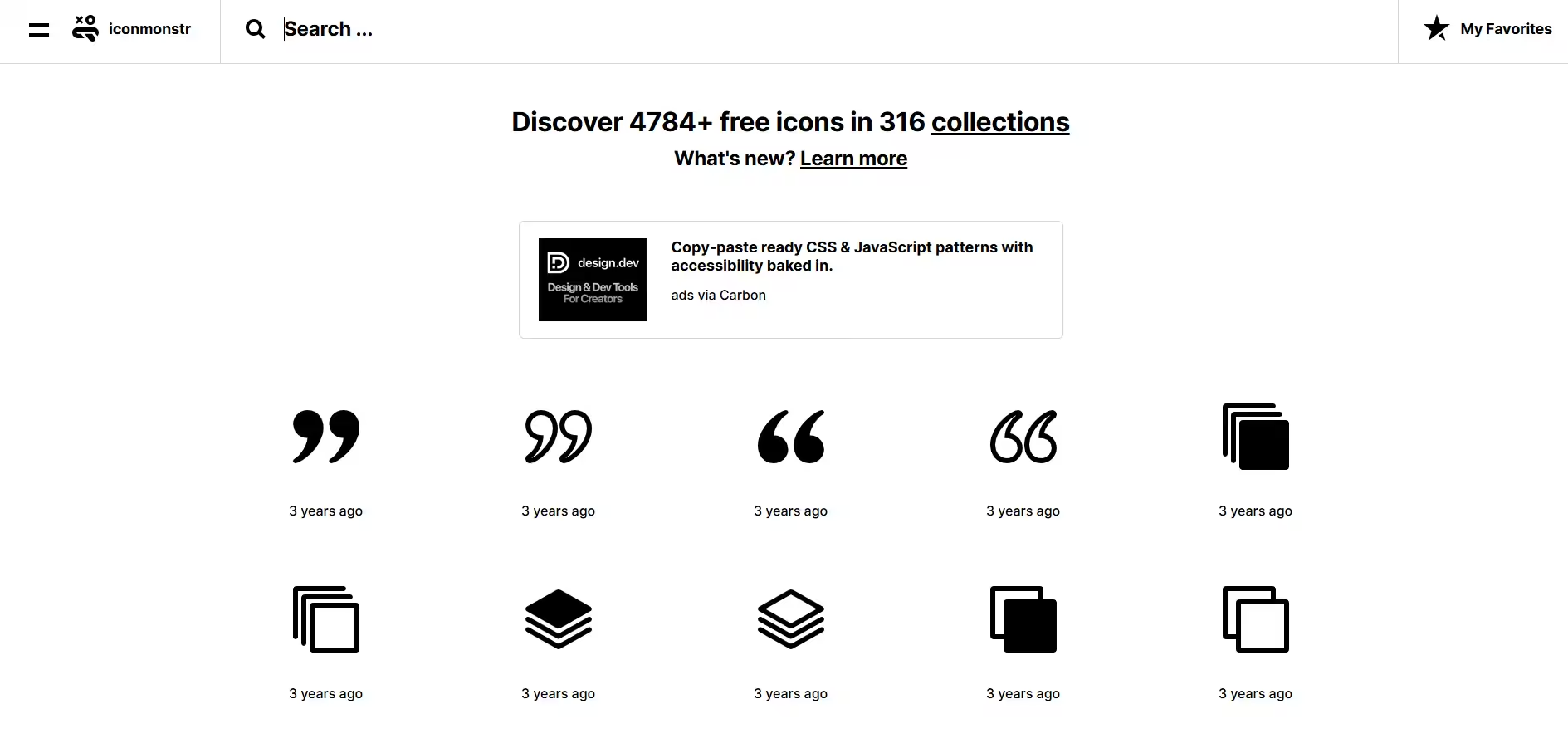
Iconmonstr’s Homepage Iconmonstr is a hidden gem run by a single creator. If you need simple, black-and-white vector social media shapes that won’t bloat your web code, this is the ultimate spot. It is free for commercial use with no attribution required!
It has free social media icons in formats including SVG, PNG, PSD, and Font.
-
Streamline
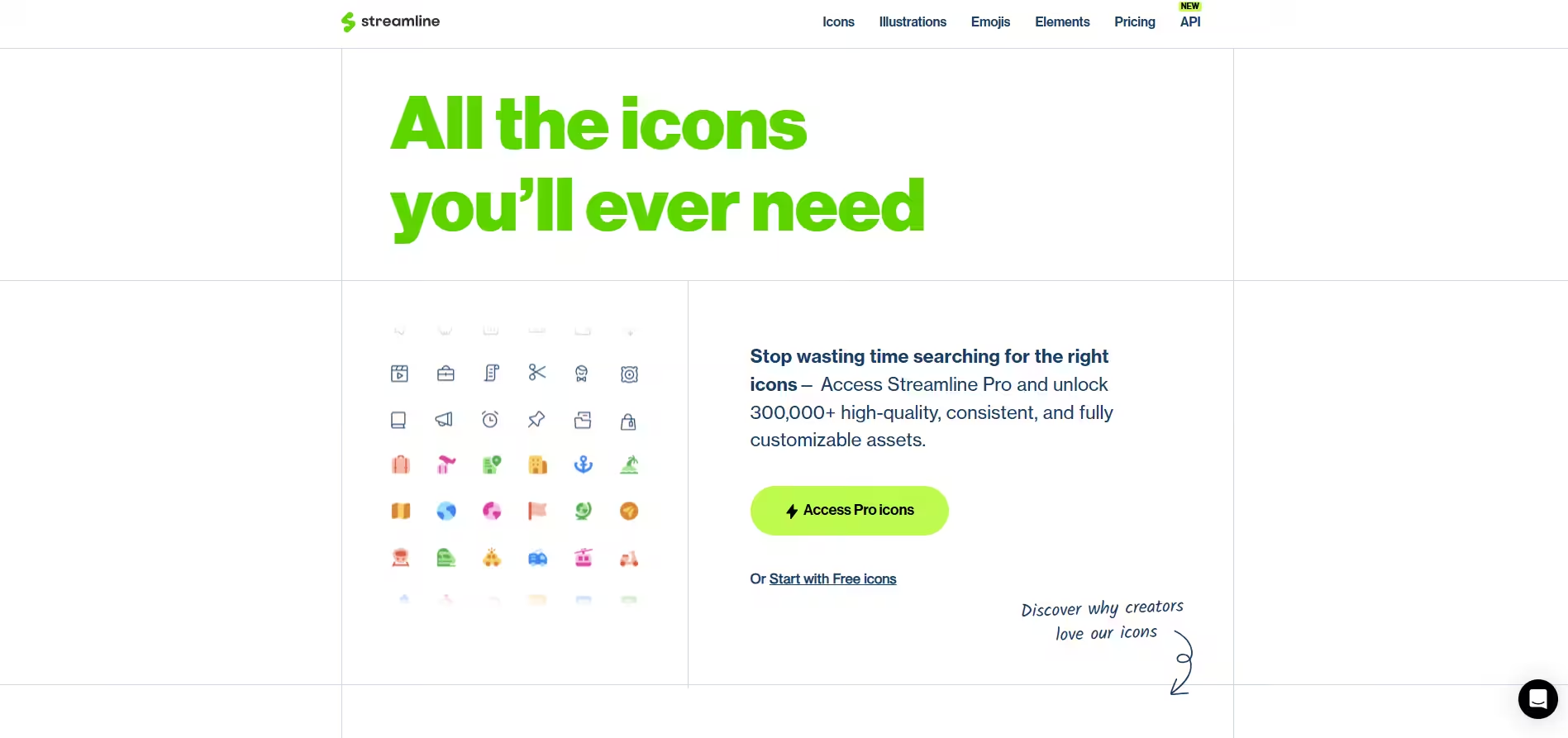
Streamline’s Homepage Streamline has exceptionally well-designed, hyper-consistent icon sets. It’s absolutely perfect if you need your social icons to match a wider set of illustrations across your blog. With formats including SVG, PNG, and PDF, it has a free tier available with a required link back to Streamline.
Its paid plans start with $5/month.
-
Phosphor Icons
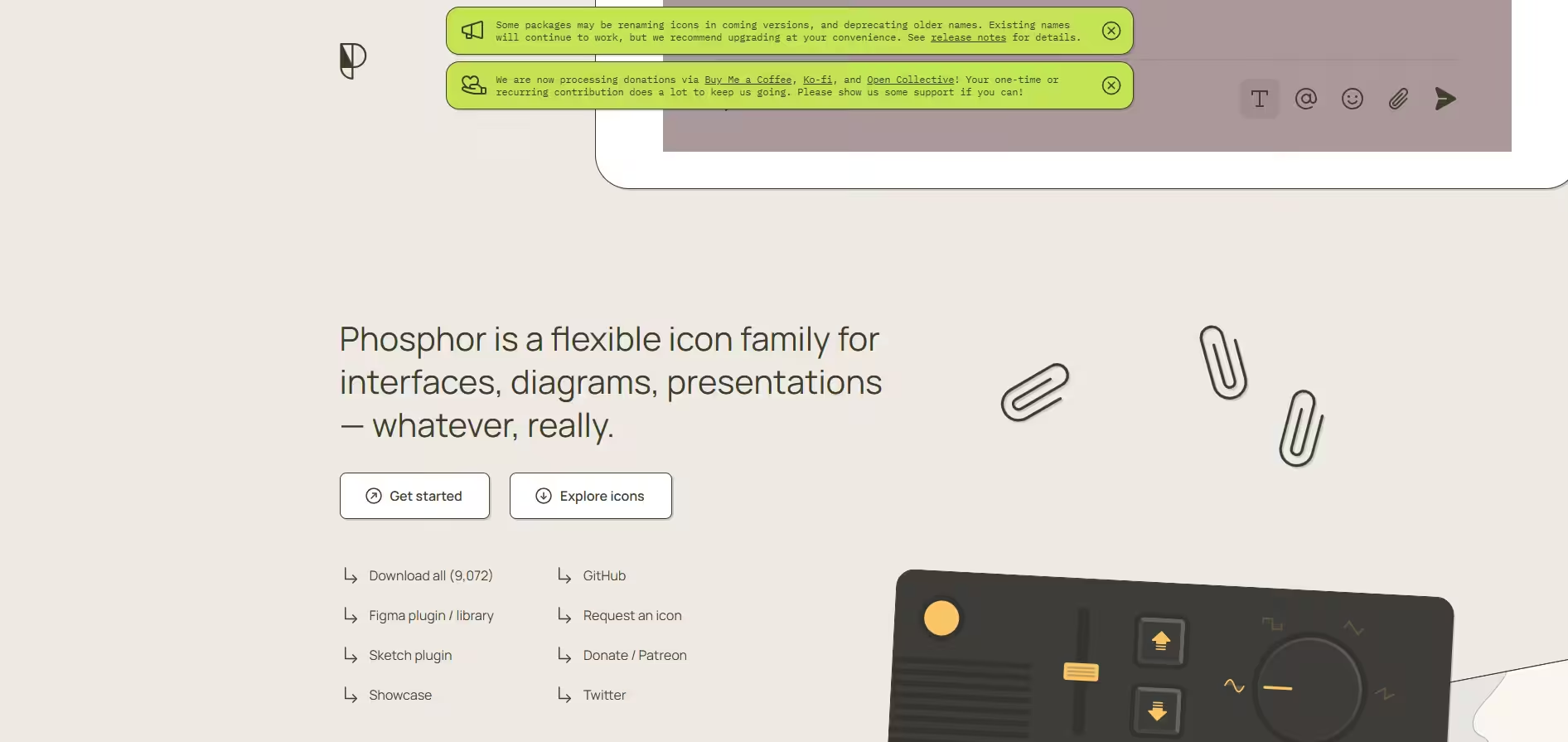
Phosphor Icon’s Homepage Phosphor Icons is a flexible library of thousands of consistent icons. What makes it a standout is its weight selector; you can change the entire aesthetic of your social media logos from Thin, Light, Regular, Bold, to Fill with a single click.
It is free for personal and commercial use and supports SVG, PNG, and Webfont.
Group 2: Free Vector Marketplaces
If you are looking for creative, multi-layered layouts or unique thematic packs (like “watercolor social media elements” or “neon badge sets”), asset marketplaces are your best bet.
-
Magnific (Formerly Freepik)
Magnific’s Homepage I’m sure you must have heard about Freepik! Well, it has changed its name and is now known as Magnific. It has millions of graphic elements. Instead of downloading single icons, you’ll typically download entire, beautifully designed graphic sheets that you can crop or edit.
It’s not just the name that has changed! Unlike Freepik, Magnific doesn’t have a free tier. It is a premium tool to search for social media icons and supports formats including EPS, AI, and SVG.
-
Vecteezy
Vecteezy’s Homepage Vecteezy is a giant vector community where artists upload free creative icon packs. It’s actually great for finding unique styles like hand-drawn or grunge social media buttons. It has social media icons (free to use) in formats including EPS, AI, SVG, and PNG.
-
SVGRepo
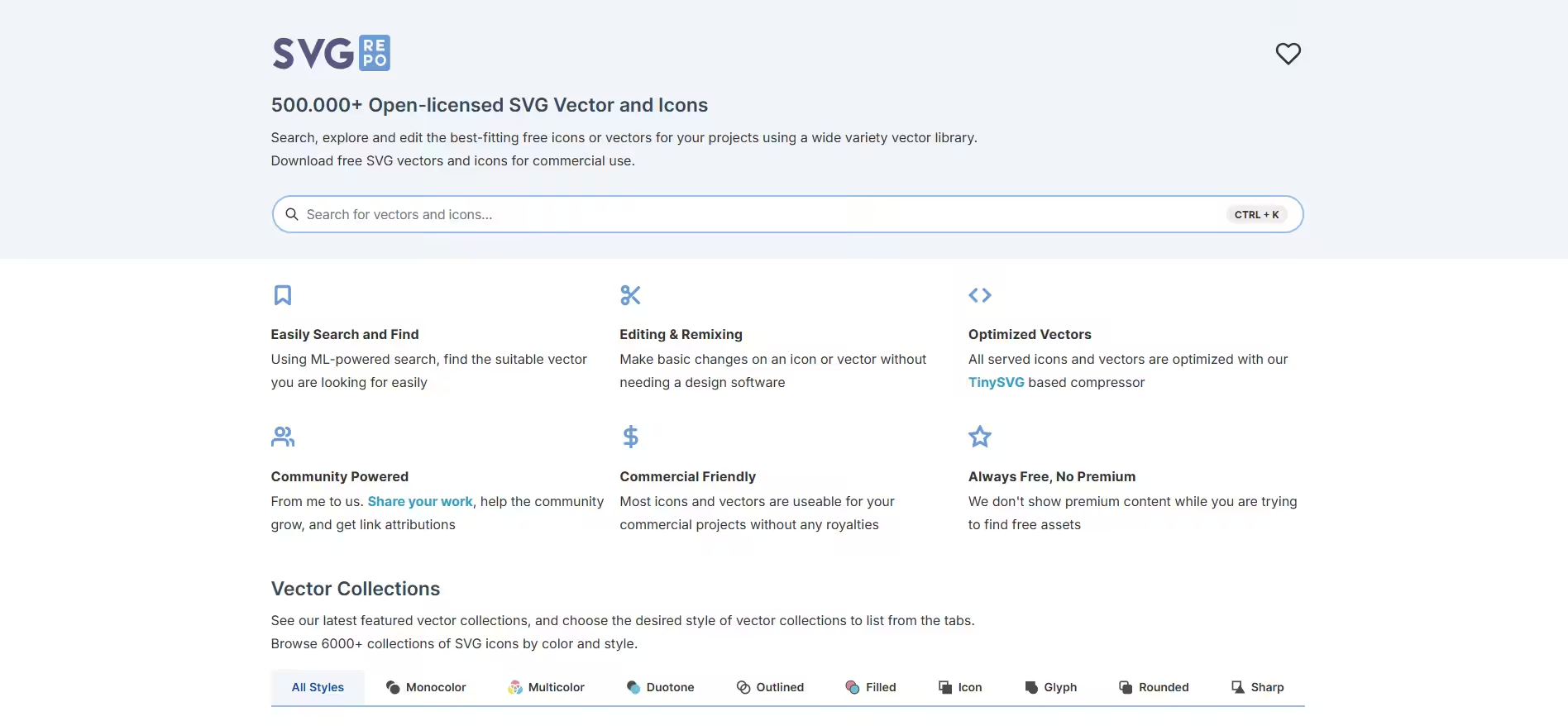
SVGRepo’s Homepage SVGRepo is an entirely free library of vector graphics optimized specifically for web designers who want clean SVG code. It is completely free with no attribution required and only supports SVG format. (as the name suggests!)
Group 3: Developer and Open-Source Icon Sets
If you are coding your website from scratch, building a web app, or using a framework, you probably don’t want raw images. You want lightweight code repositories or custom icon fonts. Here are a few options that I think will work great for you!
-
Simple Icons
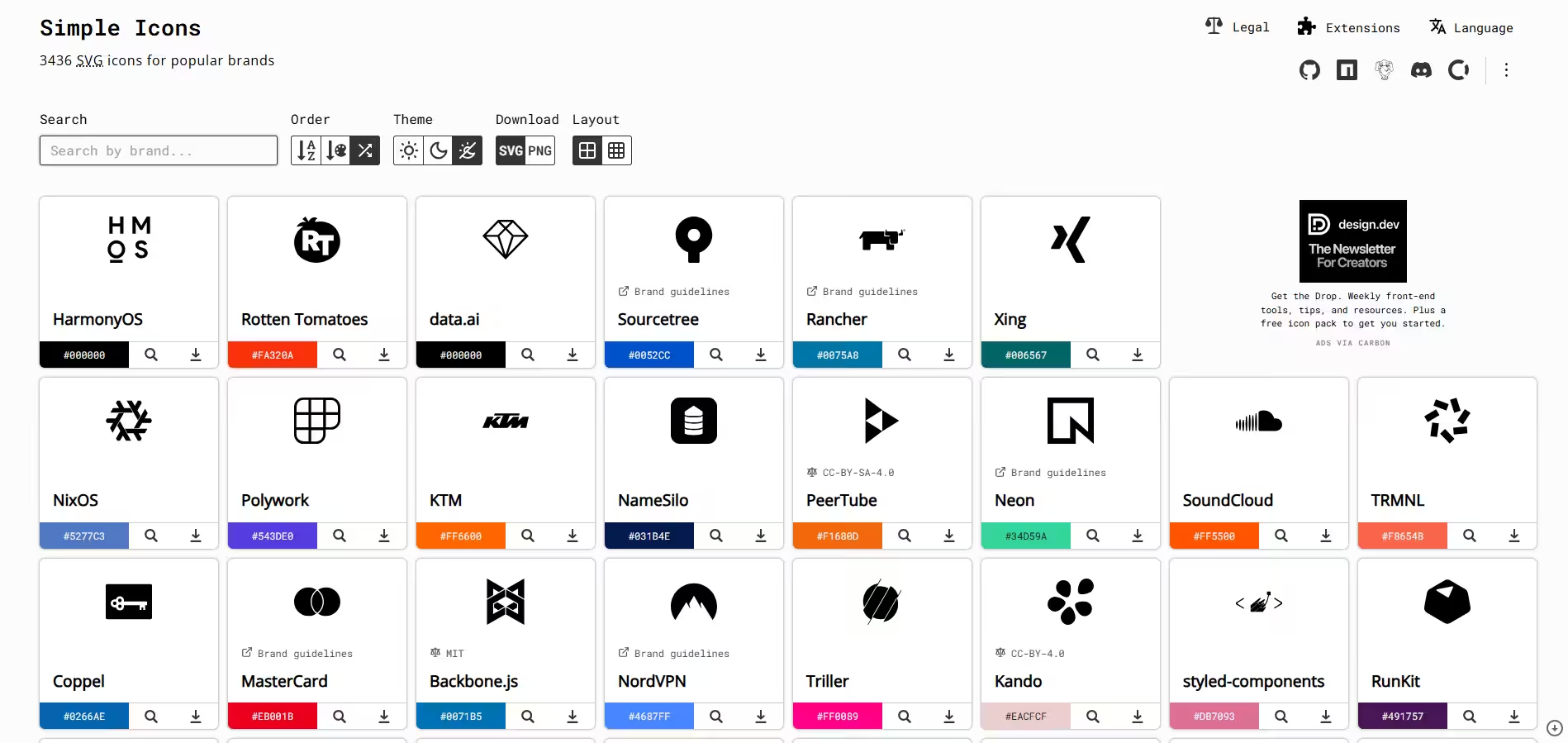
Simple Icons’ Homepage Simple Icons is actually perfect, since it comes with over 3,000 completely free, high-quality SVG icons for some of the world’s most popular brands. It gives you the exact official brand colors and clean code snippets for every single platform. It has a public domain, which means it is also completely free.
-
Font Awesome
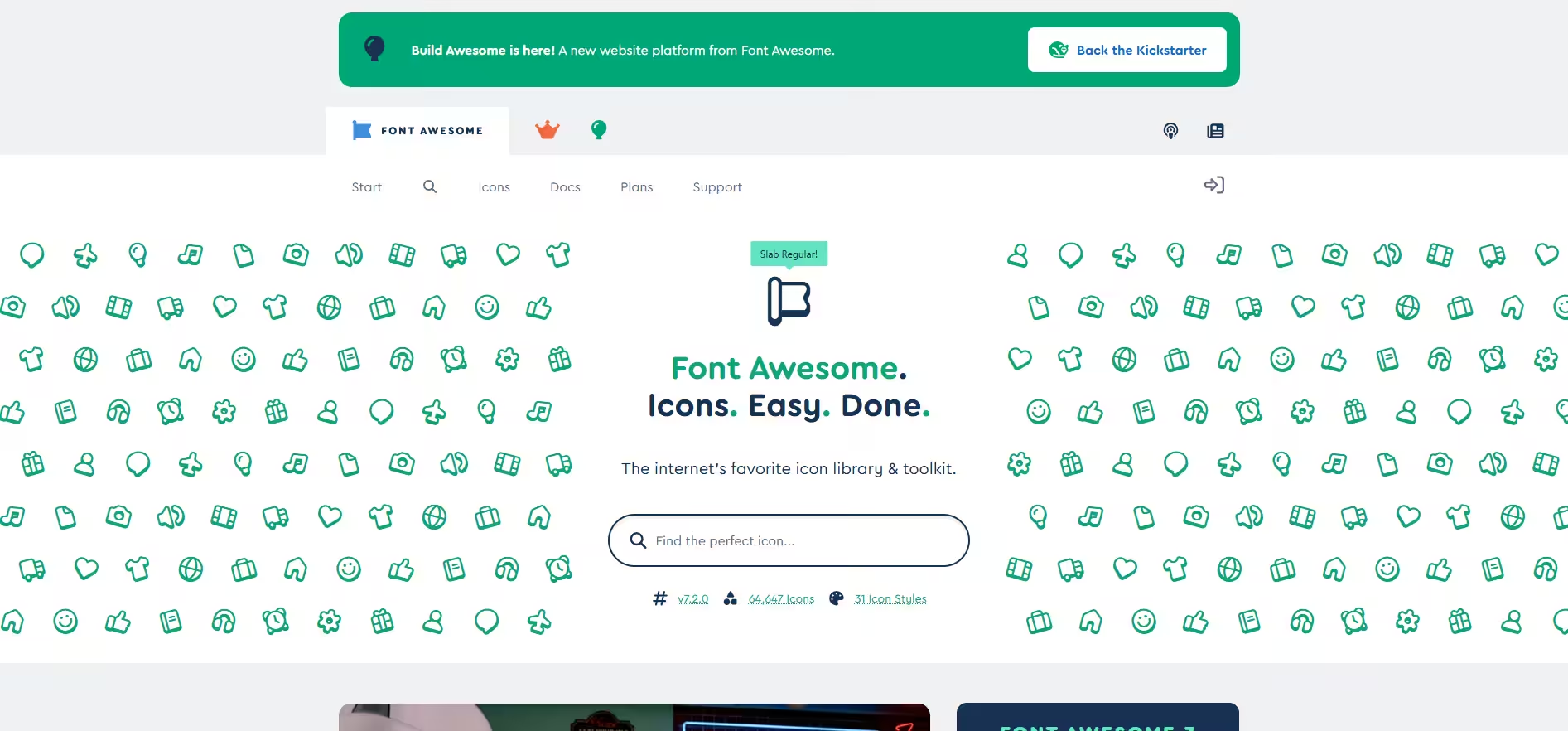
Font Awesome’s Homepage Font Awesome has a “Brands” library, which contains perfectly up-to-date, scalable vector icons for every major social network. It supports Webfont, SVG, and React/Vue components.
It is not completely free, but you can always sign up and use its free icons for as long as you need at no cost.
But if the free icons fail to tickle your fancy, you’ll need to move to its paid plans, which start at $60. The premium version will give you access to cooler options, like cloud-hosted icons.
-
Lucide
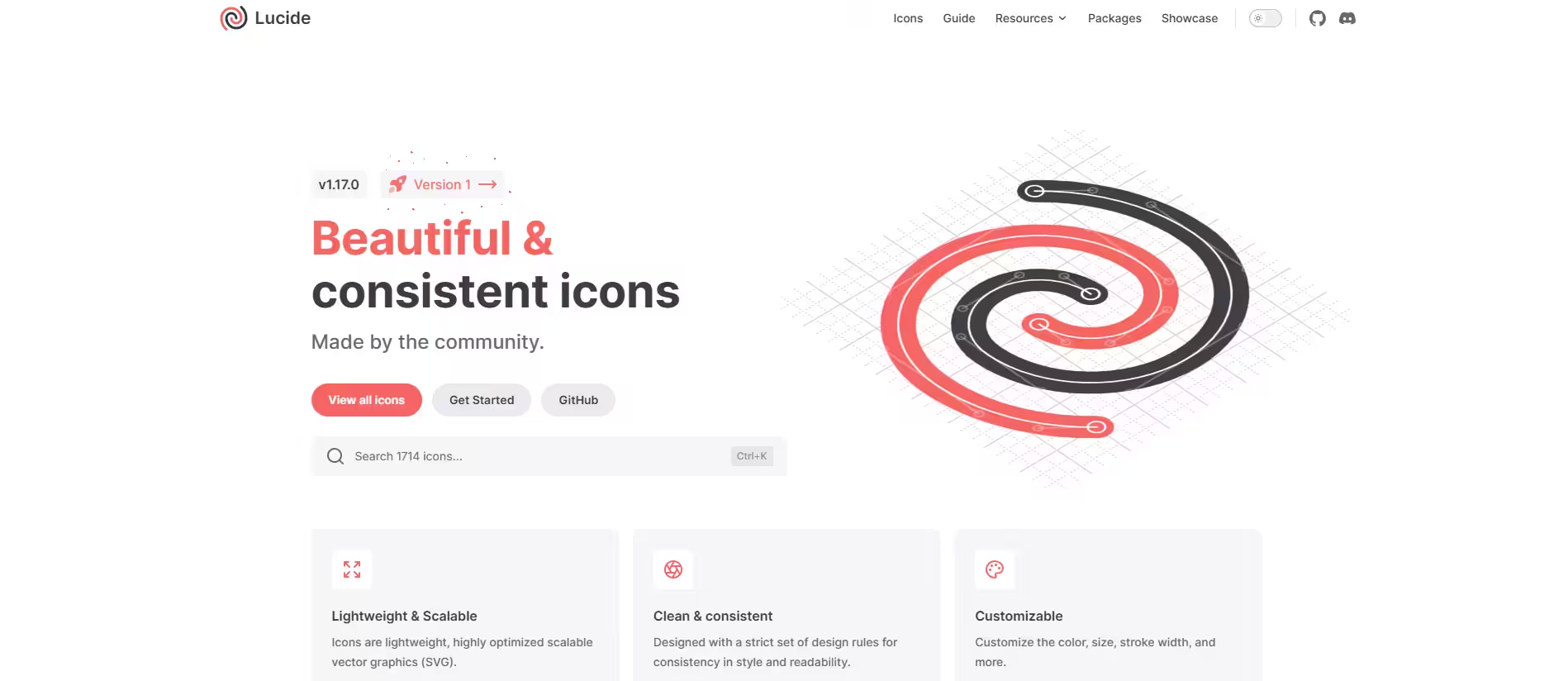
Lucide’s Homepage If you’re looking for a free and open-source website, give Lucide a go. It provides clean, ultra-consistent line-art social icons that look incredibly modern. Plus, it also supports formats like SVG, React, Vue, Angular, and Node modules.
-
Feather
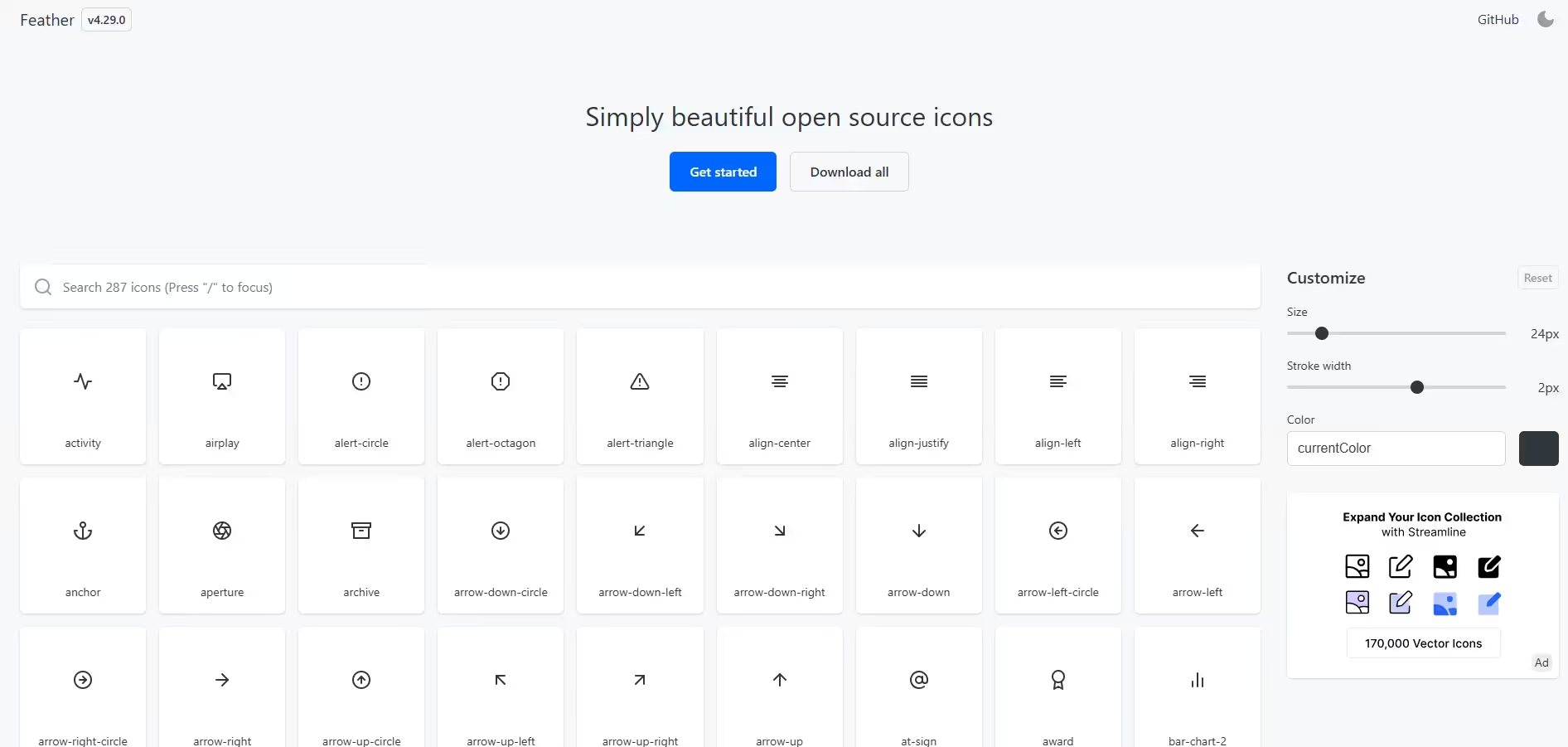
Feather’s Homepage If you’re looking for a famous collection of beautiful, minimalist, open-source icons, go for Feather. Each icon is designed on a 24×24 grid, prioritizing clean constraints and lightweight code. It has all the social media icons in SVG format and is free to use.
Group 4: Official Platform Brand Assets
Let me give you an insider tip!
If you are a legal professional or dealing with strict commercial compliance, it is best to get the social media icons directly from the source.
Many social media marketing platforms have their own free and perfectly accurate logos and guidelines. These are sure-shot and safe to use, so you can rest assured that using logos from these resources won’t get you in trouble!
I’ve compiled these resources, so you can quickly check the guidelines and get to work!
- Instagram Brand Resources
- Facebook Brand Resource Center
- LinkedIn Brand Guidelines
- Pinterest Brand Guidelines
- YouTube Brand Resources
Quick Friend-to-Friend Tip
If you’re building a simple WordPress blog or a portfolio site, stick to Font Awesome or Flaticon. They are easy to use and updated constantly. Just make sure your icons don’t look blurry on high-resolution smartphone screens!
Featured Article: How to Post to All Social Media at Once?
Browse Social Media Icons by Style
I’ll be honest, if your website still has those ultra-sharp, sterile flat squares from five years ago, it’s most likely hurting your brand’s personality.
Design has shifted dramatically since then.
If you are looking to update your site, here are the icon styles that are all the rage right now. (I’m also giving my personal take on how to use them)
-
Soft 3D
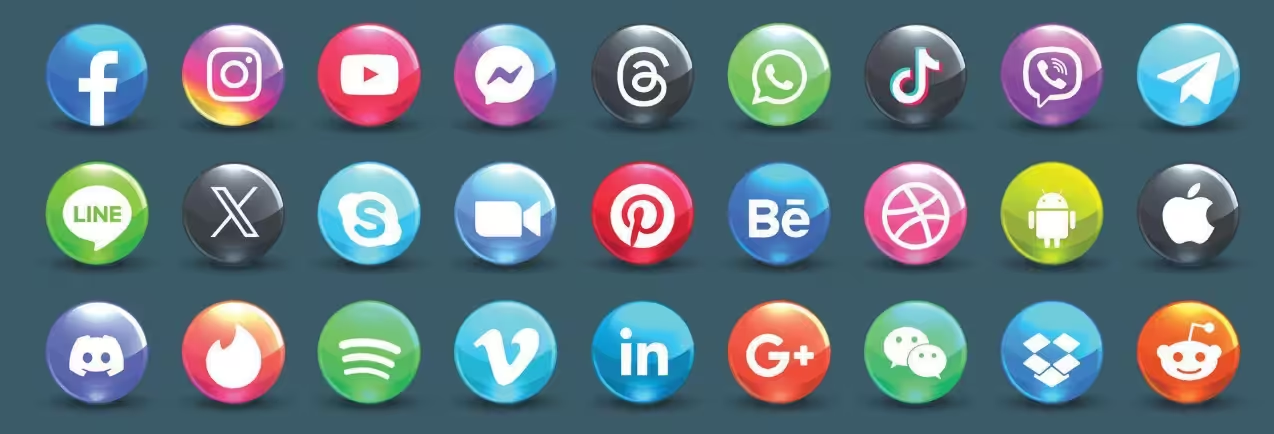
This is easily my favorite trend right now. Instead of the harsh, shiny, plastic-esque 3D looks we used to see, the soft 3D icons use finer curves, smooth gradients, and a semi-see-through vibe.
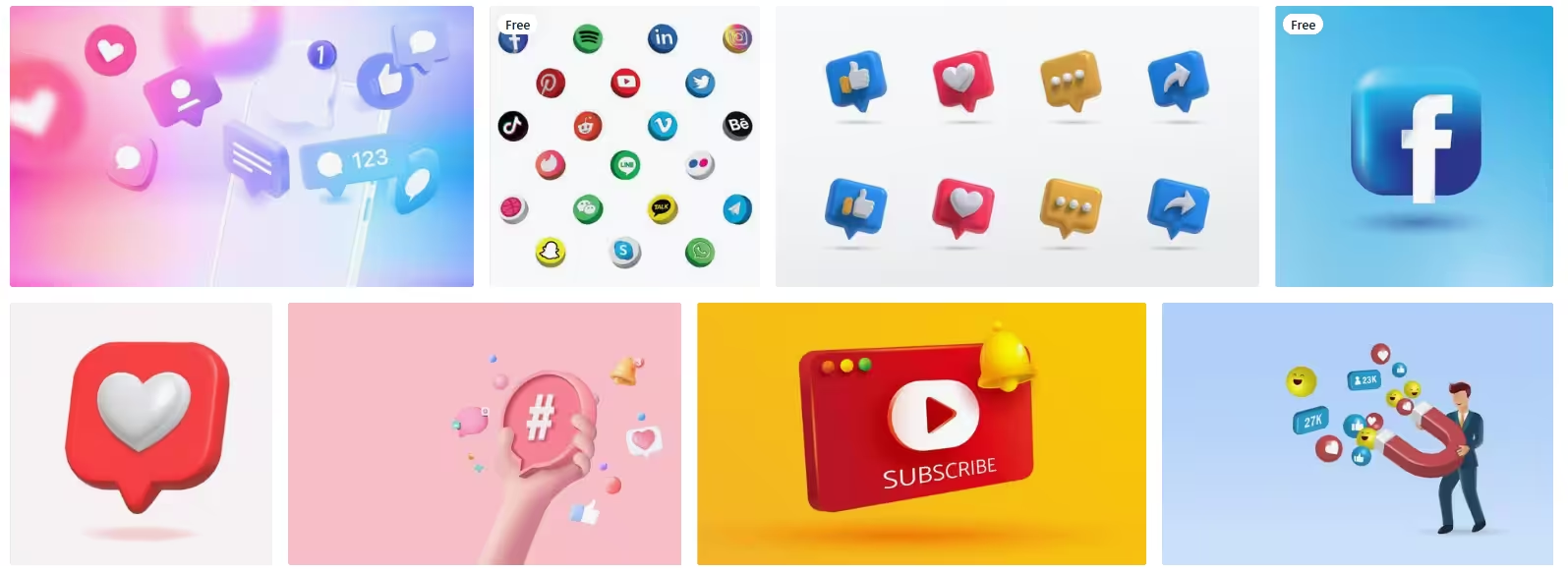
Source: Vecteezy They look a bit squishy, almost like candy or jello. They feel super friendly and inviting, so if you’re building a lifestyle blog, a wellness brand, or targeting a younger crowd, you’ll want them on your page. They’ll give you that instant layer of approachability.
-
Glassmorphism and Frosted Touch
Glassmorphic icons use soft background blurs, subtle transparency, and sharp, glowing edges to mimic frosted glass.
Source: Vecteezy It gives your layout a layered, high-end feel without cluttering up the screen. My advice is to use these if you want your site to feel clean and a bit tech-forward, without feeling cold.
-
Human Scribble and Hand-Drawn Mascots
With so many mathematically perfect AI designs flooding our feeds, imperfect, sketch-like icons have become a massive statement. These designs embrace asymmetrical lines, quirky hand-drawn details, and rough edges.
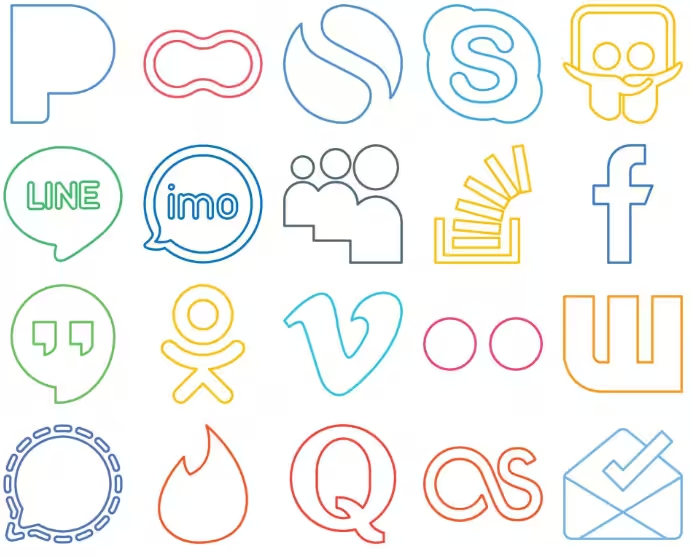
Source: Vecteezy If your brand voice is conversational, artsy, or entirely community-driven, these doodles build immediate emotional trust.
-
Hyper-Minimal Line Work
For this style, we’re talking ultra-thin strokes, simple black-and-white tones, and zero extra decoration. The icon is stripped down to its absolute bare bones.
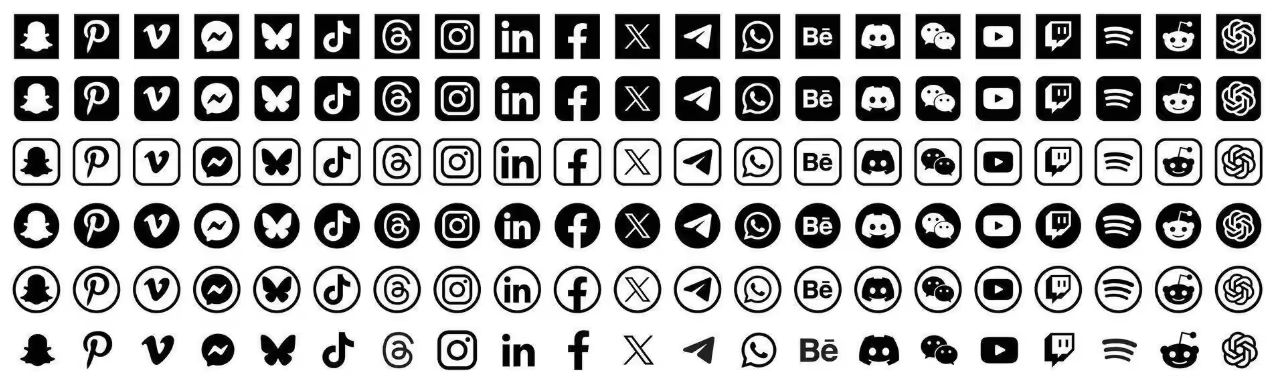
Source: Vecteezy While the hyper-minimal line work looks beautiful, you do need to exercise caution when using these. I’d advise making your lines thick enough to pass the basic mobile accessibility checks. This way, they’d still be visible on smaller phone screens.
-
Retrofuturism and Neon Glows
Nostalgia is hitting hard right now, specifically dialing into late 80s and 90s tech. If you’re into bright colors and pop-culture designs, you’ll need these icons. They stand out with subtle neon gradients, pixel-blur edges, and cyber-grunge tones paired with bright backgrounds.
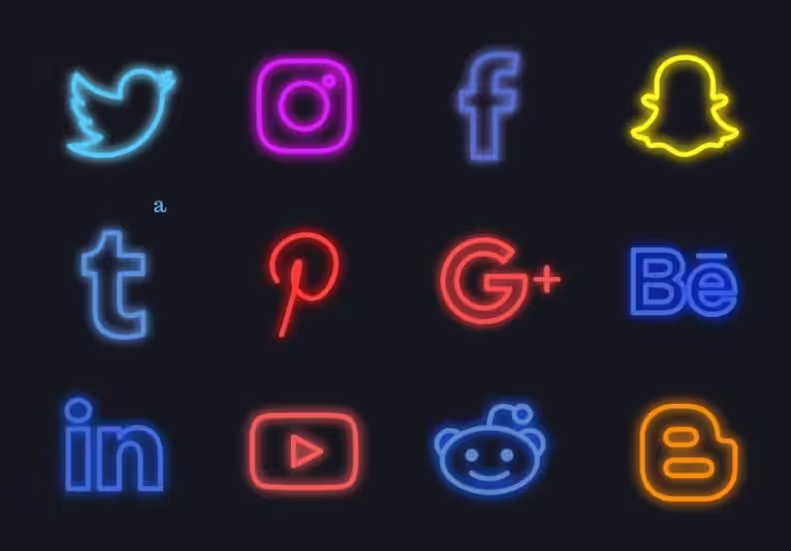
Source: Vecteezy I love the moody energy of this style. It’s perfect for portfolios, gaming hubs, or creative agencies, but it’s definitely a bit too loud for a traditional corporate site.
-
Micro-Animated or Kinetic Icons
Who said icons have to be static? Now, you can create them with a little animation. Some of my favorite kinetic icons are:
- A subtle bounce when the cursor hovers over the icon
- A tiny pulse when the page loads
- A colorful explosion to showcase something major!.
If you have the option to add micro-animations, absolutely do it.
Featured Article: A Guide to Social Media Community Management
Platform Brand Guidelines: The Legal Rules
Now let’s talk about the elephant in the room: copyright and trademarks.
Trademark laws are just there to stop you from confusing people or falsely claiming that a massive brand sponsors you. As long as your icons are recognizable and honest, you are completely safe, though big corporate sites should still play strictly by the official rules.
-
Facebook
If you’re linking to Facebook, just stick to the classic blue circle with the white, lowercase “f.” The old square box version looks super dated anyway, and typing out the whole word “Facebook” as a button just clutters up your page.
-
Instagram
Meta is actually pretty flexible here. You can use the colorful gradient camera if your site is super colorful, or a solid black-and-white version if you’re going for a clean look. Just don’t mess with the inner camera shape or strip away that signature rounded square outline.
-
Threads
For Threads, you’ll want to use the official @ loop logo. Just make sure to give it a little breathing room on your page so it doesn’t look cramped. Also, skip any urge to flip it, mirror it, or trap it inside random colorful shapes; keep it black or white.
-
WhatsApp
To make sure people instantly know they can chat with you, keep that classic bright green bubble with the phone handset inside. Try not to break the phone apart from the bubble or tilt it at a weird angle, people recognize it best just the way it is.
-
X
The bluebird is officially dead and gone, so definitely make sure it’s scrubbed from your site! You’ll want to use the sharp, geometric black-and-white “X” instead. Just don’t stretch the lines or add random outlines to it.
-
YouTube
Everyone knows the red play button, so that’s your best bet. If you decide to include the full text logo, just make sure the red play icon sits on the left side. Oh, and don’t try to change that iconic shade of red or mess with the white triangle inside.
-
TikTok
For your video links, grab the “d” note logo, the one with the cool cyan and magenta shadow effect. TikTok is pretty picky about this one, so avoid stretching it out or tweaking those overlay colors to match your site.
-
LinkedIn
Since it’s a professional network, they like to keep things pretty uniform. Stick to the classic blue square with the lowercase “in.” Don’t change the font, don’t mess with the spacing, and definitely don’t capitalize the letters.
-
Pinterest
When you’re linking to your boards, just use the circular red badge with the script “P.” I’d avoid using the full “Pinterest” text logo altogether, since their legal team prefers you have official permission for that.
-
Bluesky
If you’re on Bluesky, make sure you’re using the new blue butterfly logo. They completely dropped the old cloud design a while back, so using the butterfly shows your site is up to date.
-
Mastodon
For this one, you’ll want the stylized elephant trunk that forms an “M.” Try to stick to their classic deep indigo color so it doesn’t get mixed up with any other apps on your footer.
Manage 11+ Platforms from One Dashboard!
How to Add Social Media Icons
I know, right now, it might feel overwhelming to think about adding all those social media icons to your website, but trust me, integrating these icons is simple once you know how to do it.
Here is how to handle the four most common implementations.
-
Adding to a Website (HTML/CSS)
If you’re coding from scratch, the fastest route is using a CDN embed like Font Awesome. You just drop their link tag into your HTML <head> and call up your icon with a simple italic tag like <i class=”fab fa-instagram”></i>.
But if you hate relying on external links and want total control, just paste the raw inline SVG code straight into your HTML. This lets you style the colors and smooth hover animations instantly with basic CSS.
-
Adding to WordPress
For WordPress, you can either grab a plugin or do a quick manual fix. If you want a zero-code solution, installing a simple tool like Social Icons Widget & Block lets you drag, drop, and style everything right inside the site editor.
If you like keeping your site lightweight without extra plugins, just use the built-in Gutenberg “Social Icons” block, or slap your custom SVG code directly into a Custom HTML block.
-
Adding to an Email Signature
When updating your signature in Gmail or Outlook, you’ll want to use hosted image links instead of uploading local files from your computer so they actually load for the recipient. Upload your icons to a public host, open your email signature settings, and insert them using their direct web URLs. From there, just highlight each icon, hit the hyperlink button, and paste your social profile link.
-
Adding to Newsletters
Newsletters in tools like Mailchimp or Substack can be a bit finicky because different email apps handle styling differently.
Honestly, your best bet is using the platform’s built-in, pre-tested social blocks; they automatically handle sizing and look great on mobile.
If you absolutely have to code a custom HTML email, stick to old-school nested tables, set exact width tags, and use absolute image paths so your icons don’t break in someone’s inbox.
Best Practices for 2026
Lastly, here are some best practices that you can keep in mind while searching and adding free social media icons.
-
Choose SVG Formats to Make Them Super Crisp
You definitely want to pick SVGs over regular PNG files for your website. Because SVGs are vector shapes, they stay perfectly sharp whether someone is looking at your site on a cheap smartphone or a massive 4K monitor. Plus, the file sizes are tiny, which keeps your page loading lightning-fast.
-
Make Your Icons User-Friendly and Accessible
Don’t forget that your icons need to be easy to use for everyone, including people using screen readers or keyboards. Make sure to add clear image alt text and ARIA labels, like (aria-label=”Follow us on Instagram”). You’ll also want to keep a solid color contrast against your background and design clear hover or focus states so keyboard users can actually tell which icon they are selecting.
-
Create a Separate Set for Dark-Mode Variants
If your site has a dark mode toggle, your social icons need to play along nicely. Instead of locking in a permanent black color fill in your code, use responsive CSS variables or the “currentColor” property. That way, the icons will automatically flip to white or a bright brand color the second a user switches to a dark theme.
-
Limit Your Selection to 3 to 5 Channels
It is super tempting to link to every single profile you’ve ever created, but throwing ten different badges in your footer just looks messy. Stick to the 3 to 5 platforms where you actually post content and talk to people. If you haven’t touched an account in six months, it’s probably time to drop the icon.
-
Maintain Consistent Sizing and Current Logos
To keep your layout looking clean and balanced, make sure all your icons sit inside identical bounding boxes; something like 24×24 or 32×32 pixels works perfectly. Lastly, make sure your graphics are actually current. Double-check that you’re using the geometric “X” logo instead of the old bluebird, and the new Bluesky butterfly rather than the old cloud icon.
Social Media Management Isn’t Expensive!
Conclusion
By now, you probably know more than you need to about social media icons. We’ve covered where you can find them, the most trending designs, how to add them to your website, and the best practices for this year.
Now, you just need to get started. Just remember to look at the brand guidelines before tweaking the icon a little too much!










Ben Spark
Thanks for this! Been needing to update my Twitter profile icons. Going to try out those flat design sets first.
Kim Bryant
Great roundup! Finding high-quality icons can be tough, so this guide is incredibly helpful. Really appreciate the variety here.