If you’re managing a brand in 2026, you know the “X factor” has changed. Monitoring X isn’t as simple as it was a few years ago. With the platform’s aggressive API restructuring, many legacy tools have been priced out, and the “Free” data access that once fueled brand tracking has effectively vanished.
Between the high cost of Pro-tier API access (now a baseline for meaningful analytics) and the rise of Grok-integrated feeds that prioritize engagement over chronology, manually scrolling your notifications is no longer a viable strategy. You aren’t just fighting for attention; you’re fighting for data.
Short Summary
- Twitter monitoring tools help track brand mentions, analyze sentiment, and monitor competitors in real time.
- Key benefits include brand monitoring, campaign performance tracking, and crisis management.
- Top tools for businesses in 2026 include Social Champ, TweetReach, Mention, Hootsuite, and Brandwatch.
- Social Champ offers comprehensive Twitter monitoring features like hashtag tracking and real-time analytics.
- When choosing a tool, consider features, ease of use, integration capabilities, and scalability.
- Prioritize tools that align with your business goals and budget.
- Consistent monitoring helps businesses stay proactive and informed about audience engagement and industry trends.
Staying ahead of the curve now requires more than just “checking mentions.” To maintain a competitive edge, you need tools that can navigate:
- API Quotas: Ensuring you don’t hit “rate limits” in the middle of a PR crisis.
- Sentiment Accuracy: Distinguishing between genuine customer feedback and the influx of verified bot interactions.
- Real-Time Volatility: Conversations on X still move faster than any other platform, and the window to respond to a trending topic has shrunk from hours to minutes.
In this post, I’ll walk you through the best Twitter monitoring tools of 2026 that have successfully adapted to these API shifts, helping you protect your brand’s reputation without a massive technical headache.
Let’s get into it.
Featured Article: Best Link Shortener Services & Tools for Businesses

The Smartest Way to Manage X
Stop overpaying for “per-user” seats and switch to the only platform that offers unlimited team members, professional thread scheduling, and evergreen recycling for an industry-leading price of just $8 per channel.
Why Twitter Monitoring Is Essential for Your Business?
If you’re running a business in 2026, Twitter is one of the fastest ways people talk about you; whether it’s praising your product, asking a question, or even talking about competitors. This means that if you’re not actively monitoring Twitter, you’re essentially leaving your brand’s reputation to chance.
The thing is, conversations on Twitter can change quickly, and the impact of a single tweet (good or bad) can snowball faster than you might expect. Monitoring Twitter helps you stay ahead of potential PR issues, spot customer feedback in real-time, and jump into conversations that matter to your audience.
Beyond just monitoring mentions, these Twitter management tools give you valuable insights into how people feel about your brand, your competitors, the industry, and what the trending topics are. It’s an opportunity to engage directly with customers, address concerns, and capitalize on positive buzz.
Simply put: Twitter monitoring isn’t just a nice-to-have. It’s a must for businesses looking to protect their reputation, build customer loyalty, and stay competitive.
Featured Article: Social Media Marketing for Fashion Brands
Key Benefits of Using Twitter Monitoring Tools
Twitter is fast-paced, with mentions, hashtags, trends, and replies coming in nonstop. Trying to track everything manually means you’re bound to miss something important.
That’s where Twitter monitoring tools help you out. Whether it’s a compliment you want to amplify or a complaint that needs immediate attention, these tools can help.
They often make the difference between a missed opportunity and a well-timed response. Let’s discuss in detail why using Twitter monitoring tools is crucial for your business in 2026
-
Brand Monitoring
You need to know what people are saying about your brand, even when they’re not tagging you. Twitter monitoring tools help you track every mention, keyword, or hashtag related to your business. This way, you can join conversations, thank happy customers, or respond to complaints before they spread.
-
Campaign Performance Tracking
If you’re running a Twitter campaign, you’ll want to know how it’s performing in real-time. Monitoring tools make it easy to track engagement metrics like retweets, likes, and comments.
More than just numbers, these tools allow you to assess whether your campaign is resonating with your target audience. Are people talking about your campaign? Are they interacting with it? Tracking campaign performance not only helps you adjust your approach but also provides data to optimize future campaigns.
-
Crisis Management
Negative tweets happen, but the key is addressing them before they adversely impact your brand image. Twitter Monitoring tools alert you to any potential PR disasters as soon as they happen, giving you time to respond and resolve issues quickly.
If someone’s having a bad experience with your product or service, you can step in with a solution, which could turn a negative situation into a positive one.
-
Trend Tracking
With monitoring tools, you can track the rise of new hashtags, topics, or viral moments that are relevant to your industry. This real-time insight enables you to jump on trends early, ensuring your content resonates with your audience.
-
Industry Analysis
Keeping an eye on the broader industry landscape is just as important as monitoring your own brand. Twitter monitoring tools allow you to track conversations, trends, and news that affect your industry.
By understanding what’s trending, you can adjust your strategy to meet new market demands, spot emerging opportunities, or even anticipate challenges.
-
Competitor Analysis
You don’t have to limit your monitoring to just your brand. Twitter tools let you keep an eye on your competitors, too. This means you can learn from their wins and mistakes. What are they doing that’s getting attention? What kind of feedback are they receiving? This information can ultimately guide your next move.
Featured Article: Find Out When to Post on Twitter
Top 10 Best Twitter Monitoring Tools for Businesses in 2026
Looking for the right Twitter monitoring tools for your business in 2026? Here’s our handpicked list of the best-performing tools that are worth investing in.
-
X Pro (Tweetdeck/X’s Native Tool)
X Pro, previously known as TweetDeck, is Twitter’s native tool designed for real-time engagement. It allows you to monitor multiple timelines, track keywords and hashtags, and manage various accounts from a single dashboard. The customizable column layout provides a comprehensive view of your Twitter activity, making it easier to stay informed and responsive.
Pros Cons Zero Data Latency: As a native tool, X Pro has the fastest refresh rate. You see mentions and trends seconds before third-party tools (like Hootsuite or Social Champ) can pull them via API. Locked Behind a Paywall: X Pro is no longer free. Access now requires an X Premium (or Premium+) subscription, making it a “pay-to-play” tool for businesses. The “Command Center” View: The customizable column layout remains the gold standard for monitoring multiple hashtags, lists, and search terms on a single, ultra-wide screen. No Cross-Platform Support: It is strictly for X. If your brand strategy includes Threads, LinkedIn, or Instagram, you’ll still need another tool to manage those, leading to “dashboard fatigue.” Advanced Search Filters: It supports complex Boolean operators (e.g., filter:verified,min_faves:10) directly in columns, allowing you to drown out bot noise and focus on high-impact conversations.Minimal Analytics: While it’s great for watching live data, it’s poor at analyzing it. You won’t find sentiment analysis, automated PDF reports, or long-term trend graphing here. Multi-Account Management: You can easily monitor and tweet from multiple brand handles without the security risk of logging in and out of the main app. Clunky “Thread” Creation: Despite updates, users still report that composing long, complex threads is more intuitive on third-party schedulers than in the X Pro composer. Priority Features: Native access to the latest X features (like integrated Spaces monitoring or Video Docking) usually hits X Pro first. No Dedicated Mobile App: X Pro is essentially a desktop experience. Monitoring on the go via a phone browser is notoriously difficult compared to a dedicated mobile app. 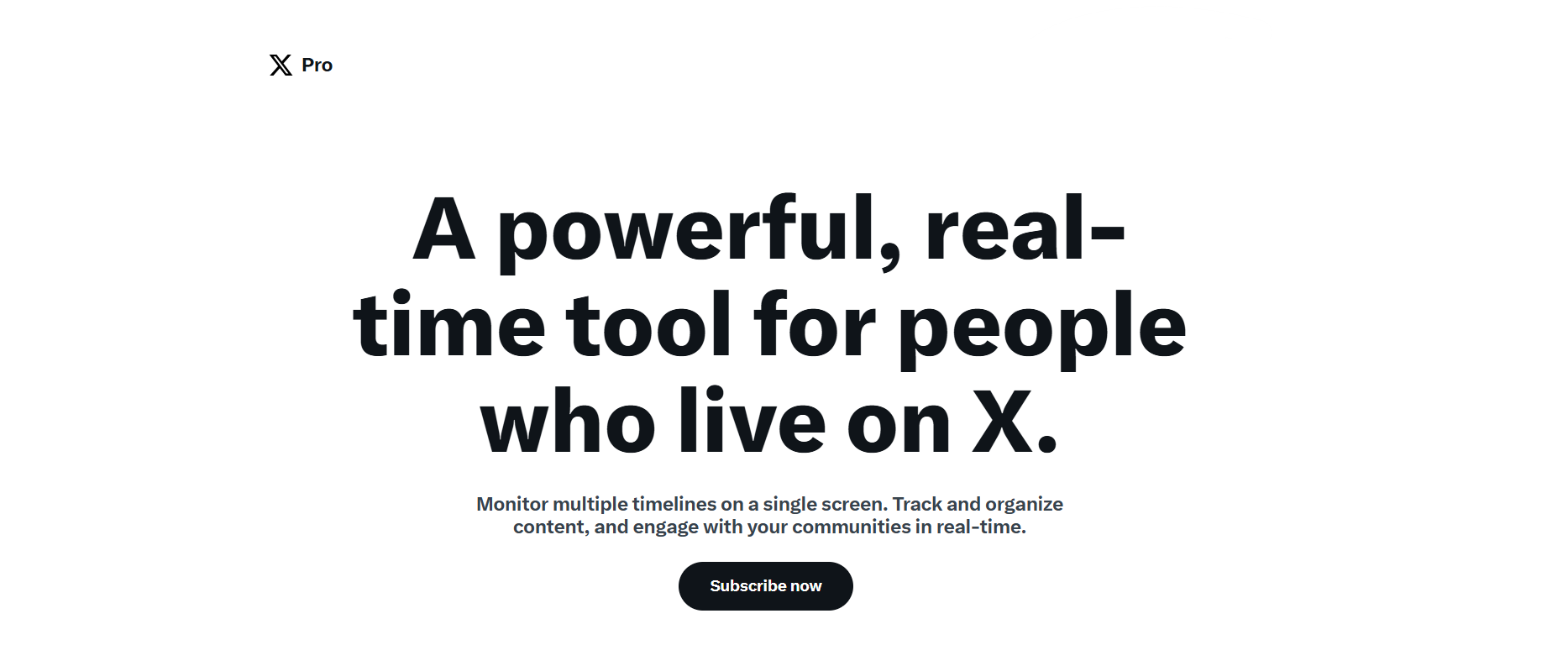
X Pro/Tweet Deck’s Landing Page -
Tweet Hunter
Tweet Hunter is a powerful tool for those looking to enhance their Twitter presence through AI-driven content creation and automation. It offers features like AI-generated tweet writing, a viral tweet library, and advanced scheduling options. It also helps you monitor your performance and even helps you find leads for your business. These capabilities help users maintain a consistent posting schedule and engage effectively with their audience.
While X Pro is the “Command Center” for watching the news, Tweet Hunter is the “Ghostwriter” for making the news. In 2026, it has shifted from a simple scheduler to an aggressive AI-growth engine, specifically designed for founders, ghostwriters, and “solopreneurs.”
Here is the breakdown of the pros and cons of Tweet Hunter.
Pros Cons Endless “Viral” Inspiration: Its library of 3M+ high-performing tweets lets you see exactly what hooks and formats are working in your niche right now, ending writer’s block. X-Only Platform: Unlike Social Champ or Hootsuite, Tweet Hunter is built strictly for X. You cannot manage your Instagram, LinkedIn, or TikTok here, making it a “specialist” tool. High-Performance AI Writing: The AI doesn’t just write generic text; it’s trained on “viral” structures. It helps you “remix” successful ideas into your own voice with the “Rewrite” feature. “The Echo Chamber” Risk: Because it encourages users to “remix” what’s already viral, it can lead to a feed full of repetitive content that all sounds the same, potentially hurting your unique brand voice. Built-in CRM for Lead Gen: This is its “secret weapon.” You can track people who interact with specific keywords or competitors and organize them into lists to “warm up” for sales. Aggressive Automation Risks: Features like “Auto-DM” or “Auto-Retweet” can be powerful, but if used too heavily in 2026, they can trigger X’s spam filters and lead to account shadowbans. Thread-First Design: While native X is clunky for threads, Tweet Hunter’s composer is built for storytelling, offering “thread hooks” and automated “plug” tweets (e.g., “If you liked this, sign up for my newsletter”). Premium Price Tag: Starting at roughly $49/month, it is significantly more expensive than “all-in-one” tools. You are paying a premium for the AI and the growth features, not just scheduling. Daily Personalized Drafts: It uses AI to generate 10+ custom drafts for you every morning based on your previous top-performing content and selected topics. Learning Curve: The interface is feature-dense. It takes time to move beyond basic scheduling to effectively use the CRM and Lead Finder tools. 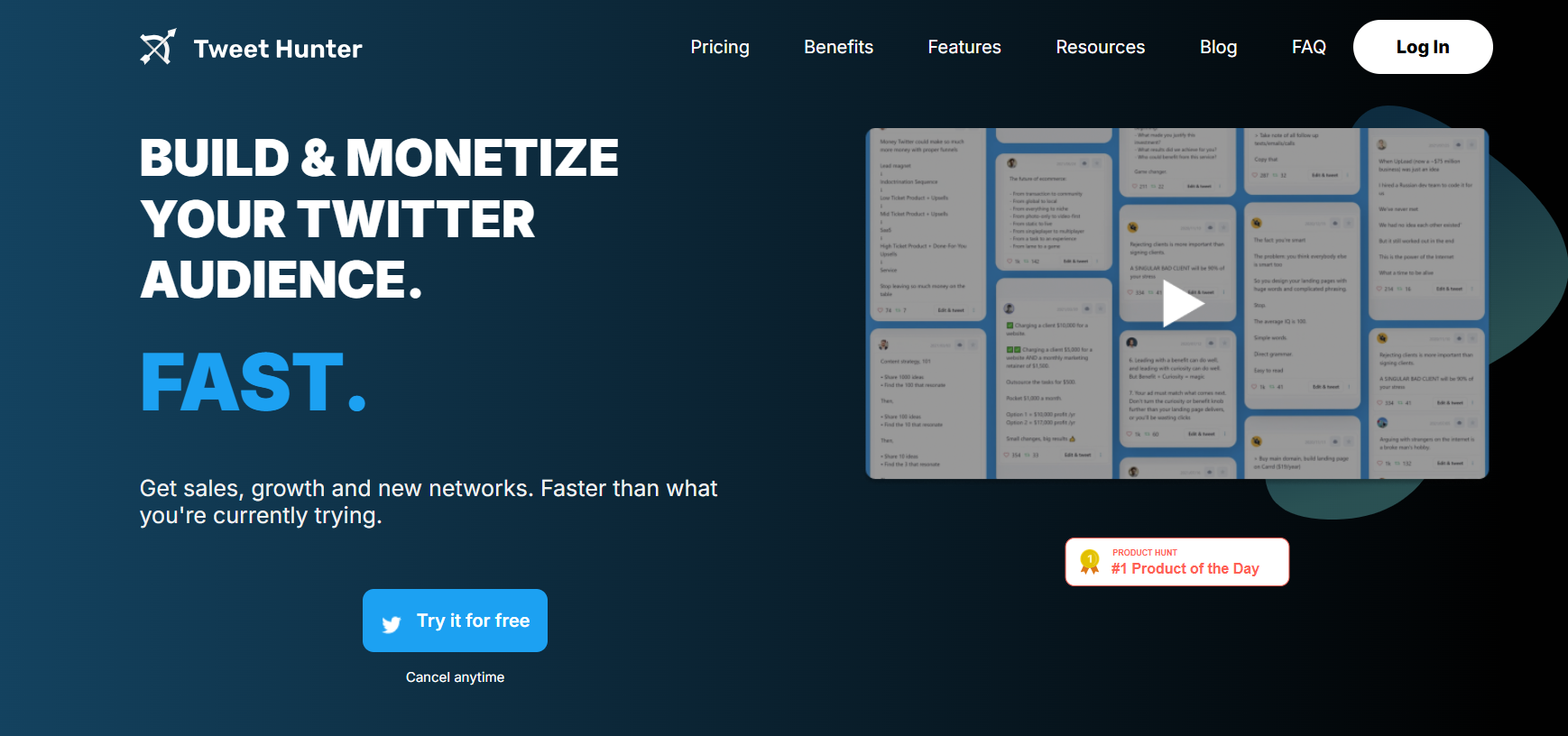
Tweet Hunter’s Homepage. -
Twilert
Twilert is a powerful, all-in-one Twitter search tool designed to help digital marketers, businesses, and brands track Twitter conversations in real time. Twilert offers advanced search features like Boolean operators, geo-targeting, and scheduled alerts. These tools help users stay ahead of the curve, uncover new opportunities, and respond to customer queries instantly.
With 24/7 monitoring and customizable email digests, Twilert saves valuable time while delivering relevant insights into brand mentions, industry trends, and competitor activity.
In contrast to the “creative engines” like Tweet Hunter or “command centers” like X Pro, Twilert is the “Quiet Sentinel.” In 2026, it remains one of the most reliable ways to get information out of X and into your inbox without needing to have a dashboard open all day.
Pros Cons “Set It and Forget It” Email Digests: Unlike most tools that require you to log in to see data, Twilert sends clean, automated email summaries (hourly, daily, or weekly). It’s perfect for busy executives who just want the “TL;DR” of their brand mentions. No Native Engagement: You cannot reply, retweet, or like posts directly from Twilert. It is a monitoring tool, not a management tool. If you see a crisis in your email alert, you still have to log into X to fix it. Superior Geo-Targeting: Twilert’s “Map Search” is one of the few remaining tools in 2026 that accurately filters tweets by precise geographic radii. This is a game-changer for local businesses (e.g., a coffee shop in Austin tracking “need coffee” within 5 miles). Pricing Fatigue: Since X began charging heavily for API access, Twilert’s pricing has become steeper for the “Real-Time” alerts most businesses need. The free tier is extremely limited. Boolean Power-User Mode: It supports complex search strings (e.g., "Social Champ" -exclude:retweets min_faves:5) far better than the standard X search bar, ensuring your alerts are high-quality and low-noise.No Sentiment Analysis: Twilert is excellent at finding what was said, but it doesn’t automatically categorize it as “Positive” or “Negative.” You’ll have to read through the results to gauge the mood. Historical “Search History”: Twilert keeps a log of your alerts, allowing you to revisit old mentions even if the original user has deleted their tweet—essential for legal compliance or brand audits. Visual Clutter in Large Digests: If you track a high-volume keyword (like “AI”), your email digest can quickly become a massive wall of text that is hard to scan. 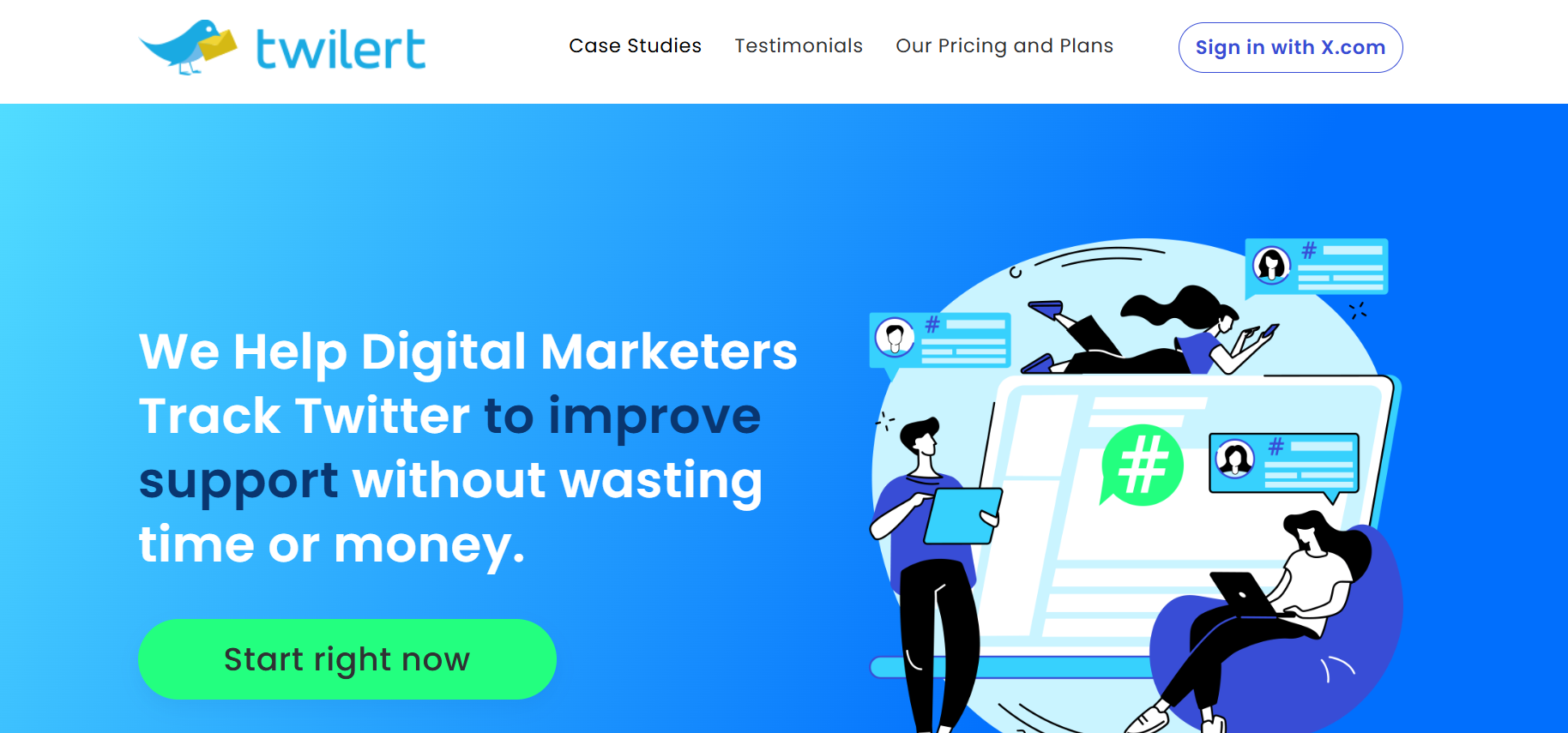
Twilert’s Web Page -
Social Champ
To be clear, Social Champ is not a social monitoring tool in the traditional sense. Due to X’s massive API price hikes in 2026, providing real-time “listening” data (like tracking every untagged mention of your brand across the entire platform) is now reserved for enterprise-grade tools with $5,000+ budgets.
However, Social Champ absolutely belongs on this list because it is the ultimate companion tool for anyone using the other monitoring tools mentioned here. While a tool like Twilert tells you what is happening, Social Champ is the engine you use to respond and grow. Essentially, it is an all-in-one social media management tool designed for businesses managing multiple platforms, including X.
You can schedule tweets, threads, polls, and repeat posts on X, along with 10 other social platforms. And with features like thread scheduling and integration with tools like Canva, Social Champ simplifies content creation and publishing.
Its user-friendly interface ensures that even those new to social media management can navigate with ease.
Pros Cons Hyper-Scalable Pricing: At just $4 per channel, you only pay for what you actually use. This is super budget-friendly for agencies that want to scale from 2 accounts to 50 without a massive jump in base costs. No Native X Analytics: Due to API limitations, Social Champ does not provide deep “follower growth” or “demographic” charts for X. You’ll still want to check X’s native dashboard for your monthly growth stats. No “Per-Seat” Tax: Most competitors charge you for every employee you add. Social Champ’s Growth plan allows unlimited users, making it the most team-friendly tool on the market. API-Restricted Free Tier: Because X now charges so much for data, Social Champ (like almost every other tool) generally requires a paid plan to manage X accounts. Platform Versatility: You can manage 10+ platforms (including TikTok, Threads, and LinkedIn) from one spot. It’s a true “Social Media OS.” Mobile App vs. Desktop: While the desktop dashboard is a 10/10, the mobile app is designed for quick edits rather than deep, multi-account strategy. Advanced X Features: It supports Thread Scheduling (up to 15 tweets) and “Evergreen Recycling,” which keeps your best-performing content in the feed automatically. Manual Re-Syncs: As with any third-party tool in 2026, X’s API shifts occasionally require you to re-log in to keep your connection active. 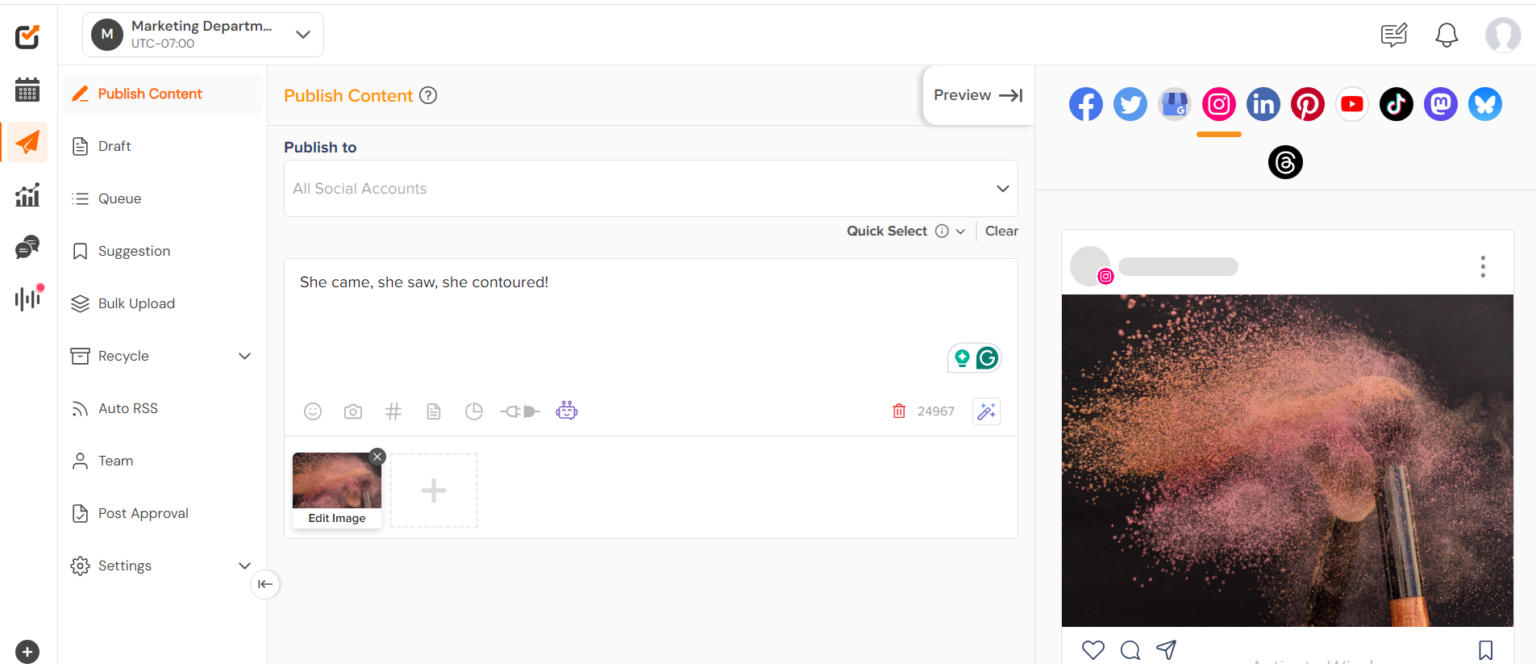
Social Champ’s Dashboard Master Your X Presence for Just $8 per Channel
Stop overpaying for seats and start scaling your brand with the industry’s most affordable all-in-one management tool, featuring pro thread scheduling, evergreen recycling, and unlimited team members at no extra cost.
-
Mention
Mention is a comprehensive monitoring tool that allows businesses to track brand mentions across Twitter and other platforms. It offers real-time alerts, sentiment analysis, and the ability to filter mentions by language, location, and more. With its influencer dashboard, you can identify key individuals discussing your brand and engage with them directly.
It has evolved into a middle-ground powerhouse, sitting right between basic alert tools and heavy-duty enterprise listeners. It is particularly valued for its “Web + Social” reach, ensuring you don’t just see what’s happening on X, but also what’s being said in the blogs and news articles that drive those X conversations.
Pros Cons Beyond Social Media: While many tools on this list focus strictly on X, Mention crawls over a billion sources daily, including news sites, forums, and blogs. This gives you a “360-degree” view of your reputation. The “Spam” Struggle: Because Mention pulls from so many sources, your feed can quickly get cluttered with irrelevant “noise” or scraper sites. You’ll need to spend time refining your Boolean alerts to keep them clean. High-Fidelity Sentiment Analysis: Mention’s AI is excellent at categorizing the mood of a tweet (Positive, Negative, or Neutral). It can even alert you if there is a sudden spike in “Negative” sentiment, serving as an early-warning system for PR crises. Credit-Based Limits: Mention operates on a “mention quota.” If your brand goes viral and you exceed your monthly limit of tracked mentions, the tool may stop collecting data until your next billing cycle or until you pay for an upgrade. Influencer Identification: The tool automatically scores users based on their reach and engagement. This allows you to instantly see if a “Mega-Influencer” or a “Micro-Influencer” is talking about you, so you can prioritize your response. Limited Historical Data: Unlike high-end tools like Brandwatch, Mention’s standard plans primarily focus on real-time data. If you need to see what people were saying about your brand three years ago, you may hit a wall. User-Friendly “Triage” System: Much like an email inbox, you can “archive,” “star,” or “assign” mentions to team members. This makes it perfect for agencies where one person finds the mention and another (the community manager) responds. Integration Friction: While it has a unified inbox, some users find that responding to X mentions directly from Mention isn’t as seamless as using a native management tool like X Pro. 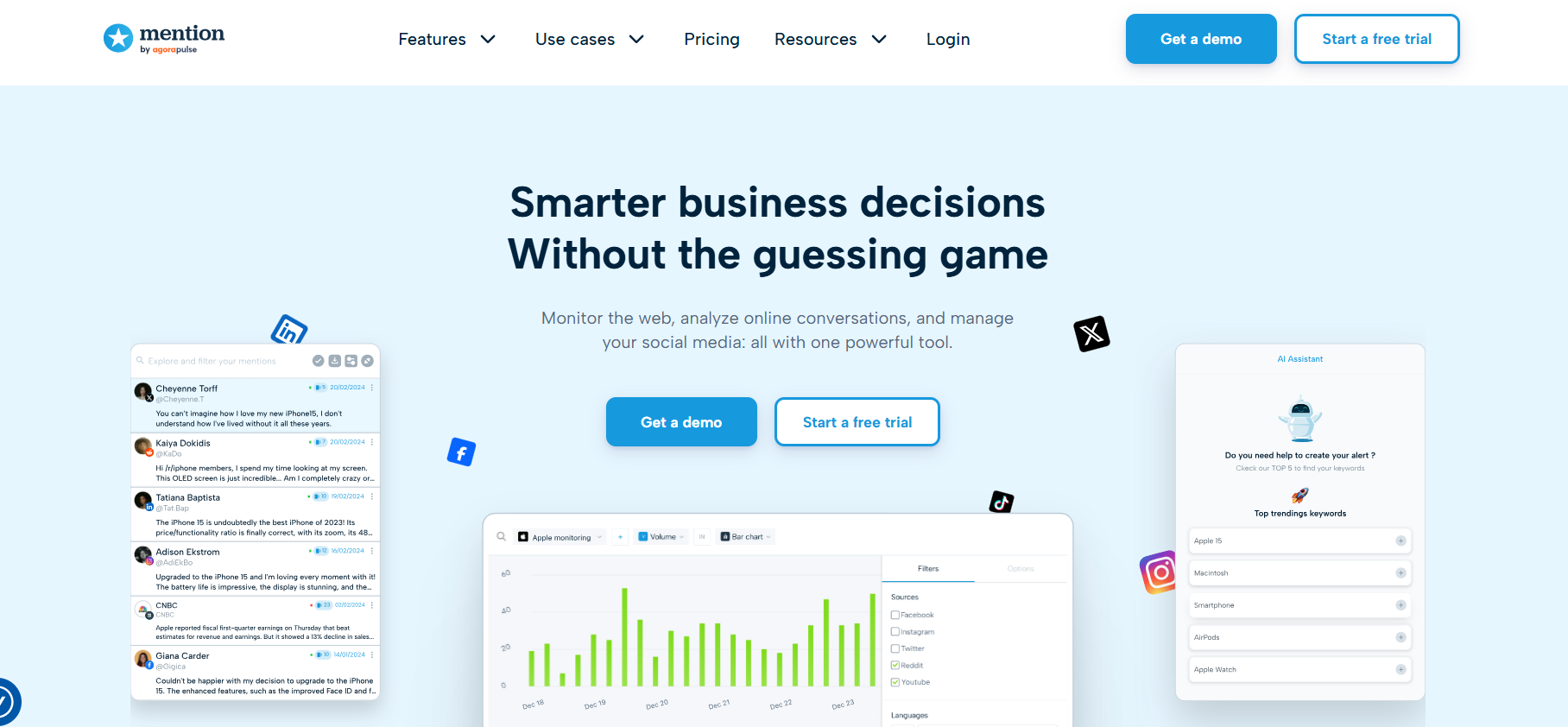
Mention’s Homepage -
Hootsuite
Hootsuite is a well-established social media management platform with robust Twitter monitoring features. It allows businesses to schedule tweets, track mentions, and analyze performance metrics from a unified dashboard. Hootsuite’s integration with various apps and its advanced analytics capabilities make it a versatile tool for managing Twitter presence and measuring campaign success.
Pros Cons All-in-One Command Center: Hootsuite is the ultimate “single tab” solution. You can manage X, Facebook, Instagram, LinkedIn, TikTok, and even YouTube ads from one dashboard. Prohibitive Pricing: Starting at $199/month, it is one of the most expensive entry-level tools. There is no longer a free version, and the 30-day trial requires a credit card upfront. Deep App Ecosystem: With an internal “App Directory,” you can integrate tools like Canva, Salesforce, and Zendesk directly into your monitoring streams, making it a powerful CRM hybrid. The “Legacy” Learning Curve: Because it has been around so long, the interface is incredibly dense. New users often feel overwhelmed by the “streams” layout, which can feel cluttered compared to modern tools. Advanced Crisis Management: It features a “Suspend All” button, a critical tool for 2026, allowing you to immediately pause all scheduled tweets across every account if a PR crisis or global event occurs. Limited “Per-User” Flexibility: Most plans are limited to a single user. Adding teammates is expensive, often pushing you into “Team” or “Business” tiers that cost hundreds of dollars monthly. OwlyWriter AI: Its native AI doesn’t just write tweets; it uses “Best Time to Post” data to suggest content based on your specific audience’s historical engagement patterns on X. Platform Glitches: Despite its premium price, users still report occasional “sync issues” where X accounts disconnect, or images fail to upload correctly due to X’s frequent API changes. Talkwalker Integration: On higher tiers, Hootsuite leverages Talkwalker’s technology to provide enterprise-level social listening, tracking millions of sources beyond just social media. “Vanity Metric” Reports: While the analytics are visual and beautiful, many users find the basic reports lack the “actionable” depth found in specialized tools like Brandwatch. 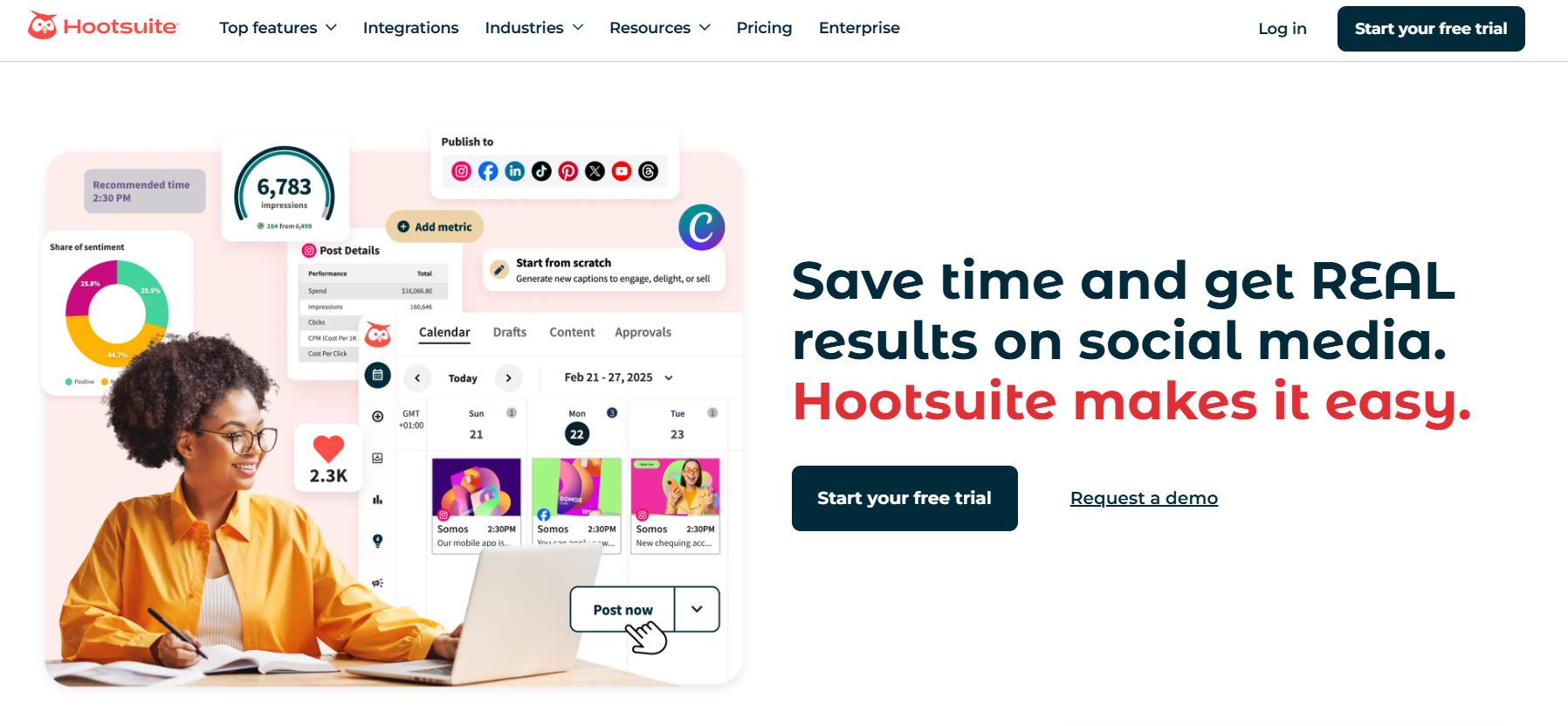
Hootsuite’s Landing Page -
Keyhole
Keyhole offers real-time tracking of hashtags, keywords, and account mentions on Twitter. Its analytics provide insights into engagement metrics, audience demographics, and sentiment analysis. Keyhole’s influencer tracking and historical data access enable businesses to monitor campaign performance and identify key contributors to brand conversations.
While other tools focus on broad brand management, Keyhole specializes in the live pulse of a campaign. It is the gold standard for tracking hashtags and influencers in real-time, making it indispensable for product launches, conferences, or viral marketing pushes.
Pros Cons Industry-Leading Hashtag Tracking: Keyhole doesn’t just count hashtags; it provides a “Live Stream” dashboard that visualizes reach, impressions, and top posts as they happen. It’s the best tool for seeing if a campaign is actually “breaking the internet.” Steep Pricing for SMBs: Despite its power, Keyhole is often cited as expensive for smaller teams. Its high-end tracking capabilities come at a premium, making it harder to justify for “always-on” monitoring compared to a budget-friendly tool like Social Champ. Influencer Engagement Scoring: It provides a “Contextual Influence” score, helping you distinguish between someone with a lot of followers and someone whose followers actually engage with your specific keywords. Limited Platform Breadth: Keyhole is a specialist. While it excels at X and Instagram, its coverage of emerging platforms like Bluesky or specialized forums is thinner than “web-wide” tools like Mention. Predictive Analytics: One of its standout 2026 features is the ability to “forecast” hashtag performance. It can predict how much reach a topic will gain over the next 24 hours based on current velocity. Complex Interface: New users often report a “steep learning curve.” The dashboard is data-dense, which is great for analysts but can be overwhelming for a solo business owner who just wants a quick update. Shareable Real-Time Reports: You can generate a “Live Dashboard” URL to send to clients or stakeholders. They don’t need a login to see the data updating in real-time, which is a massive time-saver for agencies. Poor Scheduling Features: While it can schedule posts, it is not its core strength. Users frequently report that the posting UI is clunky and less reliable than dedicated management platforms. Historical Data Backfilling: If you forgot to start tracking a campaign until three days after it started, Keyhole (on higher tiers) can “backfill” that data so your reports aren’t missing the launch window. Restricted Free Trial: The trial is often limited by “mention volume” (e.g., 1,000 mentions). If your brand is already popular, you might hit the limit and lose access before you’ve finished testing the tool. 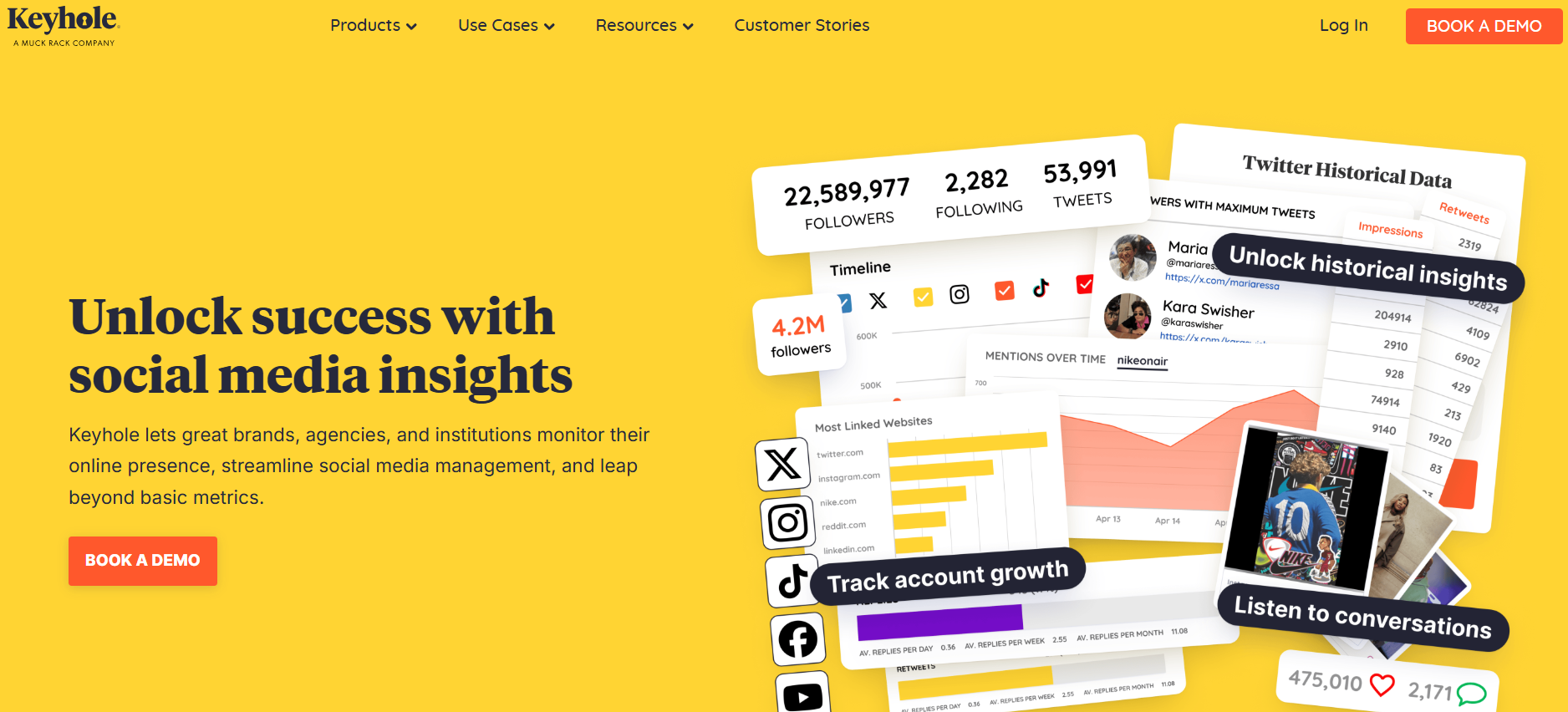
Keyhole Homepage -
Kwatch.io
Kwatch.io is a social listening tool that monitors conversations across Twitter and other platforms. It provides real-time alerts for keywords, helping businesses stay informed about brand mentions and industry discussions. Kwatch.io’s analytics offer insights into audience sentiment and engagement, supporting data-driven decision-making for marketing strategies.
While many tools on this list try to do everything, Kwatch focuses on one thing: speed. It is built for the marketer who needs to know within seconds when a keyword is mentioned, whether that’s on X, LinkedIn, or even the deeper corners of Reddit and Hacker News.
Pros Cons Industry-Leading Speed: Kwatch.io is built on direct API connections, offering “sub-minute” alerts. If you are tracking a trending crisis or a high-intent sales lead, you will often see it here before it even hits a standard Google search. No Centralized Dashboard: Kwatch is a “push” tool, not a “pull” tool. It sends alerts to your email or Slack, but it lacks a robust visual feed or historical archive where you can scroll through past mentions. Unique Platform Reach: Unlike many X-only tools, Kwatch monitors LinkedIn, Reddit, Hacker News, and Quora. It is one of the few tools that can track keywords in any LinkedIn post, not just the ones on your managed page. No Direct Engagement: You cannot reply or interact with posts from the Kwatch interface. You receive the alert, but you still have to manually click the link to open X or LinkedIn to respond. Advanced AI Sentiment: It uses Large Language Models (LLMs) to go beyond simple “Good/Bad” filtering. It can detect the specific intent behind a post, such as a customer looking for a competitor alternative or a user reporting a technical bug. X Access is Paid-Only: Due to X’s API costs, Kwatch’s “Free” tier is limited to Reddit and Hacker News. To monitor X or LinkedIn, you must upgrade to a paid tier (starting at approx. $19/month). Workflow Automation: It is an “API-first” tool. With built-in webhooks for Zapier and n8n, you can set it up so that a negative mention on X automatically triggers a high-priority ticket in your support software (like Zendesk). Limited Keyword Quotas: On lower-tier plans, you are limited in the number of keywords you can track on “expensive” platforms like X. You have to be very strategic about which 2–10 terms you monitor. “Track Conversation” Feature: A standout feature that allows you to “follow” a specific viral thread. Once you find a hot topic, Kwatch will notify you of every new comment in that thread, allowing you to time your entry perfectly. No Visual Reporting: If you need to present a “Monthly Sentiment Report” with pie charts and growth graphs to a client, Kwatch isn’t the tool. It’s for acting on data, not visualizing it. 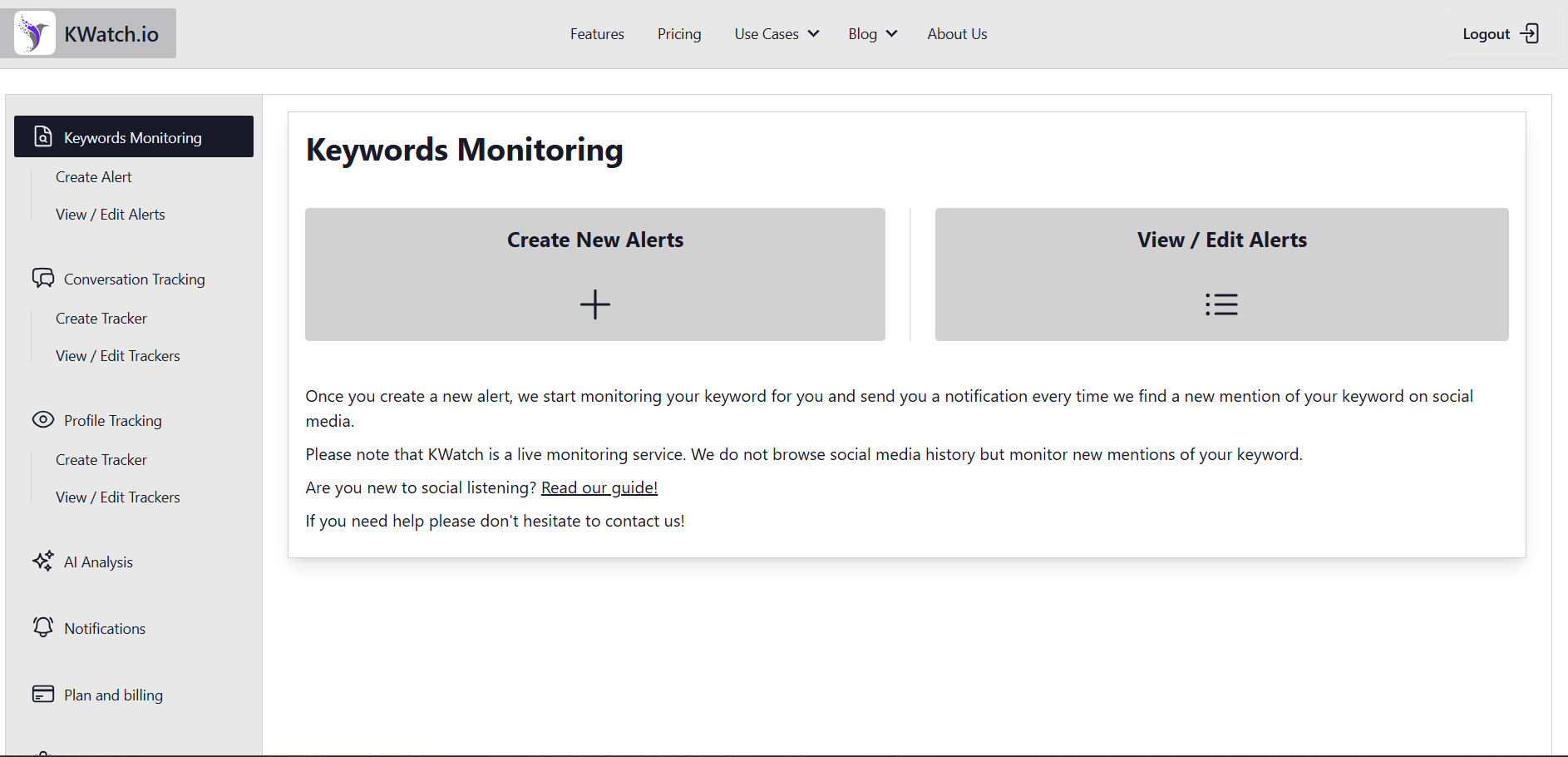
Kwatch’s Dashboard -
Brandwatch
Brandwatch is a sophisticated social media monitoring platform that offers in-depth analysis of Twitter data. Apart from its native tools, Brandwatch recently acquired Tweetreach, a former standalone analytics platform.
Now, with this tool, you can track brand mentions, perform sentiment analysis, and provide customizable reports to help businesses understand public perception.
While Brandwatch’s pricing is not explicitly shown, its capabilities extend to monitoring competitors and industry trends, offering a comprehensive view of your market.
Pros Cons Deepest Data Archive: Brandwatch offers access to the “full firehose” of X data, including historical archives dating back years. If you need to analyze how a sentiment evolved over a decade, this is the only tool that can do it reliably. “Invisible” Pricing: You won’t find a price tag on their website. It is strictly custom enterprise pricing, often starting in the thousands of dollars per month, which immediately disqualifies it for most freelancers and startups. Advanced Visual Listening: Using proprietary AI, Brandwatch can “see” your brand logo in images and videos, even when your brand name isn’t mentioned in the text. This is critical for the current video-heavy social landscape. Steep Learning Curve: To unlock its full power, you need to learn “Query Writing” (Boolean strings). It is not a “plug-and-play” tool; most teams require a dedicated analyst or weeks of training to use it effectively. Tweetreach Integration: By incorporating Tweetreach, Brandwatch provides unmatched “reach and exposure” metrics. It doesn’t just show you who tweeted; it shows you exactly how many people actually saw it and how the “ripple effect” spread across X. Aggressive Contracts: User reviews frequently mention rigid 12-month contracts and difficult cancellation policies. It is a major financial commitment that requires total “buy-in” from your leadership. Segmented Sentiment: Its AI (Iris) doesn’t just say a tweet is “negative”; it can categorize it by emotion (anger, joy, sadness) and identify whether the complaint is about “Price,” “Quality,” or “Customer Service.” Overkill for Daily Management: While its “Management” suite (formerly Falcon.io) is solid, using it just to schedule tweets is like using a Ferrari to drive to the mailbox. It is designed for massive data sets, not simple social calendars. Market Intelligence: It monitors 100M+ sources beyond X, including Reddit, Tumblr, and global news sites, allowing you to see how a “Twitter storm” is impacting your reputation in the broader news cycle. Bugs in the “Suite”: Since acquiring several smaller companies, some users report that the integration between the “Listening” side and the “Publishing” side can still feel disjointed and glitchy. 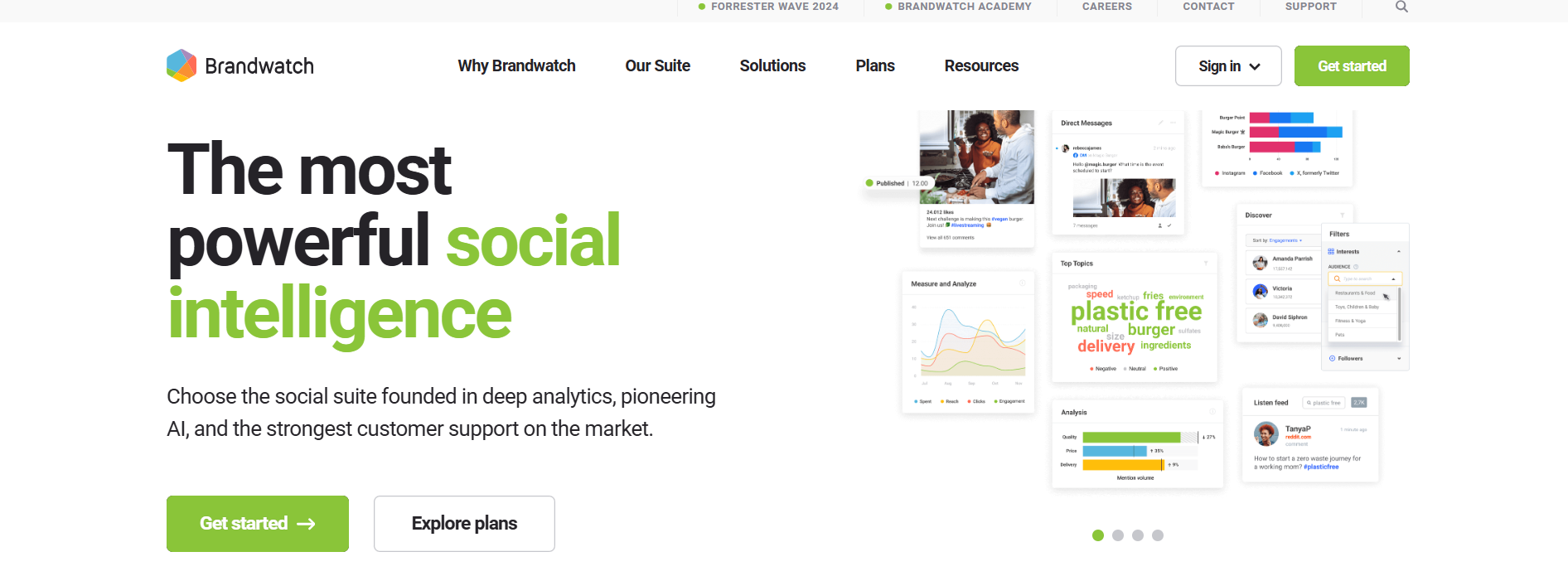
Brandwatch Landing Page -
Rival IQ
Rival IQ specializes in competitive analysis, providing detailed insights into your brand’s Twitter performance compared to competitors. It tracks engagement metrics, follower growth, and competitive benchmarking, enabling businesses to analyze their performance.
Rival IQ’s analytics help identify strengths and areas for improvement, supporting the development of effective Twitter marketing strategies. It’s designed to let you look over the fence at your neighbors. It’s a specialized analytics powerhouse that focuses on context, because a 2% engagement rate is great, unless your direct competitor is hitting 10%.
Pros Cons Elite Competitive Benchmarking: Rival IQ excels at “Landscapes.” You can group your brand with 10+ competitors and see a head-to-head leaderboard of engagement, post frequency, and audience growth in real-time. Premium Price Point: With plans starting around $169–$239/month, it is a significant investment. It is built for established brands and agencies rather than freelancers or “solopreneurs” on a budget. Boosted Post Detection: One of its best features in 2026 is the ability to use machine learning to flag which of your competitor’s tweets were likely “Promoted” (paid ads). This stops you from feeling bad when their numbers spike—you’ll know they paid for it. Strict “Tracked Company” Limits: Most plans limit you to tracking 10 or 20 companies. If you want to add just one more competitor, you often have to pay a steep “add-on” fee or jump to a much higher pricing tier. Automated “Insight” Alerts: Instead of you digging through data, Rival IQ sends alerts when a competitor has a “breakout post.” It tells you exactly why a post worked, saving you hours of manual research. Limited Management Features: Rival IQ is an analytics tool, not a publishing one. You cannot schedule threads or manage your daily X feed here. It tells you what to do, but it won’t do it for you. Beautiful, Client-Ready Reports: It generates some of the most professional-looking PDFs and PowerPoints in the industry. For agencies, this feature alone saves hours of design work every month. API Restrictions on Private Data: Due to X’s 2026 API costs, you can only see “Public” data for competitors. Deep metrics like “Impressions” or “Clicks” are only available for your own connected handles. Cross-Channel Comparison: It doesn’t just track X; it benchmarks you across Facebook, Instagram, TikTok, and LinkedIn, giving you a holistic view of who is winning the “Share of Voice” in your industry. Learning Curve: While the UI is clean, the sheer volume of data points (engagement per post, per follower, per media type) can be overwhelming for a new social media manager. 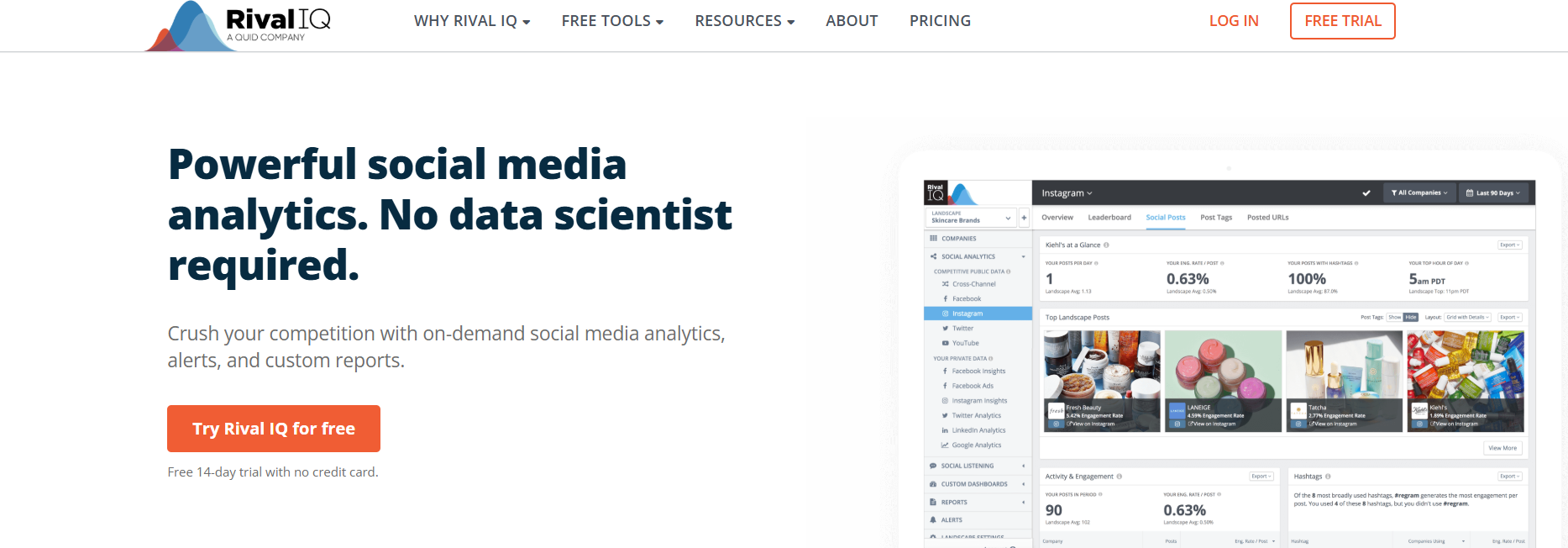
Rival IQ’s Homepage
Featured Article: How to Download Twitter Videos
How to Choose the Right Twitter Monitoring Tool for Your Needs?
If you want to keep track of what’s happening on Twitter, whether for your brand, competitors, or trends, choosing the right monitoring tool is key.
Here’s a simple guide to help you make the best choice.
-
Decide on the Features You Need
X monitoring tools come with a lot of features, but not all of them may be necessary for your goals. It’s important to focus on the features that will benefit your brand or business.
Key Analytics: Some tools offer in-depth analytics, but too many options can make it hard to focus on what truly matters. Choose tools that allow you to prioritize important metrics, like engagement rates, mentions, or sentiment analysis.
Custom Dashboards: Look for tools that let you control your dashboard settings, so the most important data is always front and center.Automation: Can the tool automate reports or notifications? This will save you time and effort when updating your team or stakeholders.
-
Consider Your Budget and Pricing Plans
Budgeting is always a factor when choosing a tool. While some tools offer free versions, paid tools often unlock additional features that can be crucial for your twitter marketing strategy.
Free vs. Paid: Free versions may give you basic tracking, but paid versions usually provide deeper insights and more customization.
Pricing Tiers: Look at the pricing structure and compare it with the features you need. For example, if you already use a social media scheduling tool, you might want to prioritize tools that add more analytics, rather than creation tools.
Specific Monitoring Needs: Decide what you’ll monitor, whether it’s specific keywords, hashtags, or even sentiment analysis. Choose a tool that fits your budget and covers these key monitoring capabilities.
-
Ease of Use and Automation
You don’t want to spend hours figuring out how to use your monitoring tool. It should be user-friendly and not require too much training. The best tools will help you get the insights you need with minimal effort.
Automation: Look for tools that offer automated notifications or reports. This will help you stay updated without constantly checking the dashboard.
Intuitive Design: Choose a tool that is easy to navigate. The simpler the interface, the quicker you can get to the insights that matter.
-
Integrations With Other Platforms
If you’re managing multiple social media channels, it might be beneficial to choose a monitoring tool that works across different platforms, not just X.
Cross-Platform Monitoring: Some tools allow you to monitor other platforms like Instagram, Facebook, or LinkedIn alongside X. This gives you a bigger picture of how your brand is performing across social media.
Campaign Tracking: Check if the tool lets you track specific campaigns or keywords across different platforms to measure the effectiveness of your marketing strategies.
-
Scalability
As your brand grows, your needs will change. Make sure the tool you choose can scale with your business. Look for a tool that allows you to upgrade or add more features as needed. This ensures that you won’t outgrow the tool as your brand expands or your monitoring needs increase.
Scale Your Agency Without the “Per-User” Tax
Take full control of your X presence with the only platform that offers unlimited team members on growth plans, professional thread scheduling, and evergreen recycling for just $8 per channel.
Featured Article: Twitter Activity Before & After Musk
Conclusion
Picking the right Twitter monitoring tools is essential to understanding and engaging with your audience effectively. With the right tool, you can track mentions, stay on top of trends, and monitor your competitors. Each tool has unique strengths, so it’s important to choose one that aligns with your specific business needs.
Whether you’re focused on sentiment analysis, tracking campaigns, or finding influencers, make sure the tool you select helps you achieve those goals.
Social Champ, for example, offers an all-in-one platform with easy-to-use features that allow you to monitor and manage your brand’s presence on Twitter and other platforms.
It’s a powerful tool for businesses looking to stay ahead in real-time.
Take the time to find the right tool for your business — it can make a big difference in staying informed and responsive