Twitter marketing tools can be one of the most important things you need to have as a social media manager! Why, you ask?
It’s because X is one of the most active platforms where people share real-time updates, and well, memes as well! X’s audience is exceptionally smart, and unlike Facebook, you won’t find as many boomers on this platform.
In other words, it’s a busy platform with the right audience that understands marketing, so you need to start looking for Twitter management tools to help you stay consistent.
Don’t worry, I’ll help you with that! In this blog, I’ll tell you:
- My top 5 Twitter marketing tools. (Trust me, these are to die for!)
- The must-have features in any Twitter marketing tool.
- If the top 5 don’t impress you, I’ll share 5 more Twitter marketing tools for you to consider.
- Lastly, I’ll tell you how to choose a marketing tool for Twitter that scales with your team.
So let’s not waste any more time and get started!
Short Summary
- X is a hyper-active platform with a tech-savvy, marketing-literate audience that moves at lightning speed, making consistency non-negotiable for social media managers.
- The most crucial features to look for in an X marketing tool are advanced queue management (like bulk scheduling via CSV), intuitive analytics that track peak times without confusing charts, and team collaboration tools with approval workflows.
- Clean analytics that track peak audience hours and multi-step approval pipelines are vital to keep scaling teams coordinated and safe.
- Social Champ is an affordable all-in-one hub featuring flat-rate plans, custom pay-per-profile models, and an AI copywriter.
- Premium creator platforms like Tweet Hunter, Typefully, and Hypefury focus on growth through viral databases, thread builders, and automated sales link plugs.
- Mainstream alternatives like Buffer offer minimalist, low-cost scheduling, while enterprise suites like Sprout Social, Hootsuite, and Agorapulse tackle complex corporate data and heavy DM management.
- Scaling successfully requires picking tools with flexible user seat limits, isolated brand workspaces, and free tier trials to avoid sudden pricing traps.
My Top 5 Twitter Marketing Tools for 2026
I know, I know, finding the right Twitter tools for marketing can be a bit challenging, and you might not have time to go through this entire blog and read about each tool in detail.
This is why I have listed my top 5 in the form of a table below so you can save your time. However, if you wish to know about each tool in detail, you’ll find the descriptions below!
| Twitter Marketing Tool | Best for |
|---|---|
| Social Champ | All-in-one automation, bulk scheduling, and effortless multi-account management. |
| Tweet Hunter | AI-driven content creation, finding viral inspiration, and managing sales leads natively on X. |
| Typefully | Crafting visually polished threads and providing clean, distraction-free writing analytics. |
| Hypefury | Maximizing engagement loop monetization and automatically plugging links under popular posts. |
| Sprout Social | Deep enterprise-grade audience intelligence, social listening, and advanced team workflows. |
Must-Have Features in Any Twitter Marketing Tools
When you start searching for a Twitter growth tool, you’ll find countless flashy features that different tools offer. However, you must know that you don’t need all of those tools!
It is important to know what you need so you can make sure you only pay for the value you want from the tools. Here are the must-have features that you should look for in Twitter marketing tools.
-
Advanced Queue Management (Especially Bulk Scheduling)
You shouldn’t have to log in every day just to post. A great tool lets you sit down on a Sunday, upload a batch of tweets or set up a recurring schedule, and just forget about it. Your time is precious, so you need to value it!
Look for tools that allow you to bulk-schedule your content and go on without worrying about posting. You must also look for a content calendar that will help you see your scheduled content at a glance.
-
Analytics That Actually Make Sense
I don’t need a million complicated charts; I just need to know what’s working. A good analytics dashboard should quickly show you your best-performing tweets, your peak engagement hours, and follower growth trends. Crucially, it should help you identify why a post did well and what you can change if it didn’t.
Look for a tool that lets you check X analytics, and even if it doesn’t, it should at least have the potential to support it in the future.
-
Multi-Account Management and Team Collaboration
It is not necessary that you will only have one account your entire life. You might be handling just one right now, but can you guarantee that you won’t have another in the future? No one can!
You might be handling more X accounts in the future with more team members, so you need a tool that allows you to manage multiple accounts and has easy team collaboration.
10 Best Twitter Marketing Tools For 2026
You have waited enough! Now, let’s discuss the best 10 Twitter marketing tools in detail so you know exactly what you can expect from them!
-
Social Champ
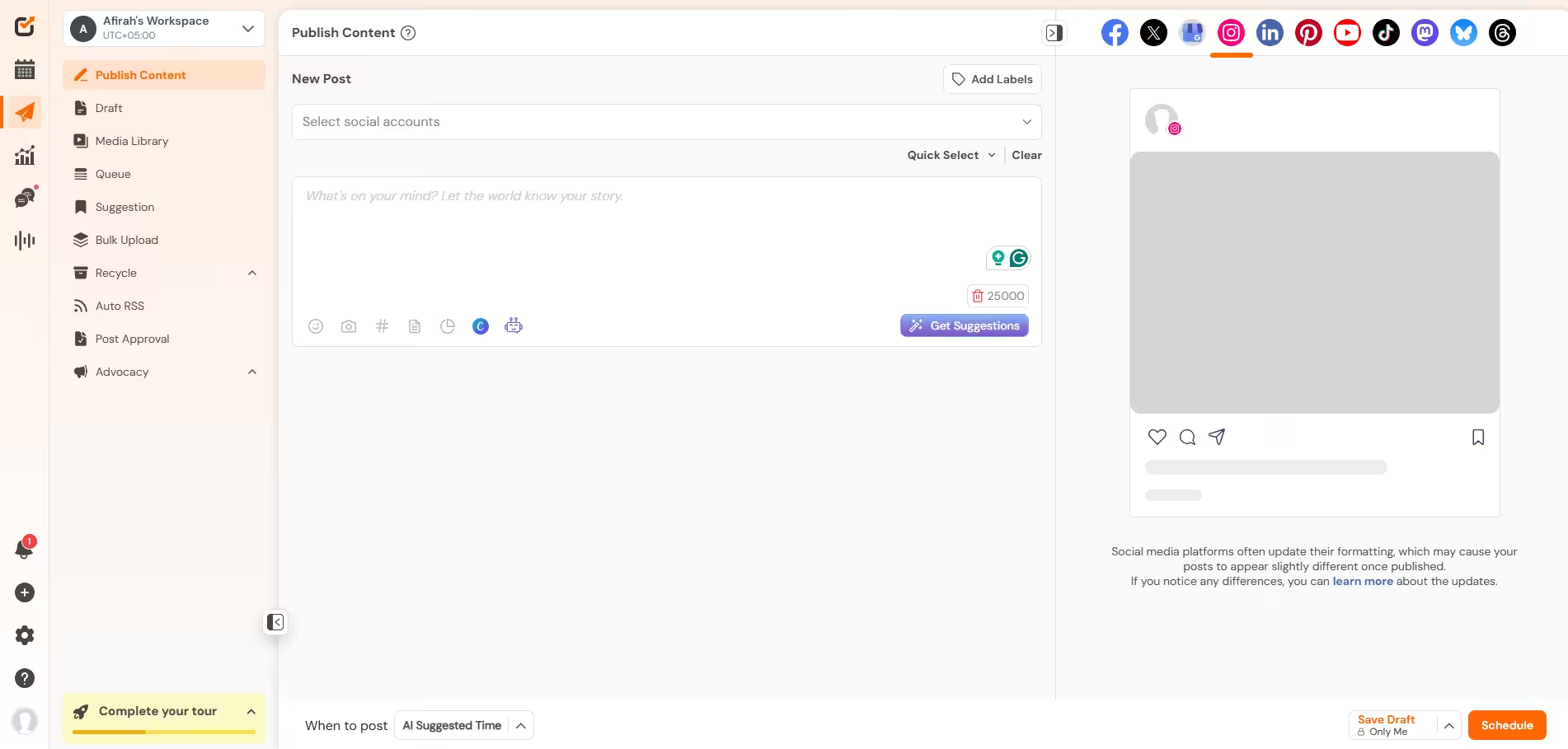
Social Champ’s Dashboard First on this list is obviously Social Champ because it is one of my favorite tools to work with. It is easy to use, extremely intuitive, and even allows me to request a feature as per my needs. Its customer support is very helpful in taking requests, and this tool just genuinely makes Twitter management so much easier for me.
Its standout features include:
- Built-in AI assistants to generate fresh text hooks and optimized variations of your tweets instantly.
- Allows you to upload a simple CSV file to queue weeks of tweets at once.
- A unified content calendar that gives you the entire view of your months’ content.
Social Champ offers two types of paid plans. Its pay-per-profile plans start from $4/month, whereas its bundled plans start from $23/month.
Work Sunday. Ghost All Week.
Claim your workspace with Social Champ now to batch-schedule your threads, step away from the keyboard, and watch the impressions roll in. -
Tweet Hunter
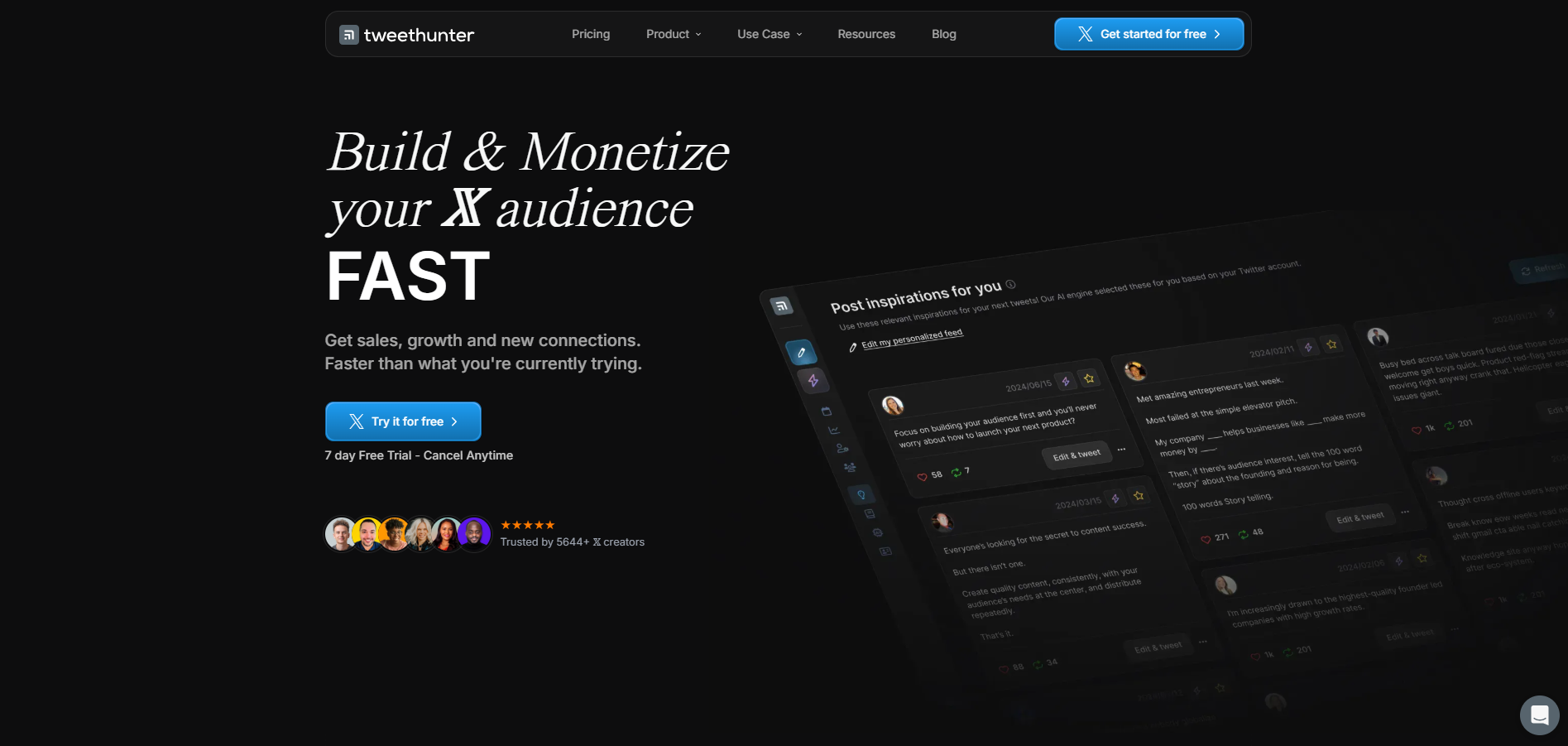
Tweet Hunter’s Homepage Tweet Hunter is a tool engineered specifically to reverse-engineer success on X. Instead of making you stare at a blank page, it functions like a brainstorming partner for you. It uses a huge database of viral history and lead-generation triggers to actively help you find prospects and write high-performing content.
Its key features include:
- A searchable library of millions of high-performing tweets in your niche to see exactly what formats work.
- Trained explicitly on high-engagement Twitter formats to help you craft compelling opening lines.
- Let’s build custom lists of users interacting with specific topics so you can target them for sales conversations.
Its pricing starts from $29/month.
-
Typefully
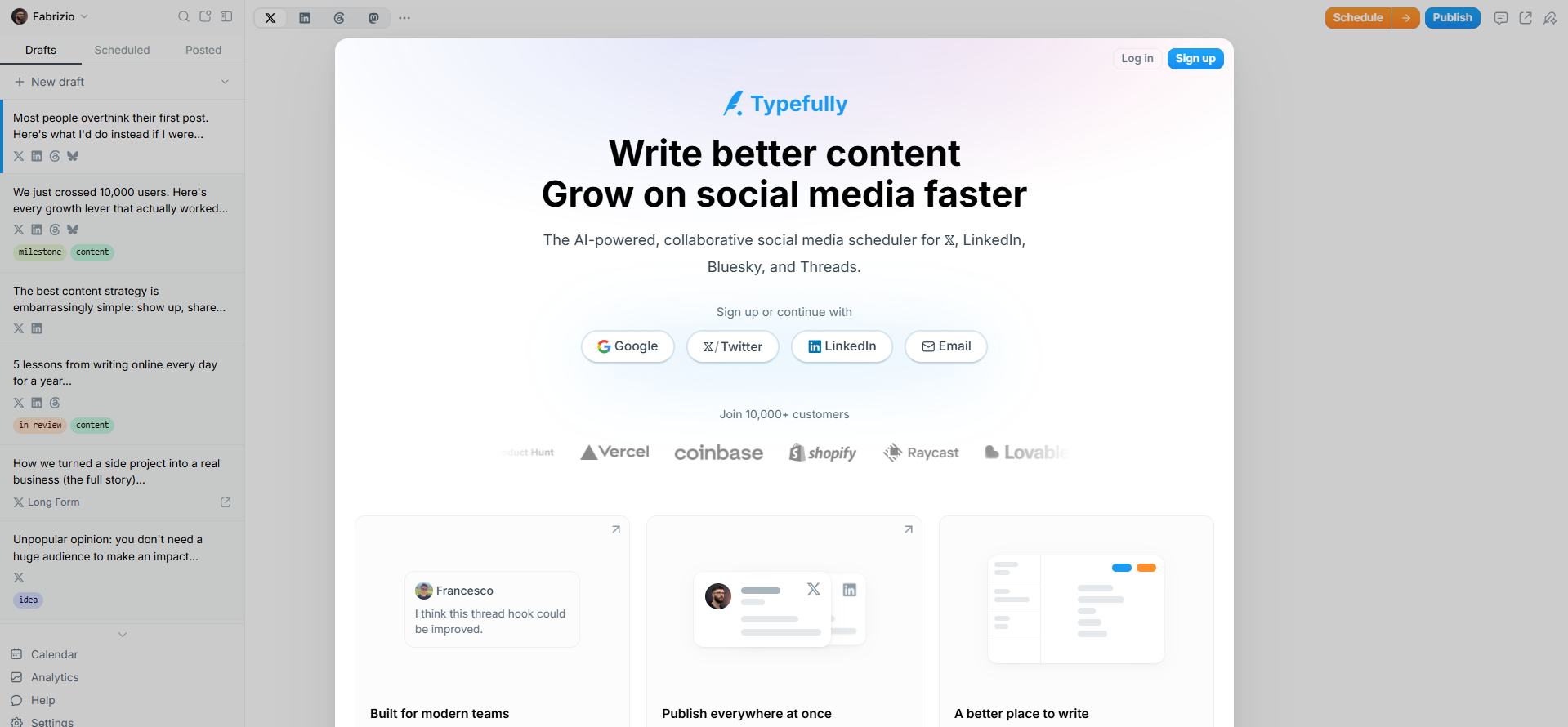
Typefully’s Homepage Typefully is a beautifully minimalist, distraction-free writing environment built for modern creators. It acts like an elegant digital notepad that gives you a real-time, pixel-perfect preview of how your text and threads will look to a mobile reader, prioritizing a fluid writing experience over clunky dashboard menus.
Its key features include:
- A minimal UI that gives you a pixel-perfect preview of how your thread will look on mobile and desktop as you type.
- Automatically breaks up your long-form text blocks into perfect 280-character thread increments.
- Visually charts which specific tweet inside a long thread caused people to stop reading or drop off.
Its pricing starts from $8/month.
-
Hypefury
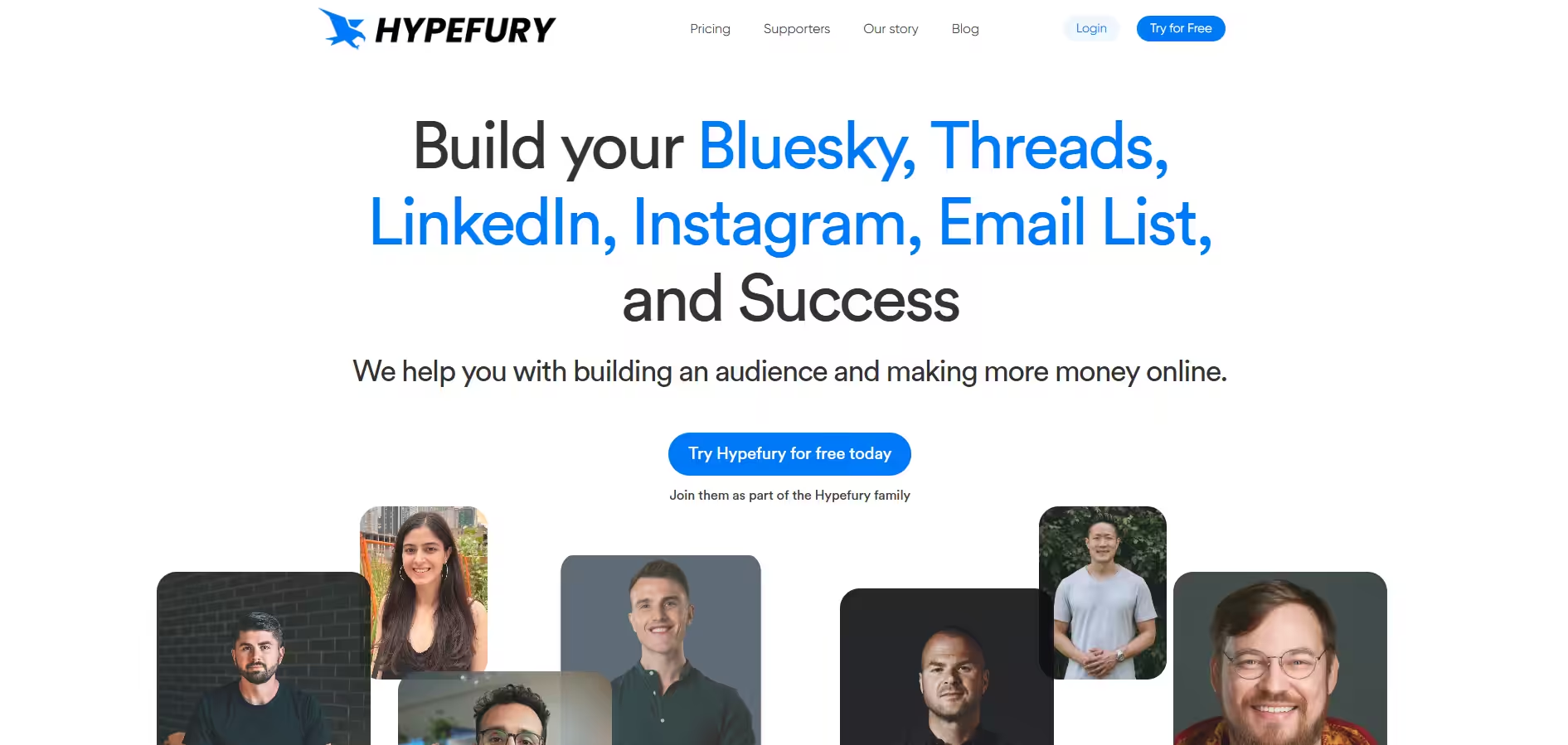
Hypefury’s Homepage Hypefury acts like a tireless virtual assistant focused entirely on maximizing your visibility and income. It automates the tedious, repetitive tasks of social media marketing, like bumping your old content or dropping sales pitches at the perfect moment, so your feed stays active and profitable even when you are completely offline.
Its standout features include:
- Grabs your top-performing historical tweets and re-queues them to catch eyes in different time zones.
- Retweet your own posts to bump them back to the top of feeds, then automatically delete the retweet hours later to keep your profile grid spotless.
Hypefury’s pricing starts from $29/month.
-
Sprout Social
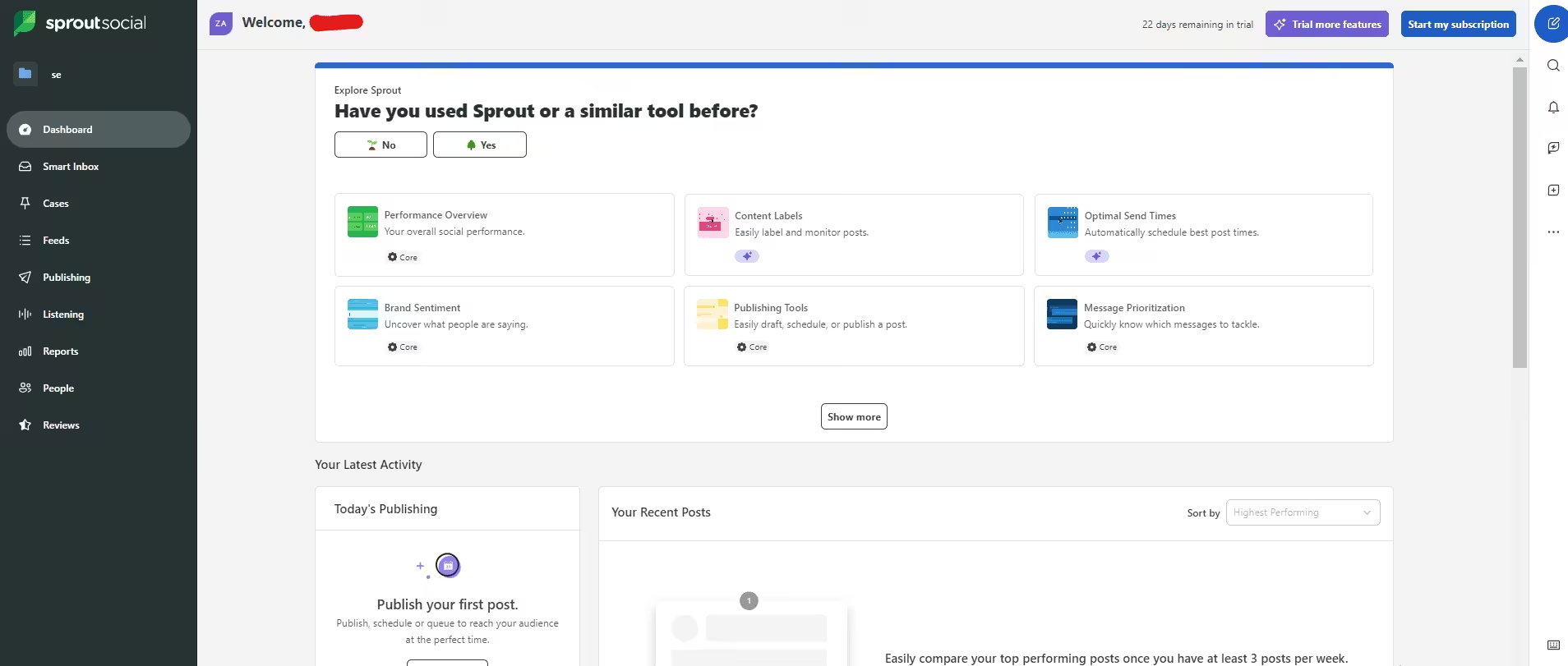
Sprout Social’s Dashboard Sprout Social is the heavy-duty, premium choice of the group. It is a high-end enterprise platform that approaches Twitter management through deep data analytics, advanced CRM capabilities, and team coordination.
If you have the budget and the need to get an advanced tool, you can opt for Sprout Social. However, be mindful that this tool will cost you a fortune.
Its key features include:
- Tracks custom keywords, competitors, and industry phrases across all of X to surface audience sentiment shifts.
- Combines massive volumes of incoming X tags, customer service requests, and brand mentions into a highly organized team queue.
Sprout Social’s pricing starts from $79/month.
-
Hootsuite
Hootsuite’s Dashboard Hootsuite is a true industry veteran when it comes to social media management. In my experience, it is an extremely dependable tool with great features. However, I feel the pricing is not justified!
It is mainly for enterprises, but isn’t it unfair that small businesses don’t even get to experience this tool at all? I don’t believe social media management should be so expensive that people have to think twice before subscribing to a tool.
Although it has some features that make it stand out!
- Allows you to build highly customized visual columns side-by-side to monitor custom X lists, hashtags, and mentions simultaneously.
- Generates instant content variations and hashtags tailored specifically for X’s fast character limits.
- Enterprise plans tie directly into high-level listening data to map out share-of-voice trends.
Hootsuite’s pricing starts from $99/month.
-
Buffer
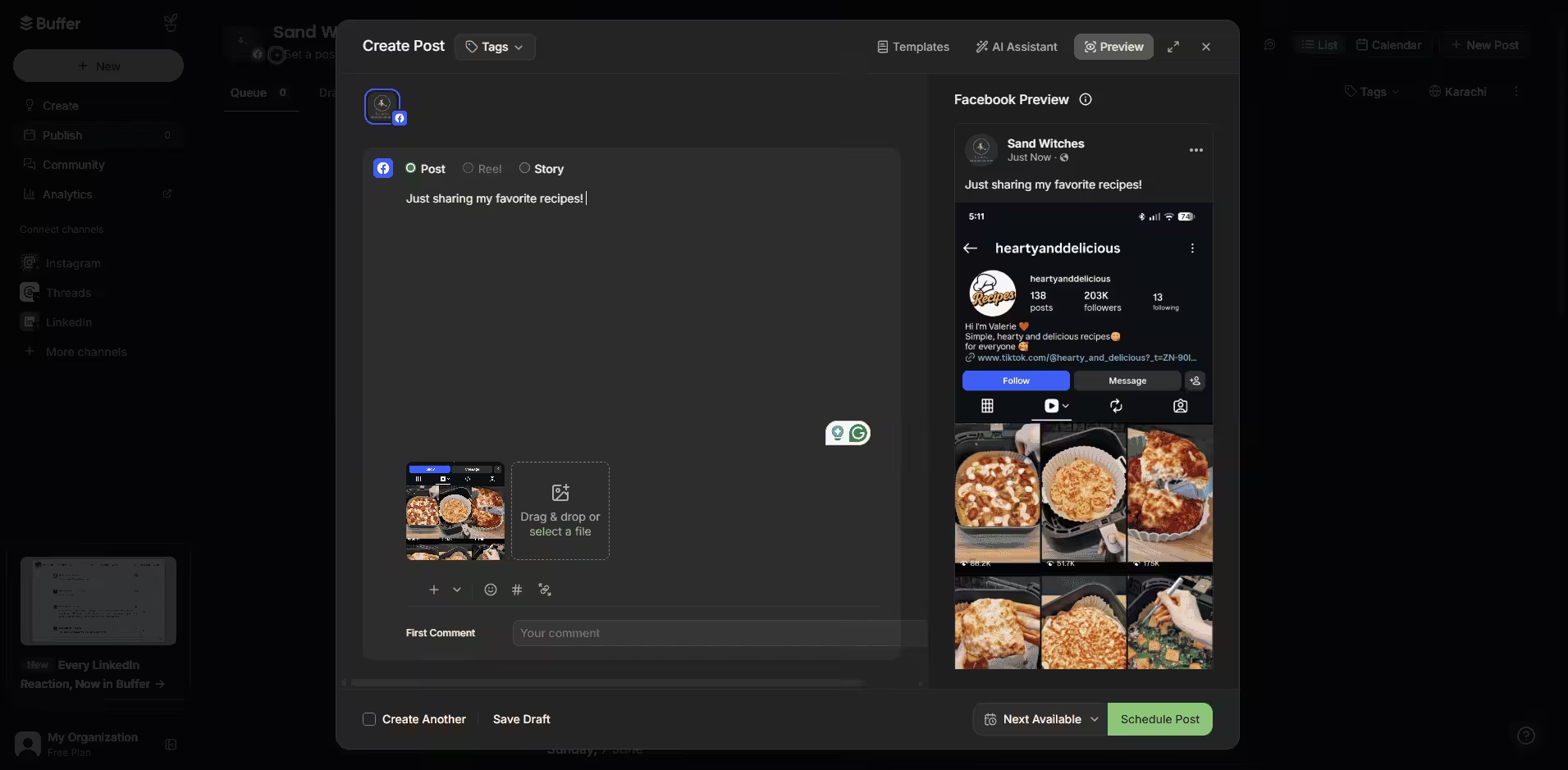
Buffer’s Dashboard Buffer is like that reliable, minimalist friend who hates clutter, and if you also hate it, Buffer is the right pick for you. It is a wonderfully straightforward, clean platform that focuses entirely on scheduling posts and tracking basic organic performance.
It is an affordable tool, but it lacks some advanced features like social listening. So if you only need basic features, there’s nothing better than Buffer for you.
Its key features include:
- Includes a free, simple micro-landing page builder to link directly from your X bio.
- Easily write and schedule multi-tweet threads with image support without a cluttered UI
Buffer’s pricing starts from $5/month.
-
SocialPilot
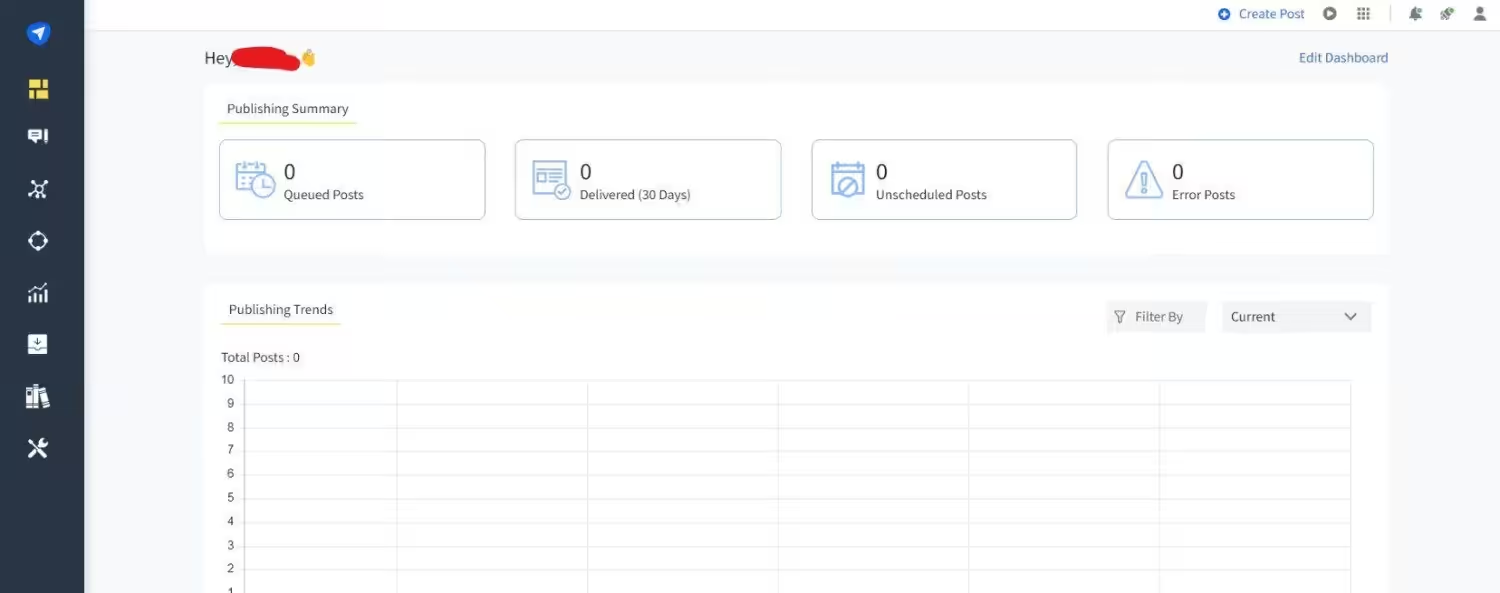
SocialPilot’s Dashboard If you are managing a bunch of different X accounts and need a tool that won’t break the bank, SocialPilot is the right choice. It pairs reliable scheduling with powerful, automated analytics that help you look incredibly professional in front of clients.
Its key features include:
- Generate private links for your clients to check and approve queued tweets without them ever needing to log in.
- Even their entry plans allow you to attach up to 10 social accounts, offering a great profile-to-dollar ratio.
SocialPilot’s pricing starts from $25.50/month.
-
SocialBee
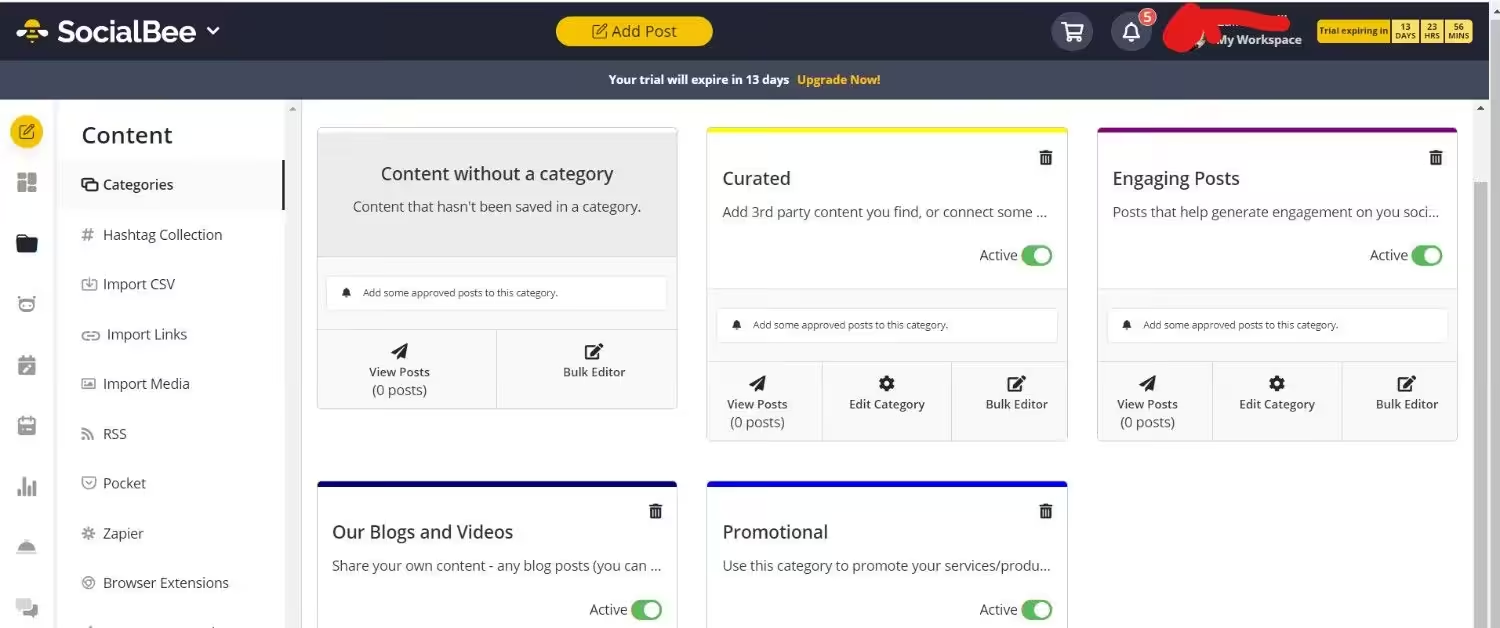
SocialBee’s Dashboard You probably know SocialBee for its awesome category-based scheduling, but its analytics side is incredibly smart too. It analyzes your Twitter data based on the themes of your content, helping you figure out your ultimate posting mix.
Its key features include:
- Automatically reshuffles and re-posts your top-performing tweets so you stay visible even when you’re offline.
- Uses AI to help you generate captions, hashtags, and entire social strategies based on your brand’s voice.
Its pricing starts from $24/month
-
Metricool
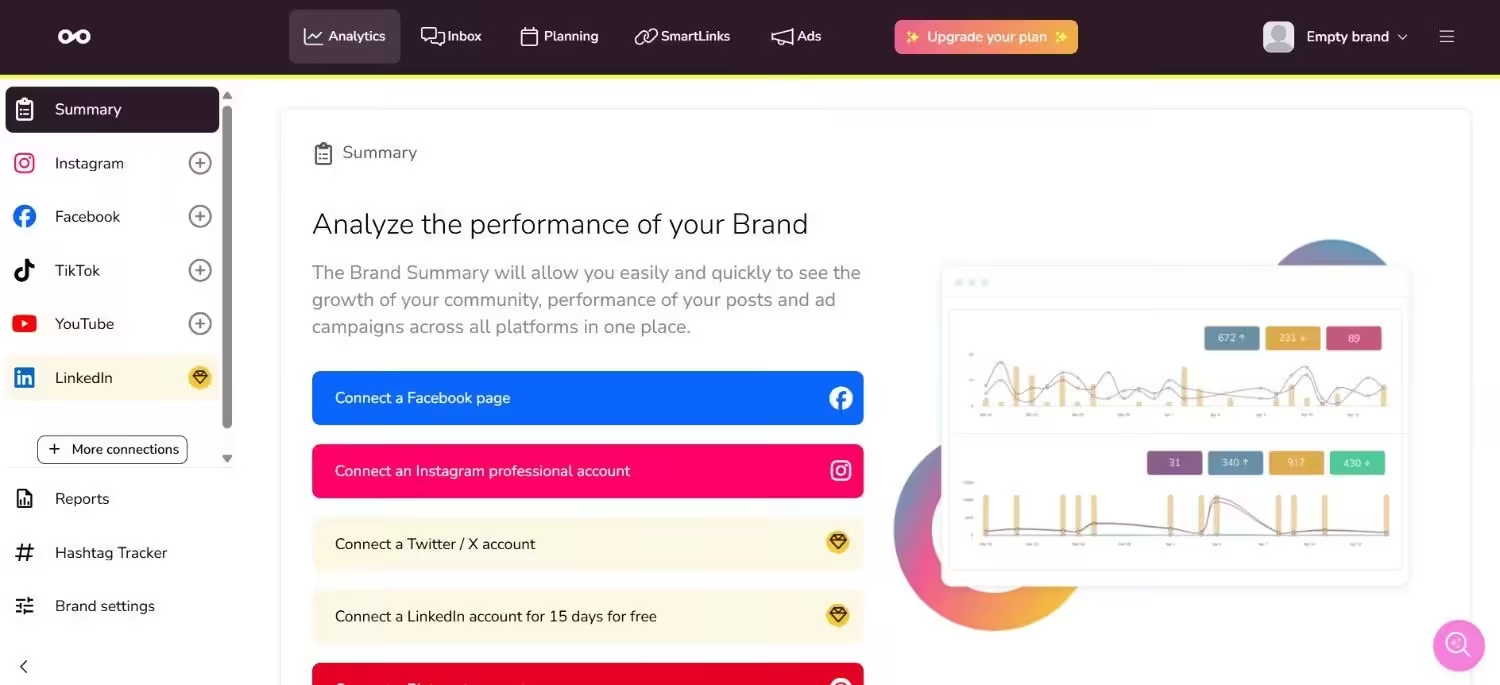
Metricool’s Dashboard Metricool is basically an all-in-one hub for data lovers, and honestly, its dashboard is incredibly addictive to look at. It gives you a real-time look at your organic content and even what your competitors are doing.
Its key features include:
- Shows your exact custom best times to tweet based on your real-time live audience patterns.
- Easily add up to 10 competitor handles to track their daily follower growth and top-performing formats.
Metricool’s pricing starts from $20/month.
Featured Article: How to Schedule Tweets?
How Do I Choose a Twitter Marketing Tool That Scales With My Team?
Honestly, picking a platform that handles a team of five or ten down the road is totally different from picking one when it’s just you working from a laptop in your sweatpants. If you don’t look ahead, you can end up hitting massive pricing walls or dealing with a messy workflow where people are accidentally tweeting over each other.
Here’s how to choose a good Twitter marketing software:
-
Look Closely at the “Per-User” Pricing Trap
This is the absolute first thing that trips people up. A lot of tools look incredibly cheap when it’s just you, say, $30 a month. But the second you hire a virtual assistant or a writer, you realize that the tool charges per user seat.
Suddenly, adding three team members jumps your bill from $30 to $300 a month.
Look for tools like Social Champ or SocialPilot that bundle a set number of user seats into their mid-tier plans, rather than platforms that charge a flat fee for every single extra human you invite.
-
Demand a Shared, Unified Inbox
When your team scales, your customer service and engagement need to scale too. If you have three different people trying to log into the native X app to reply to DMs, they are going to accidentally reply to the same person twice, miss messages, or step on each other’s toes.
Ensure the tool has a Social Inbox. This lets you assign specific DMs or mentions to specific team members.
-
Check for Approval Workflows
When you’re running the show solo, you hit “publish” and don’t think twice. But when you start outsourcing content or working with clients, you cannot have people posting directly to your main brand account without a safety net.
You need a tool that supports hierarchical permissions. A workflow where a junior writer can log in, draft a 10-tweet thread, and hit “Submit for Review.” The tool should then ping you (or your manager), allowing you to edit it, leave feedback, or click “Approve” before it ever touches the live internet. If a tool just gives everyone full access, it’s a recipe for a public relations headache.
Your Competitors Aren’t Sleeping!
Conclusion
Finding the right Twitter marketing tools can be such a pain, especially if you don’t know what to look for. With this guide at your service, I’m sure you won’t face such issues anymore. However, if you are still confused, I would recommend you take a 14-day free trial or free plans to test the waters.
This way, you can be 100% sure about the tools before you subscribe and pay for them. But don’t back down now, get the Twitter posting tools before your competition gets way ahead with the help of automation.