

Instagram grid maker
Split any image into grid tiles sized for Instagram's 3:4 profile grid, numbered in the exact order you post them. Free, and your image never leaves your browser.
Tiles are numbered in posting order. Post number 1 first and finish with the highest number, so the mosaic lands the right way up on your profile.
How to split an image for your grid
-
Add your image
A photo, poster, or panorama. The tool crops to fit the grid you pick, keeping the middle of the image.
-
Choose shape and size
Profiles are always three tiles wide. Keep 3:4 to match Instagram's current grid, or switch to square for the classic look.
-
Post lowest number first
Every tile is stamped with its posting number, so you never have to work the order out yourself.
Plan the whole grid, not just one image
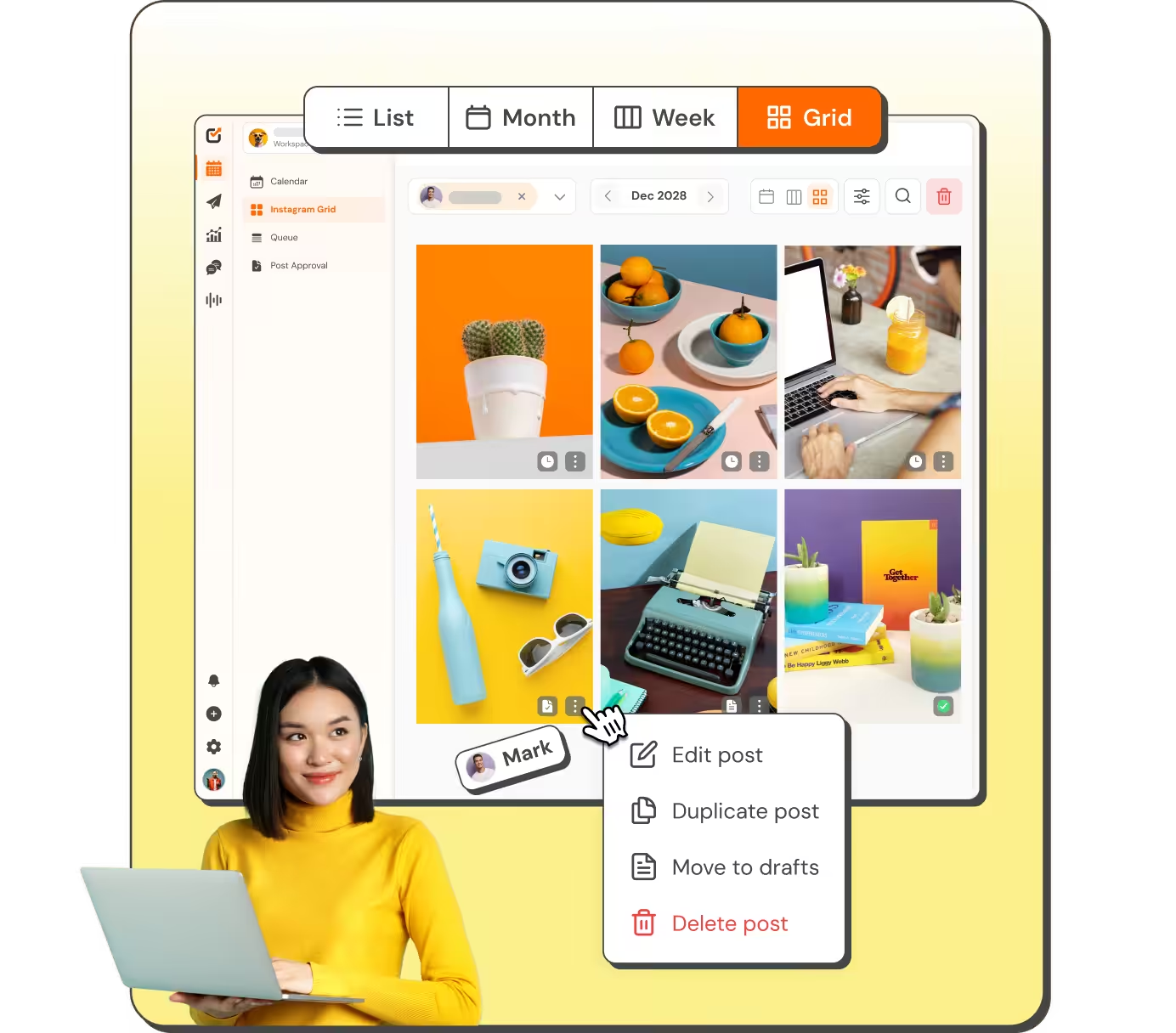
Splitting a mosaic is one job. Seeing how your next three weeks of posts sit next to each other is another. Social Champ previews scheduled and published posts as a live grid inside the content calendar, so a clashing cover or a broken colour run shows up while you can still fix it.
- Scheduled and published tiles in one preview
- Drag to reschedule and the grid updates with you
- Share the plan with clients through a link, no login needed
Frequently asked questions
What is an Instagram grid maker?
An Instagram grid maker splits a single image into tiles that line up as one picture across your profile. This tool crops your image to the grid you choose, cuts it into three-wide rows, and numbers each tile so you know the order to post them in.
How do I post a split image so the grid lines up?
Post the tiles in reverse reading order. Instagram puts your newest post in the top left, so the bottom right tile has to go up first and the top left tile last. Every tile this tool gives you is numbered by posting order, so upload number 1 first and work upwards.
Is my image uploaded to a server?
No. The splitting happens entirely in your browser using canvas, so the file never leaves your device and nothing is stored by us. That also means the tool keeps working on a slow connection once the page has loaded.
Should the tiles be square or 3:4?
Use 3:4. Instagram moved profile thumbnails from square to a taller 3:4 crop in January 2026, so a square tile now sits in that slot with padding and the mosaic no longer joins up. This tool cuts 3:4 tiles by default, and square is still there if you want the classic look or you are posting elsewhere.
What size are the tiles?
Each tile is up to 1080 by 1440 pixels at 3:4, which matches what Instagram shows on a profile. If your source image is smaller than that, the tool keeps the real pixels rather than upscaling and producing a blurry tile, and it warns you when the tiles get too small to look sharp.
Can I preview a whole feed instead of one image?
Yes, that is a different job and it is what the Instagram feed planner is for. It previews your scheduled and published posts as a live grid inside the content calendar, so you can spot a clash before anything goes live.