I once lost my finished Reel because I saved it in the wrong app. A whole afternoon, gone.
That mess is common. You write captions in one tool, design in another, and schedule in a third. Posts slip, drafts vanish, and your week gets longer. But with the right tools, you can fix that easily.
I stress-test apps for a living, so I tested the best tools for content creation and social media management myself. I wanted to know which ones work together and which ones create more work.
Short Summary
- The right tools can save you hours by bringing content creation, scheduling, and publishing into one smooth workflow.
- Social Champ, Buffer, SocialPilot, Sprout Social, and Hootsuite each serve different needs, from solo creators to large teams.
- ChatGPT, Canva, Adobe Express, CapCut, and Descript cover the main content jobs, from writing captions to editing videos.
- Integrations matter because the less time you spend moving files between apps, the more time you have to create.
- Start with your biggest pain point, check your budget and integrations, and test your tool stack for a week before committing.
In this guide, I’ll tell you how I tested the best tools, my top picks for each job, and a grid of tool integrations.
If your budget is tight, free social media scheduling tools can still get your job done.
Let’s get started.
How We Tested the Tools for Social Media Management and Content Creation
I don’t trust a tool just because its landing page says it’s great. So I signed up, poked around, and tried to break each one, with my team testing alongside me. We followed the same workflow with every tool: write a post, design a visual, edit a short video, and schedule it. We tested the best tools for content creation and social media management as two groups.
We scored each tool on ease of use, core features, pricing, integrations, collaboration, content curation, AI features, and user reviews on G2 and Capterra. For more on AI, you can see our guide to AI content creation tools. We skipped audio tools to stay focused on writing, design, short video, and scheduling. Features and pricing can change, so it’s better to check each tool before you buy.
Let’s start with the platforms that manage your posts.
5 Best Tools for Social Media Management
Let’s start with the scheduling side. Scheduling is only the start, though. Posts need approvals, clients ask for reports, and comments pile up across several inboxes. The right platform fixes all of these. I sorted the best social media management tools by use case, so you can skip the ones that don’t fit.
| Tool | Best for | Starting price |
|---|---|---|
| Social Champ | Small to large teams | Free plan; paid from $4 per profile |
| Buffer | Solo creators | Free plan; paid from $5 per channel |
| SocialPilot | Agencies | $25.50 |
| Sprout Social | Listening and reporting | $79 per seat |
| Hootsuite | Large teams | $99 per user |
-
Social Champ: Best for Small Teams
Best For: Small teams and growing brands that want one affordable platform.
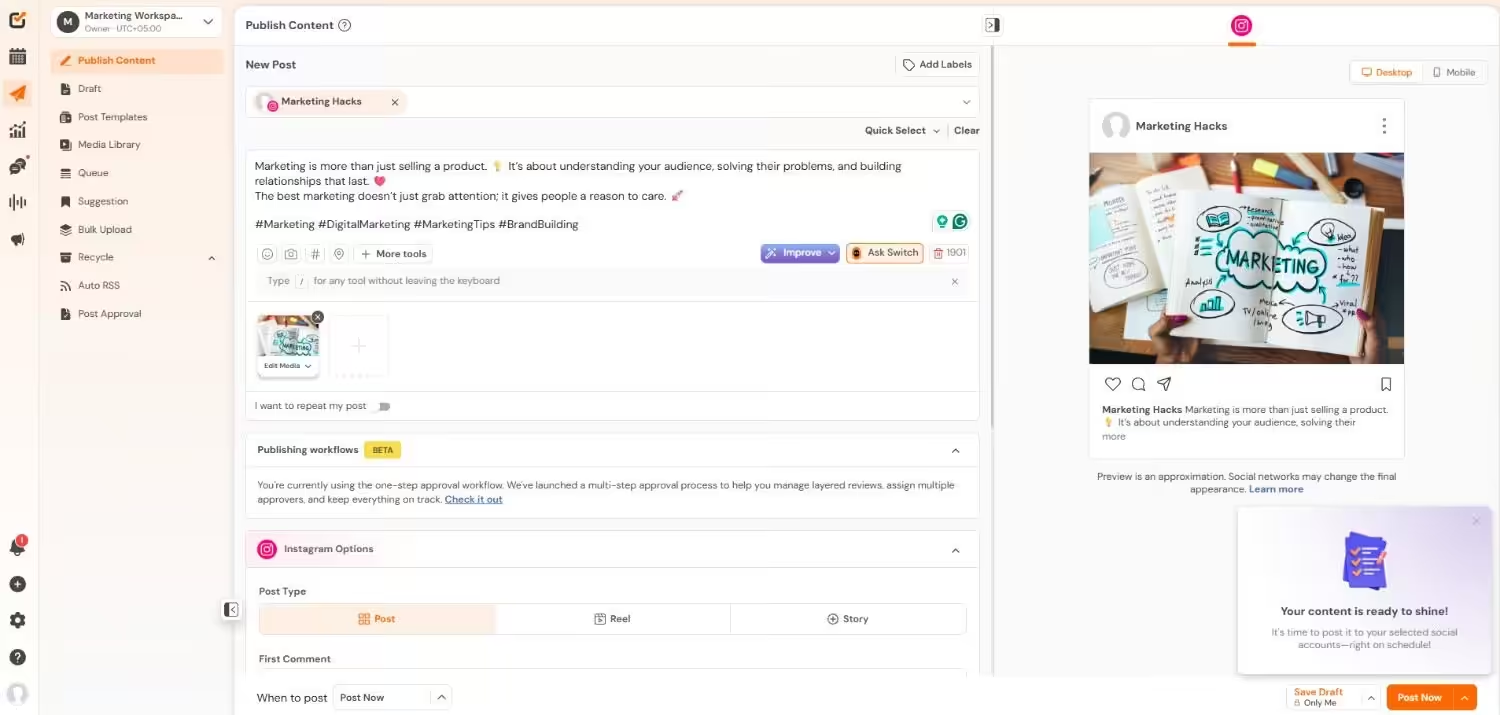
Social Champ’s Dashboard Supported Platforms: Instagram, Facebook, TikTok, LinkedIn, YouTube, Threads, Pinterest, X, Google Business Profile, Bluesky, Mastodon, and WhatsApp Business
G2 Rating: 4.4/5
Trustpilot Rating: 4.5/5
Let’s start with Social Champ. It’s a social media management platform founded in 2016, and it brings scheduling, a social inbox, analytics, and AI tools into one dashboard. You can plan and publish across more than 12 platforms, reply to comments and messages, and compare results without switching apps.
On top of that, it works on the web, through a browser extension, and in mobile apps for iOS and Android. A free plan is available, so a small team can start without a card. Then, as your team grows, higher plans add social listening, unlimited users, and approvals. That mix makes it a practical pick when you want one tool instead of three.
Key Features:
- Plan your social content and schedule posts across multiple platforms from one dashboard.
- View, organize, edit, and manage your scheduled content with a drag-and-drop calendar.
- Upload and schedule up to 300 posts at once using a CSV file.
- Reuse your evergreen content and automatically republish it on a schedule.
- Create captions, visuals, hashtags, and other social content with the Champ AI Suite.
- Create visuals in Canva and schedule them to your social channels without leaving your workflow.
- Use AI-suggested posting times based on your audience and past performance.
- Track post and account performance across social networks and create detailed reports.
- Compare your social performance with competitors and track their activity and content trends.
- Manage comments and direct messages from multiple social networks in one place, including TikTok engagement.
- Monitor brand mentions, competitors, and important keywords to keep track of conversations around your business.
- Work with your team using roles, permissions, approvals, and Team Collision Detection.
- Send content for review before publishing with multi-layer post approval workflows.
- Save, organize, and reuse groups of hashtags when creating social posts.
- Connect supported CRM tools such as Salesforce and HubSpot on the Enterprise plan.
Pricing: Social Champ offers a free plan with basic features and two paid pricing models. First, Pay Per Profile pricing starts at $4 per profile each month on annual billing. Second, the Flat Rate bundles start at $23.20 per month on annual billing, which suits teams that want a predictable monthly cost. For a full breakdown, you can read our Social Champ pricing guide.
Main Limitation: Social listening sits on the higher-tier plans, which may feel costly for many users.
What If Posting Felt Easier?
Try Social Champ to organize your content calendar, schedule posts across platforms, and keep your publishing workflow in one place. -
Buffer: Best for Solo Creators
Best For: Solo creators and freelancers with a few channels.
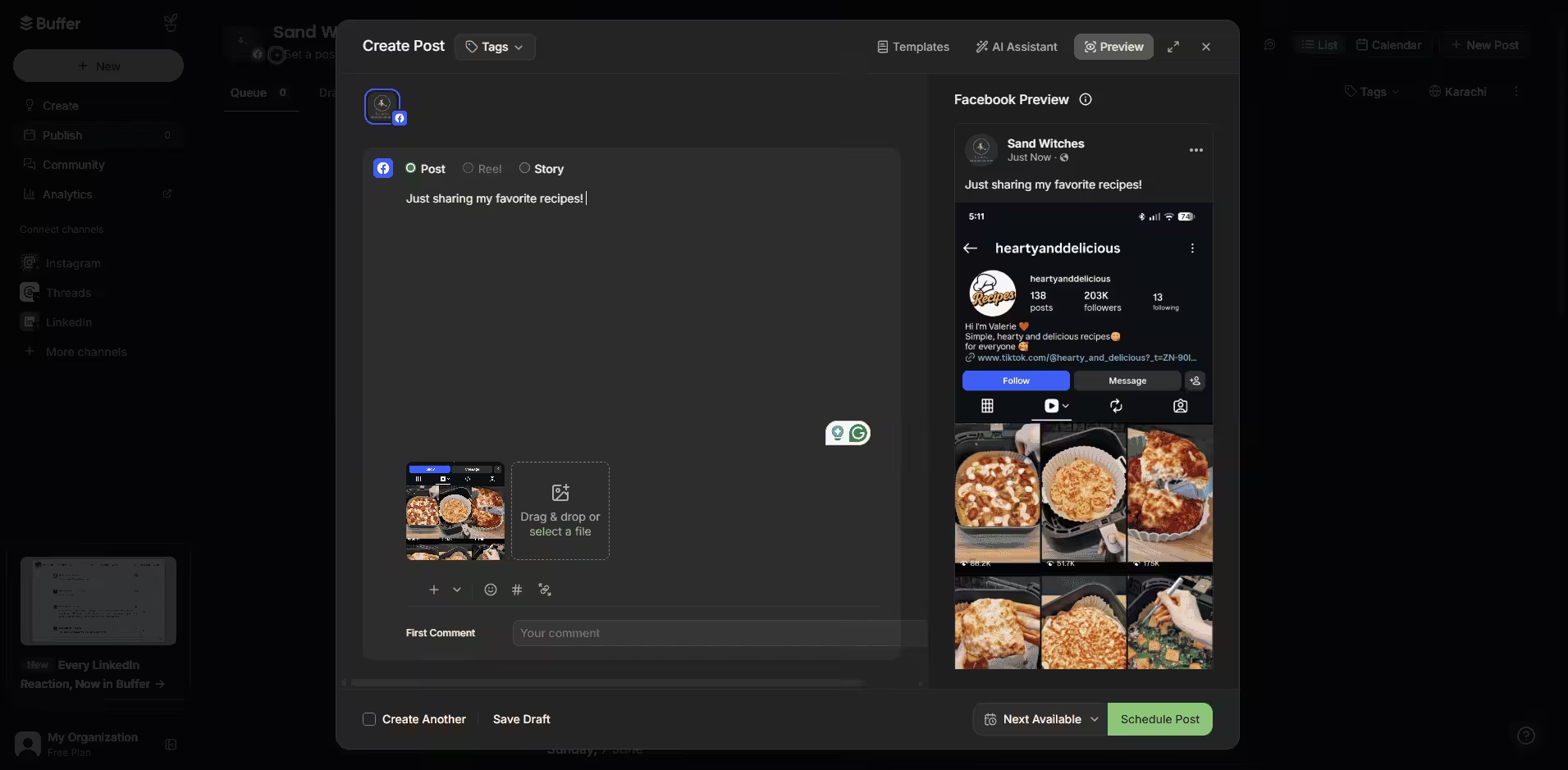
Buffer’s Dashboard Supported Platforms: Facebook, Instagram, X, Bluesky, Google Business Profile, LinkedIn, Mastodon, Pinterest, Threads, TikTok, and YouTube
G2 Rating: 4.3/5
Trustpilot Rating: 4.0/5
Next up is Buffer, which keeps the workflow simple. You connect your channels, queue your posts, and track basic results. That setup works well for solo users who manage only a few channels. And if scheduling is your main need, our roundup of social media content schedulers goes deeper.
Key Features:
- Post queue and calendar
- One inbox for comments and replies
- Simple analytics
- AI assistant that rewrites captions per platform
Pricing: Buffer offers a free plan that covers 3 channels. Its paid plans start at $5 per channel each month.
Main Limitation: Per-channel pricing adds up as you connect more accounts.
-
SocialPilot: Best for Agencies
Best For: Agencies that need client approvals across many accounts.
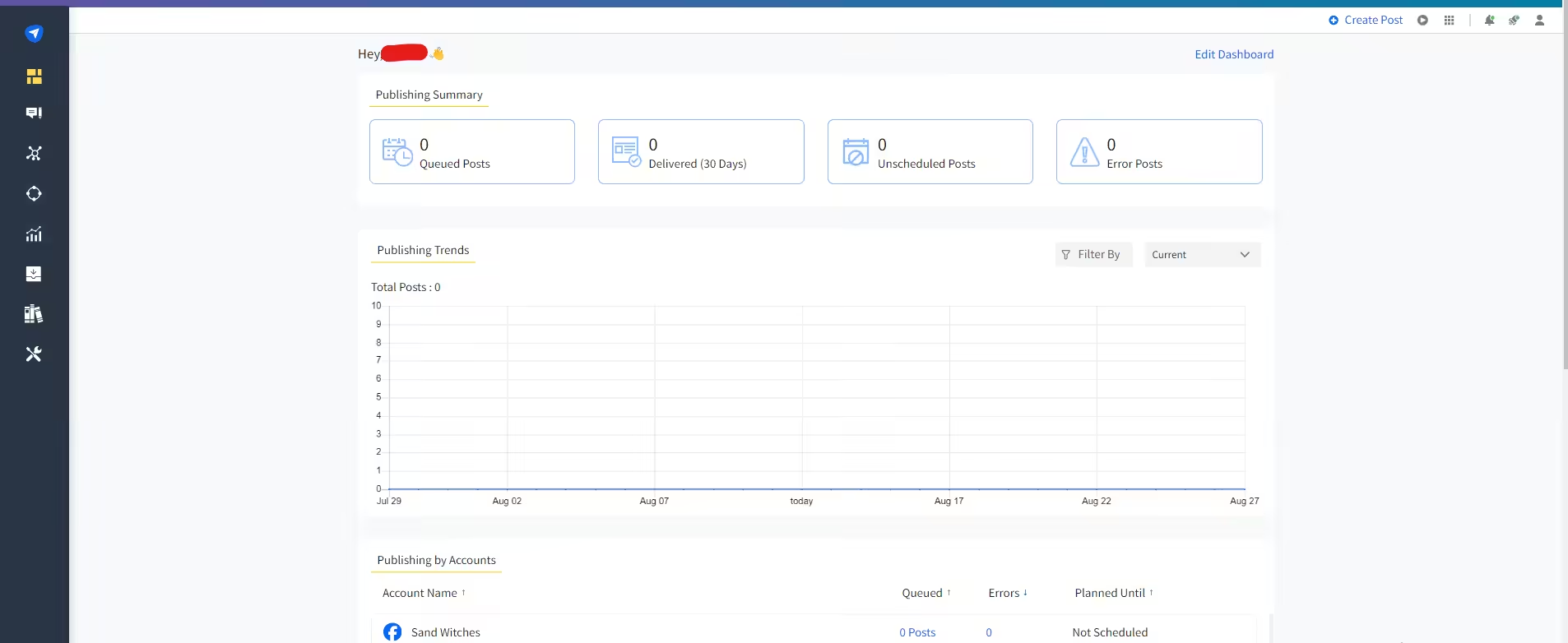
SocialPilot’s Dashboard Supported Platforms: Facebook, Instagram, TikTok, X, LinkedIn, Threads, YouTube, Pinterest, Google Business Profile, and Bluesky
G2 Rating: 4.5/5
Trustpilot Rating: 4.1/5
Moving on, SocialPilot is built for teams that manage multiple clients. It works on the web, on mobile apps, and through browser extensions. You can schedule your posts, send drafts for client approval, and report on results. So if you run an agency, it helps you keep each client’s calendar in one place.
Key Features:
- Scheduling and publishing
- AI Pilot for ideas, captions, and hashtags in several languages
- Client approval on the Premium plan
- Unlimited users on the Ultimate plan
Pricing: SocialPilot doesn’t offer a free plan. Its paid plans start at $25.50 per month.
Main Limitation: AI Pilot doesn’t generate images or videos, so you need a separate creation tool.
-
Sprout Social: Best for Teams That Rely on Social Listening
Best For: Mid-size and large teams that need detailed reporting and listening.
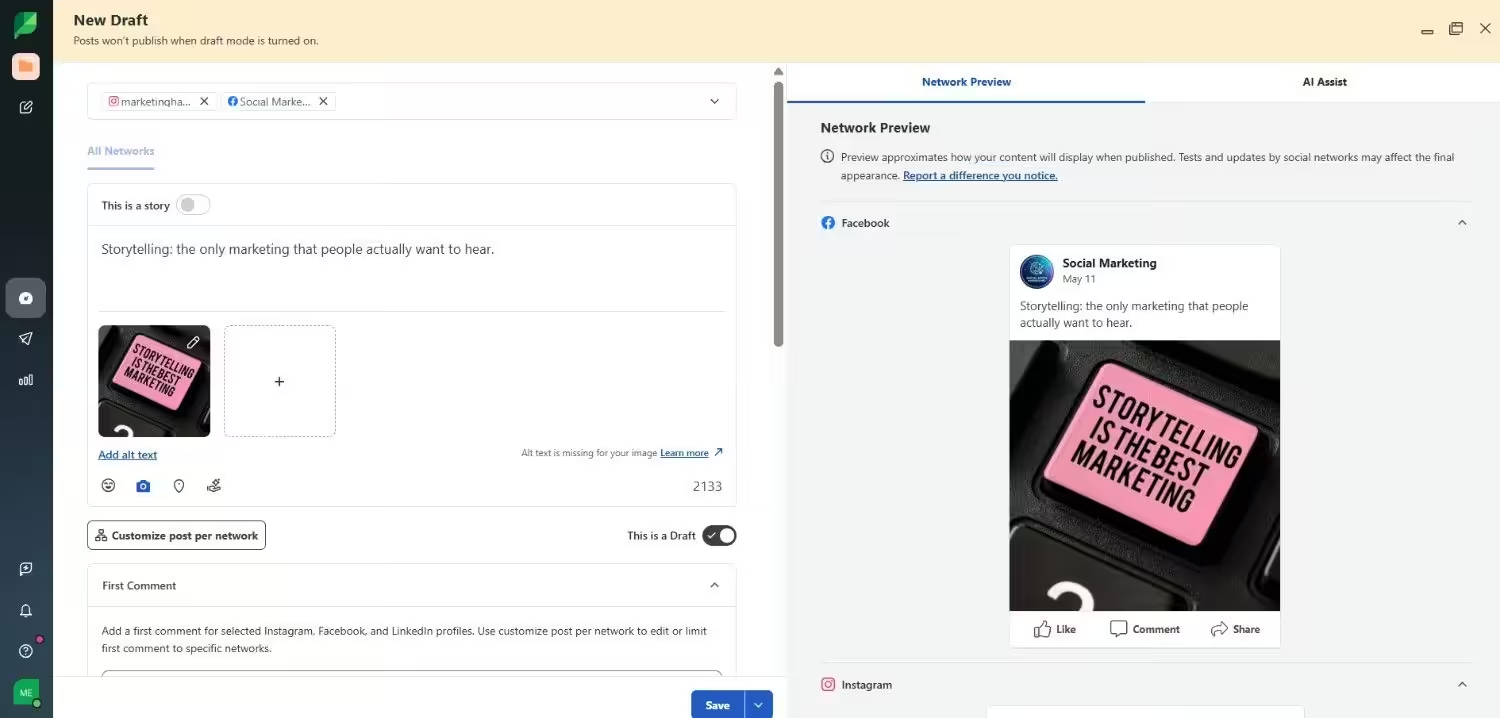
Sprout Social’s Dashboard Supported platforms: Facebook, Instagram, X, LinkedIn, Pinterest, TikTok, YouTube, Threads, Bluesky, WhatsApp, Reddit, Tumblr, and Google Business Profile
G2 Rating: 4.4/5
Trustpilot Rating: 1.8/5
Then there’s Sprout Social, which combines publishing with a smart inbox, detailed reports, and brand monitoring. It’s for teams that want more than just a scheduler. You can track keywords and locations, reply to messages in one place, and build stakeholder reports. That depth suits mid-size teams who need clear reporting.
Key Features:
- Smart Inbox with keyword and location monitoring
- Detailed reports and analytics
- Approval workflows and chatbot integrations on Advanced
- Social listening as a paid add-on
Pricing: You don’t get a free plan at Sprout Social. Its paid plans start at $79 per seat each month. Sprout doesn’t publish the listening price.
Main Limitation: Per-seat pricing and the listening add-on push the total cost up fast.
-
Hootsuite: Best for Large Teams
Best for: Large brands with multiple teams and compliance needs.
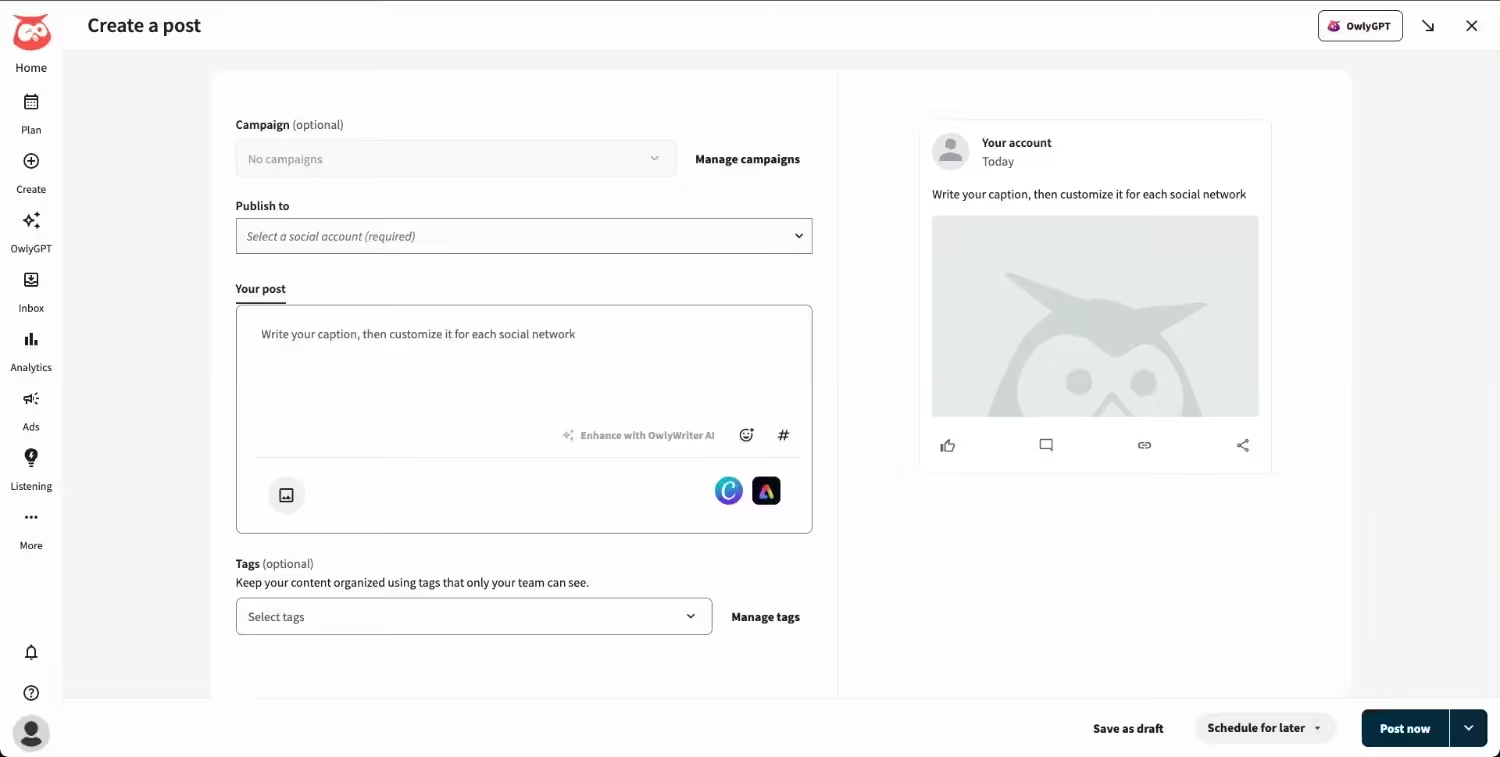
Hootsuite’s Dashboard Supported platforms: Facebook, Instagram, TikTok, LinkedIn, X, YouTube, Pinterest, Threads, WhatsApp, Google Business Profile, and Bluesky.
G2 Rating: 4.3/5
Trustpilot Rating: 1.3/5
Finally, Hootsuite fits large organizations with multiple brands and strict security needs. It manages several accounts from one dashboard. You can schedule your posts across networks, build custom reports, and add security and compliance controls on Enterprise. In short, it suits brands where several teams share one platform.
Key Features:
- Multi-account scheduling and a content calendar
- Customizable performance reports
- Wisdom for AI help
- Security, compliance, and dedicated support on Enterprise
Pricing: Hootsuite doesn’t offer a free plan, and paid plans are priced per user starting at $99 per month. Enterprise needs a custom quote.
Main Limitation: Costs rise with each user, and Enterprise requires a custom quote.
How to Choose the Best One
In my opinion, start with your biggest pain point. If you post alone, pick a simple scheduler. If you post alone, pick a simple scheduler. If you answer to clients, pick strong approvals. And if you track brand mentions, pick listening first. Then, before you commit, check the price per profile or seat.
That’s the scheduling side covered. But you still need something worth posting. So next, let’s cover the best tools for content creation.
Don't Let Good Content Wait
5 Best Tools for Content Creation, Organized by Job
Here, I’ve a question for you. Which job eats most of your week? Writing, design, short video, or converting long videos into clips?
I’ve listed the tools below to help with this. These are the best tools for content creation, and you probably know every name already. Each one gets a best for, main limitation, and hands-off line, so you see exactly where it fits.
| Job | Tool | Best for | Starting price |
|---|---|---|---|
| Writing | ChatGPT | Captions and outlines | Free plan; paid from $8 |
| Design | Canva | Branded posts and templates | Free plan; Pro $18 |
| Design | Adobe Express | Adobe users and brand kits | Free plan; Premium varies |
| Short video | CapCut | Reels, TikToks, and Shorts | Free plan; paid near $19.99 |
| Repurposing | Descript | Long videos into clips | Free plan; paid from $24 |
-
ChatGPT: Best for Writing
Best For: Captions, outlines, and rewriting one idea for many platforms.
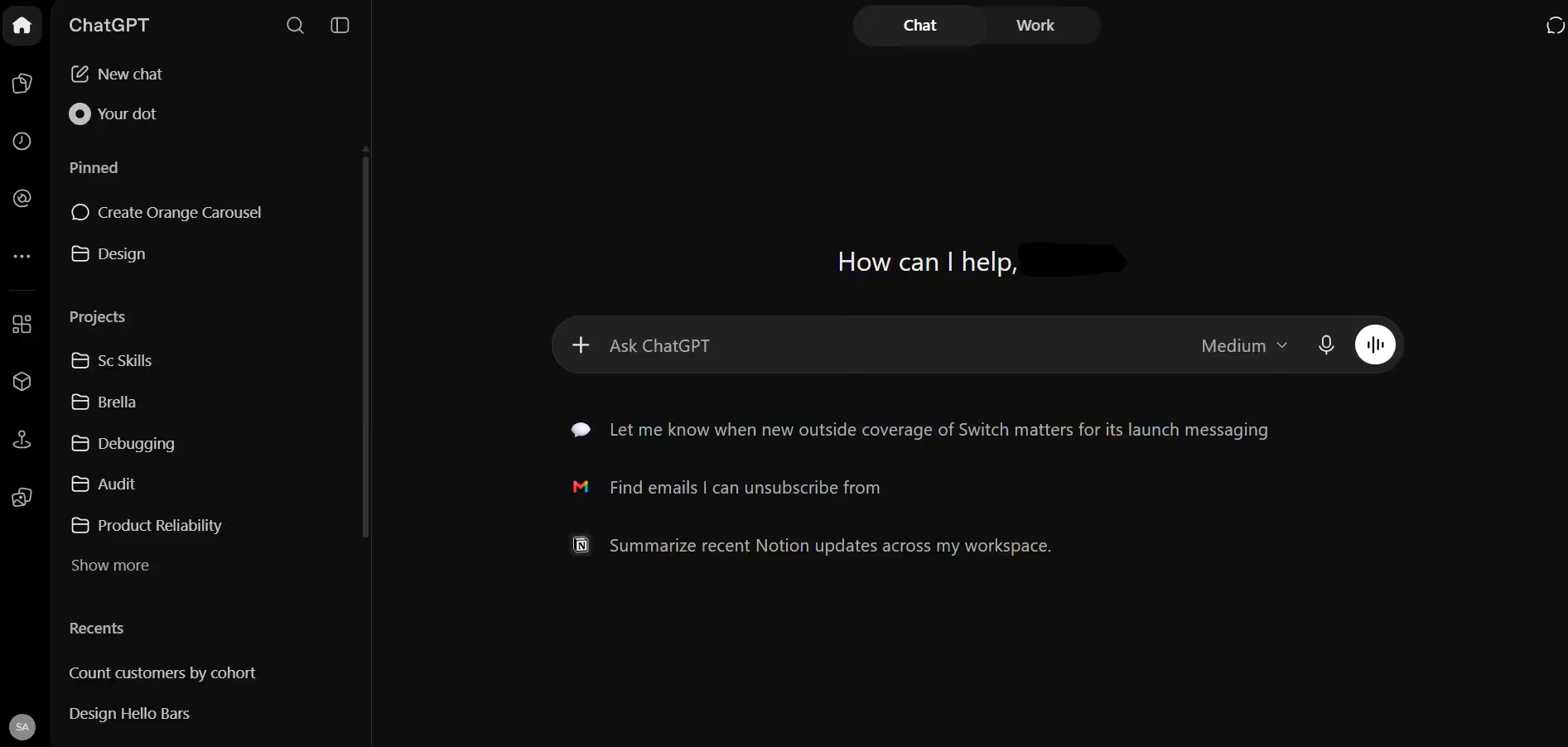
ChatGPT’s Dashboard First, the blank page is the problem. ChatGPT helps you draft captions, outline posts, and rewrite one idea for five different platforms. You can treat its output as a first draft, then edit it so the voice stays yours. Better prompts also give better drafts, so these ChatGPT tips are worth a quick read.
Key Features:
- Caption and post drafts from a short prompt
- Rewrites that match each platform’s tone and length
- Outlines, hooks, and topic ideas
- Content calendar drafts
Pricing: A free plan is available. Its paid plans start at $8 per month.
Main Limitation: You must fact-check and edit the output because sometimes the information may be outdated.
Hands off to: Canva for visuals, then your scheduler.
-
Canva: Best for Design
Best for: Branded posts, carousels, and quick templates, especially if you’re not a designer.
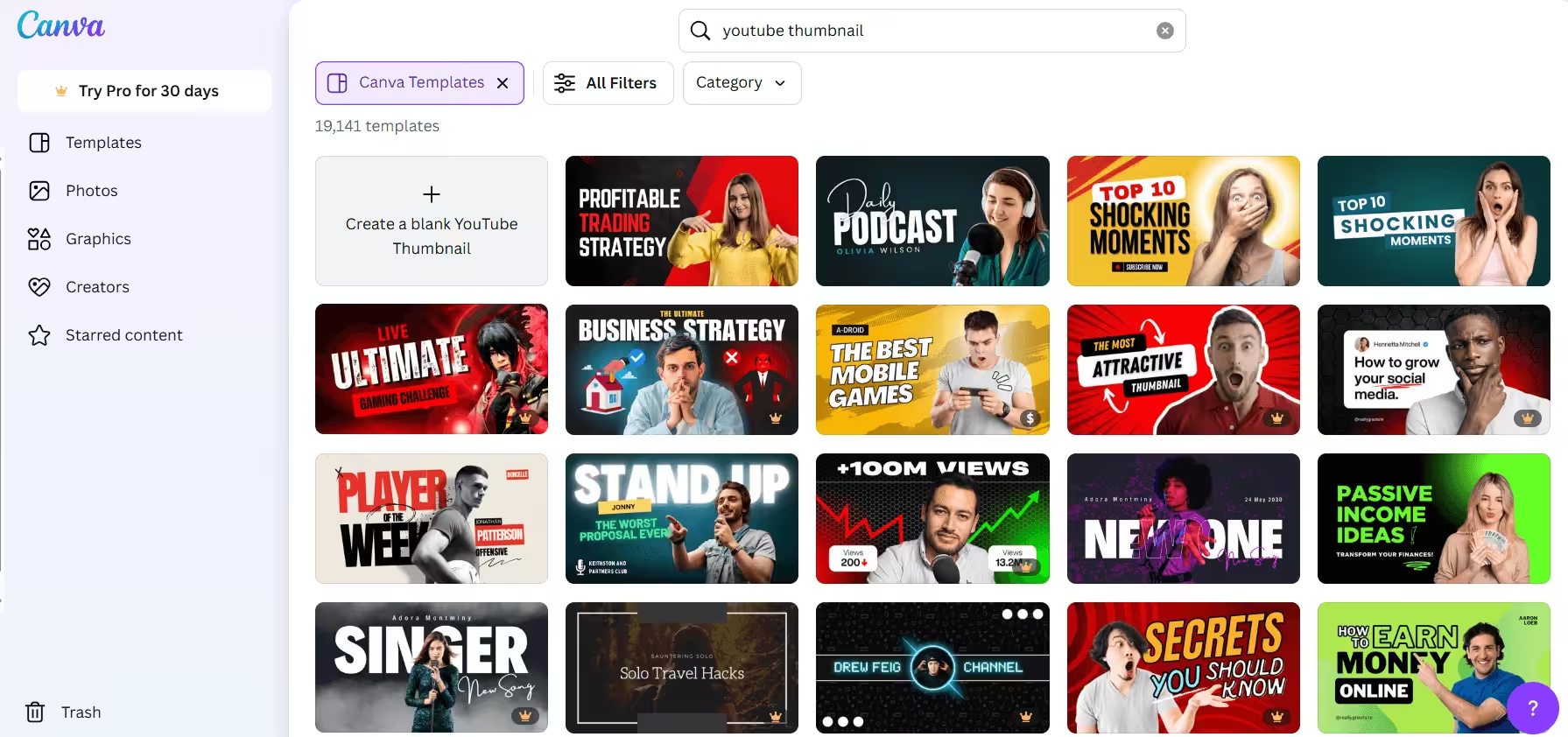
Canva’s Dashboard Next comes design. Canva is a tool that most people open first. You choose templates, add your brand colors, and within a few minutes your post is ready. You also get the Content Planner in its higher-tier plans so you can schedule from the same screen.
Key Features:
- Templates for social posts, carousels, and presentations
- Magic Resize for every network
- Background remover
- Brand kit
- Content Planner that schedules to 8 platforms on Pro
Pricing: A free plan is available. Pro costs $18 per month, or $144 per year.
Main Limitation: Scheduling, Magic Resize, and brand kits need a paid plan.
Hands off to: Social Champ through the Canva integration.
-
Adobe Express: Best for Adobe Users
Best For: Teams that already use Adobe tools and want brand kits.
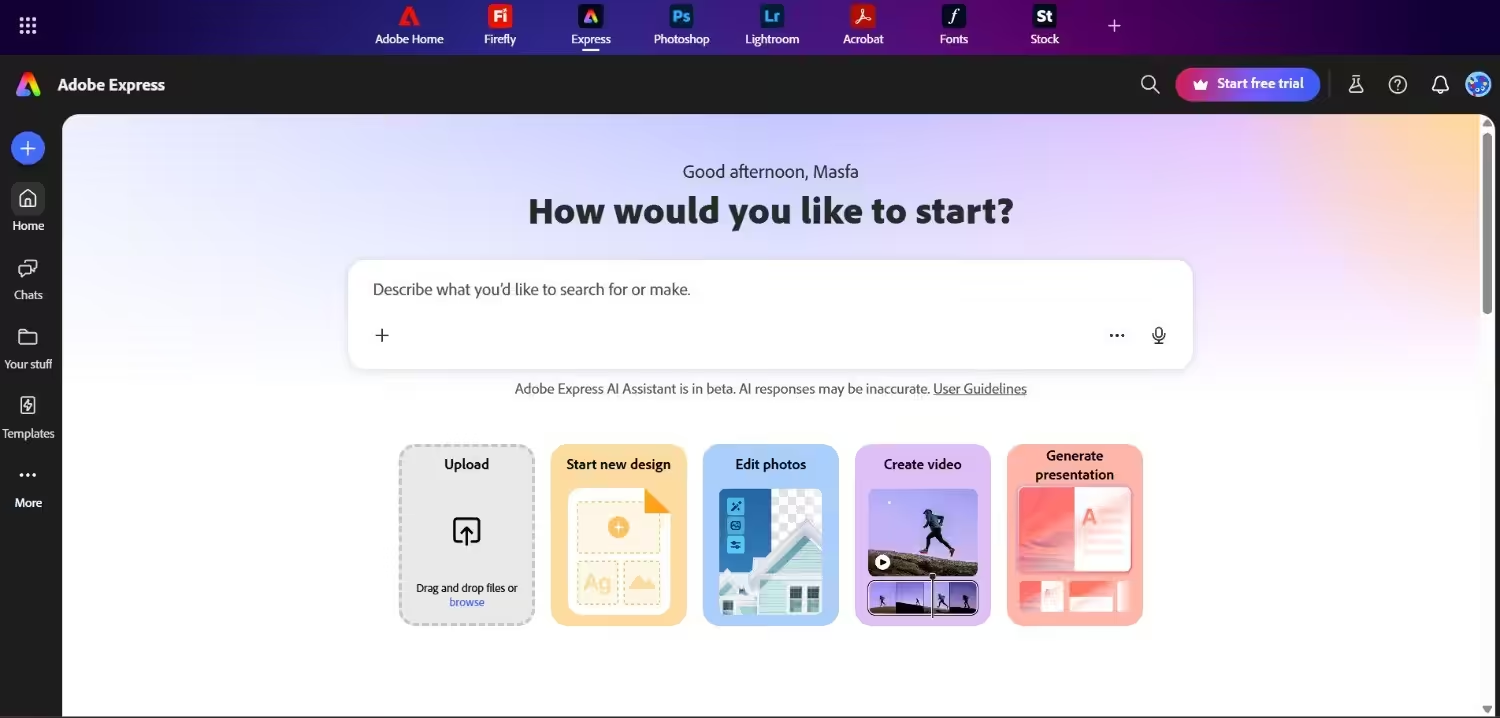
Adobe Express’s Dashboard If you already work in Adobe, Adobe Express is your other design option. You get templates, fonts, stock assets, and Firefly AI, all in one place. It also lets you schedule posts so you can plan your content without leaving the app.
Key Features:
- Premium templates for static and video posts
- 30,000 plus Adobe Fonts
- 200 million plus Adobe Stock assets on Premium
- 250 generative AI credits each month on Premium
- Content scheduler for 1 account per network on Free and 3 on Premium
Pricing: A free plan is available. Premium pricing varies by region, so you can check its pricing page for detailed pricing.
Main Limitation: Brand kits, Premium templates, and the full stock library sit behind Premium.
Hands off to: Its own scheduler, or your management platform.
-
CapCut: Best for Short Video
Best for: Short vertical videos built from templates, captions, and effects.
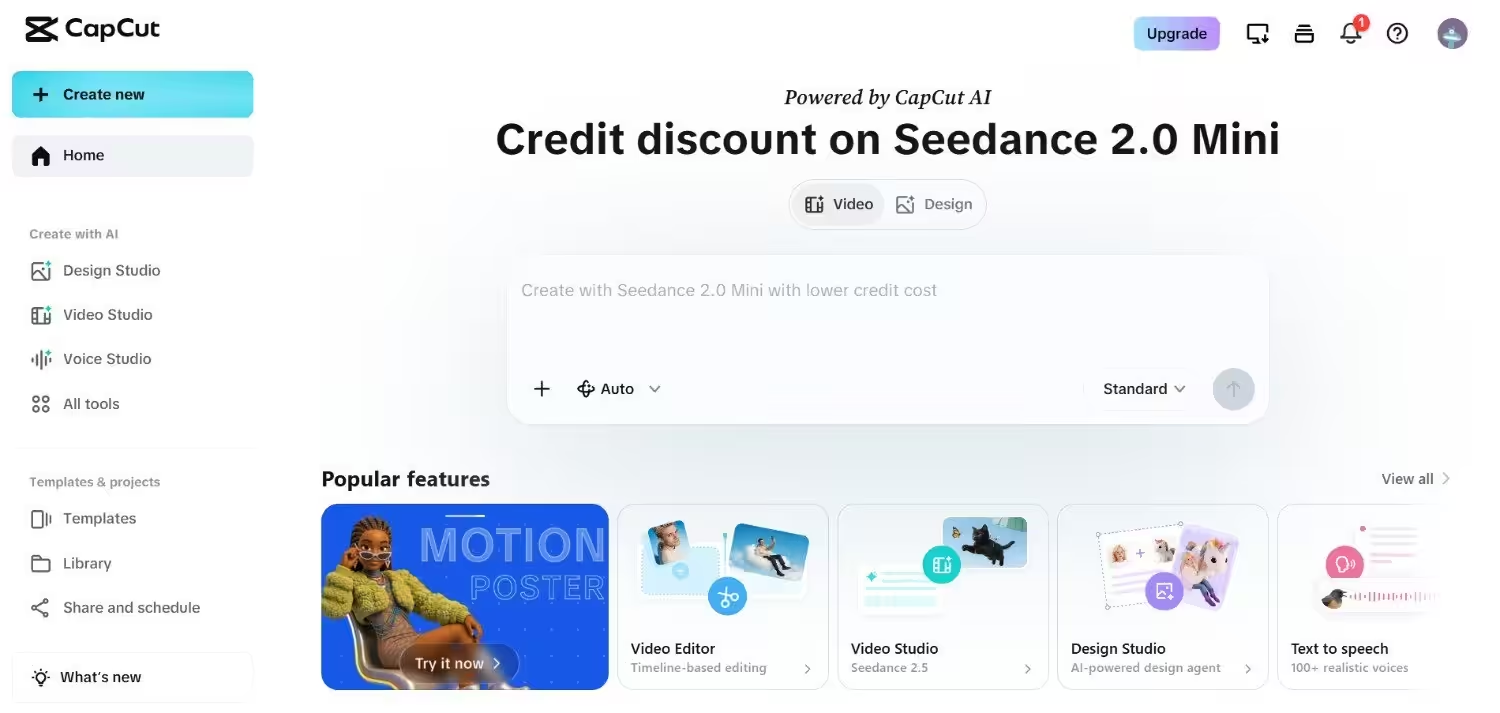
CapCut’s Dashboard Now for video. CapCut is a popular editing tool for Reels, TikToks, and Shorts. ByteDance, the company behind TikTok, makes it. Short clips also perform well across networks, so our list of video marketing tools can help you build a fuller toolkit.
Key Features:
- Large template library for short videos
- Captions, effects, and transitions
- AI editing tools
- 4K export on Pro
- Web, desktop, and mobile versions
Pricing: A free plan is available. Paid plans start near $19.99 per month, and prices vary by region.
Main Limitation: Plans and features change often, and Pro templates export with a watermark on the free plan.
Hands off to: TikTok and YouTube, or your scheduler.
-
Descript: Best for Repurposing Long Content
Best for: Turning webinars, podcasts, and long videos into short clips.
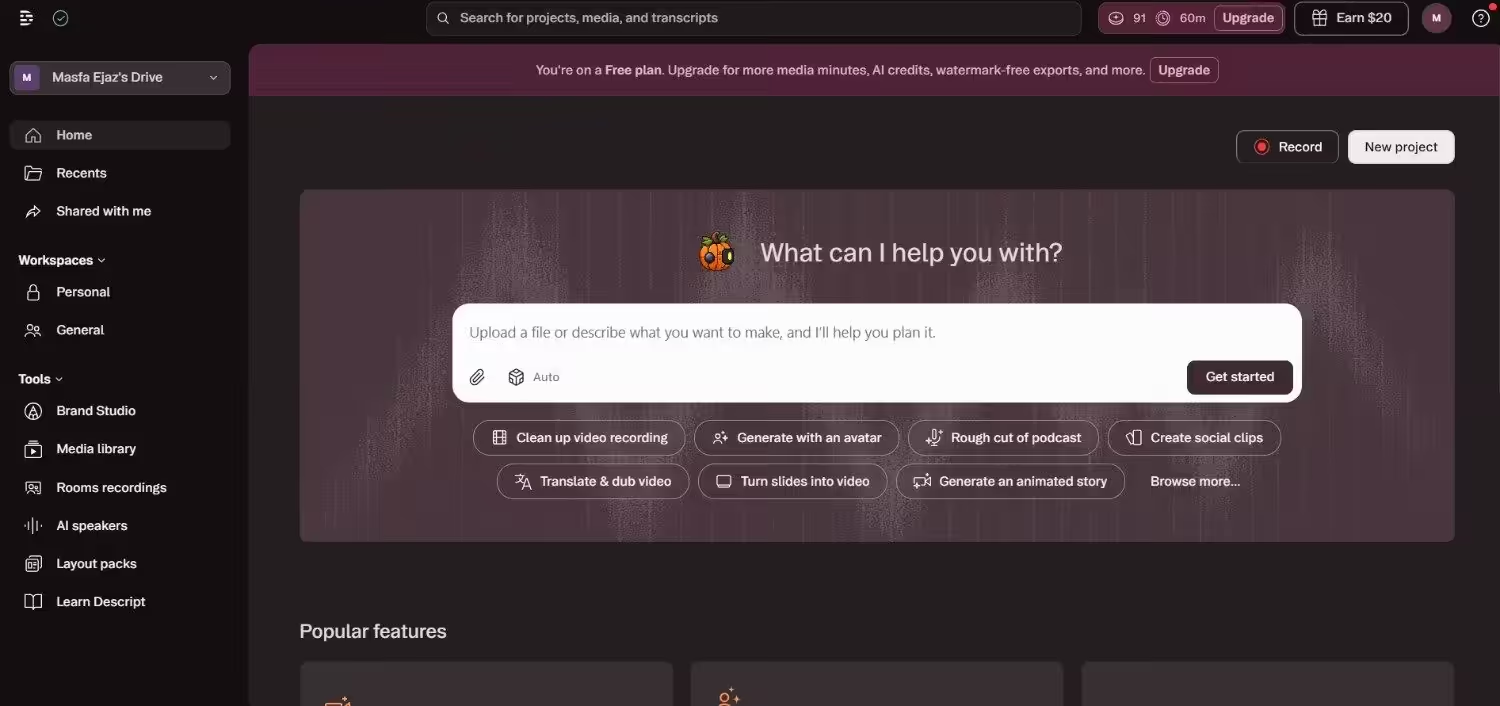
Descript’s Dashboard Finally, you probably have a webinar, podcast, or long video sitting in a folder. Descript turns it into a transcript that you edit like a document. Delete a sentence, and the video cuts with it. That means one long recording can become a week of short posts.
Key Features:
- Text-based video and audio editing
- Underlord, its AI editing assistant
- Automatic clip creation
- Filler word removal
- Studio Sound for cleaner audio
Pricing: A free plan is available. Its paid plans start at $24 per person each month on annual billing.
Main Limitation: AI features use credits, and each plan caps your monthly media hours.
Hands off to: CapCut for final effects, then your scheduler.
That covers writing, design, video, and repurposing. Together, these are the best tools for content creation and social media management on the creation side. But a tool only helps you when it connects to where you publish. So next, I’ll show you which of these tools plug into which platforms.
Featured Article: AI-Powered Content Creation
Integration Matrix: Which Creation Tools Plug Into Which Management Platforms
Here’s where things get real. You can pick the best tools for content creation and still lose hours if they don’t connect. You download a file, rename it, upload it again, and hope the format works. That gets old fast.
So I checked each platform’s official integration page to see which creation tools plug in directly. Think of it as a cheat sheet before you pick a stack from the best tools for social media management above.
| Platform | ChatGPT | Canva | Adobe Express | CapCut | Descript |
|---|---|---|---|---|---|
| Social Champ | Yes | Yes | Not listed | Not listed | Not listed |
| Buffer | Yes | Yes | Not listed | Not listed | Yes |
| SocialPilot | Yes | Yes | Not listed | Not listed | Not listed |
| Sprout Social | Yes | Yes | Yes | Not listed | Not listed |
| Hootsuite | Yes | Yes | Yes | Not listed | Not listed |
What the Grid Shows
First, Canva connects to all five platforms. That makes it the safest design pick if you haven’t chosen a scheduler yet. Each platform handles it a little differently:
- Social Champ: You design in Canva inside the content dashboard and schedule from there.
- Sprout Social: You send finished designs to Sprout as draft posts.
- Hootsuite: You open Canva from the composer, then schedule your post in the calendar.
Next, Adobe Express now has official matches with both Hootsuite and Sprout Social. You can create images and videos in Adobe Express inside the Hootsuite composer, or use the official Sprout Social Add-on in Adobe Express to push finished designs straight to Sprout’s publishing calendar as drafts. That makes either platform a natural fit if your team already works in Adobe.
Then there’s ChatGPT, which connects in different ways:
- Buffer: You can manage your content queue and drafts directly using Buffer’s MCP server integration.
- SocialPilot: It offers a custom GPT for scheduling.
- Sprout Social: It connects ChatGPT to your performance data, but only for TikTok published insights right now.
- Social Champ: It lists ChatGPT on its integrations page.
Finally, Descript now officially integrates with Buffer, allowing creators to push edited video assets straight into their Buffer scheduling pipeline. CapCut remains the only creative tool that doesn’t have an official integration with any of these five dashboards. For CapCut, you must export the file manually and upload it to your scheduler, which simply adds one extra step.
How to Read the Gaps
A “Not listed” cell doesn’t mean you can’t use the tool. It means I found no official integration, so you export and upload. If you want a fuller view of the stack around these tools, our guides to social media content management tools and digital marketing tools are a good next stop.
I checked these pages: Social Champ, Buffer, SocialPilot, Sprout Social, and Hootsuite. Integrations change, so confirm on each page before you decide.
Now you know how the pieces fit. So let’s wrap up with a simple way to choose.
Connect Creation With Publishing
Conclusion
So here’s the bottom line. The best tools for content creation and social media management only help when they connect.
Do you remember my lost Reel? A connected stack would have saved it.
Start with your biggest pain point. If you need design, pick Canva. If you need clips, try Descript or CapCut. Then choose a scheduler that plugs into them, like Social Champ for small teams or Hootsuite for large ones.
Good social media content management also needs a simple routine. So test one stack for a week, fix what slows you down, and keep what works.