If you’ve spent any time managing a brand lately, you already know the struggle: one minute you’re tweaking logo guidelines, and the next you’re drowning in a sea of campaign assets, client approvals, and social media schedules.
Trust me, I’ve been there, and trying to pull it all off manually is a fast track to burnout.
That’s why finding the right brand management software isn’t just an option anymore; it’s a total survival strategy. The right automation tool acts as your brand’s central nervous system, helping you organize assets, protect your visual identity, and keep your entire team on the exact same page.
Here is my hand-picked list of the 10 best brand management software platforms to streamline your workflow this year.
Short Summary
- Brand management software provides a centralized system to organize digital assets, maintain visual and messaging standards, and monitor market reputation across all channels.
- Choosing the right platform depends on ease of use, AI capabilities, collaboration tools, Digital Asset Management (DAM), analytics, integrations, scalability, pricing, and customer support.
- High-performing tools require robust DAM libraries, multi-channel publishing, approval workflows, dynamic web-based brand guidelines, AI automation, and real-time social listening for crisis management.
- Businesses must match software capabilities to their specific team size, primary goals, existing tech stack integrations, and growth potential to ensure high adoption and ROI.
- Modern brand platforms are shifting toward AI-powered tone and governance guardrails, dynamic asset locking, predictive performance analytics, and automated multi-step review workflows.
How We Chose the Best Brand Management Software
Choosing the right tools for a roundup list isn’t something I take lightly. With hundreds of platforms out there promising to “revolutionize” your workflow, it’s way too easy to fall for fancy landing pages only to end up with software nobody actually uses.
To build this list, I put myself in your shoes and looked at these platforms through a very practical lens: Does this actually make a brand manager’s daily life easier, or is it just extra bloat?
Here are the key criteria I evaluated to separate the truly game-changing software from the rest:
-
Ease of Use and Onboarding
No one has weeks to spend deciphering complex manuals or sitting through endless training sessions. I looked for platforms with intuitive interfaces, minimal learning curves, and quick setup times. If a tool feels like solving a Rubik’s Cube just to upload a logo, it didn’t make the cut.
-
Smart AI Capabilities
AI is no longer just a buzzword; it’s an essential assistant. I evaluated how well these tools leverage AI, whether that’s auto-tagging digital assets, generating content variations, optimizing posting schedules, or offering predictive performance insights to save you valuable hours.
-
Collaboration and Workflow Features
Brand management is a team sport. Great software needs to make teamwork effortless, so I focused on platforms offering seamless review cycles, real-time feedback tools, role-based permissions, and clear approval workflows that prevent accidental “off-brand” posts from going live.
-
Digital Asset Management (DAM)
At the heart of every great brand strategy is a clean, organized library. I prioritized tools with robust asset management that make it easy to store, organize, search, and distribute high-res logos, templates, color palettes, and brand guidelines without endless back-and-forth emails.
-
Analytics and Performance Tracking
You can’t refine your brand strategy if you don’t know what’s working. I looked for tools with clear, actionable reporting dashboards that show you audience engagement, asset performance, and channel reach so you can make data-backed decisions.
-
Integrations and Compatibility
Your brand software shouldn’t exist on an island. The top platforms on this list integrate smoothly with the apps you’re already using every day, like Slack, Canva, Adobe Creative Cloud, Google Workspace, and major social media networks.
-
Scalability and Flexibility
A platform that works for you today should still work for you two years from now. I selected tools that can grow alongside your business, whether you’re managing a single brand today or scaling up to handle complex enterprise needs and multi-client agency portfolios tomorrow.
-
Value for Money and Pricing Transparency
Budget matters, period. I looked closely at pricing structures to make sure each platform offers legitimate value for what it charges, paying special attention to scalable tiers, free trials, and transparent pricing without hidden upsell traps.
-
Customer Support and Resources
When tech hiccups happen (and they always do), you need responsive support. I gave extra points to platforms known for top-tier customer service, active user communities, clear documentation, and dedicated account managers.
Featured Article: 10 Best Brand Monitoring Tools
Best Brand Management Software Platforms in 2026
When you’re scaling operations across multiple clients or internal departments, having dedicated marketing agency software to streamline creative delivery and marketing operations software to govern brand compliance becomes essential.
Here are the 10 best dedicated platforms that excel at managing your brand identity, assets, and market perception.
-
Frontify
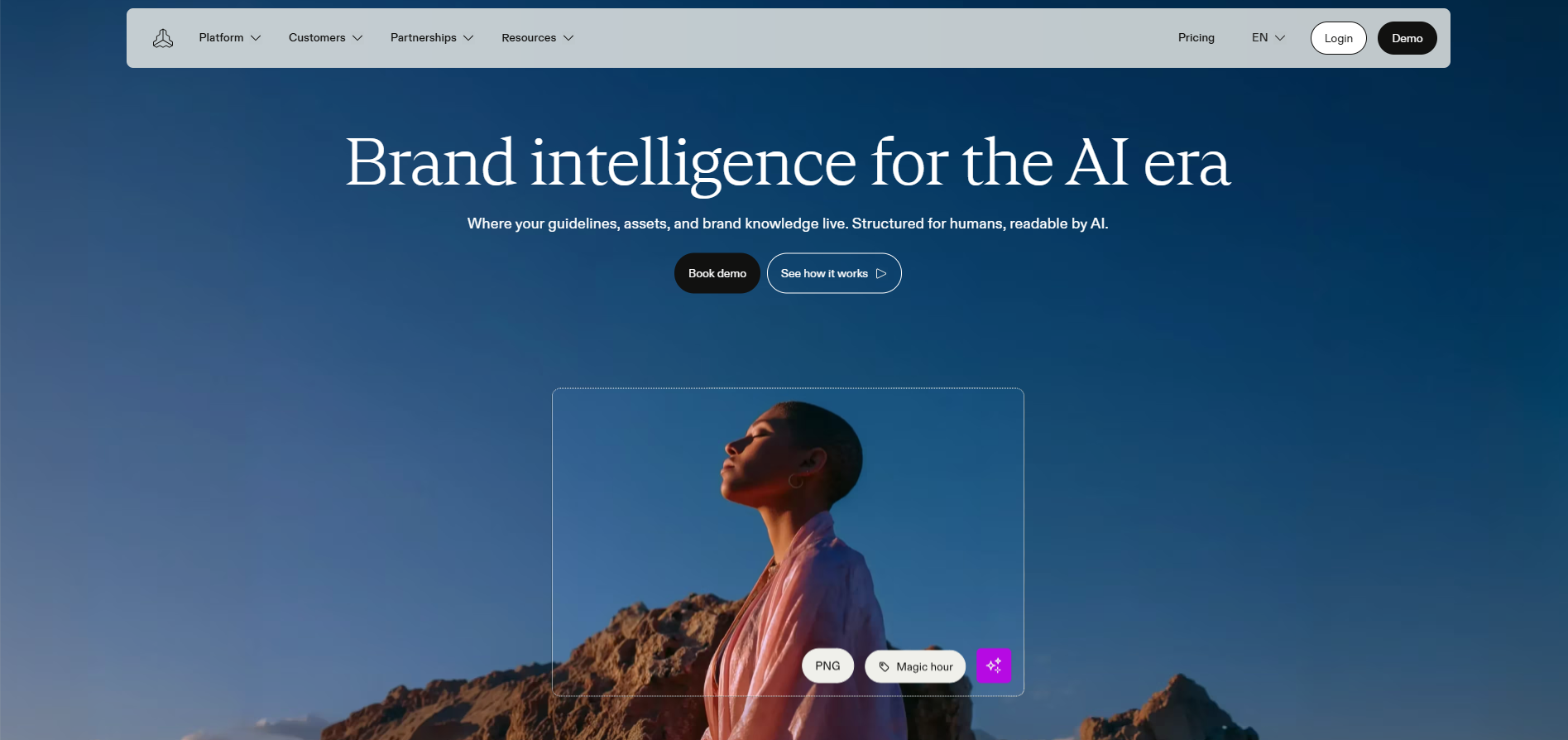
Frontify Homepage Frontify is a design-first platform built to centralize brand portals, guidelines, and visual assets into living, interactive websites.
- Best for: Design-driven companies and teams that want dynamic, web-based brand guidelines instead of static PDFs.
- Standout Features: Interactive web guidelines, centralized digital asset management, in-app design templates, and team review workflows.
- Pros: Clean, modern interface; keeps designers and marketers on the exact same page.
- Cons: Premium price point; takes time and effort to structure your initial brand hub.
- Pricing: Custom quote-based pricing.
- Limitations: No external social media sentiment tracking or media monitoring.
-
Bynder
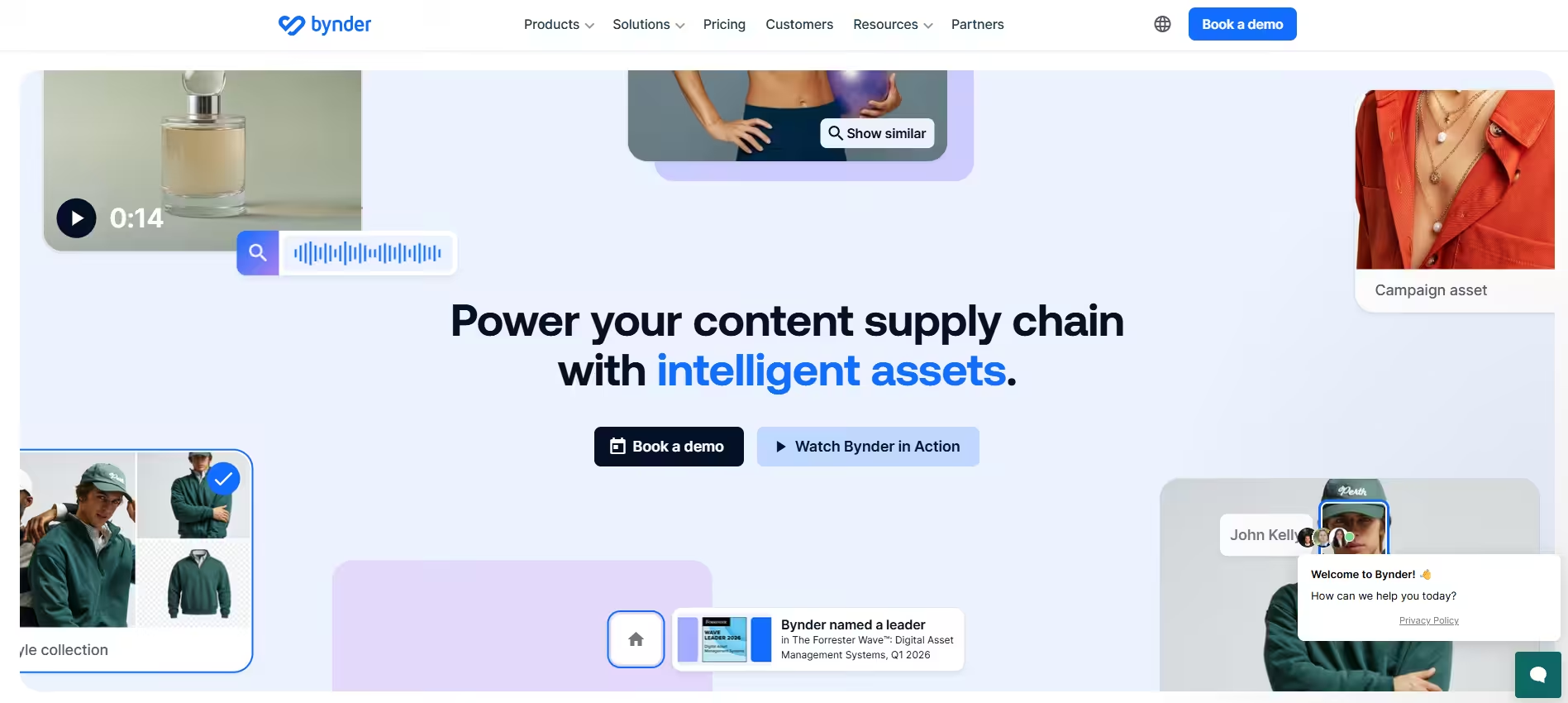
Bynder’s Homepage Bynder is a heavy-duty Digital Asset Management (DAM) system built for high-volume asset distribution, compliance, and automated brand governance.
- Best for: Global enterprises handling massive libraries of photos, videos, and marketing collateral.
- Standout Features: AI auto-tagging, Smart CDN for quick file delivery, templated print/digital generation, and strict user permissions.
- Pros: Powerful search filters; top-tier enterprise security and access controls.
- Cons: Expensive; too complex and overwhelming for smaller, lean teams.
- Pricing: Custom enterprise quotes only.
- Limitations: Requires dedicated onboarding and ongoing admin upkeep.
-
Brandfolder (by Smartsheet)
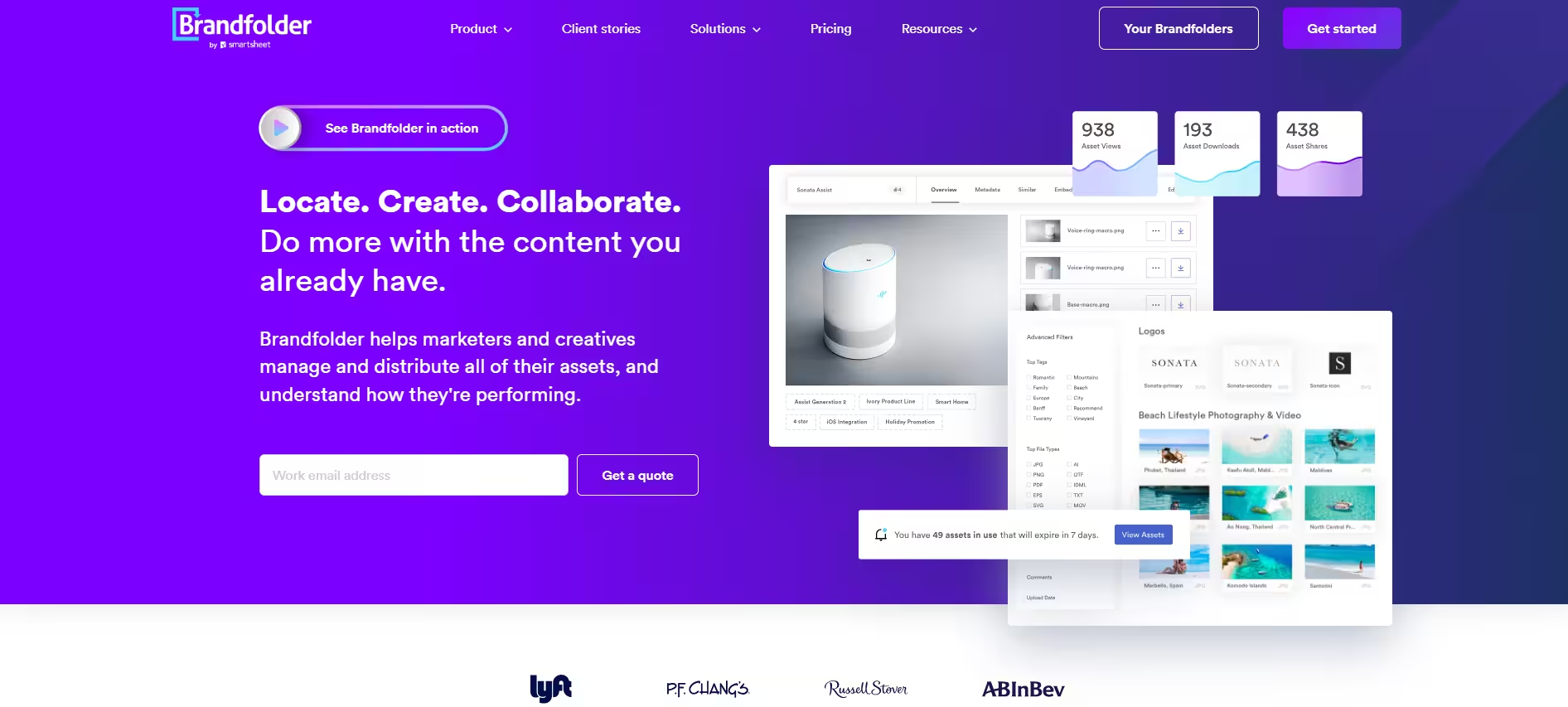
Brandfolder’s Homepage Brandfolder offers clean asset management paired with deep performance analytics, showing you exactly how teams and external partners use your files.
- Best for: Mid-to-large businesses that want clear data on asset downloads and usage.
- Standout Features: Brand Intelligence AI tagging, guest upload links, custom usage tracking, and automatic file conversion/resizing.
- Pros: User-friendly; excellent visibility into which assets deliver real value.
- Cons: Core integrations and advanced metrics are locked behind higher-tier plans.
- Pricing: Custom quote-based pricing.
- Limitations: Doesn’t include built-in project management boards or task-tracking features.
-
Brand24
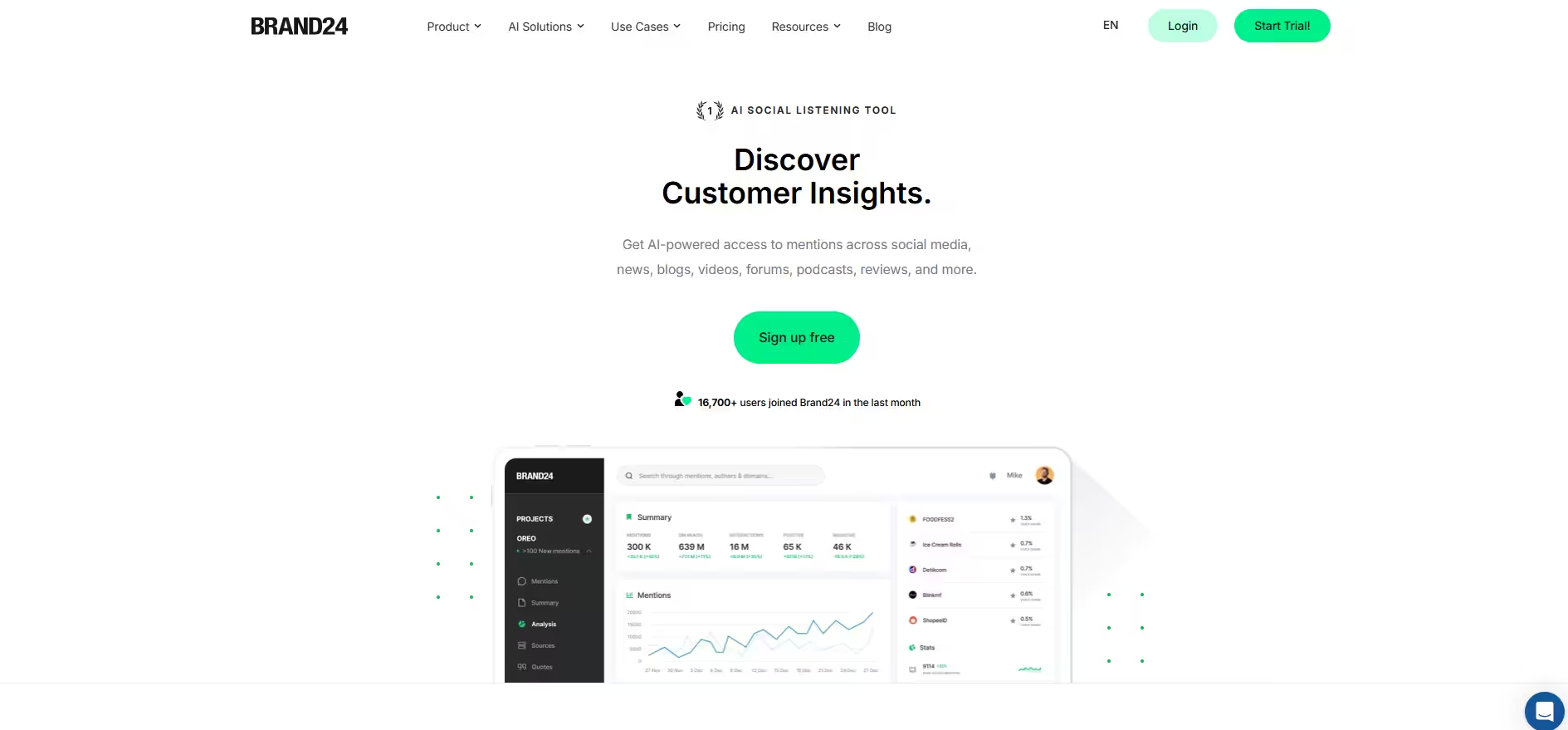
Brand24 Homepage Brand24 focuses on online brand management from a public perception angle, offering real-time web monitoring and sentiment tracking.
- Best for: PR teams, founders, and agencies monitoring public reputation and customer sentiment.
- Standout Features: AI sentiment scoring (positive/negative), PR crisis alerts, and Presence Score benchmarking.
- Pros: Fast setup; tracks mentions across news sites, podcasts, blogs, and social platforms.
- Cons: Can pick up irrelevant mention noise if your search keywords aren’t set up carefully.
- Pricing: Plans start around $79/month.
- Limitations: Does not store or manage your internal brand files, templates, or logos.
-
Marq (formerly Lucidpress)
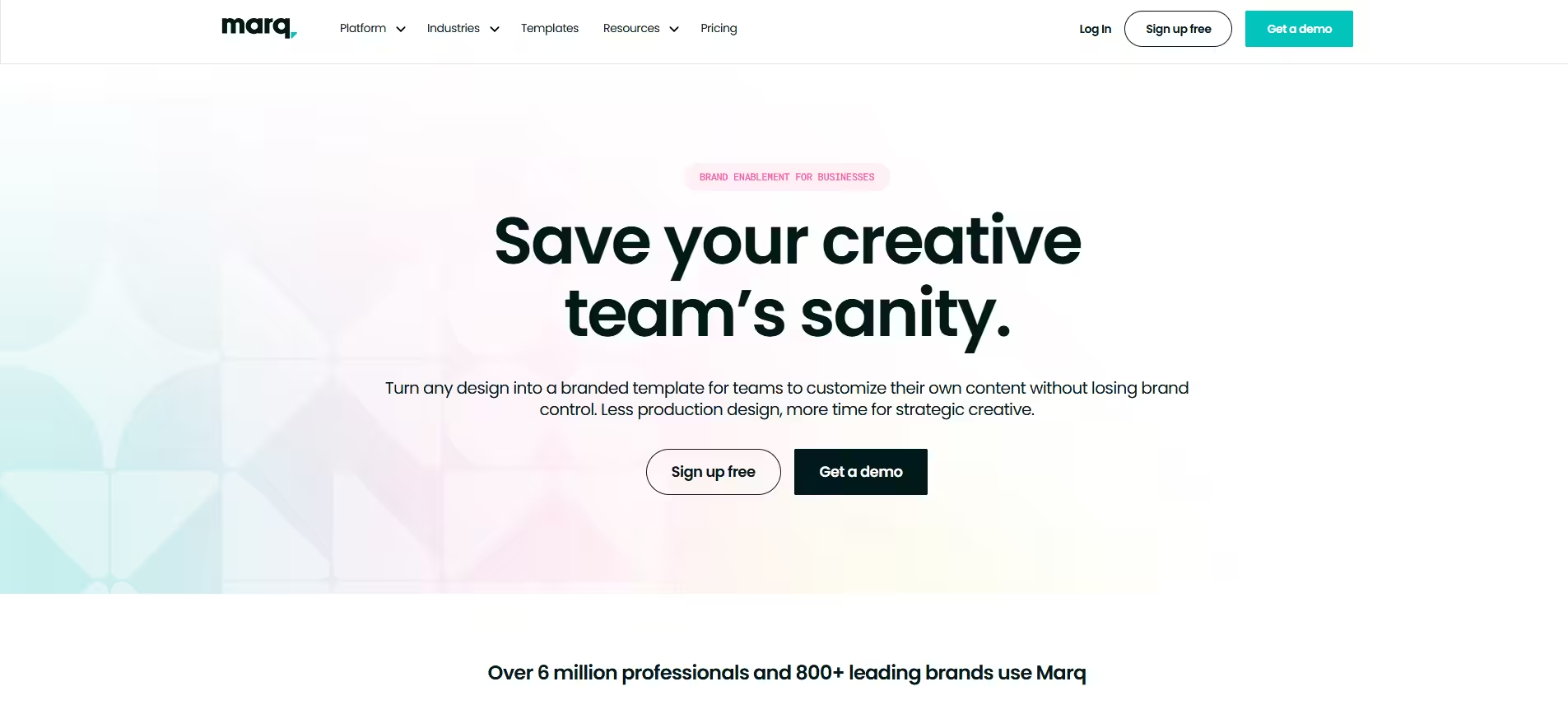
Marq’s Homepage Marq acts as a brand safeguard by locking down template elements so non-designers can customize materials without messing up fonts or logos.
- Best for: Distributed sales teams, real estate agents, and franchises that need self-serve graphics.
- Standout Features: Locked brand templates, direct-mail fulfillment, multi-channel publishing, and team approval flows.
- Pros: Saves designers from endless minor revision requests; easy for non-creatives to use.
- Cons: Lacks advanced vector design tools or video editing.
- Pricing: Free tier available; paid team plans start around $10–$12/user per month.
- Limitations: File storage limits are far lower than dedicated DAM solutions.
-
Attest
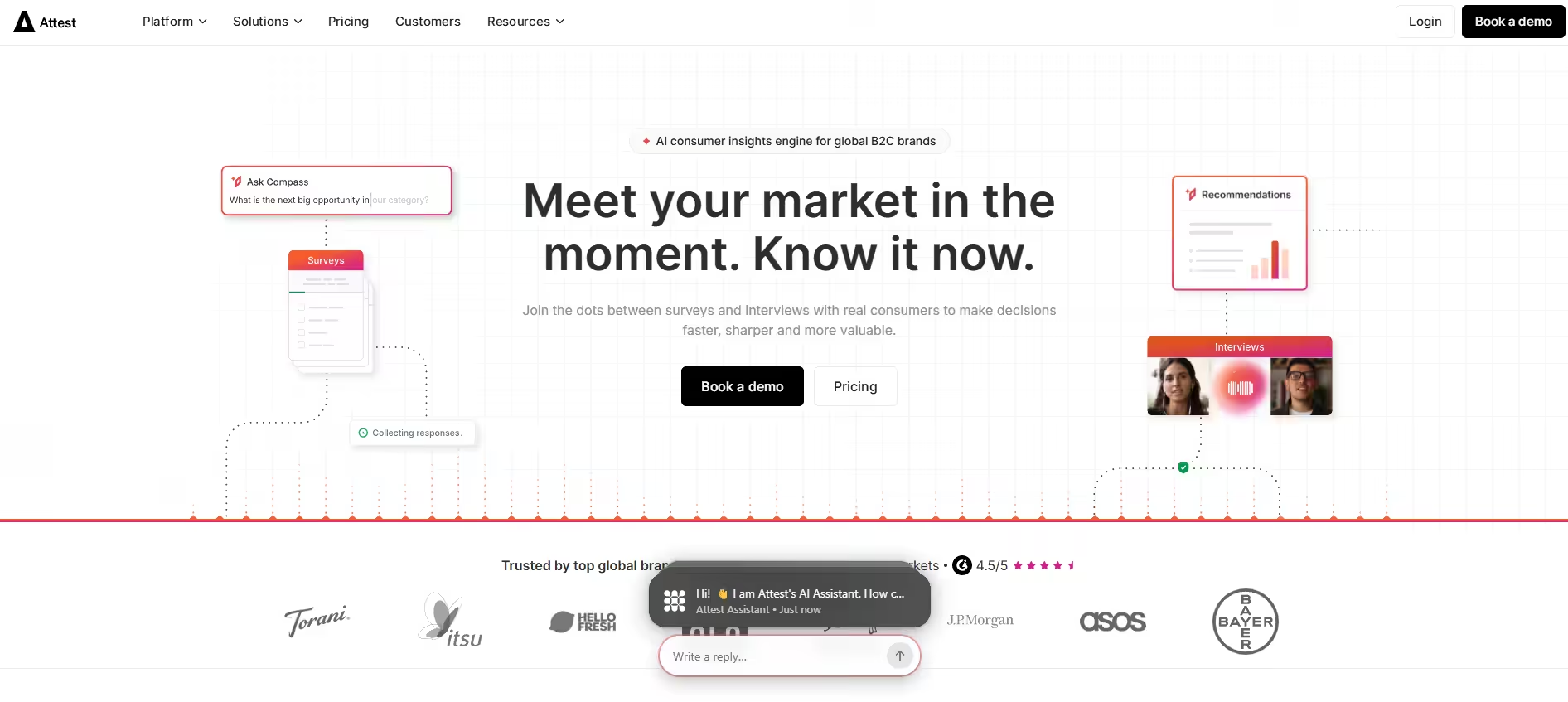
Attest’s Homepage Attest is a consumer research platform built to track brand awareness, market trends, and competitor positioning through targeted audience surveys.
- Best for: Brand strategists who need real-time consumer research to guide positioning.
- Standout Features: Access to global consumer panels, brand tracking survey templates, and audience segmenting.
- Pros: Delivers quick, reliable consumer feedback without hiring an expensive research firm.
- Cons: Enterprise focus makes it out of budget for early-stage startups.
- Pricing: Custom annual pricing based on survey volume.
- Limitations: Strictly a market research tool; does not manage creative assets or workflows.
-
Canto
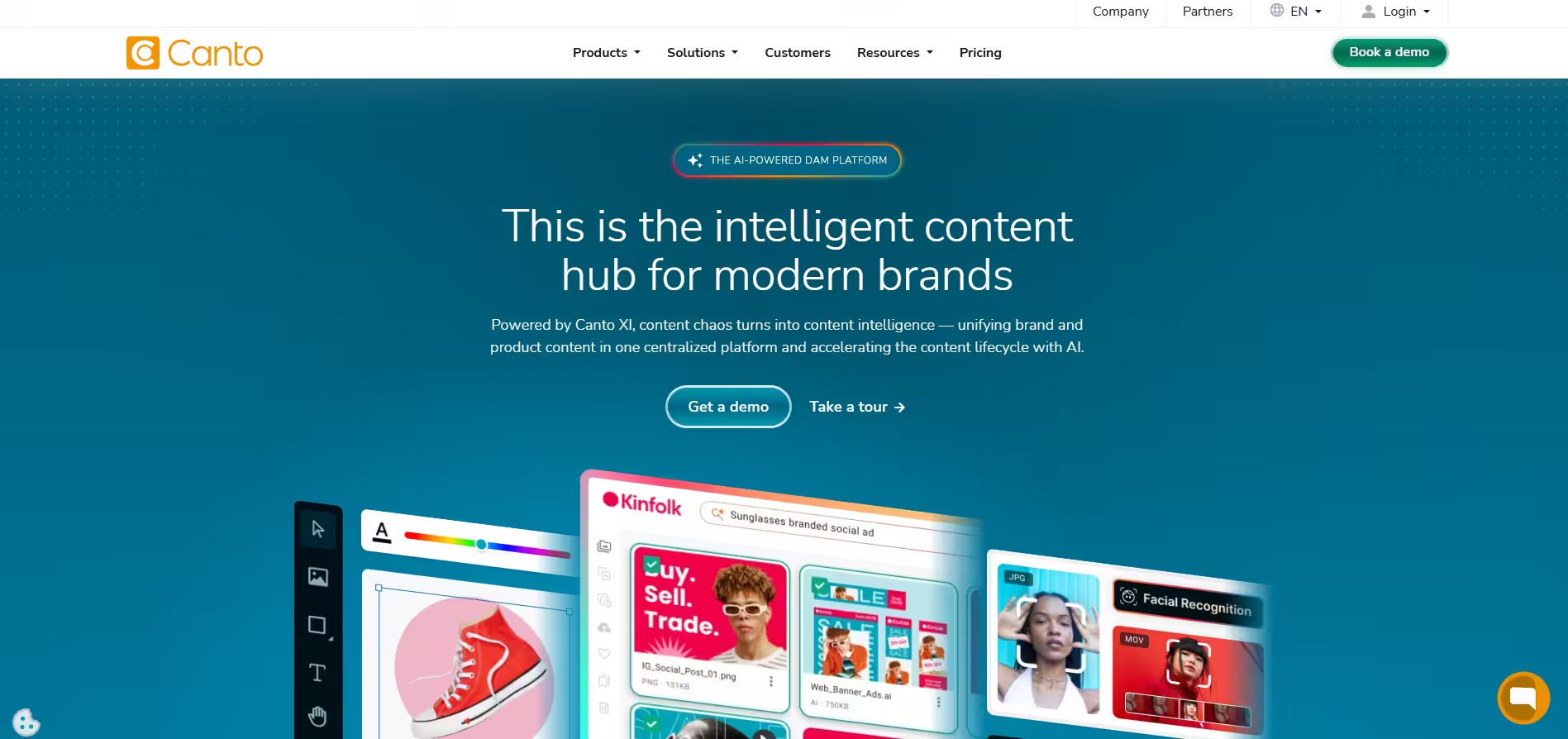
Canto’s Homepage Canto provides a straightforward, visual digital asset management platform that makes storing and finding brand files simple for creative teams.
- Best for: Mid-sized teams that need a clean visual gallery for assets without enterprise bloat.
- Standout Features: Facial recognition tagging, AI visual search, secure partner portals, and content approval flows.
- Pros: Highly visual, clean layout; short learning curve for new users.
- Cons: Advanced features require moving up to custom price tiers.
- Pricing: Custom quote-based pricing.
- Limitations: Workflow features focus on file reviews rather than multi-stage campaign planning.
-
Brandwatch
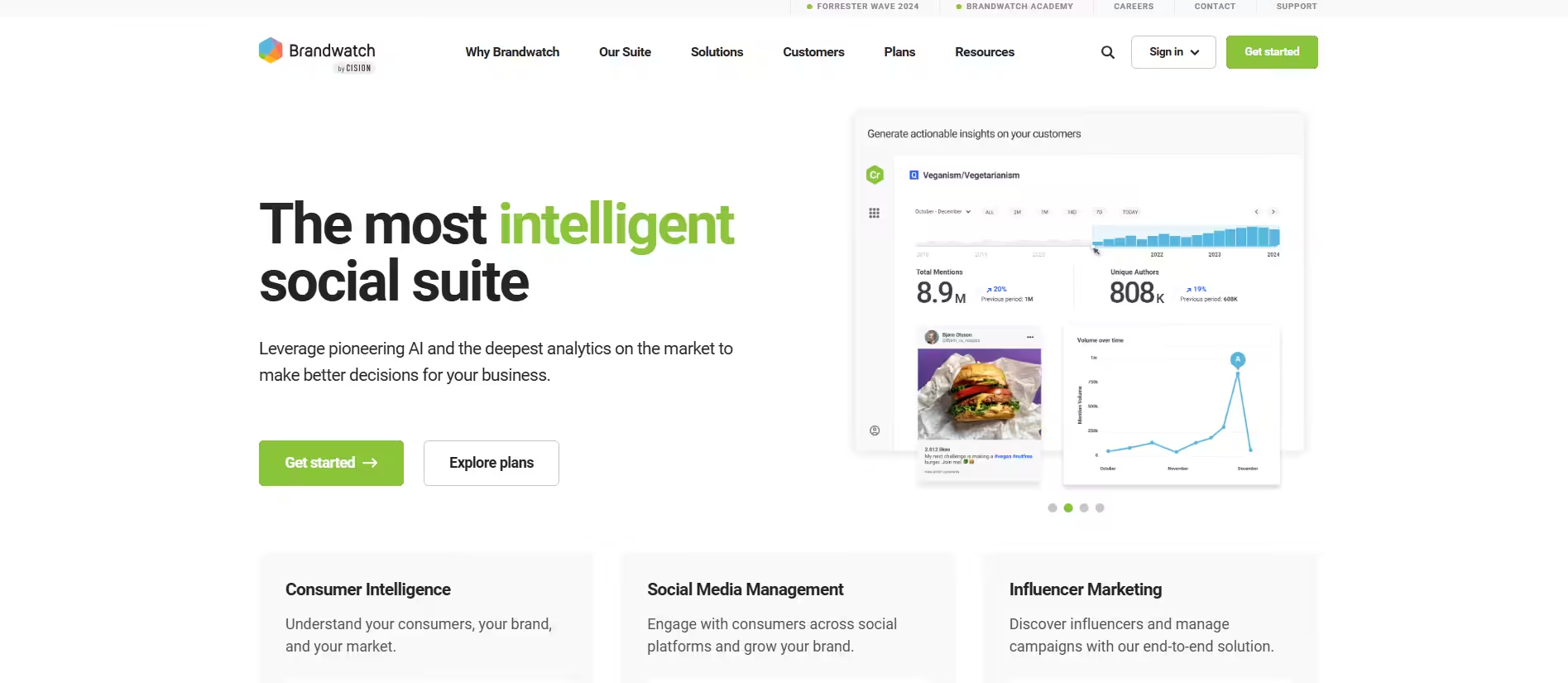
Brandwatch’s Homepage Brandwatch is an enterprise suite built for deep social listening, audience intelligence, and monitoring long-term market trends.
- Best for: Enterprise marketing teams and PR agencies tracking large-scale industry trends and conversations.
- Standout Features: Deep AI social listening, historical trend analysis, demographic breakdown, and competitor metrics.
- Pros: Unmatched depth of conversation data and historical archives.
- Cons: High cost and steep learning curve for non-analysts.
- Pricing: Enterprise-level custom quotes.
- Limitations: Does not offer asset storage or brand guideline hosting.
-
monday.com (Creative and Marketing Workflows)
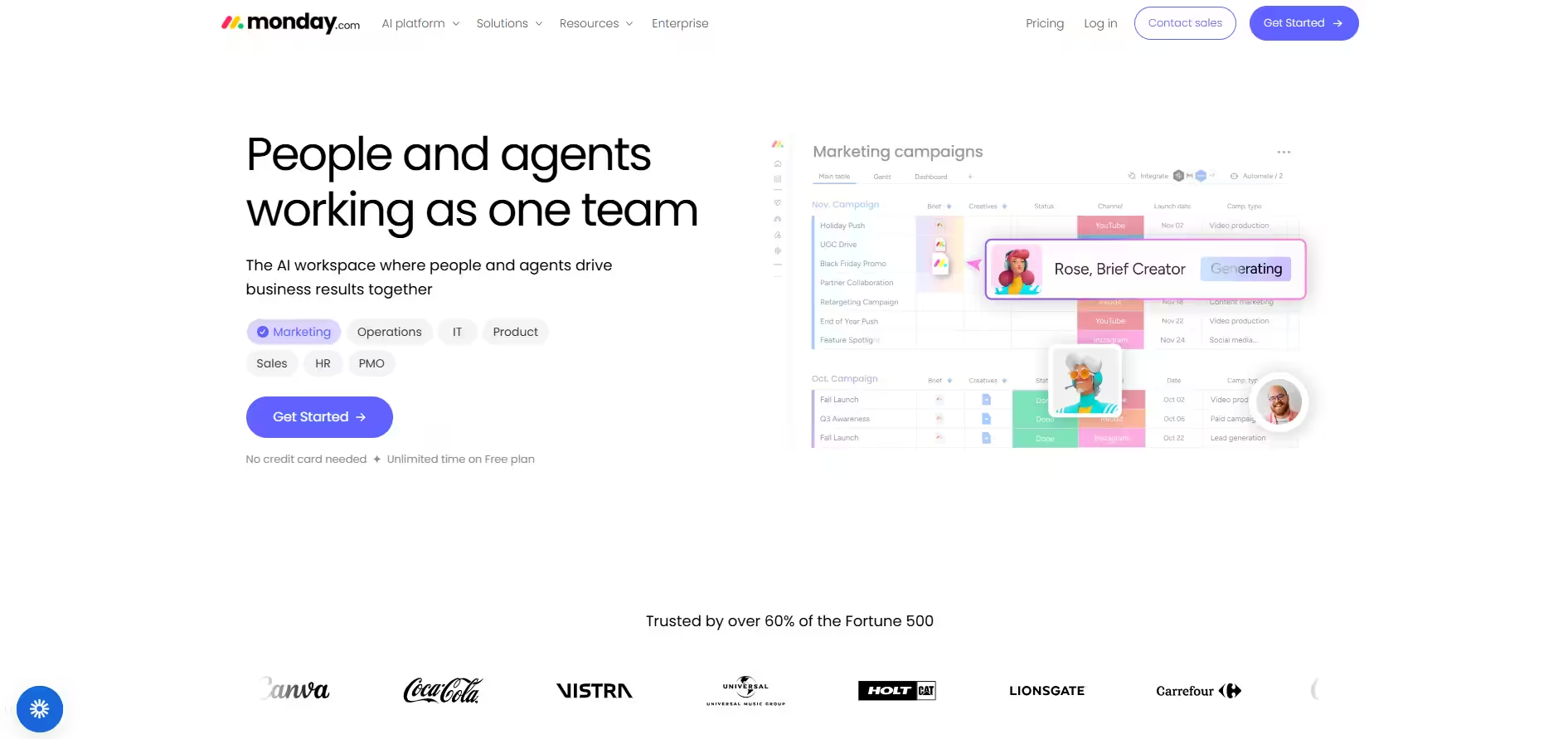
monday.com Homepage monday.com’s creative operations setup serves as a central hub for producing campaigns, gathering approvals, and managing brand requests.
- Best for: Operations leads and creative teams managing multi-step campaign launches.
- Standout Features: Visual campaign boards, proofing and annotation tools, workflow automations, and workload management.
- Pros: Extremely customizable; keeps briefs, review comments, and deadlines in one place.
- Cons: Takes setup time to design the ideal workflow structure.
- Pricing: Standard tiers start around $9–$12/user per month.
- Limitations: Needs to be paired with cloud storage or a DAM for long-term high-res file archiving.
-
CisionOne
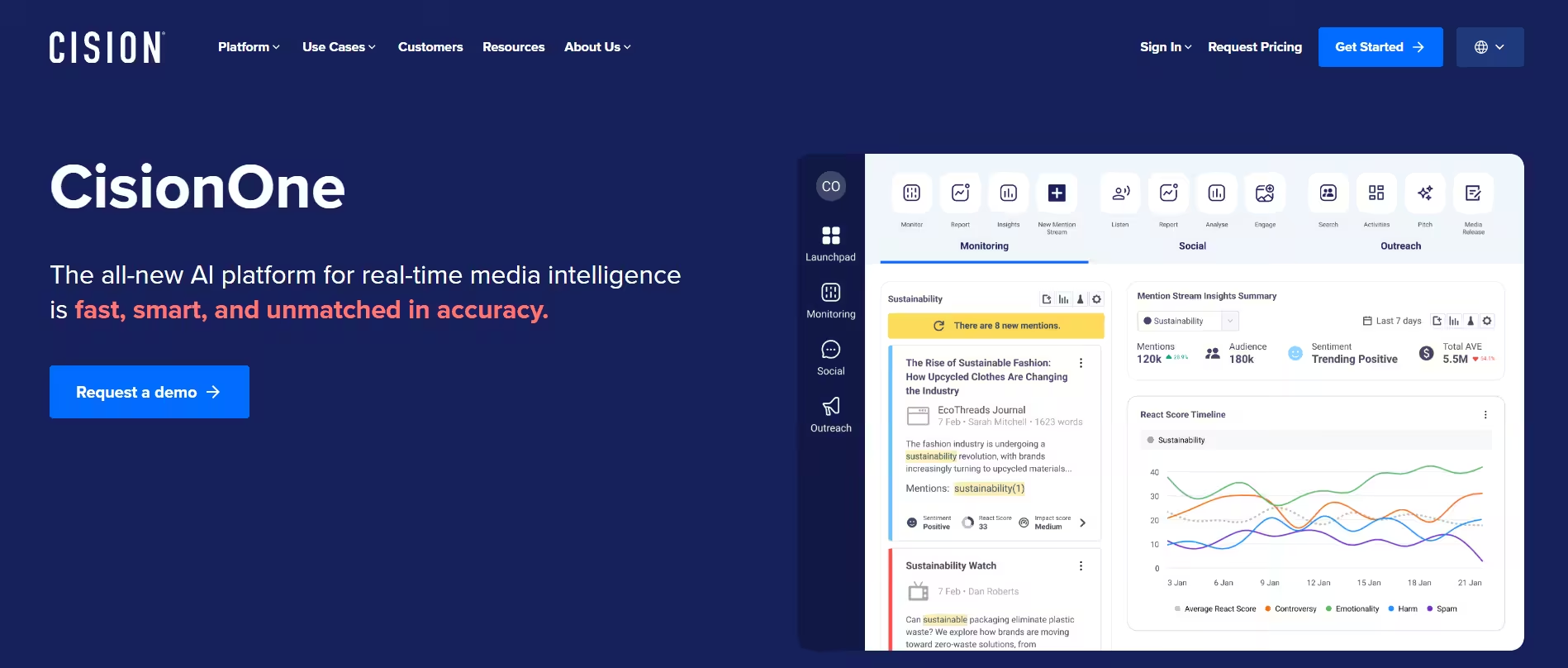
CisionOne’s Homepage CisionOne is a legacy-standard PR platform designed for media monitoring, journalist outreach, and corporate communications.
- Best for: Enterprise PR leads and corporate communications teams managing traditional media coverage.
- Standout Features: Massive media database, press release wire distribution, TV/radio/print monitoring, and PR impact reporting.
- Pros: Extensive media database and press tracking capabilities.
- Cons: High cost; interface feels dated in older modules.
- Pricing: Custom enterprise pricing.
- Limitations: Focused exclusively on PR and media outreach, not internal design governance.
Featured Article: The 25 Best Digital Marketing Tools
Brand Management Software Features That Actually Matter
When you start evaluating brand management platforms, it’s easy to get overwhelmed by feature lists that sound like tech jargon. But at its core, the right platform should do three simple things: keep your brand consistent, make your team’s life easier, and protect your reputation in the wild.
If you’re shopping for a brand management tool or upgrading your current tech stack, here are the non-negotiable features you should actually care about:
-
Multi-Channel Social Media Publishing
Creating great brand assets is only half the battle; getting them out into the world efficiently is the other. Having seamless publishing capabilities allows you to schedule, preview, and cross-post content across your channels without logging into five different dashboards.
When pairing your publishing tool with broader social media marketing management tools, you ensure your campaign messaging hits every platform looking pixel-perfect.
-
Bulletproof Approval Workflows
Nothing ruins a brand faster than a rogue post or a draft with a glaring typo going live. Robust approval workflows let you set clear permissions, so copywriters, designers, legal teams, and clients can review and approve assets before anything hits the publish button.
-
Practical AI Automation
AI shouldn’t just generate generic content; it should save you time on tedious admin work. In top-tier software, AI helps auto-tag uploaded images, generate quick caption variations, optimize posting times, and even flag off-brand colors or language automatically.
-
Actionable Performance Analytics
You can’t refine your brand identity without knowing what resonates with your audience. Detailed analytics show you which creative assets, topics, and channels are driving real engagement, helping you double down on what works and cut what doesn’t.
Connecting these insights with your broader stack of internet marketing tools helps paint a complete picture of your overall ROI.
-
Social Listening and Audience Intelligence
Online brand management isn’t just about what you say; it’s about listening to what others say about you. Built-in social listening tracks brand mentions, industry keywords, and competitor conversations across the web, giving you instant insight into audience sentiment in real time.
Tying these streams into dedicated social monitoring tools gives your team a proactive edge before trends pass you by.
-
Reputation and Crisis Monitoring
When a public relations misstep or a sudden influx of negative feedback happens, speed is everything. Real-time alert triggers flag abnormal spikes in negative sentiment or sudden spikes in brand mentions, letting your communications team step in and protect your brand’s reputation before a minor issue turns into a full-blown PR crisis.
At the end of the day, an effective brand manager software solution shouldn’t feel like a chore to use. When you combine these features within a well-structured setup powered by the right marketing operations software, your team gets to spend less time policing brand compliance and more time building a brand people love.
How to Choose the Best Brand Management Software for Your Business
Choosing the right branding software solution isn’t about buying the app with the longest feature list; it’s about finding a platform that seamlessly fits into your team’s day-to-day operations. If a tool is too complex, your team will bypass it; if it’s too basic, you’ll end up juggling half a dozen workarounds.
When shopping for brand management platforms, evaluate your options through these six key criteria to make a confident decision:
-
Match Your Company Size and Complexity
Your organization’s scale dictates the type of software you need:
- Startups & Small Teams: You need agility and simplicity. Lean teams benefit most from lightweight brand enablement tools or dedicated marketing tools for startups that combine asset sharing with quick template lockups.
- Agencies & Multi-Brand Enterprises: You need strict permissions, deep asset organization (DAM), and strong client approval flows to handle multiple sub-brands without crossover errors.
-
Align Platform Strengths With Your Marketing Goals
Identify your primary pain point before signing a contract:
- If your challenge is asset chaos: Prioritize Digital Asset Management (DAM) platforms like Bynder or Canto to centralize high-resolution logos, fonts, and guidelines.
- If your challenge is public perception: Look toward media monitoring and social listening solutions like Brand24 or Brandwatch.
- If your challenge is multi-channel execution: Ensure you evaluate versatile digital marketing platforms that help unite campaign planning, publishing, and cross-channel strategy.
-
Evaluate AI Automation Capabilities
Modern software should eliminate administrative busywork. Look for integrated AI marketing tools that offer intelligent auto-tagging for visual assets, automated content formatting, predictive performance insights, and smart sentiment analysis to save hours of manual labor.
-
Verify Integrations With Your Existing Tech Stack
A software platform should never sit on an isolated island. Ensure your choice natively integrates with the tools your team relies on daily:
- Design & Storage: Canva, Adobe Creative Cloud, Google Drive, Dropbox.
- Operations & Ad Execution: Slack, project management boards, and specialized social media advertising software for paid campaign coordination.
-
Audit Team Collaboration and Permission Control
Pay close attention to how the tool handles teamwork. Look for granular role-based permissions (admin, editor, view-only, external guest) and in-app feedback features like image proofing, version history, and inline commenting. This guarantees internal teams and external freelancers can collaborate smoothly without risking brand compliance.
-
Balance Budget Against Scalability
Look beyond the initial subscription cost:
- Watch for Hidden Add-ons: Check if price tiers scale by user seats, storage volume, or feature modules.
- Plan for Growth: Pick brand management solutions that offer seamless upgrade paths so you don’t outgrow the platform 12 months down the road.
Brand Management Software Trends Shaping Marketing in 2026
The way we handle brand management is undergoing a massive shift. In 2026, the rise of generative AI and hyper-fragmented digital channels means creating content is no longer the bottleneck, governance, distinction, and operational control are.
If you want your brand strategy to stay ahead of the curve, these six major trends in brand marketing tools are shaping how modern teams operate:
-
AI-Powered Brand Governance and Voice Guardrails
With AI democratizing content creation, the internet is flooded with generic, polished copy. The new challenge isn’t churning out posts, it’s maintaining a distinct identity.
Modern brand management platforms now come with embedded AI governance rules. Instead of relying on static brand books, software automatically scans copy and design assets at the point of creation to flag off-brand colors, unapproved jargon, or tone shifts before an asset ever goes to review.
-
Living Digital Asset Libraries (Dynamic DAMs)
Static Google Drive folders or server hubs are officially a thing of the past. Today’s centralized asset libraries act as dynamic engines:
- Object-Level Locking: Creative teams lock core brand elements (logos, legal disclosures, primary colors) while allowing local marketing teams or sales reps to edit localized text fields.
- Instant Propagation: When a logo or brand color is updated at the central level, the change automatically propagates across all active, connected templates worldwide.
-
Predictive Analytics Over Reactive Reporting
Rather than just looking at last month’s performance metrics, forward-thinking tools for brand managers use predictive modeling to guide creative choices before launch:
- Forecaster tools analyze historical asset engagement, color choices, and audience trends to score creative drafts on their potential impact.
- Decision cycles are moving from weeks to real-time, helping teams allocate media spend toward the creative variations most likely to convert.
-
Smart Omnichannel Publishing
Managing a modern brand means publishing across a matrix of networks, messaging apps, and web portals. Leading enterprise social media management software platforms now feature unified asset-to-channel pipelines. Teams can take a single core creative asset, and the software will auto-format, resize, and optimize the copy per platform requirements in seconds.
-
Automated Operational Workflows
Hyper-growth marketing operations depend on eliminating repetitive admin tasks. Modern tools rely on triggers to route assets automatically:
- Uploading an asset auto-generates visual tags using computer vision.
- Requesting an edit routes the draft directly to the assigned brand editor or legal compliance lead.
- AI bots perform preliminary compliance checks, reducing manual approval bottlenecks by over 50%.
The Ultimate Social Media Command Center!
Conclusion
At the end of the day, building a brand people actually care about comes down to consistency and keeping that consistency intact as you scale is nearly impossible without the right tech in your corner.
Whether you need a living home for your visual assets, a watchdog for public sentiment, or a tool to keep your entire creative team on the exact same page, investing in dedicated brand management software is the best move you can make to protect your identity and reclaim your time.
Take a look at where your current creative workflows are feeling the most strain, pick a tool from this list that aligns with your team’s goals, and give it a spin. Your future self, and your brand, will thank you!