
When we think about Facebook management tools, a lot of platforms like Hootsuite and Sprout Social, among others, come to mind. But it doesn’t end here! While these platforms are well-known among the users and don’t need introductions, it’s important to know that the world doesn’t end at them.
There are so many other social media management platforms, like Social Champ, Buffer, Metricool (and more), that might be even better options for you.
So I have created this blog to tell you about the 12 best Facebook management tools. I’ll tell you:
- Everything you need to know about Facebook management tools.
- What you should look for in Facebook management software.
- I’ll also categorize Facebook management tools by publishing, analytics, and content creation, so you get the idea of what tools do what!
Short Summary
- Facebook management goes way beyond just posting; you need to track analytics, manage comments/DMs, spy on competitors, and monitor brand mentions.
- Well-known tools like Hootsuite and Sprout Social aren’t your only options; budget-friendly platforms like Social Champ and Buffer are often better fits.
- Look for a visual calendar, clear analytics, smooth team approval workflows, a simple interface, and easy platform integrations.
- Hootsuite offers deep ad and timing data but is highly expensive; Social Champ matches its power with bulk-uploading and recycling at a fraction of the cost; Buffer offers minimalist scheduling; Sprout Social serves as a premium enterprise CRM.
- Planable turns data into colorful charts; SocialPilot generates white-label PDF reports for clients; Metricool tracks competitor pages and ads in real time; SocialBee tracks success based on content categories.
- Canva handles perfectly-sized graphic templates; Grammarly polishes caption tone and fixes typos; Copy.ai beats writer’s block by drafting copy; Lately chops long blogs or videos into bite-sized posts.
- Your competitors are already automating their workflows; stop wasting time and test a platform using a free trial (like Social Champ’s 14-day trial) to see what works for you.
What Are Facebook Management Tools?
When you hear the term Facebook management, what do you think of it? I’m sure it’s posting, replying, and managing content. But it doesn’t end here! Facebook management is also about analytics, social listening, competitor analysis, and many other things that might cost you hours.
The best Facebook management tool gives you all of that. You can bulk upload your content for months in advance, track your analytics to see which posts perform the best, while also managing your inbox and comments. Some of the Facebook management tools also allow you to track your brand mentions (also known as social listening) and perform competitor analysis to keep you ahead in the competition.
I hope you now have a better understanding of Facebook management tools. Let’s move forward and discuss the key features you should look for!
You Are Losing Hours a Week to Manual Posting!
Key Features to Look for in Facebook Management Software
There are many tools that can be as confusing as Meta Business Suite itself. This is the biggest problem when you start searching for the right Facebook management software, which is why I’ve curated this list of features you should keep an eye out for!
-
A Social Media Calendar
You absolutely need a visual calendar. It lets you organize and automate your posts in advance while giving you a holistic look at what your strategy looks like for the month. It entirely eliminates the struggle of manual posting, and honestly, one of my favorite features in any Facebook management software.
-
Analytics
Analytics are non-negotiable. You need advanced analytics to get clear insights into your performance. This data helps you shape your content strategy for the better and actually lets you know what’s working and what’s not!
-
Team Collaboration
You have a team, great, but you need a collaboration feature as well, because managing a team manually is a lot of stress. A good team collaboration feature allows you to have easy communication and an approval workflow, which also eventually saves a lot of time.
-
A User-Friendly Interface
Nothing can be a bigger turn-off than a clunky interface when it comes to Facebook page management. You’re paying so much, you deserve something intuitive. Avoid tools that have a huge learning curve. Opt for tools that are simple to use and have little to no learning curve, like, for example, Social Champ!
-
Smooth Integrations
Facebook management is not just about automation; you also need to consider platform integrations. A good tool has connections with the most important platforms that you can use to create better content. Check for the integrations and see if the tool you’re choosing integrates with the platforms you need.
Featured Article: How to Manage Multiple Facebook Accounts?
Facebook Posting and Publishing Tools
When looking for a publishing tool, you will come across many options that might look great on the surface, but once you subscribe, you realize there’s not enough value.
To save you from this heartbreak, here’s my list of the 4 best publishing tools for Facebook!
-
Hootsuite
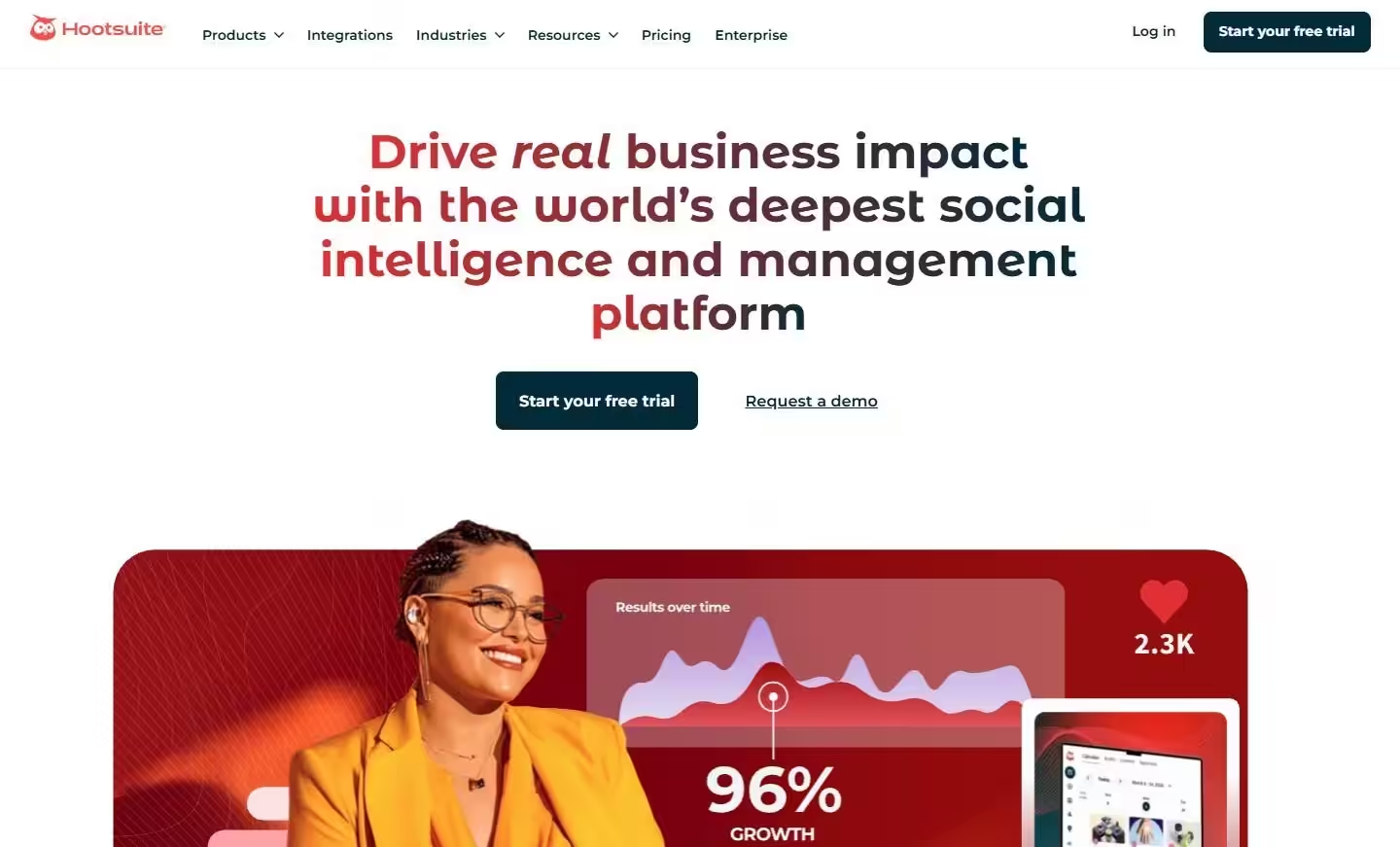
Hootsuite’s Landing Page Hootsuite is a true industry veteran, which means this is the first tool on this list. In my experience, it is an extremely dependable tool with great features, including Facebook scheduling, paid ad management, and social listening. However, I feel the pricing is not justified!
Sure, it claims to be for enterprises, but I don’t believe social media management should be so expensive that people have to think twice before subscribing to a tool.
However, despite my disagreement with its pricing, it has some features that make it stand out!
- It uses deep audience data to pinpoint exactly when you should post on Facebook based on specific goals (like driving web traffic vs. boosting engagement), paired with a sharp AI caption writer.
- Its mobile app is insanely strong, giving you full notification centers, mobile approval workflows, and pre-approved saved replies to tackle customer DMs on the go.
Hootsuite’s pricing starts from $99/month.
-
Social Champ
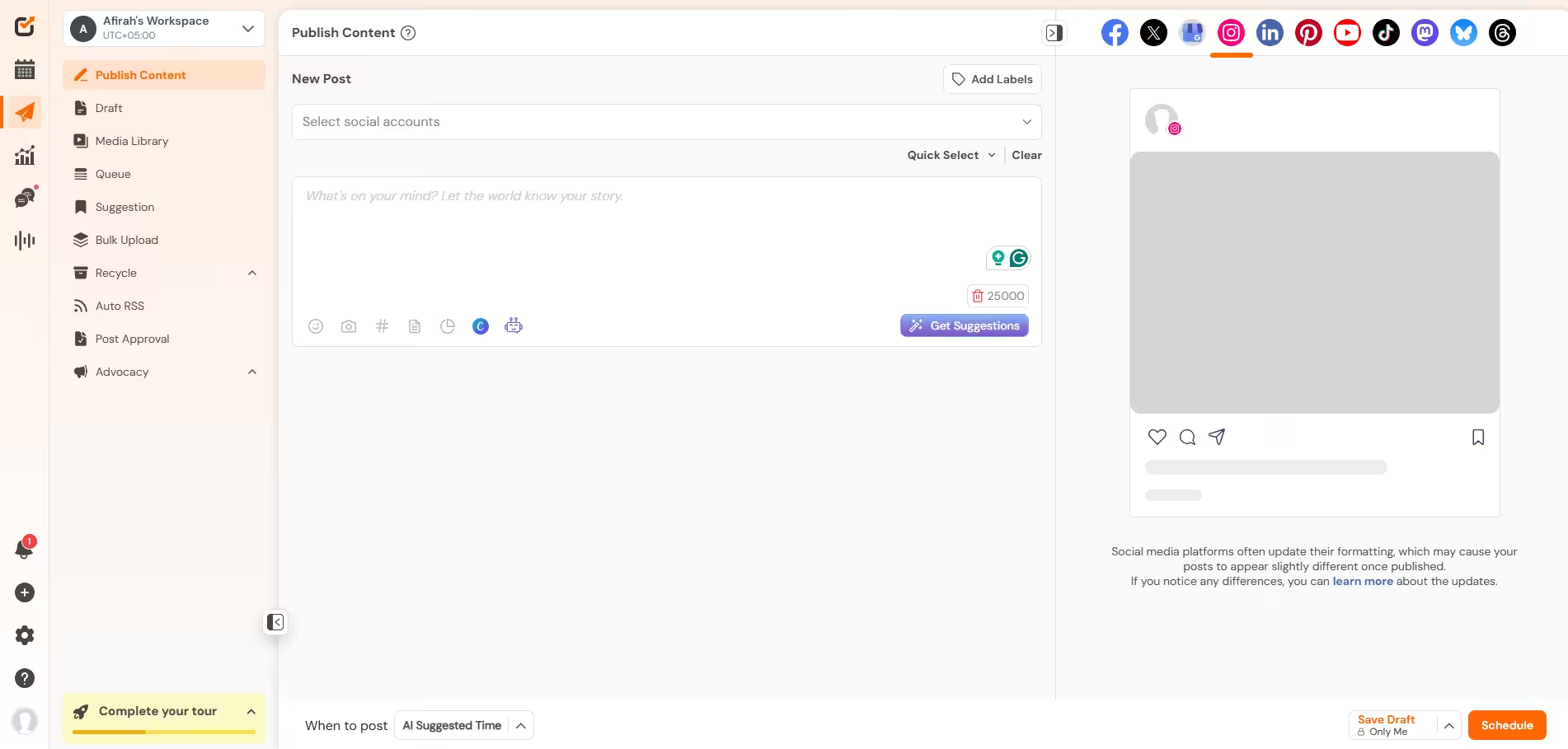
Social Champ’s Dashboard What if I tell you that there’s a tool that’s as good as Hootsuite but comes at a fraction of its cost? Don’t be surprised, I’m talking about Social Champ!
It is a great tool that offers pretty much everything you need in a Facebook scheduler and doesn’t cost you a leg and an arm. It is intuitive, easy to use, and has little to no learning curve, which makes it a user’s favorite.
Additionally, I’ve heard great things about their customer support, which is a plus because it’s normal to get bugs and errors in social media management. The more important thing is that there’s a team ready to help you solve them.
Its key features include:
- It lets you upload up to 300 posts at once via a CSV file, and unlike a lot of tools, it actually lets you preview exactly how the text and images will look on Facebook before hitting submit.
- It has a content calendar that allows you to view your strategy and plan content accordingly.
- Its social listening feature enables you to track your brand mentions across multiple platforms within minutes. You don’t need to think about what others are saying about your brand.
- Its social inbox lets you manage your comments and DMs directly through the platform.
- It also has advanced analytics that let you track your performance and generate reports to submit to your clients.
Social Champ offers two types of paid plans. Its pay-per-profile plans start from $4/month, whereas its bundled plans start from $23/month.
-
Buffer
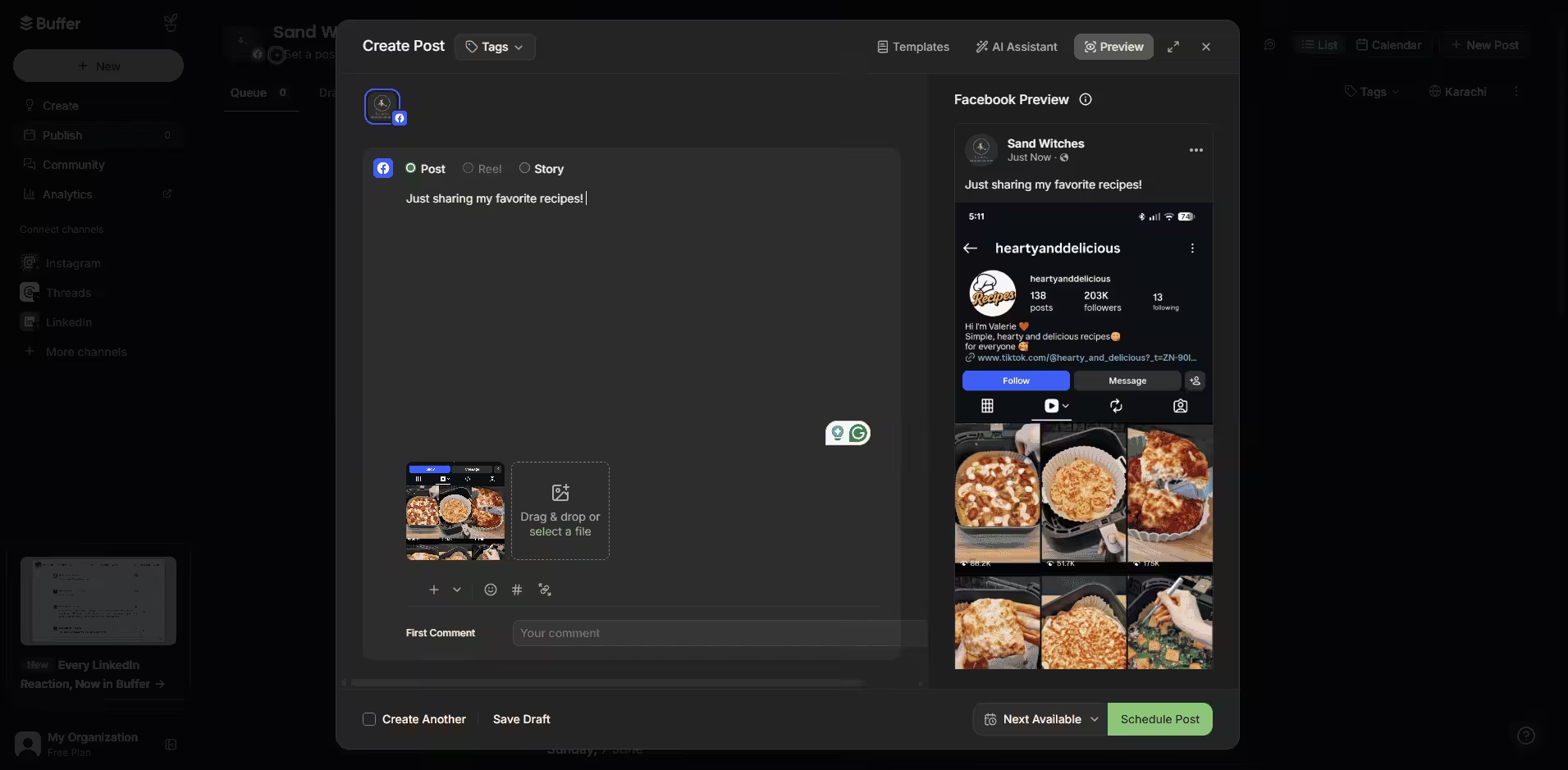
Buffer’s Dashboard Buffer is like that reliable, minimalist friend who hates clutter, and if you also hate it, Buffer is the right pick for you. It is a wonderfully straightforward, clean platform that focuses entirely on scheduling posts and tracking basic organic performance.
It is an affordable tool, but it lacks some advanced features like social listening. So if you only need basic features, there’s nothing better than Buffer for you.
Its key features include:
- You can schedule standard text posts, link previews, multi-photo carousels, Stories, and Reels seamlessly to your Facebook Pages.
- Its analytics dashboard is super clean and lets you directly compare how your boosted paid posts performed versus your organic reach.
Buffer’s pricing starts from $5/month.
-
Sprout Social
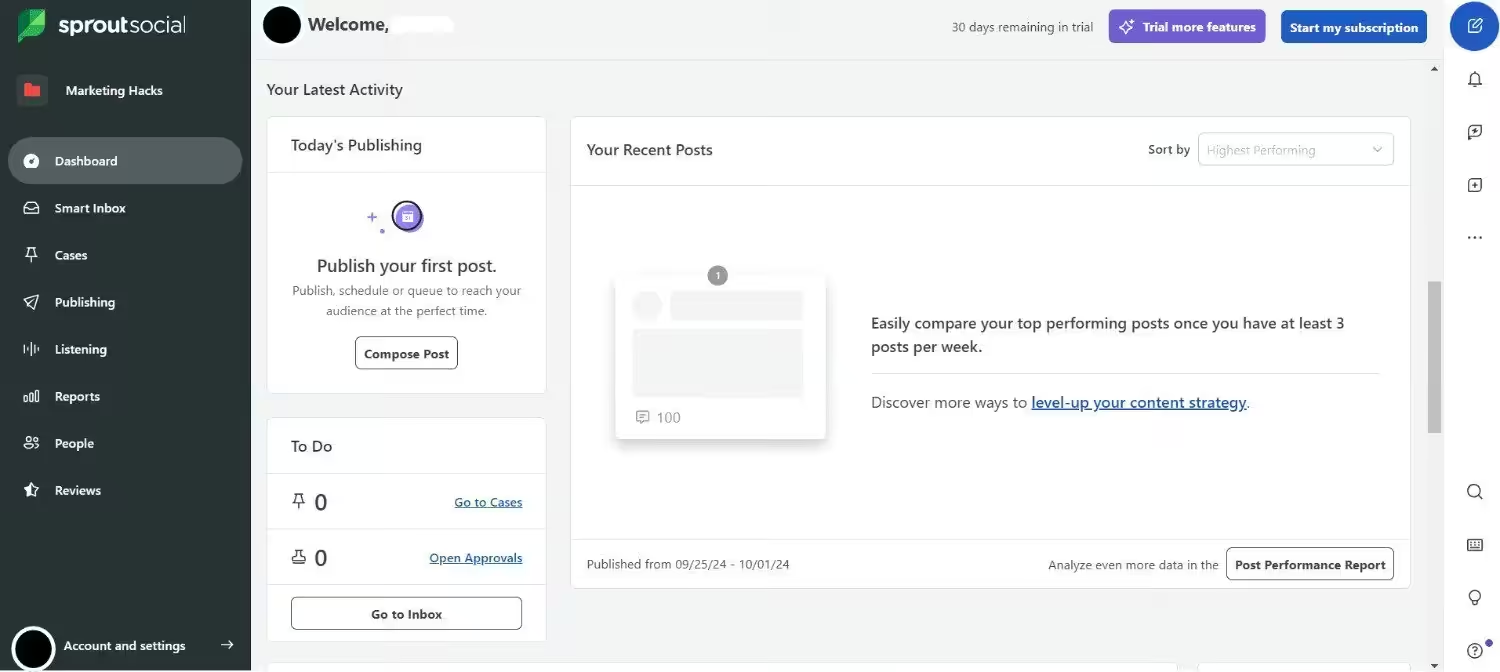
Sprout Social’s Dashboard Sprout Social is the heavy-duty, premium choice of the group. It’s slightly less expensive than Hootsuite. It is a high-end enterprise platform that approaches Facebook management through deep data analytics, advanced CRM capabilities, and team coordination.
If you have the budget and the need to get an advanced tool, you can opt for Sprout Social. However, be mindful that this tool will cost you a fortune.
Its key features include:
- It offers heavily customizable, multi-step internal review pipelines so clients or department heads can review and sign off on drafts directly in the app.
- It features a unified Social Inbox with extensive team productivity reporting, which tells you down to the minute how fast your team is resolving customer inquiries on Facebook.
Sprout Social’s pricing starts from $79/month.
Facebook Analytics Tools
Now that we have talked about publishing, let me share some tools that I think are great in the analytics field.
-
Planable
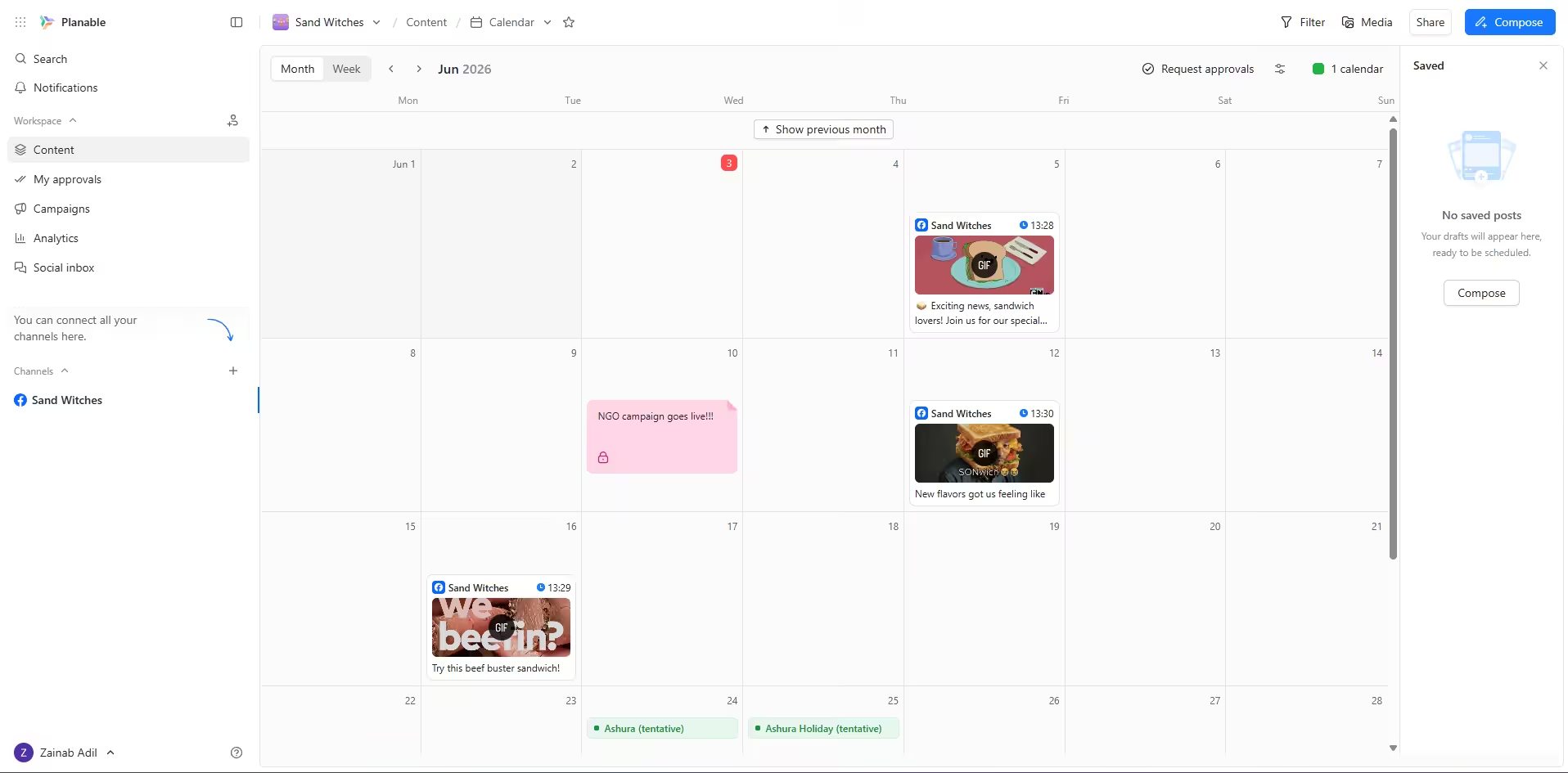
Planable’s Dashboard Planable is famous for having a gorgeous visual calendar, but it actually has a really slick analytics feature built in now, too. It is designed to let you track your Facebook Page’s health, see what is working, and build pretty data reports without any of the usual spreadsheet headaches.
Its key features include:
- It turns your Facebook data into clean, colorful charts that are actually easy to read, meaning you don’t have to spend hours formatting things.
- It easily keeps tabs on your follower growth, engagement rates, and impressions so you can see your page’s progress at a glance.
Planable’s pricing starts from $33/month.
-
SocialPilot
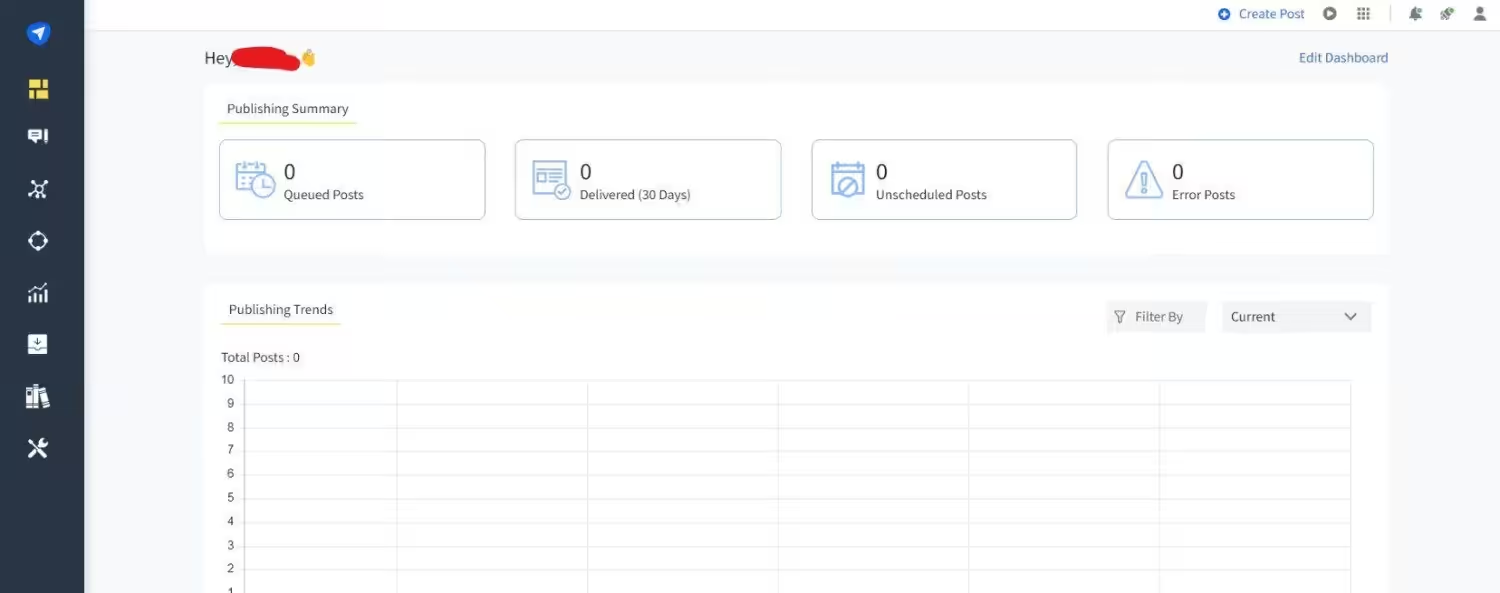
SocialPilot’s Dashboard If you are managing a bunch of different Facebook Pages and need a tool that won’t break the bank, SocialPilot is a total lifesaver. It pairs reliable scheduling with powerful, automated analytics that help you look incredibly professional in front of clients.
Its key features include:
- You can download comprehensive Facebook analytics reports, slap your own agency’s logo and colors on them, and email them straight to clients.
- It looks at your past engagement data to tell you when your Facebook followers are most active so you can schedule accordingly.
SocialPilot’s pricing starts from $25.50/month.
-
Metricool
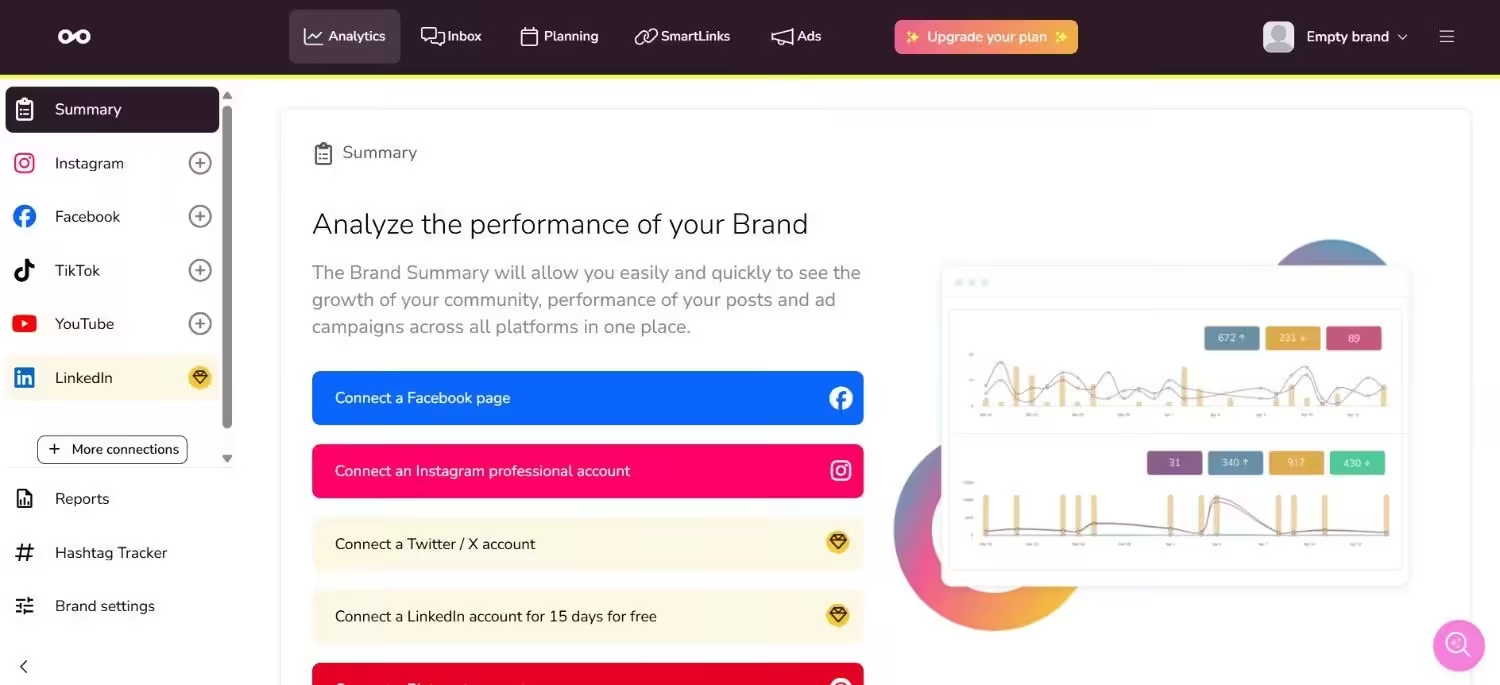
Metricool’s Dashboard Metricool is basically an all-in-one hub for data lovers, and honestly, its dashboard is incredibly addictive to look at. It gives you a highly visual, real-time look at your Facebook organic content, your paid ad campaigns, and even what your competitors are doing.
Its key features include:
- It lets you add your top business rivals to your dashboard so you can spy on their Facebook growth and see which of their posts are blowing up.
- Instead of logging into two separate places, you can track your regular Facebook posts and your paid ad conversions side-by-side.
Metricool’s pricing starts from $20/month.
-
SocialBee
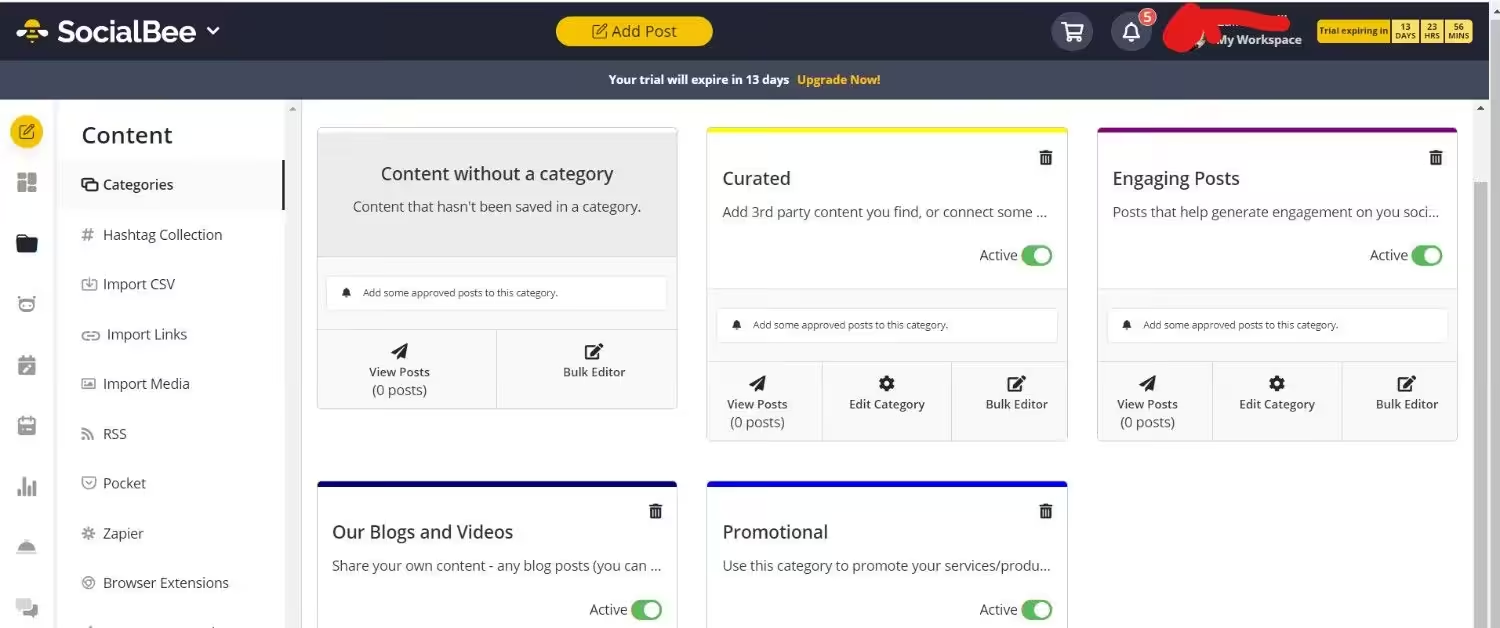
SocialBee’s Dashboard You probably know SocialBee for its awesome category-based scheduling, but its analytics side is incredibly smart too. It analyzes your Facebook data based on the themes of your content, helping you figure out your ultimate posting mix.
Its key features include:
- Since SocialBee is built to recycle your best content, its analytics tell you which recycled posts are still pulling in good numbers.
- It tracks your follower growth over long periods and gives you a clear map of your audience’s daily activity habits.
Its pricing starts from $24/month
Honorable Mention: Social Champ also has a strong hold on analytics. It lets you track your performance, engagement, impressions, follower growth, and views. Then, let you create a report that makes it easy for you and your team to get an understanding of what your analytics look like.
Featured Article: Facebook Algorithm: How It Works and What to Know?
Facebook Content Creation Tools
Here is my honest take on four tools that will help you create scroll-stopping Facebook content without staring at a blank screen for hours:
-
Canva
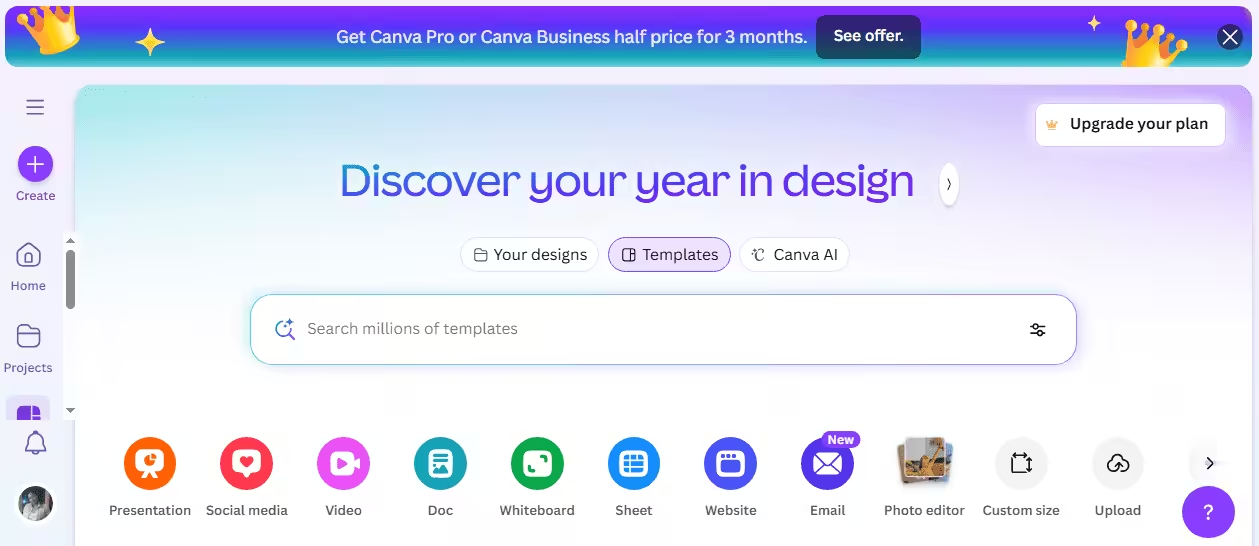
Canva’s Dashboard Canva is an absolute lifesaver if you aren’t a professional designer but still want your Facebook Page to look incredibly polished. It is a wildly popular, drag-and-drop design platform packed with thousands of ready-made Facebook templates, graphics, and AI design shortcuts. It also allows you to schedule on Facebook.
Its key features include:
- It has perfectly sized templates for Facebook covers, standard posts, Stories, and Reels, so you never have to guess the correct dimensions again.
- It lets you lock in your business’s specific fonts, logos, and color palettes so everything you or your team creates always matches your brand identity.
Canva’s pricing starts from $144/month.
-
Grammarly
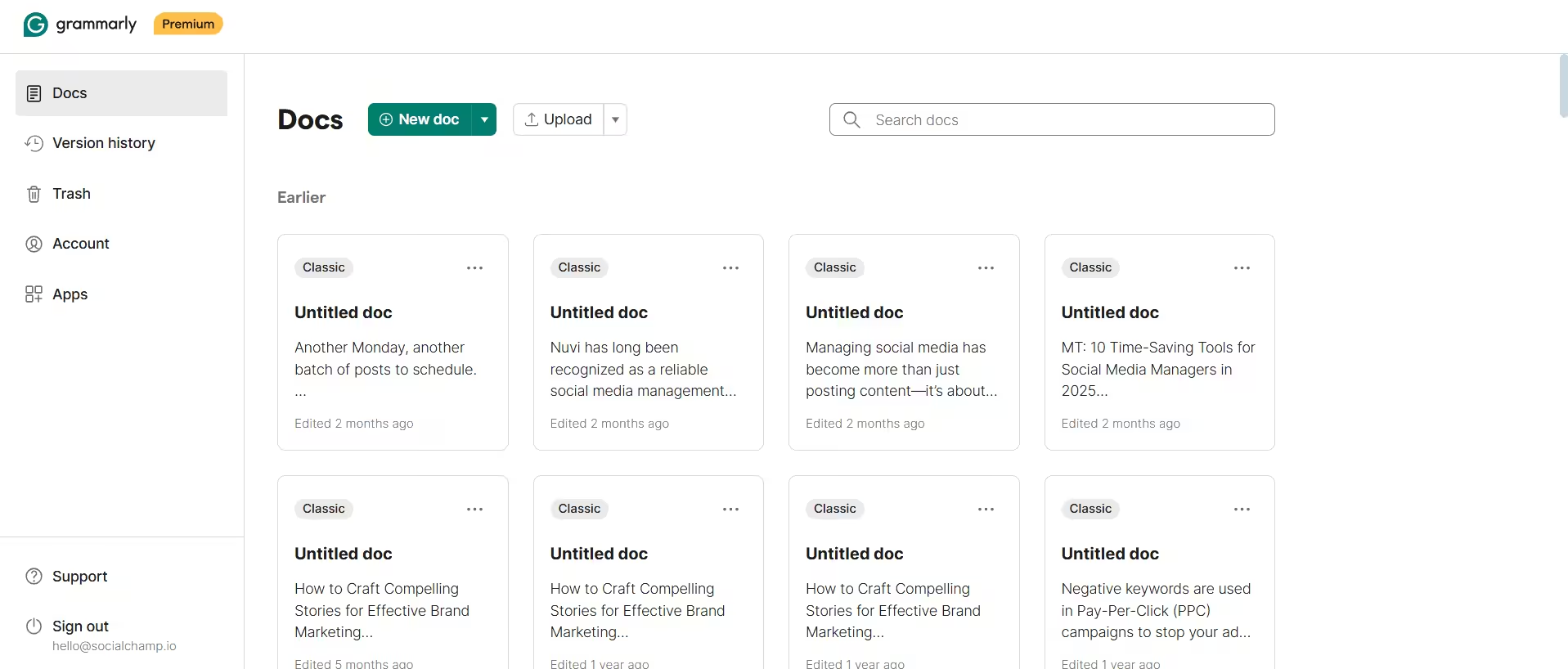
Grammarly’s Dashboard Think of Grammarly as that super sharp, typos-hating friend who sits on your shoulder while you write. It is an intelligent writing assistant that checks your Facebook captions in real-time to make sure your messaging is clear, polished, and completely free of embarrassing mistakes.
Its key features include:
- It doesn’t just catch typos; it tells you how your Facebook caption actually sounds (e.g., confident, casual, or urgent) and suggests ways to rewrite it to match your vibe.
- It flags wordy sentences and suggests punchier alternatives, which is crucial for grabbing attention on a fast-moving Facebook feed.
Its pricing starts from $0/month.
-
Copy.ai
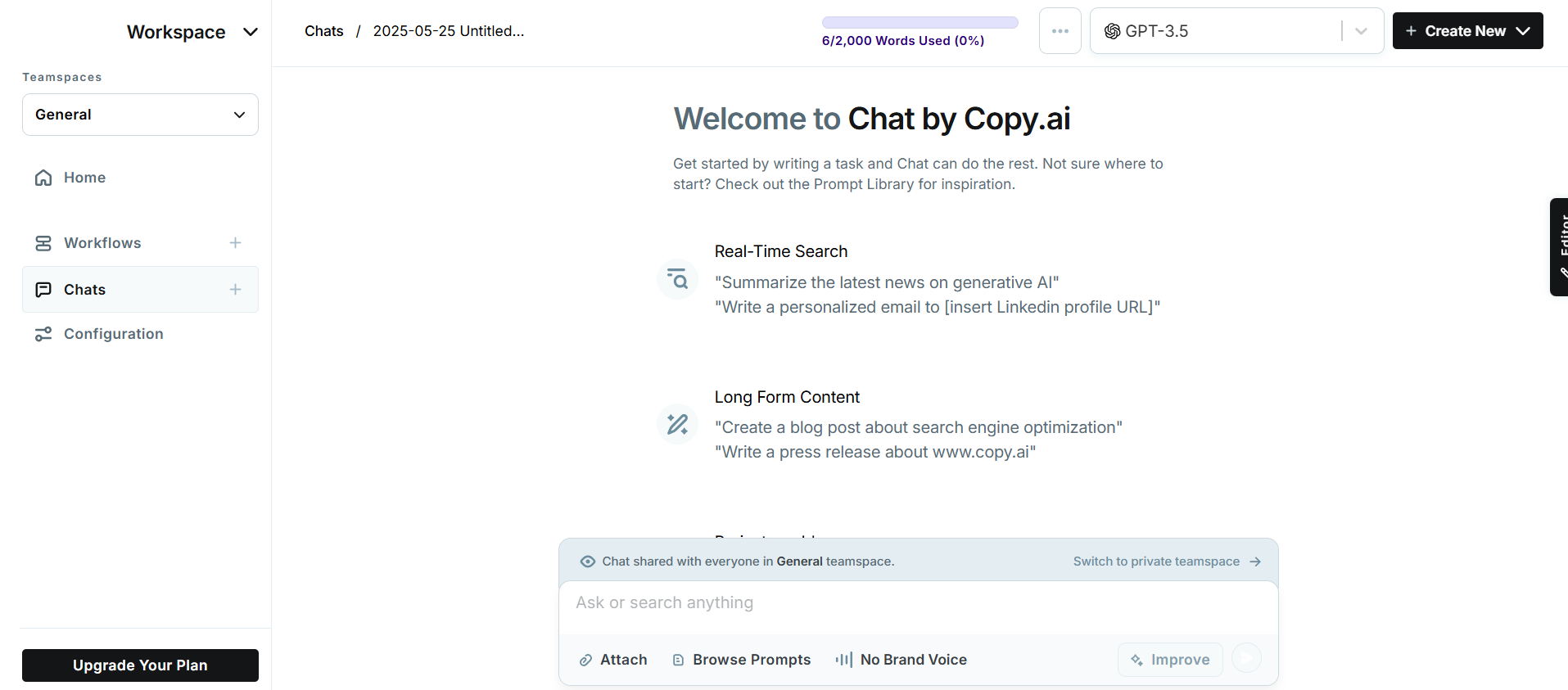
Copy.ai’s Dashboard If you ever find yourself staring at a blinking cursor trying to think of a clever Facebook caption, Copy.ai is your cure for writer’s block. It is a powerful generative AI tool that writes high-converting Facebook post copy, ad hooks, and brainstorms angles for you in seconds.
Its key features include:
- You can feed it examples of your past successful posts, and it will perfectly mimic your unique brand personality for every new Facebook caption it generates.
- It has specialized tools designed specifically to pump out catchy hooks, primary text, and headlines tailored to crush it on Facebook paid ads.
Its pricing starts from $24/month.
-
Lately
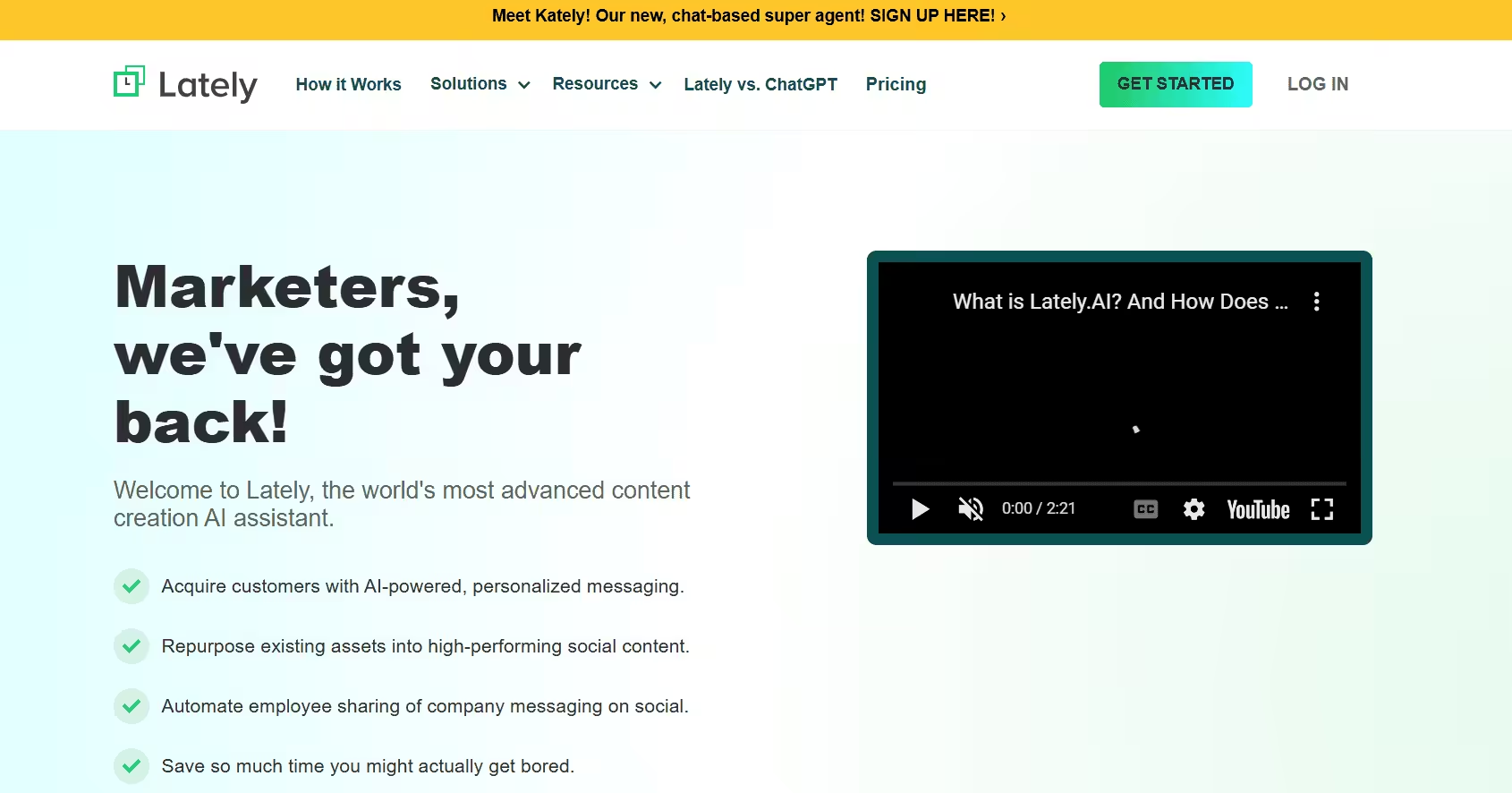
Lately’s Landing Page Lately is an incredibly smart, high-powered AI tool that basically squeezes every last drop of value out of your long-form content. It takes your existing blogs, long videos, or podcasts, chops them up, and automatically transforms them into dozens of bite-sized, platform-optimized Facebook posts.
Its key features include:
- You just paste in a link to a blog or a webinar, and the AI automatically pulls out the juiciest quotes and text snippets to create months’ worth of Facebook content.
- Lately tracks your actual Facebook engagement metrics to learn exactly which words and sentence structures your audience responds to, making its future suggestions even smarter.
Lately’s pricing is not listed on the website, but you can email them and ask your questions regarding pricing.
Stop Burying Your Best Content.
Conclusion
If you’re still thinking about looking for Facebook management tools, you’re already behind! Your competitors have already started using a tool that’s helping them create better strategies.
I would suggest that you not waste even a minute more and start testing the tools as soon as possible. If you want, Social Champ is offering a 14-day free trial to help you test the waters before you subscribe, so go ahead and take advantage of that, if you don’t want to stay behind forever!










Mose Boyer
I’ve been looking for Facebook management tools, and this article has given me plenty of amazing options to try. Thanks for sharing!