
Are you trying to manage social media without burning your budget or your time? You’re not alone.
Short Summary
- Top free tools include Social Champ, Planable, Metricool, Missinglettr, Canva, Tailwind, Kapwing, and Later.
- Each tool offers unique features like content scheduling, analytics, and collaboration at no cost or affordable paid upgrades.
- Social media management tools are essential for businesses looking to streamline their online presence.
- Choosing the right tool requires considering features like platform integration, custom posting schedules, analytics, and team collaboration.
- Research sources like Google, YouTube, and review sites (Capterra, G2, Trust Pilot) to find the best free tools.
- Test shortlisted tools for user experience and gather team feedback before making a decision.
- Free tools can boost productivity and simplify social media strategies for businesses of all sizes.
With over 5.6 billion people actively using social media worldwide, brands simply can’t afford to wing it anymore.
That’s where free social media management tools come in, but “free” doesn’t always mean free.
Some tools offer free-forever plans with limits, while others quietly lock features behind short trials. Most blogs bury those restrictions deep inside tool descriptions. We won’t.
In this guide, we clearly call out posting caps, profile limits, and analytics restrictions, so you know exactly what you’re getting.
You’ll also spot tools that scale better than expected, hinting at why platforms like Social Champ become a natural next step as brands grow.

Manage More Without Paying More!
Social Champ helps you schedule, track performance, and stay consistent without hopping between half-baked free tools.
How to Choose the Most Popular Free Social Media Management Tools
With so many free social media management tools available, the challenge isn’t finding a tool. It’s finding the one that actually fits your workflow.
Some tools focus on scheduling, others on analytics or social inbox management.
If you choose the wrong one, it often leads to hitting limits too quickly or juggling multiple apps unnecessarily.
Here’s a practical framework to help you pick from the best free social media management tools without wasting time.
Channels: Where Do You Actually Post?
Which platforms matter most: Instagram, LinkedIn, TikTok, Threads, or YouTube?
Some free tools for social media management support only a few networks, while others let you schedule broadly. Focus on tools that cover your must-have channels first.
Volume: How Often Do You Publish?
Posting once a week versus multiple times daily changes everything.
Free plans often restrict post volume per month, so consider how often you plan to post to stay consistent and grow your audience.
Features: What Do You Really Need?
Do you need only scheduling, or do you also rely on analytics, social inbox, or AI content support? Free social media tools vary widely here, so pick what matches your actual needs.
Team and Accounts: Solo or Multi-Brand?
Are you managing a single brand or multiple accounts/clients? Check user access, brand limits, and collaboration options, especially if you want to manage all social media in one place.
Data and Limits: Read the Fine Print
Analytics history, post caps, and connected profiles often define the true “free” value.
Many blogs bury these insights, but this guide puts them upfront so you can make faster, smarter decisions.
When the tool you have chosen fulfills all your desired requirements, it’s time to add the free social media management tools to your bucket list.
Featured Article: What Is Chatterbait Social Media & How to Use It
Which Free Social Media Management Tools Should You Shortlist First?
Not all free tools are created equal. To help you start, here’s a quick shortlist of the best free social media management tools you can explore right now.
Each one comes with a key highlight that makes its free plan stand out.
| Tool | Best For | Free Plan Highlight |
|---|---|---|
| Social Champ | AI-driven automation | The free plan includes 3 social accounts, 15 scheduled posts, and limited use of AI tools. |
| Buffer | Beginners | Schedule up to 10 posts per channel in your queue at once, for up to 3 channels. |
| Later | Instagram and visual content | Manage 1 social set (one profile per platform) with up to 30 posts/profile/month) |
| Zoho Social | Small teams | Manage 1 brand, 1 team member, and up to 6 social channels with unlimited posts per month. |
Pro Tip!
Social Champ also works seamlessly with TikTok, making it one of the top TikTok tools for scheduling, AI captions, and analytics.
Featured Article: Twitter Management Tools
Try Social Champ Free & Never Miss a Beat!
Discover the freedom of scheduling posts, analyzing performance, and posting to multiple accounts all in one simple platform.
13 Free Social Media Management Tools
Let’s have a look at the top 13 free social media management tools that are ruling these days.
-
Social Champ
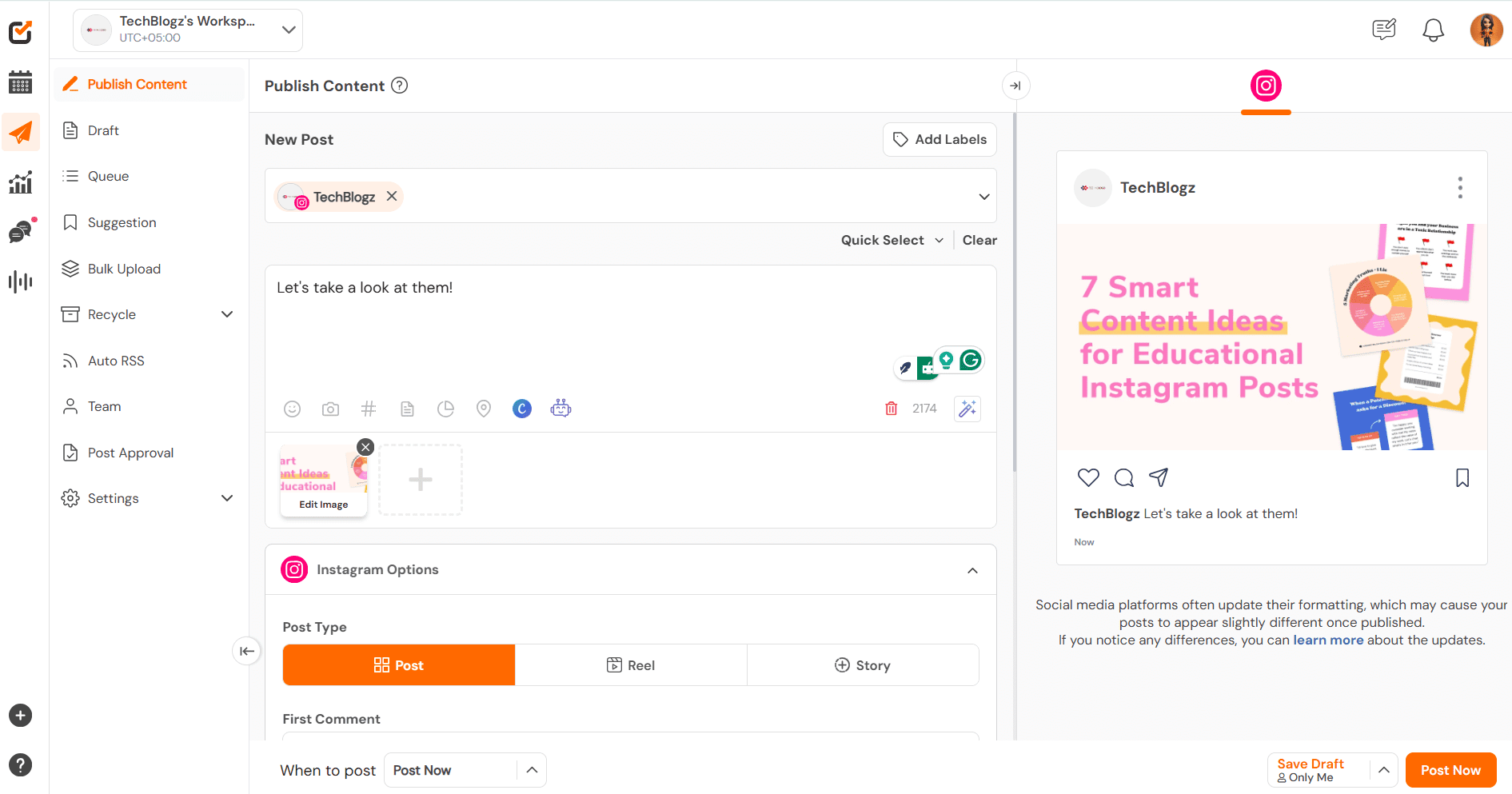
Social Champ’s Dashboard How does it feel when you hunt for free social media management tools, and then you get a tool that makes your life easier without breaking your bank?
Social Champ is the solution!Social Champ is an all-in-one social media management tool that will give your marketing skills wings.
An all-in-one super tool to save the day against all the odds of social media hurdles. It is the most efficient tool with a vibrant UI that allows you to manage your Facebook, LinkedIn, Google Business Profile, YouTube, and Instagram, among others.
Main Features
- You can connect up to 3 social media accounts and unlimited scheduled posts without hassle.
- Organize and separate social accounts of your clients in workspaces to make the workflow easier.
- Track your competitors’ social media performance with our Competitor Analysis feature. Analyze how your competitors are using social media, what content is performing well for them, and how they are engaging with their audience.
- Use a social media scheduler and schedule your posts in Queue or Q-next, adding different time slots for each social media profile.
- Tailor posts for your social media account.
- You can schedule your Instagram, Facebook, LinkedIn, and others’ first comments.
- Track what people are saying about your brand and industry on social media with Social Listening.
- Make your work 10x easier using our Champ AI Suite powered by ChatGPT.
- Tag your locations on your Instagram posts.
- Save your incomplete content as a draft to utilize it later.
- Get a grid view of all your published and scheduled posts with the social media Calendar.
- Schedule up to 50 posts in a single go using a CSV file with the Bulk Upload feature and set the number of repetitions when you schedule your content in bulk.
- Connect your favorite blogs and websites to your social media accounts for Auto-posting.
- You can create folders and collections of all your evergreen posts and recycle them with the Recycle Feature.
- Repeat your favorite posts on Facebook and Twitter after your desired intervals.
- Get the top Content Suggestions from industry-relevant websites.
- Get a massive bucket of royalty-free stock images for your posts.
- Save up to 10 search results for keywords such as ‘startups’ and use it later.
- Get in-app GIPHY & other integrations for your social media posts.
- Add colors to your profile as Social Champ allows you to edit and publish your post away with Crello and Canva.
With all these features, you just can’t blame us for putting Social Champ at the top of our social media content scheduling tools list.
Pros
- Free plan covers up to 3 social media accounts with 15 scheduled posts.
- AI content support (Champ AI Suite).
Cons
- Advanced team features are reserved for paid tiers.
Our Verdict
Social Champ offers one of the most generous free plans available, giving creators and small teams 15 scheduled posts across 3 profiles.
Its AI-powered tools make it a versatile all-in-one social media management platform. For anyone looking to start free and scale later, it’s an excellent choice.
Get More For $0!
Social Champ offers numerous benefits at no cost! Try the free plan today and bring your social media to life!
-
Planable
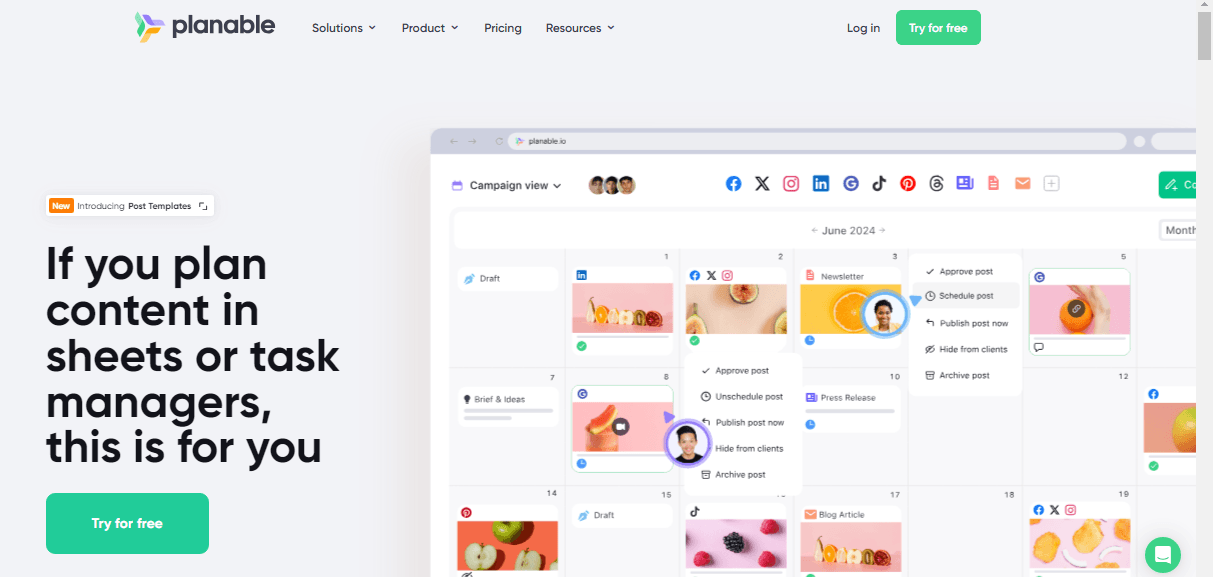
Planable’s Webpage The list of free social media management tools continues, and we just can’t forget Planable.
It is a free tool for small businesses to schedule updates, monitor social media activity, and track conversations.
The platform helps you manage your business’s social media site by allowing you to schedule, publish, and repost.
Main Features
- Content Calendar
- Post Creation
- Collaboration
- Media Library
- Basic Analytics
Pros
- Strong collaboration features make it easy to review drafts before publishing.
- Visual previews help you plan content that looks great on every platform.
- Easy approval workflow for teams.
Cons
- The free plan post limit can feel tight if you publish frequently.
- Analytics are very basic in the free tier.
Our Verdict
Planable shines for teams who need collaboration and content approval workflows without paying upfront.
The free plan is limited to 50 posts, but it’s enough to test scheduling and planning across multiple networks. For agencies or small teams, it’s a practical starting point.
-
Metricool
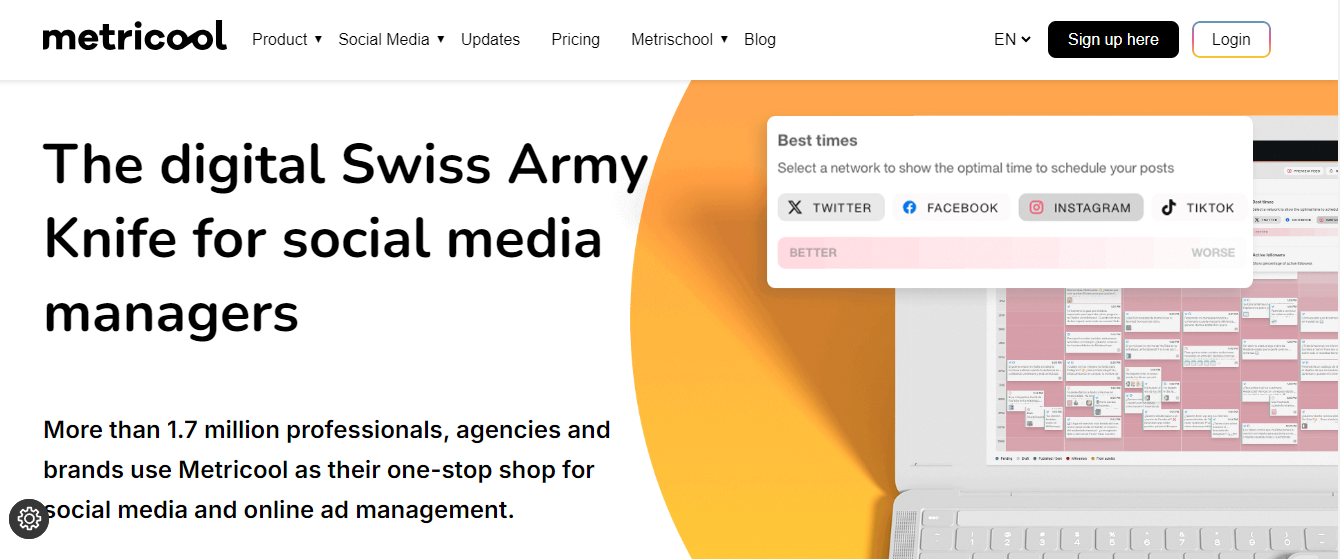
Metricool’s Webpage When it comes to the best free social media management tools, we can’t skip Metricool. It is a free tool that makes it easy to improve your online presence without time-consuming effort.
With Metricool, saving time when posting is practically effortless on several social media apps. The tool offers multiple functionalities as mentioned below
Main Features
- Profile management
- Post scheduling
- Competitor analysis
- AI assistance
- Analytics
Pros
- Combines scheduling with performance analytics in one dashboard.
- Supports multiple networks, including TikTok and LinkedIn.
Cons
- The free plan has low post limits compared to competitors.
- Some analytics are only available on paid plans.
Our Verdict
Metricool combines scheduling and analytics in a clean dashboard, making it great for users who want more insights than basic posting.
The free plan has limited posts per month but provides enough functionality to measure performance and plan content. A solid choice for analytics-minded creators.
-
Publer
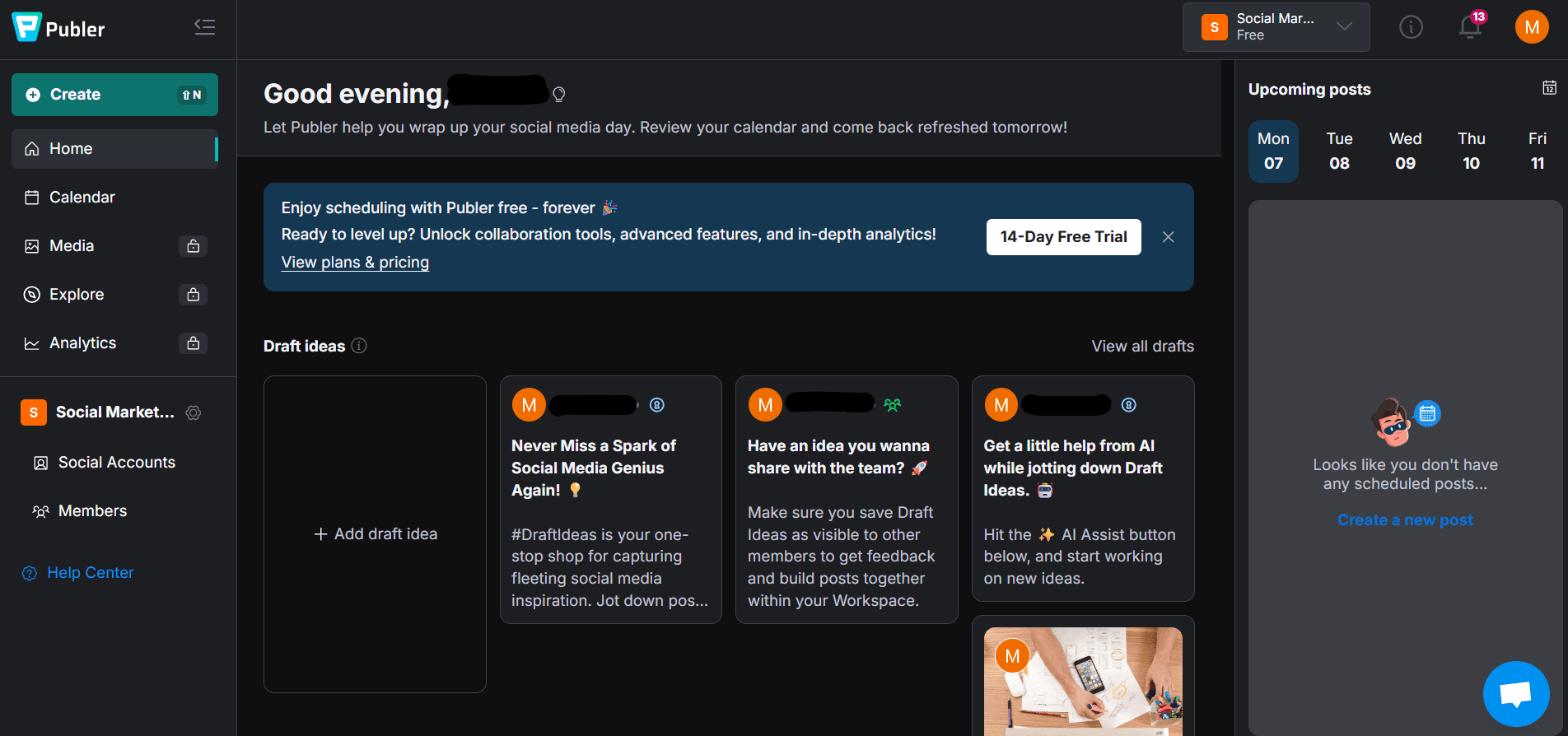
Publer‘s Dashboard Publer is a versatile free social media management tool that lets you schedule posts, manage profiles, and plan content without paying upfront.
Its free plan supports 3 social accounts and basic scheduling, which is perfect for small brands and solo creators getting started.
Main Features
- Social media post scheduling
- Visual content calendar
- Link shortening & UTM tracking
- Drafts & reuse content folders
Pros
- Supports multiple major platforms like Facebook, Instagram, LinkedIn, Twitter, and TikTok
- A clean dashboard makes scheduling fast and intuitive
- Offers weekly templates to reuse content
Cons
- Free tier has post limits per profile
- Analytics are basic compared to paid tools
Our Verdict
Publer’s free plan strikes a nice balance between functionality and simplicity.
While the post limits mean serious power users might outgrow it, it’s a reliable tool if you’re just building your presence or testing strategies.
If you want straightforward scheduling without paying right away, Publer is worth trying.
-
Social Oomph
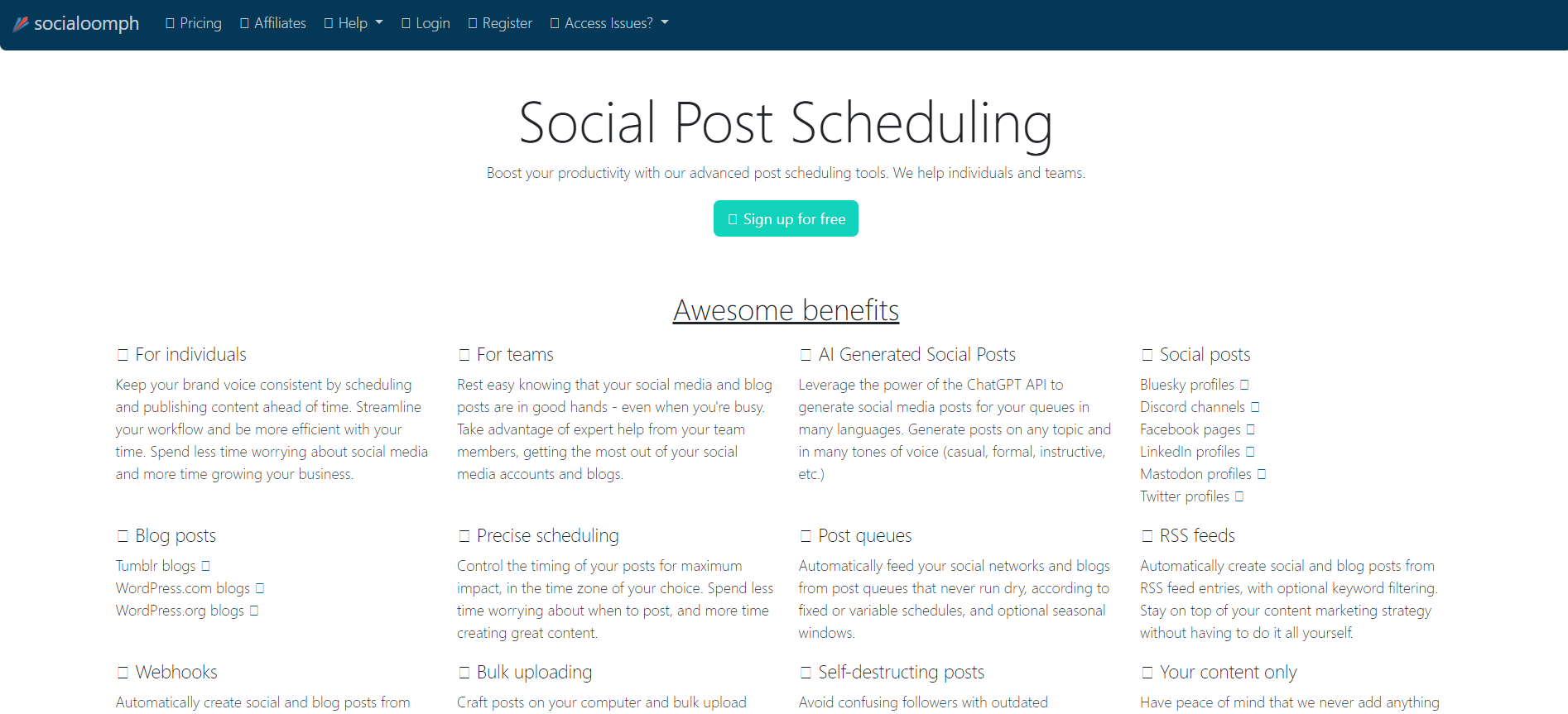
Social Oomph’s Webpage Social Oomph is the next pick on our free social media management tools list.
The tool offers multiple versatile features, including setting your RSS streams, scheduling posts, planning, and publishing tools, so you don’t need to bother scheduling multiple social media accounts.
The tool offers one social profile and unlimited scheduling posts (a maximum of three posts per hour).
Main Features
- Social media scheduling
- Bulk upload
- Analytics and Reporting
Pros
- Good for simple scheduling and RSS automation.
- Unlimited scheduling for a single profile is possible on the free tier.
Cons
- Very limited platform support; not ideal for broad multi-network management.
- Interface feels outdated compared to modern tools.
Our Verdict
Social Oomph is useful for simple scheduling and RSS feed automation, especially if you manage just a single profile. Its free plan is basic but can help solo users stay consistent.
For multi-account management, it works better in combination with other tools.
-
Canva
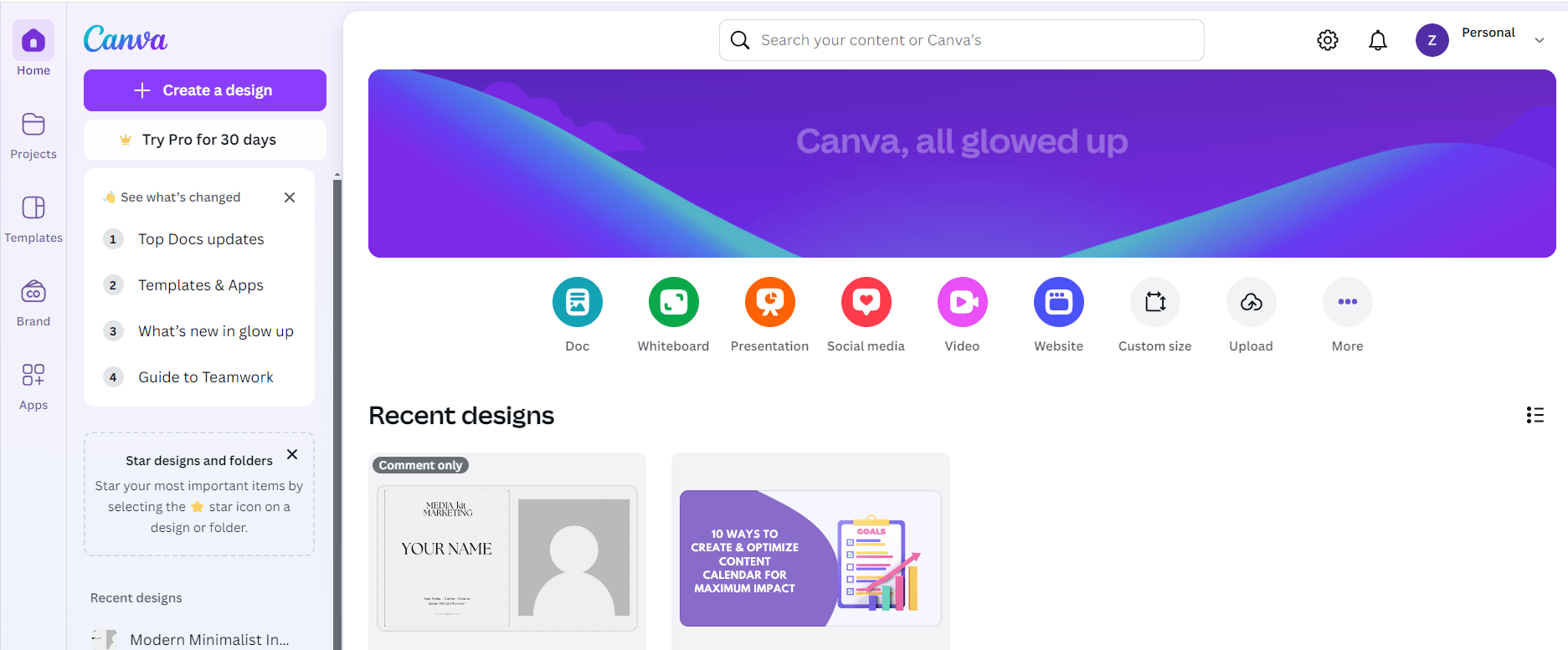
Canva’s Dashboard What adds sparkle to your dull posts? Of course, the visuals. Then why not make the most of Canva’s free plan?
With Canva, you can easily create, customize, design, and edit your social media posts. It provides a bucket of free infographics templates, posters, presentations, and much more.
Canva’s free plan offers 250,000+ free templates, 100+ designs, and 100 free stock images, inviting team members to collaborate and comment in real time.
Main Features
- Graphic design and creation
- Templates for various social media platforms
- Collaboration features
- Stock images and elements
Pros
- Powerful visual design tools bundled with basic scheduling.
- Huge library of free templates and assets.
- Collaboration features let teams comment and edit together.
Cons
- Scheduling is secondary; visuals must be created before posting.
- Limits on the number of social accounts and scheduled items in the free plan.
Our Verdict
Canva is primarily a design tool, but its free plan allows creators to design, schedule, and collaborate on visuals.
While scheduling is limited, it’s an excellent complement to any social media management platform. Perfect for teams focusing on visual content.
-
Tailwind
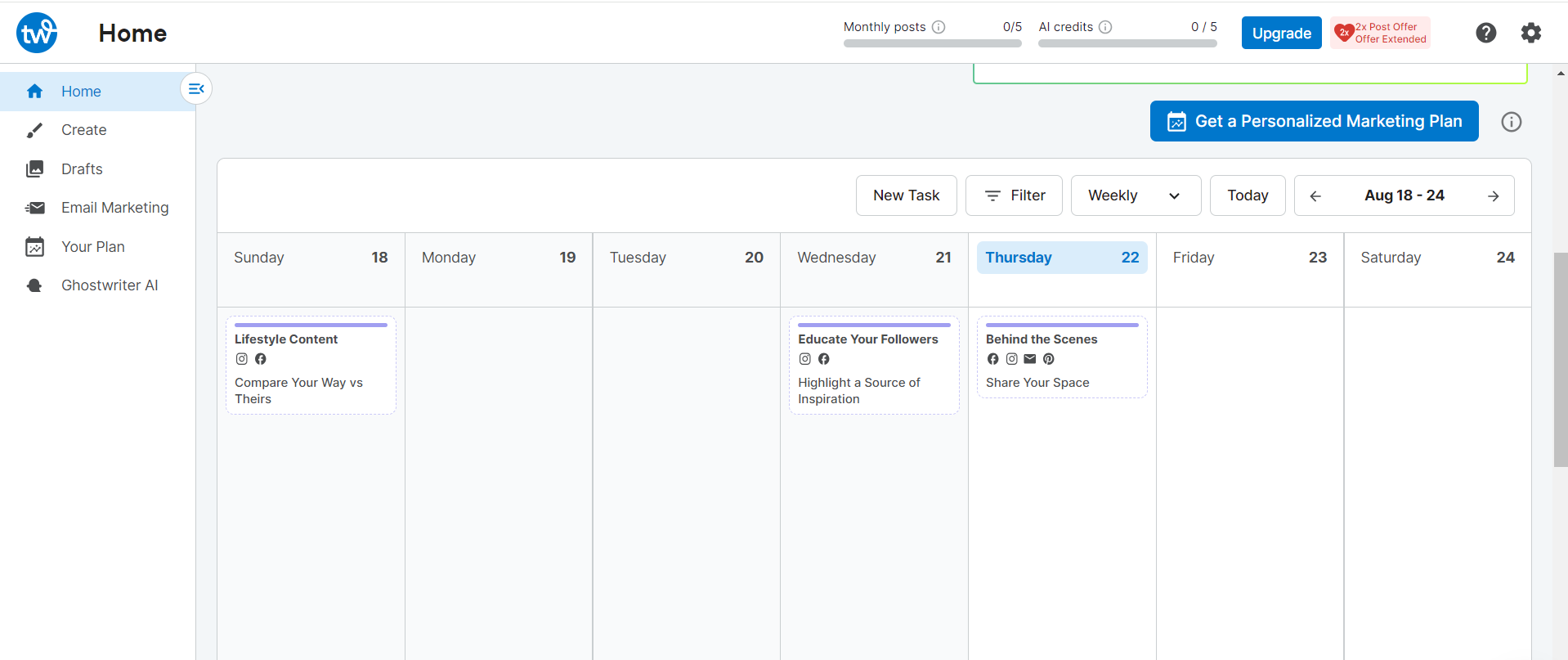
Tailwind’s Dashboard Coming to the next, here we have Tailwind in our social media management list.
It is a free social media management tool that helps you create and post high-quality content across your social media sites, including Pinterest and Instagram.
It offers multiple features and a free plan, which includes 1 Facebook page, Instagram and Pinterest profile, 20 scheduled posts, and 1 user.
Main Features
- Content management
- Social media monitoring
- Trend analysis
Pros
- Excellent visual planning for Pinterest and Instagram.
- Smart suggestions help optimize post timing.
Cons
- The free tier has low scheduled post limits.
- Less robust for networks outside Pinterest/Instagram.
Our Verdict
Tailwind is ideal for Pinterest and Instagram-focused creators. Its free plan is limited to 20 scheduled posts and 1 user, but it provides essential visual planning tools.
If your strategy is heavily visual, Tailwind can save significant time.
-
Kapwing
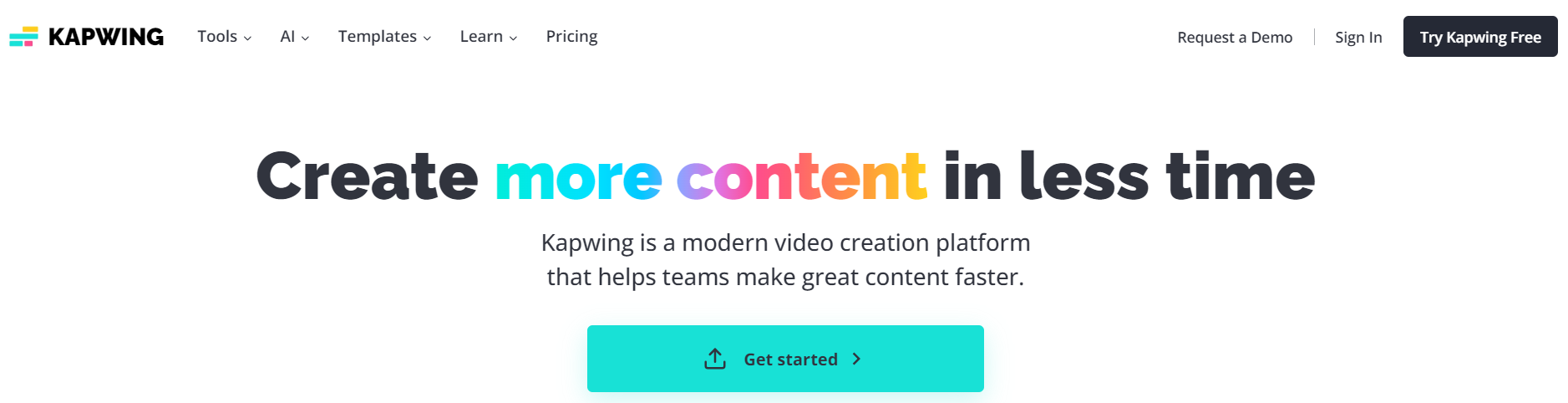
Kapwing’s Webpage Video editing takes a lot of time, especially when you are juggling tabs.
With Kapwing, you can minimize your extra time and make the most of the free video editing tool. Its simple and easy dashboard makes it stand out from the crowd.
Kapwing is a super video editing tool with power-packed features. Its free plan includes no watermarks on images, 250 MB file upload, edit, and store content for up to 2 days.
Main Features
- Editing videos
- Generating memes
- AI features
Pros
- Easy video editing and content creation for social posts.
- No watermarks in free plan exports.
Cons
- Not a full social scheduler; you create videos, then export to another tool.
- Free storage is limited.
Our Verdict
Kapwing excels at video editing for social media, allowing free video creation and simple exports. Scheduling isn’t native, but pairing it with another tool makes it highly effective. A great choice for creators prioritizing video content.
-
Later
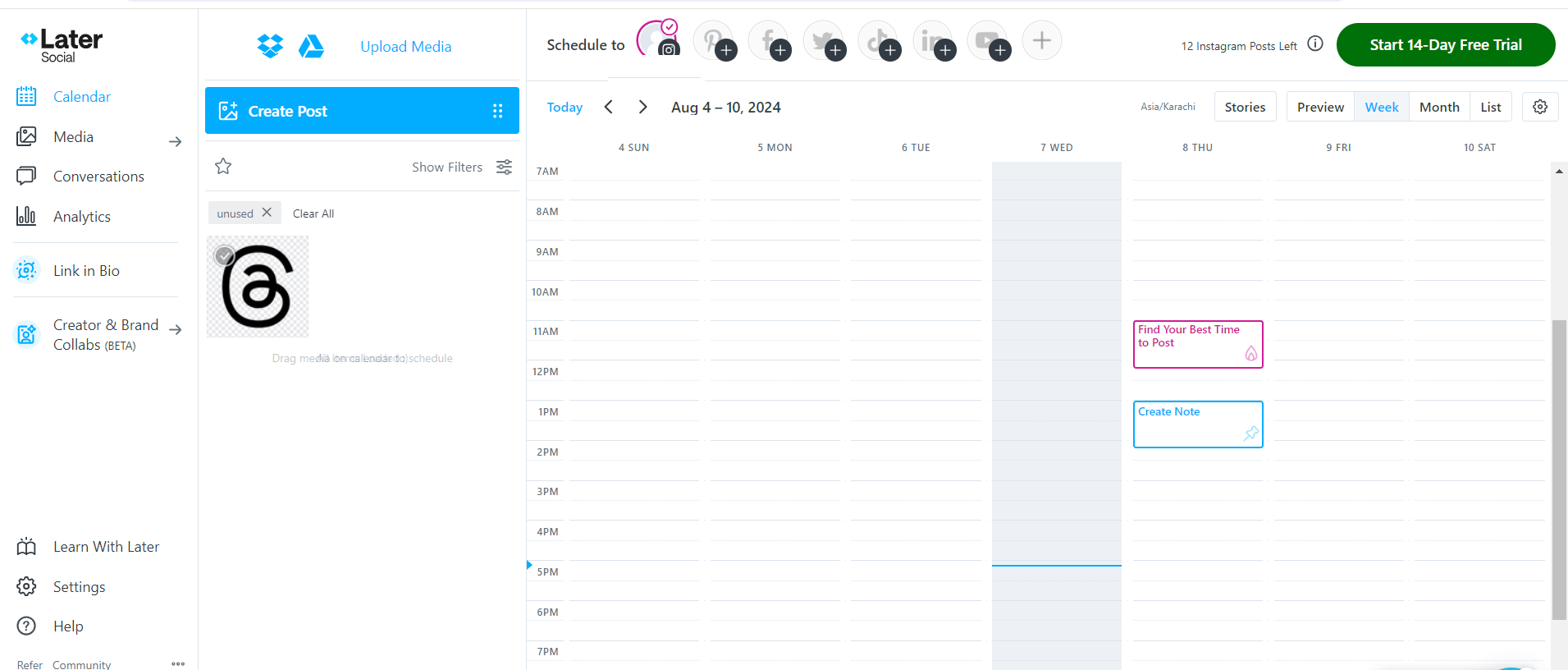
Later’s Dashboard Talking about free social media management tools, we can’t forget Later. Later makes it easy for you to schedule posts and track your reach.
The platform manages your social media across multiple accounts from a single dashboard. Easily create and publish content, track your reach, and more.
It helps you streamline your social media marketing, cut down your time spent, and engage with your audience more effectively.
Later’s free plan includes 1 social set, 1 user, and 10 posts per social profile.
Main Features
- Auto Publishing
- Visual Instagram Planner
- Analytics
- Hashtag Suggestions
Pros
- Visual drag-and-drop calendar makes planning easy.
- Hashtag suggestions help increase reach.
Cons
- Free plan post limits can be restrictive for active creators.
- Analytics only on paid plans.
Our Verdict
Later’s free plan is best for visual planning with its drag-and-drop calendar and Instagram-first approach.
Limited posts per profile may restrict larger schedules, but it’s perfect for creators who value organized visual feeds. A strong free option for Instagram-heavy strategies.
-
Friends+Me
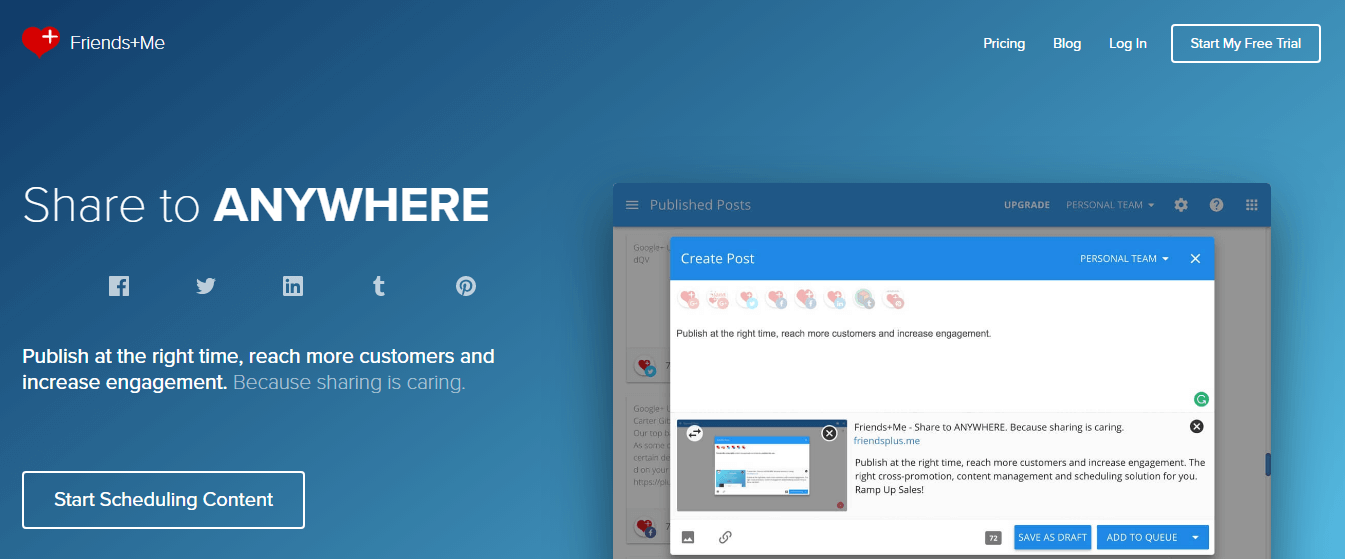
Friends + Me’s Webpage Friends+Me is an easy and effective social media scheduling tool that allows users to repost Google+ content on different social media platforms.
You can schedule your social posts and content based on proven best times to post to your networks and see immediate results.
Friends+Me’s free plan includes 2 Queues (such as a Facebook page, Twitter Profile, etc.), 5 scheduled posts per queue, and 1 additional team member.
Main Features
- Social media scheduling
- Content queues
- Analytics
Pros
- Simple queue-based scheduling.
- Works well for reposting content across a few key networks.
Cons
- Limited platform integrations.
- Restrictive free plan post limits.
Our Verdict
Friends+Me is simple and efficient for reposting content across limited platforms. Its free plan includes 2 queues and 5 scheduled posts per queue.
Ideal for small creators or anyone looking to extend content reach without managing multiple tools.
-
SocialBu
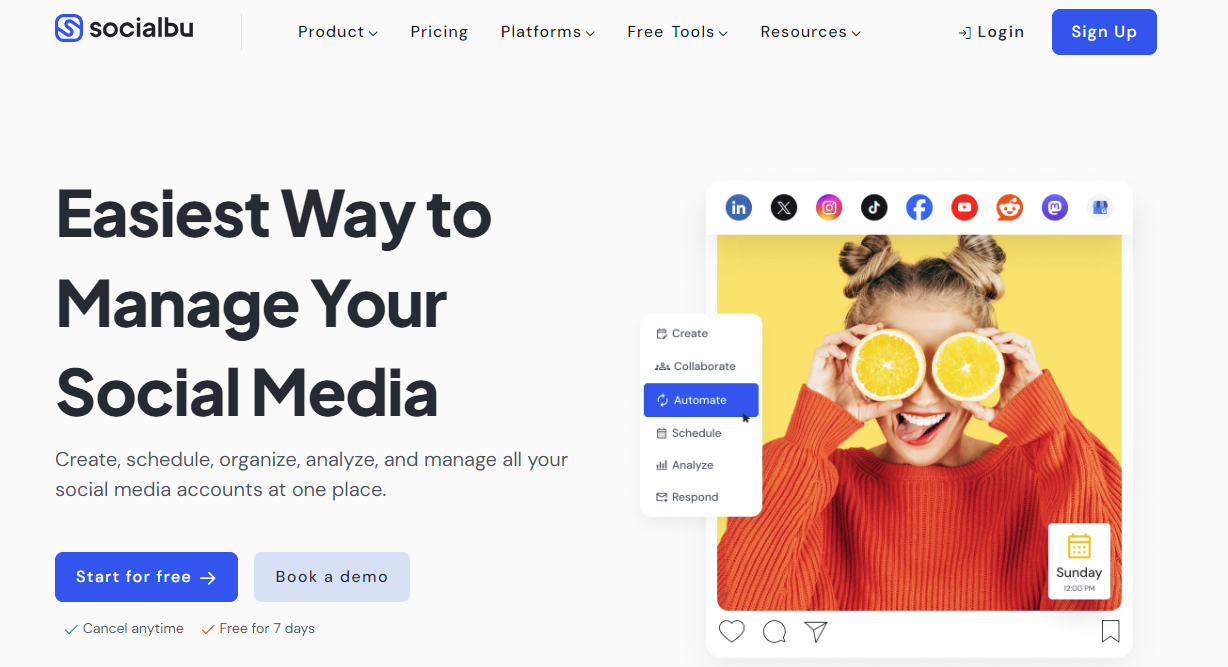
SocialBu‘s Webpage SocialBu is another free social media management tool. It is easy to use and designed to help you stay on top of your social media game.
It’s the simplest, fastest, most powerful way to efficiently manage your social media with all the versatile features.
SocialBu’s free plan offers 2 social accounts, 40 monthly published posts, and post insights.
Main Features
- Schedule Posts
- Monitoring Analytics
- Social listening
Pros
- Includes monitoring, scheduling, and analytics in one place.
- Free plan supports up to 40 posts per month.
Cons
- Analytics insights are based on the free tier.
- Some advanced tools require a paid upgrade.
Our Verdict
SocialBu combines post scheduling, monitoring, and analytics in one dashboard.
The free plan covers 2 accounts and 40 posts per month, which works well for solo creators or small brands. It’s a versatile starting point for managing multiple social profiles.
-
CoSchedule
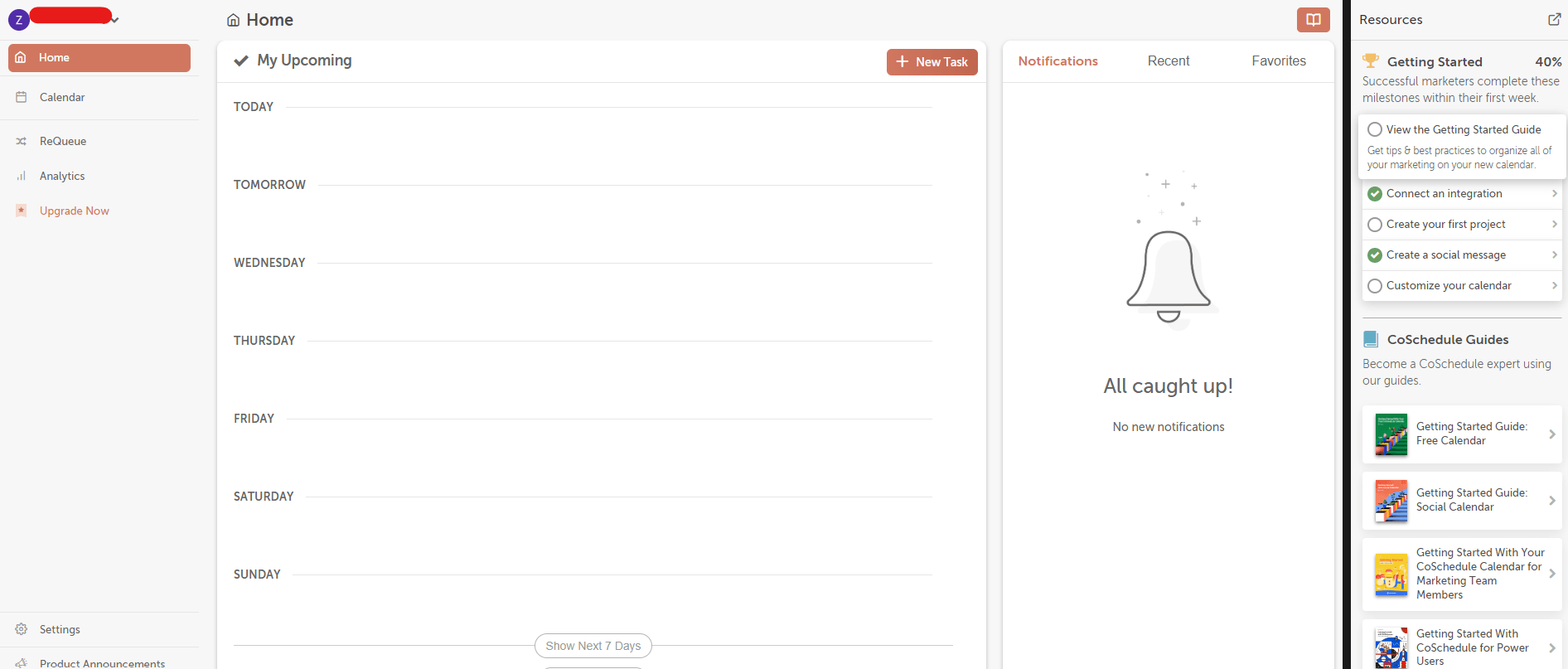
CoSchedule dashboard CoSchedule is our next pick for social media management tools.
It makes it easy for anyone to plan and automate social media hassles. From posts to scheduling to analytics, CoSchedule is a one-stop shop for all your social media needs.
It helps you manage, track, and publish your social media calendar and automate your content. It’s like a digital assistant for your workplace.
Schedule your content and follow engaging people to spend the most time where you want to be.
Main Features
- Content Calendar
- Team Collaboration
- Analytics and Reporting
Pros
- Calendar-first planning helps visualize content flow.
- Integrates with content editors for streamlined publishing.
Cons
- The free plan is very limited in features and use cases.
- Best value often comes only with paid tiers.
Our Verdict
CoSchedule is best for users who prioritize a calendar-first approach to planning.
Its free plan is limited, but the visual calendar helps organize posts effectively. Good for creators or small teams who want structured planning before scaling up.
-
Planoly
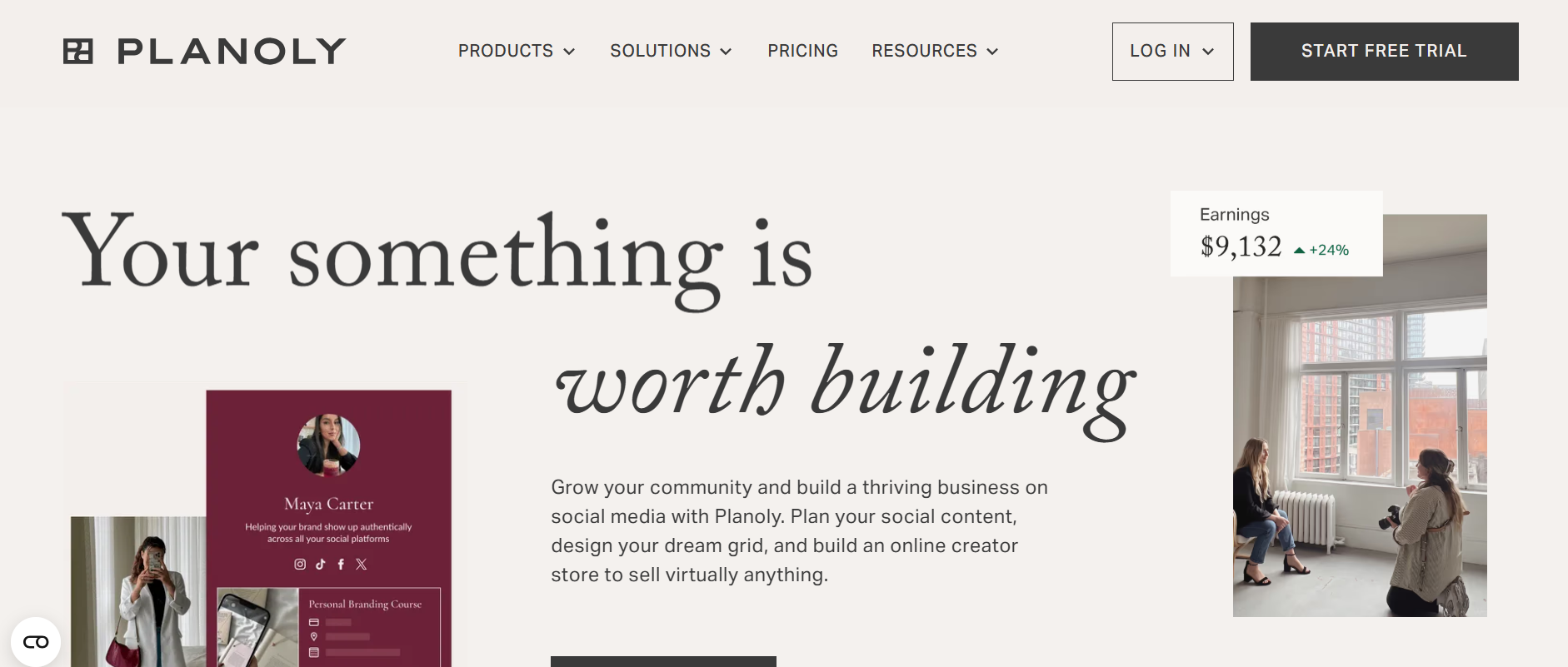
Planoly’s Webpage As we are about to end the list, we have Planoly on our list.
Planoly is a free social media management tool that helps you to plan, organize, publish and schedule content across multiple social media platforms.
Planoly helps you keep your feed clutter-free by organizing your social media accounts.
It provides a one-stop tool to schedule, post, and analyze content from one place, making managing your social media account simple and painless.
Main Features
- Auto-posting
- Content calendar
- Analytics
Pros
- Easy visual planner with a drag-and-drop calendar for Instagram and Pinterest.
- Built-in hashtag suggestions and basic post analytics.
- Intuitive interface that saves time on content scheduling.
Cons
- The free plan has tight post limits and fewer features than competitors.
- Analytics and multi-platform support are basic on the free tier.
Our Verdict
Planoly is a solid choice if your focus is on visual content and you want an easy way to plan and schedule posts, especially for Instagram and Pinterest.
Its calendar view and simplicity make content planning less stressful, but the limited free tier and occasional stability issues mean it’s best suited for creators who don’t need deep analytics or multi-platform automation right away.
How Do the Top Free Social Media Management Tools Compare Side by Side?
When you’re evaluating free social media management tools, feature lists alone don’t help much.
What actually matters is how these tools compare at a glance, especially around post limits, profiles, and real free-plan value.
That’s why most high-ranking comparison posts lean heavily on tables. Here is a side-by-side snapshot to help you spot the differences fast.
Free Social Media Management Tools Comparison Table
| Tool | Best For | Free Profiles / Brands | Free Post Limit | Key Free Features | Major Limitation |
|---|---|---|---|---|---|
| Social Champ | Teams & growing brands | 3 | 15 posts/mo | AI captions, bulk scheduling, basic analytics | Limited posts on the free plan |
| Buffer | Solo creators | 3 | 10 posts/profile | Simple scheduling, link in bio | No analytics history |
| Publer | Multi‑platform scheduling | 5 | 10 posts/profile | Link shortening, reusable templates | Post limits per account |
| Social Oomph | Basic RSS + scheduler | 1 | Unlimited | RSS automation, scheduled posts | Very limited networks |
| Later | Visual planners | 1 | 10 scheduled posts | Visual calendar, hashtag suggestions | Limited cross‑network support |
| Planoly | Instagram & Pinterest | 1 | 10 posts/month | Grid planner, basic analytics | Very limited analytics |
| Canva | Visual content + scheduling | 1–2 | Limited | Design + schedule in one place | Scheduling secondary to design |
| Tailwind | Pinterest & Instagram | 2 | 20 posts/mo | Visual planner, trend suggestions | Focused on visual networks |
| Kapwing | Video + social editing | N/A | N/A | Video editing & export | Not a scheduler alone |
| Friends+Me | Simple queue scheduling | 2 | 5 posts/queue | Queue posting | Limited platforms |
| SocialBu | Small brands | 2 | 40 posts/mo | Monitoring + scheduling | Basic analytics |
| Zoho Social | Small business | 1 | Unlimited | Publishing + basics | No advanced reports |
| CoSchedule | Calendar planning | 1 | Limited | Calendar view | Very limited free tier |
Note: For comparisons like Hootsuite vs Social Champ, Social Champ stands out on free plans thanks to AI features and more flexible posting without switching tools.
One Tool, Endless Free Possibilities!
From AI captions to bulk scheduling, Social Champ’s free plan gives you everything to stay consistent and stress-free.
Which Free Social Media Management Tools Work Best for Different Use Cases?
Not all free social media management tools are built for the same goals. Some are perfect for solo creators, while others fit better into small teams or client-facing workflows.
Here’s how the top tools stack up by use case so you don’t waste time testing the wrong ones.
Creators and Solo Entrepreneurs – Which Free Tools Make the Most Sense?
If you’re managing your own brand, you want speed, simplicity, and fewer tabs open, basically, tools that feel like smart productivity tools, not extra work.
- Social Champ: A solid pick for creators who want scheduling, AI captions, and a visual calendar without jumping between apps.
- Buffer: Best for solo users who just want clean, no-frills scheduling.
- Planoly: Ideal for Instagram and Pinterest-focused creators who plan visually.
Small Businesses – Which Free Social Media Management Tools Scale Best?
Small businesses usually need more channels, basic insights, and flexibility as posting volume grows.
- Social Champ: Fits well with small teams thanks to multiple profiles, bulk scheduling, and automation that most free plans skip.
- SocialBu: Helpful for brands that want posting plus light monitoring.
- Later: Works well for visual-first brands that rely on consistent planning.
Agencies and Freelancers – Can You Rely on Free Tools?
Free plans won’t fully support agencies long term, but they can work for trials or low-volume clients.
- Social Champ: The most agency-friendly option for testing workflows and managing multiple brands.
- Publer: Useful for freelancers handling a few platforms with limited posting needs.
- CoSchedule (Free Calendar): Great for planning content workflows, even if publishing is restricted.
Quick Tip!
Use Social Champ’s analytics to find the best time to post on social media and maximize reach without guesswork.
What Are the Limitations of Free Social Media Management Tools?
Free social media management tools are great when you’re starting out, but they do come with trade-offs that aren’t always obvious at first glance.
Knowing these limits upfront helps you avoid surprises once your content calendar fills up.
Common Feature Gaps You’ll Notice
Most free plans focus on basic scheduling and little else. Advanced analytics, social listening, post-approval workflows, and role-based access are usually locked behind paid tiers.
Many free plans also restrict publishing flexibility, making it harder to post to all social media at once without manual workarounds or multiple tools.
If you need performance breakdowns, competitor insights, or tools that help you find the best time to post on social media, free plans often fall short or provide very limited data.
Data, History, and Export Restrictions
Another big limitation is data access. Many free tools cap analytics history to 7–30 days, restrict exports, or don’t allow downloadable reports at all.
That makes long-term tracking, client reporting, or quarterly reviews harder than they should be.
Branding and Visibility Trade-Offs
Some free tools add their own branding, watermarks, or “posted via” labels to your content. While not a dealbreaker for everyone, it can feel unprofessional for brands trying to look polished or client-ready.
Quick Reality Check
Good to stick with free if…
- You manage one brand
- Post low volumes each month
- Are experimenting or validating workflows
Time to upgrade when…
- You manage multiple brands or clients
- Need team collaboration or approvals
- Want detailed analytics and reporting
Did You Know?
Even free plans let you experiment with TikTok scheduling, helping you discover the best time to post on TikTok for higher engagement.
How Should You Keep Your Free Social Media Management Stack Updated in 2026?
Free plans evolve quickly, sometimes without much notice. To keep getting value from free social media management tools, you need a simple system to stay ahead of changes instead of reacting to them.
Review Free-Plan Limits on a Regular Schedule
Make it a habit to review your tools every 6–12 months. Look closely at post limits, connected profiles, analytics history, and feature access.
Many tools quietly reduce free allowances or move key features behind paid plans—a shift we’ve seen across multiple Crowdfire alternatives in recent years.
Track Changes With a Simple Tool Log
You don’t need anything fancy. A basic spreadsheet or doc works perfectly. Include:
- Tool name
- Current free-plan limits
- Notes like “post cap reduced” or “free plan removed.”
This quick reference can save hours when a tool suddenly stops fitting your workflow.
Reassess Fit as Your Needs Change
As posting volume, platforms, or reporting needs increase, free plans can feel tighter. Re-check whether your current stack still supports how you work, or if it’s time to consolidate or upgrade.
Stay Flexible and Expect Change
This guide highlights tools that currently offer free access in 2026. Still, free tiers shift often. Staying proactive is the best way to avoid disruptions and keep your social workflow running smoothly.
Featured Article: Top 20 Social Media Calendar Tools to Streamline Your Content Strategy
So, Which Tool Fits Best for You?
And it’s a wrap! Undoubtedly, the social media management industry is vast, and we have all types of tools present in the market; it all depends on your goals and needs.
The best is to choose a free social media management tool and make your work life easier. It’s the best time to level up your social media strategies.
We hope these tools can really up your social media game.


9 comments
Paul
Great content! Thank you so much for sharing this kind of content. These will save me alot of time finding the right social media management tools. But I will try the Social Champ.
Danielle
This social media management post is epic. Have found so many things I am going to implement and use that I hadn’t heard of before
Cameron
The information looks so good and legit! Thanks
Violette
you have complete nailed down all the free social media management tools. Honestly, the word Free attracted me 😀 I will definitely try Social Champ.
Bernadette
Hey Yumna, thanks for sharing this great post. I will definitely try some of these tools. Honestly, Social Champ just stole my attention. Quite impressed with its versatile free features.
Sherlli
I really had no idea that all these platforms offer free plans that can be used by small businesses like us 😀
Aditya Jen
Is your social media management tool free for all social media networks?
John Noah
Well-explained, quite impressed with Social Champ!
John Noah
I am already using Social Champ for my business and it is amazing at its work