Are you someone who spends ages picking the perfect editing app for your photos and videos? We get it! But have you ever considered using an app to plan your Instagram content? Trust us, it’s a game-changer. Not only does it save you time, but it also saves you the headache of figuring out what to post next. And let’s be honest, who doesn’t want that?
But hold up, what exactly is an Instagram planning app? Think of it as your assistant for all things Instagram. It helps you schedule, organize, and optimize your content. Imagine this: you’ve got three months’ worth of killer content ready to go, but the mere thought of scheduling it manually makes you break out in a cold sweat. That’s where these apps come in to save the day!
So why bother with an Instagram planning app? Well, aside from the obvious time-saving benefits, they also give you a leg up on your Instagram game. For instance, Social Champ is a very useful social media management tool. From recommending killer hashtags to pinpointing the best times to post, these apps are like having a team of social media experts in your pocket.

Tired of Juggling Your Instagram Content?
Say Hello to Efficiency With Social Champ! Take the First Step Towards Effortless Scheduling
What Is an Instagram Planning App?
An Instagram planning app is a web tool or software designed to reorganize your Instagram content management process. From intuitive scheduling interfaces to advanced analytics tools, these apps provide all the options and tools you need to succeed in the hectic daily routine of social media marketing.
But perhaps the greatest benefit of Instagram planning apps is their ability to boost creativity and align workflow. With automated scheduling and in-depth insights at your fingertips, you’re free to focus on what really matters—creating gripping content that your audience can relate to.
In short, an Instagram planning app isn’t just a tool—it’s a catalyst for growth and success in the universe of digital marketing. So why waste time on manual scheduling when you can utilize the power of technology to optimize your Instagram strategy? Now that you have all the explanations in mind let’s move ahead with knowing the WHYs of using these apps in your work routine.
Why Use an Instagram Planning App?
Alright, let’s talk perks. First, these apps are a godsend for anyone looking to up their Instagram game. Not only do they save you time and energy, but they also give you insights into your content performance.
Here are more reasons why you should be using a planning app for managing your Instagram account:
-
Better Teamwork and Planning
A planning app can be a real lifesaver if you’re managing an Instagram account with a team. These apps allow you to collaborate on content calendars, assign tasks, and ensure everyone is on the same page. No more endless email threads or confusing spreadsheets – you can plan and execute your Instagram strategy without any hassle. Plus, you can easily keep track of what’s already been posted, what’s scheduled, and what’s in the pipeline.
-
Smart Decisions with Data
One of the most significant advantages of using an Instagram planning app is the wealth of data it provides. These apps analyze your account’s performance, giving you insights into your best-performing posts, optimal posting times, and audience demographics. With this data at your fingertips, you can make informed decisions about your content strategy rather than relying on guesswork. You’ll be able to identify trends, understand what best suits your audience, and customize your content accordingly.
-
Matching Brand Style Ideas
Consistency is key to building a strong brand identity on Instagram. Planning apps often offer visual planners or mood boards, allowing you to plan and visualize your feed in advance. This way, you can ensure that your posts have a cohesive look and feel, reinforcing your brand’s aesthetic. No more random, mismatched posts—your feed will be a carefully curated showcase of your brand’s style.
-
Best Times to Post Suggestions
Timing is everything on Instagram. Post at the wrong time, and your content might need to be recovered. Planning apps take the guesswork out of this by analyzing your audience’s activity patterns and recommending the optimal times to post. Some apps even allow you to schedule your posts in advance, ensuring your content goes live at the perfect moment to maximize engagement.
-
Better Time Management
Let’s be honest – managing an Instagram account can be a full-time job in itself. Between creating content, engaging with your audience, and analyzing performance, it’s easy to get overwhelmed. This is where a planning app comes in; it’s your personal social media assistant. These apps help your workflow, allowing you to batch-create and schedule content in advance. No more last-minute scrambles or missed opportunities – you’ll easily plan and execute your Instagram strategy.
-
Improved Use of Hashtags and Keywords
Hashtags and keywords are critical in increasing your visibility on Instagram. But keeping track of the latest trends and popular hashtags can take time and effort. Luckily, many planning apps have hashtag suggestions and keyword research tools. These features can help you identify the most relevant and effective hashtags for your niche, ensuring that your content gets discovered by your target audience.
Related Article: Instagram Reels Algorithm: Everything You Need to Know About Increasing Engagement
The Benefits of Using Instagram Planning Apps
The benefits of using Instagram planning apps are:
-
Content is Arranged
One of the biggest advantages of using an Instagram planning app is the ability to organize and arrange your content cohesively. These apps often feature visual planners or grid previews, allowing you to see how your feed will look before you hit that “post” button. No more random, disjointed feeds—you can carefully curate and arrange your content to create a visually stunning and on-brand Instagram presence.
Imagine being able to plan out your feed weeks or even months in advance, ensuring that each post complements the next and tells a consistent story about your brand. With an Instagram planning app, you can easily drag and drop images, rearrange posts, and experiment with different layouts until you find the perfect flow. It’s like having your own personal art director helping you curate a great feed that aligns with your brand’s aesthetic and messaging.
-
The Best Time to Post Suggestions
Timing is everything on social media, and Instagram is no exception. Post at the wrong time and your carefully crafted content might get lost in the endless scroll. That’s where Instagram planning apps come in clutch. Many apps use sophisticated algorithms to analyze your audience’s behavior and activity patterns, providing you with data-driven recommendations on the best times to post.
No more guesswork or relying on outdated advice – these apps will tell you exactly when your target audience is most active and engaged, ensuring that your content has the best chance of being seen and appreciated. Imagine never having to worry about posting at a suboptimal time again – with an Instagram planning app, you can schedule your posts to go live at the perfect moment, maximizing your reach and engagement.
-
Scheduling Ahead of Time
Your time is precious as a busy professional or content creator. Between creating content, engaging with your audience, and managing other aspects of your brand, it’s easy to get overwhelmed and fall behind your Instagram strategy. That’s where the scheduling capabilities of Instagram planning apps come into play.
With these apps, you can batch-create and schedule your content in advance, freeing up valuable time and ensuring you never miss a beat. No more last-minute scrambles or forgotten posts – you can plan out your content calendar in advance, giving you peace of mind and allowing you to focus on other essential tasks.
With Instagram planning apps, you can schedule a week’s worth of posts in just an hour or two. You can create captions, select hashtags, and even edit your images within the app. Then, simply set the date and time for each post and let the app handle the rest.
-
Manage Engagement on Profile/Account
Engagement is the lifeblood of social media, and Instagram is no exception. While posting great content is essential, it’s equally crucial to interact with your audience, respond to comments, and foster a sense of community around your brand. Instagram planning apps can be a game-changer in this regard.
Many of these apps feature built-in tools for managing comments, direct messages, and other forms of engagement. You can easily view and respond to comments directly within the app, ensuring no interaction goes unanswered. Some apps even offer features like saved reply templates, making it easier to provide consistent and on-brand responses to common questions or comments.
You can manage all your Instagram engagements from a single, centralized hub. No more toggling between different apps or platforms – you can stay on top of your community’s interactions. This way, you can foster deeper connections and build stronger relationships with your audience.
-
Get to Plan Your Instagram Grid
One of Instagram’s most striking aspects is the grid layout of your feed. A well-planned and cohesive grid can be a powerful branding tool, helping to reinforce your brand’s aesthetic and create a memorable visual experience for your followers. Instagram planning apps make it easier than ever to plan and visualize your grid layout in advance.
With these apps, you can see a preview of how your upcoming posts will look on your feed, allowing you to make adjustments and create a visually stunning grid. You can experiment with different layouts, color schemes, and patterns, ensuring that your feed tells a cohesive story and aligns with your brand’s visual identity.
You can plan out your grid in advance, ensuring that each post complements the next and creates a smooth, visually appealing experience for your audience. With an Instagram planning app, you can turn your feed into a carefully curated masterpiece, showcasing your brand’s aesthetic and capturing the attention of potential followers and customers.
-
Sharing Strategy With Your Team
For businesses, agencies, or influencers working with a team, collaboration and communication are crucial to executing a successful Instagram strategy. Instagram planning apps can be ideal, offering powerful collaboration tools that aid teamwork and ensure everyone is on the same page.
Many of these apps allow you to create shared content calendars, assign tasks, and even leave comments or feedback on specific posts. This makes it easier to coordinate efforts, ensure consistency, and avoid duplication of work. You can also grant different levels of access to team members, ensuring everyone has the appropriate level of control and visibility.
You can collaborate with your team, no matter where they are located. You can plan out your content strategy together, provide feedback on each other’s ideas, and ensure that everyone is aligned with the overall vision and messaging. With an Instagram planning app, you can foster a more cohesive and efficient team dynamic, ultimately leading to better results and a stronger Instagram presence.
Featured Article: How to Manage a Social Media Presence: Strategies for Success
10 Best Instagram Planning Apps in 2026
-
Social Champ
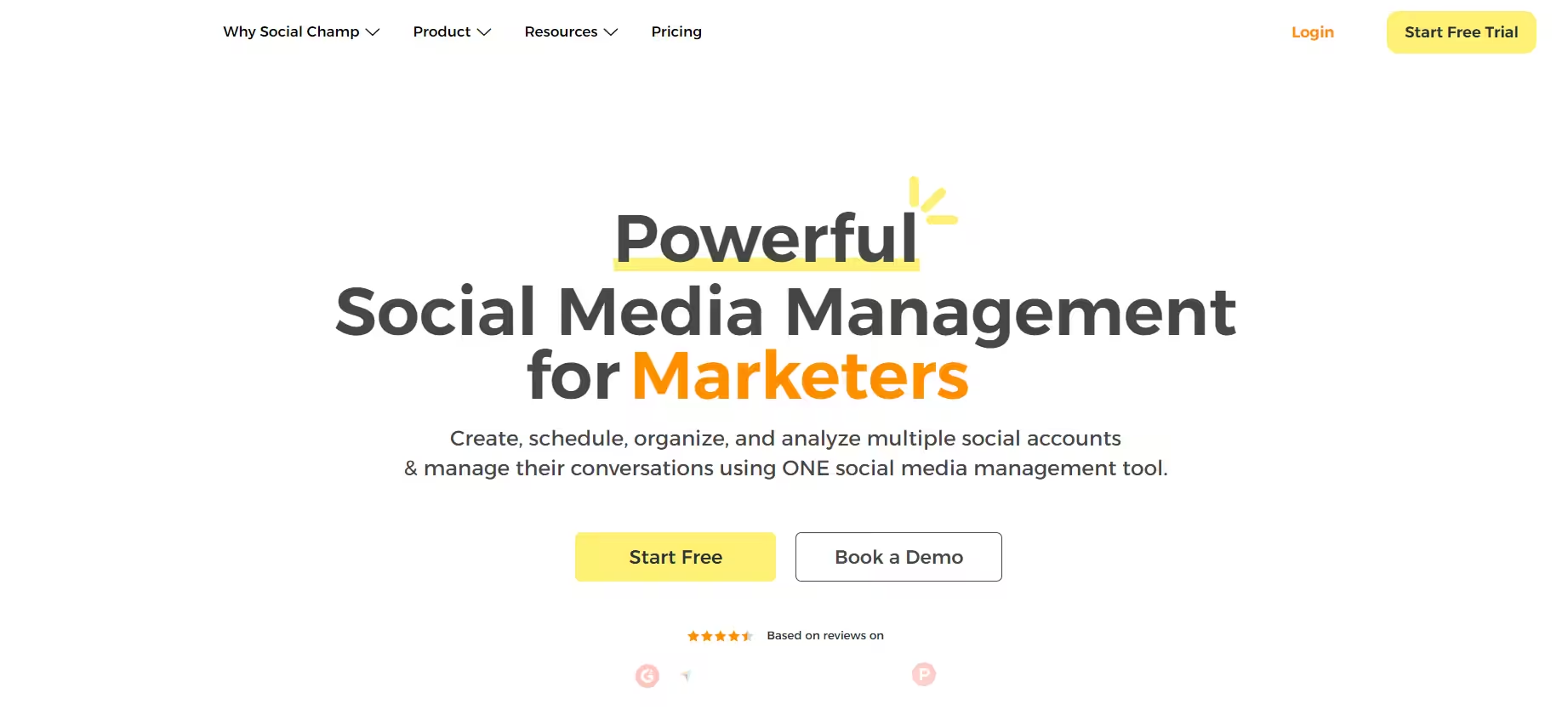
Instagram planning apps free Social Champ is an all-in-one social media management tool offering a range of features for planning and automating Instagram. Here’s what sets it apart:
Pros:
– Supports scheduling and publishing for multiple social media sites
– Content curation and multimedia content support
– Advanced analytics and reporting capabilities
– Automated content scheduling and content recycling features
– Bulk scheduling and content calendar management
Cons:
– Limited visual planning tools for the Instagram feed
– User interface can be overwhelming for beginners
Pricing Plans:
Social Champ comes with two pricing tiers, including a Pay-Per-Profile and a Flat-Rate model.
Here’s what you get in the Pay-Per-Profile:
- Starter, which costs $4 and has 1 user. In this plan, you can manage 1 social accounts.
- Growth, which costs $8 and has unlimited users. In this plan, you can manage 1 social accounts.
These plans also offer discounts as you scale. Here’s how much you can save in the Starter:
- For 1-10 social accounts: $4
- For 11-20 social accounts: $3
- For 21-40 social accounts: $2
- For 41+ social accounts: $0.50
Here’s how much you can save in the Growth:
- For 1-10 social accounts:$8
- For 11-20 social accounts:$3.50
- For 21-40 social accounts:$2.50
- For 41+ social accounts:$1
With Social Champ, you also get Flat-Rate bundles, which are:
- Free, which costs $0 and has 1 user. In this plan, you can manage 3 social accounts.
- Standard, which costs $23 and has 2 users. In this plan, you can manage 6 social accounts. This plan also comes with add-ons for accounts. You can add another account for $5/account
- Professional, which costs $47 and has 5 users. In this plan, you can manage 12 social accounts. This plan also comes with add-ons for accounts. You can add another account for $4/account and pay $8/user for another user.
- Agency, which costs $119 and has unlimited users. In this plan, you can manage 30 social accounts. This plan also comes with add-ons for accounts. You can add another account for $3/account
- Enterprise, which is Custom and has unlimited users. In this plan, you can manage unlimited social accounts.
Social Champ also supports: Instagram, Facebook, TikTok, LinkedIn, YouTube, Threads, Pinterest, X, Google Business Profile, Bluesky, Mastodon, and WhatsApp Business
-
Loomly
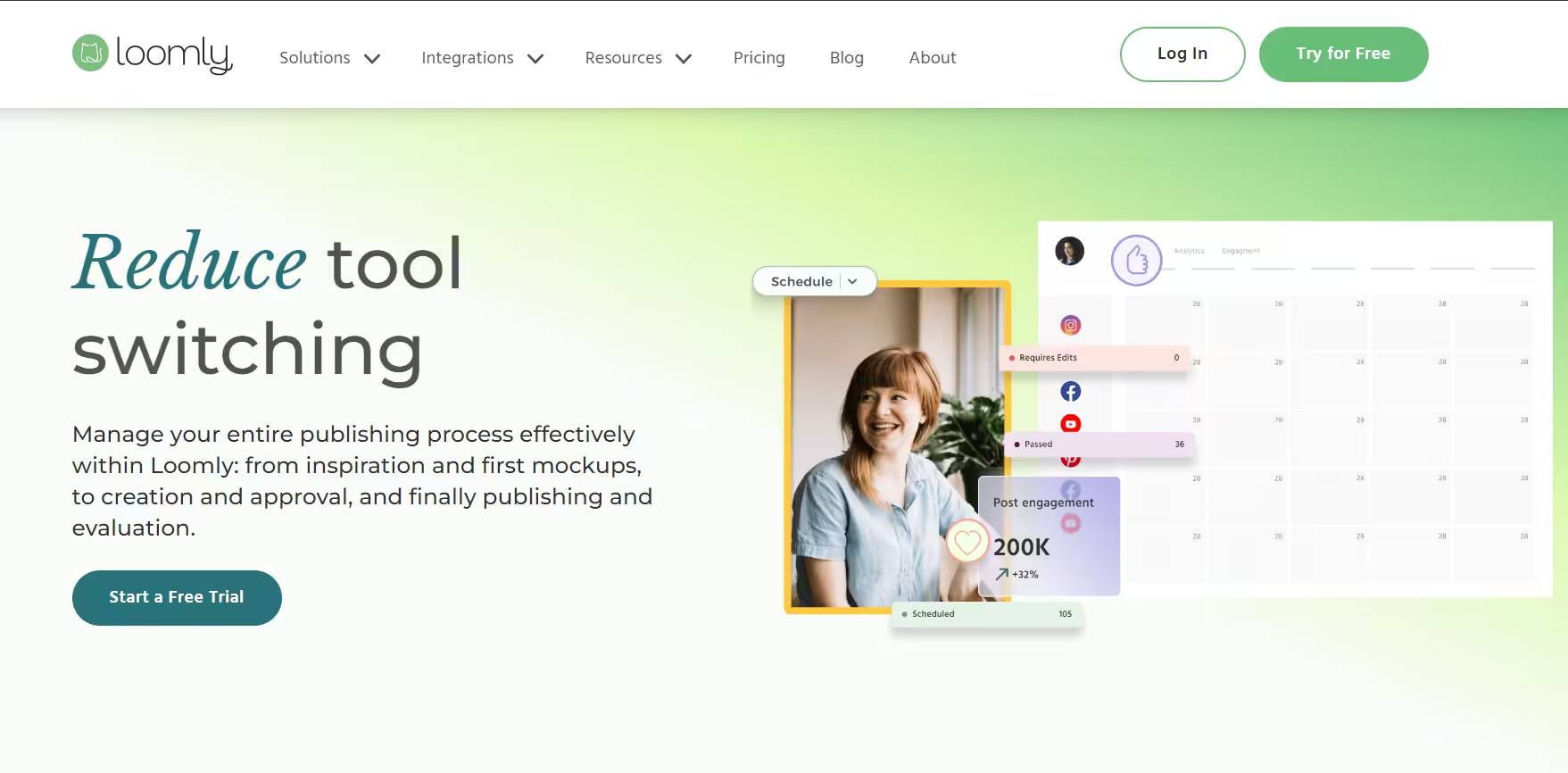
Loomly Loomly is an extensive social media management platform that has become a favorite among marketing teams and social media managers. Here’s what makes it stand out:
Pros:
- User-friendly interface for content curation, scheduling, and publishing
- Effective collaboration tools for team workflow
- Detailed analytics and reporting features
- Supports multiple social media platforms, including Instagram
- Lead management and inbox features for customer engagement
Cons:
- Relatively steep learning curve for beginners
- Limited image editing capabilities within the app
Pricing Plans:
Loomly offers three plans, including:
- Free, which costs $0 and has 1 user. In this plan, you can manage 3 social accounts.
- Starter, which costs $49 and has 3 users. In this plan, you can manage 12 social accounts.
- Beyond, which costs $249 and has Unlimited users. In this plan, you can manage 60 social accounts.
- Enterprise, which is Custom and has Unlimited users. In this plan, you can manage 61+ social accounts.
Loomly also supports: Instagram, LinkedIn, Facebook, TikTok, YouTube, Threads, Google Business Profile, Pinterest, and Snapchat
-
Later
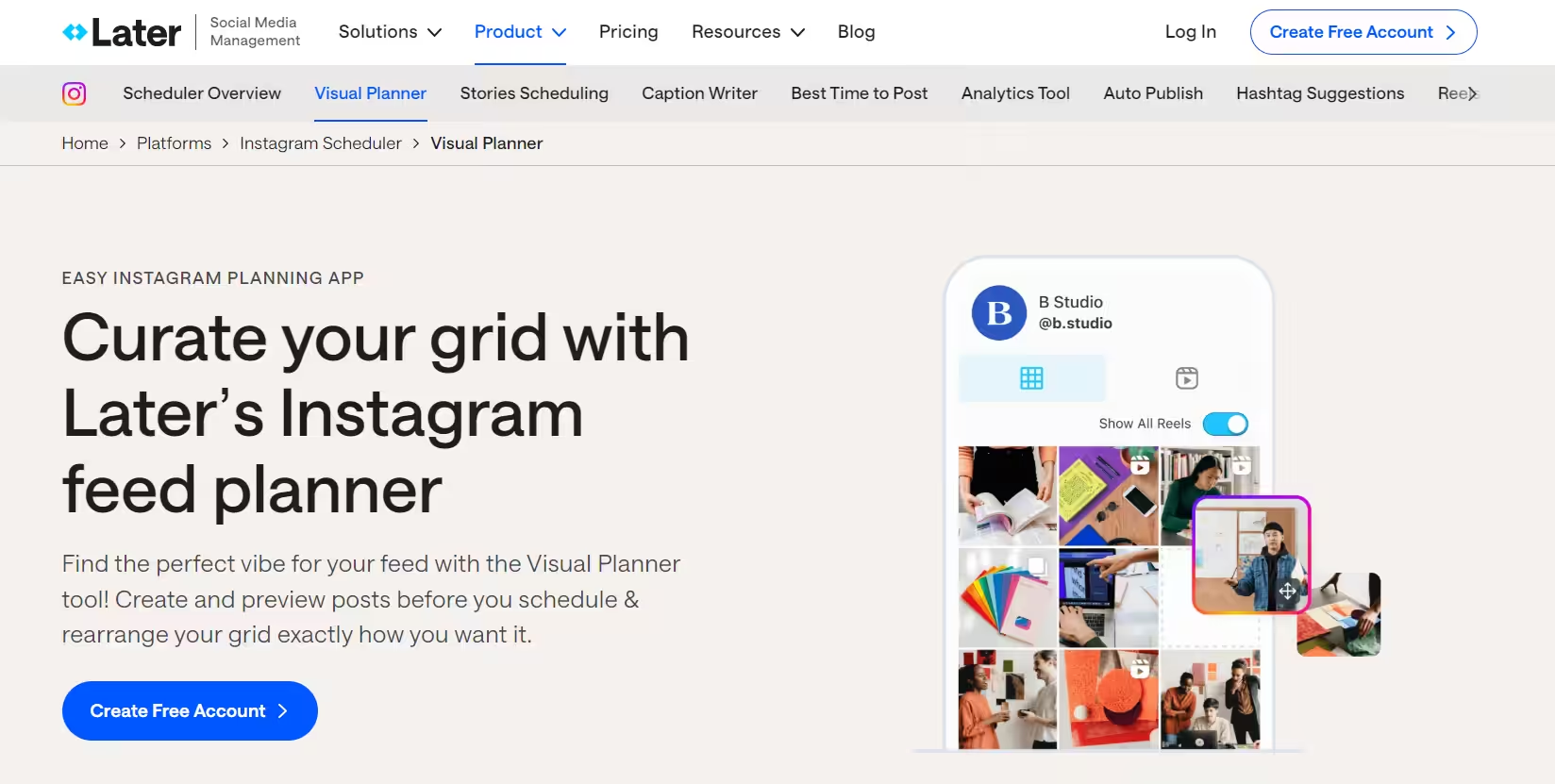
Later Later is a visual-first Instagram planning app that caters to businesses, influencers, and agencies. Here’s what sets it apart:
Pros:
– Intuitive drag-and-drop visual planner for Instagram feed preview
– Advanced analytics and reporting features
– Hashtag suggestions and keyword search tools
– User-generated content curation and rights management
– Link in bio integration for Instagram bio link optimization
Cons:
– Limited features for other social media platforms
– No built-in image editing capabilities
Pricing Plans:
Later offers three plans, including:
- Free, which costs $0 and has 1 user. In this plan, you can manage 8 social accounts.
- Starter, which costs $18.75 and has 1 user. In this plan, you can manage 8 social accounts.
- Growth, which costs $37.50 and has 2 users. In this plan, you can manage 16 social accounts.
- Scale, which costs $82.50 and has 4 users. In this plan, you can manage 48 social accounts.
Later also supports: Instagram, Facebook, Threads, Pinterest, TikTok, LinkedIn, YouTube, and Snapchat.
-
Planoly
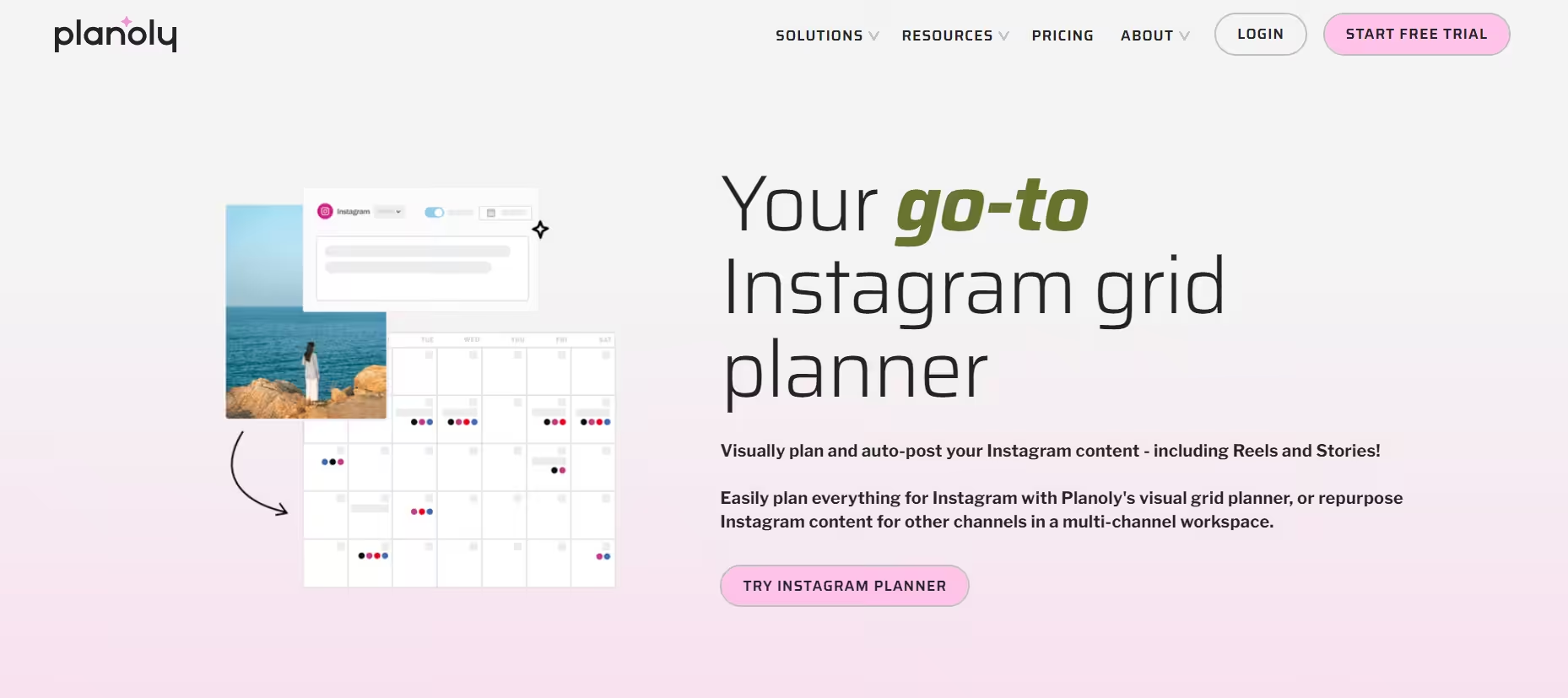
instagram planner Planoly is a visually stunning Instagram planning app that prioritizes a unified user experience. Here’s what makes it a top contender:
Pros:
– Intuitive drag-and-drop grid planner for Instagram feed preview
– Automated hashtag suggestions and trending hashtag insights
– Collaboration features for team planning and client sharing
– Shoppable feed integration for e-commerce businesses
– Analytics and insights for content performance
Cons:
– Limited features for other social media platforms
– No built-in image editing capabilities
Pricing Plans:
Planoly offers four plans, including:
- Personal, which costs $0 and has 1 user. In this plan, you can manage 1 social set.
- Starter, which costs $16 and has 1 user. In this plan, you can manage 1 social set.
- Growth, which costs $28 and has 3 users. In this plan, you can manage 1 social set.
- Pro, which costs $43 and has 60543 users. In this plan, you can manage 2 social sets.
Planoly also supports: Instagram, YouTube, LinkedIn, Threads, TikTok, Facebook, Pinterest, and X.
-
Buffer
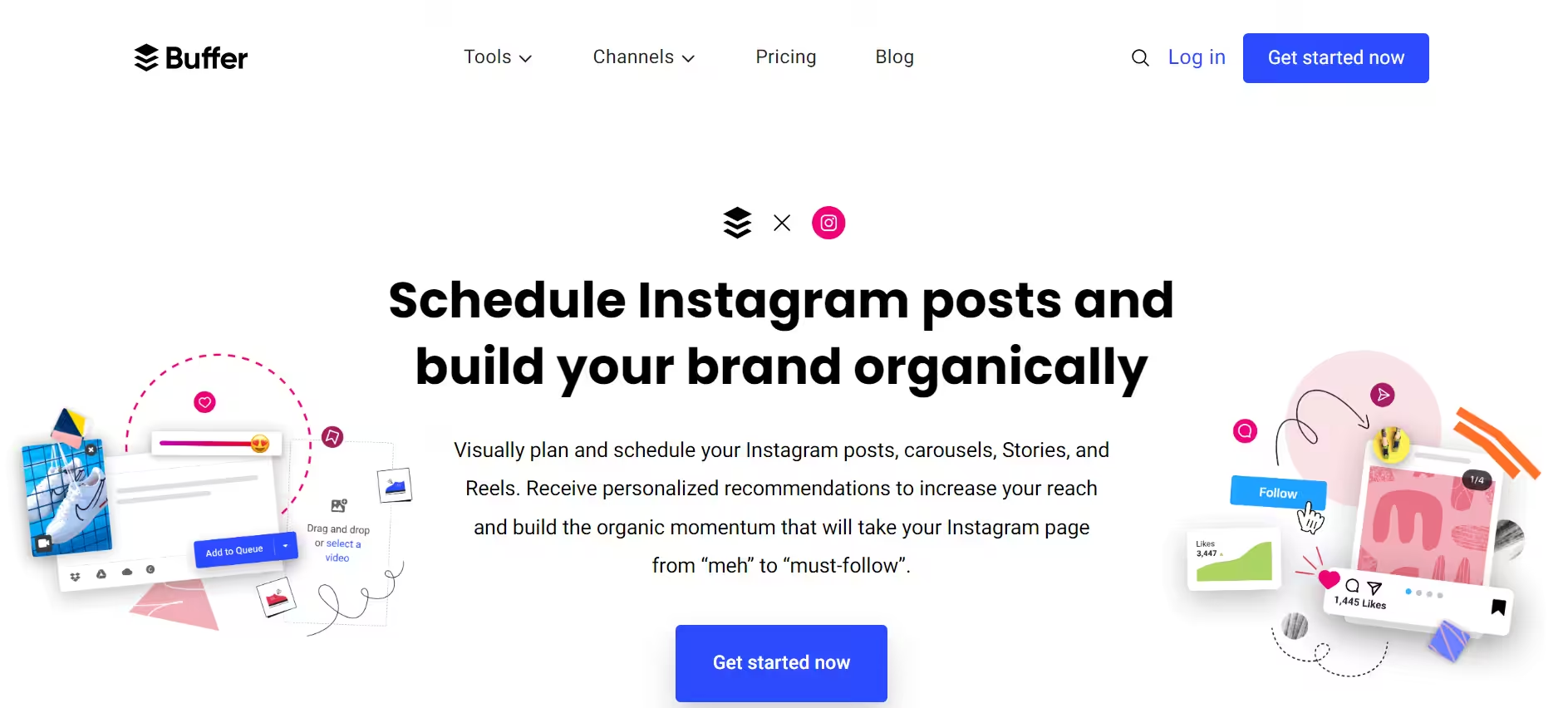
instagram grid planner online free Buffer is a versatile social media management tool that offers a suite of features for Instagram planning and scheduling. Here’s what makes it a compelling choice:
Pros:
– Simple and intuitive interface for content scheduling
– Supports multiple social media platforms, including Instagram
– Analytics and reporting features for performance tracking
– Browser extensions and mobile apps for on-the-go scheduling
– Robust customer support and resources
Cons:
– Limited collaboration and team management features
– No visual planner or grid preview for the Instagram feed
Pricing Plans:
Buffer offers three plans, including:
- Free, which costs $0 and has 1 user. In this plan, you can manage 3 social accounts.
- Essentials, which costs $5 and has 1 user. In this plan, you can manage 1 social accounts.
- Team, which costs $10 and has Unlimited users. In this plan, you can manage 1 social accounts.
Buffer also supports: Facebook, Instagram, X, Bluesky, Google Business Profile, LinkedIn, Mastodon, Pinterest, Threads, TikTok, YouTube
-
Sprout Social
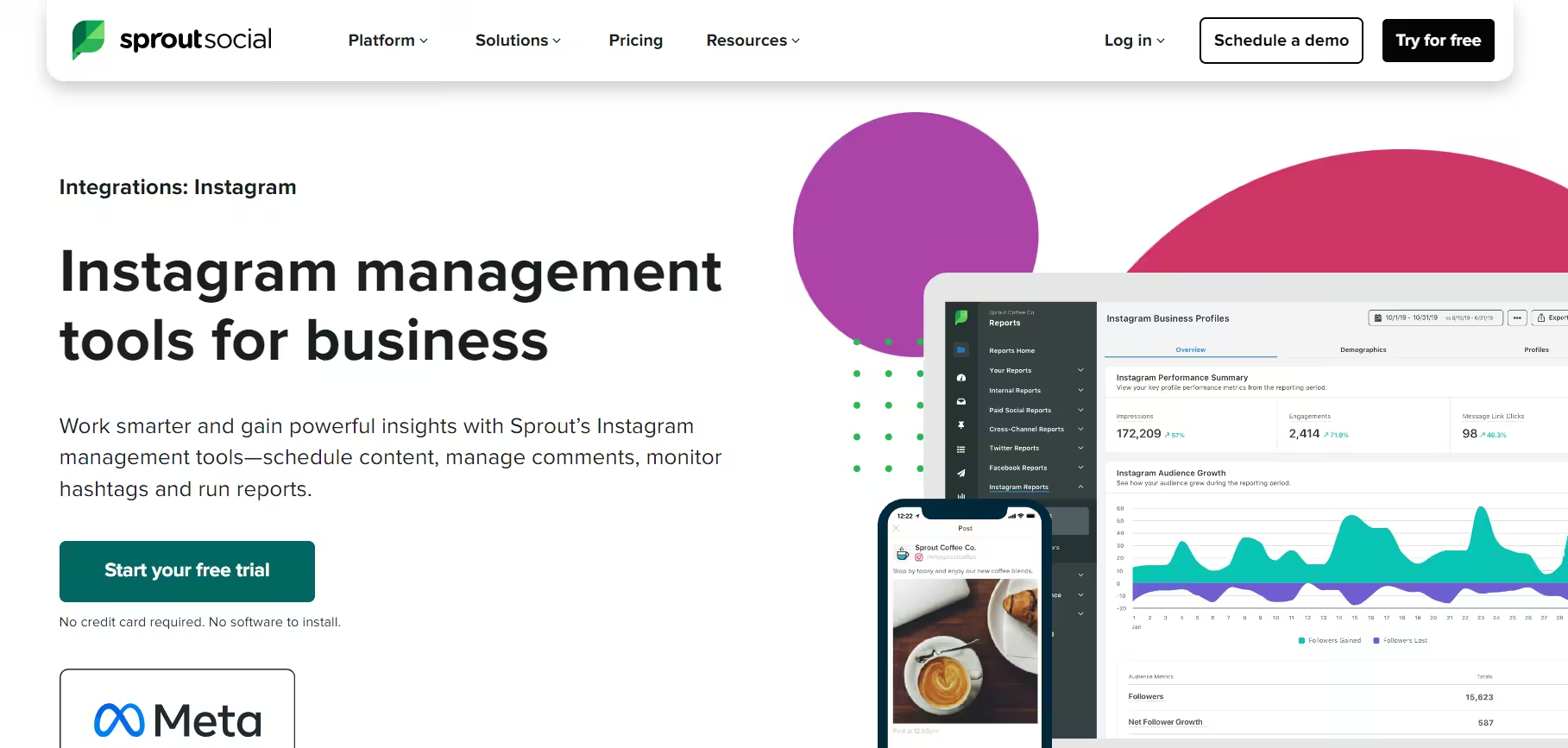
preview planner for instagram Sprout Social is an inclusive social media management platform that caters to businesses of all sizes. Here’s what makes it a standout choice:
Pros:
– Unified inbox and engagement tools for customer interactions
– Advanced analytics and reporting features
– Employee advocacy and social listening capabilities
– Supports multiple social media platforms, including Instagram
– Robust collaboration and team management features
Cons:
– Steep learning curve for beginners
– Limited visual planning tools for the Instagram feed
Pricing Plans:
Sprout Social offers five plans, including:
- Essentials, which costs $79 and has 1 user. In this plan, you can manage 5 social accounts.
- Standard, which costs $199 and has 1 user. In this plan, you can manage 5 social accounts.
- Professional, which costs $299 and has 1 user. In this plan, you can manage Unlimited social accounts.
- Advanced, which costs $399 and has 1 user. In this plan, you can manage Unlimited social accounts.
- Enterprise, which is Custom and has Custom users. In this plan, you can manage Unlimited social accounts.
Sprout Social also supports: Facebook, Instagram, X, LinkedIn, Pinterest, TikTok, YouTube, Threads, Bluesky, WhatsApp, Reddit, Tumblr, and Google Business Profile
-
Canva
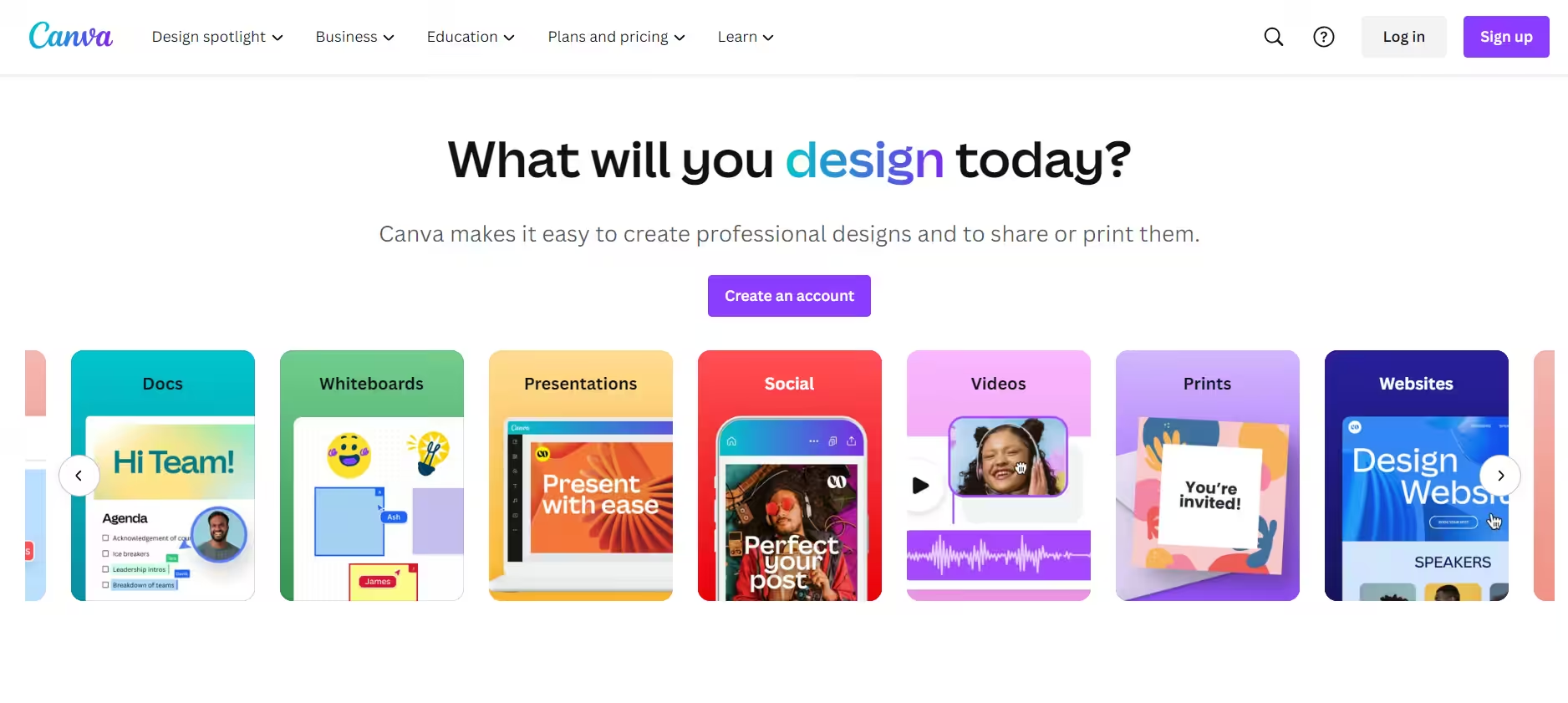
Canva While not primarily an Instagram planning app, Canva has become an indispensable tool for visual content creation. Here’s why it’s a must-have for Instagram marketers:
Pros:
– Extensive library of templates, graphics, and design elements
– User-friendly drag-and-drop design interface
– Collaborative design features for team workflows
– Integrated photo editing and enhancement tools
– Affordable pricing plans for individuals and teams
Cons:
– No built-in scheduling or publishing features for Instagram
– Limited analytics and performance tracking capabilities
Pricing Plans:
Canva offers seven plans, including:
- Free, which costs $0.
- Pro, which costs $144.
- Business, which costs $250.
- Enterprise, which is Custom.
- Teachers, which is Free.
- Schools and Districts, which is Free.
- Campus, which is Custom.
Canva also supports: Facebook, Instagram, X, LinkedIn, Pinterest, Tumblr, Slack, YouTube, TikTok, and Snapchat
-
HubSpot
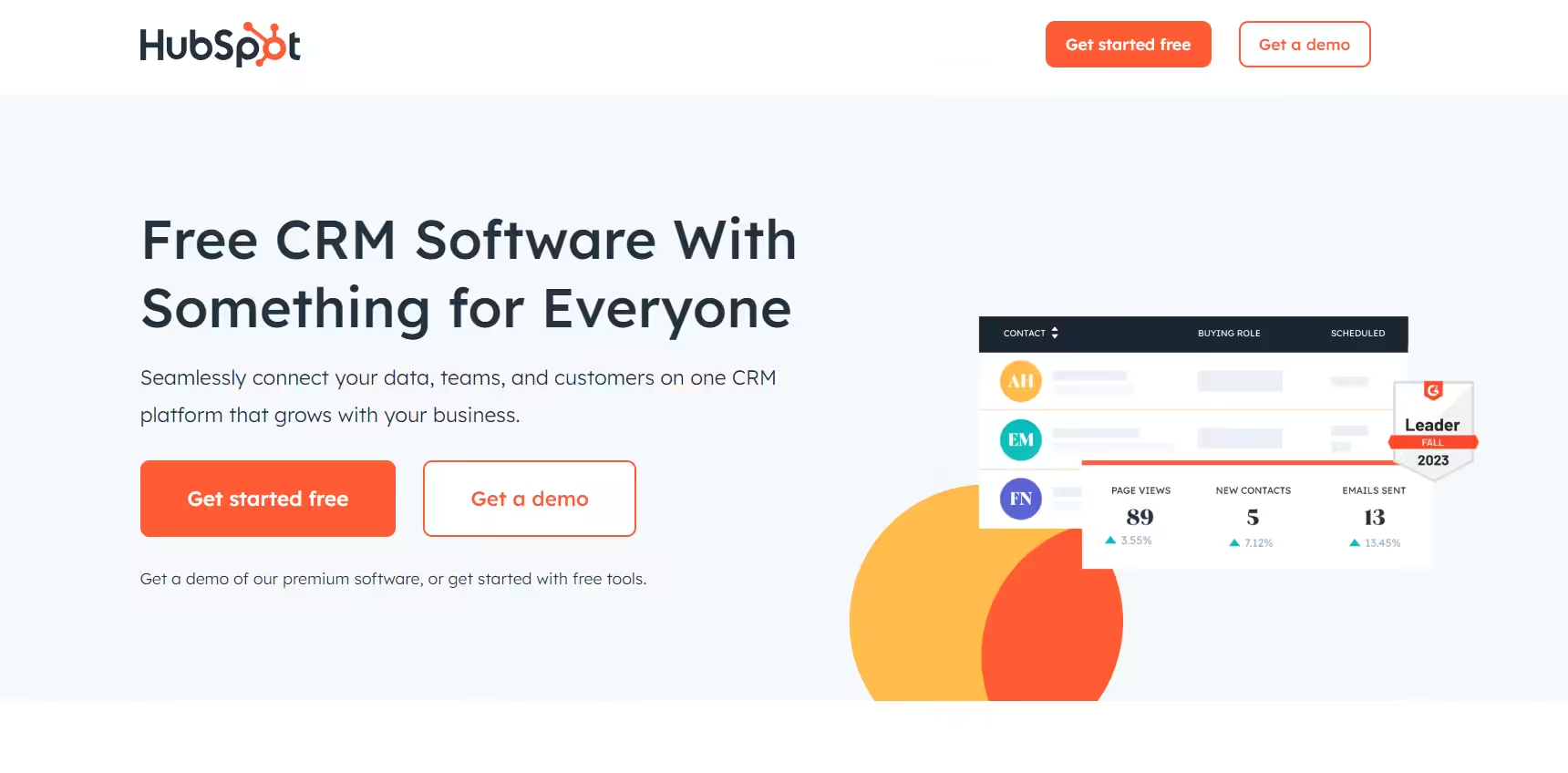
Best instagram planning apps HubSpot is a complete marketing, sales, and customer service platform with social media management capabilities. Here’s what makes it a strong contender:
Pros:
– Unified platform for managing various marketing and sales activities
– Supports scheduling and publishing for multiple social media platforms
– Advanced analytics and reporting features
– Lead generation and customer relationship management (CRM) tools
– Robust customer support and resources
Cons:
– Limited visual planning tools for Instagram feed
– Steep learning curve for beginners
– Primarily focused on B2B marketing and sales
Pricing Plans:
HubSpot Marketing Hub offers four plans, including:
- Free, which costs $0.
- Starter, which costs $9.
- Professional, which costs $800.
- Enterprise, which is $3600.
-
Hootsuite
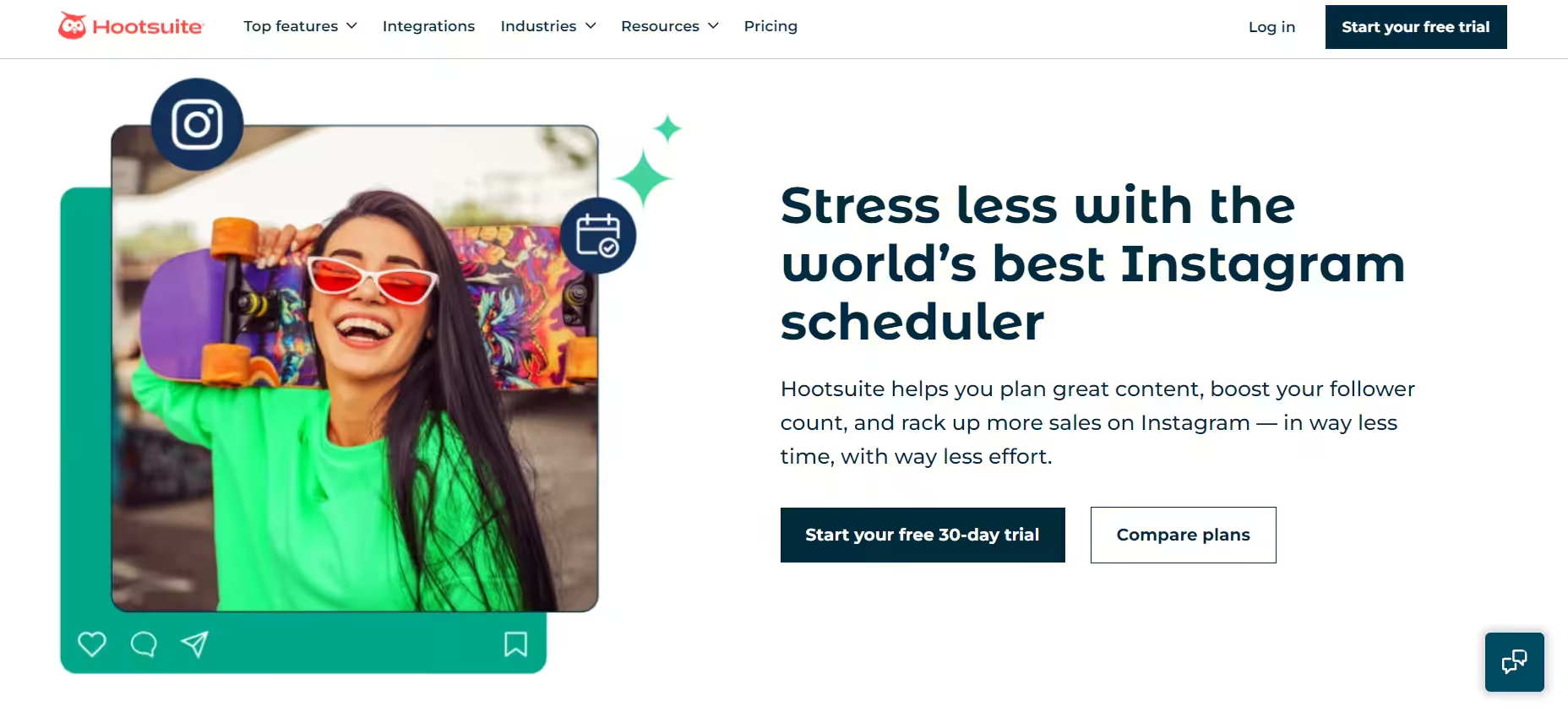
Instagram planning apps for Android Hootsuite is a well-established social media management platform offering a range of Instagram planning and scheduling features. Here’s what sets it apart:
Pros:
– Supports scheduling and publishing for multiple social media platforms
– Advanced analytics and reporting capabilities
– Social listening and competitive analysis tools
– Collaboration and team management features
– Comprehensive app integrations and customization options
Cons:
– Limited visual planning tools for Instagram feed
– Steep learning curve for beginners
– Higher pricing plans for advanced features
Pricing Plans:
Hootsuite offers three plans, including:
- Standard, which costs $99 and has 1 user. In this plan, you can manage 10 social accounts.
- Advanced , which costs $399 and has 1 user. In this plan, you can manage Unlimited social accounts.
- Enterprise, which is Custom and has Unlimited users. In this plan, you can manage Unlimited social accounts.
Hootsuite also supports: Facebook, Instagram, TikTok, LinkedIn, X, YouTube, Pinterest, Threads, WhatsApp, Google Business Profile, and Bluesky.
-
Plann
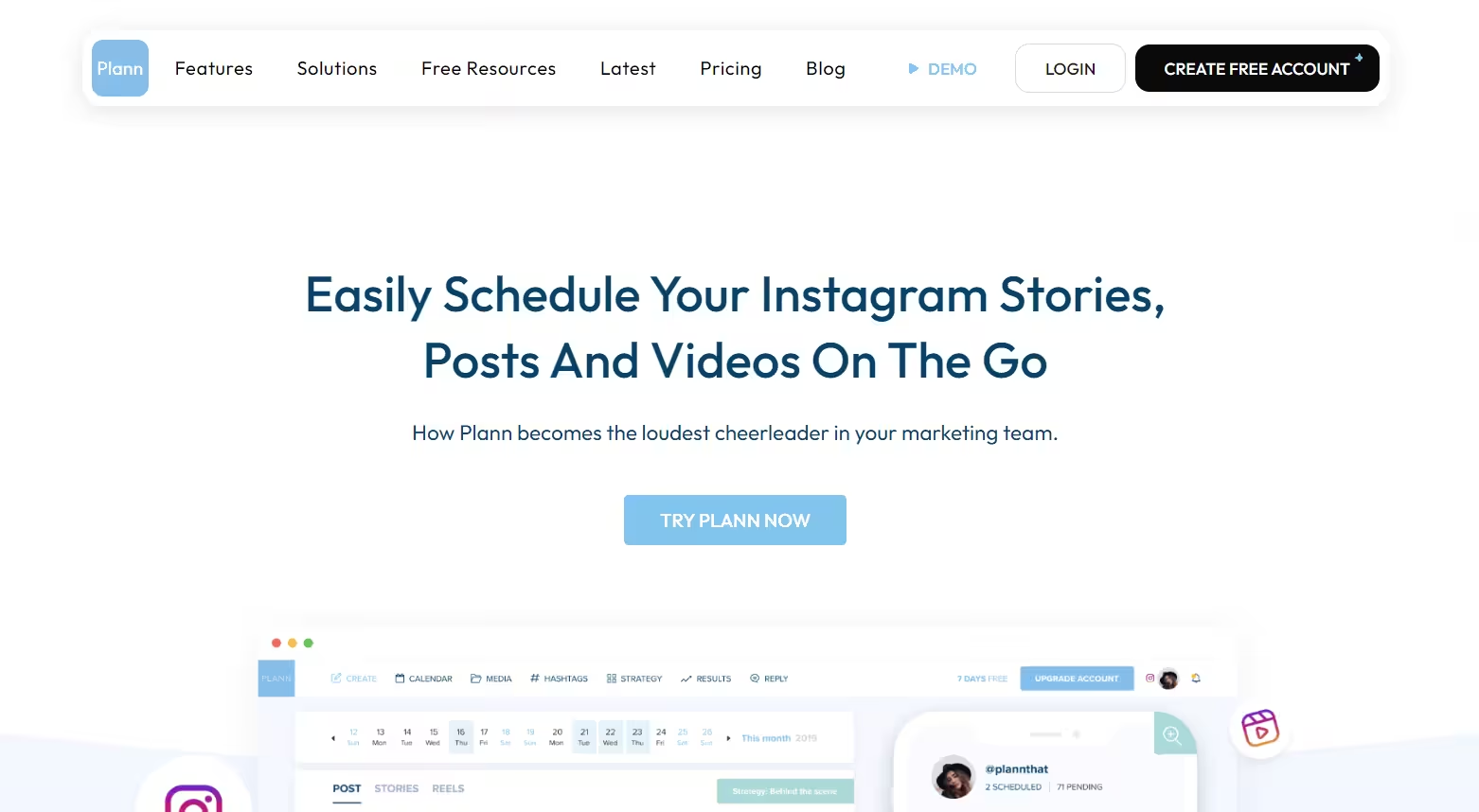
Best instagram planning apps Plann is a visually-driven Instagram planning app that prioritizes an all-in-one user experience. Here’s what makes it a compelling choice:
Pros:
– Intuitive drag-and-drop grid planner for Instagram feed preview
– Advanced hashtag and content performance analytics
– Collaboration features for team planning and client sharing
– Automated schedule optimization based on audience activity
– Link in bio integration for Instagram bio link optimization
Cons:
– Limited features for other social media platforms
– No built-in image editing capabilities
Pricing Plans:
Plann offers four plans, including:
- Free Forever, which costs $0 and has 1 user. In this plan, you can manage 1 brand.
- Power User, which costs $12.5 and has 1 user. In this plan, you can manage 1 brand.
- Build, which costs $25 and has 2 users. In this plan, you can manage 2 brands.
- Grow, which is $62.5 and has 4 users. In this plan, you can manage 5 brands.
Plann also supports: Instagram, Pinterest, Facebook, TikTok, LinkedIn, YouTube, and Threads
Conclusion
To summarize, staying ahead in today’s social media world requires powerful tools like Instagram planning apps. These platforms level up your Instagram strategy, offering intuitive visual planners, advanced analytics, scheduling capabilities, and collaborative features. By rearranging your workflow, maximizing reach, and fostering unified teamwork, these apps become catalysts for growth and success. From visually stunning grid planners to all-inclusive social media management capabilities, the top Instagram planning apps of 2026 cater to diverse needs, empowering businesses and individuals alike.