

Invite, Assign & Manage Clients With Full Control
Give every client a focused view of their own social accounts and content. Assign workspaces, set limits, and keep your agency organized without manual setup.
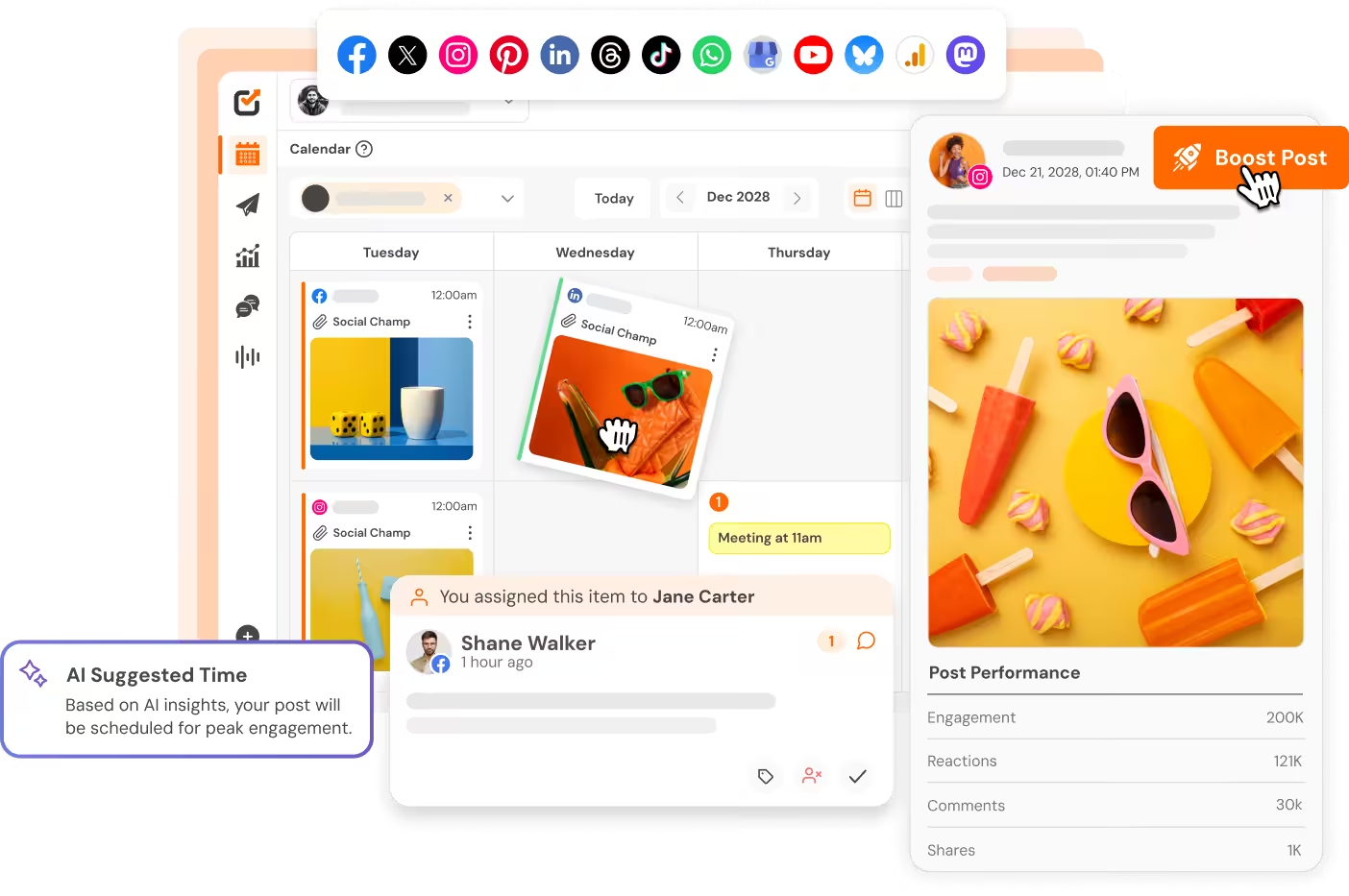

Send Invites
Send a client invitation with all settings pre-configured. Workspace, accounts, and limits locked in before they join.

Set Limits
Set per-client account limits to avoid over-allocating your social portfolio as you onboard more brands and consultants.

Filter Access
Give every client a filtered view of only their content and accounts. No clutter from other brands or internal team work.

Easy to Manage
Edit assignments, resend invites, copy signup links, or remove clients anytime. Your dashboard updates counts instantly.
Explore Client Management for Agencies
See Every Client Status and Invite in One Place
Open Client Management to a searchable dashboard of all clients. Invite new users with full control over workspace, social accounts, and account limits before sending the invitation.
- Browse a searchable list of clients and invitation statuses.
- Invite a new client using name, email, and workspace details.
- Select only the social accounts that the client should access.
- Apply a per-client account limit as a scaling safeguard.
- Set post approval requirements on the workspace if desired.
- Send the invite and monitor its status from the same dashboard.
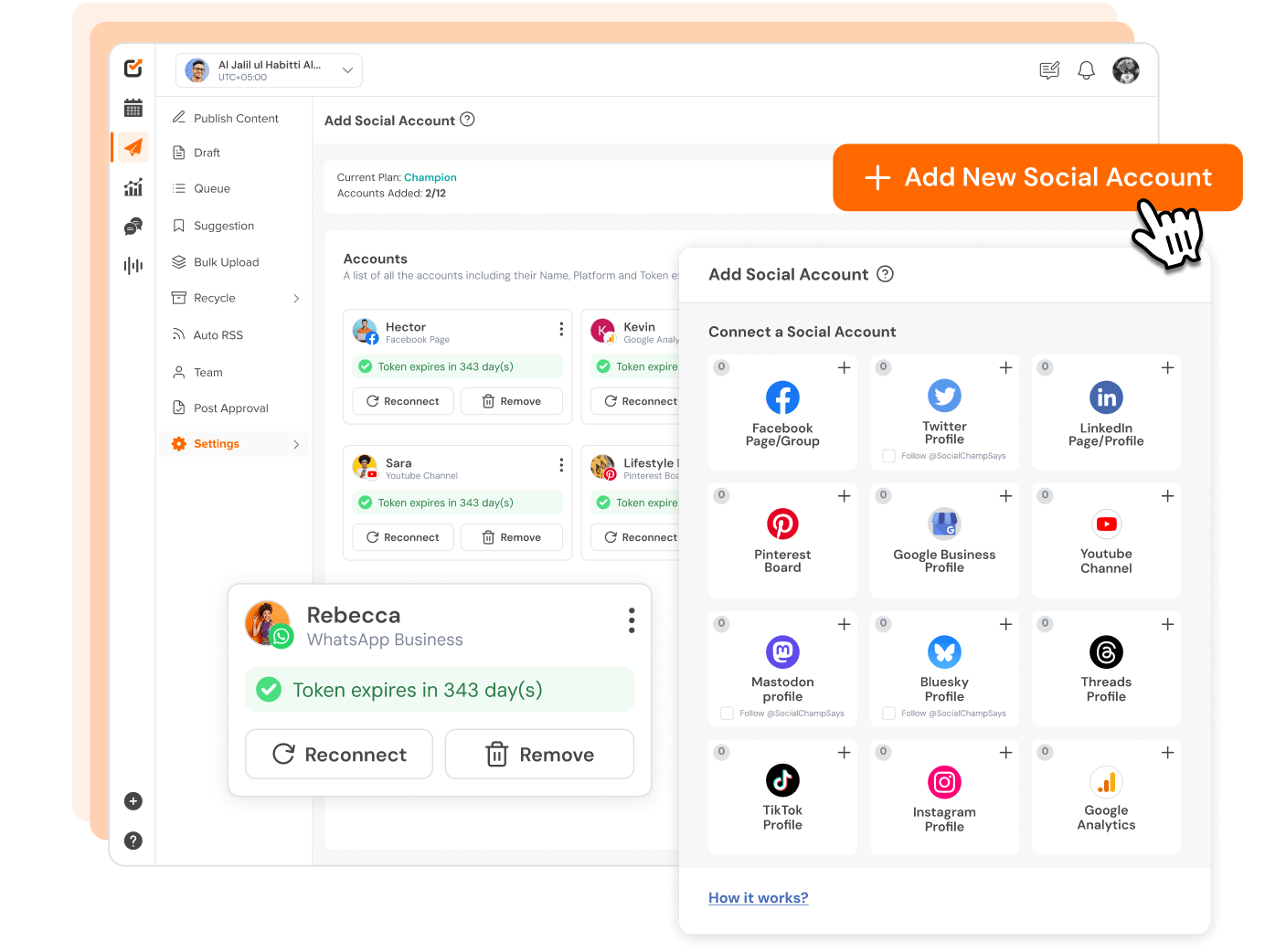
Protect Your Agency Workspace From Full Exposure
Client Management solves a common access problem agencies face, giving each client a filtered view scoped to their assigned workspace only.
- Clients see only their assigned workspace and social accounts.
- Internal team operations remain fully hidden from clients.
- No client gets unrestricted access to the full agency workspace.
- Each brand stays in its own scoped and organized container.
- Workspace assignment keeps collaboration clean and controlled.
- The exact restriction level depends on product permissions.
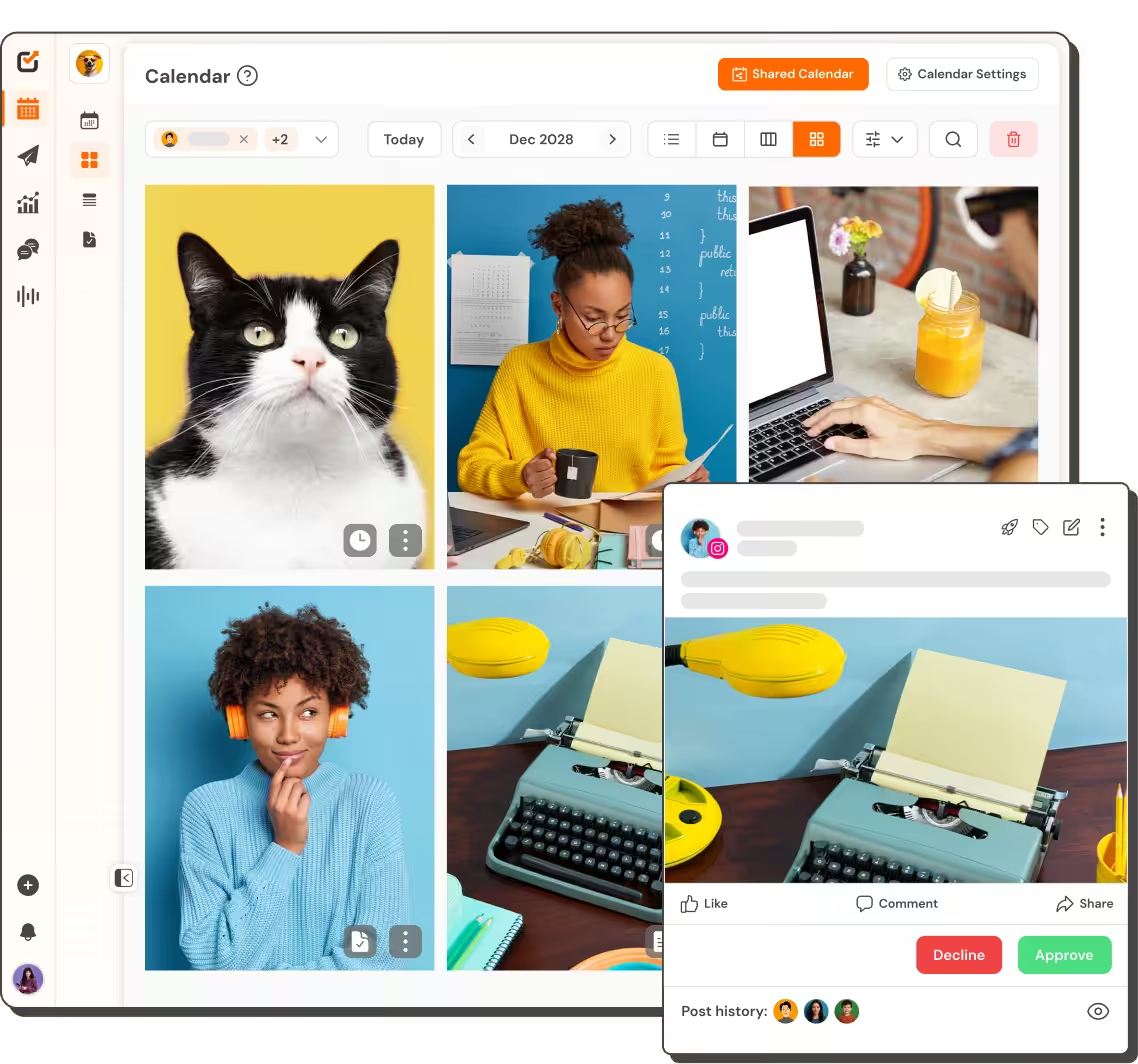
Adjust, Resend, or Remove Clients in Real Time
An admin can edit workspace assignments, resend invitations, copy signup links, or remove access. The dashboard keeps counts accurate with every single change.
- Edit a client workspace and account assignment anytime.
- Resend an invitation when a client misses the first email.
- Copy the invitation link as an alternate onboarding path.
- Remove a client and watch dashboard counts update instantly.
- Check invitation status quickly in the searchable list view.
- Manage access changes without manual reconfiguration steps.
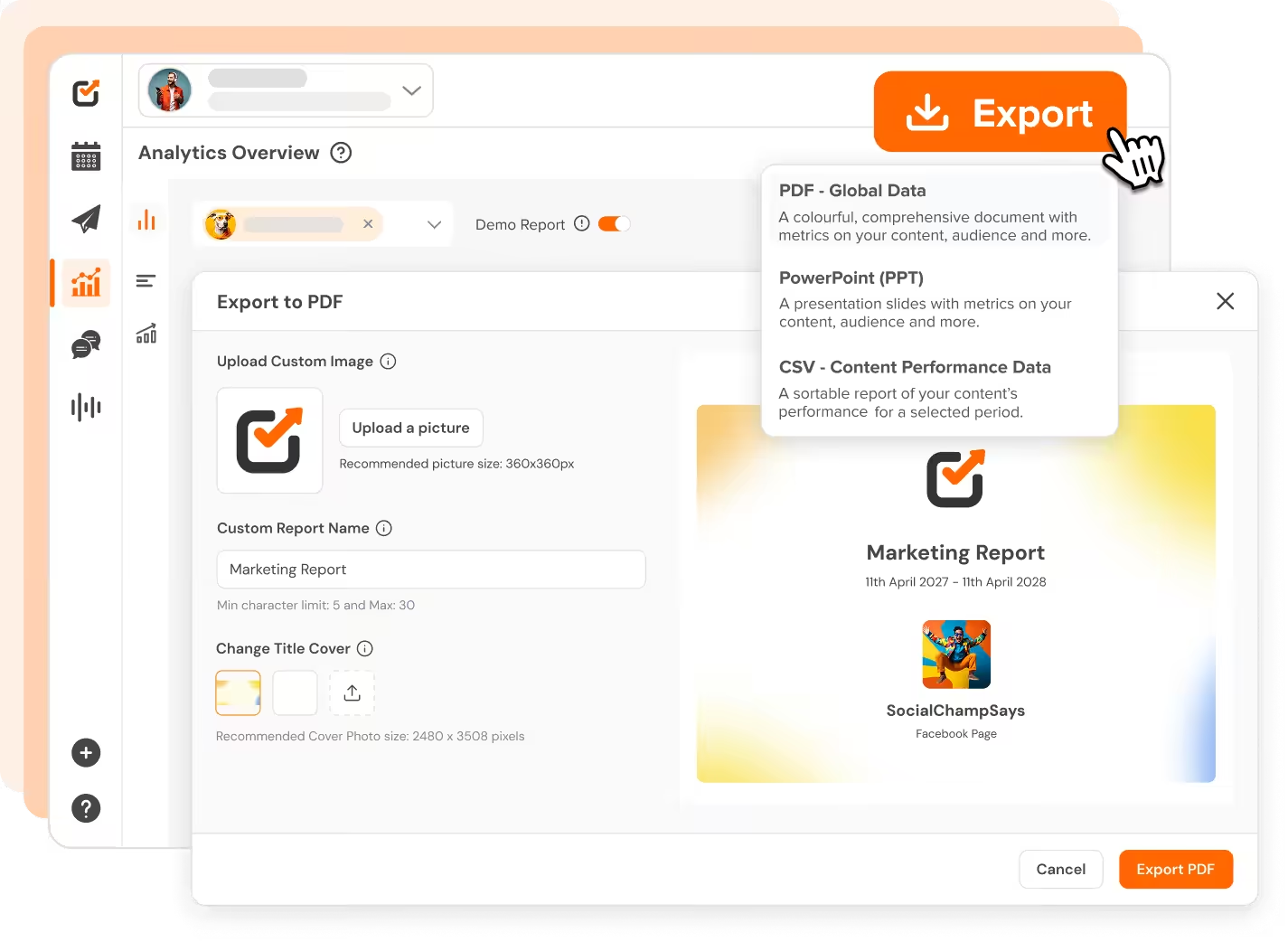
Build an Agency Workflow That Scales Without Chaos
Agencies and consultants need structure that keeps up. Client Management replaces manual per-client setup with a repeatable invitation flow, built-in limits, and clear status tracking.
- Make client onboarding a repeatable setup every single time.
- Set per-client account limits to protect overall agency capacity.
- Keep internal operations distinct from client-facing access.
- Search and filter the client list by status and assignment.
- Resend invites, copy links, or remove clients in a few clicks.
- Limits and availability depend on your plan entitlement.
Start Managing Clients Today
Give every client a focused view of their work while keeping your agency workspace organized.
Start Free Trial


Made for Agencies and Multi-Brand Teams

Clear Client Collaboration
Invite clients into the part of Social Champ that is relevant to their brand.

Control Access at Scale
Manage access, account limits, and invitations from one organized place.

Agency-Friendly Workflow
Keep internal team operations and client-facing access fully distinct.

Structured Review Workflow
Configure post-approval requirements on the workspace for each client.

Scalable Client Onboarding
Reduce repeated manual setup when you bring a new client brand on board.

Adjust Access Anytime
Edit assignments, resend invites, or remove clients as relationships change.

“Social Champ is the tool that I use the most for my social media efforts. It's the cleanest and most efficient tool that I've found.”

“Social Champ isn't just a usual scheduling tool - it satisfies your inner-geek, boosts productivity, & effectiveness for SMM.”

“Social Champ is an innovative solution that helps you publish your content in an intelligent way to maximize exposure.”

“Social Champ helped us grow our reach by 30% while making content planning, publishing, and collaboration effortless.”

Interested? Let us know.
Start Free TrialSpeed up your workflow
Your favorite tools work where you do.
You no longer have to jump between apps. Social Champ's integrations enable you to use your favorite tools within the app.







Frequently asked questions
How Do I Invite a New Client Into Social Champ Properly?
Enter their name and email, assign a workspace, select social accounts, set an account limit, and send the invitation from the dashboard.
Can I Resend an Invitation if a Client Missed the First Email?
Yes. Resend an invitation or copy the signup link as an alternate onboarding method when a client needs another way to join the workspace.
Can a Client See Other Clients' Social Accounts or Content?
No. Each client is scoped to their own workspace and selected accounts. There’s no cross-client visibility into another client’s data.
Organize Every Client Relationship Today!
Assign workspaces, pick social accounts, and set limits. Edit, resend, or remove clients anytime you need.