Ocoya has built quite a reputation as a social media management tool. After all, its AI content creation tools let you compose super-engaging posts in a matter of minutes.
If you’re just creating content for social media, Ocoya is a great tool- especially for small businesses. It’s affordable, with plans starting at just $15/month for 5 social profiles.
Unfortunately, the platform’s sweet spot is narrow. While the tool is amazing for content creation, it lacks more advanced features like analytics, social listening, and competitor analysis.
And if your marketing goals require you to use these tools, you might want to look for other Ocoya competitors that offer similar features at more affordable rates. Social Champ, for example, has a Free plan, and paid plans start from $4/month.
In this guide, we’ll provide you with a list of 7 best Ocoya alternatives that can meet all your social media management needs.
Short Summary
- Some users find Ocoya to be quite restrictive, as it lacks advanced analytics, social listening, and competitor analysis.
- Social Champ, Buffer, and Later are good and reasonably priced alternatives to Ocoya that offer advanced features.
- If budget is not an issue for you, Metricool, CoSchedule, ContentStudio, Later, and Sendible are also great options.
- Most of these apps like Ocoya offer free trials.
Why You Might Seek Ocoya Alternatives
Despite being a good option for social media management, Ocoya has a few shortcomings that might convince you to look for other options.
-
Pricey in Relation to Value
Ocoya’s prices appear reasonable at first, particularly when contrasted with hiring a copywriter or social media manager.
However, as you dig deeper, you find that they are not offering as many features as other tools. Many of its alternatives already have advanced features like social listening, along with AI tools.
While Ocoya is on its way to launching its AI agent soon, it still lags behind the trend, as other tools have been offering the same feature for years, albeit at a much more affordable rate.
-
One-Size-Fits-All Plans
Although Ocoya’s pricing tiers are designed to grow with you, if your needs fall somewhere in between, they may feel restrictive.
For instance, it gives you 1 workspace on a Bronze plan, which costs $15/month.
Now, if you want more workspaces, you might have to switch to their Silver plan, which costs $39/month and offers 5 workspaces.
You might not need 5 workspaces, but since there’s no option on their pricing page to add workspaces to your current plan, you have no choice but to get a higher-tier plan.
Considering this, you may end up overpaying for features or limits you will never use.
-
Alternatives Offer Better Value
Ocoya might fulfill your needs if you are new to social media and don’t know what other tools are offering.
However, as you get more knowledge about other tools, you will see that they offer better value.
Tools like Social Champ and Buffer offer similar features and integrations for a lower price.
So now is the time to ask yourself, why are you paying $15/month for limited features when you can easily get more features for $4/month?
Top Ocoya Alternatives at a Glance
| Ocoya Alternative | Best For | Starting Price |
|---|---|---|
| Social Champ | All-in-one post scheduling, social inbox, and multi-account automation | $4/month |
| Metricool | In-depth analytics, visual profile tracking, and multi-network scheduling | $20/month |
| Buffer | Simple, streamlined posting and engagement across organic social channels | $5/month |
| CoSchedule | Centralized marketing calendars, drag-and-drop scheduling, and AI tools | $29/month |
| ContentStudio | Content discovery, AI caption generation, and multi-channel publishing | $19/month |
| Later | Visual feed planning, Instagram/TikTok scheduling, and link-in-bio tools | $18.75/month |
| Sendible | Agency client management, lead generation tools, and white-label reporting | $35/month |
Top 7 Ocoya Alternatives for 2026
If Ocoya isn’t fulfilling your requirements for social media management anymore, here are 7 top-rated alternatives to Ocoya that cater to different needs.
-
Social Champ
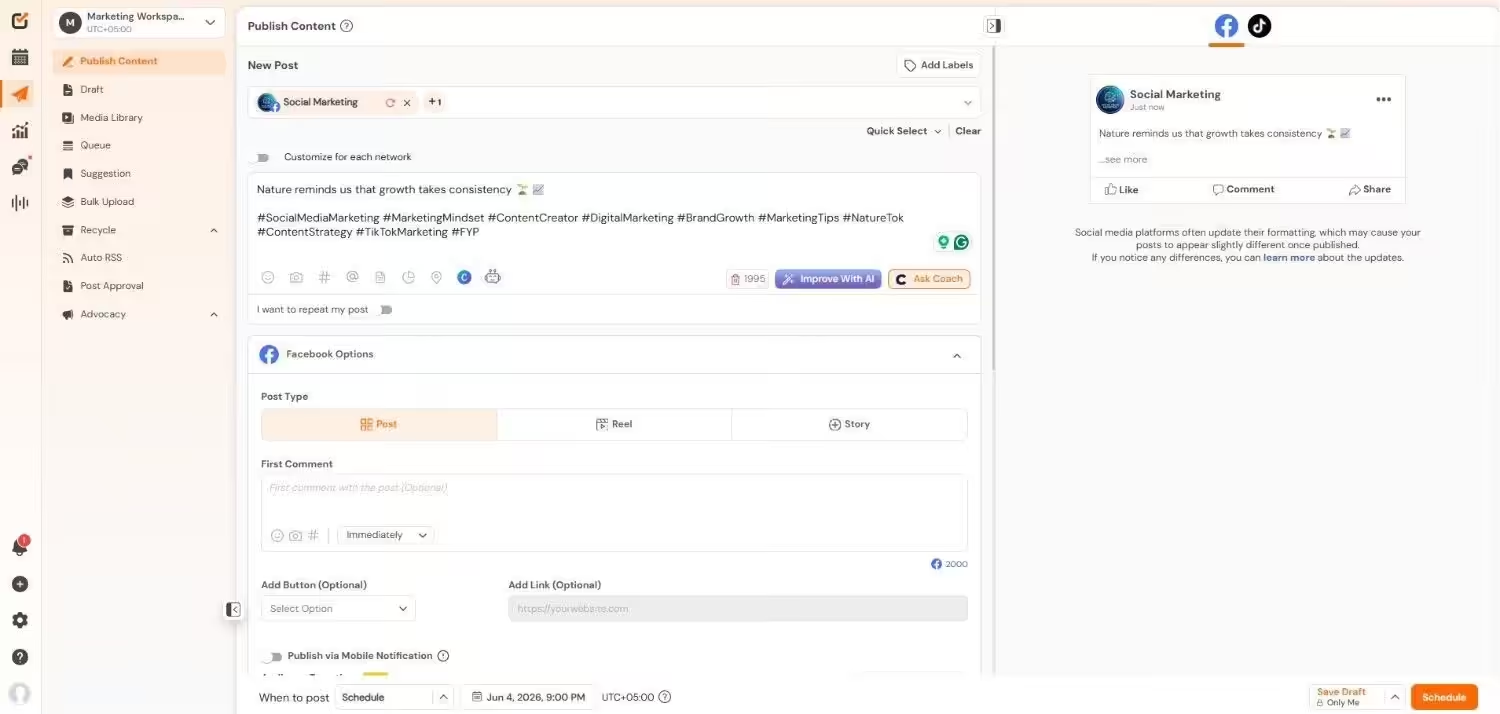
Social Champ’s Dashboard Social Champ is a social media management tool that can do everything and more than what Ocoya offers.
The platform comes with a fully automated Champ AI Suite, which lets you create content in just a few clicks. It also offers integrations with tools like Canva, Google Drive, Zapier, and Bitly, among others, to make your content creation super simple.
Social Champ helps you work smarter instead of harder by supporting 11+ social networks, including Facebook, Instagram, Threads, X, Pinterest, YouTube, LinkedIn, Mastodon, Bluesky, Google Business Profile, and more.
Key Features
- You can upload hundreds of posts at once using CSV files or use the visual calendar for drag-and-drop rescheduling.
- Its built-in AI tools help you generate captions, hashtags, and content ideas tailored to your tone and platform.
- You can also plan and manage campaigns with a drag-and-drop content calendar across all channels.
- It lets you assign work with role-based access to simplify workflow and approval processes.
- You can track post performance, audience engagement, and growth trends using platform-specific metrics and visual reports.
- You can see what other people are saying about your brand with social listening.
- It helps you connect with your audience through a unified social inbox.
Pricing
Social Champ comes with two pricing models, including a Pay-Per-Profile and a Flat-Rate model.
Here’s what you get in the Pay-Per-Profile:
- Starter, which costs $4 and has 1 user. In this plan, you can manage 1 social account.
- Growth, which costs $8 and has unlimited users. In this plan, you can manage 1 social account.
These plans also offer discounts as you scale. Here’s how much you can save in the Starter:
- For 1-10 social accounts: $4
- For 11-20 social accounts: $3
- For 21-40 social accounts: $2
- For 41+ social accounts: $0.50
Here’s how much you can save in the Growth:
- For 1-10 social accounts: $8
- For 11-20 social accounts: $3.50
- For 21-40 social accounts: $2.50
- For 41+ social accounts: $1
With Social Champ, you also get Flat-Rate bundles, which are:
- Free, which costs $0 and has 1 user. In this plan, you can manage 3 social accounts.
- Standard, which costs $23 and has 2 users. In this plan, you can manage 6 social accounts. This plan also comes with add-ons for accounts. You can add another account for $5/account.
- Professional, which costs $47 and has 5 users. In this plan, you can manage 12 social accounts. This plan also comes with add-ons for accounts. You can add another account for $4/account and pay $8/user for another user.
- Agency, which costs $119 and has unlimited users. In this plan, you can manage 30 social accounts. This plan also comes with add-ons for accounts. You can add another account for $3/account.
- Enterprise, which is Custom and has unlimited users. In this plan, you can manage unlimited social accounts.
Social Champ also supports: Instagram, Facebook, TikTok, LinkedIn, YouTube, Threads, Pinterest, X, Google Business Profile, Bluesky, Mastodon, and WhatsApp Business
G2 Rating: 4.4/5
The Smartest Agencies Are Already Here!
They’ve ditched mediocre tools for leaner, cheaper, smarter Social Champ. If you’re not switching, you’re funding their growth. -
Metricool
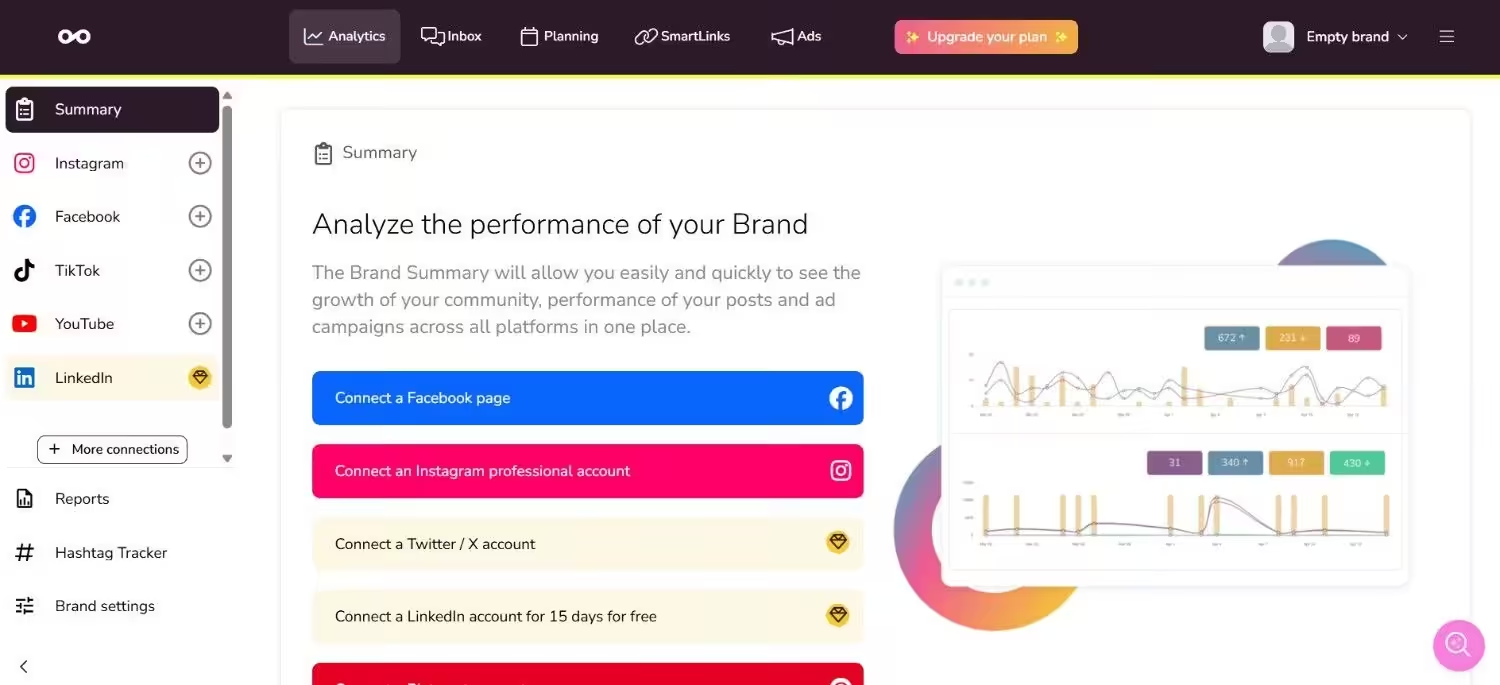
Metricool’s Dashboard Metricool is another Ocoya alternative that provides a complete social media management solution.
It’s primarily known for its extensive analytics and reporting features that enable you to monitor performance across numerous social networks, websites, and even online ad platforms.
All these qualities make Metricool a strong contender on this list.
Key Features
- It has an easy-to-use drag-and-drop interface to schedule content in a visual calendar.
- You can use comprehensive analytics to examine performance, monitoring important indicators such as reach, follower growth, and engagement.
- You can create polished, editable reports in a matter of minutes for internal teams or clients.
- It lets you manage your online presence, including replying to comments and messages from multiple platforms.
- It helps you increase traffic and monitor clicks by creating a “link-in-bio” page with integrated analytics.
Pricing
Metricool offers four plans, including:
- Free, which costs $0. In this plan, you can manage 1 brand.
- Starter, which costs $20. In this plan, you can manage 10 brands.
- Advanced, which costs $53. In this plan, you can manage 50 brands.
- Custom, which is Custom. In this plan, you can manage Custom brands.
Metricool also supports: Instagram, TikTok, YouTube, Threads, X, Twitch, Google Business Profile, Facebook, Bluesky, Pinterest, and LinkedIn
G2 Rating: 4.5/5
-
Buffer
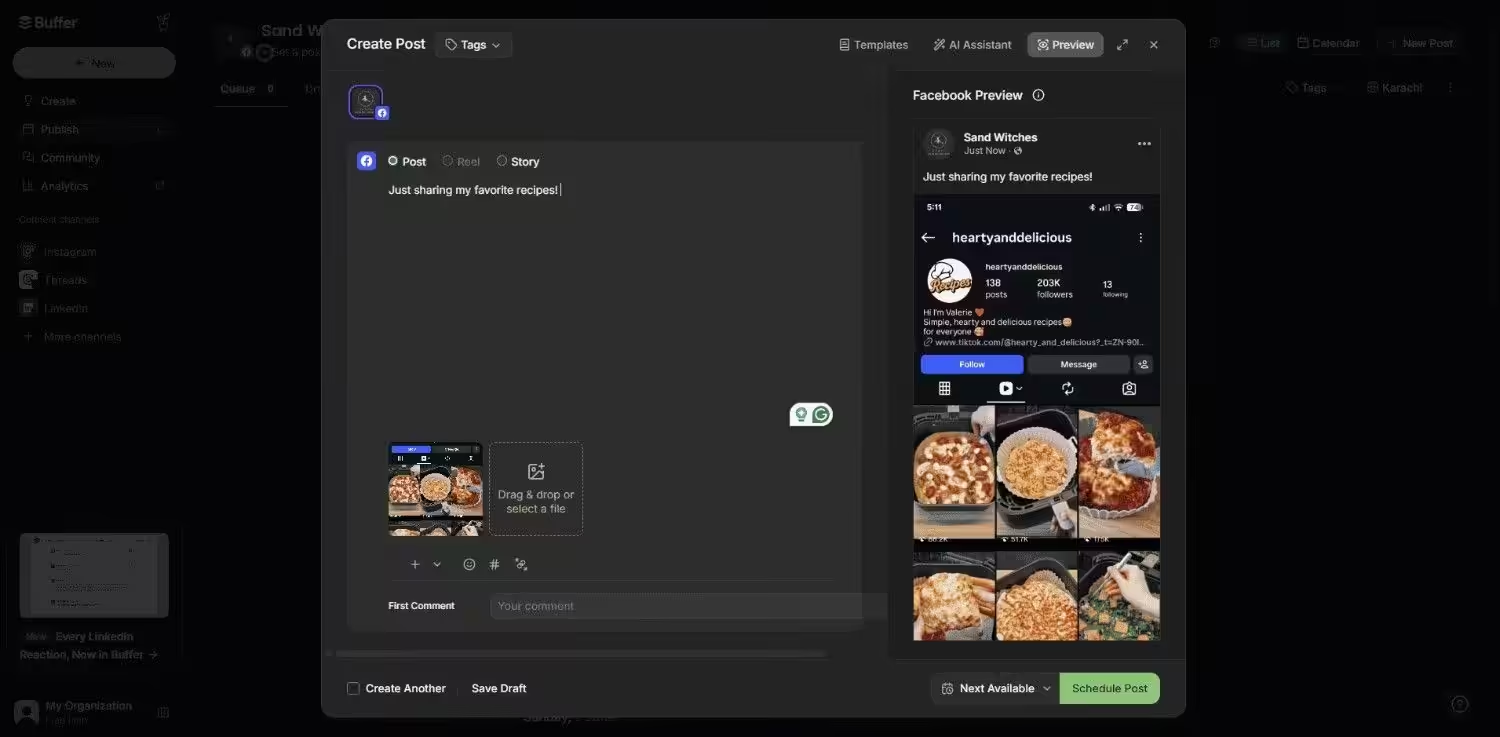
Buffer’s Dashboard Buffer is another well-established, dependable platform that small teams, solopreneurs, and creators prefer, especially for its affordability and ease of use.
It is perfect for you if you want a hassle-free experience because it offers pretty much all the essential features that you might need.
However, if you wish to have more advanced features like social listening and competitor analysis, you might see that it falls short in comparison to Social Champ.
Key Features
- You can schedule platform-specific content with tailored scheduling options.
- Its AI assistant generates captions and content ideas.
- It helps you manage and respond to comments and direct messages with built-in engagement tools.
- You can create a customizable link-in-bio landing page and track clicks.
- You can also collaborate with team members on post drafts and previews.
Pricing
Buffer offers three plans, including:
- Free, which costs $0 and has 1 user. In this plan, you can manage 3 social accounts.
- Essentials, which costs $5 and has 1 user. In this plan, you can manage 1 social accounts.
- Team, which costs $10 and has Unlimited users. In this plan, you can manage 1 social accounts.
Buffer also supports: Facebook, Instagram, X, Bluesky, Google Business Profile, LinkedIn, Mastodon, Pinterest, Threads, TikTok, and YouTube
G2 Rating: 4.5/5
-
CoSchedule
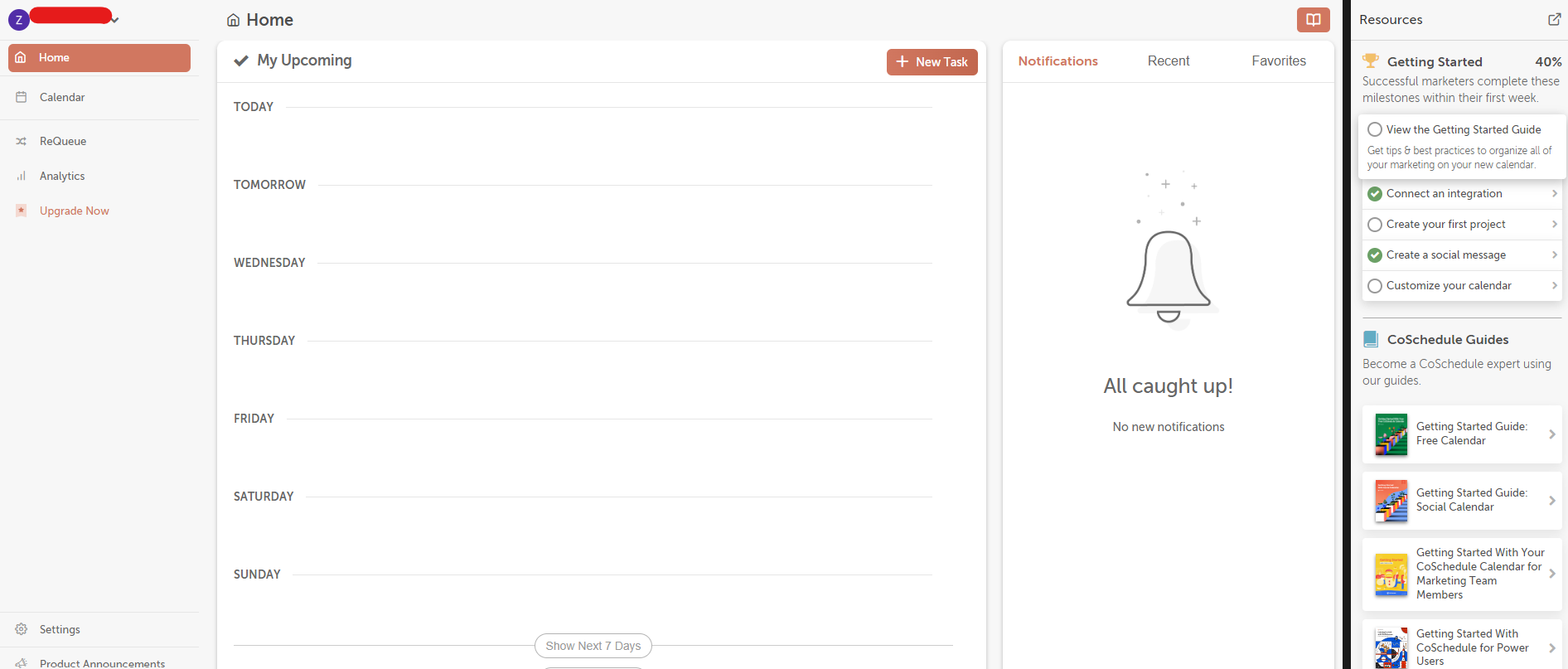
CoSchedule’s Dashboard CoSchedule is a marketing calendar and content management tool to keep social media and content teams organized.
If you’re looking for a tool that does more than the basics, CoSchedule is your best bet.
It combines your social media promotions, email campaigns, and blog entries into a single visual timeline.
It’s particularly helpful for editorial teams, content marketers, and internal teams because it offers task assignments, automated workflows, and real-time progress tracking.
Key Features
- It helps you manage all your content and social media posts on a unified calendar.
- You can organize and track projects and deadlines with built-in task management tools.
- You can also track campaign performance across various content types, from blog posts to social media updates.
- It simplifies content creation with custom workflows and approval paths.
Pricing
CoSchedule offers five plans, including:
- Free, which costs $0 and has 1 user. In this plan, you can manage 1 social account.
- Starter, which costs $29 and has 1 users. In this plan, you can manage 3 social accounts.
- Professional, which costs $49 and has 2 users. In this plan, you can manage 5 social accounts.
- [Value not found], which costs [Value not found] and has [Value not found] users. In this plan, you can manage [Value not found] social accounts.
- Suite, which is $69 and has Unlimited users. In this plan, you can manage Unlimited social accounts.
CoSchedule also supports: Facebook, Instagram, LinkedIn, Pinterest, TikTok, Threads, X, YouTube, Google Business Profile, Mastodon, and Bluesky
G2 Rating: 4.5/5
-
ContentStudio
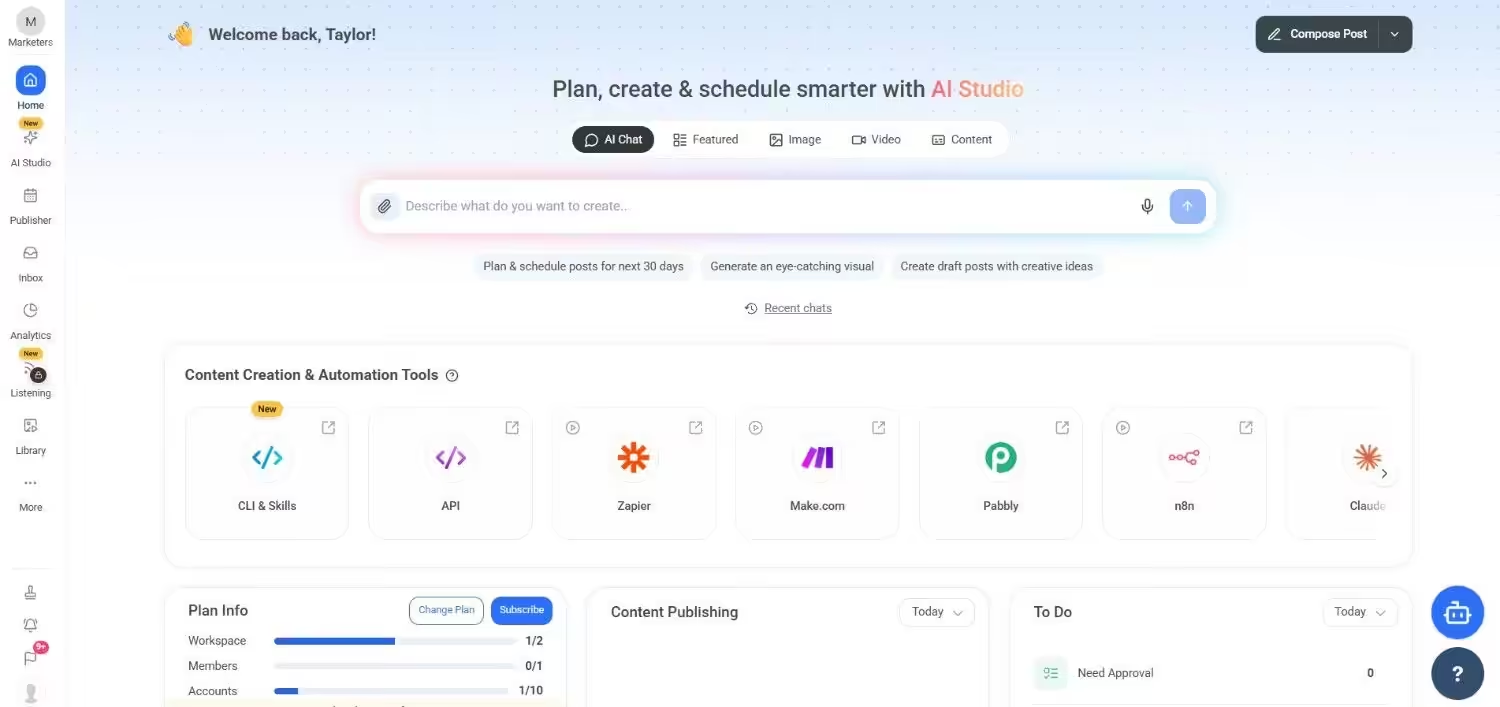
ContentStudio’s Dashboard ContentStudio combines all your marketing efforts into one tool, including influencer marketing, content discovery, and social media management.
It is designed for companies and marketers who wish to plan editorial strategies, find trending content, and run campaigns across various platforms, all in one location.
So if you are one of them, it can be a good tool to switch to.
Key Features
- You can discover fresh content ideas using an AI assistant and RSS feeds.
- It lets you automate social media scheduling and publishing across multiple platforms.
- It also lets you simplify communication and social listening with a unified inbox and social monitoring tools.
- You can identify and connect with influencers for effective outreach campaigns.
- It also helps you generate campaign-specific reports with detailed analytics.
Pricing
ContentStudio comes with five pricing tiers, including a Full Suite and an API model.
Here’s what you get in the Full Suite:
- Standard, which costs $19 and has 1 user. In this plan, you can manage 5 social accounts.
- Advanced, which costs $49 and has 2 users. In this plan, you can manage 10 social accounts.
- Agency Unlimited, which costs $99 and has Unlimited users. In this plan, you can manage 25 social accounts.
- Enterprise, which is Custom and has Unlimited users. In this plan, you can manage Custom social accounts.
With ContentStudio, you also get a standalone API plan, which is:
- API, which costs $15 and has 1 user. In this plan, you can manage 10 social accounts.
ContentStudio also supports: Instagram, YouTube, LinkedIn, Threads, TikTok, Facebook, Pinterest, Bluesky, Google Business Profile, Tumblr, and X.
G2 Rating: 4.6/5
-
Later
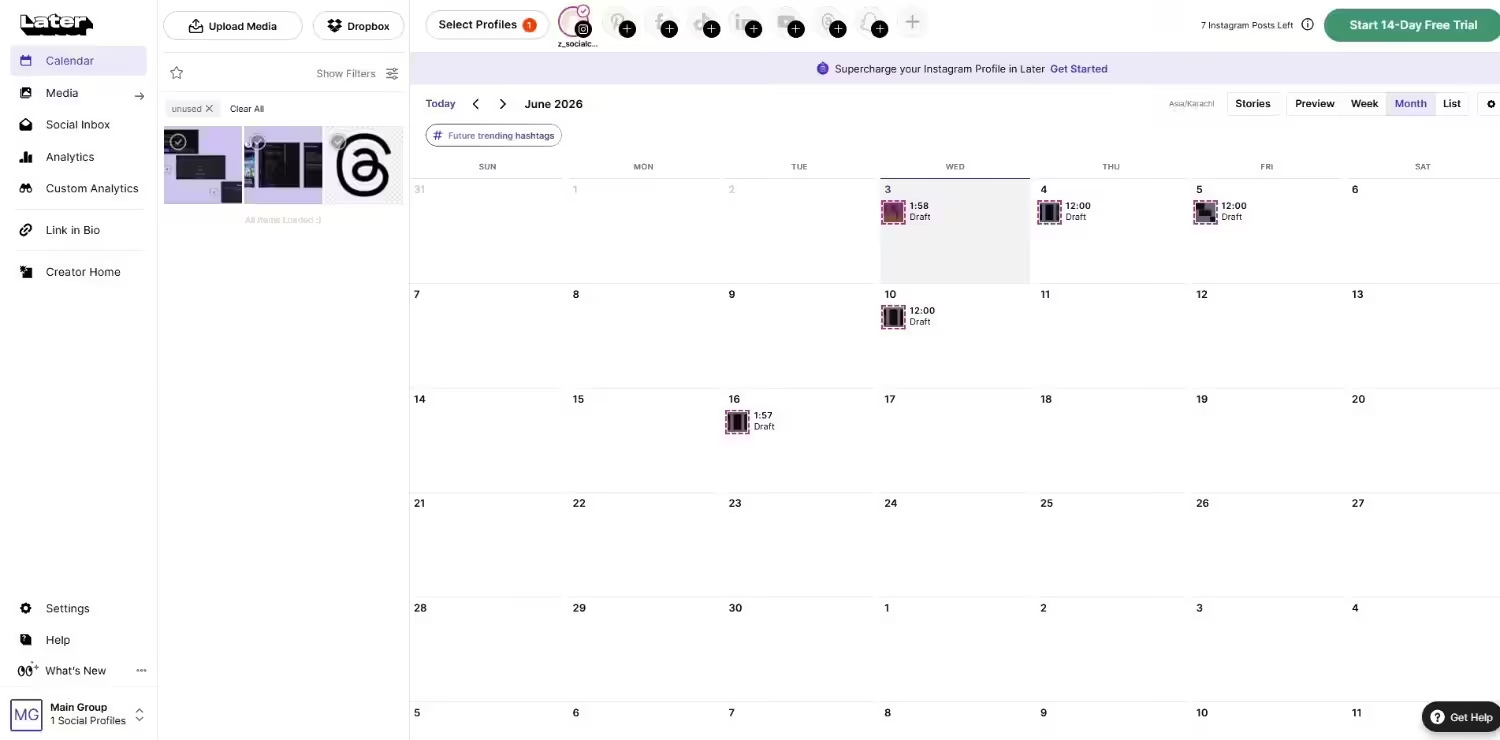
Later’s Dashboard If you are an Instagram-heavy marketer, an e-commerce brand, or a solo creator, Later is a good choice.
Its visual content calendar and drag-and-drop post scheduling feature make it simple to keep your social media feed looking aesthetic and consistent.
It is a popular choice for influencers and content creators since it also has tools for creating link-in-bio pages, Instagram analytics, and media storage.
Key Features
- You can schedule content for major visual platforms, including Instagram, Pinterest, TikTok, and Facebook.
- You can build a custom Linkin.bio landing page to drive traffic and track clicks.
- It’s easier to find the best hashtags for your content with built-in suggestions and analytics.
- You can preview your Instagram grid before you post to ensure a cohesive aesthetic.
- You can also analyze the performance of your posts with detailed reports.
Pricing
Later offers four plans, including:
- Free, which costs $0 and has 1 user. In this plan, you can manage 8 social accounts.
- Starter, which costs $18.75 and has 1 user. In this plan, you can manage 8 social accounts.
- Growth, which costs $37.50 and has 2 users. In this plan, you can manage 16 social accounts.
- Scale, which costs $82.50 and has 4 users. In this plan, you can manage 48 social accounts.
Later also supports: Instagram, Facebook, Threads, Pinterest, TikTok, LinkedIn, YouTube, and Snapchat.
G2 Rating: 4.5/5
-
Sendible
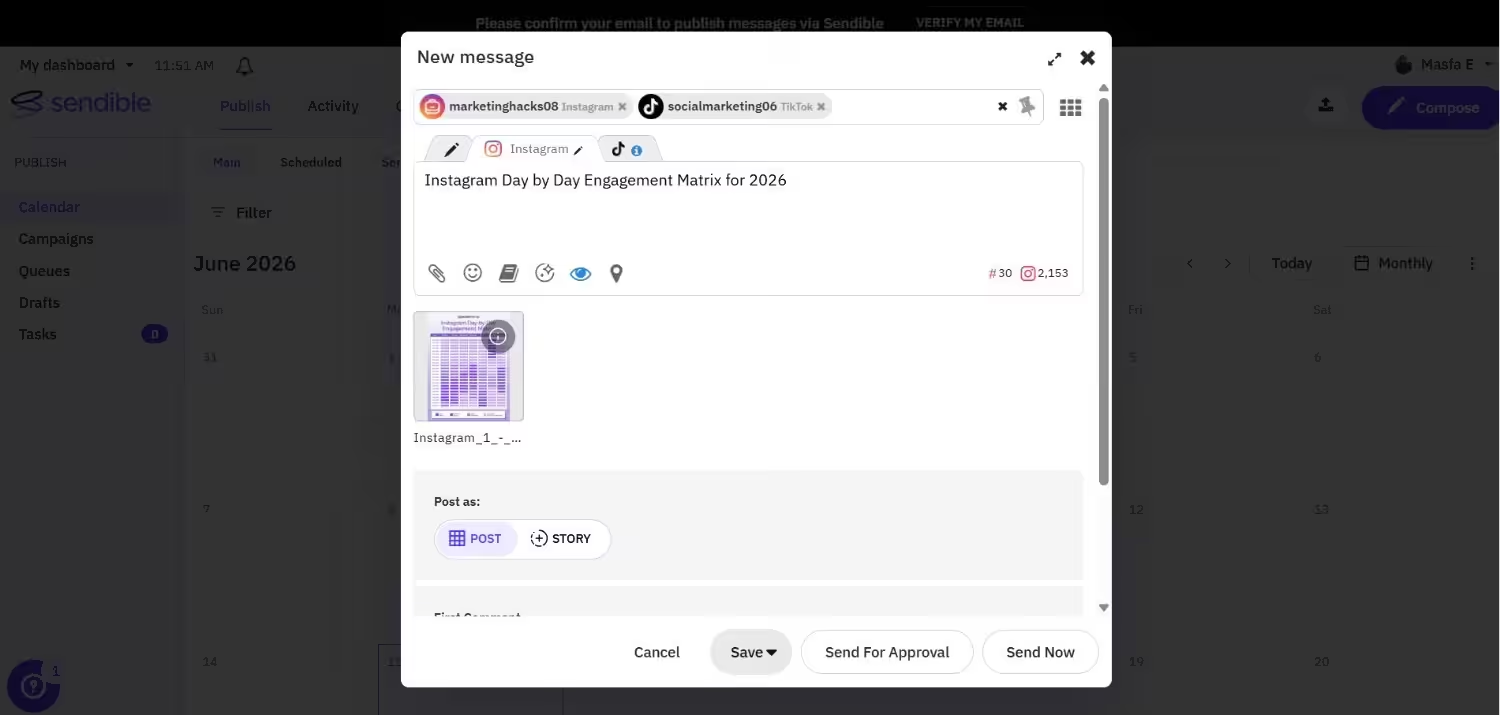
Sendible’s Dashboard If you are an agency, we have another tool that can be a great fit for your business model.
Other than Social Champ, Sendible is a good replacement for Ocoya for agencies.
It is designed to grow with your clientele, thanks to features like client dashboards, white-label reporting, and scheduling.
Key Features
- It offers custom, white-label dashboards and client portals for a professional experience.
- You can automate publishing with smart queues and customizable rules.
- It lets you curate fresh content with integrated RSS feeds and content suggestions.
- It is easier to monitor brand mentions and track public sentiment with powerful social listening tools.
- You can also connect directly with Canva and Google Drive for seamless content creation.
Pricing
Sendible offers five plans, including:
- Core, which costs $35 and has unlimited users. In this plan, you can manage 6 social accounts.
- Plus, which costs $99 and has unlimited users. In this plan, you can manage 18 social accounts.
- Premium, which costs $199 and has unlimited users. In this plan, you can manage 42 social accounts.
- Elite, which costs $299 and has unlimited users. In this plan, you can manage 90 social accounts.
- Enterprise, which costs $750 and has unlimited users. In this plan, you can manage 300 social accounts.
Sendible also supports: Facebook, Instagram, TikTok, X, LinkedIn, Google Business Profile, YouTube, Threads, and Bluesky
G2 Rating: 4.5/5
Featured Article: SmarterQueue Alternatives
Choosing the Right Ocoya Alternative for Your Needs
Now that you’ve looked into some excellent Ocoya substitutes, you’re halfway there. It’s time to determine which one is best for you.
Here are some important things to think about when choosing the right tool for your business, so you don’t regret it later.
-
Your Basic Requirements
First, you need to determine what the basic requirements are that need to be fulfilled.
- Are you a lone creator in need of assistance with visual planning and content creation?
- Does your agency need to have strong client reporting and management?
- Or are you a company that specializes in competitor analysis and data-driven strategies?
Having answers to these questions will help you analyze each tool more deeply, and you will be able to choose the one that truly fulfills all your basic requirements.
-
Cost and Expandability
Every tool has a different cost-to-feature ratio, so take your time to analyze each of them and set a budget for your social media management.
- Think about whether the cost is per profile, per user, or a mix of the two.
- Examine the features that each tier offers. Some platforms require more expensive plans to access advanced analytics, client reports, or specific integrations.
- Consider the future. Will you need to switch platforms as your team grows, or does the tool offer plans that can grow with your business?
-
Ease of Use and Integrations
A tool is only useful if your team actually uses it. Consider the user interface and how easily you can navigate the platform. Also, check for integrations with other tools in your marketing stack.
The ideal tool for you should have everything you need for social media management, including integrations with other platforms like Canva and Google Drive.
Other than integrations, it should also be easy to use so you can save your time and get started easily.
If you have to spend a lot of time learning how to use a tool, it’s not worth it because a social media management tool should be easy and user-friendly.
Featured Article: Social Media Management Pricing: What You Should Expect and Pay
Conclusion
Many people still find Ocoya to be a good option, but it’s not the only one, and it may not be the best fit as your needs change or grow.
From enterprise-level tools to inexpensive all-in-one platforms, there’s a solution that fits your objectives and budget.
If you are looking for free ocoya alternatives, tools like Buffer, CoSchedule, and Social Champ offer robust free plans to get you started.
You have to align the platform with your goals, and then shortlist the tools that resonate with your team.
The majority of these apps like Ocoya offer free trials, so use them. Examine their features, investigate their integrations, and determine how well they work with your workflow.