AI is everywhere!
Whether it is AI video tools or AI for social media, this technology is making our lives easier, and there are two ways about it.
However, with a ton of AI tools available in the market, can you really tell which one is the best?
Not unless you try them. Which is why I’ve created this blog for you. I tried the 10 best AI video tools so you don’t have to waste your time.
In this blog, I’ll be telling you all about the best video generation tools and how I tested them. Additionally, I will also tell you how to choose the right AI video generator for yourself!
So let’s not waste even a single second more and get started!
Short Summary
- AI video and social media tools are transforming content creation by saving time, but finding the right tool requires hands-on testing.
- Ten leading AI video generators were evaluated using the exact same prompt to test visual fidelity, prompt accuracy, human motion, and ease of use.
- Runway (Gen-4.5) excels at advanced creative camera controls and visual effects, though its interface can feel complex for beginners.
- HeyGen and Synthesia specialize in localized avatar generation, text-to-speech presentation, and multi-language translation, though they struggle with cinematic realism.
- OpenAI Sora and Pika deliver fast, high-quality visuals and fun effects for narrative storytelling and social media, despite occasional physics glitches like treadmill-like walking mechanics.
- Kling AI produced the most realistic human physics and body movements, while Google Veo 3 and Luma Dream Machine excelled at cinematic lighting, fluid motion, and film-style rendering.
- Adobe Firefly Video provides commercially safe assets integrated directly with Creative Cloud, and Manus offers automated, multi-shot workflow orchestration for agencies.
- Pairing AI video creation software with automation platforms like Social Champ allows creators to bulk-schedule and publish content efficiently across multiple social channels.
Top AI Video Generators of 2026 at a Glance
If you are in a rush and want to skip straight to the top recommendations, I’ve summarized my key findings below. After testing each platform with the exact same cinematic prompt, these were the standout tools, what they do best, and how much they will cost you each month:
| Tool | Best For | Starting Price (Monthly) |
|---|---|---|
| Runway | Advanced creative control and granular camera animation | $15/month |
| HeyGen | Personalized, localized and translated avatar videos | $29/month |
| OpenAI Sora | Narrative storytelling and longer video sequences | $20/month
(via ChatGPT Plus) |
| Kling AI | Photorealistic human movement and facial consistency | $10/month |
| Synthesia | Corporate, training, and multi-language business videos | $29/month |
| Luma Dream Machine | High-speed, fluid cinematic motion generation | $9.99/month |
| Pika | Creative effects, social media content, and quick iterations | $10/month |
| Google Veo 3 | High-fidelity cinematic realism and lighting | $28.99/month
(via Google AI Pro) |
| Adobe Firefly | Seamless integration for Adobe Creative Cloud users | $9.99/month |
| Manus | End-to-end AI workflow and automated content pipelines | $40/month |
Your Competitors Are Multiplying Their Video Output!
How I Tested the Best AI Video Generator Tools
To give you a completely honest, side-by-side comparison, I didn’t just read feature lists—I got my hands dirty and put every single tool through the exact same stress test.
Instead of giving each generator a custom prompt tailored to its strengths, I fed all 10 tools the exact same complex, cinematic scenario to see how they’d handle detailed lighting, human motion, and specific background elements.
The Test Prompt
“A young woman in a flowing emerald green coat walks alone through a rain-soaked Tokyo alley at night. Cherry blossom petals drift through the air, sticking to the wet ground. Neon signs in Japanese kanji cast pink and blue reflections across the puddles. She pauses at a small ramen stand, steam rising from the kitchen, and turns to look over her shoulder with a slight, knowing smile. The camera slowly pushes in on her face. Cinematic lighting, shallow depth of field, anamorphic lens flare, moody and atmospheric.”
My Evaluation Criteria
When reviewing the output videos, I graded each generator on four main factors:
- Did the tool actually follow my prompt (the green coat, the kanji signs, the ramen stand)? Did the subject’s face or clothes warp mid-clip?
- How natural did the human movement (walking, turning around) look? Were there weird physics glitches or robotic artifacts?
- Did it capture the requested lighting, depth of field, and mood, or did it look like a cheap video game render?
- How intuitive was the interface during my testing, and are the pricing tiers actually worth your hard-earned cash?
Top 10 AI Video Tools That You Should Try
Now here comes the part that you waited for. A detailed breakdown of each tool!
-
Runway (Gen-4.5)

Runway’s Homepage Runway is a powerhouse built for creators and VFX artists who need precise, fine-grained control over their motion pictures rather than just simple text-to-video clips.
Key Features
- Allows you to control camera pan, tilt, zoom, and dynamic motion speed with surgical precision.
- Lets you select specific areas of a static image or clip to animate while keeping the rest of the scene still.
- Enables you to train custom visual styles so your generated videos stay strictly on-brand.
My Experience
I jumped straight into the Standard plan to test their flagship Gen-4.5 model. First off, the interface is packed with toolbars, workflows, chat boxes, and app nodes galore, which felt a bit overwhelming when I just wanted to drop in my prompt. Once I located the prompt bar and ran the test, the generation took only a couple of minutes. The output nailed the neon reflections and green coat, but the character’s eyes glitched with an unnatural, robotic twitch, and the ramen stall owner’s hands suffered from noticeable AI warping.
What I Liked and What I Didn’t Like
What I Liked What I Didn’t Like Multiple high-end models available (Gen-4.5, Veo) Overwhelming UI for absolute beginners Fast render times for complex lighting setups Strange eye glitches and unnatural character motion Excellent background and atmospheric detail Occasional facial artifacts on background characters Pricing
Runway offers a limited Free plan with 125 credits. Paid tiers start with the Standard Plan at $12/month (625 credits), the Pro Plan at $28/month (2,250 credits), and the Max Plan at $76/month (9500 credits).
-
HeyGen
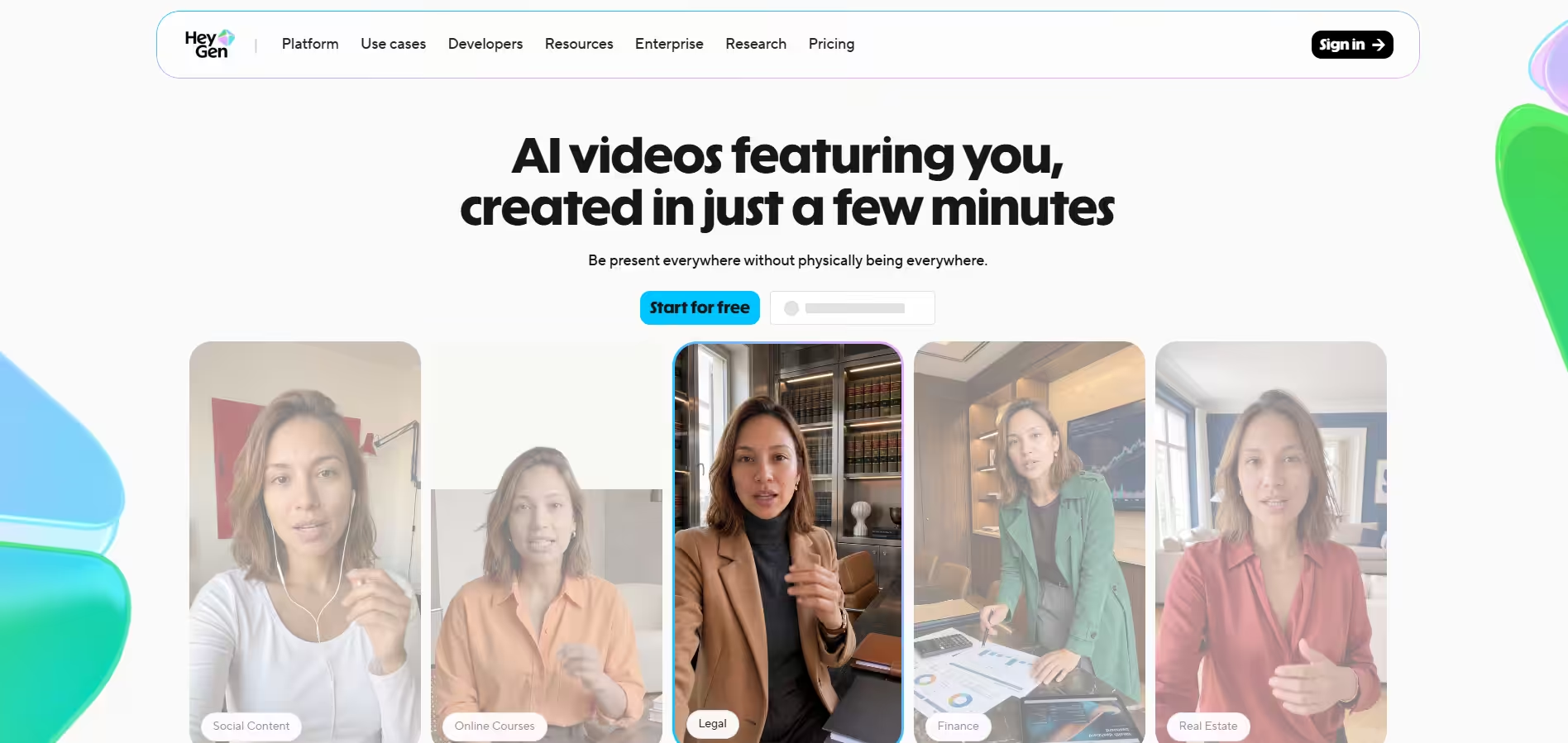
HeyGen’s Homepage HeyGen focuses heavily on avatar creation, personalized messaging, and multi-language video localization designed for marketing and sales workflows.
Key Features
- Translates existing videos into 40+ languages with automatic voice cloning and lip-sync adjustments.
- Lets you build photorealistic avatars from your own video recordings or choose from hundreds of studio presets.
- Provides a draft outline of the scene structure before rendering, giving you a chance to adjust text before consuming credits.
My Experience
Testing HeyGen on their free plan was remarkably smooth. The user interface is clean, spacious, and gets straight to the point without clutter. I liked that it offered longer output options (up to 3 minutes) and showed me a video structure preview before rendering. However, because HeyGen is built primarily for presentation-style videos, my cinematic test prompt turned out awkwardly: it forced an AI voiceover narrator over the scene, and the woman looked more like an animated video game character than a real person walking through Tokyo.
What I Liked and What I Didn’t Like
What I Liked What I Didn’t Like Clean, highly intuitive user dashboard Output looked more like a 3D game render than photorealism Smart pre-generation scene outline tool Automatically added unwanted voiceovers to ambient scenes Generous video length limits (up to 3 minutes) Frame-rate drops and character wardrobe shifts Pricing
HeyGen offers a Free tier allowing up to 3 videos per month. The Creator Plan starts at $29/month for unlimited avatar exports, while the Pro Plan runs $49/seat/month and unlocks 4K rendering.
Featured Article: 15 Best YouTube Marketing Tools
-
OpenAI Sora
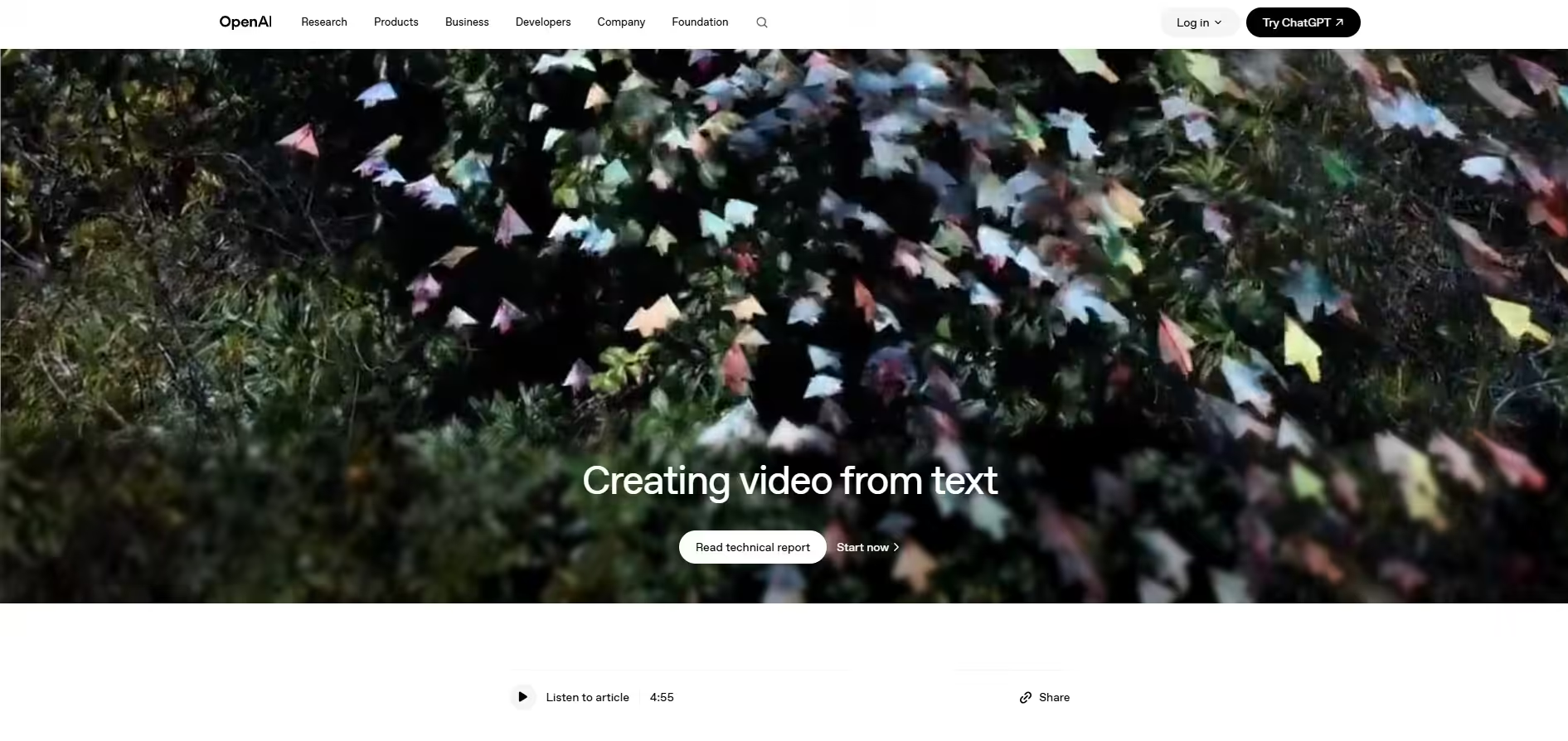
OpenAI Sora’s Homepage OpenAI’s Sora is built for deep narrative continuity, offering unprecedented shot-to-shot logic and temporal stability for storytellers.
Key Features
- Generates scenes up to 60 seconds with impressive subject and environment memory.
- Native interaction inside ChatGPT makes prompting feel like having a direct dialogue with a director.
- Automatically generates multiple camera variations from a single text prompt submission.
My Experience
I tested Sora directly through ChatGPT. Render times were blazingly fast, under 60 seconds for both output variations. The lighting, atmospheric smoke, and cherry blossoms looked stunning. However, Sora ran into a classic AI motion issue: while the camera pushed in, the character appeared to walk in place on a treadmill rather than moving forward through the alley. It’s brilliant at environment rendering, but physics and ground contact still need polish.
What I Liked and What I Didn’t Like
What I Liked What I Didn’t Like Super fast generation times via ChatGPT Character walking mechanics suffered from “treadmill effect” Generates multiple scene options automatically Free tier exports are capped at 480p resolution Incredible lighting and depth-of-field accuracy Regional restrictions currently block Sora 2 access in some areas Pricing
Sora is accessed via ChatGPT subscriptions. ChatGPT Plus ($20/month) gives access to standard Sora video generations at 480p/720p, while ChatGPT Pro ($100/month) unlocks priority render queues and full HD capabilities.
-
Kling AI
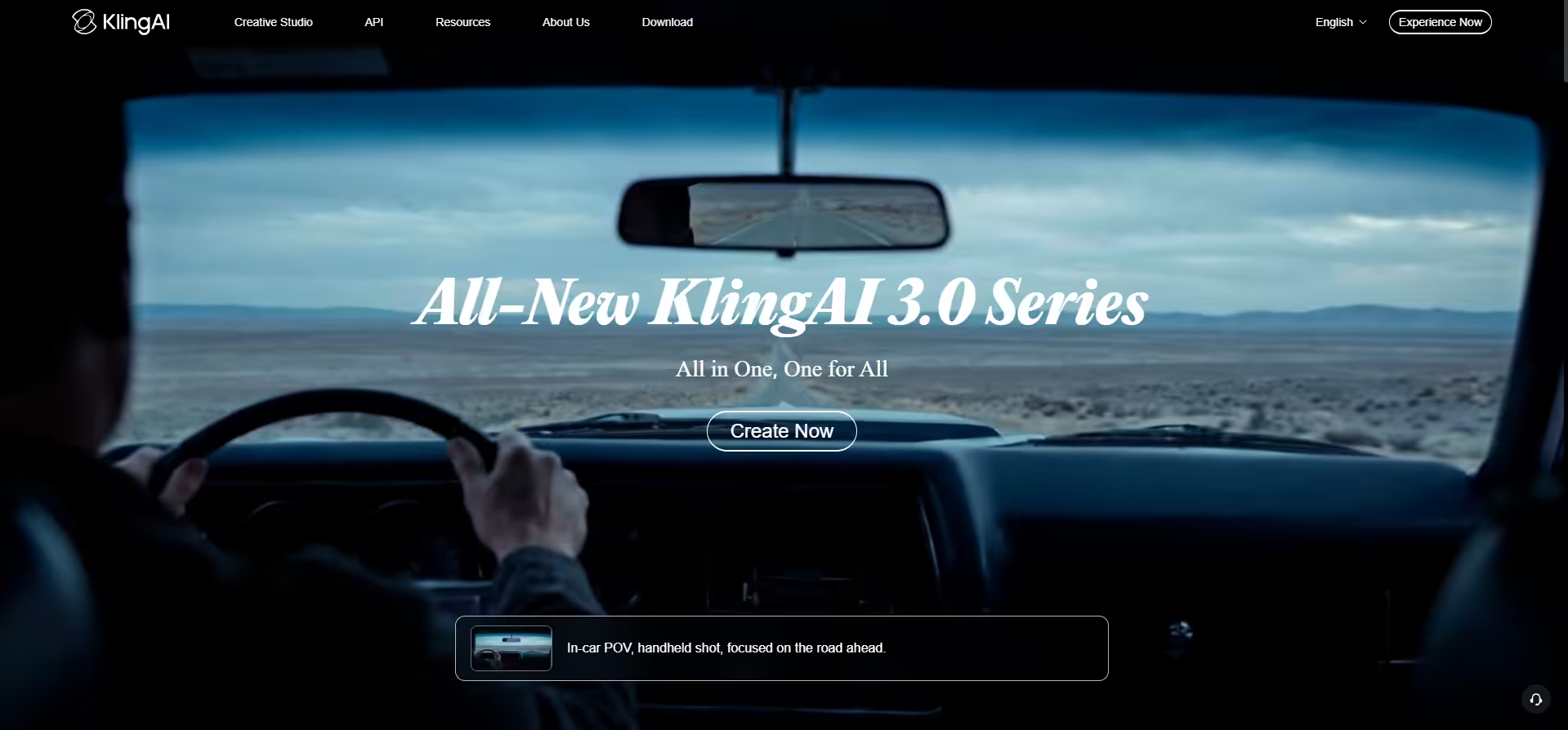
Kling AI’s Homepage Kling AI has rapidly emerged as a top contender for hyper-realistic human physics, natural facial expressions, and complex body mechanics.
Key Features
- Industry-leading simulation of body movement, walking cadence, and facial mechanics.
- An in-app prompt enhancer that optimizes simple text into detailed cinematic parameters.
- Syncs facial geometry and mouth movements to audio inputs with minimal distortion.
My Experience
After skipping the congested free tier, I tested Kling AI on their Standard plan using the Video 2.6 model. Out of all 10 tools, Kling AI rendered the single most natural walking motion and facial turn. The turn over her shoulder felt organic rather than robotic. On the downside, it played a bit loose with color accuracy, rendering the coat as a bright turquoise rain jacket instead of emerald green, and the cherry blossoms stopped falling as soon as the camera zoomed in.
What I Liked and What I Didn’t Like
What I Liked What I Didn’t Like Best natural human movement and facial physics Ignored specific color cues (turquoise instead of emerald) Helpful integrated prompt enhancement tools Stopped background particle effects during close-ups Fast render speeds (around 60 seconds) Unpredictable weather rendering (made rain extremely heavy) Pricing
Kling AI offers a daily check-in-free system. Paid subscription plans start with the Standard Plan at $6.99/month, scaling up to Pro and VIP plans for advanced camera settings and priority queuing.
-
Synthesia
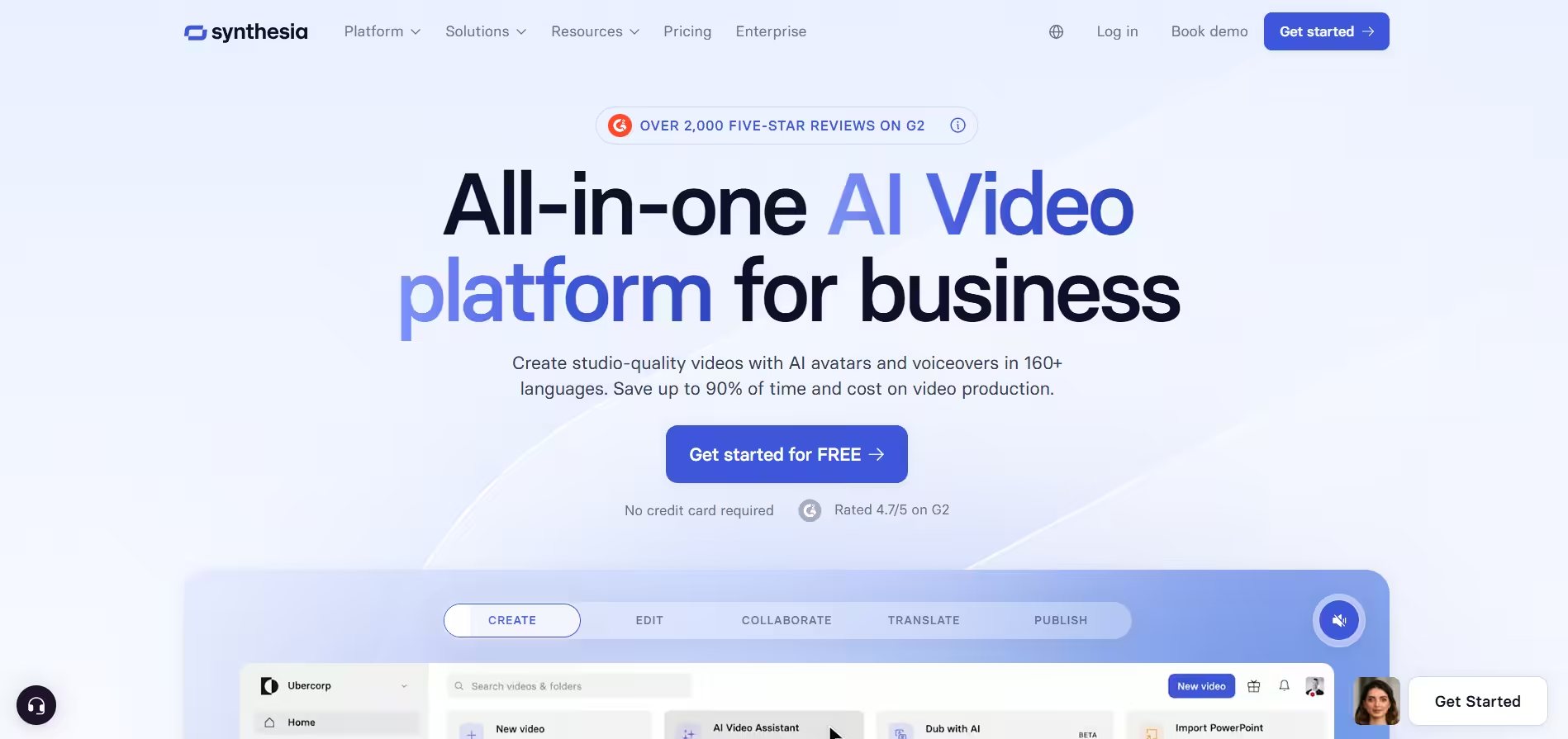
Synthesia’s Homepage Synthesia is an enterprise-grade AI video platform engineered specifically for corporate training, internal communications, and localized video presentations.
Key Features
- Features human avatars with natural body language, hand gestures, and micro-expressions.
- Instant text-to-speech rendering across dozens of accents and dialects.
- Allows viewers to click on hotspots and quizzes embedded inside the video frame.
My Experience
Synthesia is built from the ground up for presentation slides and corporate training, so running a cinematic prompt through it felt like using a sports car for off-roading. The interface is clean, acting like a modern slide deck builder. When I tested our prompt, Synthesia placed a synthetic avatar in front of a Tokyo-style backdrop and read the prompt text aloud as a script. It’s an incredible tool for product video marketing and HR training, but it’s not designed for cinematic video storytelling.
What I Liked and What I Didn’t Like
What I Liked What I Didn’t Like Exceptional voice synthesis and accent quality Completely unfit for cinematic or artistic prompts Familiar slide-builder interface layout Avatar motion feels rigid when forced into scene acting Outstanding localization and multi-language tools Rigid per-minute generation monthly caps Pricing
Synthesia offers a limited Free plan (10 min/month with watermarks). Paid plans start with the Starter Plan at $18/month, the Creator Plan at $64/month, and custom Enterprise pricing for corporate scale.
-
Luma Dream Machine
Luma Dream Machine’s Homepage Luma Dream Machine is built for filmmakers and visual artists who prioritize rapid motion generation, camera speed, and fluid physics.
Key Features
- Renders complex motion physics like fluid dynamics, vehicle movement, and dramatic camera pans.
- Allows users to set starting and ending image frames to direct camera paths.
- Automation tools that help refine and scale multi-shot video generation pipelines.
My Experience
Testing Luma Dream Machine was an absolute blast for camera speed. The camera push-in on the woman’s face was buttery smooth, and the anamorphic lens flares looked cinematic. The rain-soaked reflection in the puddles was easily the best out of the group. That said, the rapid physics engine occasionally gets overzealous; the flowing green coat flapped wildly as if caught in a wind tunnel, even though the rest of the alley looked still.
What I Liked and What I Didn’t Like
What I Liked What I Didn’t Like Gorgeous lighting, reflections, and lens flares Motion physics can sometimes over-exaggerate cloth/hair Smooth, filmic camera motion controls High credit consumption per high-resolution render Excellent handling of fluid and rain mechanics Occasional distortion on fine details during quick pans Pricing
Luma Dream Machine offers a Free tier with monthly generation credits. Paid subscriptions start with the Lite Plan at $9.99/month (3200 credits), the Plus Plan at $29.99/month, and the Unlimited Plan at $94.99/month.
-
Pika
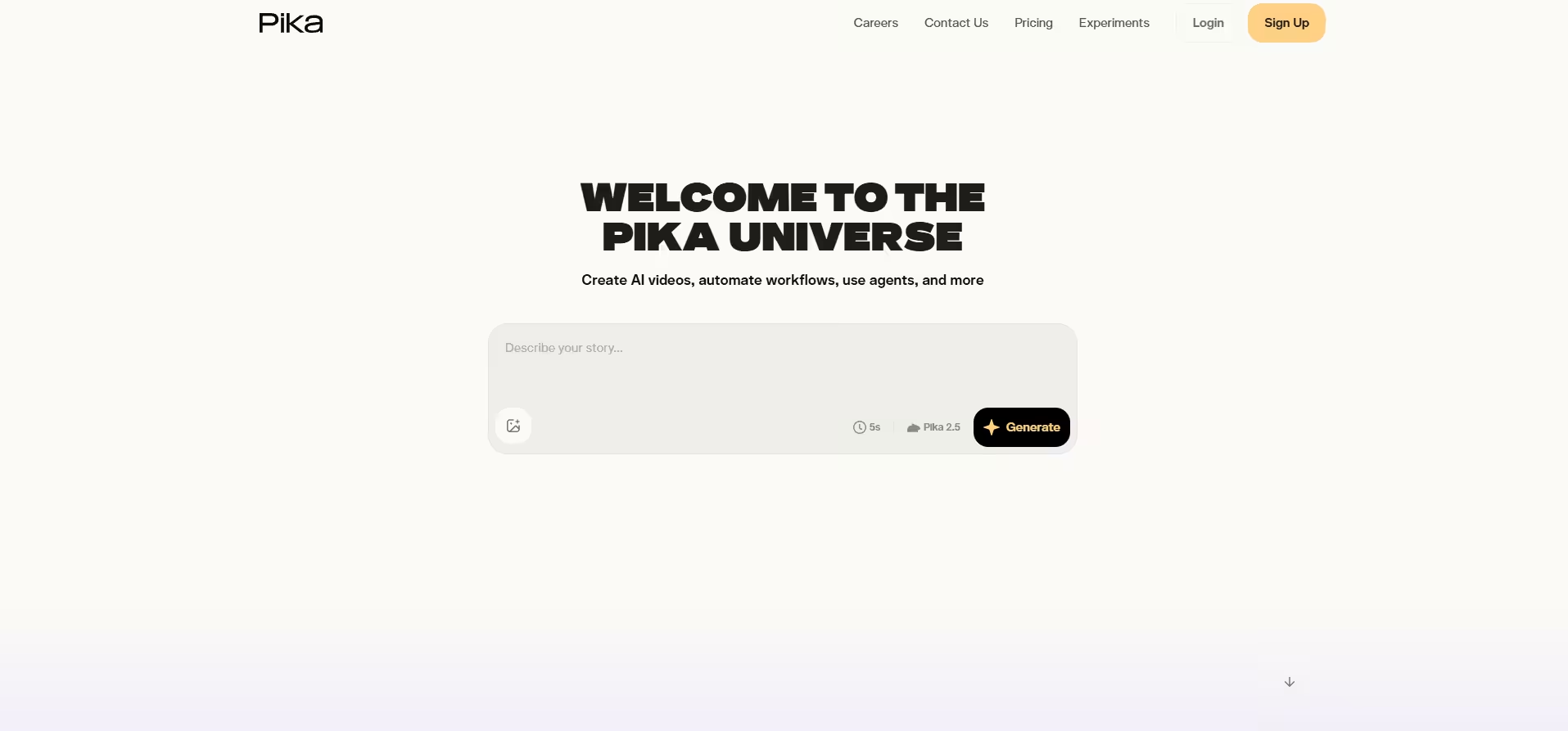
Pika’s Homepage Pika is a fan favorite among social media creators, offering quick iterations, fun video-editing effects, and instant image-to-video transformations.
Key Features
- Preset visual effect controls that let you inflate, melt, or twist elements in your video clips.
- Inpainting tools that allow you to add or swap specific objects inside an existing video clip.
- Automatically generates matching environmental sound effects based on your visual prompt.
My Experience
Pika’s web dashboard is super fun and casual. Generation times were quick, around 45 seconds for a 5-second clip. The atmosphere looked vibrant, with the pink and blue kanji signs popping off the screen. However, Pika struggles slightly with fine realism on human facial details. While the cherry blossoms and rain looked great, the woman’s facial features lost consistency as the camera pushed in, making it better suited for stylized social content than realistic drama.
What I Liked and What I Didn’t Like
What I Liked What I Didn’t Like Fun, innovative suite of editing tools (Pikaffects) Struggles with maintaining photorealistic facial details Fast render times and easy social media sharing Free tier is restricted to low 480p resolution Built-in sound effects generation Credit consumption burns quickly when testing features Pricing
Pika has a Free plan with 80 monthly credits (480p). Paid plans start with Standard at $8/monoth for 700 credits, Pro at $28/month, and Fancy at $76/month.
-
Google Veo 3
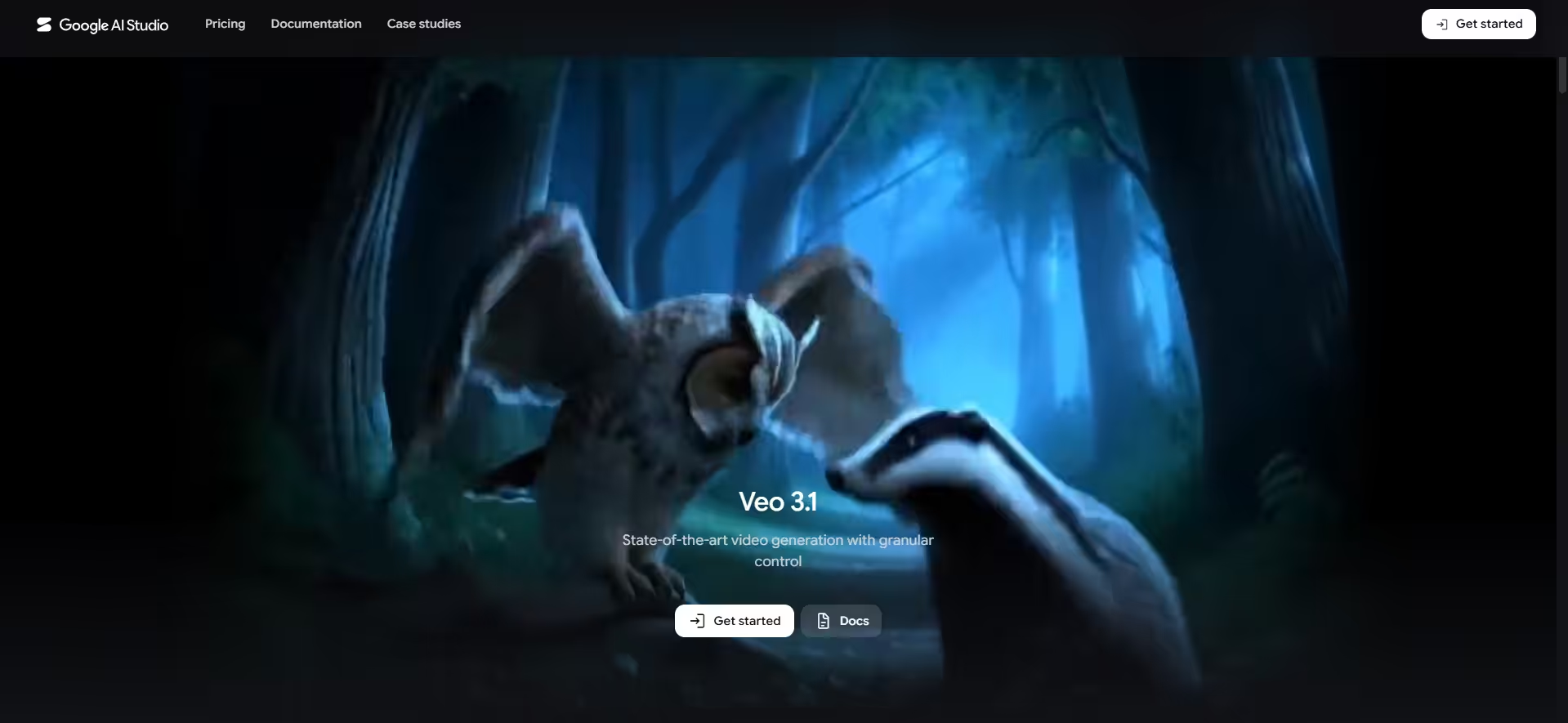
Google Veo 3’s Homepage Google Veo 3 represents Google’s latest leap in high-fidelity video generation, focusing on hyper-realistic lighting, photorealism, and spatial awareness.
Key Features
- Deep comprehension of film terminology like “shallow depth of field,” “anamorphic lens,” and “rack focus.”
- Syncs temporal lighting shifts directly with environmental audio cues.
- Works seamlessly alongside Google’s Gemini ecosystem for prompt expansion and visual scripting.
My Experience
Accessible via Google AI Pro, Veo 3 delivered some of the most visually stunning lighting I’ve ever seen from a text prompt. The neon kanji reflections in the puddles were spot on, and the depth of field accurately blurred the background ramen stall as the camera pushed in on her face. The only minor flaw was that the turn over her shoulder felt slightly stiff, but visually, the clip looked ready for a movie trailer.
What I Liked and What I Didn’t Like
What I Liked What I Didn’t Like Unmatched cinematic lighting and lens simulation Character movement can occasionally feel stiff Perfect adherence to complex camera vocabulary Requires a broader Google AI Pro plan subscription Incredible puddle reflections and particle depth Limited manual keyframe override controls Pricing
Google Veo 3 is integrated into the Google One AI Premium Plan (Google AI Pro) starting at $19.99/month, granting access to advanced Gemini models and Veo generation capabilities.
-
Adobe Firefly Video
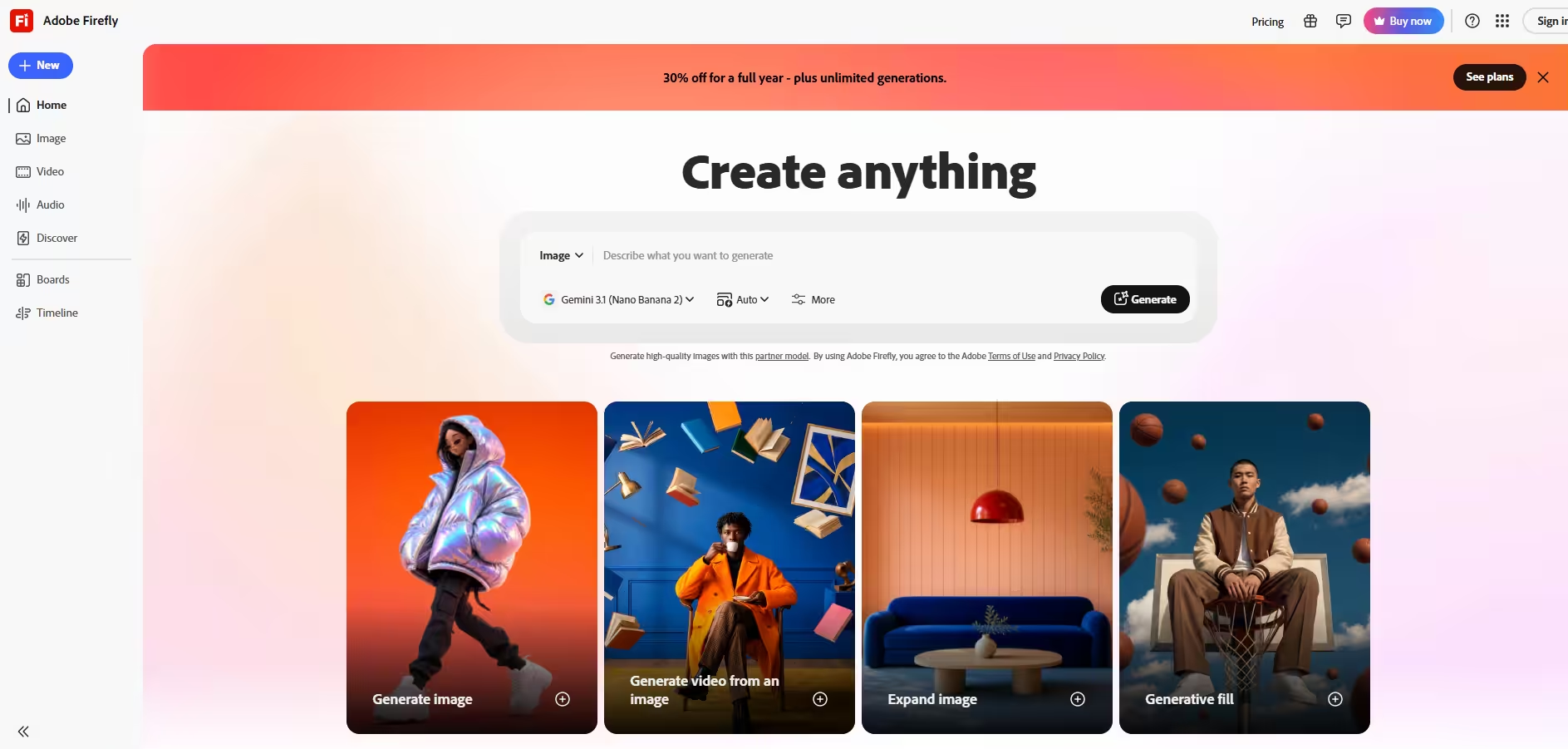
Adobe Firefly Video’s Homepage Adobe Firefly Video is built directly into the Creative Cloud ecosystem, offering safe commercial-use AI video generation for editors and designers.
Key Features
- Trained exclusively on Adobe Stock and licensed media to ensure zero copyright risk for businesses.
- Generate and extend video clips directly on your editing timeline.
- Granular settings for shot distance, camera height, and movement angles.
My Experience
Testing Firefly was a seamless experience, especially coming from an editing background. The interface feels clean, professional, and precise. Firefly executed the emerald green coat and rain-soaked pavement with high fidelity, though the overall color palette felt a bit muted and neutral compared to the vibrant neon contrast produced by tools like Luma or Veo. However, knowing the output is 100% commercially safe gives it a huge advantage for client work.
What I Liked and What I Didn’t Like
What I Liked What I Didn’t Like 100% commercially safe for corporate and client projects Visual output can feel overly clean or sterile Direct workflow integration with Premiere Pro Color grading defaults to conservative, neutral tones Precise shot distance and camera angle toggles Slower generation queue during peak times Pricing
Adobe Firefly Video operates on Creative Cloud generative credits. Standard access starts with the Firefly Standard Plan at $9.99/month.
-
Manus
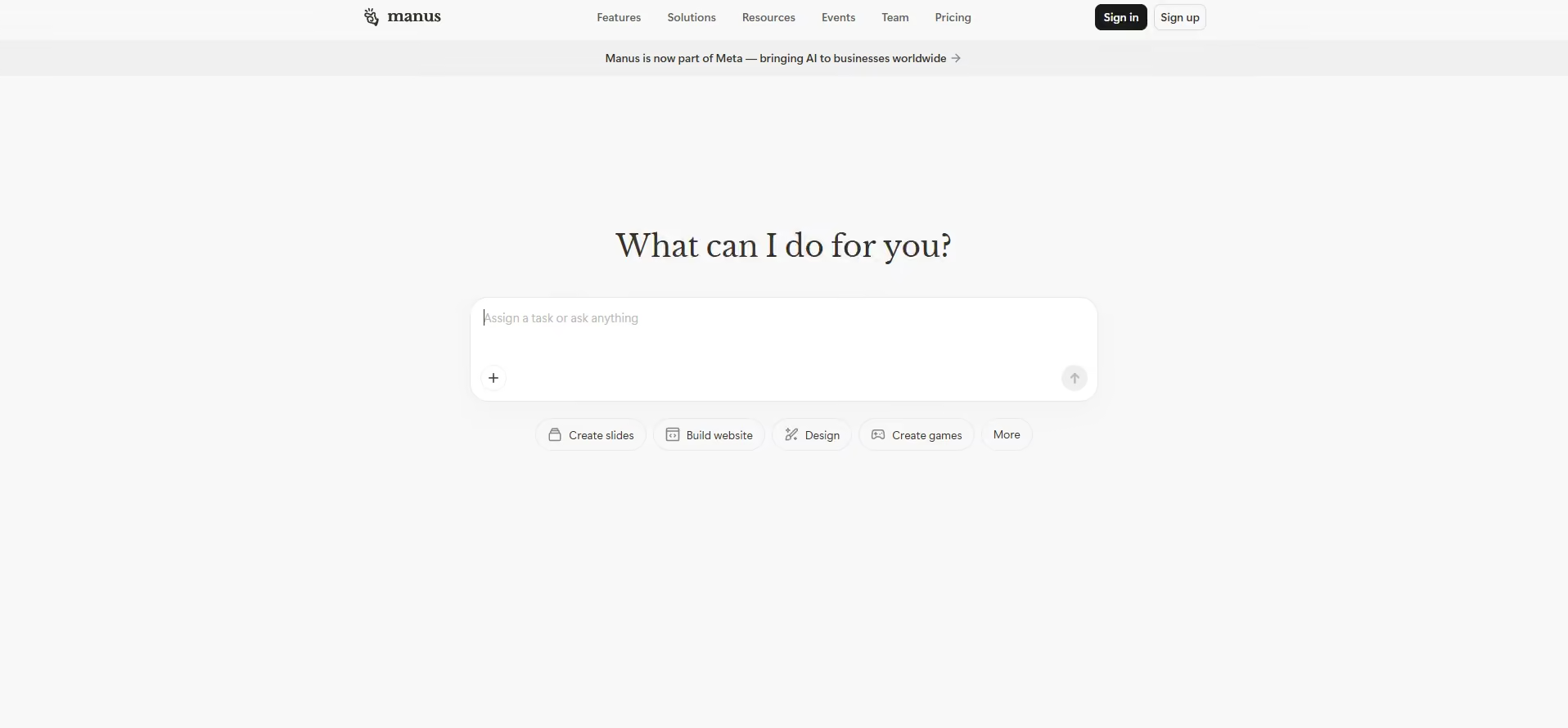
Manus’ Homepage Manus is an emerging AI agent platform designed to automate end-to-end video workflows, scriptwriting, asset generation, and rendering pipelines.
Key Features
- Orchestrates multi-step video pipelines from script writing to final rendering without manual intervention.
- Leverages best-in-class underlying video and image models depending on scene requirements.
- Assembles multiple generated clips into a coherent timeline automatically.
My Experience
Manus takes a completely different approach. Instead of just giving me a single clip from a prompt, Manus took my Tokyo alley scenario and autonomously drafted a multi-shot scene breakdown, generated individual assets, and stitched them together. It required the least hands-on manual tweaking, though the overall cost and setup are clearly targeted at agencies managing high-volume production rather than solo creators wanting a quick 5-second clip.
What I Liked and What I Didn’t Like
What I Liked What I Didn’t Like Automates entire production pipelines, not just single clips Highest starting price point on the list ($40/month) Smart multi-shot scene structuring and asset management Overkill for creators who just want a simple text-to-video clip Leverages top-tier rendering engines automatically Steeper learning curve for workflow customization Pricing
Manus targets professional content teams and agencies, with subscription tiers starting at $20/month for automated workflow credits and scaling up for enterprise production teams.
Featured Article: Best Competitor Monitoring Tools
How to Choose the Right AI Video Maker for You
After spending hours testing all 10 tools, I learned one big lesson: there is no single best AI video generator. The right tool depends entirely on what you are trying to create, your budget, and how much manual control you want.
Here is how I recommend narrowing it down based on your actual goal:
What Is Your Primary Goal?
- If you need movie-like lighting, atmospheric depth, and dramatic camera pushes, go with Google Veo 3, Kling AI, or Luma Dream Machine. They handled complex lighting and atmospheric prompts better than anything else I tested.
- If you want total authority over exact camera movements, motion brushes, and custom brand models, Runway (Gen-4.5) remains the gold standard for filmmakers and editors.
- If you need a digital presenter to explain a product, translate content into multiple languages, or talk directly to the camera, HeyGen and Synthesia win hands down.
- If you need fast iterations, trending visual effects, and fun text-to-video clips for TikTok or Instagram Reels, Pika and OpenAI Sora are your best bets.
- If you want an AI that drafts scripts, generates scenes, and orchestrates the entire workflow in one go, Manus handles the heavy lifting for you.
Key Factors to Keep in Mind Before Buying
- Almost every platform uses a credit-based subscription. High-resolution exports and longer clip lengths burn credits fast. Always test out a basic plan (or free trial) before committing to a higher tier.
- Tools like HeyGen and Sora feature ultra-simple chat/prompt boxes. Platforms like Runway and Manus offer massive feature sets that take time to master.
- If you are building client work or running ads, make sure the tool explicitly permits commercial rights. Tools like Adobe Firefly Video offer complete commercial safety guarantees trained on licensed media.
Mastered AI Video Production? Now Automate the Rest.
Conclusion
Testing all 10 of these AI video tools made one thing super clear: we are living in the absolute best time to be a creator! What used to take a whole team of editors days to put together can now happen right on your screen in less than a minute.
At the end of the day, the best tool is simply the one that makes your creative process fun and fast. So go ahead, pick one from the list, drop in your prompts, and start creating some incredible UGC videos today!