I spent years managing digital content campaigns, and I learned one big lesson the hard way. A messy process ruins great ideas every single time. Without clear rules, content stalls in review chains, assets disappear in messy folders, and team members miss deadlines.
I created this guide to help you find the right content workflow software for your specific team setup, review depth, and publishing channels.
Finding the right system saves your team hours of wasted back-and-forth conversation every single week. Before you compare tools, review your overall strategy and test new content marketing ideas to see where your process slows down.
Short Summary
- Different Content workflow types serve distinct production needs, separating social media scheduling tools from long-form editorial systems and general project management platforms.
- Social media tools like Social Champ, Sendible, and Later focus on visual calendars, network previews, and post distribution for fast-paced channels.
- Editorial platforms like Content Workflow by Bynder, Contentful, and EasyContent handle structured briefs, detailed text collaboration, SEO requirements, and CMS publishing.
- General project management apps like ClickUp, Asana, monday.com, and Airtable excel at task tracking and resource allocation, but they lack native post previews and direct social publishing capabilities.
- Software selection relies on evaluating approval depth, direct publishing options, integration capabilities, ease of use, and pricing models like per-seat versus per-workspace fees.
- A proper 14-day software trial should test real tasks, including multi-stage internal reviews, external client approval links, and cross-platform scheduling.
What Is Content Workflow Software & What It Does
Content workflow software is a digital workspace that organizes your entire production process. It guides assets from early strategy to production, internal reviews, client sign-offs, live publishing, and performance tracking.
| Type | What it handles | What it can’t do | Example tools |
|---|---|---|---|
| Social Workflow | Post scheduling, visual feeds, multi-platform previewing, client sign-offs | Long-form document editing, deep website SEO checks | Social Champ, Sendible, Later |
| Editorial & Long-Form | Content briefs, structured text docs, SEO scoring, CMS publishing | Direct social network posting, story previewing | Content Workflow by Bynder, Contentful, EasyContent |
| Project Management | Task dependencies, team workloads, custom subtasks, board views | Native social previews, direct publishing, visual proofing | ClickUp, Asana, monday.com, Airtable |
Most teams buy the wrong system because they pick a platform for task tracking rather than asset creation. You end up managing deadlines in a project management board while your team still shares file attachments over email to get client sign-offs.
Best Content Workflow Software for Social Media Teams and Agencies
Social media production moves faster than standard blog publishing. You need visual calendars, exact network previews, and quick client review links so your posts go live on time.
-
Social Champ
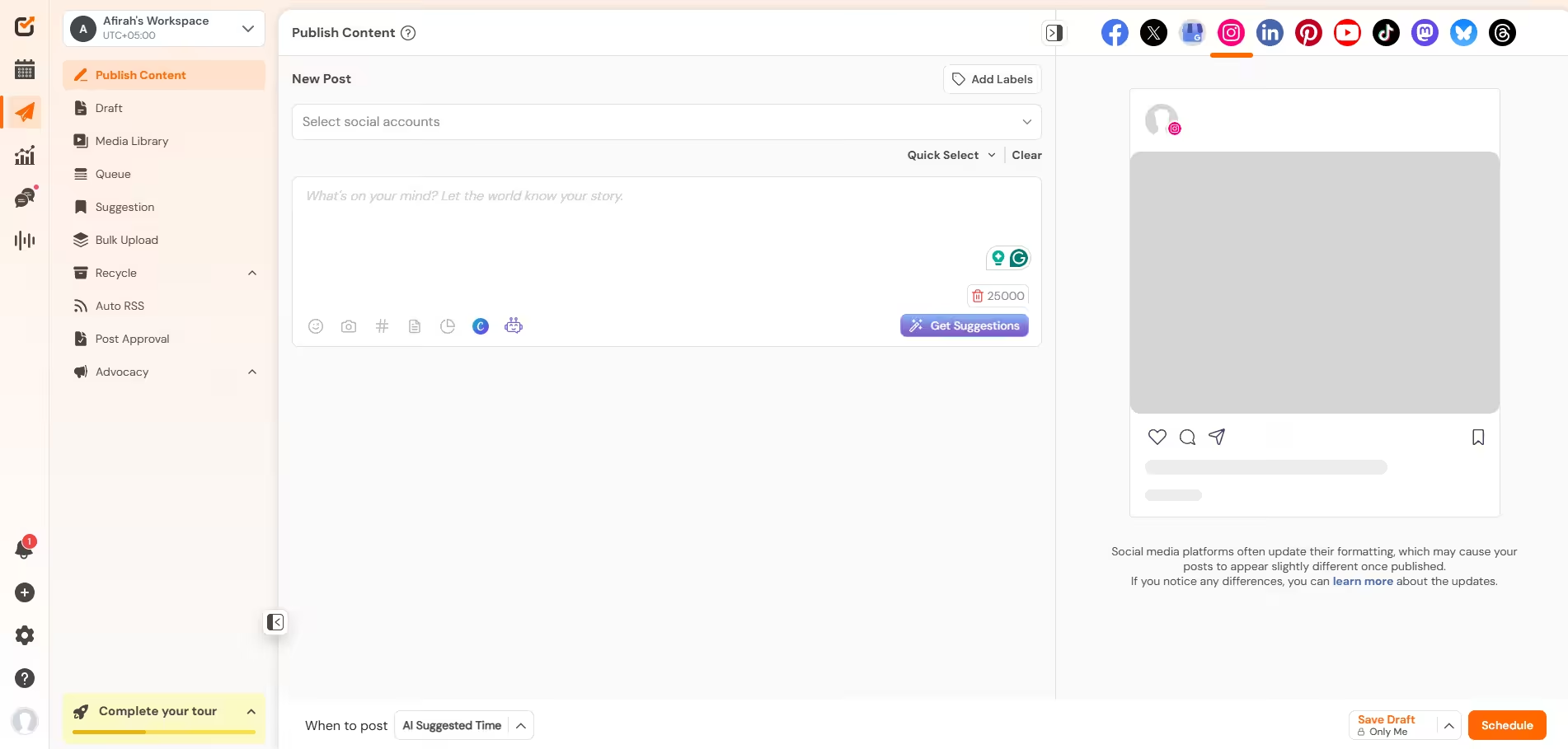
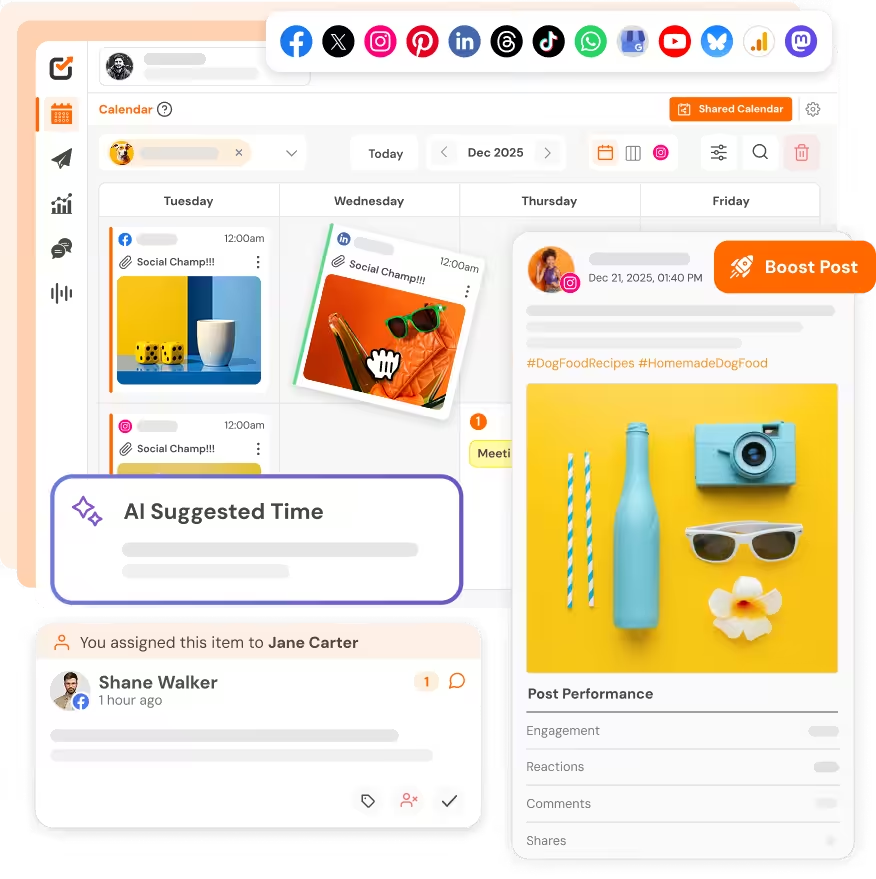
Social Champ’s Dashboard Social Champ brings your strategy and scheduling into one central calendar. I use it to draft posts across multiple social profiles and manage client reviews without sending chaotic email attachments. It connects team collaboration with direct automated publishing to save hours every week.
Best for: Agencies and growing brand teams that need multi-tier approvals and visual scheduling.
Key Workflow Features
- Visual calendar with drag-and-drop post adjustments
- Custom multi-stage approval pipelines for internal and external reviewers
- Shared workspace management with white-label portal capabilities
- Analytics that tell you what’s working
Starting price: Paid plans start at $4 per month.
Drawback: The platform focuses on social media channels, so you cannot draft or publish long-form blog posts directly to a CMS.
Choose it if: You run an agency or multi-brand team that needs clean client sign-offs and reliable social media content management.
Cut Your Content Review Time in Half!
Set up custom review chains and secure client sign-offs inside Social Champ before your next content cycle begins. -
Sendible
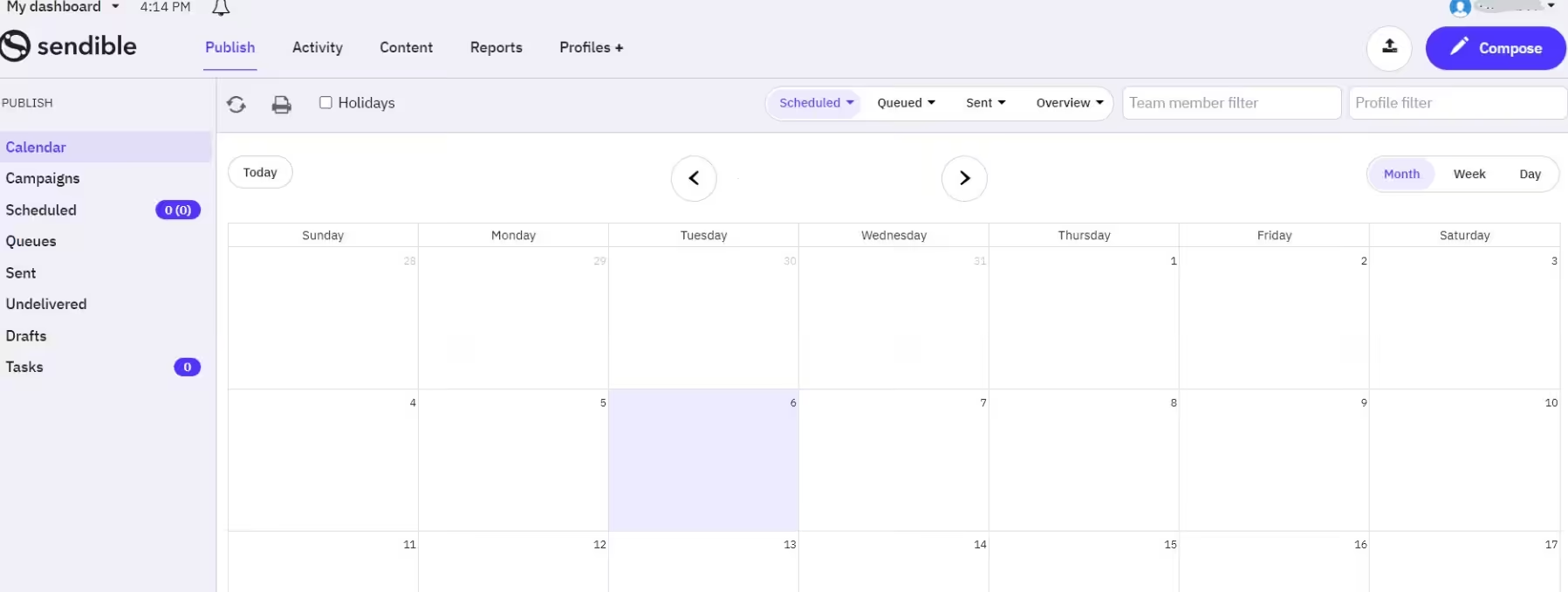
Sendible’s Dashboard Sendible helps agency teams organize social campaigns for dozens of clients at once. The system organizes incoming messages into a single inbox and routes post drafts to specific team leaders. It combines approval chains with deep client reporting features.
Best for: Mid-sized agencies managing custom client reporting and multi-platform posting.
Key Workflow Features
- Centralized social inbox for community comments
- Individual client dashboards and custom report builders
- Built-in image design tools and asset store
Starting price: Paid plans start at $35 per month.
Drawback: Setting up client permissions across multiple workspaces takes considerable setup time.
Choose it if: You need detailed client performance reports alongside your post review chains.
-
Later
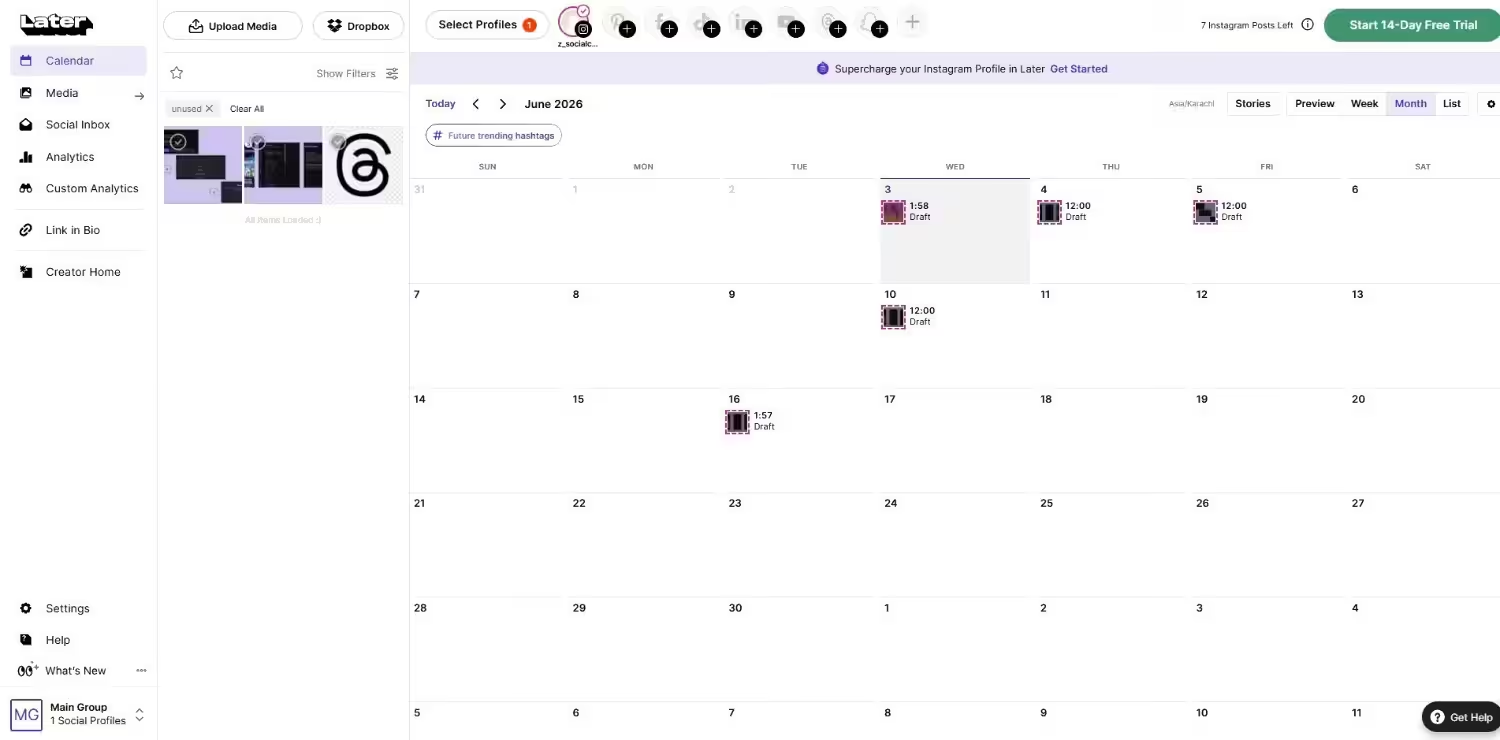
Later’s Dashboard Later puts visual planning first with a drag-and-drop grid builder. I like how simple it makes organizing image assets and matching captions to visual layouts. It helps teams curate user-generated content and send drafts to managers for quick sign-offs.
Best for: Visual brands and creators who focus heavily on Instagram, TikTok, and Pinterest.
Key Workflow Features
- Visual Instagram grid builder and preview tool
- Media library with asset tagging and search
- Link in bio page editor
Starting price: Paid plans start at $18.75 per month.
Drawback: It offers limited approval depth for complex agency teams that need multi-tier sign-offs.
Choose it if: You focus on image and short video posts that require visual grid planning.
Featured Article: 10 Best Free Social Media Scheduling Tools
Best Content Workflow Software for Editorial and Long-Form Content
Long-form editorial production requires strong text editors, structured content briefs, and direct CMS connections. These tools help editorial teams draft, edit, and publish articles without losing track of revisions.
-
Bynder

Bynder’s Homepage Formerly known as GatherContent, Bynder organizes messy editorial schedules into clear production pipelines. It lets you create custom templates with strict field requirements so writers deliver complete content briefs. I use it to keep large writer teams aligned on tone, formatting, and structural requirements.
Best for: Large editorial teams managing structured web content and higher education publishing.
Key Workflow Features
- Custom document templates with character limits and field rules
- Real-time text collaboration with inline comments
- Direct content export to WordPress, Drupal, and custom CMS platforms
Starting price: You need to get a quote for pricing.
Drawback: It does not support direct social media scheduling or visual network previews, so you need a separate tool for social distribution.
Choose it if: You manage complex web migration projects or publish large volumes of long-form articles.
-
Contentful
Contentful’s Homepage Contentful treats your text and media as reusable data blocks rather than static pages. Editorial teams create structured content entries while developers build the frontend display. It helps enterprise teams organize multi-channel digital publishing from a single headless architecture.
Best for: Enterprise teams building composable content models across websites, mobile apps, and digital displays.
Key Workflow Features
- Flexible content modeling for structured text and media assets
- Granular user roles and environment permission controls
- Extensive API integrations for custom app publishing
Starting price: Offers a limited free plan; paid team plans start at $300 per month.
Drawback: It requires web developer resources to set up and customize your frontend publishing channels.
Choose it if: You publish long-form content across multiple apps and digital platforms simultaneously.
-
EasyContent
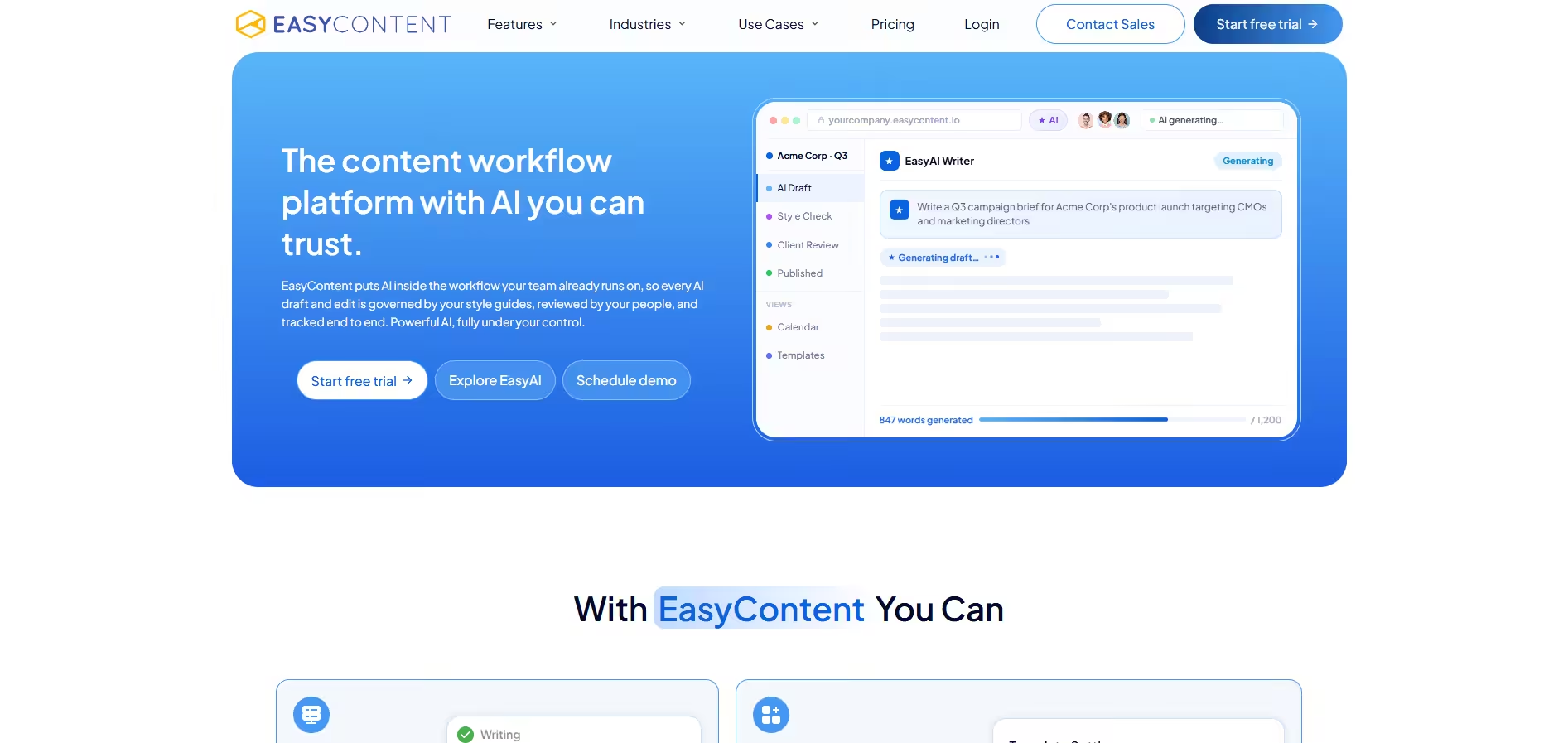
EasyContent’s Homepage EasyContent helps editorial managers plan article production from brief creation to final CMS export. The workspace provides clean text editors that guide writers through target SEO requirements and word counts. It prevents team members from pushing articles live before copyeditors check every detail.
Best for: Content agencies and marketing teams that need structured article drafting and built-in review gates.
Key Workflow Features
- Editorial calendar with custom pipeline stages
- Structured content brief builder for freelance writers
- One-click publishing integrations for popular CMS setups
Starting price: Paid plans start around $59 per month.
Drawback: It lacks social distribution features, which forces you to use separate social media scheduling tools.
Choose it if: You work with external freelance writers and need strict editorial review gates.
Featured Article: 7 Best Social Media APIs for Multi-Platform Posting
Using Project Management Tools for Content Workflow Management
Many teams wonder if they can manage their content production inside general project management software like ClickUp or Asana. The short answer is yes for task management, but no for publishing and visual proofing.
General project management platforms excel at tracking deadlines, assigning team responsibilities, and managing custom task status fields. However, they cannot generate real social media post previews, execute client email sign-offs without user seats, or publish posts directly to your channels.
Popular Project Management Options
- ClickUp: Highly customizable platform with custom statuses, document views, and board layouts. Excellent for tracking editorial deadlines, but requires external schedulers to post social content.
- Asana: Clean task tracking software with strong timeline views and dependency rules. Great for tracking team workloads, but lacks native post previews and live publishing options.
- monday.com: Flexible visual workspace with automation rules and custom column fields. Ideal for tracking production schedules, but client approvals require paid guest permissions or external integrations.
- Airtable: Powerful relational database tool with custom view layouts and form builders. Fantastic for managing content inventories, but cannot draft or schedule live social media posts directly.
| PM Tool | Pair with | What the pair covers |
|---|---|---|
| ClickUp | Social Champ | ClickUp tracks campaign deadlines, while Social Champ handles visual post drafting, multi-stage approvals, and direct posting. |
| Asana | Social Champ | Asana manages strategic task pipelines, while Social Champ stores visual media, gathers client sign-offs, and automates posting. |
| monday.com | Sendible | monday.com manages team resource allocation, while Sendible handles incoming social messages and client post approvals. |
| Airtable | Later | Airtable acts as your central content database, while Later plans Instagram visual grids and schedules social media posts. |
How to Choose Content Workflow Software
Selecting the right workspace comes down to your team structure, client review requirements, and distribution channels. You need a system that fits your exact operating model.
| Criteria | Solo Creator | In-House Team | Agency | Enterprise |
|---|---|---|---|---|
| Approval Depth | Low (5%) | Medium (20%) | High (35%) | Very High (35%) |
| Direct Publishing | High (40%) | High (30%) | High (25%) | Medium (15%) |
| Integrations | Medium (15%) | High (20%) | High (20%) | High (25%) |
| Ease of Use | High (30%) | High (20%) | Medium (10%) | Low (10%) |
| Price Weight | High (10%) | Medium (10%) | Medium (10%) | Low (15%) |
Conclusion
Choosing the right platform protects your schedule from missed deadlines and endless review chains. Content production demands clarity, and the right system keeps every campaign moving forward without constant friction.
Take time to test a few tools with your team today, map out your approval steps, and pick the system that fits your exact workflow. A solid foundation lets you focus on creating great material while your software handles the repetitive tasks.