What is Social Champ Designs?
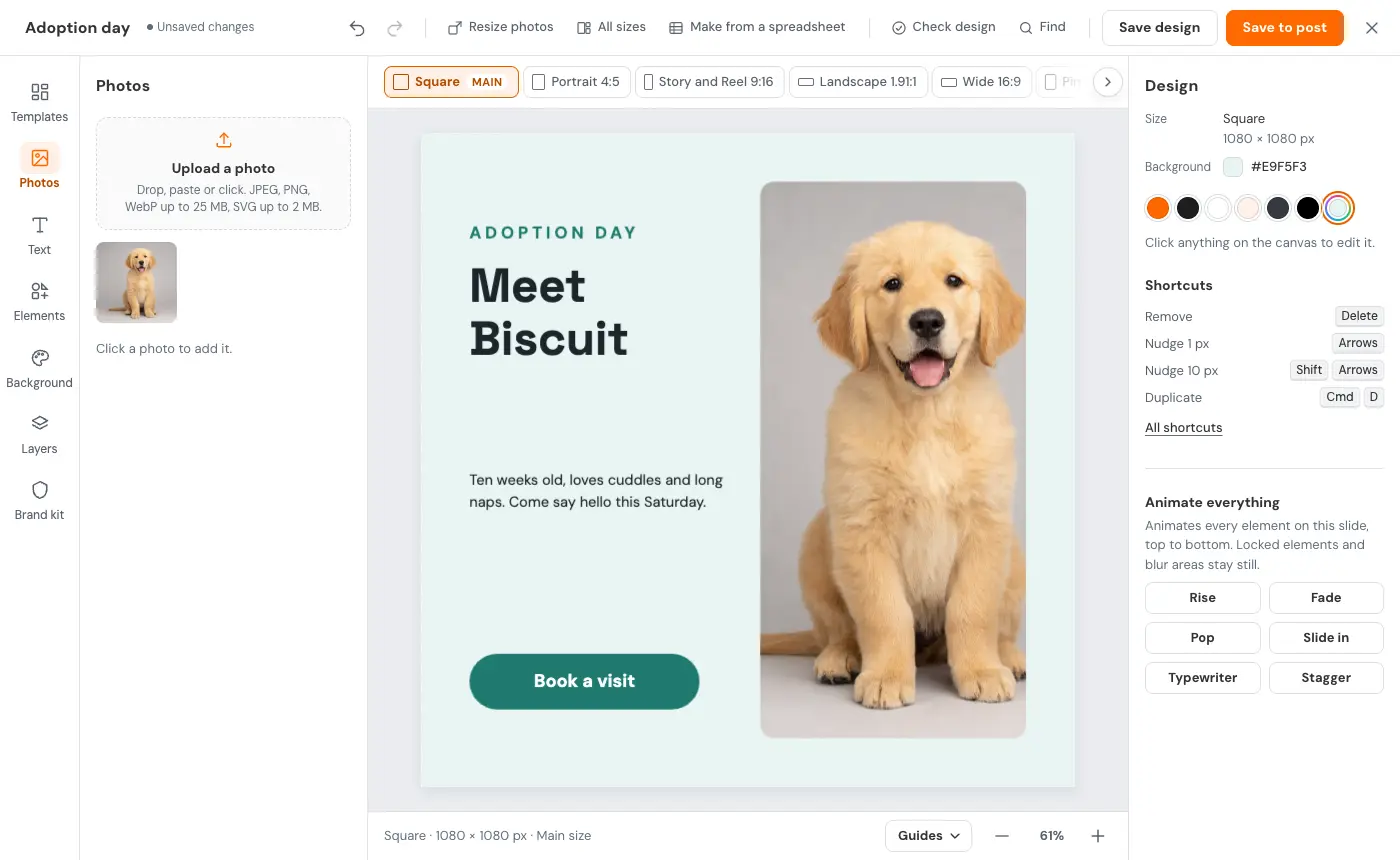
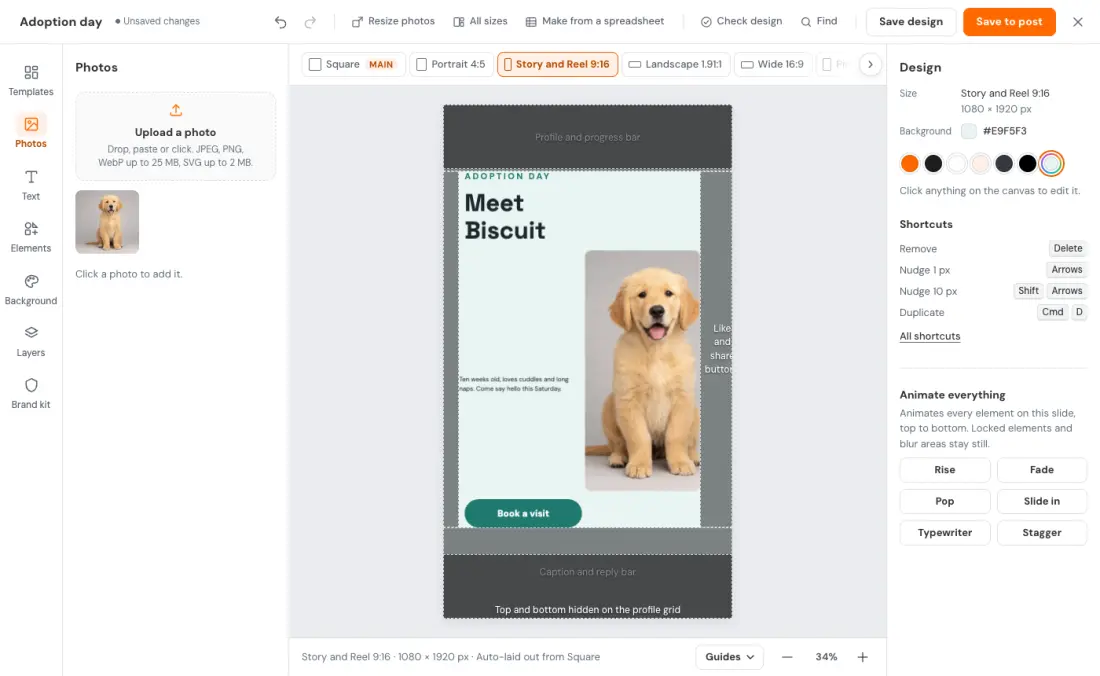
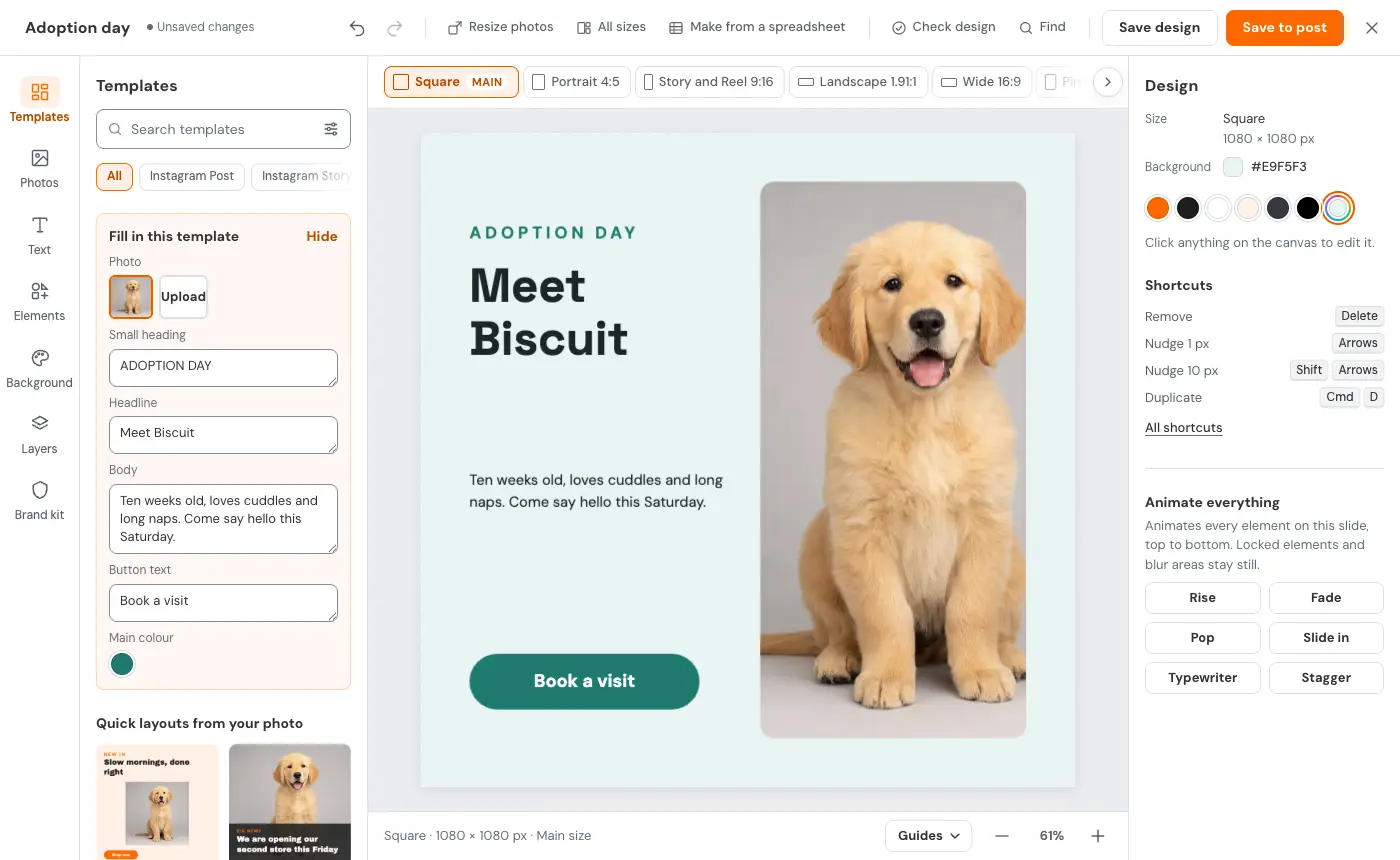
Social Champ Designs is a free design editor built into the Social Champ social media scheduler. You make the post, get 7 post sizes from one design, and Save to post adds it to the post you are scheduling, with no download and no re-upload.
Is Social Champ Designs free?
Yes. Social Champ Designs is included on every Social Champ plan, including Free. Each workspace keeps up to 200 saved designs and 500 MB of design media. Write with AI works on plans with AI Content Wizard credits, and AI images use AI Imaginator credits.
Can I design and schedule social media posts in one place?
Yes. In Social Champ, start your post in the composer, open the Design tab and start from a template or a blank canvas. Save to post adds the image, carousel slides or video to your post, ready to schedule. There is no download and no re-upload.
How do I resize one design for different social media post sizes?
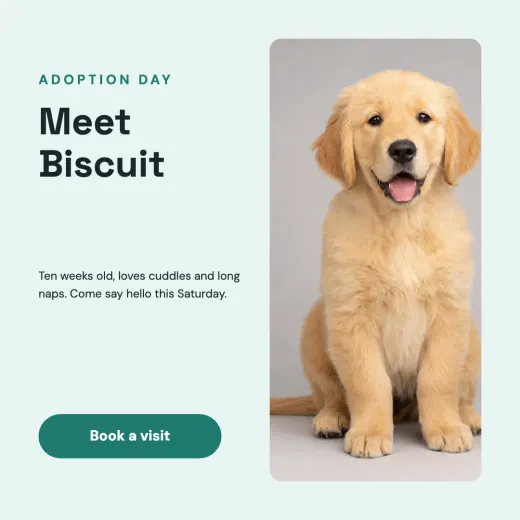
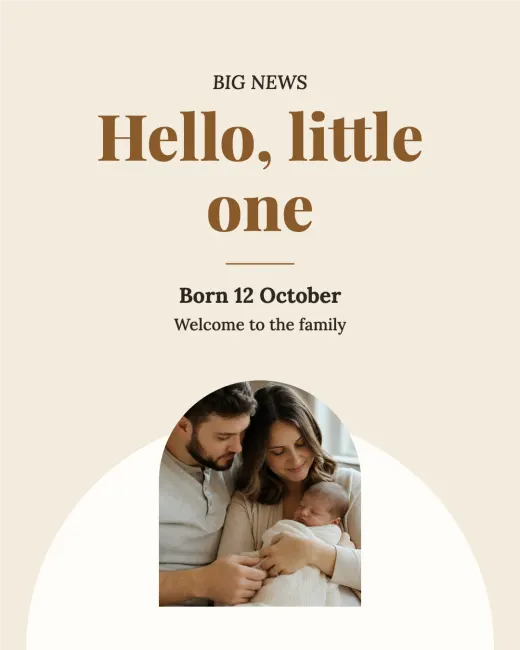
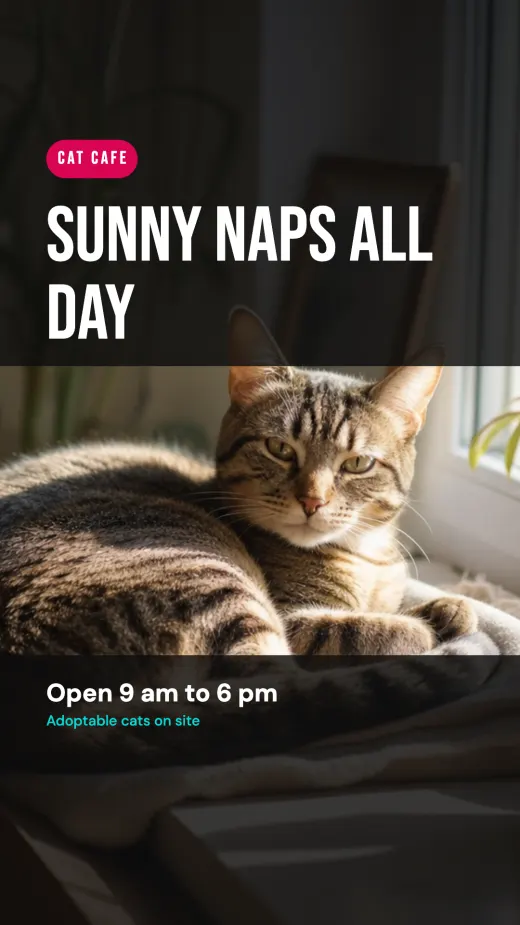
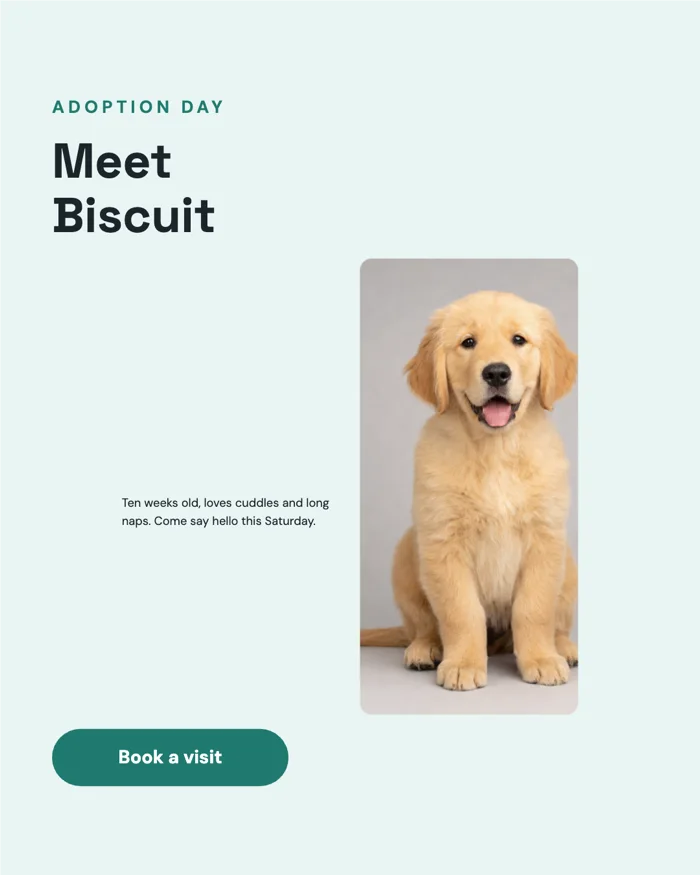
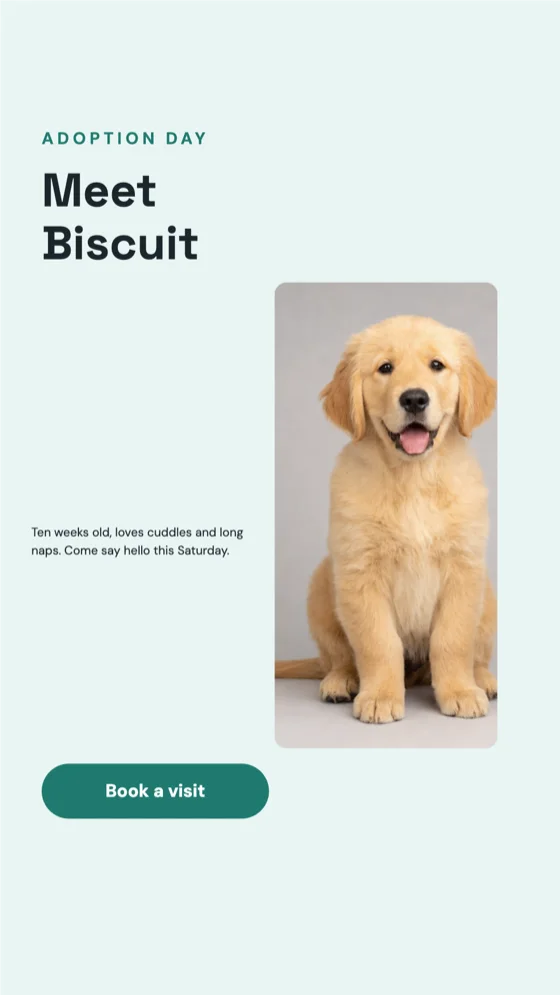
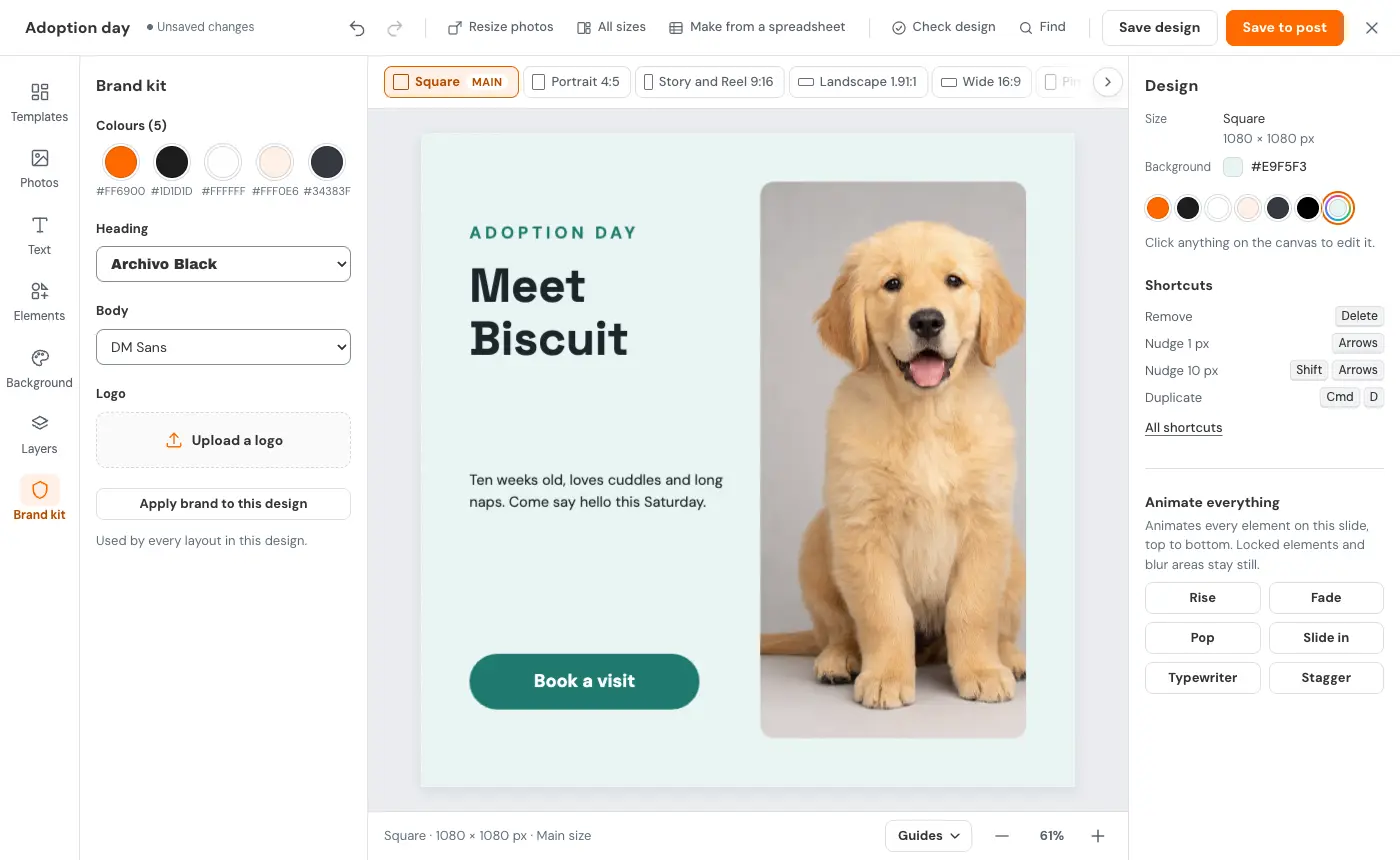
Click All sizes. Social Champ Designs lays one design out in 7 post sizes at once: Square 1:1, Portrait 4:5, Story and Reel 9:16, Landscape 1.91:1, Wide 16:9, Pin 2:3 and Thumbnail 16:9. In tall sizes, text and photos grow into the extra height, and you can still fine-tune each size.
Can I remove a photo background for free?
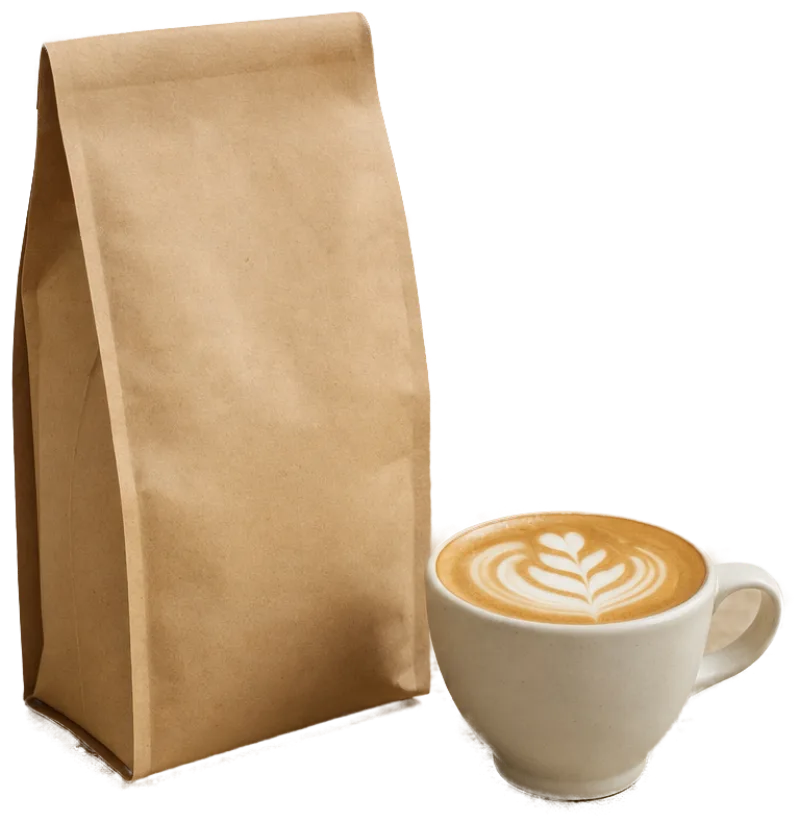
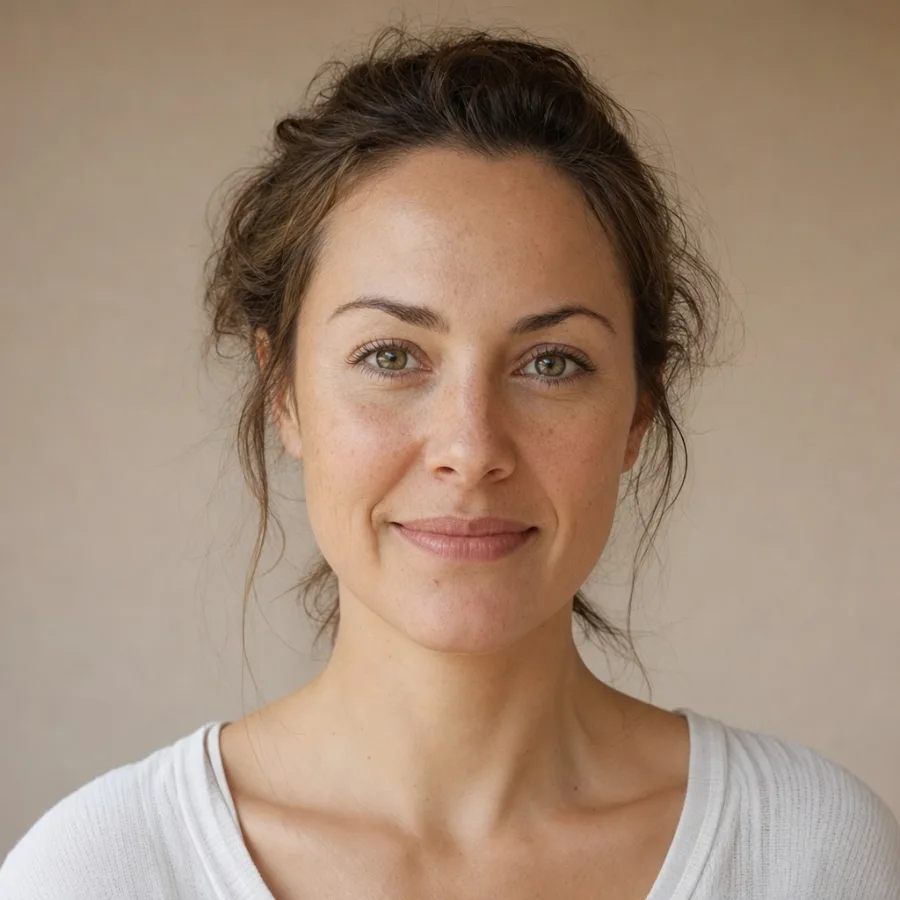
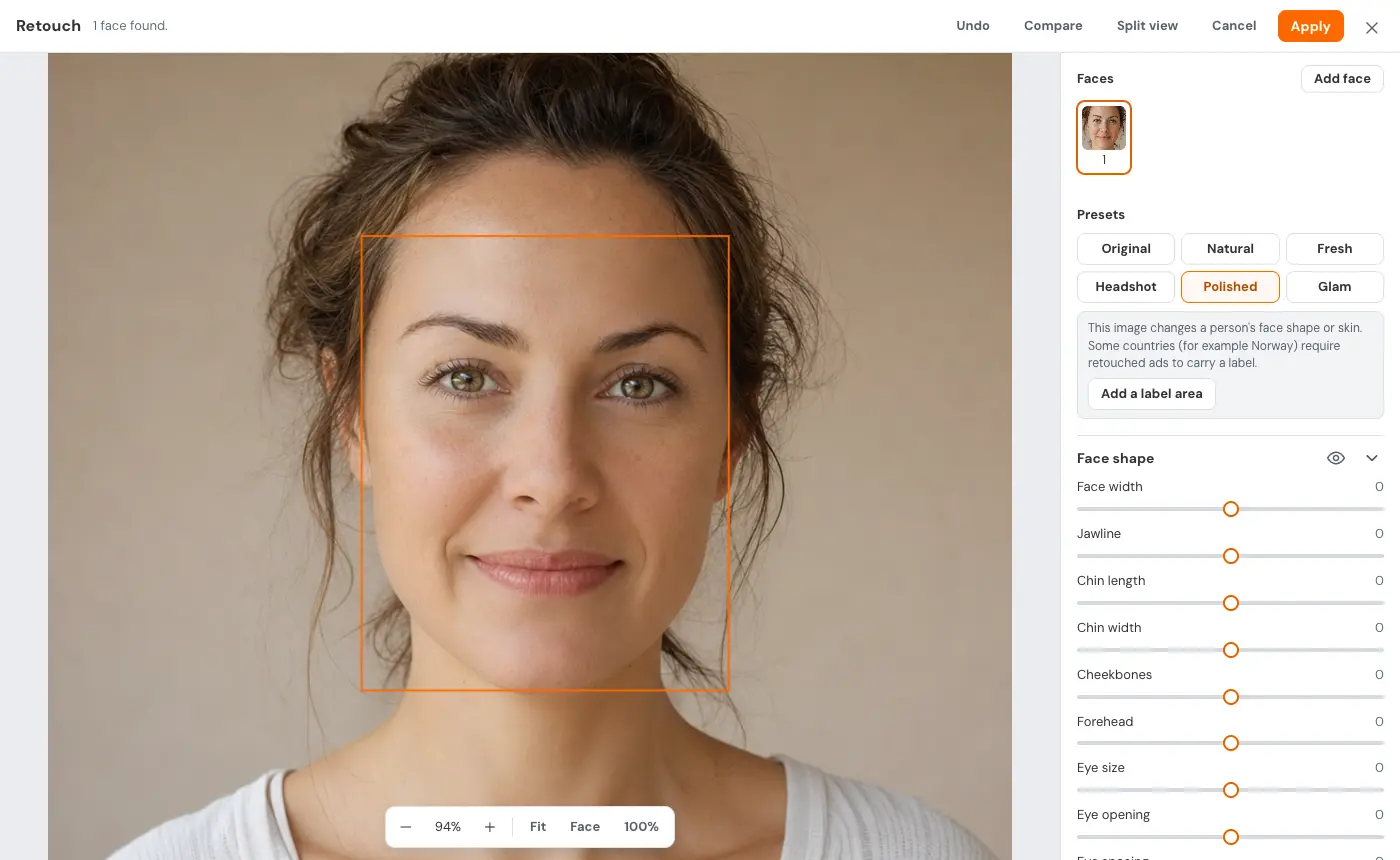
Yes, on every plan, including Free. Remove background lifts people with their hair, pets or products off their background in one click. Refine cutout paints back or erases any edge, and you can restore the original. Background removal and Retouch run on your device; your photo isn't uploaded to do them. Saved designs are stored in your workspace.
Can I make carousels and videos?
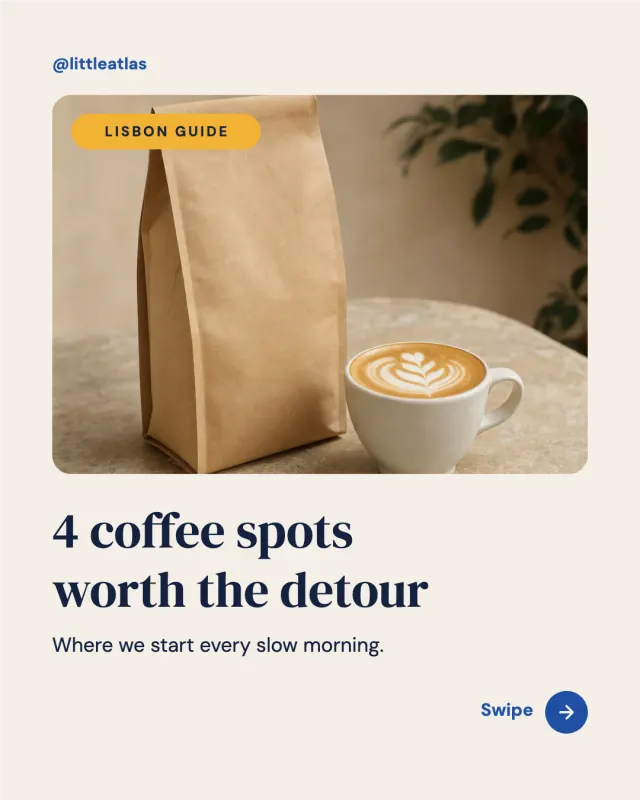
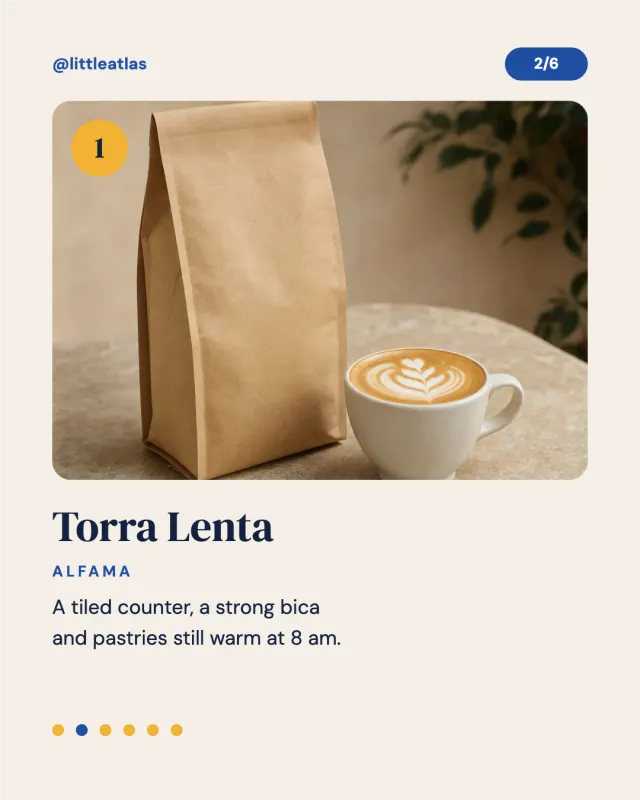
Yes. A design can have up to 10 slides, and Save to post adds every slide as separate images, in order. 12 carousel packs come with a cover, numbered slides and a closing call to action. Download slides as a PDF or PowerPoint, or make one MP4 video from all slides with cut, fade, slide or zoom transitions.
Can I use my brand colours, fonts and logo?
Yes. The brand kit saves your colours, heading and body fonts and logo once per workspace, shared by the team, and templates pick it up. Alongside 149 built-in fonts, you can upload your own as TTF, OTF or WOFF2, up to 4 MB a file and 30 font files per workspace.
Can AI write the text in my design?
Yes, on plans with AI Content Wizard credits. Write with AI suggests headlines and text, rewrites or translates a whole design, and in the composer can design from your post's caption. AI images use AI Imaginator credits, and Switch, the assistant, can open its post images in the editor.
Can I turn my analytics or a spreadsheet into posts?
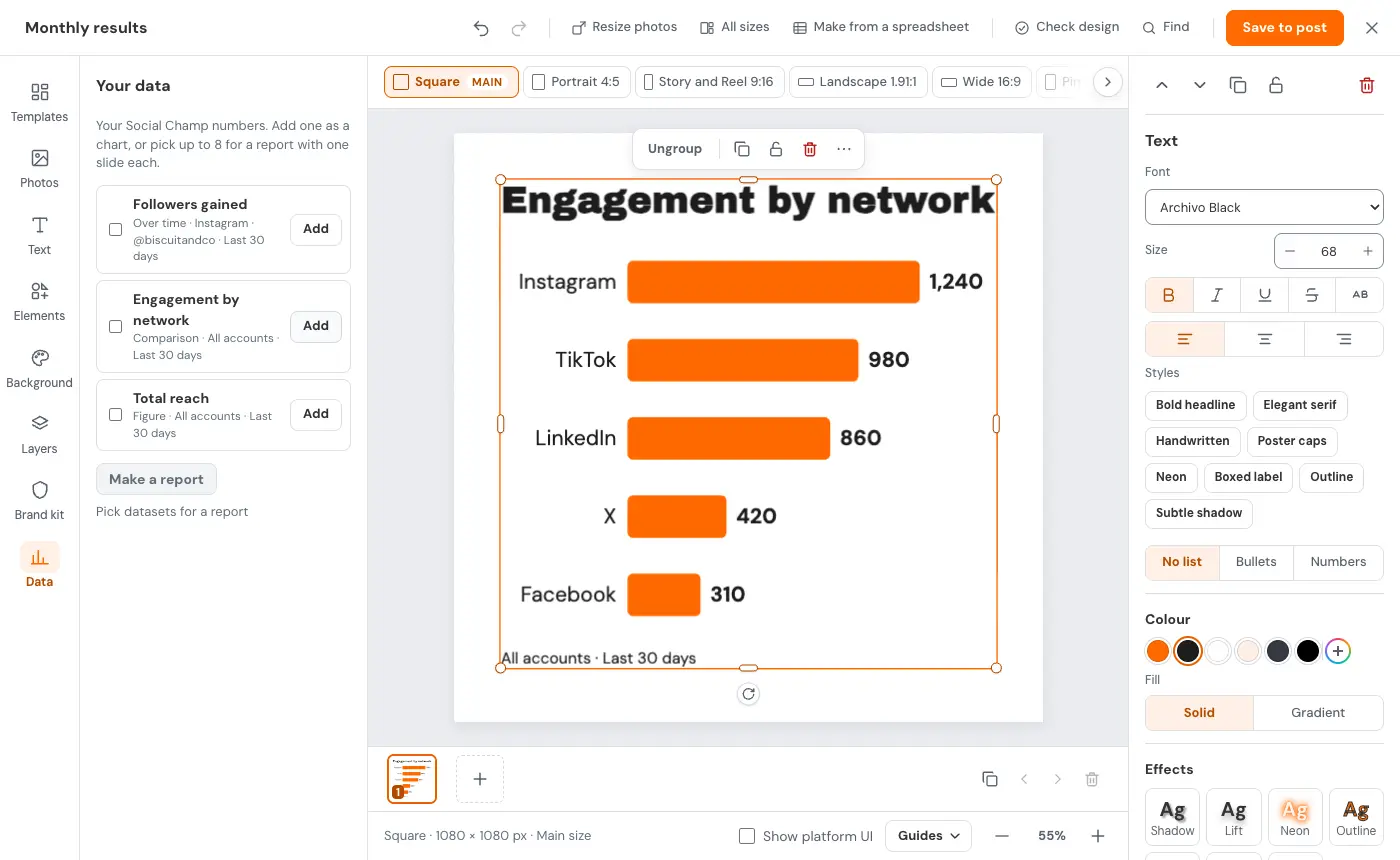
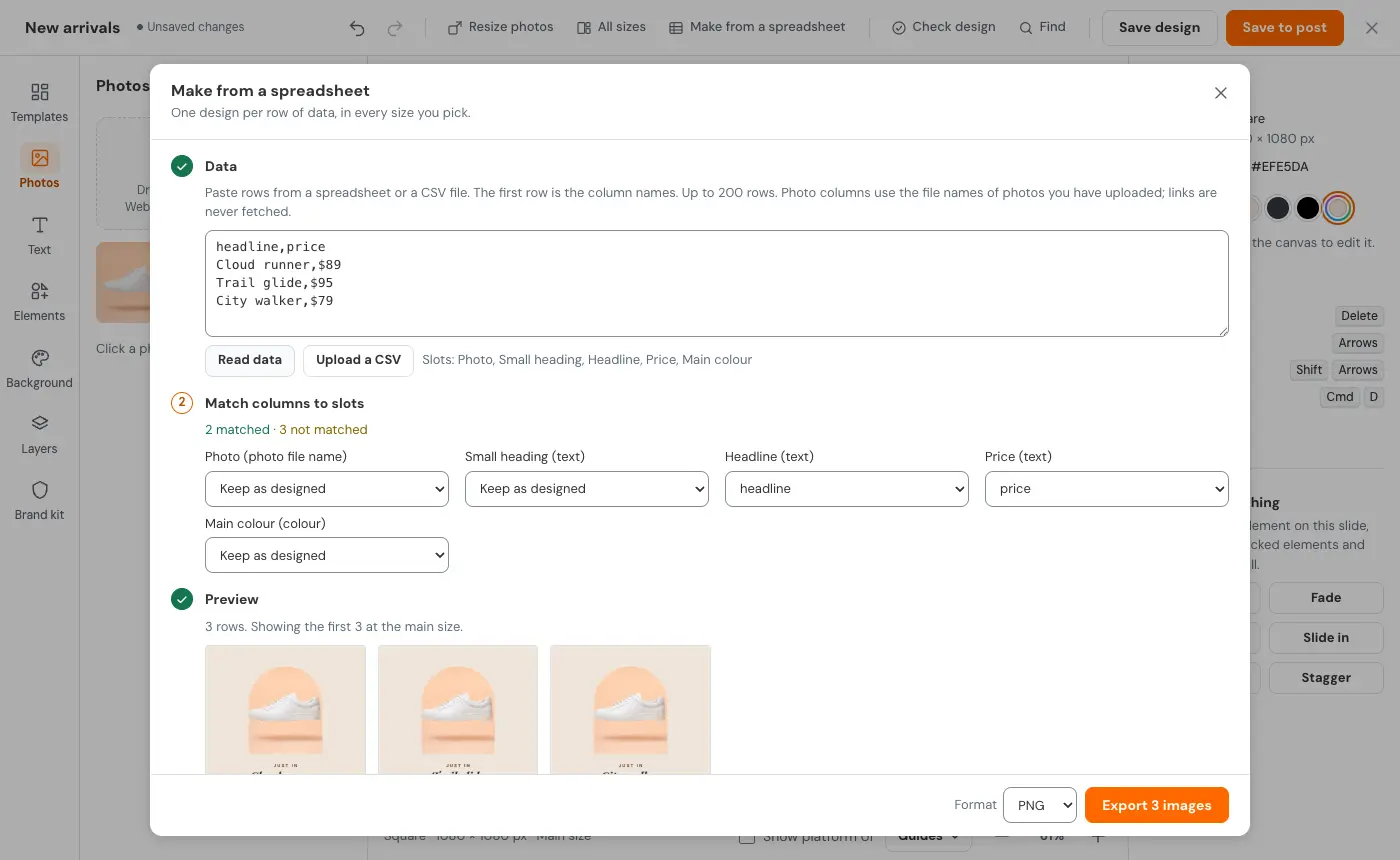
Yes. The Data tab brings your Social Champ analytics into a design as charts or big numbers; tick up to 8 to make a report deck. Make from a spreadsheet takes pasted rows or a CSV, matches the columns to your design and gives one post per row, up to 200 rows, as a ZIP.