Are you finding it tough to manage multiple social media platforms while staying consistent and engaged?
If your answer is a big YES, you’re not alone!
As a marketer, you face countless challenges—from irregular posting and limited real-time interaction to tracking performance effectively.
Likewise, keeping up with trends and competitors can also feel overwhelming without the right tools.
And that’s where AI-powered social media management tools come in.
Platforms like Social Champ streamline your workflow and enhance engagement readily.
With features like automation, scheduling, analytics, and team collaboration, these tools take the hassle out of social media management.
In this guide, we’ll walk you through the 12 best social media management tools to help you find the perfect fit for your needs.
So, let’s dive in!
Dominate Social Media Like a Pro!
Short Summary
- Managing multiple social media platforms can be challenging due to inconsistency, lack of real-time interaction, and difficulty in tracking performance.
- AI-powered social media management tools streamline workflows and enhance engagement through automation, organizing, insights, and collaboration features.
- Key factors in choosing a tool include multi-platform support, automation, insights, affordability, and team collaboration.
- Social Champ stands out as an all-in-one solution with AI-powered automation, bulk posting, advanced insights, and engagement tracking.
- Other tools cater to different needs, such as Buffer for simplicity, Hootsuite for enterprise-level analytics, and Later for Instagram-focused publishing.
What Makes a Social Media Management Tool the Best?
Choosing the right social media management tool is crucial for effective online engagement and social media content.
Let’s dive into the key evaluation criteria:
- Multi-Platform Support: A top-tier tool should seamlessly integrate with various social media platforms, allowing you to manage all your accounts from a single dashboard.
- Publishing and Automation Features: Efficient posting and automation capabilities enable you to plan and publish content consistently, saving time and ensuring a steady online presence.
- Analytics and Reporting Capabilities: Comprehensive insights provide data about your content’s performance, audience engagement, and overall social media strategy effectiveness.
- Affordability and Team Collaboration Tools: The best tools offer cost-effective solutions with features that facilitate team collaboration, such as assigning roles and approving content.
Featured Article: Social Media in Sports: Transforming Fan Engagement
Quick Comparison of Best Social Media Management Tools
To assist you in selecting the ideal tool, here’s a quick comparison table highlighting key aspects of each platform:
MultiloginFree plan available; paid plans from $7.08/month (billed annually)Real Android cloud phones per profile, browser profiles for web platforms, built-in proxies, ADB/API access for automation and AI agentsRunning multiple accounts per platform (TikTok, Instagram, Facebook, Reddit, YouTube) with full account isolation
Sprout SocialStarts at $79/monthCRM integration, advanced scheduling, and detailed reportingBusinesses aiming for post-performance reports and customer relationship management
| Tool Name | Starting Price (Paid Monthly) | Key Features | Best Use Cases |
|---|---|---|---|
| Social Champ | Starts at $4/month | Publish, engage, analytics, calendar, and social listening | Agencies and businesses seeking an all-in-one solution |
| Buffer | Starts at $5/month | User-friendly interface, post-scheduling, basic reports | Small businesses and individuals focusing on simplicity |
| Hootsuite | Starts at $99/month | Comprehensive insights, multi-platform support, and social listening | Enterprises needing customizable reports and monitoring |
| AdaptlyPost | Starts at $19/month | AI captions and images, nine-network publishing, visual calendar, API and MCP access | Solo marketers and small teams producing content and scheduling it in one pass |
| Agorapulse | Starts at $79/month | Unified inbox, social listening, robust reporting | Teams requiring efficient communication management |
| Later | Starts at $18.75/month | Visual content calendar, Instagram location & user tagging, media library | Brands prioritizing visual platforms like Instagram |
| CoSchedule | Starts at $29/month | Marketing calendar, content organization, and team workflows | Content marketers seeking organized scheduling |
| Zoho Social | Starts at $10/month | Real-time monitoring, customizable dashboards, CRM integration | Small to medium businesses looking for affordability |
| Sendible | Starts at $35/month | Client management, content suggestions, robust insights | Agencies managing multiple clients |
| MeetEdgar | Starts at $24.91/month | Content recycling, category-based scheduling, and automation | Brands focusing on evergreen content |
| SocialBee | Starts at $24/month | Content categorization, recycling, and audience targeting | Businesses aiming for a structured content strategy |
Featured Article:15 Best Zoho Social Alternatives for Smarter Marketing
12 Best Social Media Management Tools in 2026
Here’s a detailed list of tools that you can pick as the best option for your marketing, planning, and strategizing:
-
Social Champ
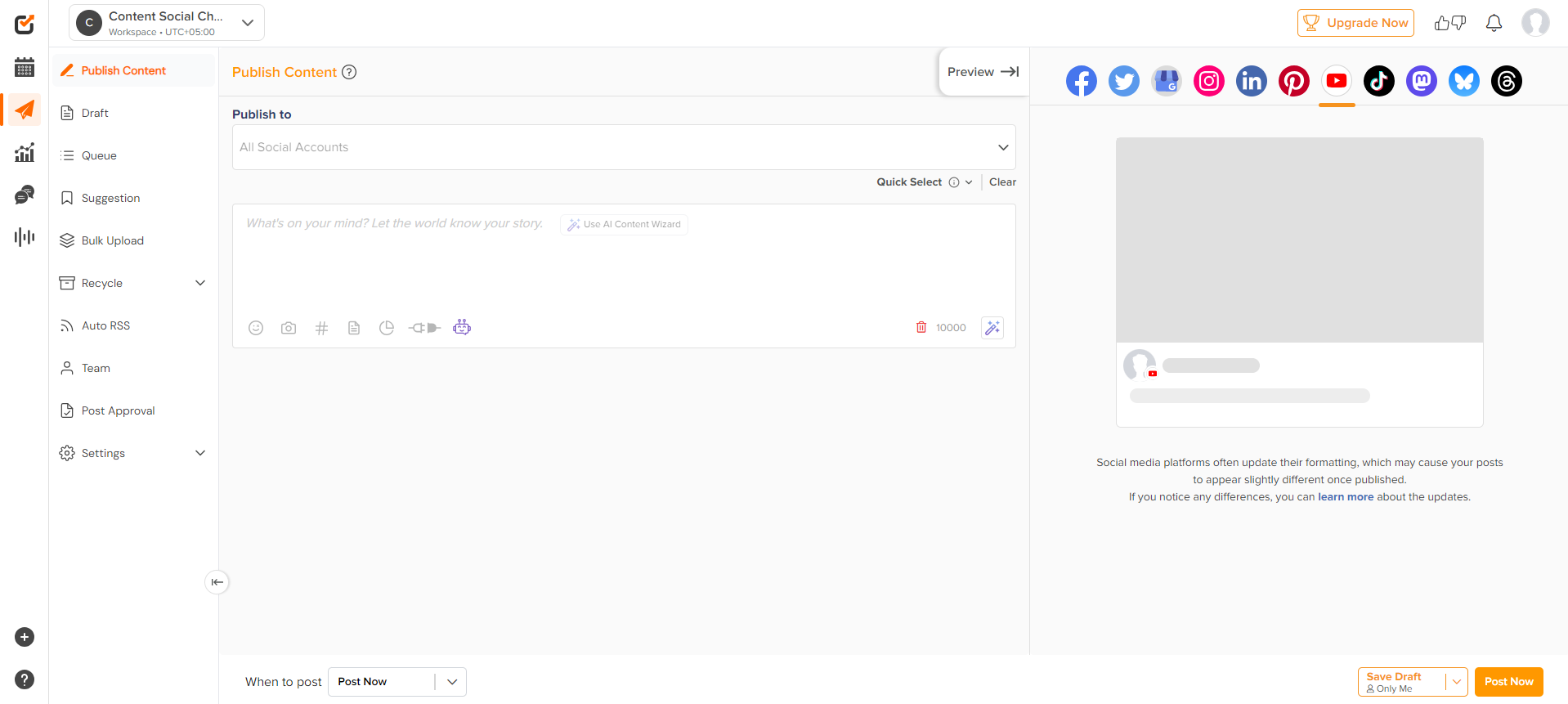
Social Champ’s Dashboard Social Champ is a powerful social media management tool designed for businesses and agencies seeking a comprehensive solution. With AI-powered automation, advanced insights, and team collaboration features, it helps marketers streamline workflows and maximize engagement.
What Does It Offer?
Free Plan/Trial: Free plan availableSupported Platforms: Instagram, Facebook, TikTok, LinkedIn, YouTube, Threads, Pinterest, X, Google Business Profile, Bluesky, Mastodon, and WhatsApp Business
Key Features:
- Bulk Scheduling Across Multiple Platforms
- Advanced Insights and Performance Reports
- Team Collaboration Tools
- AI-Powered Content Suggestions
- Auto RSS Feed Integration
- Sentiment Analysis and Social Listening
- White-Label Reports
- Post Recycling and Content Queue
- Automated Hashtag Suggestions
- Media Integrations (Canva, Google Drive, Dropbox)
- Social Media Inbox for Engagement
Struggling to Keep Up With Social Media?
Automate your posts, track engagement, and boost your brand with Social Champ’s AI-powered tools. Stay ahead of the game—get started now! -
Buffer
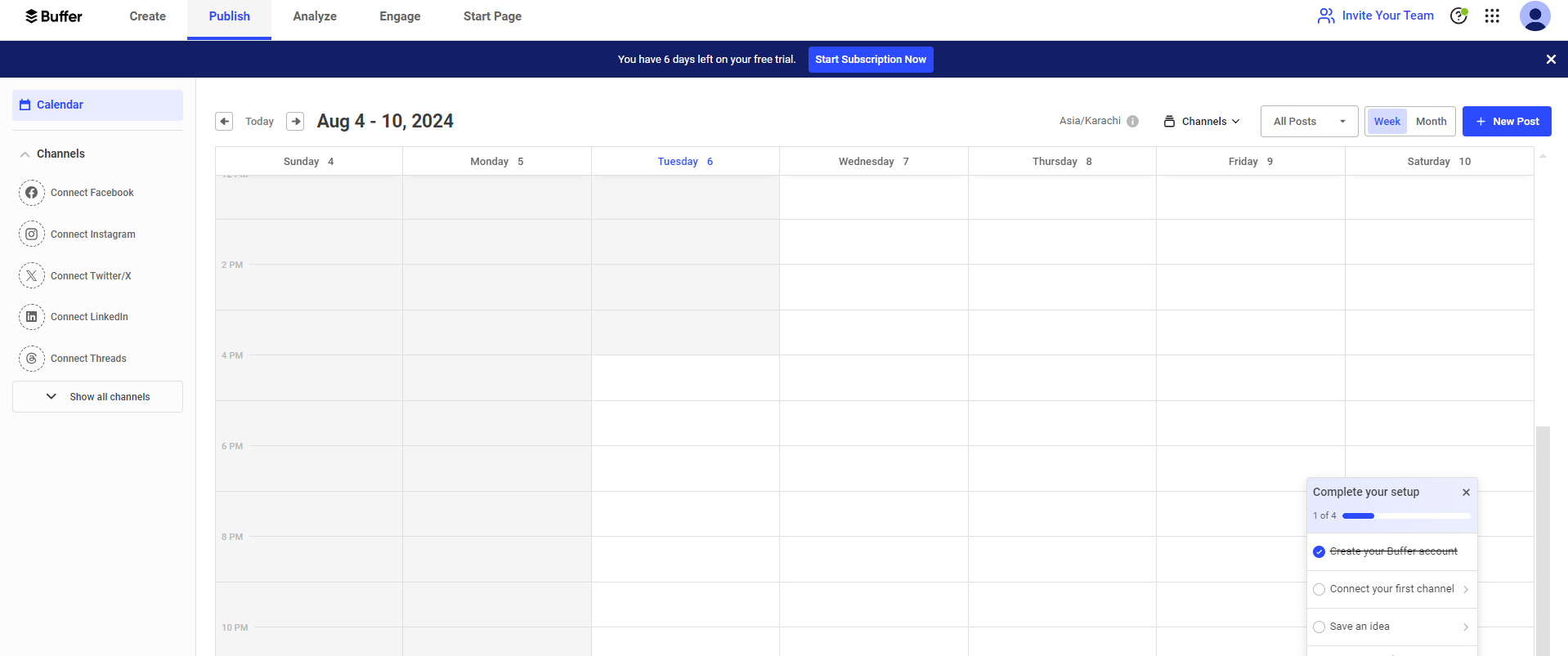
Buffer’s Dashboard Buffer is a user-friendly social media tool known for its simple post-scheduling and basic reports.
Ideal for small businesses and solopreneurs, it enables seamless content planning with an intuitive interface, a feature offered by many of its alternatives as well.
What Does It Offer?
Free Plan/Trial: Free plan availableSupported Platforms: Facebook, Instagram, X, Bluesky, Google Business Profile, LinkedIn, Mastodon, Pinterest, Threads, TikTok, and YouTube
Key Features:
- Simple Post Scheduling
- Basic Insights
- User-Friendly Interface
- Engagement Insights
- Browser Extension for Quick Posting
-
Hootsuite
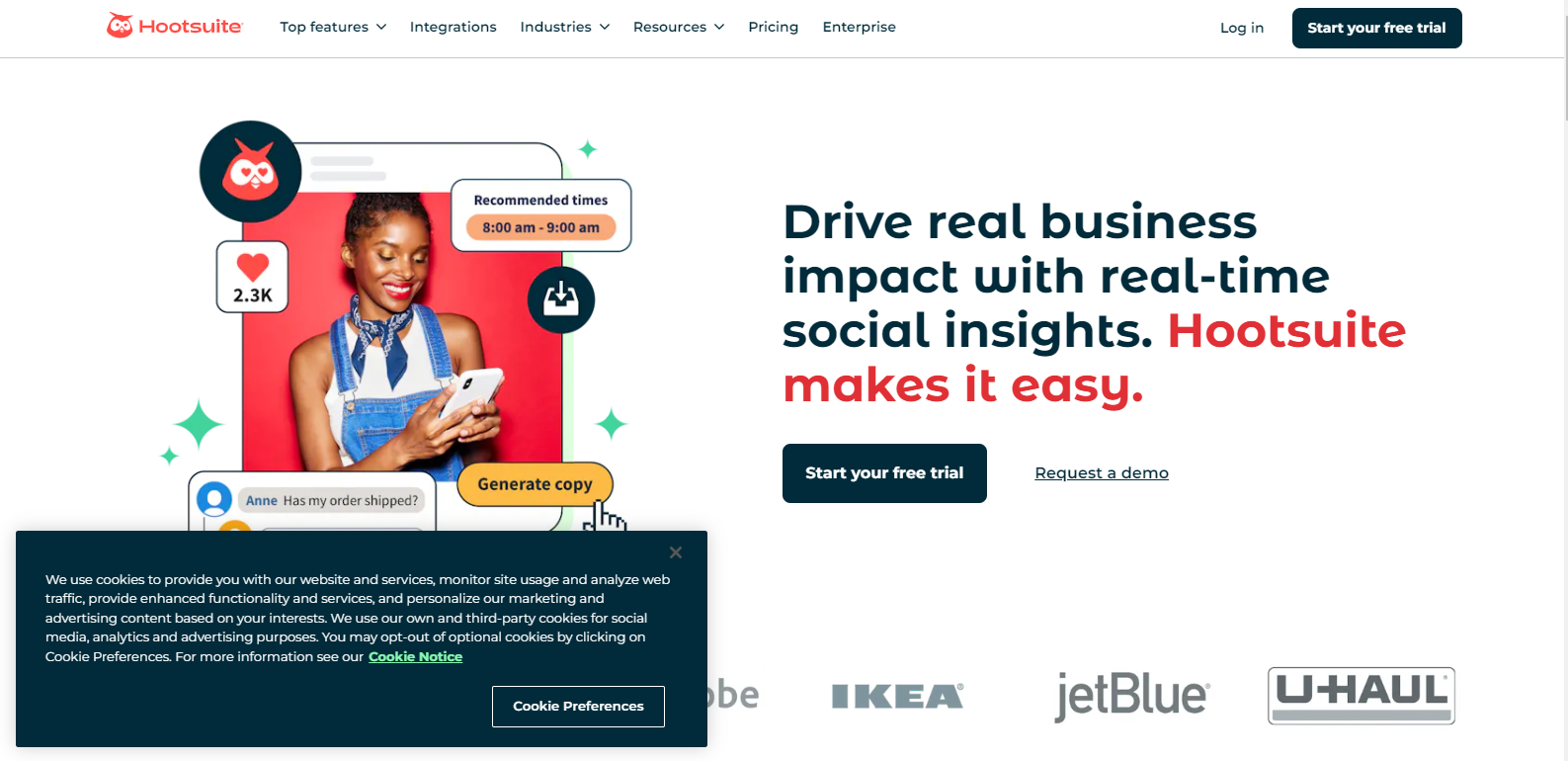
Hootsuite’s Landing Page Hootsuite is one of the most well-established social media management tools, offering robust reports, multi-account management, and social listening.
It’s perfect for enterprises and large marketing teams that require extensive reporting.
What Does It Offer?
Free Plan/Trial: 30-day free trialSupported Platforms: Facebook, Instagram, TikTok, LinkedIn, X, YouTube, Pinterest, Threads, WhatsApp, Google Business Profile, and Bluesky.
Key Features:
- Comprehensive Reports
- Social Listening
- Multi-Account Management
- Content Curation and Scheduling
- Customizable Reports
-
AdaptlyPost
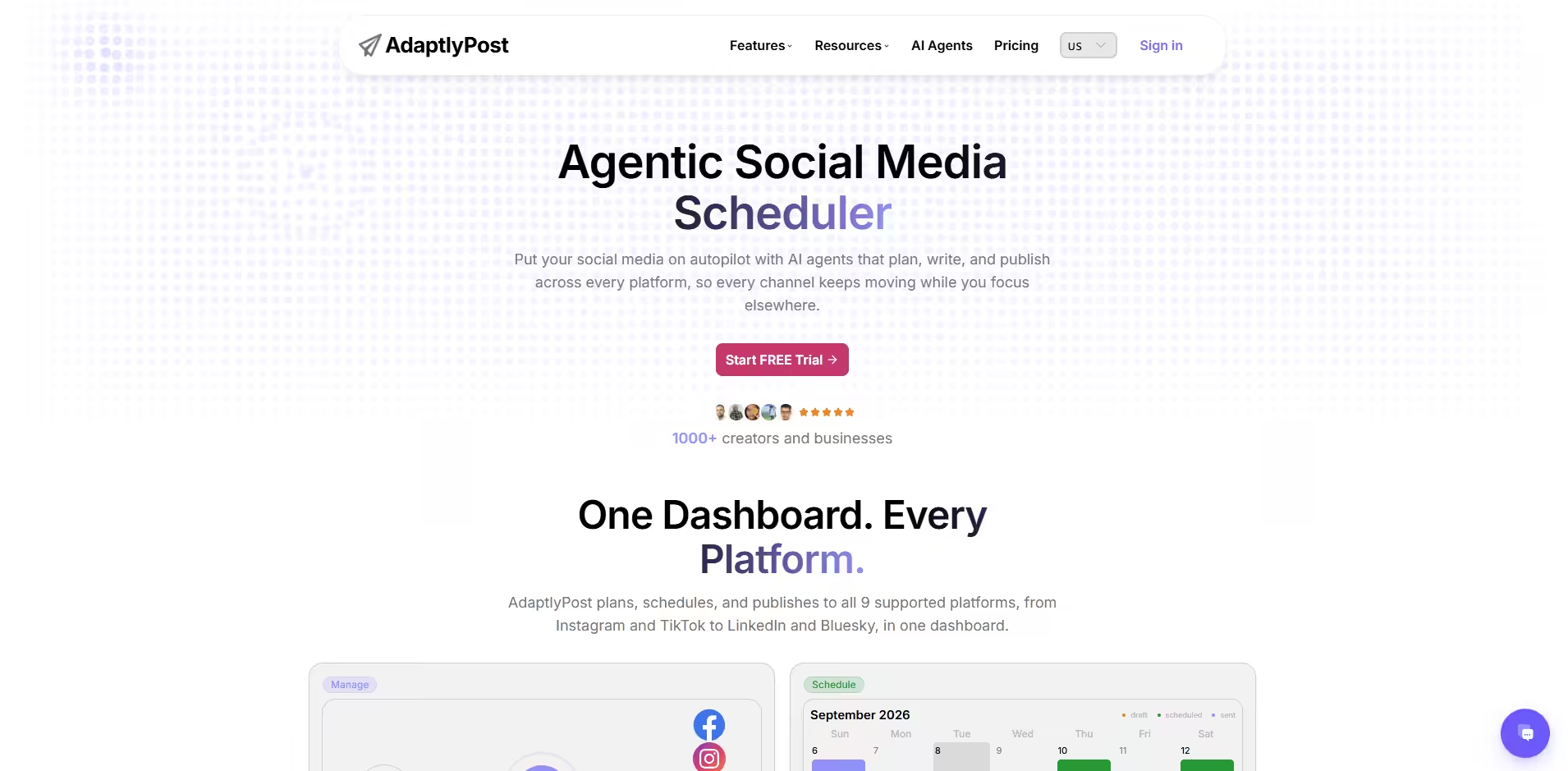
AdaptlyPost Dashboard AdaptlyPost is an AI social media scheduler built for the person who is the entire social team. One draft is written in the composer and published to nine networks, each adapted to its format, with AI caption writing and image generation available in the same window.
It suits creators, solo marketers, and small brands who want consistency across platforms without hiring a coordinator to keep the calendar moving.
What Does It Offer?
Free Plan/Trial:
7-day free trial
Supported Platforms:
Instagram, Facebook, TikTok, LinkedIn, YouTube, Pinterest, X, Threads, and Bluesky
Key Features:
- One Composer Publishing to Nine Networks
- AI Caption Copilot With Per-Platform Rewrites
- AI Image Studio Inside the Composer
- Bulk Scheduling With Per-Post Overrides
- Cross-Platform Analytics in One Dashboard
- Public API and MCP Support for AI Agents
-
Outfy
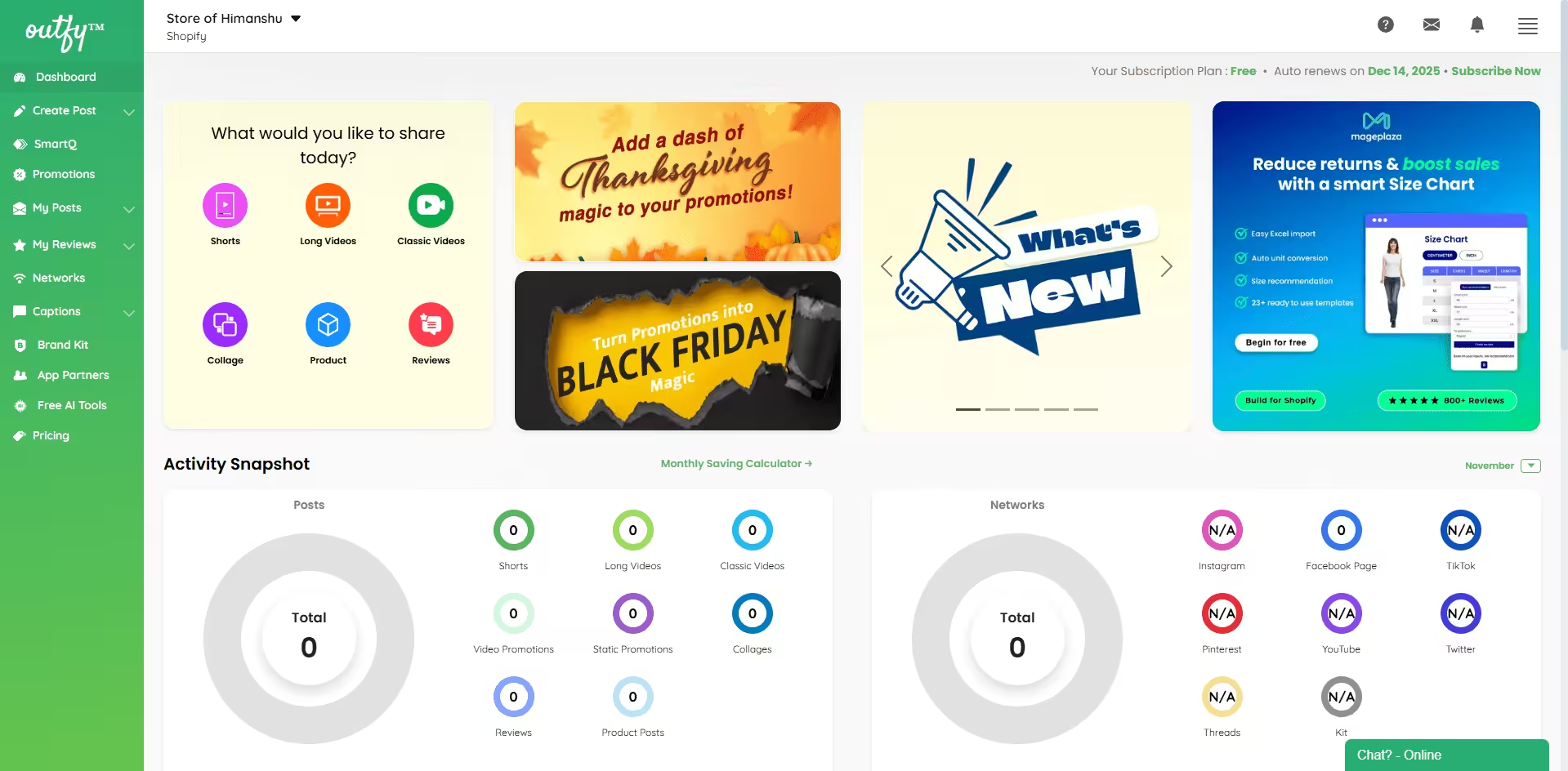
Outfy dashboard Outfy is an AI-powered social media automation tool built specifically for eCommerce businesses. It helps online store owners promote products, deals, and collections effortlessly across multiple platforms. With automated post creation, pre-built templates, and smart scheduling, Outfy eliminates manual workload and keeps your social media active every day.
What Does It Offer?
Free Plan/Trial: Free plan availableSupported Platforms: Instagram, Facebook, Pinterest, TikTok, YouTube Shorts, Twitter (X), and more
Integrations: Shopify, WooCommerce, Etsy, BigCommerce, Ecwid, Lightspeed, and others
Key Features:
- Automated product posts, videos, deals & collections
- Ready-made templates for promotions
- AI-powered caption & hashtag generation
- Bulk scheduling for product catalogs
- Auto-generated product collages & animated posts
- Multi-platform posting
- Daily content automation (hands-off posting)
- eCommerce store integrations
-
Sprout Social
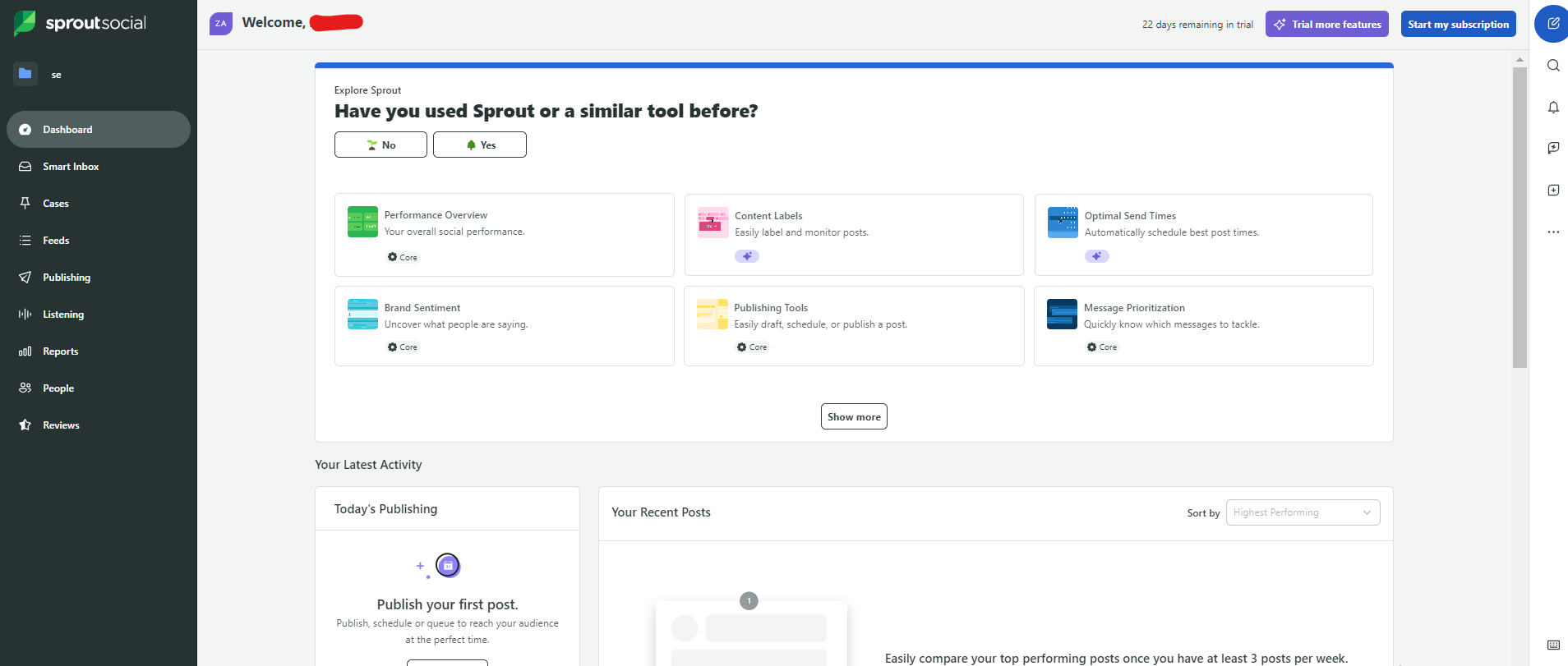
Sprout Social’s Dashboard Sprout Social combines social media marketing with CRM capabilities, making it a great option for businesses that prioritize engagement and customer relationship management.
It offers AI-powered insights and advanced reporting.
What Does It Offer?
Free Plan/Trial: 30-day free trialSupported Platforms: Facebook, Instagram, X, LinkedIn, Pinterest, TikTok, YouTube, Threads, Bluesky, WhatsApp, Reddit, Tumblr, and Google Business Profile
Key Features:
- CRM Integration
- AI-Powered Post Suggestions
- Unified Social Inbox
- Chatbot Automation
- Advanced Social Listening
- Competitor Analysis
-
Agorapulse
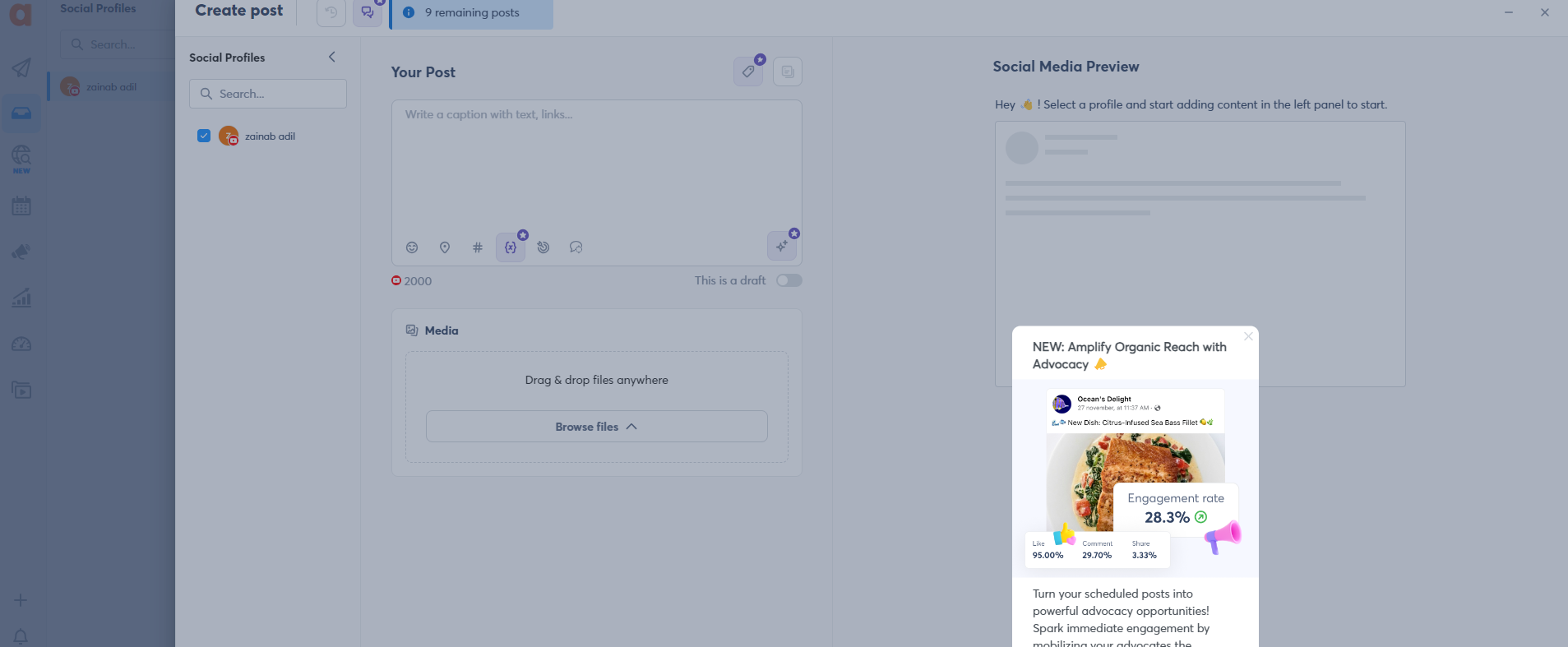
Agorapulse’s Dashboard Agorapulse is a comprehensive social media tool that includes a unified inbox, social listening, and detailed reports.
It’s an excellent choice for teams that need efficient communication and content management.
What Does It Offer?
Free Plan/Trial: 30-days free trial available.Supported Platforms: Facebook, Instagram, Threads, X, LinkedIn, YouTube, Pinterest, Google Business Profile, TikTok, Bluesky, and Reddit
Key Features:
- Social Media Scheduling
- Unified Social Inbox
- Team Collaboration Tools
- Advanced Analytics and Reporting
- Social Listening
- Competitor Analysis
-
Later
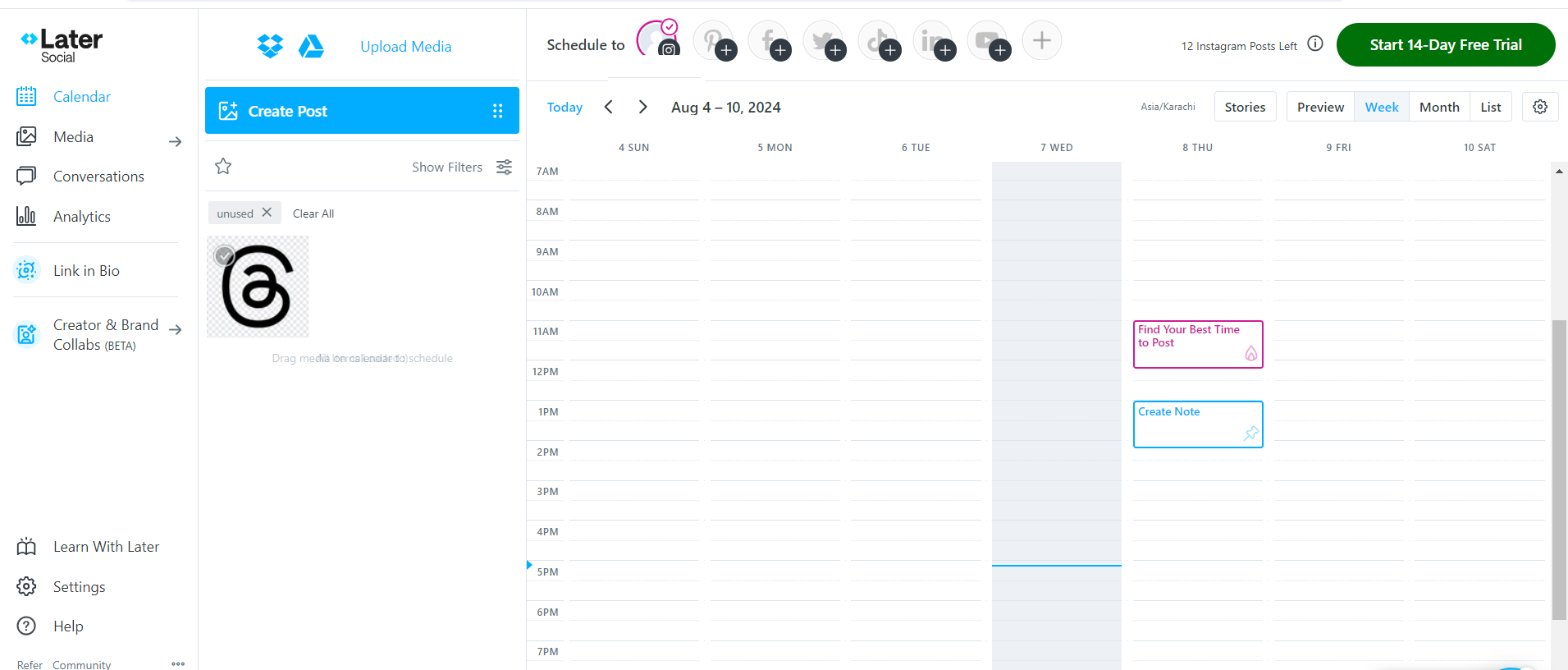
Later’s Dashboard Later is an Instagram-focused social media post scheduler that offers a visual content calendar, media library, and automated publishing.
It’s a great tool for brands that prioritize visually engaging content.
What Does It Offer?
Free Plan/Trial: Free plan available (limited features), 14-day free trial for premium plansSupported Platforms: Instagram, Facebook, Threads, Pinterest, TikTok, LinkedIn, YouTube, and Snapchat.
Key Features:
- Drag-and-Drop Visual Planner
- AI-Powered Hashtag Suggestions
- Instagram Stories and Reels Scheduling
- Link in Bio Tool
- User-Generated Content Management
- Analytics and Performance Tracking
-
CoSchedule
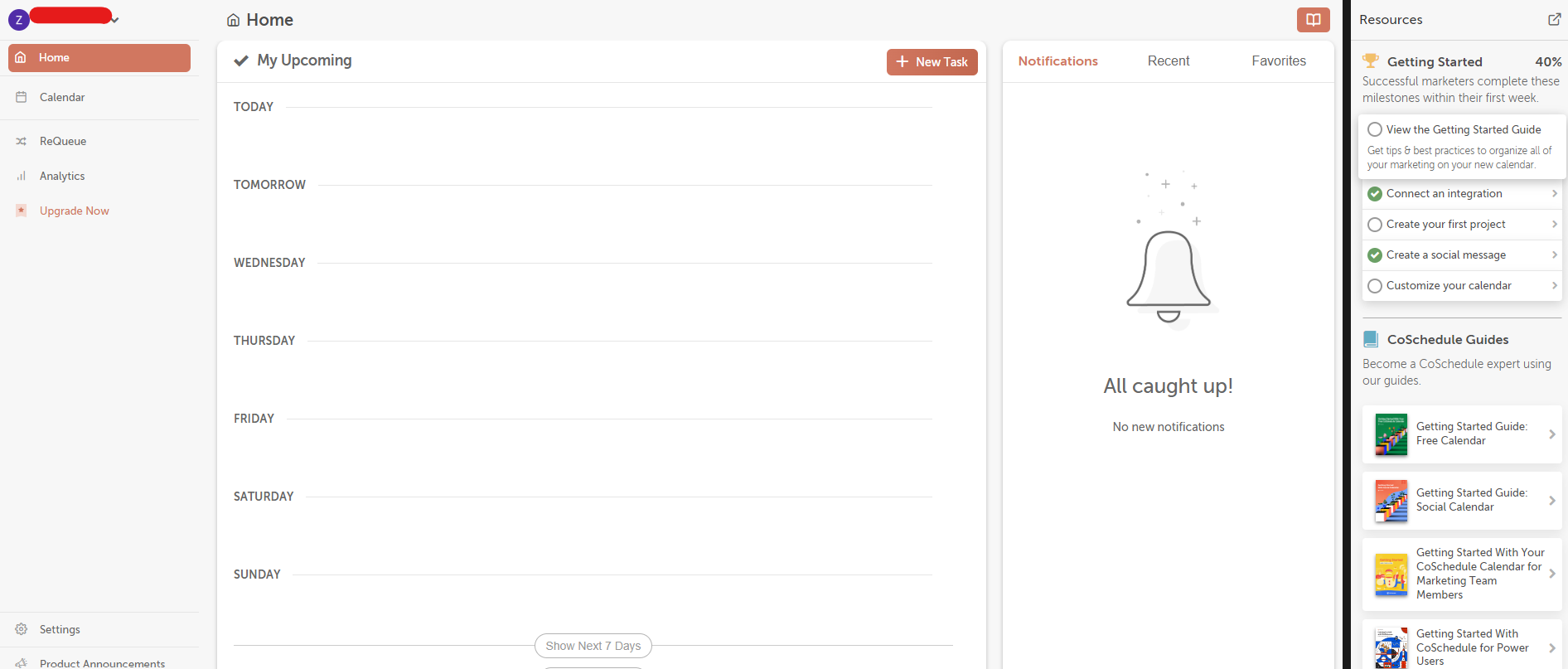
Coschedule’s Dashboard CoSchedule is a marketing calendar and content organization tool that helps teams plan and execute campaigns effectively.
It’s particularly useful for content marketers looking to structure scheduling and managing social media accounts.
What Does It Offer?
Free Plan/Trial: Free available, 14-day free trial for premium plansSupported Platforms: Facebook, Instagram, LinkedIn, Pinterest, TikTok, Threads, X, YouTube, Google Business Profile, Mastodon, and Bluesky
Key Features:
- Marketing Calendar for Content and Social Media
- Social Media Automation (ReQueue)
- Team Collaboration and Workflow Management
- Drag-and-Drop Content Planner
- Customizable Publishing Schedules
- Analytics and Reporting
-
Zoho Social
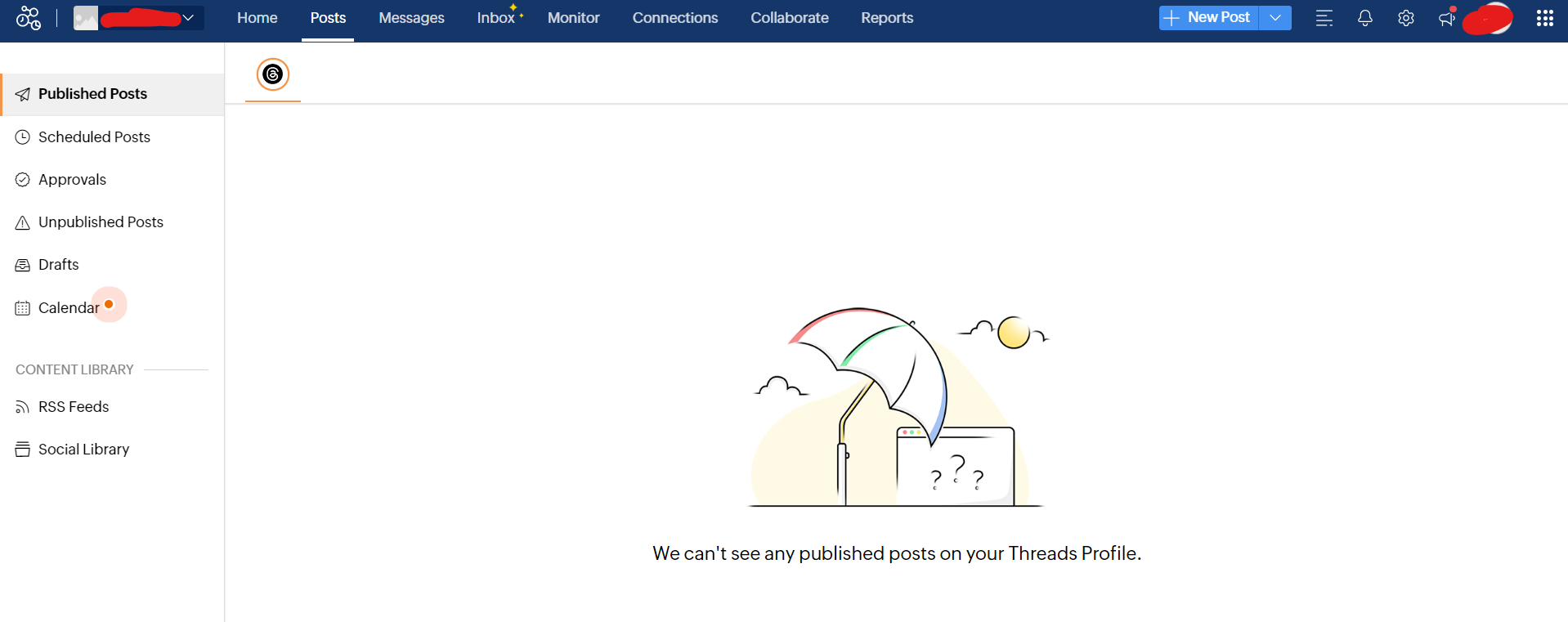
Zoho Social’s Dashboard Zoho Social provides real-time monitoring, customizable dashboards, and CRM integration, making it a cost-effective option for small to medium-sized businesses.
What Does It Offer?
Free Plan/Trial: Free plan availableSupported Platforms: Facebook, X, LinkedIn, Instagram, WhatsApp, Google Business Profile, YouTube, Pinterest, TikTok, Mastodon, Threads, and Bluesky
Key Features:
- Smart Scheduling With Best Time Predictions
- Social Media Monitoring and Listening
- Customizable Reports and Analytics
- Team Collaboration and Approval Workflow
- Social Media CRM Integration
- Automated Post Queues
-
Sendible
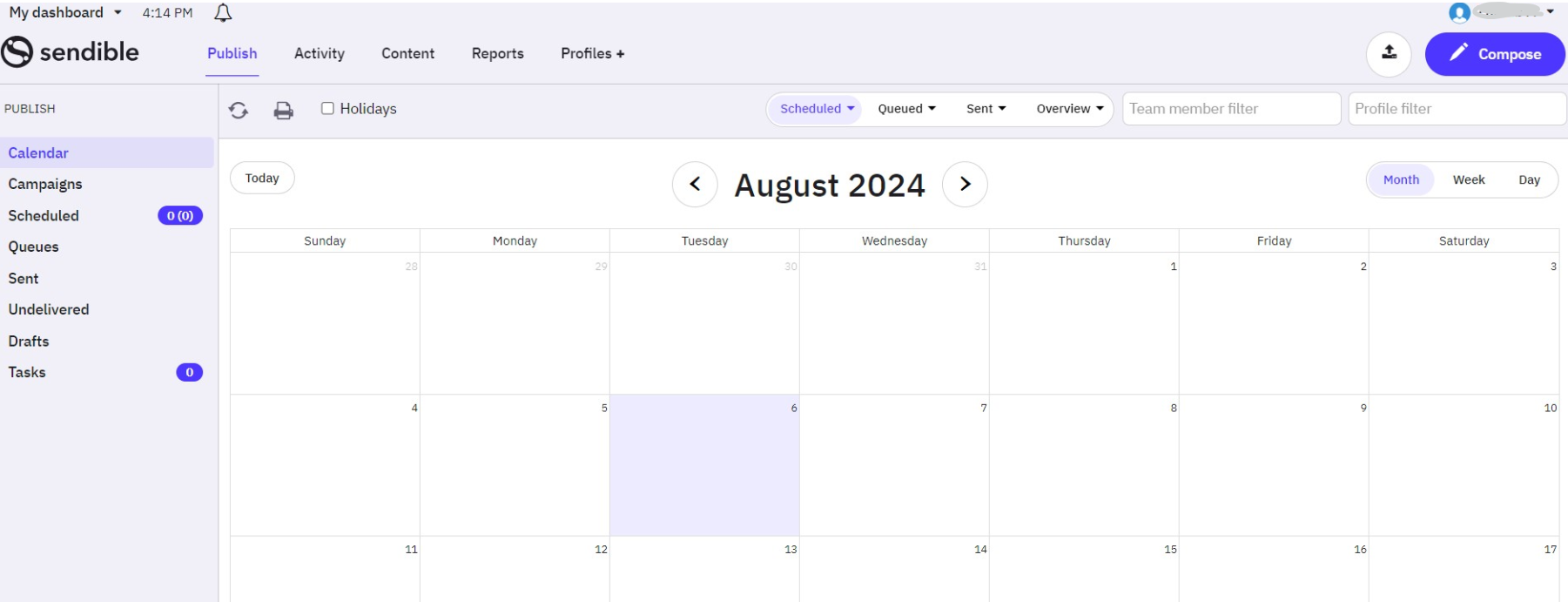
Sendible’s Dashboard Sendible is an agency-focused social media management tool that offers client management, content suggestions, and advanced analytics.
It’s ideal for agencies handling multiple clients.
What Does It Offer?
Free Plan/Trial: 14-day free trialSupported Platforms: Facebook, Instagram, TikTok, X, LinkedIn, Google Business Profile, YouTube, Threads, and Bluesky
Key Features:
- Bulk Scheduling and Content Queues
- Brand Monitoring and Social Listening
- Customizable Dashboards and Reporting
- Team Collaboration and Client Management
- Automated Posting and RSS Feeds
- Image and Video Editing Tools
-
MeetEdgar
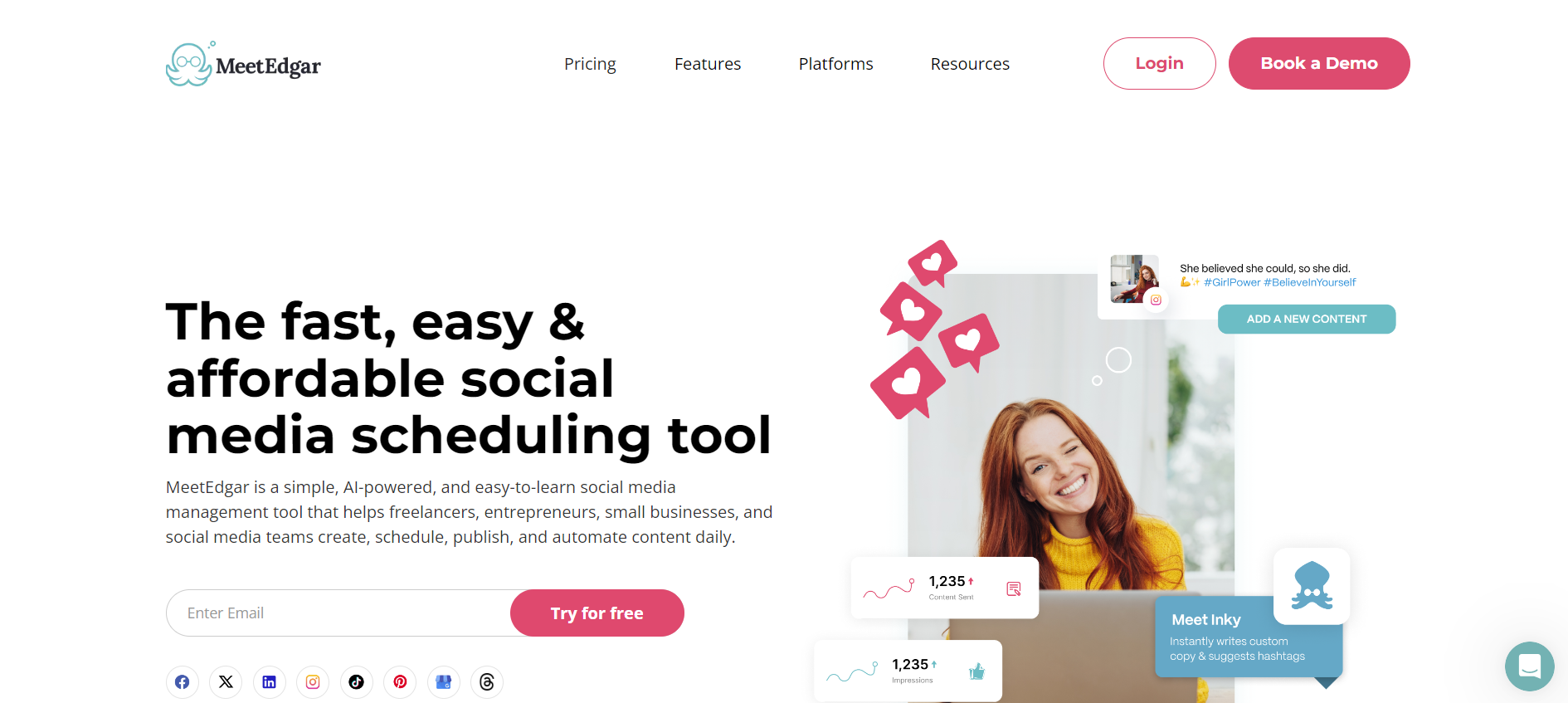
MeetEdgar’s Web Page MeetEdgar is a unique tool specializing in content recycling and category-based scheduling.
It’s perfect for brands looking to repurpose evergreen content.
What Does It Offer?
Free Plan/Trial: 7-day free trialSupported Platforms: Instagram, Facebook, TikTok, LinkedIn, YouTube Shorts, Threads, Pinterest, X, and Google Business Profile
Key Features:
- Automated Post Recycling
- AI-Generated Post Variations
- Evergreen Content Scheduling
- Category-Based Content Organization
- Social Media A/B Testing
- Analytics
-
SocialBee
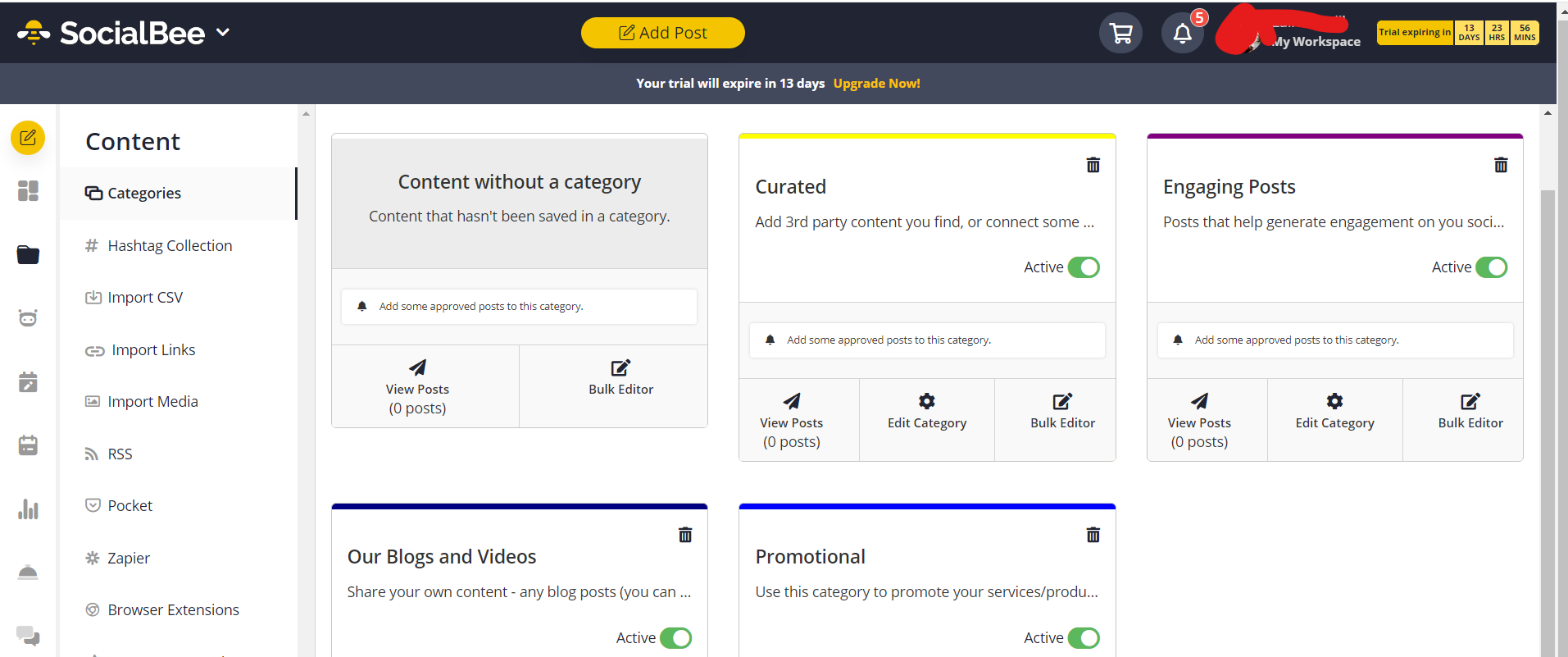
SocialBee’s Dashboard SocialBee focuses on content categorization, recycling, and audience targeting.
Businesses aiming for structured content strategies and social media efforts will find it particularly useful.
What Does It Offer?
Free Plan/Trial: 14-day free trialSupported Platforms: Facebook, Instagram, Threads, LinkedIn, TikTok, Pinterest, Google Business Profile, YouTube, X, and Bluesky
Key Features:
- AI-Powered Content Categorization
- Evergreen Content Recycling
- Bulk Scheduling and Custom Queues
- Team Collaboration and Approval System
- Hashtag Collections and Posting Suggestions
- Detailed Analytics and Performance Reports
-
Multilogin
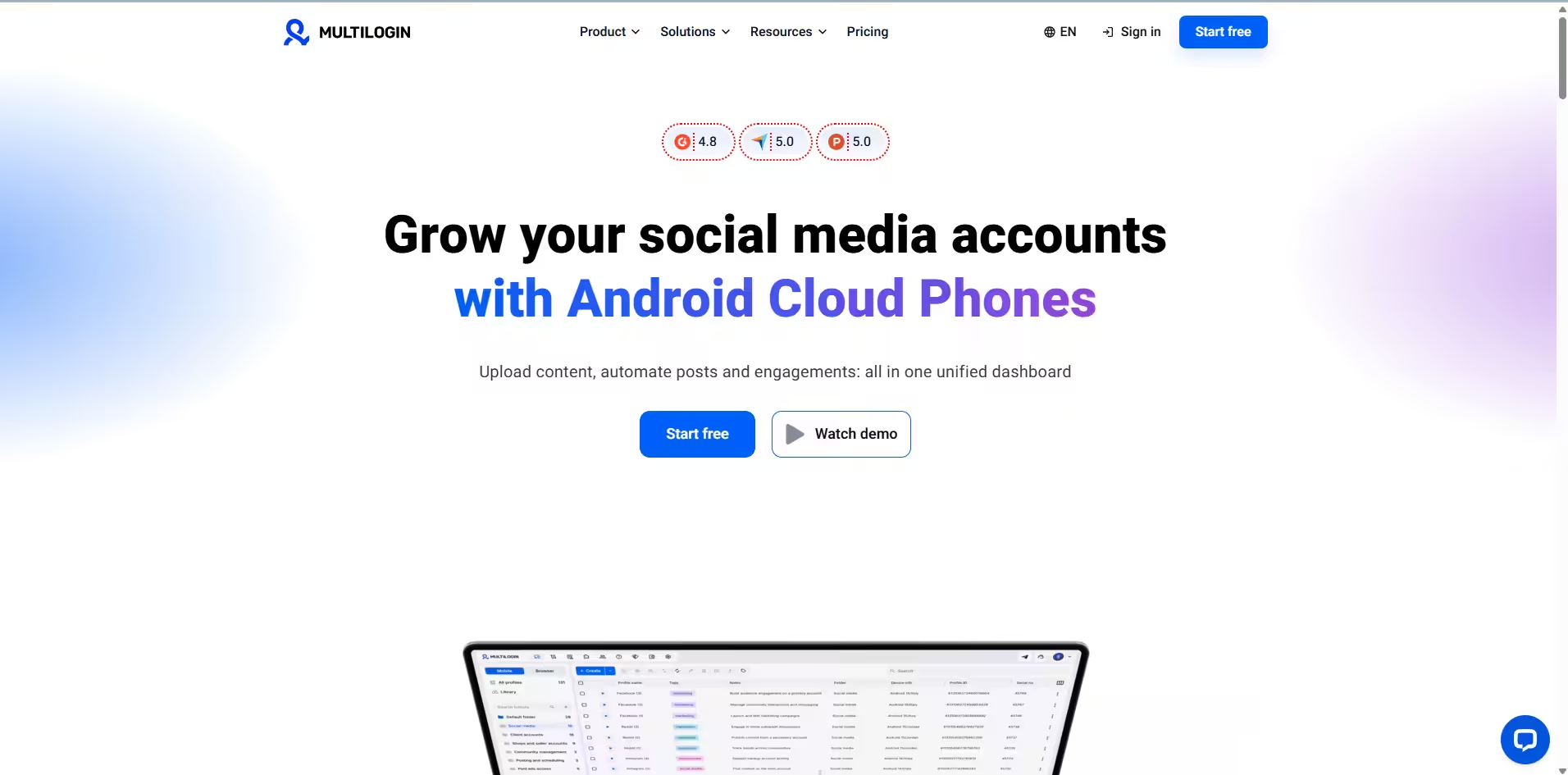
Multilogin Website Multilogin is a cloud phone platform built for running multiple social profiles per platform, rather than scheduling posts to a single account. Each profile gets its own real Android device in the cloud, which matters for TikTok and Instagram specifically — both platforms read device-level signals (accelerometer data, tap timing, hardware IDs) that browser-based tools can’t replicate. For web-first platforms like Reddit and YouTube, profiles run in isolated browser environments instead.
It’s a different category from the scheduling tools above: it doesn’t do content calendars or analytics dashboards. It’s built for marketers, agencies, and AI-driven workflows that need to run several isolated accounts per platform without them bleeding into each other.
What Does It Offer?
Free Plan/Trial: Free plan available, no time limit, no credit card requiredSupported Platforms: TikTok, Instagram, Facebook (cloud phones); Reddit, YouTube (browser profiles)
Key Features:
- Real Android cloud phones, one per social profile
- Persistent app data and login history for natural account warmup
- Browser profiles for web-first platforms
- Built-in residential proxies in every plan
- Full ADB and API access for automation and AI agent workflows
- Team seats and permission controls
- Desktop app for managing profiles, proxies, and devices
- 24/7 support in 5 languages
Featured Article: The Essential Guide to Modern Social Media: Trends, Tools, and Strategies
How Social Champ Stands Out Among Competitors
Social Champ offers a powerful mix of automation, analytics, and engagement tools that make it a top choice for businesses and agencies.
Unlike other tools, it provides an AI-powered scheduler, social media campaign management, and a social inbox to manage conversations efficiently.
Its bulk scheduling feature helps users plan months of content, while social listening tools ensure brands stay on top of industry trends and customer sentiments.
Additionally, Social Champ offers team collaboration features, allowing multiple users to work seamlessly with role-based permissions and approval workflows.
With advanced reporting, users can generate custom reports, track KPIs, and gain valuable insights into content performance and competitor strategies.
This makes Social Champ a comprehensive solution for all major social network management needs.
New Features That Make Social Champ Stand Out
- Automation Rules: Agency users can now create automation rules to seamlessly manage engagements within the Engage module.
- GA4 Integration: Available for all users (excluding Free), this integration enhances tracking and insights using Google Analytics
- HubSpot and Salesforce Integrations: Exclusive to Enterprise users, these integrations simplify workflows and improve efficiency.
- Team Collision Detection: Business and Agency users can now identify team collisions within Engage, ensuring smoother collaboration and minimizing duplicate responses.
- WhatsApp Business Integration: Engage users can manage WhatsApp Business conversations directly from the platform, making customer interactions seamless.
- YouTube Engage: Users can now track, manage, and respond to YouTube comments and replies within Engage for an enhanced video content experience.
- TikTok Engage (Coming Soon): Engage users will soon be able to interact with TikTok comments and likes directly from the platform, ensuring efficient audience engagement.
Maximize Engagement and Minimize Effort!
Featured Article: SocialBee Pricing
Tips for Choosing the Right Social Media Management Tool
Selecting the right social media management tool is a crucial decision that can significantly impact your marketing success.
With an overwhelming number of options available, making an informed choice requires evaluating several factors to ensure the tool meets your business needs effectively.
Below are the key considerations you should take into account before investing in a social media management tool:
-
Define Your Objectives
Before selecting a tool, clearly define what you need it for.
Are you primarily looking for a tool that helps with scheduling and publishing posts across multiple platforms?
Do you need analytics to track engagement and monitor your brand’s performance?
Or are you interested in advanced features like social listening and AI-powered automation?By identifying your goals, you can narrow down your options and choose a tool that aligns with your marketing strategy.
-
Platform Compatibility
Not all social media management tools support every platform.
Some may excel at managing Facebook and Instagram but lack robust features for LinkedIn, Pinterest, or TikTok.
If your business relies on niche platforms, such as Bluesky or Mastodon, it’s essential to check whether the tool supports them, especially if you want to schedule Mastodon posts
as part of your workflow.Ensuring that your selected tool integrates seamlessly with all the platforms you use will help streamline your content distribution and engagement efforts.
-
Automation and AI Features
Automation can save valuable time and effort in social media management.
Look for tools that offer AI-driven post recommendations, auto-scheduling based on peak engagement times, and chatbot integrations to enhance live chats.
AI-powered content creation, automatic hashtag suggestions, and sentiment analysis can also improve your strategy while reducing manual work.
The more automation features a tool offers, the more efficiently you can manage your campaigns.
-
Analytics and Performance Tracking
Data-driven decision-making is key to successful social media marketing.
Choose a tool that provides in-depth analytics, including engagement metrics, audience demographics, reach, impressions, and conversion rates.
Some tools even offer competitor analysis, helping you benchmark your performance against industry rivals.
Additionally, customizable reporting dashboards make it easier to extract insights and refine your strategy for better results.
-
User-Friendly Interface
A complex and cluttered interface can slow down your workflow and require extensive training.
Opt for a tool that offers an intuitive and user-friendly dashboard where you can easily navigate different features without a steep learning curve.
A well-designed UI not only improves efficiency but also makes social media management a smoother experience for you and your team.
-
Collaboration and Role Management
If you work with a team, collaboration features are a must.
Look for tools that support multi-user access, role-based permissions, and approval workflows.
These features ensure that team members can work together efficiently while maintaining control over who can schedule, edit, and approve content.
This is particularly important for agencies and large teams managing multiple clients or brand accounts.
-
Customer Support and Training
Reliable customer support can make a big difference when you encounter issues or need assistance with the tool.
Look for platforms that offer 24/7 customer service, live chat, email support, and extensive knowledge bases.
Many tools also provide tutorials, webinars, and community forums where users can learn best practices and maximize the software’s capabilities.
Investing in a tool with strong support ensures that you can resolve technical problems quickly and continue your marketing efforts without disruption.
-
Integration With Other Tools
Social media marketing often requires using multiple tools, such as CRMs, email marketing software, and graphic design platforms.
Ensuring that your social media management tool integrates with tools like HubSpot, Mailchimp, Canva, and Google Analytics can streamline your workflow and improve overall efficiency.
A tool with strong integration capabilities allows you to manage all aspects of your marketing strategy from one centralized dashboard.
-
Scalability and Pricing
As your business grows, your social media management needs will evolve.
Select a tool that fits your budget but also offers scalability.
Some tools provide tiered pricing plans, allowing you to upgrade as your team expands or as you require more advanced features.
Be mindful of hidden costs, such as additional charges for more users, extra storage, or premium analytics.
Evaluating pricing structures early on will help you avoid unnecessary expenses down the road.
-
Free Trial and Reviews
Before committing to a tool, take advantage of free trials or demo versions.
This hands-on experience will help you determine whether the platform meets your needs and is user-friendly.
Additionally, reading user reviews on platforms like G2, Capterra, or Trustpilot can provide valuable insights into real-world experiences with the tool.
Pay attention to feedback regarding customer support, ease of use, and reliability to make an informed decision.
Featured Article: Top Twitter Management Tools
Conclusion
Choosing the best social media management tools in 2026 is no longer just about scheduled posts and moving on—it’s about automation, AI-driven insights, deep analytics, and unified integrations.
Whether you’re a small business, a growing agency, or an enterprise, the right tool can save time, boost engagement, and enhance your overall strategy.
With Social Champ, we’ve defined what a powerful yet affordable social media management platform should be.
So, don’t fall behind—choose the tool that aligns with your goals and take your social media strategy to the next level in 2026!