
Every November, my inbox fills with sale emails, and I ignore most of them. A good deal on a tool I use every week is different. I read those closely.
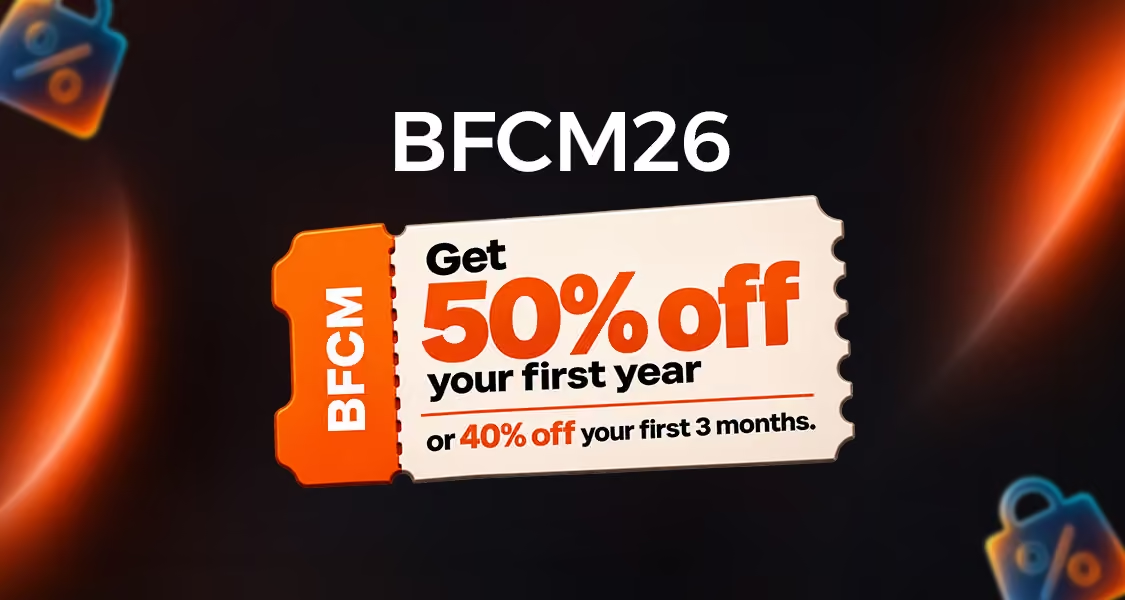
That is why I want to tell you about our BFCM sale at Social Champ. The offer is simple. You get 50% off your first year on annual plans. On monthly plans, you get 40% off your first three months.
Many of you have waited for a Black Friday sale before you commit to a new tool. The same goes for a Cyber Monday sale. This year, you can pick the plan that fits your work and pay far less to start.
If you also plan your own campaigns for this season, our Black Friday marketing guide shares the ideas I rely on. In this post, I will stick to our deal.
TL;DR
- Our BFCM sale runs from November 18 to November 30, 2026, and covers Black Friday and Cyber Monday.
- Annual plans get 50% off for the first year. Monthly plans get 40% off for the first three months.
- Two pricing models qualify: pay per profile with Starter and Growth, and bundled plans with Standard, Professional, and Agency.
- Starter covers scheduling, a content calendar, bulk upload, and a social inbox. Growth adds social listening, competitor analysis, and approval workflows.
- The discount applies to your first year or first three months. After that, the regular price returns.
Our BFCM sale runs from November 18 to November 30, 2026, and the offer is simple. You get 50% off your first year on annual plans. On monthly plans, you get 40% off your first three months.
If you search for Black Friday deals on social media management tools this year, you will find plenty of noise. I can only speak for ours, so I will walk you through it in detail. Many of you wait for a Black Friday sale before you commit to a new tool.
The same goes for a Cyber Monday sale. This sale already covers both, since Black Friday falls on November 27 and Cyber Monday on November 30. That gives you time to choose your plan and pay far less to start.
What This BFCM Sale Means for You (and Your Sanity)
I kept our pricing simple on purpose. You can pay per profile or choose a bundle, and each option fits a different stage of your work. This BFCM sale lowers the price on both.
Before I go through them, let me explain how the discount works. Annual plans get 50% off for the first year. Monthly plans get 40% off for the first three months. After that, the regular price returns. I like to say this early, because a good deal should be easy to understand.
With that clear, let me start with the plan most people pick first.
The Starter Plan
The Starter Plan is a social media scheduling tool for small businesses, freelancers, and anyone who manages a handful of social profiles. The regular price is $4 per profile per month on annual billing.
Picture a neighborhood coffee shop with five profiles on Instagram, Facebook, TikTok, LinkedIn, and X. The regular price for that setup is $20 per month, or $240 per year.
On a monthly plan, the same five profiles cost $25 per month, because monthly billing is $5 per profile. With 40% off, you pay $15 per month for your first three months. That saves you $30.
That is a small bill for what you get. If you hunt for Black Friday software deals for small businesses, the price matters as much as the features. Even 10 profiles cost only $20 per month on annual billing during your first year. That keeps you well under $50 per month.
Here is what the Starter Plan includes:
- Unlimited post scheduling across all your platforms
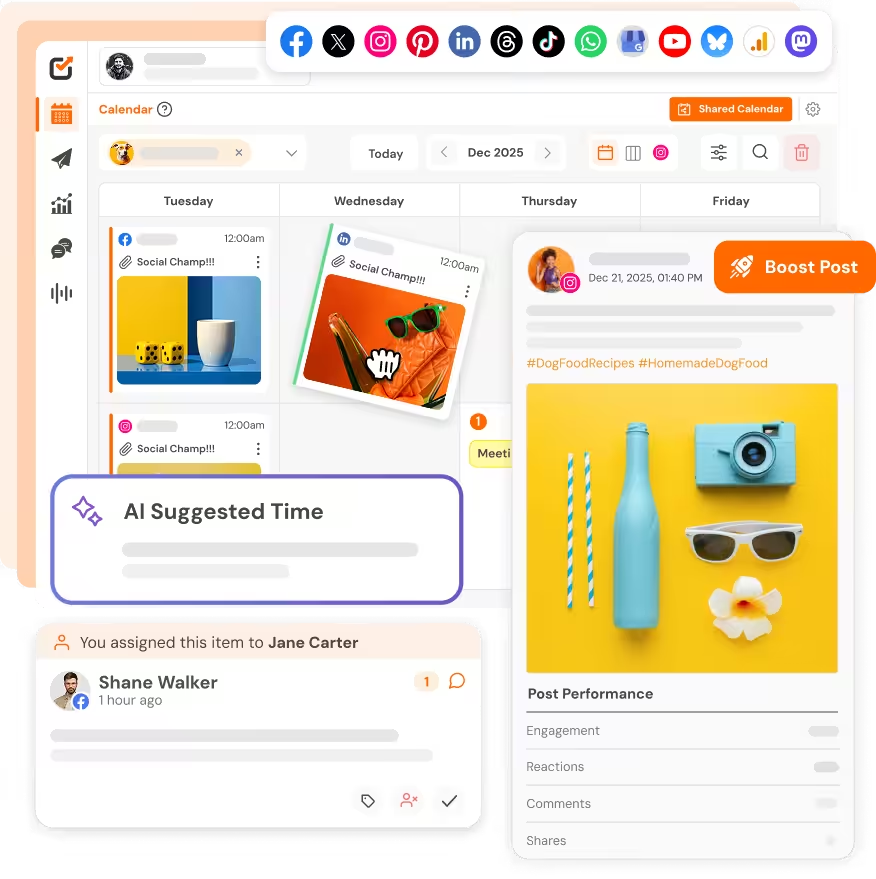
- A visual content calendar to plan your month
- Bulk upload with CSV files, so you skip the copy and paste
- Best time to post suggestions
- A social inbox that keeps your messages in one place
- Basic analytics that show you what works
- A Canva integration for creating content
The benefit I care about most is time. When you schedule a week of posts in one sitting, you stop opening five apps every morning. The content calendar shows gaps before they turn into silence on your profiles. The social inbox keeps comments and messages together, so your replies go out faster.
Bulk upload deserves a mention too. If you plan a Black Friday or Cyber Monday campaign, you can load dozens of posts from one CSV file. That saves you an afternoon.
Starter works well for one person or a very small team. If you work with clients or a larger team, you will want more tools. That brings me to the next plan.
The Growth Plan
If you run an agency, you probably look for software deals for marketing agencies every November. The Growth Plan is my answer. You get everything in Starter, plus the tools that help a team work together and learn from the competition. The regular price is $8 per social account per month on annual billing for your first 10 accounts. The price per account drops as you add more.
Take a boutique marketing agency that manages 10 client accounts. The regular price comes to $960 per year on annual billing, or $90 per month on a monthly plan.
With 50% off on annual billing, the first year costs $480. That is $40 per month for ten accounts. On a monthly plan, 40% off brings the price to $54 per month for your first three months. You save $108 in that time.
Now picture a bigger agency with 20 client accounts. The price per account drops after the tenth account, so the regular annual price is $1,380 per year. With 50% off, your first year costs $690, or $57.50 per month.
Here is what the Growth Plan includes:
- Everything in the Starter Plan
- Advanced analytics with detailed performance reports
- Social listening to track brand mentions and conversations
- Team collaboration tools
- Approval workflows for client and manager sign-off
- Competitor analysis
- Priority customer support
- Access to all premium integrations
Each feature solves a problem I see agencies face. Approval workflows let a manager or client review a post before it goes live. Nobody has to ask whether something got posted. Team collaboration keeps everyone on the same page once more than one person touches an account.
Social listening and competitor analysis help you plan with real information. You see what people say about a brand, and you see what rivals post and which posts perform. Advanced analytics then give you clear reports, so you can show clients what worked.
Priority support matters during a busy sale week. If a problem shows up on Black Friday, you want an answer fast.
Sign Up With the Growth Plan Now!
Those two plans charge you per profile. That works well when your account count stays small or changes often. But some teams prefer one fixed price, and that is where our bundled plans come in.
Each bundle gives you a set number of social accounts, users, and workspaces for one price. You know the bill before the month starts. When you need more accounts, you add them at a fixed price per profile.
This BFCM sale applies here too. Annual bundles get 50% off for the first year. Monthly bundles get 40% off for the first three months. Let me walk through each one.
The Standard Plan
Standard is the entry point. It covers 6 social accounts and 2 users. The regular price is $29 per month on monthly billing, or $23.20 per month on annual billing.
Here is what the sale does to that price:
- Monthly: $29 becomes $17.40 per month for your first three months. That saves you $34.80.
- Annual: $23.20 becomes $11.60 per month for your first year. That saves you $139.20.
Both options stay well under $50 per month. That makes Standard a good fit for a small business that needs more than one profile and a teammate or two.
Here is what you get:
- Unlimited post scheduling
- Bulk upload
- Analytics and reporting
- Basic approval workflow
- Social inbox
- Boost ads
- Champ AI Suite
- Email and chat support
Bulk upload lets you load a whole campaign at once. The Champ AI Suite helps you create content with AI when you face a blank page. The approval workflow lets a second person check posts before they go live.
The Professional Plan
Professional is built for growing teams. It covers 12 social accounts, 5 users, and 3 workspaces. The regular price is $59 per month on monthly billing, or $47.20 per month on annual billing.
Here is what the sale does to that price:
- Monthly: $59 becomes $35.40 per month for your first three months. That saves you $70.80.
- Annual: $47.20 becomes $23.60 per month for your first year. That saves you $283.20.
You get everything in Standard, plus these tools:
- Advanced analytics and reporting
- Multi-layer approval workflow
- Client management
- Competitor analysis
- Automation rules
- Cross-platform analytics
- WhatsApp Business
Multi-layer approvals let a post pass through more than one reviewer before it goes live. Client management keeps each client’s accounts organized. Cross-platform analytics lets you compare all your profiles in one dashboard. If you want social listening, you can add it for $29 per month.
Get the Professional Plan Now!
The Agency Plan
Agency is the plan I would look at first if I managed many clients. It covers 30 social accounts, with unlimited users and unlimited workspaces. The regular price is $149 per month on monthly billing, or $119.20 per month on annual billing.
Here is what the sale does to that price:
- Monthly: $149 becomes $89.40 per month for your first three months. That saves you $178.80.
- Annual: $119.20 becomes $59.60 per month for your first year. That saves you $715.20.
If you search for a yearly deal to manage 20 or more client accounts, annual billing here is the one to pick. Thirty accounts for $59.60 per month comes to about $2 per account. At regular prices, this bundle also costs less than the Growth plan for 30 accounts.
You get everything in Professional, plus these tools:
- White-label reports
- Priority email and chat support
- API access
- Social listening included
White label reports let you send clients branded reports with your own logo. Combine that with client approval workflows, and your clients see a polished process from draft to published post. Extra accounts cost $3 per profile per month.
Larger teams that need Salesforce, HubSpot, SSO, or a dedicated account manager can ask about Enterprise. That plan has custom pricing, so contact our team for a quote.
I would choose a bundle once you need more users, more workspaces, or more accounts. If you manage only a few profiles, Starter may cost less.
Now that you have seen both pricing models, let me tell you why I would not wait.
This Deal Won’t Last (But Your Investment Will)
I do not like pressure in sales copy, so I will keep this honest. The BFCM discount is a limited offer, like an investment. When the sale ends, the regular pricing returns. That is the main reason I would not wait.
Here is how I think about it. A first year at 50% off cuts your cost in half during the period when you build your workflow. The coffee shop on Starter saves $120. The agency on Growth saves $480. A team on the Agency bundle saves $715.20.
That is real money. You can spend it on ads, on a designer, or keep it in your budget.
The timing helps too. The weeks after Black Friday are busy for most brands, with holiday posts and year-end campaigns. If you set up your calendar now, you can schedule that content ahead of time and enjoy the break.
If you still feel unsure, this is how I would choose:
- Pick Starter if you work alone and manage a few profiles.
- Pick Growth if you want to pay per profile and need approvals, listening, and competitor analysis.
- Pick Standard or Professional if you want one fixed price for a small team.
- Pick Agency if you manage many client accounts and want white-label reports.
Once you pick, head to the pricing page and claim your discount. The sale ends on November 30, and I would rather you start the season with the right tools than wish you had.
FAQs: BFCM Sale
1. Does Social Champ Have a Black Friday Deal in 2026?
2. What Is the Social Champ Black Friday 2026 Coupon Code?
The coupon code is BFCM26. Here is how to use it:
- Go to the pricing page
- Choose your plan: Starter, Growth, Standard, Professional, or Agency
- Pick annual billing for 50% off, or monthly billing for 40% off
- Enter the code at checkout
The discount applies right away.