
Managing Instagram content can feel like a full-time job; trust me, I’ve been there! Between creating graphics, writing captions, and picking the right hashtags, trying to post in real-time every single day is a fast track to social media burnout.
That’s why finding a solid scheduler changed the game for me.
Over the years, I’ve tested just about every tool out there, and with 2026 bringing even more feature updates and AI upgrades,
I figured it was time to share my absolute favorites. Whether you’re looking for slick visual planners, advanced analytics, or just a simple way to queue up your Reels, here are the 7 best Instagram scheduling tools I personally recommend to keep your grid looking gorgeous and your strategy on point without losing your sanity!
Short Summary
- Using an Instagram scheduling tool eliminates the stress of daily manual posting and keeps your content consistent.
- Highlights top platforms including Social Champ, Buffer, Later, Metricool, SocialBee, Vista Social, and Hootsuite.
- Recommended as a versatile, affordable option featuring bulk scheduling, AI caption generation, and post recycling starting at $4/month per profile.
- Key functionalities to look for include support for all post formats (Reels, Stories, Carousels), visual grid planners, AI caption tools, bulk uploads, and analytics.
- Instagram allows direct scheduling up to 75 days in advance within the app, but third-party tools offer superior multi-account management, visual planning, and automated workflows.
- Combining a reliable scheduling tool with a structured content strategy (like the 5-3-1 engagement rule) accelerates organic Instagram growth without losing hours to manual execution.
The Best Instagram Scheduling Tools at a Glance
When choosing the right software to schedule instagram posts, having a quick reference point helps narrow down your search based on budget and goals. Whether you are looking for simple, free instagram scheduling tools or advanced AI features, here is a quick overview of the best instagram scheduling tools on the market today:
| Tool | Best for | Starting price |
|---|---|---|
| Social Champ | Feature-rich automation & multi-channel scheduling | Free ($4/mo per channel billed annually) |
| Buffer | Free, simple scheduling | Free ($5/mo per channel billed annually) |
| Later | Visual Instagram planning & Link in Bio | $18.75/mo (billed annually) |
| Metricool | All-in-one value and analytics | Free ($20/mo for Starter) |
| SocialBee | Evergreen content recycling | $24/mo (billed annually) |
| Vista Social | Team workflows on a budget | Free ($64/mo for Professional) |
| Hootsuite | Large enterprise teams | $99/mo (billed annually) |
Beyond using dedicated instagram post scheduling tools to plan out your feed, it is equally vital to understand your posting cadence! Be sure to check out our guide on how often should you post on instagram to pair the right schedule with a winning instagram marketing strategy.
Featured Article: 8 Best Social Media Content Schedulers
The Best Instagram Post Scheduling Tools I Recommend in 2026
Choosing the right platform to schedule instagram posts can make the difference between a chaotic workflow and a seamless content pipeline. Here is a deep dive into the 7 best instagram scheduling tools I recommend to elevate your content strategy this year.
-
Social Champ
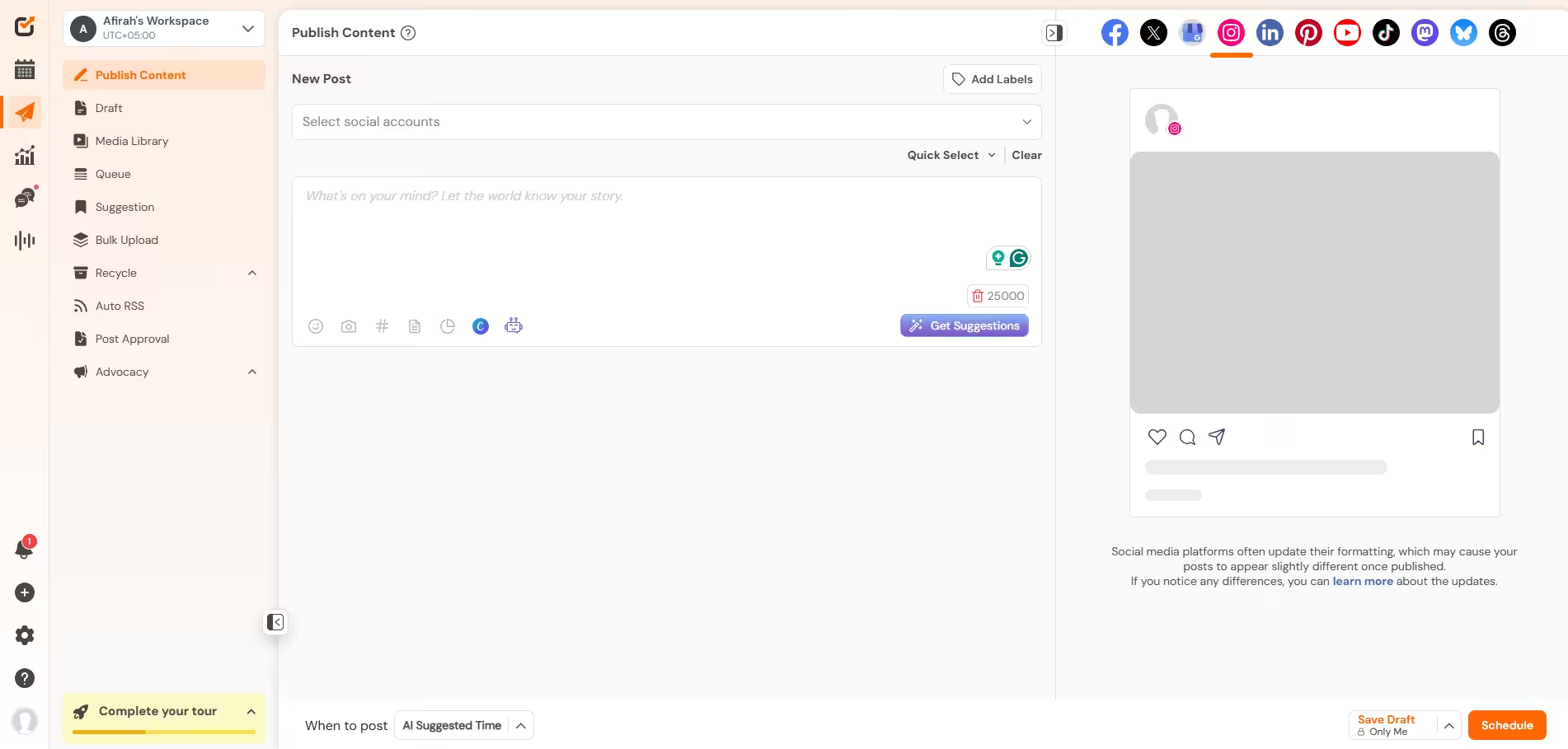
Social Champ’s Dashboard Social Champ is an all-in-one social media management power tool designed to help creators, agencies, and businesses automate their posting schedules effortlessly. It offers a robust suite of feature-rich scheduling capabilities that make handling Instagram feeds, Reels, and Stories smooth and hassle-free.
Key Features
- Schedule up to 300 posts at once using a single CSV file.
- Automatically share fresh content from favorite blogs or recycle top-performing evergreen posts.
- Powered by ChatGPT to instantly generate captions, rephrase text, and create visuals within the composer.
Pricing
- Free Plan: Includes 1 social account with basic scheduling.
- Pay-Per-Profile: Starts at $4/month per account (billed annually).
- Bundled Plans: Starts at $23/month (billed annually) for up to 6 social accounts.
Pros and Cons
- Pros: Highly affordable pay-per-profile pricing model; powerful bulk scheduling features; intuitive unified calendar.
- Cons: AI credits on lower tiers are sold as add-on packs.
Most Affordable Instagram Scheduler Available!
Unlock powerful multi-channel scheduling, recycling, and analytics starting at just $4/month per profile. -
Buffer
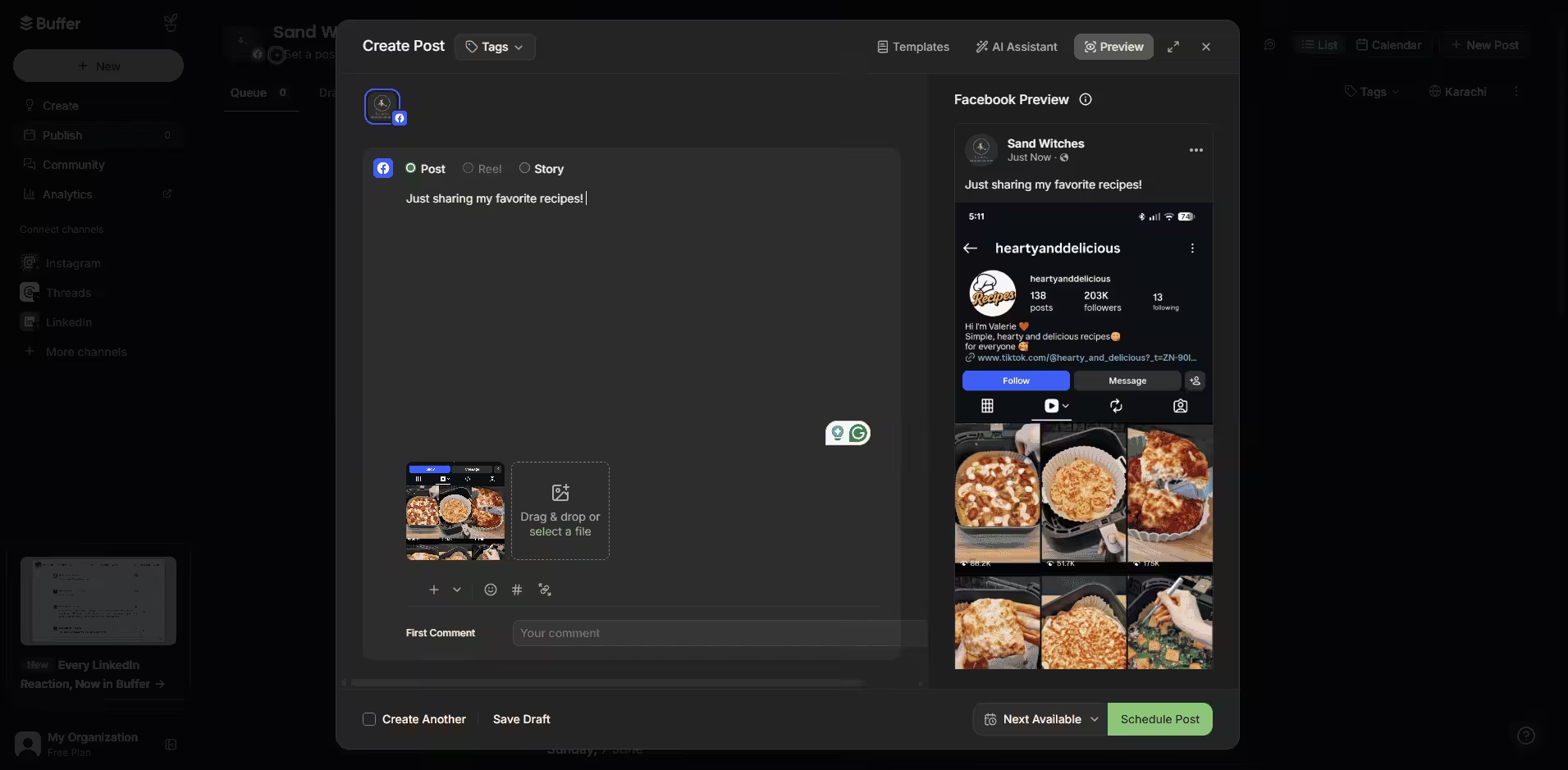
Buffer’s Dashboard Buffer remains a fan favorite among solo creators and small businesses due to its clean interface and straightforward queue management. It gives you direct control over your posting timeline without overwhelming you with unnecessary features.
Key Features
- Drag and drop your posts to preview how your feed looks before going live.
- Generate post ideas, rephrase copy, and draft captions instantly.
- Keep your captions clean by auto-posting hashtags in the first comment.
Pricing
- Free Plan: Supports up to 3 channels with basic scheduling features.
- Essentials: $5 per channel per month (billed annually).
- Team: $10 per channel per month.
Pros and Cons
- Pros: Very easy to navigate; generous free plan for beginners; affordable per-channel pricing.
- Cons: Analytics on the lower-tier plans are quite basic; limited advanced team collaboration workflows.
-
Later
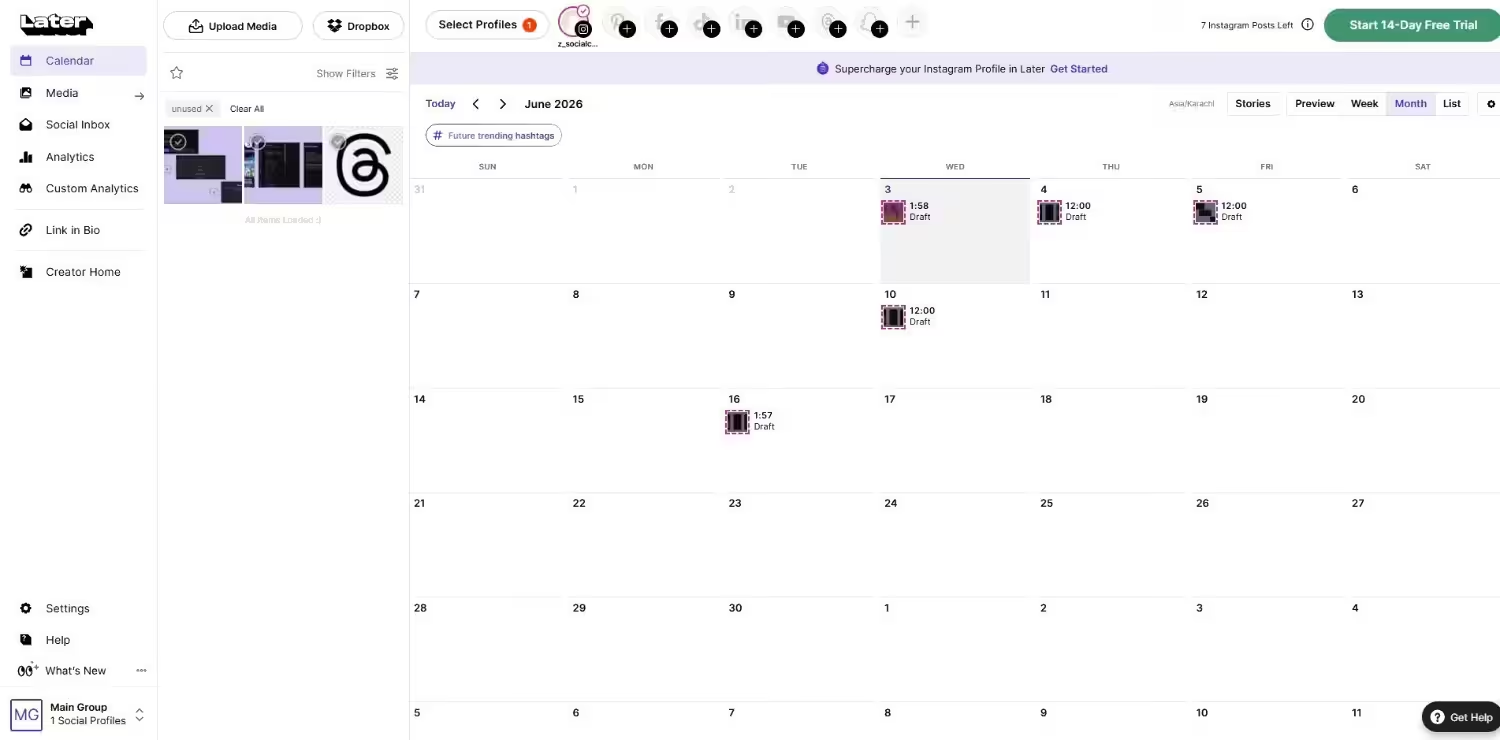
Later’s Dashboard If visual aesthetics drive your feed, Later stands out among dedicated instagram scheduling tools. Built with imagery in mind, it allows you to curate an aesthetic Instagram grid effortlessly.
Key Features
- Drag-and-drop media bank that syncs with your Instagram feed preview.
- Customizable landing page builder to monetize your Instagram traffic.
- AI-powered recommendations to boost post reach.
Pricing
- Starter: $18.75 per month (billed annually).
- Growth: $37.50 per month (billed annually).
- Advanced: $82.50 per month (billed annually).
Pros and Cons
- Pros: Industry-leading visual planning interface; great built-in media library management.
- Cons: No permanent free tier; lower plans restrict the number of posts per channel.
-
Metricool
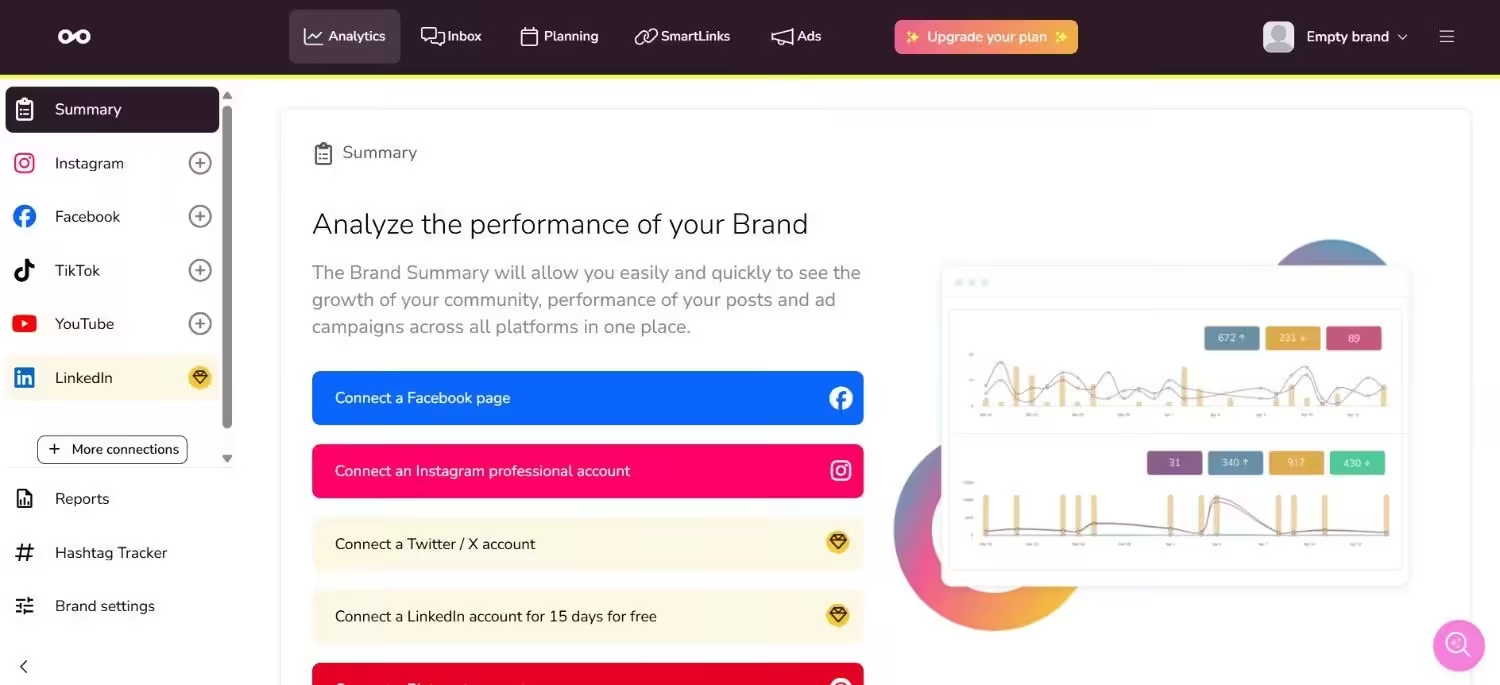
Metricool’s Dashboard Metricool is an all-in-one powerhouse that combines content planning with deep web and social analytics. It serves as one of the most cost-effective tools for scheduling instagram posts while tracking performance metrics.
Key Features
- Visual heatmap showing when your Instagram audience is active.
- Benchmark your Instagram performance against top industry rivals.
- Manage comments and direct messages in one central location.
Pricing
- Free Plan: Supports 1 profile per platform with basic scheduling.
- Starter: $20 per month (billed annually).
- Advanced: $53 per month (billed annually).
Pros and Cons
- Pros: Highly detailed reporting features; excellent price-to-value ratio; includes ad campaign tracking.
- Cons: Mobile app interface can feel slightly cluttered compared to desktop.
-
SocialBee
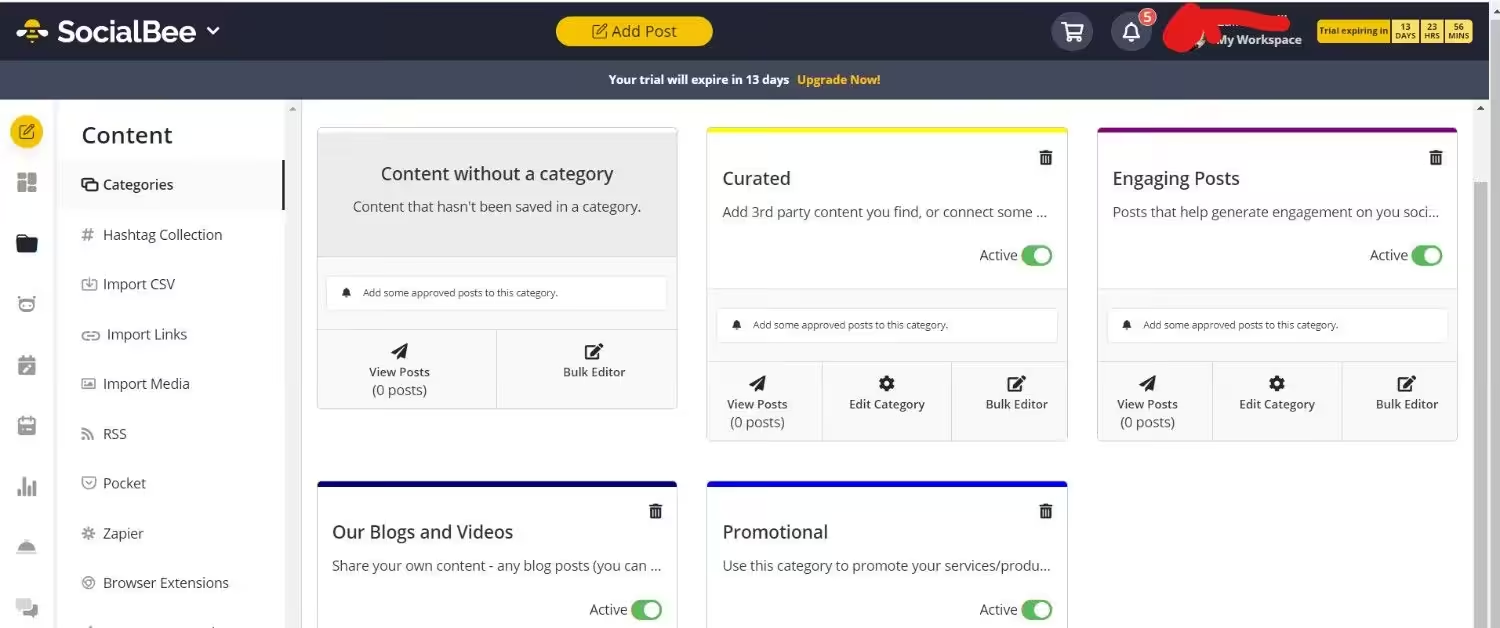
SocialBee’s Dashboard SocialBee excels at category-based content scheduling, making it ideal for creators who publish regular content pillars such as tips, promotions, and user-generated content.
Key Features
- Group posts by theme to maintain a balanced content mix.
- Re-queue non-time-sensitive posts automatically.
- Design images directly within the post composer.
Pricing
- Bootstrap: $24 per month (billed annually).
- Accelerate: $40 per month (billed annually).
- Pro: $82 per month (billed annually).
Pros and Cons
- Pros: Superior category scheduling; great for recycling long-term content; robust Canva integration.
- Cons: Steeper learning curve for first-time users.
-
Vista Social
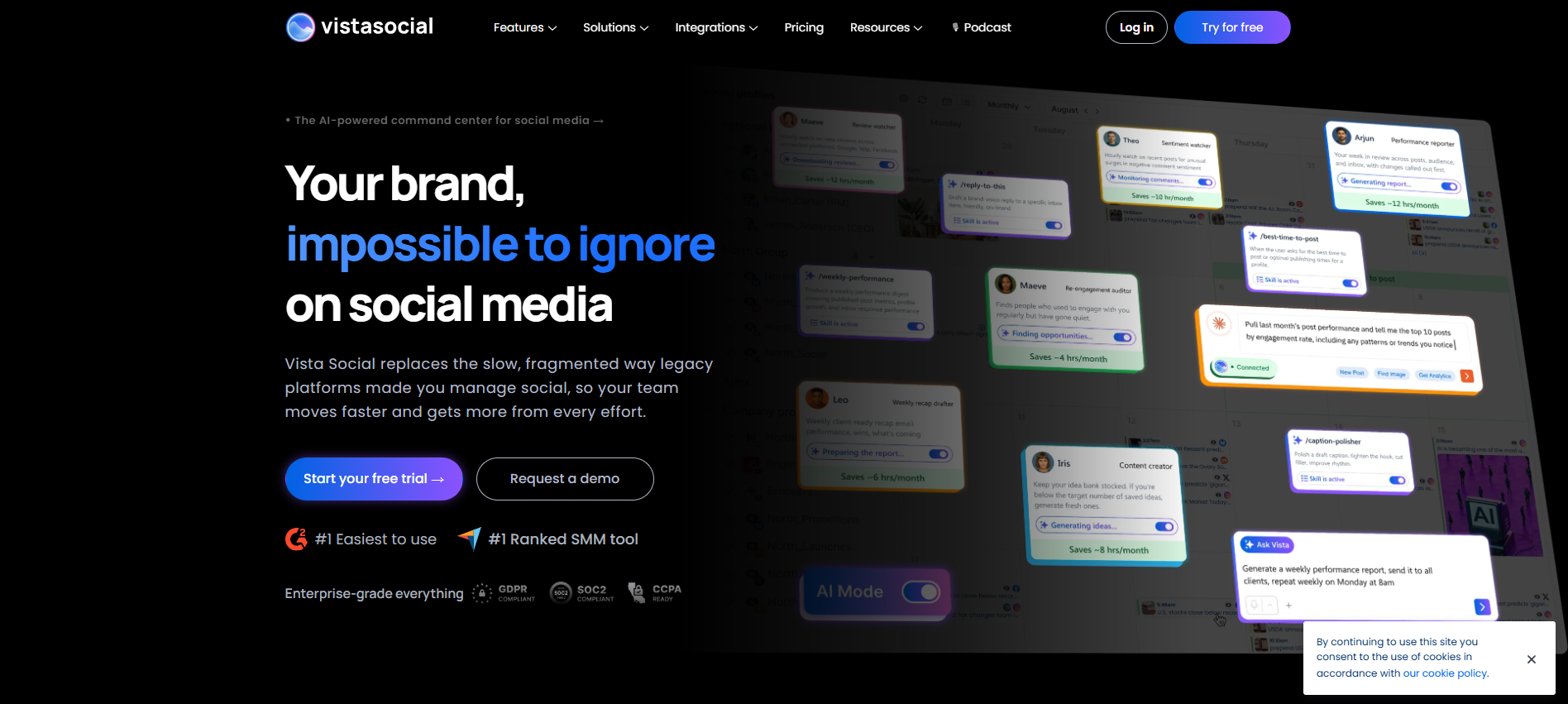
Vista Social Homepage Vista Social has quickly become a modern favorite for agency teams requiring collaborative workflows, auto-approval pipelines, and comprehensive multi-platform automation.
Key Features
- Schedule Instagram Carousel posts, Reels, and Stories seamlessly.
- Separate client accounts with distinct permissions and approval queues.
- Monitor brand mentions and industry trends across social networks.
Pricing
- Professional: $64 per month (billed annually) for up to 15 profiles.
- Advanced: $120 per month (billed annually).
- Scale: $304 per month (billed annually).
Pros and Cons
- Pros: Generous multi-profile limits on starting plans; robust Reel and Story scheduling support.
- Cons: Higher entry-level price point for solo creators.
-
Hootsuite
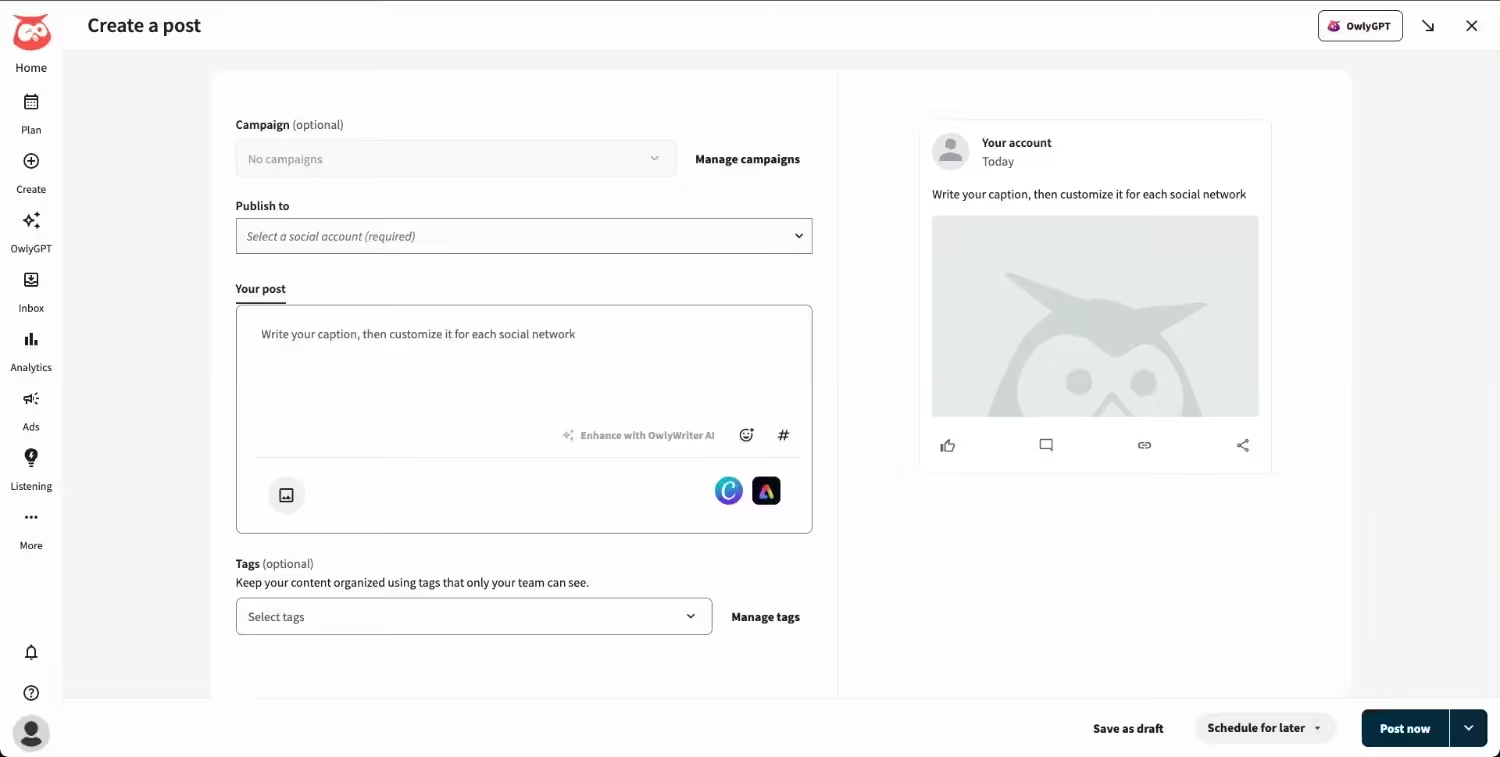
Hootsuite’s Dashboard Hootsuite remains an enterprise-level platform built for larger marketing departments needing extensive approvals, deep analytics, and security controls across all brand channels.
Key Features
- Instant caption generation and content idea generator tailored for Instagram.
- Machine learning algorithms that calculate post timing based on audience activity.
- Scale Instagram initiatives through team amplification tools.
Pricing
- Standard: $99 per month/user (billed annually).
- Professional: $199 per month/user (billed annually).
- Advanced: $399 per month/user (billed annually)
Pros and Cons
- Pros: High-end security and compliance controls; comprehensive multi-channel management.
- Cons: Expensive for small businesses and freelancers.
Featured Article: 17 Instagram Management Tools: Tried and Tested
What Makes an Instagram Scheduling Tool Truly the Best?
The best Instagram scheduling tools go far beyond simply queuing up posts for automated publishing. To truly stand out, a top-tier tool must offer a comprehensive set of features that streamline your entire content workflow, from initial creation to performance tracking.
- Complete Content Support: It should support direct, automatic publishing for all Instagram formats, including feed posts, Reels, Stories, Carousels, and Collaborative posts.
- Visual Grid & Planning: Features like a drag-and-drop visual grid planner and content calendar allow you to preview and curate your profile’s overall aesthetic before publishing.
- Workflow Automation and AI: Built-in AI tools for caption drafting, hashtag generation, and best-time-to-post suggestions help save time and optimize post reach.
- Efficiency Features: Time-saving tools such as first-comment scheduling (to keep captions clean), bulk uploading, and content category recycling ensure a steady post cadence.
- Collaboration and Analytics: Multi-user workspaces with approval workflows, paired with in-depth performance insights, let teams scale their efforts while refining their overall strategy.
Ultimately, the best tool acts as a single centralized dashboard, replacing multiple apps so you can plan, create, analyze, and manage engagement without constantly switching tools.
Start Scheduling Your Instagram Content Today!
Conclusion
At the end of the day, building a consistent, scroll-stopping presence on social media shouldn’t come at the cost of your sanity or free time. Investing in the right Instagram scheduling tools allows you to move away from daily manual posting and transition into a smooth, batched content strategy.
Whether you need a simple visual feed editor, advanced analytics, or automated content recycling, picking a tool that aligns with your budget and daily workflow will save you hours every single week. Start with a free plan or trial, test out a few calendar features, and take back control of your time while keeping your Instagram growth on track!