Eliminate password fatigue for your team. Connect Social Champ to your identity provider and give employees one familiar, secure way to access their workspace.
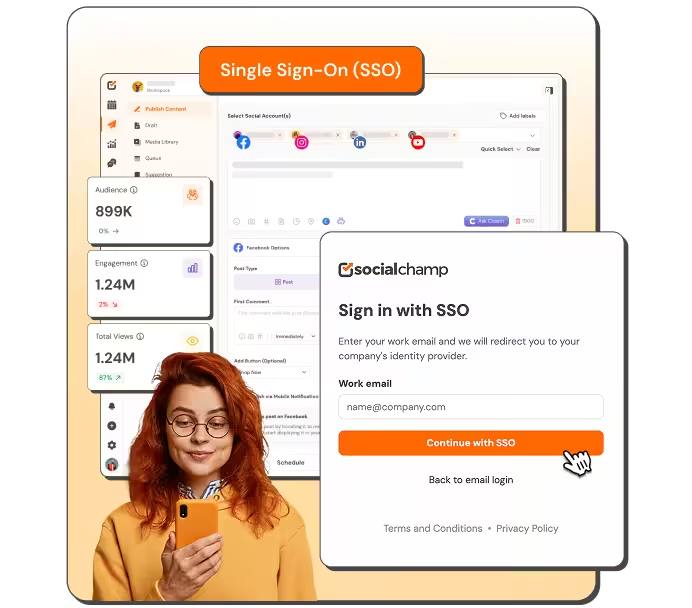

Every new app means another password to create, remember, and reset. SSO eliminates that burden entirely.

Access flows through the identity system your IT team already runs. One policy covers your company domain.

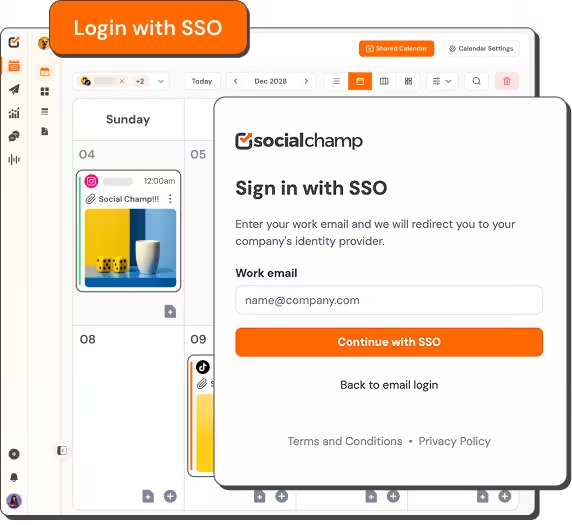
Invite a team member, and they sign in immediately through your company portal. Zero setup friction.

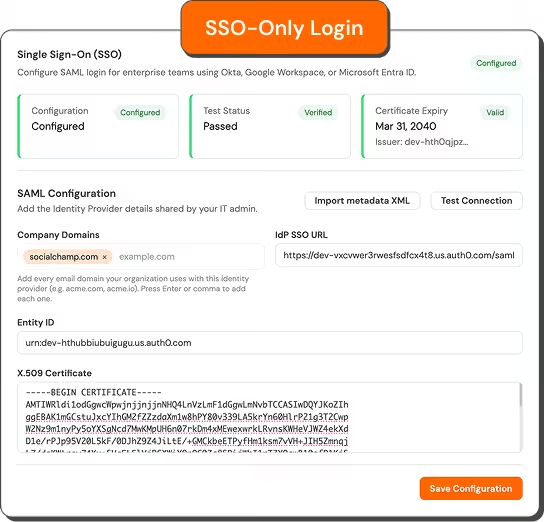
Block password sign-in entirely for your domain. Ensure every login flows through your identity provider.
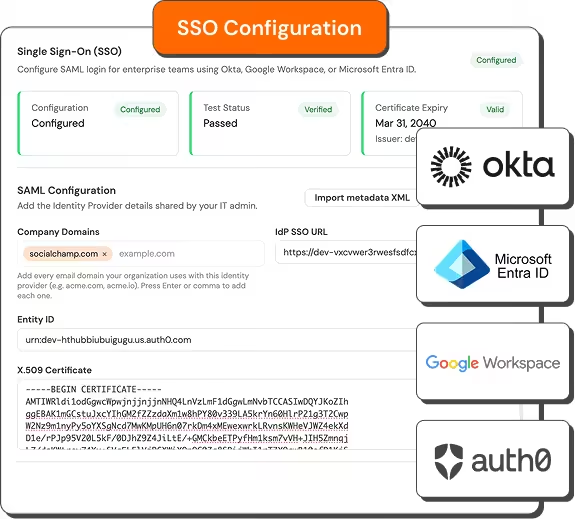
Link Social Champ to your existing SAML identity provider with minimal IT effort. Import metadata or enter configuration values manually, test the connection, and go live when ready.
Active passwords from former employees create security gaps. Enforce SSO-only to block all password sign-in for your domain. Close the risk permanently.
You’re in control of when and how strictly SSO applies. Start with optional SSO, then switch to mandatory SSO-only mode when your organization is prepared.
A growing team multiplies the login issues your IT team has to handle daily. SSO clears those barriers so your team stays focused on social.
Bring Social Champ into your company's identity workflow with SAML SSO
Talk to Sales


Open Security settings and configure SSO as an IT-admin workflow with minimal steps.

Configure SSO by importing identity-provider metadata or entering SAML values manually.

Copy the service-provider details your IT team needs directly into the identity provider.

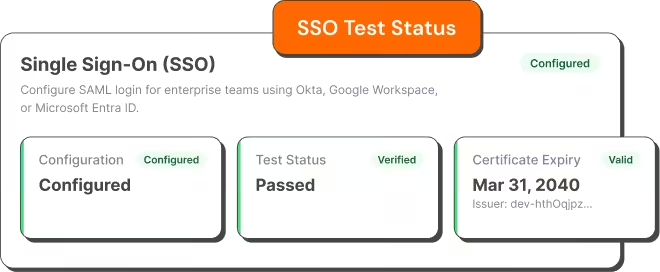
Review configuration, test status, and certificate-expiry information in one dashboard.

Enter an approved company email, continue to your identity provider, and return to Social Champ.

Let invited and existing team members use your organization's SSO flow when they are eligible.

“Social Champ is the tool that I use the most for my social media efforts. It's the cleanest and most efficient tool that I've found.”

“Social Champ isn't just a usual scheduling tool - it satisfies your inner-geek, boosts productivity, & effectiveness for SMM.”

“Social Champ is an innovative solution that helps you publish your content in an intelligent way to maximize exposure.”

“Social Champ helped us grow our reach by 30% while making content planning, publishing, and collaboration effortless.”

Interested? Let us know.
Book a DemoYour favorite tools work where you do.
You no longer have to jump between apps. Social Champ's integrations enable you to use your favorite tools within the app.







Social Champ currently supports SAML SSO through Okta, Microsoft Entra ID, Google Workspace, and Auth0 identity providers.
Yes. You can configure and test SSO while keeping password sign-in available. Enable SSO-only enforcement when your organization is ready.
Existing invited members can sign in through SSO once it’s enabled. No separate migration or re-invitation is required.
Connect your identity provider and give employees a seamless, secure sign-in experience.
