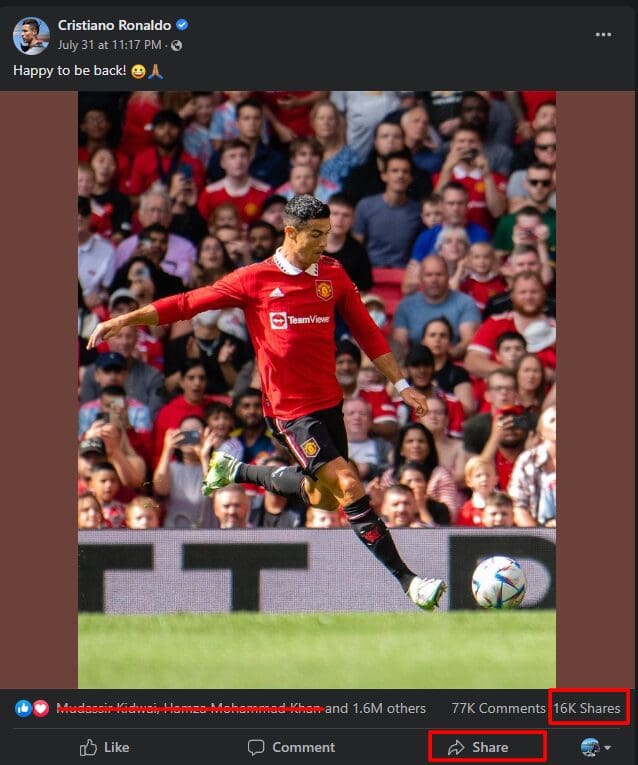
Facebook Share is a feature that allows users to share content from other websites or other pages with their Facebook friends. When a user clicks the Facebook Share button, a story is created in the user’s Facebook news feed that includes a link to the content being shared. When content is shared, it will appear on the user’s Timeline as well as in the News Feed of the user’s friends. Friends of the user can then click the link and be taken directly to the original piece of content. This feature is similar to the share feature on other social networking websites, such as Twitter and LinkedIn.
You can add a Facebook Share button to your website or blog, so people can easily share the content through your blog or website.
Example
Simplify Your Social Media Strategy.
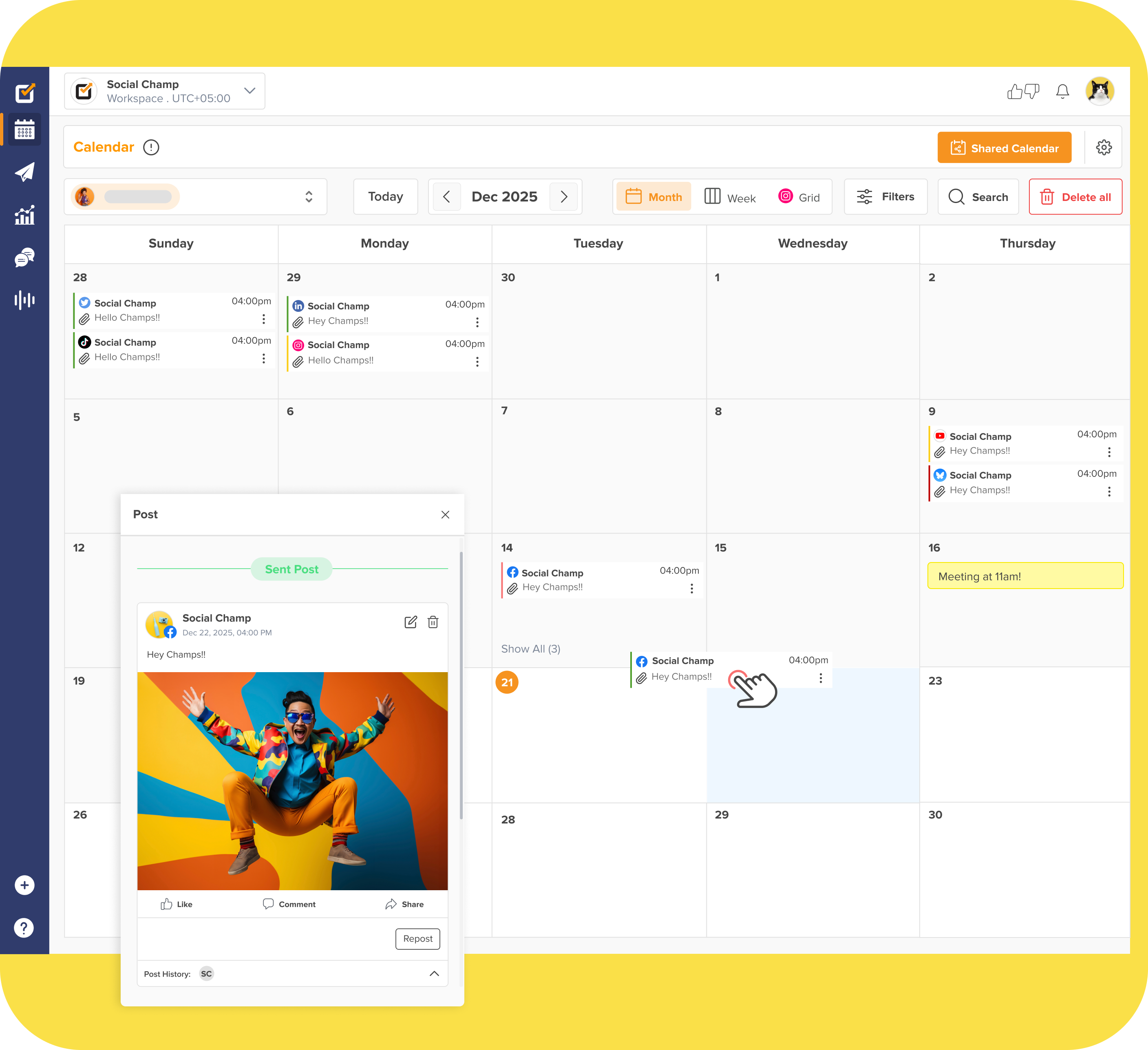
With Social Champ, effortlessly apply the best practices you’ve just learned. Schedule posts, analyze performance, and engage with your audience—all in one place.
Start Free Trial
<script>
document.addEventListener('DOMContentLoaded', function() {
    function transformTablesForMobile() {
        if (window.innerWidth > 767) return; // Only for mobile

        const tables = document.querySelectorAll('#brxe-qvtevz table');

        tables.forEach(table => {
            if (table.classList.contains('transformed')) return;

            let headers = [];
            const thead = table.querySelector('thead');
            const tbody = table.querySelector('tbody');

            // Get headers - check for both th and td in thead
            if (thead) {
                const headerRow = thead.querySelector('tr');
                if (headerRow) {
                    // First try th, then td
                    let headerCells = headerRow.querySelectorAll('th');
                    if (headerCells.length === 0) {
                        headerCells = headerRow.querySelectorAll('td');
                    }
                    headers = Array.from(headerCells).map(cell => cell.textContent.trim());
                }
            } else if (tbody) {
                // If no thead, take first row
                const firstRow = tbody.querySelector('tr');
                if (firstRow) {
                    let headerCells = firstRow.querySelectorAll('th');
                    if (headerCells.length === 0) {
                        headerCells = firstRow.querySelectorAll('td');
                    }
                    headers = Array.from(headerCells).map(cell => cell.textContent.trim());
                }
            }

            // Return if no headers found
            if (headers.length === 0) return;

            // Get all data rows
            const rows = Array.from(tbody.querySelectorAll('tr'));
            const dataRows = rows; // All tbody rows are data rows when thead exists

            // Create new structure
            const newContainer = document.createElement('div');
            newContainer.className = 'mobile-table-container';

            // Create a section for each column
            headers.forEach((header, colIndex) => {
                const columnSection = document.createElement('div');
                columnSection.className = 'mobile-column-section';

                const columnHeader = document.createElement('div');
                columnHeader.className = 'mobile-column-header';
                columnHeader.innerHTML = header; // Use innerHTML to preserve formatting
                columnSection.appendChild(columnHeader);

                const columnList = document.createElement('div');
                columnList.className = 'mobile-column-list';

                dataRows.forEach(row => {
                    const cells = row.querySelectorAll('td');
                    if (cells[colIndex]) {
                        const item = document.createElement('div');
                        item.className = 'mobile-column-item';
                        item.innerHTML = cells[colIndex].innerHTML;
                        columnList.appendChild(item);
                    }
                });

                columnSection.appendChild(columnList);
                newContainer.appendChild(columnSection);
            });

            table.style.display = 'none';
            table.classList.add('transformed');
            table.parentNode.insertBefore(newContainer, table.nextSibling);
        });
    }

    transformTablesForMobile();

    // Handle window resize
    let resizeTimer;
    window.addEventListener('resize', function() {
        clearTimeout(resizeTimer);
        resizeTimer = setTimeout(function() {
            const containers = document.querySelectorAll('.mobile-table-container');
            const tables = document.querySelectorAll('#brxe-qvtevz table.transformed');

            if (window.innerWidth > 767) {
                containers.forEach(c => c.style.display = 'none');
                tables.forEach(t => t.style.display = 'table');
            } else {
                containers.forEach(c => c.style.display = 'block');
                tables.forEach(t => t.style.display = 'none');
            }
        }, 250);
    });
});
</script>
/* Sticky header for tables WITH thead */
#brxe-qvtevz table thead {
background-color: #f0ebf8;
position: sticky;
top: 0;
z-index: 2;
}
#brxe-qvtevz table thead th {
background-color: #f0ebf8;
position: sticky;
top: 0;
}
/* Sticky header for tables WITHOUT thead (first row only) */
#brxe-qvtevz table:not(:has(thead)) tbody tr:first-child {
background-color: #f0ebf8;
position: sticky;
top: 0;
z-index: 2;
}
#brxe-qvtevz table:not(:has(thead)) tbody tr:first-child td,
#brxe-qvtevz table:not(:has(thead)) tbody tr:first-child th {
background-color: #f0ebf8;
position: sticky;
top: 0;
}
/* Mobile Column Layout */
@media (max-width: 767px) {
#brxe-qvtevz table{
max-height:2000px;
}
.mobile-table-container {
display: block;
margin: 20px 0;
border-radius: 12px;
overflow: hidden;
}
.mobile-column-section {
border: 1px solid #E0E0E0;
overflow: hidden;
background: white;
}
.mobile-column-header {
background-color: #E3DFF5;
padding: 15px;
font-weight: bold;
font-size: 16px;
color: #333;
}
.mobile-column-list {
padding: 0;
}
.mobile-column-item {
padding: 15px;
border-bottom: 1px solid #F0F0F0;
background: white;
font-size: 16px;
line-height: 1.6;
}
.mobile-column-item:last-child {
border-bottom: none;
}
.mobile-column-item:nth-child(odd) {
background-color: #F7F6FC;
}
.mobile-column-item:nth-child(even) {
background-color: #FAFAFA;
}
.mobile-column-item strong {
color: #333;
font-weight: 600;
}
}