Managing social media is all about planning, automation, engagement, and analytics.
While Hypefury has earned a reputation for being an advanced scheduling and growth tool, it’s not the only option out there.
If you’re looking for simpler workflows, advanced analytics, or just want to see alternatives with different pricing and features, this guide is for you. On the pricing side, Social Champ has a Free plan, and paid plans start from $4/month.
Short Summary
- Hypefury is a popular tool for automating and scheduling posts on X (formerly Twitter), but many users seek alternatives that offer multi-platform support and advanced features.
- The 6 best Hypefury alternatives for 2026 include Social Champ, CoSchedule, SocialPilot, Meltwater, SocialBee, and ContentStudio.
- Each tool is detailed with its unique strengths, target users (e.g., creators, agencies, or enterprises), and key features like automation, analytics, and collaboration.
- Choosing the right marketing tools includes evaluating primary platforms, budgets, features, ease of use, and growth goals.
- You can try free trials of these alternatives to find the best fit for your workflow and goals.
In this post, we’ll take a look at the top 6 Hypefury competitors to help you find the platform that fits your social media strategy.
Quick Comparison of the Best Hypefury Alternatives
Here’s a short and quick table that will help you decide at a glance:
| Hypefury Alternative | Starting Price (Monthly) | Notable Features |
|---|---|---|
| Social Champ | $4/month | – Publishing & scheduling
– Social media calendar – Engage – Champ AI suite – Analytics -Social listening |
| CoSchedule | $29/month | – Calendar
– Social publishing – Content creation – AI tools – Analytics |
| SocialPilot | $25.50/month | – Scheduling
– Analytics – Client management – White-label reporting – Team collaboration |
| Meltwater | Not Listed | – Social media scheduling
– Reporting & Analytics – Team collaboration |
| SocialBee | $24/month | – Content categories
– AI assistant – Evergreen recycling – Concierge services |
| ContentStudio | $19/month | – Multi-channel publishing
– Content discovery – AI caption generator – Analytics – Influencer tracking |
6 Top Alternatives to Hypefury for 2026
If Hypefury isn’t quite meeting your needs, don’t worry; there are plenty of social media management tools that can fill in the gap.
-
Social Champ
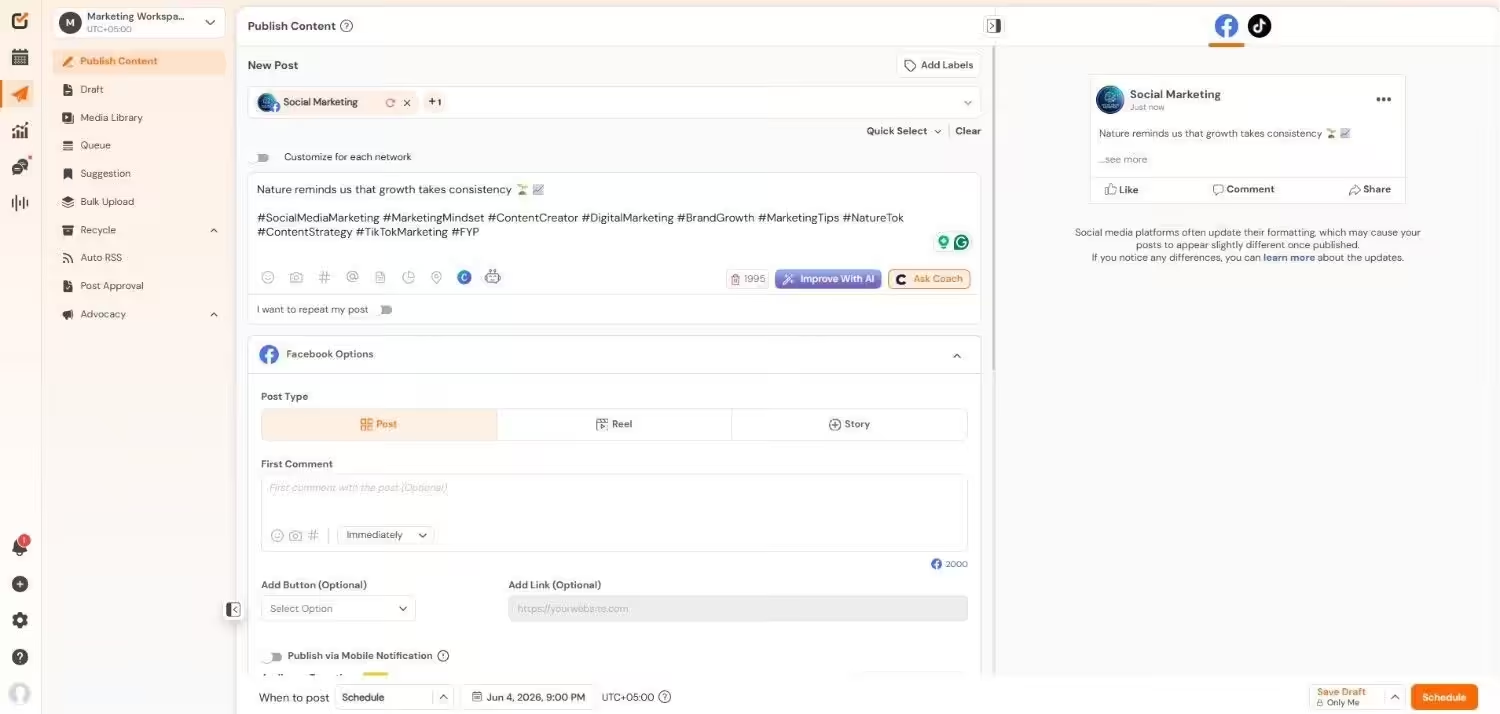
Social Champ’s Dashboard Social Champ is a user-friendly social media management tool designed for businesses, marketing agencies, and solopreneurs seeking a way to manage their social presence.
Its simple interface and automation-driven features make it easy to plan, schedule, and analyze content across multiple platforms.
Social Champ helps save time, improve engagement, and maintain a consistent posting strategy, especially for brands managing multiple clients.
It also stands out due to its multi-channel support, AI-powered content suggestions, and detailed analytics.
With this tool, you can plan your content, save time, and perfect your posting strategy based on your engagement data.
Key Features
- Scheduling across all major platforms, including Facebook, Instagram, Threads, LinkedIn, Bluesky, Mastodon, Twitter (X), Pinterest, YouTube, TikTok, and Google Business Profile.
- AI content suggestions for generating post ideas and captions.
- Bulk upload feature for scheduling hundreds of posts at once, perfect for large campaigns.
- Post recycling to automatically repurpose top-performing content.
- Multi-user access with roles and permissions for teams and agencies.
- Customizable reports with downloadable PDFs and white-label options for agencies.
- RSS feed integration to automatically share content from blogs or news sources.
- Browser extension to share content from the web instantly.
Pricing
Social Champ comes with two pricing tiers, including a Pay-Per-Profile and a Flat-Rate model.
Here’s what you get in the Pay-Per-Profile:
- Starter, which costs $4 and has 1 user. In this plan, you can manage 1 social account.
- Growth, which costs $8 and has unlimited users. In this plan, you can manage 1 social account.
These plans also offer discounts as you scale. Here’s how much you can save in the Starter:
- For 1-10 social accounts: $4
- For 11-20 social accounts: $3
- For 21-40 social accounts: $2
- For 41+ social accounts: $0.50
Here’s how much you can save in the Growth:
- For 1-10 social accounts: $8
- For 11-20 social accounts: $3.50
- For 21-40 social accounts: $2.50
- For 41+ social accounts: $1
With Social Champ, you also get Flat-Rate bundles, which are:
- Free, which costs $0 and has 1 user. In this plan, you can manage 3 social accounts.
- Standard, which costs $23 and has 2 users. In this plan, you can manage 6 social accounts. This plan also comes with add-ons for accounts. You can add another account for $5/account.
- Professional, which costs $47 and has 5 users. In this plan, you can manage 12 social accounts. This plan also comes with add-ons for accounts. You can add another account for $4/account and pay $8/user for another user.
- Agency, which costs $119 and has unlimited users. In this plan, you can manage 30 social accounts. This plan also comes with add-ons for accounts. You can add another account for $3/account.
- Enterprise, which is Custom and has unlimited users. In this plan, you can manage unlimited social accounts.
Social Champ also supports: Instagram, Facebook, TikTok, LinkedIn, YouTube, Threads, Pinterest, X, Google Business Profile, Bluesky, Mastodon, and WhatsApp Business
The Smartest Switch You’ll Make This Year
Creators and agencies are already moving to Social Champ for its unbeatable automation and affordability. Will you be next? -
CoSchedule
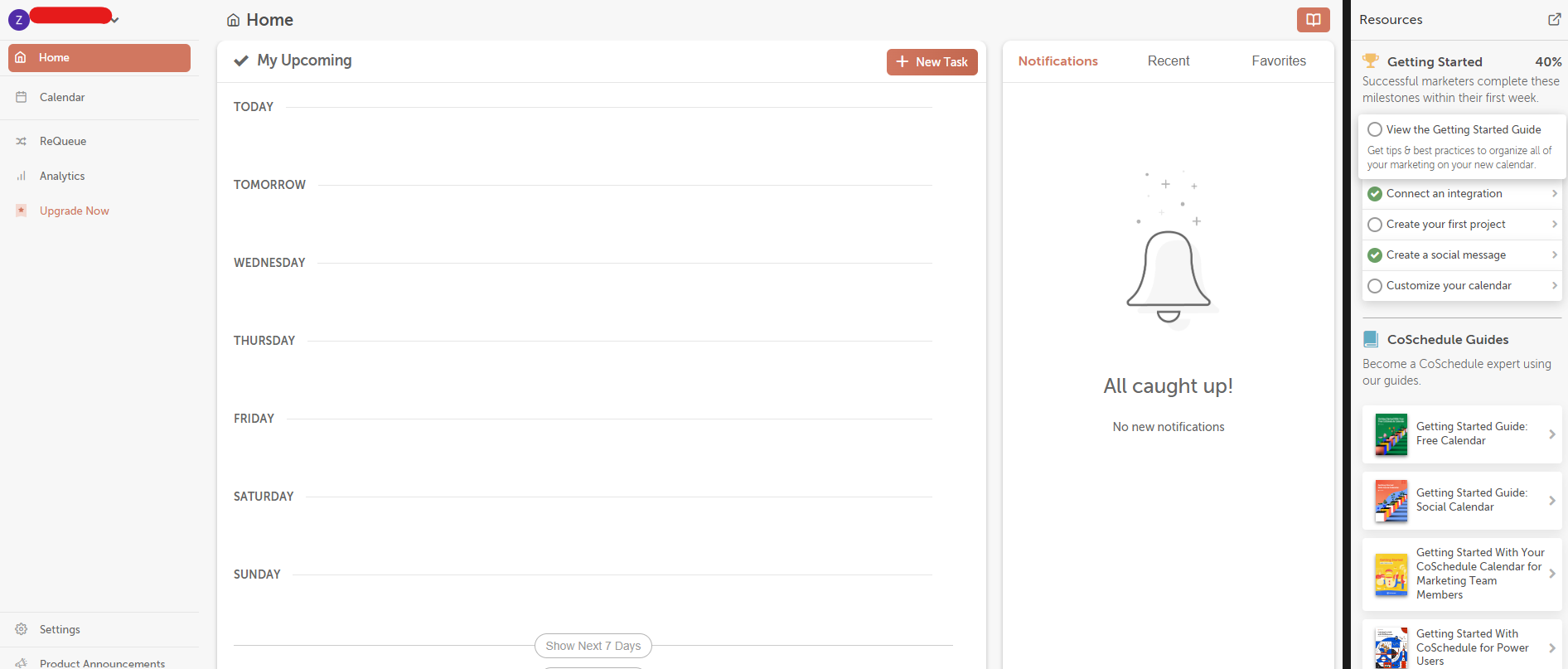
CoSchedule’s Dashboard CoSchedule is a full-fledged marketing calendar that unifies your content strategy.
With features tailored for marketing teams, CoSchedule helps organize everything from social posts to blog publishing and email campaigns, all in one place.
It’s particularly useful for teams who want a “big-picture” approach to content planning.
Key Features
- Drag-and-drop marketing calendar for easy campaign organization.
- Social scheduling with automated re-queuing for evergreen content.
- Headline analyzer to improve content quality and engagement.
- Integration with WordPress, HubSpot, and other major marketing platforms.
- Team collaboration with shared calendars and approval workflows.
Pricing
CoSchedule offers five plans, including:
- Free, which costs $0 and has 1 user. In this plan, you can manage 1 social account.
- Starter, which costs $29 and has 1 users. In this plan, you can manage 3 social accounts.
- Professional, which costs $49 and has 2 users. In this plan, you can manage 5 social accounts.
- [Value not found], which costs [Value not found] and has [Value not found] users. In this plan, you can manage [Value not found] social accounts.
- Suite, which is $69 and has Unlimited users. In this plan, you can manage Unlimited social accounts.
CoSchedule also supports: Facebook, Instagram, LinkedIn, Pinterest, TikTok, Threads, X, YouTube, Google Business Profile, Mastodon, and Bluesky
Check out the other alternatives to Coschedule.
-
SocialPilot
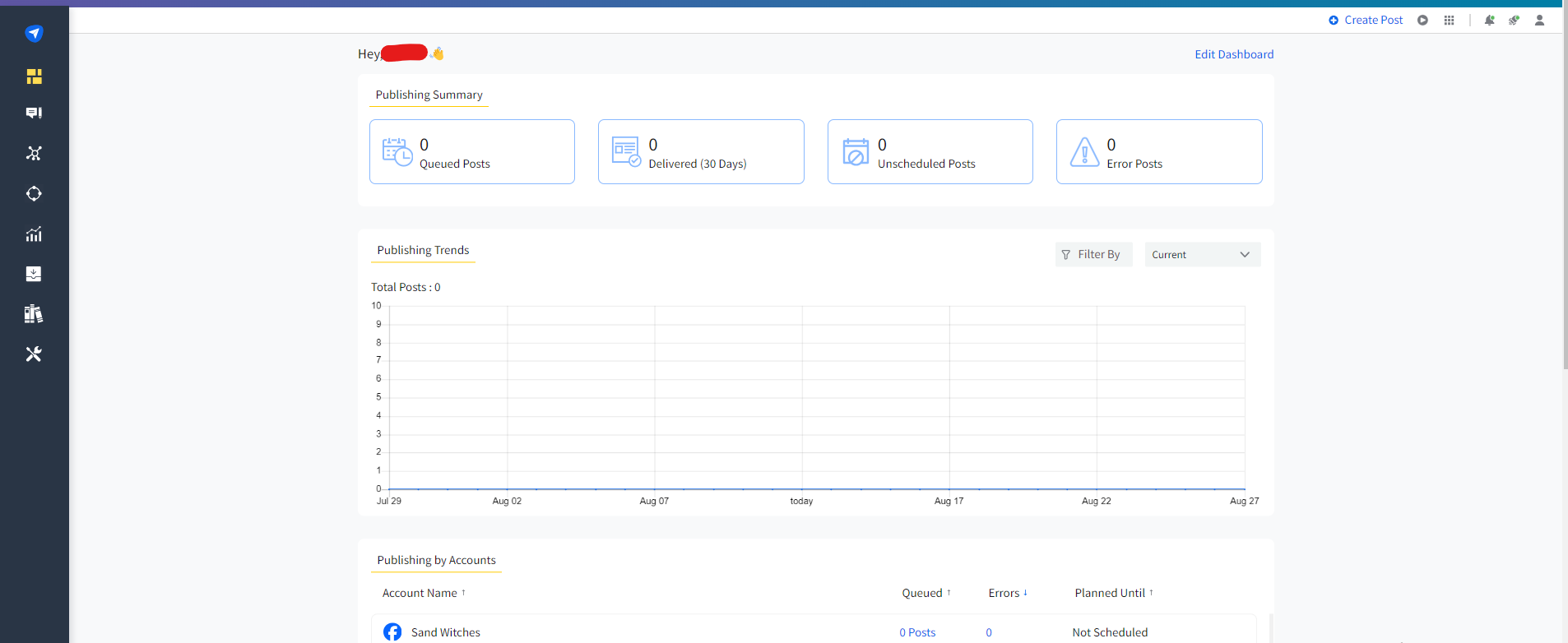
SocialPilot’s Dashboard SocialPilot is known for delivering advanced features at a budget-friendly price.
It’s ideal for small to medium-sized businesses that require advanced scheduling, reporting, and client management tools without the high costs associated with enterprise platforms.
Key Features
- Multi-platform scheduling, including TikTok, Facebook, and LinkedIn.
- Content curation and RSS feed automation.
- Detailed analytics and performance tracking.
- Bulk scheduling for efficient campaign planning.
- Collaboration features for teams and agencies.
Pricing
SocialPilot offers four plans, including:
- Essentials, which costs $25.50 and has 1 user. In this plan, you can manage 7 social accounts.
- Standard, which costs $42.50 and has 3 users. In this plan, you can manage 15 social accounts.
- Premium, which costs $85.00 and has 6 users. In this plan, you can manage 25 social accounts.
- Ultimate, which costs $170.00 and has Unlimited users. In this plan, you can manage 50 social accounts.
SocialPilot also supports: Facebook, Instagram, TikTok, X, LinkedIn, Threads, YouTube, Pinterest, Google Business Profile, and Bluesky
Check out the other alternatives to SocialPilot.
-
Meltwater
Meltwater’s Homepage Meltwater is an enterprise-level platform specializing in media monitoring, social listening, and advanced analytics.
It’s ideal for larger brands or corporations that need to track brand sentiment, trends, and PR across various channels.
Meltwater is less about post-scheduling and more about understanding your brand’s digital footprint.
Key Features
- AI-driven media monitoring and sentiment analysis.
- Real-time social listening for trends and competitor tracking.
- Influencer discovery and campaign management.
- Advanced analytics and customizable reports.
- Global media database for PR outreach.
Pricing
Meltwater’s pricing is not mentioned on its website; you can request a demo.
Check out other alternatives to Meltwater.
-
SocialBee
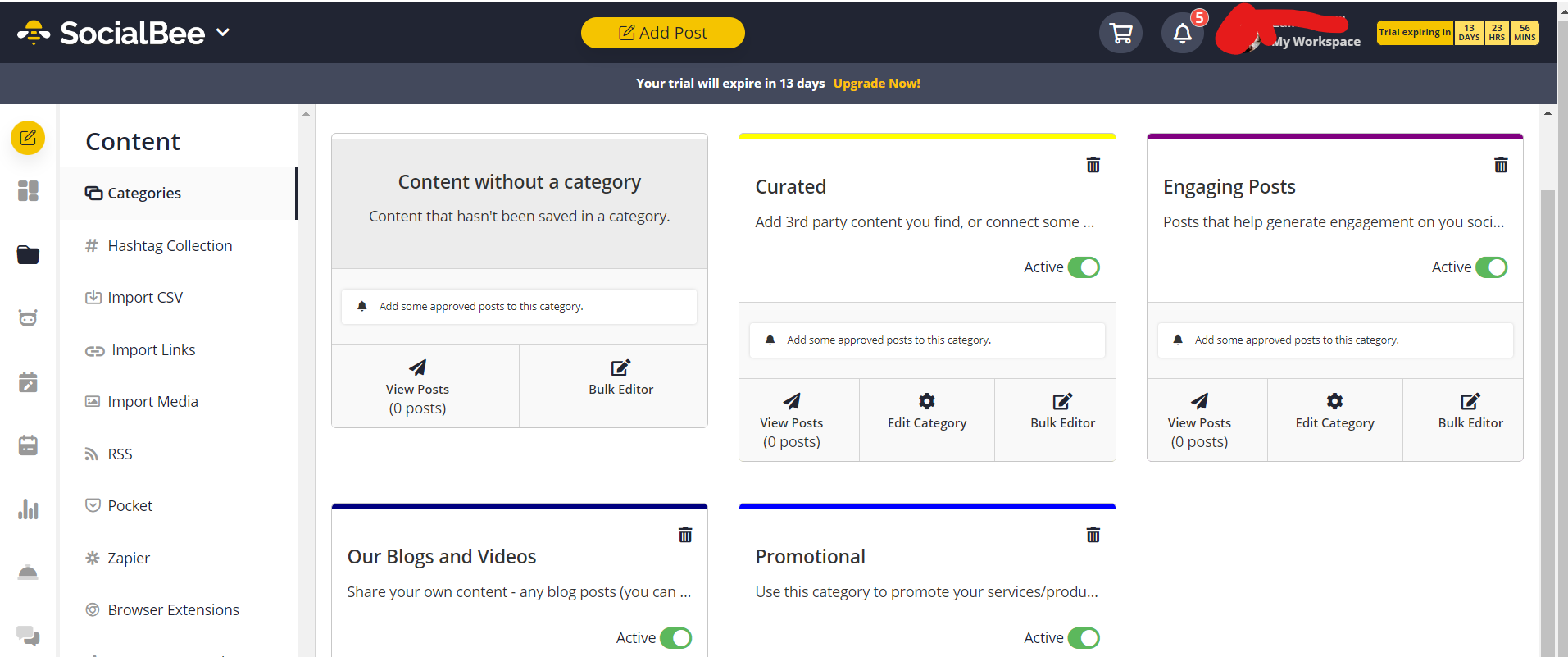
SocialBee’s Dashboard SocialBee is popular for its evergreen content management system.
It allows users to categorize their content into buckets, ensuring a balanced posting strategy without the constant need to create new posts.
Its AI-powered tools also help with content generation and optimization, making it one of the most reliable options among SocialBee alternatives.
Key Features
- Content categories for organized posting schedules.
- Evergreen content recycling to keep profiles active.
- AI-powered post generation and editing.
- In-depth analytics and content performance tracking.
- Integration with popular social platforms and tools.
Pricing
SocialBee comes with two pricing categories, including Standard and Agency models.
Here’s what you get in the Standard plans:
- Bootstrap, which costs $24 and has 1 user/ workspace. In this plan, you can manage 5 social accounts.
- Accelerate, which costs $40 and has 1 user/ workspace. In this plan, you can manage 10 social accounts.
- Pro, which costs $82 and has 3 users/ workspace. In this plan, you can manage 25 social accounts.
With SocialBee, you also get Agency plans, which are:
- Pro50, which costs $149 and has 5 users/ workspace. In this plan, you can manage 50 social accounts.
- Pro100, which costs $274 and has 5 users/ workspace. In this plan, you can manage 100 social accounts.
- Pro150, which costs $374 and has 5 users/ workspace. In this plan, you can manage 150 social accounts.
SocialBee also supports: Facebook, Instagram, Threads, LinkedIn, TikTok, Pinterest, Google Business Profile, YouTube, X, and Bluesky
Check out other SocialBee alternatives.
-
ContentStudio
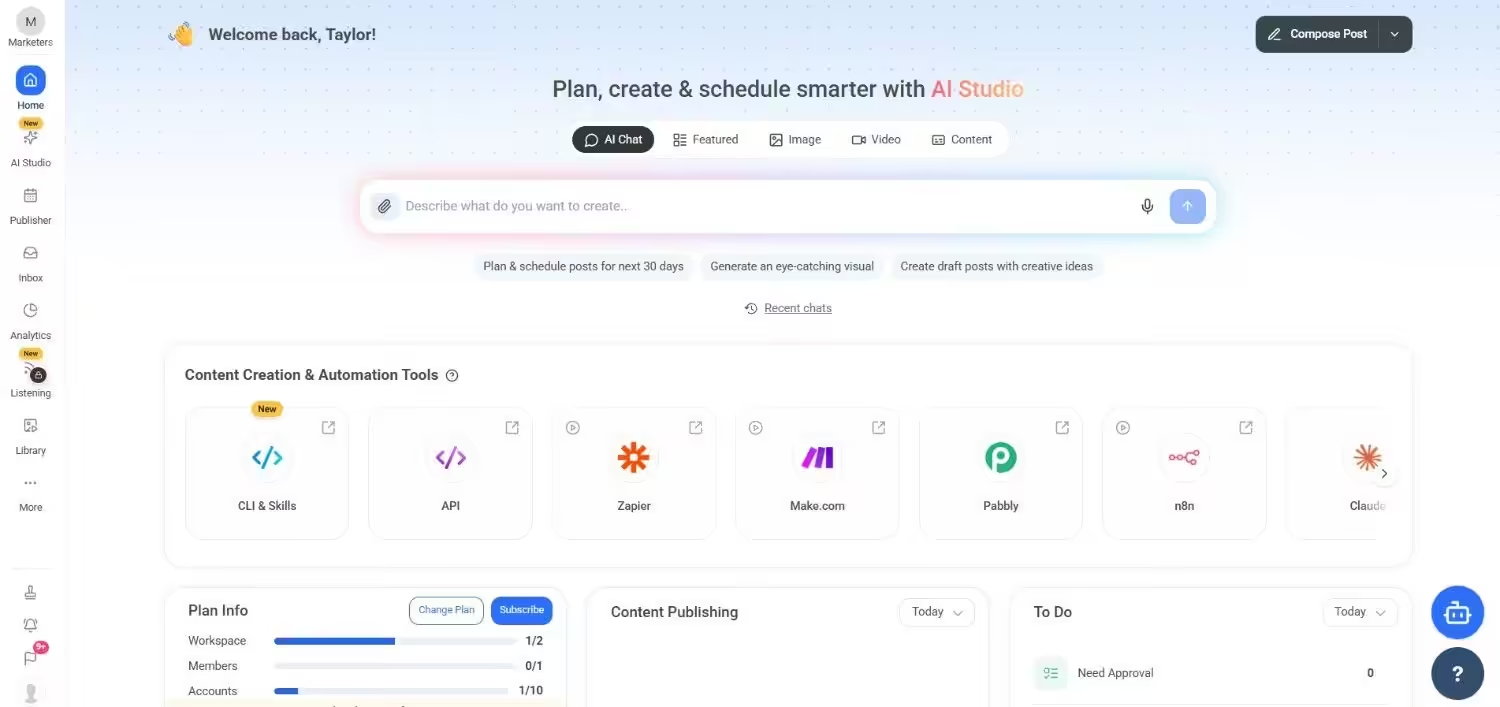
ContentStudio’s Dashboard ContentStudio is an all-in-one platform that combines content discovery, scheduling, analytics, and collaboration.
It’s perfect for marketers who want to stay ahead of trends while managing multi-channel content efficiently.
Key Features
- AI-powered content discovery to find trending topics.
- Multi-channel publishing and automation.
- Social listening and brand monitoring.
- Advanced analytics and performance reports.
- Team collaboration with built-in workflow approvals.
Pricing
ContentStudio comes with five pricing tiers, including a Full Suite and an API model.
Here’s what you get in the Full Suite:
- Standard, which costs $19 and has 1 user. In this plan, you can manage 5 social accounts.
- Advanced, which costs $49 and has 2 users. In this plan, you can manage 10 social accounts.
- Agency Unlimited, which costs $99 and has Unlimited users. In this plan, you can manage 25 social accounts.
- Enterprise, which is Custom and has Unlimited users. In this plan, you can manage Custom social accounts.
With ContentStudio, you also get a standalone API plan, which is:
- API, which costs $15 and has 1 user. In this plan, you can manage 10 social accounts.
ContentStudio also supports: Instagram, YouTube, LinkedIn, Threads, TikTok, Facebook, Pinterest, Bluesky, Google Business Profile, Tumblr, and X.
Check out other ContentStudio alternatives.
Choosing the Right Hypefury Alternative for Your Needs
With so many social media management tools available, picking the right Hypefury alternative can feel overwhelming.
Let’s break down key factors to consider when making your decision.
-
Consider Your Primary Platforms
Not all tools support every social network. For instance, Hypefury is heavily focused on X, while tools like CoSchedule excel at Instagram and TikTok scheduling.
If you’re managing multiple platforms, options like Social Champ, SocialPilot, or ContentStudio might be more suitable as they offer comprehensive multi-channel support.
-
Evaluate Your Budget
Pricing can vary widely among social media tools. Meltwater is feature-rich but comes with higher costs, often better suited for enterprises.
On the other hand, Social Champ, SocialBee, and SocialPilot provide great features at more affordable price points, which makes them ideal for freelancers, small businesses, and creators.
-
Look for the Right Features
Make a list of the features you absolutely need.
Do you require detailed analytics, a content library, or AI-powered post generation?
If you need in-depth reporting, Meltwater might be best. For evergreen content recycling, SocialBee is an excellent choice.
For collaborative teams, CoSchedule stands out with their workflow and approval tools.
And if you want all these features in one tool, Social Champ can be a great choice.
-
Think About Ease of Use
A tool with all the features in the world won’t help if it’s too complex for your workflow.
Tools like Social Champ and SocialBee are designed with simplicity in mind, offering simple dashboards and drag-and-drop scheduling.
If you’re just starting out, these user-friendly tools might save you a lot of time and headaches.
-
Consider Your Growth Goals
Are you focused on brand awareness, influencer marketing, or in-depth trend analysis?
Meltwater’s social listening and influencer discovery features make it ideal for brands seeking to monitor their reputation and expand their reach.
Meanwhile, tools like ContentStudio help you keep up with trending topics and create shareable content faster.
Conclusion
Choosing the right social media management tool is all about finding the perfect balance between your needs, budget, and growth goals.
While Hypefury is a fantastic platform, especially for X (formerly Twitter), it’s not the only solution available.
Tools like Social Champ and SocialPilot are great for affordable, multi-platform scheduling, while Meltwater shines when it comes to advanced analytics and team collaboration.
Ultimately, the best way to choose is to test a few of these platforms.
Most of them offer free trials or demos, giving you the chance to explore features and see how they fit into your workflow.
With the right tool, you’ll save time, stay consistent with your content, and take your social media presence to the next level.