You know that feeling when you get the perfect idea for your content. That’s the same emotion you feel when you find a social media management tool that fits perfectly with your needs.
For some users, Onlypult seems to be the perfect solution. After all, it comes with an easy-to-use interface and extensive scheduling capabilities.
Short Summary
- Onlypult is a well-liked social media management tool, particularly for Instagram, but many users eventually outgrow its features
- Typical disadvantages include limited team member access across plans, limited profile capacity, and poorly scalable pricing.
- More features are offered at lower prices by less expensive rivals like Social Champ, Later, Zoho Social, ContentStudio, and Planoly.
- With AI content tools, social listening, scheduling across more than 11 platforms, analytics, and team collaboration, Social Champ is a great substitute.
But if this tool doesn’t align with your needs, you’ll need to consider other options that can give you exactly what you want at a good price.
If you fall in the latter category, this guide is for you. We’ll discuss the top 7 Onlypult alternatives for social media management.
Scale Your Socials Without Scaling Your Bills!
Why Users Seek Onlypult Alternatives
At a glance, Onlypult might look like a good option for social media management, and if you purchase the tool, it might as well serve its purpose.
However, as your needs evolve, you might want to look for other options. Here are some common reasons why users seek alternatives to Onlypult and explore other Onlypult competitors.
-
Limited Profile Capacity
For $17 per month, Onlypult’s entry-level “Start” plan grants you access to just five social media profiles.
This limit quickly becomes restrictive for users who are in charge of several brands, channels, or clients.
You can add more profiles in your current plan, but that will increase the cost. When you’re already paying $17/month, paying extra for add-ons can affect your budget.
-
Restrictions for Team Members Across Plans
The number of team members permitted doesn’t rise much as the price scales upward.
Despite costing almost $69 a month, the highest-tier “Pro” plan limits you to 20 team members, while the “SMM” plan limits you to 3.
If you want to add more members, it will cost you $4 extra.
This may be restrictive for agencies or companies that need access to clients, strategists, and content producers, particularly when rivals provide more extensive or adaptable team options.
-
Affordable Alternatives Are Available
The intense competition is arguably the most urgent factor raising concerns about affordability.
For less money, tools like Social Champ provide even more features, including social listening and best time to post, better scalability, and extremely competitive pricing.
It becomes hard to defend paying $17 or $69/month for Onlypult without significant added value if a $4/month tool fulfills 90% of your needs.
Featured Article: Feedhive Pricing
Onlypult Alternatives at a Glance
| Onlypult Alternative | Best For | Starting Price |
| Social Champ | All-in-one social management with AI assistance, automation & bulk scheduling | $4/month |
| Later | Visual grid planning, Instagram scheduling & media library management | $18.75/month |
| Zoho Social | Social media monitoring, publishing & seamless CRM integration | $10/month |
| ContentStudio | Multi-channel publishing, content discovery & AI caption generation | $19/month |
| Planoly | Visual content planning and drag-and-drop Instagram scheduling | $14/month |
| Buffer | Simple multi-channel post queuing and basic analytics | $5/month |
| Publer | Multi-platform scheduling, link-in-bio creation & RSS automation | $4/month |
Top 7 Onlypult Alternatives for 2026
Now that you have a brief understanding of how much more you can get with these tools, we can dive into discussing the top 7 best Onlypult alternatives.
-
Social Champ
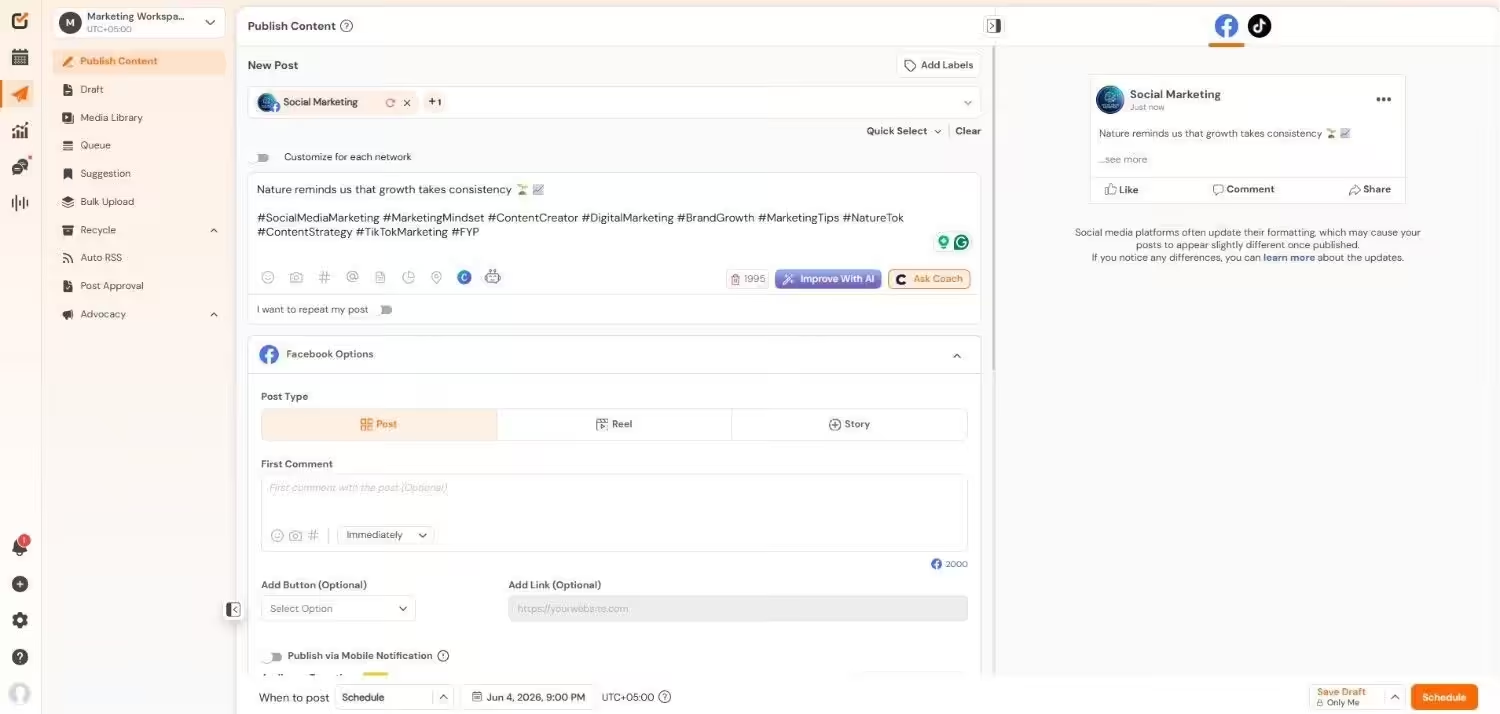
Social Champ’s Dashboard If you have multiple brands or clients to handle and require a social media tool that actually makes things easier for you, Social Champ could be your new best buddy.
It’s a go-to social media tool, and it’s not hard to see why.
Social Champ packs publishing, scheduling, analytics, a content calendar, and team collaboration into a simple, easy-to-use platform.
It’s also affordable, particularly for small to mid-size teams that require utmost value without the enterprise price.
Pricing
Social Champ comes with two pricing tiers, including a Pay-Per-Profile and a Flat-Rate model.
Here’s what you get in the Pay-Per-Profile:
- Starter, which costs $4 and has 1 user. In this plan, you can manage 1 social account.
- Growth, which costs $8 and has unlimited users. In this plan, you can manage 1 social account.
These plans also offer discounts as you scale. Here’s how much you can save in the Starter:
- For 1-10 social accounts: $4
- For 11-20 social accounts: $3
- For 21-40 social accounts: $2
- For 41+ social accounts: $0.50
Here’s how much you can save in the Growth:
- For 1-10 social accounts: $8
- For 11-20 social accounts: $8
- For 21-40 social accounts: $8
- For 41+ social accounts: $8
With Social Champ, you also get Flat-Rate bundles, which are:
- Free, which costs $0 and has 1 user. In this plan, you can manage 3 social accounts.
- Standard, which costs $23 and has 2 users. In this plan, you can manage 6 social accounts. This plan also comes with add-ons for accounts. You can add another account for $5/account.
- Professional, which costs $47 and has 5 users. In this plan, you can manage 12 social accounts. This plan also comes with add-ons for accounts. You can add another account for $4/account and pay $8/user for another user.
- Agency, which costs $119 and has unlimited users. In this plan, you can manage 30 social accounts. This plan also comes with add-ons for accounts. You can add another account for $3/account.
- Enterprise, which is Custom and has unlimited users. In this plan, you can manage unlimited social accounts.
Social Champ also supports: Instagram, Facebook, TikTok, LinkedIn, YouTube, Threads, Pinterest, X, Google Business Profile, Bluesky, Mastodon, and WhatsApp Business
Key Features
- AI content tools that help you write, reuse, or create inspiring content when you run out of ideas.
- Social media content calendar to help you plan and organize weeks’ worth of content in advance.
- Social listening features to track brand mentions, keywords, and industry trends on multiple platforms, so you stay ahead of the discussions.
- Scheduling to all of Facebook, Instagram, LinkedIn, X, TikTok, Pinterest, Threads, YouTube, Bluesky, Mastodon, and even Google Business Profile.
- A social inbox where you can reply to comments and messages without having to switch between tabs.
- Smart analytics, including competitor analysis, with uncomplicated, actionable charts and results.
- Workspaces and access based on roles for teams.
- Convenient Chrome extension and mobile apps for managing on the go.
- Integration with apps like Canva, OneDrive, Dropbox, Flickr, Imgur, and more.
G2 Ratings: 4.4/5
The $4 Shortcut Your Competitors Have Found!
They’re saving big and posting smarter with Social Champ. Don’t be the last one paying bloated prices for the same results. - Starter, which costs $4 and has 1 user. In this plan, you can manage 1 social account.
-
Later
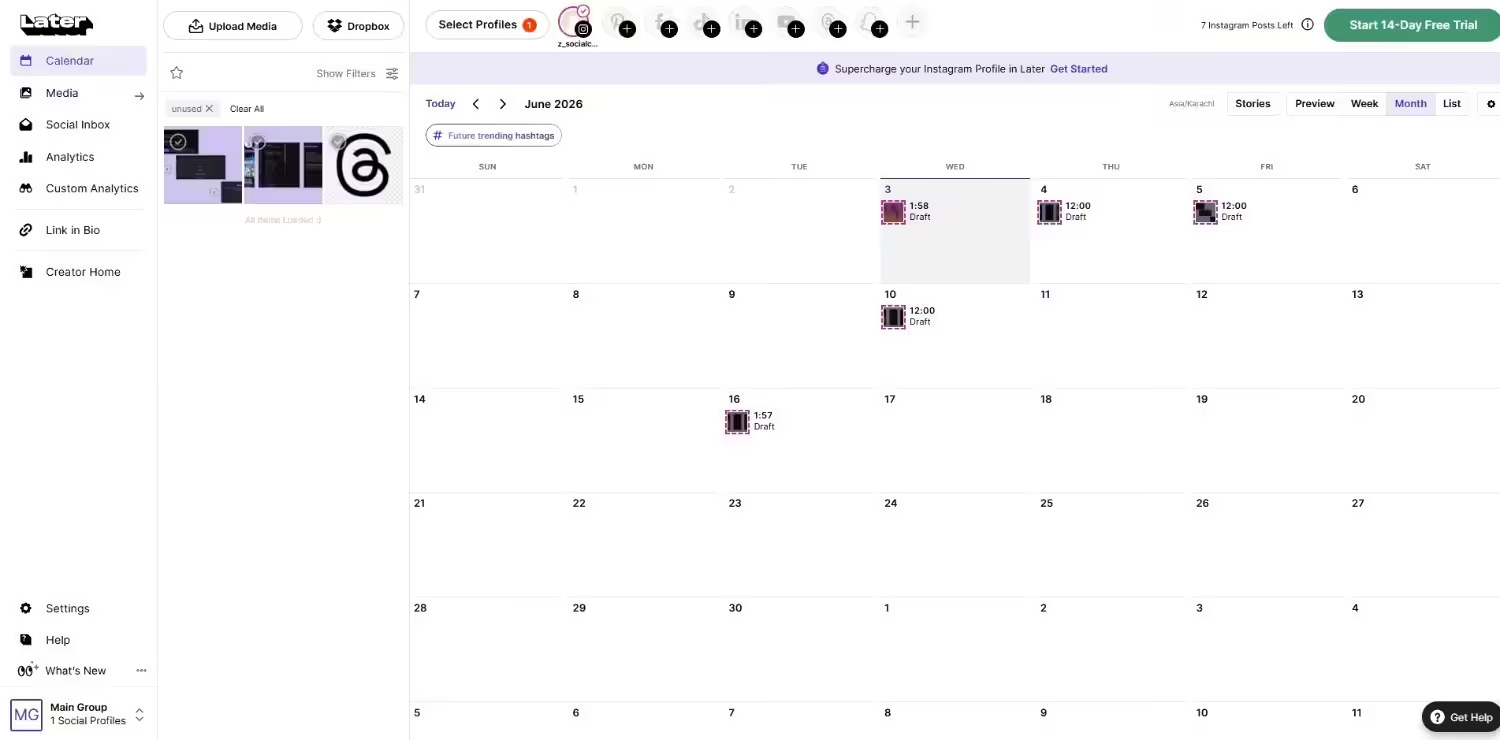
Later’s Dashboard Later is a visual-first social media scheduler for brands, influencers, and marketers who live for image-heavy channels such as Instagram, Pinterest, and TikTok.
Its drag-and-drop interface makes scheduling simple, with visual previews showing exactly how posts will look before going live.
This is also a top choice among fashion retailers, lifestyle influencers, and companies that count on high-quality visual content to bring their message to life.
Pricing
Later offers four plans, including:
- Free, which costs $0 and has 1 user. In this plan, you can manage 8 social accounts.
- Starter, which costs $18.75 and has 1 users. In this plan, you can manage 8 social accounts.
- Growth, which costs $37.50 and has 2 users. In this plan, you can manage 16 social accounts.
- Scale, which costs $82.50 and has 4 users. In this plan, you can manage 48 social accounts.
Later also supports: Instagram, Facebook, Threads, Pinterest, TikTok, LinkedIn, YouTube, and Snapchat.
Key Features
- Drag-and-drop visual content calendar to plan out posts and campaigns
- Link-in-bio tool for creating a clickable or shoppable feed from Instagram
- Media library for storing, organizing, and reusing images and videos
- Post preview to view exactly how the content will look once published
- Multi-platform scheduling across Instagram, TikTok, Facebook, Pinterest, and LinkedIn
G2 Ratings: 4.5/5
-
Zoho Social
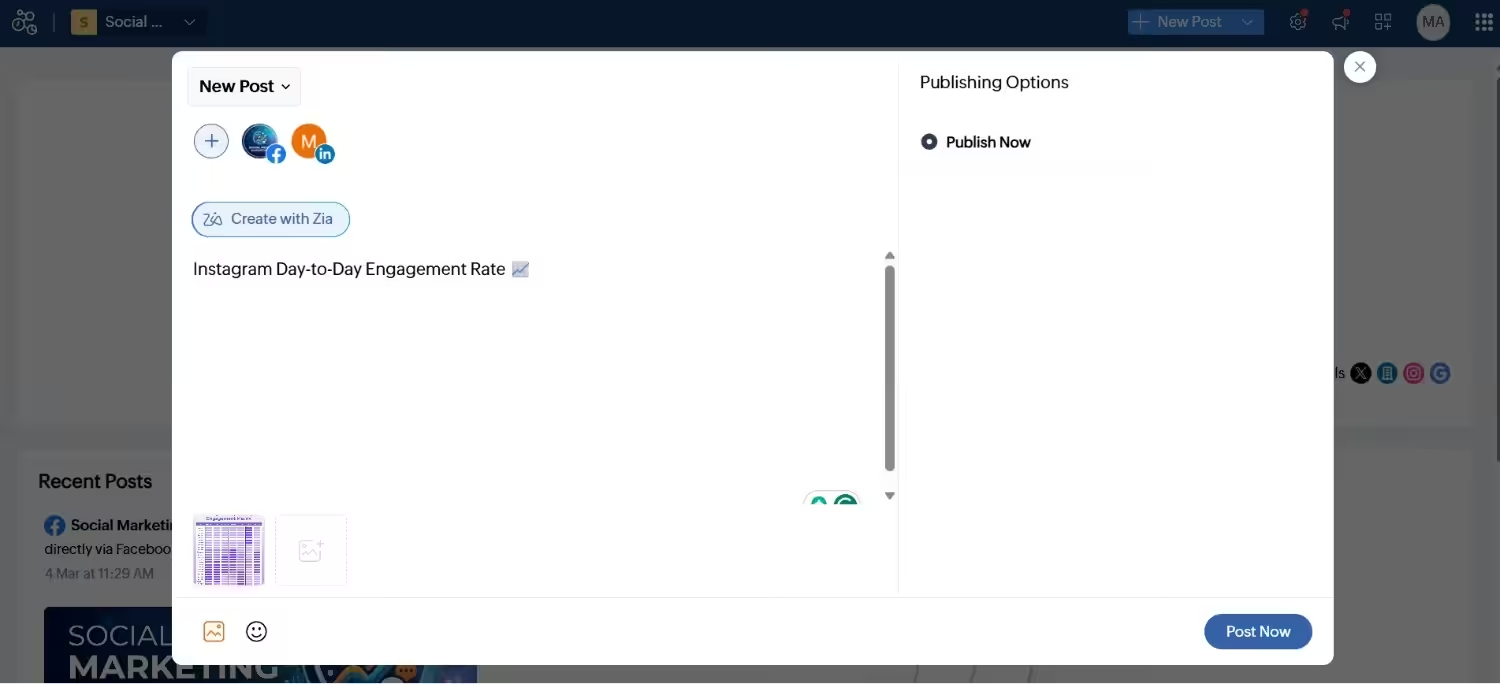
Zoho Social’s Dashboard Zoho Social is unique in its native integration with applications such as Zoho CRM and Zoho Desk, which makes it a savvy option for companies already committed to the Zoho platform.
Though its own interface feels slightly outdated compared to newer alternatives, Zoho Social provides solid functionality, particularly for SMBs and agencies.
Pricing
Zoho Social comes with Flat-Rate bundles for Businesses and Agencies.
For Businesses, you get:
- Free, which costs $0 and has 1 user. In this plan, you can manage 6 social accounts.
- Standard, which costs $10 and has 1 user. In this plan, you can manage 12 social accounts.
- Professional, which costs $30 and has 1 user. In this plan, you can manage 12 social accounts.
- Premium, which costs $40 and has 3 users. In this plan, you can manage 14 social accounts.
For Agencies, you get:
- Agency, which costs $230 and has 5 users. In this plan, you can manage 140 social accounts.
- Agency Plus, which is $330 and has 5 users. In this plan, you can manage 280 social accounts.
Zoho Social also supports: Facebook, X, LinkedIn, Instagram, WhatsApp, Google Business Profile, YouTube, Pinterest, TikTok, Mastodon, Threads, and Bluesky
Key Features
- Smart scheduling to publish at peak times of engagement
- Live dashboard for tracking mentions and keywords in real-time
- Extensive CRM integration for lead and contact synchronization
- Integrated collaboration tools for team processes
- Customizable reports and analytics dashboards for monitoring performance
G2 Ratings: 4.6/5
-
ContentStudio
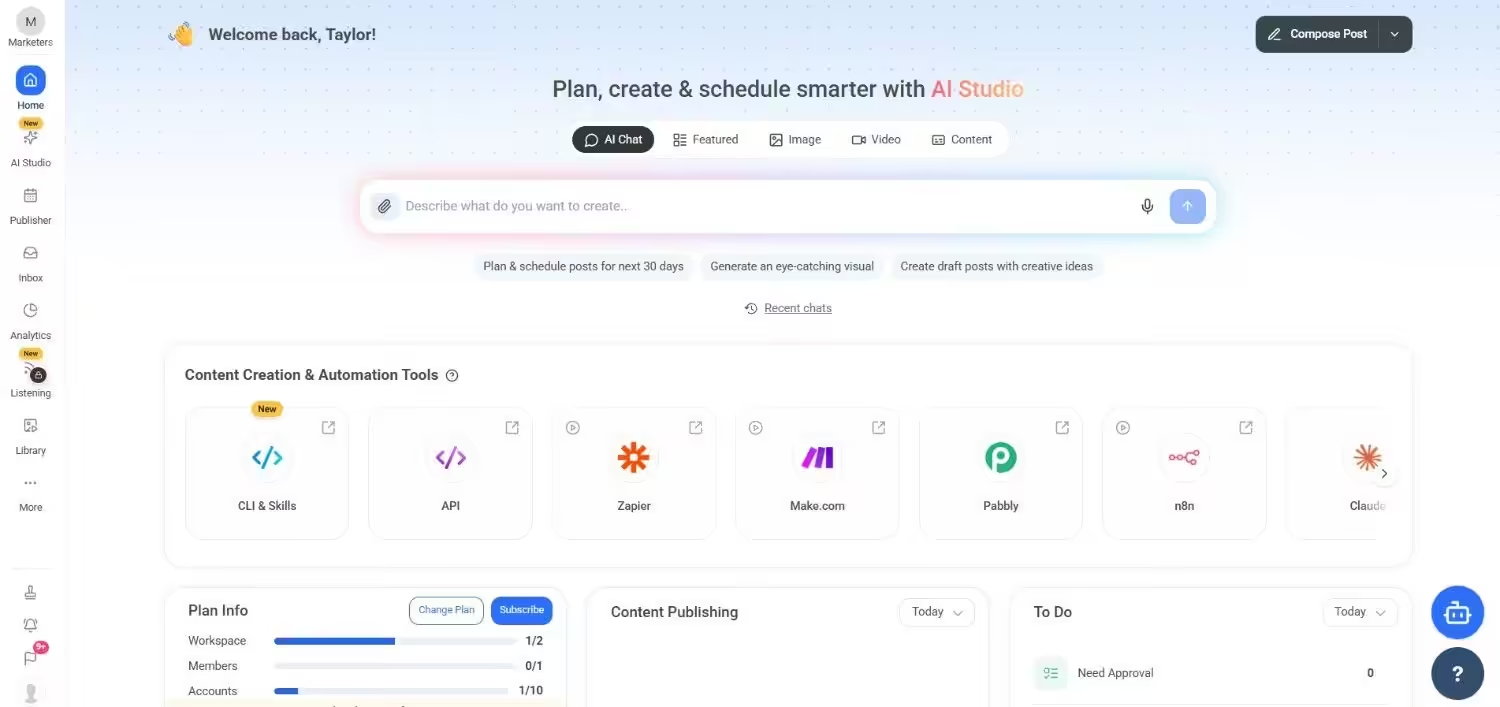
ContentStudio’s Dashboard ContentStudio is a specialized tool with a content discovery engine that helps marketers find popular content and articles tailored to their audience.
It is a great option for agencies or solo marketers who are concerned with content curation, scheduling, and automation in a single dashboard.
Pricing
ContentStudio comes with five pricing tiers, including a Full Suite and an API model.
Here’s what you get in the Full Suite:
- Standard, which costs $19 and has 1 user. In this plan, you can manage 5 social accounts.
- Advanced, which costs $49 and has 2 users. In this plan, you can manage 10 social accounts.
- Agency Unlimited, which costs $99 and has Unlimited users. In this plan, you can manage 25 social accounts.
- Enterprise, which is Custom and has Unlimited users. In this plan, you can manage Custom social accounts.
With ContentStudio, you also get a standalone API plan, which is:
- API, which costs $15 and has 1 user. In this plan, you can manage 10 social accounts.
ContentStudio also supports: Instagram, YouTube, LinkedIn, Threads, TikTok, Facebook, Pinterest, Bluesky, Google Business Profile, Tumblr, and X.
Key Features
- Evergreen and trending content curation engine that recommends content
- All-inclusive social publishing and automation workflows
- Influencer discovery and tracking to aid outreach campaigns
- Analytics and reporting with performance summaries
- Calendar and visual editor for post management
G2 Ratings: 4.6/5
-
Planoly
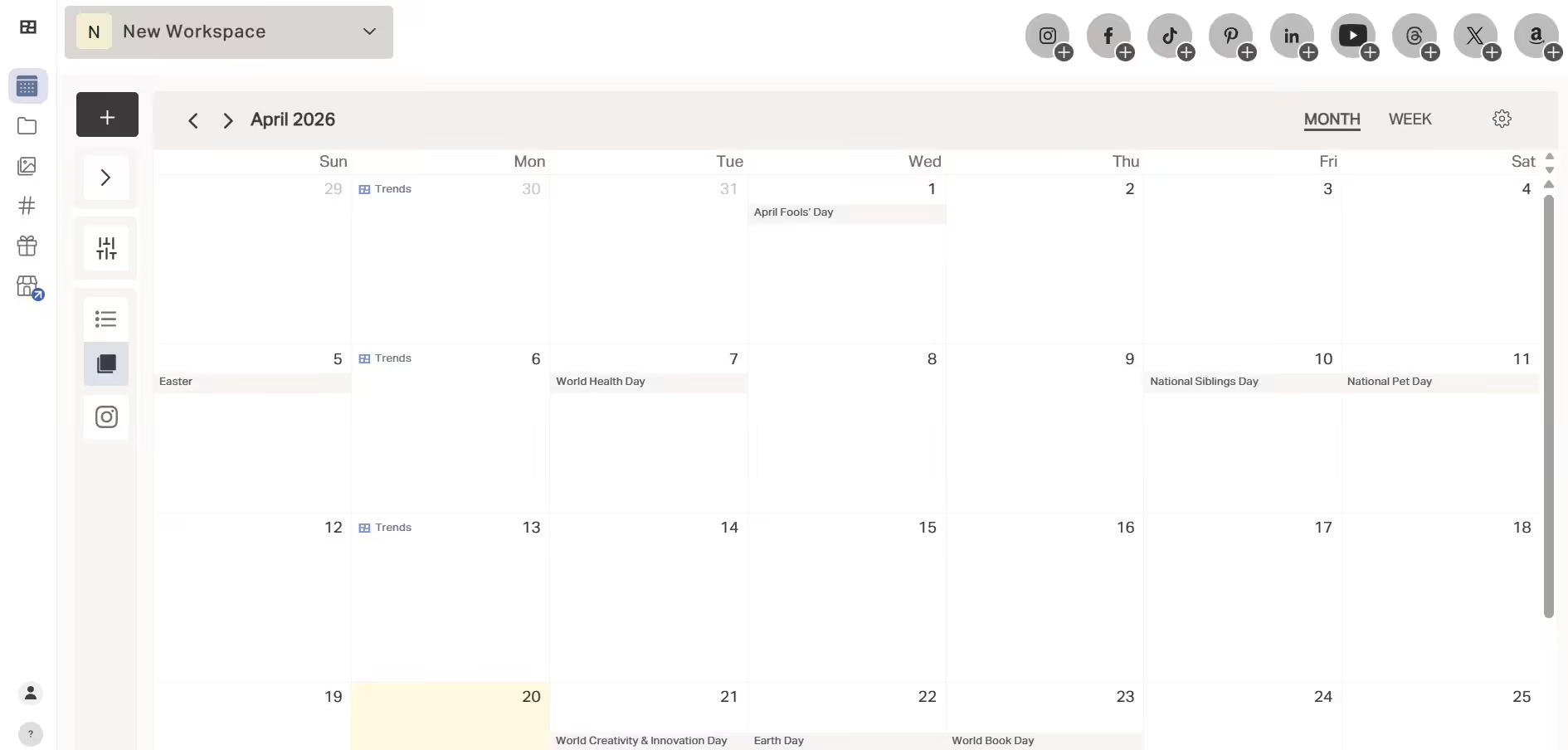
Planoly’s Dashboard Planoly is a visual-led social media planning platform designed especially for Pinterest and Instagram.
Hence, it’s typically popular among influencers, small businesses, and e-commerce companies that focus intensely on visually appealing content.
Its drag-and-drop scheduler enables you to craft a cohesive feed prior to publication, and its grid preview ensures your brand’s look doesn’t deviate from the set standard.
Pricing
Planoly offers four plans, including:
- Personal, which costs $0 and has 1 user. In this plan, you can manage 1 social set.
- Starter, which costs $14 and has 1 user. In this plan, you can manage 1 social set.
- Growth, which costs $24 and has 2 users. In this plan, you can manage 1 social set.
- Pro, which costs $47 and has 6 users. In this plan, you can manage 2 social sets.
Planoly also supports: Instagram, YouTube, LinkedIn, Threads, TikTok, Facebook, Pinterest, and X.
Key Features
- Visual post scheduler with easy-to-use drag-and-drop functionality
- Grid preview and content drafts to plan cohesive feeds
- Hashtag manager to save, organize, and reuse top-performing hashtags
- Link-in-bio and e-commerce integrations to drive traffic and sales
- Basic analytics to monitor engagement and post performance
G2 Ratings: 4.3/5
-
Buffer
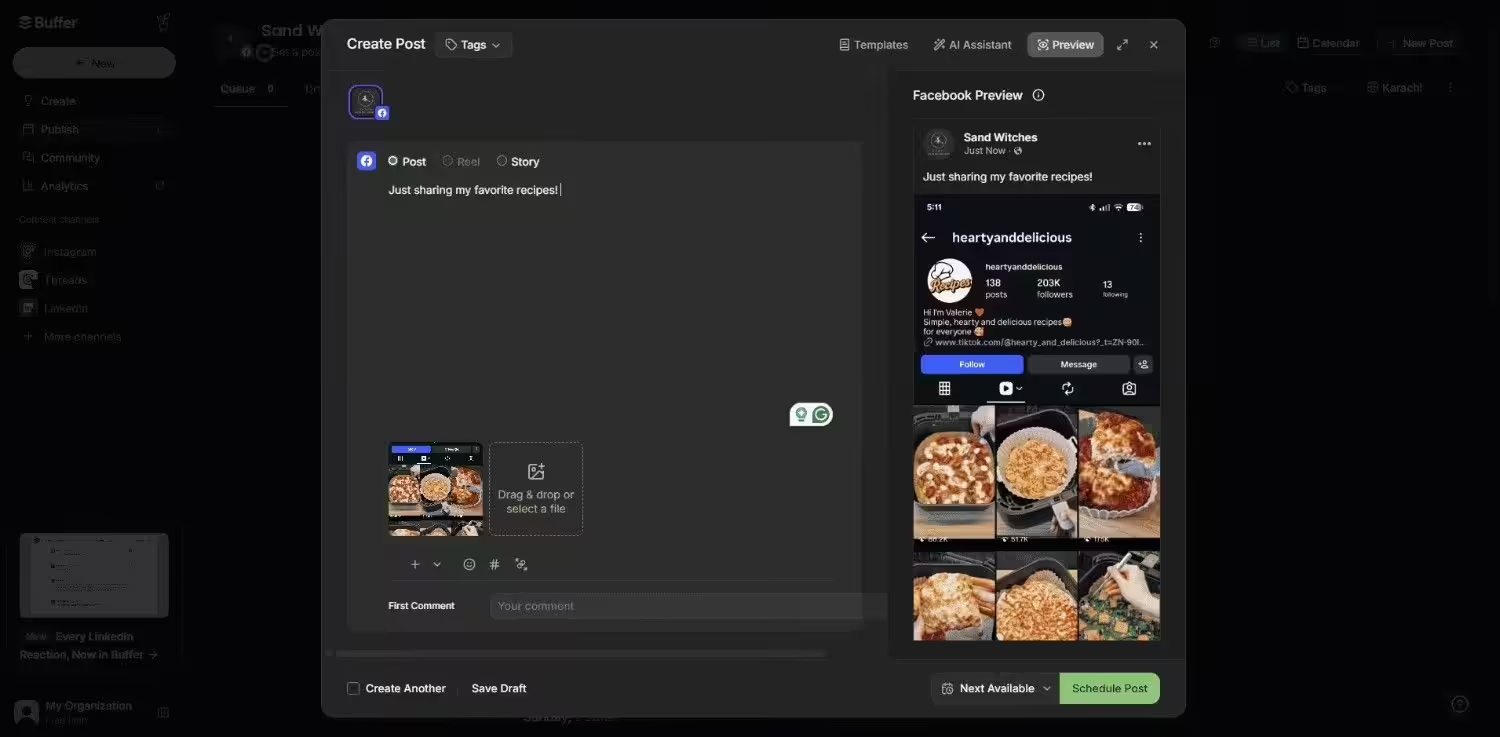
Buffer’s Dashboard An experienced player in the social media management space, Buffer has carved out a niche for itself that prioritizes simplicity and transparency.
It’s especially favored among freelancers, entrepreneurs, and solo marketing departments that need solid publishing tools without the expense (or overhead) of enterprise-grade solutions.
Pricing
Buffer offers three plans, including:
- Free, which costs $0 and has 1 user. In this plan, you can manage 3 social accounts.
- Essentials, which costs $5 and has 1 user. In this plan, you can manage 1 social account.
- Team, which costs $10 and has Unlimited users. In this plan, you can manage 1 social account.
Buffer also supports: Facebook, Instagram, X, Bluesky, Google Business Profile, LinkedIn, Mastodon, Pinterest, Threads, TikTok, YouTube
Key Features
- Facebook, Instagram, Twitter (X), LinkedIn, and Pinterest multi-platform scheduling
- A visual content publication queue to pre-plan content and ensure consistency
- Core analytics that give an overview of what’s working
- A clean engagement dashboard for commenting and responding to messages
G2 Ratings: 4.3/5
-
Publer
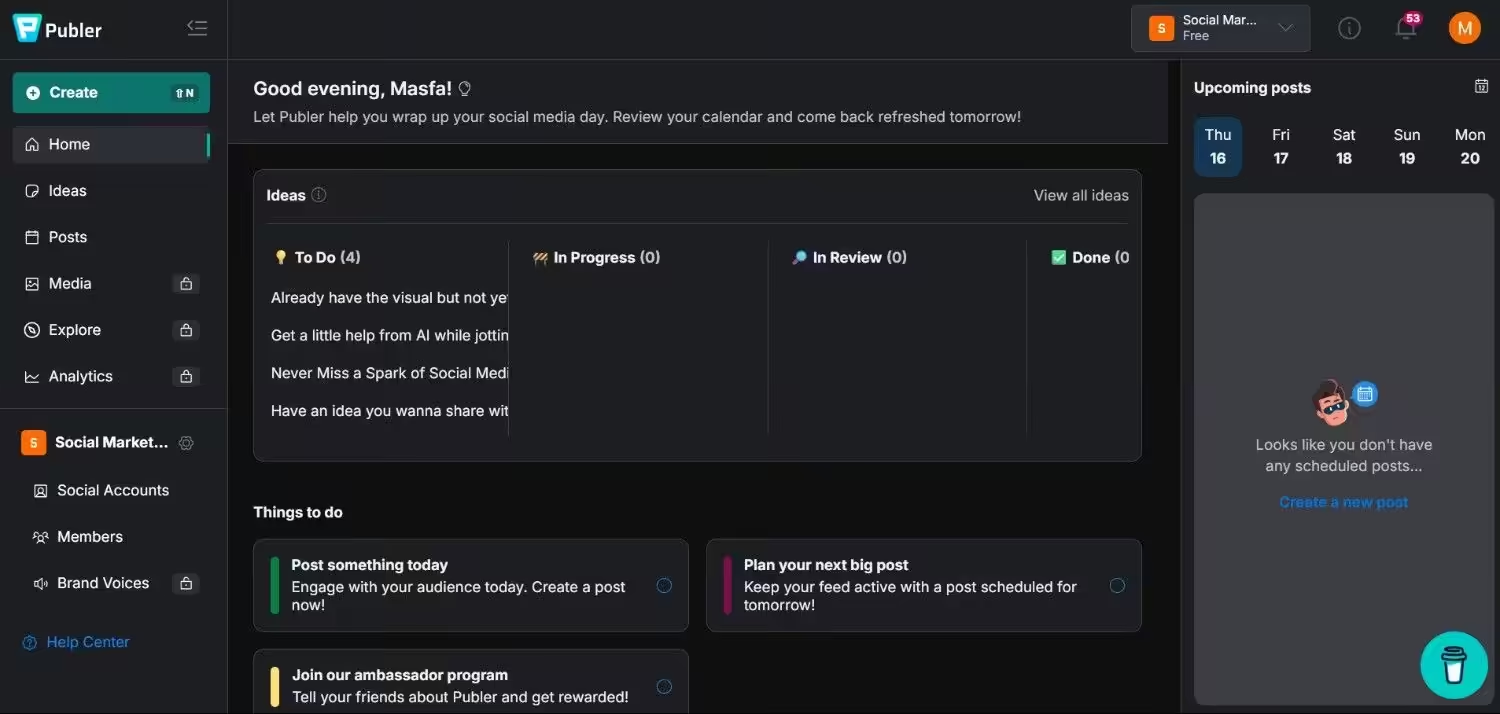
Publer’s Dashboard For less expensive teams or solo marketing professionals, Publer provides unexpectedly rich functionality, ranging from post recycling to visual scheduling.
It’s an excellent option for automation and collaboration without breaking the bank.
Pricing
Publer offers four plans, including:
- Free, which costs $0 and has 1 user. In this plan, you can manage 1 social account.
- Professional, which costs $4 and has 1 user. In this plan, you can manage 1 social account.
- Business, which costs $8 and has 1 user. In this plan, you can manage 1 social account.
- Enterprise, which is Custom and has Custom users. In this plan, you can manage Custom social accounts.
Publer also supports: Facebook, Instagram, LinkedIn, Google Business Profile, X, YouTube, TikTok, Pinterest, Threads, Bluesky, Mastodon, Telegram, and WordPress
Key Features
- Optimizing content lifespan and reach via scheduling and recycling
- An easy link in bio tool for traffic-generating from Instagram and other networks
- Watermarking to protect your images and hashtag suggestions to enhance engagement
- Collaboration features that serve small teams or client workflows
G2 Ratings: 4.7/5
Choosing the Right Onlypult Alternative for Your Needs
You must assess each choice according to important characteristics that are necessary for your particular requirements in order to make an informed choice.
The following are important things to think about when selecting an Onlypult alternative:
-
Functionality and Features
Choose a platform that provides the features you require, such as sophisticated scheduling capabilities, tools for team collaboration, or support for content creation.
Are all the social media platforms you use supported by them?
Can you track your key performance indicators (KPIs) with their analytics?
-
Plans and Prices
Examine the various alternatives’ pricing structures. Some platforms offer a feature-based tier system, while others charge per user or per social profile.
Look for a plan that offers the best value for your money and fits within your budget. If you’re looking for a cheaper Onlypult alternative, tools like Social Champ and Publer offer strong features at a fraction of the cost.
-
Usability
An excellent tool should be simple to use and intuitive. A complicated interface may hamper your productivity.
Seek out platforms that provide a smooth user experience and a clean design. Many platforms offer a free trial, which is a great way to try things out before committing.
-
Customer Service
When you have questions or encounter problems, having dependable customer service can be extremely helpful.
Verify whether a live chat, email, or knowledge base is available. You can also examine reviews to determine how helpful and responsive their support staff is.
Featured Article: Top 10 Sprout Social Alternatives to Power Your Social Strategy
Conclusion
There isn’t a single “best” tool for social media management that works for everyone.
Your budget, the size of your team, the social networks you value, and the degree of functionality you need will all play a role in choosing the best Onlypult alternative for you.
Social Champ is a great choice if you’re a small business owner or solopreneur searching for a feature-rich and reasonably priced solution among all the Onlypult alternatives for small businesses.
If you need free Onlypult alternatives, Social Champ, Buffer, and Publer offer capable free plans to get you started.
For agencies handling multiple clients, apps like Onlypult, such as Social Champ’s Agency plan, provide more scalable team options.
Ultimately, taking advantage of the free trials these platforms offer is the best way to make a decision. Whether you’re comparing Onlypult similar tools or looking for the best Onlypult alternatives, start with a trial to test their analytics dashboards, scheduling features, and user interface.