
Let me tell you what I found when I checked CoSchedule’s pricing page.
The Starter plan starts at $29/month, and you get 1 user seat and 3 social profiles. It charges $5/month for every extra profile you add.
Now picture a team of 3 that manages ten profiles. CoSchedule’s Professional plan costs them $49/month on annual billing with 2 seats and 5 profiles. A third seat adds $29, and 5 more profiles add $25. That totals $103 a month.
A bill like that may push you or many other social media managers to look at CoSchedule alternatives. You want a clear calendar, steady scheduling, and a price that doesn’t surprise you. So I compared 8 tools on cost, features, and fit. Social Champ comes first, with plans from $4 a month per profile and a free plan.
Read on and find the one that fits your team.

Short Summary
- CoSchedule’s pricing can add up as you add more social profiles, team members, and premium features.
- Social Champ offers affordable scheduling plans, AI tools, and support for 12+ social platforms.
- Buffer is a good fit for solo creators and small teams who want simple scheduling and per channel pricing.
- Planable, Loomly, and SocialPilot are worth considering for teams that need content approvals, collaboration, and bulk scheduling.
- Compare each tool’s total cost, features, and profile limits to find the best CoSchedule alternative for your team.
8 Best CoSchedule Competitors: Quick Comparison
Let me save you some scrolling. I’ve covered 8 CoSchedule competitors in this table, with prices in the same range. Every price shows the starting plan on annual billing unless noted.
| Tool | Best For | Starting Price |
|---|---|---|
| Social Champ | Small teams and agencies that want low-cost scheduling with AI tools | Free; $4/profile/month |
| Buffer | Solo creators and small teams that want a simple publishing queue | Free; $5/channel/month |
| Planable | Agencies and teams that need client approvals and post feedback | Free (50 posts); $33/workspace/month |
| Loomly | Teams that want a calendar, post ideas, and approvals in one tool | Free; Starter/month |
| SocialBee | Businesses that recycle evergreen content by category | $24/month |
| SocialPilot | Agencies that manage many profiles and need bulk scheduling | $25.50/month |
| Metricool | Small teams that want scheduling and analytics on a tight budget | Free; $20/month |
| Later | Visual brands that plan Instagram and TikTok feeds | Free; $18.75/month |
Prices change often, so check each vendor’s pricing page before you commit. If you want more options beyond these eight, our guide to social media content schedulers covers more tools.
Struggling With Complexity and Cost?
Why Social Media Managers Look Beyond CoSchedule Alternative?
CoSchedule does plenty well. Its calendar brings social posts, content, and campaigns into one view. Still, these five reasons can push teams to compare alternatives to CoSchedule.
- Costs grow with your team. CoSchedule’s Starter plan costs $29 a month on annual billing ($39 monthly) and includes 1 seat and 3 profiles. Each extra profile adds $5.
- Professional includes 2 users and allows 3, with a third seat at $29 a month.
- X costs extra. It is a paid add-on at $16 per profile each month.
- Key features sit on a higher plan. Approvals, read-only calendar sharing, and white labeling start on Professional at $49 a month. Team permissions and single sign-on sit in Suite, from $69 a month.
- The free plan is small. Free covers 1 profile and 15 posts at a time.
So what should you do about it? Count your seats, profiles, and platforms. Then compare the total monthly cost, not the entry price. If you publish the same post on several platforms, social media cross-posting tools can save you time. The eight tools below make that comparison easier.
I picked these 8 tools for their price, features, and fit for social media teams. Each one follows the same format, so you can compare who it’s for, what it costs, and how it stacks up against CoSchedule.
-
Social Champ: Best for Affordable Social Management
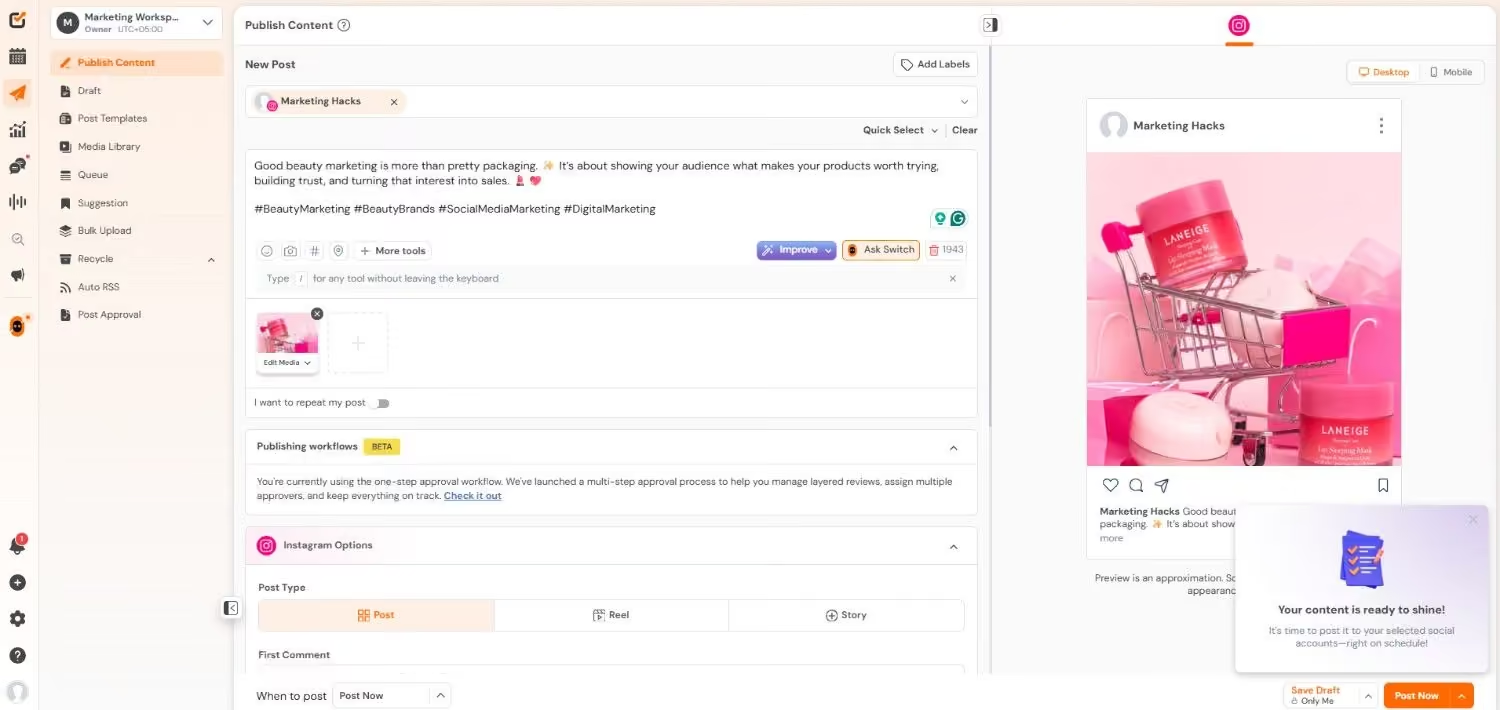
Social Champ’s Dashboard Social Champ comes first on the list because it has the lowest entry price on this list. It also offers two payment options, so you can pick the model that fits your team.
Who It’s For
Small teams and agencies who manage multiple social profiles on a limited budget. You can connect over 12 platforms. You get MCP access in every plan, so you can connect AI tools to your account. If that’s new to you, read our guide to the best MCP servers.
Pricing
Social Champ offers two models.
Pay Per Profile:
- Starter: $4 per profile each month.
- Growth: $8 per profile each month.
Bundled Plans:
- Standard: $23 a month.
- Professional: $47 a month.
- Agency: $119 a month.
The Free plan covers 3 profiles and 1 user, with 15 scheduled posts per account. Enterprise is a custom plan.
The Limitation
To include links in X posts, you’ll need the X add-on on the paid plans. The Standard bundled plan also limits you to a set number of users, while multi-step approvals start on Professional.
Social Champ vs. CoSchedule
- Social Champ’s Starter costs $4 for 1 profiles, while CoSchedule’s Starter costs $29 for 3 profiles.
- Social Champ’s free plan covers 3 profiles, compared with 1 profile on CoSchedule.
Your All-In-One Social Media Suite
Social Champ provides a seamless and hassle-free social media scheduling and management experience with premium features and multiple inclusive pricing plans. -
Buffer: Best for Straightforward Content Scheduling
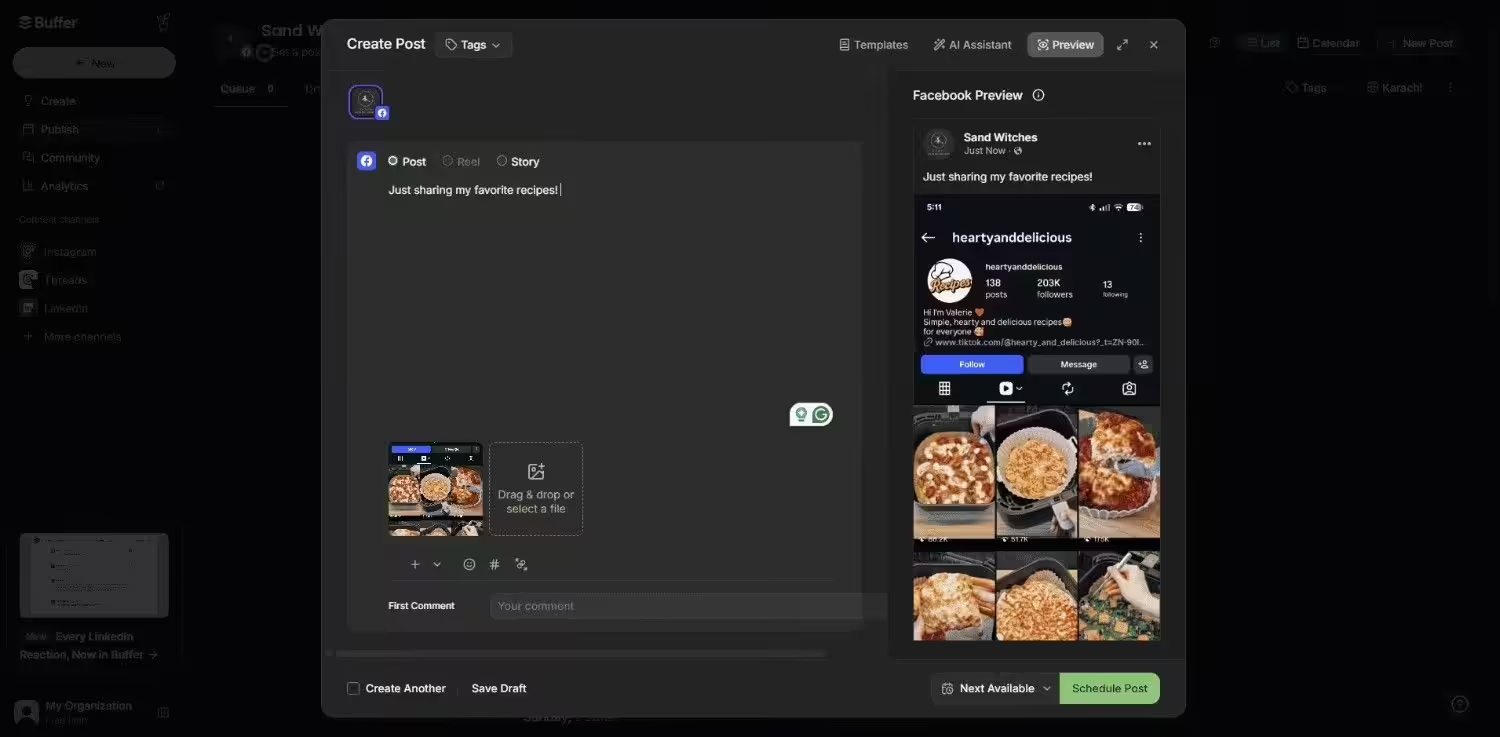
Buffer’s Dashboard Buffer is the easiest tool on this list to price out. You pay for each channel you connect, and you can add or remove channels at any time.
Who It’s For
Solo creators, freelancers, and small teams that want a clean scheduler without a big monthly bill. The Free plan supports up to 3 channels, with ideas, a hashtag manager, and first comment scheduling for content planning.
Pricing
Buffer offers a Free plan and paid plans start at $5 per channel each month.
The Limitation
The Essentials plan gives you 1 user, so teams need the Team plan for extra members and approvals. Since pricing is per channel, costs also rise as you add more profiles.
Buffer vs. CoSchedule
- Buffer’s Essentials costs $15/month for 3 channels, while CoSchedule’s Starter costs $29 for 3 profiles.
- Buffer’s Team costs $50/month for 5 channels with unlimited team members, while CoSchedule’s Professional includes 2 users.
If you plan content on a calendar, our roundup of social media calendar tools can help you compare options.
Feature Article: Buffer Pricing Complete Guide: Plans, Features, and Costs
-
Planable: Best for Content Reviews
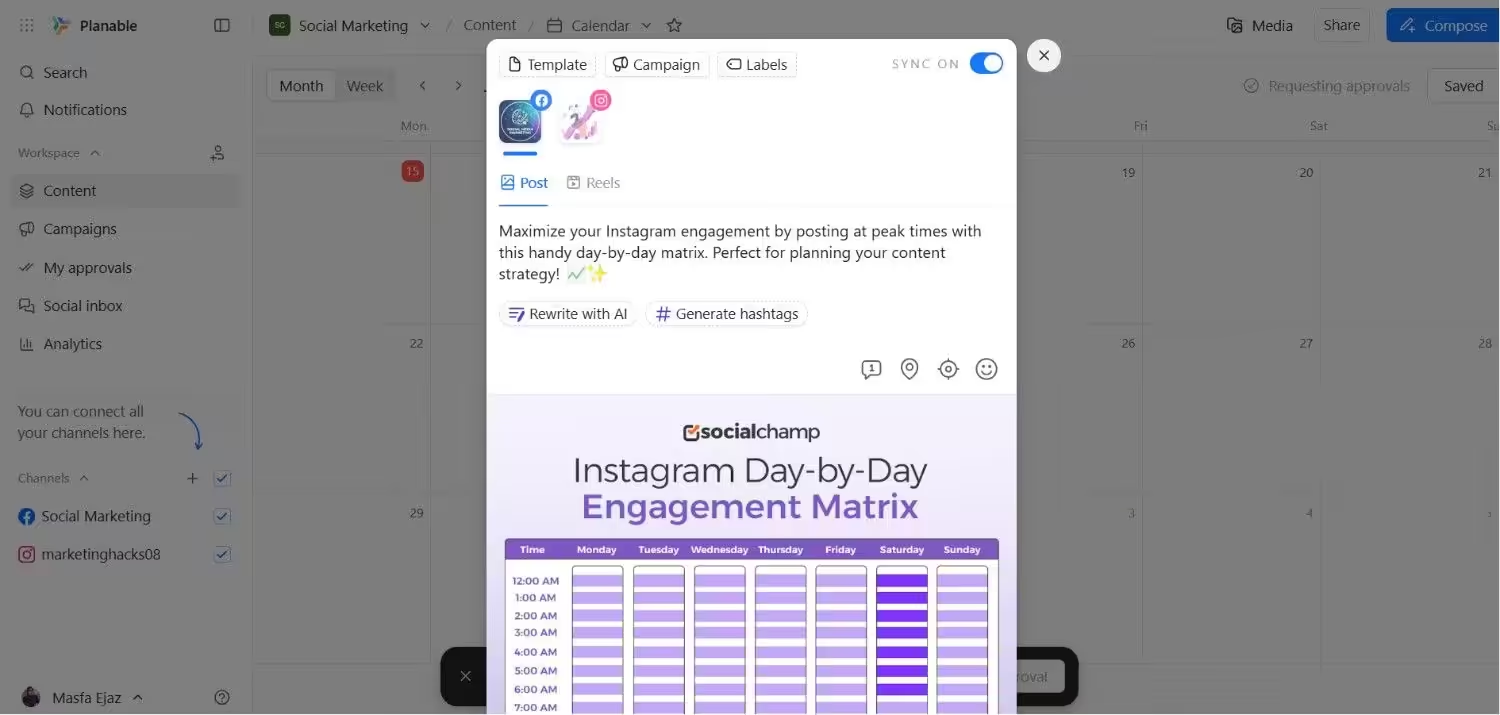
Planable’s Dashboard Planable comes next because it is built for approvals. It also has a free plan that unlocks every feature, even multi-level approvals.
Who It’s For
Agencies and marketing teams that need clients or managers to approve posts before they go live. Feed, Calendar, and Grid views help you check content before publishing.
Pricing
Planable offers a Free plan with basic features and paid plans start at $33 per workspace each month.
The Limitation
The Free plan caps you at 50 posts, while analytics, social inbox, and social listening cost extra on paid plans. Basic also lacks Grid view and API access.
Planable vs. CoSchedule
- Planable’s Free plan includes Unlimited users and 50 posts, while CoSchedule’s Free plan covers 1 profile.
- Planable’s Basic costs $33 per workspace, while CoSchedule’s Starter costs $29 for 3 profiles.
-
Loomly: Best for Managing Multiple Brands
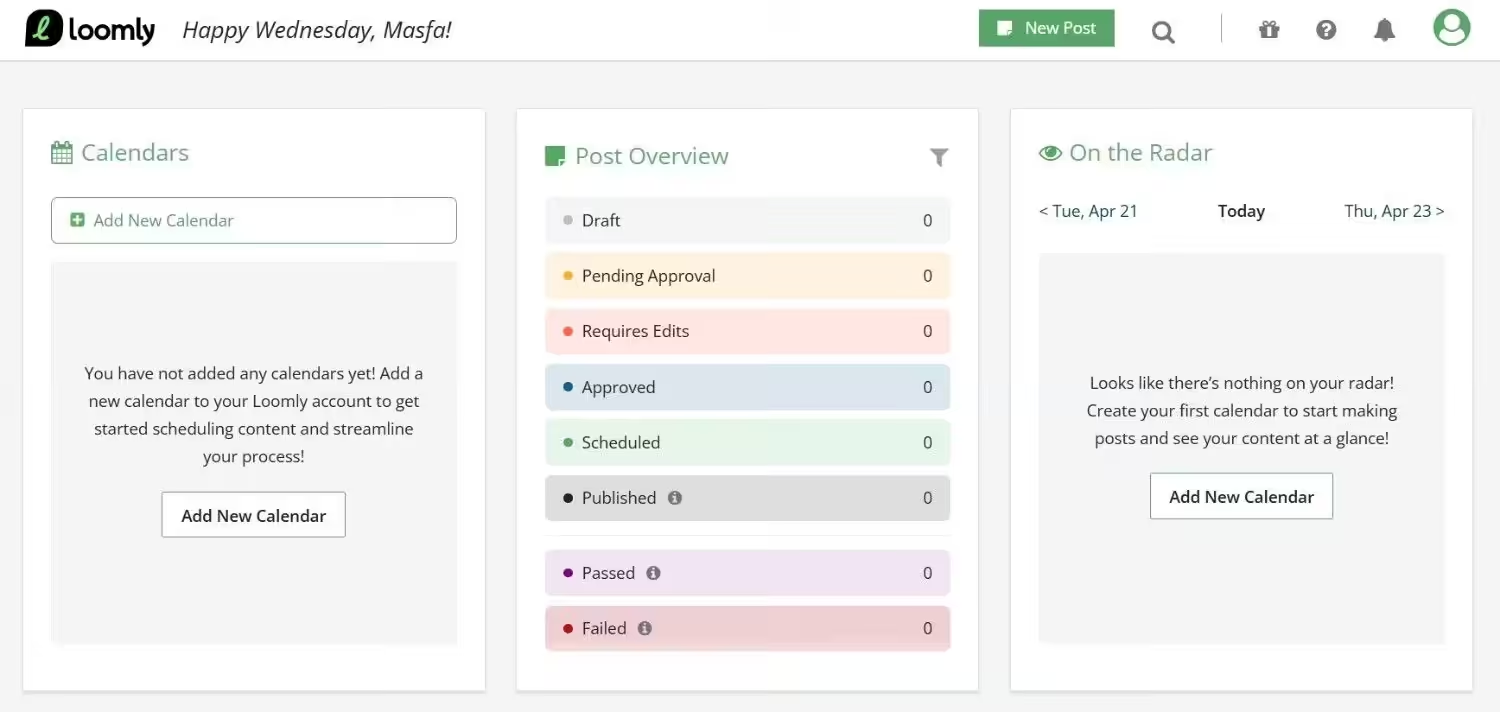
Loomly is one of the alternatives to CoSchedule that gives you a lot of social accounts for the price. Approval workflows and advanced analytics are included from the first paid plan.
Who It’s For
Agencies and growing teams that manage many accounts and need to approve posts before they go live. Every paid plan includes unlimited calendars, so you can keep each brand or client separate. To get more from scheduling, read our guide to smart scheduling.
Pricing
Loomly offers a Free. Its paid plans start at $49 per month.
The Limitation
Starter has a limited number of users, so larger teams must upgrade to Beyond for unlimited users. Custom branding, custom roles, and the hashtag manager are also reserved for Beyond.
Loomly vs. CoSchedule
- Loomly’s Starter costs $49 for 12 accounts, while CoSchedule’s Starter costs $29 for 3 profiles.
- Loomly’s Starter includes 3 users. CoSchedule’s Professional costs $49 for 5 profiles and includes 2 users. Both cost the same, but Loomly supports more than twice as many accounts.
-
SocialBee: Best for Reusing Social Posts
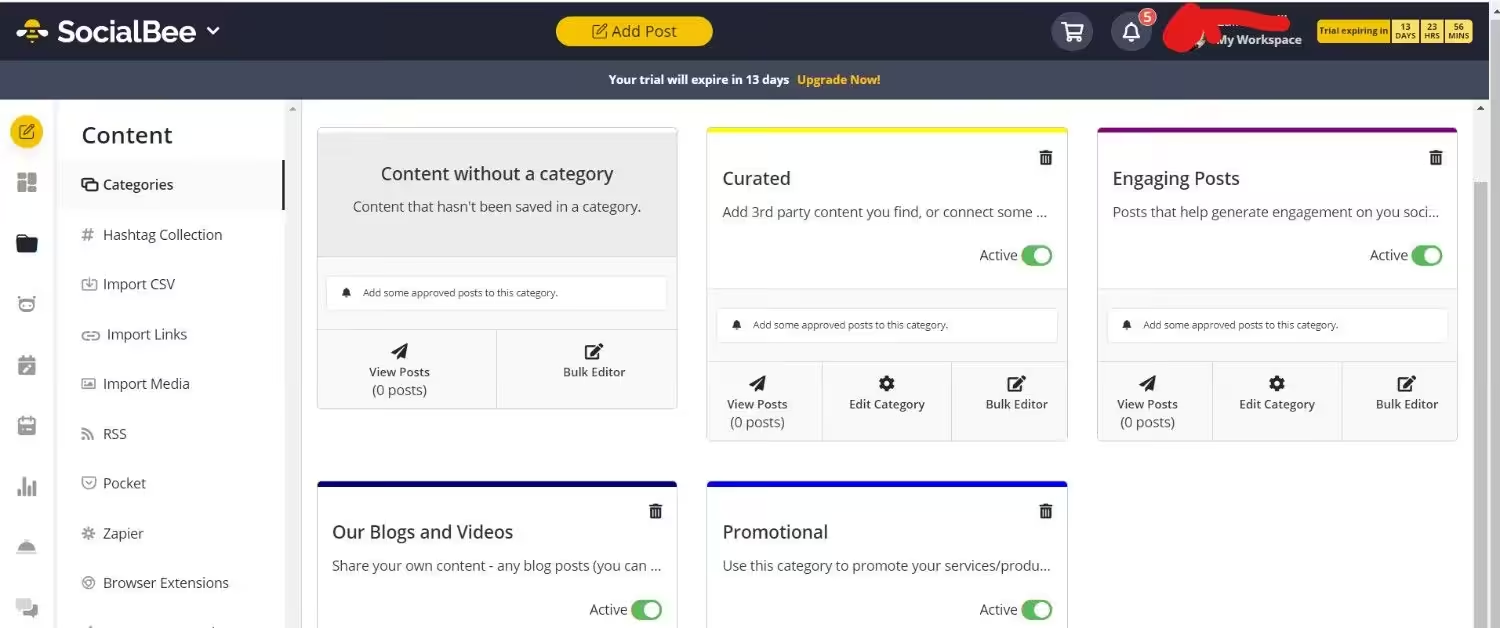
SocialBee fits teams that publish a lot of evergreen content. It sorts your posts into categories and can recycle them on a schedule.
Who It’s For
Solo creators, small businesses, and agencies that reuse their best posts. Its plans support different numbers of social accounts, while agency plans suit teams that handle client work.
Pricing
SocialBee doesn’t offer a free plan. The paid plans are categorized into two pricing tiers: Standard and Agency, ranging from $24 to $374 per month.
The Limitation
SocialBee has no free plan, and its lower tiers limit users, workspaces, and social accounts. Growing teams may need to upgrade as their needs change.
SocialBee vs. CoSchedule
- SocialBee’s Bootstrap costs $24 for 5 accounts, while CoSchedule’s Starter costs $29 for 3 profiles.
- SocialBee has no free plan, while CoSchedule offers a free option for basic scheduling.
-
SocialPilot: Best for Handling Client Accounts
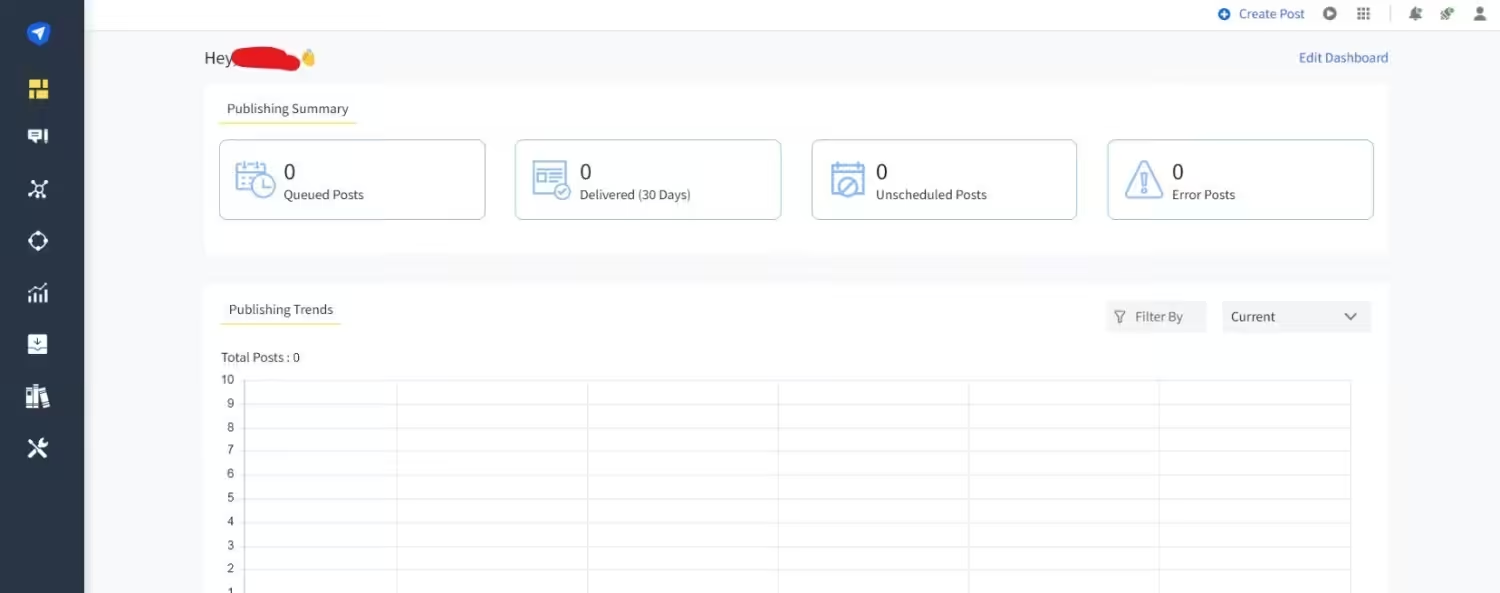
SocialPilot’s Dashboard SocialPilot charges a flat monthly fee for each plan, so users come bundled in. That setup helps agencies and teams that manage many accounts.
Who It’s For
Agencies, freelancers, and small teams that handle several brands. Its plans support solo managers and agencies that need client approvals and white-label reports.
Pricing
SocialPilot doesn’t offer a free plan. Its paid plans start at $25.50 per month.
The Limitation
SocialPilot offers a 14-day free trial but no free plan. Client approvals and white-label reports start on Premium, while extra accounts cost $4 per month each.
SocialPilot vs. CoSchedule
- SocialPilot’s Essentials costs $25.50 for 7 accounts, compared with CoSchedule’s Starter at $29 for 3 profiles.
- SocialPilot’s Standard includes 3 users and 15 accounts, while CoSchedule’s Professional includes 2 users
-
Metricool: Best for Tracking Social Performance
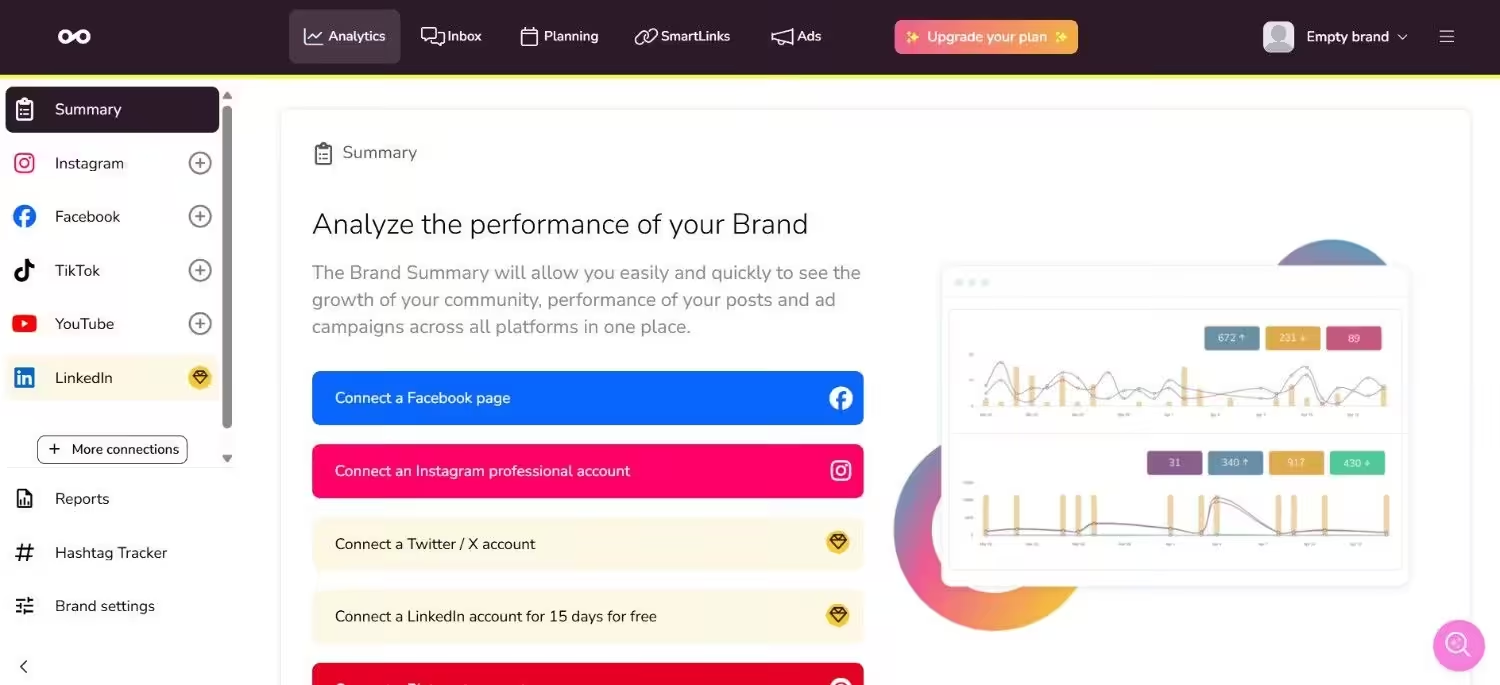
Metricool’s Dashboard Metricool combines scheduling with analytics and reports. It also offers a free plan that covers one brand.
Who It’s For
Freelancers, small teams, and agencies that want planning and reporting in one tool. Metricool counts brands rather than profiles, and paid plans also include Flows for comment and DM automation.
Pricing
Metricool offers a Free and its paid plans start at $20 per month.
The Limitation
The Free excludes LinkedIn and X and limits you to 20 posts per month. Team members and post approvals require Advanced, and each social profile needs a separate brand slot.
Metricool vs. CoSchedule
- Metricool’s Free plan covers 1 brand with up to 20 posts per month, while CoSchedule’s free plan covers 1 profile.
- Metricool charges $10/month per connected X account, compared with CoSchedule’s $16/month per profile.
-
Later: Best for Planning Visual Content
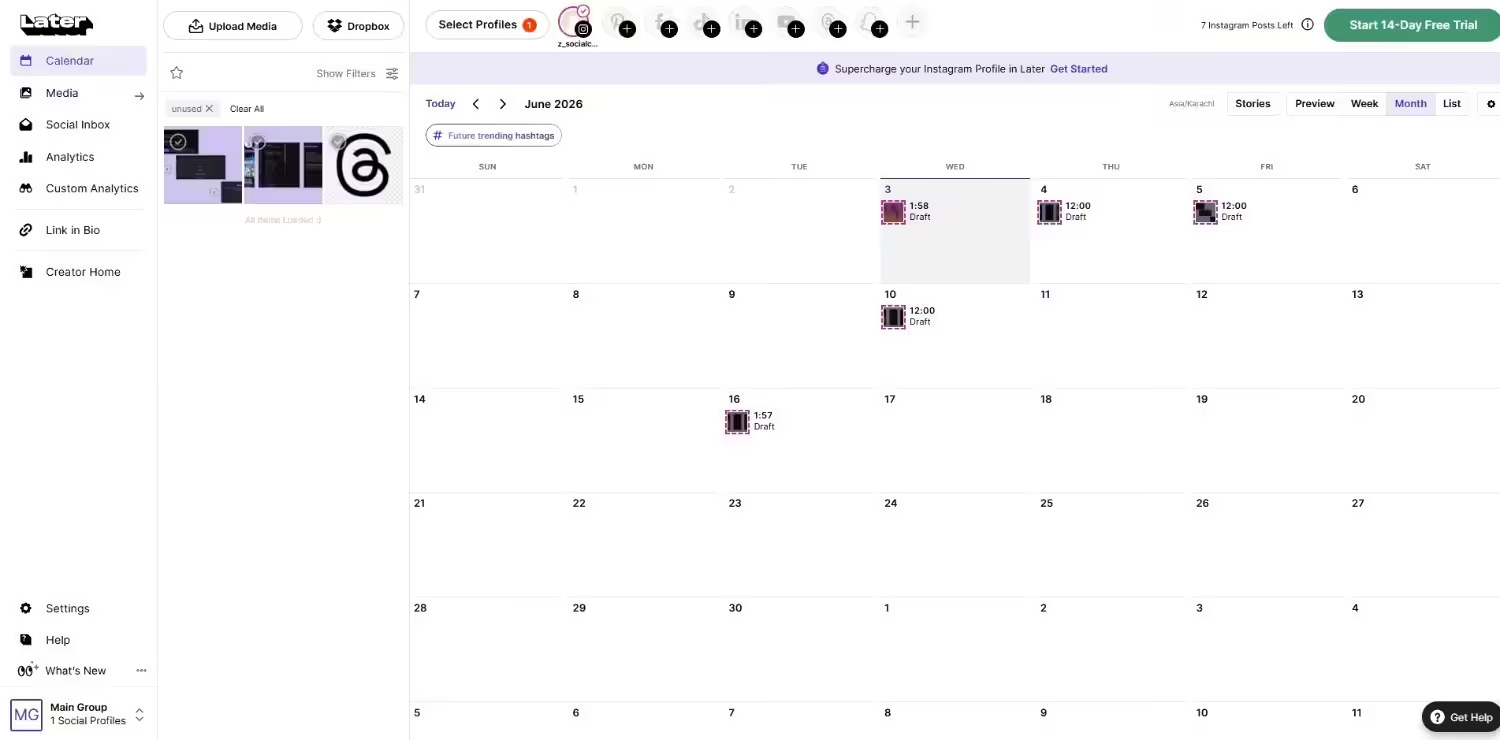
Later’s Dashboard Later centers on a visual content calendar. It prices its plans by social sets, and each set holds up to 8 profiles, one per network.
Who It’s For
Solo creators, small business teams, and agencies that plan content visually. Its plans suit solo users, small teams, and agencies managing multiple brands.
Pricing
Later offers a Free plan, and its paid plans start at $18.75 per month.
The Limitation
The Starter plan doesn’t let you add extra social sets or users, so you’ll need Growth to expand. Starter and Growth also limit monthly posts per profile, while Scale removes that cap.
Later vs. CoSchedule
- Later’s Starter costs $18.75 for 8 accounts, while CoSchedule’s Starter costs $29 for 3 profiles.
- Later’s Growth includes 2 users and 16 accounts.
Make the Switch Today!
Conclusion
Here is my take after I compared all 8 tools. CoSchedule has a strong calendar, but its per-seat and per-profile pricing adds up fast. That’s why CoSchedule alternatives deserve a look.
Start with your own numbers. Count your seats, profiles, and platforms. Then compare the total monthly cost, not the entry price. Many of these tools offer a free plan or trial, so you can test 2 or 3 before you pay.
Pick the one that fits your workflow. If you want a low-cost place to start, try Social Champ’s Free plan. It covers 3 social accounts, and you can add more profiles as your team grows.
Featured Article: Best Tools for Content Creation and Social Media Management.