


Every editor or content manager comes across similar problems, from formatting issues to integration glitches to the never ending approval process.
Keeping all the production-related tasks organized isa severe challenge for many managers. The problem worsens when the managers need to manage multiple accounts and follow a strict content schedule. To navigate this workload, they need a management tool to help take care of the ongoing tasks.
CoSchedule is a platform for managing and scheduling content & social media campaigns. It’s one of the popular tools that marketers use to organize their marketing campaigns.
If you’re exploring CoSchedule or content marketing tools options, chances are you’ve used CoSchedule alternatives and want to switch to another platform.
Finding a viable CoSchedule alternative can help you save time and execute online media marketing campaigns that bring in high returns.
Struggling With Coschedule’s Complexity and Cost?
10 CoSchedule Alternatives That Can Save Time & Money
-
CoSchedule Alternative – Social Champ

Social Champ If your marketing strategy is focused on social media and you are looking for CoSchedule alternatives that make social media management easy, Social Champ is the right choice.
It’s a pocket-friendly tool with an easy-to-use interface designed specifically for small & medium-size businesses. For teams that deal with less
than 50 social media accounts & are looking for a human-friendly tool, Social Champ is the best option available in the market.
The pricing plans start from $4. You can connect multiple social media accounts, including Facebook (pages & groups), Twitter, LinkedIn
(profiles & company pages), Instagram (business & personal accounts), Pinterest, & Google Business Profile.
After connecting the social accounts, you can publish, schedule (or bulk schedule) your content in just a few clicks.
Social Champ’s all-in-one calendar allows you to visualize all scheduled posts in a calendar form. It’s like viewing your social content calendar in action.
It also has a separate tab for content suggestions. You can explore content ideas on any topic & directly post them to your social profiles. In addition, you can use the RSS feed & Auto RSS to make content distribution easy.
Social Champ has a section for reporting & analytics where you can track the performance of social media posts and social accounts. You can also
generate white-label reports with impressive graphics of the results in PDF format. It also allows you to compare your weekly & monthly performance to tweak your social media strategy.
Pricing
Social Champ comes with two pricing tiers, including a Pay-Per-Profile and a Flat-Rate model.
Here’s what you get in the Pay-Per-Profile:
- Starter, which costs $4 and has 1 user. In this plan, you can manage 1 social accounts.
- Growth, which costs $8 and has unlimited users. In this plan, you can manage 1 social accounts.
These plans also offer discounts as you scale. Here’s how much you can save in the Starter:
- For 1-10 social accounts: $4
- For 11-20 social accounts: $3
- For 21-40 social accounts: $2
- For 41+ social accounts: $0.50
Here’s how much you can save in the Growth:
- For 1-10 social accounts:$8
- For 11-20 social accounts:$3.50
- For 21-40 social accounts:$2.50
- For 41+ social accounts:$1
With Social Champ, you also get Flat-Rate bundles, which are:
- Free, which costs $0 and has 1 user. In this plan, you can manage 1 social accounts.
- Standard, which costs $23 and has 2 users. In this plan, you can manage 6 social accounts. This plan also comes with add-ons for accounts. You can add another account for $5/account
- Professional, which costs $47 and has 5 users. In this plan, you can manage 12 social accounts. This plan also comes with add-ons for accounts. You can add another account for $4/account and pay $8/user for another user.
- Agency, which costs $119 and has unlimited users. In this plan, you can manage 30 social accounts. This plan also comes with add-ons for accounts. You can add another account for $3/account
- Enterprise, which is Custom and has unlimited users. In this plan, you can manage unlimited social accounts.
Social Champ also supports: Instagram, Facebook, TikTok, LinkedIn, YouTube, Threads, Pinterest, X, Google Business Profile, Bluesky, Mastodon, and WhatsApp Business
All-In-One Social Media Suite
Social Champ provides a seamless and hassle-free social media scheduling and management experience with premium features and multiple inclusive pricing plans. - Starter, which costs $4 and has 1 user. In this plan, you can manage 1 social accounts.
-
CoSchedule Alternative – Buffer
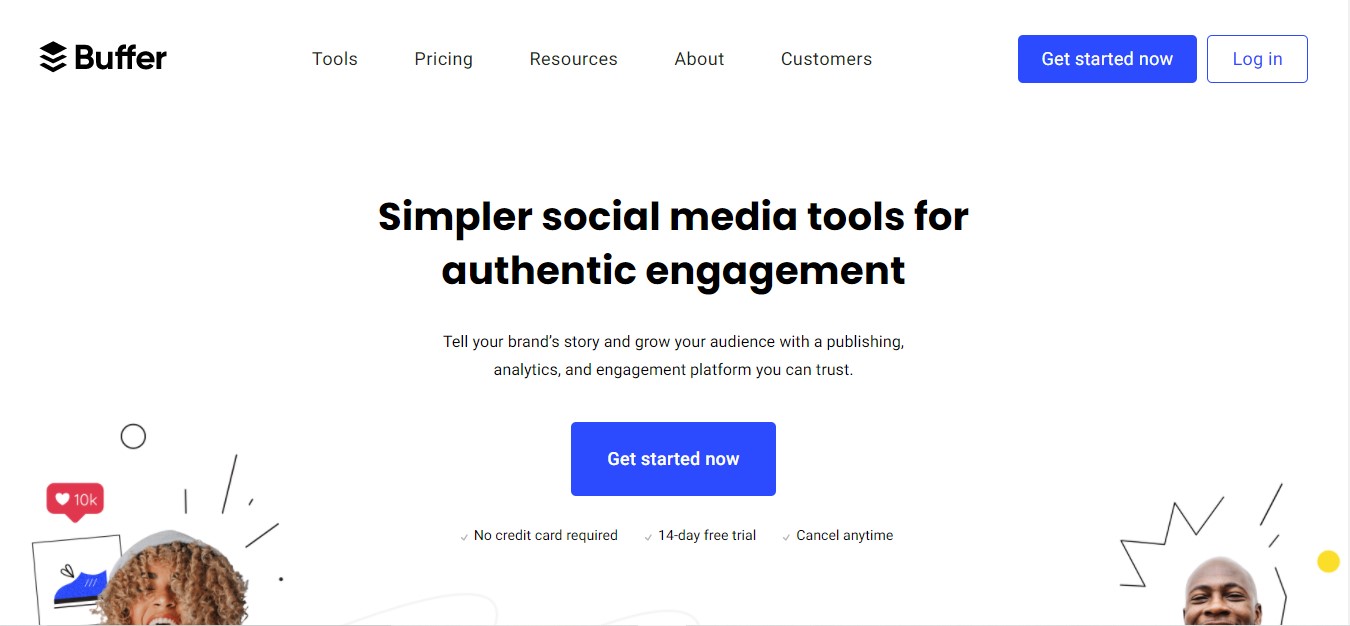
Buffer gets you covered on Facebook, Twitter, LinkedIn, & Pinterest. They now also offer direct scheduling for Instagram.
It’s one of the most popular social media management tools used by marketers & managers and listed in the CoSchedule alternatives.
Buffer is actually two different products: Publish & Analyze. For all the posting, scheduling & curation stuff, you can purchase Publish. If you need to check the performance of your social media posts, you can opt for Analyze, which they charge per profile. The plan starts from 6$.
Feature Article: Buffer Pricing Complete Guide: Plans, Features, and Costs
-
CoSchedule Alternative – SocialPilot

If you’re looking for CoSchedule alternatives that can connect more than 50 profiles, offer bulk scheduling, content curation & RSS, this is the one for you.
SocialPilot has all the features a social media management tool should have to save time for social media managers. You can collaborate with your team, analyze your performance & view your posts in the editorial calendar that supports drag & drop functionality.
Pricing
SocialPilot offers four plans, including:
- Essentials, which costs $25.50 and has 1 user. In this plan, you can manage 7 social accounts.
- Standard, which costs $42.50 and has 3 users. In this plan, you can manage 15 social accounts.
- Premium, which costs $85.00 and has 6 users. In this plan, you can manage 25 social accounts.
- Ultimate, which costs $170.00 and has Unlimited users. In this plan, you can manage 50 social accounts.
SocialPilot also supports: Facebook, Instagram, TikTok, X, LinkedIn, Threads, YouTube, Pinterest, Google Business Profile, and Bluesky
Check out other alternatives to SocialPilot.
- Essentials, which costs $25.50 and has 1 user. In this plan, you can manage 7 social accounts.
-
CoSchedule Alternative – Sprout Social
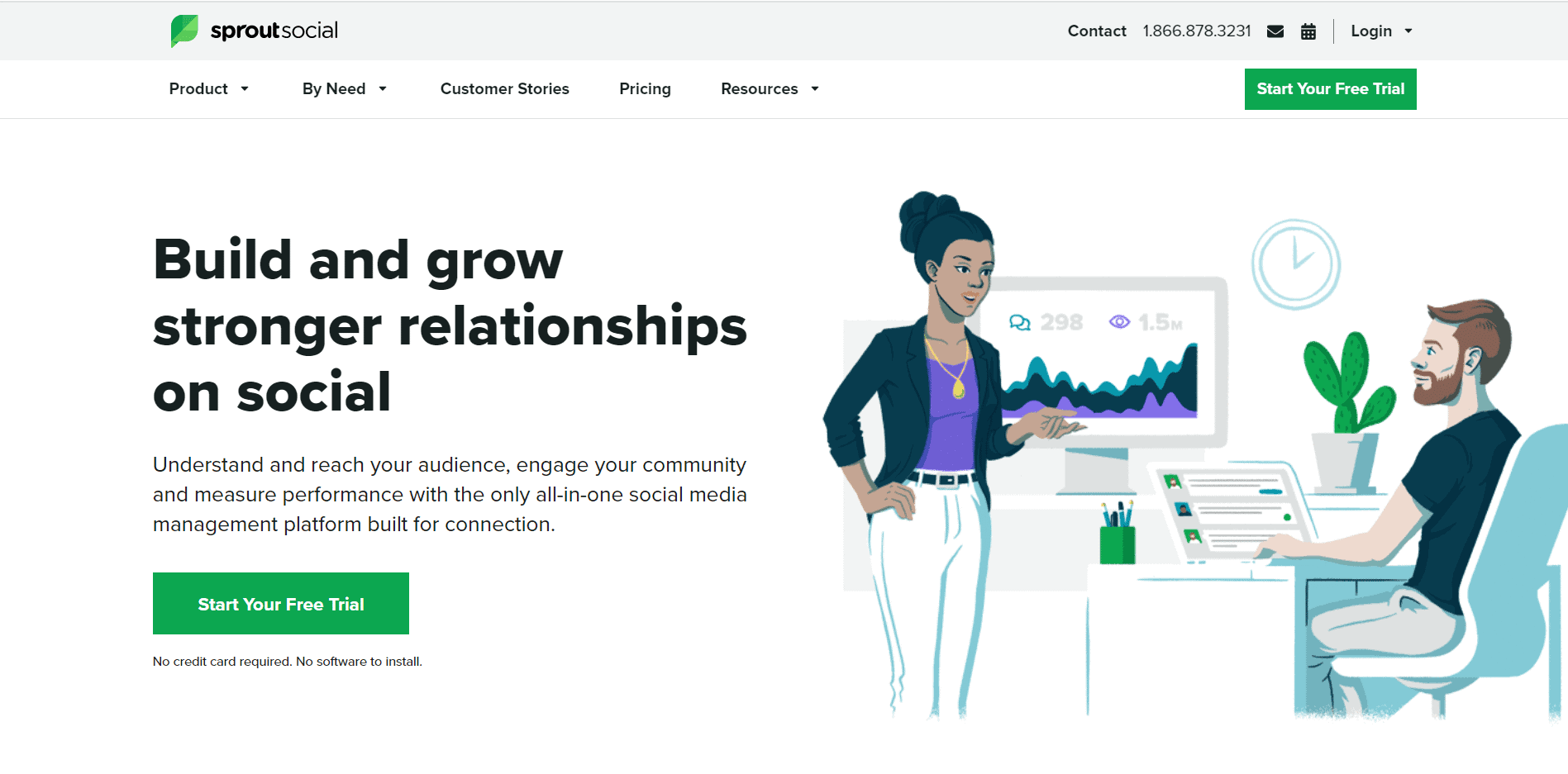 Another one on the list of CoSchedule alternatives is Sprout Social The interface is very clean and is much more intuitive than popular choices such as Hootsuite.
You will find all the messages in a structured single inbox thread, making social media management straightforward & easy. SproutSocial has all the features an effective best tools for social media managers. It has scheduling, social inbox, team collaboration, social media monitoring & reporting.
You can also benefit from reporting in both graphical & text form, which makes it easy to evaluate results.
Pricing
Sprout Social offers five plans, including:
- Essentials, which costs $79 and has 1 user. In this plan, you can manage 5 social accounts.
- Standard, which costs $199 and has 1 user. In this plan, you can manage 5 social accounts.
- Professional, which costs $299 and has 1 user. In this plan, you can manage Unlimited social accounts.
- Advanced, which costs $399 and has 1 user. In this plan, you can manage Unlimited social accounts.
- Enterprise, which is Custom and has Custom users. In this plan, you can manage Unlimited social accounts.
Sprout Social also supports: Facebook, Instagram, X, LinkedIn, Pinterest, TikTok, YouTube, Threads, Bluesky, WhatsApp, Reddit, Tumblr, and Google Business Profile
Check out other alternatives to Sprout Social.
- Essentials, which costs $79 and has 1 user. In this plan, you can manage 5 social accounts.
-
CoSchedule Alternative – Loomly
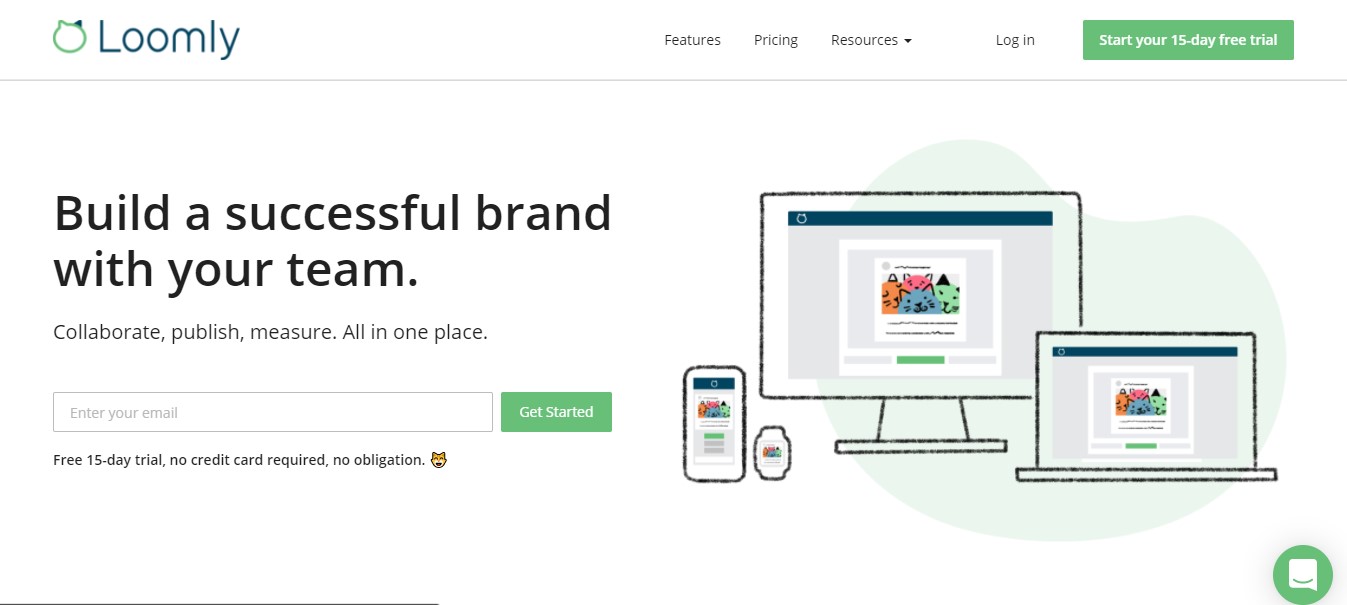
Loomly is specifically designed for social media managers who need a functional UI for their work.
If you’re a cat person, you’ll definitely love its cute & cuddly interface. It offers everything you need to manage the to-dos & your campaigns.
It also has an inspiration section that presents several social media post ideas. If your team is all about social media, then you can’t miss out on Loomly from the CoSchedule alternatives list.
Pricing
Loomly offers three plans, including:
- Free, which costs $0 and has 1 user. In this plan, you can manage 3 social accounts.
- Starter, which costs $49 and has 3 users. In this plan, you can manage 12 social accounts.
- Beyond, which costs $249 and has Unlimited users. In this plan, you can manage 60 social accounts.
- Enterprise, which is Custom and has Unlimited users. In this plan, you can manage 61+ social accounts.
Loomly also supports: Instagram, LinkedIn, Facebook, TikTok, YouTube, Threads, Google Business Profile, Pinterest, and Snapchat
Check out other Loomly alternatives.
- Free, which costs $0 and has 1 user. In this plan, you can manage 3 social accounts.
-
CoSchedule Alternative – SocialBee
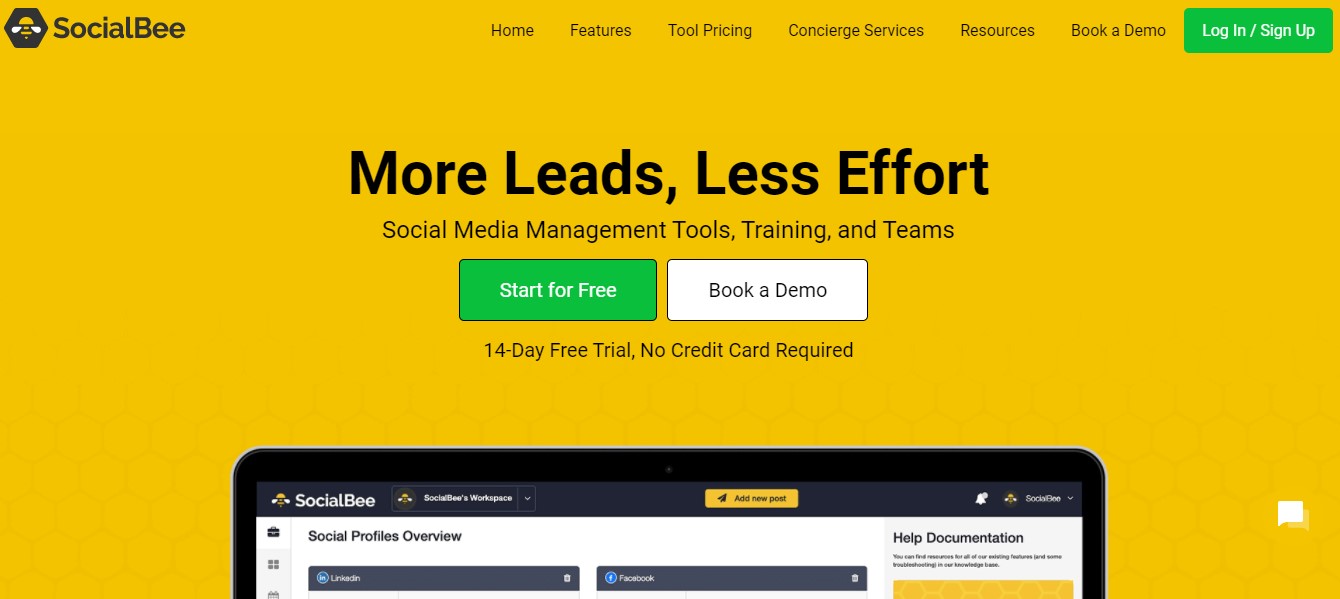
SocialBee is our next pick for CoSchedule alternatives. It is an easy way to automate social posting. It integrates with all of the major social platforms. Once you’re done with setting up, you can use it to manage your social accounts. It also indicates the best time & days to post (as per each platform).Pricing
SocialBee comes with two pricing categories, including Standard and Agency models.
Here’s what you get in the Standard plans:
- Bootstrap, which costs $24 and has 1 user/ workspace. In this plan, you can manage 5 social accounts.
- Accelerate, which costs $40 and has 1 user/ workspace. In this plan, you can manage 10 social accounts.
- Pro, which costs $82 and has 3 users/ workspace. In this plan, you can manage 25 social accounts.
With SocialBee, you also get Agency plans, which are:
- Pro50, which costs $149 and has 5 users/ workspace. In this plan, you can manage 50 social accounts.
- Pro100, which costs $274 and has 5 users/ workspace. In this plan, you can manage 100 social accounts.
- Pro150, which costs $374 and has 5 users/ workspace. In this plan, you can manage 150 social accounts.
SocialBee also supports: Facebook, Instagram, Threads, LinkedIn, TikTok, Pinterest, Google Business Profile, YouTube, X, and Bluesky
Check out other SocialBee alternatives.
- Bootstrap, which costs $24 and has 1 user/ workspace. In this plan, you can manage 5 social accounts.
-
CoSchedule Alternative – ProofHub
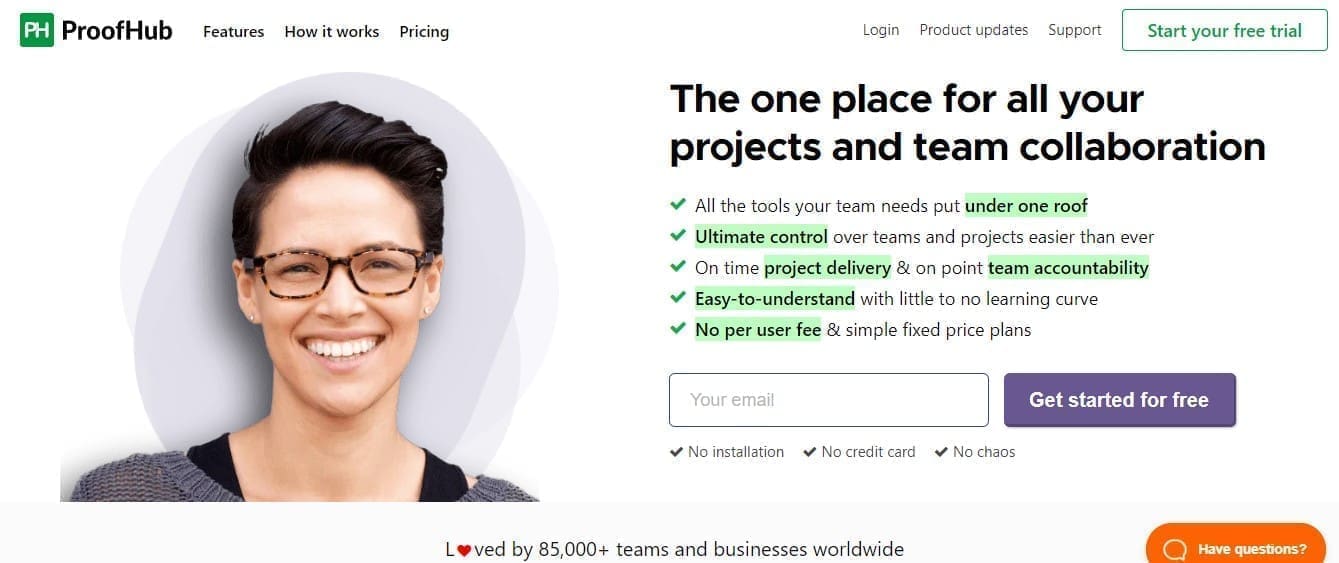
Proofhub is another one of the popular CoSchedule alternatives that has a relatively simple setup. The tool can help you with planning, team collaboration, organizing & delivering content.
The interface is similar to Trello (that’s great if you’ve used it). You can visualize the content of marketing projects and drag & drop items to move them around.
The central dashboard is simple & easy to use, and you can schedule, define & prioritize tasks as the project progresses. You can also add more details to the checklist of the tasks with a simple click.
ProofHub has many features like calendars, workflows, charts, reporting & analytics, time tracking, white labeling, and much more.
Pricing
ProofHub offers two plans, including:
- Essential, which costs $45 and has unlimited user.
- Unlimited Control, which costs $89 and has unlimited users.
- Essential, which costs $45 and has unlimited user.
-
CoSchedule Alternative – Missinglettr

Missinglettr is pretty similar to Hootsuite & Buffer and falls into the category of CoSchedule alternatives. The great thing about this tool is the straightforward onboarding process.
It comes with RSS feed integration. Once you have published a blog, Missinglettr creates a new campaign for distribution. You can review the campaign, add hashtags & promote it.
Missinglettr is free for one site, one social profile & two campaigns per month.
Pricing
Missinglettr offers four plans, including:
- Solo, which costs $12. In this plan, you can manage 3 social accounts.
- Pro, which costs $32. In this plan, you can manage 10 social accounts.
- Agency, which costs $117. In this plan, you can manage 25 social accounts.
- Enterprise, which is Custom. In this plan, you can manage Custom social accounts.
Missinglettr also supports: X, Facebook, Medium, LinkedIn, Instagram, Bluesky, and Mastodon
- Solo, which costs $12. In this plan, you can manage 3 social accounts.
-
CoSchedule Alternative – Kontentino
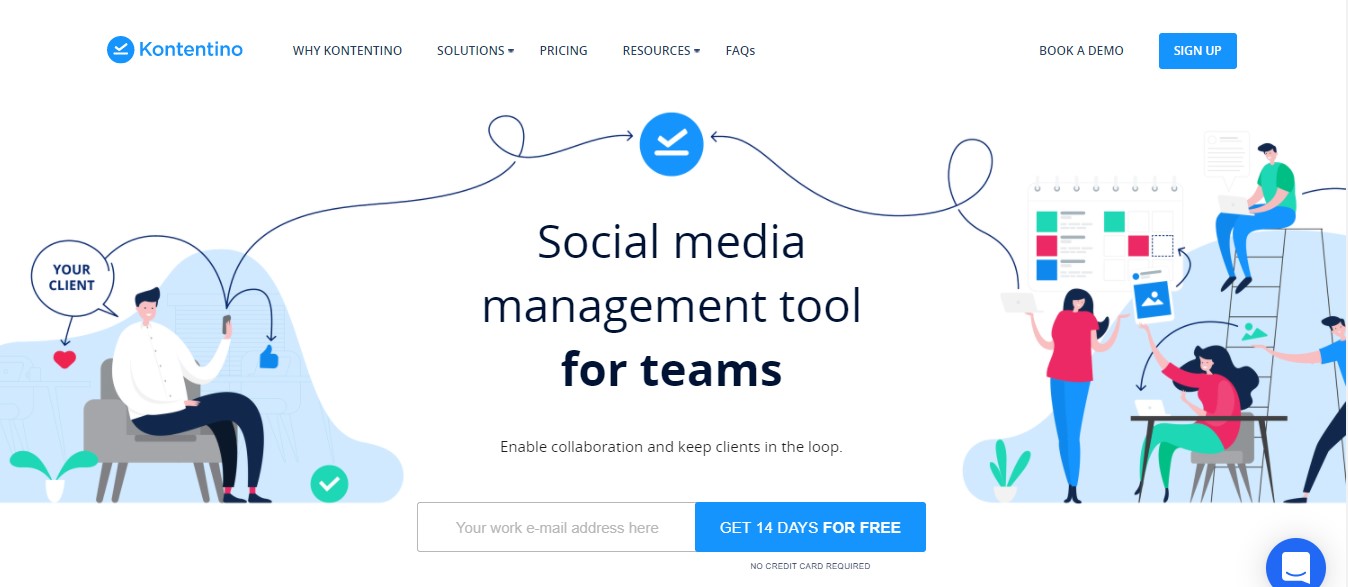
Kontentino is a new player in the market and comes with an ultra-modern interface with four tabs – Calendar, Inspiration, Album, Insights.
It has many in-built features that make social media scheduling easy for your team. There is a whole section for inspiration & content ideas. If you publish time-sensitive content on your social profiles, this feature can come in handy for quick content ideas. When it comes to the CoSchedule alternatives then we can’t miss out on Kontentino.
Pricing
Kontentino offers four plans, including:
- Starter, which costs $49 and has 3 users. In this plan, you can manage 10 social accounts.
- Starter+, which costs $79 and has 5 users. In this plan, you can manage 10 social accounts.
- Standard, which costs $109 and has 10-30 users. In this plan, you can manage 40 social accounts.
- Unlimited, which starts at custom and has custom users. In this plan, you can manage custom social accounts.
Kontentino also supports: Instagram, Facebook, Threads, LinkedIn, X, TikTok, Pinterest, Google Business Profile, and YouTube.
Check out other Kontentino alternatives.
- Starter, which costs $49 and has 3 users. In this plan, you can manage 10 social accounts.
-
CoSchedule Alternative – Airtable
Our list pick for CoSchedule Alternatives is Airtable. It offers an all-in-one tool that can be utilized for nearly anything related to digital media campaigns. It integrates well with other popular tools, including Asana, Salesforce, and Basecamp.
If you’re looking for a tool to organize your campaigns, this CoSchedule alternative is for you. Airtable is a spreadsheet-focused tool that may be a significant selling point if you’re a spreadsheet aficionado.
This product can import and coordinate data from numerous sources and offers modified perspectives relying upon the kind of work you’re doing.
Airtable has a dynamic and adaptable interface that works well for content creators & editors. For example, it’s not difficult to make an interactive space to organize and store your published pieces, which you would then be able to pick to see as a schedule or group by month.
Pricing
Airtable offers four plans, including:
- Free, which costs $0.
- Team, which costs $20.
- Business, which costs $45.
- Enterprise Scale, which costs custom.
Airtable also supports: Facebook, Instagram, LinkedIn, YouTube, Gmail, Google Drive, and Slack.
- Free, which costs $0.
Conclusion
A social media tool to manage & organize all your tasks isn’t a luxury anymore. It has become necessary for all the marketers & managers to save time, energy, efforts & improve their productivity. If you’re using CoSchedule & find that it isn’t working for you for any reason, don’t worry, there are plenty of fish in the sea.
Many CoSchedule alternatives can offer a lot more than what the platform offers to social media managers. All you have to do is find the suitable one according to your business needs & budget.